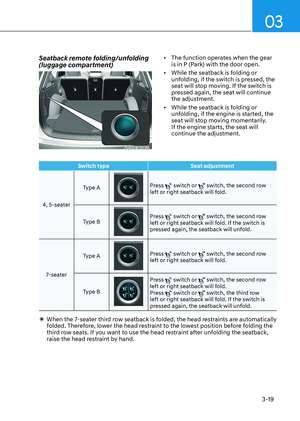
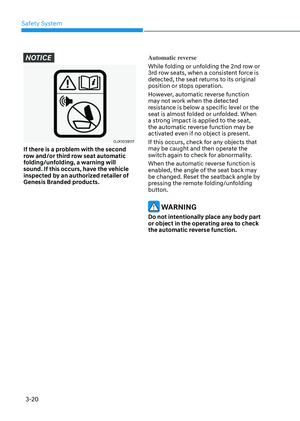
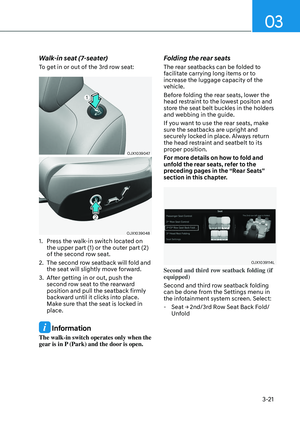
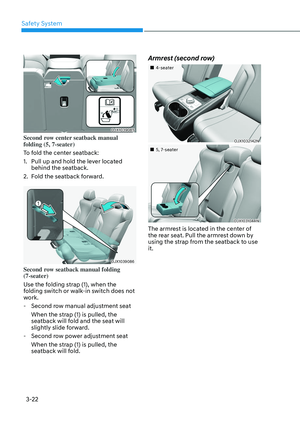
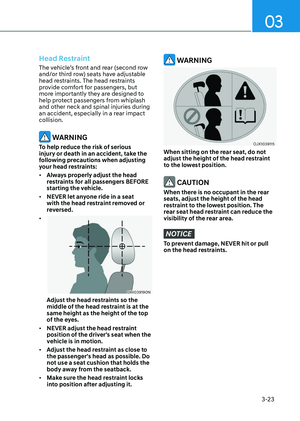
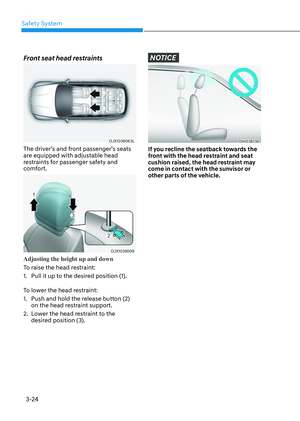
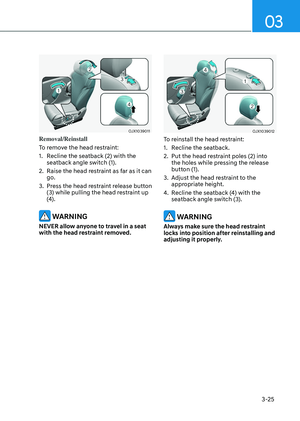
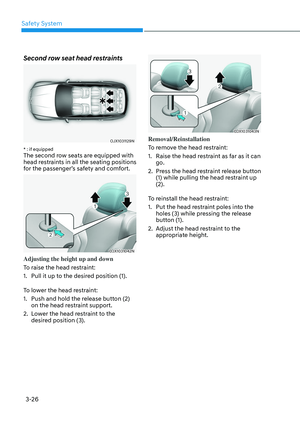
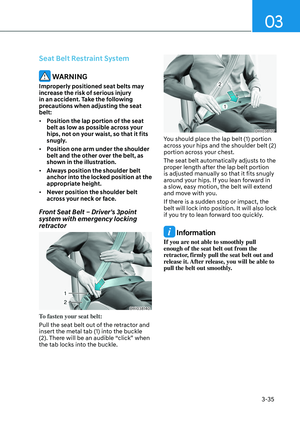
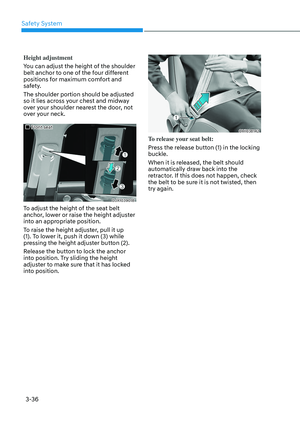
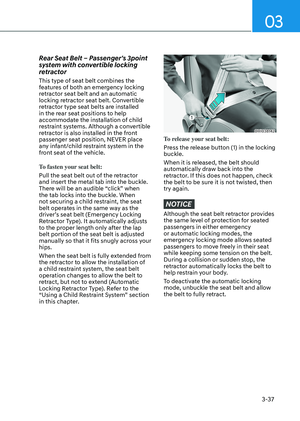
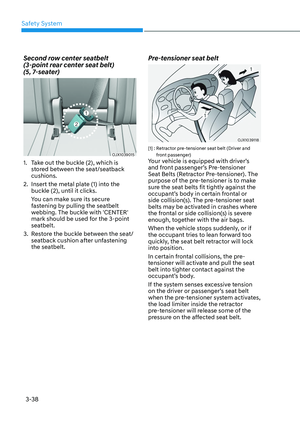
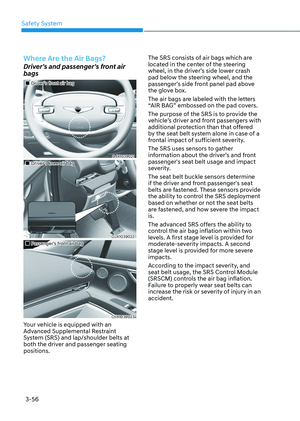
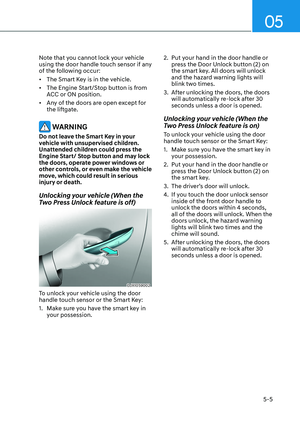
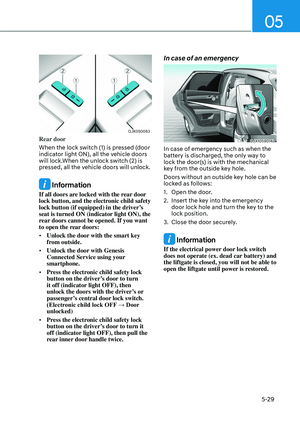
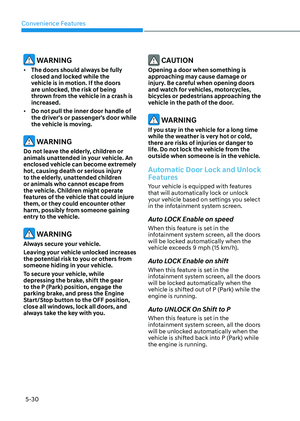
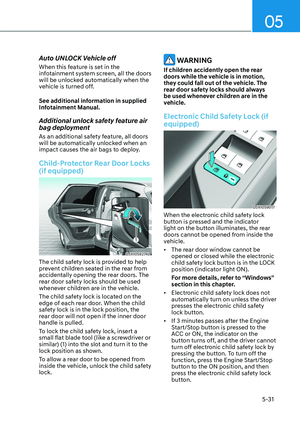
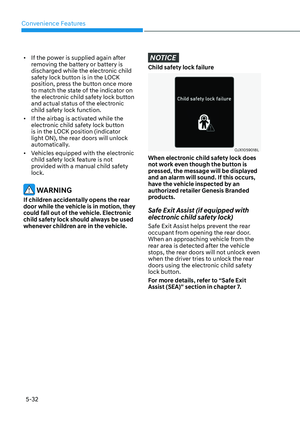
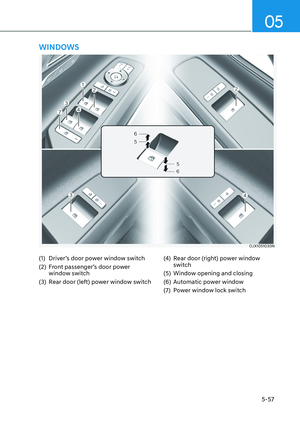
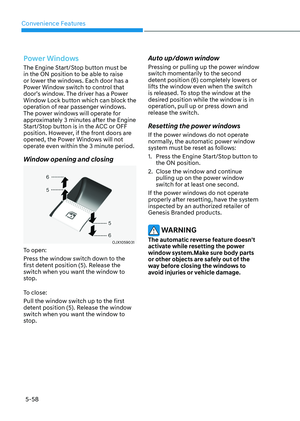
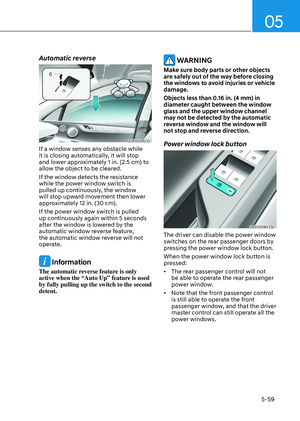
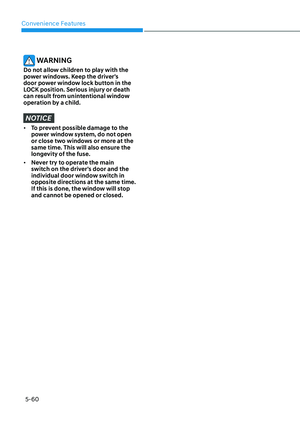
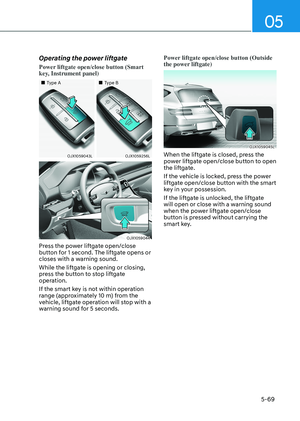
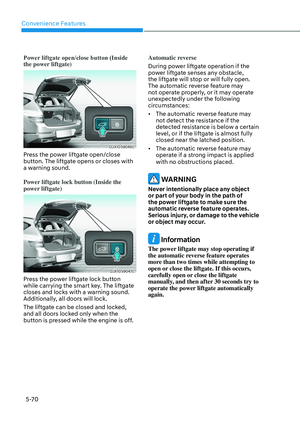
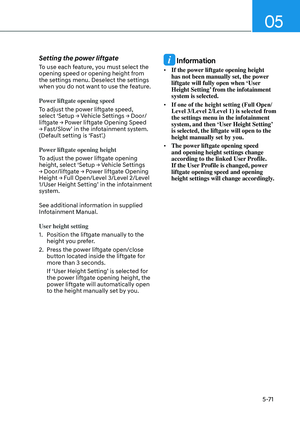
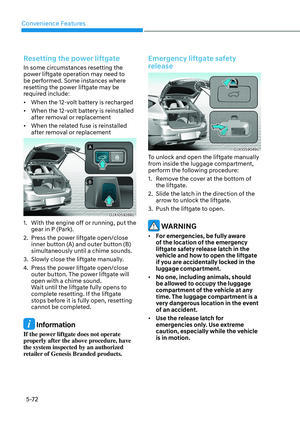
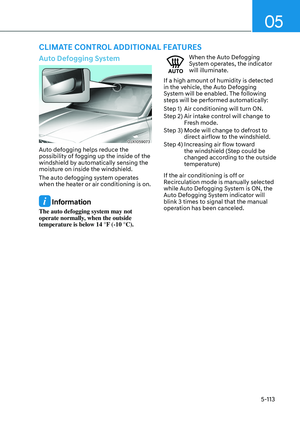
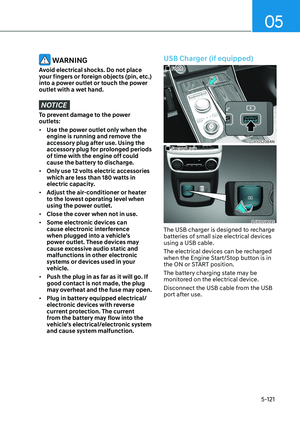
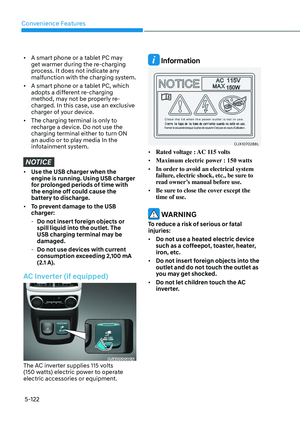
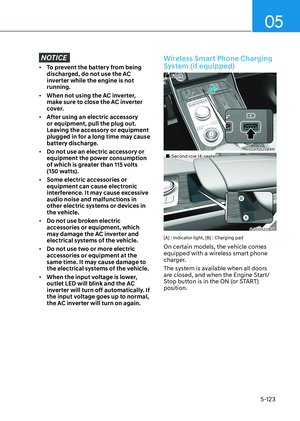
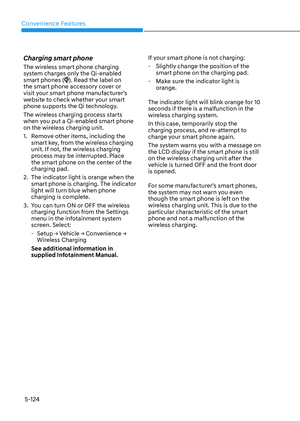
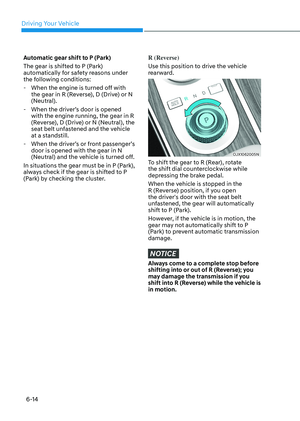
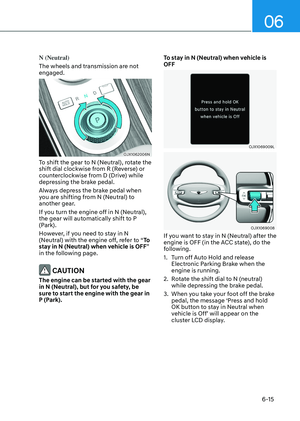
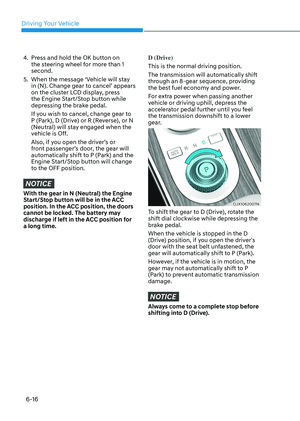
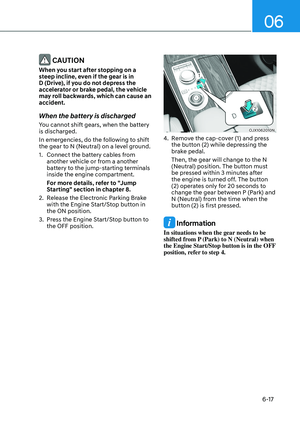
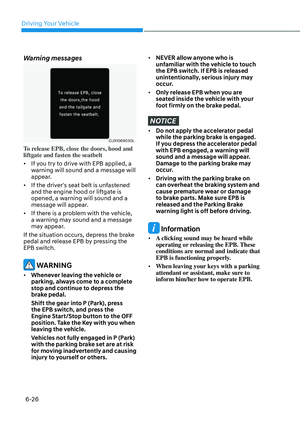
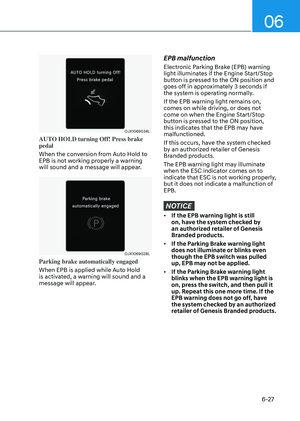
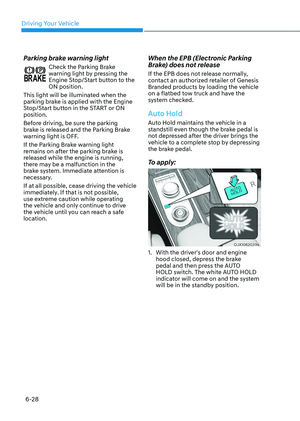
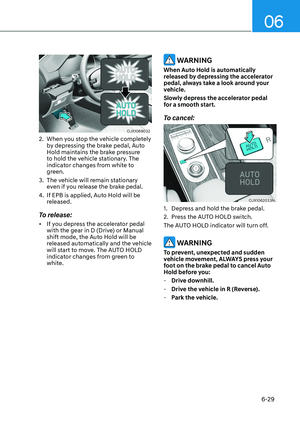
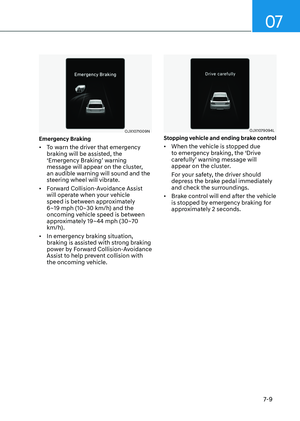
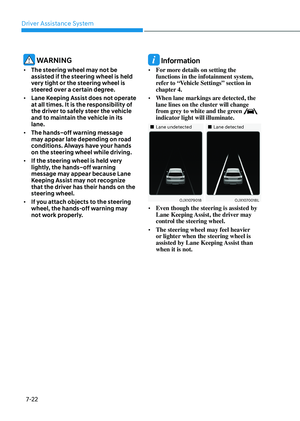
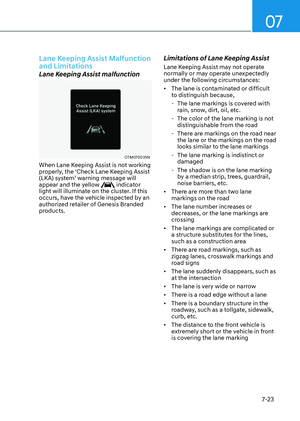
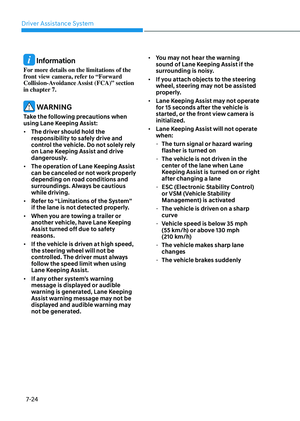
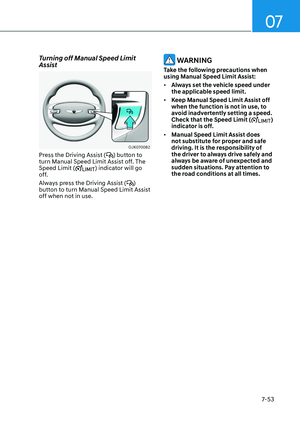
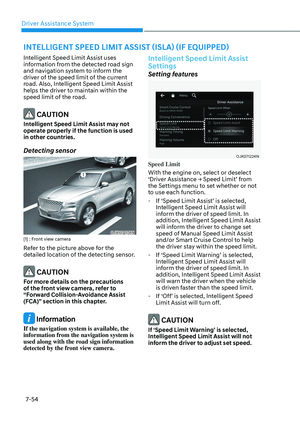
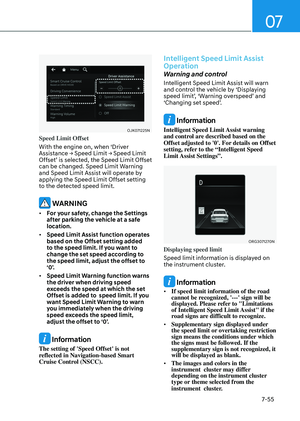
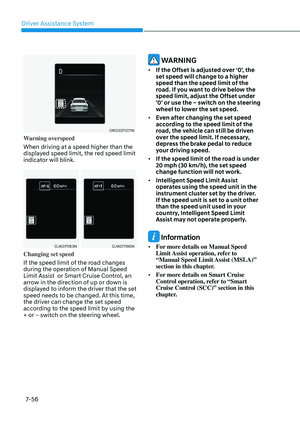
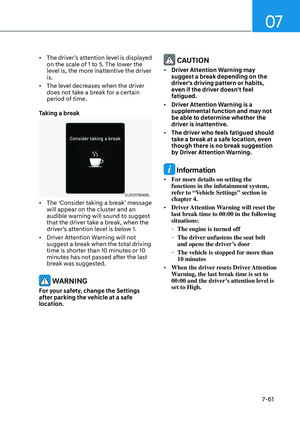
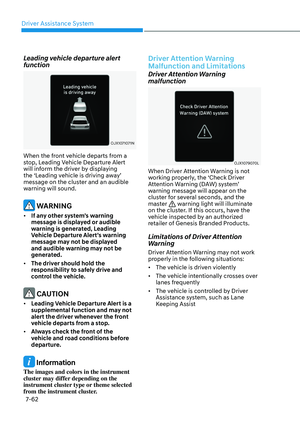
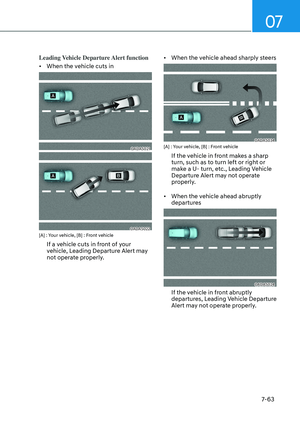
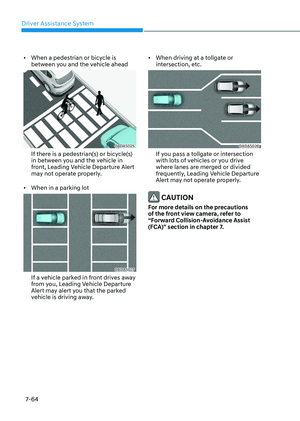
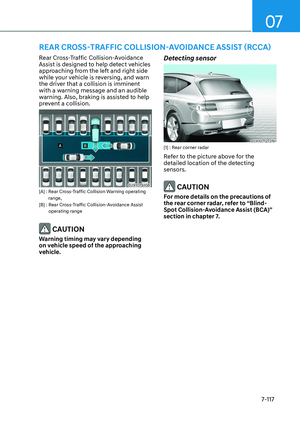
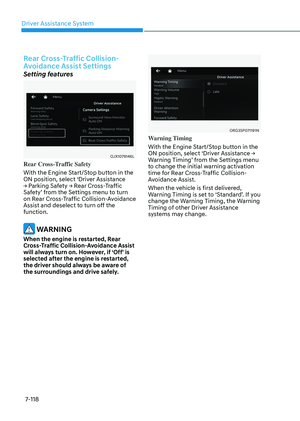
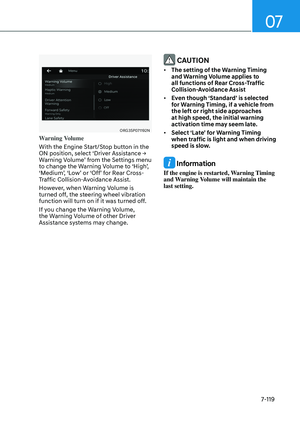
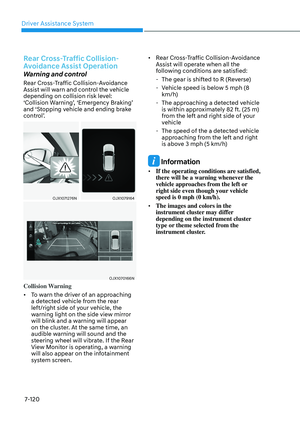
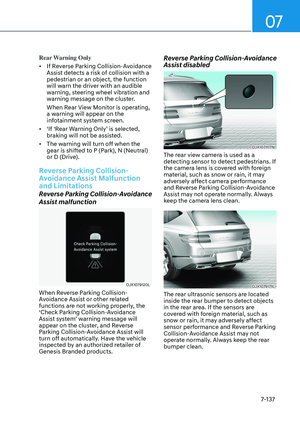
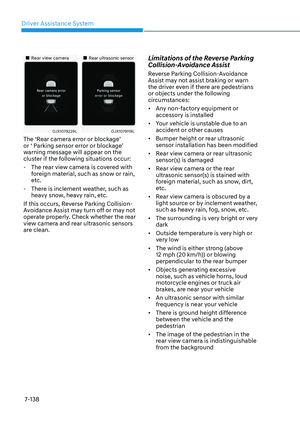
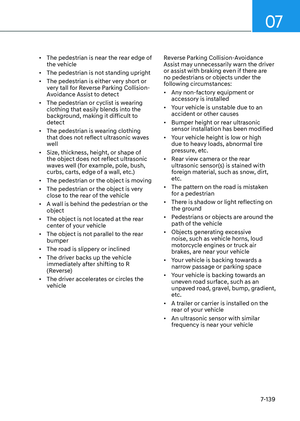
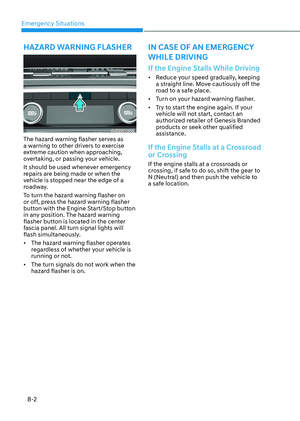
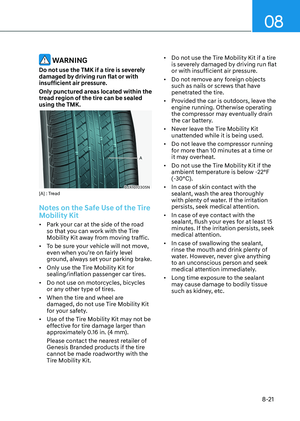
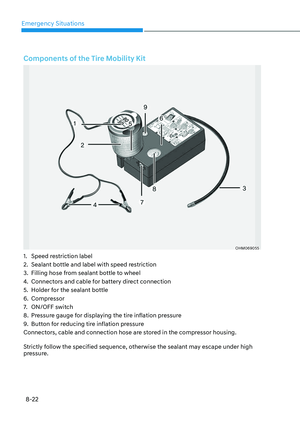
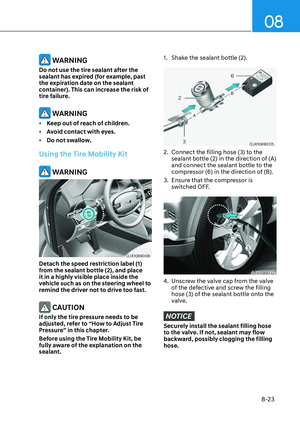
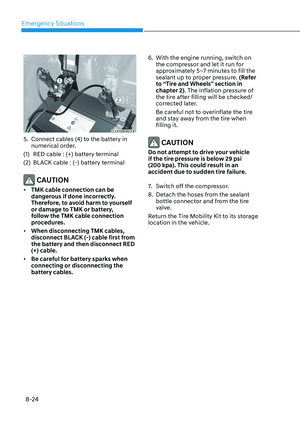
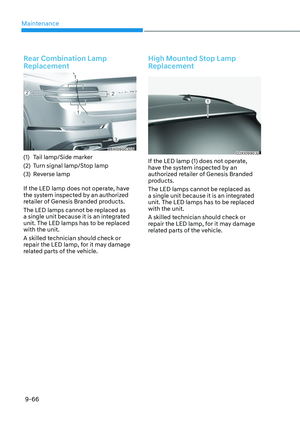
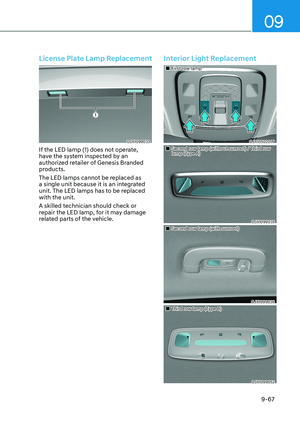
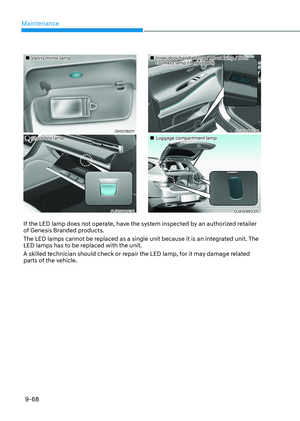
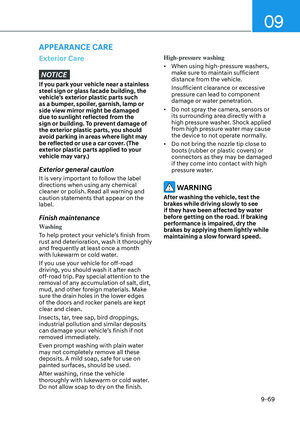
Page 497 of 650

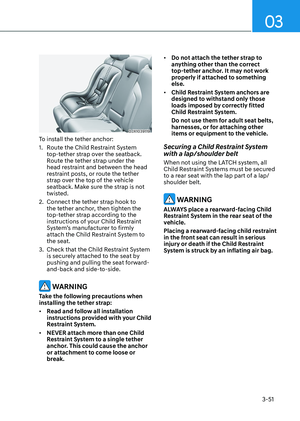
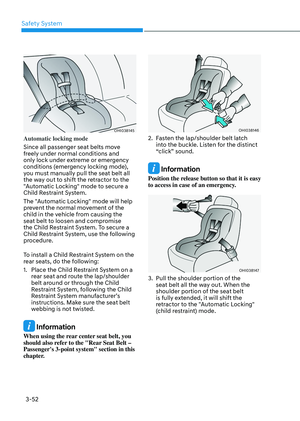
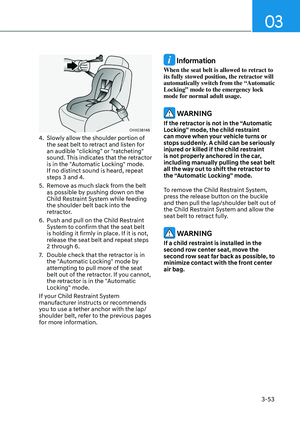
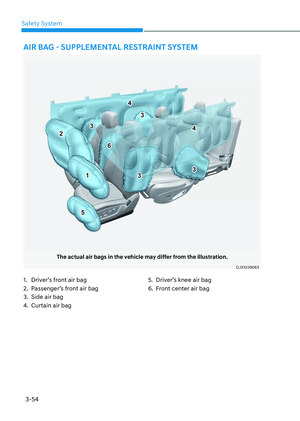
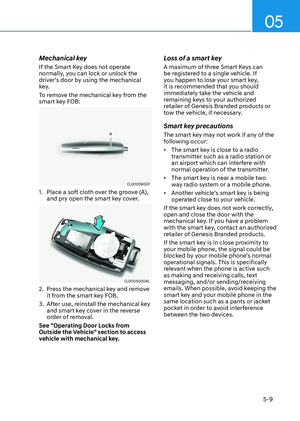
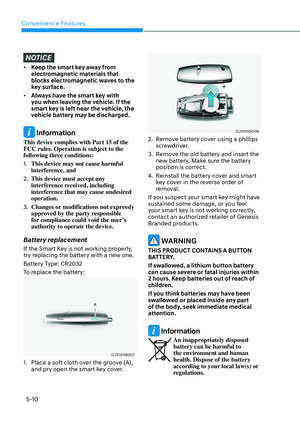
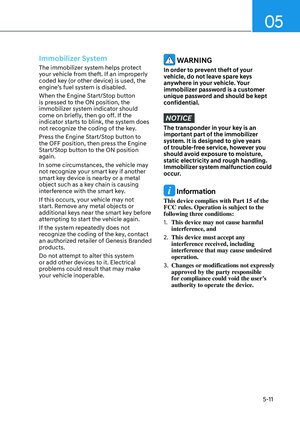
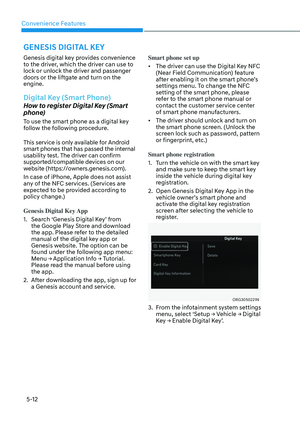
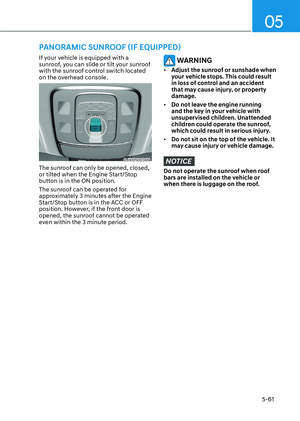
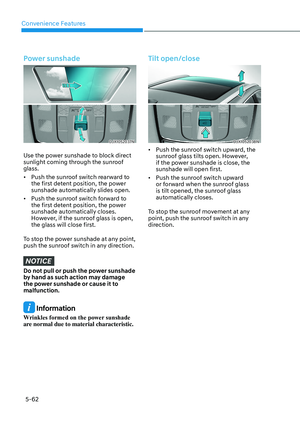
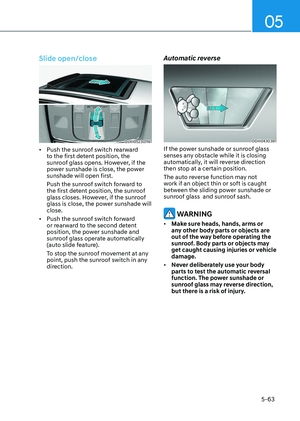
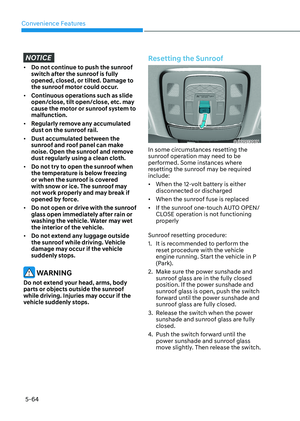
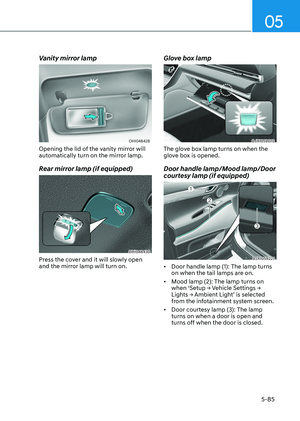
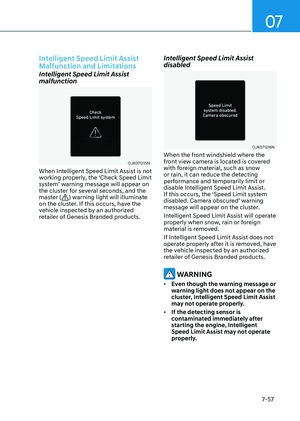
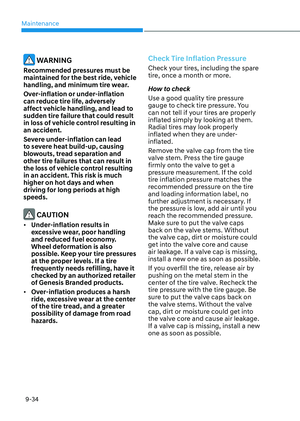
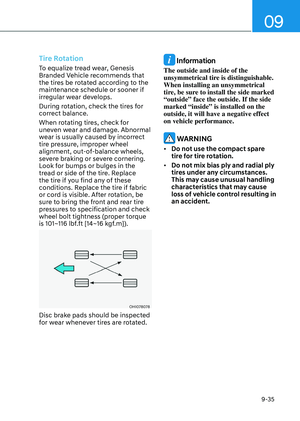
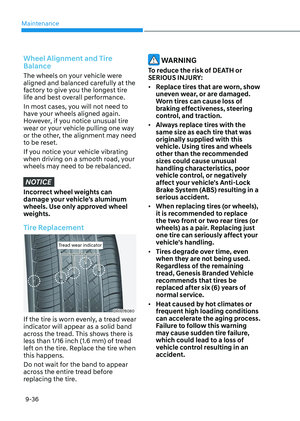
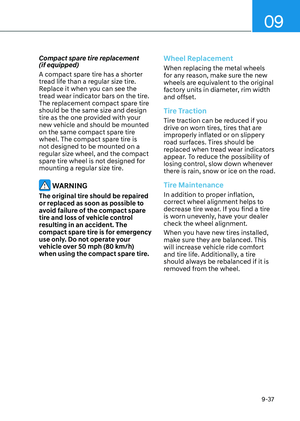
07
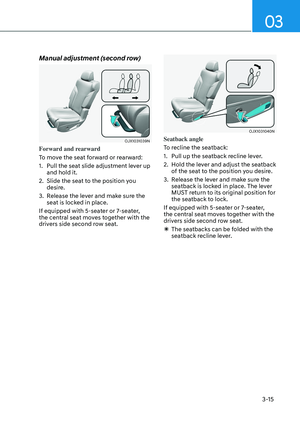
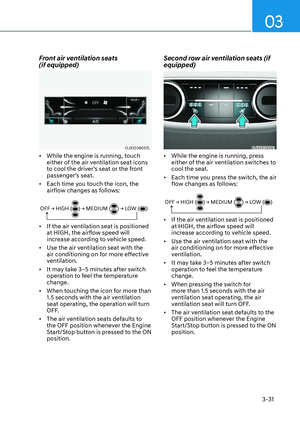
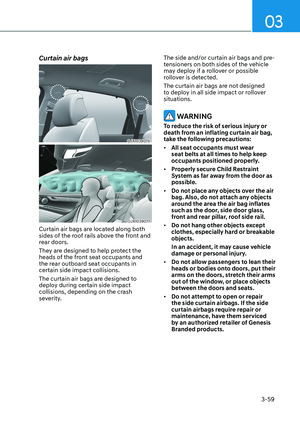
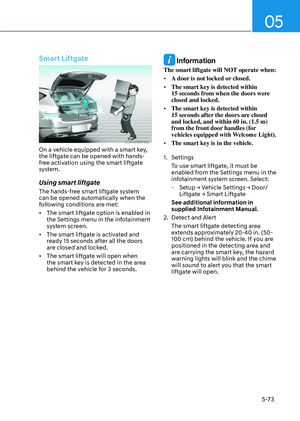
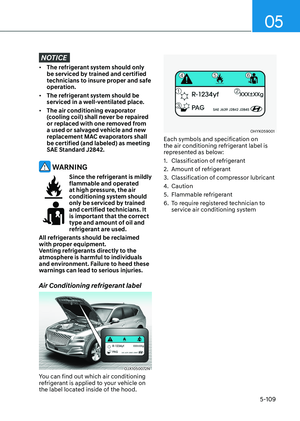
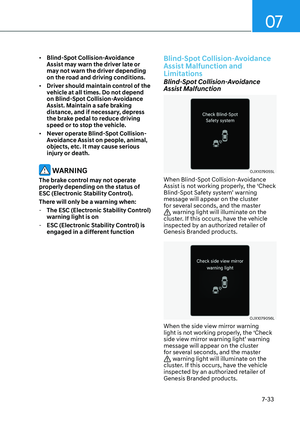
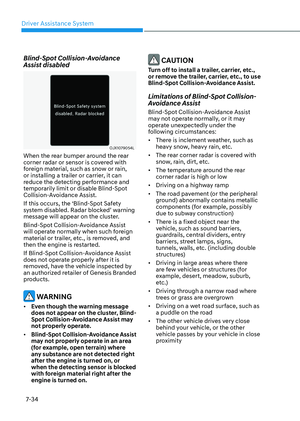
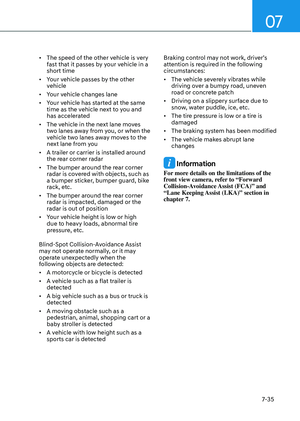
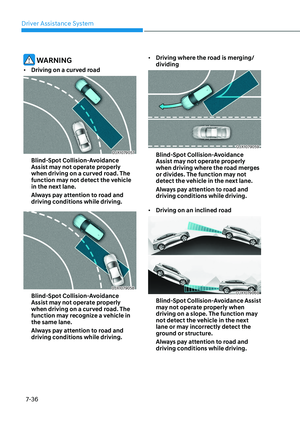
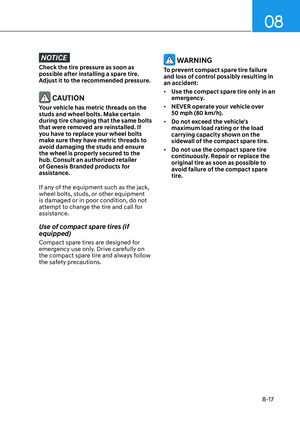
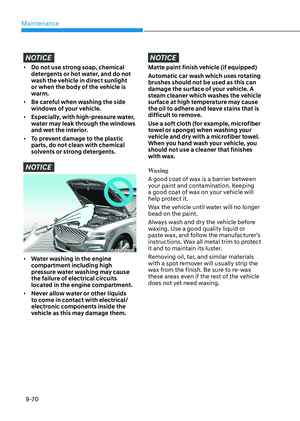
7-141
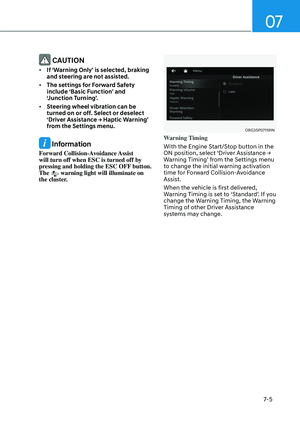
CAUTION
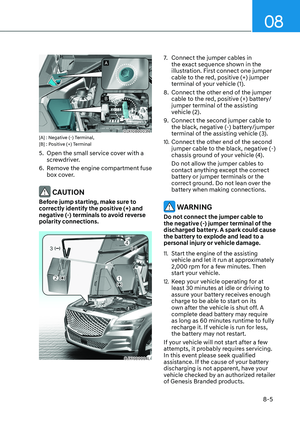
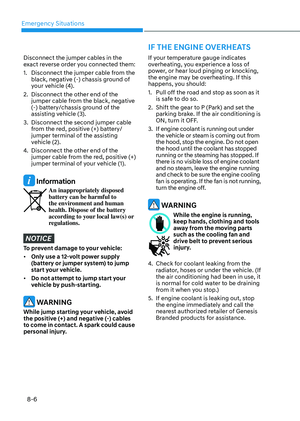
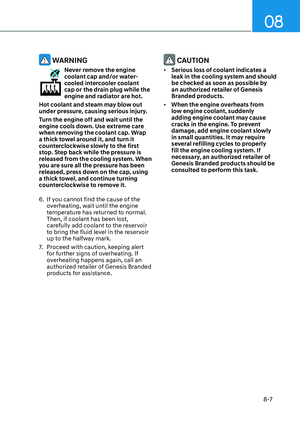
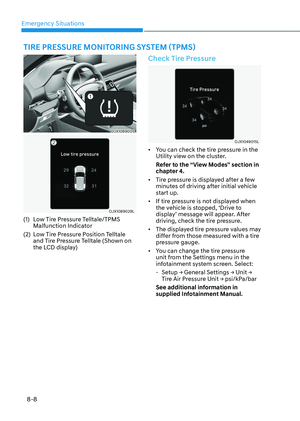
Take the following precautions to
maintain optimal performance of the
detecting sensors:
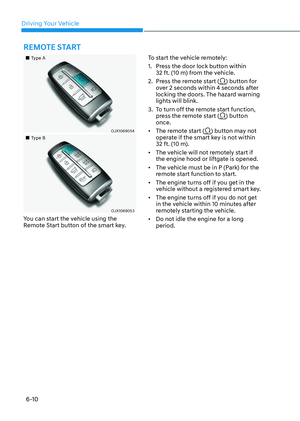
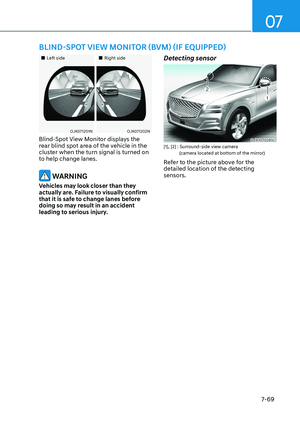
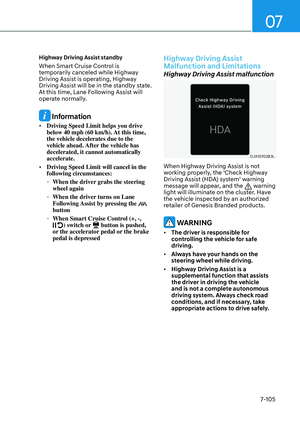
• Always keep the rear view camera
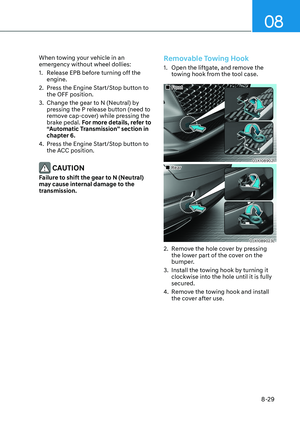
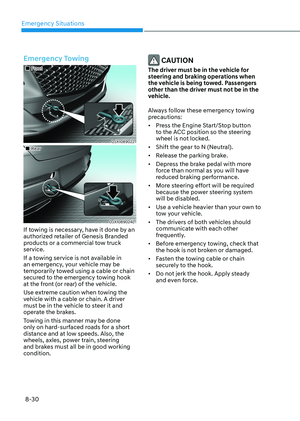
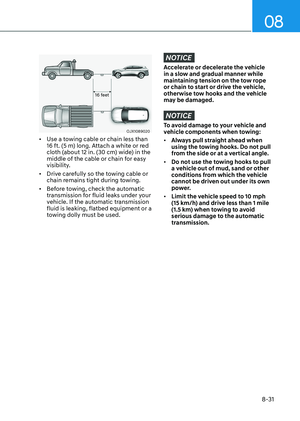
and rear ultrasonic sensors clean.
• Do not use any cleanser containing
acid or alkaline detergents when
cleaning the rear view camera lens.
Use only a mild soap or neutral
detergent, and rinse thoroughly with
water.
• Do not spray the rear view camera or
the rear ultrasonic sensors or their
surrounding area directly with a
high pressure washer. It may cause
the rear view camera or the rear
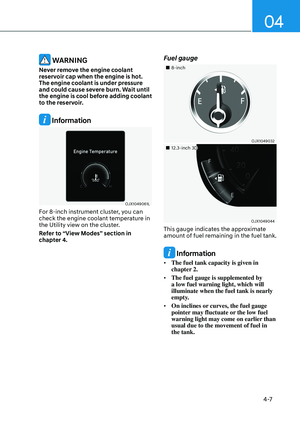
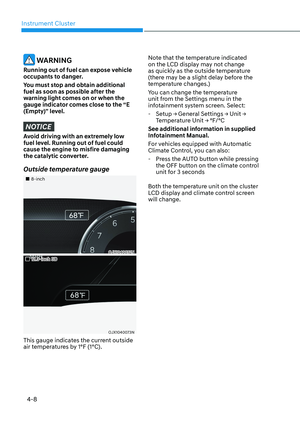
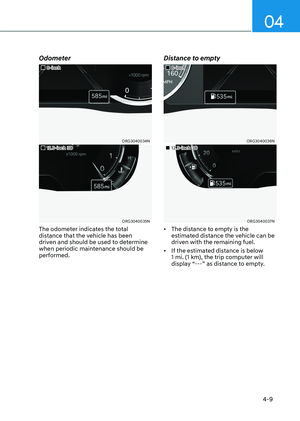
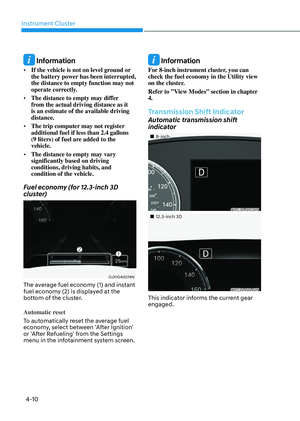
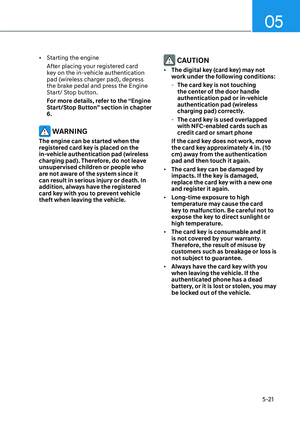
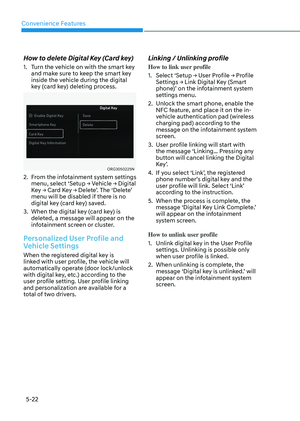
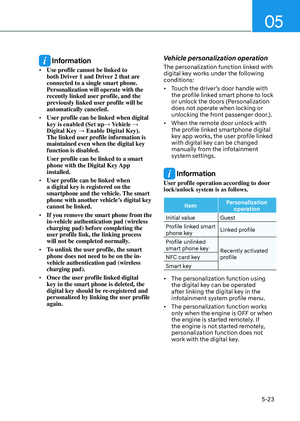
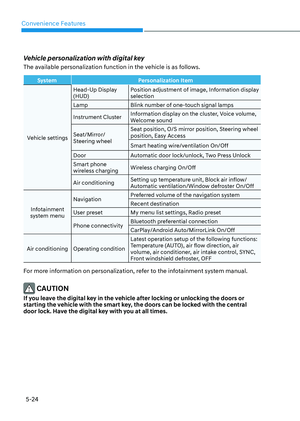
ultrasonic sensors to malfunction.
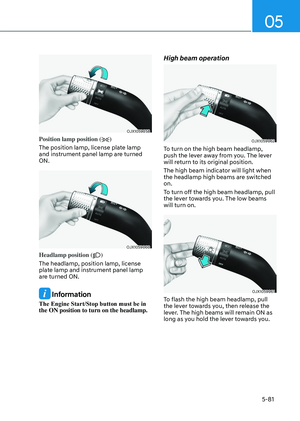
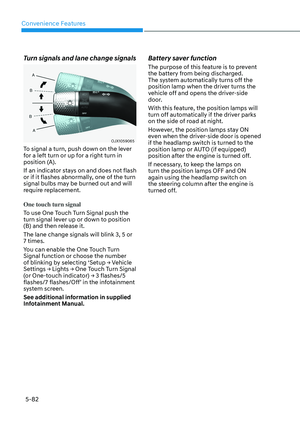
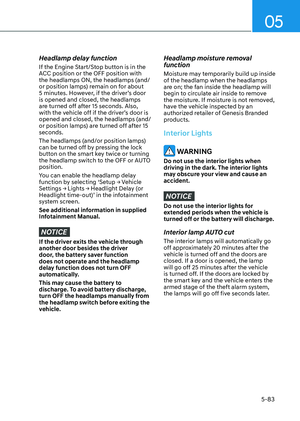
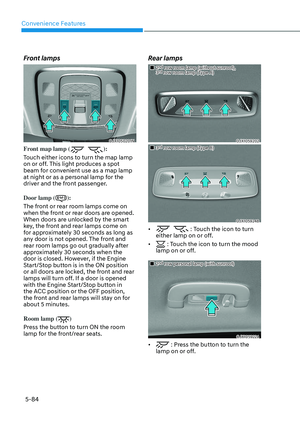
• Do not apply objects, such as a
bumper sticker or a bumper guard,
near the rear view camera or rear
ultrasonic sensors or apply paint to
the bumper. Doing so may adversely
affect the performance of Reverse
Parking Collision-Avoidance Assist.
• Never disassemble or apply impact
to the rear view camera or the rear
ultrasonic sensors components.
• Do not apply unnecessary force on
the rear view camera or the rear
ultrasonic sensors. Reverse Parking
Collision-Avoidance Assist may
not operate properly if the rear
view camera or the rear ultrasonic
sensor(s) is forcibly moved out of
proper alignment. Have the vehicle
inspected by an authorized retailer of
Genesis Branded products.
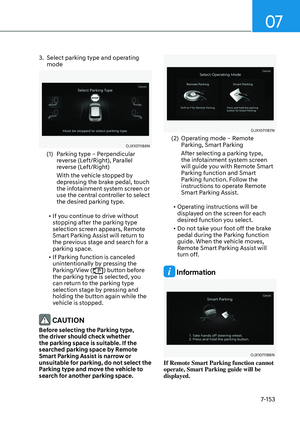
Information
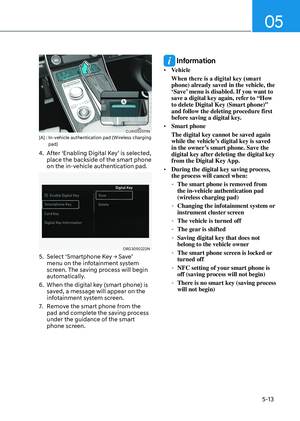
Reverse Parking Collision-Avoidance
Assist can detect a pedestrian or an object
when:
• A pedestrian is standing behind the
vehicle
• A large obstacle, such as a vehicle,
is parked in the rear center of your
vehicle
Page 498 of 650

Driver Assistance System7-142
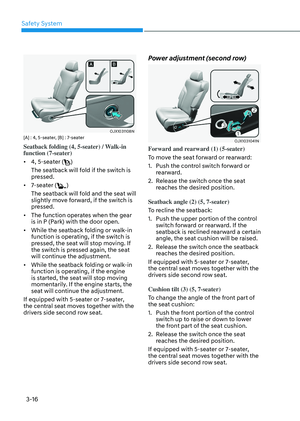
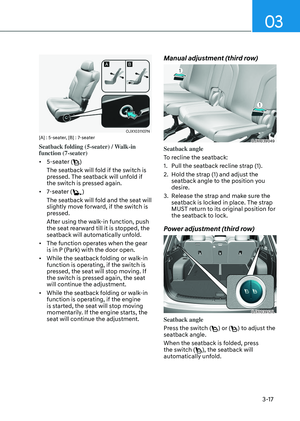
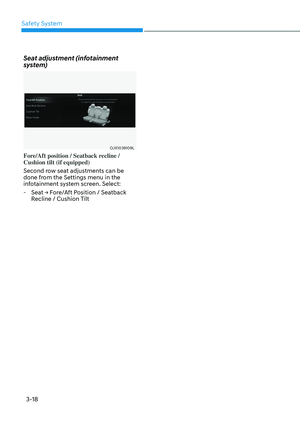
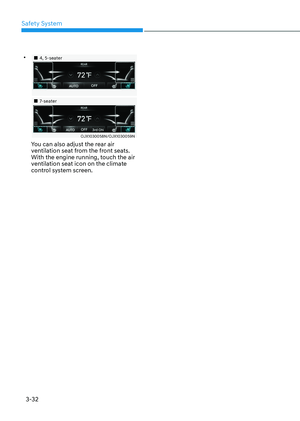
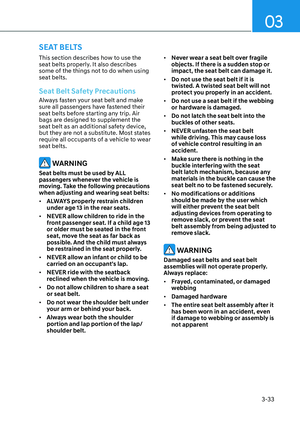
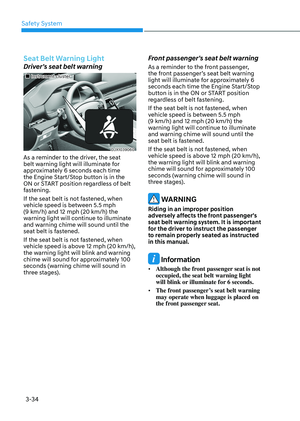
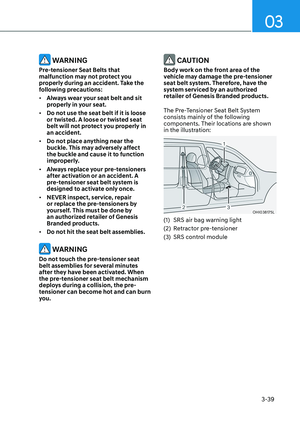
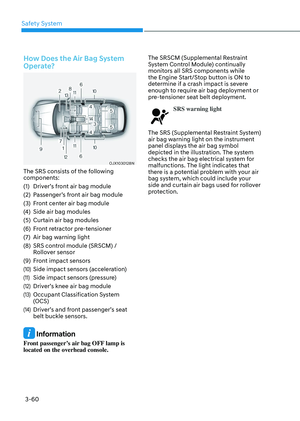
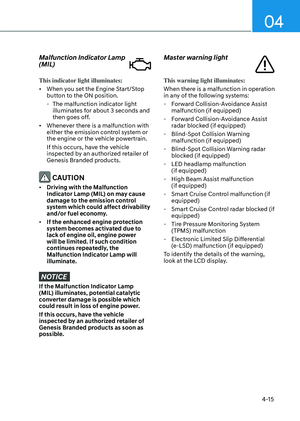
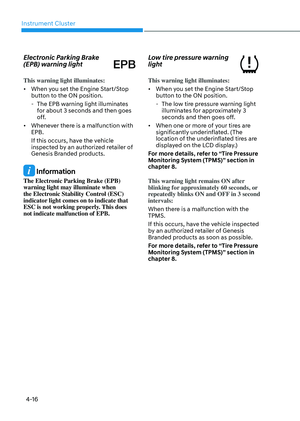
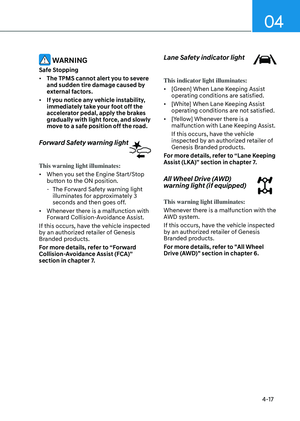
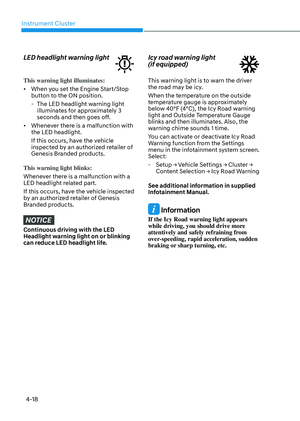
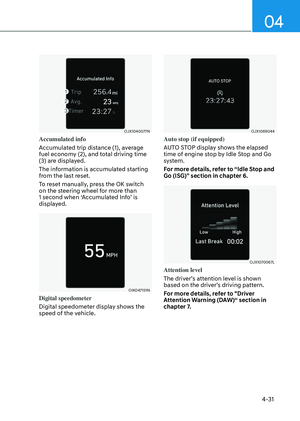
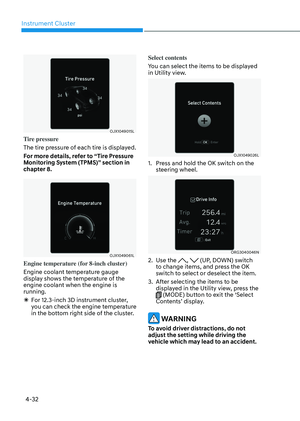
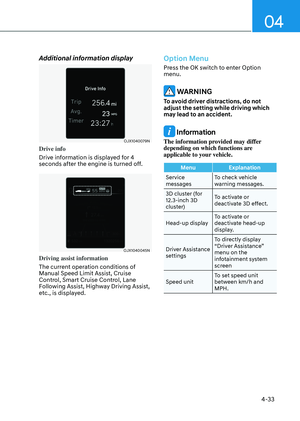
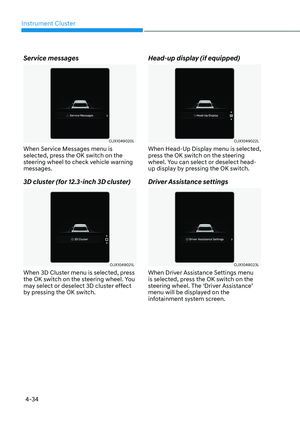
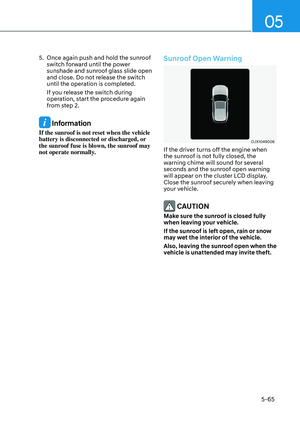
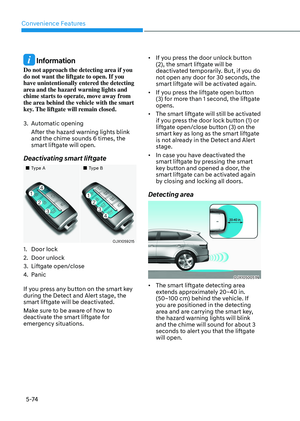
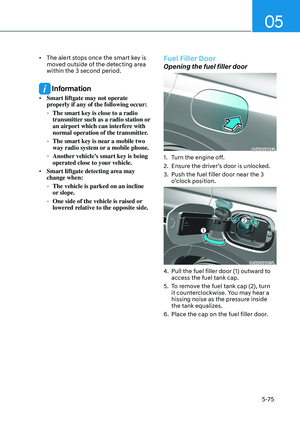
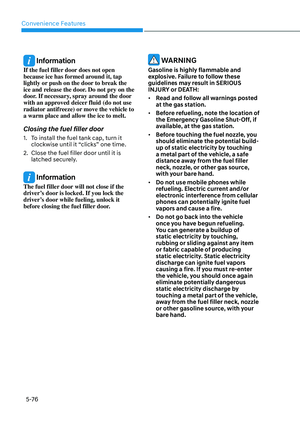
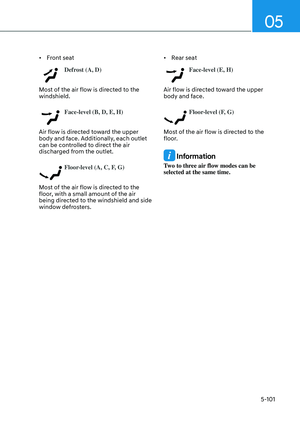
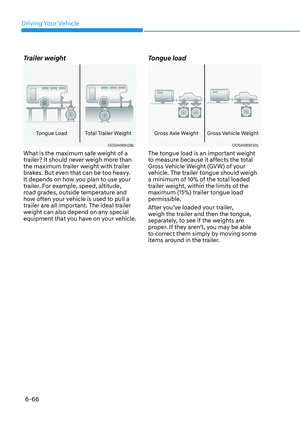
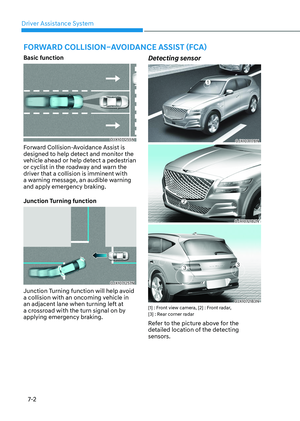
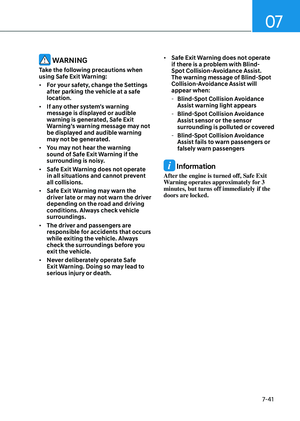
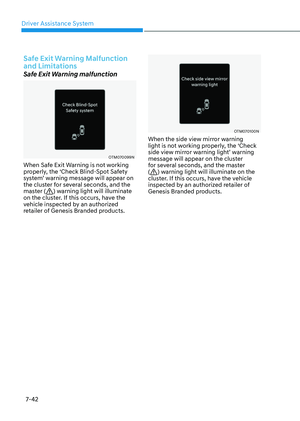
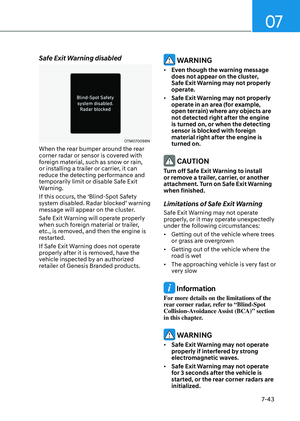
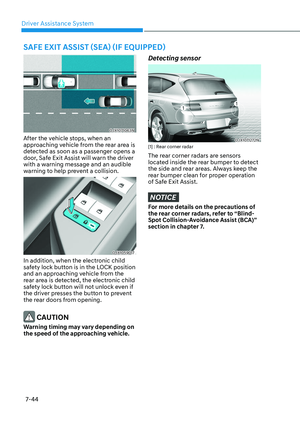
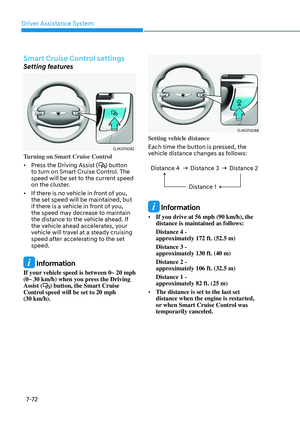
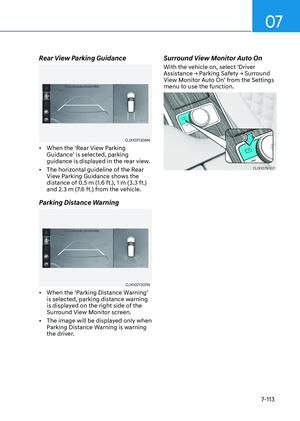
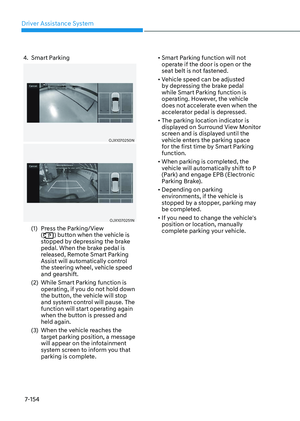
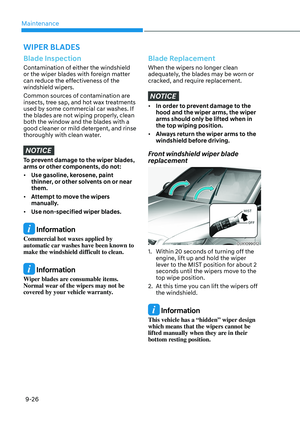
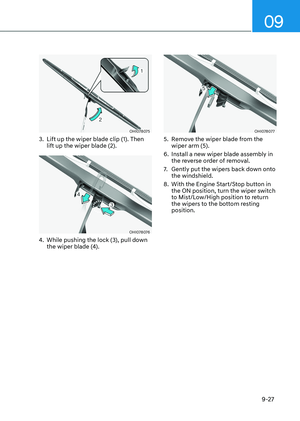
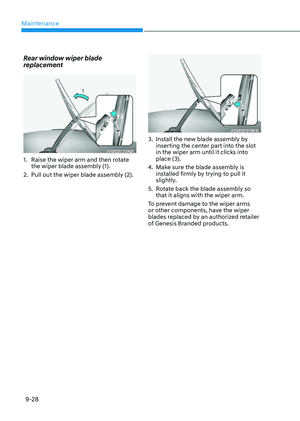
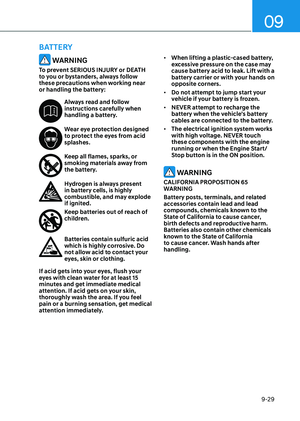
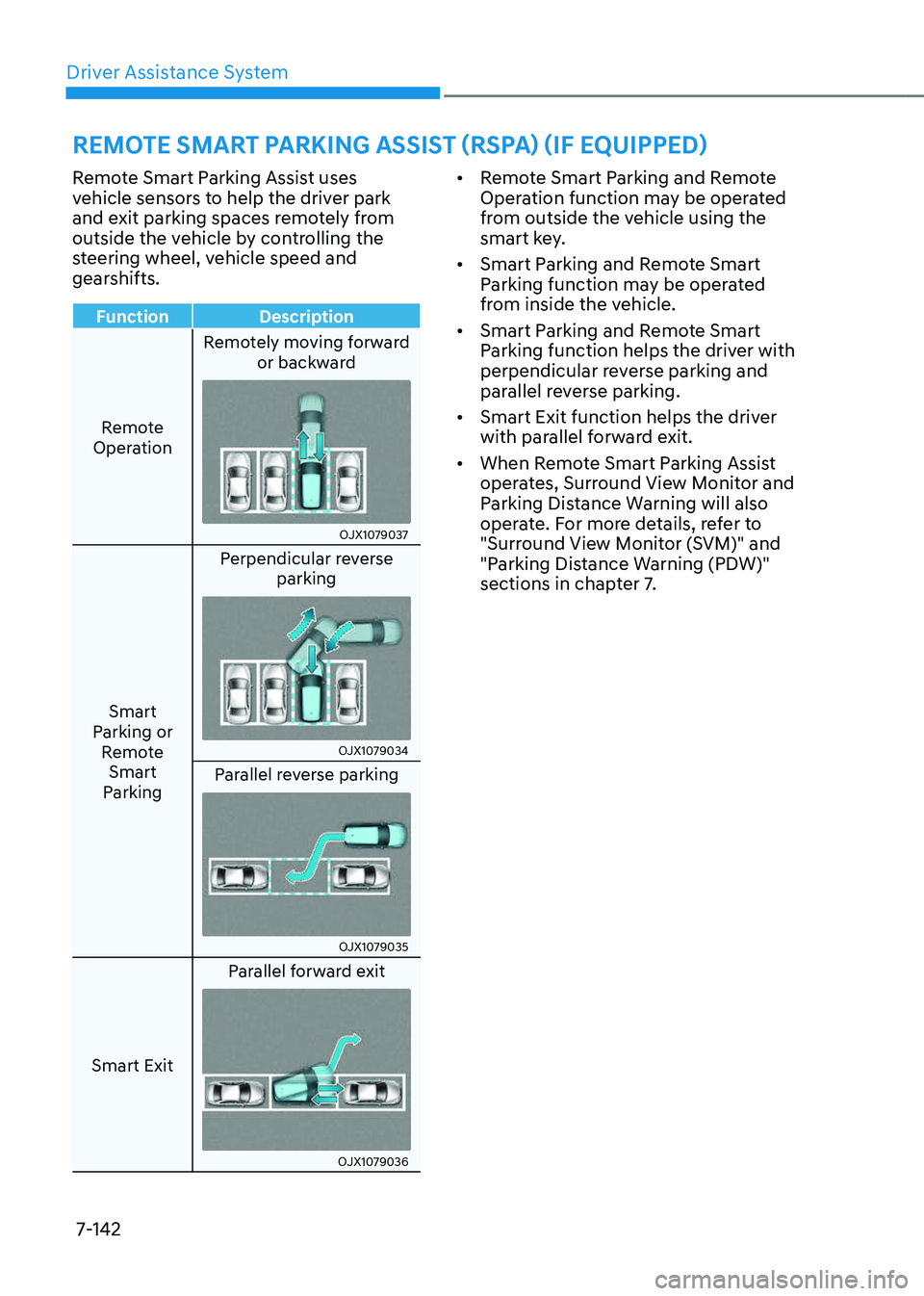
Remote Smart Parking Assist uses
vehicle sensors to help the driver park
and exit parking spaces remotely from
outside the vehicle by controlling the
steering wheel, vehicle speed and
gearshifts.
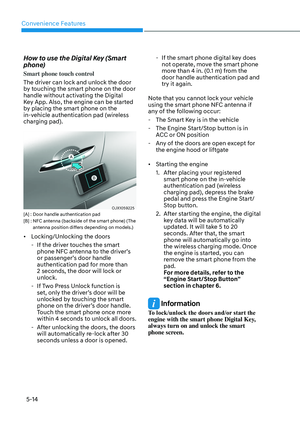
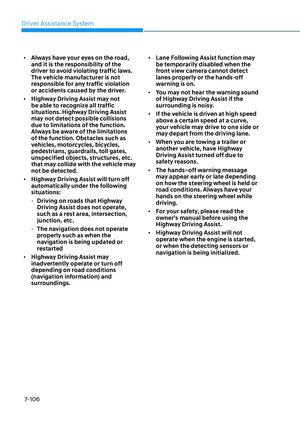
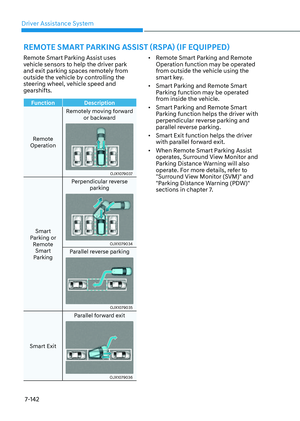
Function Description
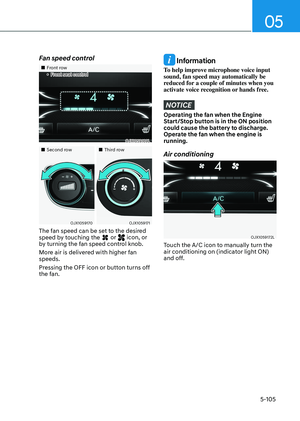
Remote
Operation Remotely moving forward
or backward
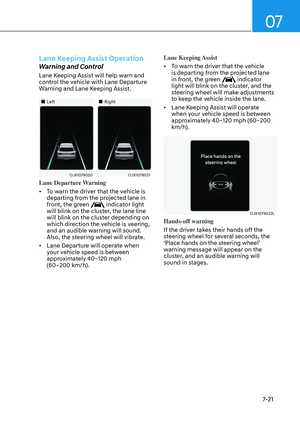
OJX1079037OJX1079037
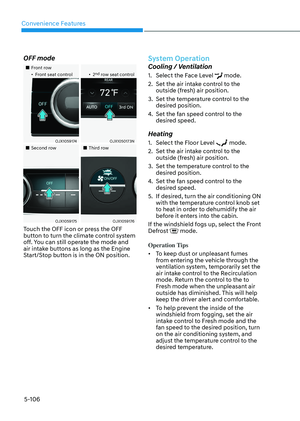
Smart
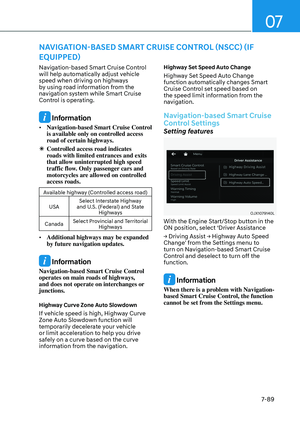
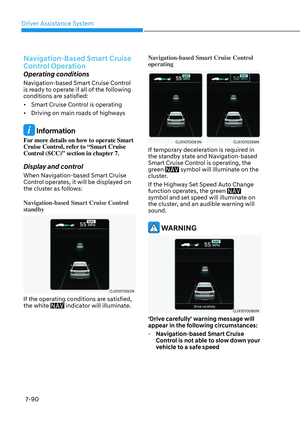
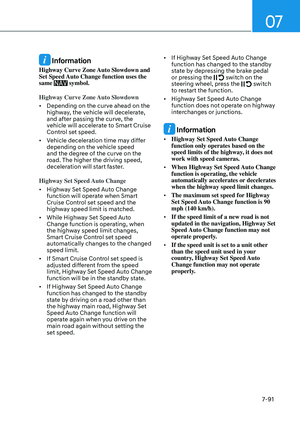
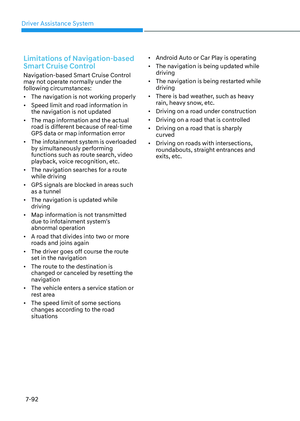
Parking or Remote Smart
Parking Perpendicular reverse
parking
OJX1079034OJX1079034
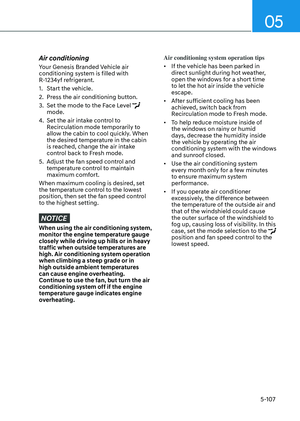
Parallel reverse parking
OJX1079035OJX1079035
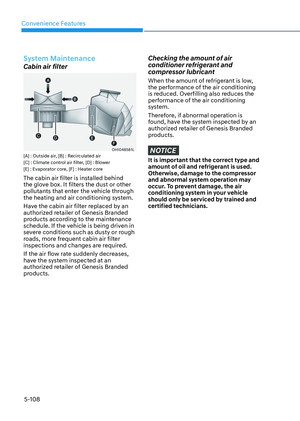
Smart Exit Parallel forward exit
OJX1079036OJX1079036
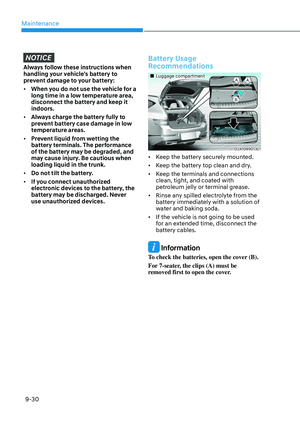
• Remote Smart Parking and Remote
Operation function may be operated
from outside the vehicle using the
smart key.
• Smart Parking and Remote Smart
Parking function may be operated
from inside the vehicle.
• Smart Parking and Remote Smart
Parking function helps the driver with
perpendicular reverse parking and
parallel reverse parking.
• Smart Exit function helps the driver
with parallel forward exit.
• When Remote Smart Parking Assist
operates, Surround View Monitor and
Parking Distance Warning will also
operate. For more details, refer to
"Surround View Monitor (SVM)" and
"Parking Distance Warning (PDW)"
sections in chapter 7.
REMOTE SMART PARKING ASSIST (RSPA) (IF EQUIPPED)
Page 499 of 650
![GENESIS GV80 2023 Owners Manual 07
7-143
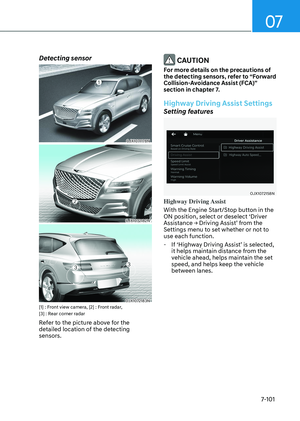
Detecting sensor
OJX1070296LOJX1070296L
OJX1070297LOJX1070297L[1] : Front ultrasonic sensors,
[2] : Front corner ultrasonic sensors,
[3] : Rear corner ultrasonic sensors,
[4] : Rear ultraso GENESIS GV80 2023 Owners Manual 07
7-143
Detecting sensor
OJX1070296LOJX1070296L
OJX1070297LOJX1070297L[1] : Front ultrasonic sensors,
[2] : Front corner ultrasonic sensors,
[3] : Rear corner ultrasonic sensors,
[4] : Rear ultraso](/manual-img/46/58828/w960_58828-498.png)
07
7-143
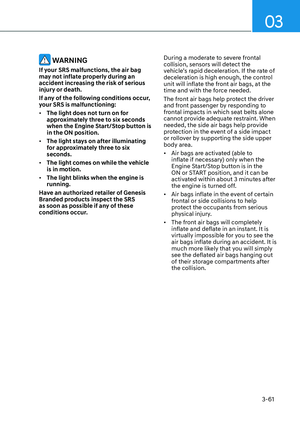
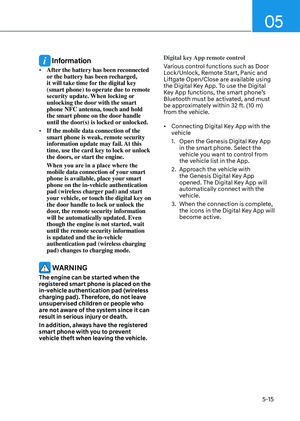
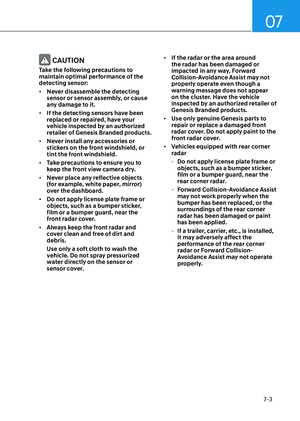
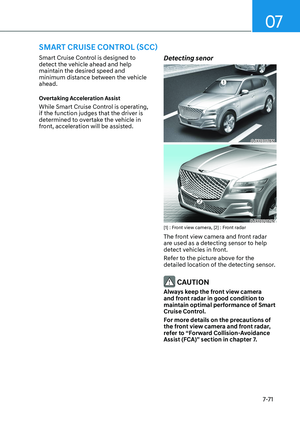
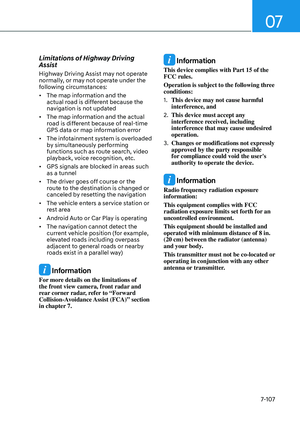
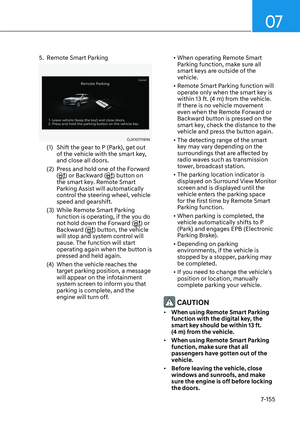
Detecting sensor
OJX1070296LOJX1070296L
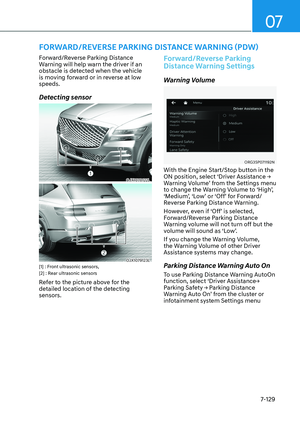
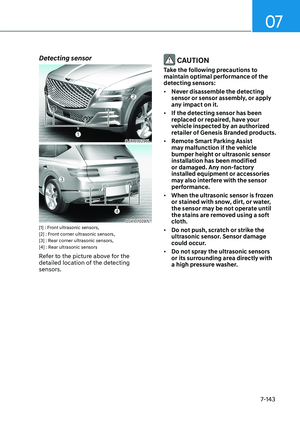
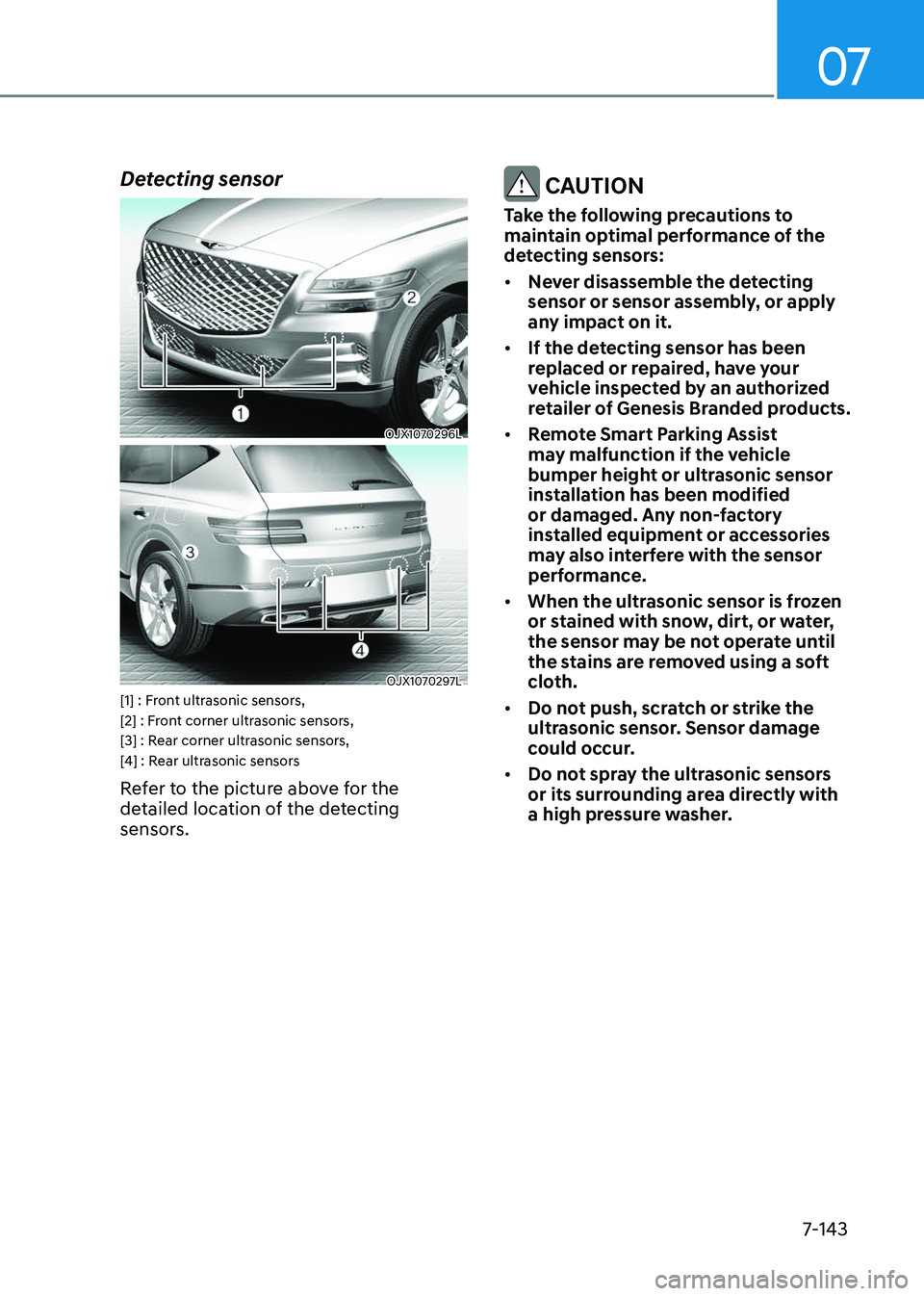
OJX1070297LOJX1070297L[1] : Front ultrasonic sensors,
[2] : Front corner ultrasonic sensors,
[3] : Rear corner ultrasonic sensors,
[4] : Rear ultrasonic sensors
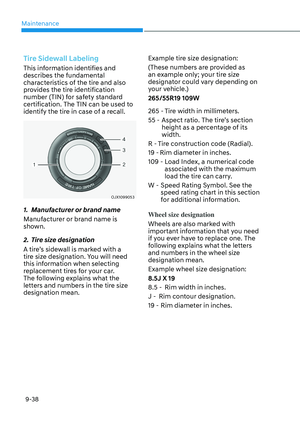
Refer to the picture above for the
detailed location of the detecting
sensors.
CAUTION
Take the following precautions to
maintain optimal performance of the
detecting sensors:
• Never disassemble the detecting
sensor or sensor assembly, or apply
any impact on it.
• If the detecting sensor has been
replaced or repaired, have your
vehicle inspected by an authorized
retailer of Genesis Branded products.
• Remote Smart Parking Assist
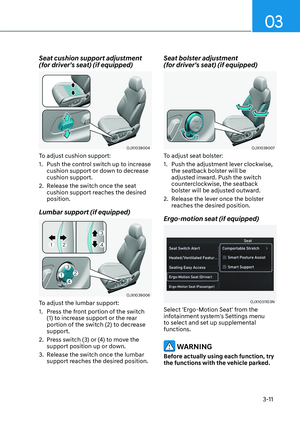
may malfunction if the vehicle
bumper height or ultrasonic sensor
installation has been modified
or damaged. Any non-factory
installed equipment or accessories
may also interfere with the sensor
performance.
• When the ultrasonic sensor is frozen
or stained with snow, dirt, or water,
the sensor may be not operate until
the stains are removed using a soft
cloth.
• Do not push, scratch or strike the
ultrasonic sensor. Sensor damage
could occur.
• Do not spray the ultrasonic sensors
or its surrounding area directly with
a high pressure washer.
Page 500 of 650
Driver Assistance System
7-144
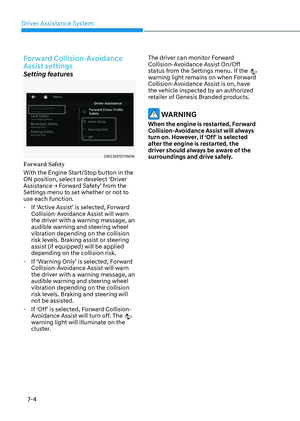
Remote Smart Parking Assist
Settings
Settings features
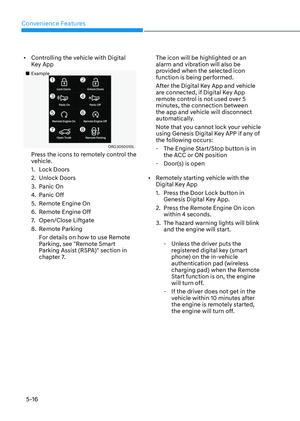
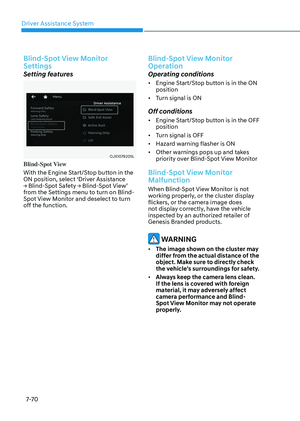
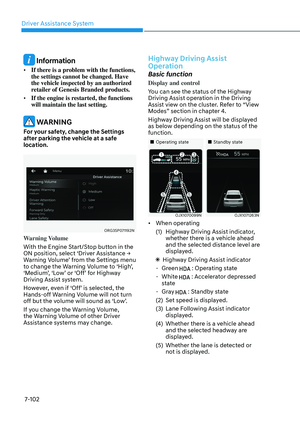
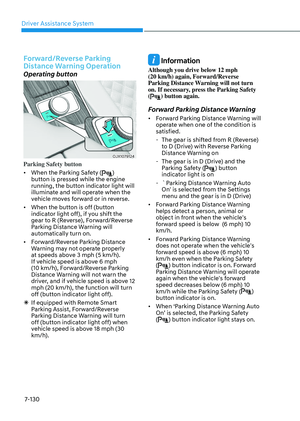
ORG3SP071192N ORG3SP071192N
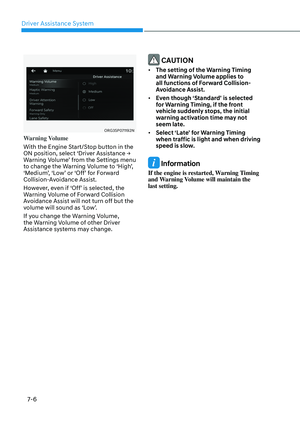
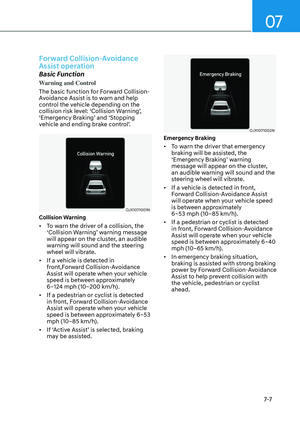
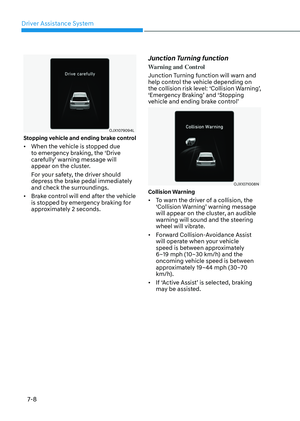
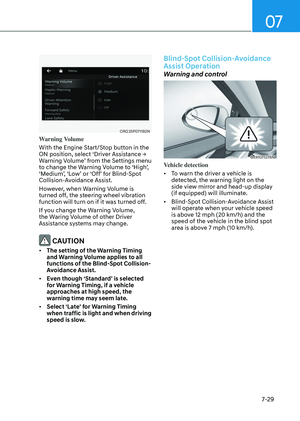
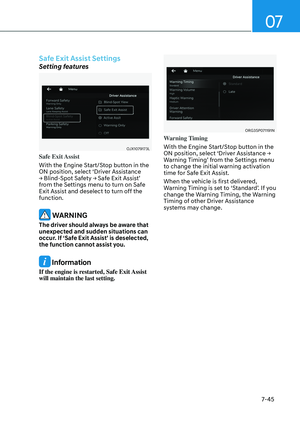
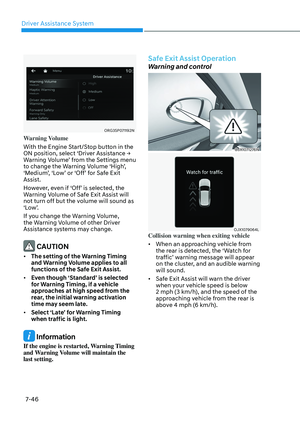
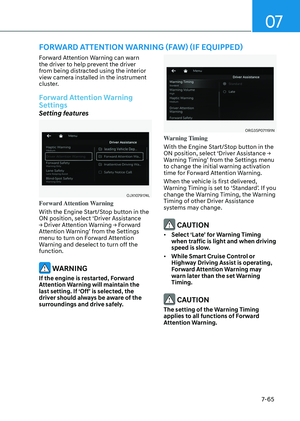
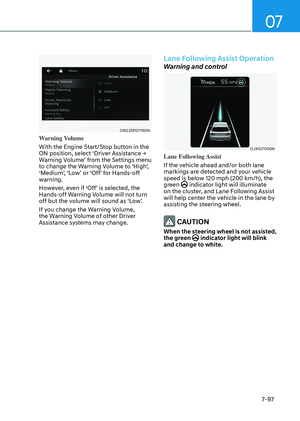
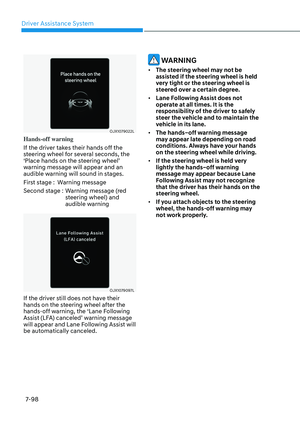
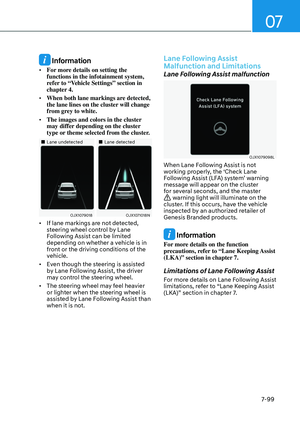
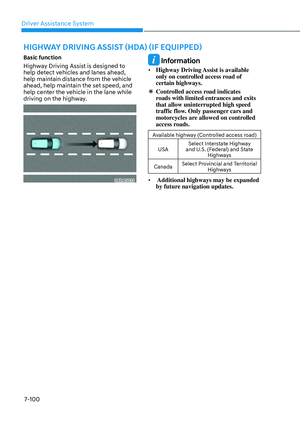
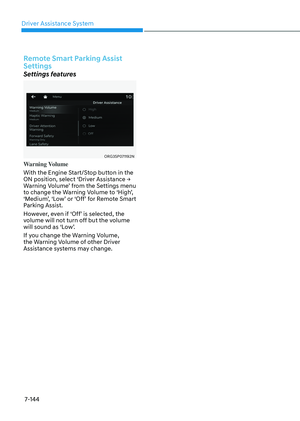
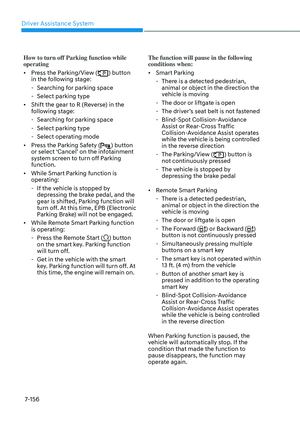
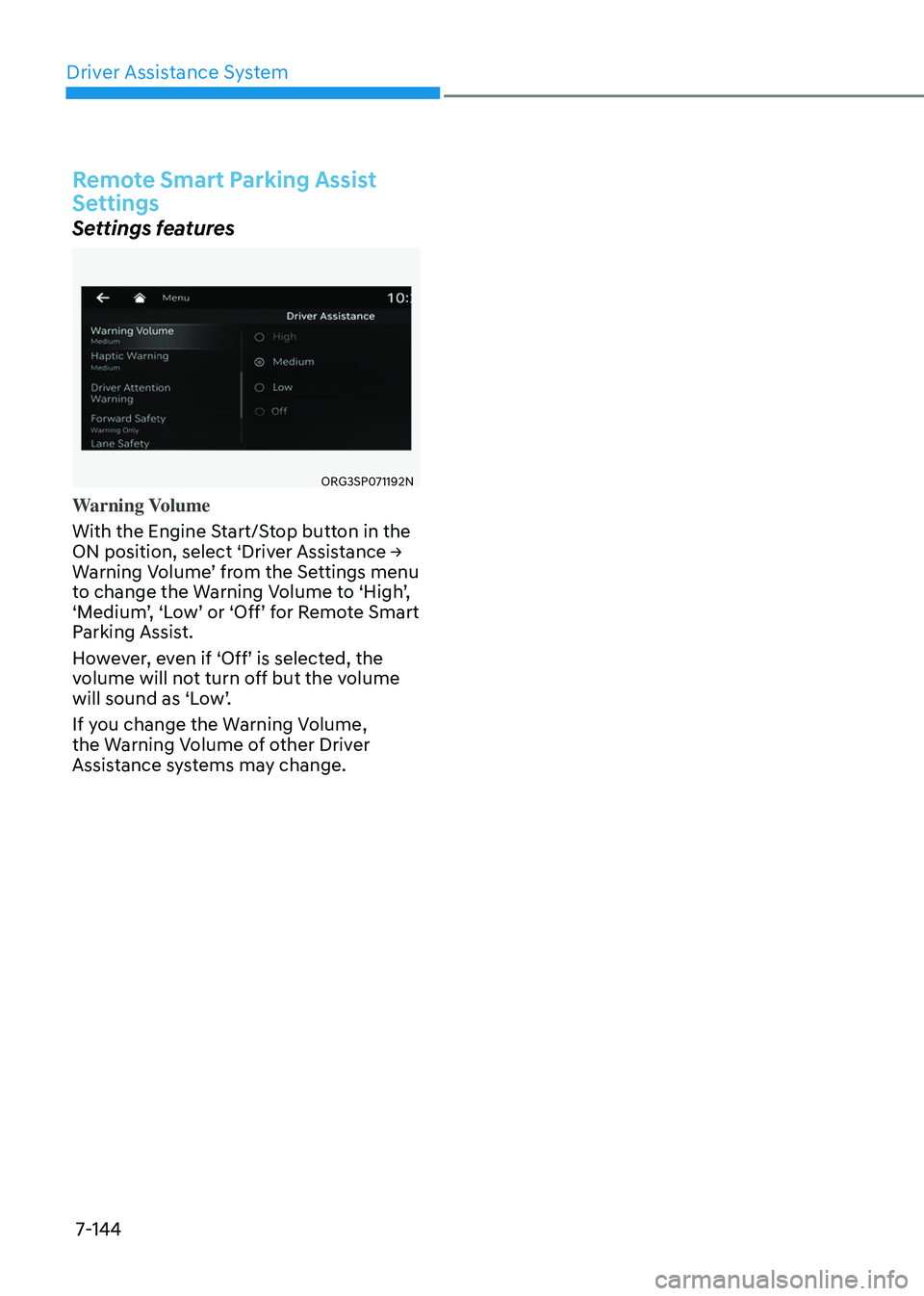
Warning Volume
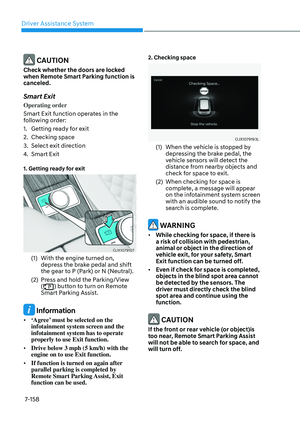
With the Engine Start/Stop button in the
ON position, select ‘Driver Assistance →
Warning Volume’ from the Settings menu
to change the Warning Volume to ‘High’,
‘Medium’, ‘Low’ or ‘Off’ for Remote Smart
Parking Assist.
However, even if ‘Off’ is selected, the
volume will not turn off but the volume
will sound as ‘Low’.
If you change the Warning Volume,
the Warning Volume of other Driver
Assistance systems may change.
Page 501 of 650

07
7-145
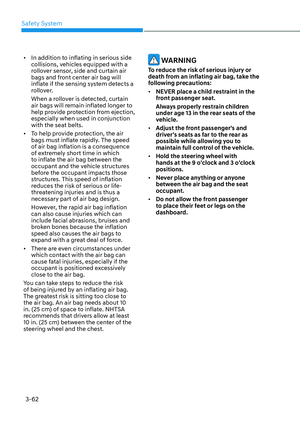
Remote Smart Parking Assist Operation
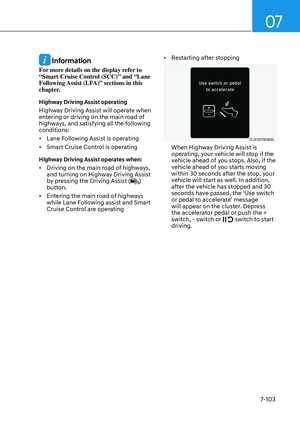
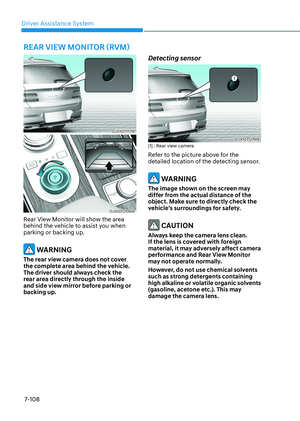
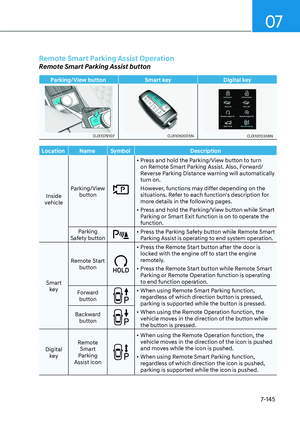
Remote Smart Parking Assist button
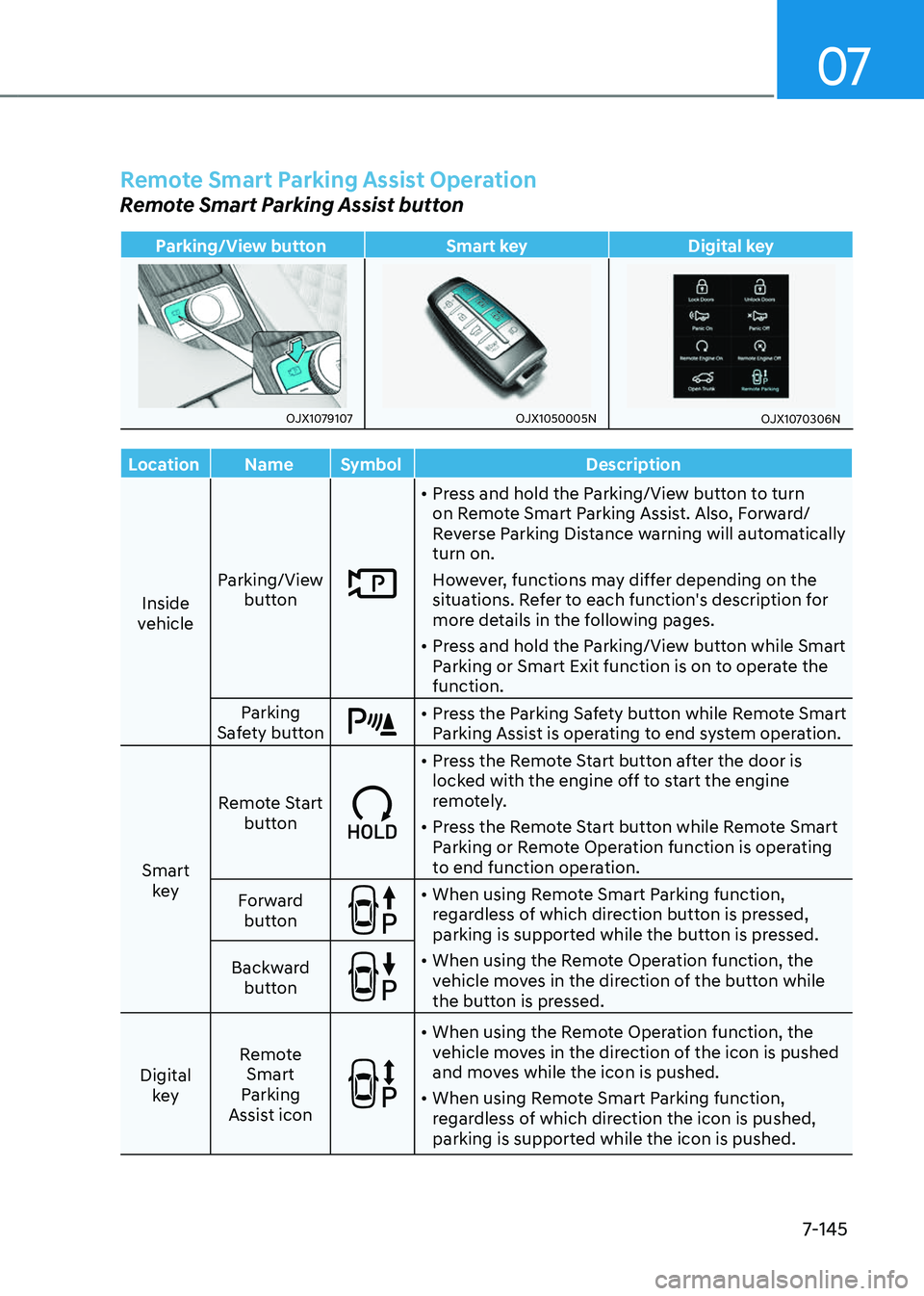
Parking/View buttonSmart keyDigital key
OJX1079107OJX1079107OJX1050005NOJX1050005NOJX1070306NOJX1070306N
LocationNameSymbol Description
Inside
vehicle Parking/View
button
• Press and hold the Parking/View button to turn
on Remote Smart Parking Assist. Also, Forward/
Reverse Parking Distance warning will automatically
turn on.
However, functions may differ depending on the
situations. Refer to each function's description for
more details in the following pages.
• Press and hold the Parking/View button while Smart
Parking or Smart Exit function is on to operate the
function.
Parking
Safety button
• Press the Parking Safety button while Remote Smart
Parking Assist is operating to end system operation.
Smart key Remote Start
button
• Press the Remote Start button after the door is
locked with the engine off to start the engine
remotely.
• Press the Remote Start button while Remote Smart
Parking or Remote Operation function is operating
to end function operation.
Forward button
• When using Remote Smart Parking function,
regardless of which direction button is pressed,
parking is supported while the button is pressed.
• When using the Remote Operation function, the
vehicle moves in the direction of the button while
the button is pressed.
Backward
button
Digital key Remote
Smart
Parking
Assist icon
• When using the Remote Operation function, the
vehicle moves in the direction of the icon is pushed
and moves while the icon is pushed.
• When using Remote Smart Parking function,
regardless of which direction the icon is pushed,
parking is supported while the icon is pushed.
Page 502 of 650

Driver Assistance System
7-146
Remote Operation
Operating order
Remote Operation operates in the
following order:
1. Getting ready to remotely move
forward and backward
2. Remotely moving forward and
backward
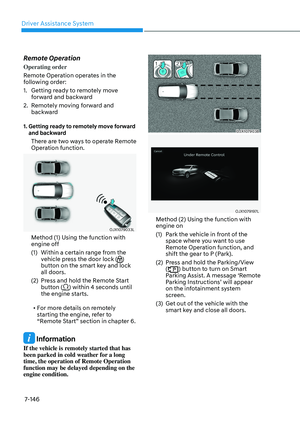
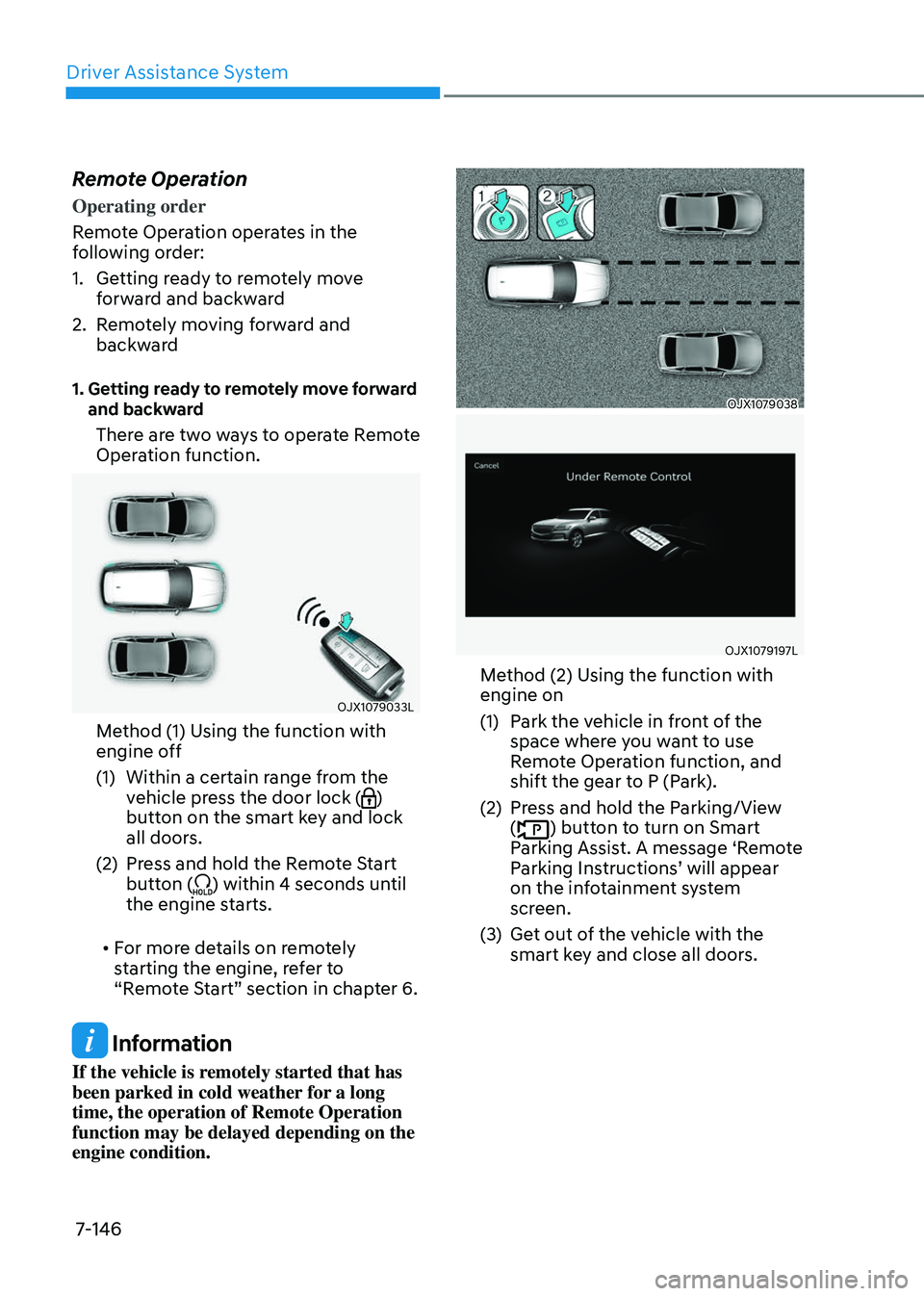
1. Getting ready to remotely move forward and backward
There are two ways to operate Remote
Operation function.
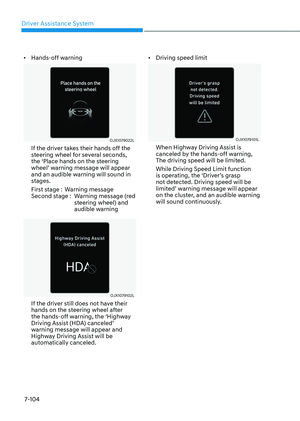
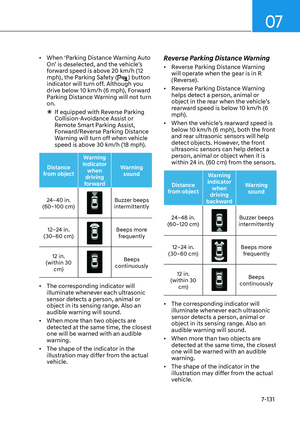
OJX1079033LOJX1079033L
Method (1) Using the function with
engine off
(1) Within a certain range from the
vehicle press the door lock ()
button on the smart key and lock
all doors.
(2) Press and hold the Remote Start
button () within 4 seconds until
the engine starts.
• For more details on remotely
starting the engine, refer to
“Remote Start” section in chapter 6.
Information
If the vehicle is remotely started that has
been parked in cold weather for a long
time, the operation of Remote Operation
function may be delayed depending on the
engine condition.
OJX1079038 OJX1079038
OJX1079197L OJX1079197L
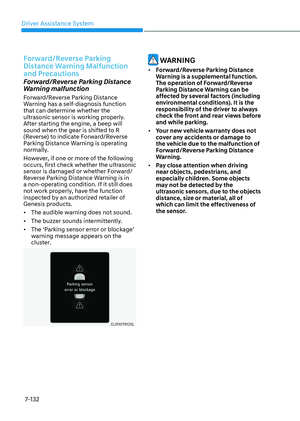
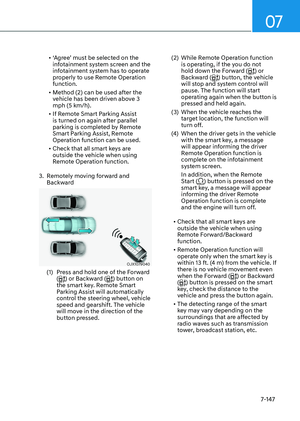
Method (2) Using the function with
engine on
(1) Park the vehicle in front of the
space where you want to use
Remote Operation function, and
shift the gear to P (Park).
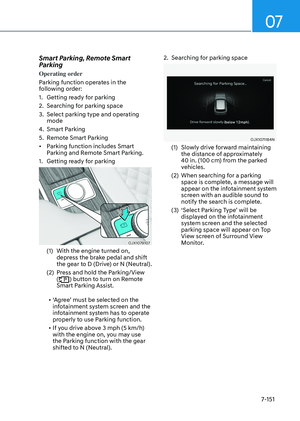
(2) Press and hold the Parking/View
() button to turn on Smart
Parking Assist. A message ‘Remote
Parking Instructions’ will appear
on the infotainment system
screen.
(3) Get out of the vehicle with the
smart key and close all doors.
Page 503 of 650

07
7-147
• ‘Agree’ must be selected on the
infotainment system screen and the
infotainment system has to operate
properly to use Remote Operation
function.
• Method (2) can be used after the
vehicle has been driven above 3
mph (5 km/h).
• If Remote Smart Parking Assist
is turned on again after parallel
parking is completed by Remote
Smart Parking Assist, Remote
Operation function can be used.
• Check that all smart keys are
outside the vehicle when using
Remote Operation function.
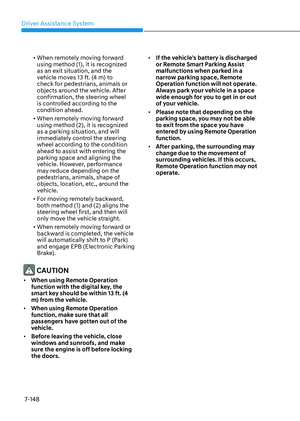
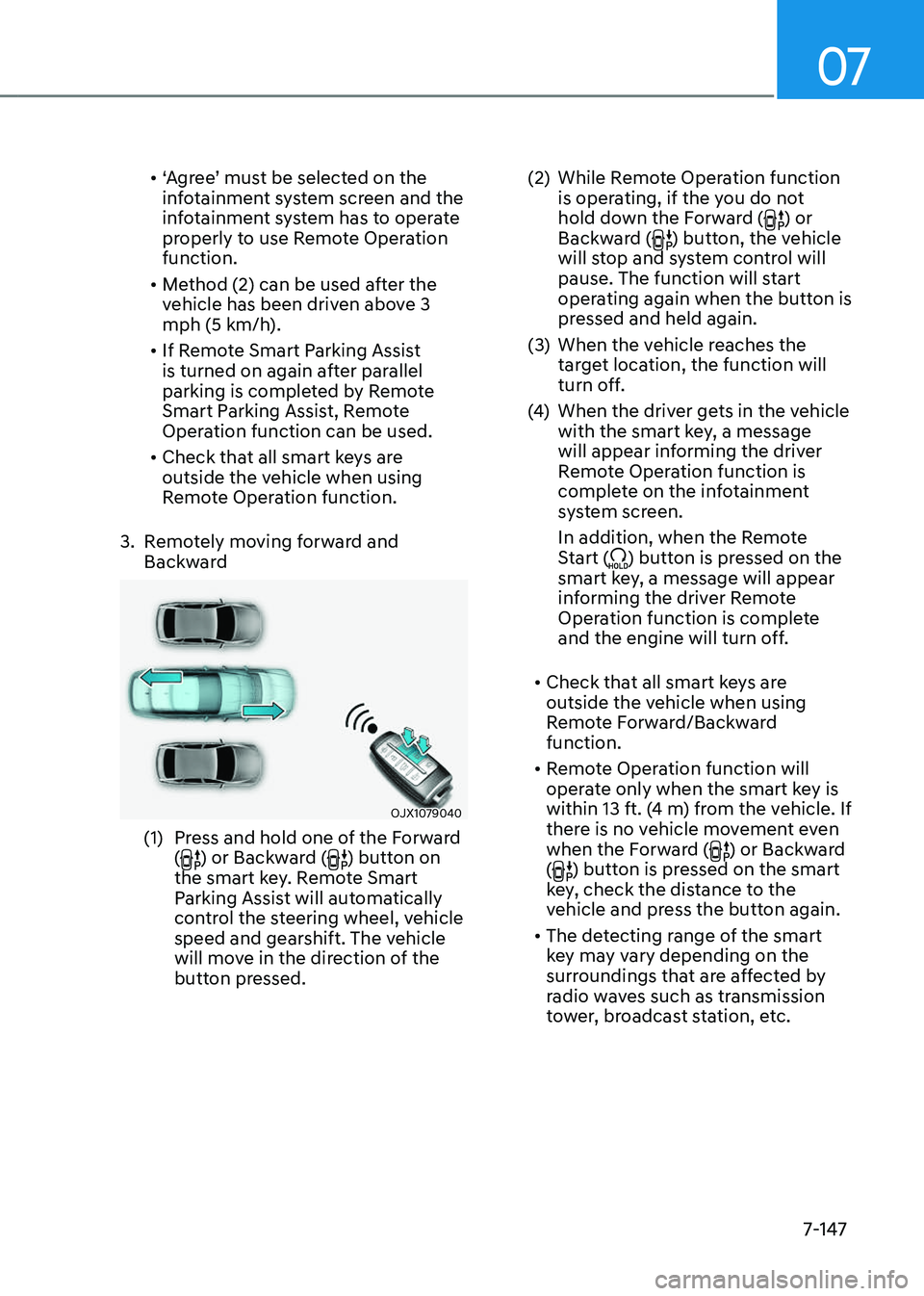
3. Remotely moving forward and
Backward
OJX1079040 OJX1079040
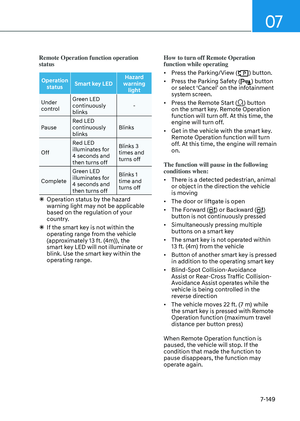
(1) Press and hold one of the Forward
() or Backward () button on
the smart key. Remote Smart
Parking Assist will automatically
control the steering wheel, vehicle
speed and gearshift. The vehicle
will move in the direction of the
button pressed.
(2) While Remote Operation function
is operating, if the you do not
hold down the Forward (
) or
Backward () button, the vehicle
will stop and system control will
pause. The function will start
operating again when the button is
pressed and held again.
(3) When the vehicle reaches the
target location, the function will
turn off.
(4) When the driver gets in the vehicle
with the smart key, a message
will appear informing the driver
Remote Operation function is
complete on the infotainment
system screen.
In addition, when the Remote
Start (
) button is pressed on the
smart key, a message will appear
informing the driver Remote
Operation function is complete
and the engine will turn off.
• Check that all smart keys are
outside the vehicle when using
Remote Forward/Backward
function.
• Remote Operation function will
operate only when the smart key is
within 13 ft. (4 m) from the vehicle. If
there is no vehicle movement even
when the Forward (
) or Backward
() button is pressed on the smart
key, check the distance to the
vehicle and press the button again.
• The detecting range of the smart
key may vary depending on the
surroundings that are affected by
radio waves such as transmission
tower, broadcast station, etc.
Page 504 of 650

Driver Assistance System
7-148
• When remotely moving forward
using method (1), it is recognized
as an exit situation, and the
vehicle moves 13 ft. (4 m) to
check for pedestrians, animals or
objects around the vehicle. After
confirmation, the steering wheel
is controlled according to the
condition ahead.
• When remotely moving forward
using method (2), it is recognized
as a parking situation, and will
immediately control the steering
wheel according to the condition
ahead to assist with entering the
parking space and aligning the
vehicle. However, performance
may reduce depending on the
pedestrians, animals, shape of
objects, location, etc., around the
vehicle.
• For moving remotely backward,
both method (1) and (2) aligns the
steering wheel first, and then will
only move the vehicle straight.
• When remotely moving forward or
backward is completed, the vehicle
will automatically shift to P (Park)
and engage EPB (Electronic Parking
Brake).
CAUTION
• When using Remote Operation
function with the digital key, the
smart key should be within 13 ft. (4
m) from the vehicle.
• When using Remote Operation
function, make sure that all
passengers have gotten out of the
vehicle.
• Before leaving the vehicle, close
windows and sunroofs, and make
sure the engine is off before locking
the doors.
• If the vehicle’s battery is discharged
or Remote Smart Parking Assist
malfunctions when parked in a
narrow parking space, Remote
Operation function will not operate.
Always park your vehicle in a space
wide enough for you to get in or out
of your vehicle.
• Please note that depending on the
parking space, you may not be able
to exit from the space you have
entered by using Remote Operation
function.
• After parking, the surrounding may
change due to the movement of
surrounding vehicles. If this occurs,
Remote Operation function may not
operate.