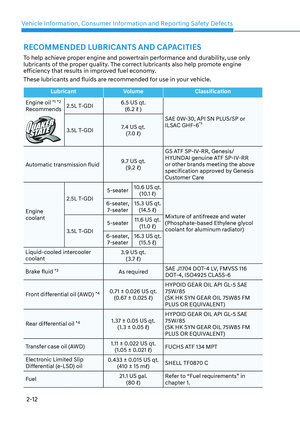
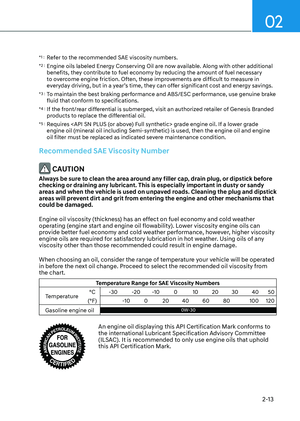
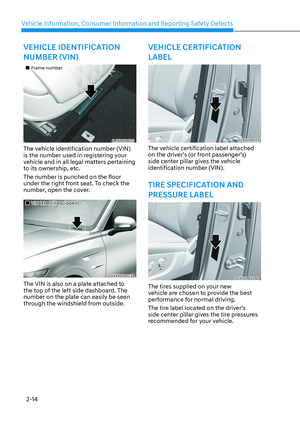
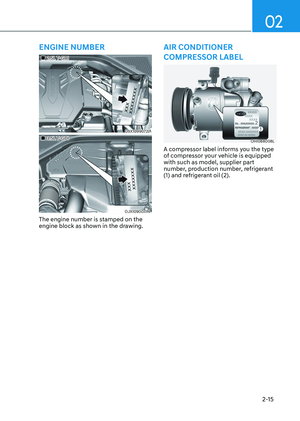
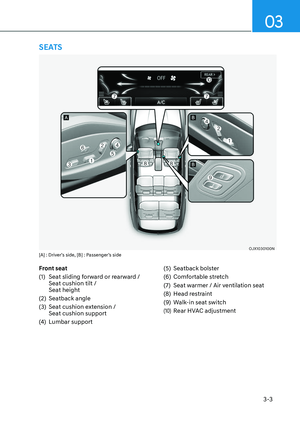
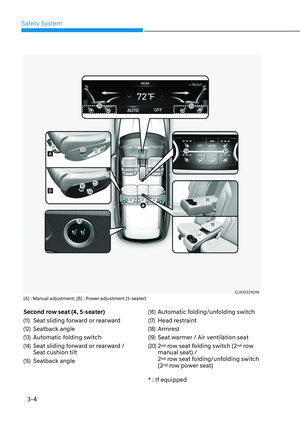
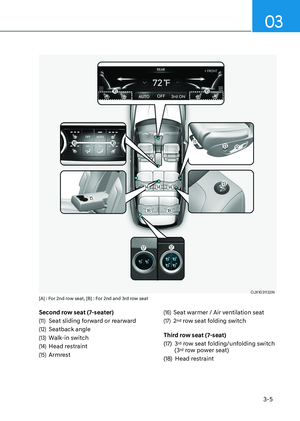
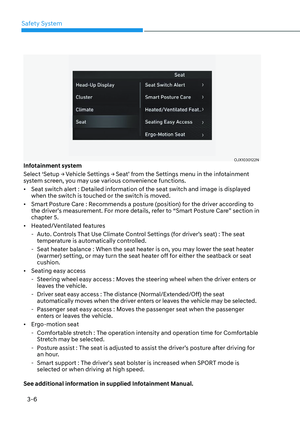
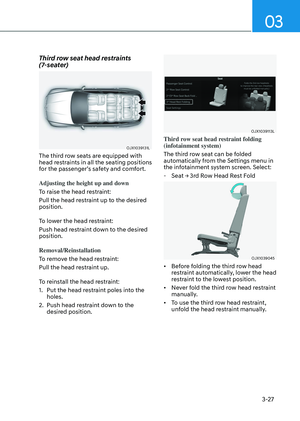
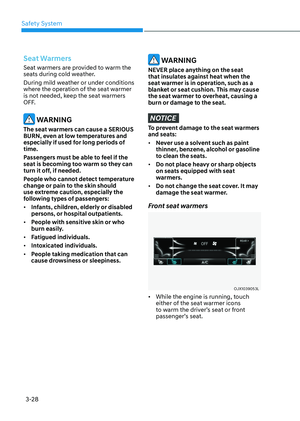
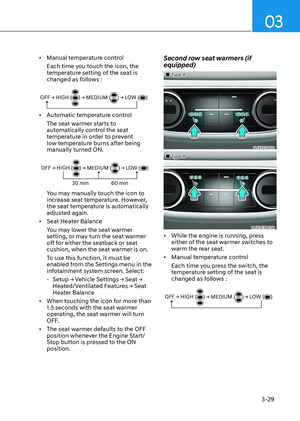
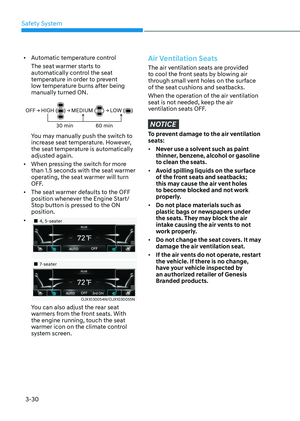
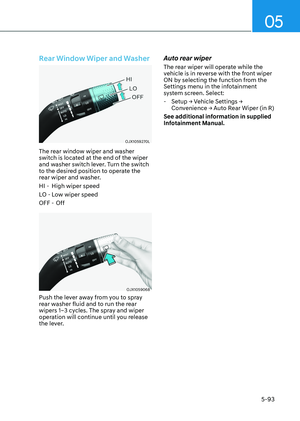
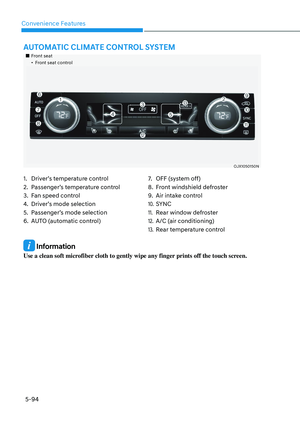
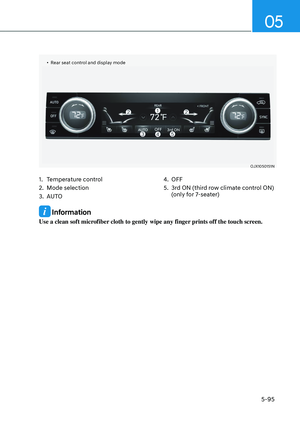
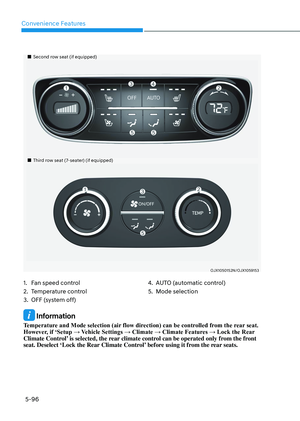
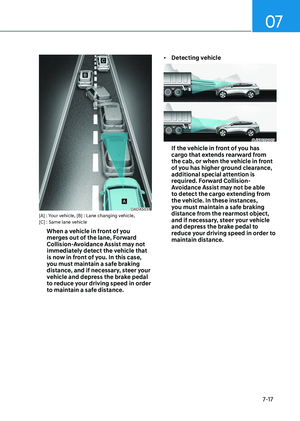
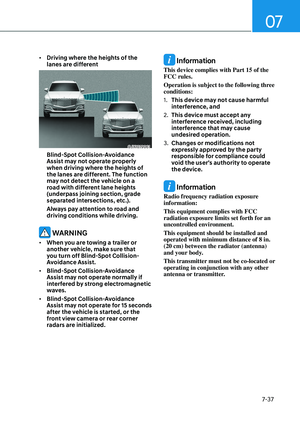
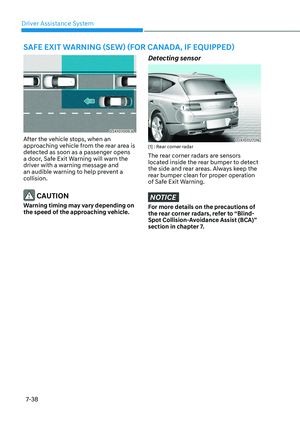
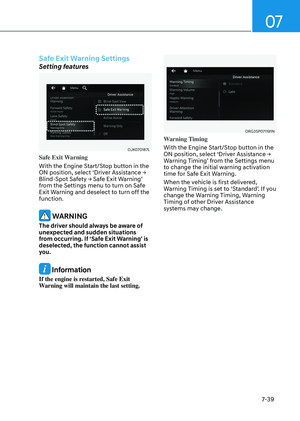
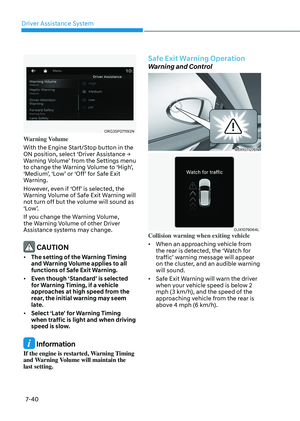
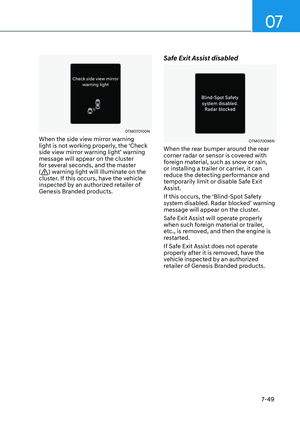
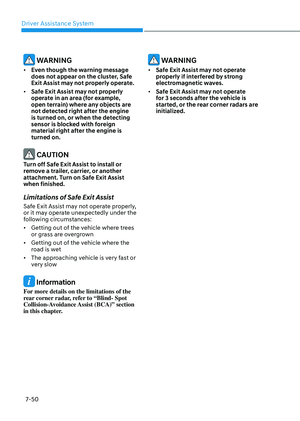
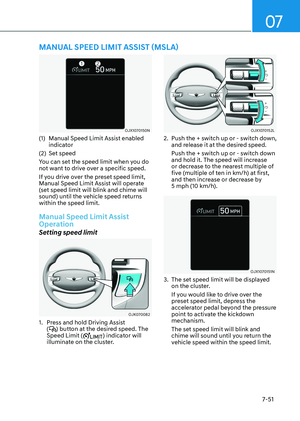
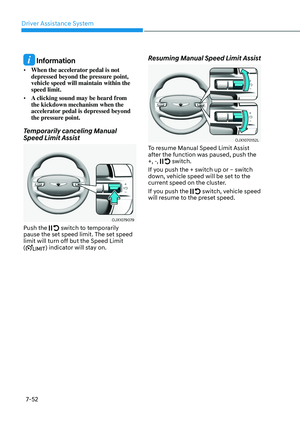
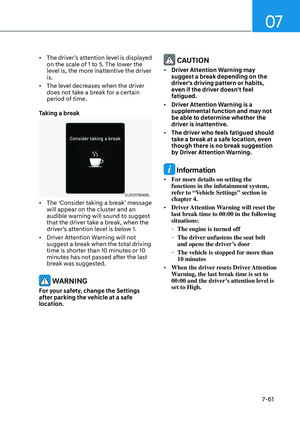
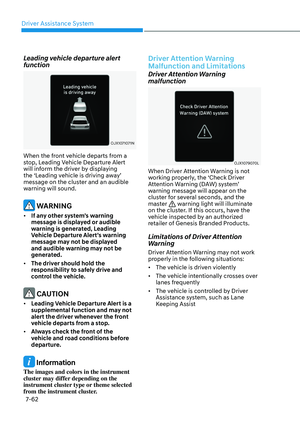
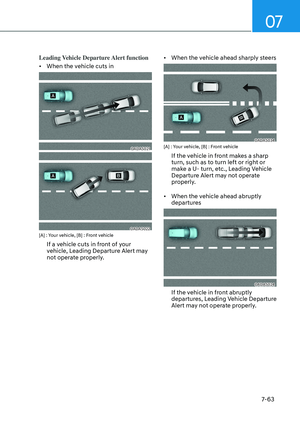
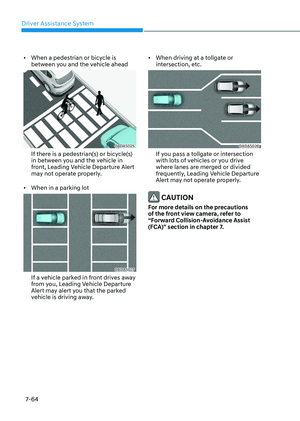
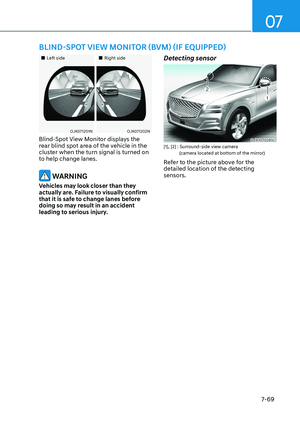
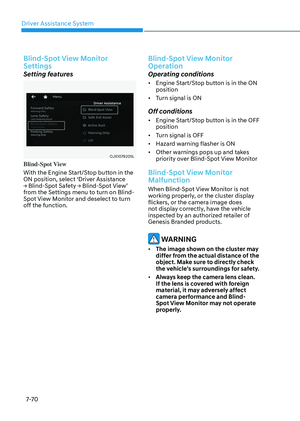
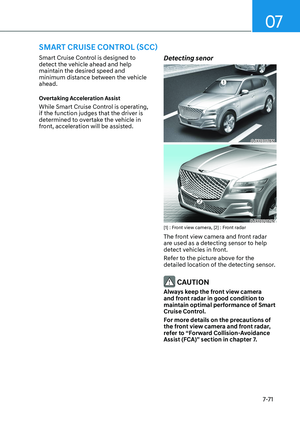
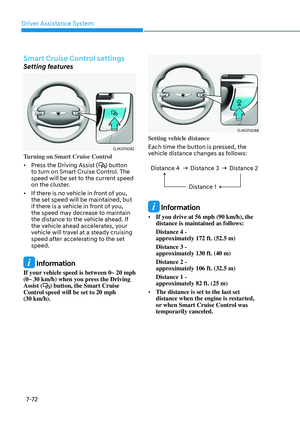
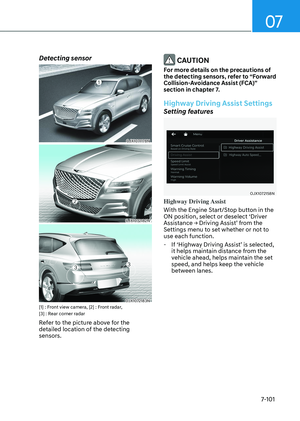
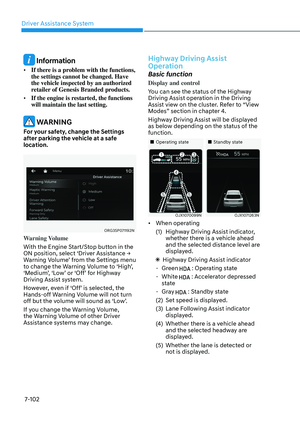
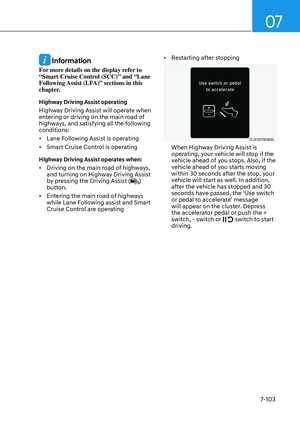
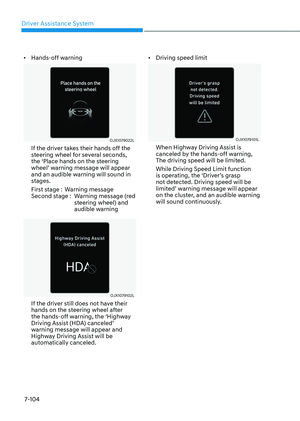
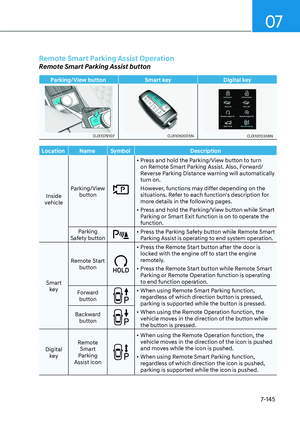
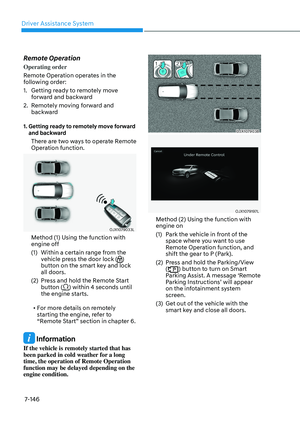
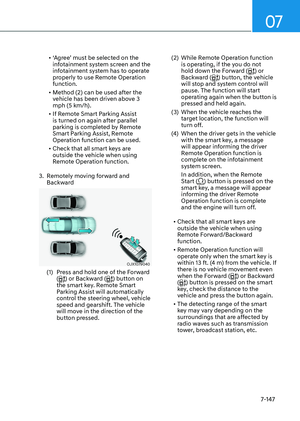
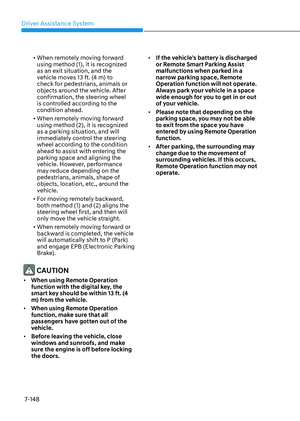
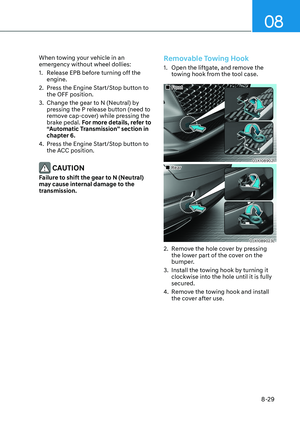
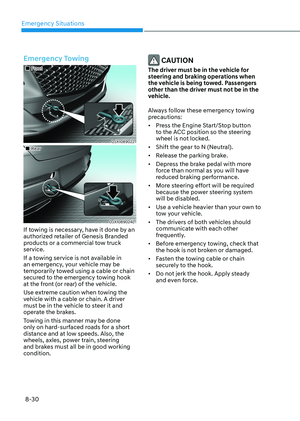
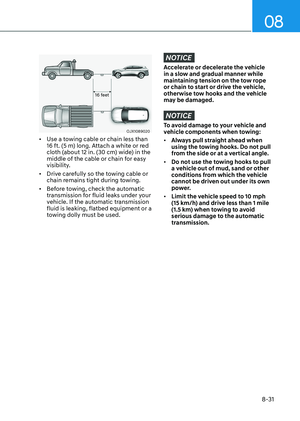
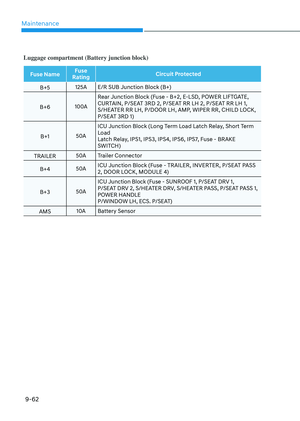
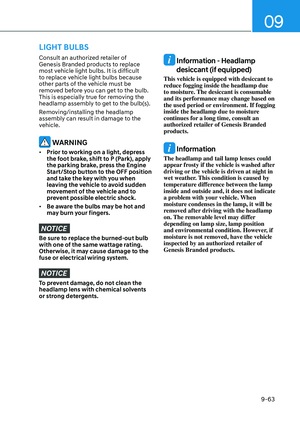
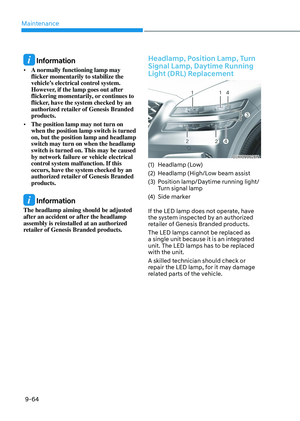
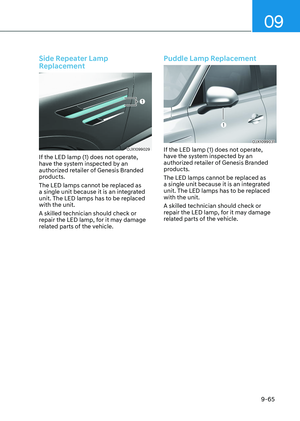
Page 449 of 650
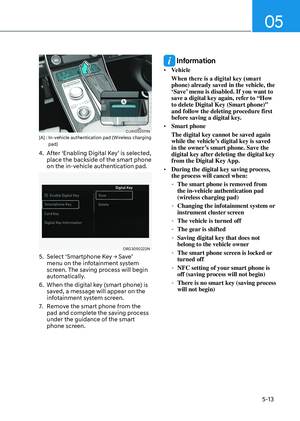
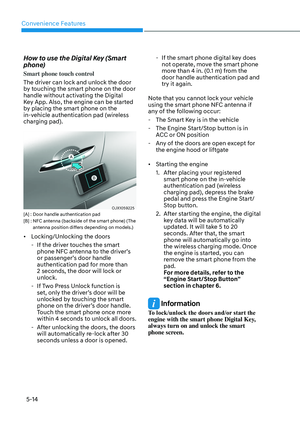
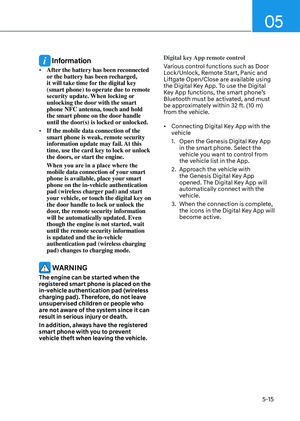
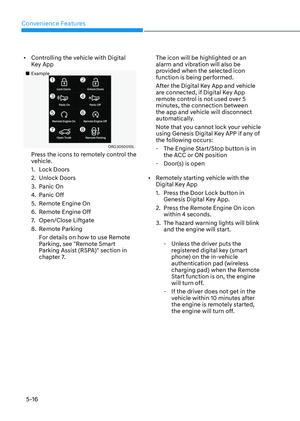
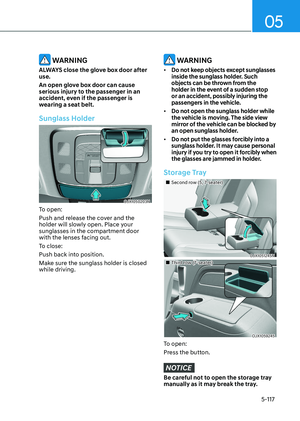
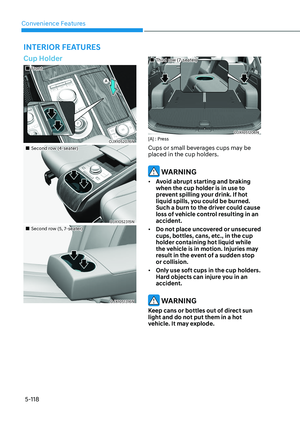
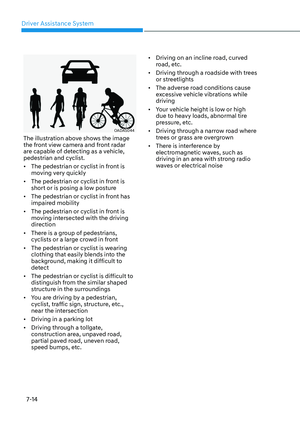
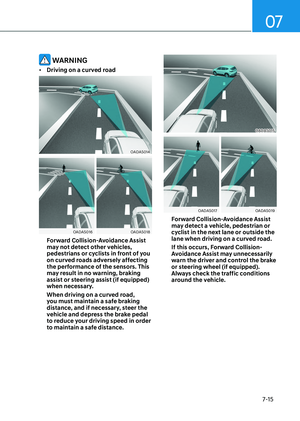
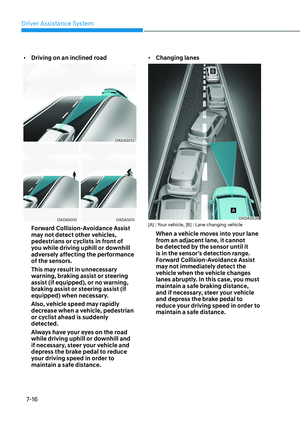
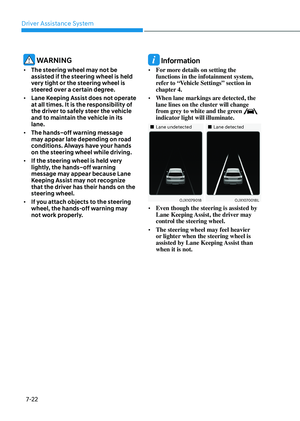
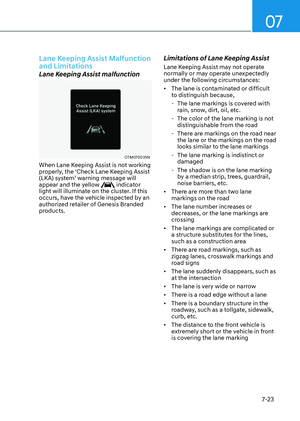
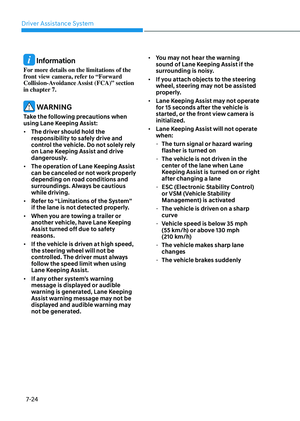
![GENESIS GV80 2023 Owners Manual 07
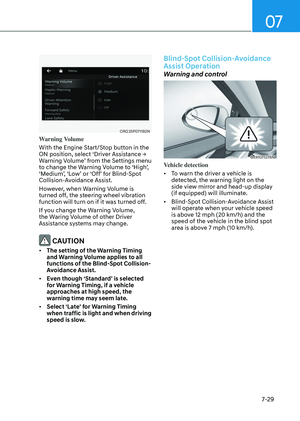
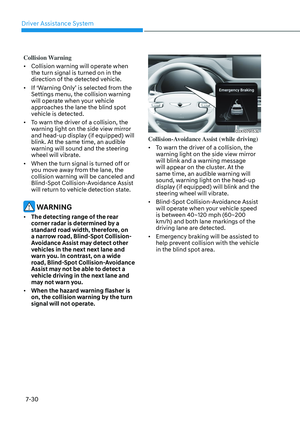
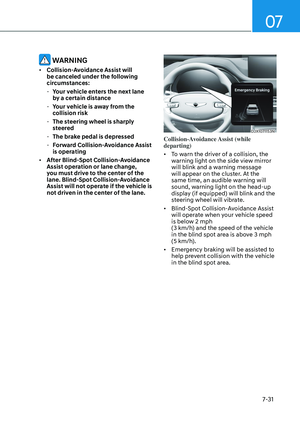
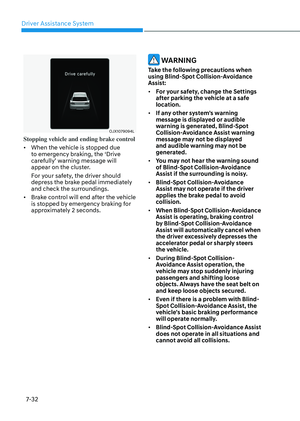
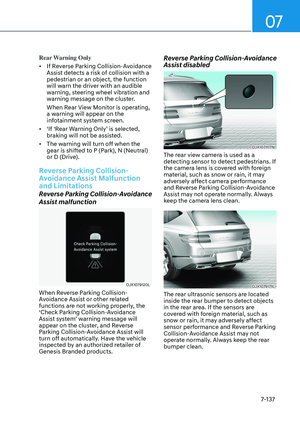
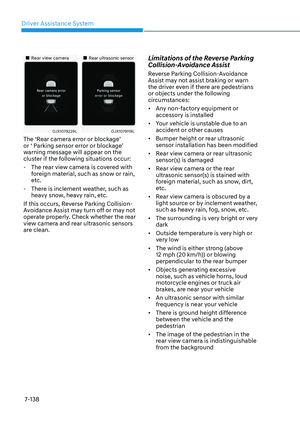
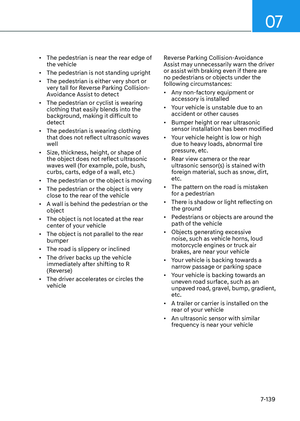
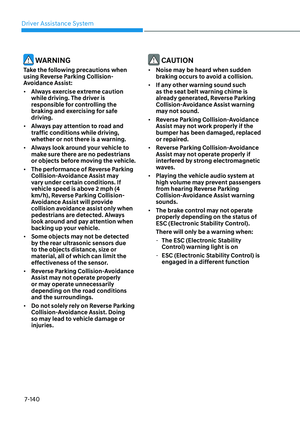
7-93
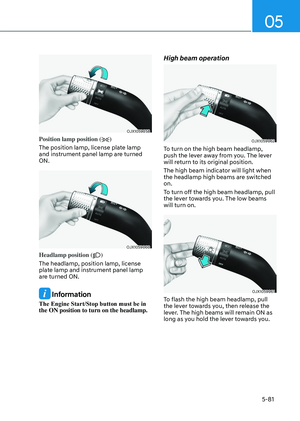
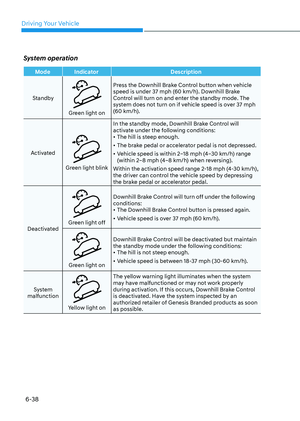
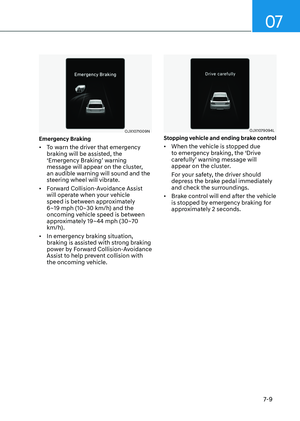
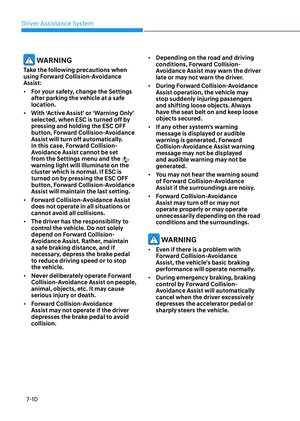
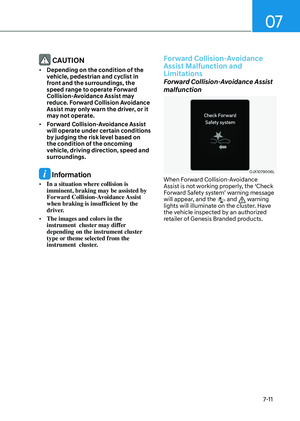
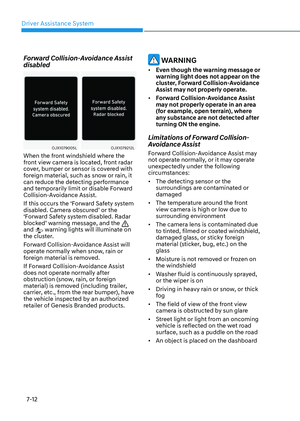
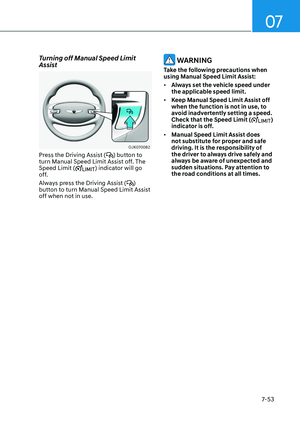
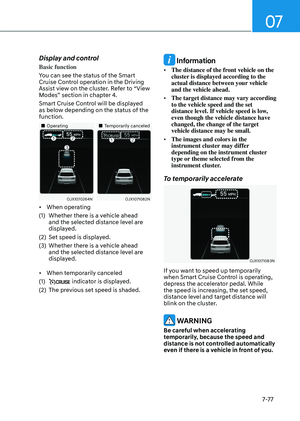
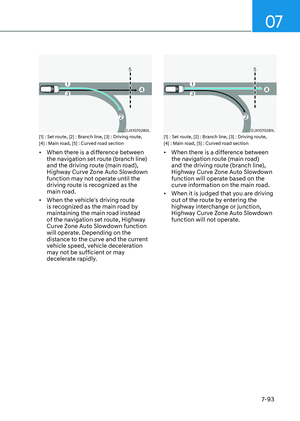
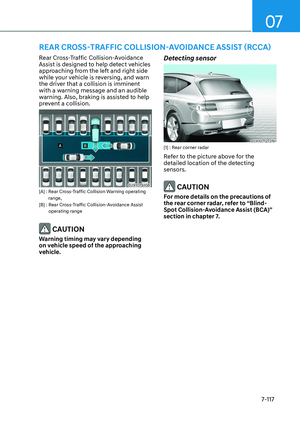
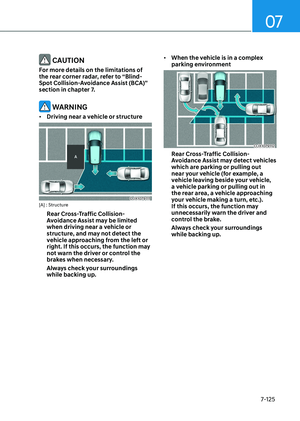
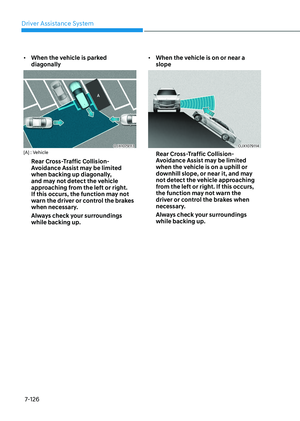
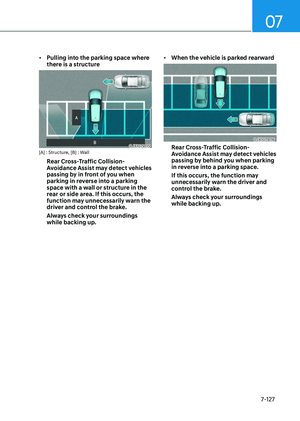
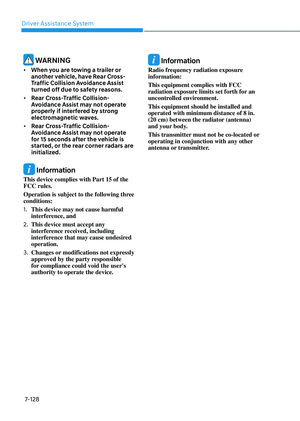
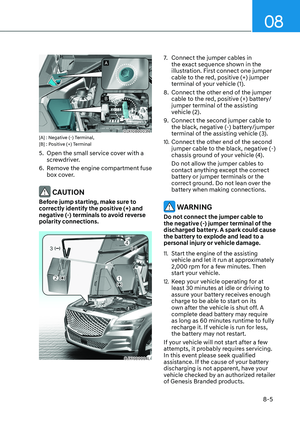
OJX1070280LOJX1070280L[1] : Set route, [2] : Branch line, [3] : Driving route,
[4] : Main road, [5] : Curved road section
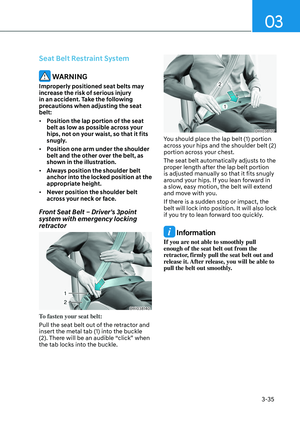
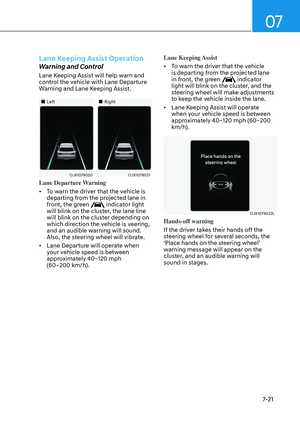
• When there is a difference between
the navigation set route (bra GENESIS GV80 2023 Owners Manual 07
7-93
OJX1070280LOJX1070280L[1] : Set route, [2] : Branch line, [3] : Driving route,
[4] : Main road, [5] : Curved road section
• When there is a difference between
the navigation set route (bra](/manual-img/46/58828/w960_58828-448.png)
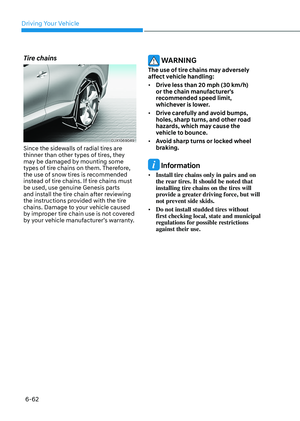
07
7-93
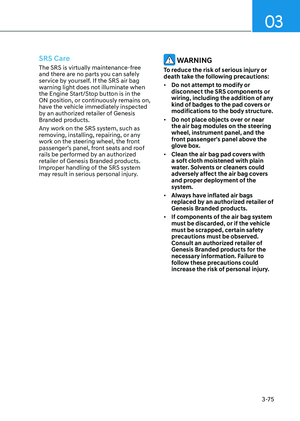
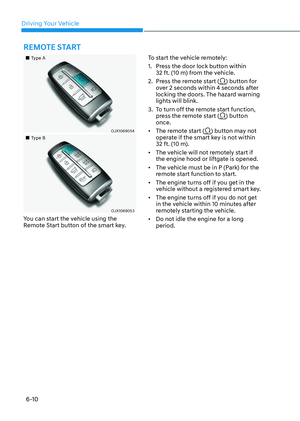
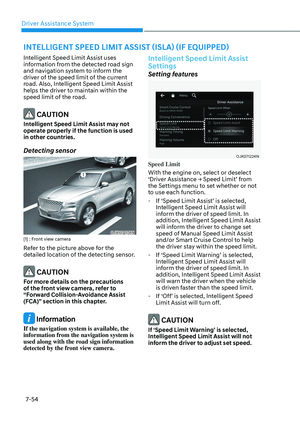
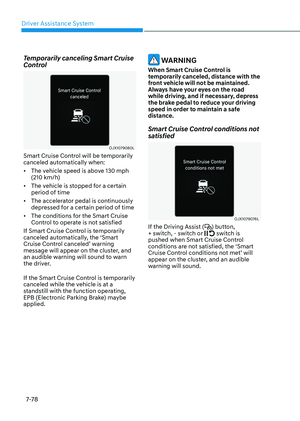
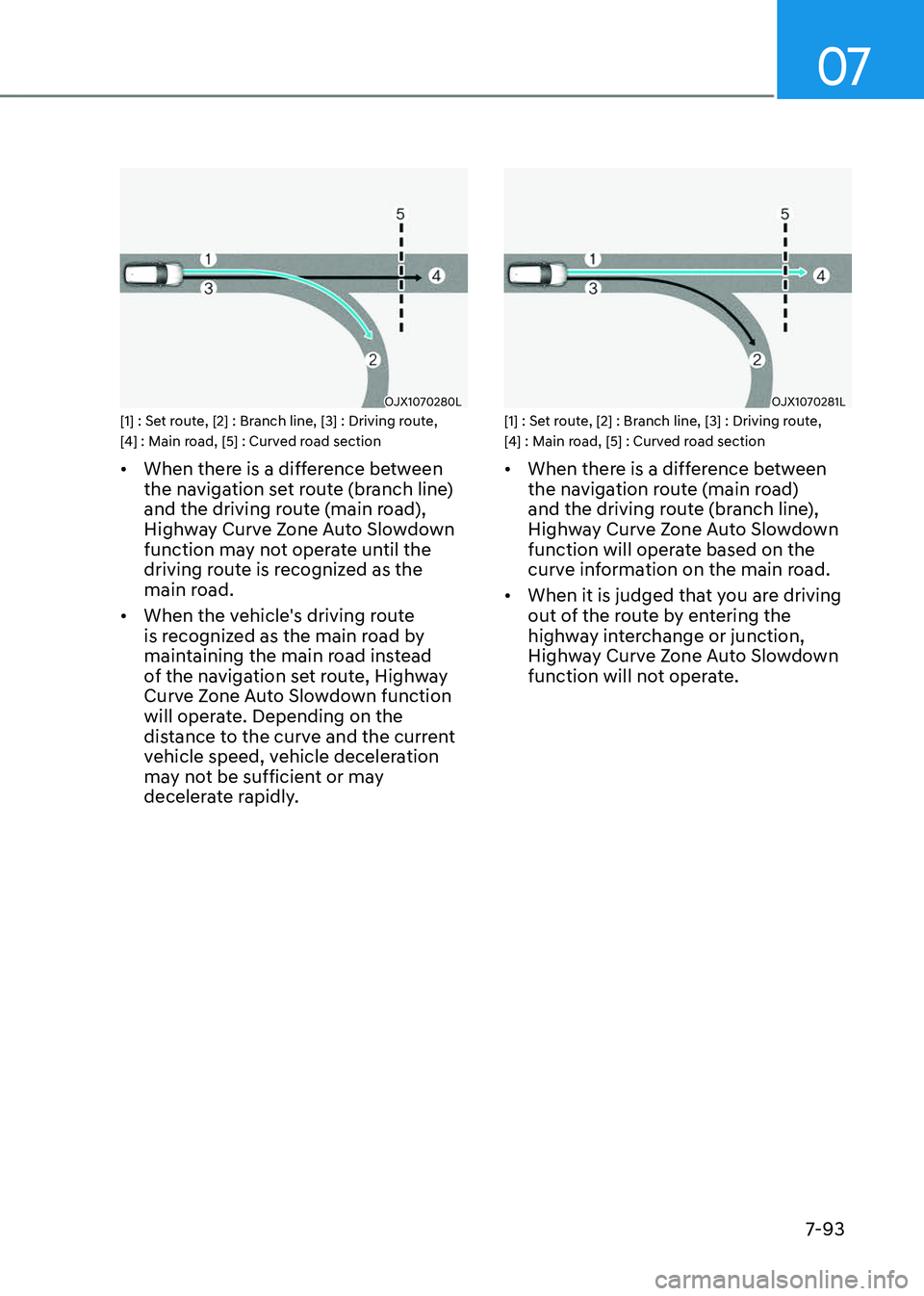
OJX1070280LOJX1070280L[1] : Set route, [2] : Branch line, [3] : Driving route,
[4] : Main road, [5] : Curved road section
• When there is a difference between
the navigation set route (branch line)
and the driving route (main road),
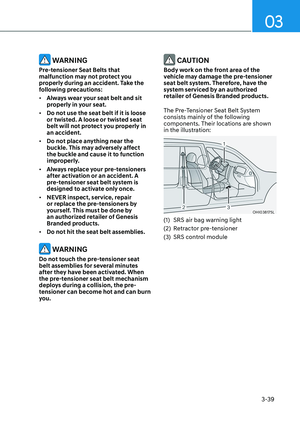
Highway Curve Zone Auto Slowdown
function may not operate until the
driving route is recognized as the
main road.
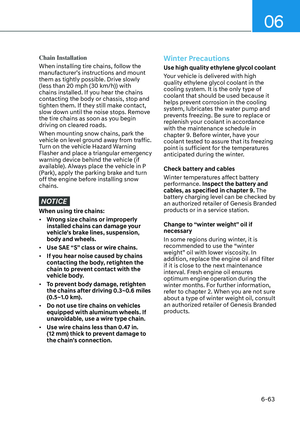
• When the vehicle's driving route
is recognized as the main road by
maintaining the main road instead
of the navigation set route, Highway
Curve Zone Auto Slowdown function
will operate. Depending on the
distance to the curve and the current
vehicle speed, vehicle deceleration
may not be sufficient or may
decelerate rapidly.
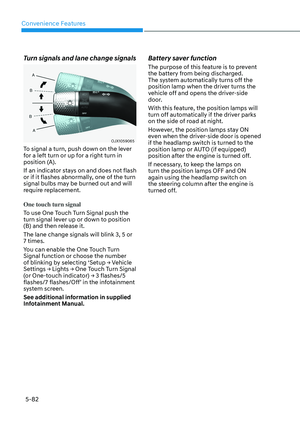
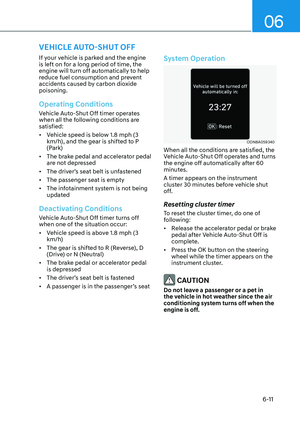
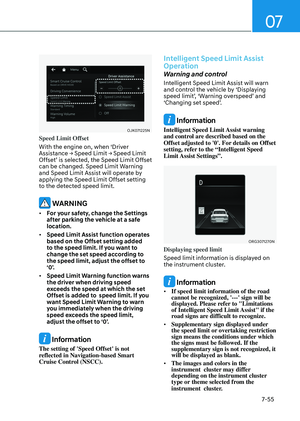
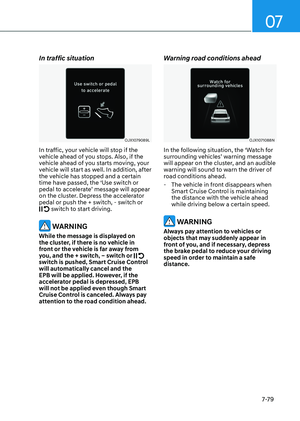
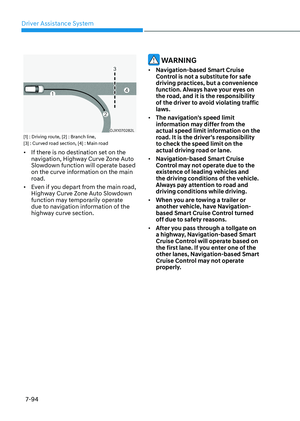
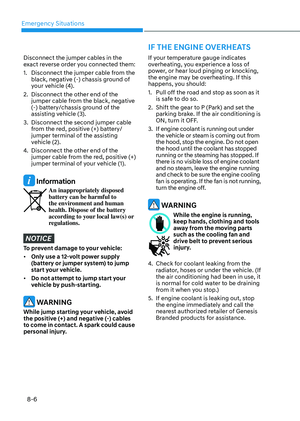
OJX1070281LOJX1070281L[1] : Set route, [2] : Branch line, [3] : Driving route,
[4] : Main road, [5] : Curved road section
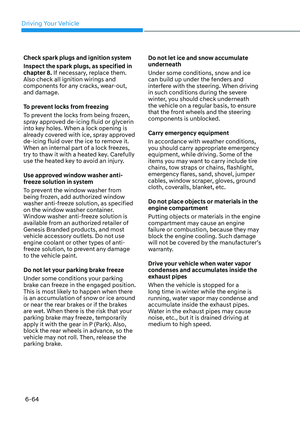
• When there is a difference between
the navigation route (main road)
and the driving route (branch line),
Highway Curve Zone Auto Slowdown
function will operate based on the
curve information on the main road.
• When it is judged that you are driving
out of the route by entering the
highway interchange or junction,
Highway Curve Zone Auto Slowdown
function will not operate.
Page 450 of 650
![GENESIS GV80 2023 Owners Manual Driver Assistance System
7-94
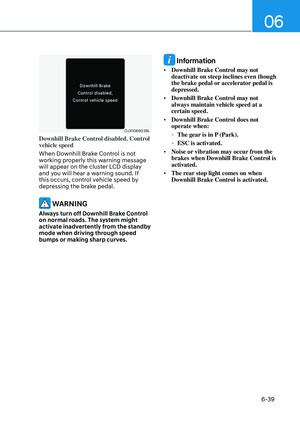
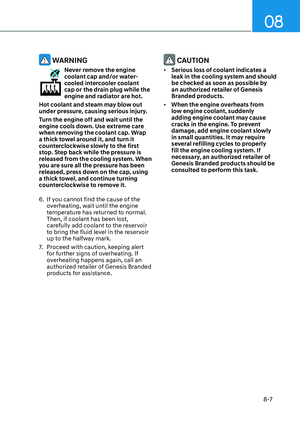
OJX1070282LOJX1070282L[1] : Driving route, [2] : Branch line,
[3] : Curved road section, [4] : Main road
• If there is no destination set on the
navigation, Highway Cu GENESIS GV80 2023 Owners Manual Driver Assistance System
7-94
OJX1070282LOJX1070282L[1] : Driving route, [2] : Branch line,
[3] : Curved road section, [4] : Main road
• If there is no destination set on the
navigation, Highway Cu](/manual-img/46/58828/w960_58828-449.png)
Driver Assistance System
7-94
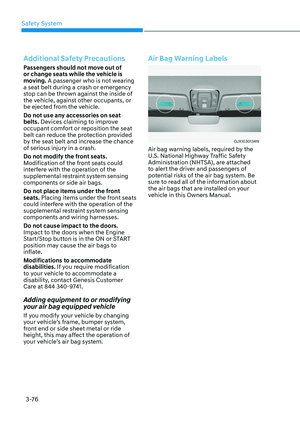
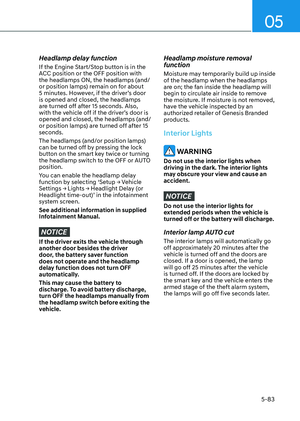
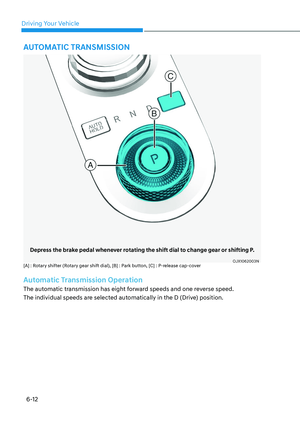
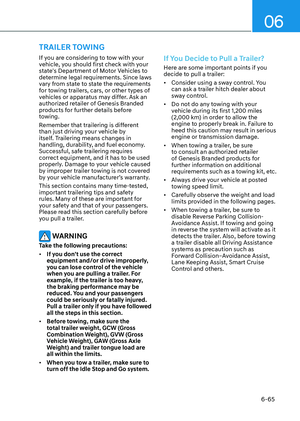
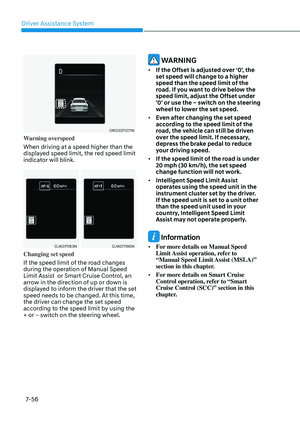
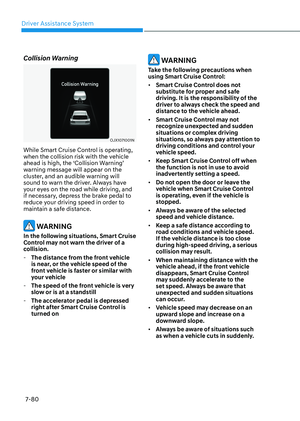
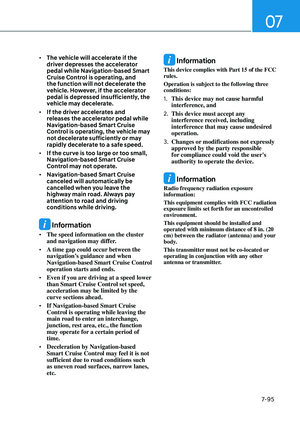
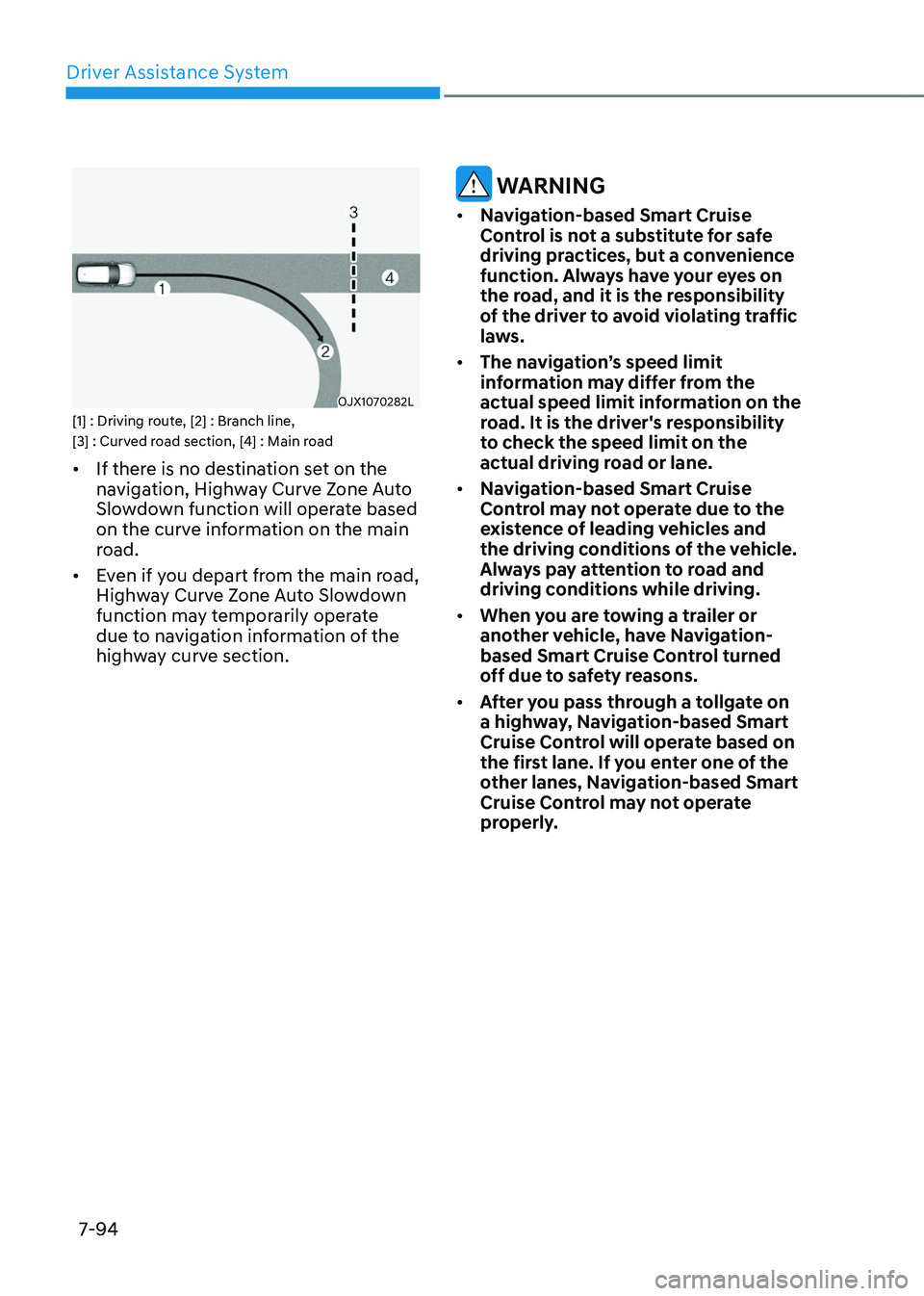
OJX1070282LOJX1070282L[1] : Driving route, [2] : Branch line,
[3] : Curved road section, [4] : Main road
• If there is no destination set on the
navigation, Highway Curve Zone Auto
Slowdown function will operate based
on the curve information on the main
road.
• Even if you depart from the main road,
Highway Curve Zone Auto Slowdown
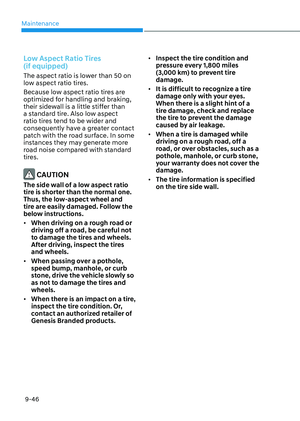
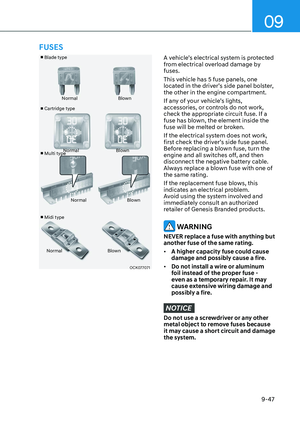
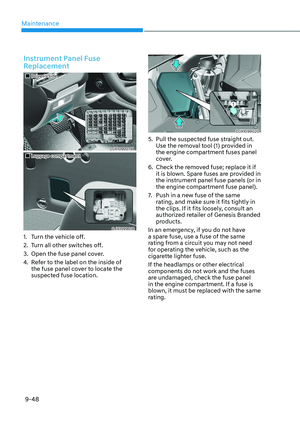
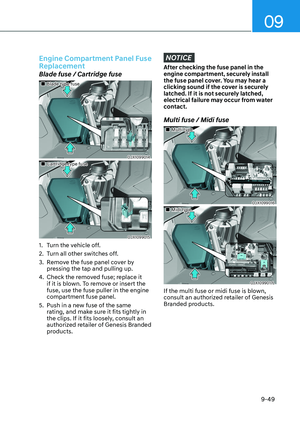
function may temporarily operate
due to navigation information of the
highway curve section.
WARNING
• Navigation-based Smart Cruise
Control is not a substitute for safe
driving practices, but a convenience
function. Always have your eyes on
the road, and it is the responsibility
of the driver to avoid violating traffic
laws.
• The navigation’s speed limit
information may differ from the
actual speed limit information on the
road. It is the driver's responsibility
to check the speed limit on the
actual driving road or lane.
• Navigation-based Smart Cruise
Control may not operate due to the
existence of leading vehicles and
the driving conditions of the vehicle.
Always pay attention to road and
driving conditions while driving.
• When you are towing a trailer or
another vehicle, have Navigation-
based Smart Cruise Control turned
off due to safety reasons.
• After you pass through a tollgate on
a highway, Navigation-based Smart
Cruise Control will operate based on
the first lane. If you enter one of the
other lanes, Navigation-based Smart
Cruise Control may not operate
properly.
Page 451 of 650

07
7-95
• The vehicle will accelerate if the
driver depresses the accelerator
pedal while Navigation-based Smart
Cruise Control is operating, and
the function will not decelerate the
vehicle. However, if the accelerator
pedal is depressed insufficiently, the
vehicle may decelerate.
• If the driver accelerates and
releases the accelerator pedal while
Navigation-based Smart Cruise
Control is operating, the vehicle may
not decelerate sufficiently or may
rapidly decelerate to a safe speed.
• If the curve is too large or too small,
Navigation-based Smart Cruise
Control may not operate.
• Navigation-based Smart Cruise
canceled will automatically be
cancelled when you leave the
highway main road. Always pay
attention to road and driving
conditions while driving.
Information
• The speed information on the cluster
and navigation may differ.
• A time gap could occur between the
navigation’s guidance and when
Navigation-based Smart Cruise Control
operation starts and ends.
• Even if you are driving at a speed lower
than Smart Cruise Control set speed,
acceleration may be limited by the
curve sections ahead.
• If Navigation-based Smart Cruise
Control is operating while leaving the
main road to enter an interchange,
junction, rest area, etc., the function
may operate for a certain period of
time.
• Deceleration by Navigation-based
Smart Cruise Control may feel it is not
sufficient due to road conditions such
as uneven road surfaces, narrow lanes,
etc.
Information
This device complies with Part 15 of the FCC
rules.
Operation is subject to the following three
conditions:
1. This device may not cause harmful
interference, and
2. This device must accept any
interference received, including
interference that may cause undesired
operation.
3. Changes or modifications not expressly
approved by the party responsible
for compliance could void the user's
authority to operate the device.
Information
Radio frequency radiation exposure
information:
This equipment complies with FCC radiation
exposure limits set forth for an uncontrolled
environment.
This equipment should be installed and
operated with minimum distance of 8 in. (20
cm) between the radiator (antenna) and your
body.
This transmitter must not be co-located or
operating in conjunction with any other
antenna or transmitter.
Page 452 of 650

Driver Assistance System
7-96
LANE FOLLOWING ASSIST (LFA)
Lane Following Assist is designed to help
detect lane markings and/or vehicles on
the road, and assists the driver’s steering
to help center the vehicle in the lane.
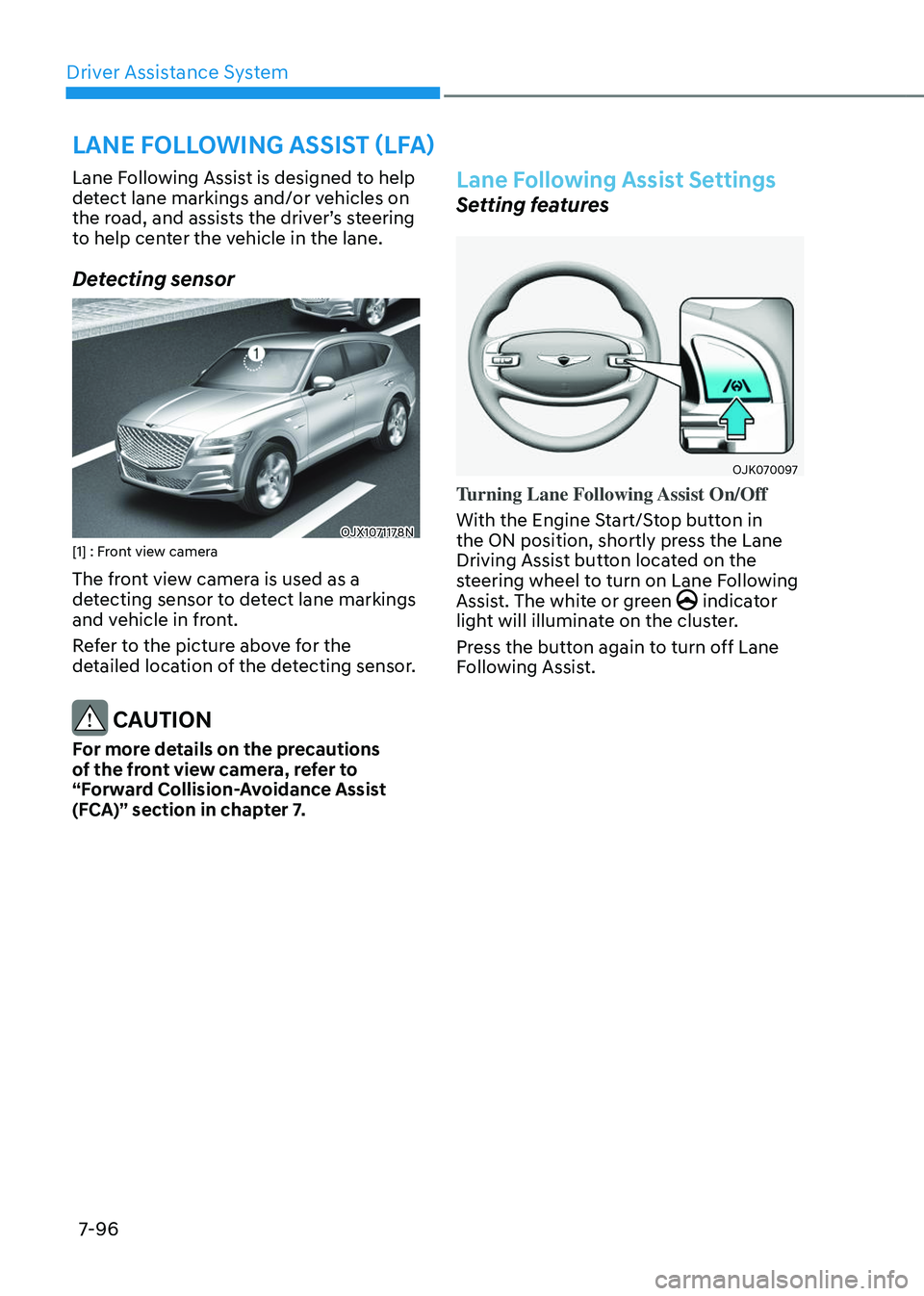
Detecting sensor
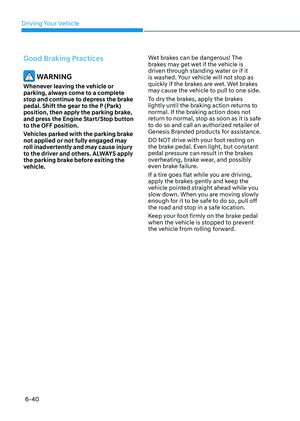
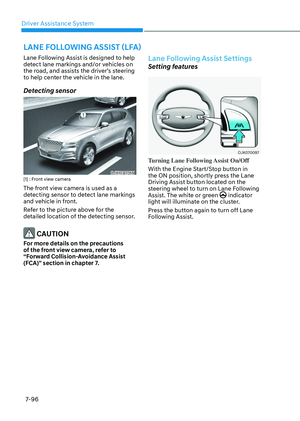
OJX1071178NOJX1071178N[1] : Front view camera
The front view camera is used as a
detecting sensor to detect lane markings
and vehicle in front.
Refer to the picture above for the
detailed location of the detecting sensor.
CAUTION
For more details on the precautions
of the front view camera, refer to
“Forward Collision-Avoidance Assist
(FCA)” section in chapter 7.
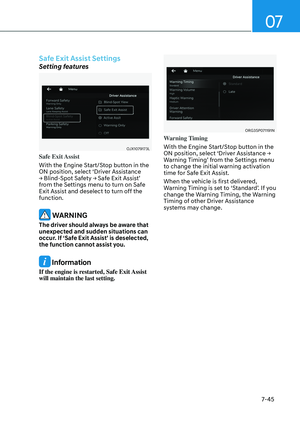
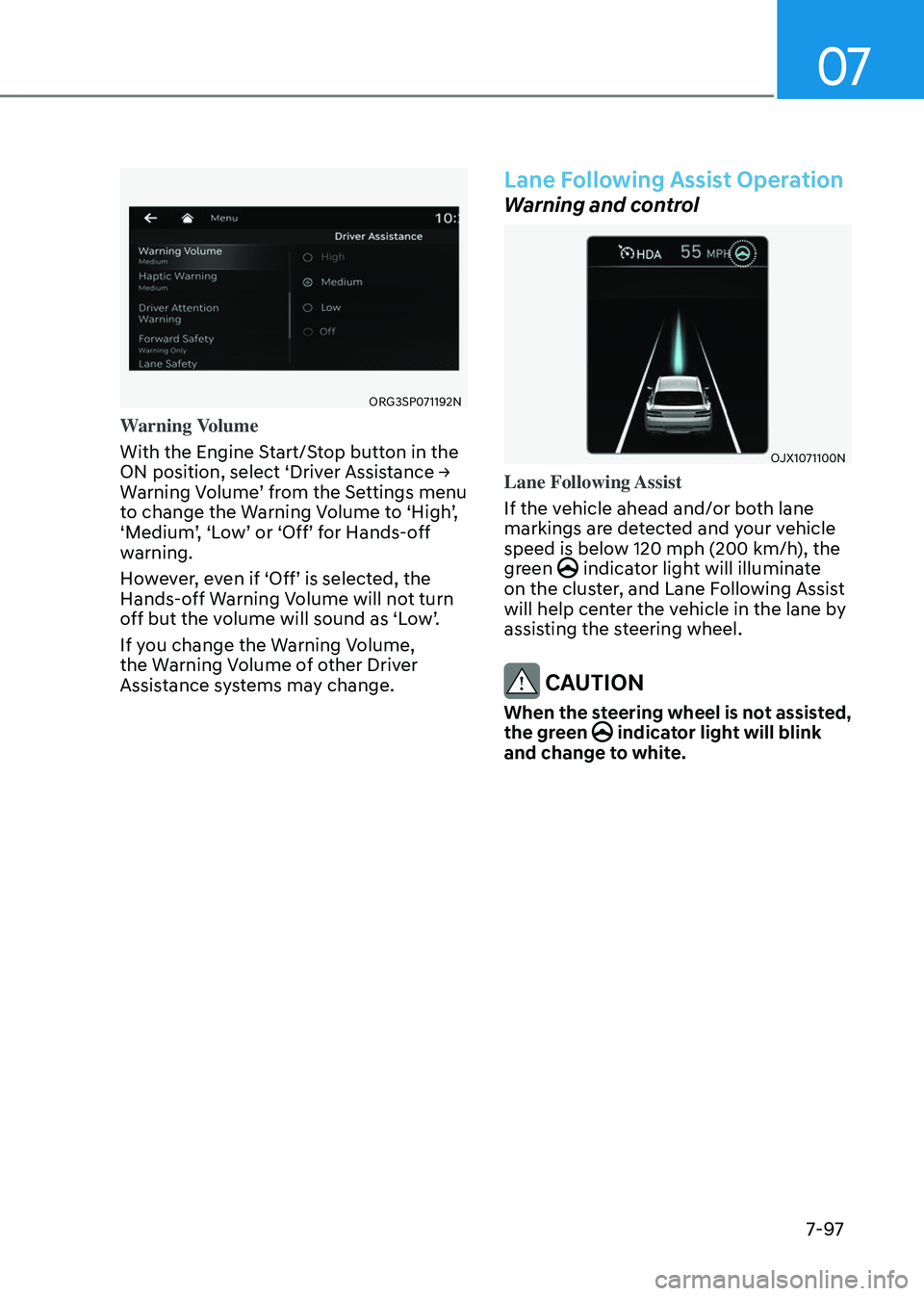
Lane Following Assist Settings
Setting features
OJK070097 OJK070097
Turning Lane Following Assist On/Off
With the Engine Start/Stop button in
the ON position, shortly press the Lane
Driving Assist button located on the
steering wheel to turn on Lane Following
Assist. The white or green
indicator light will illuminate on the cluster.
Press the button again to turn off Lane
Following Assist.
Page 453 of 650
07
7-97
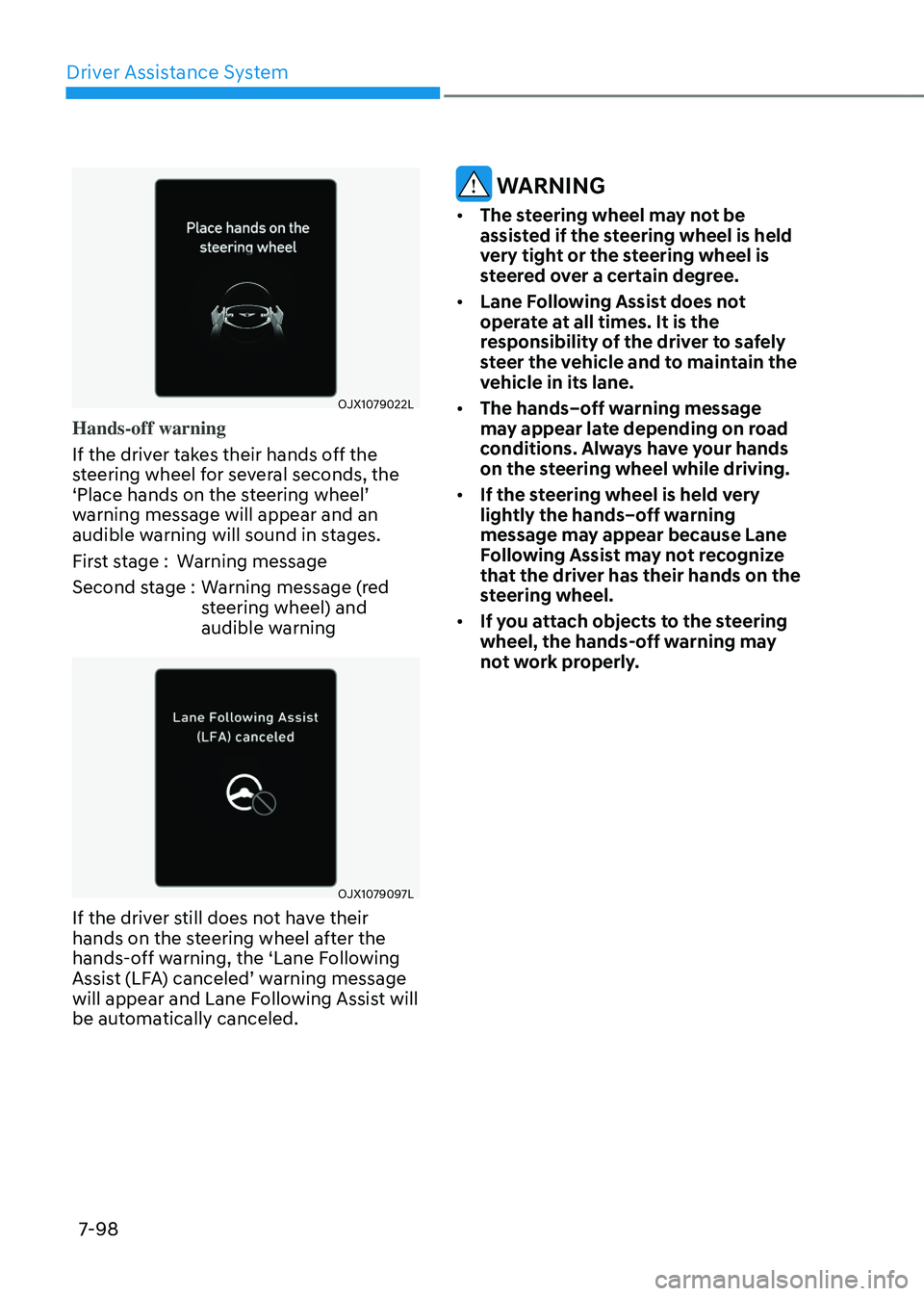
ORG3SP071192NORG3SP071192N
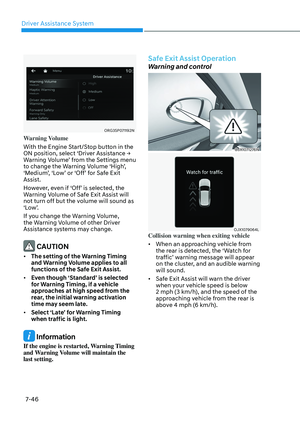
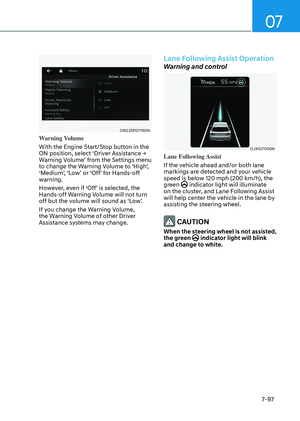
Warning Volume
With the Engine Start/Stop button in the
ON position, select ‘Driver Assistance →
Warning Volume’ from the Settings menu
to change the Warning Volume to ‘High’,
‘Medium’, ‘Low’ or ‘Off’ for Hands-off
warning.
However, even if ‘Off’ is selected, the
Hands-off Warning Volume will not turn
off but the volume will sound as ‘Low’.
If you change the Warning Volume,
the Warning Volume of other Driver
Assistance systems may change.
Lane Following Assist Operation
Warning and control
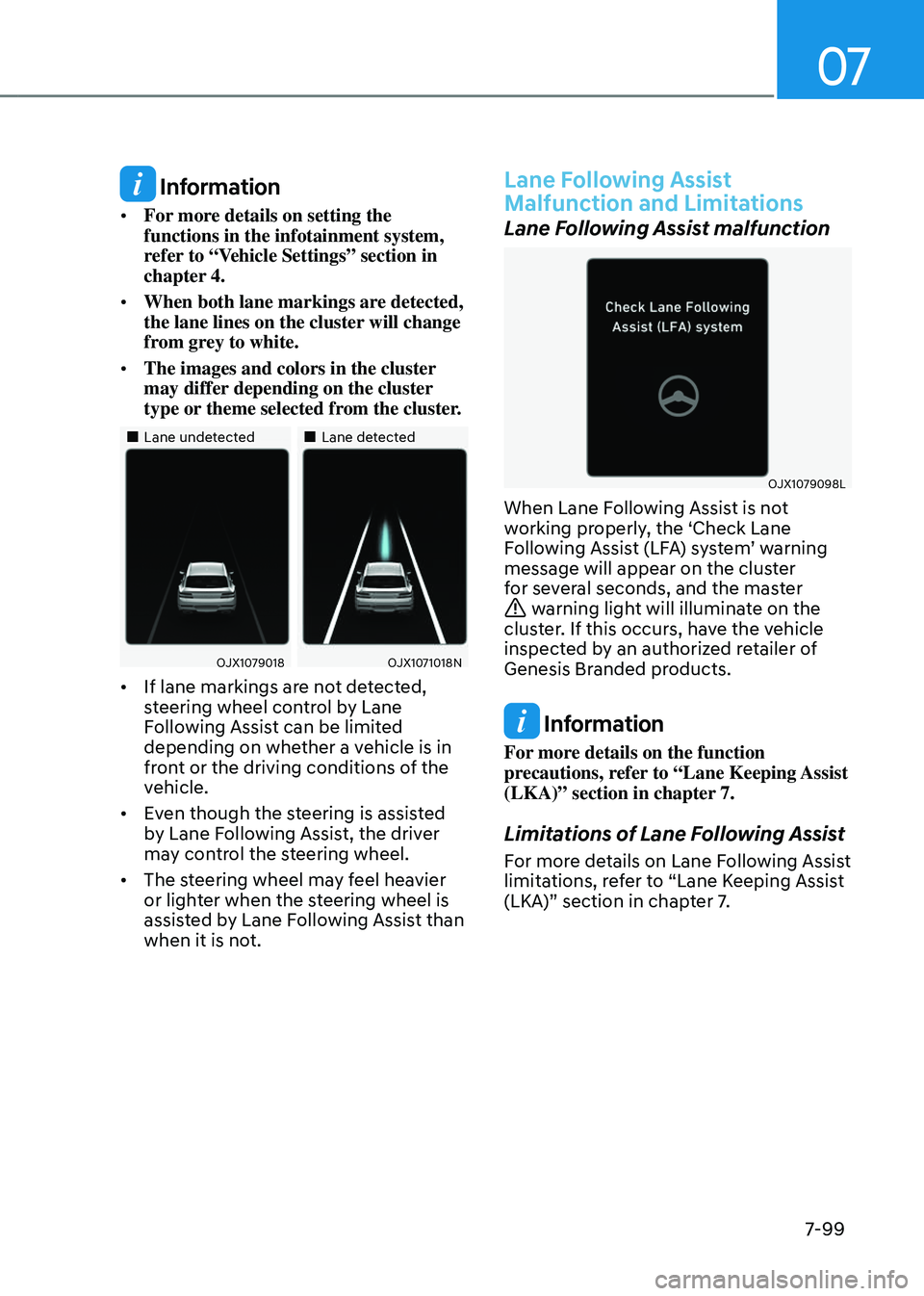
OJX1071100NOJX1071100N
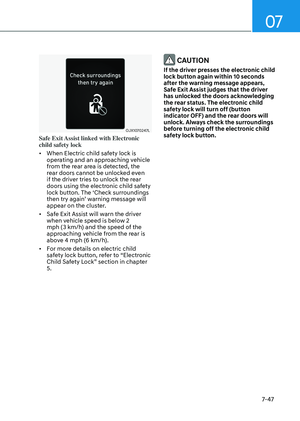
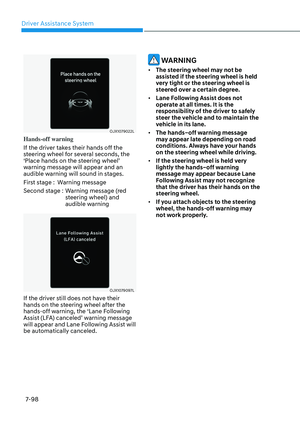
Lane Following Assist
If the vehicle ahead and/or both lane
markings are detected and your vehicle
speed is below 120 mph (200 km/h), the
green
indicator light will illuminate on the cluster, and Lane Following Assist
will help center the vehicle in the lane by
assisting the steering wheel.
CAUTION
When the steering wheel is not assisted,
the green indicator light will blink and change to white.
Page 454 of 650

Driver Assistance System
7-98
OJX1079022L OJX1079022L
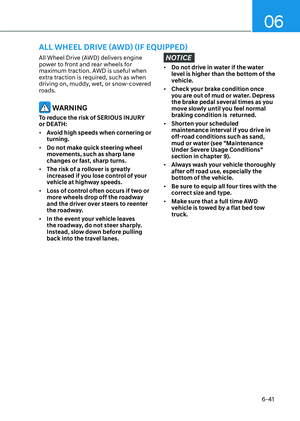
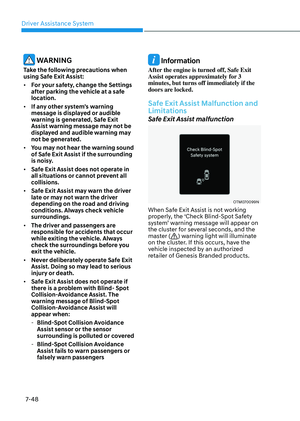
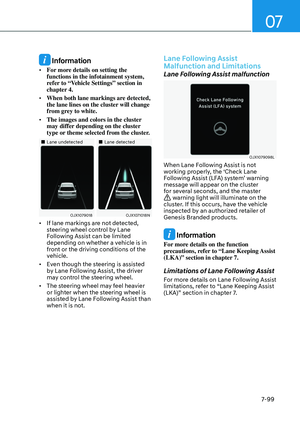
Hands-off warning
If the driver takes their hands off the
steering wheel for several seconds, the
‘Place hands on the steering wheel’
warning message will appear and an
audible warning will sound in stages.
First stage :Warning message
Second stage : Warning message (red
steering wheel) and
audible warning
OJX1079097LOJX1079097L
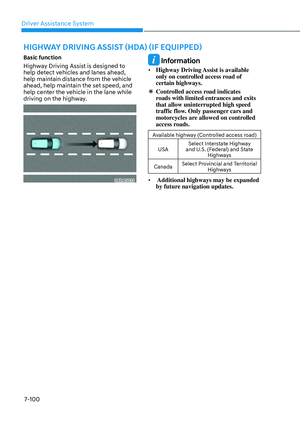
If the driver still does not have their
hands on the steering wheel after the
hands-off warning, the ‘Lane Following
Assist (LFA) canceled’ warning message
will appear and Lane Following Assist will
be automatically canceled.
WARNING
• The steering wheel may not be
assisted if the steering wheel is held
very tight or the steering wheel is
steered over a certain degree.
• Lane Following Assist does not
operate at all times. It is the
responsibility of the driver to safely
steer the vehicle and to maintain the
vehicle in its lane.
• The hands–off warning message
may appear late depending on road
conditions. Always have your hands
on the steering wheel while driving.
• If the steering wheel is held very
lightly the hands–off warning
message may appear because Lane
Following Assist may not recognize
that the driver has their hands on the
steering wheel.
• If you attach objects to the steering
wheel, the hands-off warning may
not work properly.
Page 455 of 650
07
7-99
Information
• For more details on setting the
functions in the infotainment system,
refer to “Vehicle Settings” section in
chapter 4.
• When both lane markings are detected,
the lane lines on the cluster will change
from grey to white.
• The images and colors in the cluster
may differ depending on the cluster
type or theme selected from the cluster.
Page 456 of 650
Driver Assistance System
7-100
HIGHWAY DRIVING ASSIST (HDA) (IF EQUIPPED)
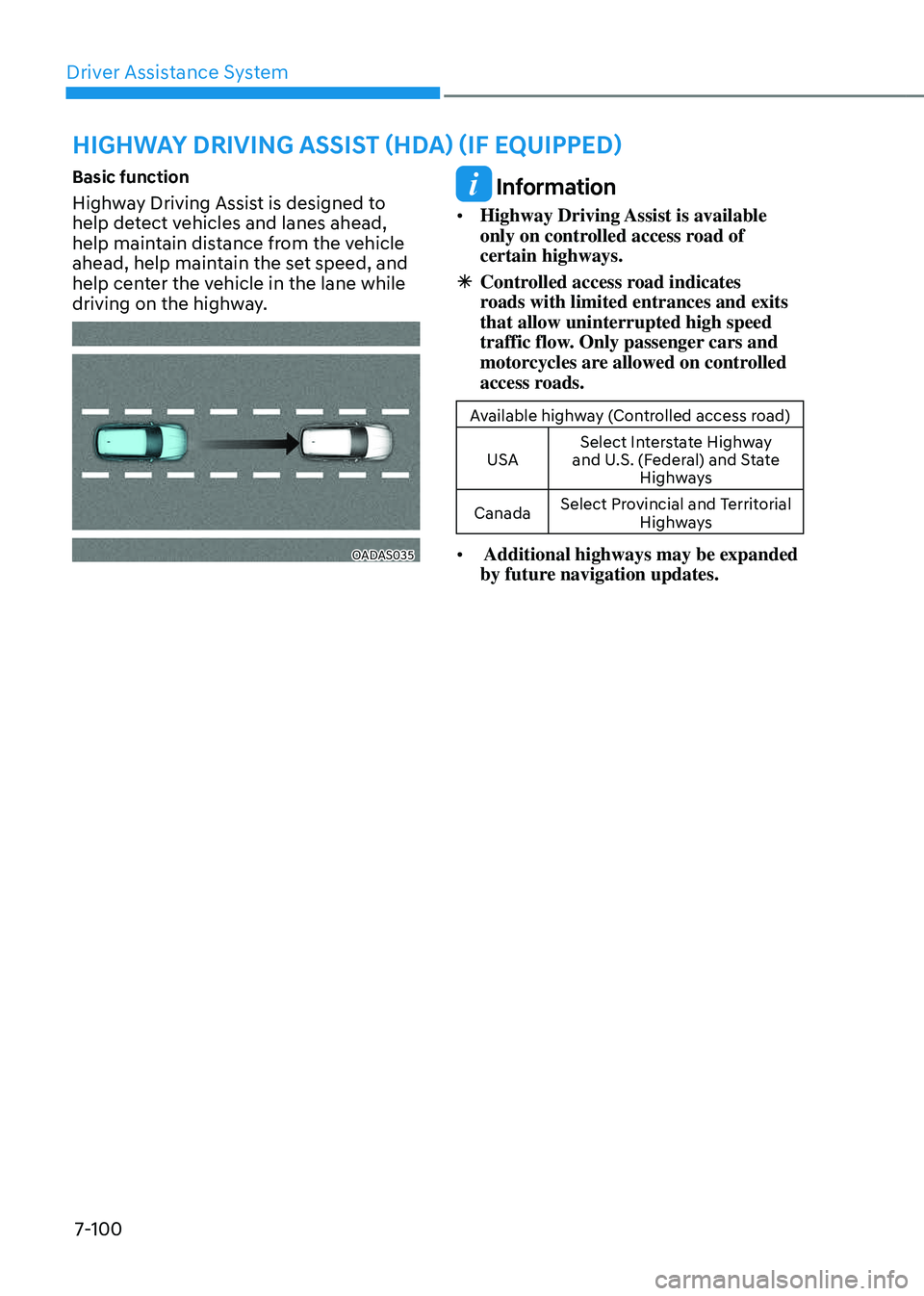
Basic function
Highway Driving Assist is designed to
help detect vehicles and lanes ahead,
help maintain distance from the vehicle
ahead, help maintain the set speed, and
help center the vehicle in the lane while
driving on the highway.
OADAS035OADAS035
Information
• Highway Driving Assist is available
only on controlled access road of
certain highways.
ÃControlled access road indicates
roads with limited entrances and exits
that allow uninterrupted high speed
traffic flow. Only passenger cars and
motorcycles are allowed on controlled
access roads.
Available highway (Controlled access road)
USA Select Interstate Highway
and U.S. (Federal) and State Highways
Canada Select Provincial and Territorial
Highways
• Additional highways may be expanded
by future navigation updates.