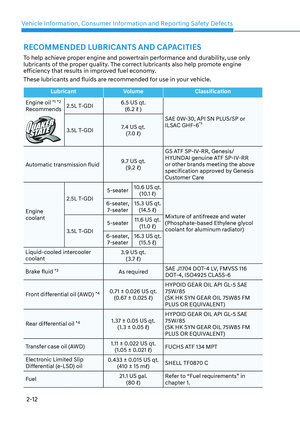
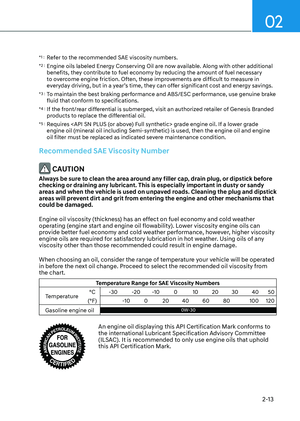
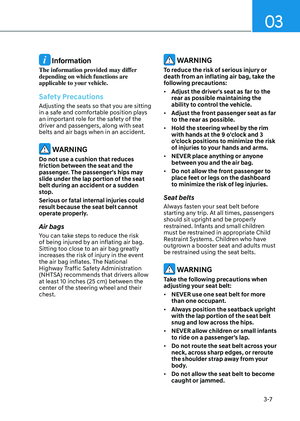
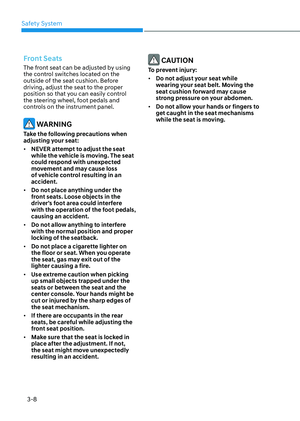
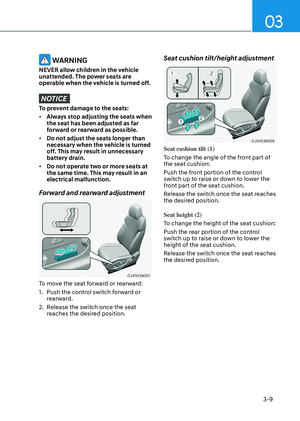
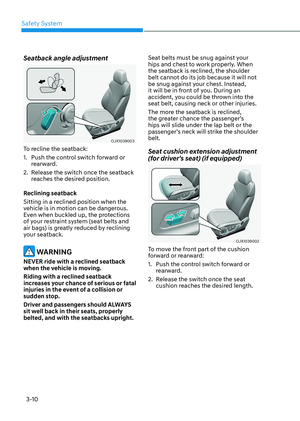
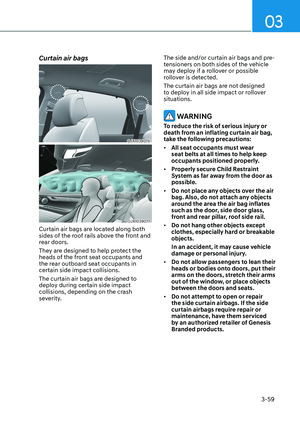
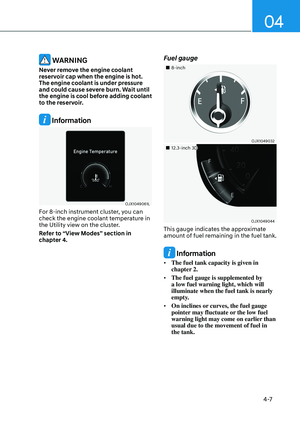
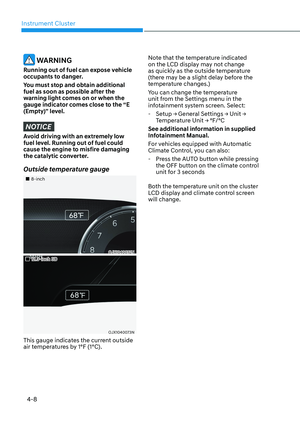
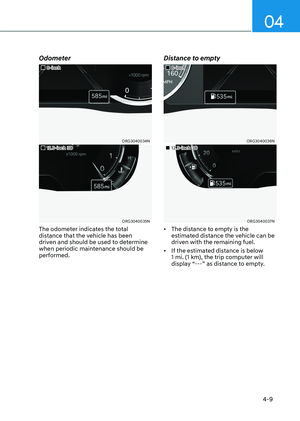
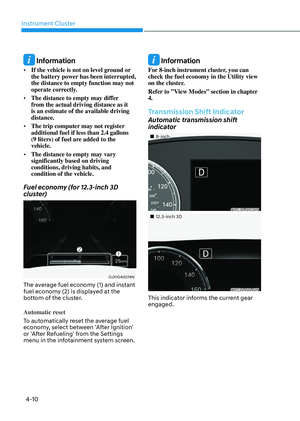
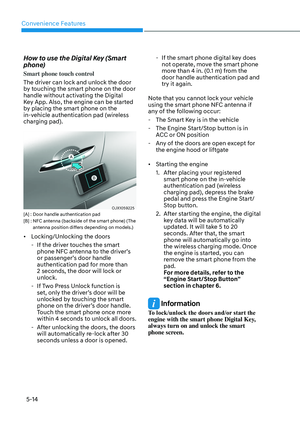
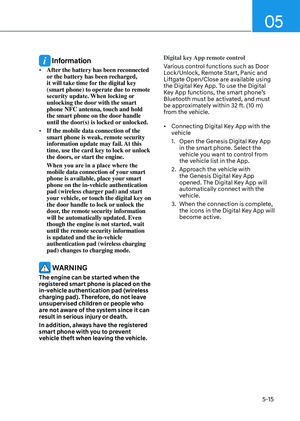
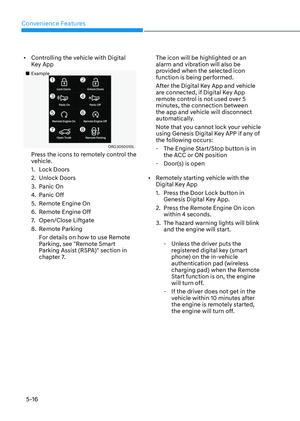
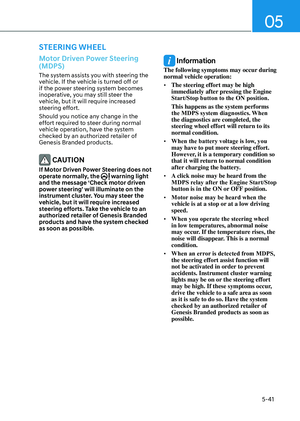
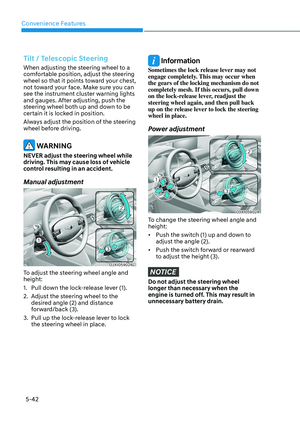
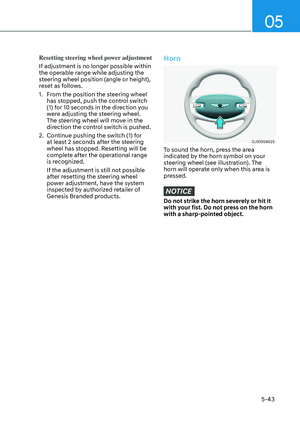
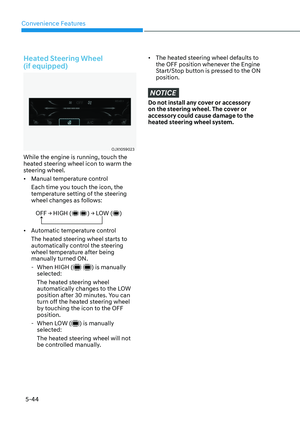
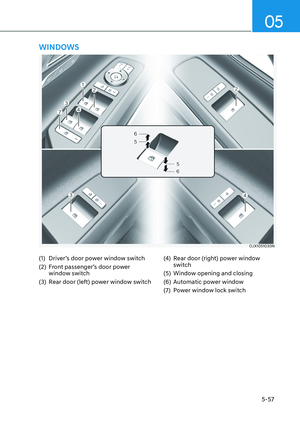
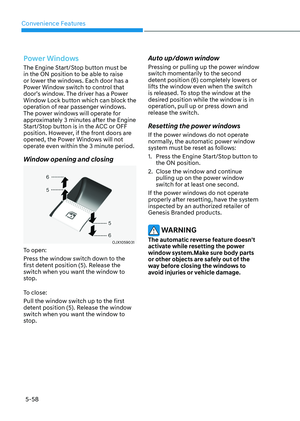
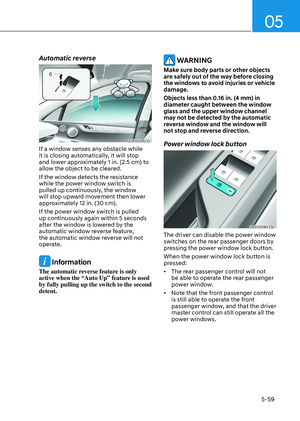
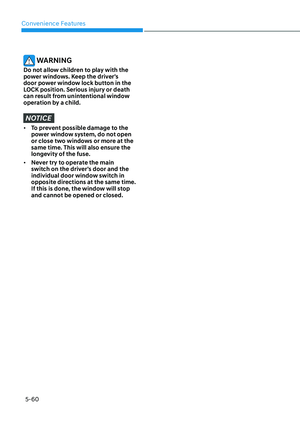
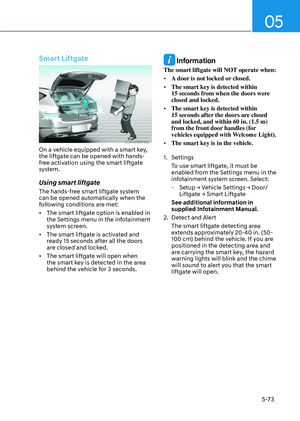
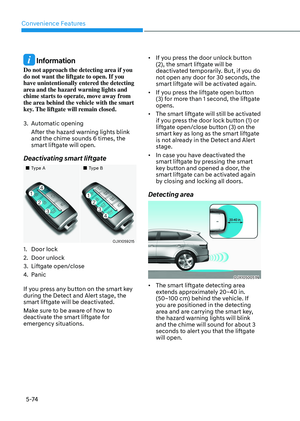
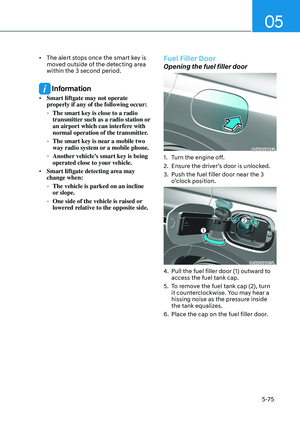
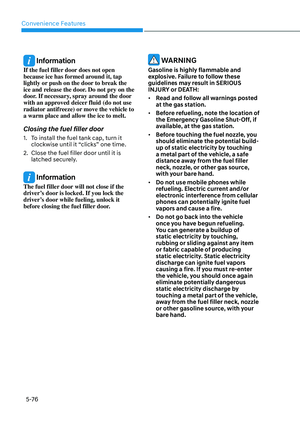
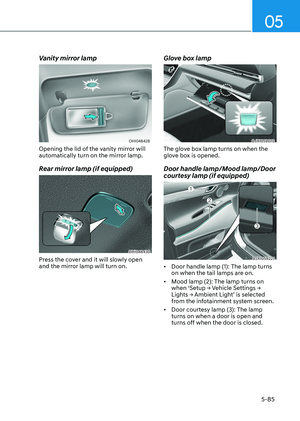
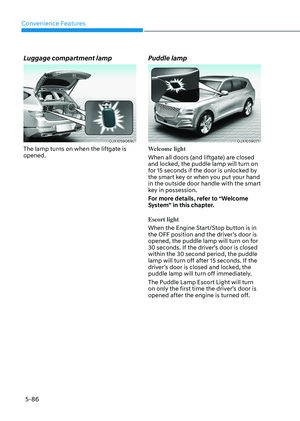
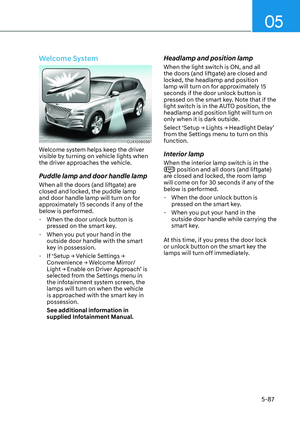
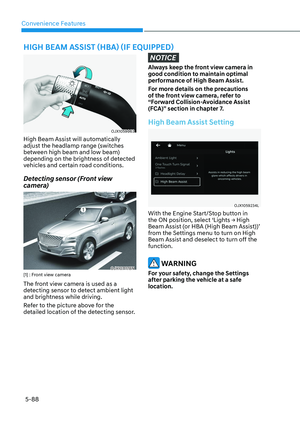
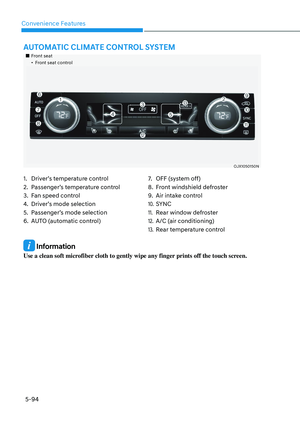
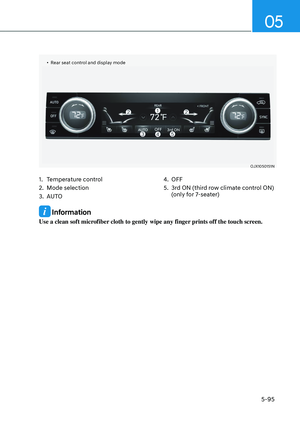
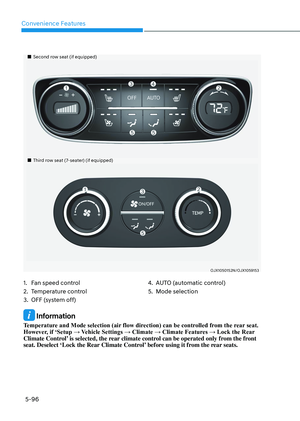
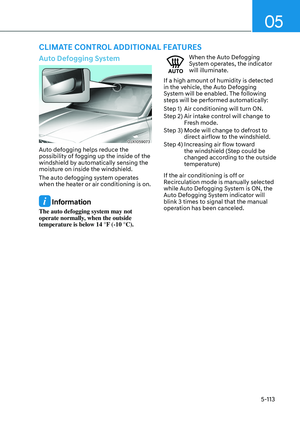
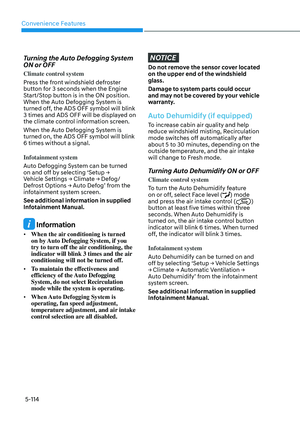
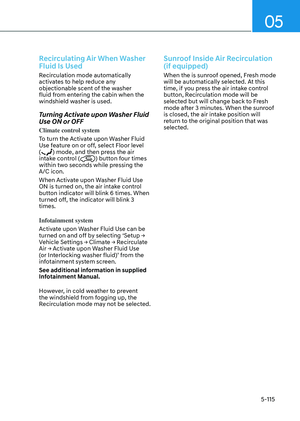
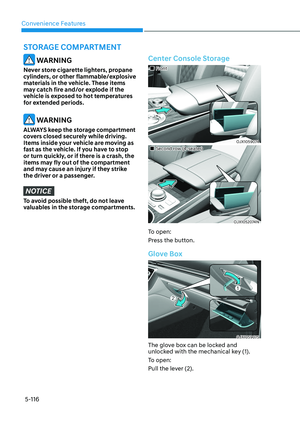
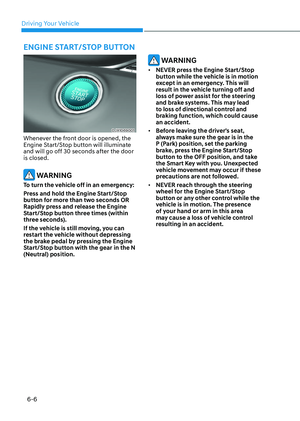
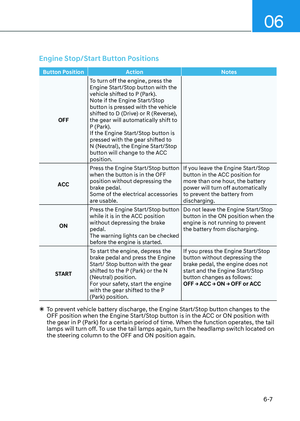
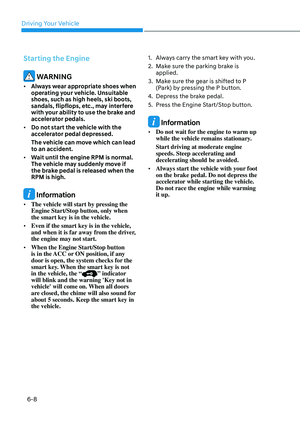
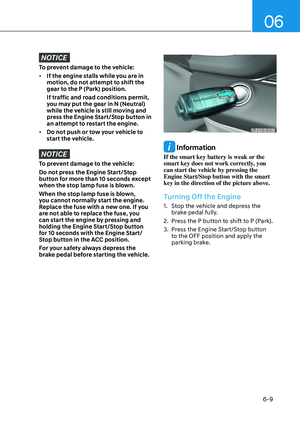
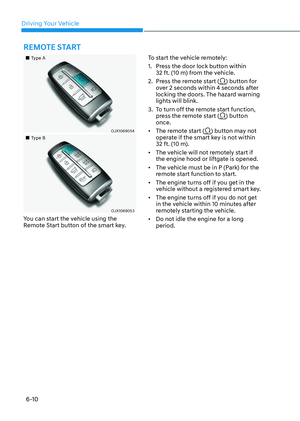
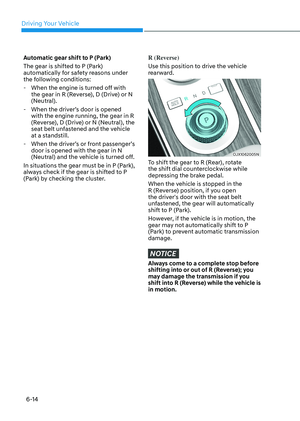
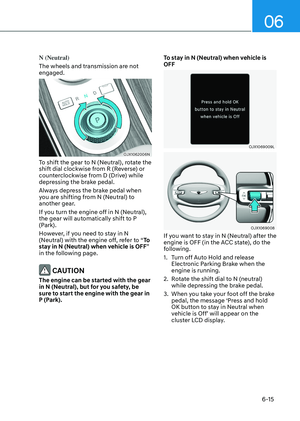
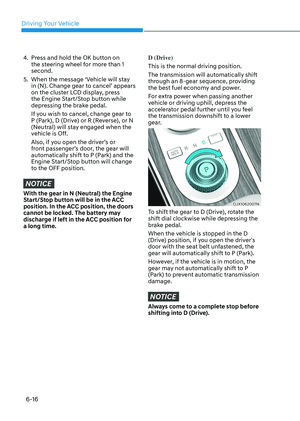
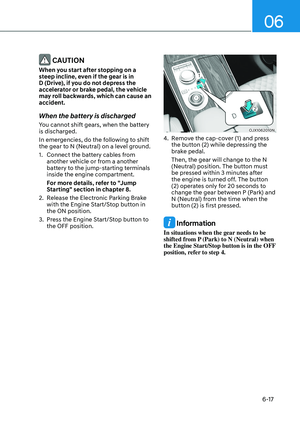
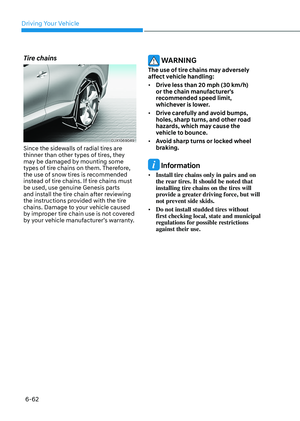
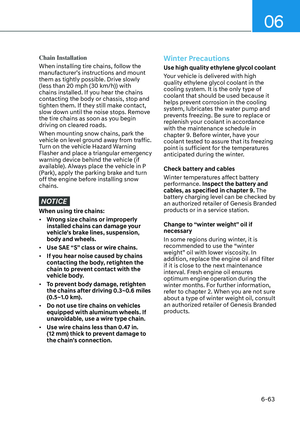
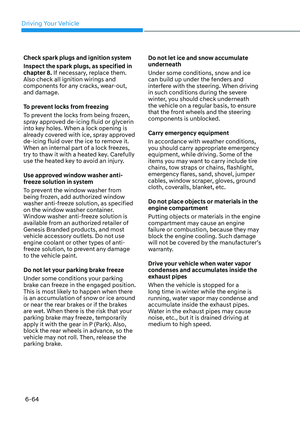
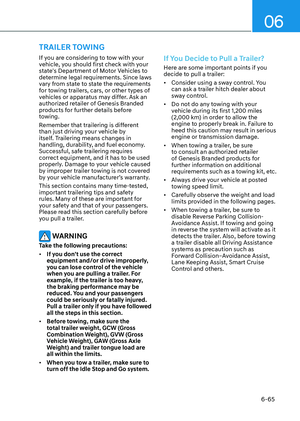
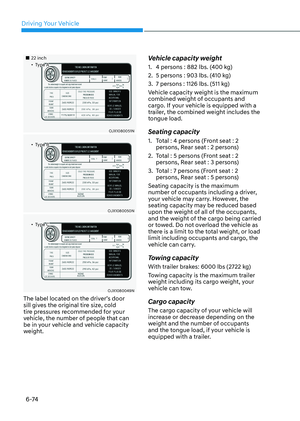
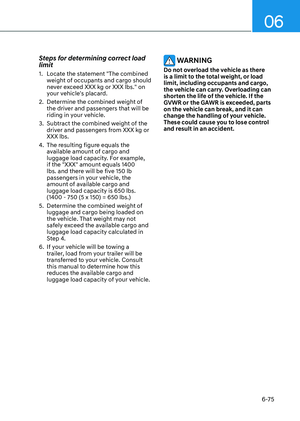
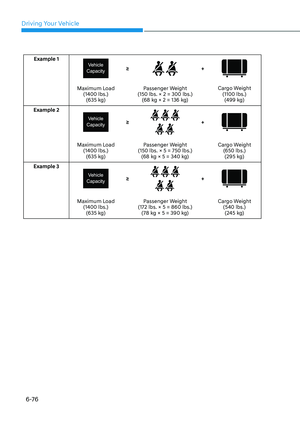
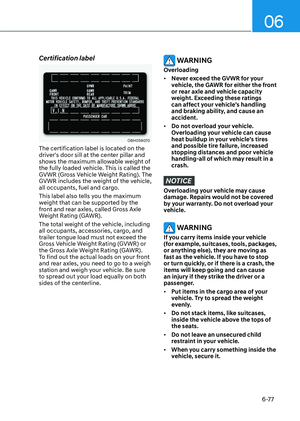
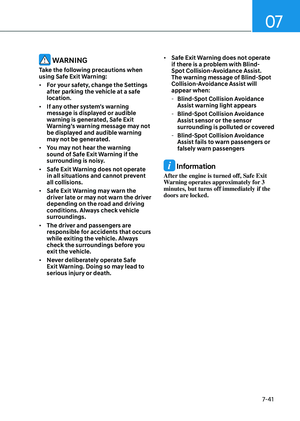
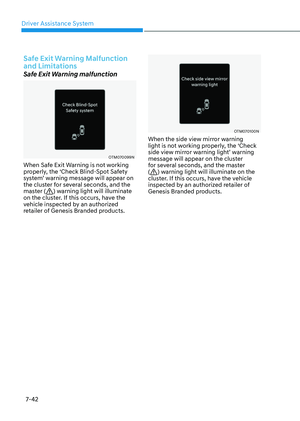
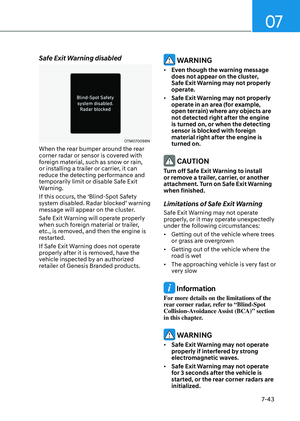
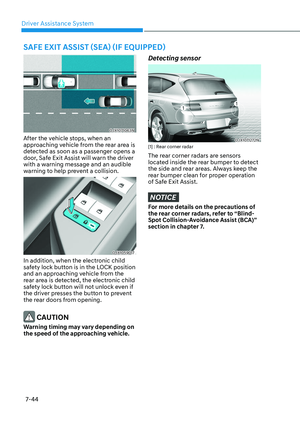
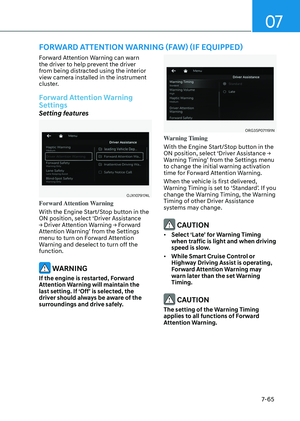
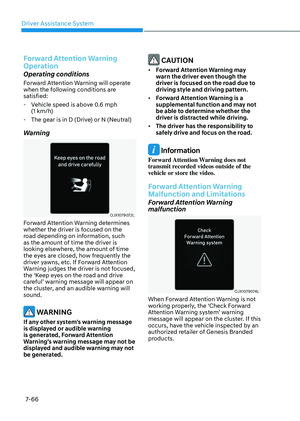
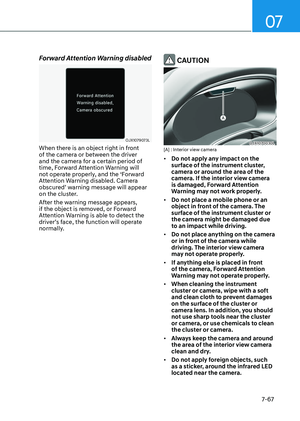
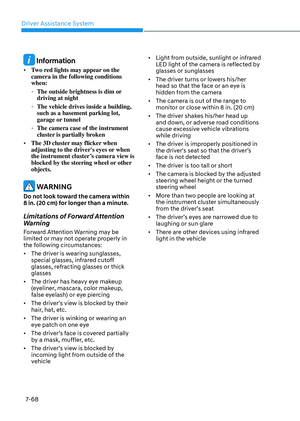
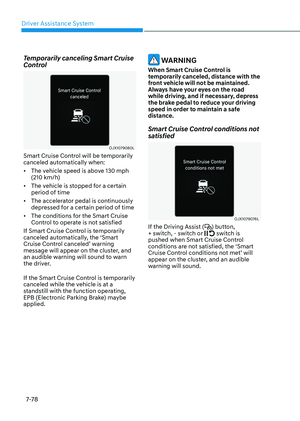
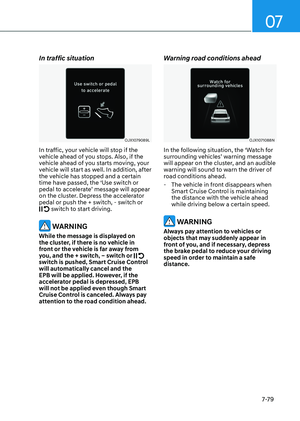
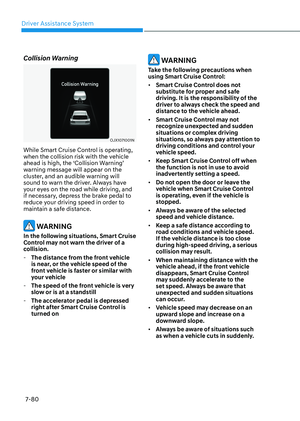
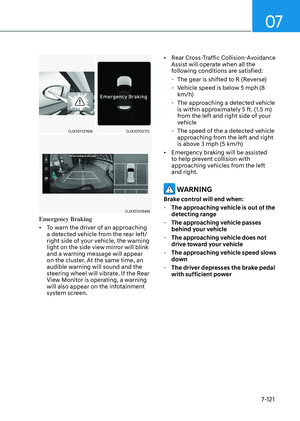
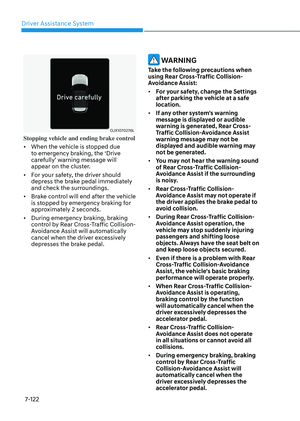
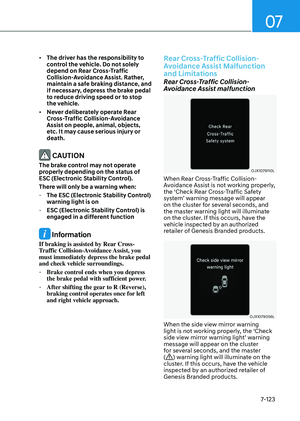
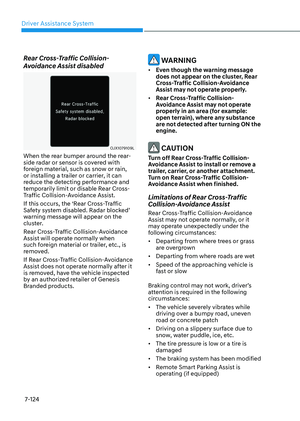
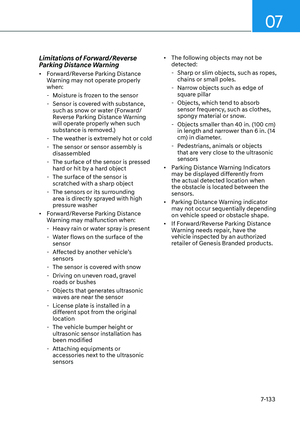
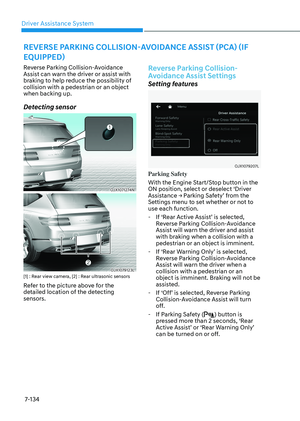
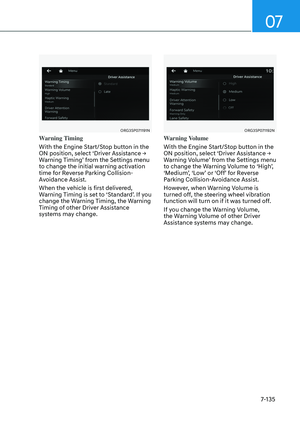
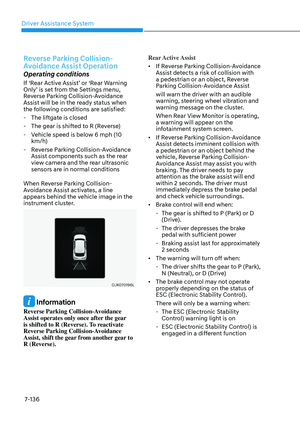
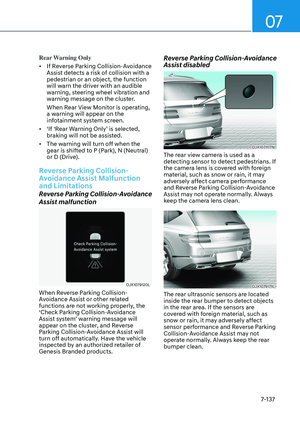
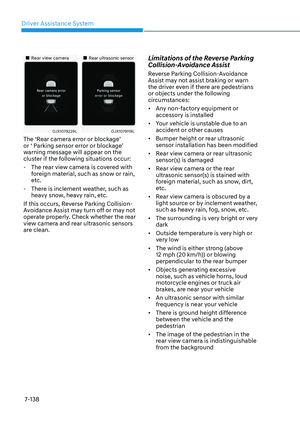
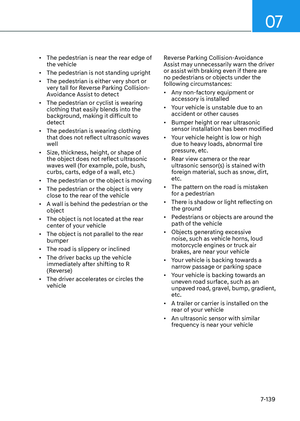
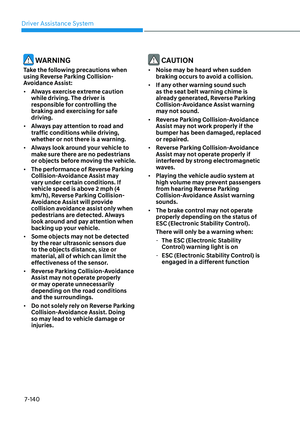
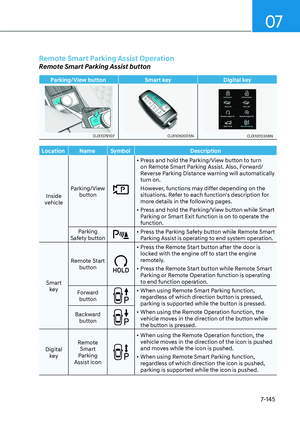
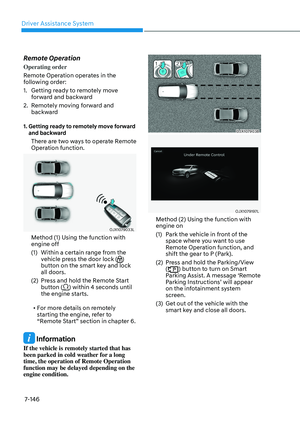
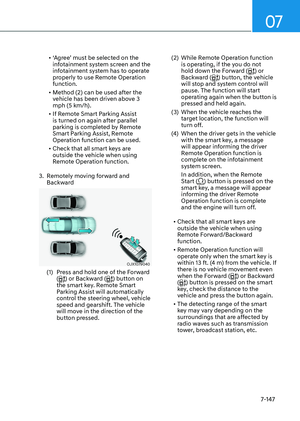
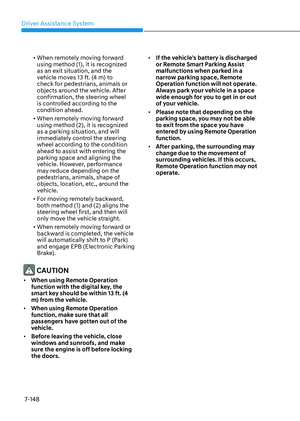
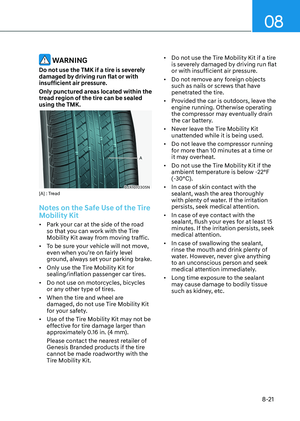
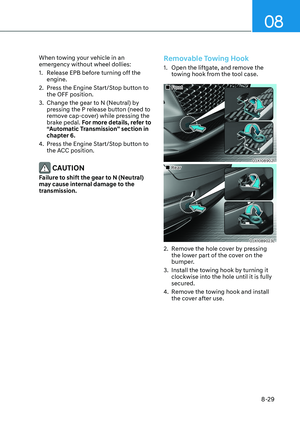
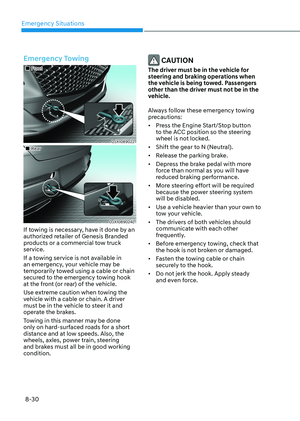
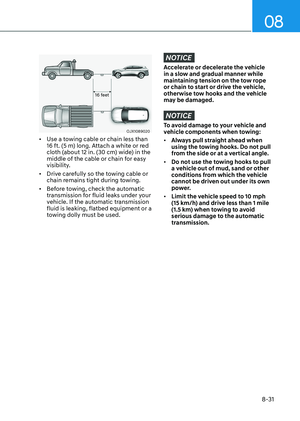
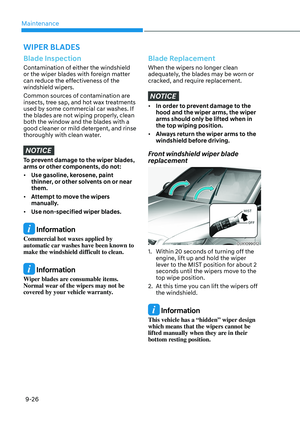
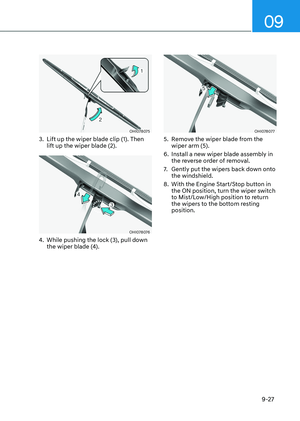
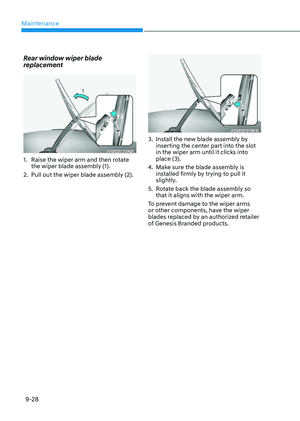
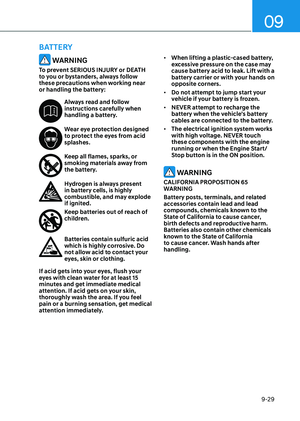
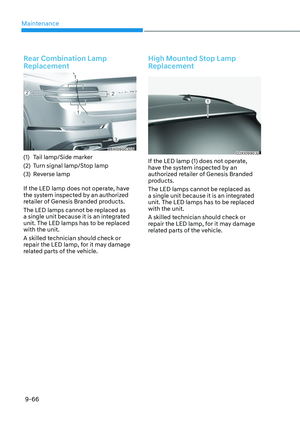
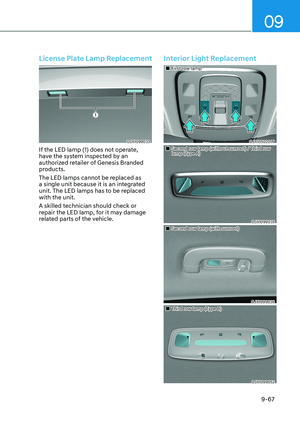
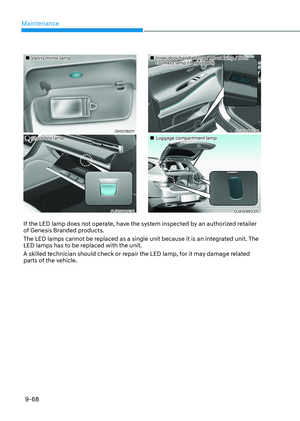
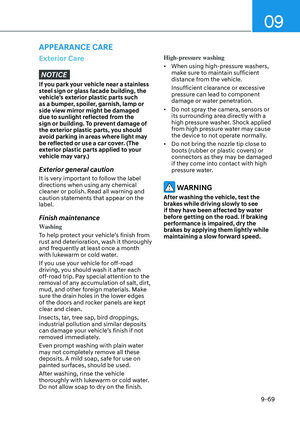
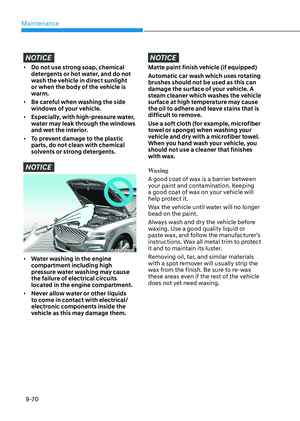
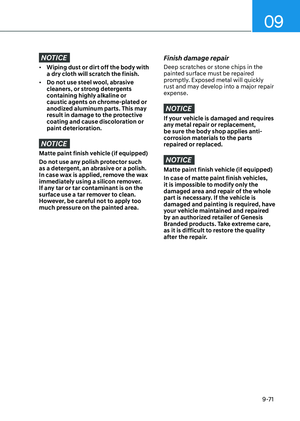
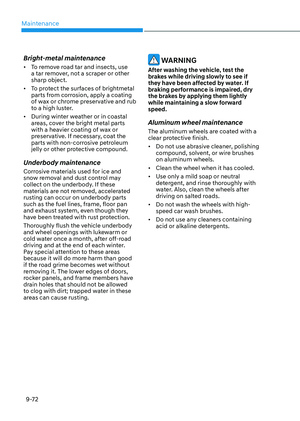
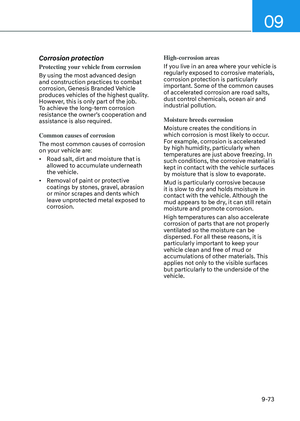
Page 441 of 650
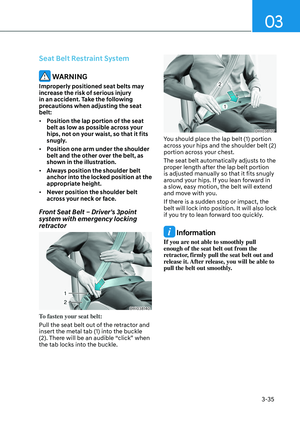
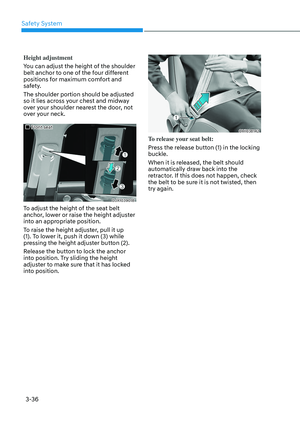
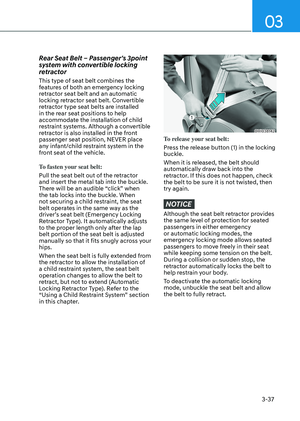
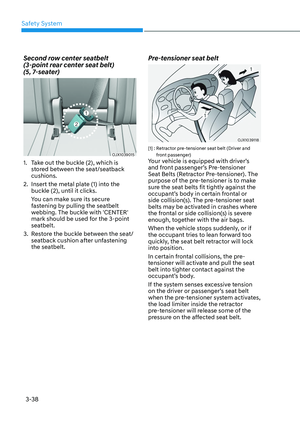
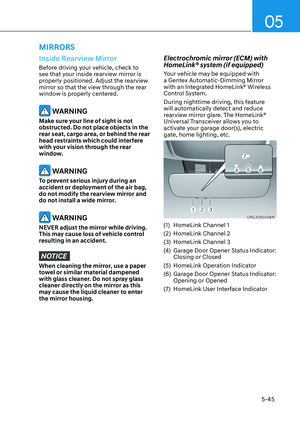
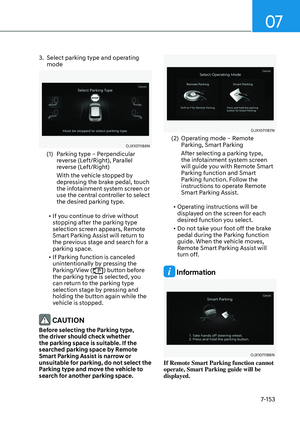
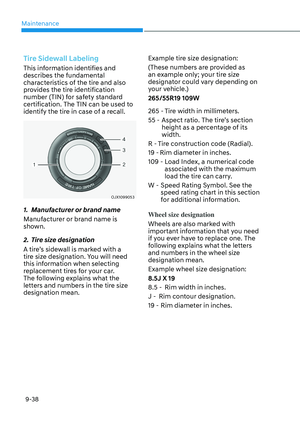
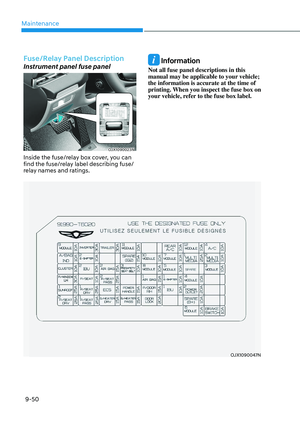
07
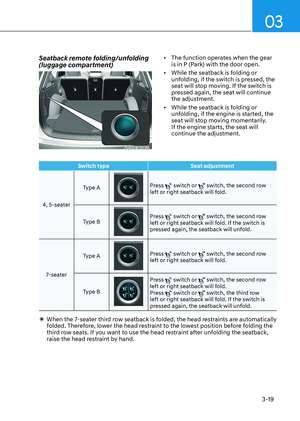
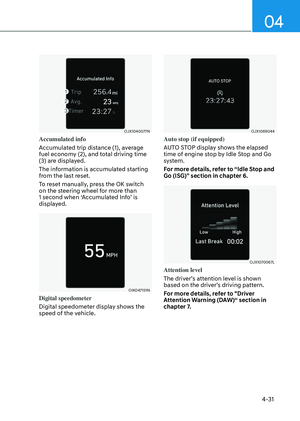
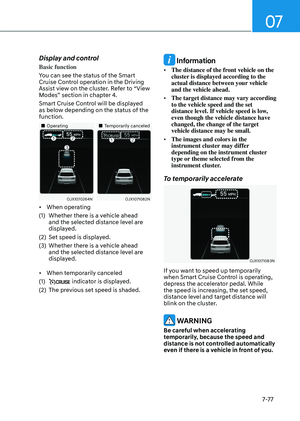
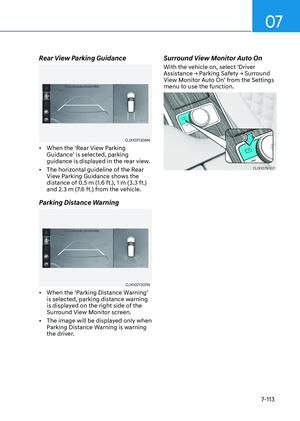
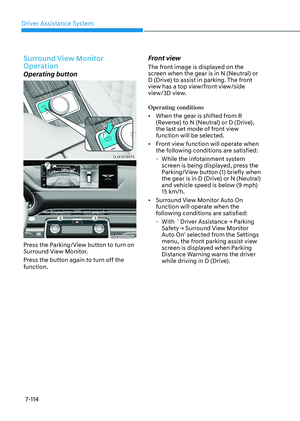
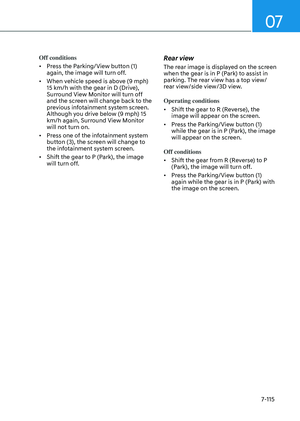
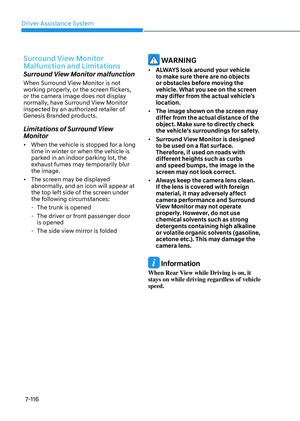
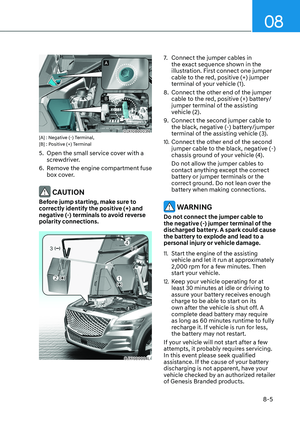
7-85
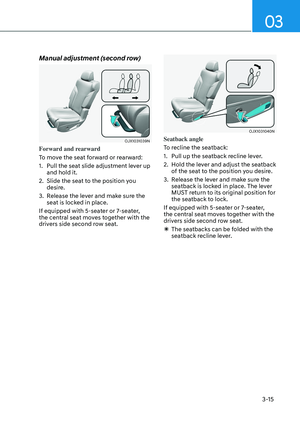
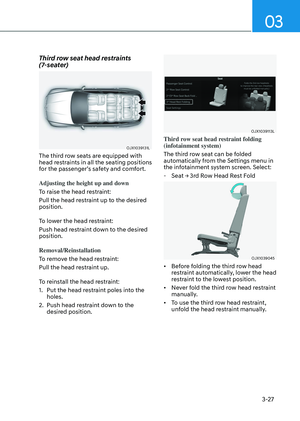
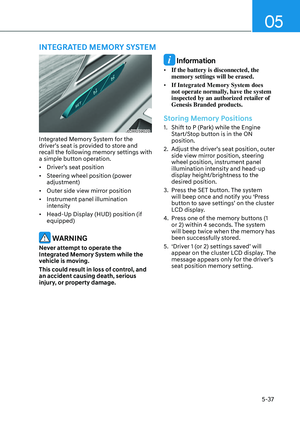
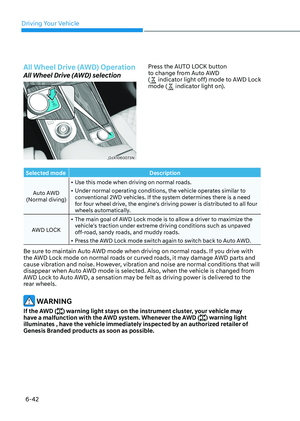
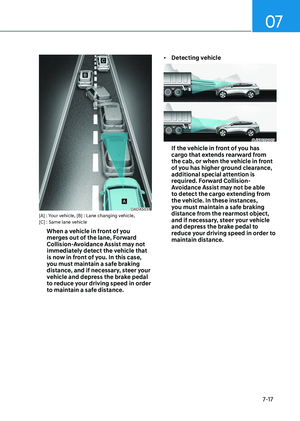
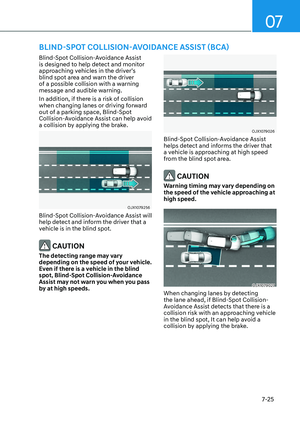
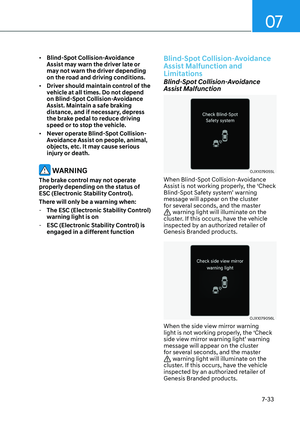
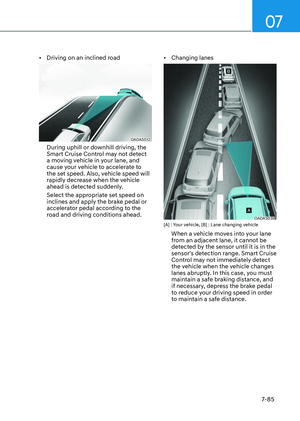
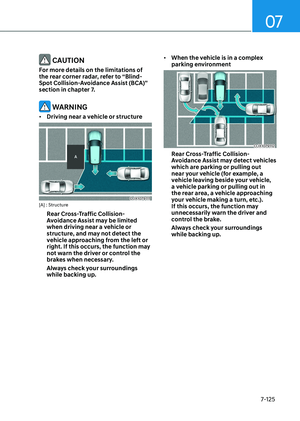
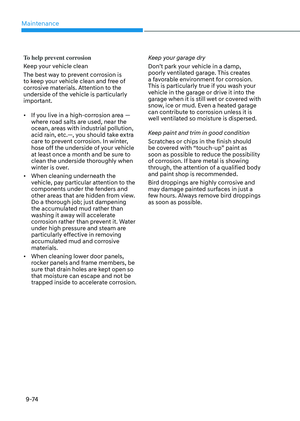
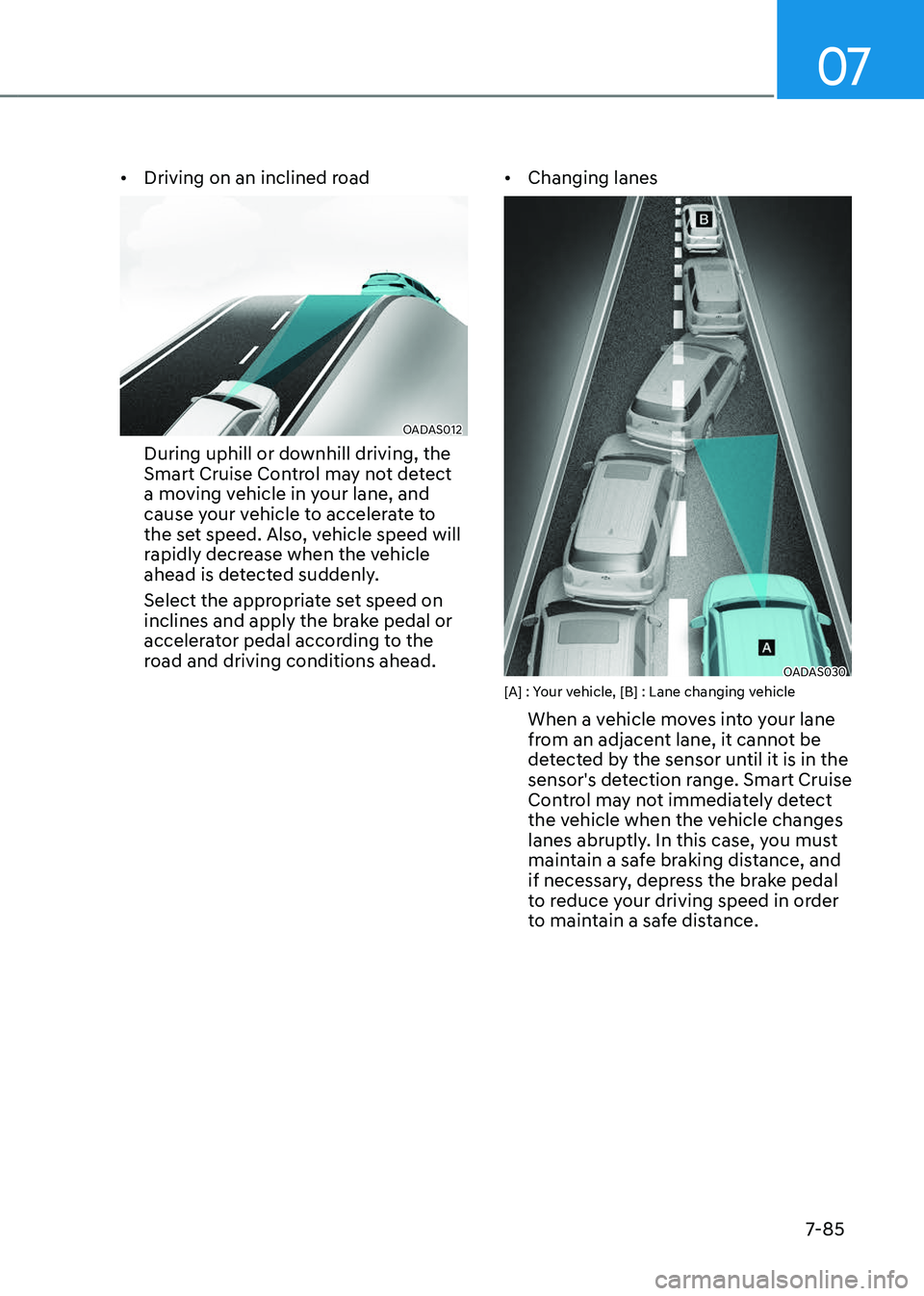
• Driving on an inclined road
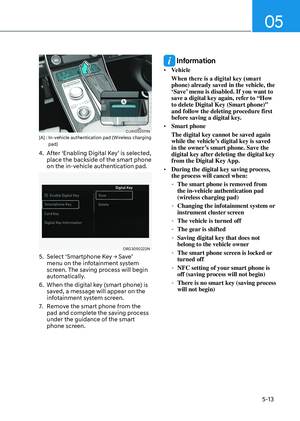
OADAS012OADAS012
During uphill or downhill driving, the
Smart Cruise Control may not detect
a moving vehicle in your lane, and
cause your vehicle to accelerate to
the set speed. Also, vehicle speed will
rapidly decrease when the vehicle
ahead is detected suddenly.
Select the appropriate set speed on
inclines and apply the brake pedal or
accelerator pedal according to the
road and driving conditions ahead.
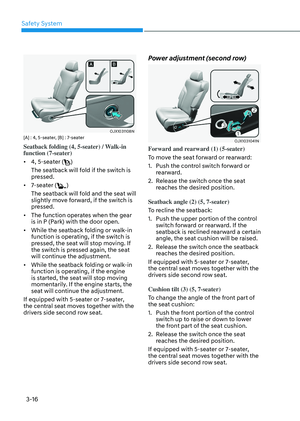
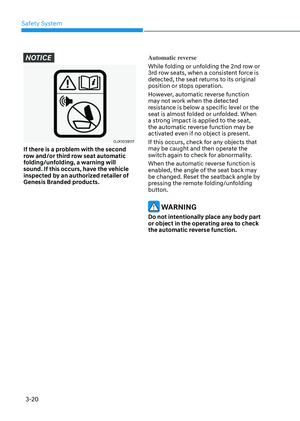
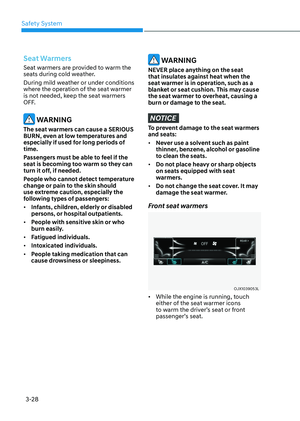
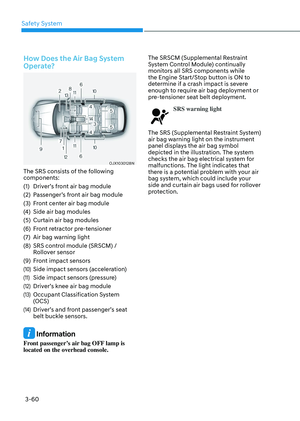
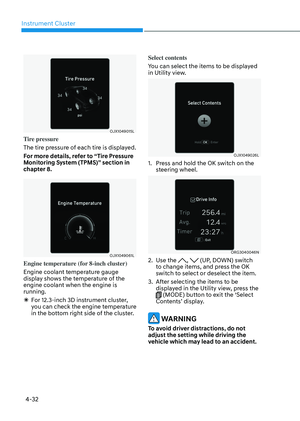
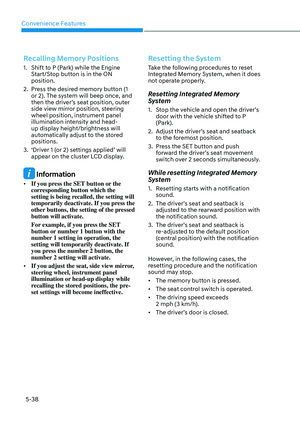
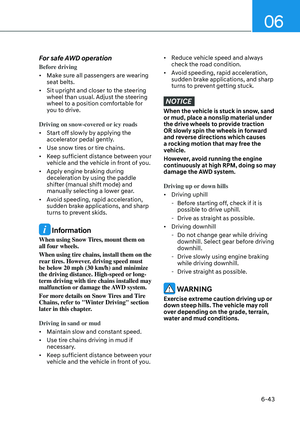
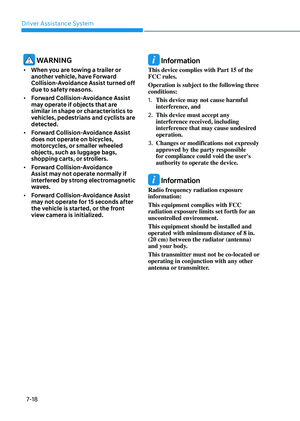
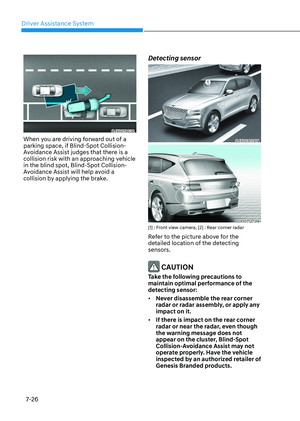
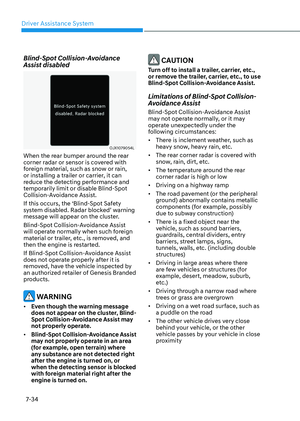
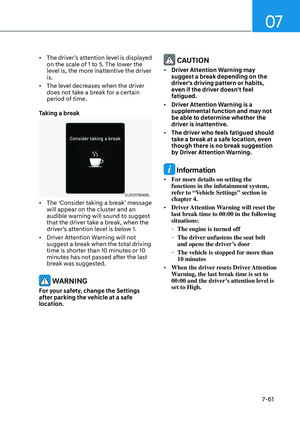
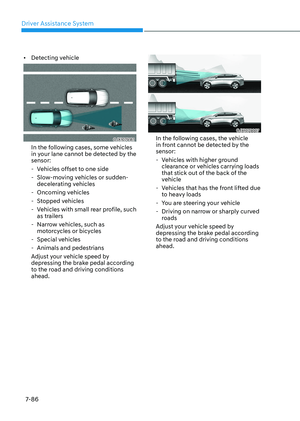
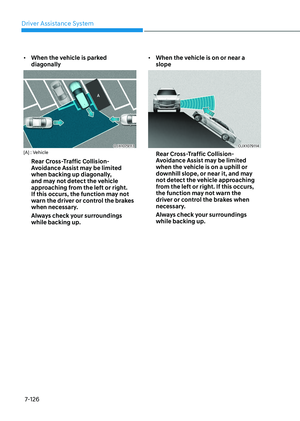
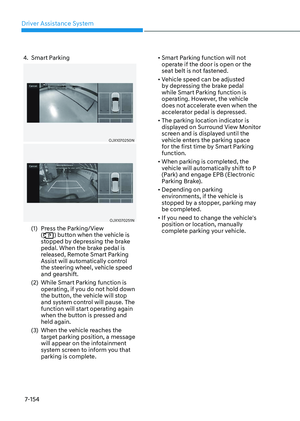
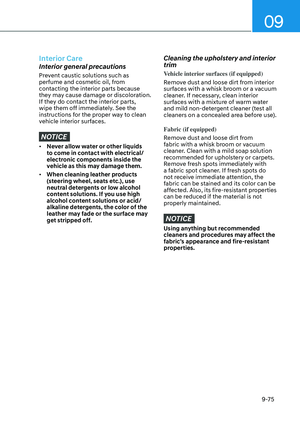
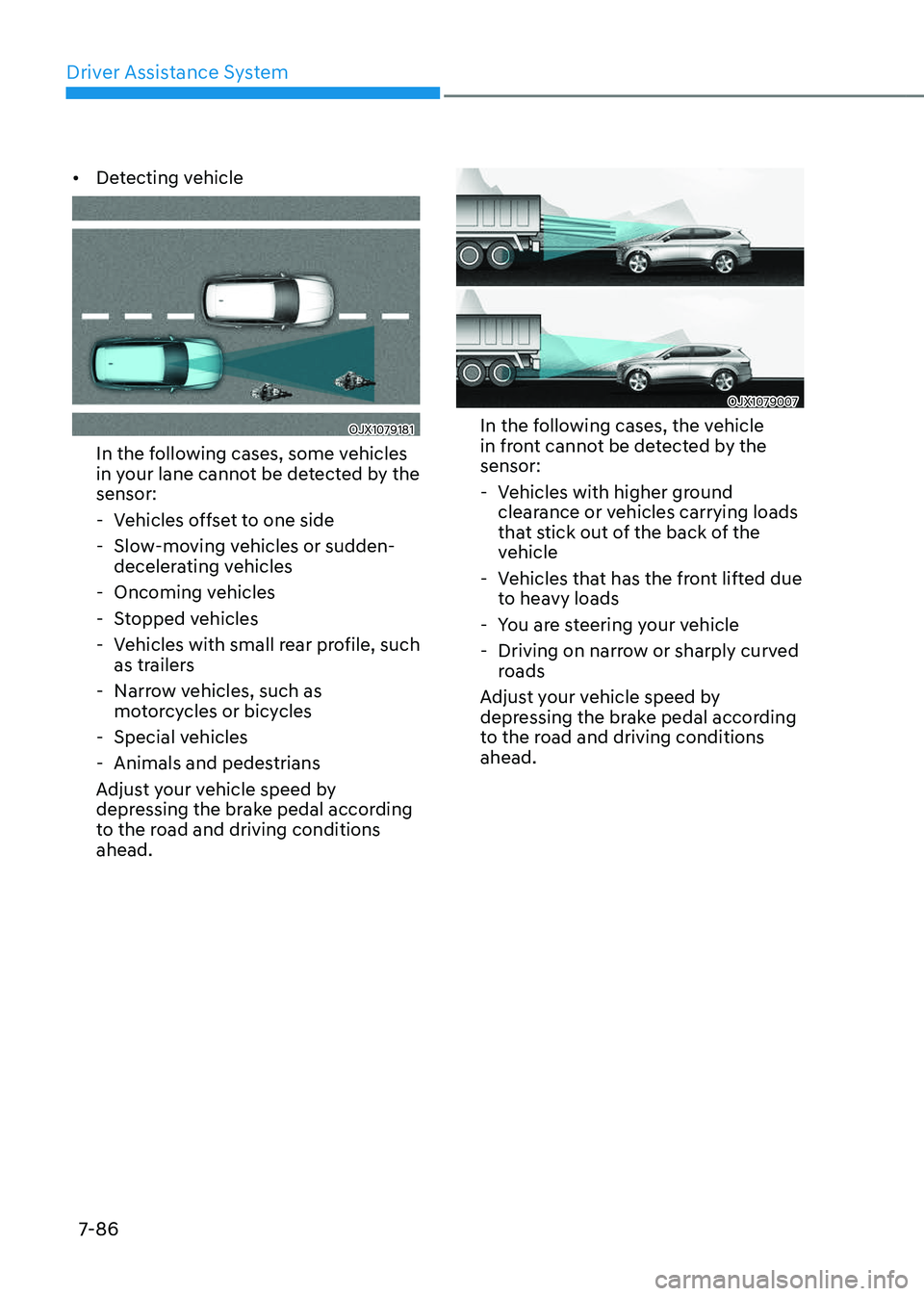
• Changing lanes
OADAS030 OADAS030 [A] : Your vehicle, [B] : Lane changing vehicle
When a vehicle moves into your lane
from an adjacent lane, it cannot be
detected by the sensor until it is in the
sensor's detection range. Smart Cruise
Control may not immediately detect
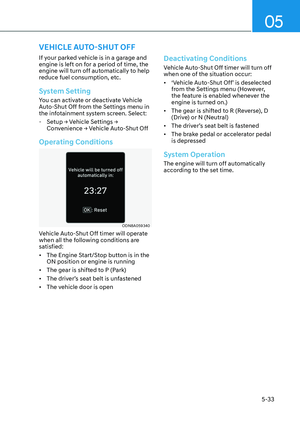
the vehicle when the vehicle changes
lanes abruptly. In this case, you must
maintain a safe braking distance, and
if necessary, depress the brake pedal
to reduce your driving speed in order
to maintain a safe distance.
Page 442 of 650
Driver Assistance System
7-86
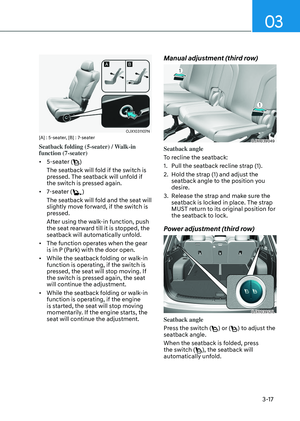
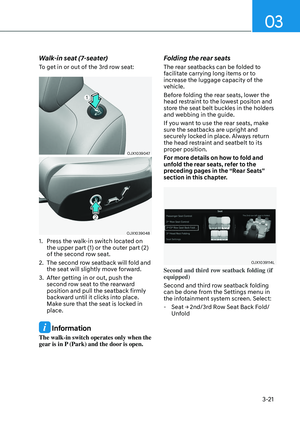
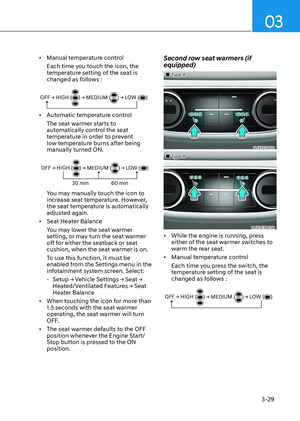
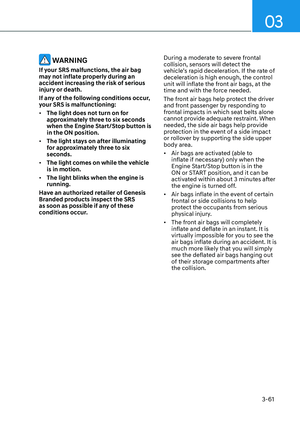
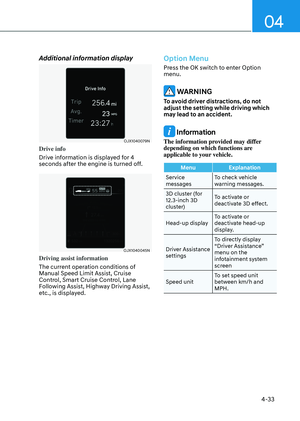
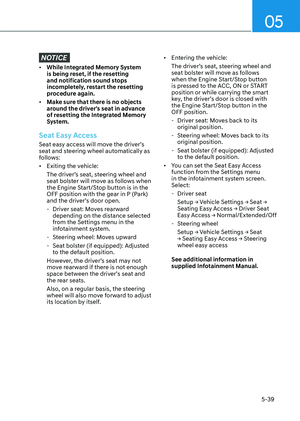
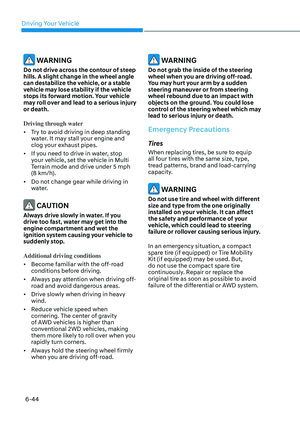
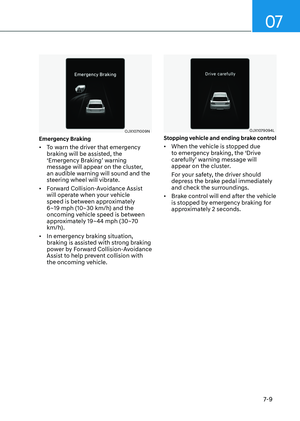
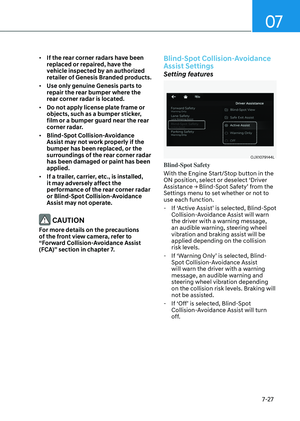
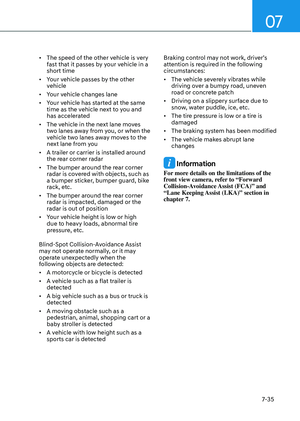
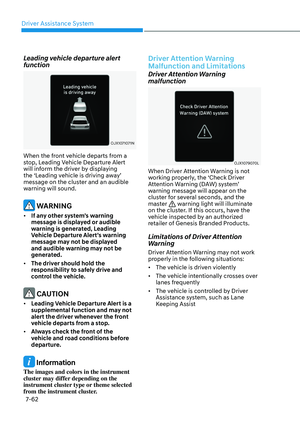
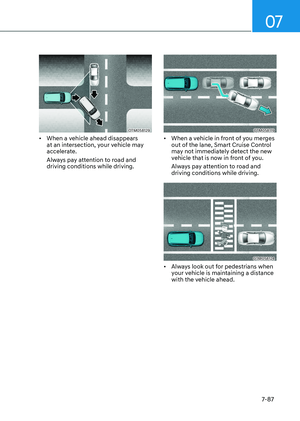
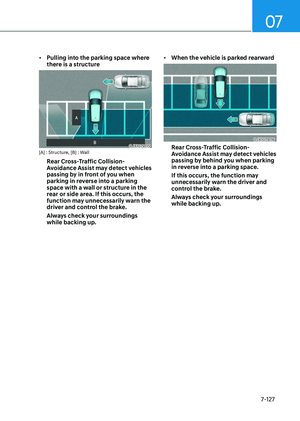
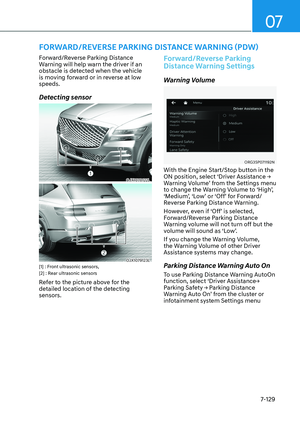
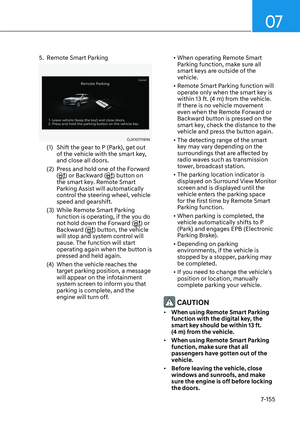
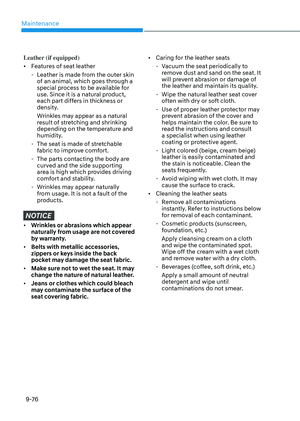
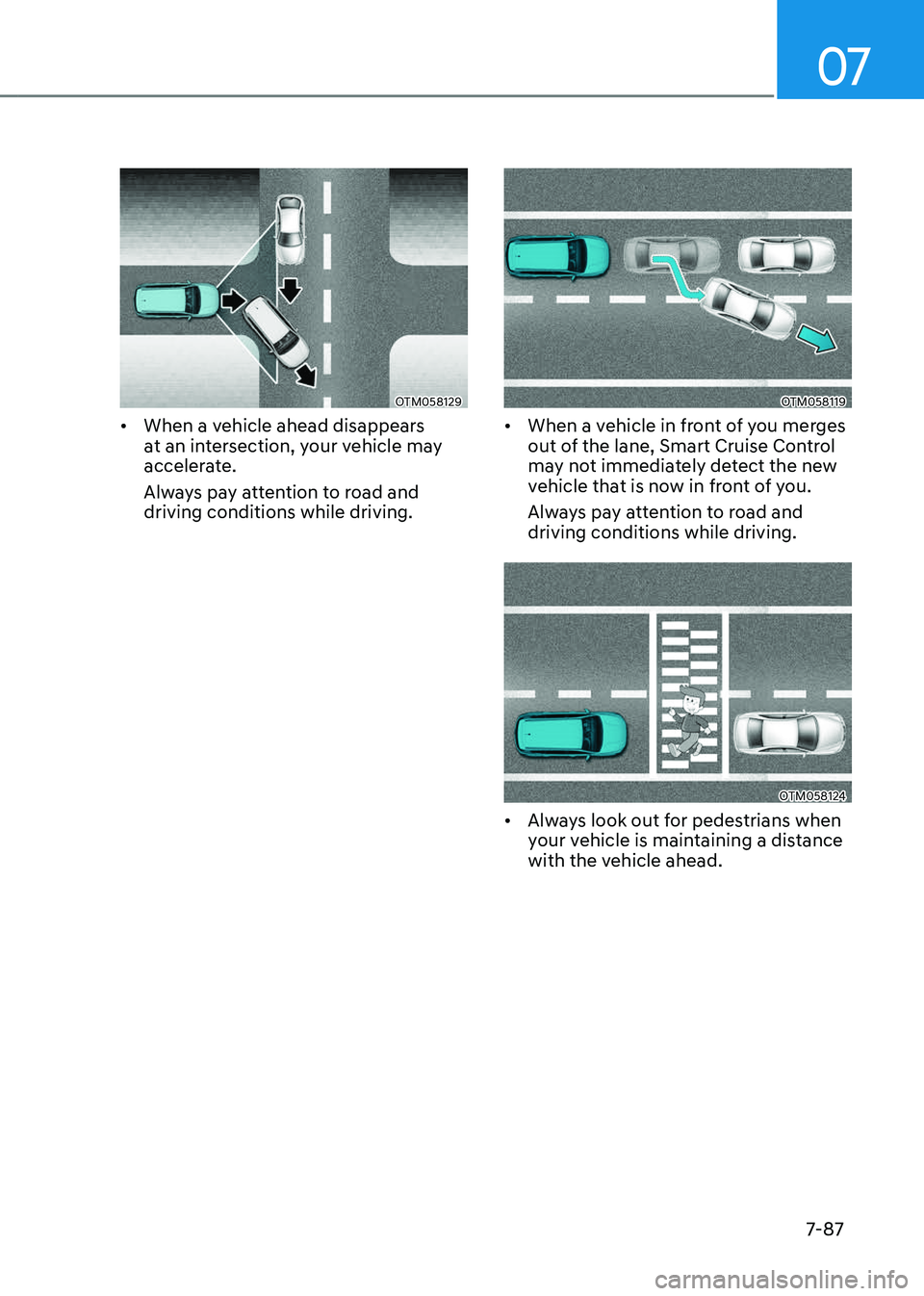
• Detecting vehicle
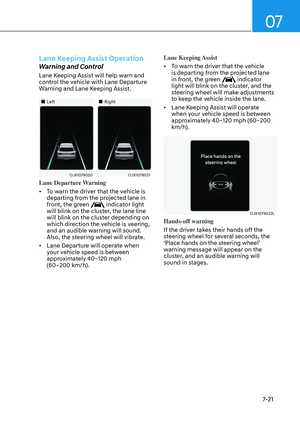
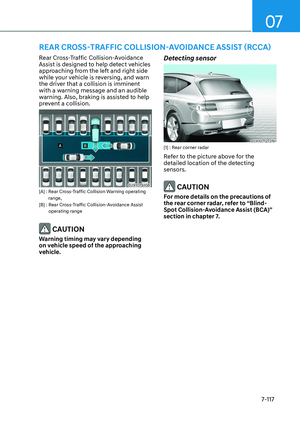
OJX1079181OJX1079181
In the following cases, some vehicles
in your lane cannot be detected by the
sensor:
-Vehicles offset to one side
-Slow-moving vehicles or sudden-
decelerating vehicles
-Oncoming vehicles
-Stopped vehicles
-Vehicles with small rear profile, such
as trailers
-Narrow vehicles, such as
motorcycles or bicycles
-Special vehicles
-Animals and pedestrians
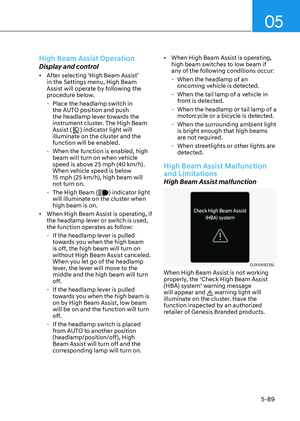
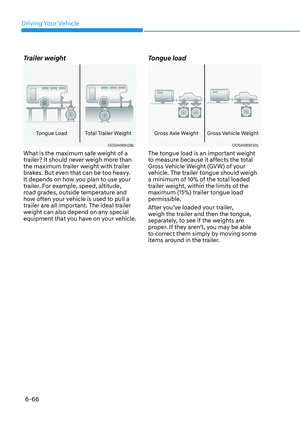
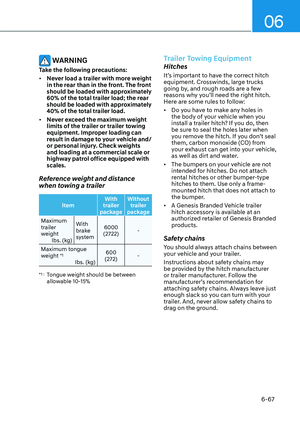
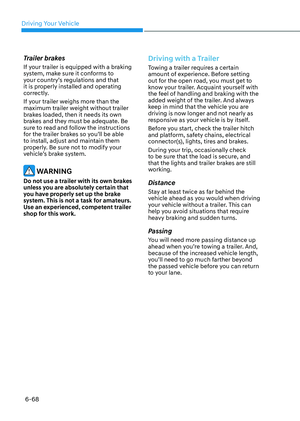
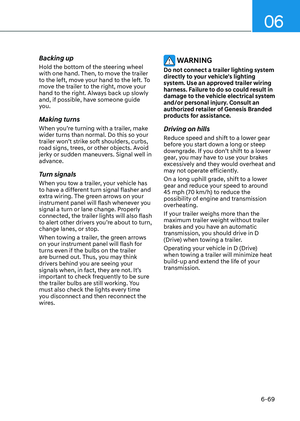
Adjust your vehicle speed by
depressing the brake pedal according
to the road and driving conditions
ahead.
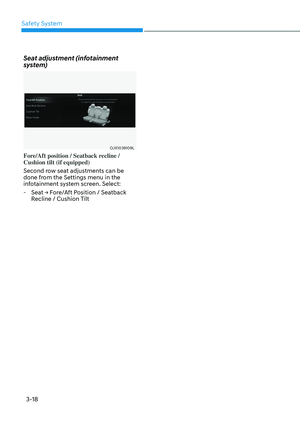
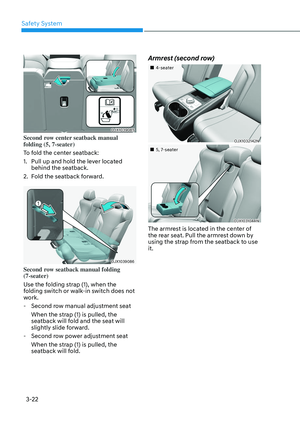
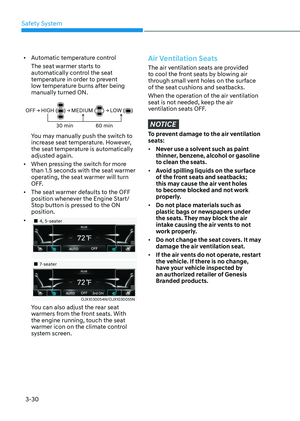
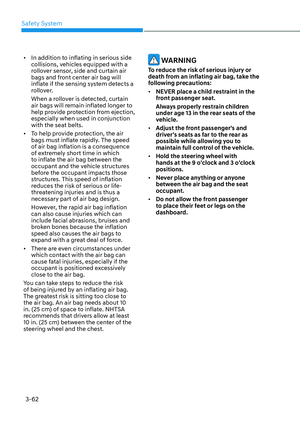
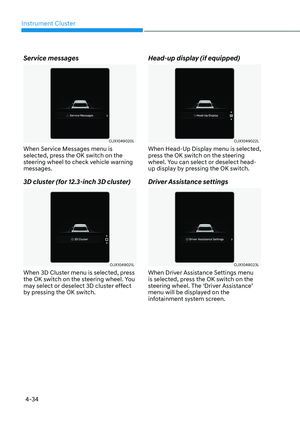
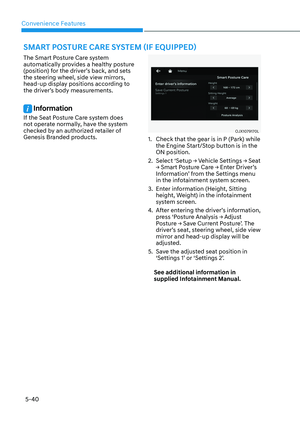
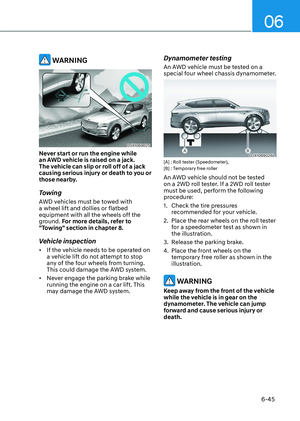
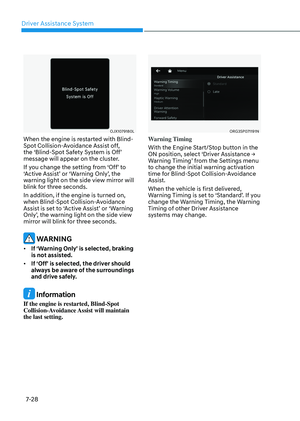
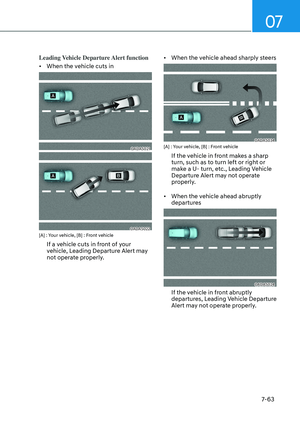
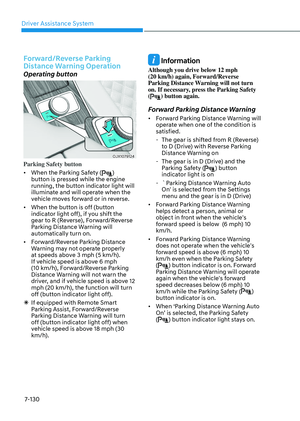
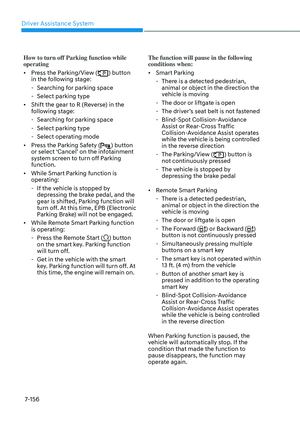
OJX1079007OJX1079007
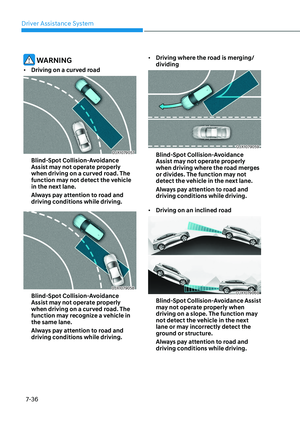
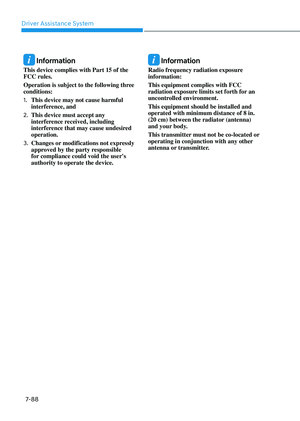
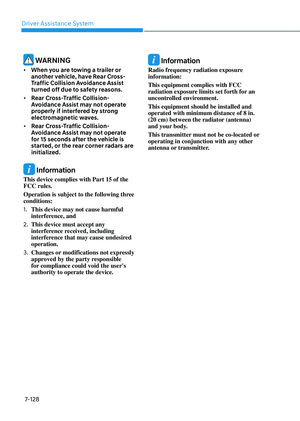
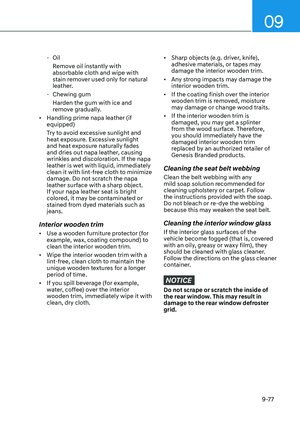
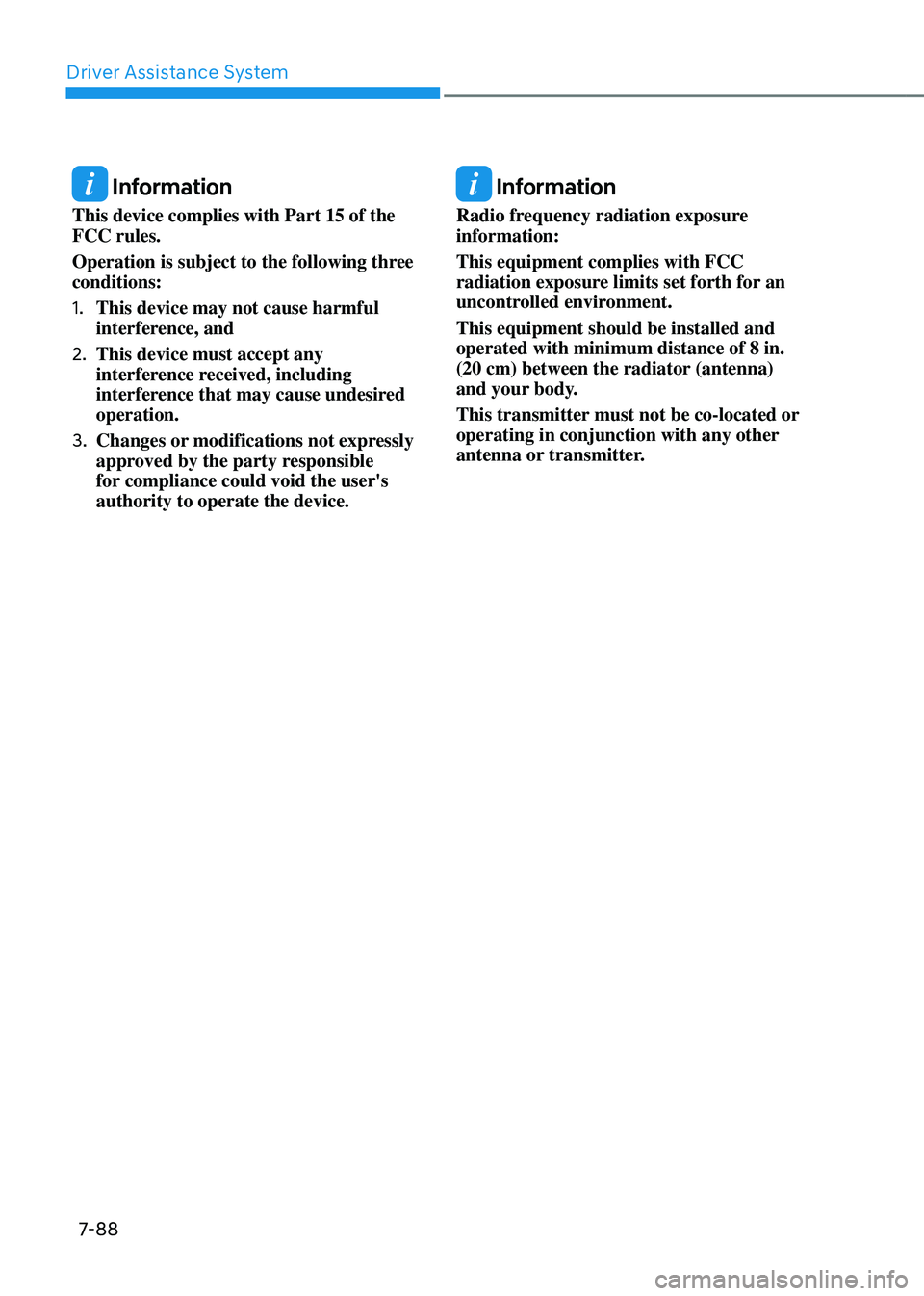
In the following cases, the vehicle
in front cannot be detected by the
sensor:
- Vehicles with higher ground
clearance or vehicles carrying loads
that stick out of the back of the
vehicle
-Vehicles that has the front lifted due
to heavy loads
-You are steering your vehicle
-Driving on narrow or sharply curved
roads
Adjust your vehicle speed by
depressing the brake pedal according
to the road and driving conditions
ahead.
Page 443 of 650
07
7-87
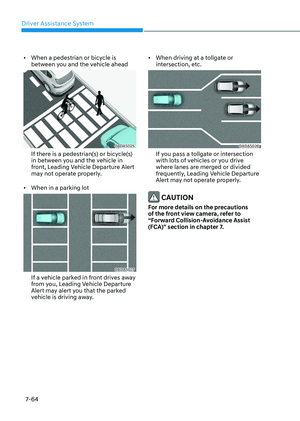
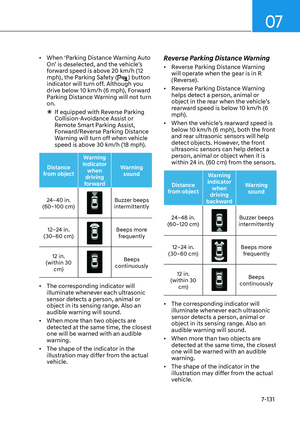
OTM058129OTM058129
• When a vehicle ahead disappears
at an intersection, your vehicle may
accelerate.
Always pay attention to road and
driving conditions while driving.
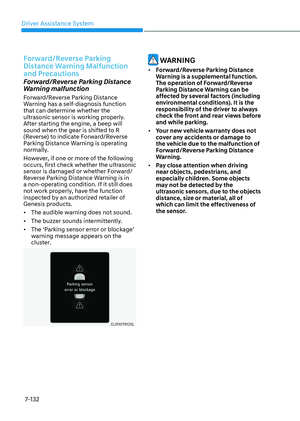
OTM058119OTM058119
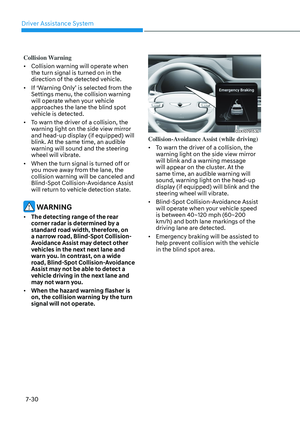
• When a vehicle in front of you merges
out of the lane, Smart Cruise Control
may not immediately detect the new
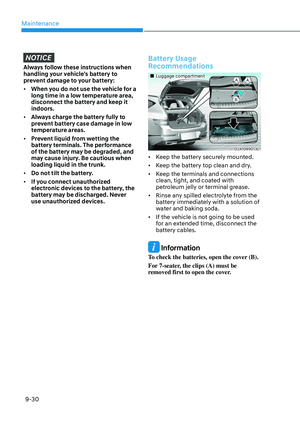
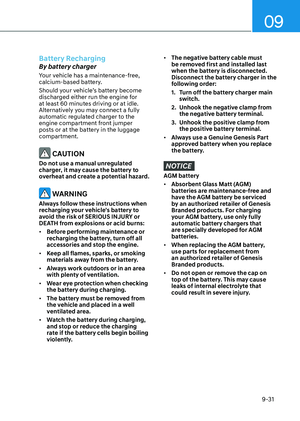
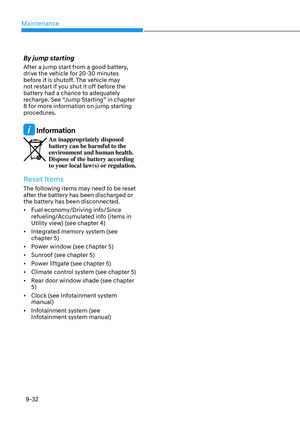
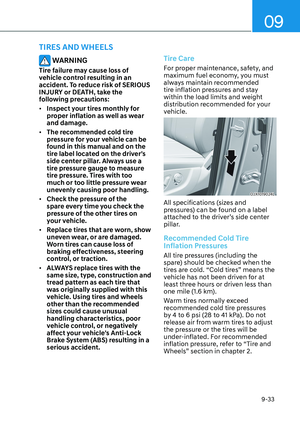
vehicle that is now in front of you.
Always pay attention to road and
driving conditions while driving.
OTM058124OTM058124
• Always look out for pedestrians when
your vehicle is maintaining a distance
with the vehicle ahead.
Page 444 of 650
Driver Assistance System
7-88
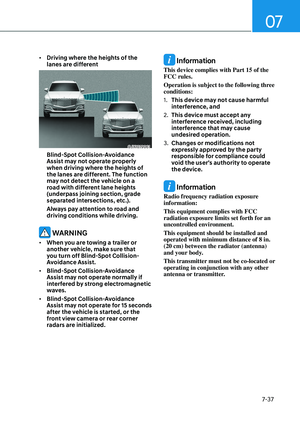
Information
This device complies with Part 15 of the
FCC rules.
Operation is subject to the following three
conditions:
1. This device may not cause harmful
interference, and
2. This device must accept any
interference received, including
interference that may cause undesired
operation.
3. Changes or modifications not expressly
approved by the party responsible
for compliance could void the user's
authority to operate the device.
Information
Radio frequency radiation exposure
information:
This equipment complies with FCC
radiation exposure limits set forth for an
uncontrolled environment.
This equipment should be installed and
operated with minimum distance of 8 in.
(20 cm) between the radiator (antenna)
and your body.
This transmitter must not be co-located or
operating in conjunction with any other
antenna or transmitter.
Page 445 of 650

07
7-89
NAVIGATION-BASED SMART CRUISE CONTROL (NSCC) (IF
EQUIPPED)
Navigation-based Smart Cruise Control
will help automatically adjust vehicle
speed when driving on highways
by using road information from the
navigation system while Smart Cruise
Control is operating.
Information
• Navigation-based Smart Cruise Control
is available only on controlled access
road of certain highways.
ÃControlled access road indicates
roads with limited entrances and exits
that allow uninterrupted high speed
traffic flow. Only passenger cars and
motorcycles are allowed on controlled
access roads.
Available highway (Controlled access road)
USA Select Interstate Highway
and U.S. (Federal) and State Highways
Canada Select Provincial and Territorial
Highways
• Additional highways may be expanded
by future navigation updates.
Information
Navigation-based Smart Cruise Control
operates on main roads of highways,
and does not operate on interchanges or
junctions.
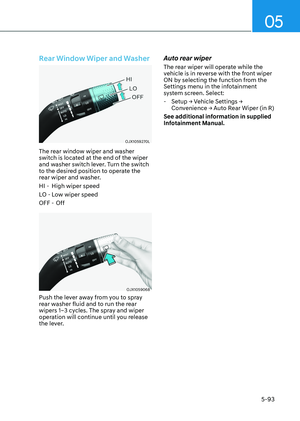
Highway Curve Zone Auto Slowdown
If vehicle speed is high, Highway Curve
Zone Auto Slowdown function will
temporarily decelerate your vehicle
or limit acceleration to help you drive
safely on a curve based on the curve
information from the navigation.
Highway Set Speed Auto Change
function automatically changes Smart
Cruise Control set speed based on
the speed limit information from the
navigation.
Navigation-based Smart Cruise
Control Settings
Setting features
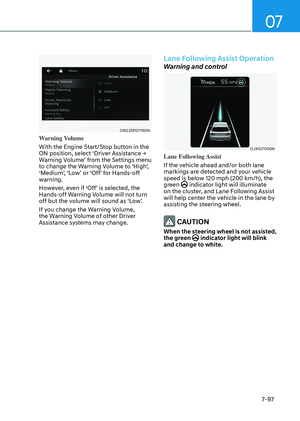
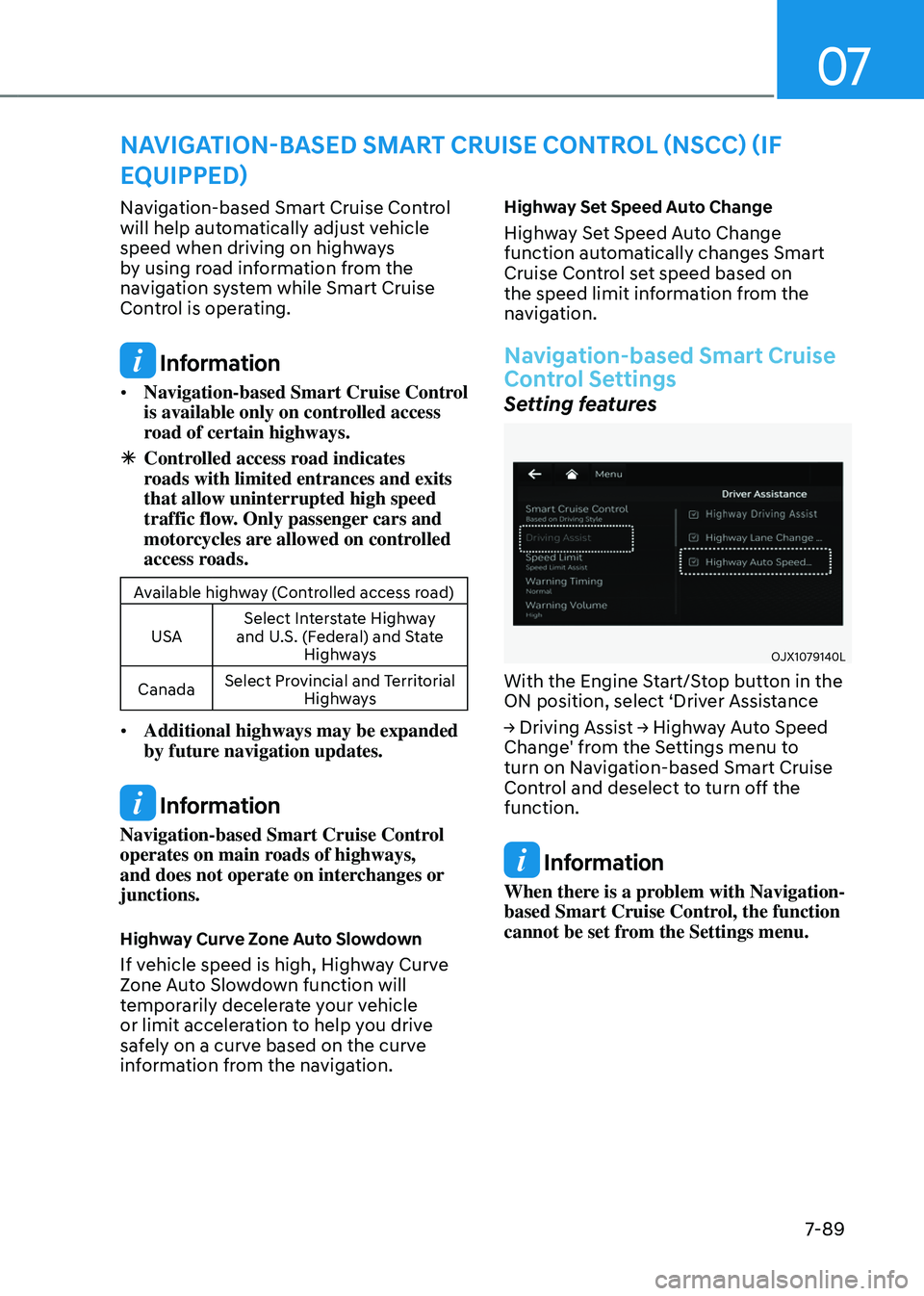
OJX1079140LOJX1079140L
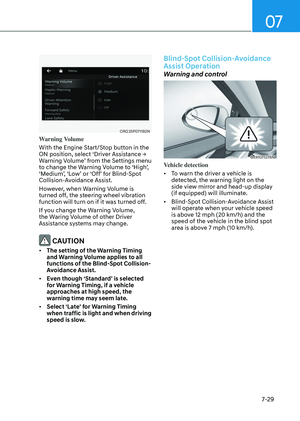
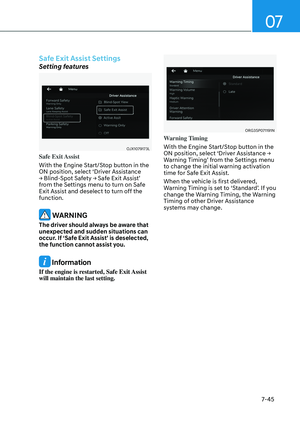
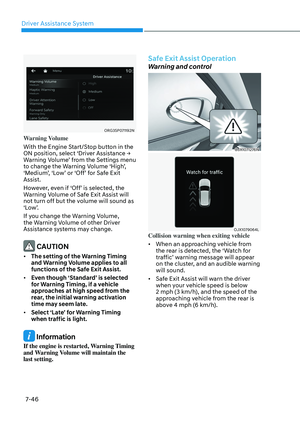
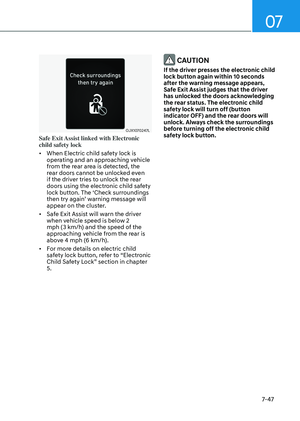
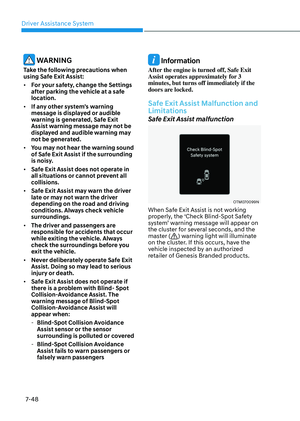
With the Engine Start/Stop button in the
ON position, select ‘Driver Assistance
→ Driving Assist → Highway Auto Speed
Change' from the Settings menu to
turn on Navigation-based Smart Cruise
Control and deselect to turn off the
function.
Information
When there is a problem with Navigation-
based Smart Cruise Control, the function
cannot be set from the Settings menu.
Page 446 of 650

Driver Assistance System
7-90
Navigation-Based Smart Cruise
Control Operation
Operating conditions
Navigation-based Smart Cruise Control
is ready to operate if all of the following
conditions are satisfied:
• Smart Cruise Control is operating
• Driving on main roads of highways
Information
For more details on how to operate Smart
Cruise Control, refer to “Smart Cruise
Control (SCC)” section in chapter 7.
Display and control
When Navigation-based Smart Cruise
Control operates, it will be displayed on
the cluster as follows:
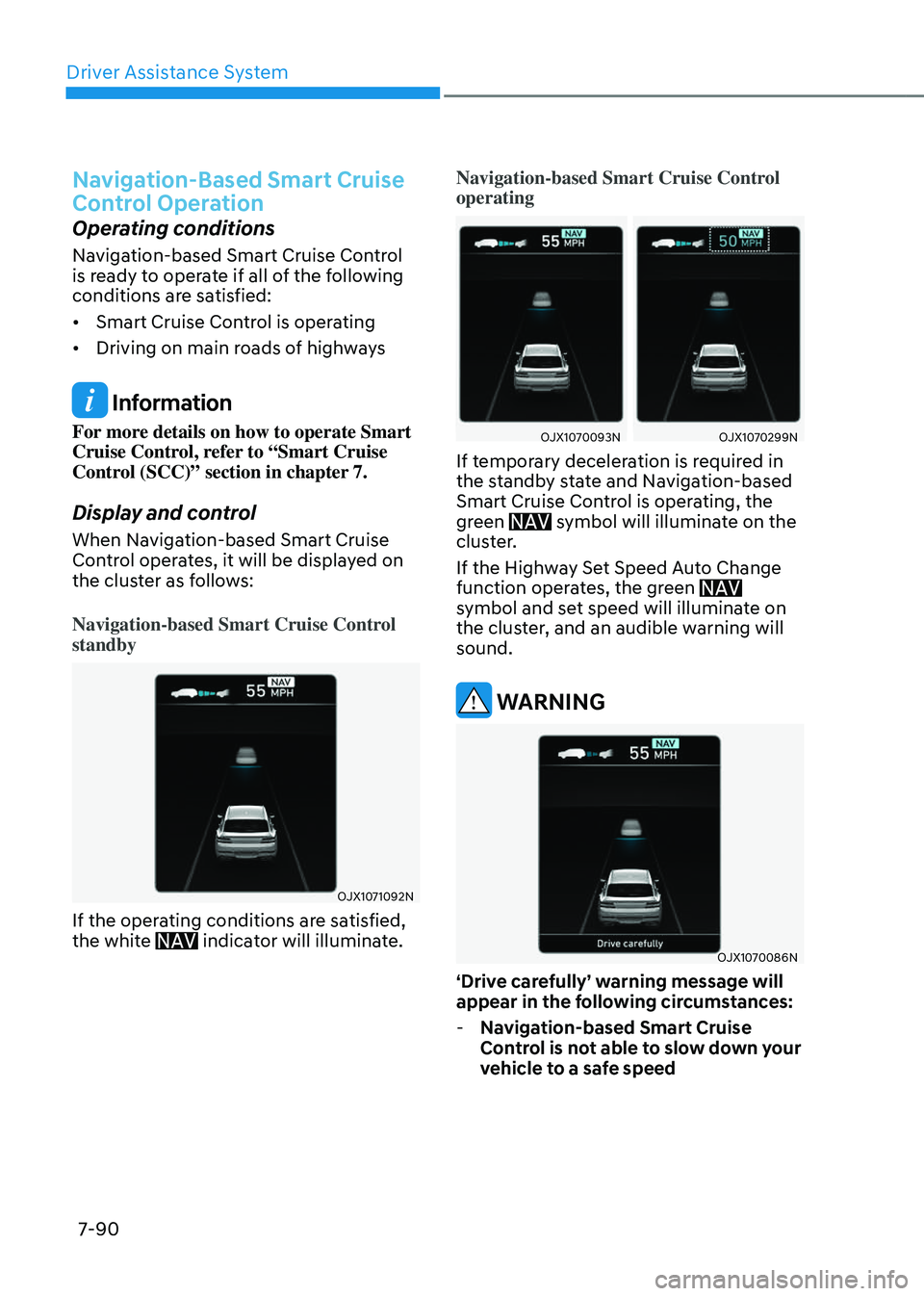
Navigation-based Smart Cruise Control
standby
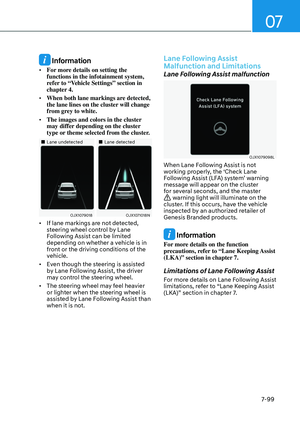
OJX1071092NOJX1071092N
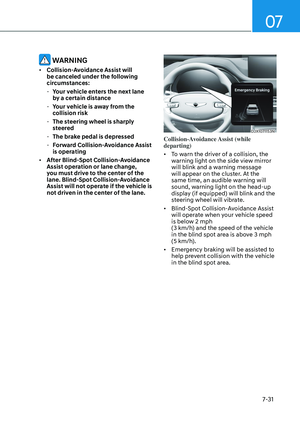
If the operating conditions are satisfied,
the white indicator will illuminate.
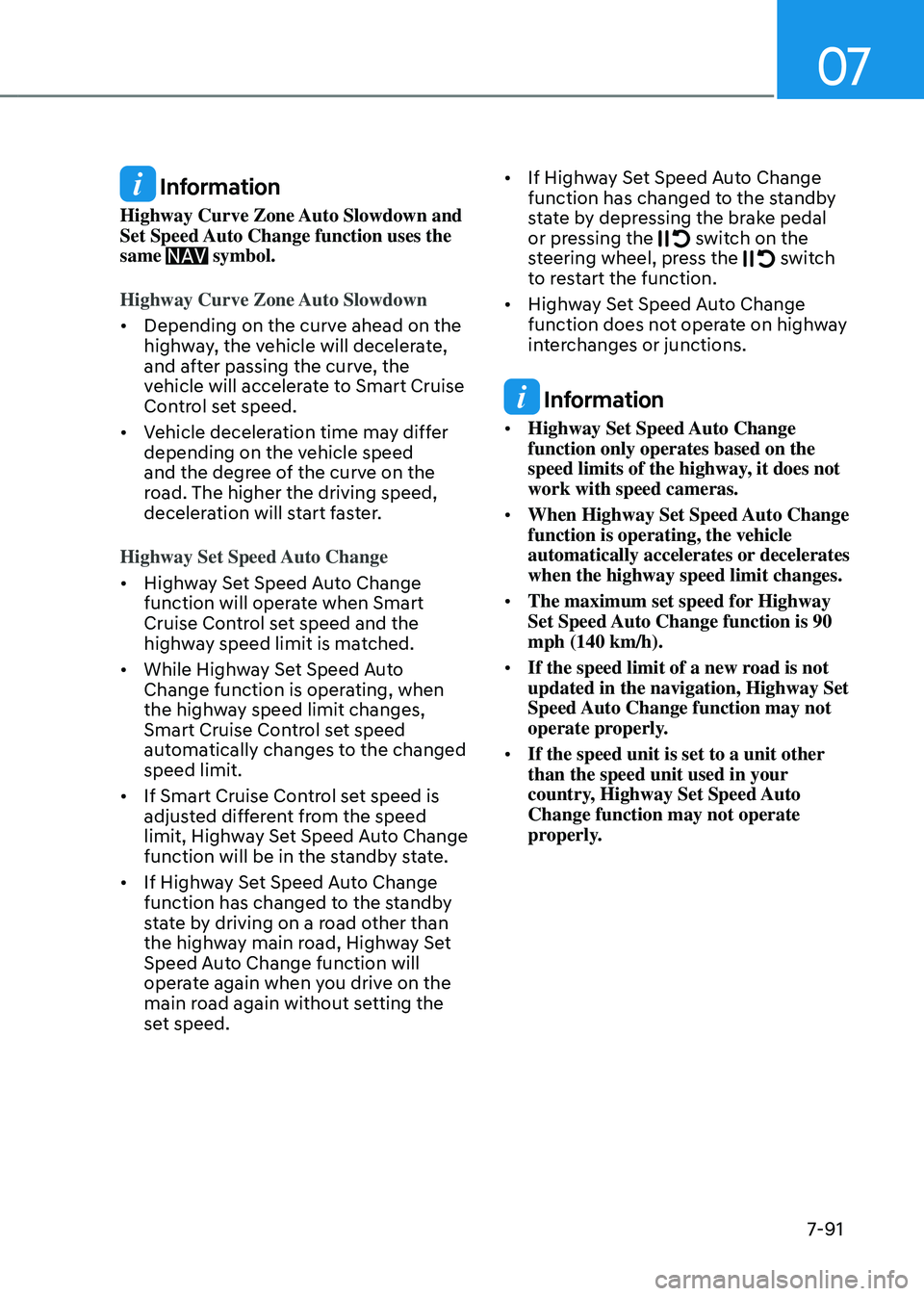
Navigation-based Smart Cruise Control
operating
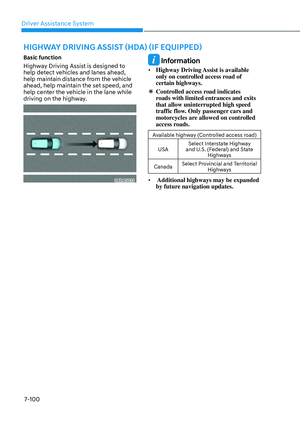
OJX1070093NOJX1070093NOJX1070299N OJX1070299N
If temporary deceleration is required in
the standby state and Navigation-based
Smart Cruise Control is operating, the
green
symbol will illuminate on the cluster.
If the Highway Set Speed Auto Change
function operates, the green
symbol and set speed will illuminate on
the cluster, and an audible warning will
sound.
WARNING
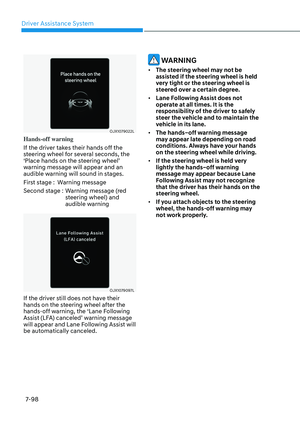
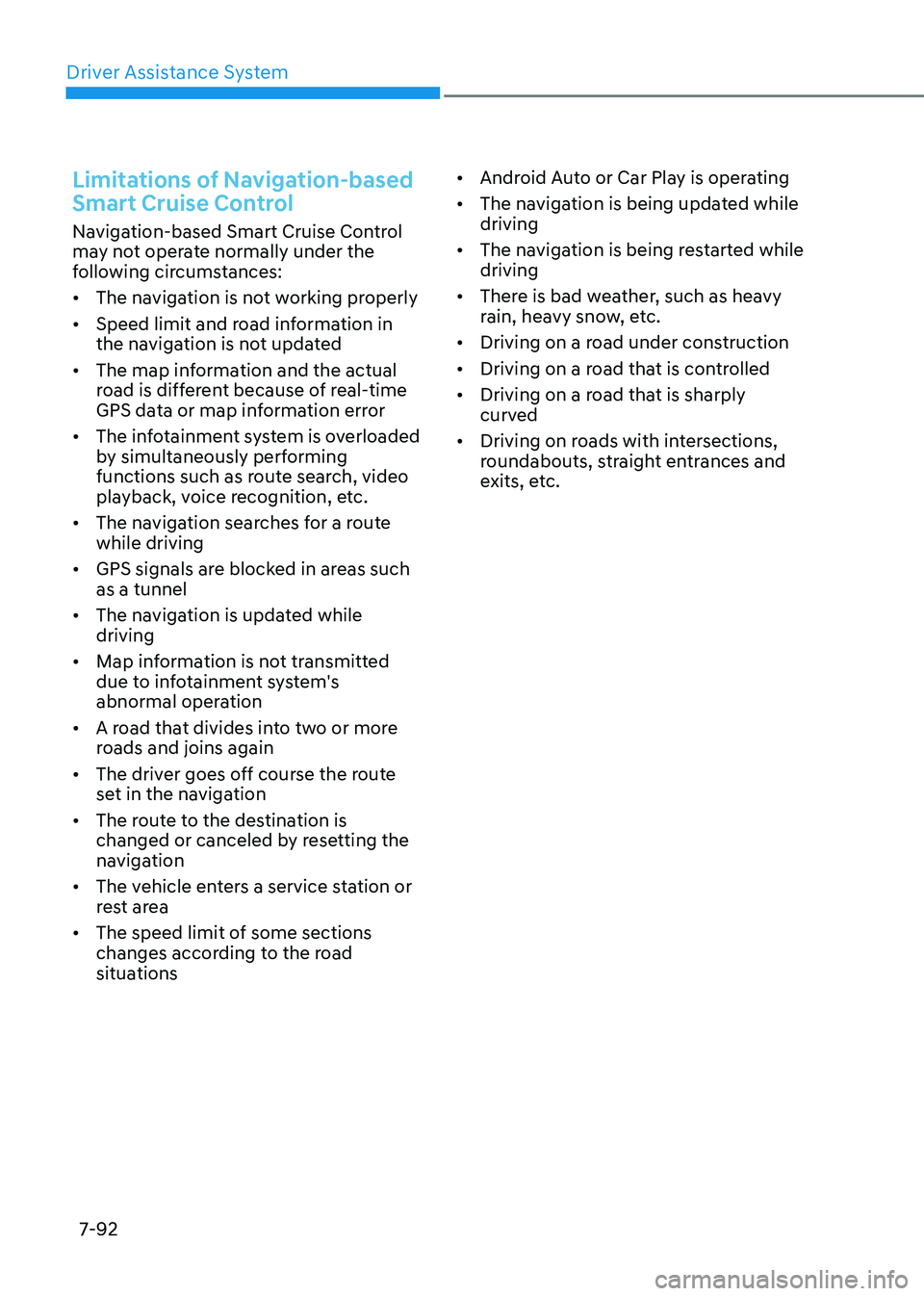
OJX1070086NOJX1070086N
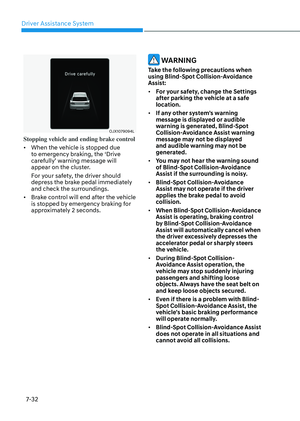
‘Drive carefully’ warning message will
appear in the following circumstances:
-Navigation-based Smart Cruise
Control is not able to slow down your
vehicle to a safe speed
Page 447 of 650

07
7-91
Information
Highway Curve Zone Auto Slowdown and
Set Speed Auto Change function uses the
same
symbol.
Highway Curve Zone Auto Slowdown
• Depending on the curve ahead on the
highway, the vehicle will decelerate,
and after passing the curve, the
vehicle will accelerate to Smart Cruise
Control set speed.
• Vehicle deceleration time may differ
depending on the vehicle speed
and the degree of the curve on the
road. The higher the driving speed,
deceleration will start faster.
Highway Set Speed Auto Change
• Highway Set Speed Auto Change
function will operate when Smart
Cruise Control set speed and the
highway speed limit is matched.
• While Highway Set Speed Auto
Change function is operating, when
the highway speed limit changes,
Smart Cruise Control set speed
automatically changes to the changed
speed limit.
• If Smart Cruise Control set speed is
adjusted different from the speed
limit, Highway Set Speed Auto Change
function will be in the standby state.
• If Highway Set Speed Auto Change
function has changed to the standby
state by driving on a road other than
the highway main road, Highway Set
Speed Auto Change function will
operate again when you drive on the
main road again without setting the
set speed.
• If Highway Set Speed Auto Change
function has changed to the standby
state by depressing the brake pedal
or pressing the
switch on the steering wheel, press the switch to restart the function.
• Highway Set Speed Auto Change
function does not operate on highway
interchanges or junctions.
Information
• Highway Set Speed Auto Change
function only operates based on the
speed limits of the highway, it does not
work with speed cameras.
• When Highway Set Speed Auto Change
function is operating, the vehicle
automatically accelerates or decelerates
when the highway speed limit changes.
• The maximum set speed for Highway
Set Speed Auto Change function is 90
mph (140 km/h).
• If the speed limit of a new road is not
updated in the navigation, Highway Set
Speed Auto Change function may not
operate properly.
• If the speed unit is set to a unit other
than the speed unit used in your
country, Highway Set Speed Auto
Change function may not operate
properly.
Page 448 of 650

Driver Assistance System
7-92
Limitations of Navigation-based
Smart Cruise Control
Navigation-based Smart Cruise Control
may not operate normally under the
following circumstances:
• The navigation is not working properly
• Speed limit and road information in
the navigation is not updated
• The map information and the actual
road is different because of real-time
GPS data or map information error
• The infotainment system is overloaded
by simultaneously performing
functions such as route search, video
playback, voice recognition, etc.
• The navigation searches for a route
while driving
• GPS signals are blocked in areas such
as a tunnel
• The navigation is updated while
driving
• Map information is not transmitted
due to infotainment system's
abnormal operation
• A road that divides into two or more
roads and joins again
• The driver goes off course the route
set in the navigation
• The route to the destination is
changed or canceled by resetting the
navigation
• The vehicle enters a service station or
rest area
• The speed limit of some sections
changes according to the road
situations
• Android Auto or Car Play is operating
• The navigation is being updated while
driving
• The navigation is being restarted while
driving
• There is bad weather, such as heavy
rain, heavy snow, etc.
• Driving on a road under construction
• Driving on a road that is controlled
• Driving on a road that is sharply
curved
• Driving on roads with intersections,
roundabouts, straight entrances and
exits, etc.