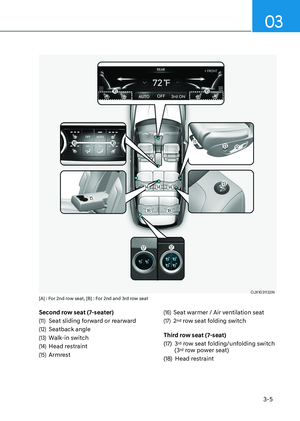
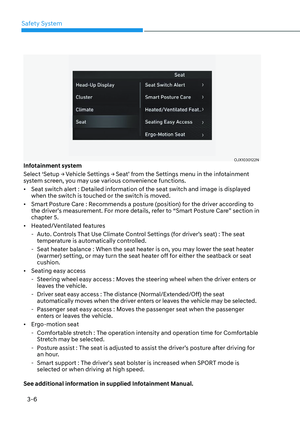
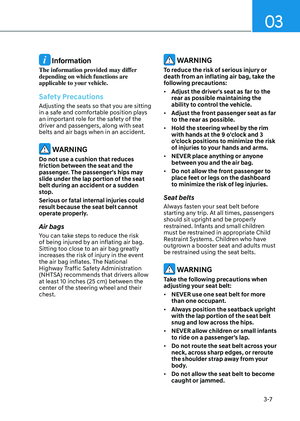
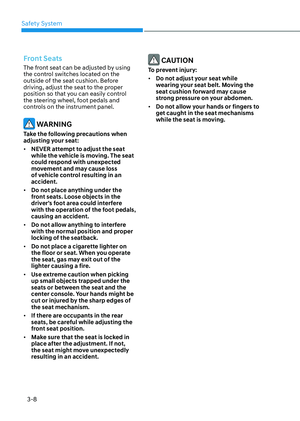
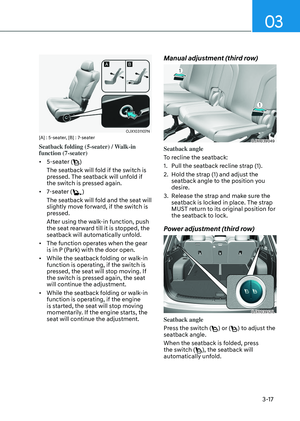
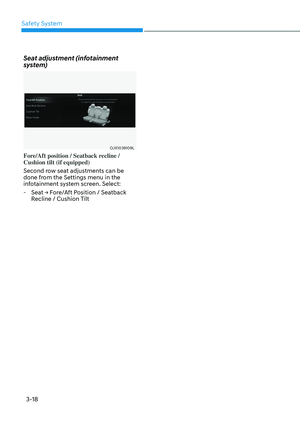
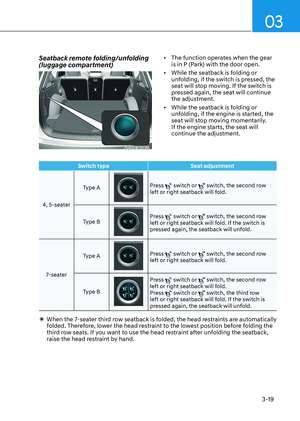
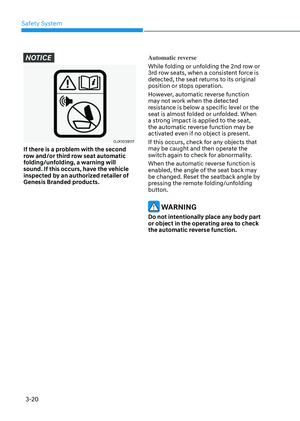
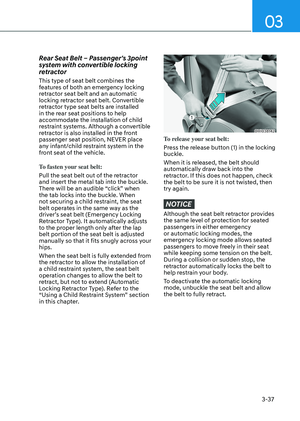
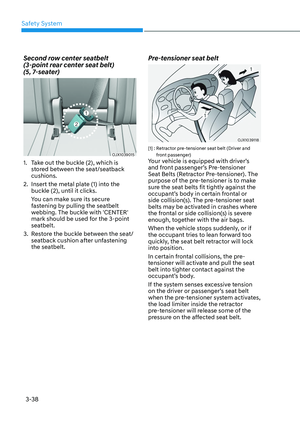
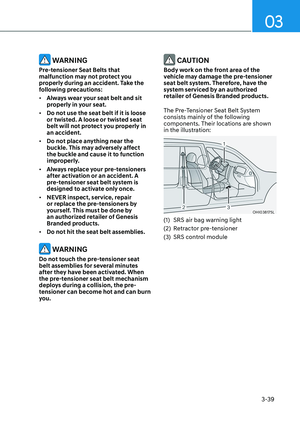
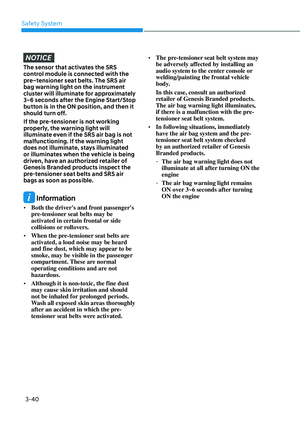
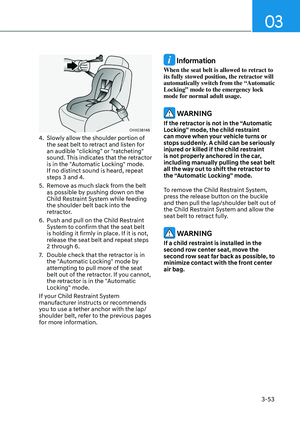
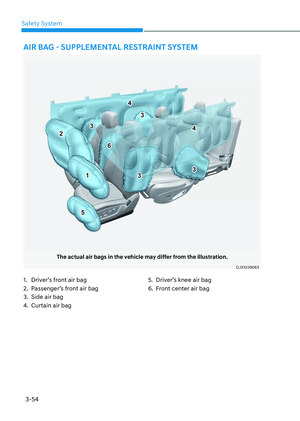
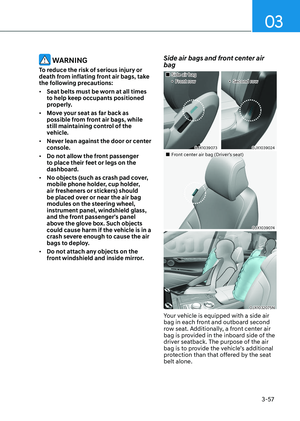
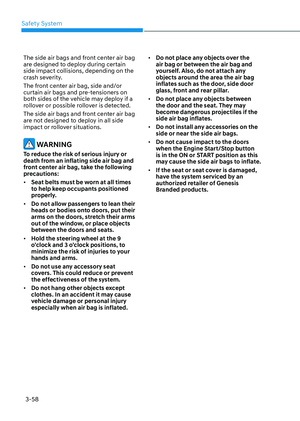
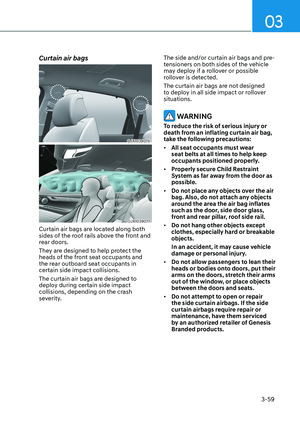
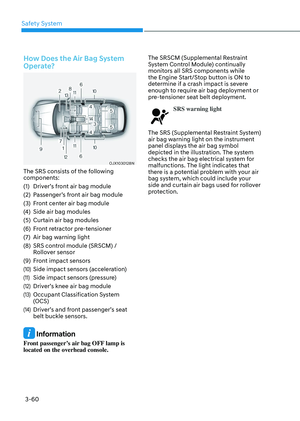
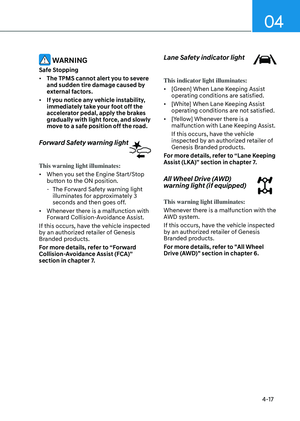
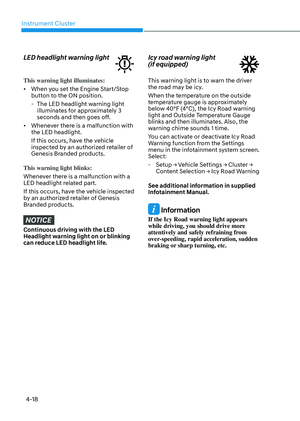
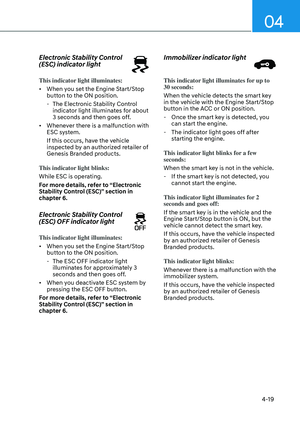
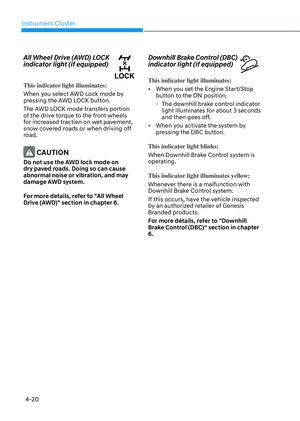
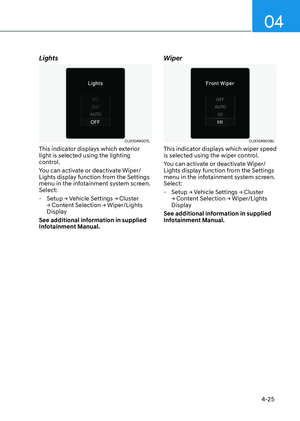
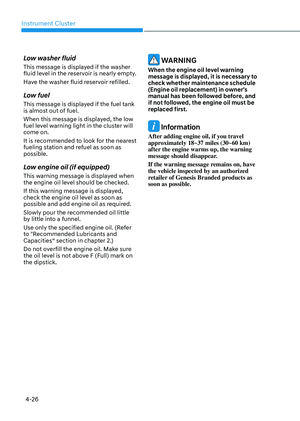
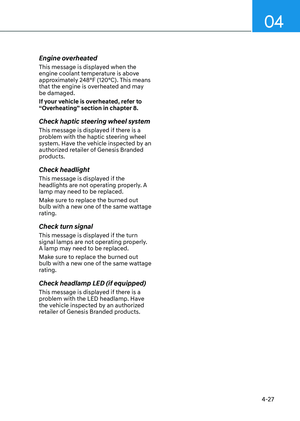
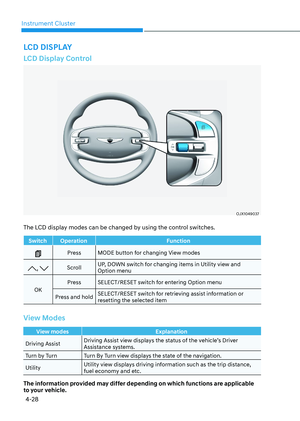
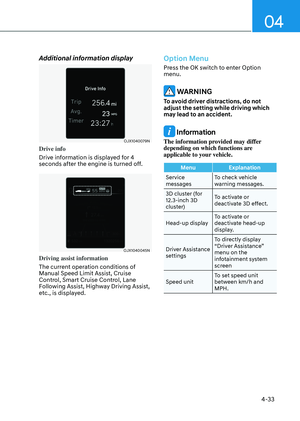
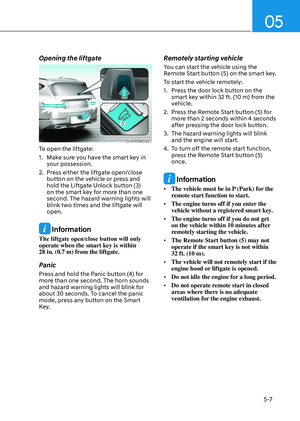
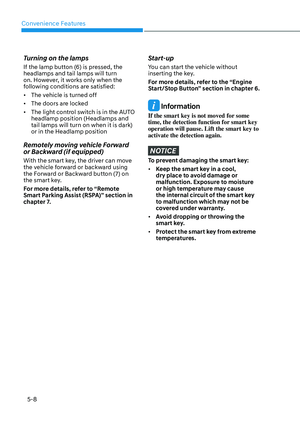
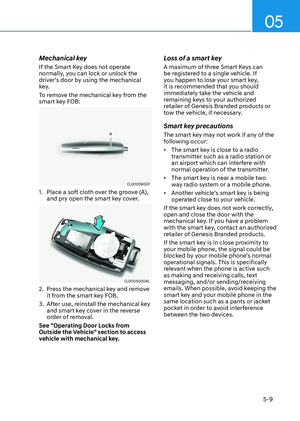
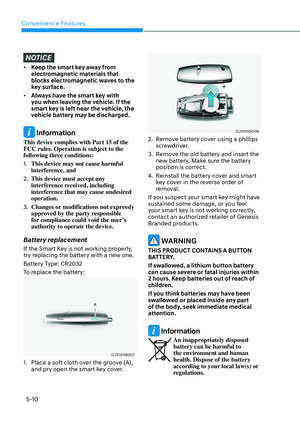
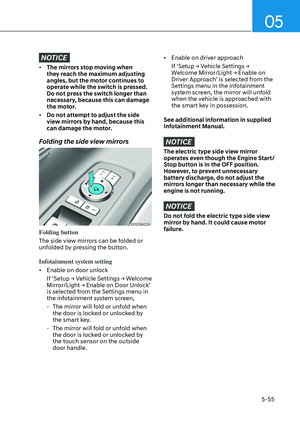
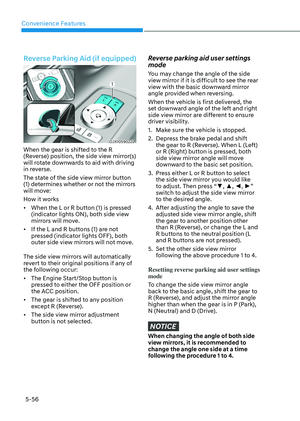
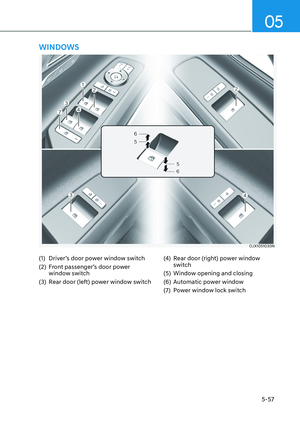
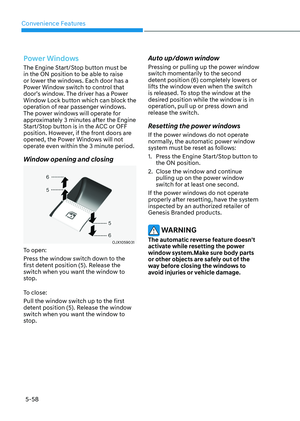
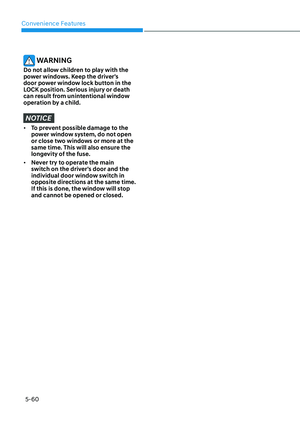
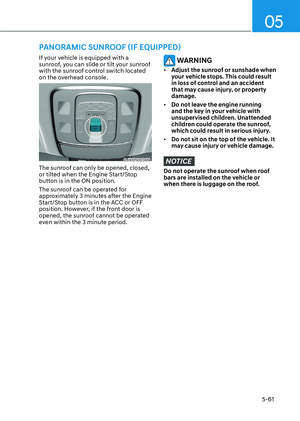
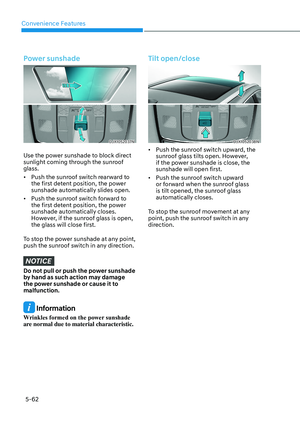
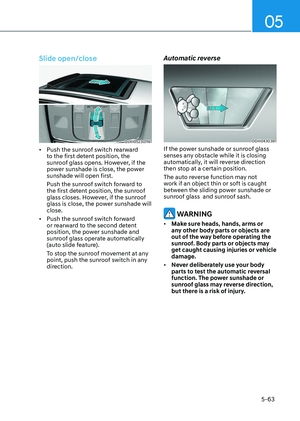
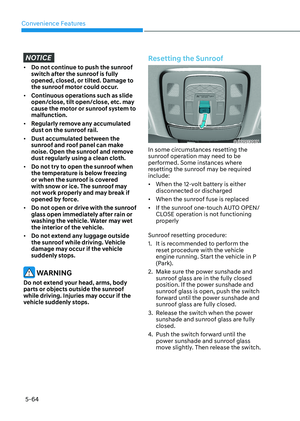
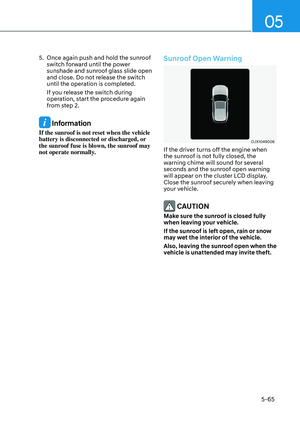
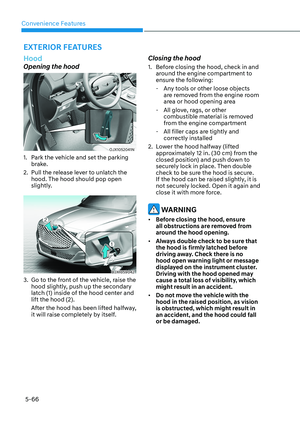
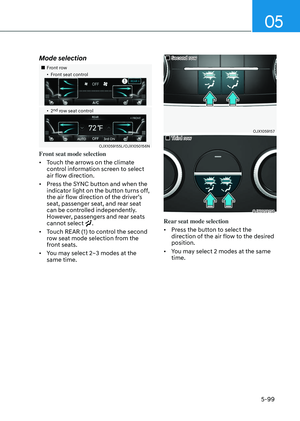
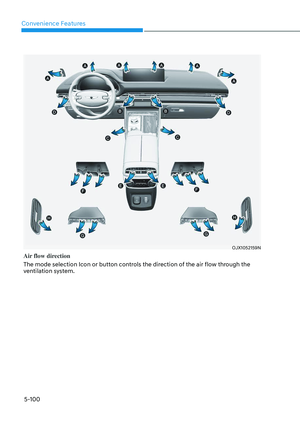
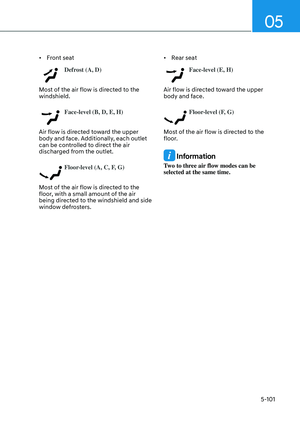
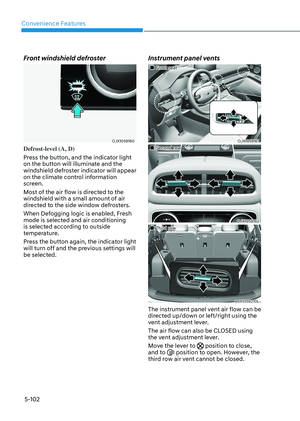
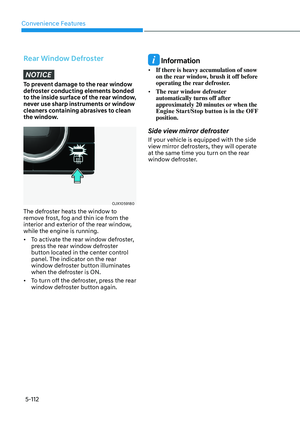
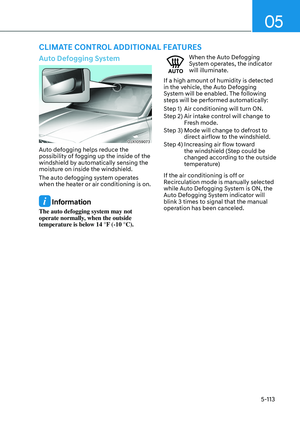
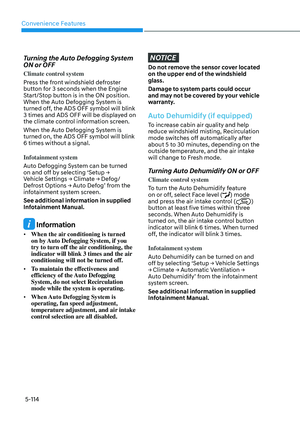
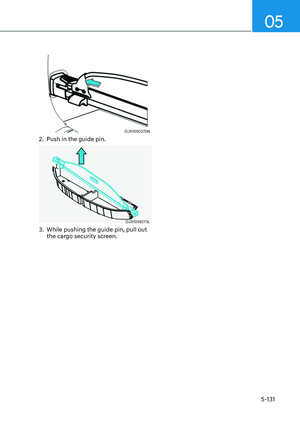
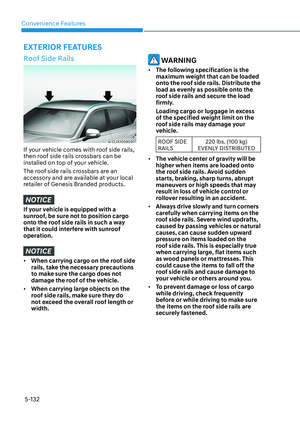
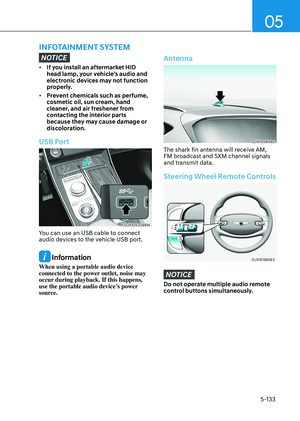
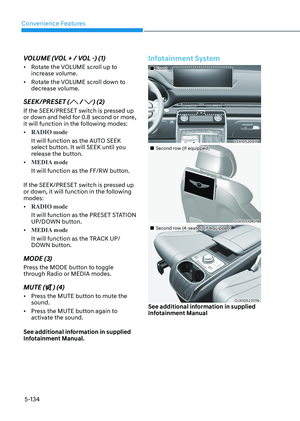
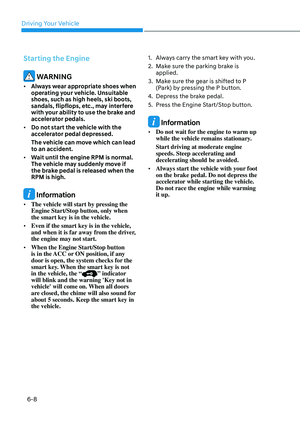
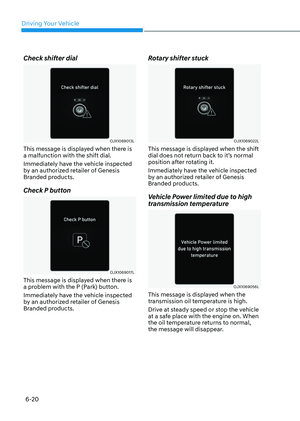
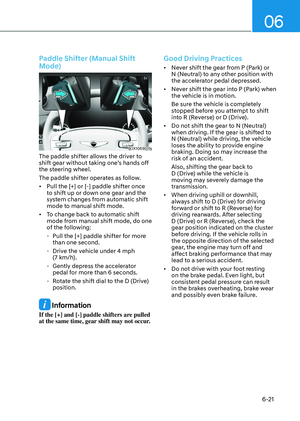
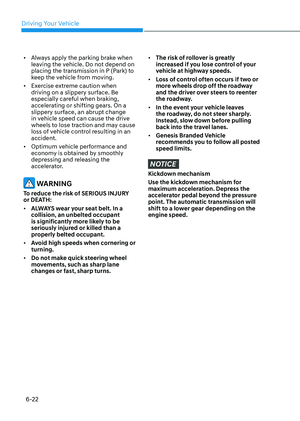
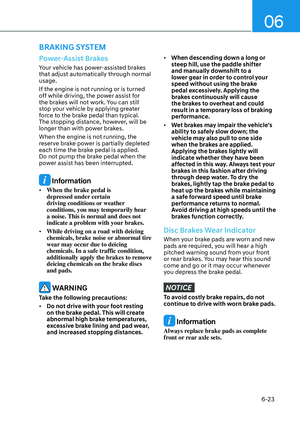
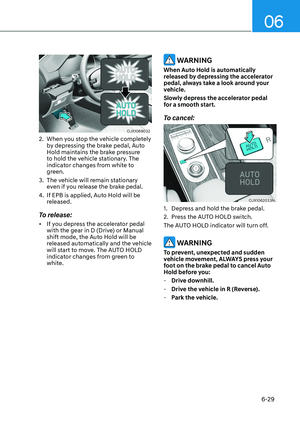
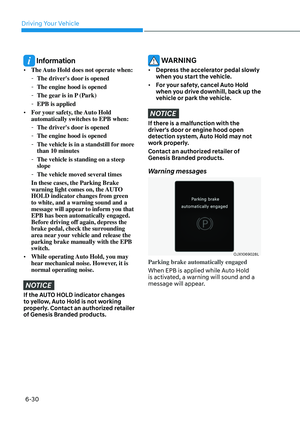
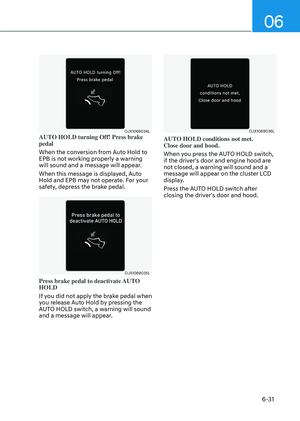
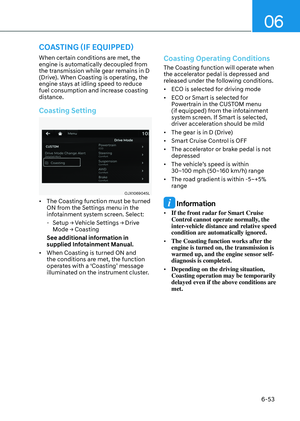
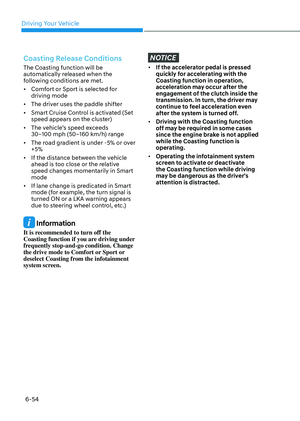
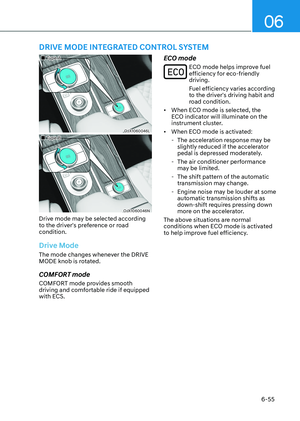
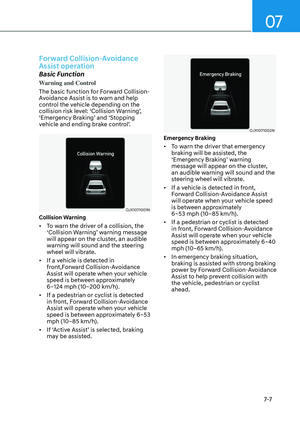
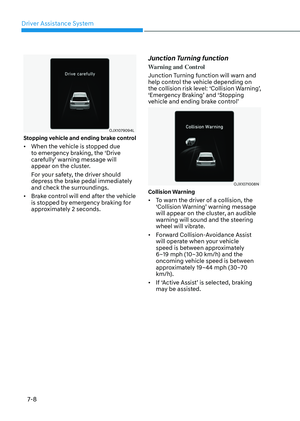
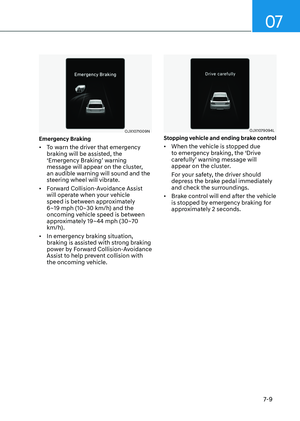
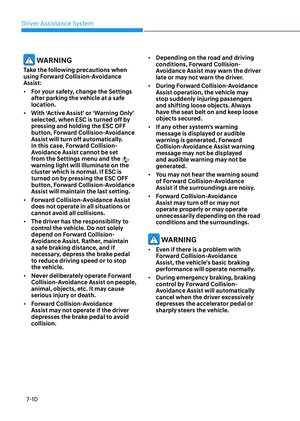
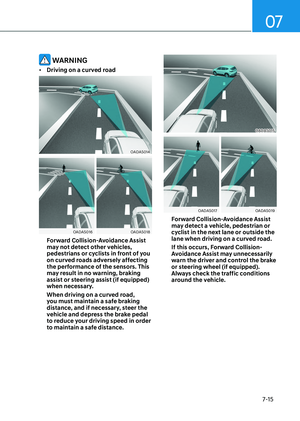
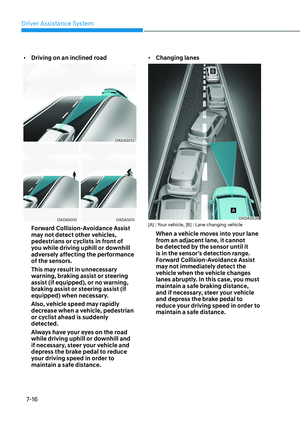
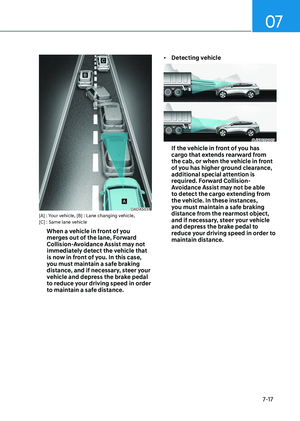
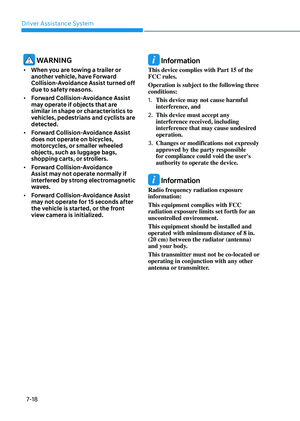
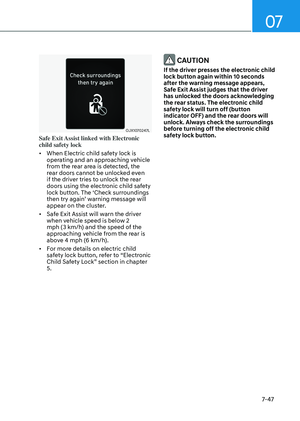
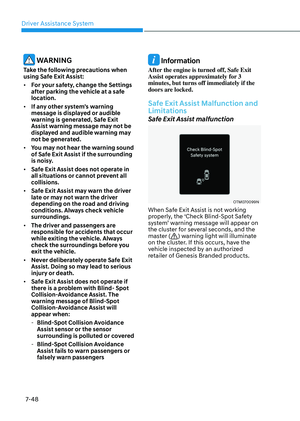
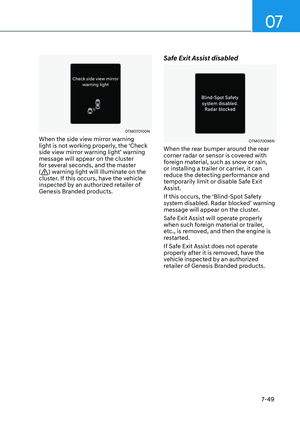
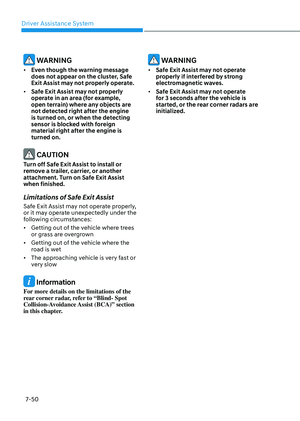
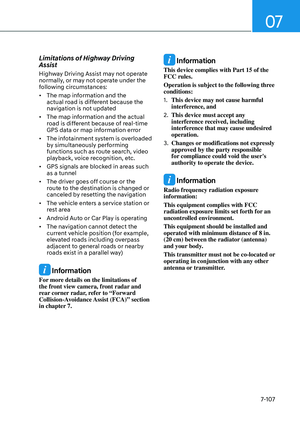
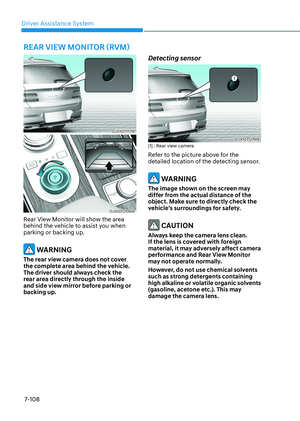
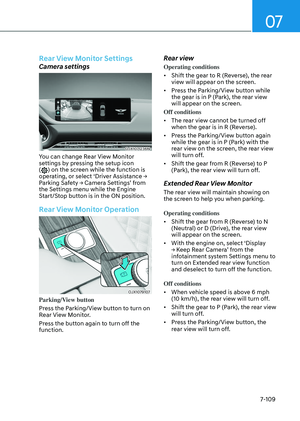
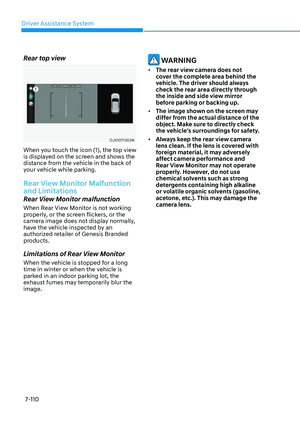
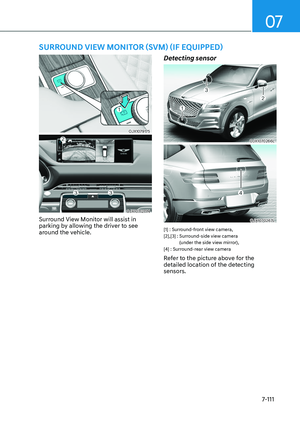
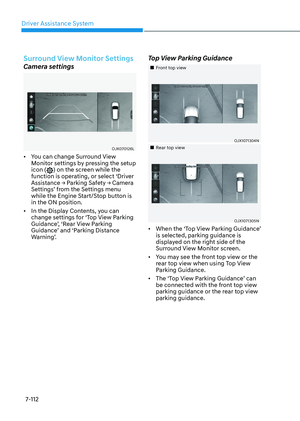
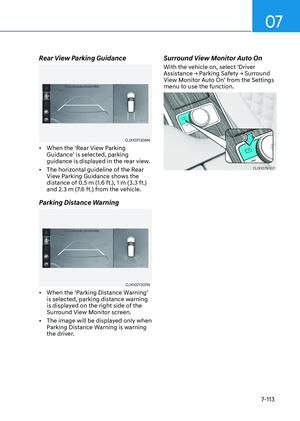
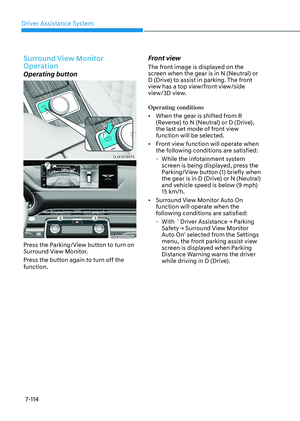
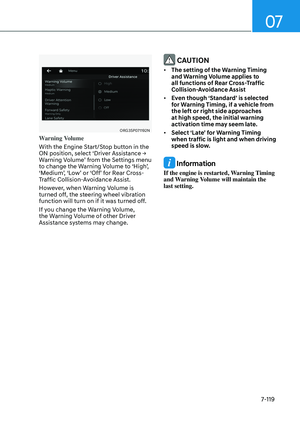
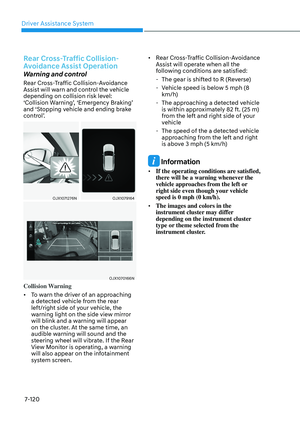
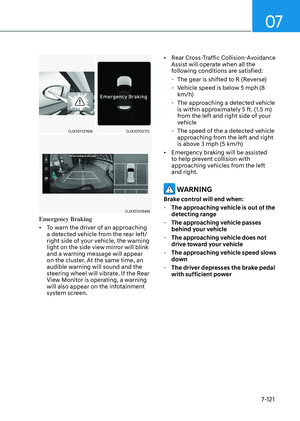
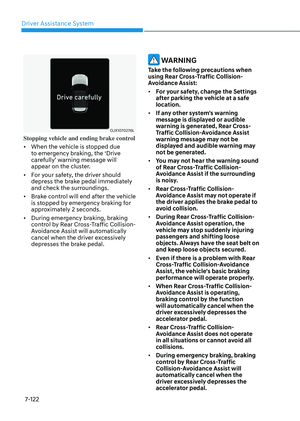
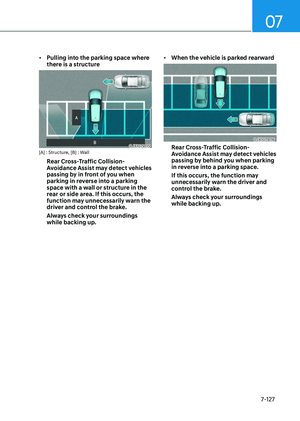
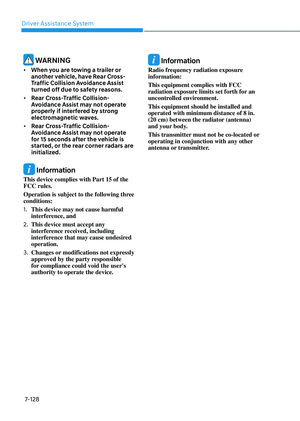
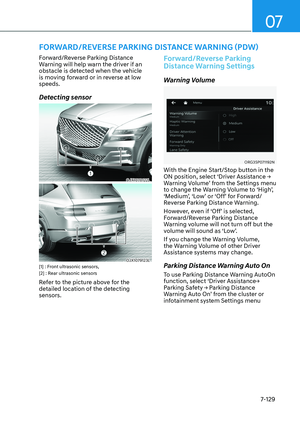
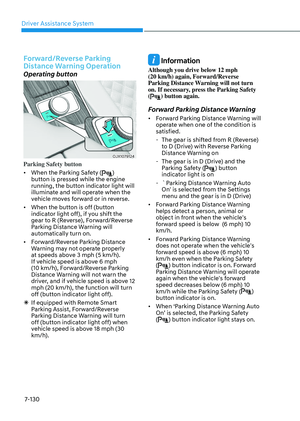
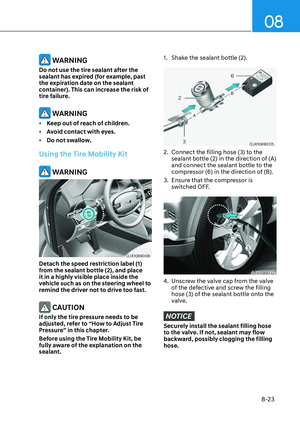
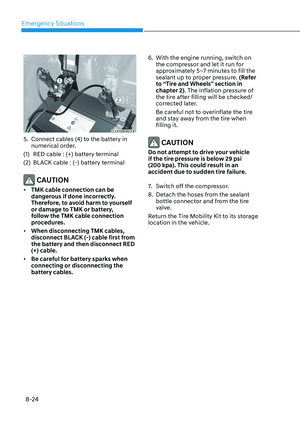
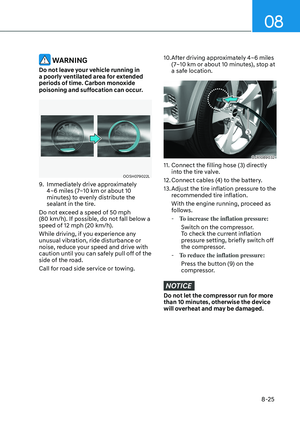
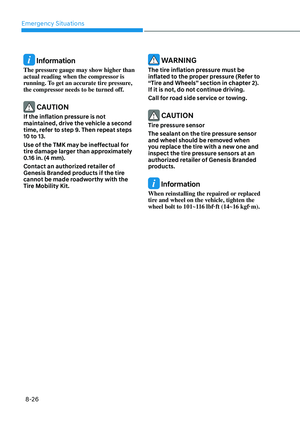
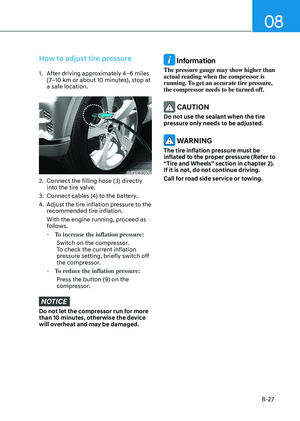
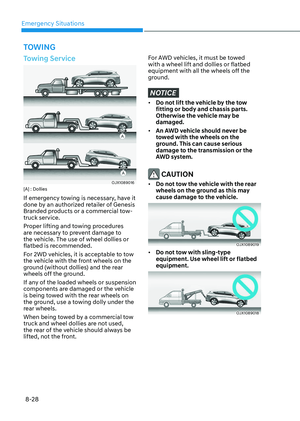
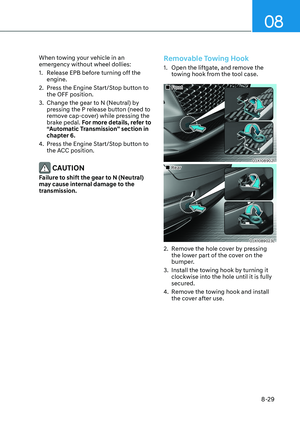
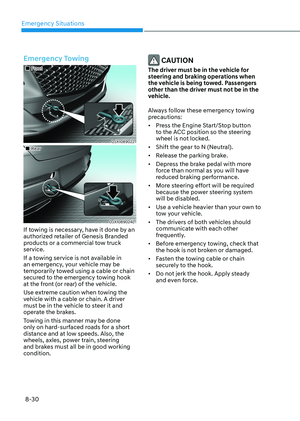
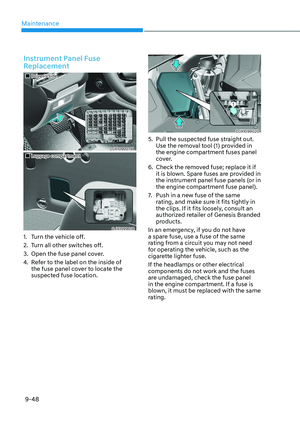
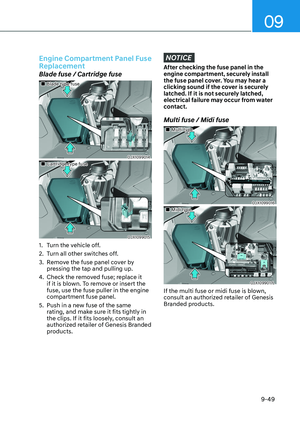
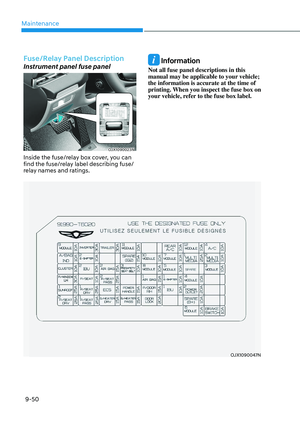
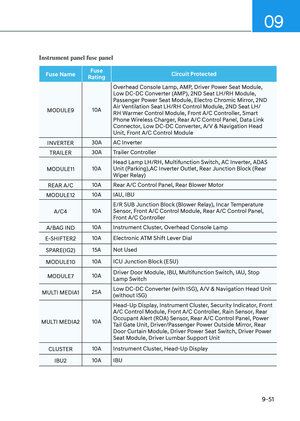
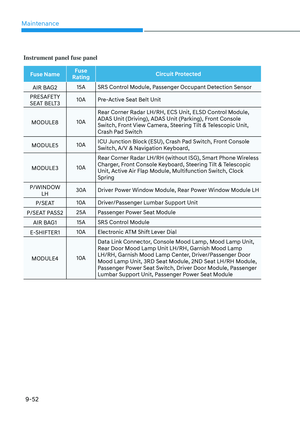
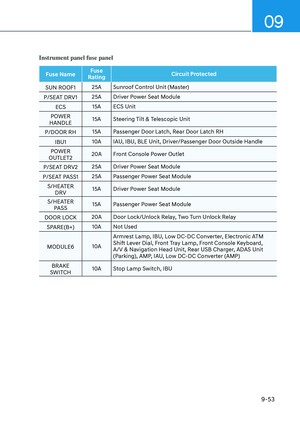
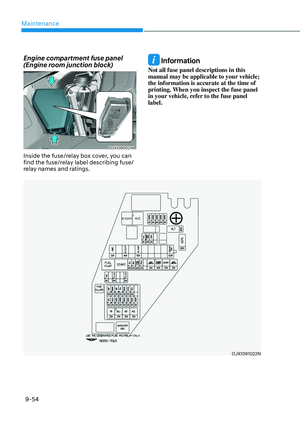
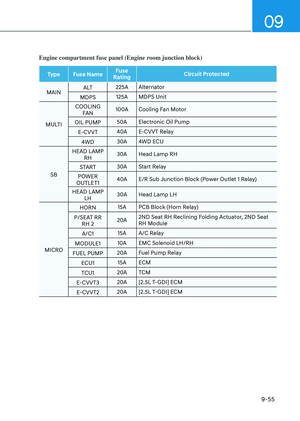
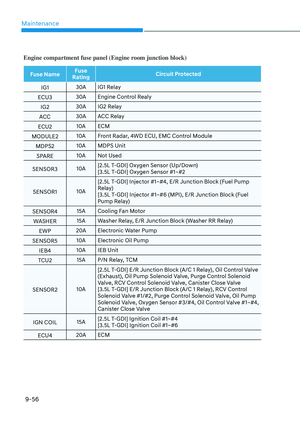
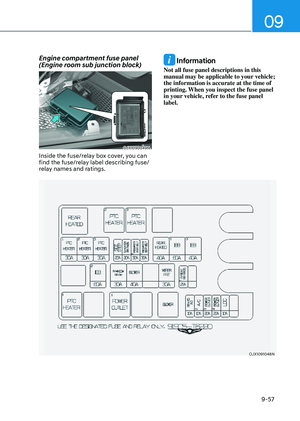
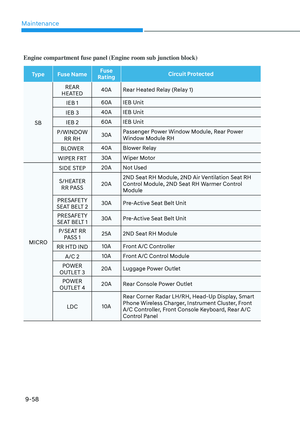
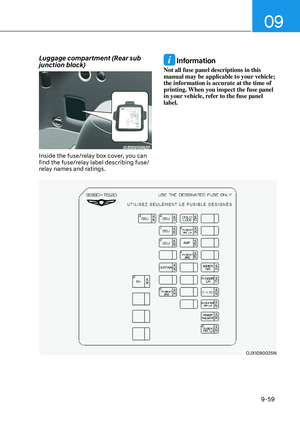
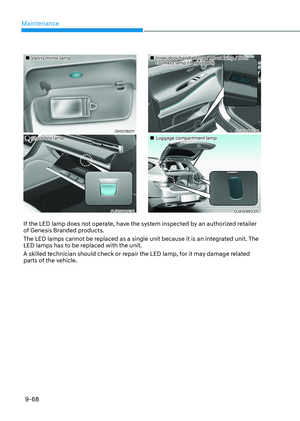
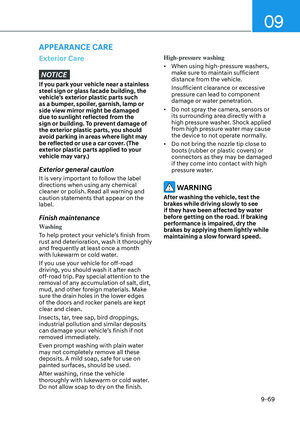
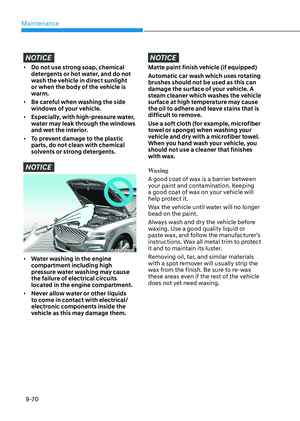
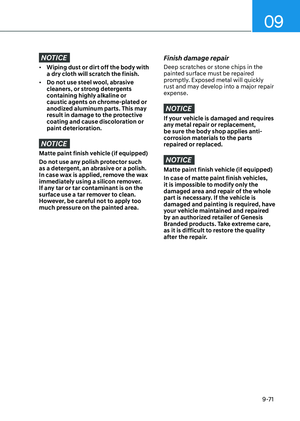
Page 417 of 650

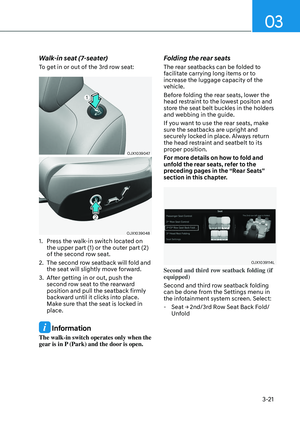
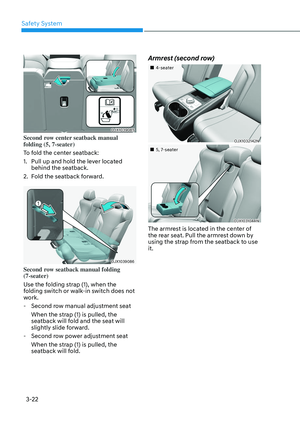
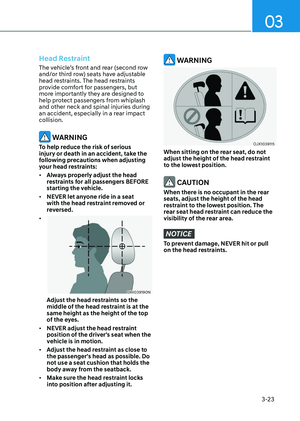
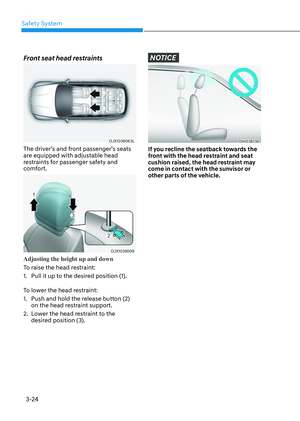
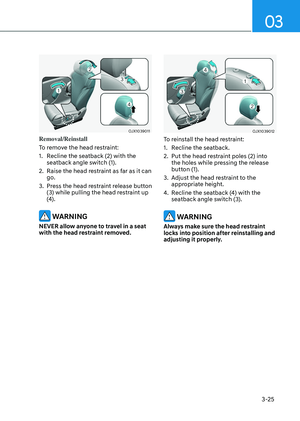
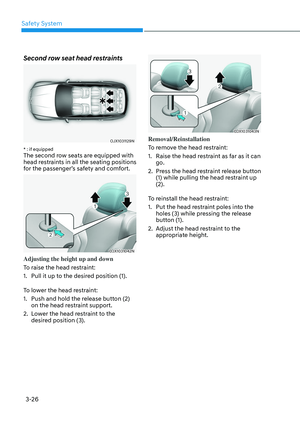
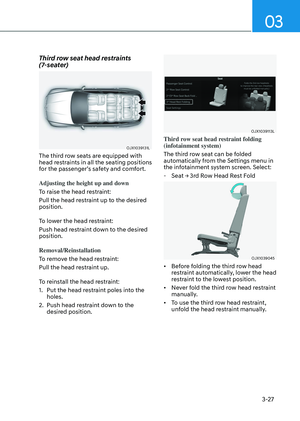
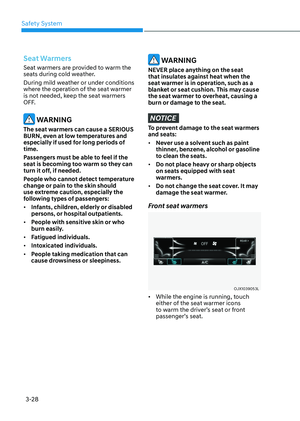
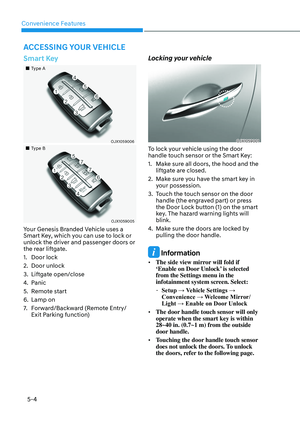
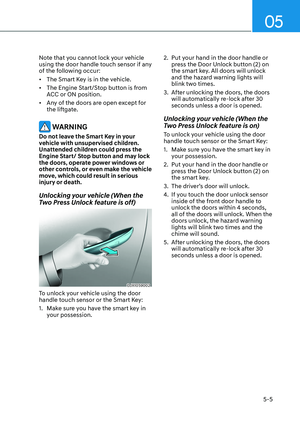
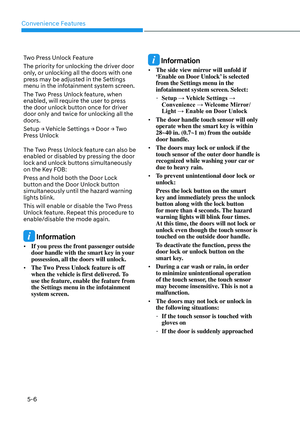
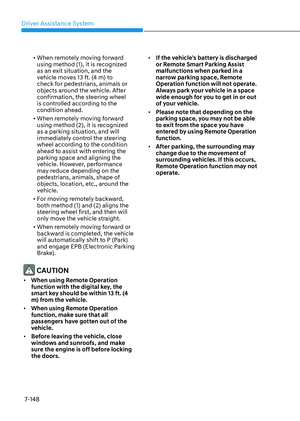
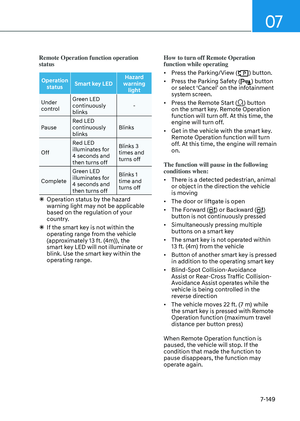
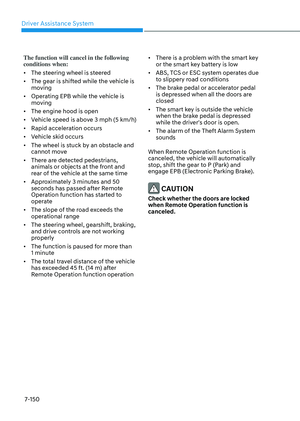
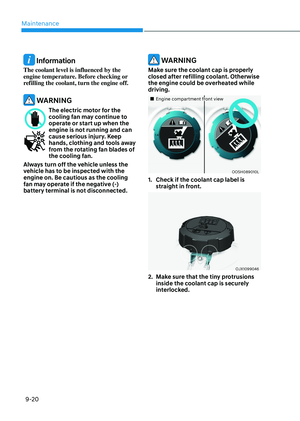
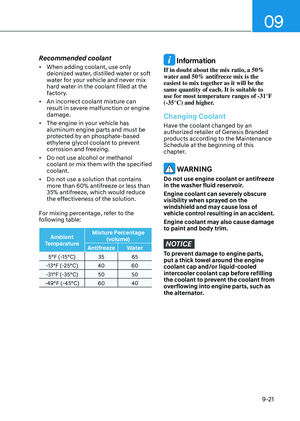
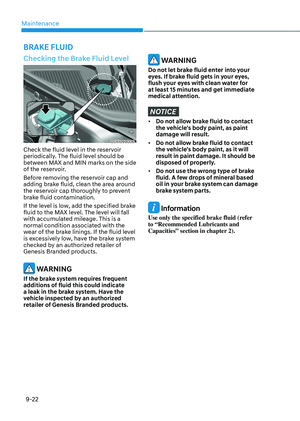
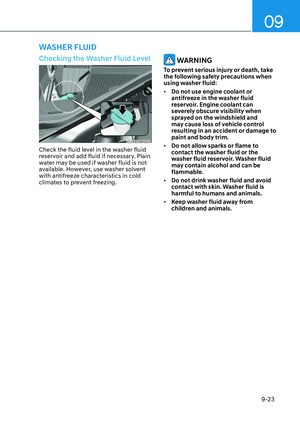
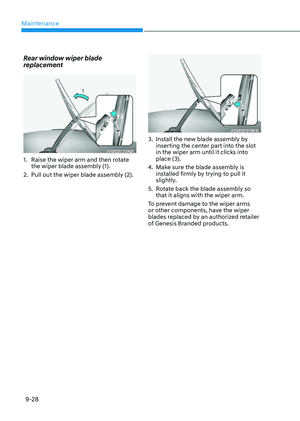
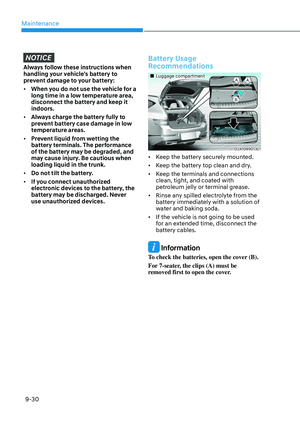
07
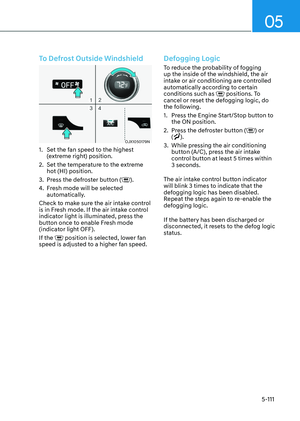
7-61
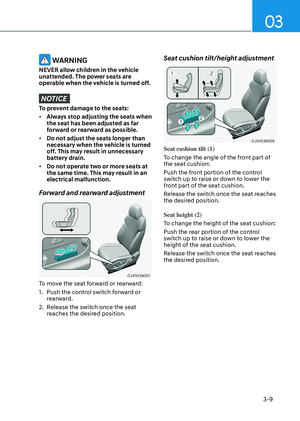
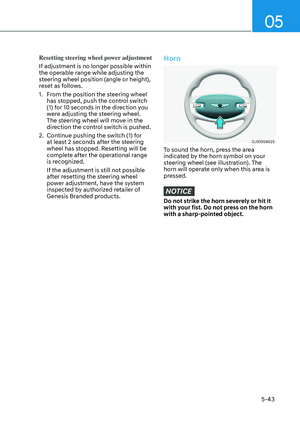
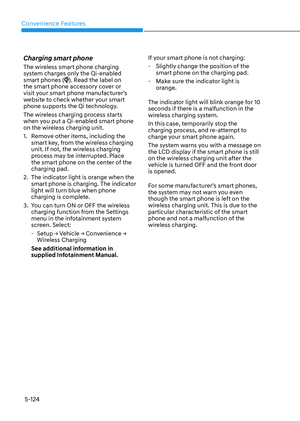
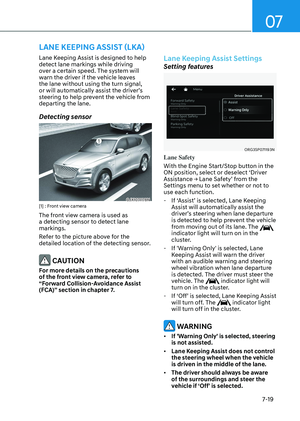
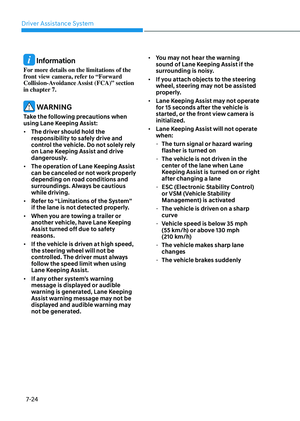
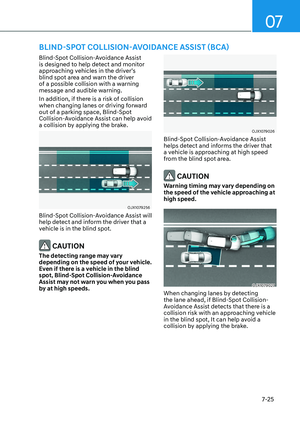
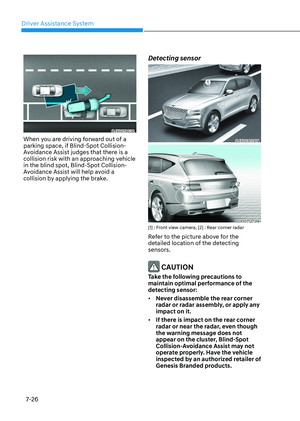
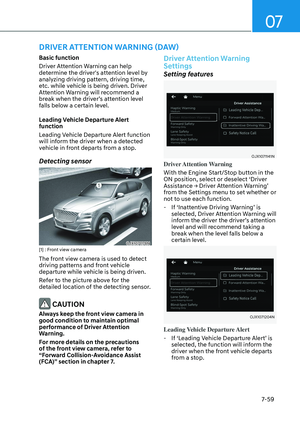
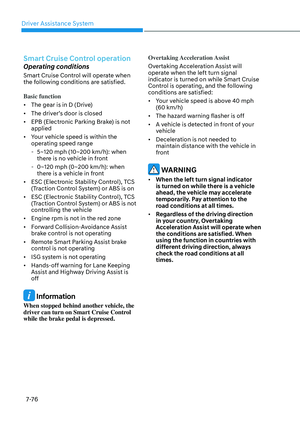
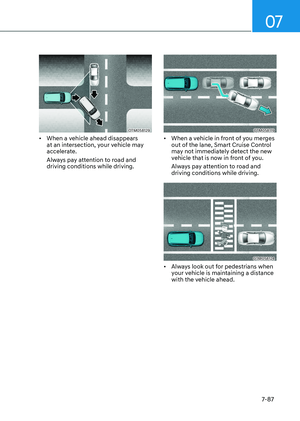
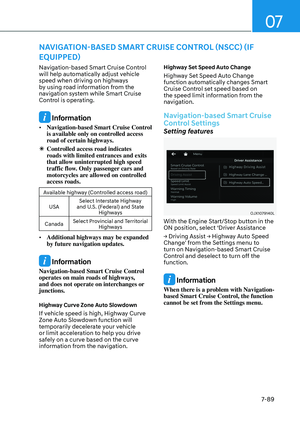
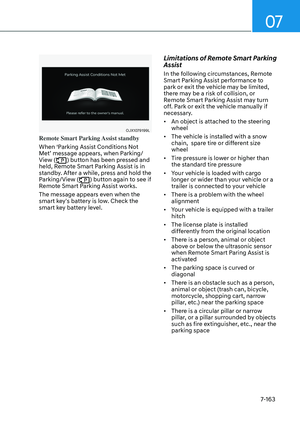
• The driver’s attention level is displayed
on the scale of 1 to 5. The lower the
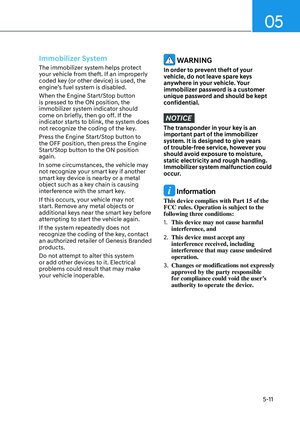
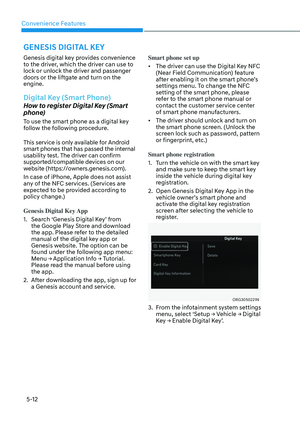
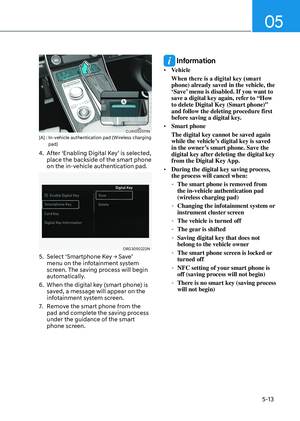
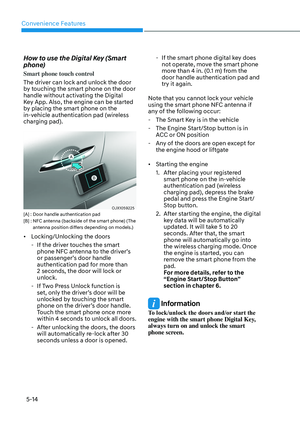
level is, the more inattentive the driver
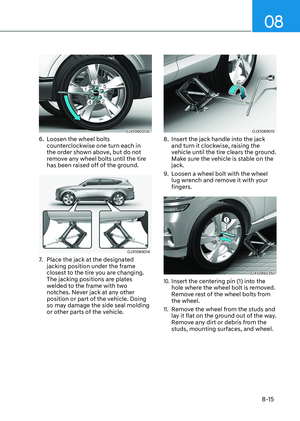
is.
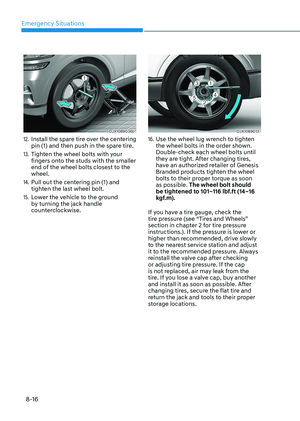
• The level decreases when the driver
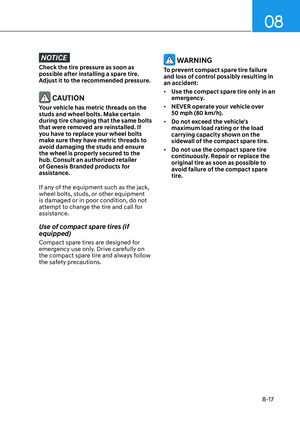
does not take a break for a certain
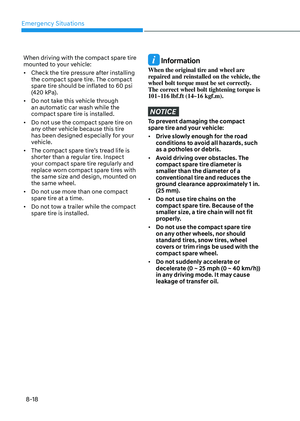
period of time.
Taking a break
OJX1079068LOJX1079068L
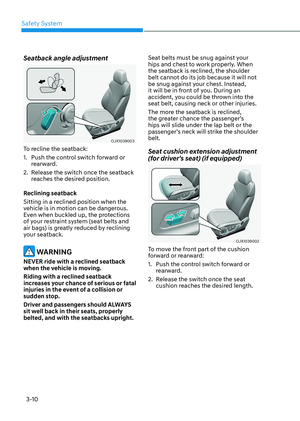
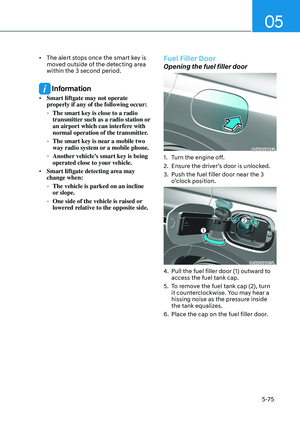
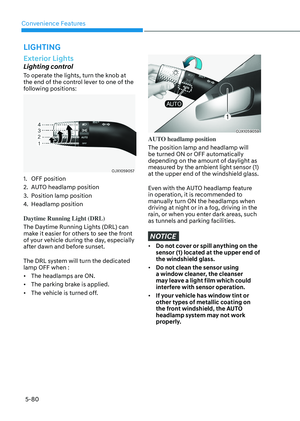
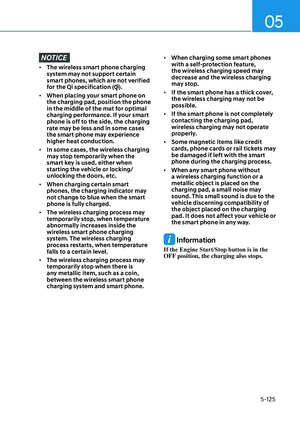
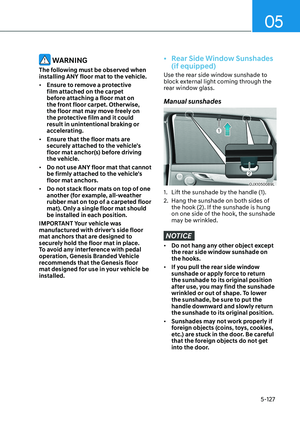
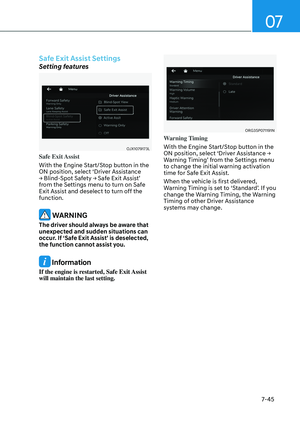
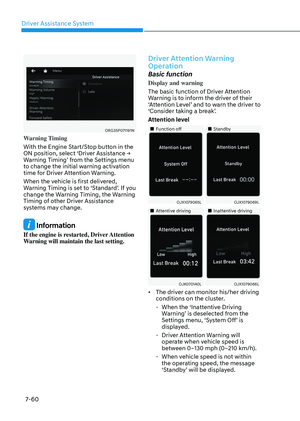
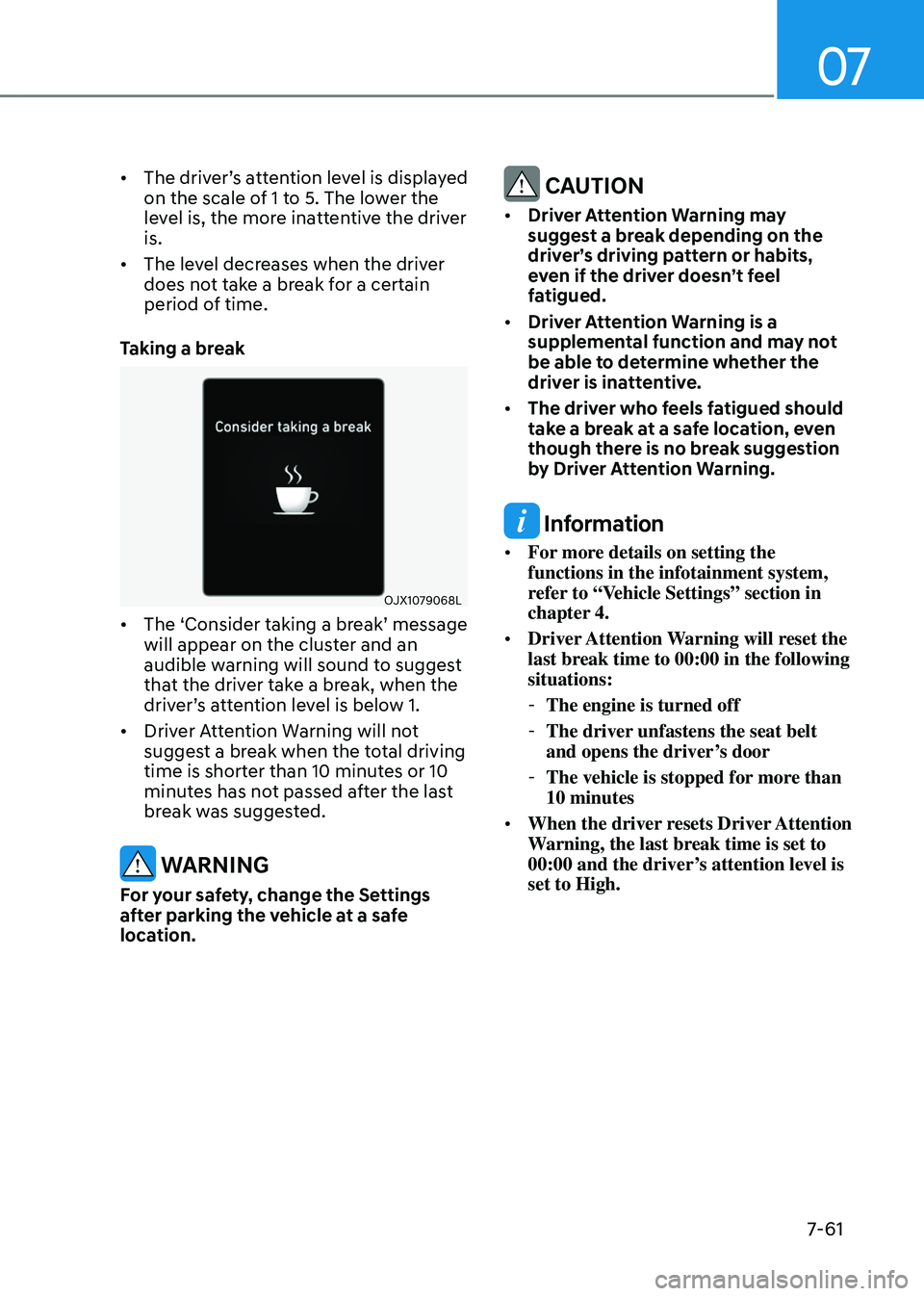
• The ‘Consider taking a break’ message
will appear on the cluster and an
audible warning will sound to suggest
that the driver take a break, when the
driver’s attention level is below 1.
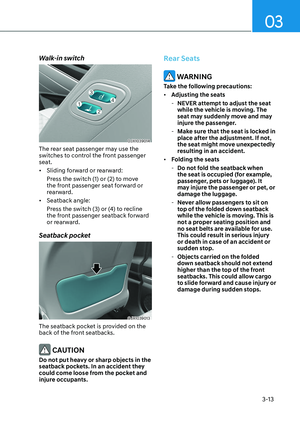
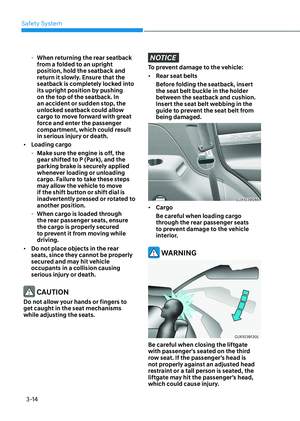
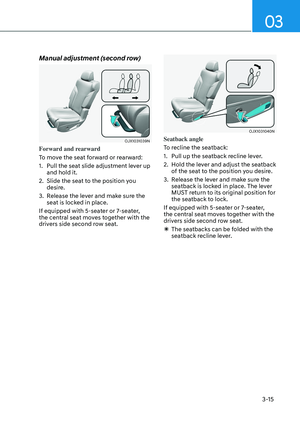
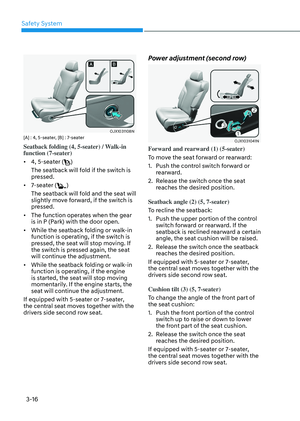
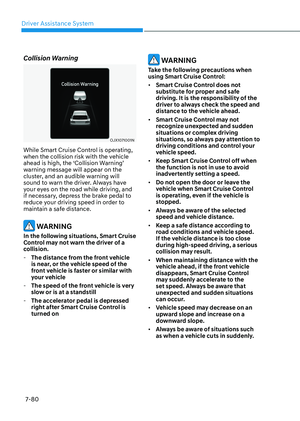
• Driver Attention Warning will not
suggest a break when the total driving
time is shorter than 10 minutes or 10
minutes has not passed after the last
break was suggested.
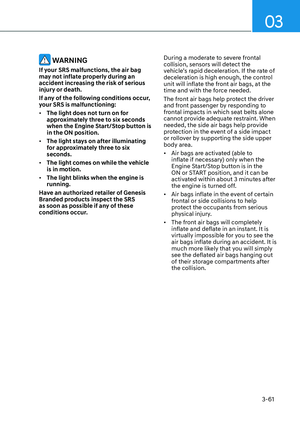
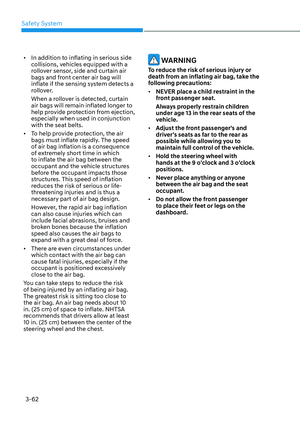
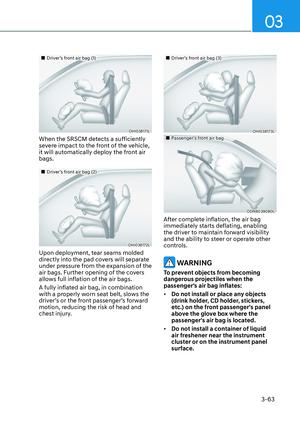
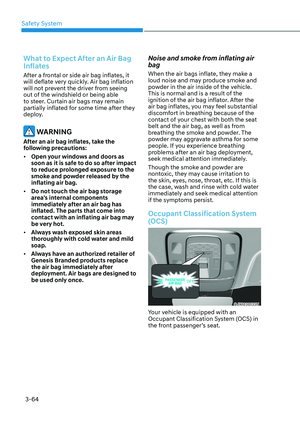
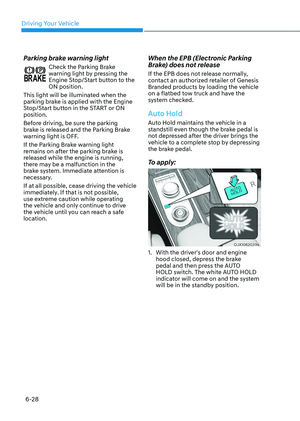
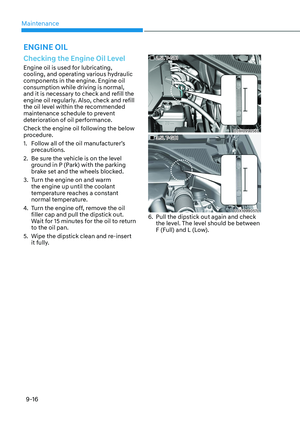
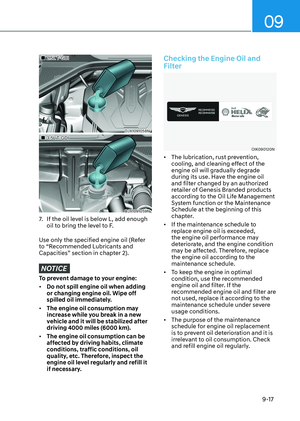
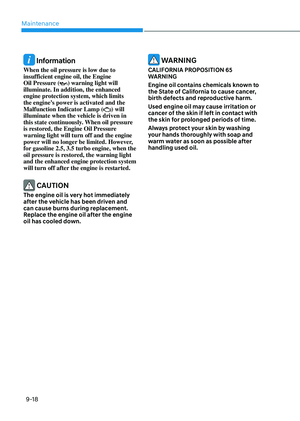
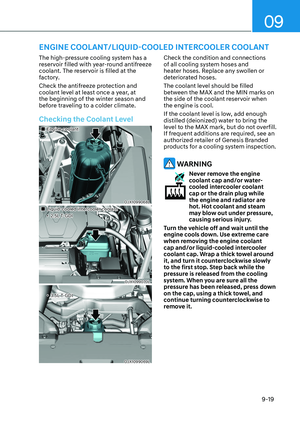
WARNING
For your safety, change the Settings
after parking the vehicle at a safe
location.
CAUTION
• Driver Attention Warning may
suggest a break depending on the
driver’s driving pattern or habits,
even if the driver doesn’t feel
fatigued.
• Driver Attention Warning is a
supplemental function and may not
be able to determine whether the
driver is inattentive.
• The driver who feels fatigued should
take a break at a safe location, even
though there is no break suggestion
by Driver Attention Warning.
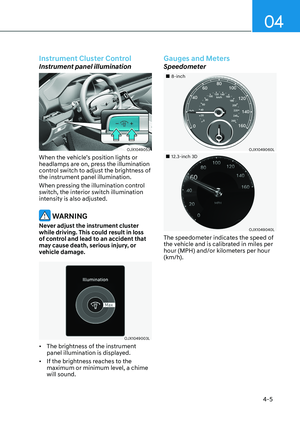
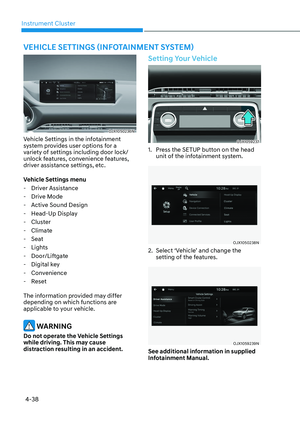
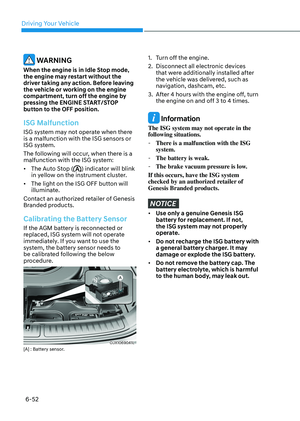
Information
• For more details on setting the
functions in the infotainment system,
refer to “Vehicle Settings” section in
chapter 4.
• Driver Attention Warning will reset the
last break time to 00:00 in the following
situations:
- The engine is turned off
-The driver unfastens the seat belt
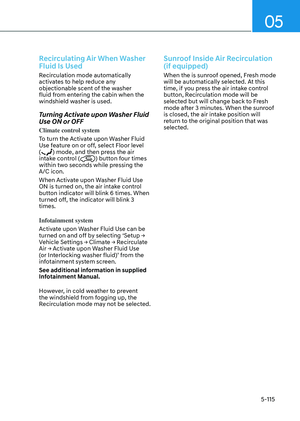
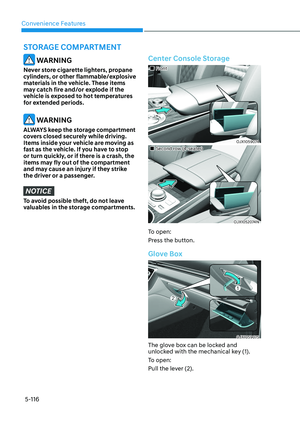
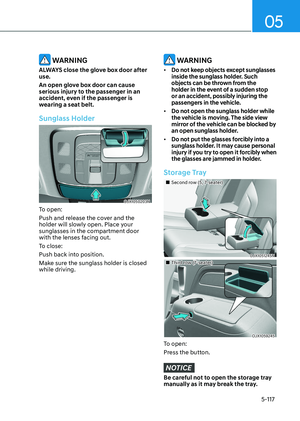
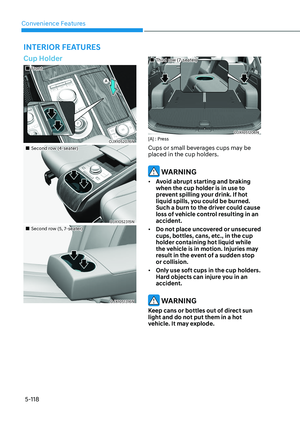
and opens the driver’s door
-The vehicle is stopped for more than
10 minutes
• When the driver resets Driver Attention
Warning, the last break time is set to
00:00 and the driver’s attention level is
set to High.
Page 418 of 650

Driver Assistance System
7-62
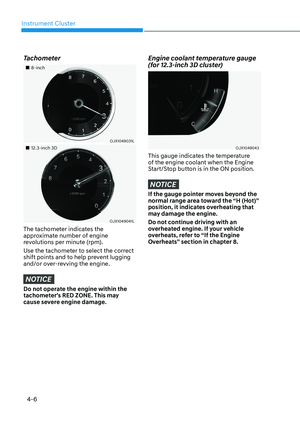
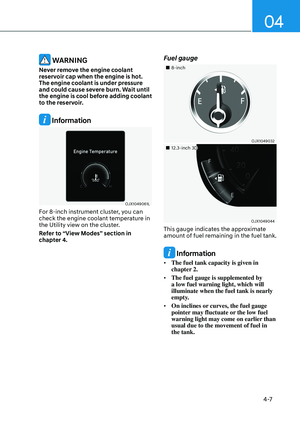
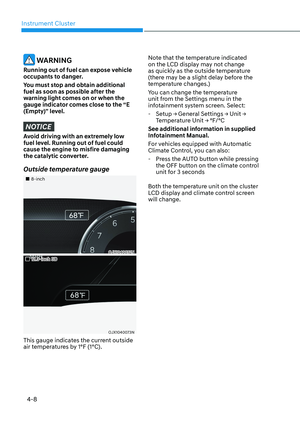
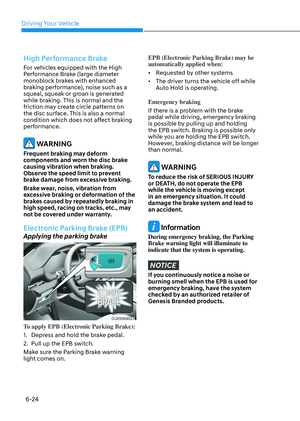
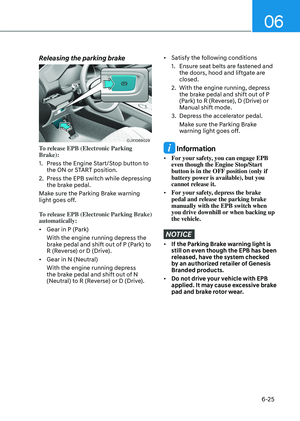
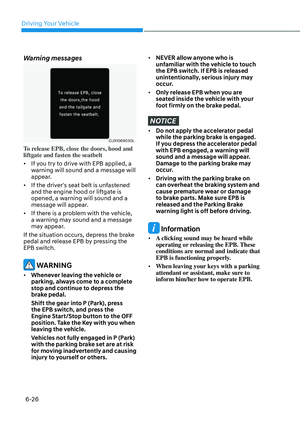
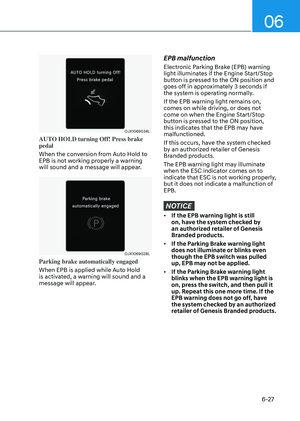
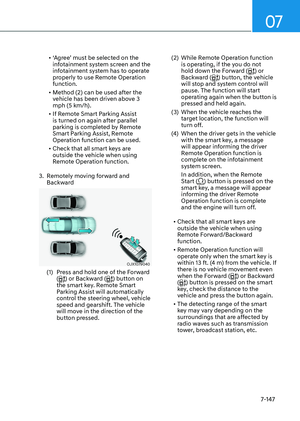
Leading vehicle departure alert
function
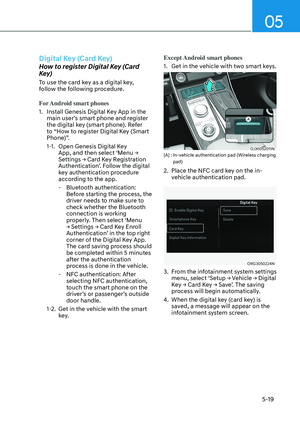
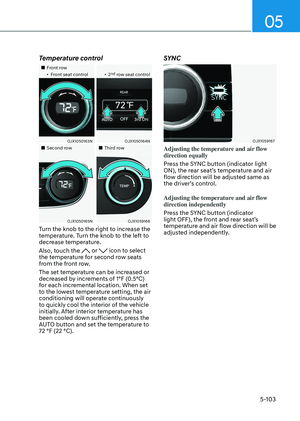
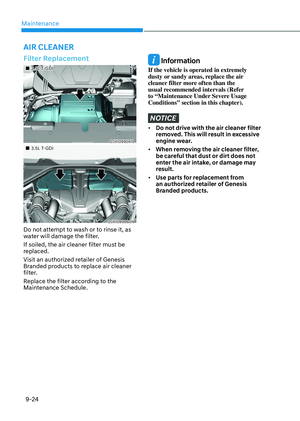
OJX1071071N OJX1071071N
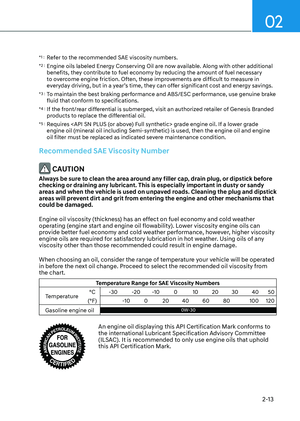
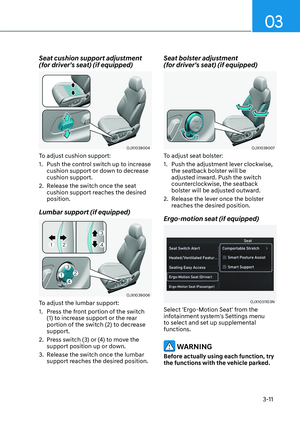
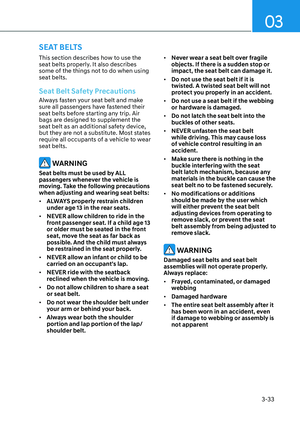
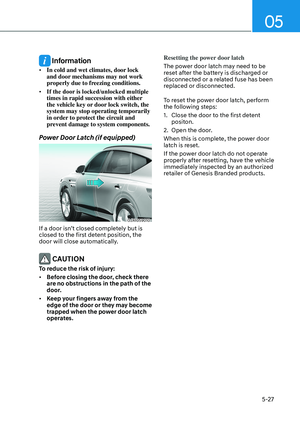
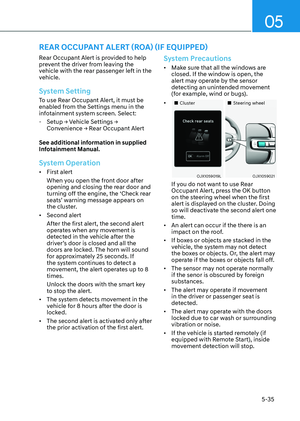
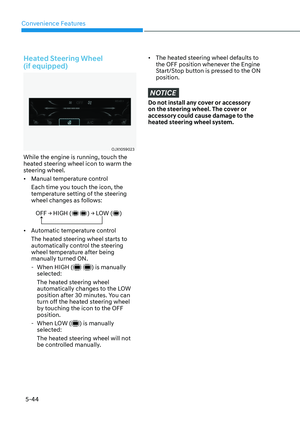
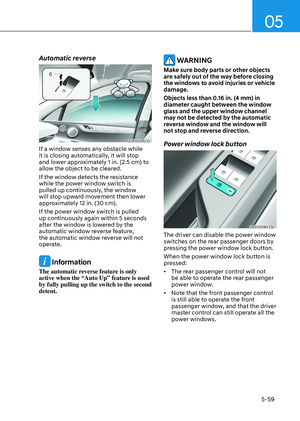
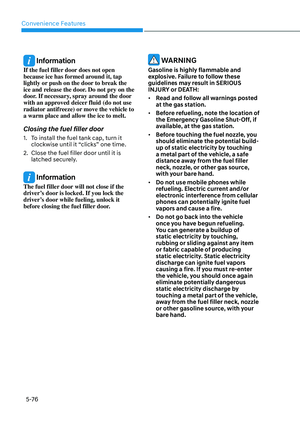
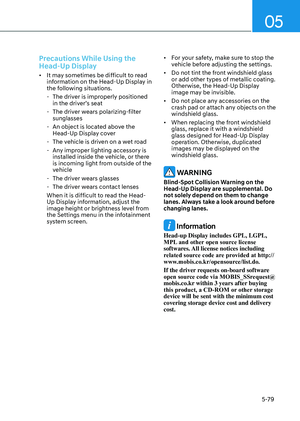
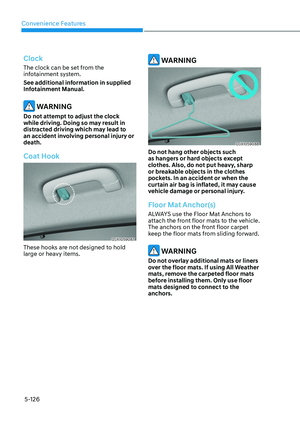
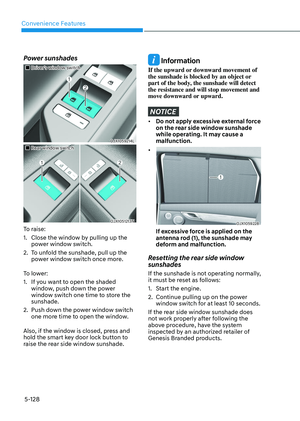
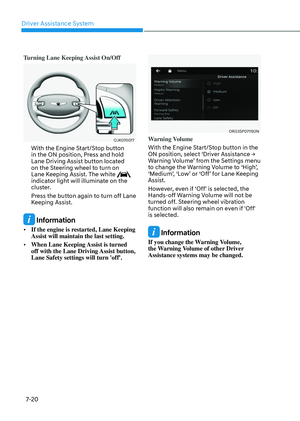
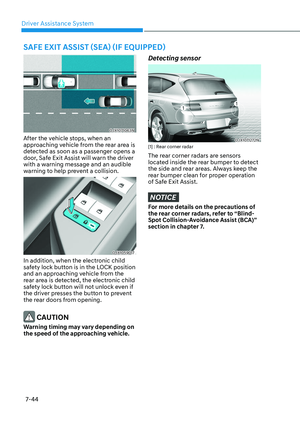
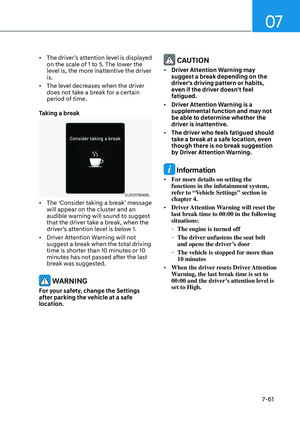
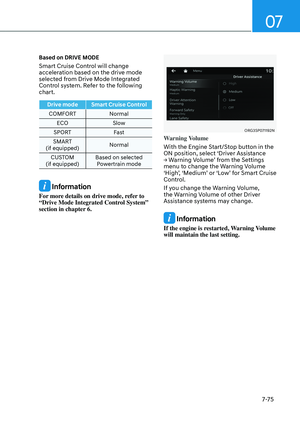
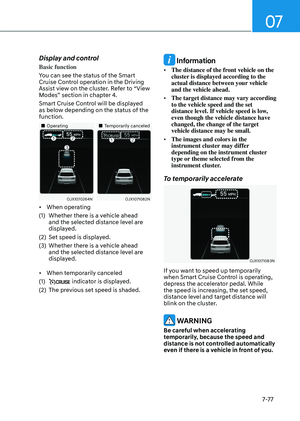
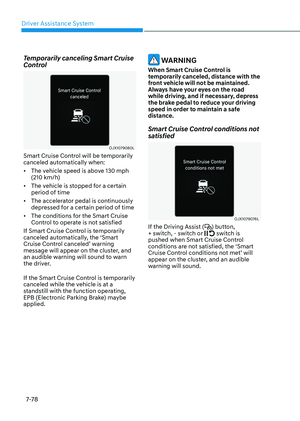
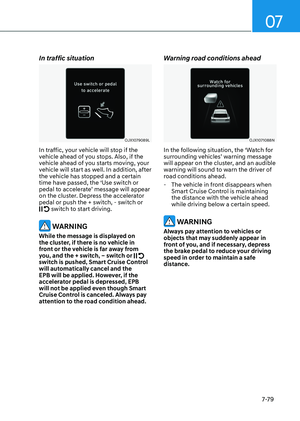
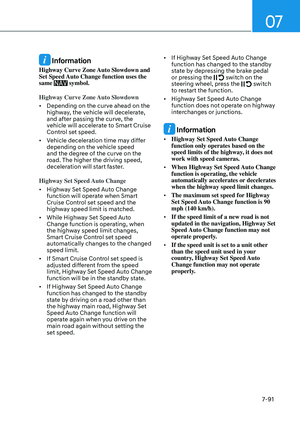
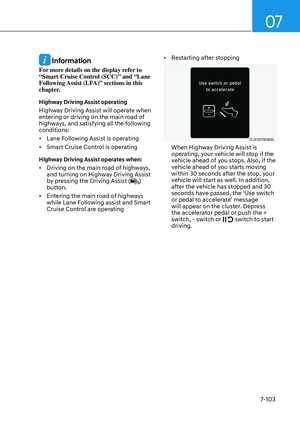
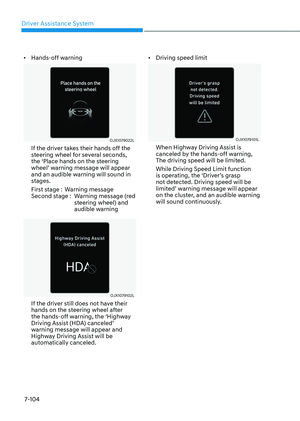
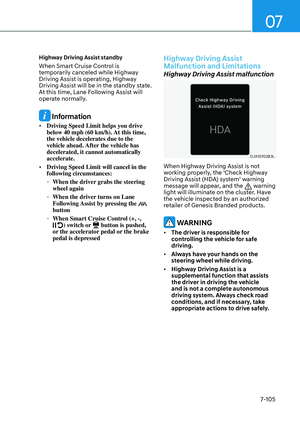
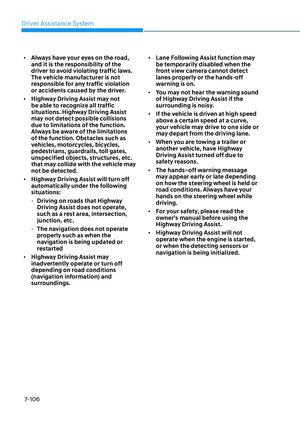
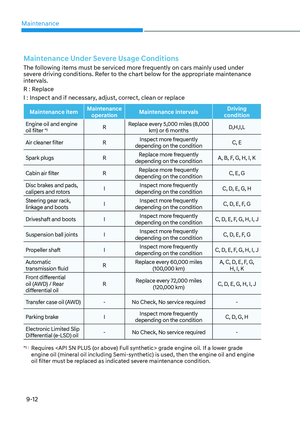
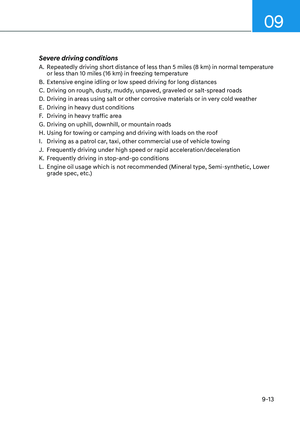
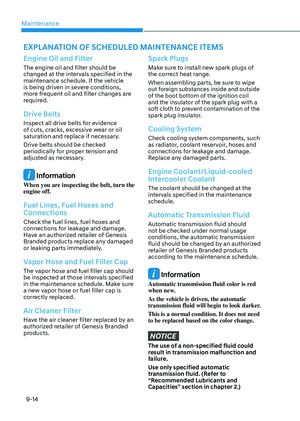
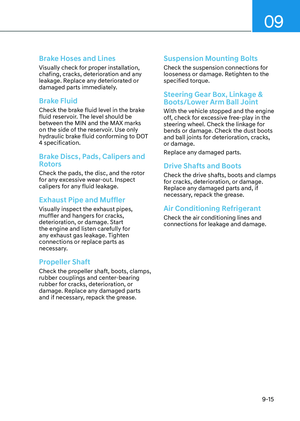
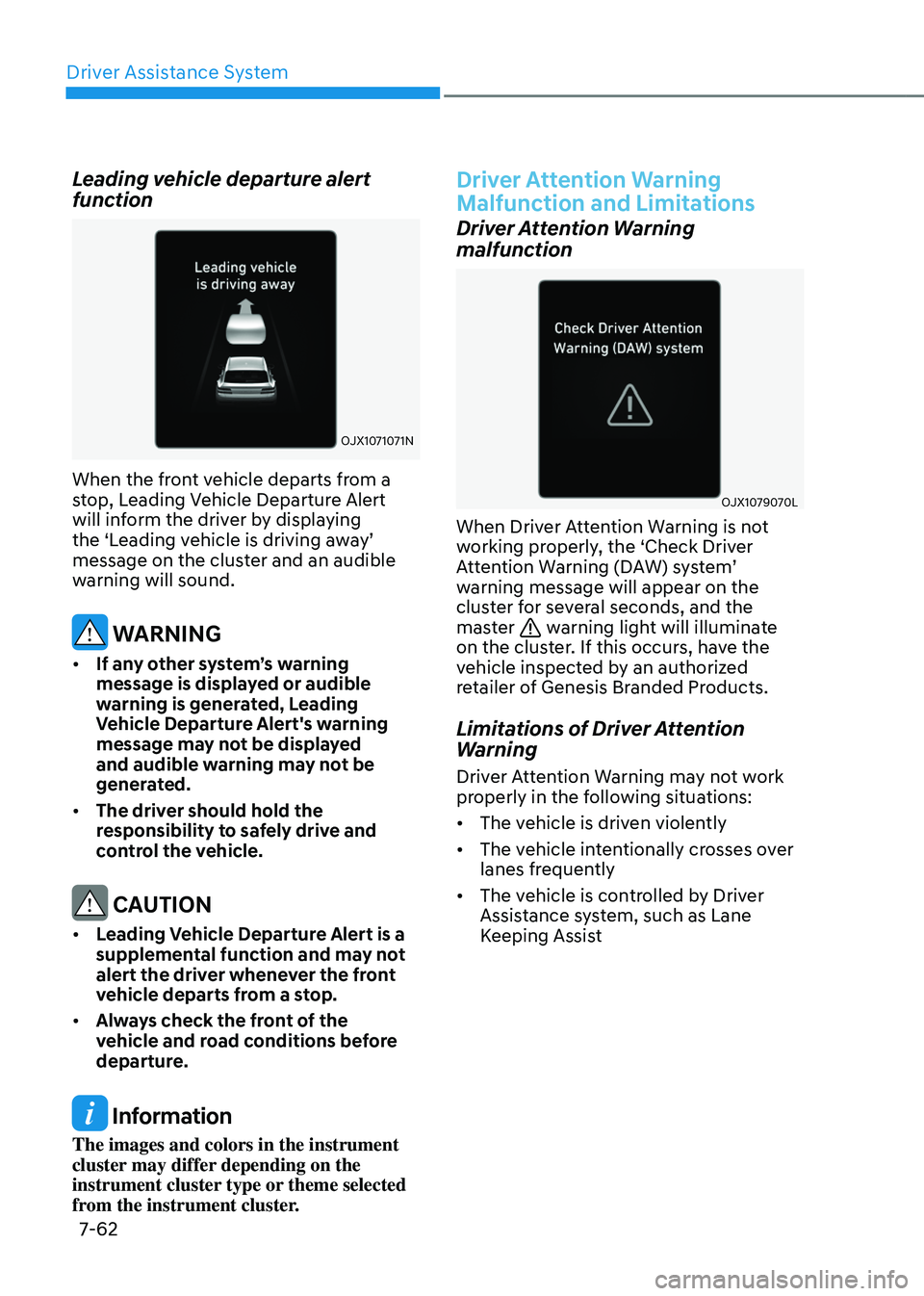
When the front vehicle departs from a
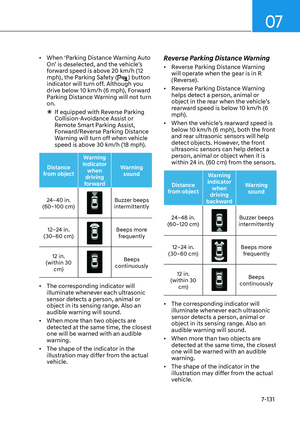
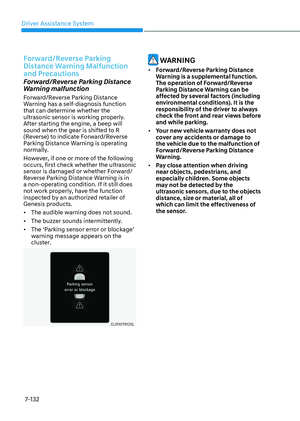
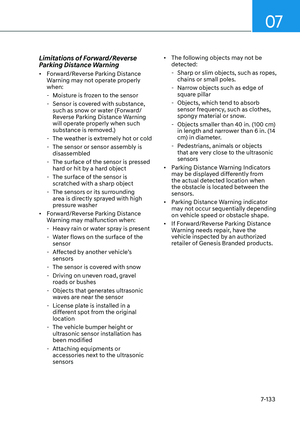
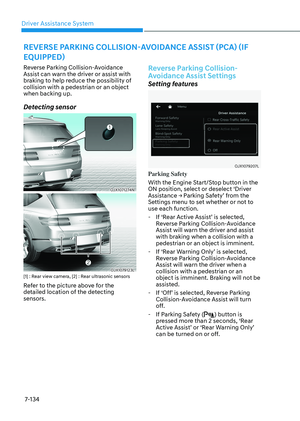
stop, Leading Vehicle Departure Alert
will inform the driver by displaying
the ‘Leading vehicle is driving away’
message on the cluster and an audible
warning will sound.
WARNING
• If any other system’s warning
message is displayed or audible
warning is generated, Leading
Vehicle Departure Alert's warning
message may not be displayed
and audible warning may not be
generated.
• The driver should hold the
responsibility to safely drive and
control the vehicle.
CAUTION
• Leading Vehicle Departure Alert is a
supplemental function and may not
alert the driver whenever the front
vehicle departs from a stop.
• Always check the front of the
vehicle and road conditions before
departure.
Information
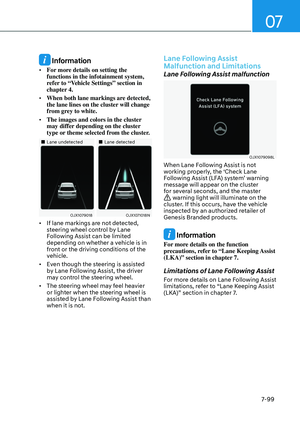
The images and colors in the instrument
cluster may differ depending on the
instrument cluster type or theme selected
from the instrument cluster.
Driver Attention Warning
Malfunction and Limitations
Driver Attention Warning
malfunction
OJX1079070LOJX1079070L
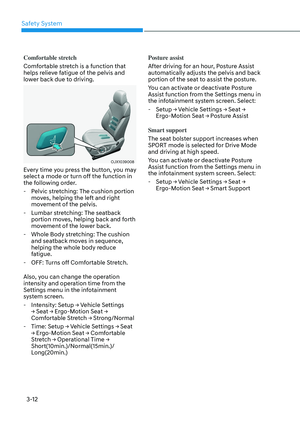
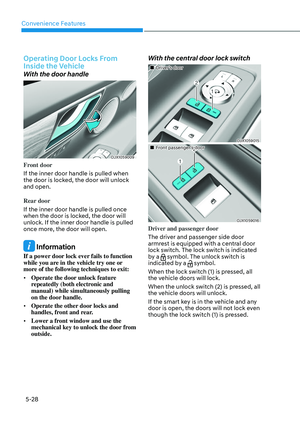
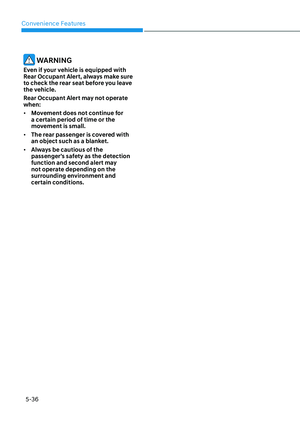
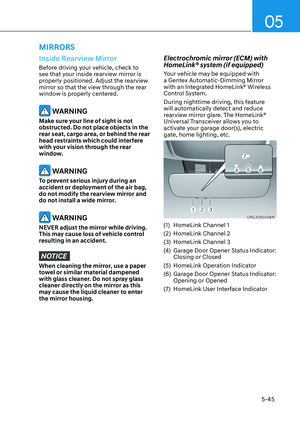
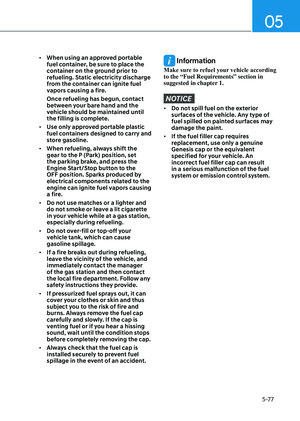
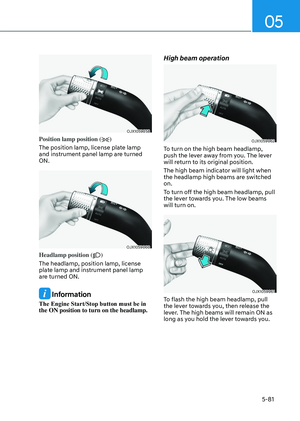
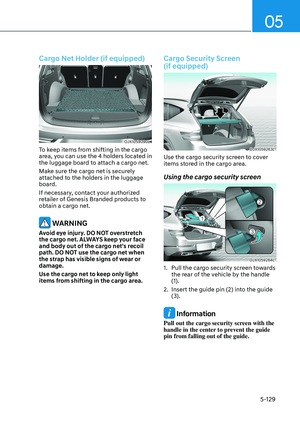
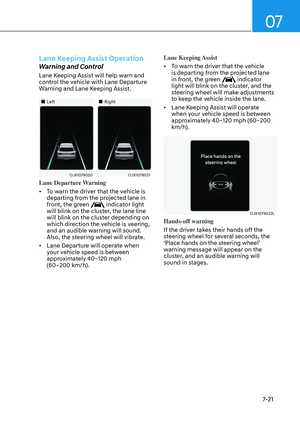
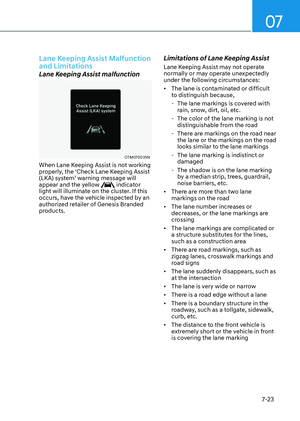
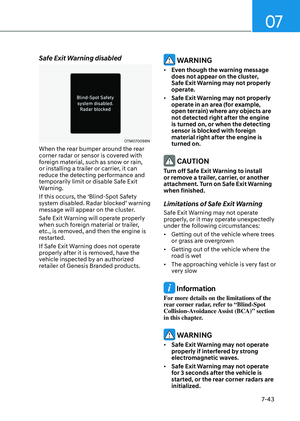
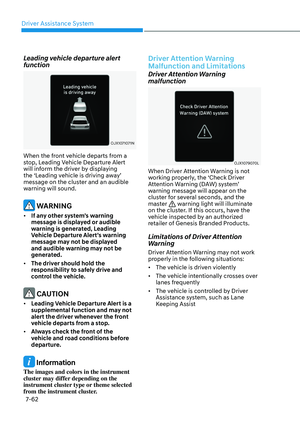
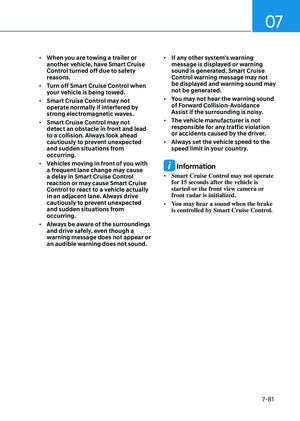
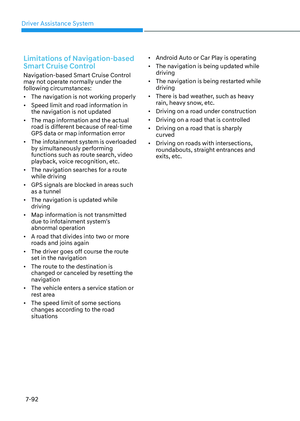
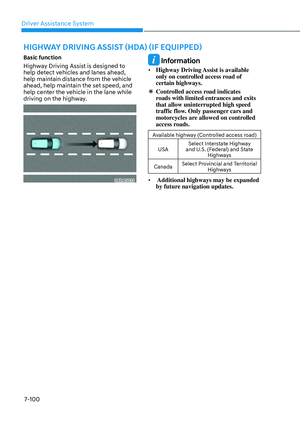
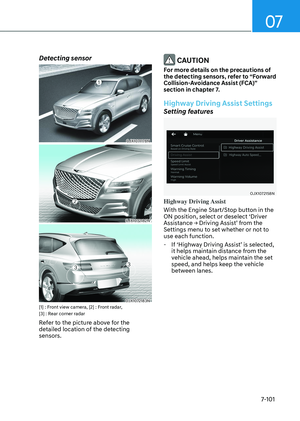
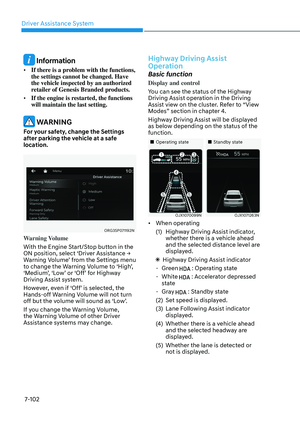
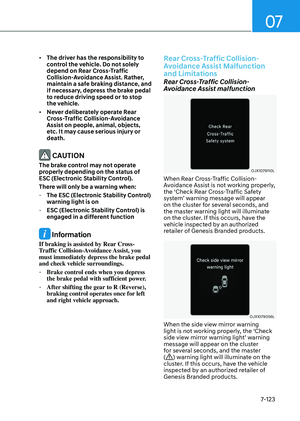
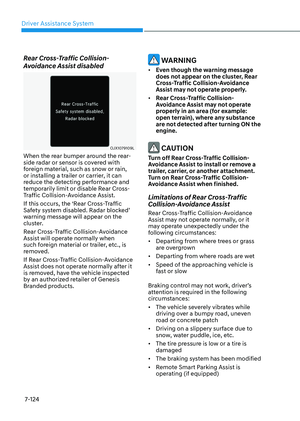
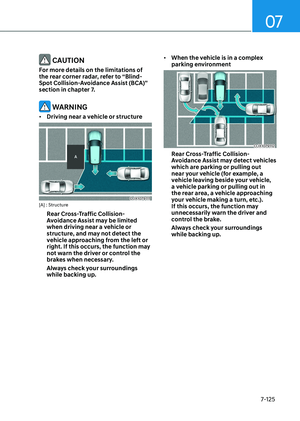
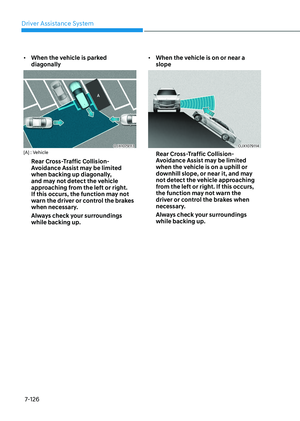
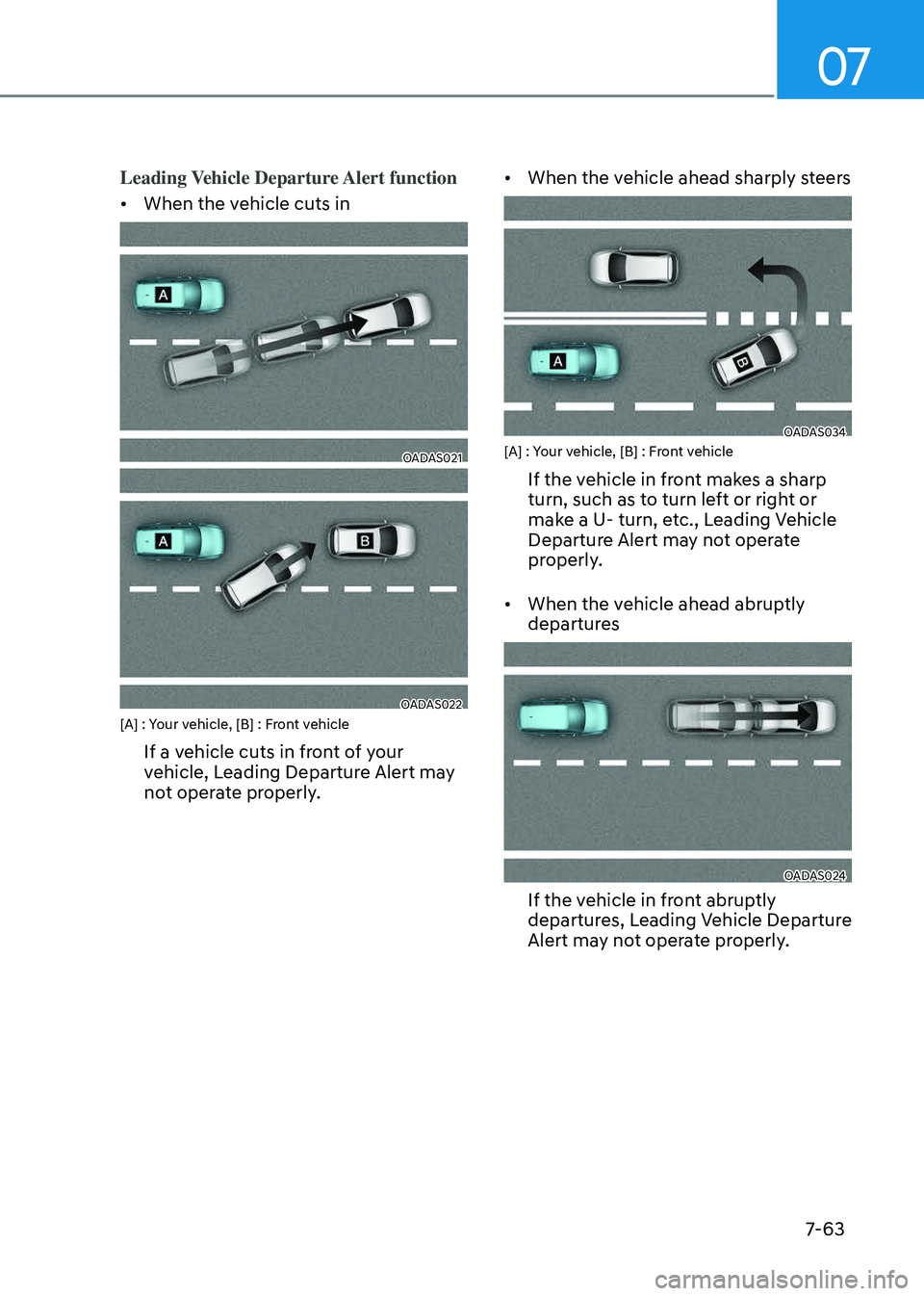
When Driver Attention Warning is not
working properly, the ‘Check Driver
Attention Warning (DAW) system’
warning message will appear on the
cluster for several seconds, and the
master
warning light will illuminate
on the cluster. If this occurs, have the
vehicle inspected by an authorized
retailer of Genesis Branded Products.
Limitations of Driver Attention
Warning
Driver Attention Warning may not work
properly in the following situations:
• The vehicle is driven violently
• The vehicle intentionally crosses over
lanes frequently
• The vehicle is controlled by Driver
Assistance system, such as Lane
Keeping Assist
Page 419 of 650
07
7-63
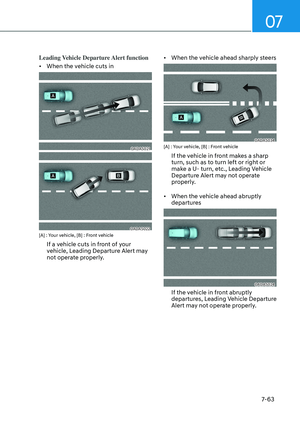
Leading Vehicle Departure Alert function
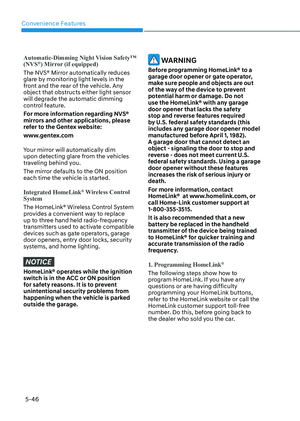
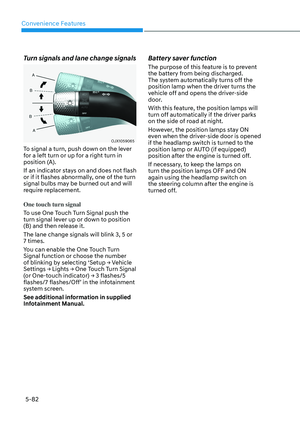
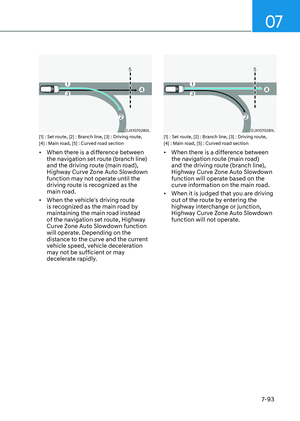
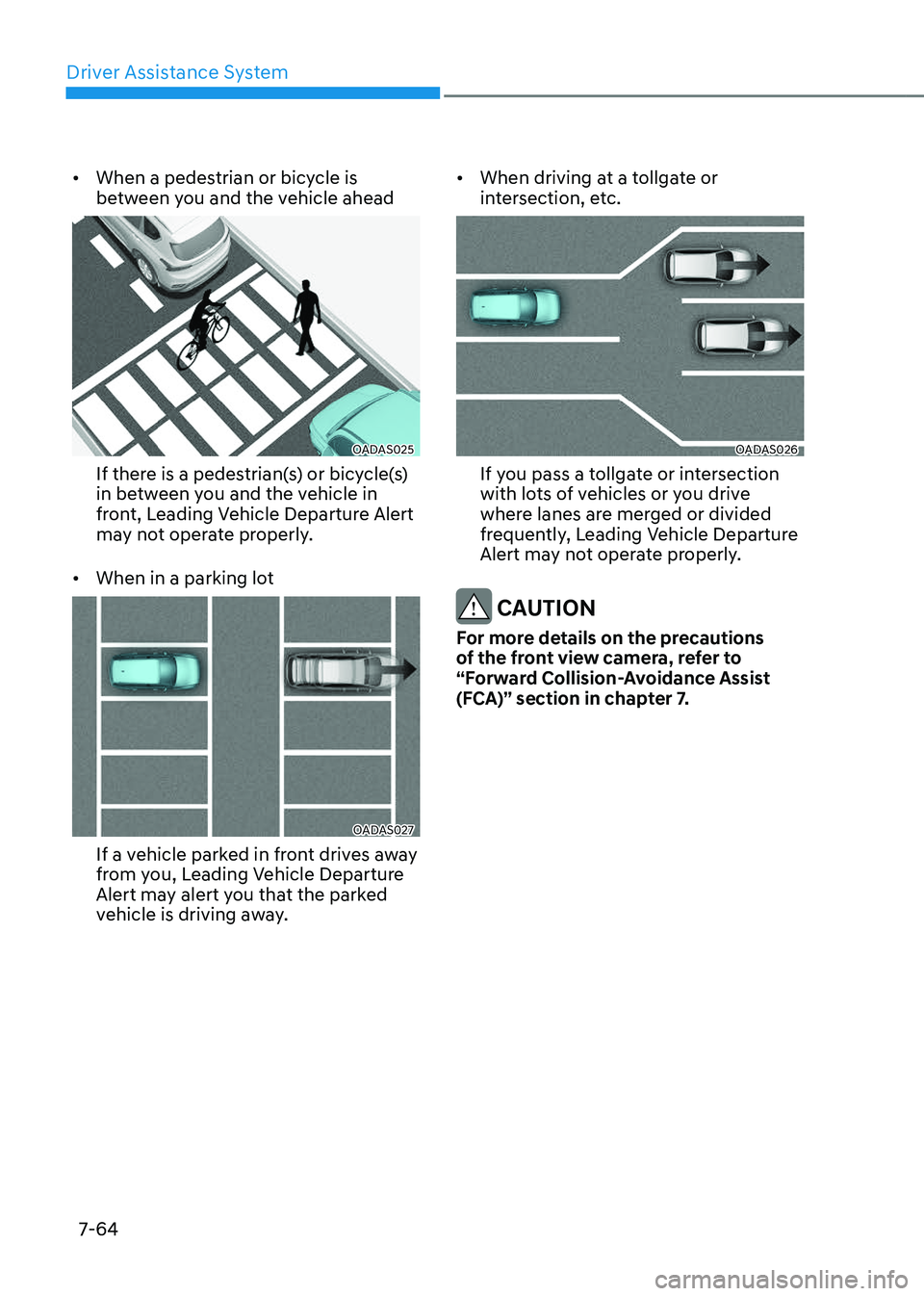
• When the vehicle cuts in
OADAS021OADAS021
OADAS022OADAS022[A] : Your vehicle, [B] : Front vehicle
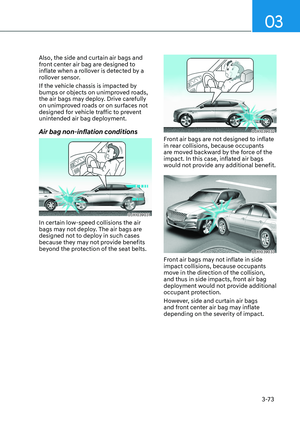
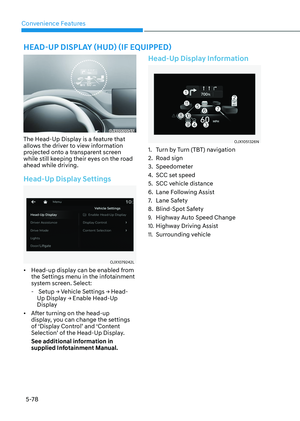
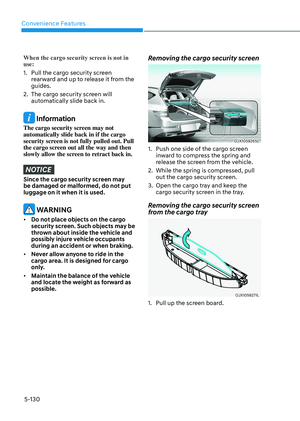
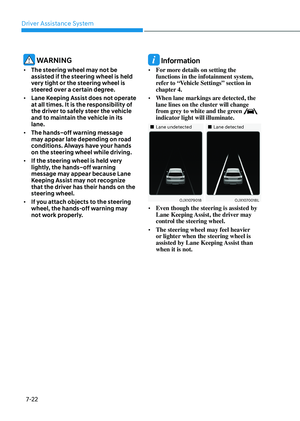
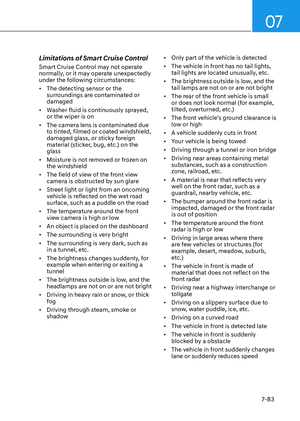
If a vehicle cuts in front of your
vehicle, Leading Departure Alert may
not operate properly.
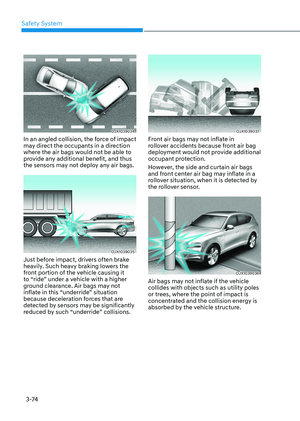
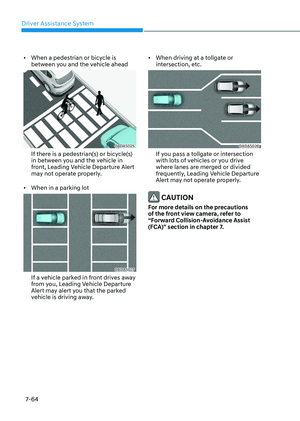
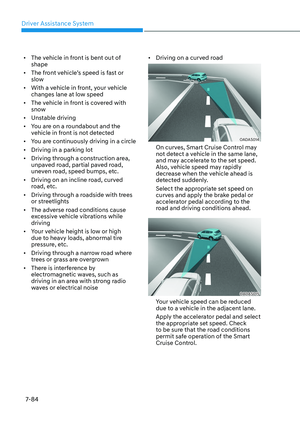
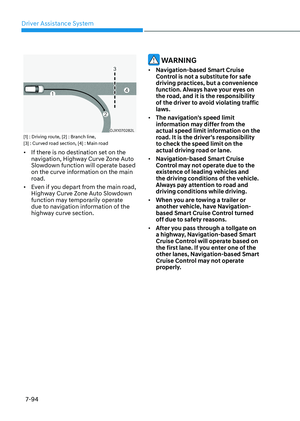
• When the vehicle ahead sharply steers
OADAS034OADAS034[A] : Your vehicle, [B] : Front vehicle
If the vehicle in front makes a sharp
turn, such as to turn left or right or
make a U- turn, etc., Leading Vehicle
Departure Alert may not operate
properly.
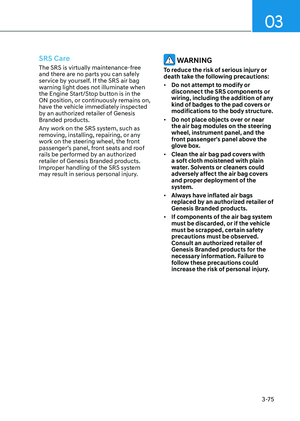
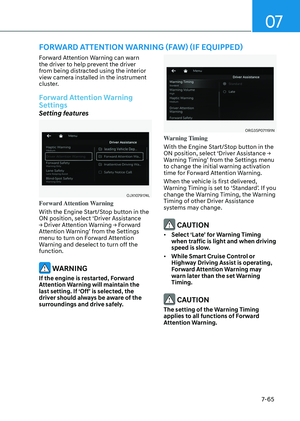
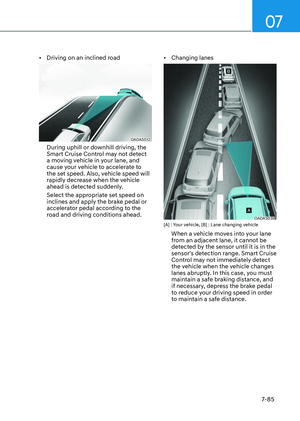
• When the vehicle ahead abruptly
departures
OADAS024OADAS024
If the vehicle in front abruptly
departures, Leading Vehicle Departure
Alert may not operate properly.
Page 420 of 650
Driver Assistance System
7-64
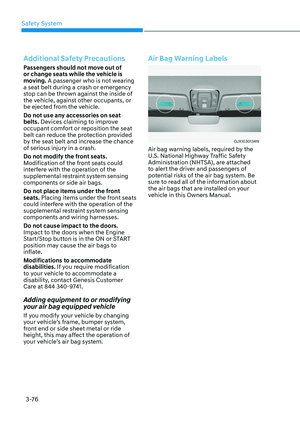
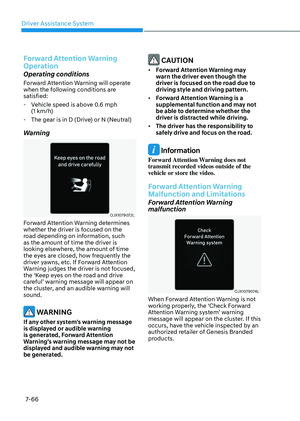
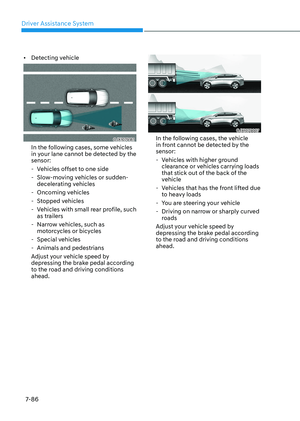
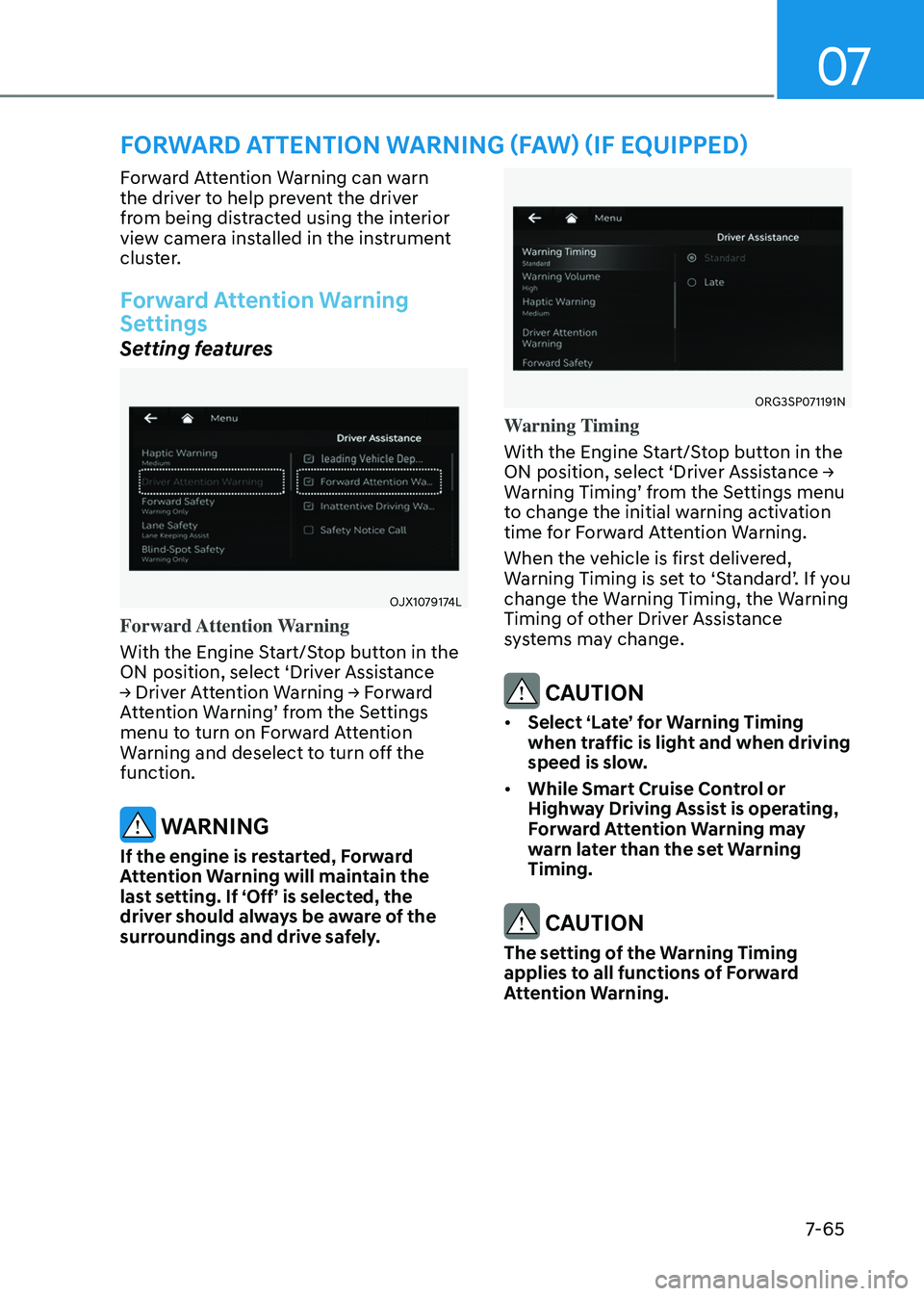
• When a pedestrian or bicycle is
between you and the vehicle ahead
OADAS025OADAS025
If there is a pedestrian(s) or bicycle(s)
in between you and the vehicle in
front, Leading Vehicle Departure Alert
may not operate properly.
• When in a parking lot
OADAS027OADAS027
If a vehicle parked in front drives away
from you, Leading Vehicle Departure
Alert may alert you that the parked
vehicle is driving away.
• When driving at a tollgate or
intersection, etc.
OADAS026OADAS026
If you pass a tollgate or intersection
with lots of vehicles or you drive
where lanes are merged or divided
frequently, Leading Vehicle Departure
Alert may not operate properly.
CAUTION
For more details on the precautions
of the front view camera, refer to
“Forward Collision-Avoidance Assist
(FCA)” section in chapter 7.
Page 421 of 650

07
7-65
FORWARD ATTENTION WARNING (FAW) (IF EQUIPPED)
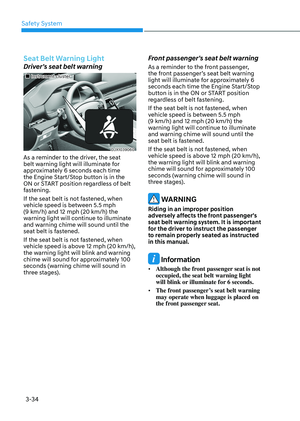
Forward Attention Warning can warn
the driver to help prevent the driver
from being distracted using the interior
view camera installed in the instrument
cluster.
Forward Attention Warning
Settings
Setting features
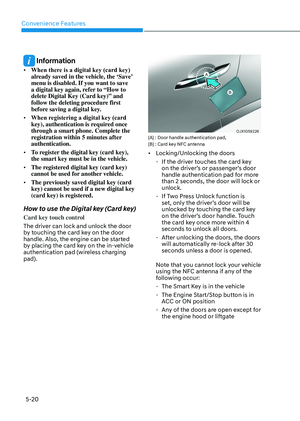
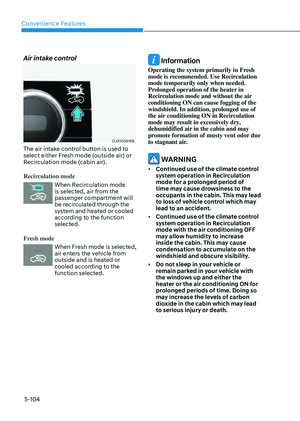
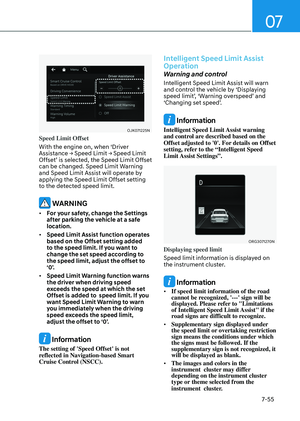
OJX1079174LOJX1079174L
Forward Attention Warning
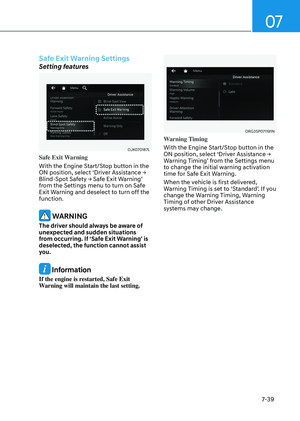
With the Engine Start/Stop button in the
ON position, select ‘Driver Assistance
→ Driver Attention Warning → Forward
Attention Warning’ from the Settings
menu to turn on Forward Attention
Warning and deselect to turn off the
function.
WARNING
If the engine is restarted, Forward
Attention Warning will maintain the
last setting. If ‘Off’ is selected, the
driver should always be aware of the
surroundings and drive safely.
ORG3SP071191NORG3SP071191N
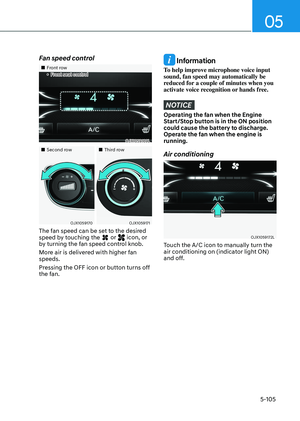
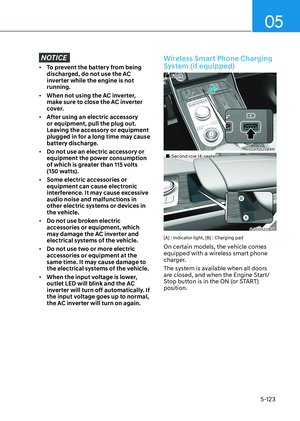
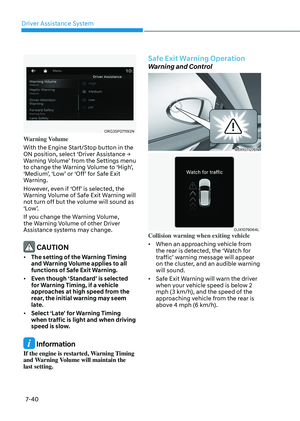
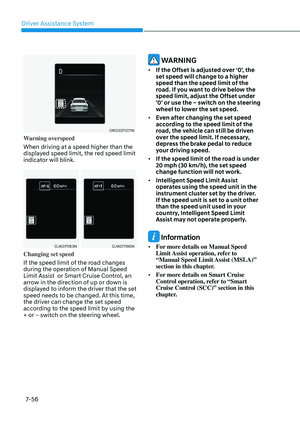
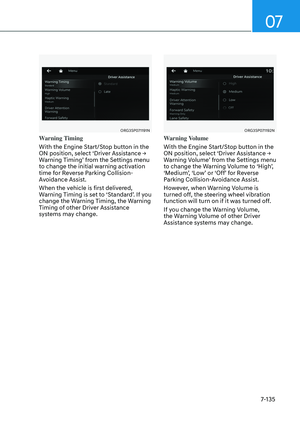
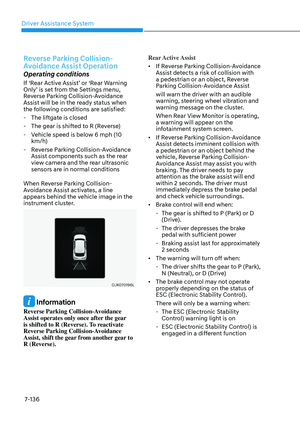
Warning Timing
With the Engine Start/Stop button in the
ON position, select ‘Driver Assistance →
Warning Timing’ from the Settings menu
to change the initial warning activation
time for Forward Attention Warning.
When the vehicle is first delivered,
Warning Timing is set to ‘Standard’. If you
change the Warning Timing, the Warning
Timing of other Driver Assistance
systems may change.
CAUTION
• Select ‘Late’ for Warning Timing
when traffic is light and when driving
speed is slow.
• While Smart Cruise Control or
Highway Driving Assist is operating,
Forward Attention Warning may
warn later than the set Warning
Timing.
CAUTION
The setting of the Warning Timing
applies to all functions of Forward
Attention Warning.
Page 422 of 650

Driver Assistance System
7-66
Forward Attention Warning
Operation
Operating conditions
Forward Attention Warning will operate
when the following conditions are
satisfied:
-Vehicle speed is above 0.6 mph
(1 km/h)
-The gear is in D (Drive) or N (Neutral)
Warning
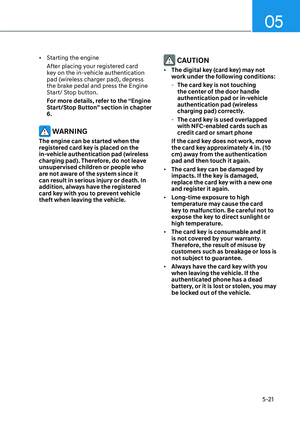
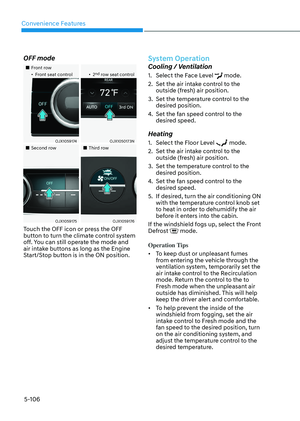
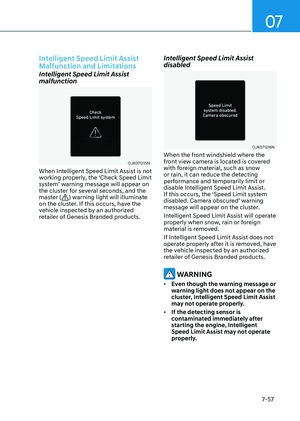
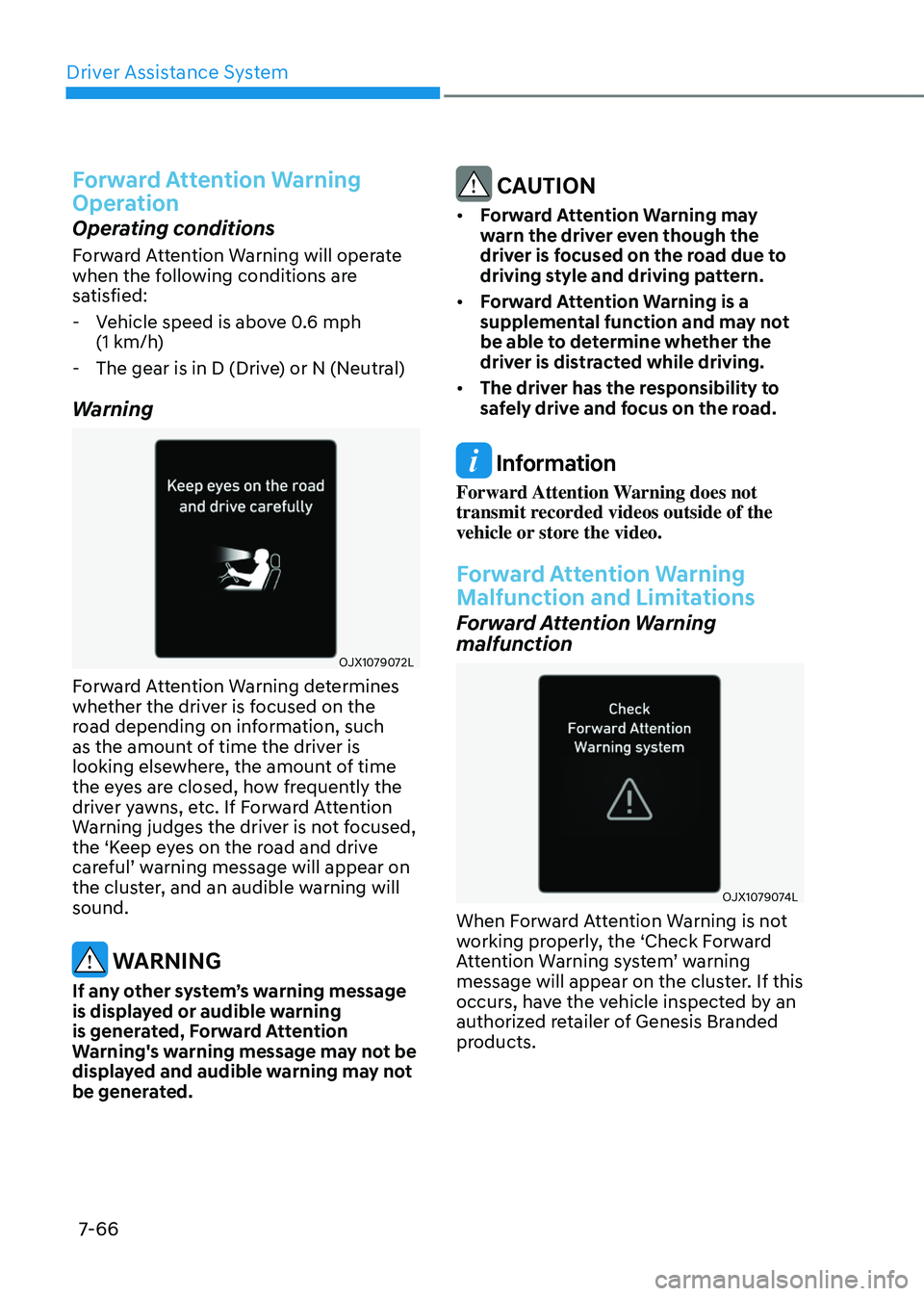
OJX1079072LOJX1079072L
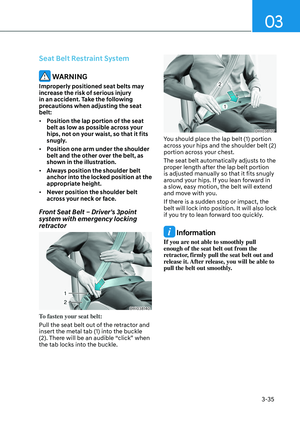
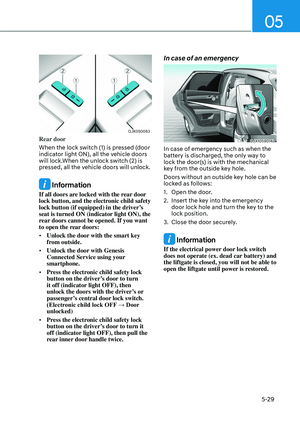
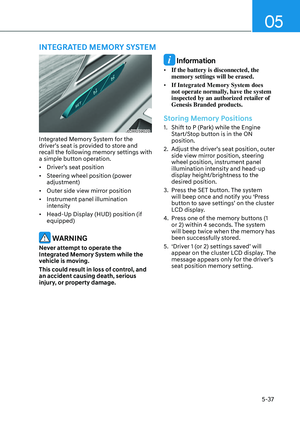
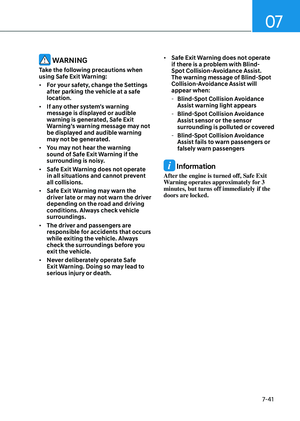
Forward Attention Warning determines
whether the driver is focused on the
road depending on information, such
as the amount of time the driver is
looking elsewhere, the amount of time
the eyes are closed, how frequently the
driver yawns, etc. If Forward Attention
Warning judges the driver is not focused,
the ‘Keep eyes on the road and drive
careful’ warning message will appear on
the cluster, and an audible warning will
sound.
WARNING
If any other system’s warning message
is displayed or audible warning
is generated, Forward Attention
Warning's warning message may not be
displayed and audible warning may not
be generated.
CAUTION
• Forward Attention Warning may
warn the driver even though the
driver is focused on the road due to
driving style and driving pattern.
• Forward Attention Warning is a
supplemental function and may not
be able to determine whether the
driver is distracted while driving.
• The driver has the responsibility to
safely drive and focus on the road.
Information
Forward Attention Warning does not
transmit recorded videos outside of the
vehicle or store the video.
Forward Attention Warning
Malfunction and Limitations
Forward Attention Warning
malfunction
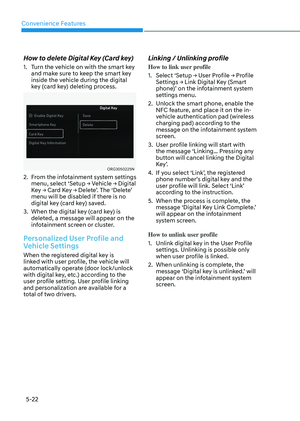
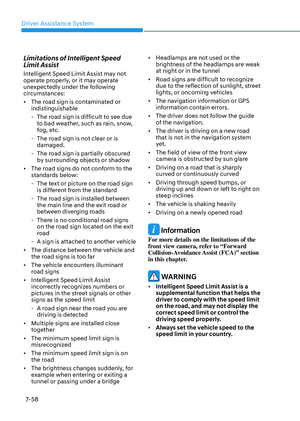
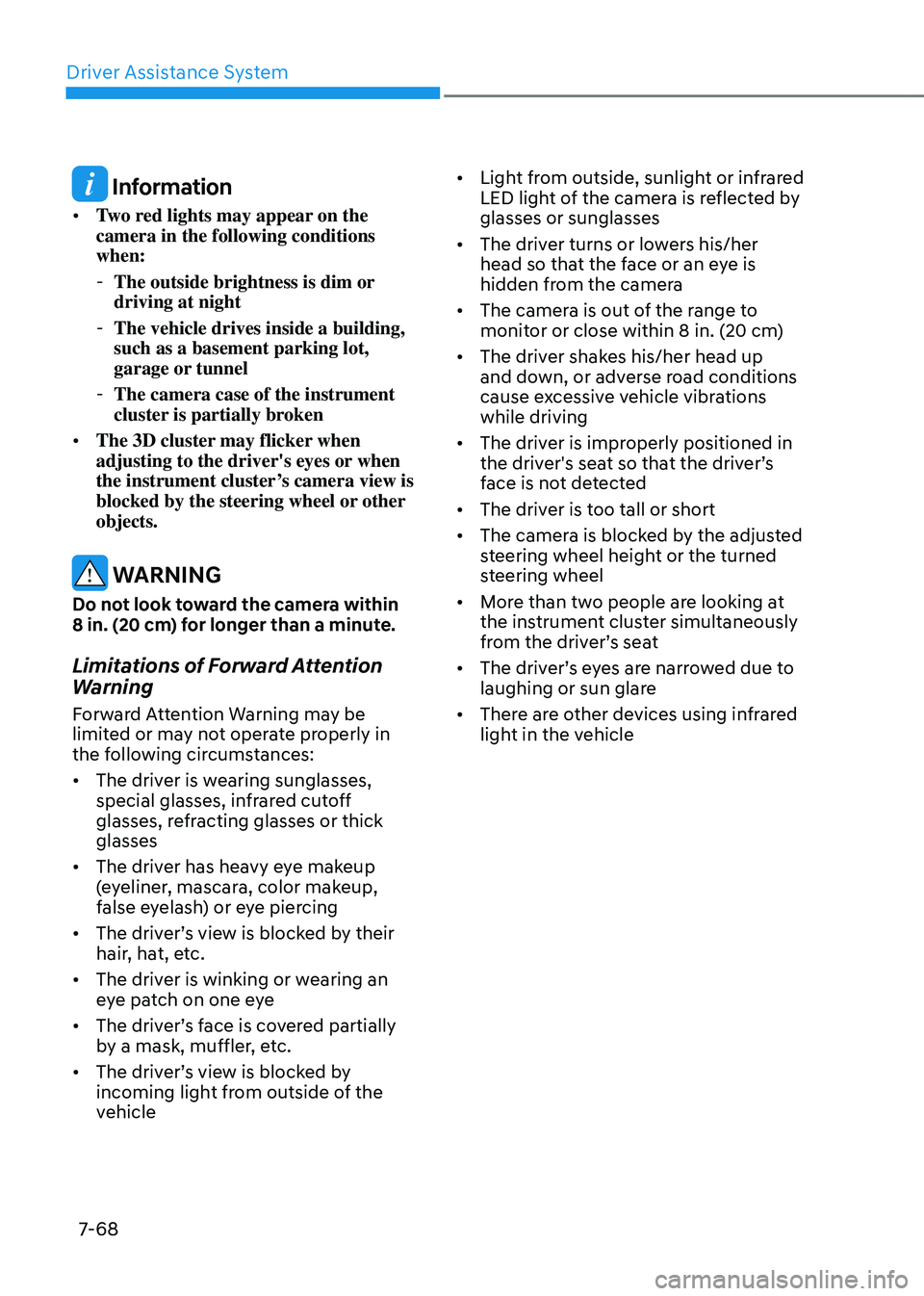
OJX1079074LOJX1079074L
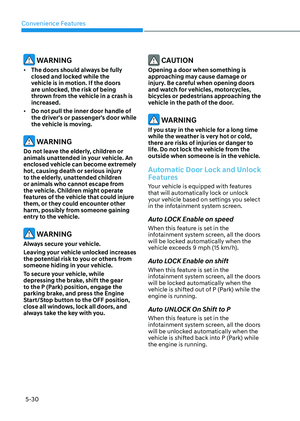
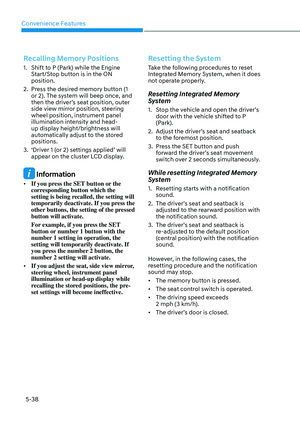
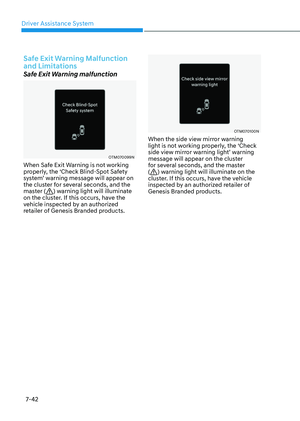
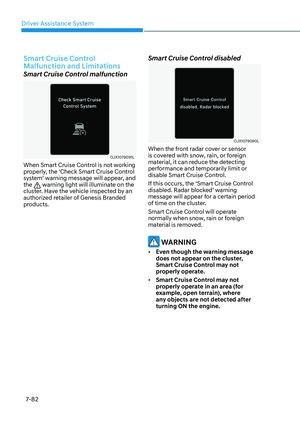
When Forward Attention Warning is not
working properly, the ‘Check Forward
Attention Warning system’ warning
message will appear on the cluster. If this
occurs, have the vehicle inspected by an
authorized retailer of Genesis Branded
products.
Page 423 of 650

07
7-67
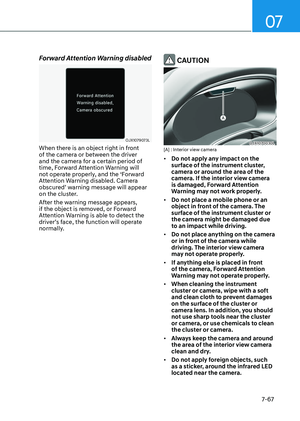
Forward Attention Warning disabled
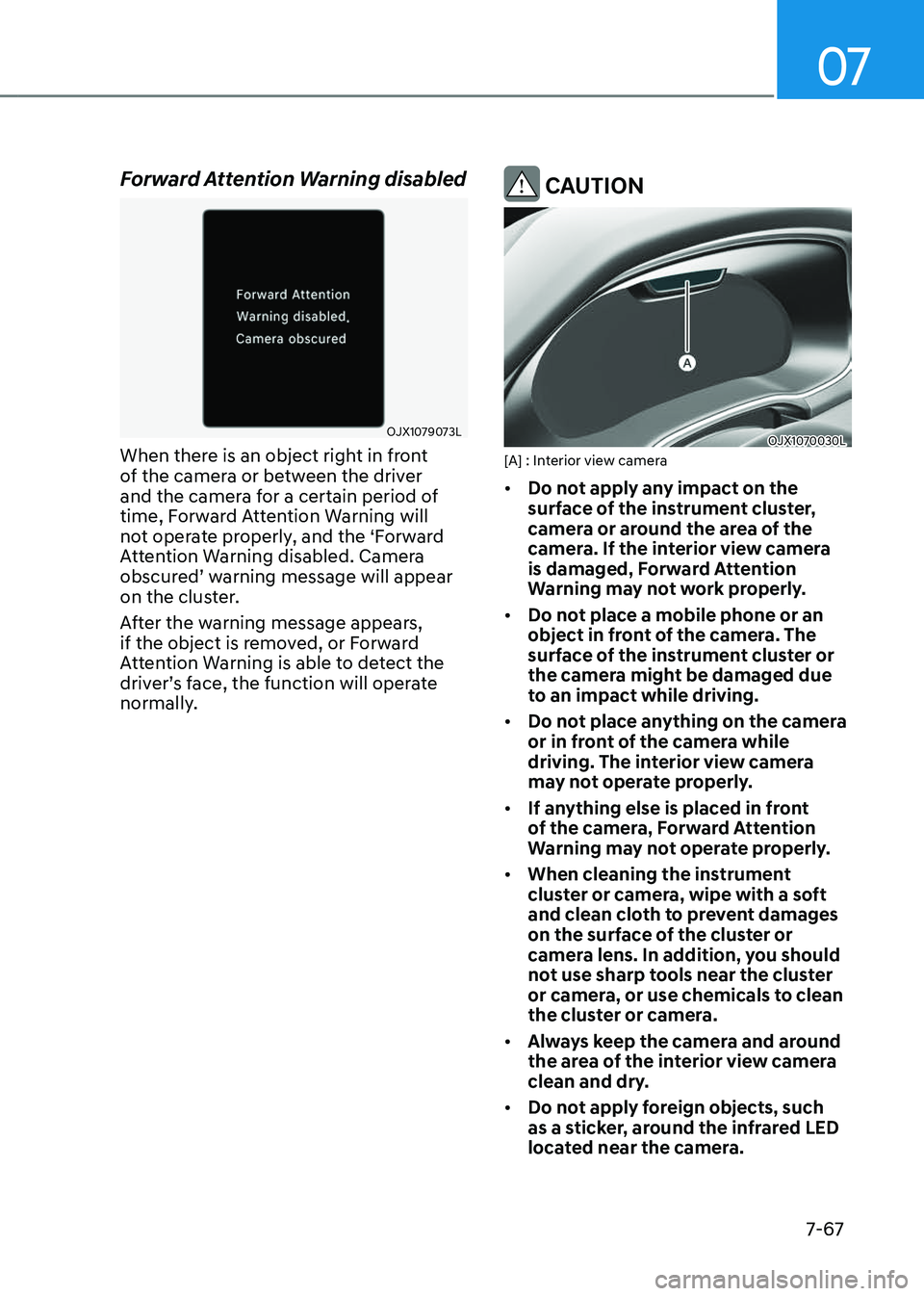
OJX1079073LOJX1079073L
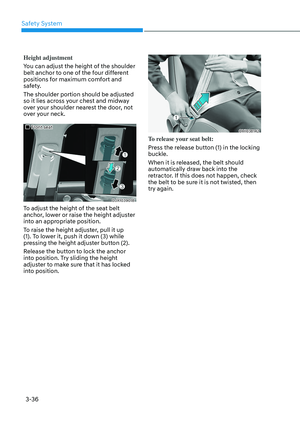
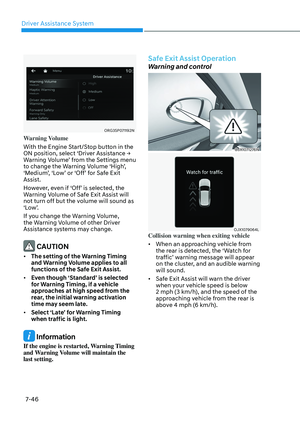
When there is an object right in front
of the camera or between the driver
and the camera for a certain period of
time, Forward Attention Warning will
not operate properly, and the ‘Forward
Attention Warning disabled. Camera
obscured’ warning message will appear
on the cluster.
After the warning message appears,
if the object is removed, or Forward
Attention Warning is able to detect the
driver’s face, the function will operate
normally.
CAUTION
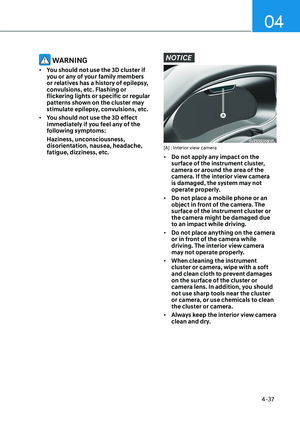
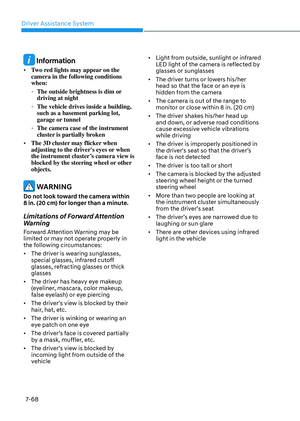
OJX1070030LOJX1070030L[A] : Interior view camera
• Do not apply any impact on the
surface of the instrument cluster,
camera or around the area of the
camera. If the interior view camera
is damaged, Forward Attention
Warning may not work properly.
• Do not place a mobile phone or an
object in front of the camera. The
surface of the instrument cluster or
the camera might be damaged due
to an impact while driving.
• Do not place anything on the camera
or in front of the camera while
driving. The interior view camera
may not operate properly.
• If anything else is placed in front
of the camera, Forward Attention
Warning may not operate properly.
• When cleaning the instrument
cluster or camera, wipe with a soft
and clean cloth to prevent damages
on the surface of the cluster or
camera lens. In addition, you should
not use sharp tools near the cluster
or camera, or use chemicals to clean
the cluster or camera.
• Always keep the camera and around
the area of the interior view camera
clean and dry.
• Do not apply foreign objects, such
as a sticker, around the infrared LED
located near the camera.
Page 424 of 650

Driver Assistance System
7-68
Information
• Two red lights may appear on the
camera in the following conditions
when:
-The outside brightness is dim or
driving at night
-The vehicle drives inside a building,
such as a basement parking lot,
garage or tunnel
-The camera case of the instrument
cluster is partially broken
• The 3D cluster may flicker when
adjusting to the driver's eyes or when
the instrument cluster’s camera view is
blocked by the steering wheel or other
objects.
WARNING
Do not look toward the camera within
8 in. (20 cm) for longer than a minute.
Limitations of Forward Attention
Warning
Forward Attention Warning may be
limited or may not operate properly in
the following circumstances:
• The driver is wearing sunglasses,
special glasses, infrared cutoff
glasses, refracting glasses or thick
glasses
• The driver has heavy eye makeup
(eyeliner, mascara, color makeup,
false eyelash) or eye piercing
• The driver’s view is blocked by their
hair, hat, etc.
• The driver is winking or wearing an
eye patch on one eye
• The driver’s face is covered partially
by a mask, muffler, etc.
• The driver’s view is blocked by
incoming light from outside of the
vehicle
• Light from outside, sunlight or infrared
LED light of the camera is reflected by
glasses or sunglasses
• The driver turns or lowers his/her
head so that the face or an eye is
hidden from the camera
• The camera is out of the range to
monitor or close within 8 in. (20 cm)
• The driver shakes his/her head up
and down, or adverse road conditions
cause excessive vehicle vibrations
while driving
• The driver is improperly positioned in
the driver's seat so that the driver’s
face is not detected
• The driver is too tall or short
• The camera is blocked by the adjusted
steering wheel height or the turned
steering wheel
• More than two people are looking at
the instrument cluster simultaneously
from the driver’s seat
• The driver’s eyes are narrowed due to
laughing or sun glare
• There are other devices using infrared
light in the vehicle