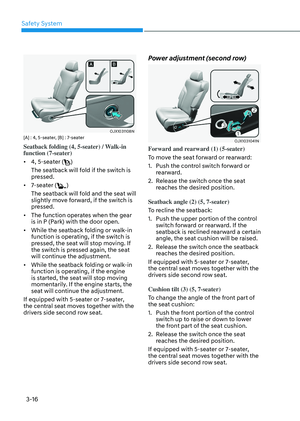
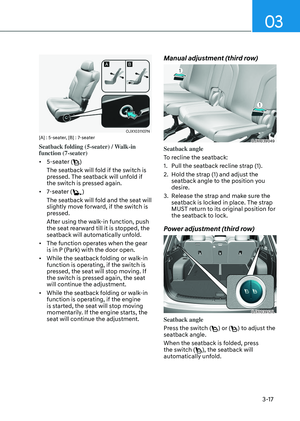
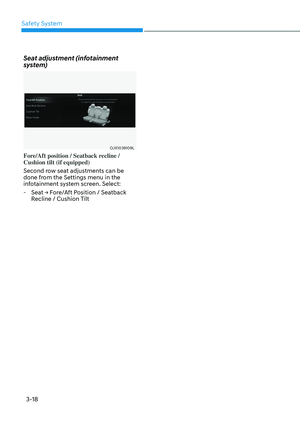
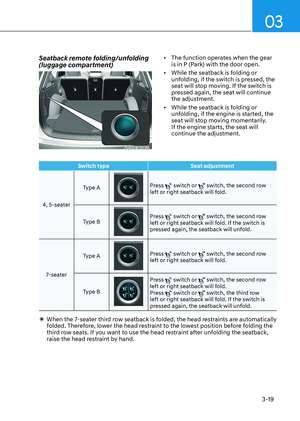
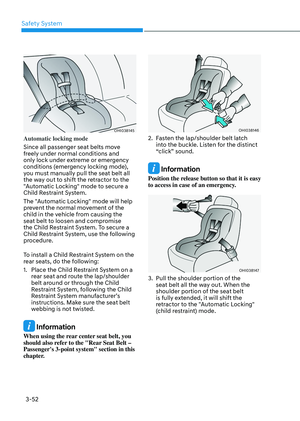
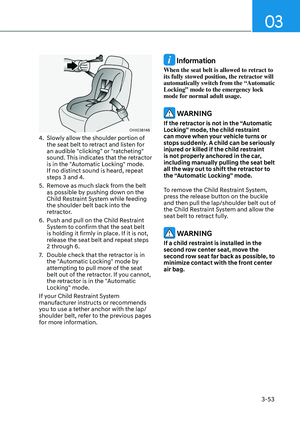
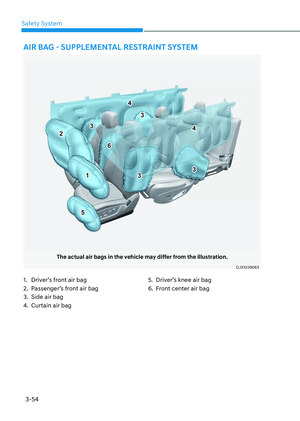
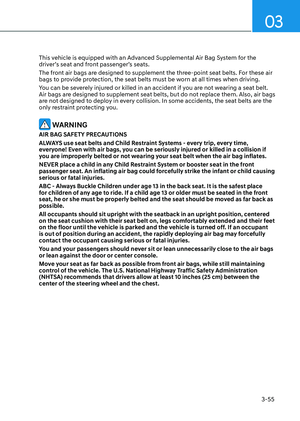
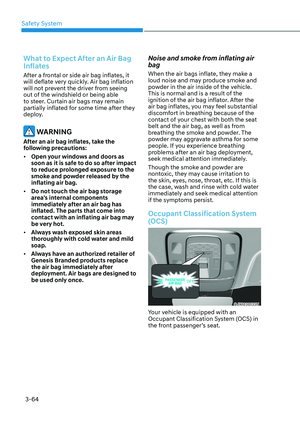
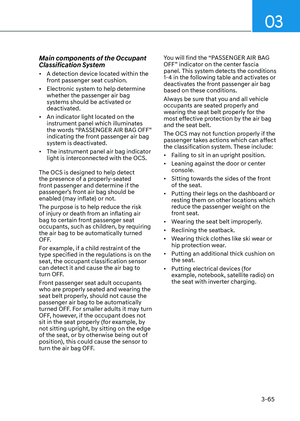
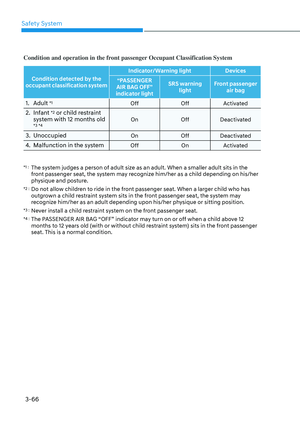
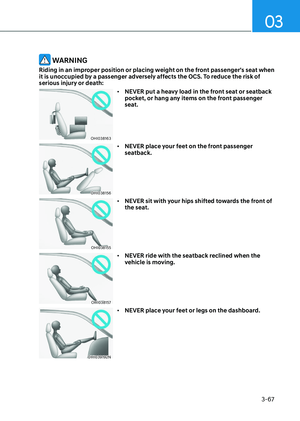
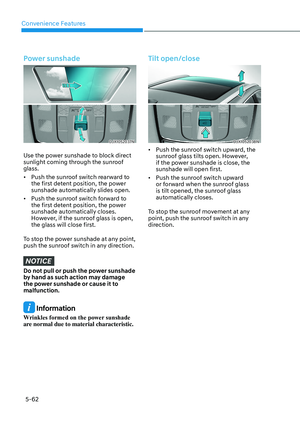
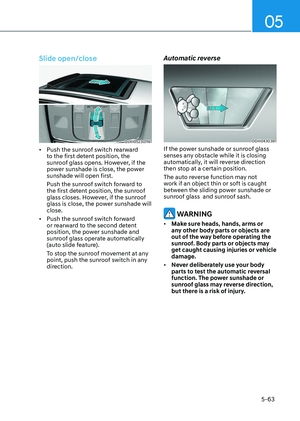
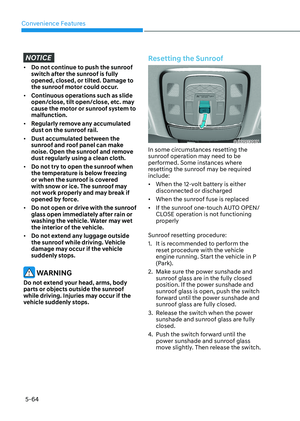
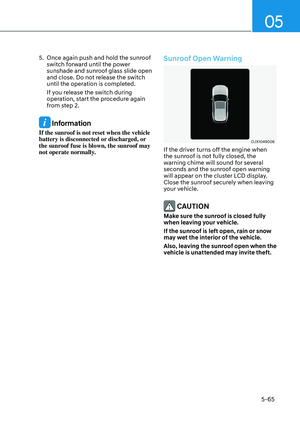
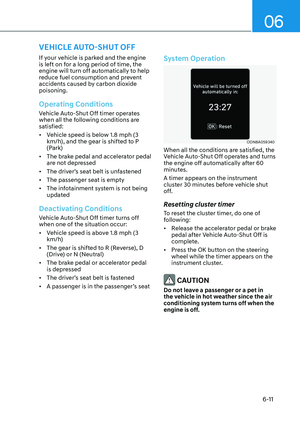
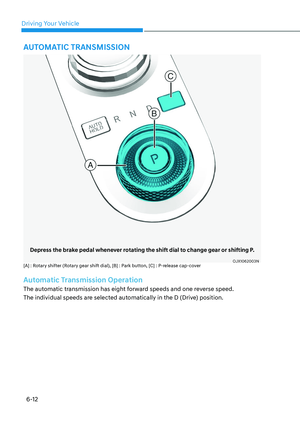
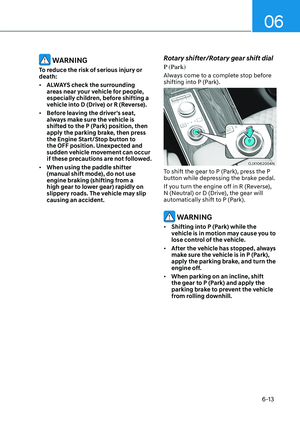
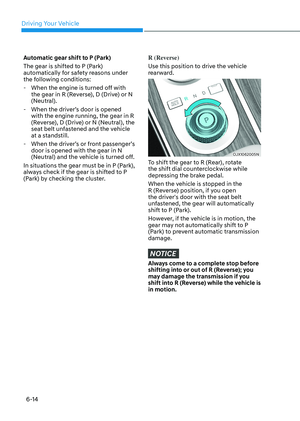
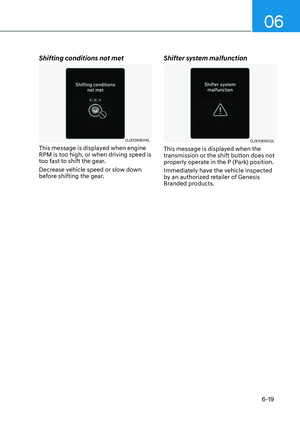
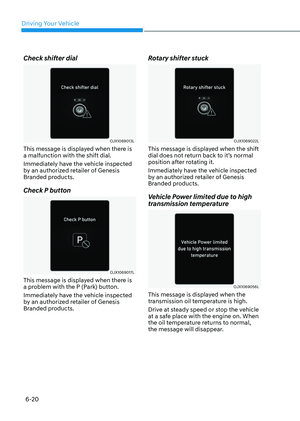
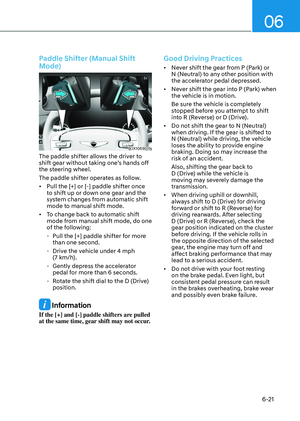
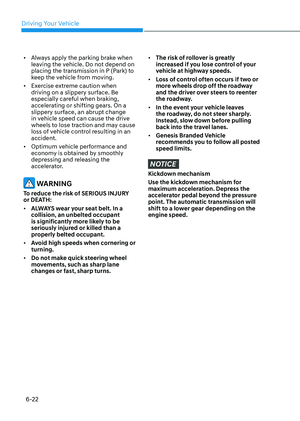
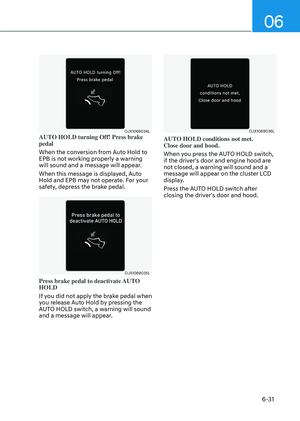
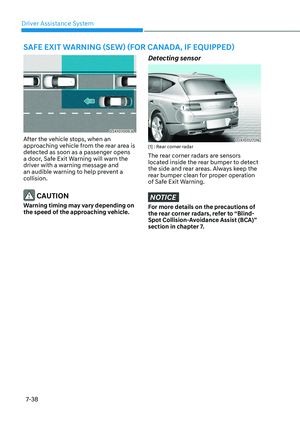
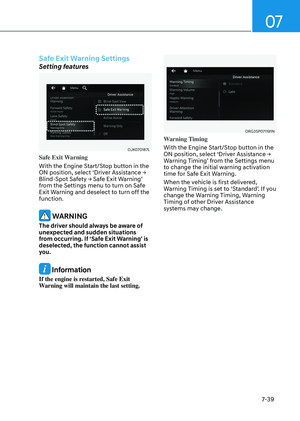
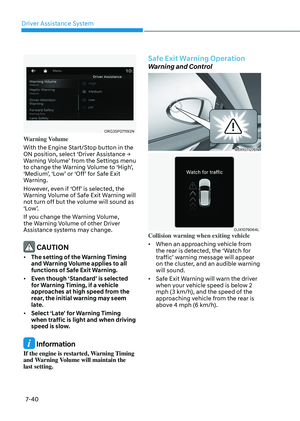
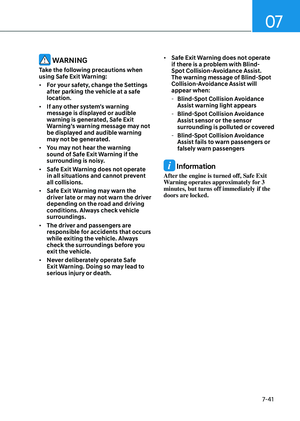
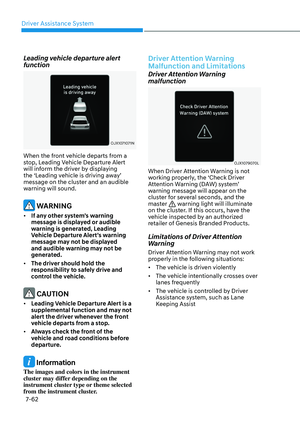
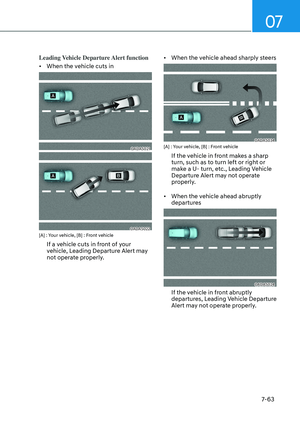
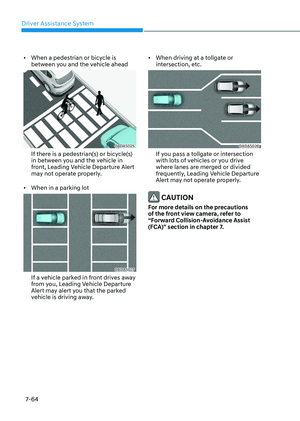
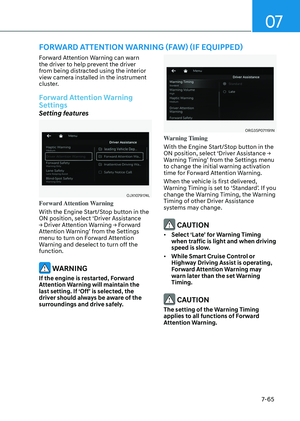
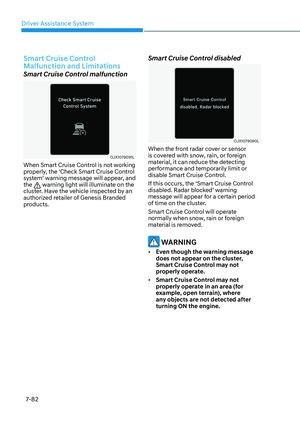
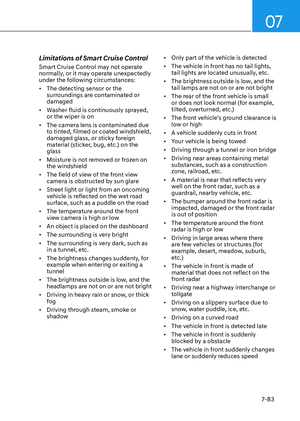
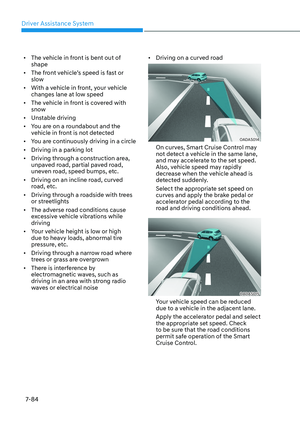
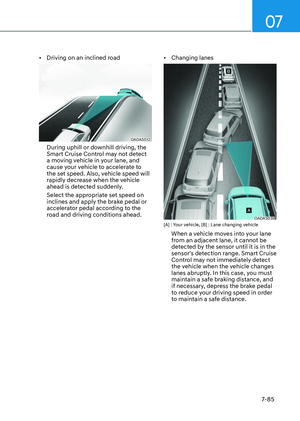
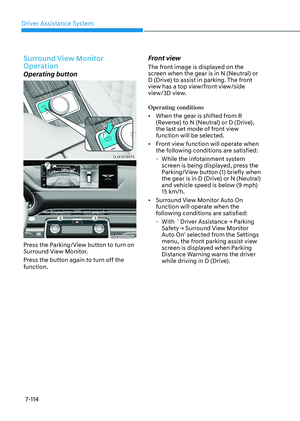
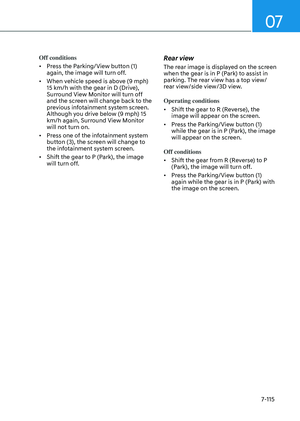
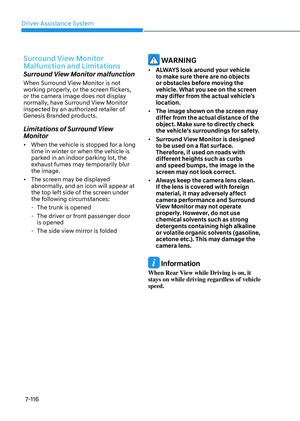
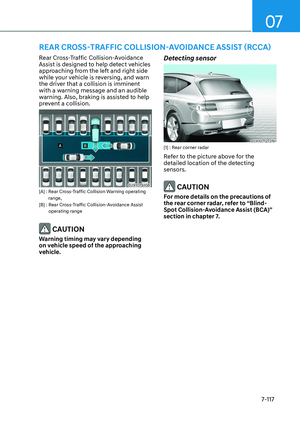
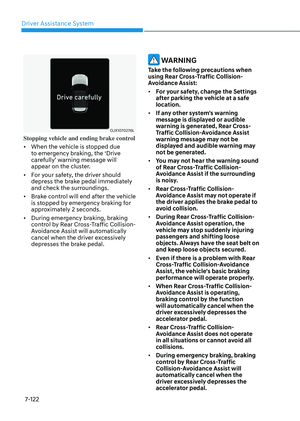
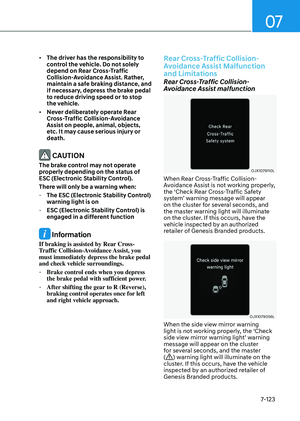
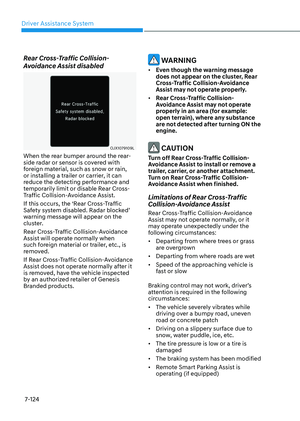
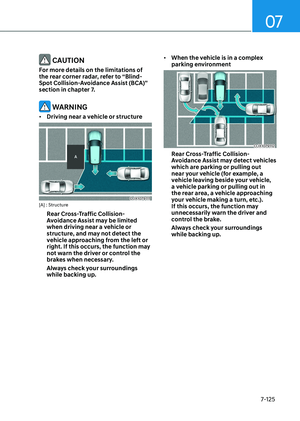
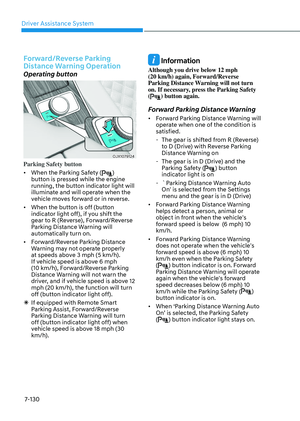
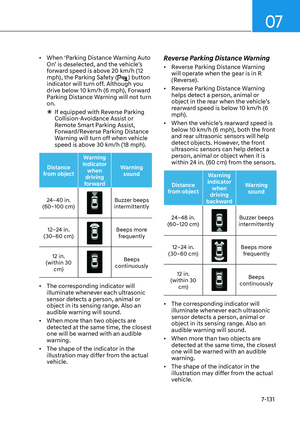
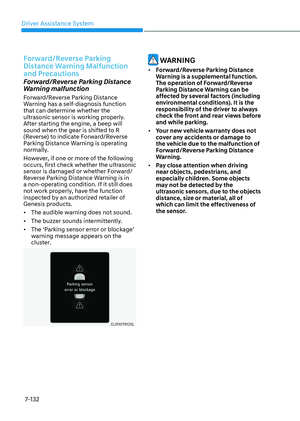
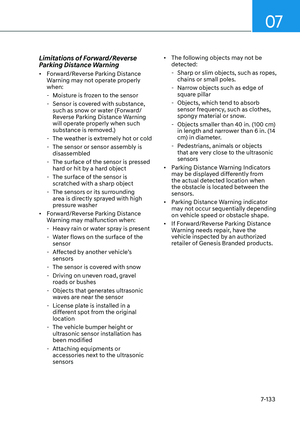
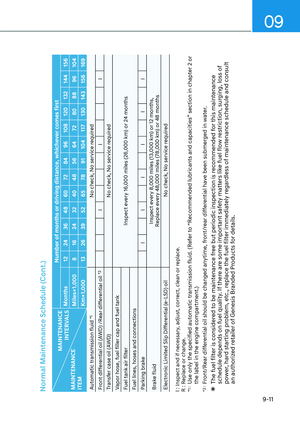
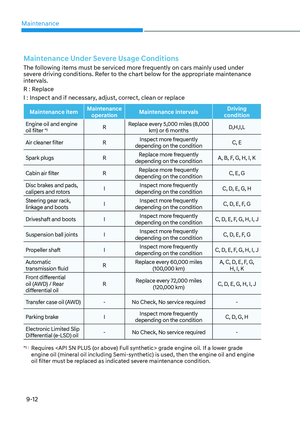
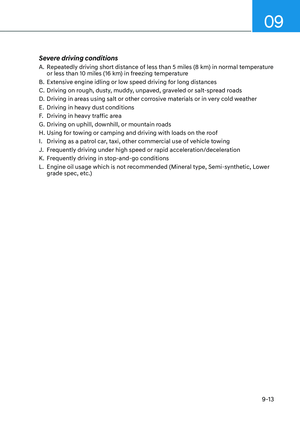
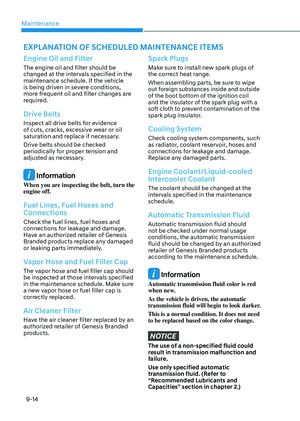
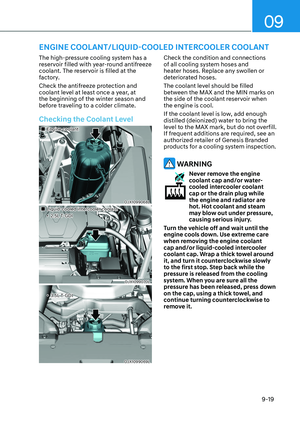
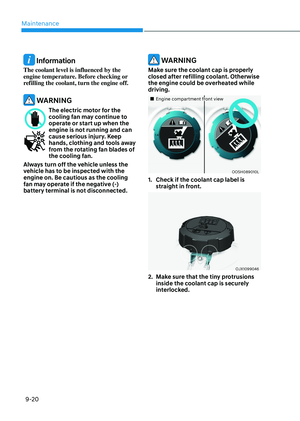
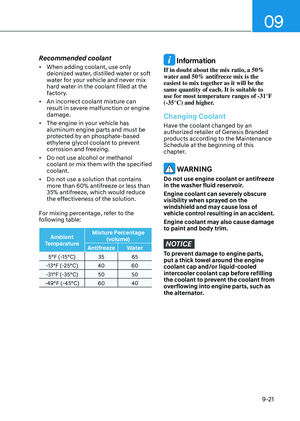
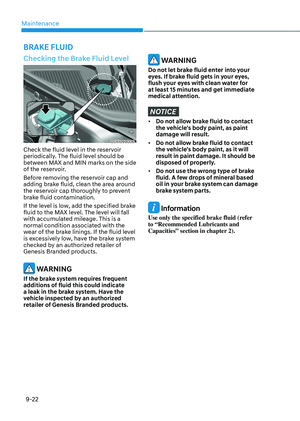
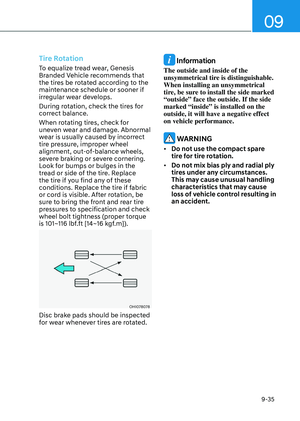
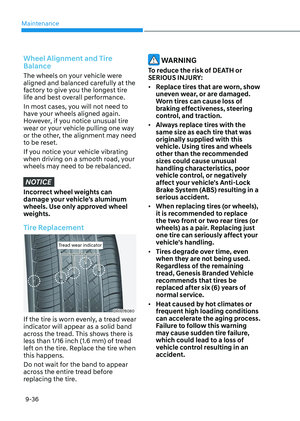
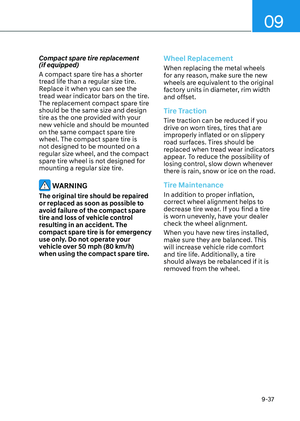
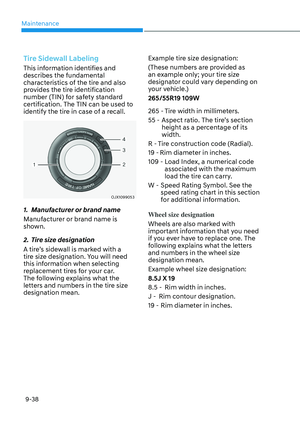
Page 129 of 650

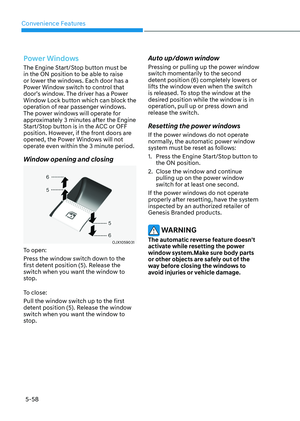
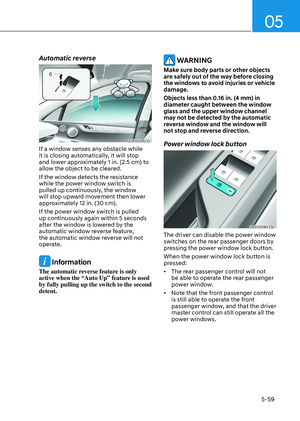
04
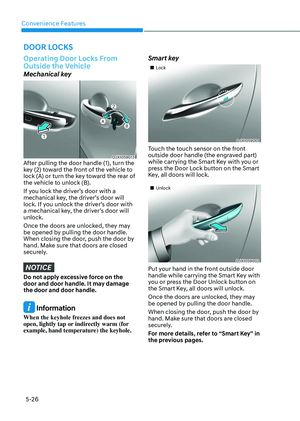
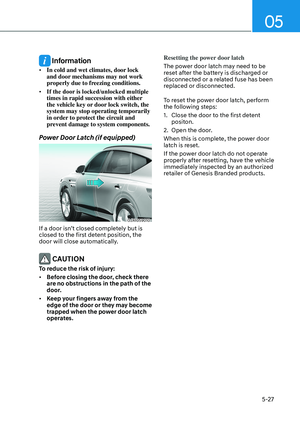
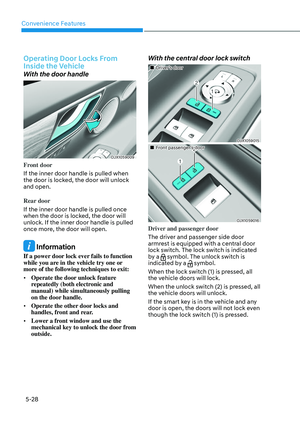
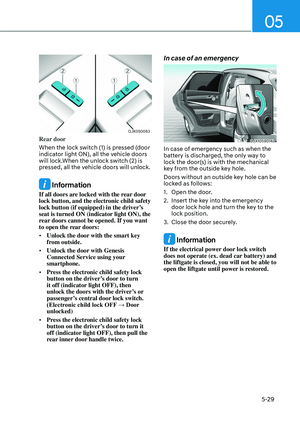
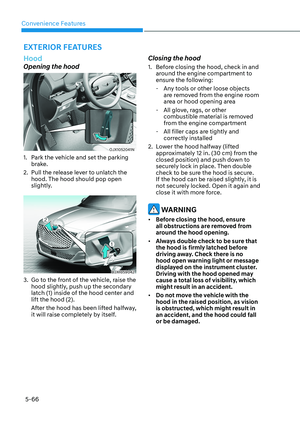
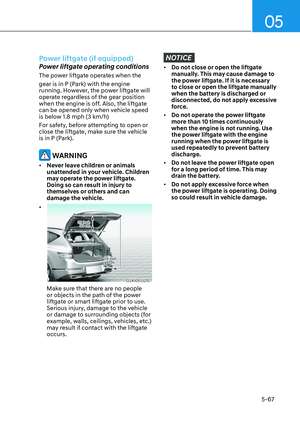
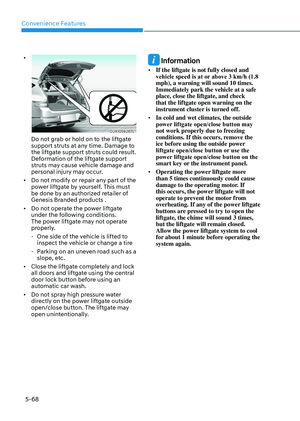
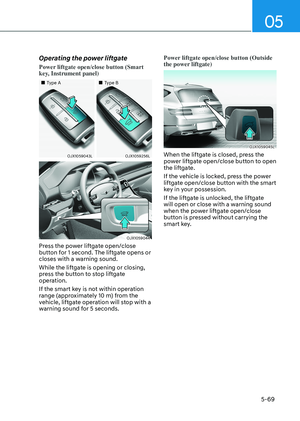
4-23
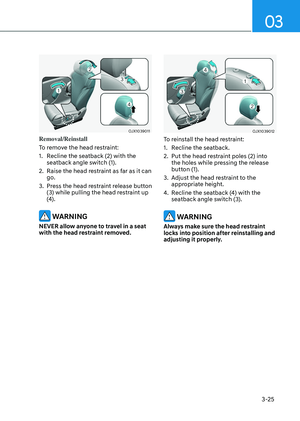
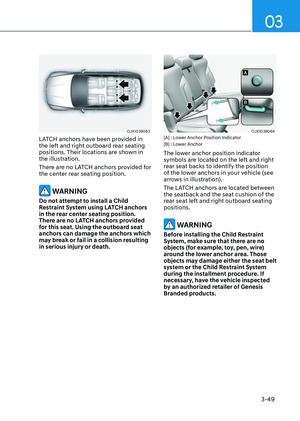
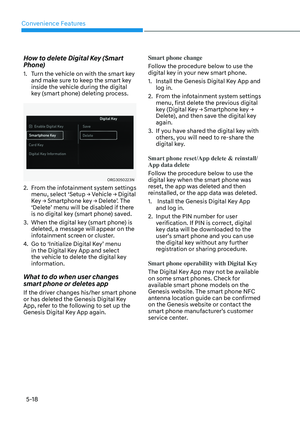
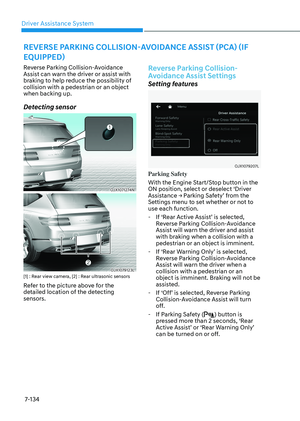
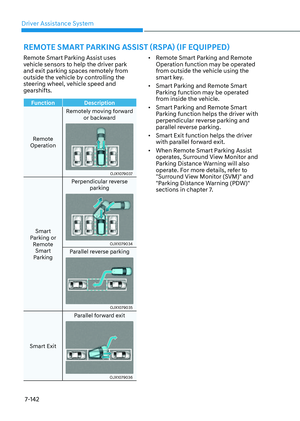
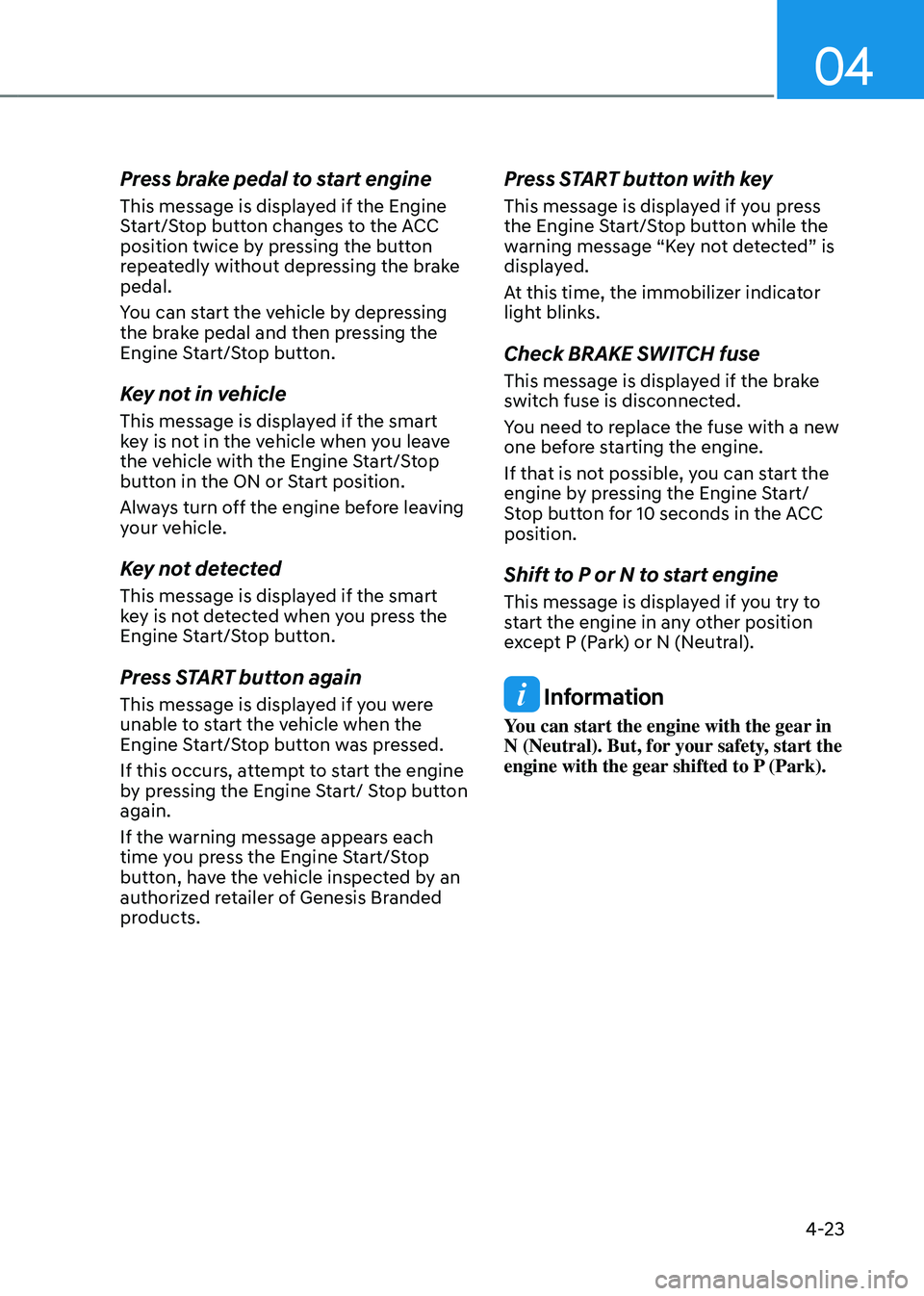
Press brake pedal to start engine
This message is displayed if the Engine
Start/Stop button changes to the ACC
position twice by pressing the button
repeatedly without depressing the brake
pedal.
You can start the vehicle by depressing
the brake pedal and then pressing the
Engine Start/Stop button.
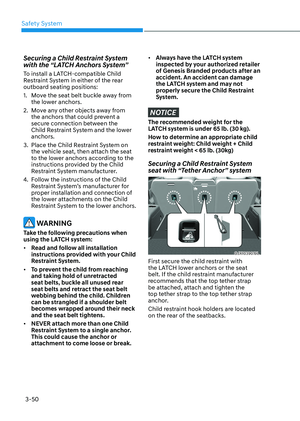
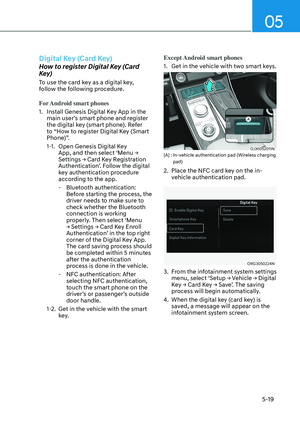
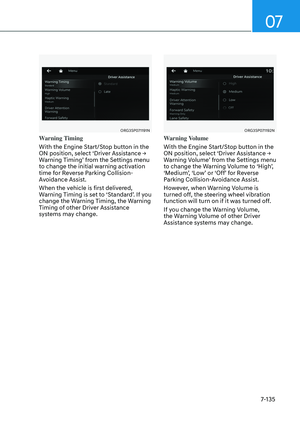
Key not in vehicle
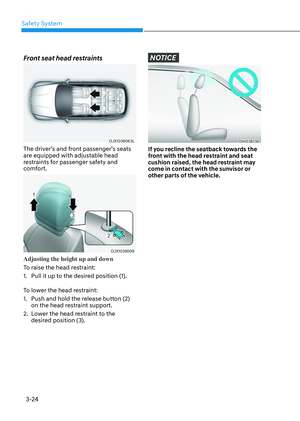
This message is displayed if the smart
key is not in the vehicle when you leave
the vehicle with the Engine Start/Stop
button in the ON or Start position.
Always turn off the engine before leaving
your vehicle.
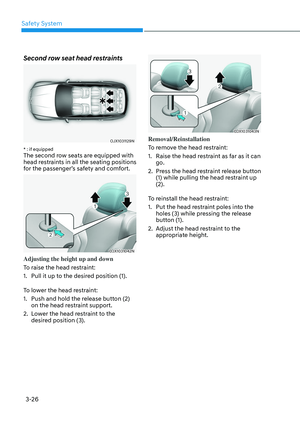
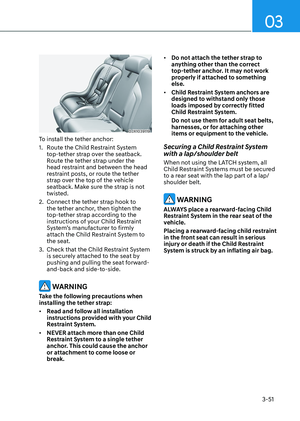
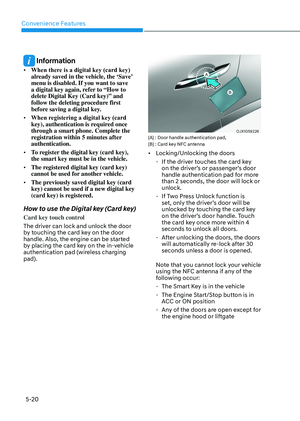
Key not detected
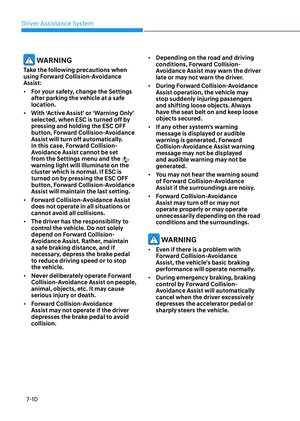
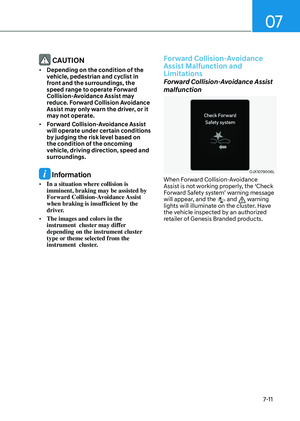
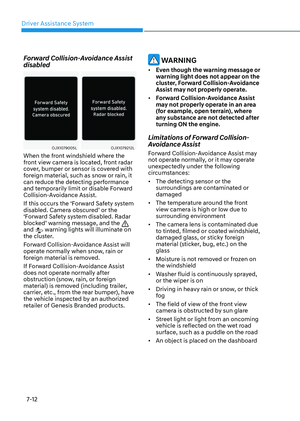
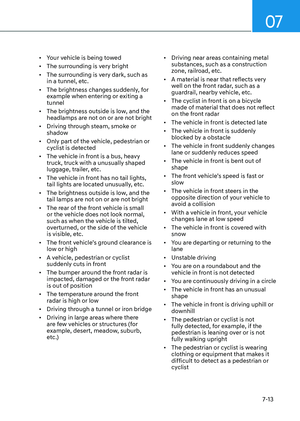
This message is displayed if the smart
key is not detected when you press the
Engine Start/Stop button.
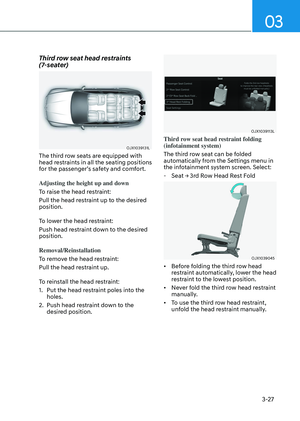
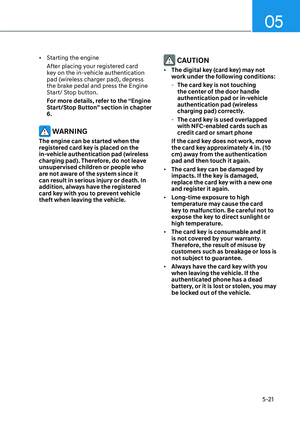
Press START button again
This message is displayed if you were
unable to start the vehicle when the
Engine Start/Stop button was pressed.
If this occurs, attempt to start the engine
by pressing the Engine Start/ Stop button
again.
If the warning message appears each
time you press the Engine Start/Stop
button, have the vehicle inspected by an
authorized retailer of Genesis Branded
products.
Press START button with key
This message is displayed if you press
the Engine Start/Stop button while the
warning message “Key not detected” is
displayed.
At this time, the immobilizer indicator
light blinks.
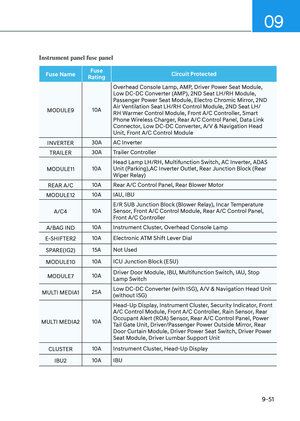
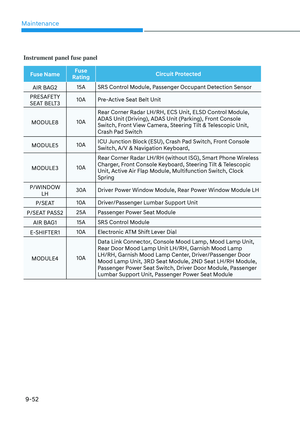
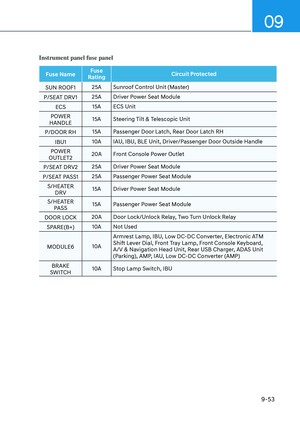
Check BRAKE SWITCH fuse
This message is displayed if the brake
switch fuse is disconnected.
You need to replace the fuse with a new
one before starting the engine.
If that is not possible, you can start the
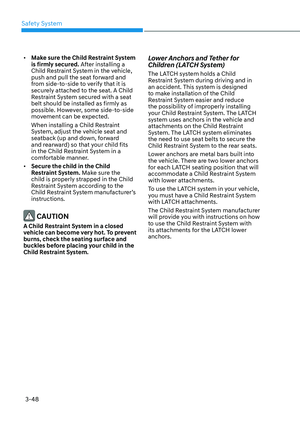
engine by pressing the Engine Start/
Stop button for 10 seconds in the ACC
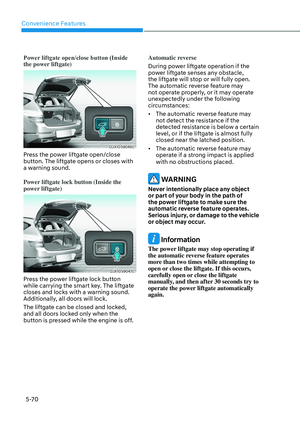
position.
Shift to P or N to start engine
This message is displayed if you try to
start the engine in any other position
except P (Park) or N (Neutral).
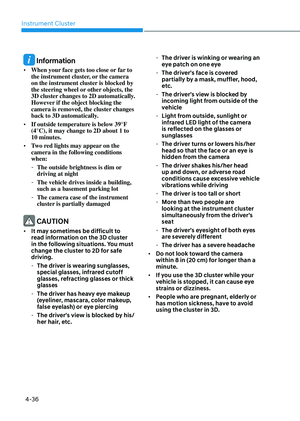
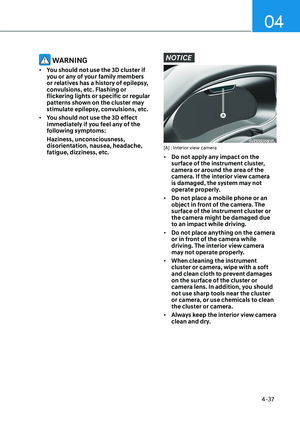
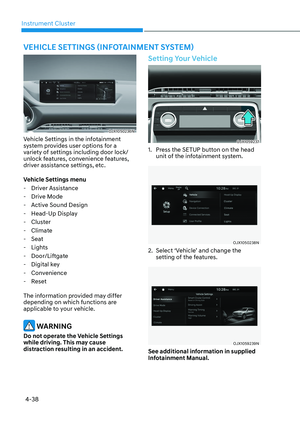
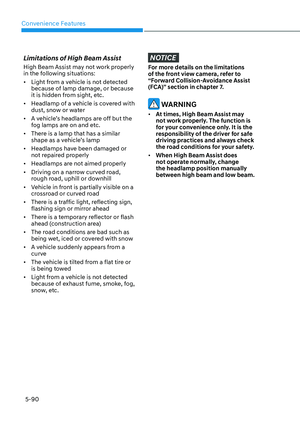
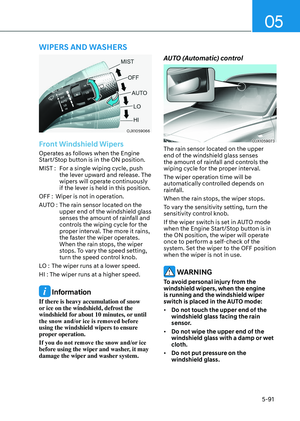
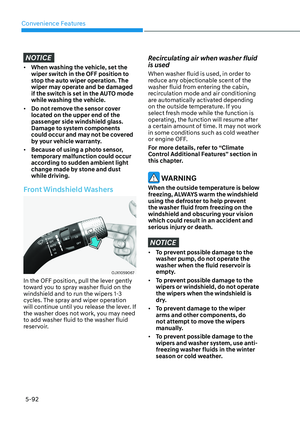
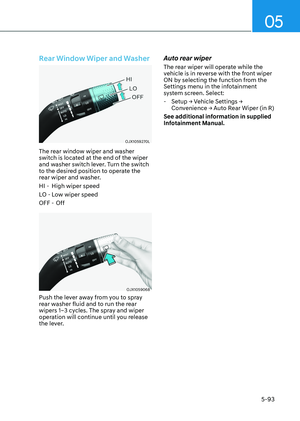
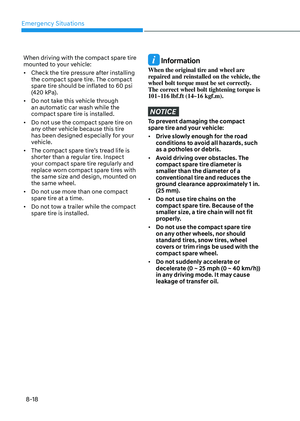
Information
You can start the engine with the gear in
N (Neutral). But, for your safety, start the
engine with the gear shifted to P (Park).
Page 130 of 650

Instrument Cluster
4-24
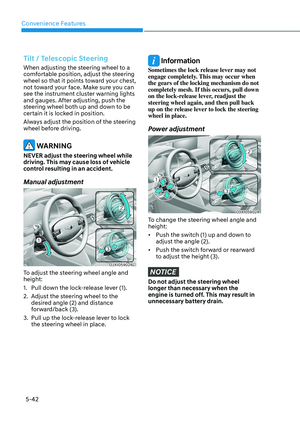
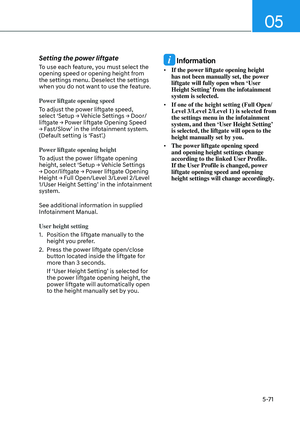
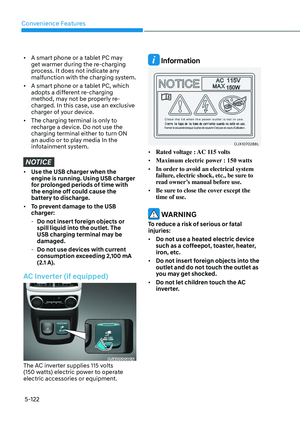
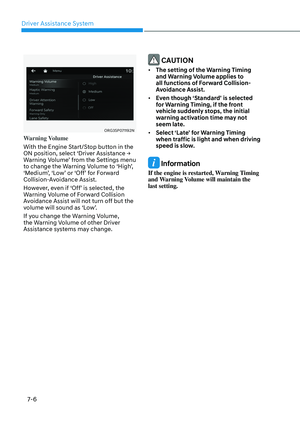
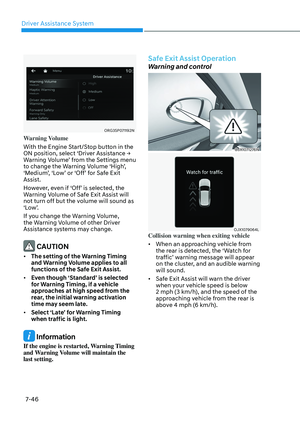
Battery discharging due to external
electrical devices
This message is displayed if the 12V
battery voltage is weak due to any
non-factory electrical accessories (ex.
dashboard camera) while parking. Be
careful that the battery is not discharged.
If the message appears after removing
the non-factory electrical accessories,
have the vehicle inspected by an
authorized retailer of Genesis Branded
products.
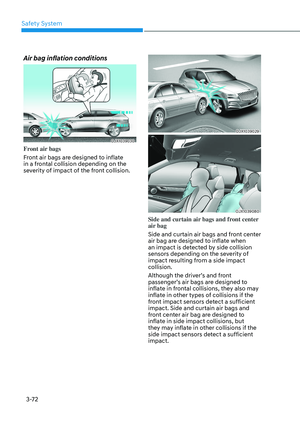
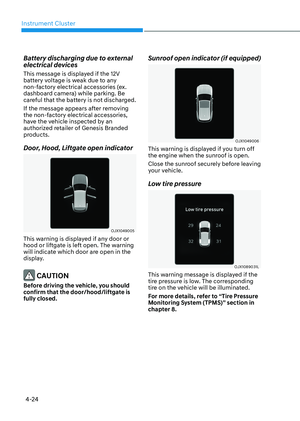
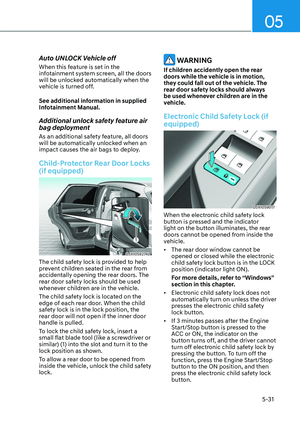
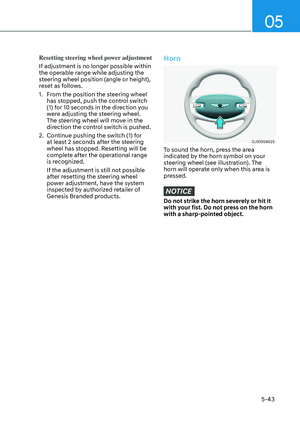
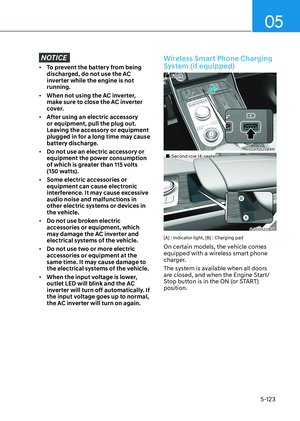
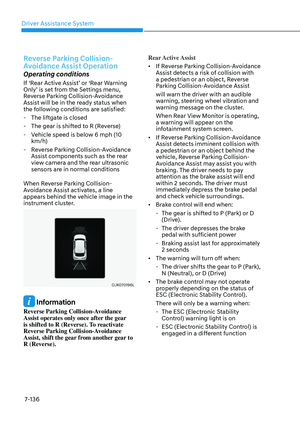
Door, Hood, Liftgate open indicator
OJX1049005OJX1049005
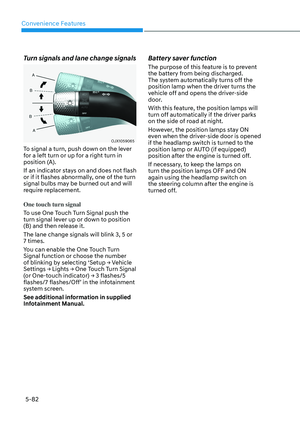
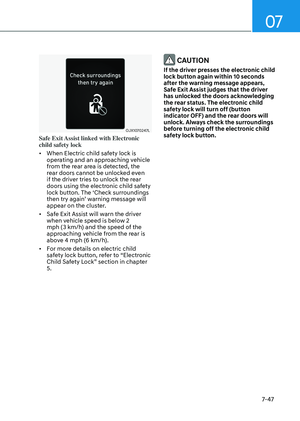
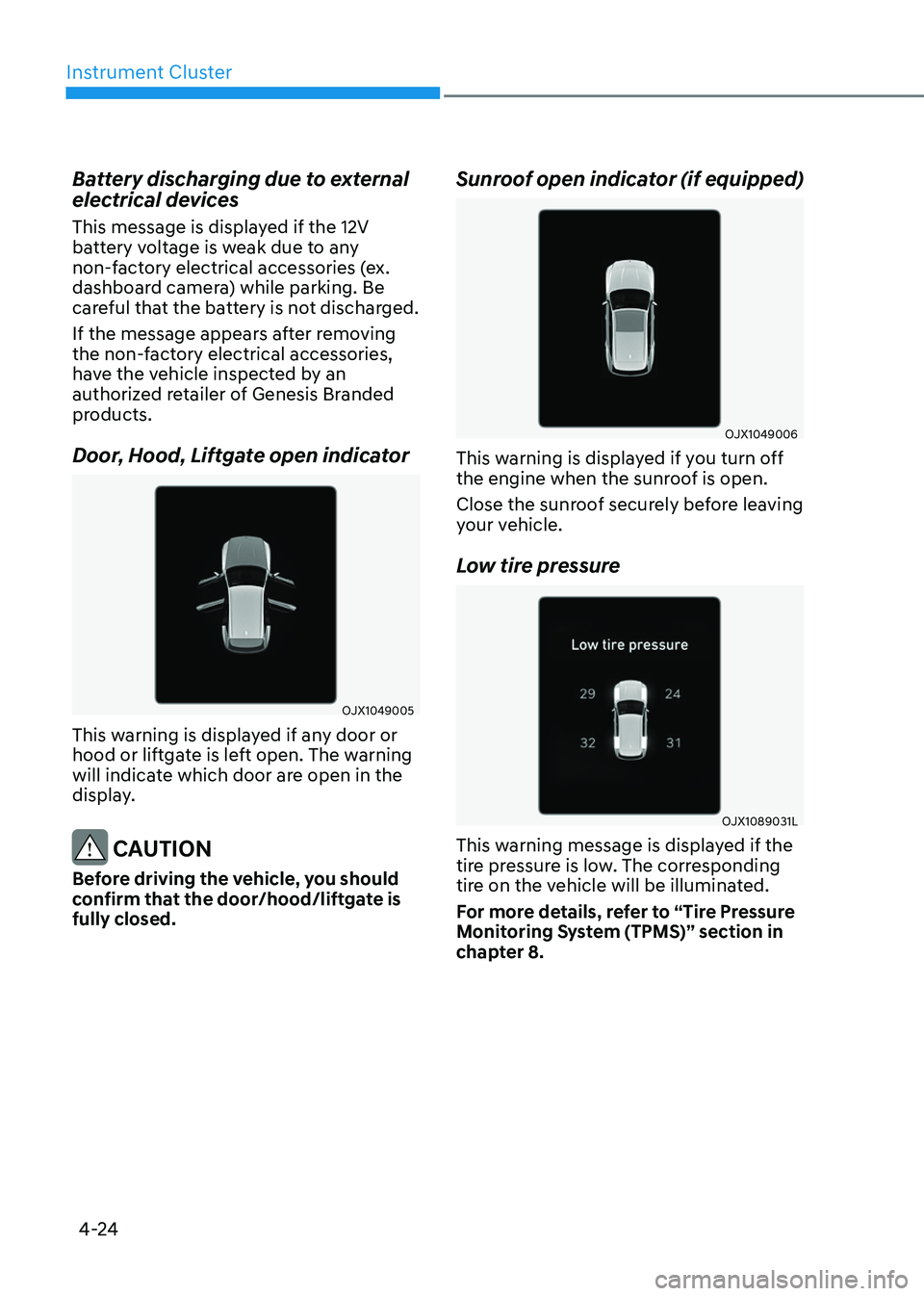
This warning is displayed if any door or
hood or liftgate is left open. The warning
will indicate which door are open in the
display.
CAUTION
Before driving the vehicle, you should
confirm that the door/hood/liftgate is
fully closed.
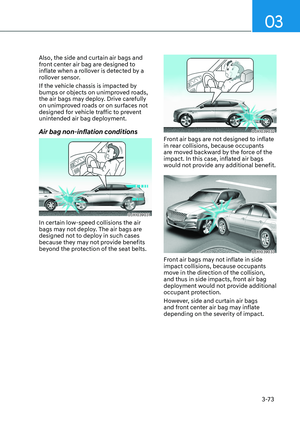
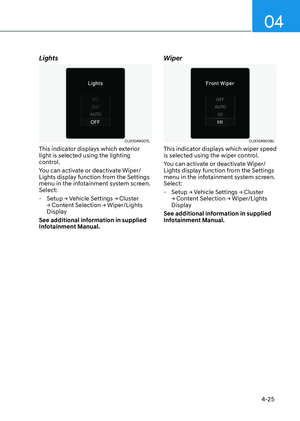
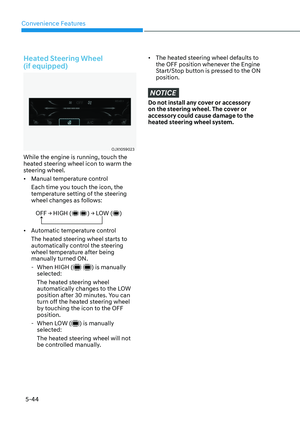
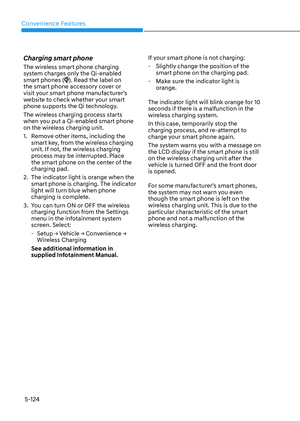
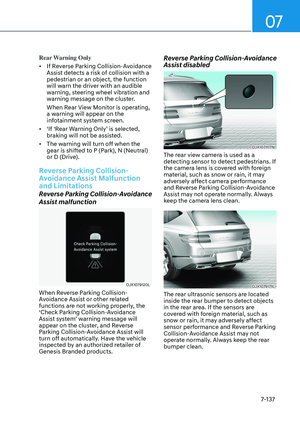
Sunroof open indicator (if equipped)
OJX1049006OJX1049006
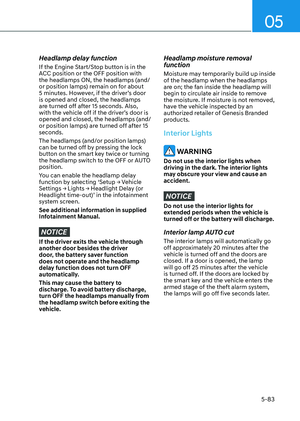
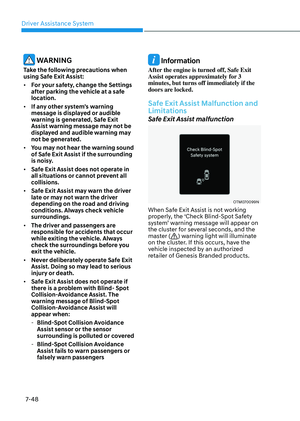
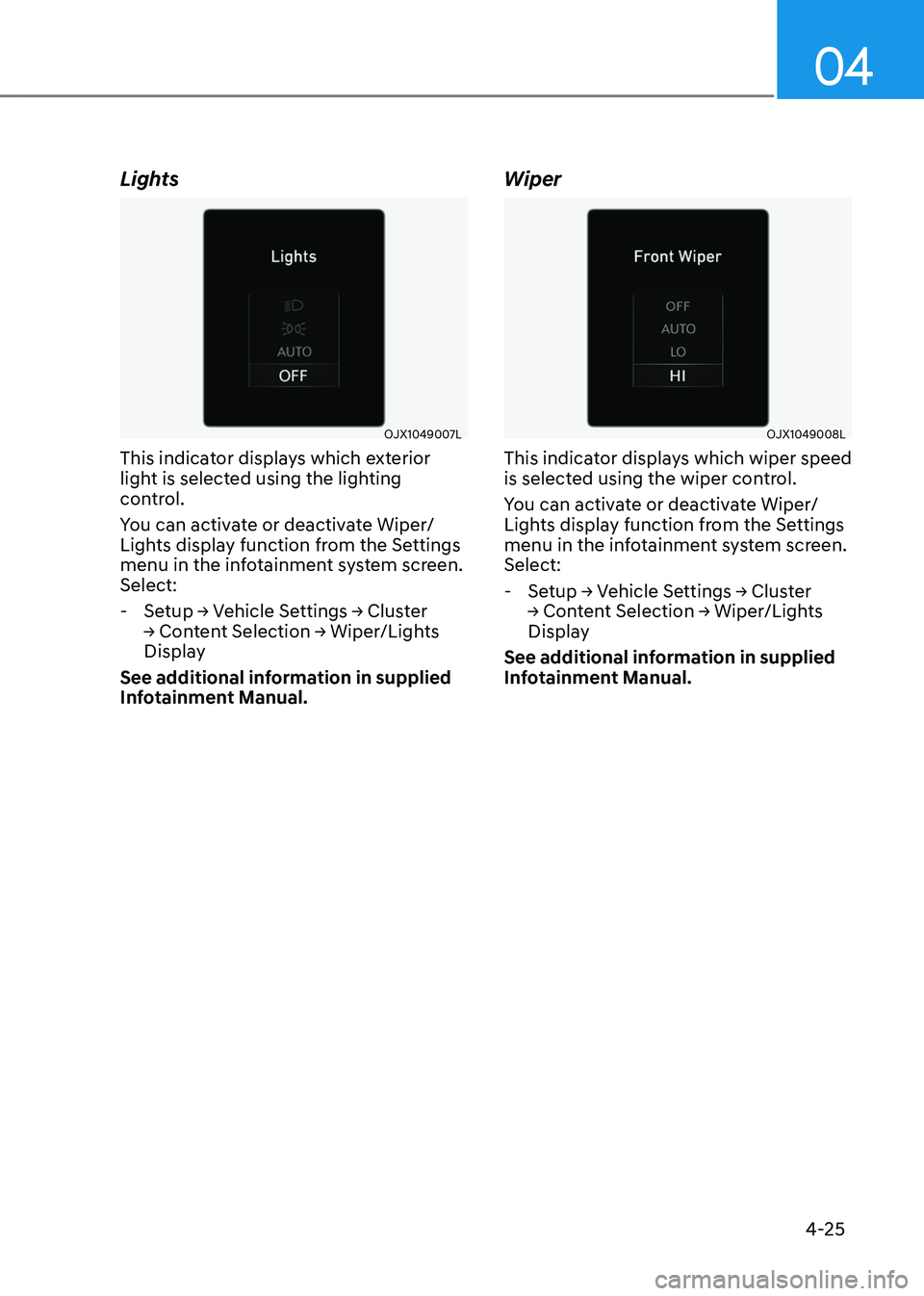
This warning is displayed if you turn off
the engine when the sunroof is open.
Close the sunroof securely before leaving
your vehicle.
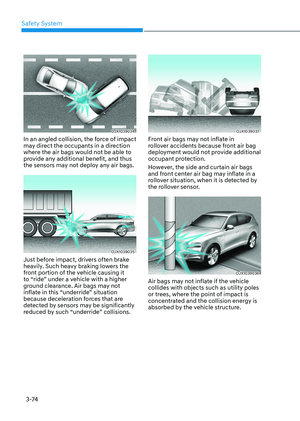
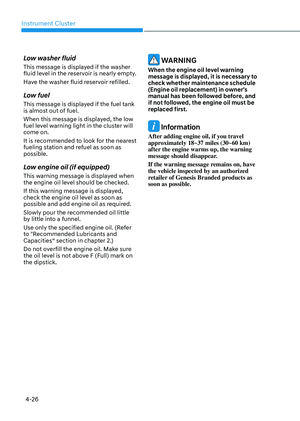
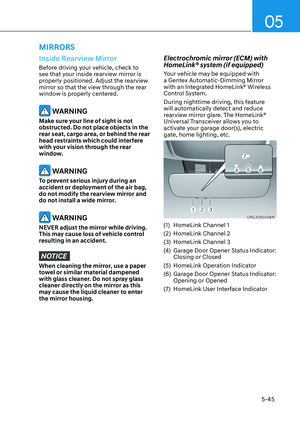
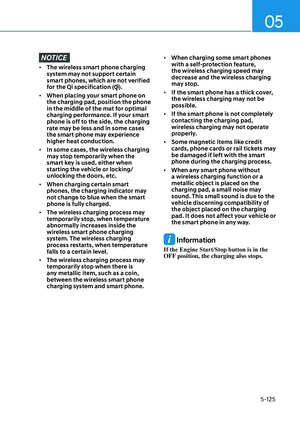
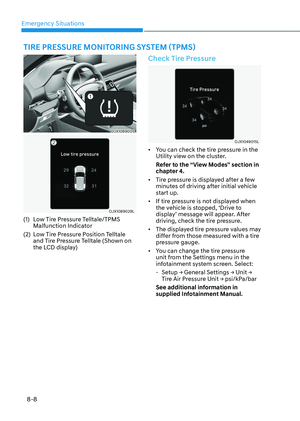
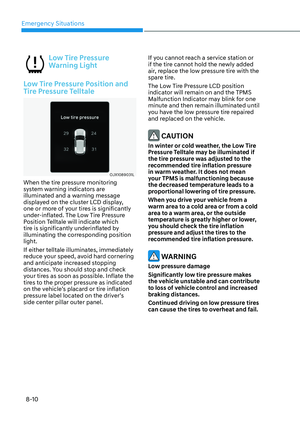
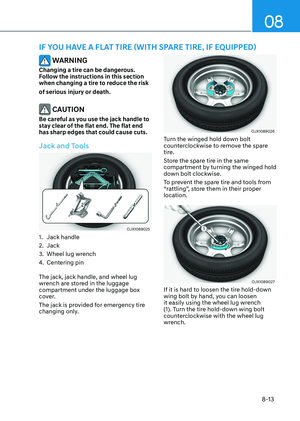
Low tire pressure
OJX1089031LOJX1089031L
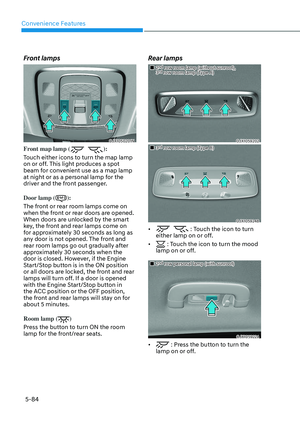
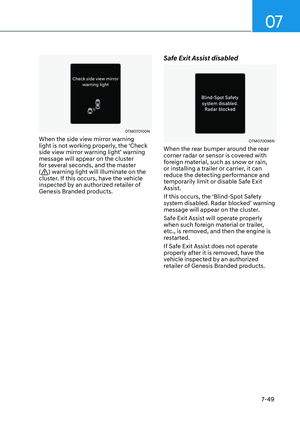
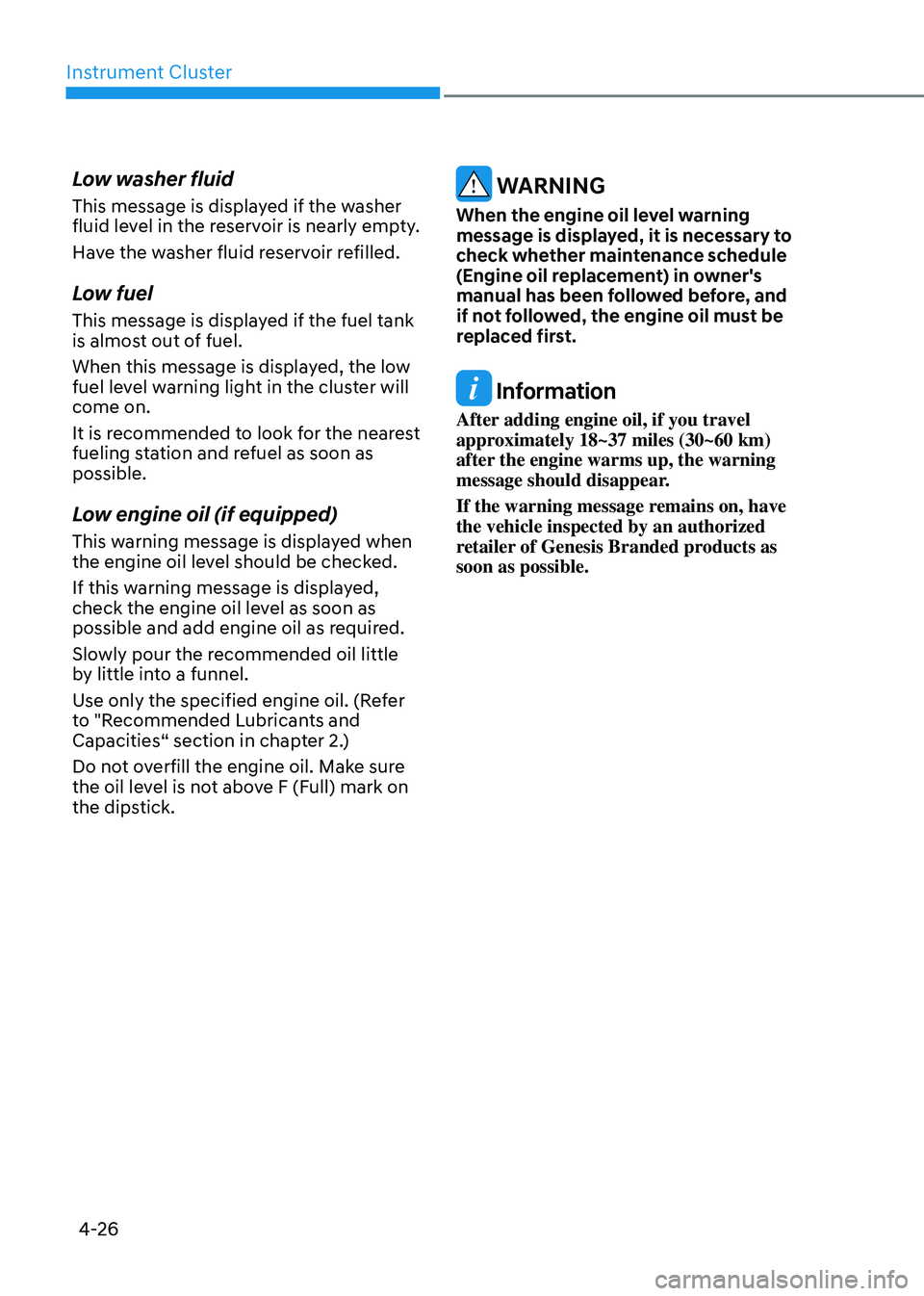
This warning message is displayed if the
tire pressure is low. The corresponding
tire on the vehicle will be illuminated.
For more details, refer to “Tire Pressure
Monitoring System (TPMS)” section in
chapter 8.
Page 131 of 650
04
4-25
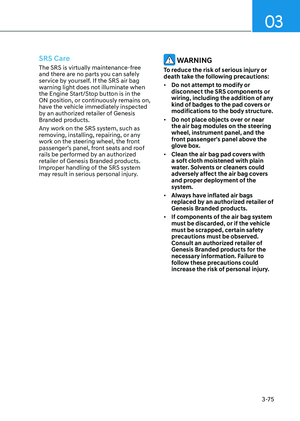
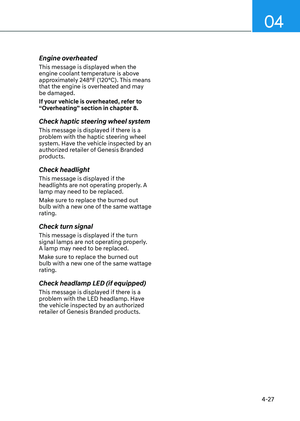
Lights
OJX1049007LOJX1049007L
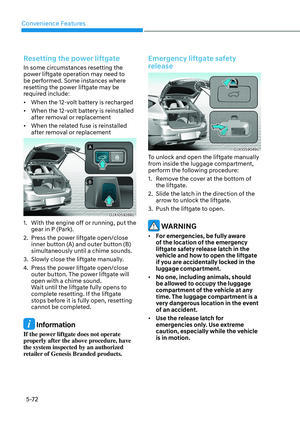
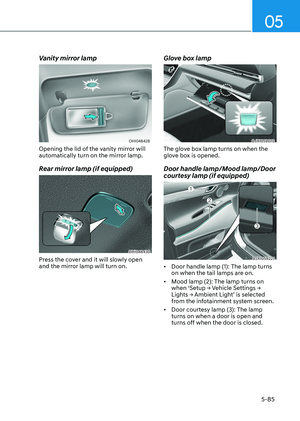
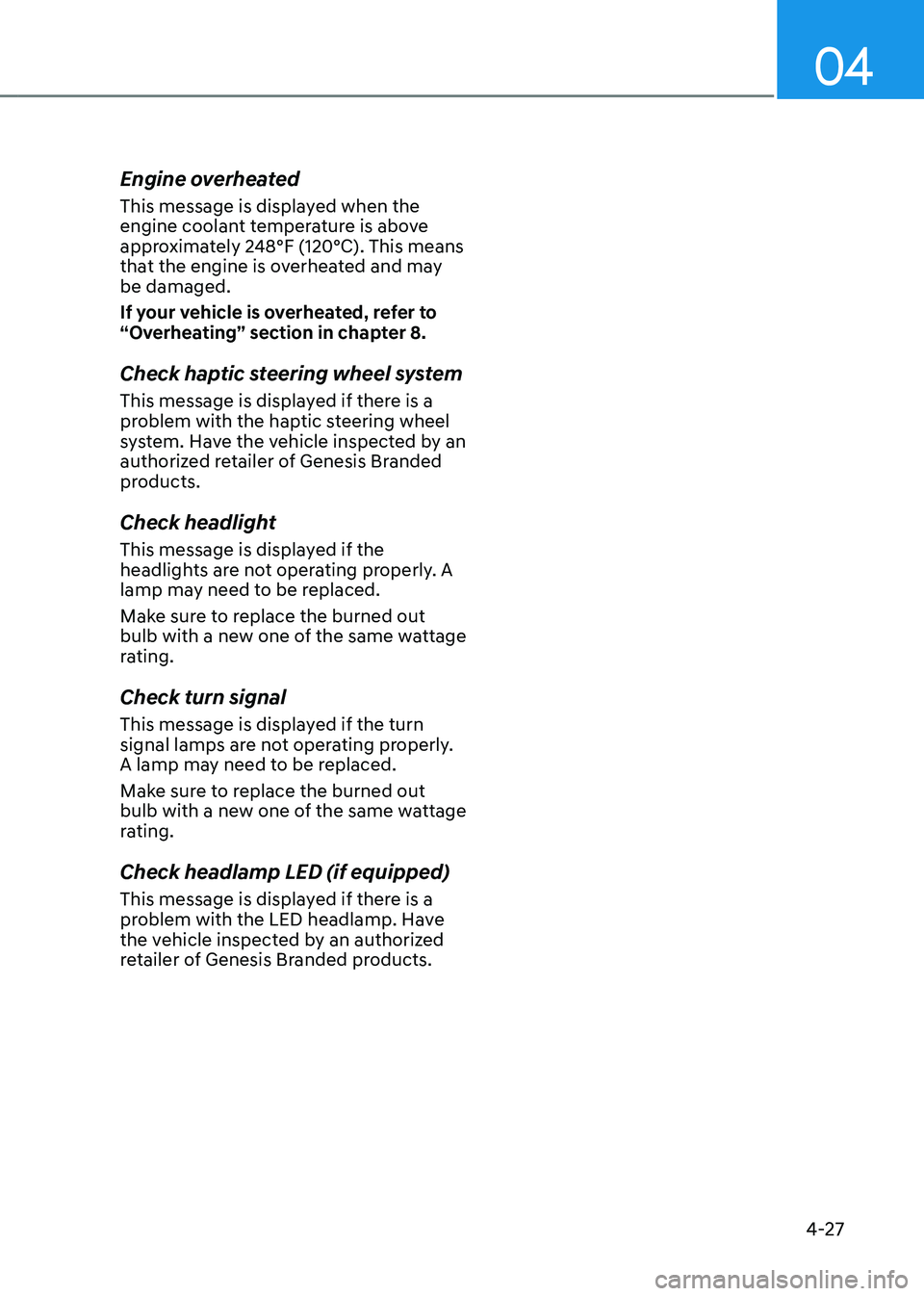
This indicator displays which exterior
light is selected using the lighting
control.
You can activate or deactivate Wiper/
Lights display function from the Settings
menu in the infotainment system screen.
Select:
-Setup → Vehicle Settings → Cluster
→ Content Selection → Wiper/Lights
Display
See additional information in supplied
Infotainment Manual.
Wiper
OJX1049008LOJX1049008L
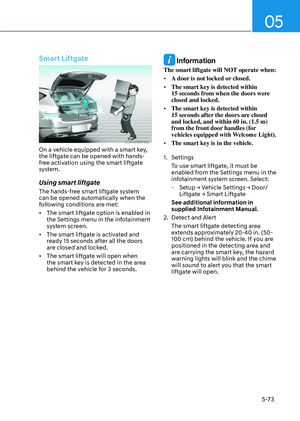
This indicator displays which wiper speed
is selected using the wiper control.
You can activate or deactivate Wiper/
Lights display function from the Settings
menu in the infotainment system screen.
Select:
- Setup → Vehicle Settings → Cluster
→ Content Selection → Wiper/Lights
Display
See additional information in supplied
Infotainment Manual.
Page 132 of 650

Instrument Cluster
4-26
Low washer fluid
This message is displayed if the washer
fluid level in the reservoir is nearly empty.
Have the washer fluid reservoir refilled.
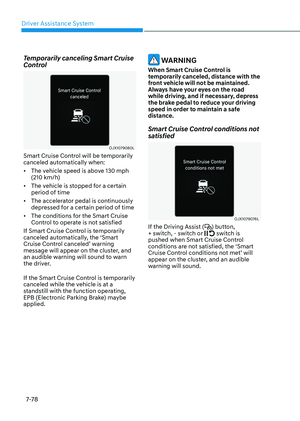
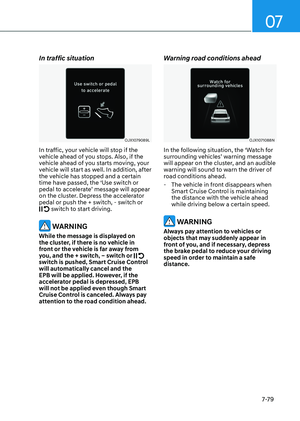
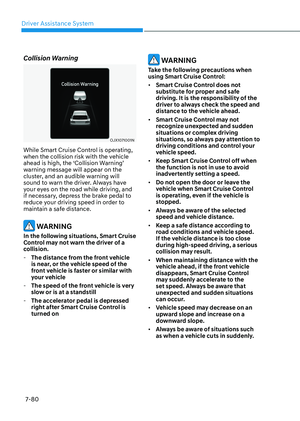
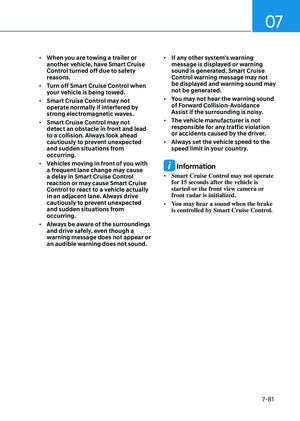
Low fuel
This message is displayed if the fuel tank
is almost out of fuel.
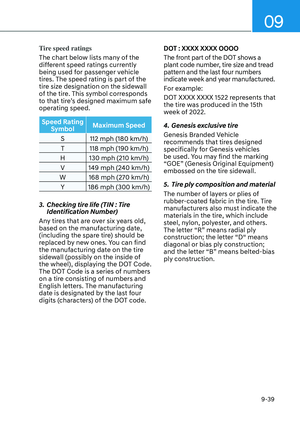
When this message is displayed, the low
fuel level warning light in the cluster will
come on.
It is recommended to look for the nearest
fueling station and refuel as soon as
possible.
Low engine oil (if equipped)
This warning message is displayed when
the engine oil level should be checked.
If this warning message is displayed,
check the engine oil level as soon as
possible and add engine oil as required.
Slowly pour the recommended oil little
by little into a funnel.
Use only the specified engine oil. (Refer
to "Recommended Lubricants and
Capacities“ section in chapter 2.)
Do not overfill the engine oil. Make sure
the oil level is not above F (Full) mark on
the dipstick.
WARNING
When the engine oil level warning
message is displayed, it is necessary to
check whether maintenance schedule
(Engine oil replacement) in owner's
manual has been followed before, and
if not followed, the engine oil must be
replaced first.
Information
After adding engine oil, if you travel
approximately 18~37 miles (30~60 km)
after the engine warms up, the warning
message should disappear.
If the warning message remains on, have
the vehicle inspected by an authorized
retailer of Genesis Branded products as
soon as possible.
Page 133 of 650

04
4-27
Engine overheated
This message is displayed when the
engine coolant temperature is above
approximately 248°F (120°C). This means
that the engine is overheated and may
be damaged.
If your vehicle is overheated, refer to
“Overheating” section in chapter 8.
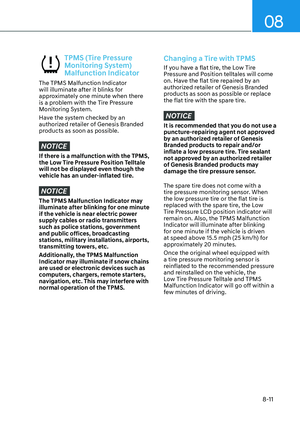
Check haptic steering wheel system
This message is displayed if there is a
problem with the haptic steering wheel
system. Have the vehicle inspected by an
authorized retailer of Genesis Branded
products.
Check headlight
This message is displayed if the
headlights are not operating properly. A
lamp may need to be replaced.
Make sure to replace the burned out
bulb with a new one of the same wattage
rating.
Check turn signal
This message is displayed if the turn
signal lamps are not operating properly.
A lamp may need to be replaced.
Make sure to replace the burned out
bulb with a new one of the same wattage
rating.
Check headlamp LED (if equipped)
This message is displayed if there is a
problem with the LED headlamp. Have
the vehicle inspected by an authorized
retailer of Genesis Branded products.
Page 134 of 650
Instrument Cluster
4-28
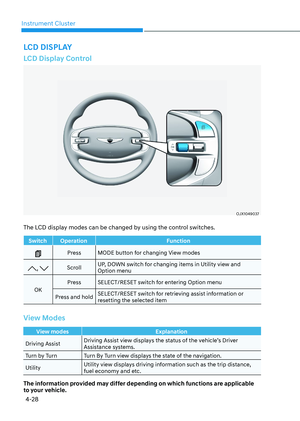
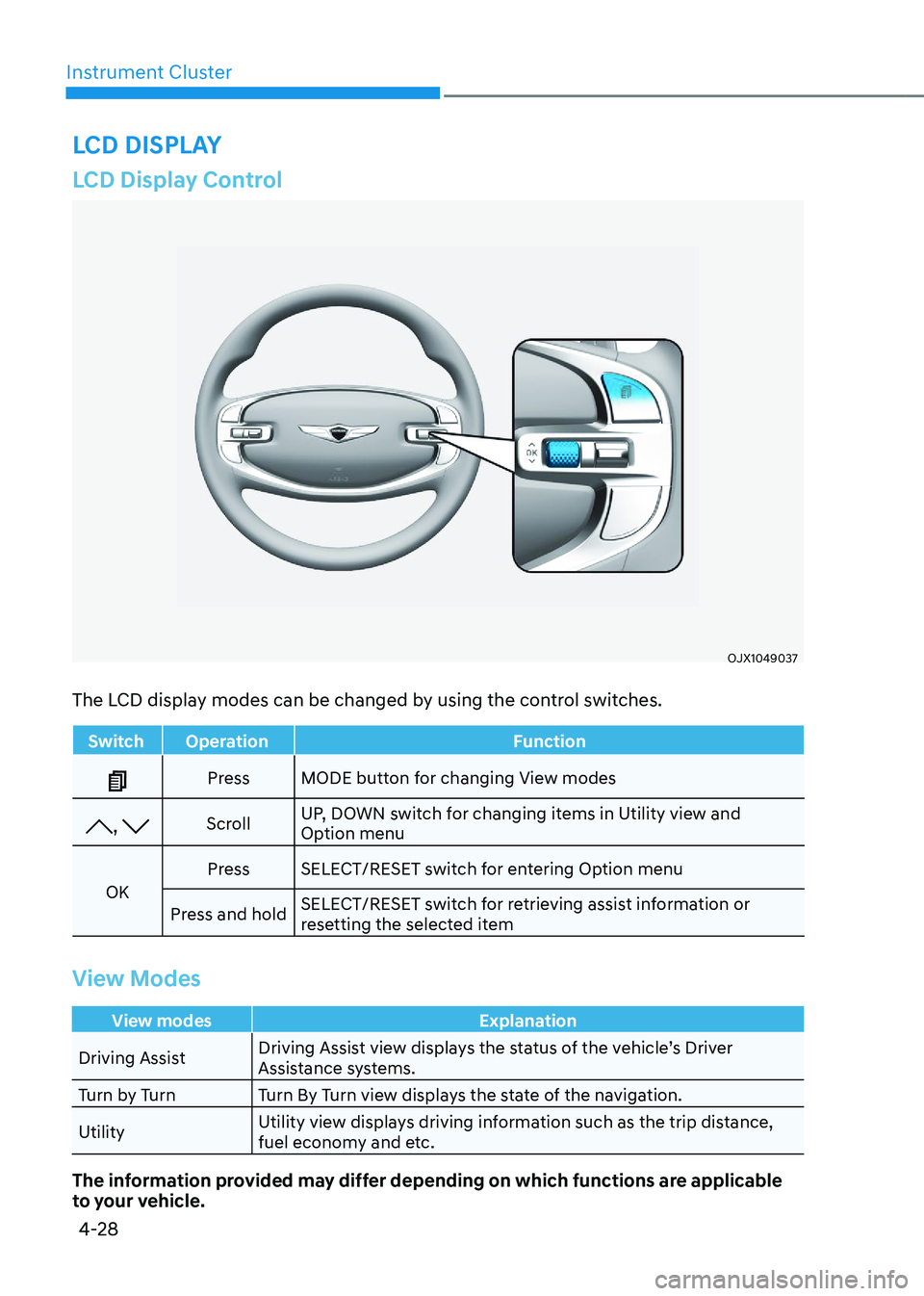
LCD Display Control
OJX1049037OJX1049037
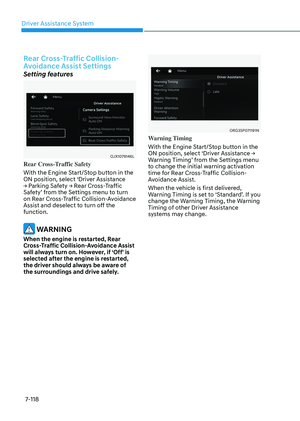
The LCD display modes can be changed by using the control switches.
SwitchOperation Function
PressMODE button for changing View modes
, Scroll UP, DOWN switch for changing items in Utility view and
Option menu
OK Press
SELECT/RESET switch for entering Option menu
Press and hold SELECT/RESET switch for retrieving assist information or
resetting the selected item
View Modes
View modes
Explanation
Driving Assist Driving Assist view displays the status of the vehicle’s Driver
Assistance systems.
Turn by Turn Turn By Turn view displays the state of the navigation.
Utility Utility view displays driving information such as the trip distance,
fuel economy and etc.
The information provided may differ depending on which functions are applicable
to your vehicle.
LCD DISPLAY
Page 135 of 650
04
4-29
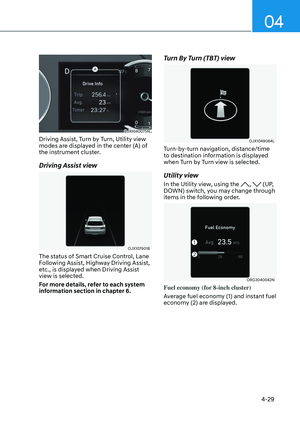
OJX1040075NOJX1040075N
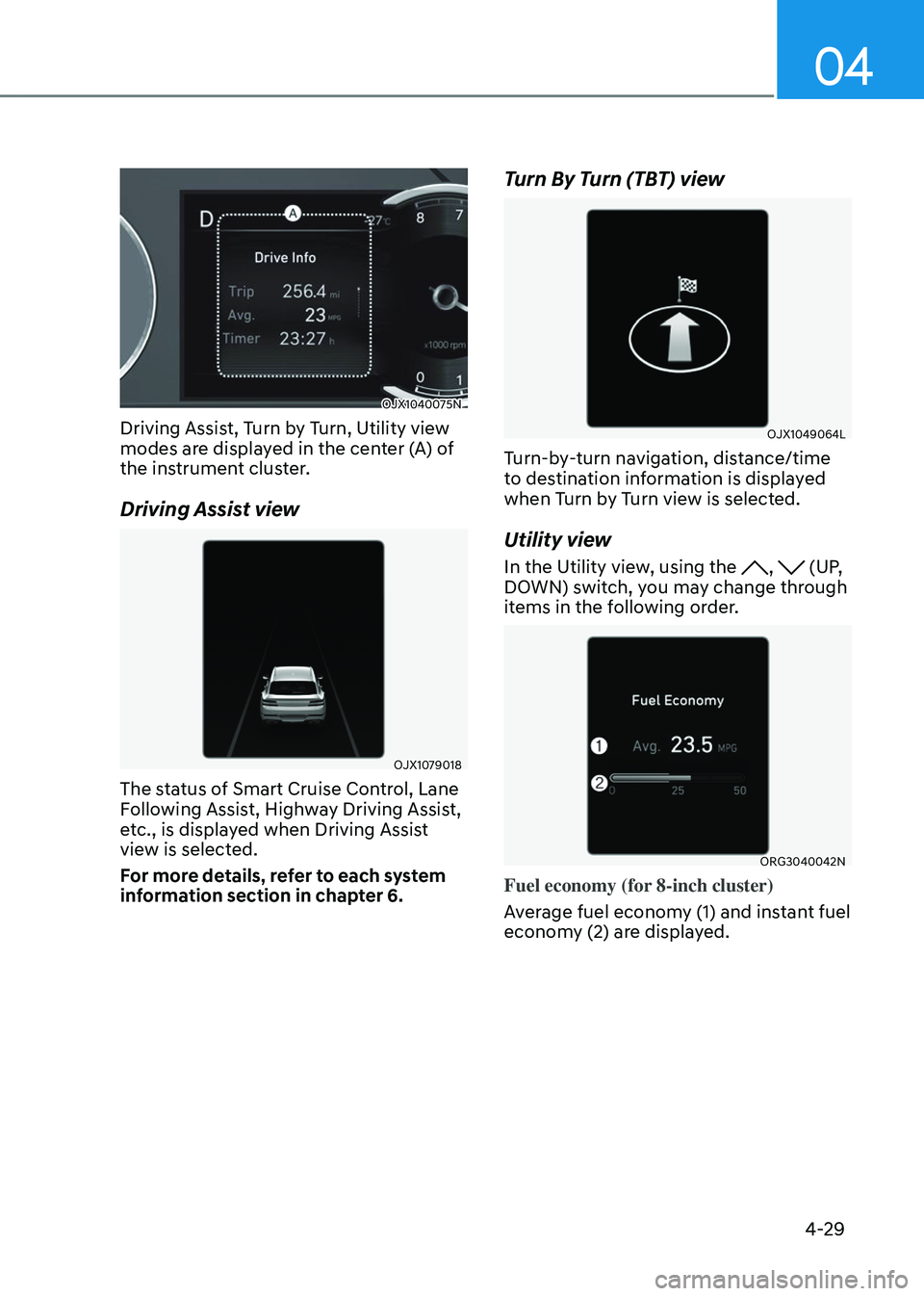
Driving Assist, Turn by Turn, Utility view
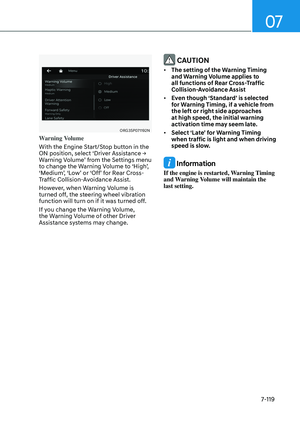
modes are displayed in the center (A) of
the instrument cluster.
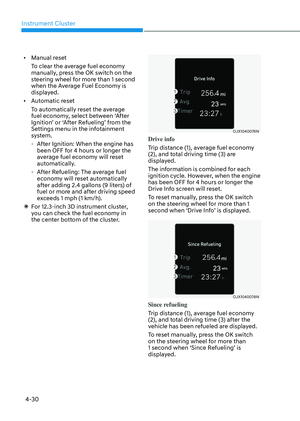
Driving Assist view
OJX1079018OJX1079018
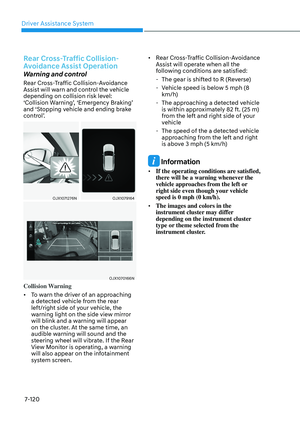
The status of Smart Cruise Control, Lane
Following Assist, Highway Driving Assist,
etc., is displayed when Driving Assist
view is selected.
For more details, refer to each system
information section in chapter 6.
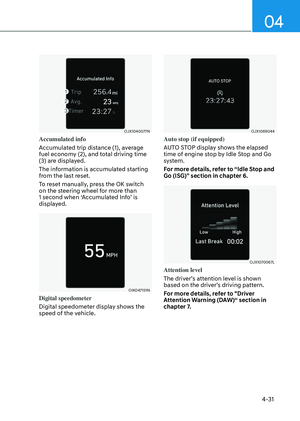
Turn By Turn (TBT) view
OJX1049064LOJX1049064L
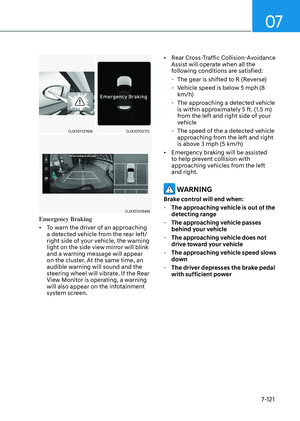
Turn-by-turn navigation, distance/time
to destination information is displayed
when Turn by Turn view is selected.
Utility view
In the Utility view, using the , (UP,
DOWN) switch, you may change through
items in the following order.
ORG3040042NORG3040042N
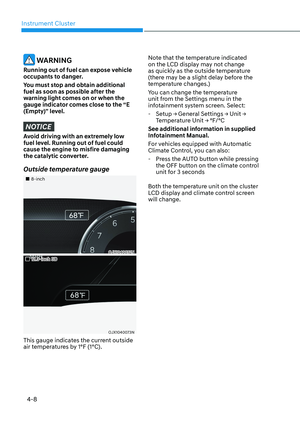
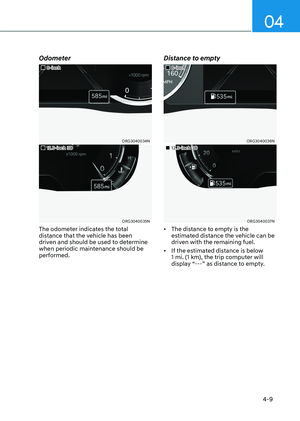
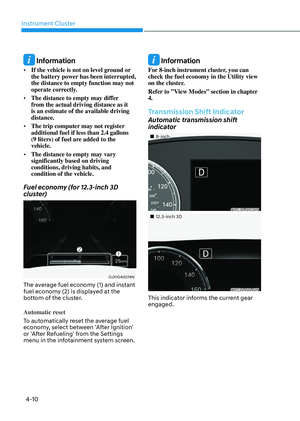
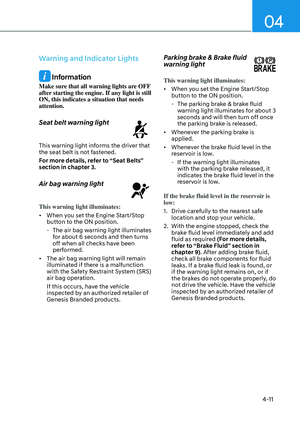
Fuel economy (for 8-inch cluster)
Average fuel economy (1) and instant fuel
economy (2) are displayed.
Page 136 of 650

Instrument Cluster
4-30
• Manual reset
To clear the average fuel economy
manually, press the OK switch on the
steering wheel for more than 1 second
when the Average Fuel Economy is
displayed.
• Automatic reset
To automatically reset the average
fuel economy, select between ‘After
Ignition’ or ‘After Refueling’ from the
Settings menu in the infotainment
system.
-After Ignition: When the engine has
been OFF for 4 hours or longer the
average fuel economy will reset
automatically.
-After Refueling: The average fuel
economy will reset automatically
after adding 2.4 gallons (9 liters) of
fuel or more and after driving speed
exceeds 1 mph (1 km/h).
à For 12.3-inch 3D instrument cluster,
you can check the fuel economy in
the center bottom of the cluster.
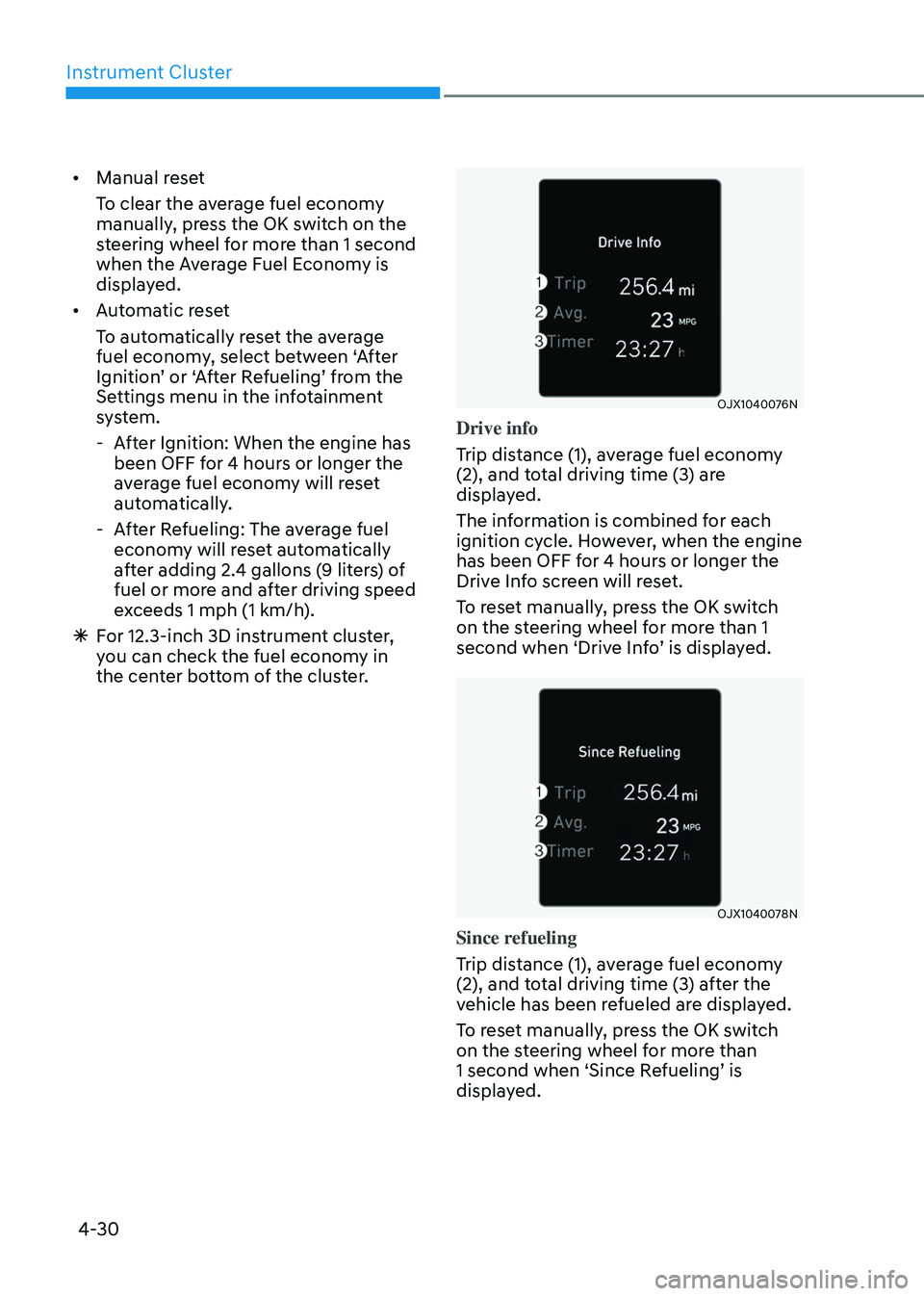
OJX1040076NOJX1040076N
Drive info
Trip distance (1), average fuel economy
(2), and total driving time (3) are
displayed.
The information is combined for each
ignition cycle. However, when the engine
has been OFF for 4 hours or longer the
Drive Info screen will reset.
To reset manually, press the OK switch
on the steering wheel for more than 1
second when ‘Drive Info’ is displayed.
OJX1040078NOJX1040078N
Since refueling
Trip distance (1), average fuel economy
(2), and total driving time (3) after the
vehicle has been refueled are displayed.
To reset manually, press the OK switch
on the steering wheel for more than
1 second when ‘Since Refueling’ is
displayed.