Page 960 of 2389
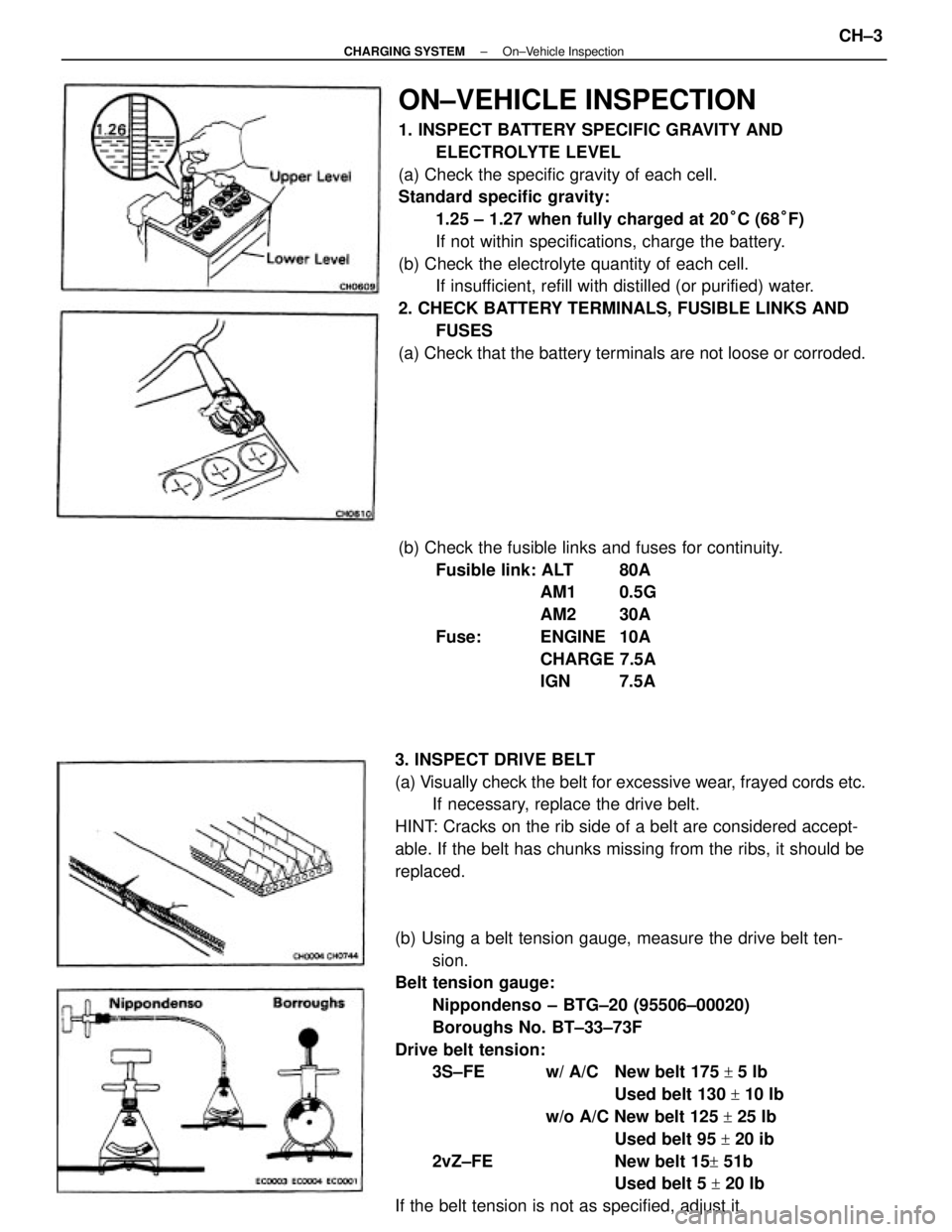
ON±VEHICLE INSPECTION
1. INSPECT BATTERY SPECIFIC GRAVITY AND
ELECTROLYTE LEVEL
(a) Check the specific gravity of each cell.
Standard specific gravity:
1.25 ± 1.27 when fully charged at 20°C (68°F)
If not within specifications, charge the battery.
(b) Check the electrolyte quantity of each cell.
If insufficient, refill with distilled (or purified) water.
2. CHECK BATTERY TERMINALS, FUSIBLE LINKS AND
FUSES
(a) Check that the battery terminals are not loose or corroded.
(b) Using a belt tension gauge, measure the drive belt ten-
sion.
Belt tension gauge:
Nippondenso ± BTG±20 (95506±00020)
Boroughs No. BT±33±73F
Drive belt tension:
3S±FE w/ A/C New belt 175
+ 5 Ib
Used belt 130
+ 10 Ib
w/o A/C New belt 125
+ 25 Ib
Used belt 95
+ 20 ib
2vZ±FE New belt 15
+ 51b
Used belt 5
+ 20 Ib
If the belt tension is not as specified, adjust it. 3. INSPECT DRIVE BELT
(a) Visually check the belt for excessive wear, frayed cords etc.
If necessary, replace the drive belt.
HINT: Cracks on the rib side of a belt are considered accept-
able. If the belt has chunks missing from the ribs, it should be
replaced.(b) Check the fusible links and fuses for continuity.
Fusible link: ALT 80A
AM1 0.5G
AM2 30A
Fuse: ENGINE 10A
CHARGE 7.5A
IGN 7.5A
± CHARGING SYSTEMOn±Vehicle InspectionCH±3
Page 961 of 2389

HINT:
wºNew beltº refer to a belt which has been used 5 minutes
or less on a running engine.
wºUsed beltº refers to a belt which has been used on a running
engine for 5 minutes or more.
wAfter installing a belt, check that it fits properly in the
ribbed grooves.
wCheck by hand to confirm that the belt has not slipped out
of the groove on the bottom of the pulley.
wAfter installing a new belt, run the engine for about 5
minutes and recheck the belt tension.
4. VISUALLY CHECK ALTERNATOR WIRING AND
LISTEN FOR ABNORMAL NOISES
(a) Check that the wiring is in good condition.
(b) Check that there is no abnormal noise from the
alternator white the engine is running.
6. INSPECT CHARGING CIRCUIT WITHOUT LOAD
HINT: If a battery/alternator tester is available, connect the
tester to the charging circuit as per manufacturer's instruc-
tions.
(a) If a tester is not available, connect a voltmeter and ammeter
to the charging circuit as follows:
wDisconnect the wire from terminal B of the alternator and
connect it to the negative H probe of the ammeter.
wConnect the positive (+) probe of the ammeter to terminals
B of the alternator.
wConnect the positive (+) probe of the voltmeter to terminal
B of the alternator.
wGround the negative (±) probe of the voltmeter. 5. INSPECT CHARGE WARNING LIGHT CIRCUIT
(a) Warm up the engine and then turn it off.
(b) Turn off all accessories.
(c) Turn the ignition switch to ºONº. Check that the charge
warning light is lit.
(d) Start the engine. Check that the light goes out.
If the light does not go off as specified, troubleshoot the
charge light circuit.
± CHARGING SYSTEMOn±Vehicle InspectionCH±4
Page 962 of 2389

(b) Check the charging circuit as follows: .
With the engine running from idling to 2,000 rpm,
check the reading on the ammeter and voltmeter.
Standard amperage: 10 A or less
Standard voltage: 13.9 ± 15.1 V at 25
°C (77°F)
13.5 ± 14.3 V at 115°C (2390F)
If the voltmeter reading is greater than standard volt-
age, replace the IC regulator.
7. INSPECT CHARGING CIRCUIT WITH LOAD
(a) With the engine running at 2,000 rpm, turn on the high beam
headlights and place the heater blower switch at ºHlº.
(b) Check the reading on the ammeter.
Standard amperage: 30 A or more
If the ammeter reading is less than standard amperage,
repair the alternator. (See page CH±6)
HINT: With the battery fully charged, the indication will
sometimes be less than standard amperage. If the voltmeter reading is less than standard voltage,
check the IC regulator and alternator as follows:
wWith terminal F grounded, start the engine and check
the voltmeter reading of terminal B.
wIf the voltmeter reading is greater than standard voltage,
replace the IC regulator.
.. If the voltmeter reading is less than standard voltage,
check the alternator.
± CHARGING SYSTEMOn±Vehicle InspectionCH±5
Page 963 of 2389
1. INSPECT RELAY CONTINUITY
(a) Using an ohmmeter, check that there is continuity between
terminals 1 and 3.
(b) Check that there is continuity between terminals 2 and
4.
(c) Check that there is no continuity between terminals 4
and 5.
If continuity is not as specified, replace the relay.
2. INSPECT RELAY OPERATION
(a) Apply battery voltage across terminals 1 and 3.
(b) Using an ohmmeter, check that there is continuity between
terminals 4 and 5.
(e) Check that there is no continuity between terminals 2
and 4.
If operation is not as specified, replace the relay.
ENGINE MAIN RELAY
INSPECTION OF ENGINE MAIN RELAY
LOCATION:
3S±FE In the relay box in the engine compartment.
2VZ±FE On the LH fender apron rear side in the engine
compartment.
± CHARGING SYSTEMEngine Main RelayCH±16
Page 964 of 2389
REMOVAL OF ALTERNATOR (3S±FE)
1. DISCONNECT CABLE FROM NEGATIVE TERMINAL
OF BATTERY
2. DISCONNECT CONNECTOR AND WIRE FROM
ALTERNATOR
3. REMOVE DRIVE BELT
4. REMOVE ALTERNATOR
Remove the adjusting lock bolt, pivot bolt and alternator.
ALTERNATOR
COMPONENTS
± CHARGING SYSTEMAlternatorCH±6
Page 965 of 2389
REMOVAL OF ALTERNATOR (2VZ±FE)
1. DISCONNECT CABLE FROM NEGATIVE TERMINAL
OF BATTERY
2. REMOVE NO. 2 RH MOUNTING STAY
3. DISCONNECT CONNECTOR AND WIRE FROM
ALTERNATOR
4. DISCONNECT WIRE HARNESS FROM CLIP
5. REMOVE DRIVE BELT
6. REMOVE ALTERNATOR
Remove the adjusting lock bolt, pivot bolt and alternator.
DISASSEMBLY OF ALTERNATOR
(See page CH±6)
1. REMOVE REAR END COVER
(a) Remove the nut and terminal insulator.
(b) Remove the three nuts and end cover.
3. REMOVE RECTIFIER HOLDER
(a) Remove the four screws and rectifier holder.
(b) Remove the four rubber insulators.2. REMOVE BRUSH HOLDER AND IC REGULATOR
Remove the five screws, brush holder and IC regulator.
± CHARGING SYSTEMAlternatorCH±7
Page 966 of 2389

(c) AS shown in the illustration, mount SST (C) in a vise,
and install the alternator to SST (C).
(d) To loosen the pulley nut turn SST (A) in the direction
shown in the illustration.
NOTICE: To prevent damage to the rotor shaft, do not
loosen the pulley nut more than one±half of a turn.
(e) Remove the alternator from SST (C).
(f) Turn SST (B) and remove SST (A and B).
(g) Remove the pulley nut and pulley.
INSPECTION AND REPAIR OF
ALTERNATOR
Rotor
1. INSPECT ROTOR FOR OPEN CIRCUIT
Using an ohmmeter, check that there is continuity between the slip
rings.
Standard resistance (Cold): 2.8 ± 3.0W
If there is no continuity replace the rotor.4. REMOVE PULLEY
(a) Hold SST(A) with a torque wrench, and tighten SST (B)
clockwise to the specified torque.
SST 09820±63010
Torque: 400 kg±cm (29 ft±Ib, 39 N±m)
(b) Check that SST (A) is secured to the rotor shaft.
(b) Using SST, remove the rectifier end frame.
SST 09286±46011
6. REMOVE ROTOR FROM DRIVE END FRAME5. REMOVE RECTIFIER END FRAME
(a) Remove the four nuts.
± CHARGING SYSTEMAlternatorCH±8
Page 967 of 2389

3. INSPECT SLIP RINGS
(a) Check that the slip rings are not rough or scored.
If rough or scored, replace the rotor.
(b) Using calipers, measure the slip ring diameter.
Standard diameter. 14.2 ±14.4 mm
(0.559 ± 0.567 in.)
Minimum diameter 12.8 mm (0.504 in.)
If the diameter is less than minimum, replace the rotor.
Brushes
1. INSPECT EXPOSED BRUSH LENGTH
Using a scale, measure the exposed brush length.
Standard exposed length: 10.5 mm (0.413 in,)
Minimum exposed length: 1 .5 mm (0.069 in.)
If the exposed length is less than minimum, replace the
brushes.
Stator
1. INSPECT STATOR FOR OPEN CIRCUIT
Using an ohmmeter, check that there is continuity between
the coil leads.
If there is no continuity, replace the drive end frame assem-
bly.2. INSPECT ROTOR FOR GROUND
Using an ohmmeter, check that there is no continuity
between the slip ring and rotor.
If there is continuity, replace the rotor.
2. INSPECT STATOR FOR GROUND
Using an ohmmeter, check that there is no continuity be-
tween the coil lead and drive end frame.
If there is continuity, replace the drive end frame assembly.
± CHARGING SYSTEMAlternatorCH±9


