2019 TOYOTA SUPRA display
[x] Cancel search: displayPage 135 of 456
135
3
Supra Owner's Manual3-1. CONTROLS
CONTROLS
If the engine was not switched off
automatically when the vehicle
came to a stop, it can be switched
off manually:
Rapidly press the brake pedal
from the current position.
Engaging the selector lever in
position P.
If all the operating requirements
have been met, the engine is shut
down.
The air flow rate of the air condi-
tioning system is reduced when the
engine is not running.
■General
The engine is not shut down auto-
matically in the following situations:On steep downward gradients.
Brake not pressed strongly
enough.
High outside temperature and
operation of the automatic air
conditioning.
Interior not heated or cooled to
the desired temperature.
Where there is a risk of conden-
sation when the automatic air
conditioning is switched on.
Engine or other parts not at oper-
ating temperature.
Engine cooling is required.
Sharp steering angle or steering
operation.
Vehicle battery is heavily dis-
charged.
At high altitudes.
Bonnet is unlocked.
Park Assistant is activated.
Stop-and-go traffic.
Automatic transmission: selector
lever position in N or R.
After reversing.
Use of fuel with high ethanol
content.
■Automatic transmission
For driving off, the engine automati-
cally starts under the following con- Automatic transmission: manual
engine stop
Air conditioning system when the
vehicle is parked
Displays in the instrument cluster
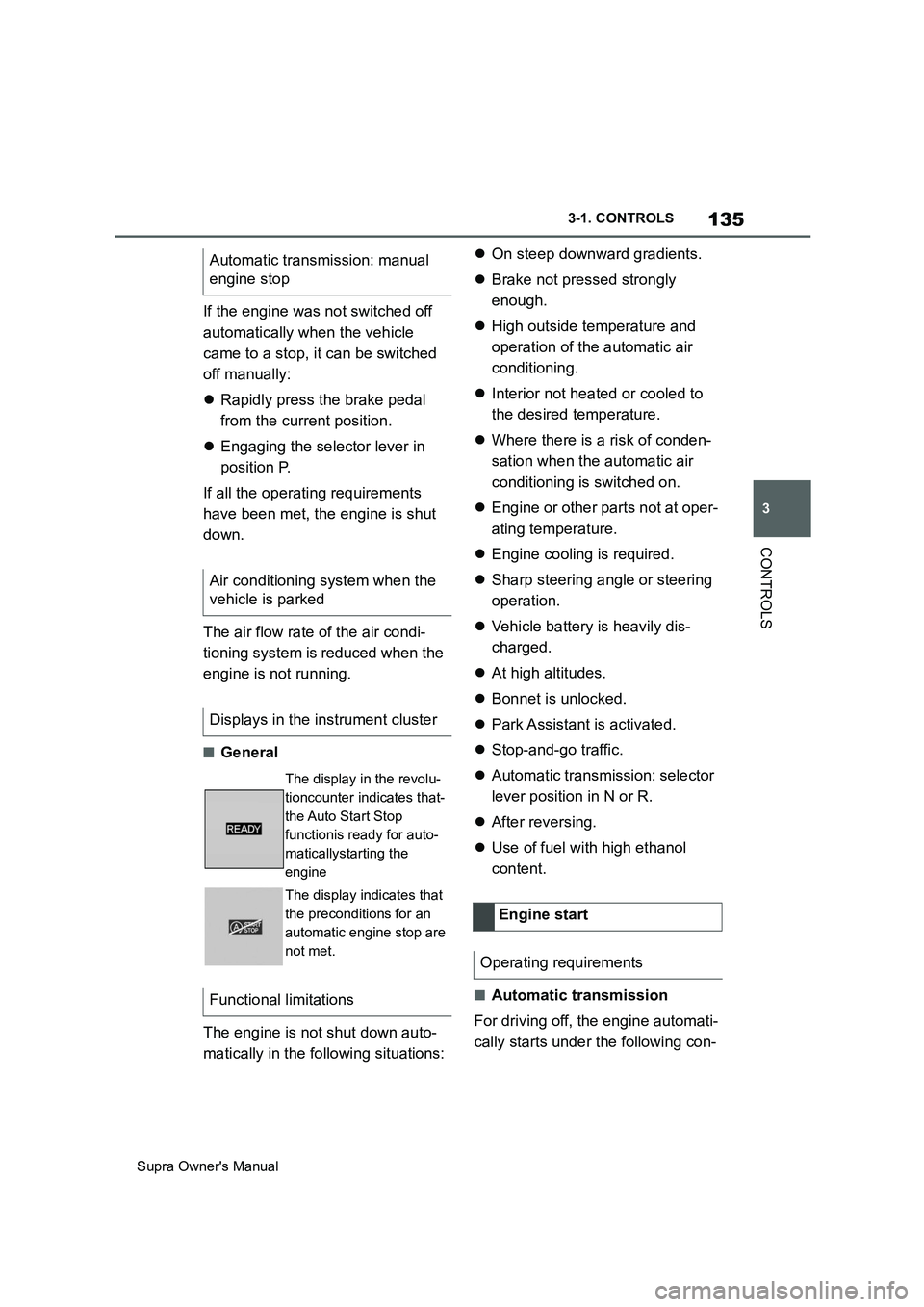
The display in the revolu-
tioncounter indicates that-
the Auto Start Stop
functionis ready for auto-
maticallystarting the
engine
The display indicates that
the preconditions for an
automatic engine stop are
not met.
Functional limitations
Engine start
Operating requirements
Page 147 of 456
147
3
Supra Owner's Manual3-1. CONTROLS
CONTROLS
■Gearshift
Gear shifting is only carried out at
the appropriate engine RPM and
vehicle speed.
■Short-term manual operation
In selector lever position D, operat-
ing a shift paddle causes the sys-
tem to switch to manual operation
temporarily.
The gearbox reverts to automatic
operation from manual operation
after a certain period of time of
moderate driving without accelera-
tion or gear shifts using the shift
paddles.
Changing to automatic operation is
possible as follows:
Pull and hold right shift paddle.
In addition to briefly pulling right
shift paddle, briefly pull left shift
paddle.
■Permanent manual operation
In selector lever position M, operat-
ing a shift paddle causes the sys-
tem to switch permanently to
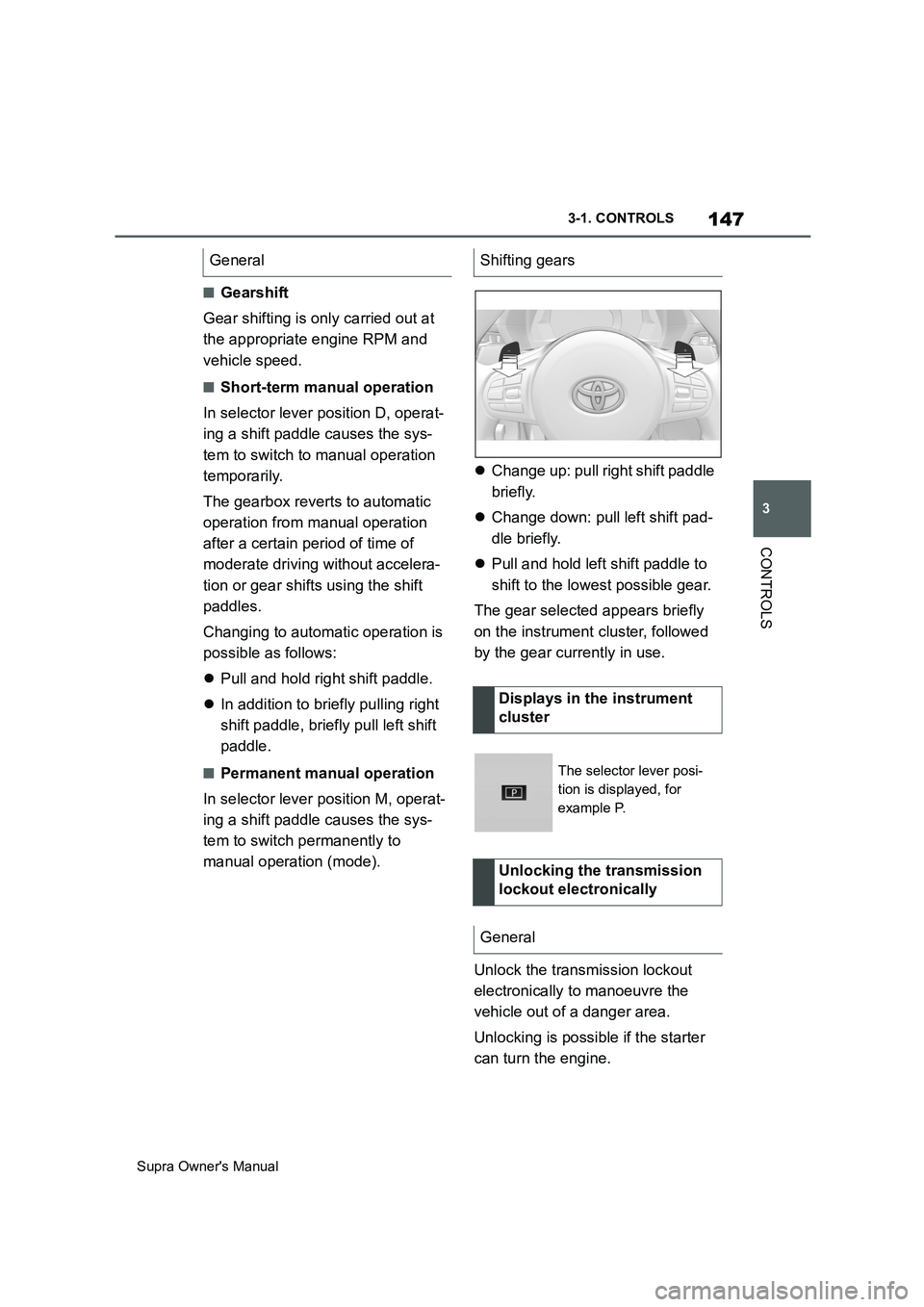
manual operation (mode).Change up: pull right shift paddle
briefly.
Change down: pull left shift pad-
dle briefly.
Pull and hold left shift paddle to
shift to the lowest possible gear.
The gear selected appears briefly
on the instrument cluster, followed
by the gear currently in use.
Unlock the transmission lockout
electronically to manoeuvre the
vehicle out of a danger area.
Unlocking is possible if the starter
can turn the engine. General
Shifting gears
Displays in the instrument
cluster
The selector lever posi-
tion is displayed, for
example P.
Unlocking the transmission
lockout electronically
General
Page 148 of 456
148
Supra Owner's Manual3-1. CONTROLS
Before the transmission lockout is
released, apply the parking brake
to prevent the vehicle from rolling
away.
1Apply the brakes and keep them
applied.
2Press the start/stop button. The
starter must be heard to start
turning. Press and hold the
start/stop button.
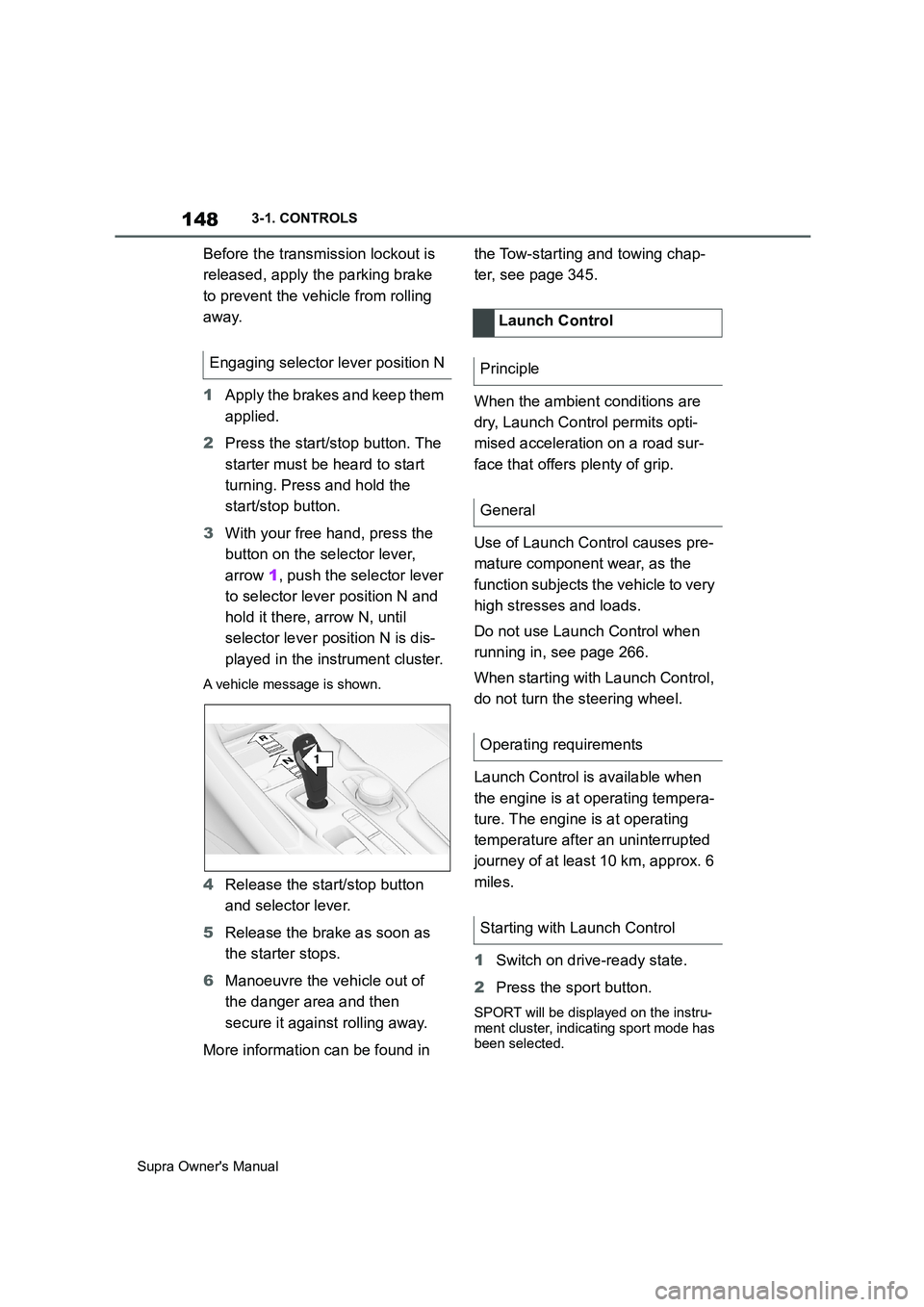
3With your free hand, press the
button on the selector lever,
arrow 1, push the selector lever
to selector lever position N and
hold it there, arrow N, until
selector lever position N is dis-
played in the instrument cluster.
A vehicle message is shown.
4Release the start/stop button
and selector lever.
5Release the brake as soon as
the starter stops.
6Manoeuvre the vehicle out of
the danger area and then
secure it against rolling away.
More information can be found in the Tow-starting and towing chap-
ter, see page 345.
When the ambient conditions are
dry, Launch Control permits opti-
mised acceleration on a road sur-
face that offers plenty of grip.
Use of Launch Control causes pre-
mature component wear, as the
function subjects the vehicle to very
high stresses and loads.
Do not use Launch Control when
running in, see page 266.
When starting with Launch Control,
do not turn the steering wheel.
Launch Control is available when
the engine is at operating tempera-
ture. The engine is at operating
temperature after an uninterrupted
journey of at least 10 km, approx. 6
miles.
1Switch on drive-ready state.
2Press the sport button.
SPORT will be displayed on the instru-
ment cluster, indicating sport mode has
been selected.
Engaging selector lever position N
1
R
N
Launch Control
Principle
General
Operating requirements
Starting with Launch Control
Page 149 of 456
149
3
Supra Owner's Manual3-1. CONTROLS
CONTROLS
3 Press the button.
TRACTION will be displayed on the
instrument cluster and the VSC OFF
indicator lamp will illuminate.
4Select the D selector lever posi-
tion.
5Firmly depress the brake pedal
with your left foot.
6Fully depress and hold the
accelerator pedal at the kick-
down position.
A flag symbol will be shown in the
instrument cluster.
7The engine speed will be
adjusted for launching. Release
the brake pedal within 3 sec-
onds.
Once Launch Control has been
used, the transmission requires
approximately 5 minutes to cool
down before Launch Control can be
used again. Launch Control adapts
to the ambient conditions when
used again.
To support driving stability, re-acti-
vate Vehicle Stability Control, VSC
as soon as possible.
An experienced driver may be able
to achieve better acceleration val-
ues in VSC OFF mode.The sport mode switch influences
the driving dynamics characteristics
of the vehicle.
The following systems are influ-
enced, for example:
Engine characteristics.
Automatic transmission.
Adaptive variable suspension.
Steering.
Display in the instrument cluster.
Cruise Control.
Using again during a journey
After using Launch Control
System limits
Sport mode switch
Principle
General
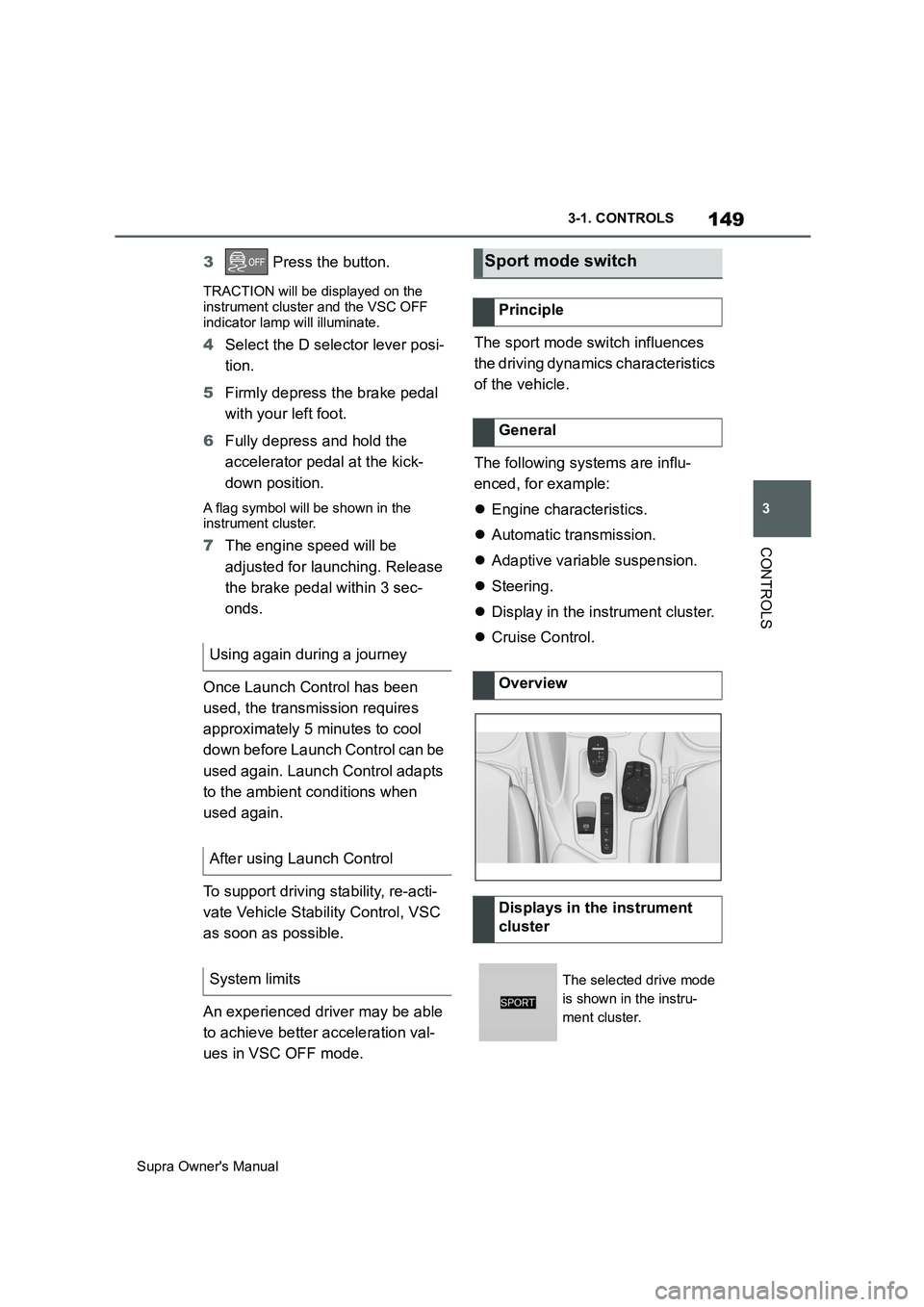
Overview
Displays in the instrument
cluster
The selected drive mode
is shown in the instru-
ment cluster.
Page 151 of 456
151
3
Supra Owner's Manual3-1. CONTROLS
CONTROLS
This chapter describes all standard,
country-specific and special equip-
ment available for the model series.
It may therefore describe equip-
ment and functions which are not
installed in your vehicle, for exam-
ple on account of the optional
equipment selected or the country
specification. This also applies to
safety-relevant functions and sys-
tems. Please comply with the rele-
vant laws and regulations when
using the corresponding functions
and systems.
The instrument cluster is a variable
display. When the sport mode
switch is used to change the driving
mode, the instrument cluster dis-
plays change to match the driving
mode.
Changes to the displays in the
instrument cluster can be deacti-
vated via Toyota Supra Command.
The displays in the instrument clus-
ter can sometimes differ from the
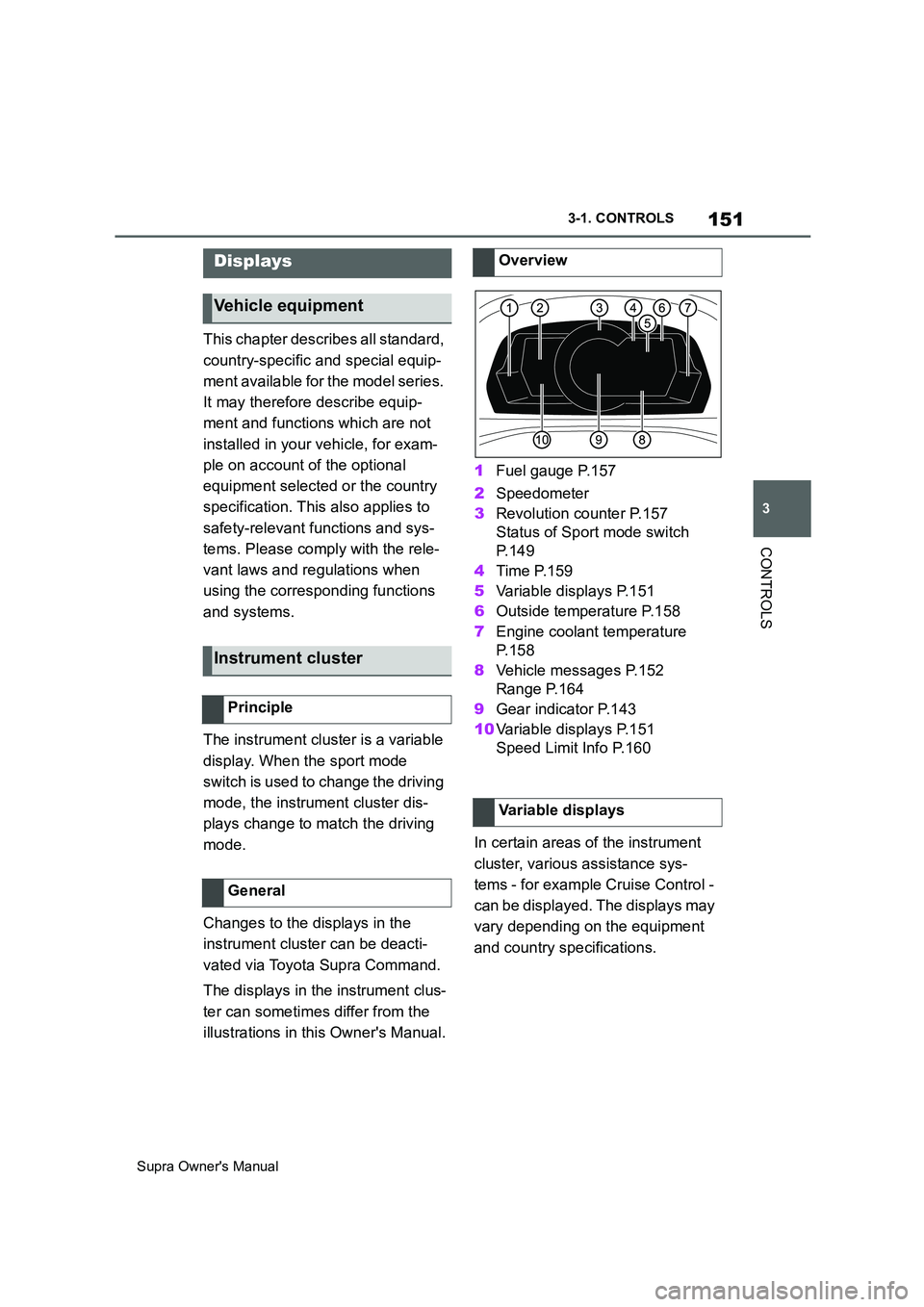
illustrations in this Owner's Manual.1Fuel gauge P.157
2Speedometer
3Revolution counter P.157
Status of Sport mode switch
P. 1 4 9
4Time P.159
5Variable displays P.151
6Outside temperature P.158
7Engine coolant temperature
P. 1 5 8
8Vehicle messages P.152
Range P.164
9Gear indicator P.143
10Variable displays P.151
Speed Limit Info P.160
In certain areas of the instrument
cluster, various assistance sys-
tems - for example Cruise Control -
can be displayed. The displays may
vary depending on the equipment
and country specifications.
Displays
Vehicle equipment
Instrument cluster
Principle
General
Overview
Variable displays
Page 152 of 456
152
Supra Owner's Manual3-1. CONTROLS
The display can be changed for
sport mode.
The driving mode will change to
sport mode.
The vehicle messages monitors
vehicle functions and alerts you to
any faults in the monitored sys-
tems.
A vehicle message is displayed as
a combination of indicator or warn-
ing lamps and text messages in the
instrument cluster and, if applica-
ble, in the Head-Up Display.
If applicable, the text message
shown in the Control Display is
accompanied by an additional
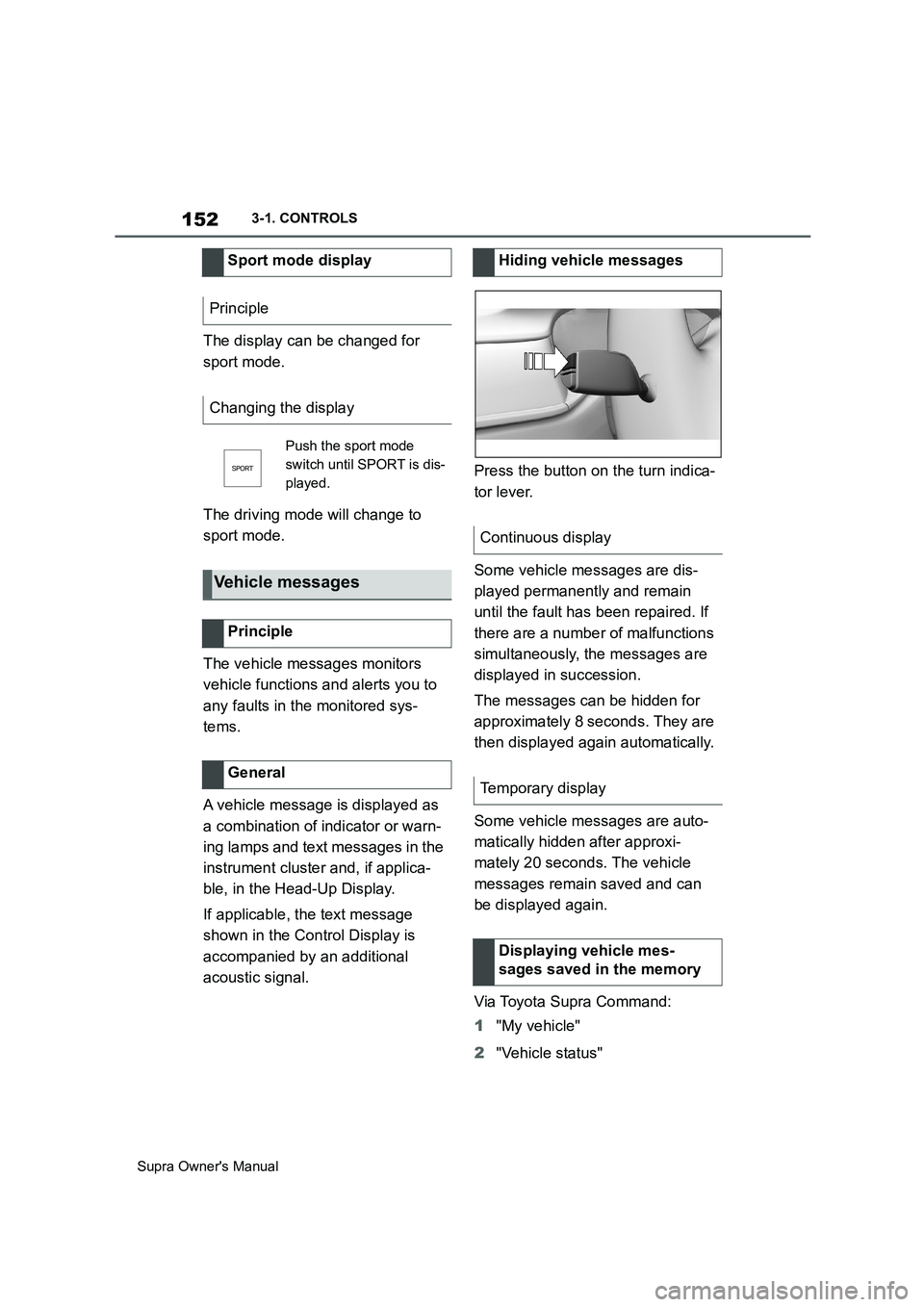
acoustic signal.Press the button on the turn indica-
tor lever.
Some vehicle messages are dis-
played permanently and remain
until the fault has been repaired. If
there are a number of malfunctions
simultaneously, the messages are
displayed in succession.
The messages can be hidden for
approximately 8 seconds. They are
then displayed again automatically.
Some vehicle messages are auto-
matically hidden after approxi-
mately 20 seconds. The vehicle
messages remain saved and can
be displayed again.
Via Toyota Supra Command:
1"My vehicle"
2"Vehicle status" Sport mode display
Principle
Changing the display
Push the sport mode
switch until SPORT is dis-
played.
Vehicle messages
Principle
General
Hiding vehicle messages
Continuous display
Temporary display
Displaying vehicle mes-
sages saved in the memory
Page 153 of 456
153
3
Supra Owner's Manual3-1. CONTROLS
CONTROLS
3"Vehicle messages"
4Select a text message.
Text messages and symbols in the
instrument cluster explain the
meaning of a vehicle message and
the indicator and warning lamps.
You can call up additional informa-
tion via vehicle messages, for
example the cause of the fault and
any action required.
The supplementary text is automat-
ically shown in the Control Display
for urgent messages.
It is possible to select additional
assistance depending on the vehi-
cle message.
Via Toyota Supra Command:
1"My vehicle"
2"Vehicle status"
3"Vehicle messages"
4Select the required text mes-
sage.
5Select the desired settingCertain messages displayed when
driving are displayed again when
drive-ready state is switched off.
Indicator and warning lamps in the
instrument cluster show the status
of some functions in the vehicle and
indicate when there is a malfunc-
tion in monitored systems.
Indicator and warning lamps can
illuminate in a variety of combina-
tions and colours.
When drive-ready state is switched
on, the functionality of some lights
is checked and they illuminate
briefly. Display
Vehicle messages
At least one vehicle mes-
sage is displayed or
saved.
Text messages
Supplementary text messages
Messages displayed at the end of
a journey
Indicator and warning lamps
Principle
General
Page 157 of 456
157
3
Supra Owner's Manual3-1. CONTROLS
CONTROLS
The current fill level of the fuel tank
is displayed.
The angle of the vehicle may cause
the display to fluctuate.
Notes on refuelling, see page 276.It is vital to avoid engine speeds in
the red warning zone. In this zone,
the fuel supply is interrupted to pro-
tect the engine.
Depending on the equipment, the
shift lights on the revolution counter
indicate the maximum shift point at
which the best possible accelera-
tion can be achieved.
When the selected driving mode is
sport mode, a shift light will be dis-
played.
1Select SPORT using the sport
mode switch.
2Activate manual mode of the
transmission. Automatic high-beam
Automatic high-beamis
switched on.
The high-beam head-
lights are switched on and
off automatically depend-
ing on the traffic situation.
Automatic high-beam, see
page 174.
Blue lights
High-beam headlights
The high-beam head-
lights are switched on.
High-beam headlights,
see page 139.
Fuel gauge
Principle
General
Display
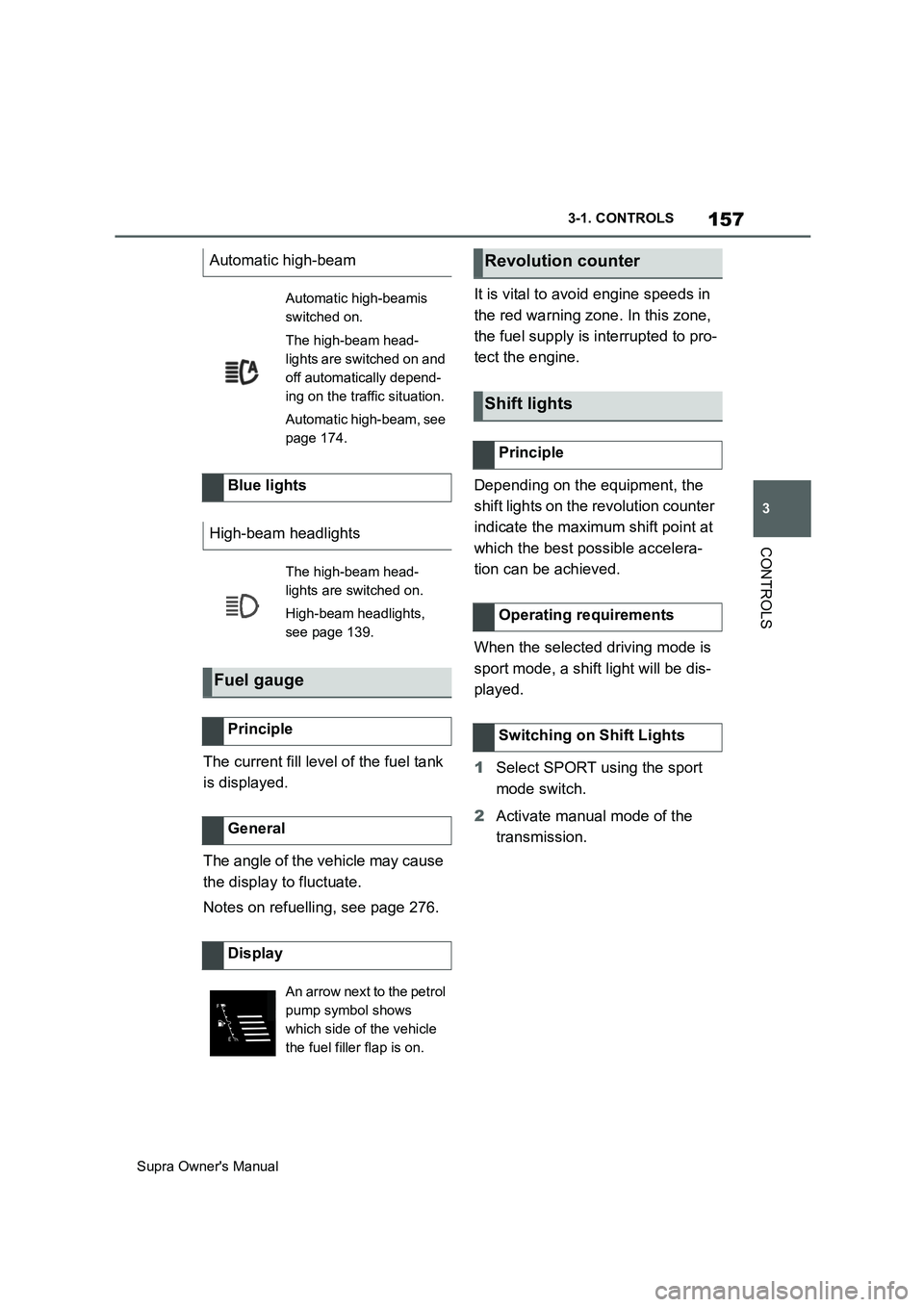
An arrow next to the petrol
pump symbol shows
which side of the vehicle
the fuel filler flap is on.
Revolution counter
Shift lights
Principle
Operating requirements
Switching on Shift Lights