2001 CHRYSLER VOYAGER mileage
[x] Cancel search: mileagePage 3375 of 4284
CLEANING - TIRES
Before delivery of a vehicle, remove the protective
coating on the tires with white sidewalls or raised
white letters. To remove the protective coating, apply
warm water and let it soak for a few minutes. After-
wards, scrub the coating away with a soft bristle
brush. Steam cleaning may also be used to remove
the coating.
CAUTION: DO NOT use gasoline, mineral oil, oil-
based solvent or a wire brush for cleaning.
WHEELS
DESCRIPTION - WHEEL
Original equipment wheels are designed for proper
operation at all loads up to the specified maximum
vehicle capacity.
All models use either steel or aluminum drop-cen-
ter wheels. Every wheel has raised sections between
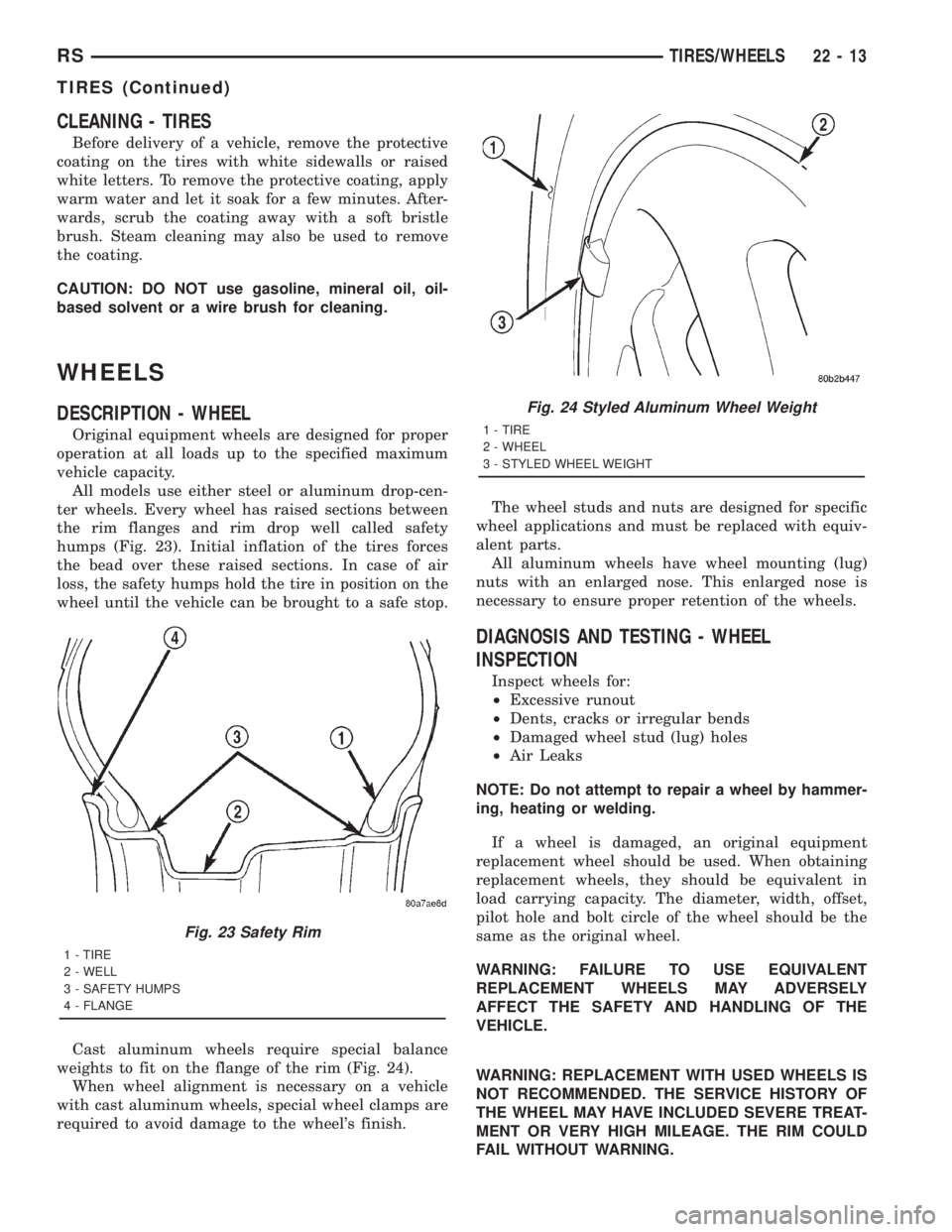
the rim flanges and rim drop well called safety
humps (Fig. 23). Initial inflation of the tires forces
the bead over these raised sections. In case of air
loss, the safety humps hold the tire in position on the
wheel until the vehicle can be brought to a safe stop.
Cast aluminum wheels require special balance
weights to fit on the flange of the rim (Fig. 24).
When wheel alignment is necessary on a vehicle
with cast aluminum wheels, special wheel clamps are
required to avoid damage to the wheel's finish.The wheel studs and nuts are designed for specific
wheel applications and must be replaced with equiv-
alent parts.
All aluminum wheels have wheel mounting (lug)
nuts with an enlarged nose. This enlarged nose is
necessary to ensure proper retention of the wheels.
DIAGNOSIS AND TESTING - WHEEL
INSPECTION
Inspect wheels for:
²Excessive runout
²Dents, cracks or irregular bends
²Damaged wheel stud (lug) holes
²Air Leaks
NOTE: Do not attempt to repair a wheel by hammer-
ing, heating or welding.
If a wheel is damaged, an original equipment
replacement wheel should be used. When obtaining
replacement wheels, they should be equivalent in
load carrying capacity. The diameter, width, offset,
pilot hole and bolt circle of the wheel should be the
same as the original wheel.
WARNING: FAILURE TO USE EQUIVALENT
REPLACEMENT WHEELS MAY ADVERSELY
AFFECT THE SAFETY AND HANDLING OF THE
VEHICLE.
WARNING: REPLACEMENT WITH USED WHEELS IS
NOT RECOMMENDED. THE SERVICE HISTORY OF
THE WHEEL MAY HAVE INCLUDED SEVERE TREAT-
MENT OR VERY HIGH MILEAGE. THE RIM COULD
FAIL WITHOUT WARNING.
Fig. 23 Safety Rim
1 - TIRE
2 - WELL
3 - SAFETY HUMPS
4 - FLANGE
Fig. 24 Styled Aluminum Wheel Weight
1 - TIRE
2 - WHEEL
3 - STYLED WHEEL WEIGHT
RSTIRES/WHEELS22-13
TIRES (Continued)
Page 3390 of 4284
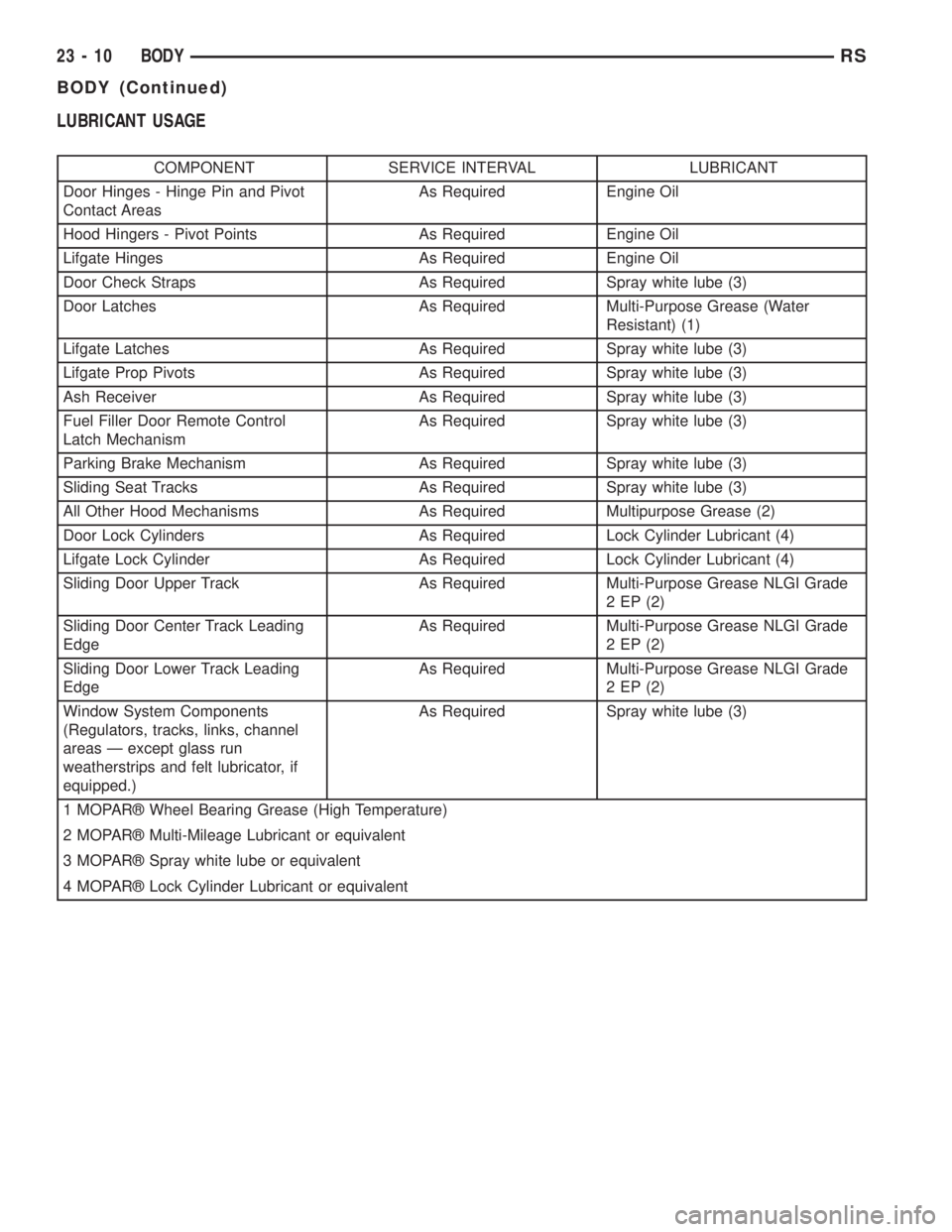
LUBRICANT USAGE
COMPONENT SERVICE INTERVAL LUBRICANT
Door Hinges - Hinge Pin and Pivot
Contact AreasAs Required Engine Oil
Hood Hingers - Pivot Points As Required Engine Oil
Lifgate Hinges As Required Engine Oil
Door Check Straps As Required Spray white lube (3)
Door Latches As Required Multi-Purpose Grease (Water
Resistant) (1)
Lifgate Latches As Required Spray white lube (3)
Lifgate Prop Pivots As Required Spray white lube (3)
Ash Receiver As Required Spray white lube (3)
Fuel Filler Door Remote Control
Latch MechanismAs Required Spray white lube (3)
Parking Brake Mechanism As Required Spray white lube (3)
Sliding Seat Tracks As Required Spray white lube (3)
All Other Hood Mechanisms As Required Multipurpose Grease (2)
Door Lock Cylinders As Required Lock Cylinder Lubricant (4)
Lifgate Lock Cylinder As Required Lock Cylinder Lubricant (4)
Sliding Door Upper Track As Required Multi-Purpose Grease NLGI Grade
2 EP (2)
Sliding Door Center Track Leading
EdgeAs Required Multi-Purpose Grease NLGI Grade
2 EP (2)
Sliding Door Lower Track Leading
EdgeAs Required Multi-Purpose Grease NLGI Grade
2 EP (2)
Window System Components
(Regulators, tracks, links, channel
areas Ð except glass run
weatherstrips and felt lubricator, if
equipped.)As Required Spray white lube (3)
1 MOPARž Wheel Bearing Grease (High Temperature)
2 MOPARž Multi-Mileage Lubricant or equivalent
3 MOPARž Spray white lube or equivalent
4 MOPARž Lock Cylinder Lubricant or equivalent
23 - 10 BODYRS
BODY (Continued)
Page 3824 of 4284
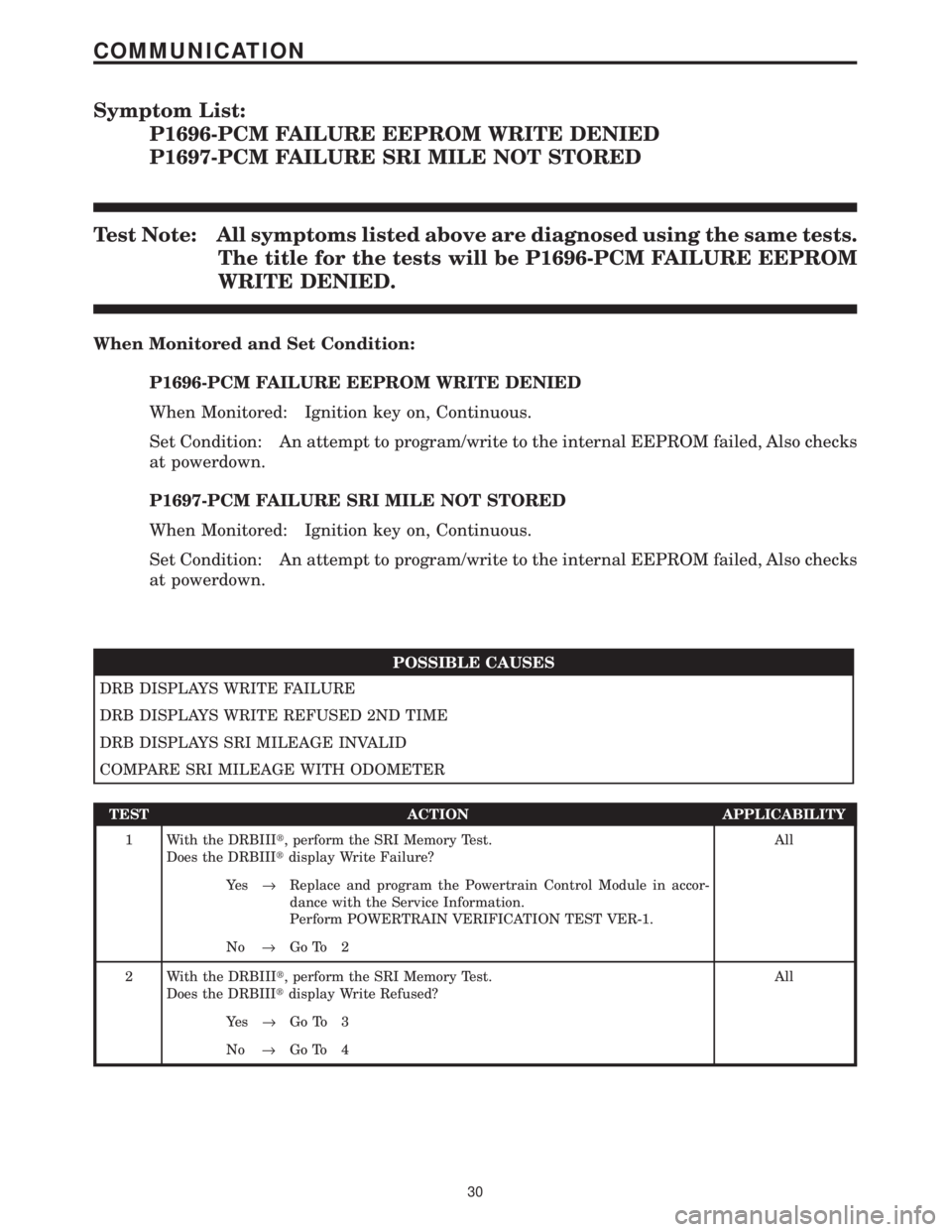
Symptom List:
P1696-PCM FAILURE EEPROM WRITE DENIED
P1697-PCM FAILURE SRI MILE NOT STORED
Test Note: All symptoms listed above are diagnosed using the same tests.
The title for the tests will be P1696-PCM FAILURE EEPROM
WRITE DENIED.
When Monitored and Set Condition:
P1696-PCM FAILURE EEPROM WRITE DENIED
When Monitored: Ignition key on, Continuous.
Set Condition: An attempt to program/write to the internal EEPROM failed, Also checks
at powerdown.
P1697-PCM FAILURE SRI MILE NOT STORED
When Monitored: Ignition key on, Continuous.
Set Condition: An attempt to program/write to the internal EEPROM failed, Also checks
at powerdown.
POSSIBLE CAUSES
DRB DISPLAYS WRITE FAILURE
DRB DISPLAYS WRITE REFUSED 2ND TIME
DRB DISPLAYS SRI MILEAGE INVALID
COMPARE SRI MILEAGE WITH ODOMETER
TEST ACTION APPLICABILITY
1 With the DRBIIIt, perform the SRI Memory Test.
Does the DRBIIItdisplay Write Failure?All
Ye s®Replace and program the Powertrain Control Module in accor-
dance with the Service Information.
Perform POWERTRAIN VERIFICATION TEST VER-1.
No®Go To 2
2 With the DRBIIIt, perform the SRI Memory Test.
Does the DRBIIItdisplay Write Refused?All
Ye s®Go To 3
No®Go To 4
30
COMMUNICATION
Page 3825 of 4284
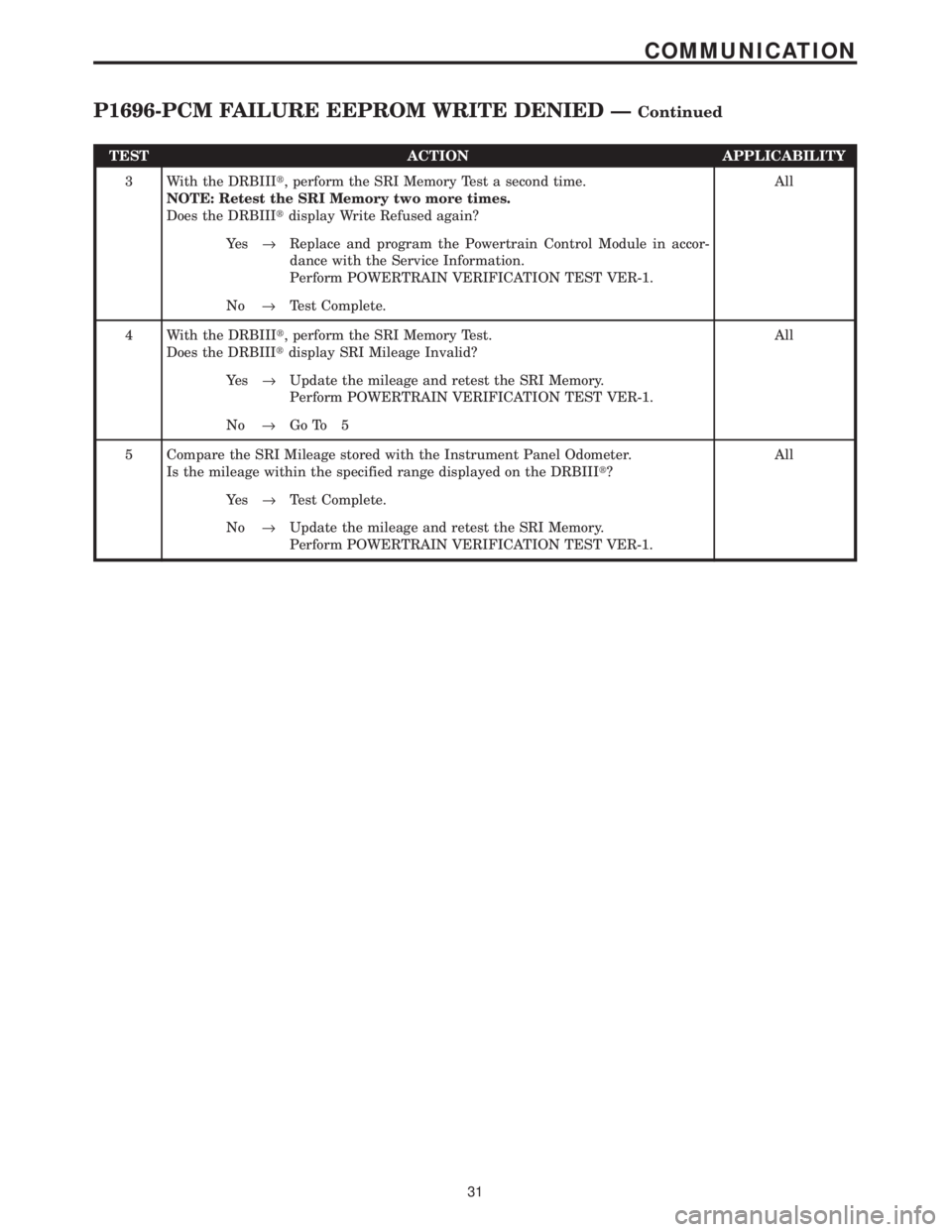
TEST ACTION APPLICABILITY
3 With the DRBIIIt, perform the SRI Memory Test a second time.
NOTE: Retest the SRI Memory two more times.
Does the DRBIIItdisplay Write Refused again?All
Ye s®Replace and program the Powertrain Control Module in accor-
dance with the Service Information.
Perform POWERTRAIN VERIFICATION TEST VER-1.
No®Test Complete.
4 With the DRBIIIt, perform the SRI Memory Test.
Does the DRBIIItdisplay SRI Mileage Invalid?All
Ye s®Update the mileage and retest the SRI Memory.
Perform POWERTRAIN VERIFICATION TEST VER-1.
No®Go To 5
5 Compare the SRI Mileage stored with the Instrument Panel Odometer.
Is the mileage within the specified range displayed on the DRBIIIt?All
Ye s®Test Complete.
No®Update the mileage and retest the SRI Memory.
Perform POWERTRAIN VERIFICATION TEST VER-1.
31
COMMUNICATION
P1696-PCM FAILURE EEPROM WRITE DENIED ÐContinued
Page 3837 of 4284
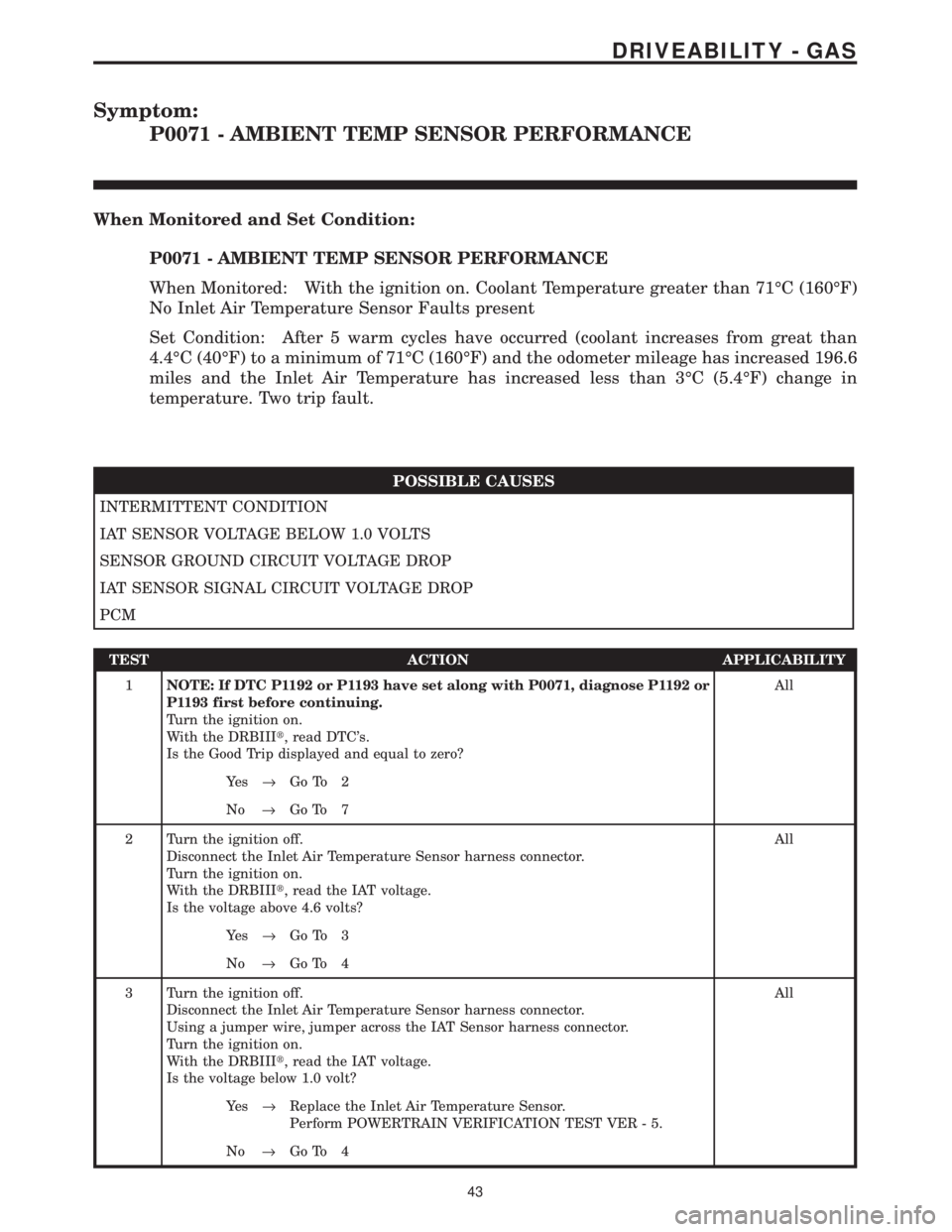
Symptom:
P0071 - AMBIENT TEMP SENSOR PERFORMANCE
When Monitored and Set Condition:
P0071 - AMBIENT TEMP SENSOR PERFORMANCE
When Monitored: With the ignition on. Coolant Temperature greater than 71ÉC (160ÉF)
No Inlet Air Temperature Sensor Faults present
Set Condition: After 5 warm cycles have occurred (coolant increases from great than
4.4ÉC (40ÉF) to a minimum of 71ÉC (160ÉF) and the odometer mileage has increased 196.6
miles and the Inlet Air Temperature has increased less than 3ÉC (5.4ÉF) change in
temperature. Two trip fault.
POSSIBLE CAUSES
INTERMITTENT CONDITION
IAT SENSOR VOLTAGE BELOW 1.0 VOLTS
SENSOR GROUND CIRCUIT VOLTAGE DROP
IAT SENSOR SIGNAL CIRCUIT VOLTAGE DROP
PCM
TEST ACTION APPLICABILITY
1NOTE: If DTC P1192 or P1193 have set along with P0071, diagnose P1192 or
P1193 first before continuing.
Turn the ignition on.
With the DRBIIIt, read DTC's.
Is the Good Trip displayed and equal to zero?All
Ye s®Go To 2
No®Go To 7
2 Turn the ignition off.
Disconnect the Inlet Air Temperature Sensor harness connector.
Turn the ignition on.
With the DRBIIIt, read the IAT voltage.
Is the voltage above 4.6 volts?All
Ye s®Go To 3
No®Go To 4
3 Turn the ignition off.
Disconnect the Inlet Air Temperature Sensor harness connector.
Using a jumper wire, jumper across the IAT Sensor harness connector.
Turn the ignition on.
With the DRBIIIt, read the IAT voltage.
Is the voltage below 1.0 volt?All
Ye s®Replace the Inlet Air Temperature Sensor.
Perform POWERTRAIN VERIFICATION TEST VER - 5.
No®Go To 4
43
DRIVEABILITY - GAS
Page 4071 of 4284
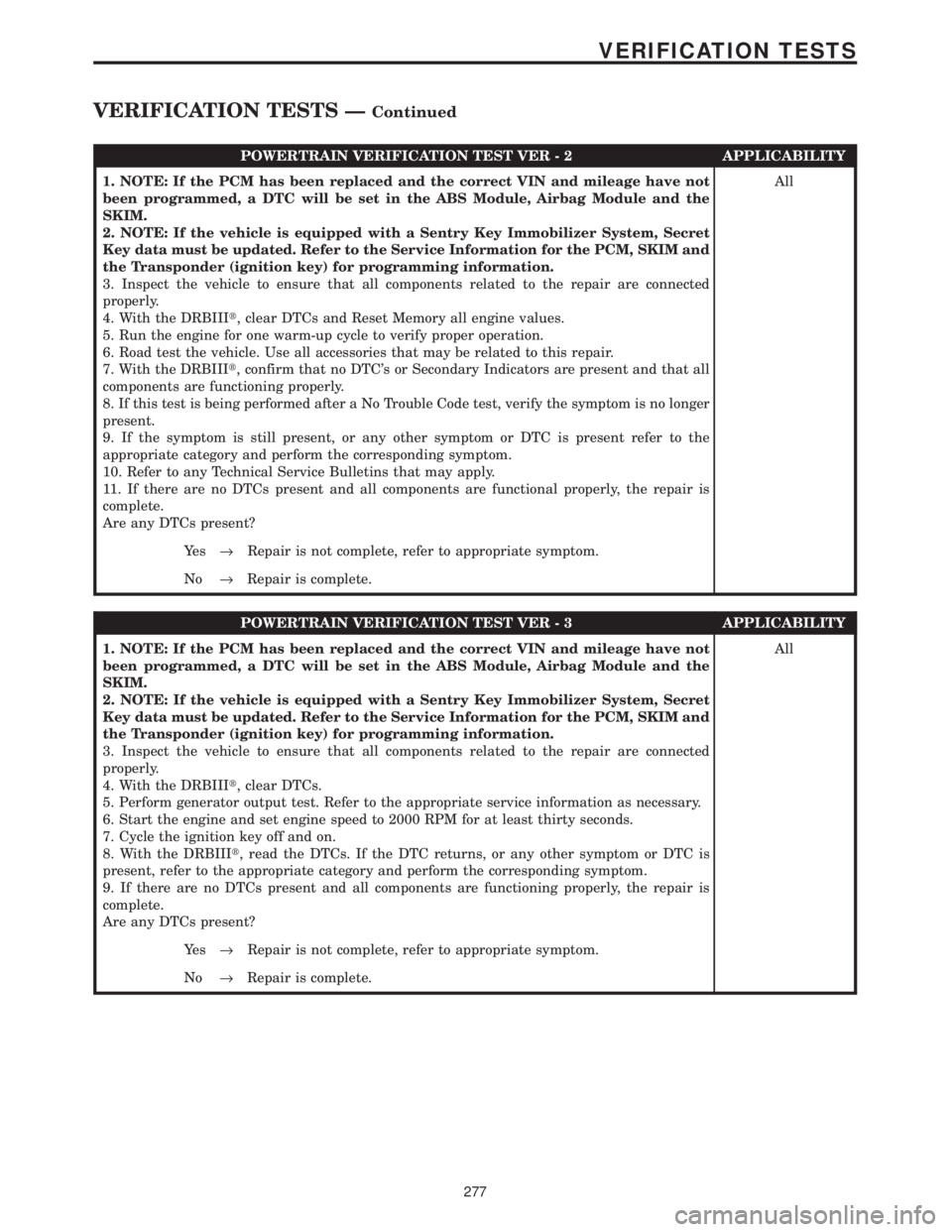
POWERTRAIN VERIFICATION TEST VER - 2 APPLICABILITY
1. NOTE: If the PCM has been replaced and the correct VIN and mileage have not
been programmed, a DTC will be set in the ABS Module, Airbag Module and the
SKIM.
2. NOTE: If the vehicle is equipped with a Sentry Key Immobilizer System, Secret
Key data must be updated. Refer to the Service Information for the PCM, SKIM and
the Transponder (ignition key) for programming information.
3. Inspect the vehicle to ensure that all components related to the repair are connected
properly.
4. With the DRBIIIt, clear DTCs and Reset Memory all engine values.
5. Run the engine for one warm-up cycle to verify proper operation.
6. Road test the vehicle. Use all accessories that may be related to this repair.
7. With the DRBIIIt, confirm that no DTC's or Secondary Indicators are present and that all
components are functioning properly.
8. If this test is being performed after a No Trouble Code test, verify the symptom is no longer
present.
9. If the symptom is still present, or any other symptom or DTC is present refer to the
appropriate category and perform the corresponding symptom.
10. Refer to any Technical Service Bulletins that may apply.
11. If there are no DTCs present and all components are functional properly, the repair is
complete.
Are any DTCs present?All
Ye s®Repair is not complete, refer to appropriate symptom.
No®Repair is complete.
POWERTRAIN VERIFICATION TEST VER - 3 APPLICABILITY
1. NOTE: If the PCM has been replaced and the correct VIN and mileage have not
been programmed, a DTC will be set in the ABS Module, Airbag Module and the
SKIM.
2. NOTE: If the vehicle is equipped with a Sentry Key Immobilizer System, Secret
Key data must be updated. Refer to the Service Information for the PCM, SKIM and
the Transponder (ignition key) for programming information.
3. Inspect the vehicle to ensure that all components related to the repair are connected
properly.
4. With the DRBIIIt, clear DTCs.
5. Perform generator output test. Refer to the appropriate service information as necessary.
6. Start the engine and set engine speed to 2000 RPM for at least thirty seconds.
7. Cycle the ignition key off and on.
8. With the DRBIIIt, read the DTCs. If the DTC returns, or any other symptom or DTC is
present, refer to the appropriate category and perform the corresponding symptom.
9. If there are no DTCs present and all components are functioning properly, the repair is
complete.
Are any DTCs present?All
Ye s®Repair is not complete, refer to appropriate symptom.
No®Repair is complete.
277
VERIFICATION TESTS
VERIFICATION TESTS ÐContinued
Page 4072 of 4284
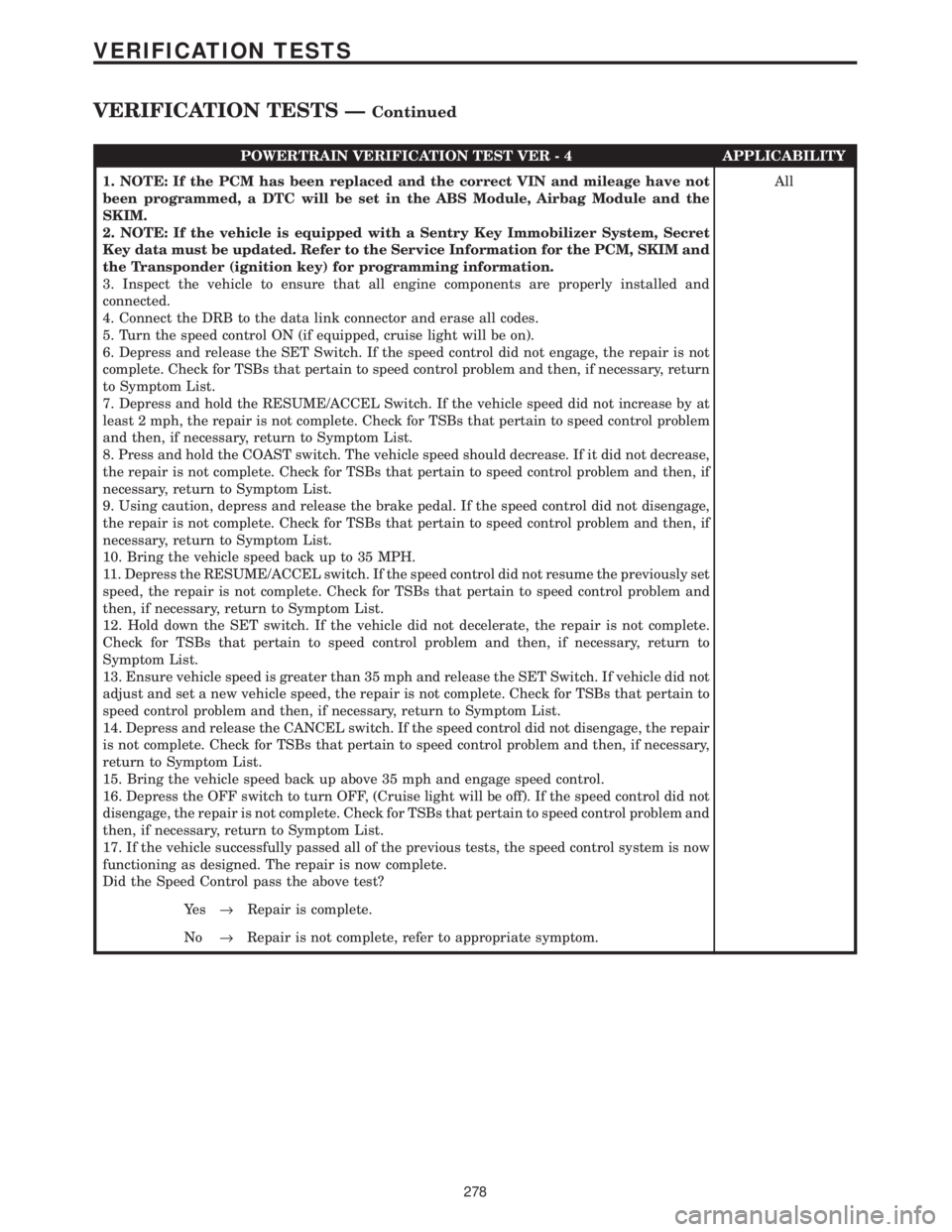
POWERTRAIN VERIFICATION TEST VER - 4 APPLICABILITY
1. NOTE: If the PCM has been replaced and the correct VIN and mileage have not
been programmed, a DTC will be set in the ABS Module, Airbag Module and the
SKIM.
2. NOTE: If the vehicle is equipped with a Sentry Key Immobilizer System, Secret
Key data must be updated. Refer to the Service Information for the PCM, SKIM and
the Transponder (ignition key) for programming information.
3. Inspect the vehicle to ensure that all engine components are properly installed and
connected.
4. Connect the DRB to the data link connector and erase all codes.
5. Turn the speed control ON (if equipped, cruise light will be on).
6. Depress and release the SET Switch. If the speed control did not engage, the repair is not
complete. Check for TSBs that pertain to speed control problem and then, if necessary, return
to Symptom List.
7. Depress and hold the RESUME/ACCEL Switch. If the vehicle speed did not increase by at
least 2 mph, the repair is not complete. Check for TSBs that pertain to speed control problem
and then, if necessary, return to Symptom List.
8. Press and hold the COAST switch. The vehicle speed should decrease. If it did not decrease,
the repair is not complete. Check for TSBs that pertain to speed control problem and then, if
necessary, return to Symptom List.
9. Using caution, depress and release the brake pedal. If the speed control did not disengage,
the repair is not complete. Check for TSBs that pertain to speed control problem and then, if
necessary, return to Symptom List.
10. Bring the vehicle speed back up to 35 MPH.
11. Depress the RESUME/ACCEL switch. If the speed control did not resume the previously set
speed, the repair is not complete. Check for TSBs that pertain to speed control problem and
then, if necessary, return to Symptom List.
12. Hold down the SET switch. If the vehicle did not decelerate, the repair is not complete.
Check for TSBs that pertain to speed control problem and then, if necessary, return to
Symptom List.
13. Ensure vehicle speed is greater than 35 mph and release the SET Switch. If vehicle did not
adjust and set a new vehicle speed, the repair is not complete. Check for TSBs that pertain to
speed control problem and then, if necessary, return to Symptom List.
14. Depress and release the CANCEL switch. If the speed control did not disengage, the repair
is not complete. Check for TSBs that pertain to speed control problem and then, if necessary,
return to Symptom List.
15. Bring the vehicle speed back up above 35 mph and engage speed control.
16. Depress the OFF switch to turn OFF, (Cruise light will be off). If the speed control did not
disengage, the repair is not complete. Check for TSBs that pertain to speed control problem and
then, if necessary, return to Symptom List.
17. If the vehicle successfully passed all of the previous tests, the speed control system is now
functioning as designed. The repair is now complete.
Did the Speed Control pass the above test?All
Ye s®Repair is complete.
No®Repair is not complete, refer to appropriate symptom.
278
VERIFICATION TESTS
VERIFICATION TESTS ÐContinued
Page 4073 of 4284
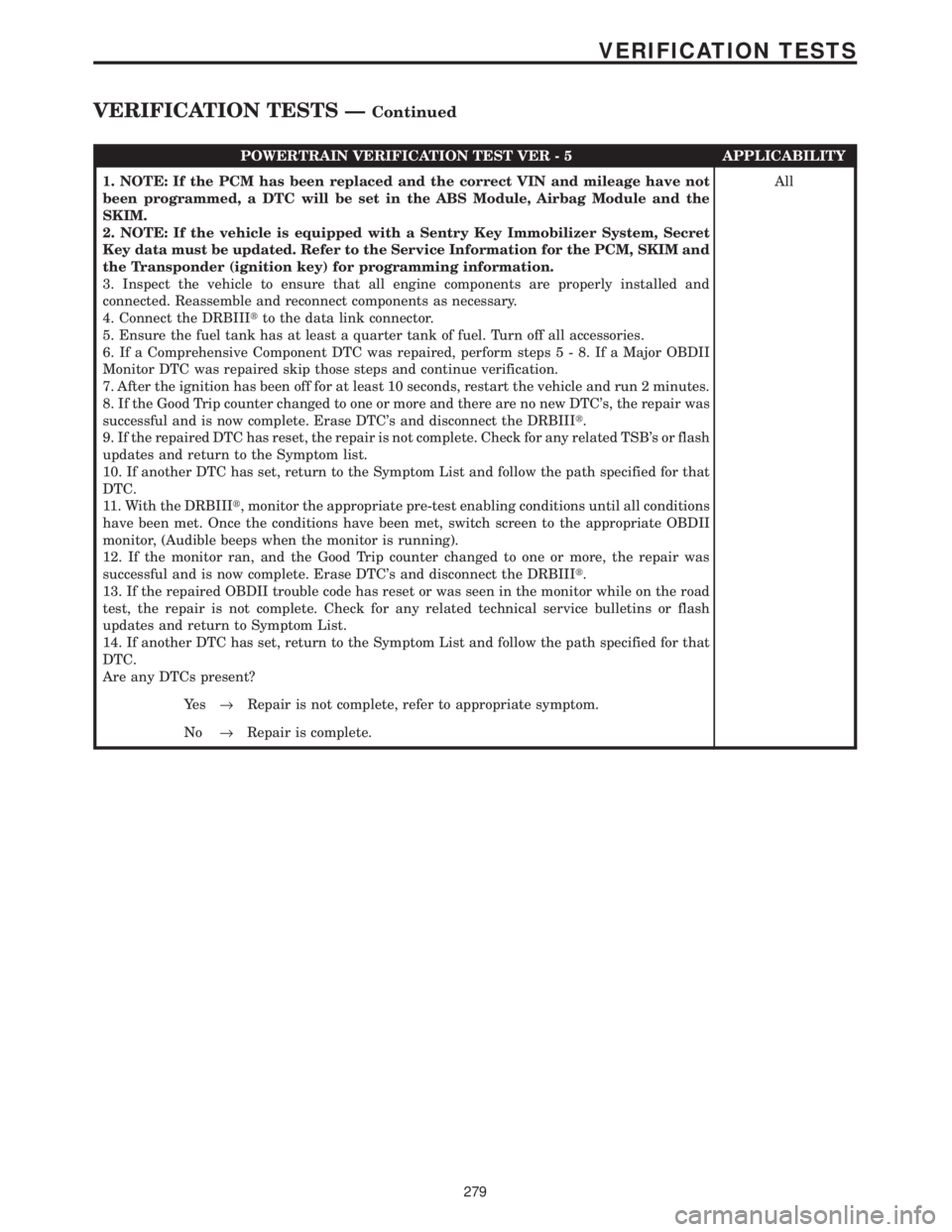
POWERTRAIN VERIFICATION TEST VER - 5 APPLICABILITY
1. NOTE: If the PCM has been replaced and the correct VIN and mileage have not
been programmed, a DTC will be set in the ABS Module, Airbag Module and the
SKIM.
2. NOTE: If the vehicle is equipped with a Sentry Key Immobilizer System, Secret
Key data must be updated. Refer to the Service Information for the PCM, SKIM and
the Transponder (ignition key) for programming information.
3. Inspect the vehicle to ensure that all engine components are properly installed and
connected. Reassemble and reconnect components as necessary.
4. Connect the DRBIIItto the data link connector.
5. Ensure the fuel tank has at least a quarter tank of fuel. Turn off all accessories.
6. If a Comprehensive Component DTC was repaired, perform steps5-8.IfaMajor OBDII
Monitor DTC was repaired skip those steps and continue verification.
7. After the ignition has been off for at least 10 seconds, restart the vehicle and run 2 minutes.
8. If the Good Trip counter changed to one or more and there are no new DTC's, the repair was
successful and is now complete. Erase DTC's and disconnect the DRBIIIt.
9. If the repaired DTC has reset, the repair is not complete. Check for any related TSB's or flash
updates and return to the Symptom list.
10. If another DTC has set, return to the Symptom List and follow the path specified for that
DTC.
11. With the DRBIIIt, monitor the appropriate pre-test enabling conditions until all conditions
have been met. Once the conditions have been met, switch screen to the appropriate OBDII
monitor, (Audible beeps when the monitor is running).
12. If the monitor ran, and the Good Trip counter changed to one or more, the repair was
successful and is now complete. Erase DTC's and disconnect the DRBIIIt.
13. If the repaired OBDII trouble code has reset or was seen in the monitor while on the road
test, the repair is not complete. Check for any related technical service bulletins or flash
updates and return to Symptom List.
14. If another DTC has set, return to the Symptom List and follow the path specified for that
DTC.
Are any DTCs present?All
Ye s®Repair is not complete, refer to appropriate symptom.
No®Repair is complete.
279
VERIFICATION TESTS
VERIFICATION TESTS ÐContinued