Page 1369 of 2248
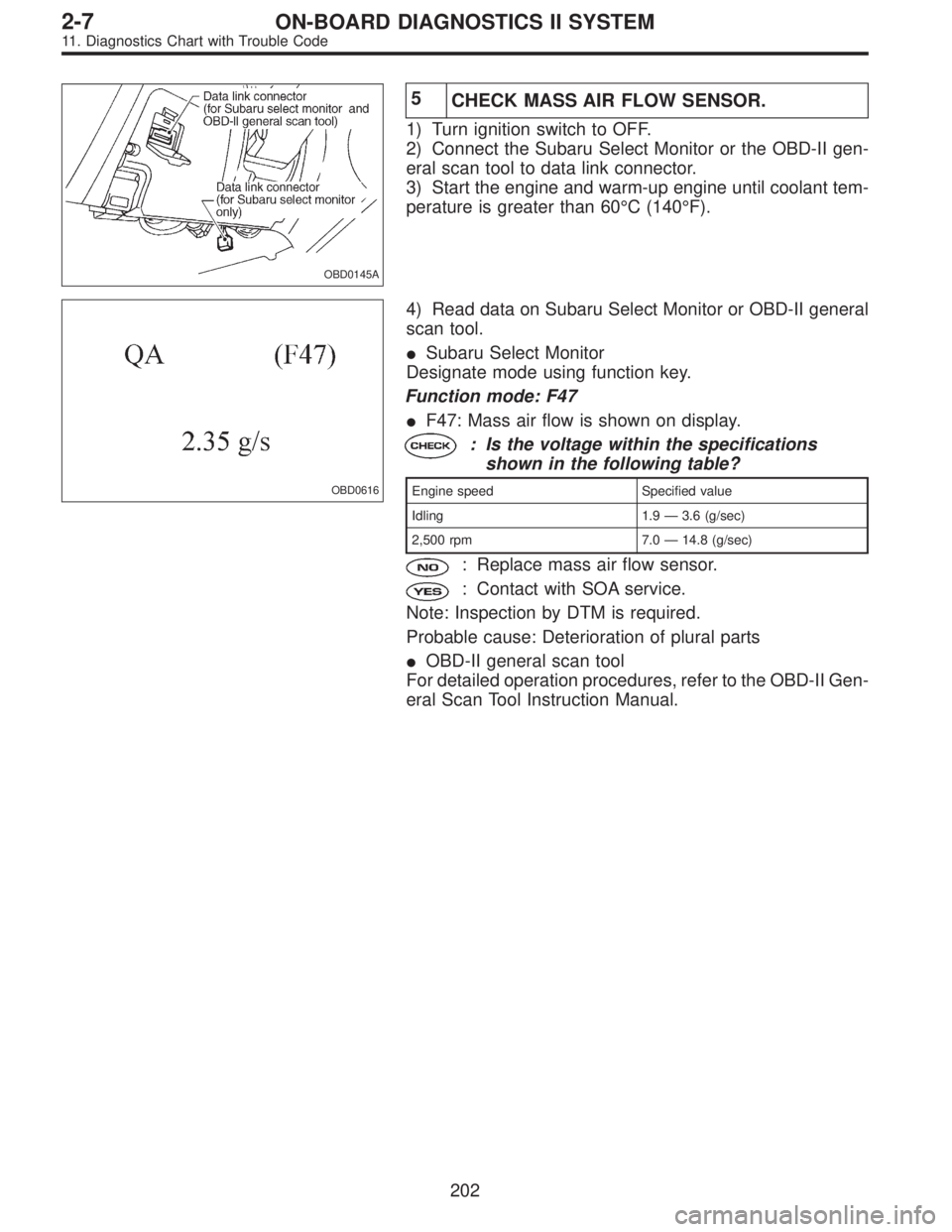
OBD0145A
1CONNECT SUBARU SELECT MONITOR OR
THE OBD-II GENERAL SCAN TOOL, AND
READ DATA.
1) Turn ignition switch to OFF.
2) Connect Subaru Select Monitor or the OBD-II general
scan tool to data link connector.
3) Turn ignition switch to ON and Subaru Select Monitor or
OBD-II general scan tool switch to ON.
4) Start engine.
OBD0185
5) Read data on Subaru Select Monitor or OBD-II general
scan tool.
�Subaru Select Monitor
Designate mode using function key.
Function mode: F10
�F10: Throttle position sensor output signal is indicated.
: Is the voltage less than 0.1 V?
: Go to step 2.
: Go to next.
: Is the voltage more than 4.9 V?
: Go to step 4.
: Even if MIL lights up, the circuit has returned to a
normal condition at this time. A temporary poor
contact of the connector may be the cause. Check
and repair the following connectors.
�Throttle position sensor connector.
�ECM connector
�Coupling connector (B21)
�OBD-II general scan tool
For detailed operation procedures, refer to the OBD-II Gen-
eral Scan Tool Instruction Manual.
163
2-7ON-BOARD DIAGNOSTICS II SYSTEM
11. Diagnostics Chart with Trouble Code
Page 1381 of 2248
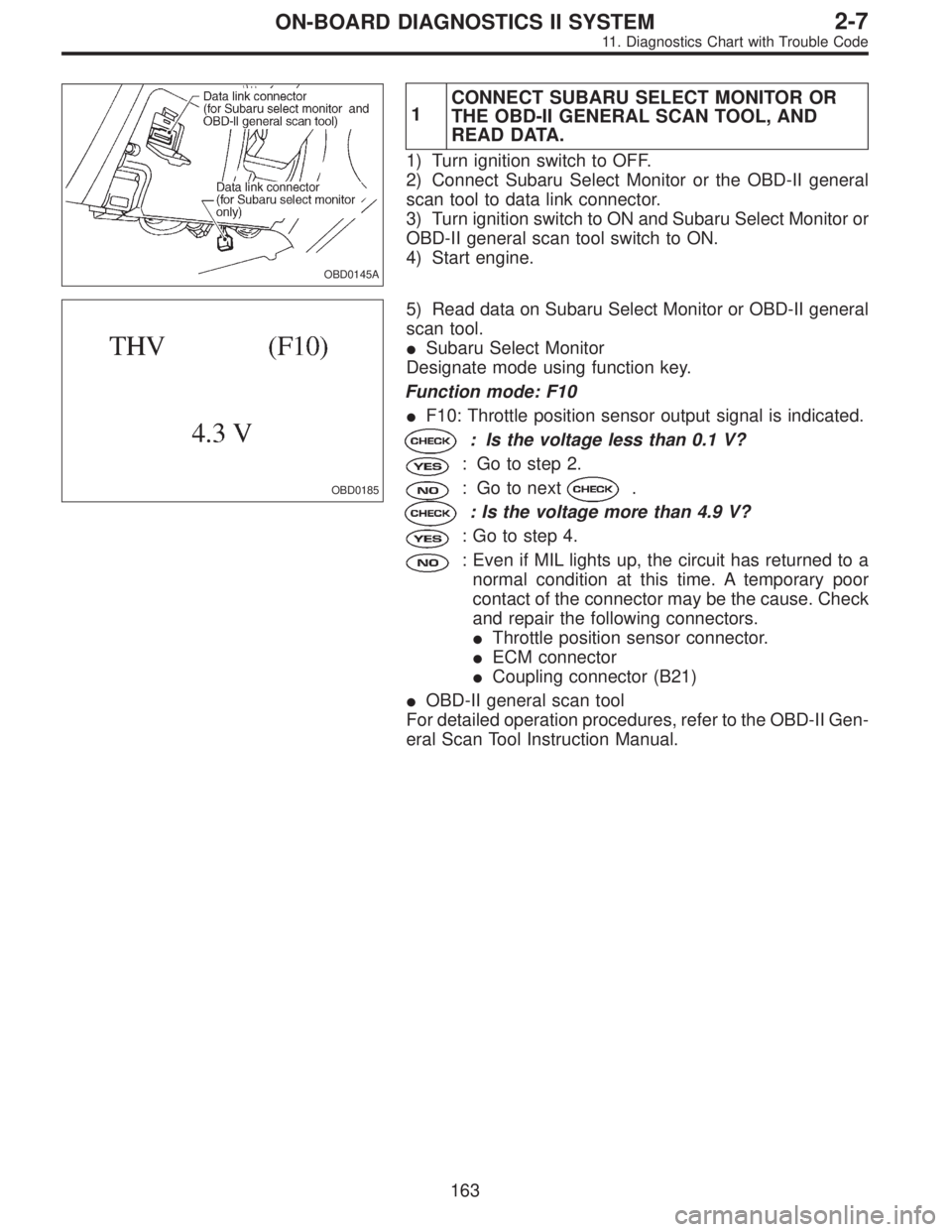
OBD0145A
2
CHECK FRONT OXYGEN SENSOR DATA.
1) Turn ignition switch to OFF.
2) Connect the Subaru Select Monitor or the OBD-II gen-
eral scan tool to data link connector.
3) Start engine and Turn the Subaru Select Monitor and
the OBD-II general scan tool switch to ON.
4) Warm-up the engine until coolant temperature is above
70°C (160°F) and keep the engine speed at 2,000 rpm to
3,000 rpm for one minute.
5) Read data on Subaru Select Monitor or the OBD-II gen-
eral scan tool.
OBD0206
OBD0207
�Subaru Select Monitor
Designate mode using function key.
Function mode: F14 or F15
�F14: Front oxygen sensor max. output signal is indi-
cated.
�F15: Front oxygen sensor min. output signal is indi-
cated.
: Is the difference of voltage between F14 and
F15 0.1 V, or less?
: Go to step 3.
: Replace front oxygen sensor.
�OBD-II general scan tool
For detailed operation procedures, refer to the OBD-II Gen-
eral Scan Tool Instruction Manual.
175
2-7ON-BOARD DIAGNOSTICS II SYSTEM
11. Diagnostics Chart with Trouble Code
Page 1389 of 2248
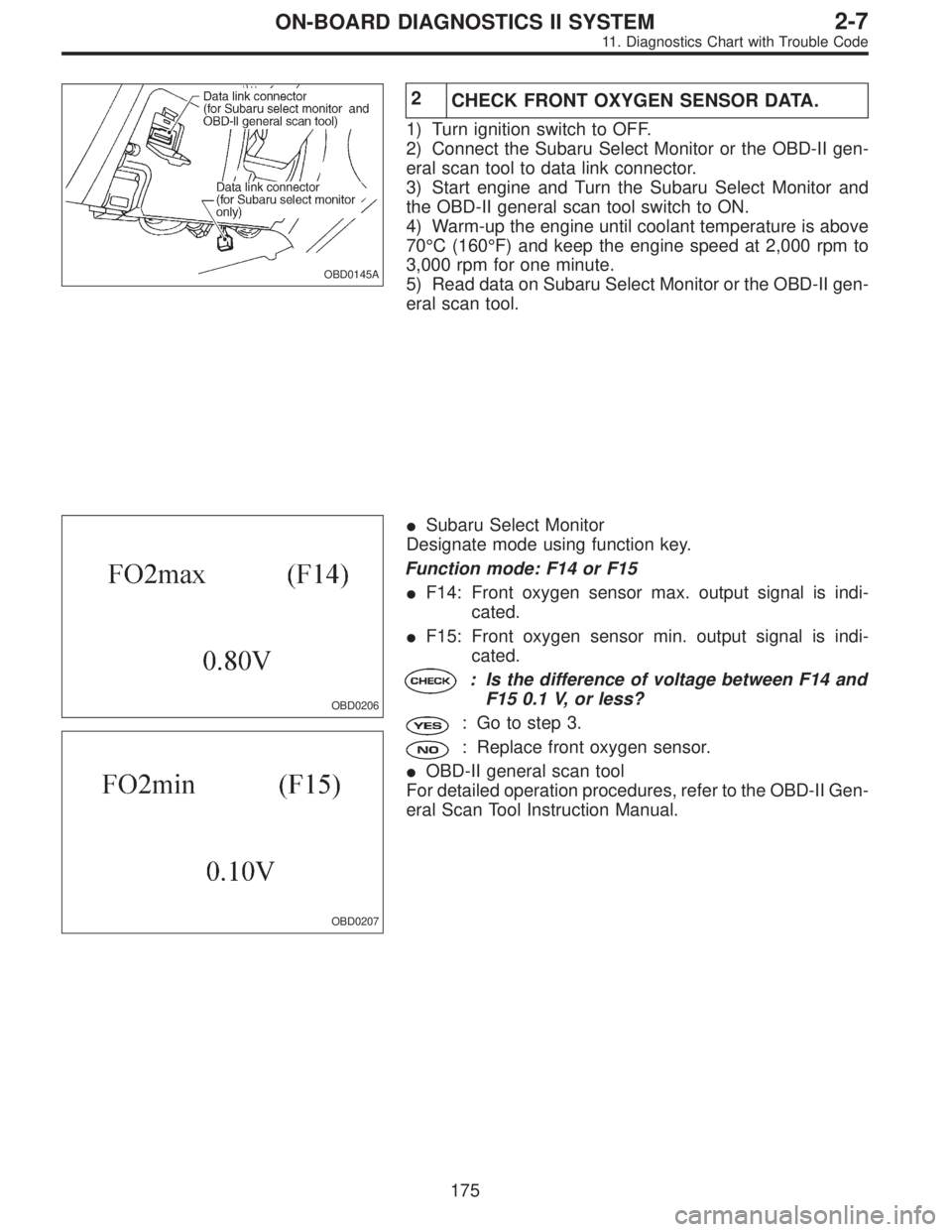
OBD0145A
1CONNECT SUBARU SELECT MONITOR OR
THE OBD-II GENERAL SCAN TOOL, AND
READ DATA.
1) Turn ignition switch to OFF.
2) Connect Subaru Select Monitor or the OBD-II general
scan tool to data link connector.
3) Turn ignition switch to ON and Subaru Select Monitor or
OBD-II general scan tool switch to ON.
4) Start engine.
OBD0215
5) Read data on Subaru Select Monitor or OBD-II general
scan tool.
�Subaru Select Monitor
Designate mode using function key.
Function mode: F29
�F29: Front oxygen sensor heater current is indicated.
: Is the reading of F29 0.2 A, or more?
: Go to step 2.
: Repair connector.
NOTE:
In this case, poor contact in front oxygen sensor connec-
tor and ECM connector can be the possible cause.
�OBD-II scan tool
For detailed operation procedures, refer to the OBD-II Gen-
eral Scan Tool Instruction Manual.
OBD0216A
2CHECK OUTPUT SIGNAL FROM ECM. (USING
VOLTAGE METER.)
1) Start and idle the engine.
2) Measure voltage between ECM and body.
: Connector & terminal
(B84) No. 44—Body/1.0 V, or less
: Go to step 3.
: Go to next.
: Is the voltage less than 1.0 V while shaking
harness and connector of ECM?
: Repair poor contact in ECM connector.
: Go to next step.
183
2-7ON-BOARD DIAGNOSTICS II SYSTEM
11. Diagnostics Chart with Trouble Code
Page 1394 of 2248
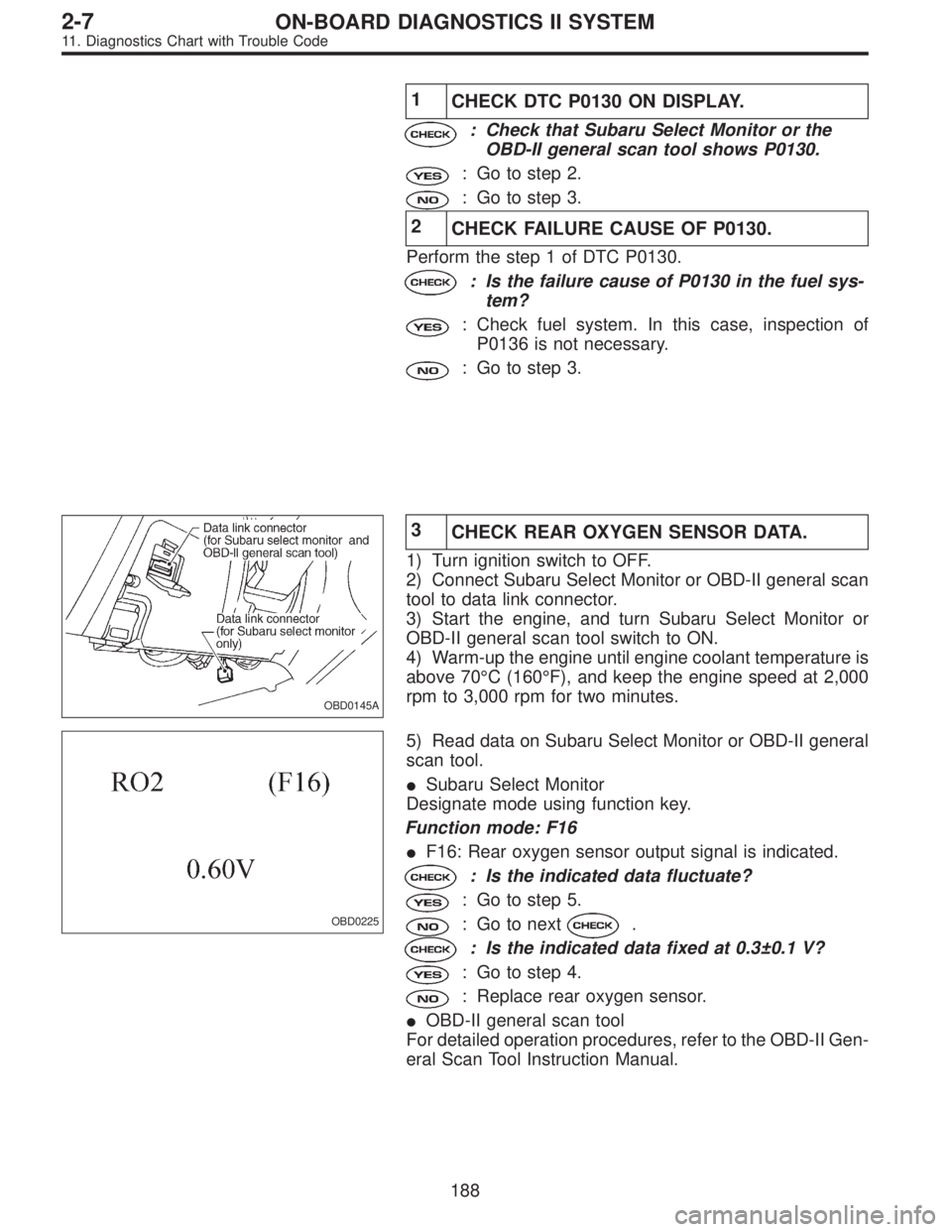
1
CHECK DTC P0130 ON DISPLAY.
: Check that Subaru Select Monitor or the
OBD-II general scan tool shows P0130.
: Go to step 2.
: Go to step 3.
2
CHECK FAILURE CAUSE OF P0130.
Perform the step 1 of DTC P0130.
: Is the failure cause of P0130 in the fuel sys-
tem?
: Check fuel system. In this case, inspection of
P0136 is not necessary.
: Go to step 3.
OBD0145A
3
CHECK REAR OXYGEN SENSOR DATA.
1) Turn ignition switch to OFF.
2) Connect Subaru Select Monitor or OBD-II general scan
tool to data link connector.
3) Start the engine, and turn Subaru Select Monitor or
OBD-II general scan tool switch to ON.
4) Warm-up the engine until engine coolant temperature is
above 70°C (160°F), and keep the engine speed at 2,000
rpm to 3,000 rpm for two minutes.
OBD0225
5) Read data on Subaru Select Monitor or OBD-II general
scan tool.
�Subaru Select Monitor
Designate mode using function key.
Function mode: F16
�F16: Rear oxygen sensor output signal is indicated.
: Is the indicated data fluctuate?
: Go to step 5.
: Go to next.
: Is the indicated data fixed at 0.3±0.1 V?
: Go to step 4.
: Replace rear oxygen sensor.
�OBD-II general scan tool
For detailed operation procedures, refer to the OBD-II Gen-
eral Scan Tool Instruction Manual.
188
2-7ON-BOARD DIAGNOSTICS II SYSTEM
11. Diagnostics Chart with Trouble Code
Page 1402 of 2248
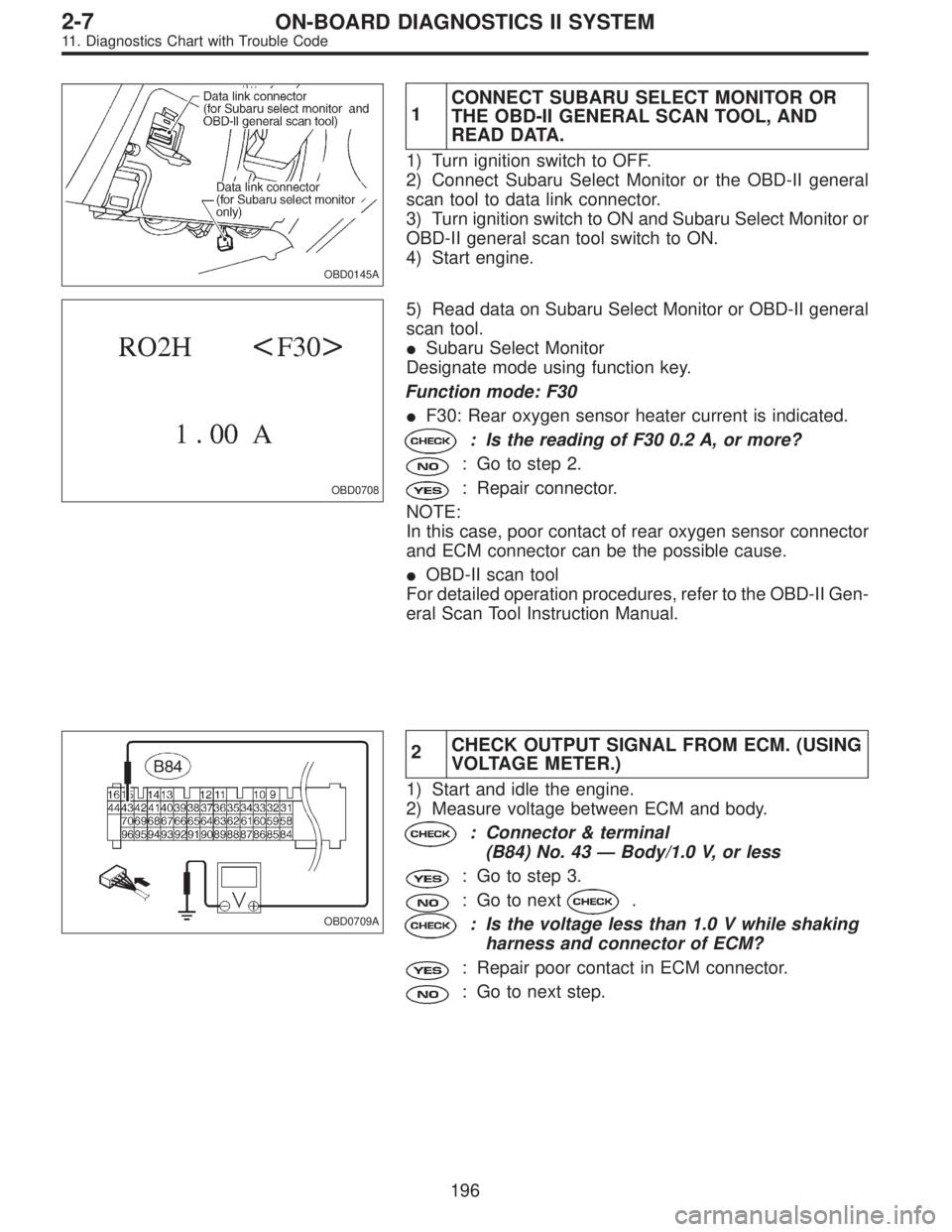
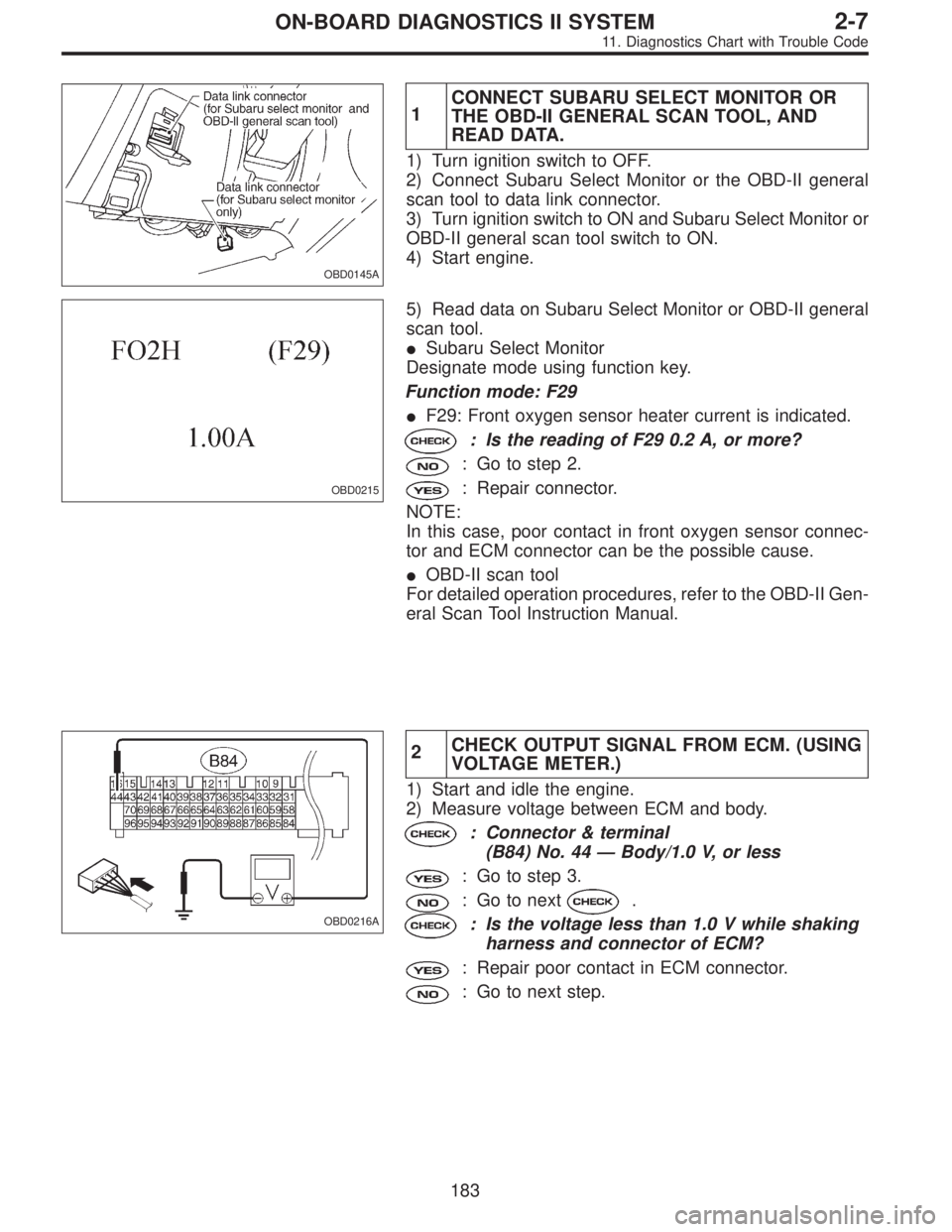
OBD0145A
1CONNECT SUBARU SELECT MONITOR OR
THE OBD-II GENERAL SCAN TOOL, AND
READ DATA.
1) Turn ignition switch to OFF.
2) Connect Subaru Select Monitor or the OBD-II general
scan tool to data link connector.
3) Turn ignition switch to ON and Subaru Select Monitor or
OBD-II general scan tool switch to ON.
4) Start engine.
OBD0708
5) Read data on Subaru Select Monitor or OBD-II general
scan tool.
�Subaru Select Monitor
Designate mode using function key.
Function mode: F30
�F30: Rear oxygen sensor heater current is indicated.
: Is the reading of F30 0.2 A, or more?
: Go to step 2.
: Repair connector.
NOTE:
In this case, poor contact of rear oxygen sensor connector
and ECM connector can be the possible cause.
�OBD-II scan tool
For detailed operation procedures, refer to the OBD-II Gen-
eral Scan Tool Instruction Manual.
OBD0709A
2CHECK OUTPUT SIGNAL FROM ECM. (USING
VOLTAGE METER.)
1) Start and idle the engine.
2) Measure voltage between ECM and body.
: Connector & terminal
(B84) No. 43—Body/1.0 V, or less
: Go to step 3.
: Go to next.
: Is the voltage less than 1.0 V while shaking
harness and connector of ECM?
: Repair poor contact in ECM connector.
: Go to next step.
196
2-7ON-BOARD DIAGNOSTICS II SYSTEM
11. Diagnostics Chart with Trouble Code
Page 1407 of 2248
4CHECK ENGINE COOLANT TEMPERATURE
SENSOR.
< REF. TO“F: DTC P0115 [T11F0].”>
1) Turn ignition switch to OFF.
OBD0145A
2) Connect the Subaru Select Monitor or the OBD-II gen-
eral scan tool to data link connector.
3) Start the engine and warm-up completely.
OBD0176
OBD0177
4) Read data on Subaru Select Monitor or the OBD-II gen-
eral scan tool.
�Subaru Select Monitor
Designate mode using function key.
Function mode: F05 or F06
�F05: Water temperature is indicated in“°F”.
�F06: Water temperature is indicated in“°C”.
: Is temperature indicated on Subaru Select
Monitor (F05) greater than 140°F?
Is temperature indicated on Subaru Select
Monitor (F06) greater than 60°C?
: Go to step 5.
: Replace engine coolant temperature sensor.
�OBD-II general scan tool
For detailed operation procedures, refer to the OBD-II Gen-
eral Scan Tool Instruction Manual.
201
2-7ON-BOARD DIAGNOSTICS II SYSTEM
11. Diagnostics Chart with Trouble Code
Page 1408 of 2248
OBD0145A
5
CHECK MASS AIR FLOW SENSOR.
1) Turn ignition switch to OFF.
2) Connect the Subaru Select Monitor or the OBD-II gen-
eral scan tool to data link connector.
3) Start the engine and warm-up engine until coolant tem-
perature is greater than 60°C (140°F).
OBD0616
4) Read data on Subaru Select Monitor or OBD-II general
scan tool.
�Subaru Select Monitor
Designate mode using function key.
Function mode: F47
�F47: Mass air flow is shown on display.
: Is the voltage within the specifications
shown in the following table?
Engine speed Specified value
Idling 1.9—3.6 (g/sec)
2,500 rpm 7.0—14.8 (g/sec)
: Replace mass air flow sensor.
: Contact with SOA service.
Note: Inspection by DTM is required.
Probable cause: Deterioration of plural parts
�OBD-II general scan tool
For detailed operation procedures, refer to the OBD-II Gen-
eral Scan Tool Instruction Manual.
202
2-7ON-BOARD DIAGNOSTICS II SYSTEM
11. Diagnostics Chart with Trouble Code
Page 1419 of 2248

OBD0145A
2CONNECT SUBARU SELECT MONITOR AND
READ DATA.
1) Turn ignition switch to OFF.
2) Connect Subaru Select Monitor to the data link connec-
tor.
3) Turn ignition switch to ON, and turn Subaru Select
Monitor switch to ON.
G3M0152
4) Read data on Subaru Select Monitor.
Designate mode use function key.
Function mode: F33, F34, F35, F36, F37 and F38
NOTE:
F37 and F38 are AT models only.
�F33: Maximum misfire rate of cylinder #1 is indicated.
�F34: Maximum misfire rate of cylinder #2 is indicated.
�F35: Maximum misfire rate of cylinder #3 is indicated.
�F36: Maximum misfire rate of cylinder #4 is indicated.
�F37: Maximum EGR system pressure value is indicated.
�F38: Minimum EGR system pressure value is indicated.
G3M0152
5) Clear memory on Subaru Select Monitor.
Designate mode use function key.
Press [F], [C], [0], [ENT] in that order.
6) Start engine, and drive the vehicle more than 10 min-
utes.
213
2-7ON-BOARD DIAGNOSTICS II SYSTEM
11. Diagnostics Chart with Trouble Code
![SUBARU LEGACY 1995 Service Repair Manual 4CHECK ENGINE COOLANT TEMPERATURE
SENSOR.
< REF. TO“F: DTC P0115 [T11F0].”>
1) Turn ignition switch to OFF.
OBD0145A
2) Connect the Subaru Select Monitor or the OBD-II gen-
eral scan tool to data](/manual-img/17/57432/w960_57432-1406.png "SUBARU LEGACY 1995 Service Repair Manual 4CHECK ENGINE COOLANT TEMPERATURE
SENSOR.
< REF. TO“F: DTC P0115 [T11F0].”>
1) Turn ignition switch to OFF.
OBD0145A
2) Connect the Subaru Select Monitor or the OBD-II gen-
eral scan tool to data")