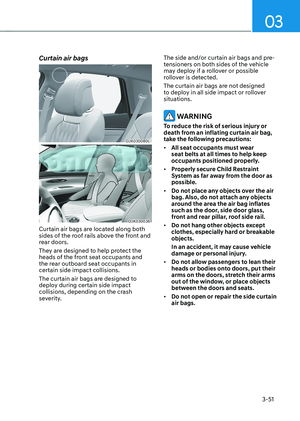
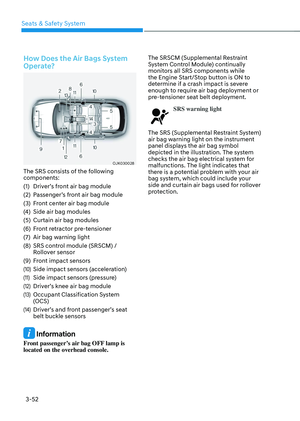
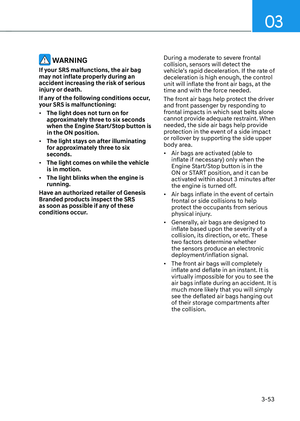
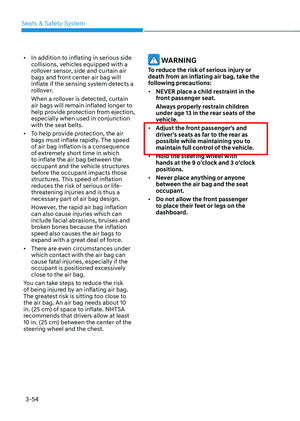
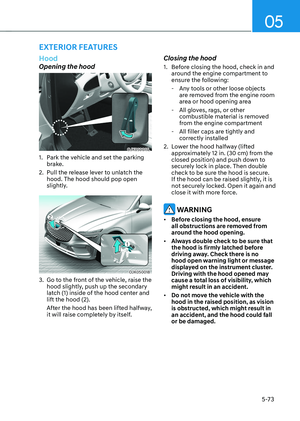
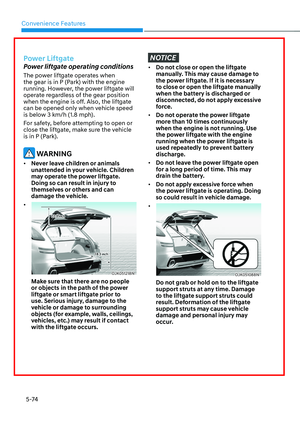
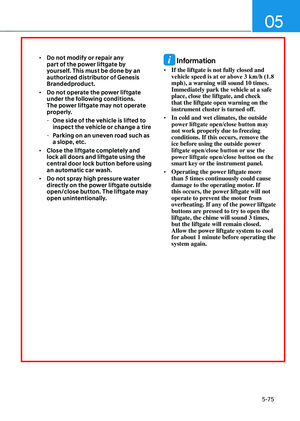
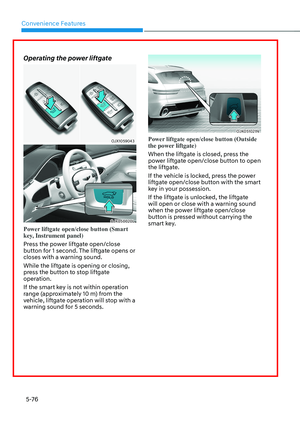
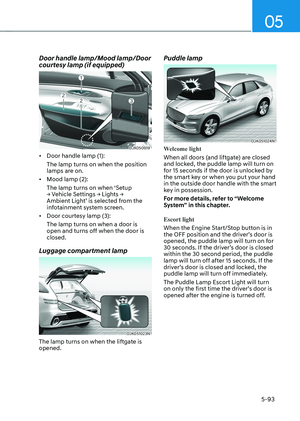
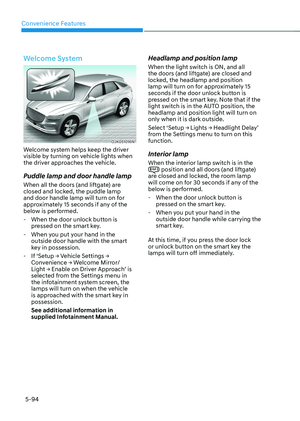
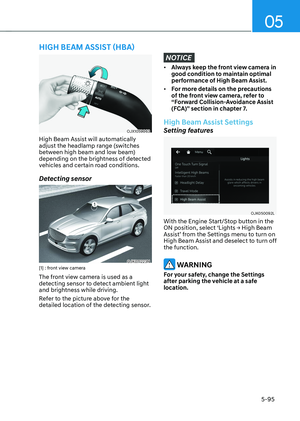
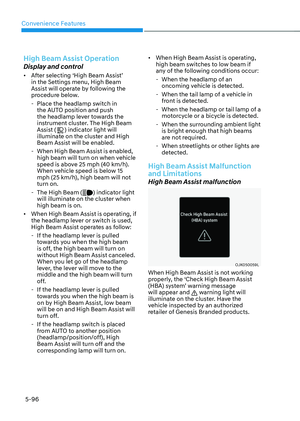
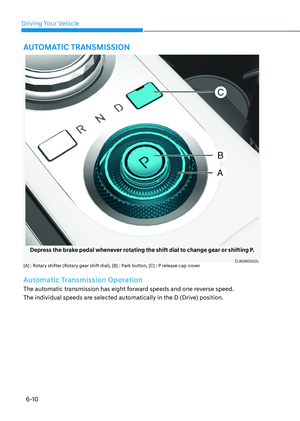
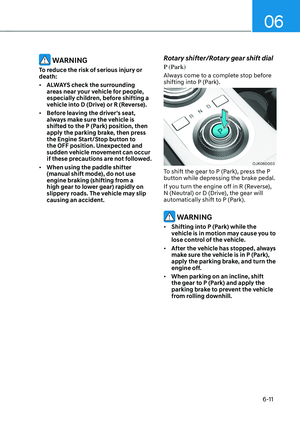
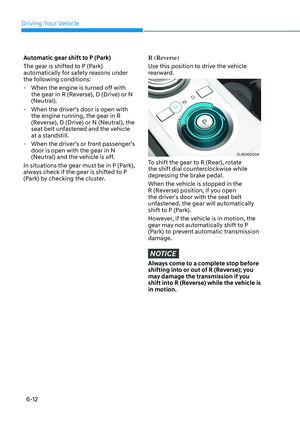
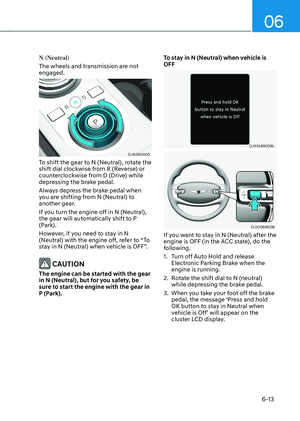
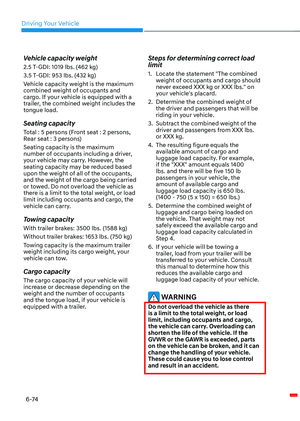
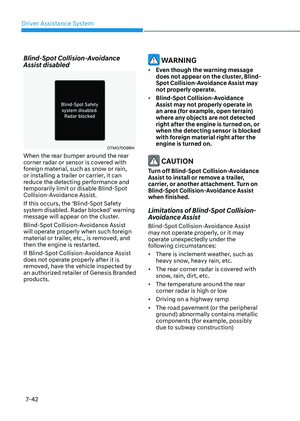
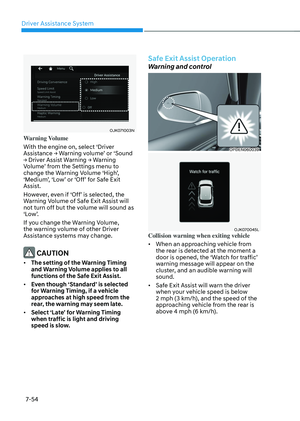
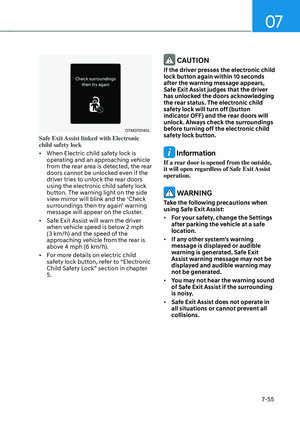
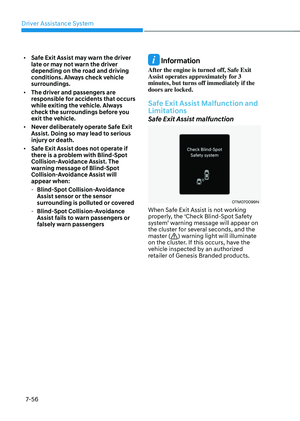
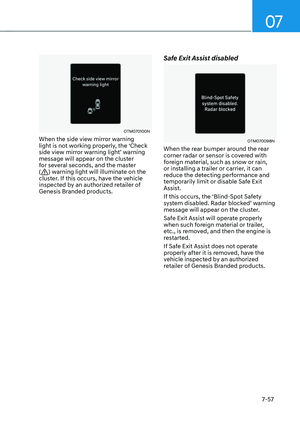
Page 497 of 637

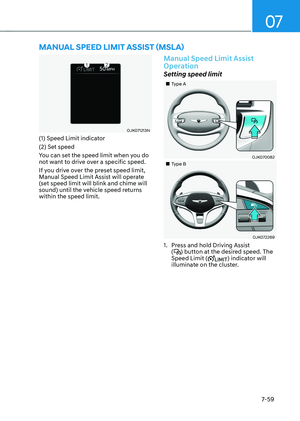
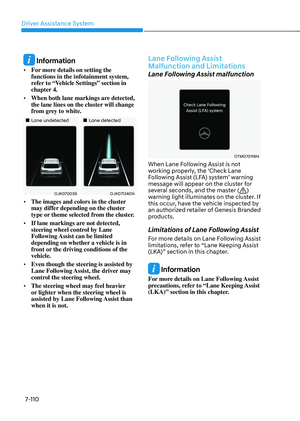
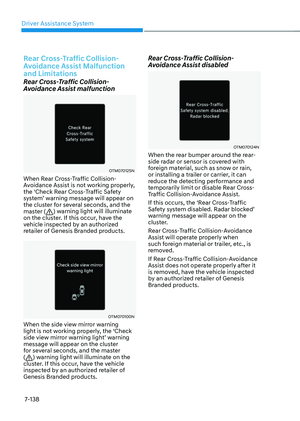
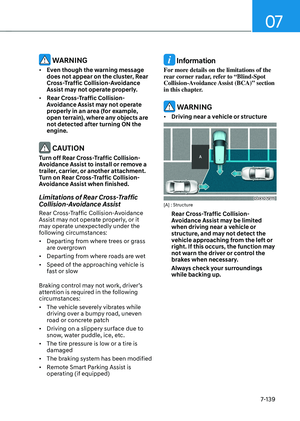
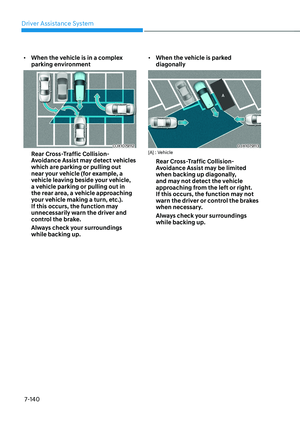
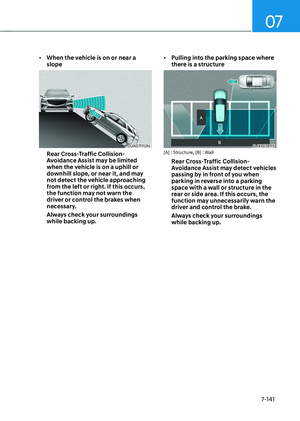
Driver Assistance System
7-146
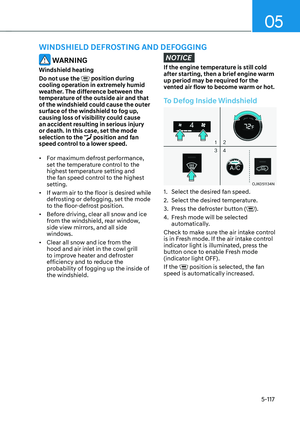
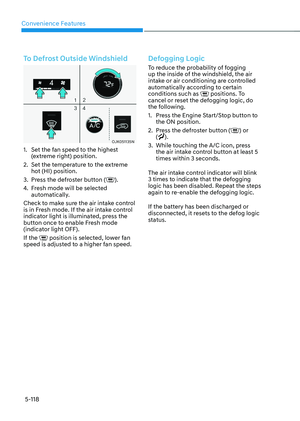
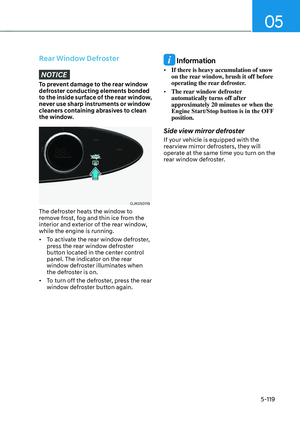
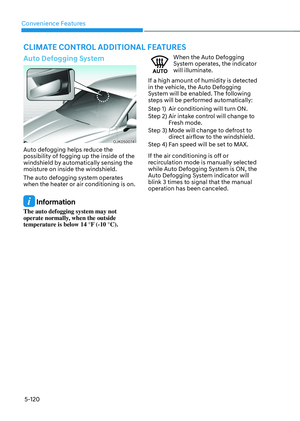
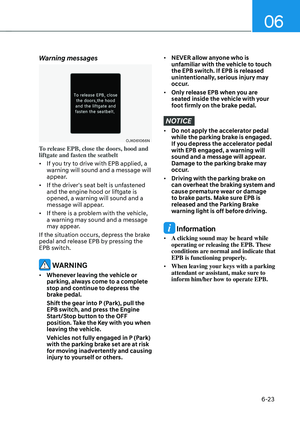
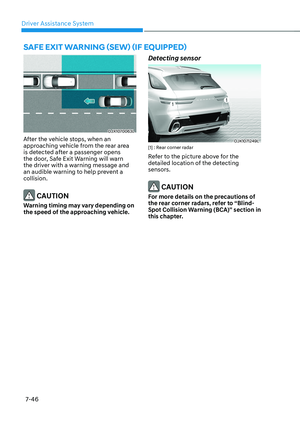
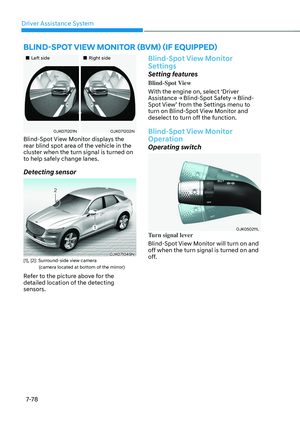
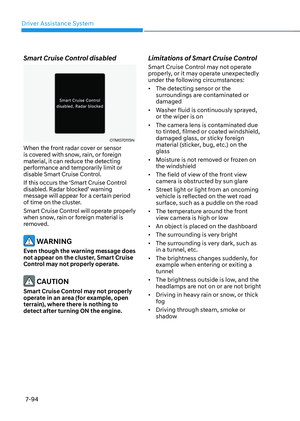
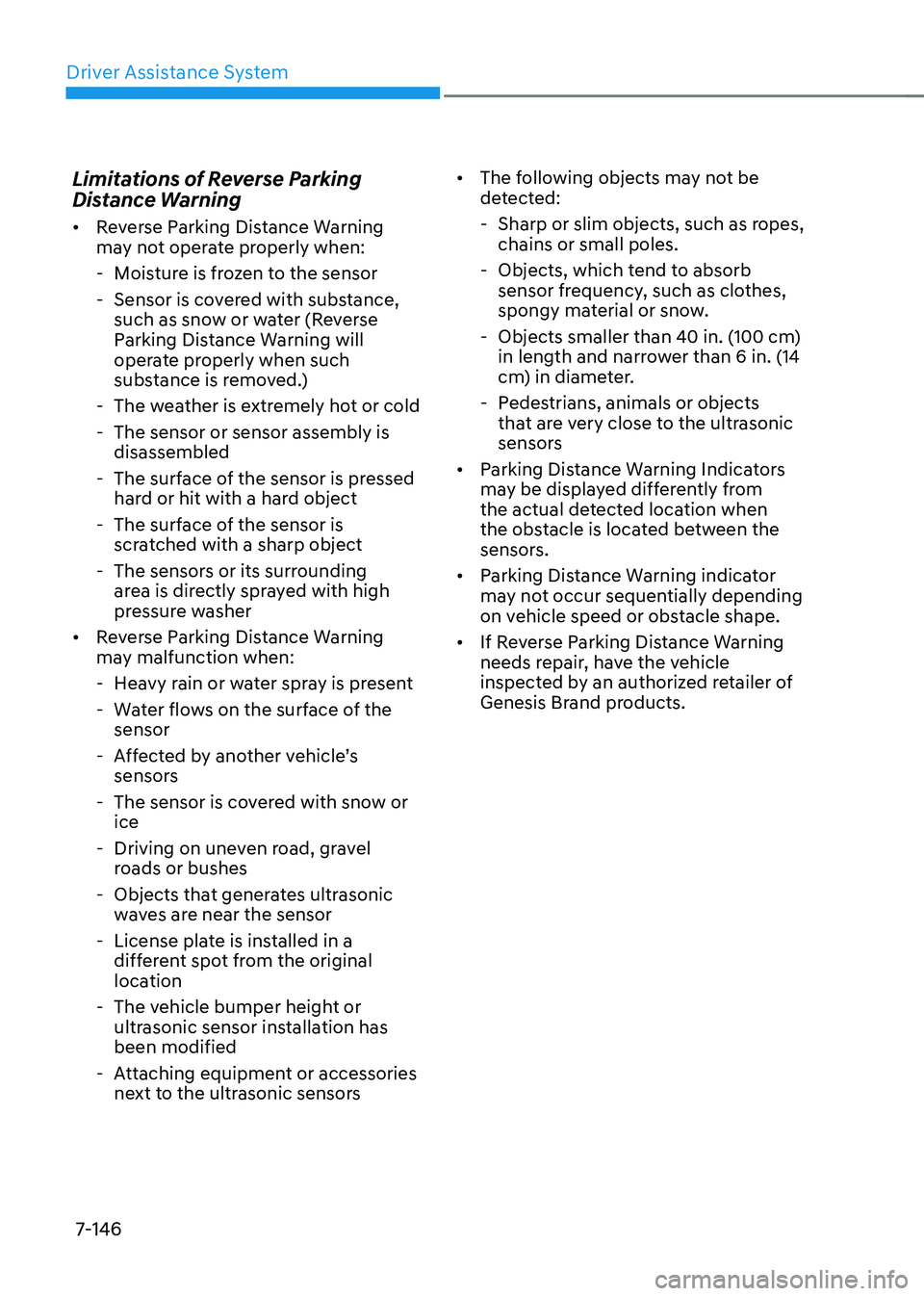
Limitations of Reverse Parking
Distance Warning
• Reverse Parking Distance Warning
may not operate properly when:
-Moisture is frozen to the sensor
-Sensor is covered with substance,
such as snow or water (Reverse
Parking Distance Warning will
operate properly when such
substance is removed.)
-The weather is extremely hot or cold
-The sensor or sensor assembly is
disassembled
-The surface of the sensor is pressed
hard or hit with a hard object
-The surface of the sensor is
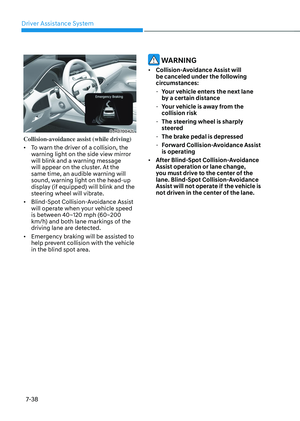
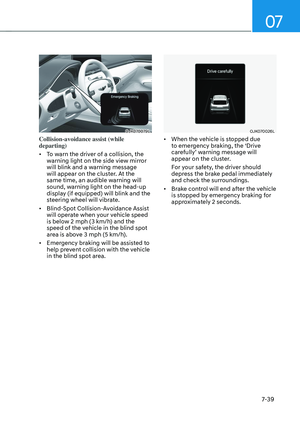
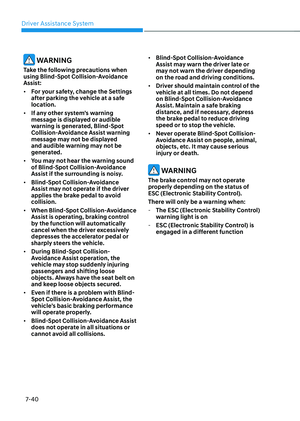
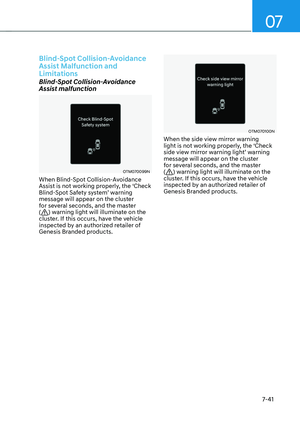
scratched with a sharp object
-The sensors or its surrounding
area is directly sprayed with high
pressure washer
• Reverse Parking Distance Warning
may malfunction when:
-Heavy rain or water spray is present
-Water flows on the surface of the
sensor
-Affected by another vehicle’s
sensors
-The sensor is covered with snow or
ice
-Driving on uneven road, gravel
roads or bushes
-Objects that generates ultrasonic
waves are near the sensor
-License plate is installed in a
different spot from the original
location
-The vehicle bumper height or
ultrasonic sensor installation has
been modified
-Attaching equipment or accessories
next to the ultrasonic sensors
• The following objects may not be
detected:
-Sharp or slim objects, such as ropes,
chains or small poles.
-Objects, which tend to absorb
sensor frequency, such as clothes,
spongy material or snow.
-Objects smaller than 40 in. (100 cm)
in length and narrower than 6 in. (14
cm) in diameter.
-Pedestrians, animals or objects
that are very close to the ultrasonic
sensors
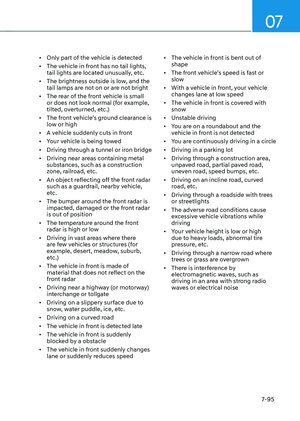
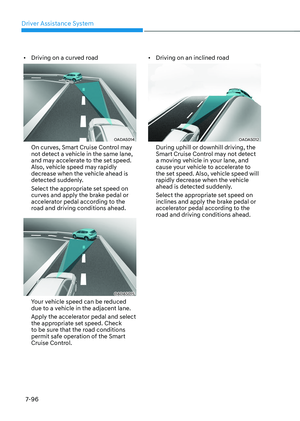
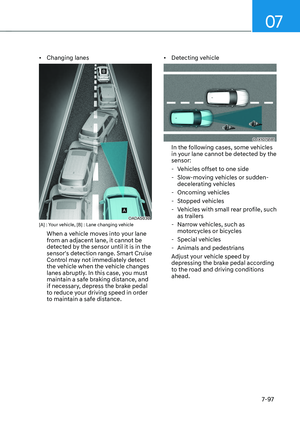
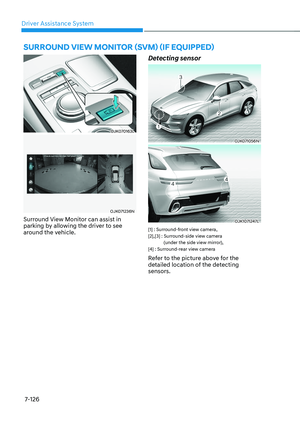
• Parking Distance Warning Indicators
may be displayed differently from
the actual detected location when
the obstacle is located between the
sensors.
• Parking Distance Warning indicator
may not occur sequentially depending
on vehicle speed or obstacle shape.
• If Reverse Parking Distance Warning
needs repair, have the vehicle
inspected by an authorized retailer of
Genesis Brand products.
Page 498 of 637

07
7-147
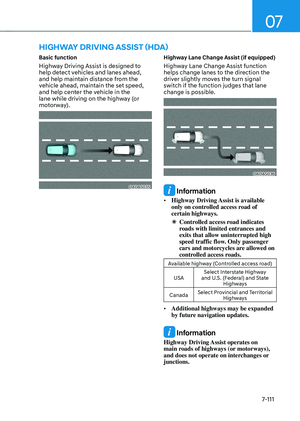
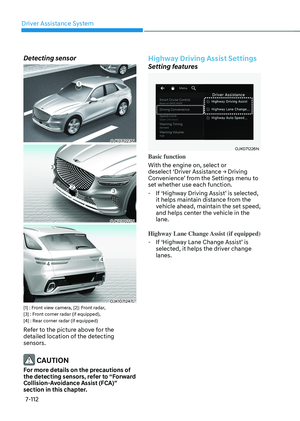
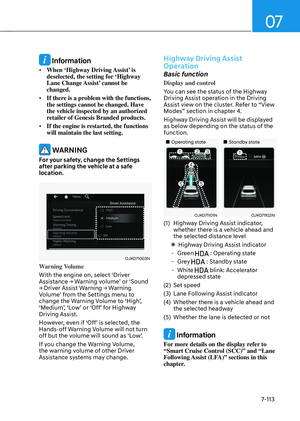
Forward/Reverse Parking Distance
Warning can help warn the driver if an
obstacle is detected within a certain
distance when the vehicle is moving
forward or in reverse at low speeds.
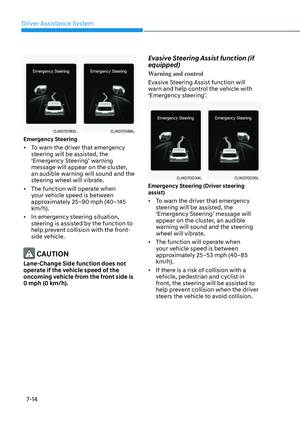
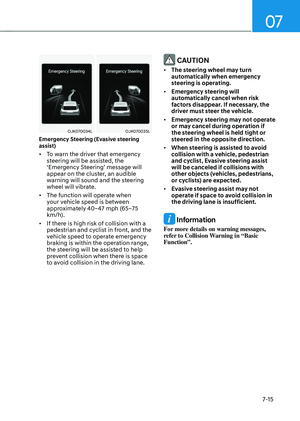
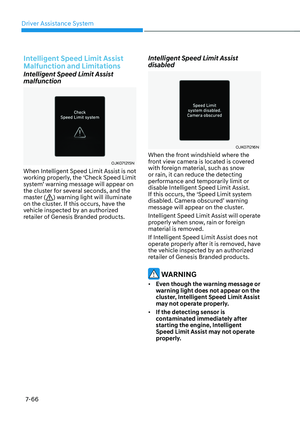
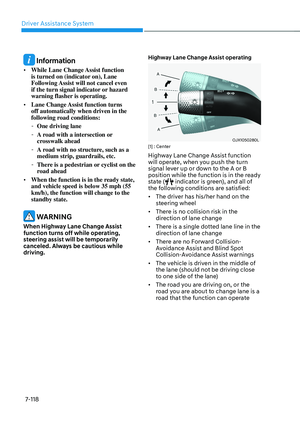
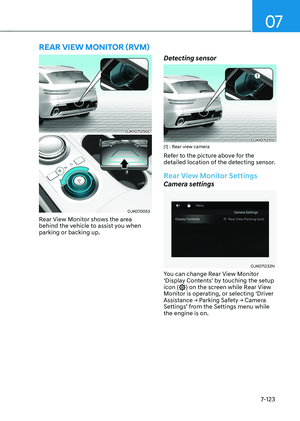
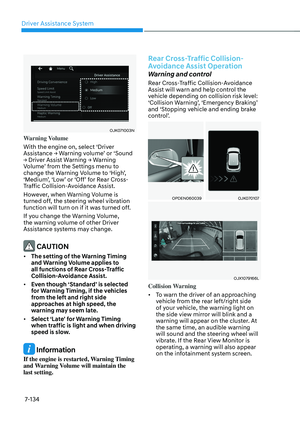
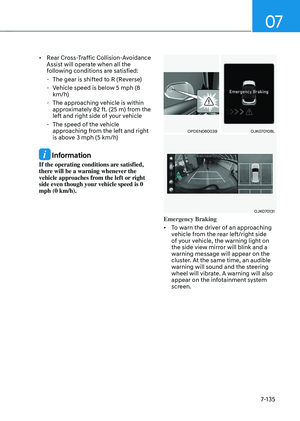
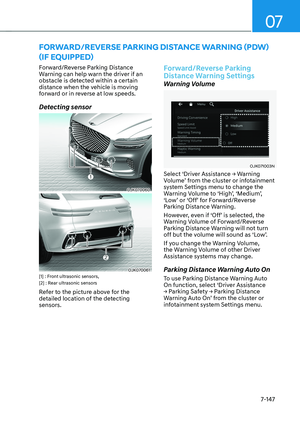
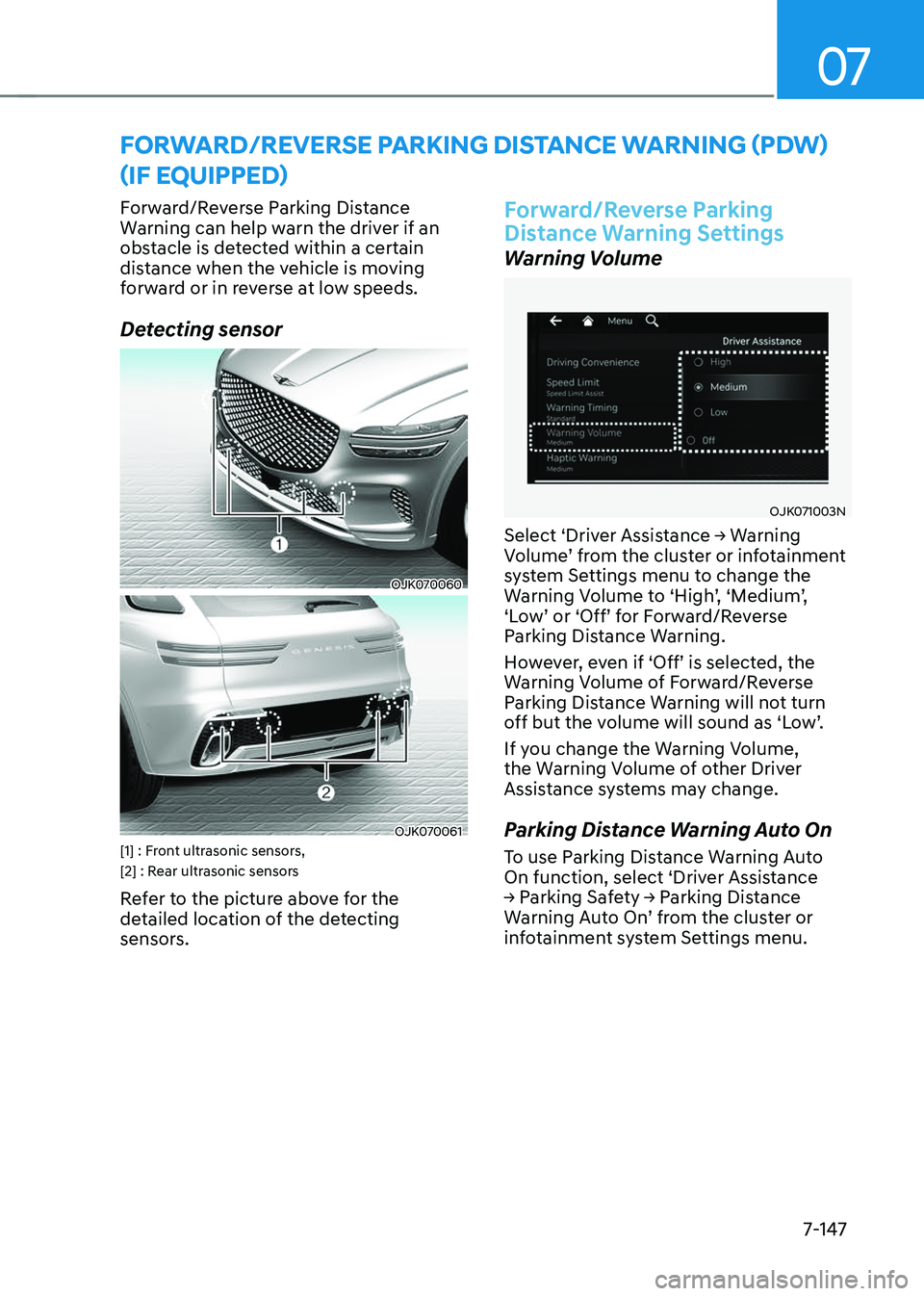
Detecting sensor
OJK070060OJK070060
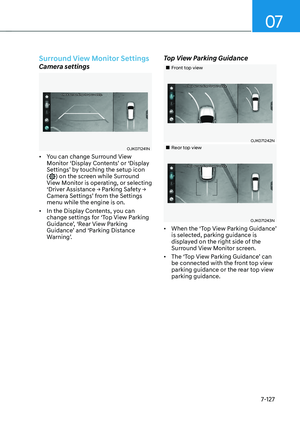
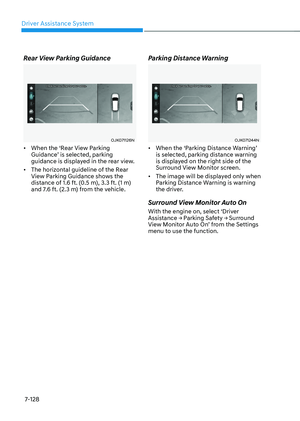
OJK070061OJK070061[1] : Front ultrasonic sensors,
[2] : Rear ultrasonic sensors
Refer to the picture above for the
detailed location of the detecting
sensors.
Forward/Reverse Parking
Distance Warning Settings
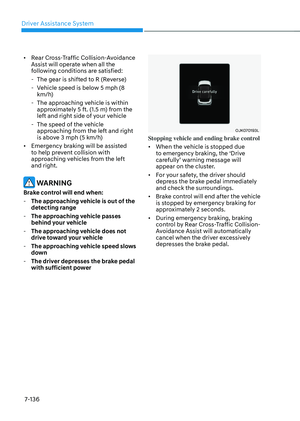
Warning Volume
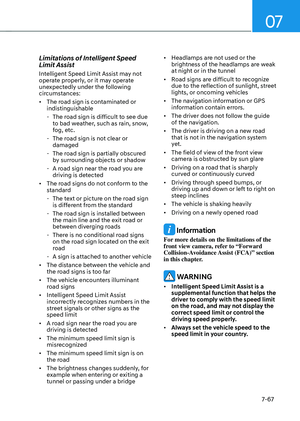
OJK071003NOJK071003N
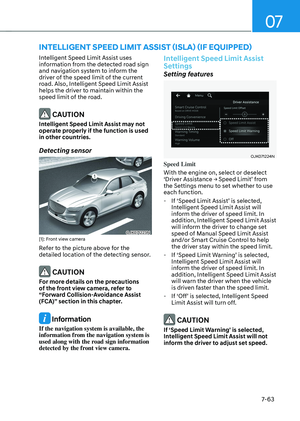
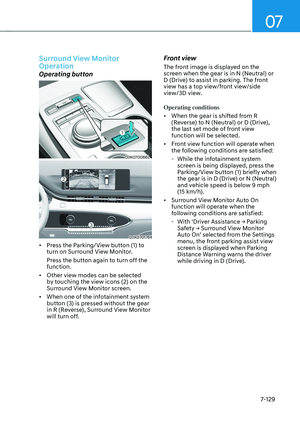
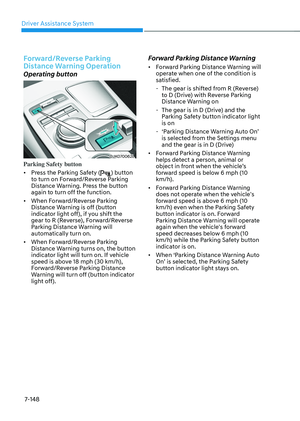
Select ‘Driver Assistance → Warning
Volume’ from the cluster or infotainment
system Settings menu to change the
Warning Volume to ‘High’, ‘Medium’,
‘Low’ or ‘Off’ for Forward/Reverse
Parking Distance Warning.
However, even if ‘Off’ is selected, the
Warning Volume of Forward/Reverse
Parking Distance Warning will not turn
off but the volume will sound as ‘Low’.
If you change the Warning Volume,
the Warning Volume of other Driver
Assistance systems may change.
Parking Distance Warning Auto On
To use Parking Distance Warning Auto
On function, select ‘Driver Assistance
→ Parking Safety → Parking Distance
Warning Auto On’ from the cluster or
infotainment system Settings menu.
FORWARD/REVERSE PARKING DISTANCE WARNING (PDW)
(IF EQUIPPED)
Page 499 of 637

Driver Assistance System
7-148
Forward/Reverse Parking
Distance Warning Operation
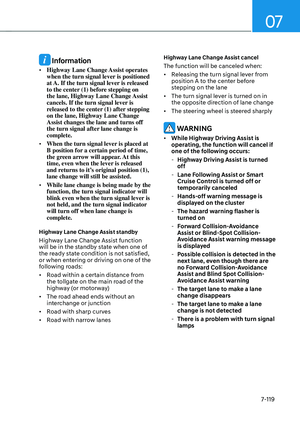
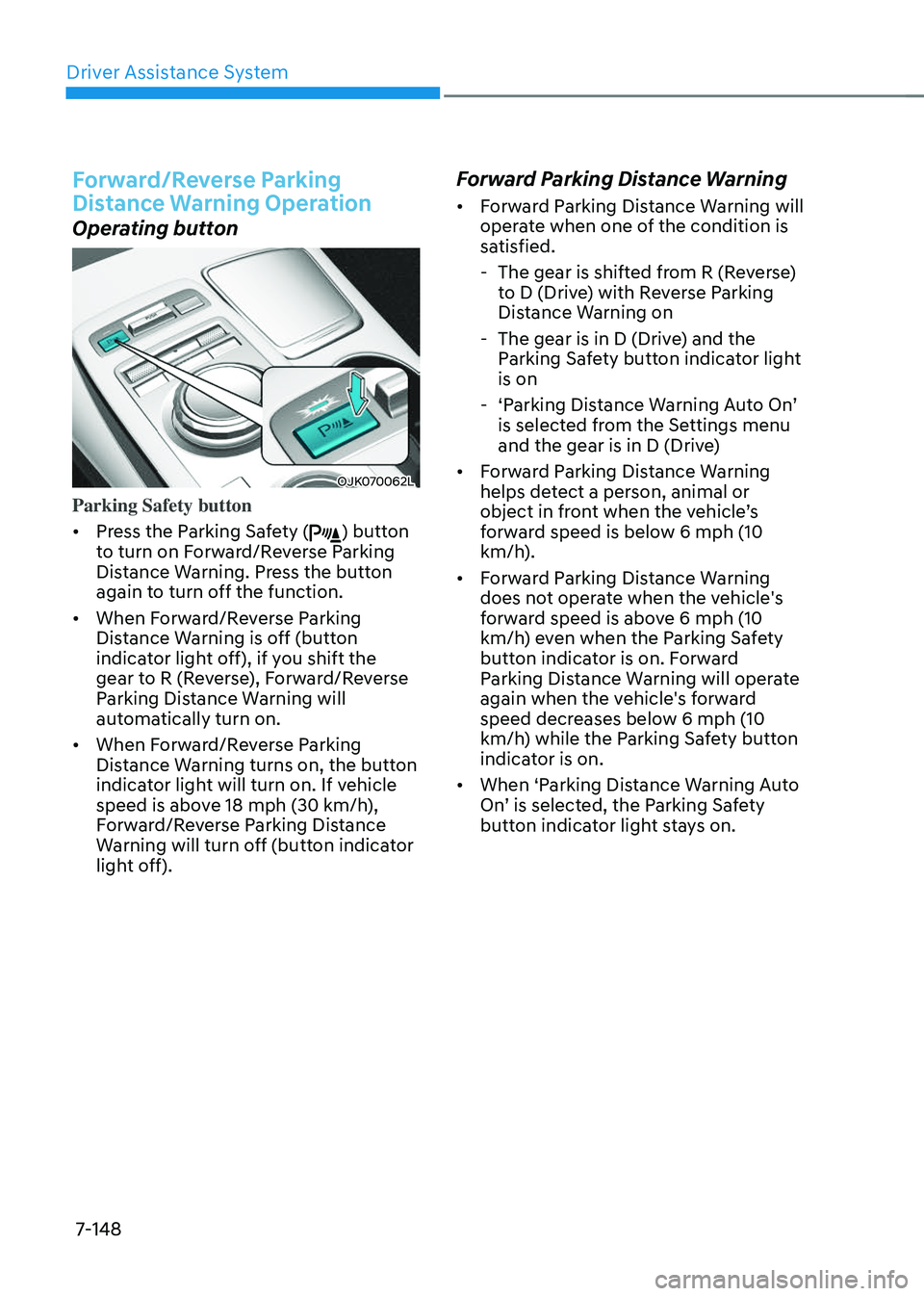
Operating button
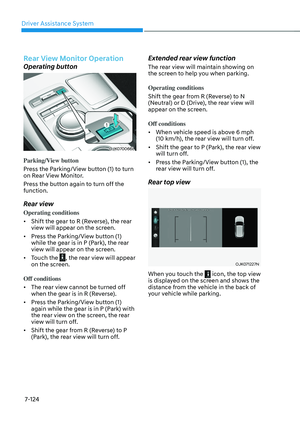
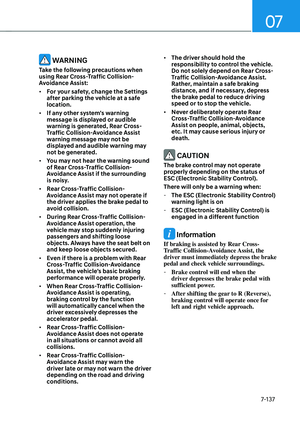
OJK070062LOJK070062L
Parking Safety button
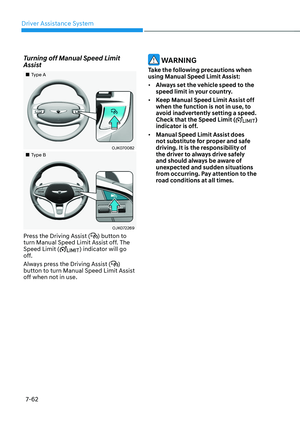
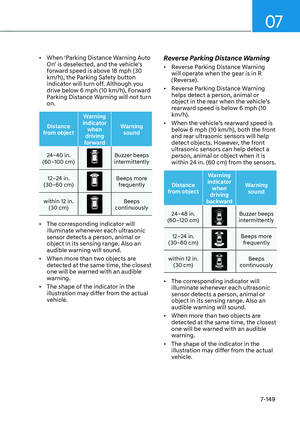
• Press the Parking Safety () button
to turn on Forward/Reverse Parking
Distance Warning. Press the button
again to turn off the function.
• When Forward/Reverse Parking
Distance Warning is off (button
indicator light off), if you shift the
gear to R (Reverse), Forward/Reverse
Parking Distance Warning will
automatically turn on.
• When Forward/Reverse Parking
Distance Warning turns on, the button
indicator light will turn on. If vehicle
speed is above 18 mph (30 km/h),
Forward/Reverse Parking Distance
Warning will turn off (button indicator
light off).
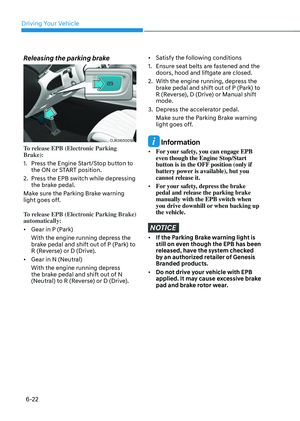
Forward Parking Distance Warning
• Forward Parking Distance Warning will
operate when one of the condition is
satisfied.
- The gear is shifted from R (Reverse)
to D (Drive) with Reverse Parking
Distance Warning on
-The gear is in D (Drive) and the
Parking Safety button indicator light
is on
-‘Parking Distance Warning Auto On’
is selected from the Settings menu
and the gear is in D (Drive)
• Forward Parking Distance Warning
helps detect a person, animal or
object in front when the vehicle’s
forward speed is below 6 mph (10
km/h).
• Forward Parking Distance Warning
does not operate when the vehicle's
forward speed is above 6 mph (10
km/h) even when the Parking Safety
button indicator is on. Forward
Parking Distance Warning will operate
again when the vehicle's forward
speed decreases below 6 mph (10
km/h) while the Parking Safety button
indicator is on.
• When ‘Parking Distance Warning Auto
On’ is selected, the Parking Safety
button indicator light stays on.
Page 500 of 637

07
7-149
• When ‘Parking Distance Warning Auto
On’ is deselected, and the vehicle’s
forward speed is above 18 mph (30
km/h), the Parking Safety button
indicator will turn off. Although you
drive below 6 mph (10 km/h), Forward
Parking Distance Warning will not turn
on.
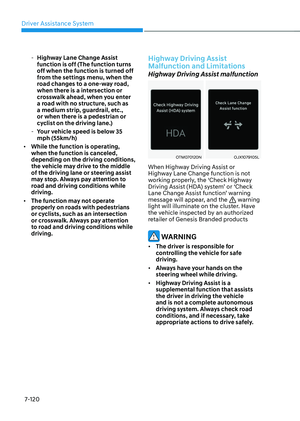
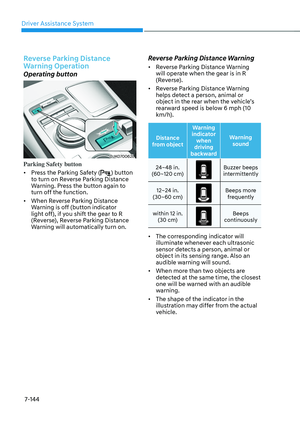
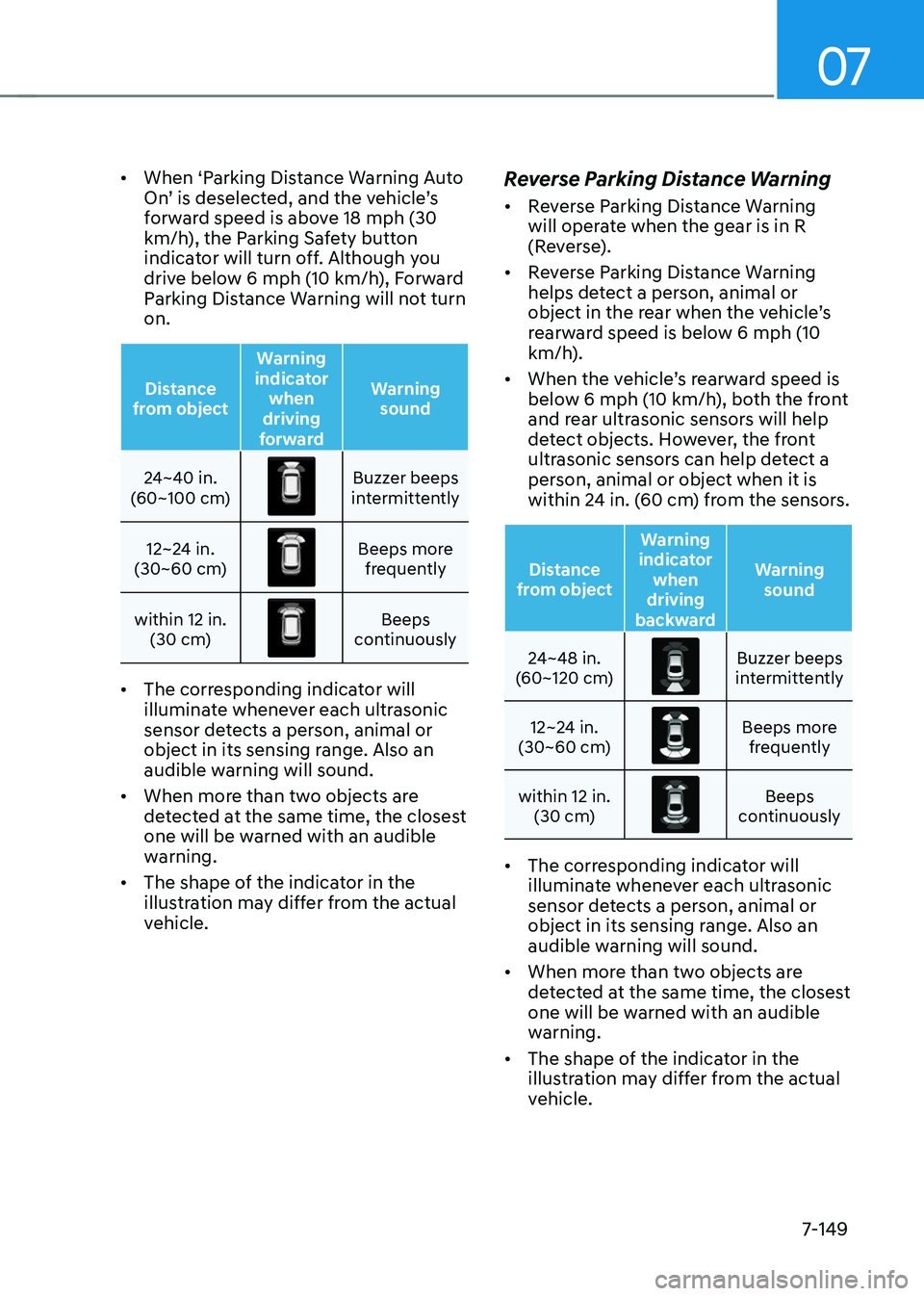
Distance
from object Warning
indicator when
driving
forward Warning
sound
24~40 in.
(60~100 cm)
Buzzer beeps intermittently
12~24 in.
(30~60 cm)
Beeps more frequently
within 12 in. (30 cm)
Beeps continuously
• The corresponding indicator will
illuminate whenever each ultrasonic
sensor detects a person, animal or
object in its sensing range. Also an
audible warning will sound.
• When more than two objects are
detected at the same time, the closest
one will be warned with an audible
warning.
• The shape of the indicator in the
illustration may differ from the actual
vehicle.
Reverse Parking Distance Warning
• Reverse Parking Distance Warning
will operate when the gear is in R
(Reverse).
• Reverse Parking Distance Warning
helps detect a person, animal or
object in the rear when the vehicle’s
rearward speed is below 6 mph (10
km/h).
• When the vehicle’s rearward speed is
below 6 mph (10 km/h), both the front
and rear ultrasonic sensors will help
detect objects. However, the front
ultrasonic sensors can help detect a
person, animal or object when it is
within 24 in. (60 cm) from the sensors.
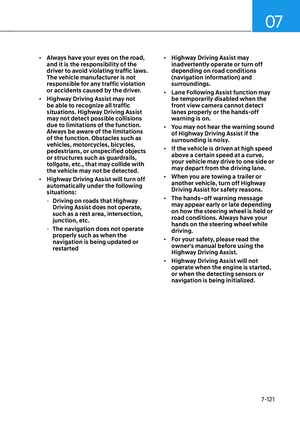
Distance
from object Warning
indicator when
driving
backward Warning
sound
24~48 in.
(60~120 cm)
Buzzer beeps intermittently
12~24 in.
(30~60 cm)
Beeps more frequently
within 12 in. (30 cm)
Beeps continuously
• The corresponding indicator will
illuminate whenever each ultrasonic
sensor detects a person, animal or
object in its sensing range. Also an
audible warning will sound.
• When more than two objects are
detected at the same time, the closest
one will be warned with an audible
warning.
• The shape of the indicator in the
illustration may differ from the actual
vehicle.
Page 501 of 637

Driver Assistance System
7-150
Forward/Reverse Parking
Distance Warning Malfunction
and Precautions
Forward/Reverse Parking Distance
Warning malfunction
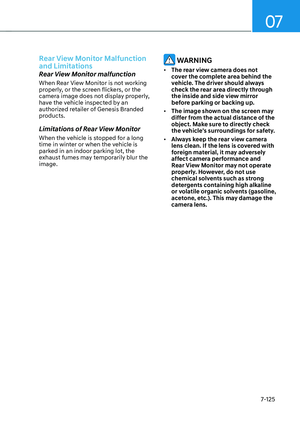
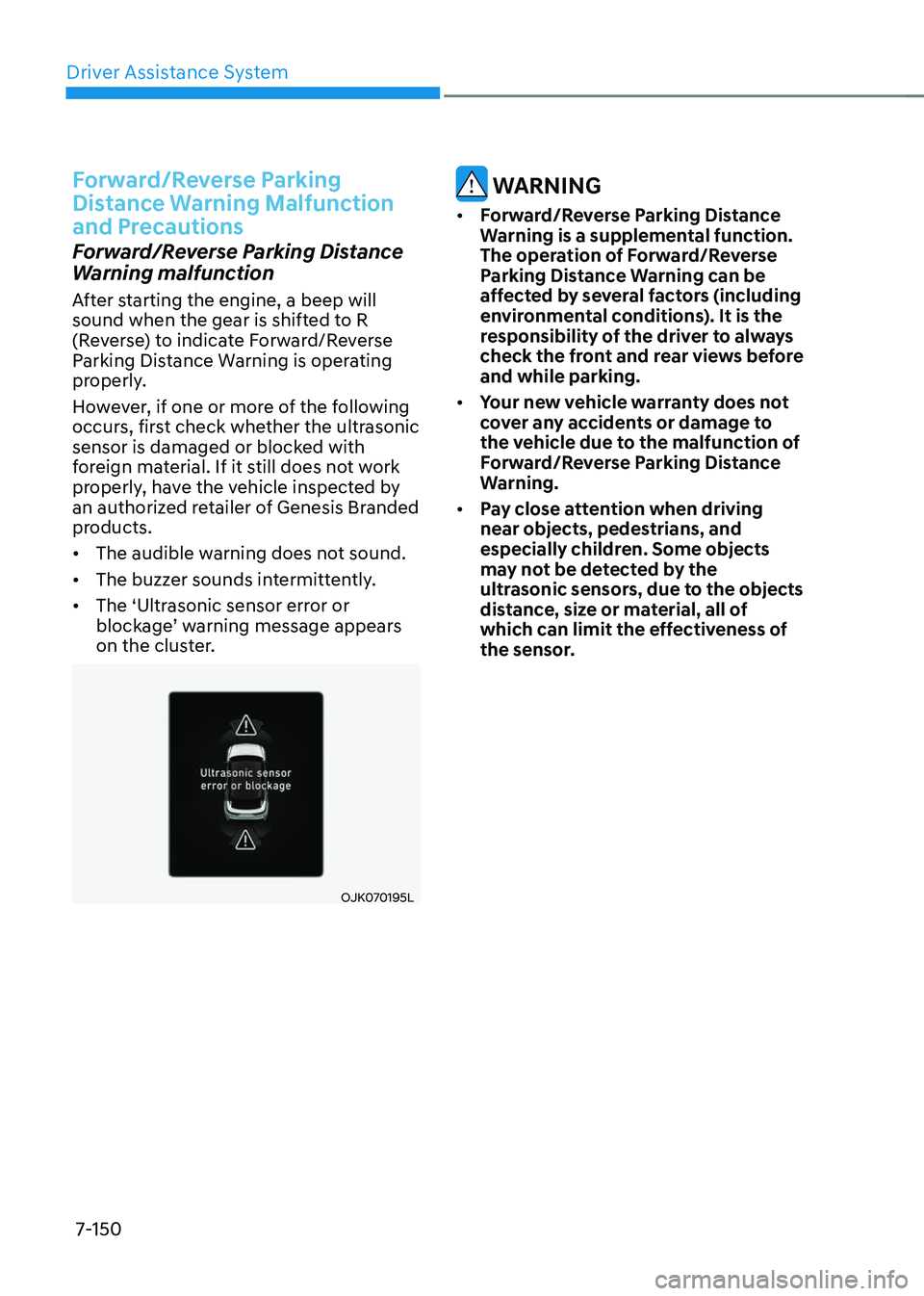
After starting the engine, a beep will
sound when the gear is shifted to R
(Reverse) to indicate Forward/Reverse
Parking Distance Warning is operating
properly.
However, if one or more of the following
occurs, first check whether the ultrasonic
sensor is damaged or blocked with
foreign material. If it still does not work
properly, have the vehicle inspected by
an authorized retailer of Genesis Branded
products.
• The audible warning does not sound.
• The buzzer sounds intermittently.
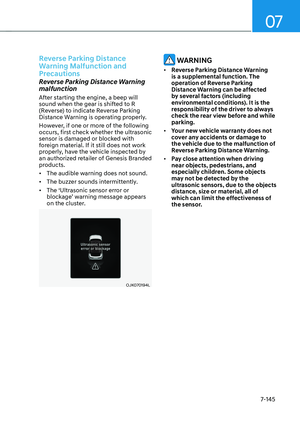
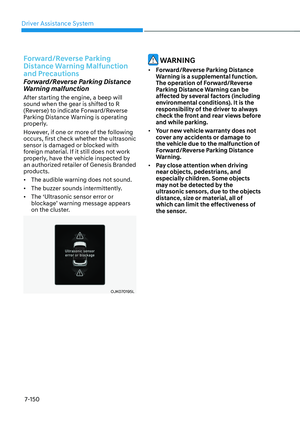
• The ‘Ultrasonic sensor error or
blockage’ warning message appears
on the cluster.
OJK070195LOJK070195L
WARNING
• Forward/Reverse Parking Distance
Warning is a supplemental function.
The operation of Forward/Reverse
Parking Distance Warning can be
affected by several factors (including
environmental conditions). It is the
responsibility of the driver to always
check the front and rear views before
and while parking.
• Your new vehicle warranty does not
cover any accidents or damage to
the vehicle due to the malfunction of
Forward/Reverse Parking Distance
Warning.
• Pay close attention when driving
near objects, pedestrians, and
especially children. Some objects
may not be detected by the
ultrasonic sensors, due to the objects
distance, size or material, all of
which can limit the effectiveness of
the sensor.
Page 502 of 637

07
7-151
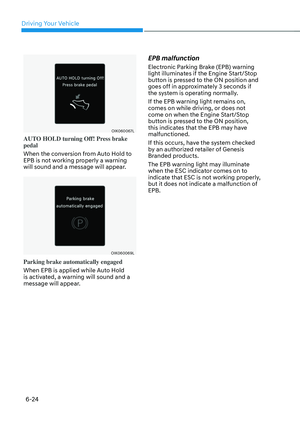
Limitations of Forward/Reverse
Parking Distance Warning
• Forward/Reverse Parking Distance
Warning may not operate properly
when:
-Moisture is frozen to the sensor
-Sensor is covered with substance,
such as snow or water (Forward/
Reverse Parking Distance Warning
will operate properly when such
substance is removed.)
-The weather is extremely hot or cold
-The sensor or sensor assembly is
disassembled
-The surface of the sensor is pressed
hard or hit with a hard object
-The surface of the sensor is
scratched with a sharp object
-The sensors or its surrounding
area is directly sprayed with high
pressure washer
• Forward/Reverse Parking Distance
Warning may malfunction when:
-Heavy rain or water spray is present
-Water flows on the surface of the
sensor
-Affected by another vehicle’s
sensors
-The sensor is covered with snow or
ice
-Driving on uneven road, gravel
roads or bushes
-Objects that generates ultrasonic
waves are near the sensor
-License plate is installed in a
different spot from the original
location
-The vehicle bumper height or
ultrasonic sensor installation has
been modified
-Attaching equipment or accessories
next to the ultrasonic sensors
• The following objects may not be
detected:
-Sharp or slim objects, such as ropes,
chains or small poles.
-Objects, which tend to absorb
sensor frequency, such as clothes,
spongy material or snow.
-Objects smaller than 40 in. (100 cm)
in length and narrower than 6 in. (14
cm) in diameter.
-Pedestrians, animals or objects
that are very close to the ultrasonic
sensors
• Parking Distance Warning Indicators
may be displayed differently from
the actual detected location when
the obstacle is located between the
sensors.
• Parking Distance Warning indicator
may not occur sequentially depending
on vehicle speed or obstacle shape.
• If Forward/Reverse Parking Distance
Warning needs repair, have the
vehicle inspected by an authorized
retailer of Genesis Branded products.
Page 503 of 637

Driver Assistance System
7-152
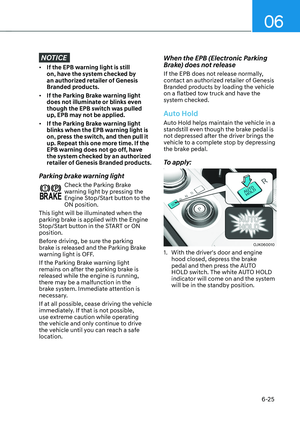
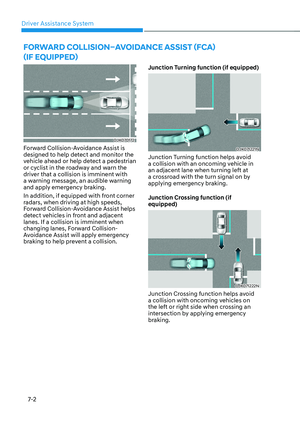
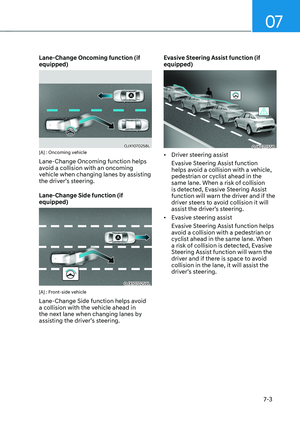
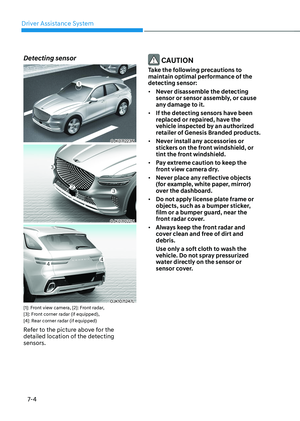
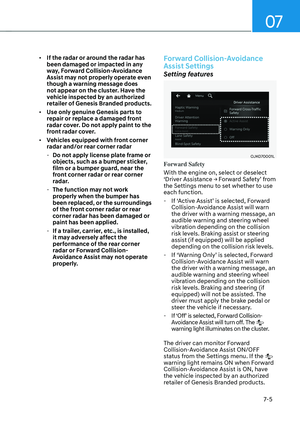
Reverse Parking Collision-Avoidance
Assist can warn the driver or assist with
braking to help reduce the possibility of
collision with a pedestrian or an object
when backing up.
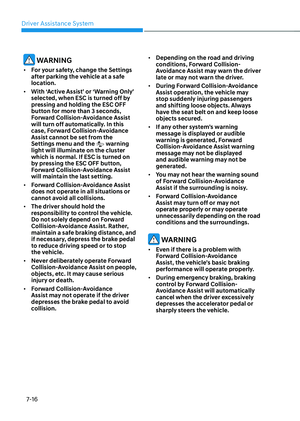
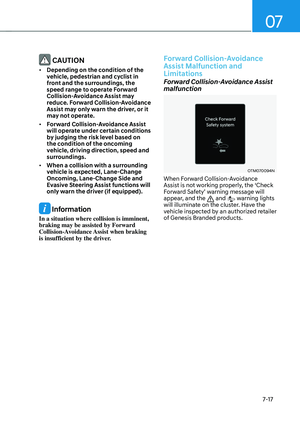
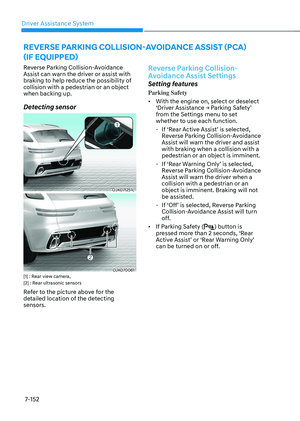
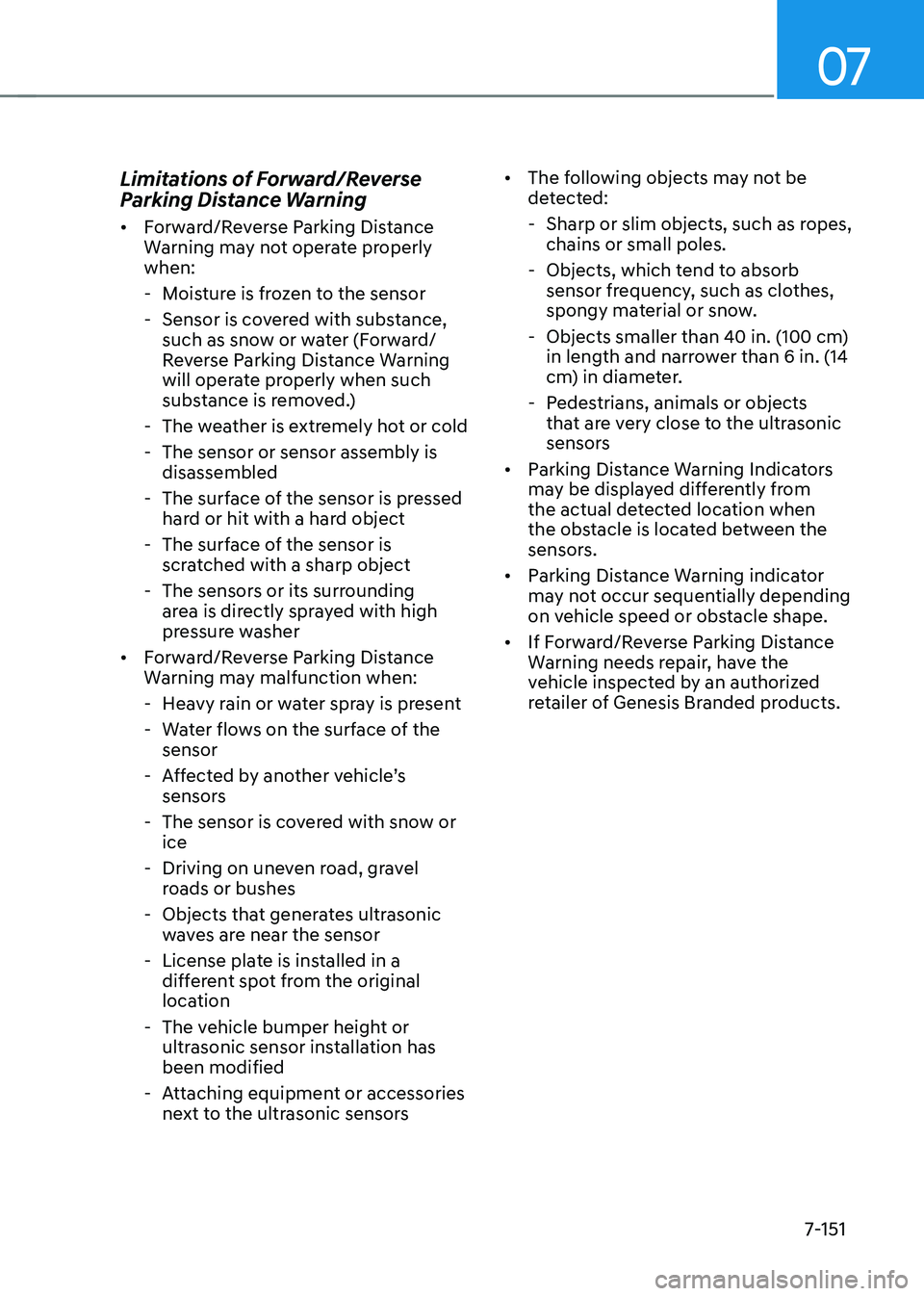
Detecting sensor
OJK071251LOJK071251L
OJK070061OJK070061[1] : Rear view camera,
[2] : Rear ultrasonic sensors
Refer to the picture above for the
detailed location of the detecting
sensors.
Reverse Parking Collision-
Avoidance Assist Settings
Setting features
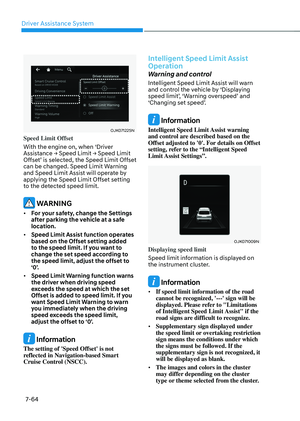
Parking Safety
• With the engine on, select or deselect
‘Driver Assistance → Parking Safety’
from the Settings menu to set
whether to use each function.
-If ‘Rear Active Assist’ is selected,
Reverse Parking Collision-Avoidance
Assist will warn the driver and assist
with braking when a collision with a
pedestrian or an object is imminent.
-If ‘Rear Warning Only’ is selected,
Reverse Parking Collision-Avoidance
Assist will warn the driver when a
collision with a pedestrian or an
object is imminent. Braking will not
be assisted.
-If ‘Off’ is selected, Reverse Parking
Collision-Avoidance Assist will turn
off.
• If Parking Safety () button is
pressed more than 2 seconds, ‘Rear
Active Assist’ or ‘Rear Warning Only’
can be turned on or off.
REVERSE PARKING COLLISION-AVOIDANCE ASSIST (PCA)
(IF EQUIPPED)
Page 504 of 637
07
7-153
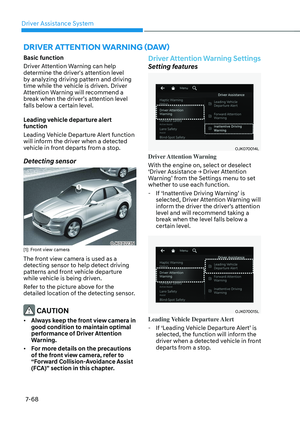
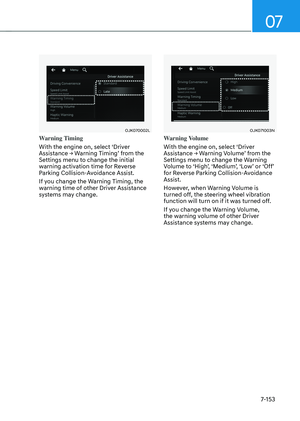
OJK070002LOJK070002L
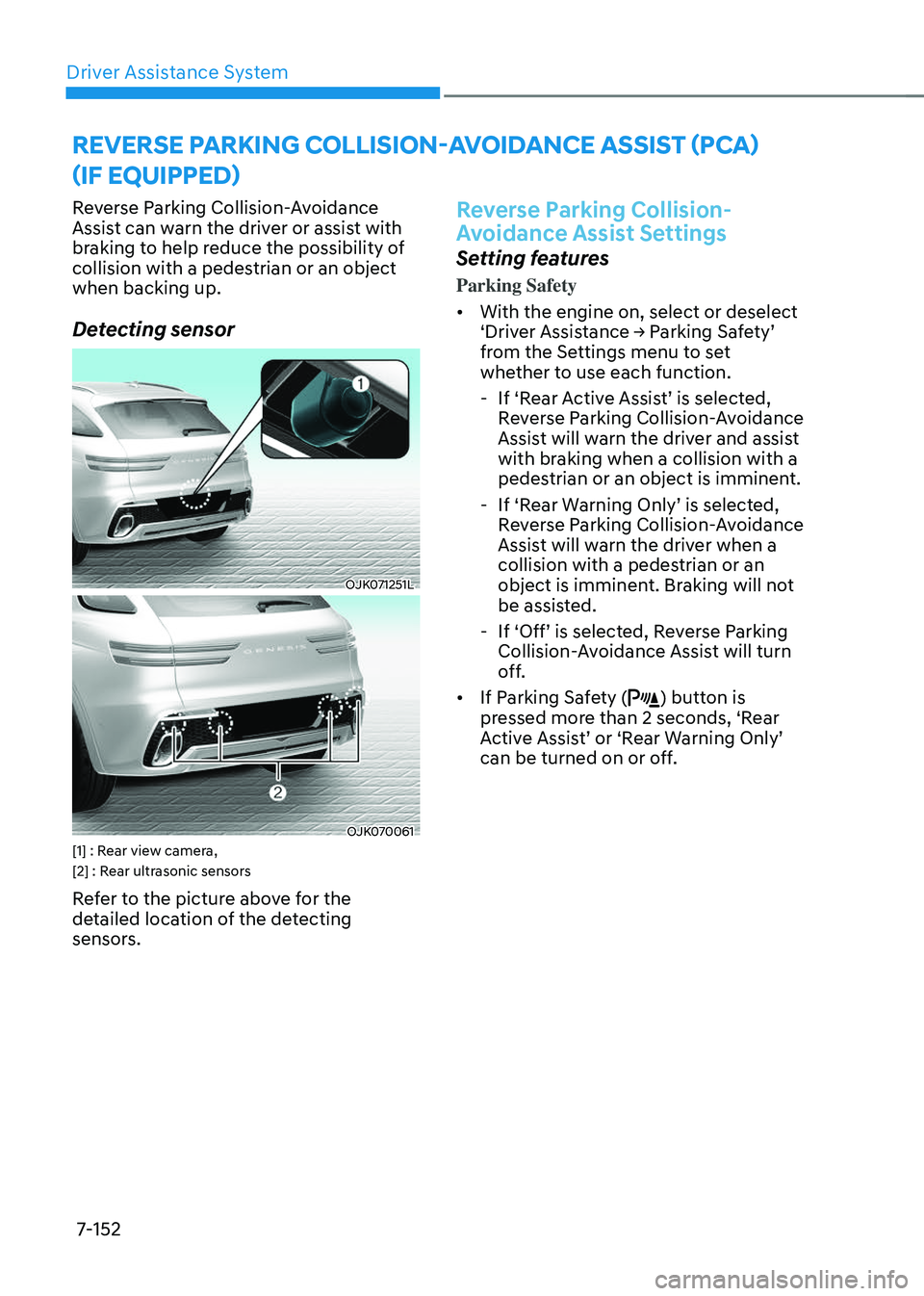
Warning Timing
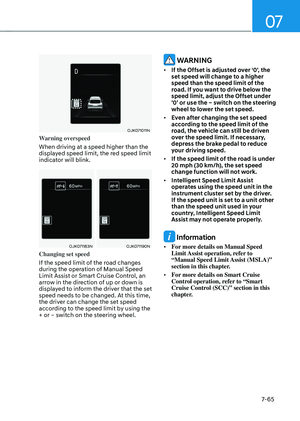
With the engine on, select ‘Driver
Assistance → Warning Timing’ from the
Settings menu to change the initial
warning activation time for Reverse
Parking Collision-Avoidance Assist.
If you change the Warning Timing, the
warning time of other Driver Assistance
systems may change.
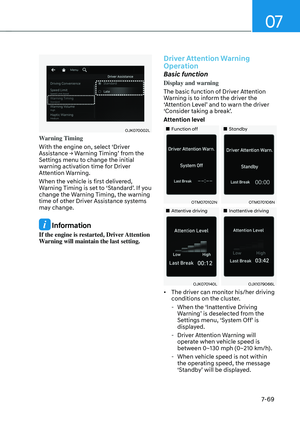
OJK071003N OJK071003N
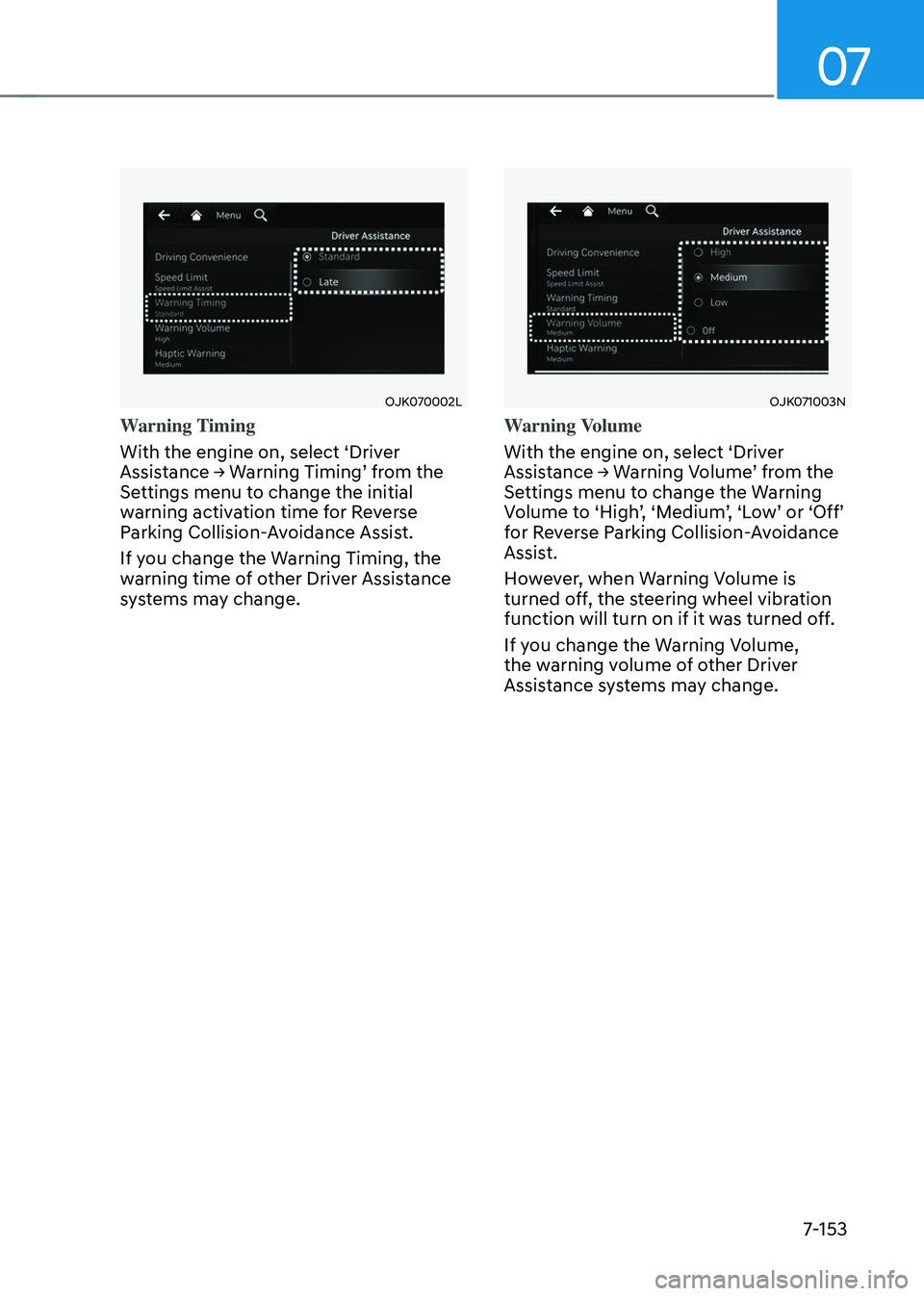
Warning Volume
With the engine on, select ‘Driver
Assistance → Warning Volume’ from the
Settings menu to change the Warning
Volume to ‘High’, ‘Medium’, ‘Low’ or ‘Off’
for Reverse Parking Collision-Avoidance
Assist.
However, when Warning Volume is
turned off, the steering wheel vibration
function will turn on if it was turned off.
If you change the Warning Volume,
the warning volume of other Driver
Assistance systems may change.