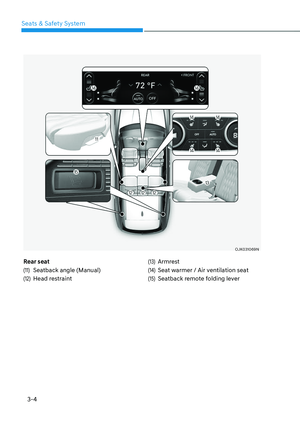
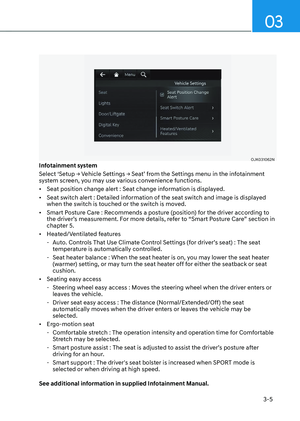
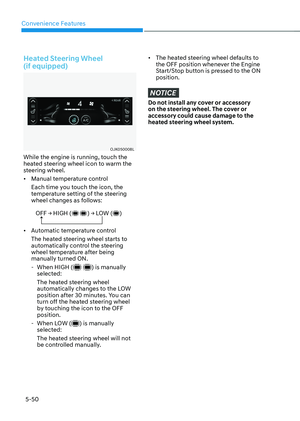
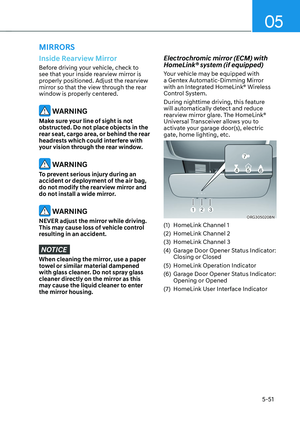
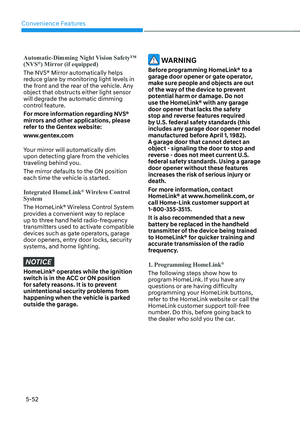
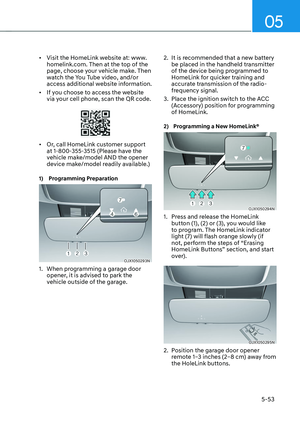
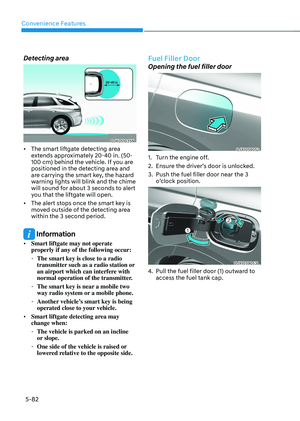
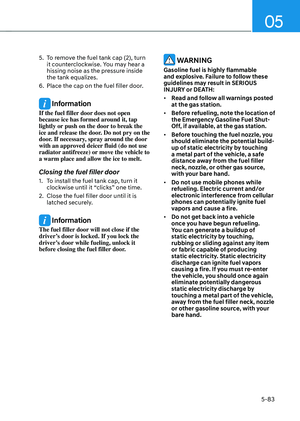
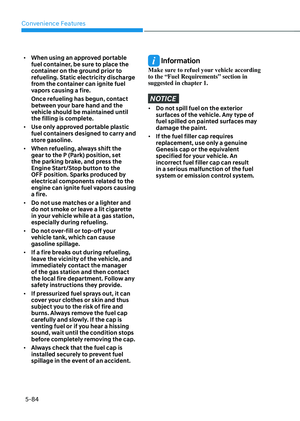
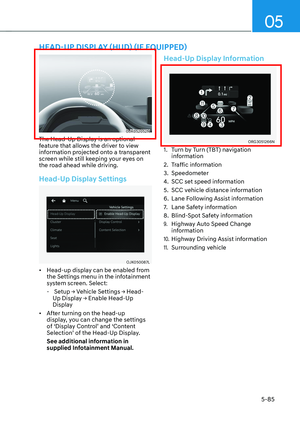
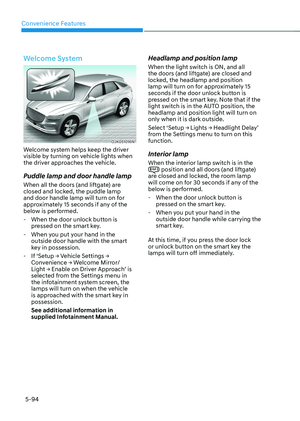
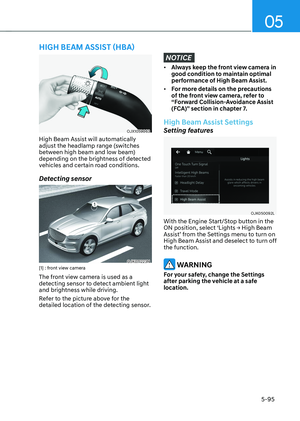
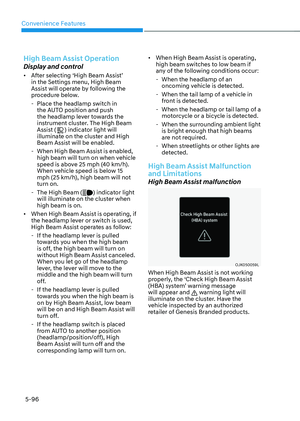
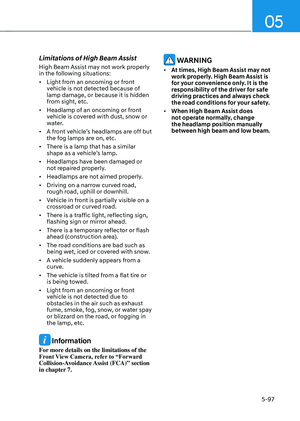
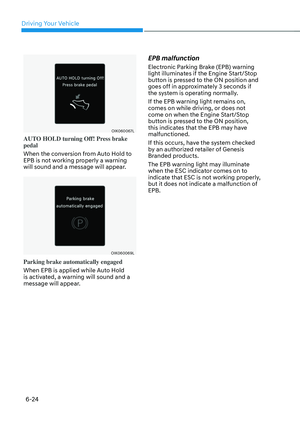
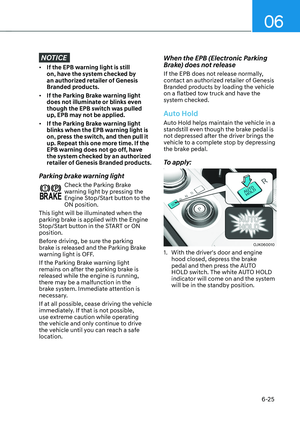
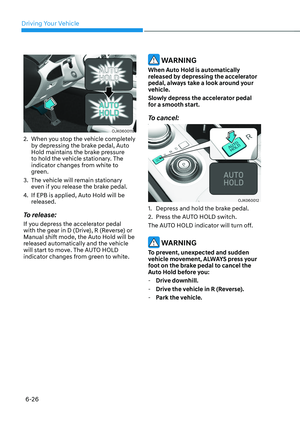
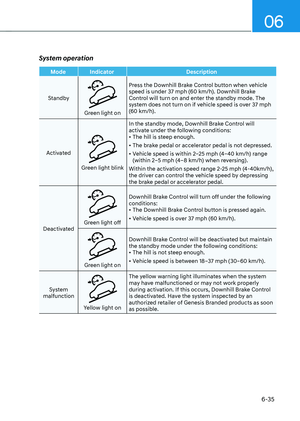
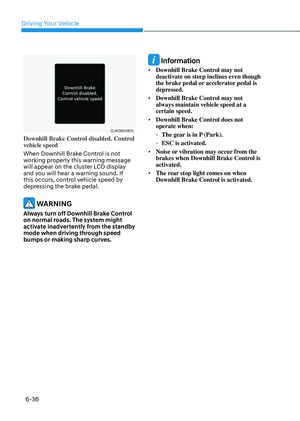
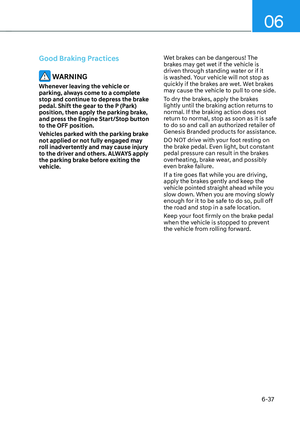
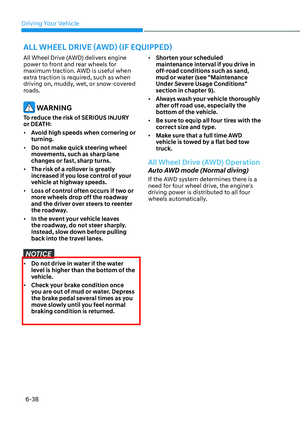
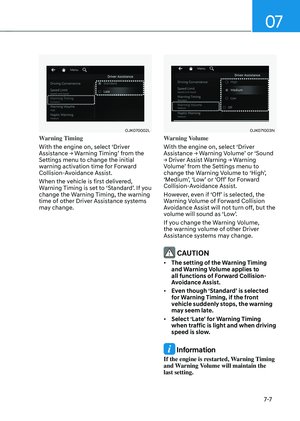
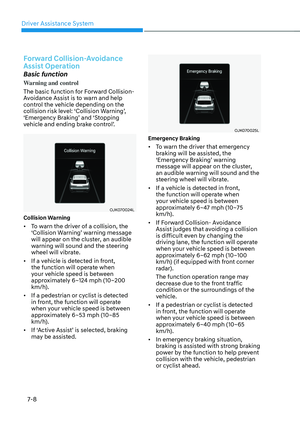
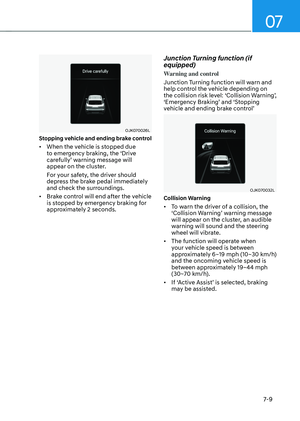
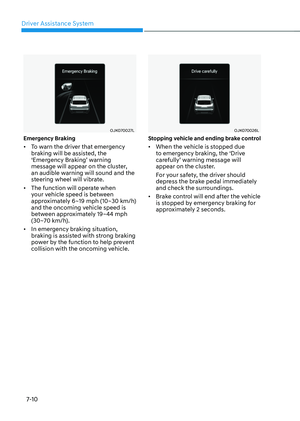
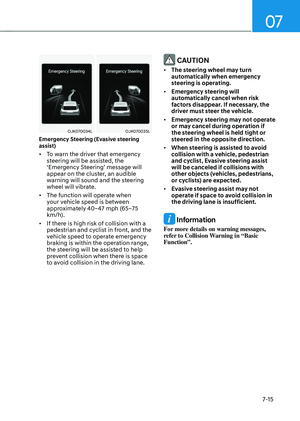
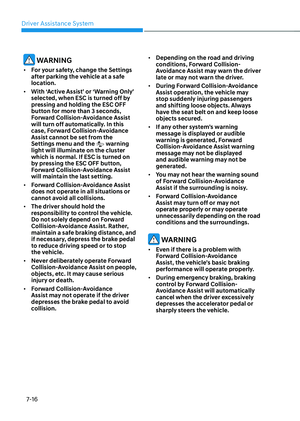
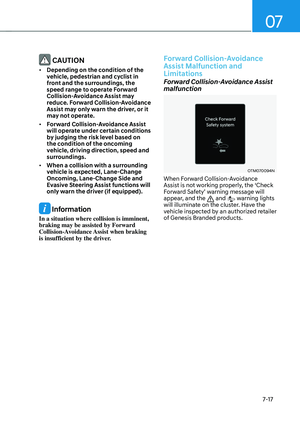
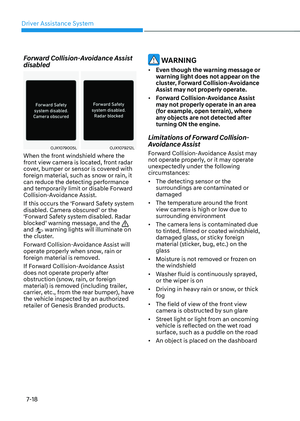
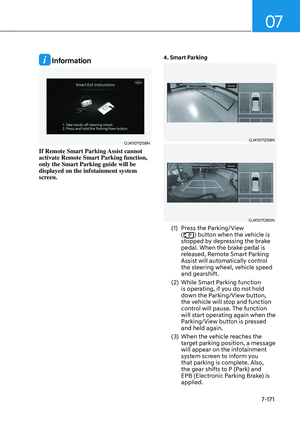
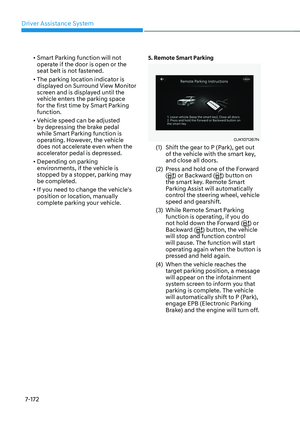
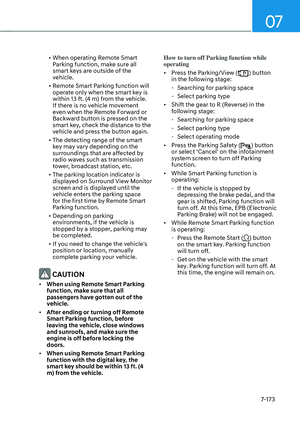
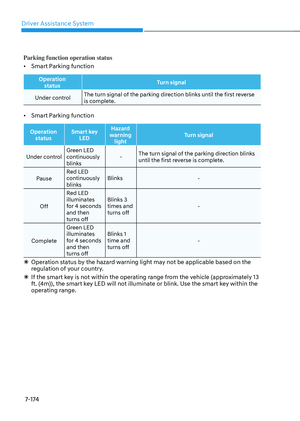
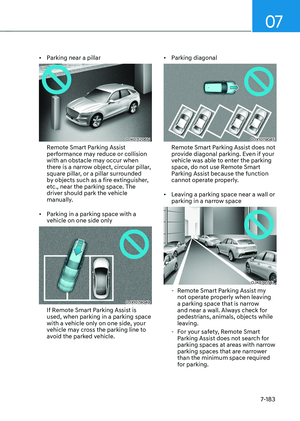
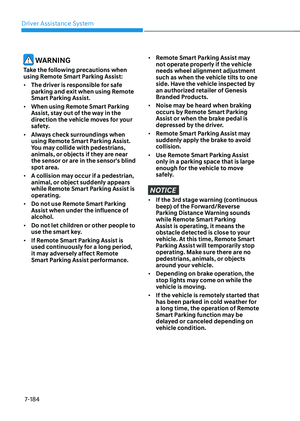
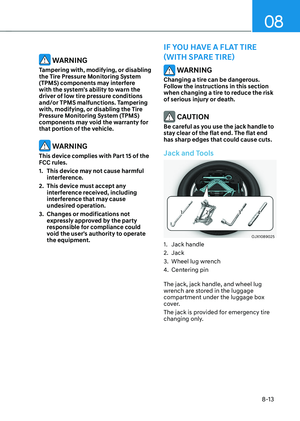
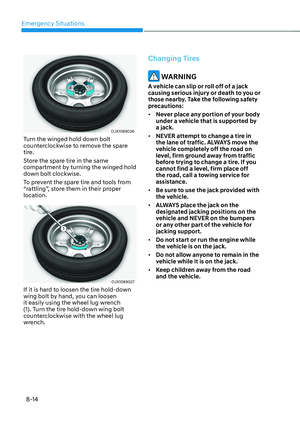
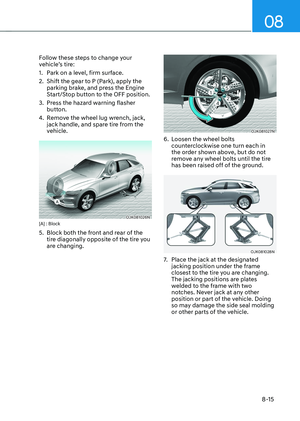
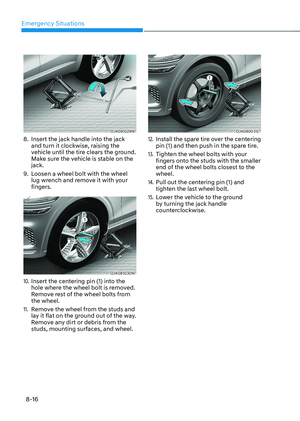
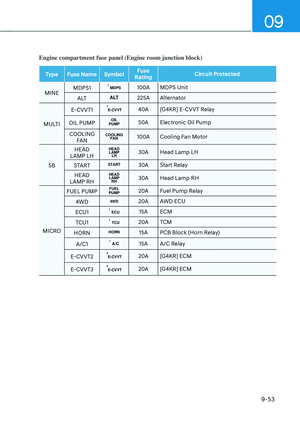
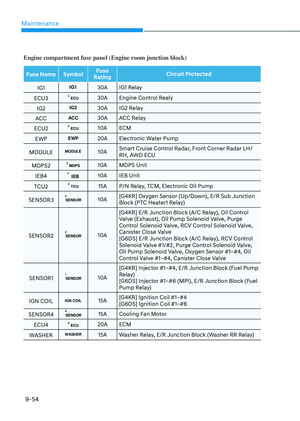
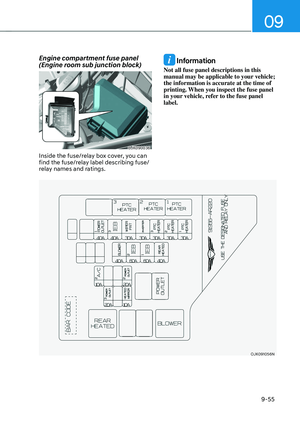
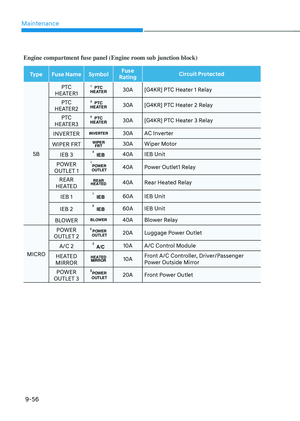
Page 465 of 637

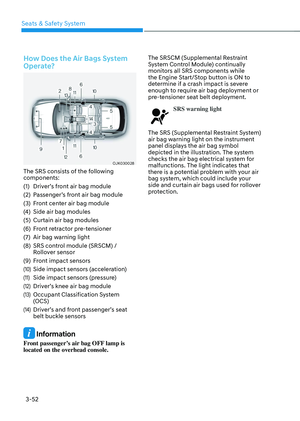
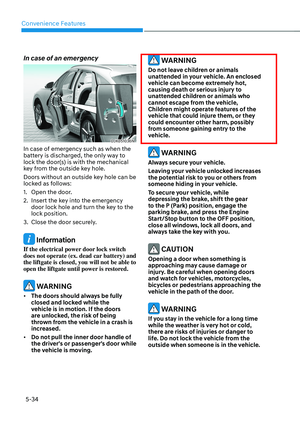
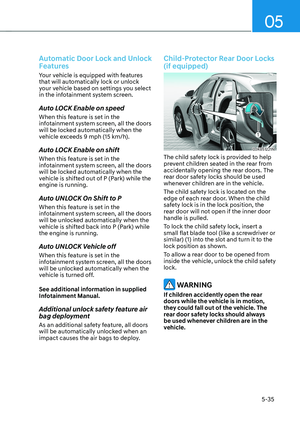
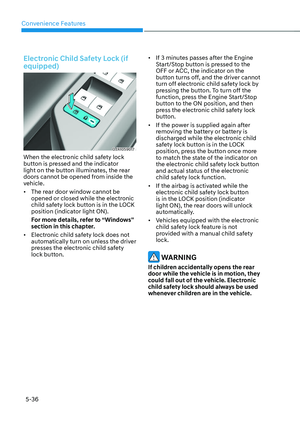
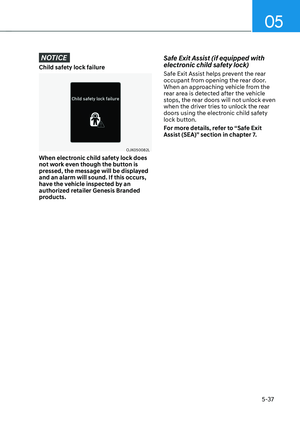
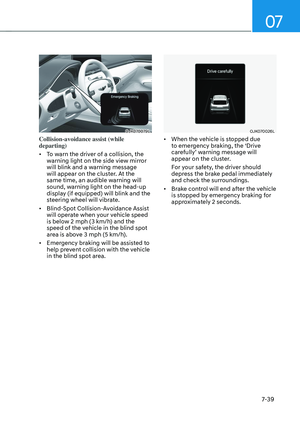
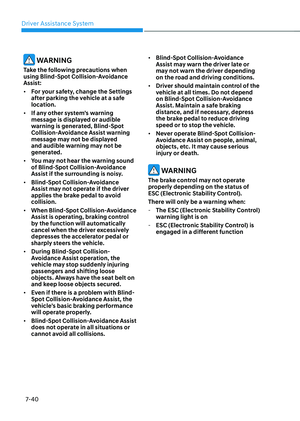
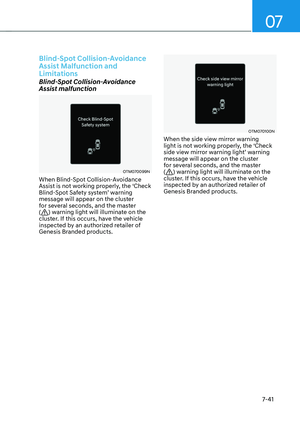
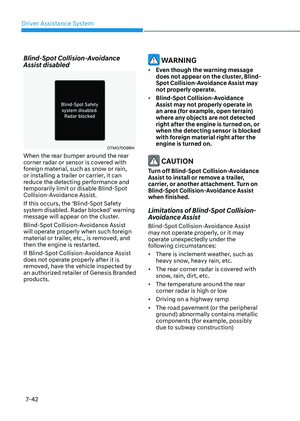
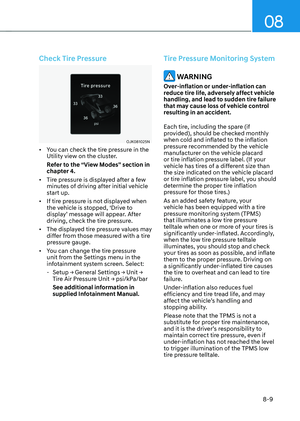
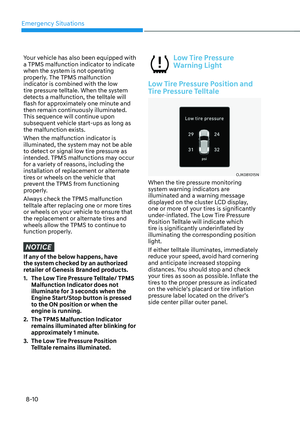
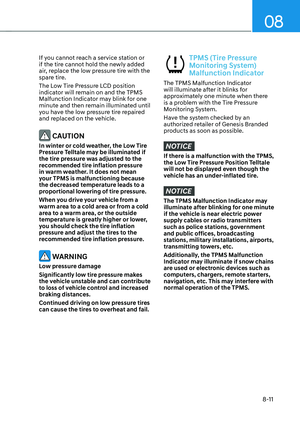
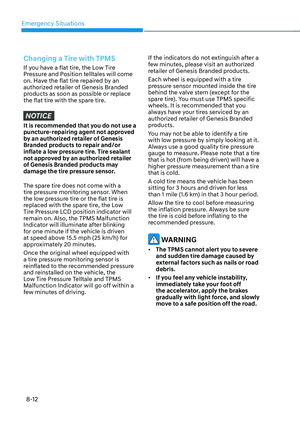
Driver Assistance System
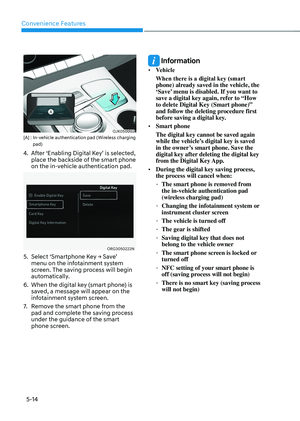
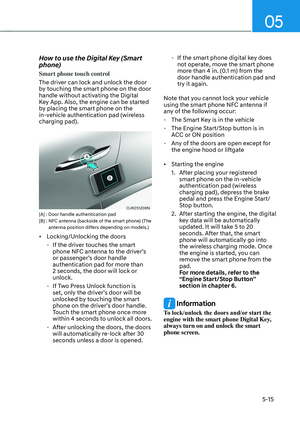
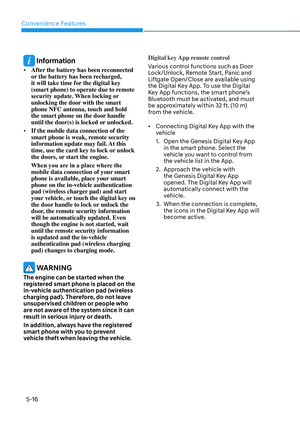
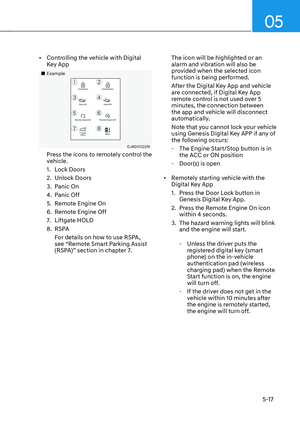
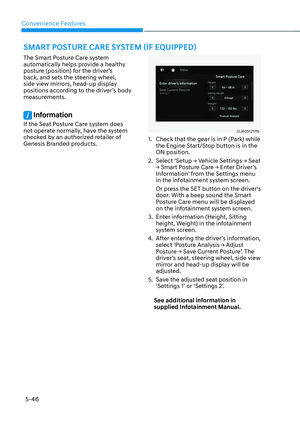
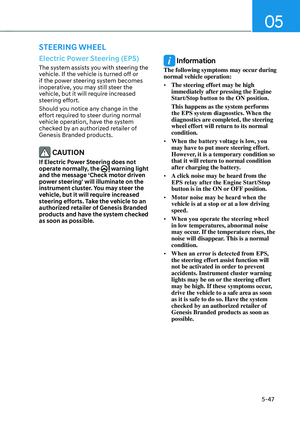
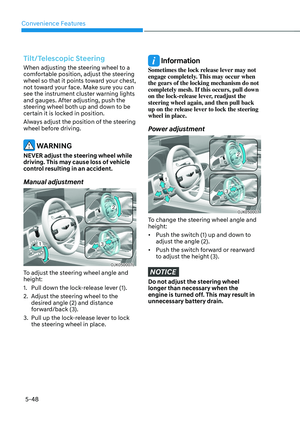
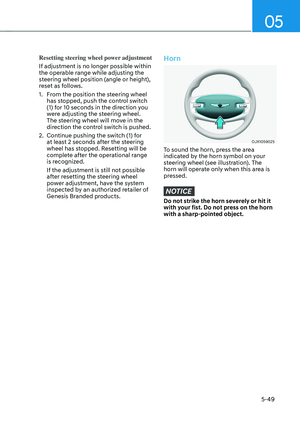
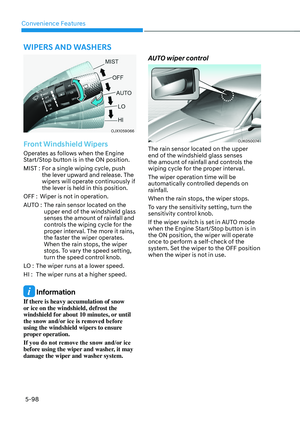
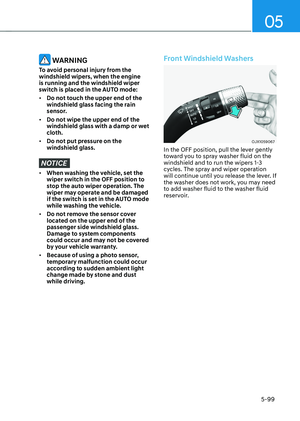
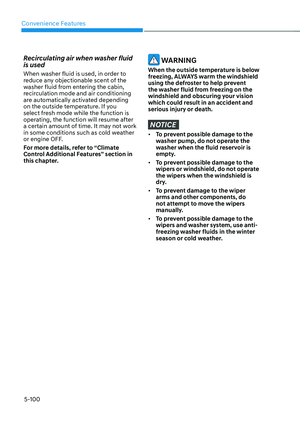
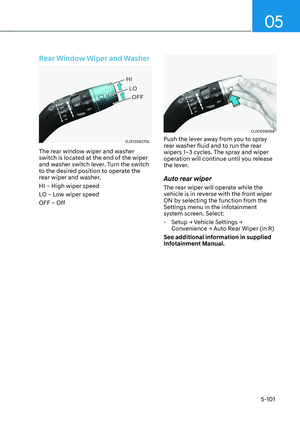
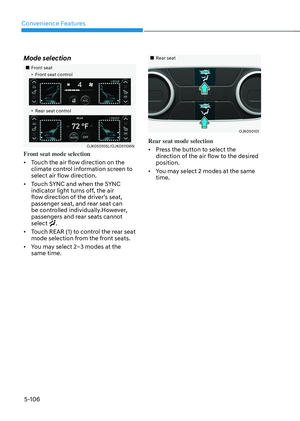
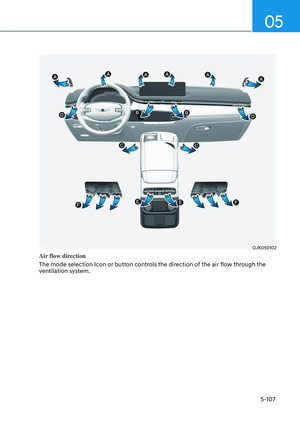
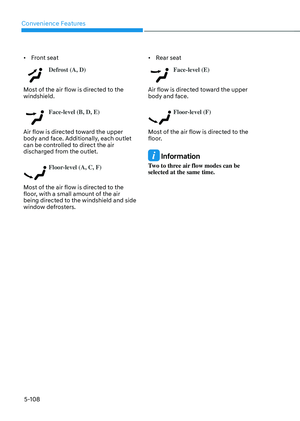
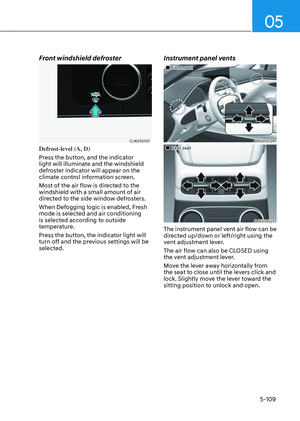
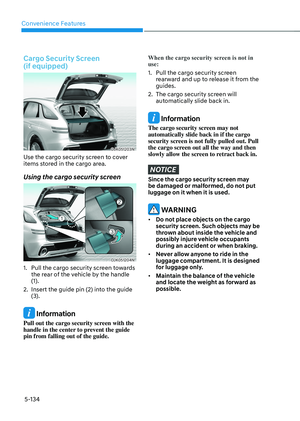
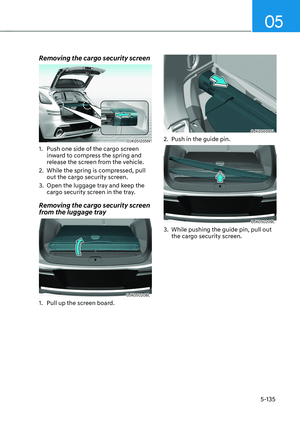
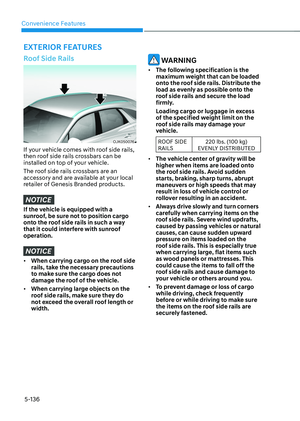
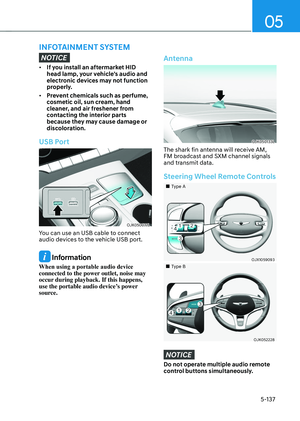
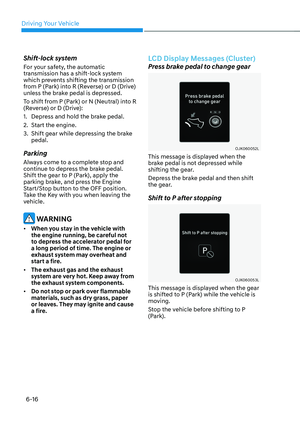
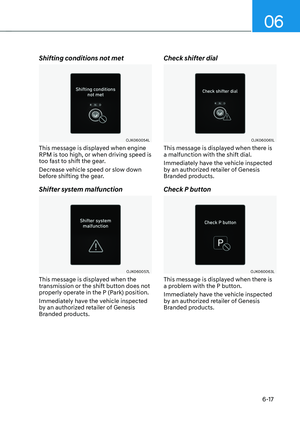
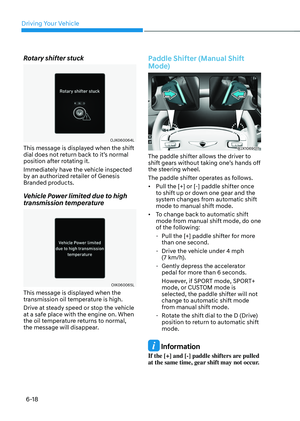
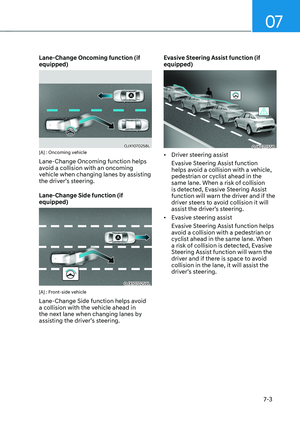
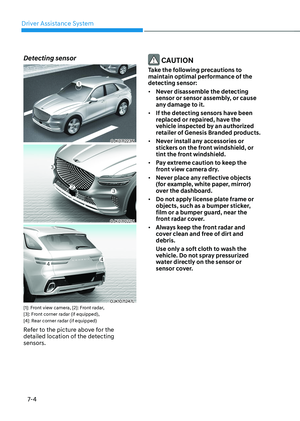
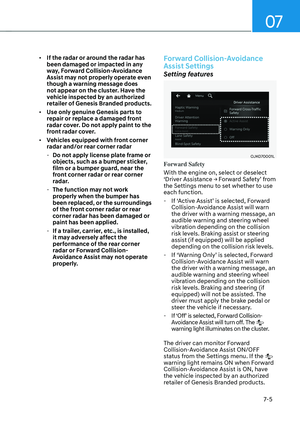
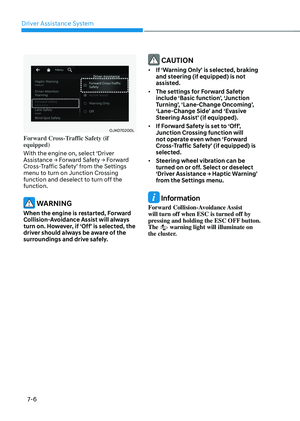
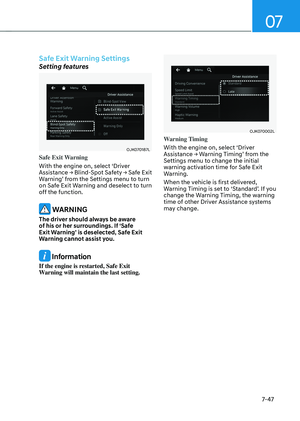
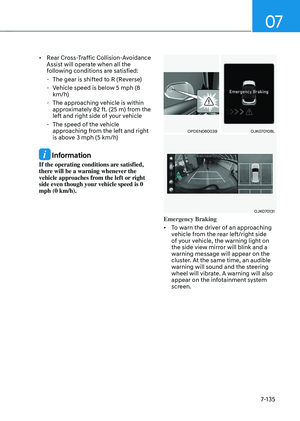
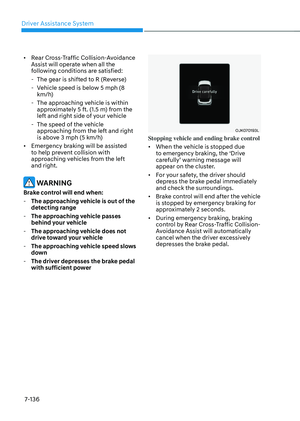
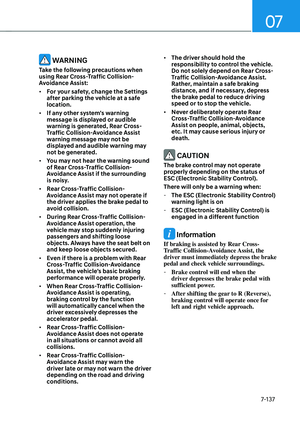
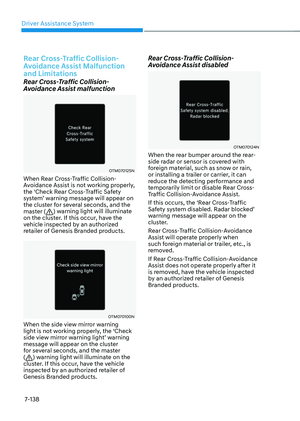
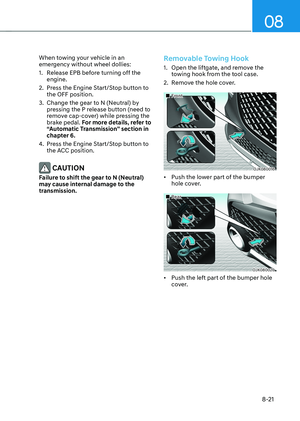
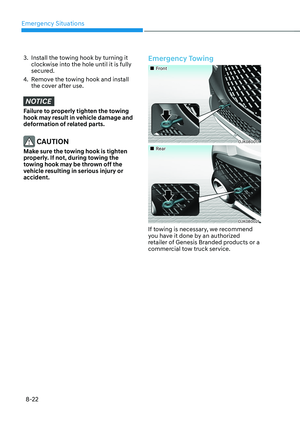
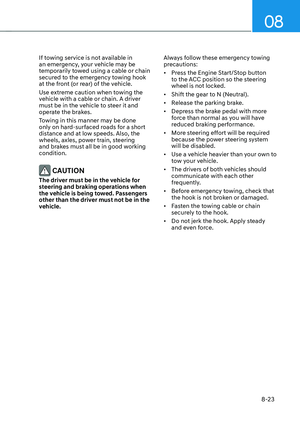
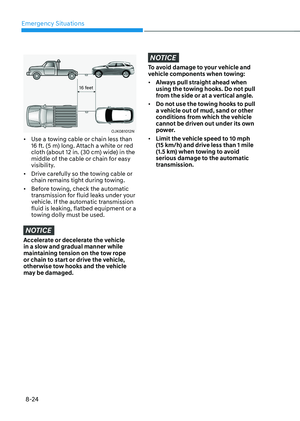
7-114
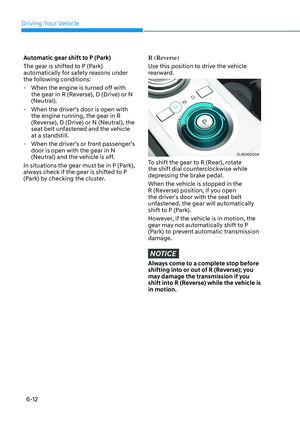
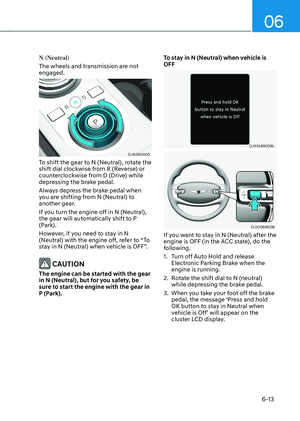
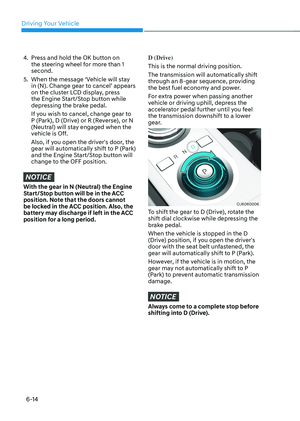
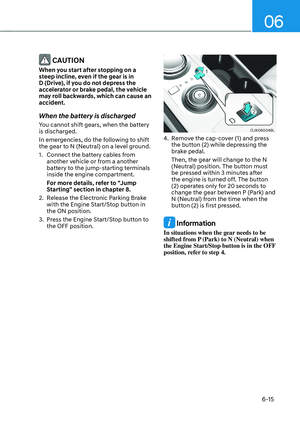
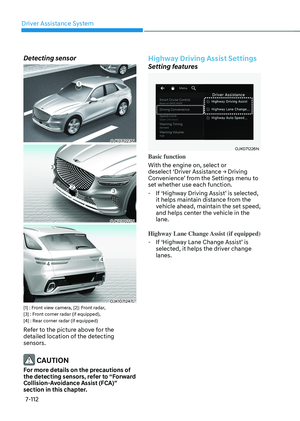
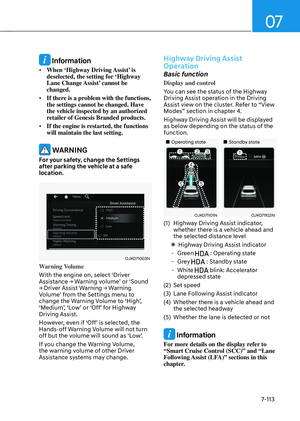
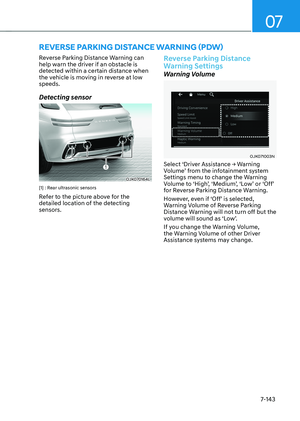
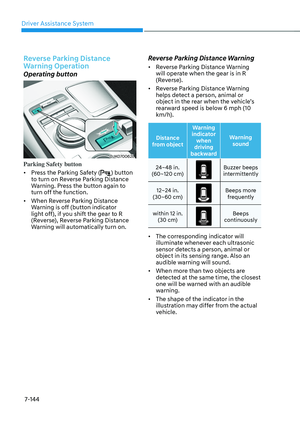
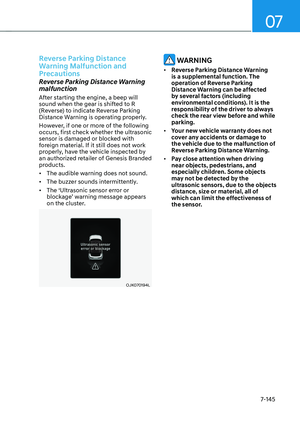
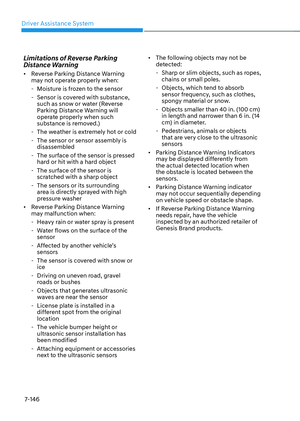
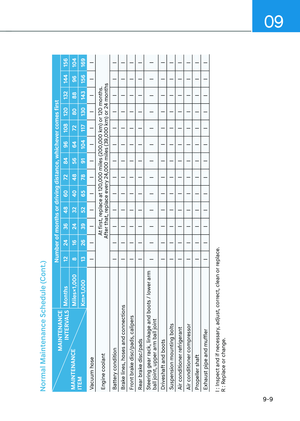
Highway Driving Assist operating
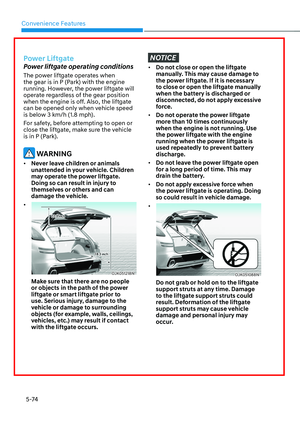
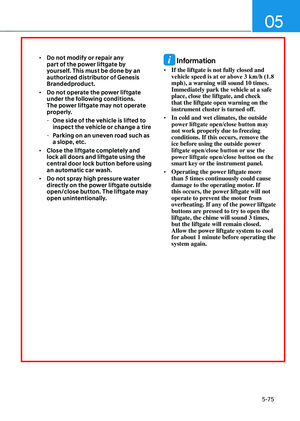
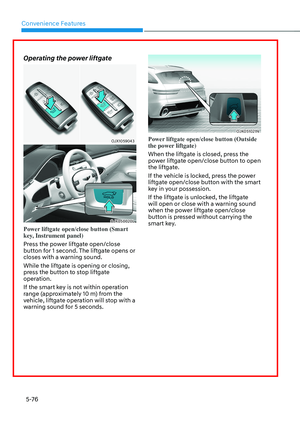
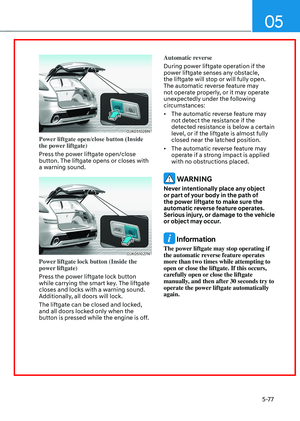
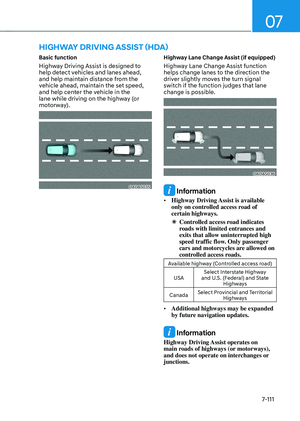
Highway Driving Assist will operate when
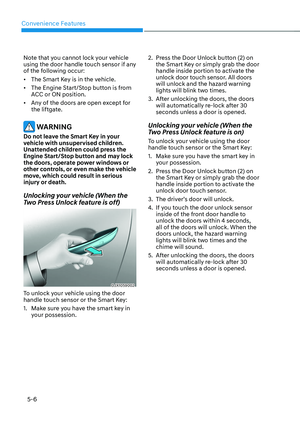
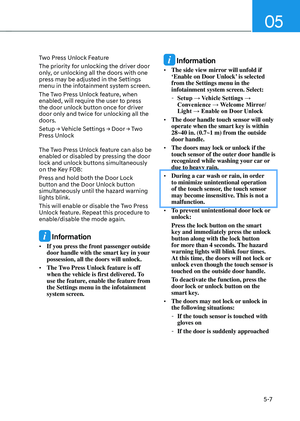
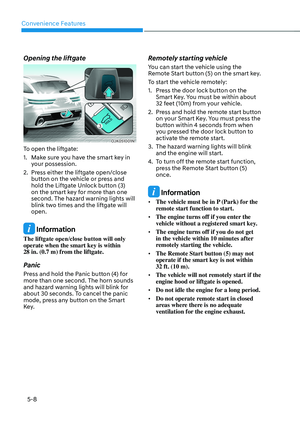
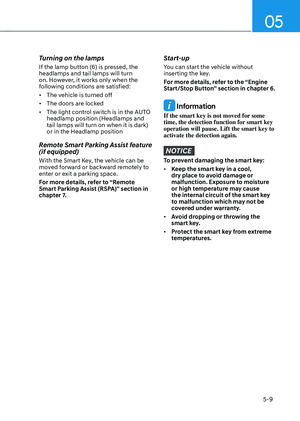
entering or driving on the main road of
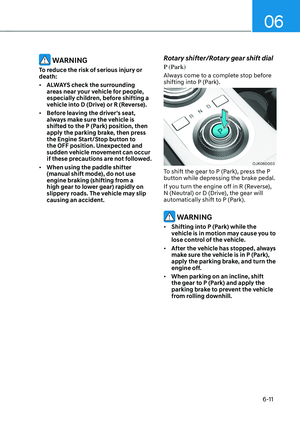
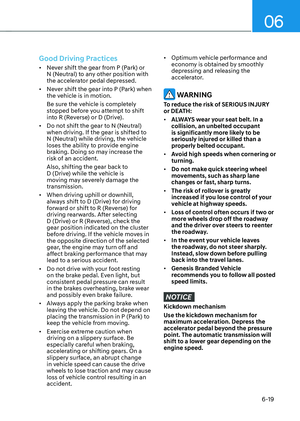
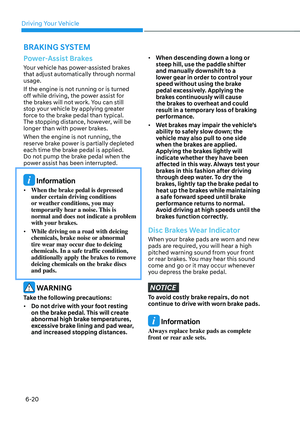
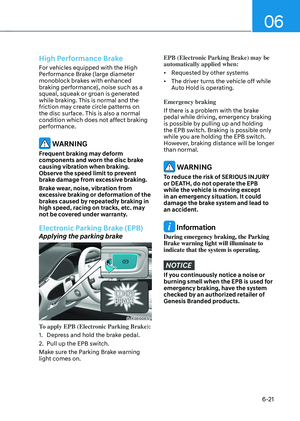
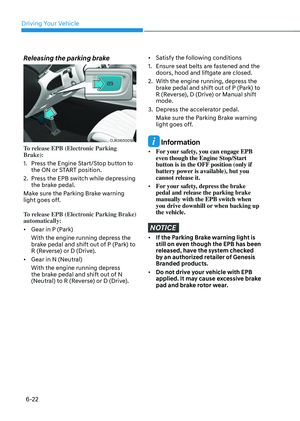
highways (or motorways), and satisfying
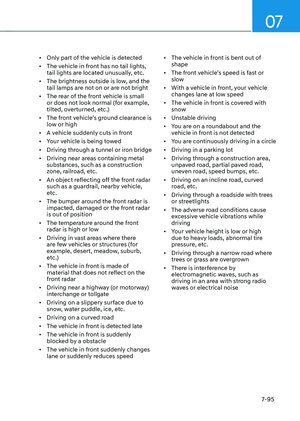
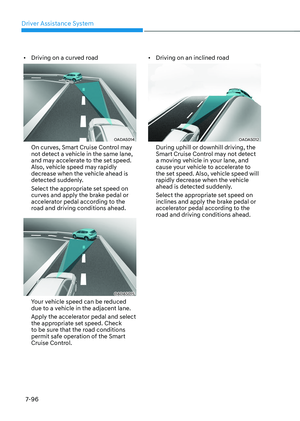
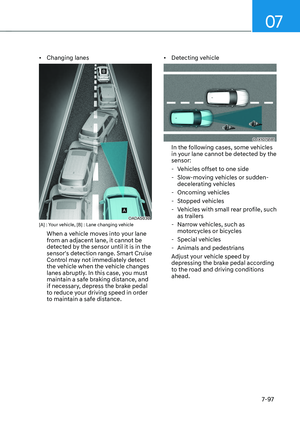
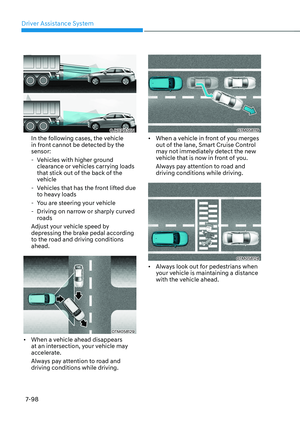
all the following conditions:
-Lane Following Assist is operating
-Smart Cruise Control is operating
Information
• While driving on the highway (or
motorway), if Smart Cruise Control
starts operating, Highway Driving
Assist will operate.
• When entering the main roads of
highways (or motorways) while
Smart Cruise Control is operating,
Driving Assist will not turn on if Lane
Following Assist is turned off.
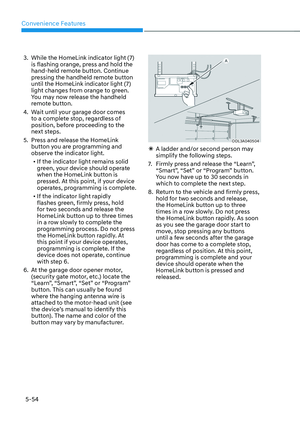
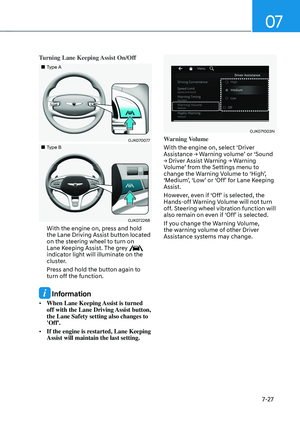
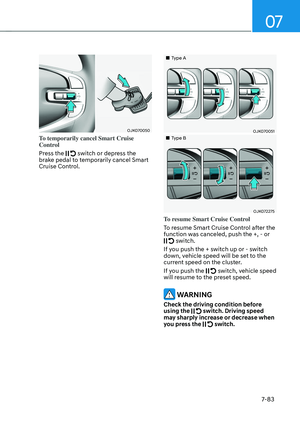
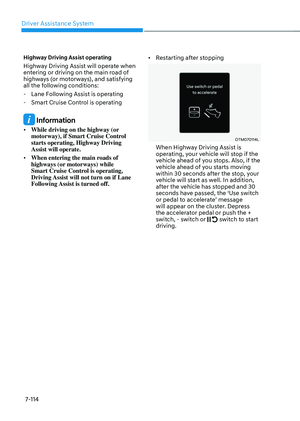
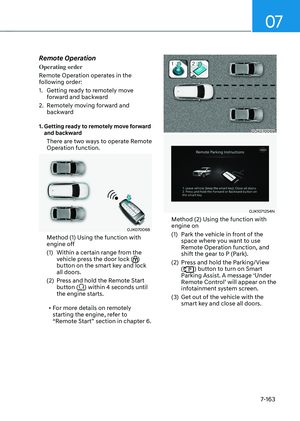
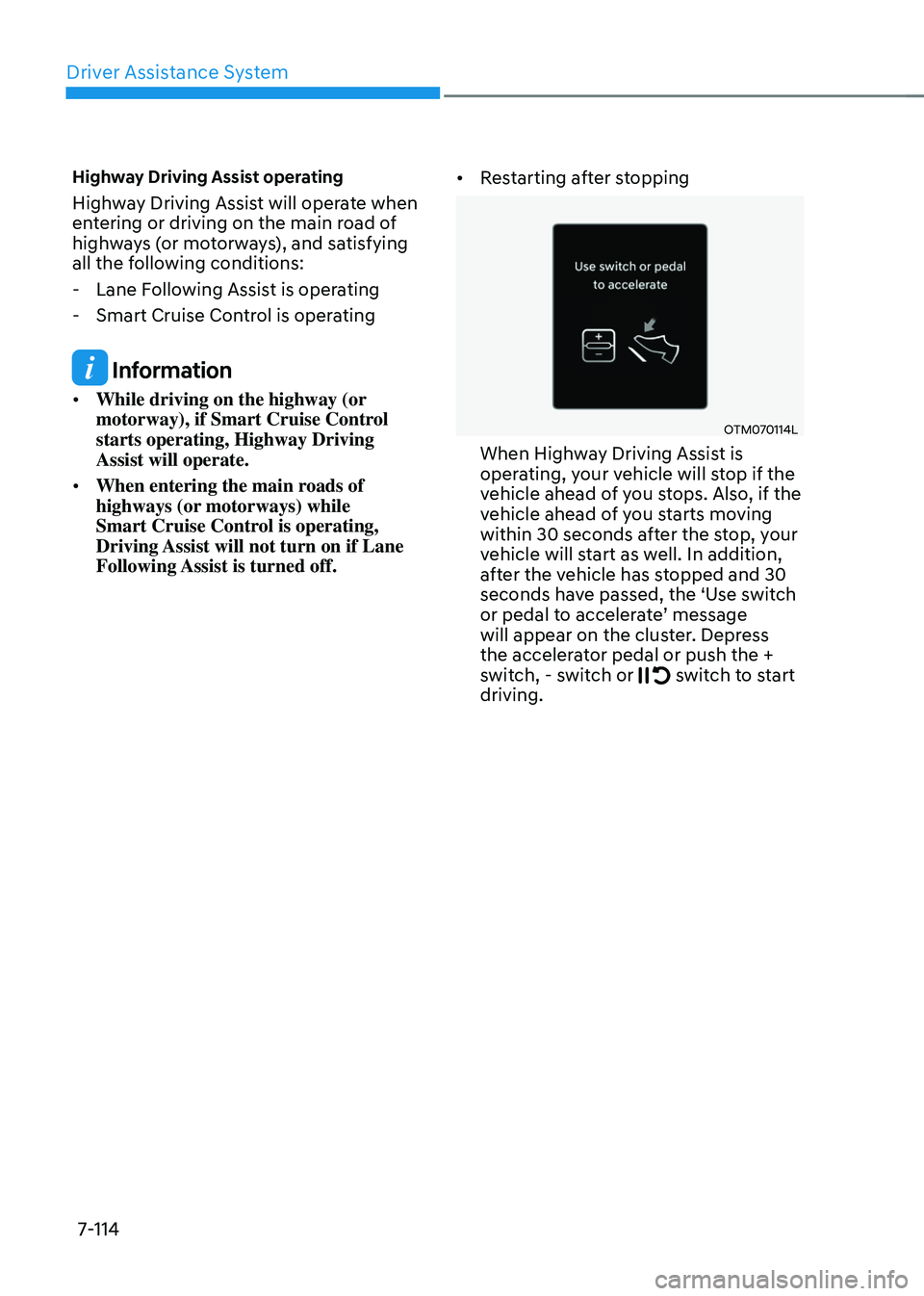
• Restarting after stopping
OTM070114L OTM070114L
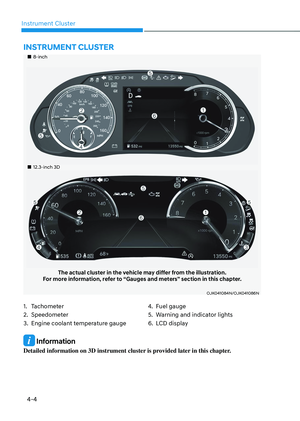
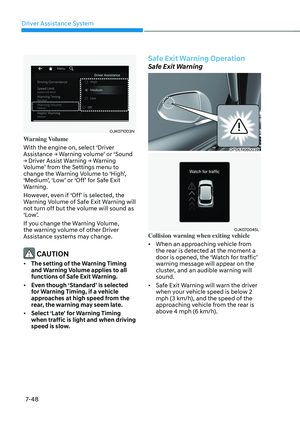
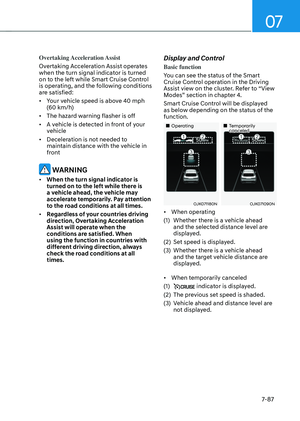
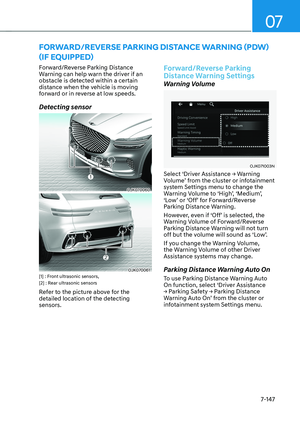
When Highway Driving Assist is
operating, your vehicle will stop if the
vehicle ahead of you stops. Also, if the
vehicle ahead of you starts moving
within 30 seconds after the stop, your
vehicle will start as well. In addition,
after the vehicle has stopped and 30
seconds have passed, the ‘Use switch
or pedal to accelerate’ message
will appear on the cluster. Depress
the accelerator pedal or push the +
switch, - switch or
switch to start driving.
Page 466 of 637
07
7-115
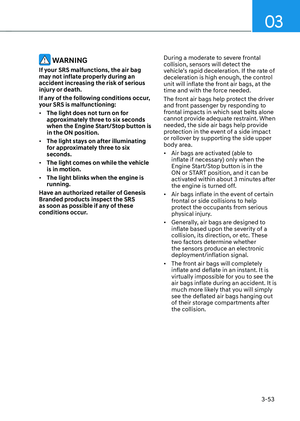
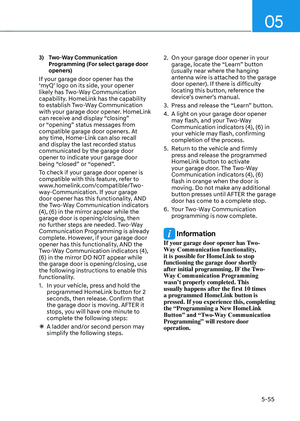
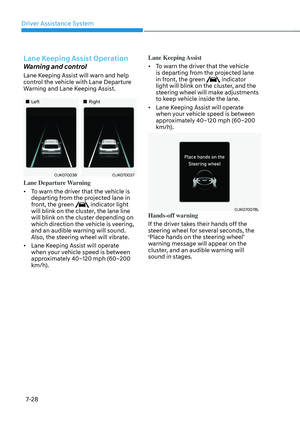
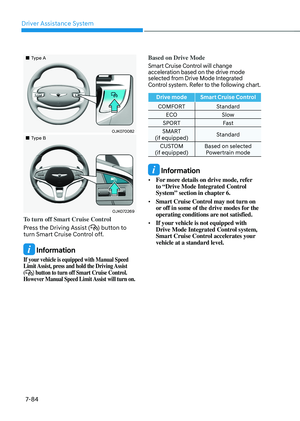
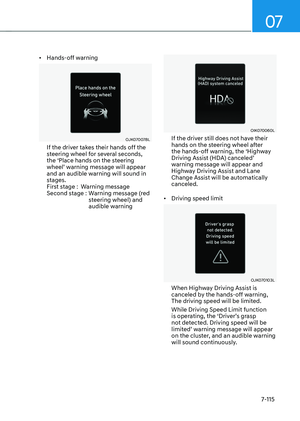
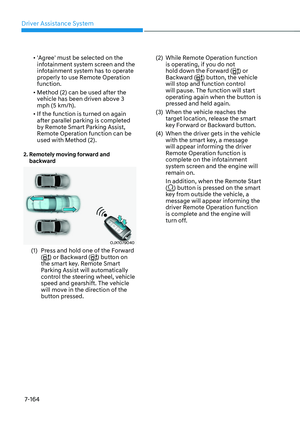
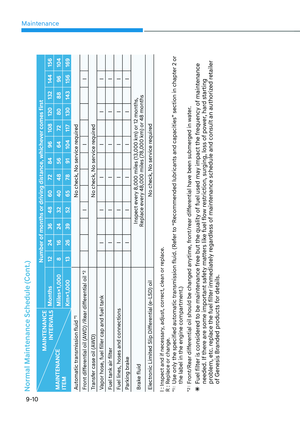
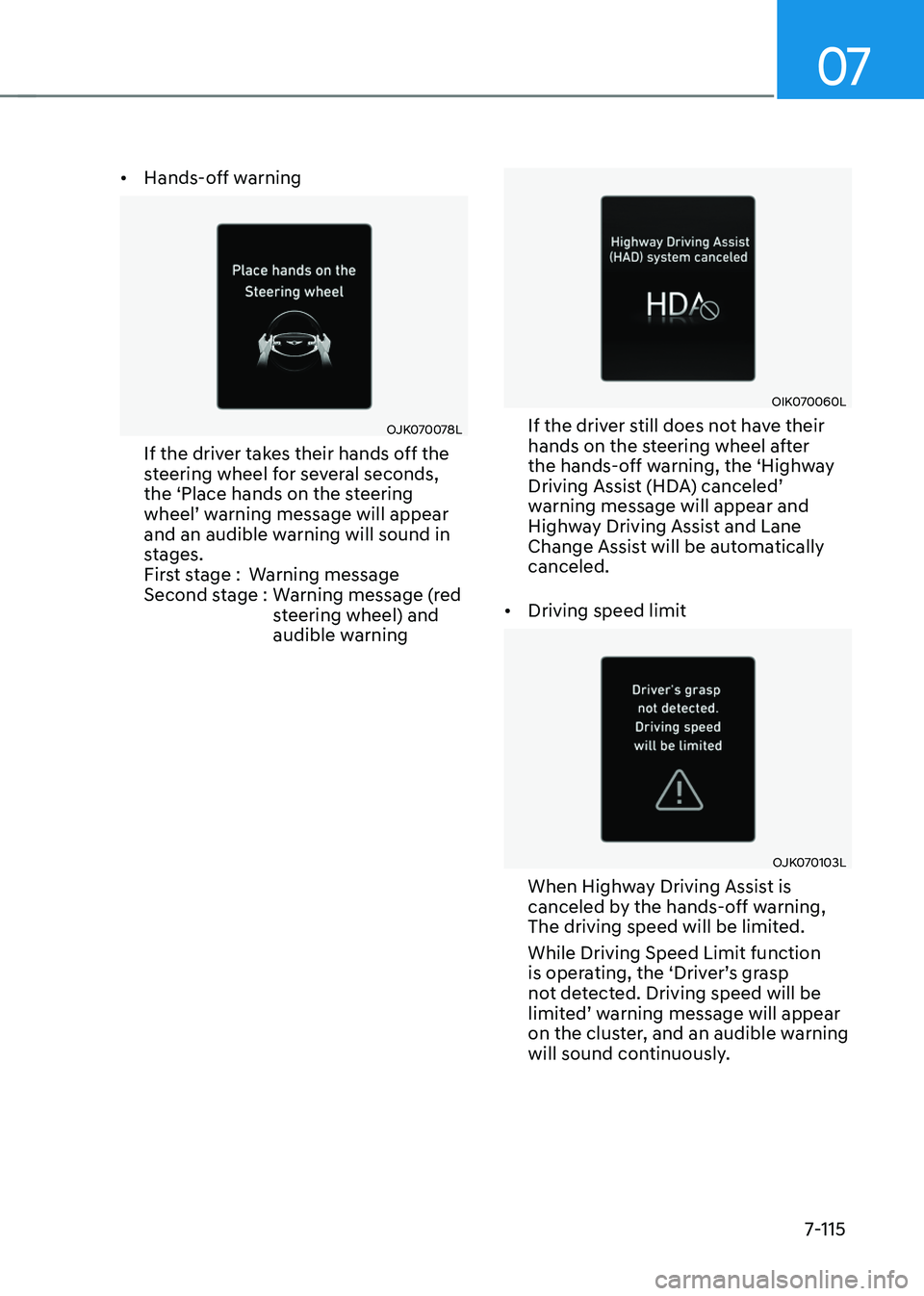
• Hands-off warning
OJK070078LOJK070078L
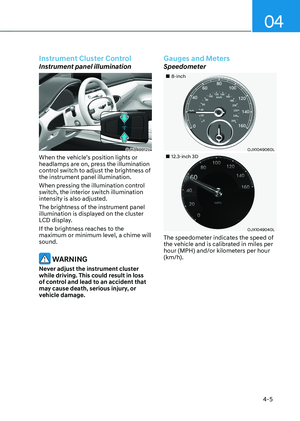
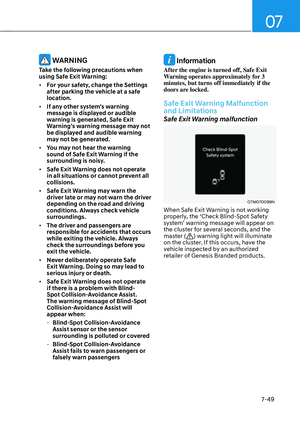
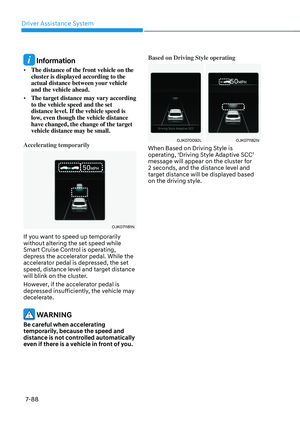
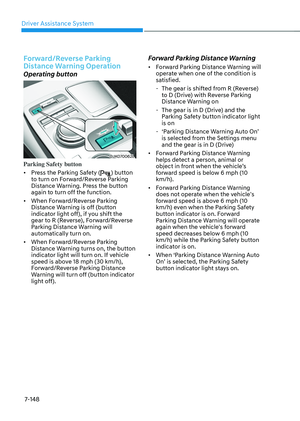
If the driver takes their hands off the
steering wheel for several seconds,
the ‘Place hands on the steering
wheel’ warning message will appear
and an audible warning will sound in
stages.
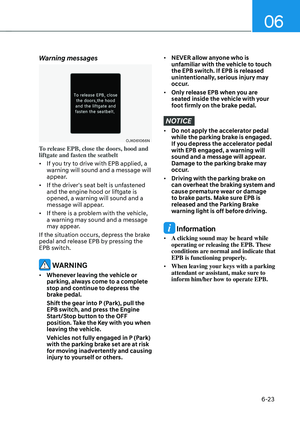
First stage :Warning message
Second stage : Warning message (red
steering wheel) and
audible warning
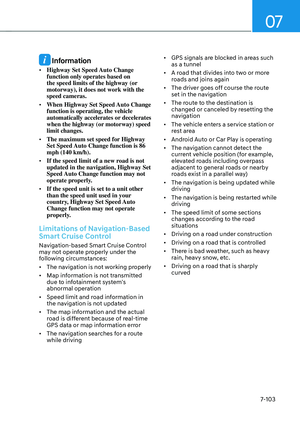
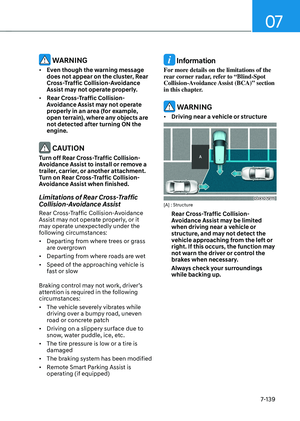
OIK070060LOIK070060L
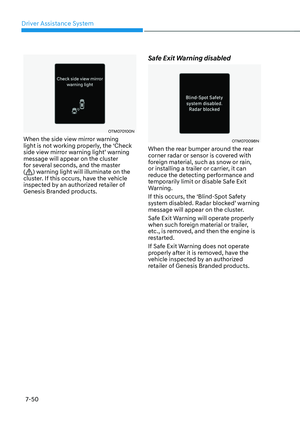
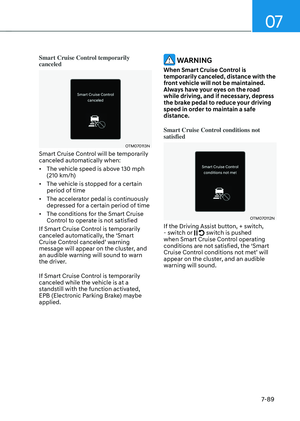
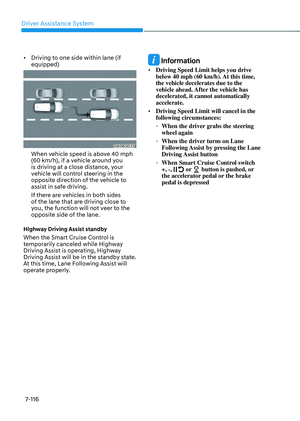
If the driver still does not have their
hands on the steering wheel after
the hands-off warning, the ‘Highway
Driving Assist (HDA) canceled’
warning message will appear and
Highway Driving Assist and Lane
Change Assist will be automatically
canceled.
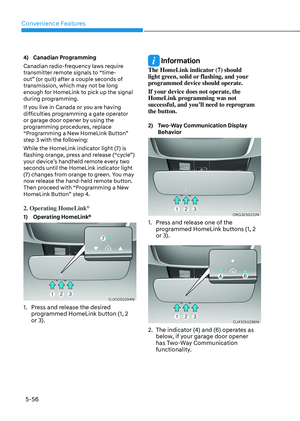
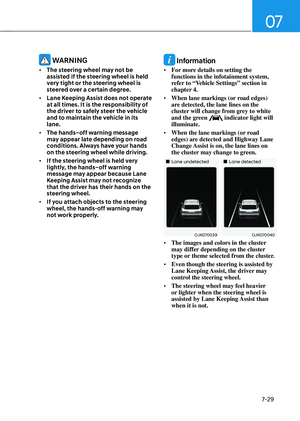
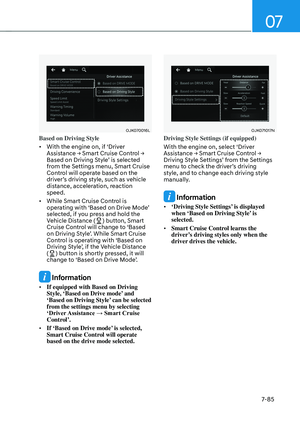
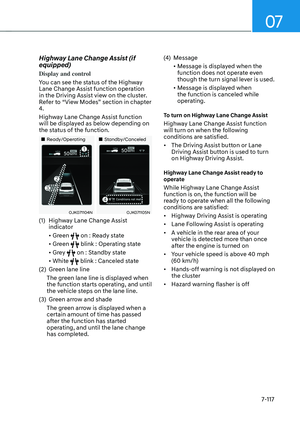
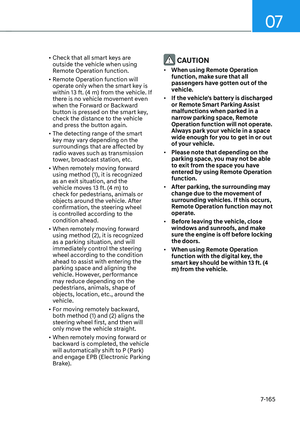
• Driving speed limit
OJK070103LOJK070103L
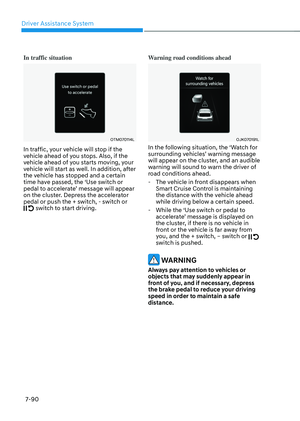
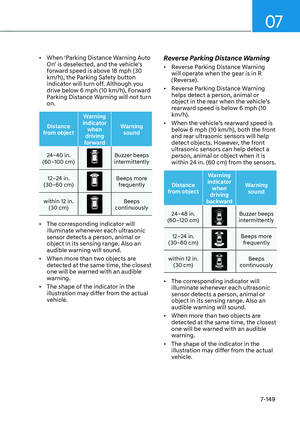
When Highway Driving Assist is
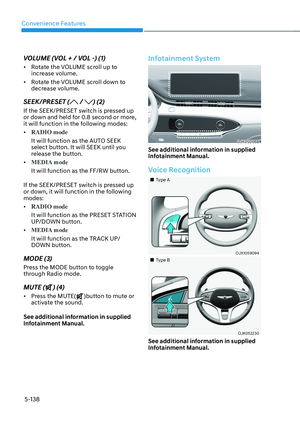
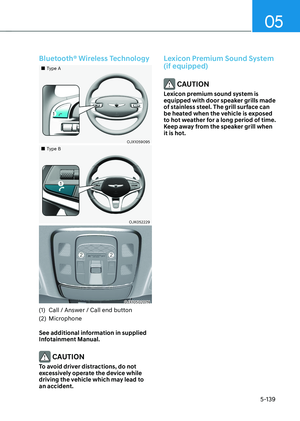
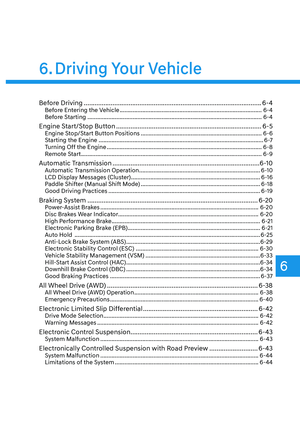
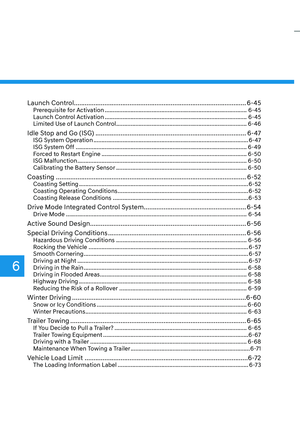
canceled by the hands-off warning,
The driving speed will be limited.
While Driving Speed Limit function
is operating, the ‘Driver’s grasp
not detected. Driving speed will be
limited’ warning message will appear
on the cluster, and an audible warning
will sound continuously.
Page 467 of 637

Driver Assistance System
7-116
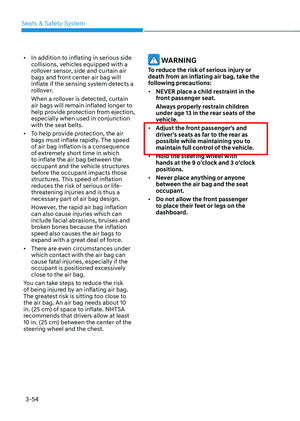
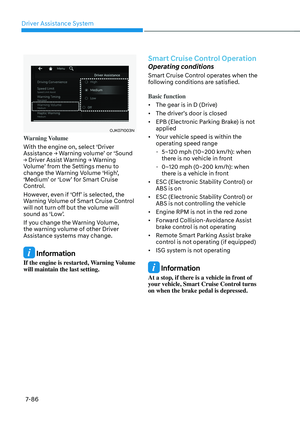
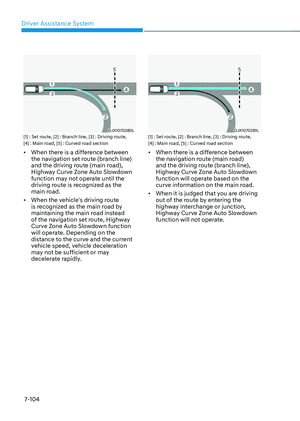
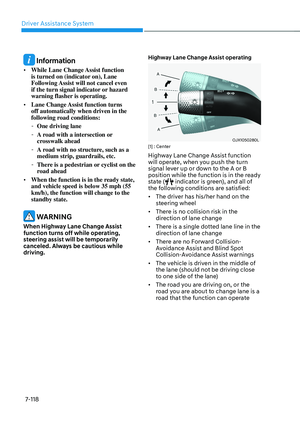
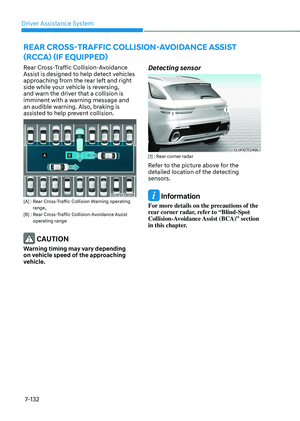
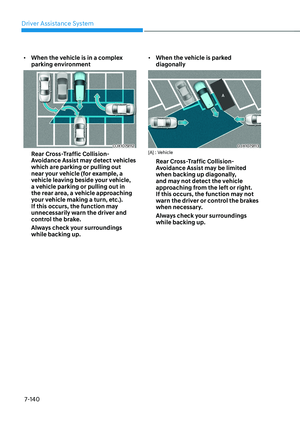
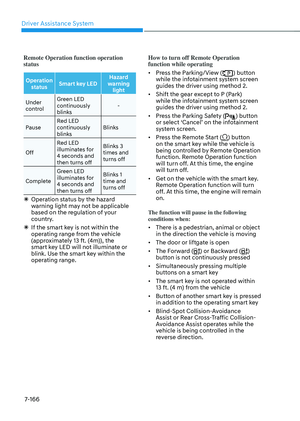
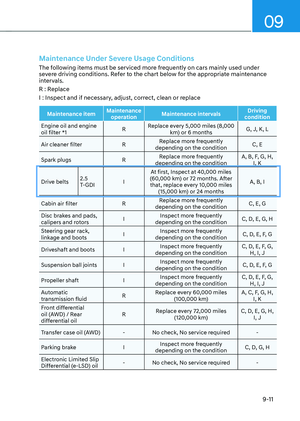
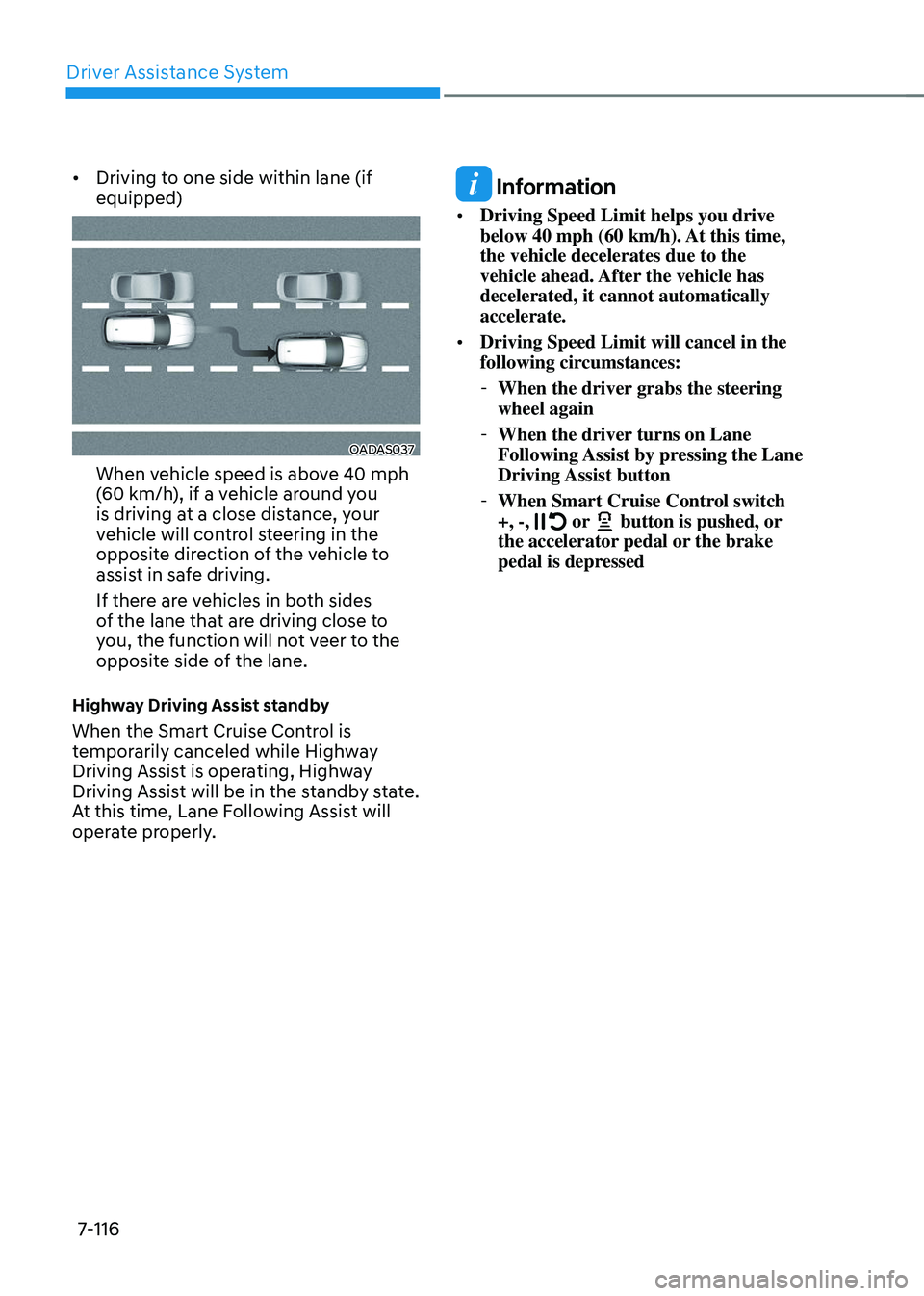
• Driving to one side within lane (if
equipped)
OADAS037OADAS037
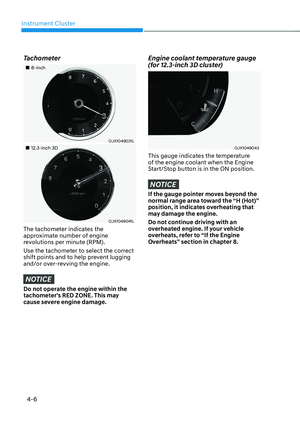
When vehicle speed is above 40 mph
(60 km/h), if a vehicle around you
is driving at a close distance, your
vehicle will control steering in the
opposite direction of the vehicle to
assist in safe driving.
If there are vehicles in both sides
of the lane that are driving close to
you, the function will not veer to the
opposite side of the lane.
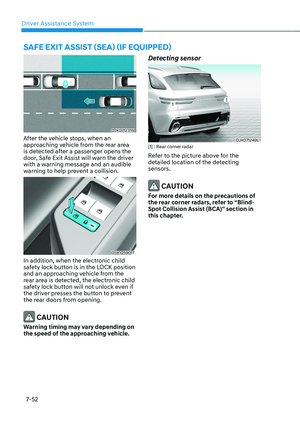
Highway Driving Assist standby
When the Smart Cruise Control is
temporarily canceled while Highway
Driving Assist is operating, Highway
Driving Assist will be in the standby state.
At this time, Lane Following Assist will
operate properly.
Information
• Driving Speed Limit helps you drive
below 40 mph (60 km/h). At this time,
the vehicle decelerates due to the
vehicle ahead. After the vehicle has
decelerated, it cannot automatically
accelerate.
• Driving Speed Limit will cancel in the
following circumstances:
-When the driver grabs the steering
wheel again
-When the driver turns on Lane
Following Assist by pressing the Lane
Driving Assist button
-When Smart Cruise Control switch
+, -, or button is pushed, or the accelerator pedal or the brake
pedal is depressed
Page 468 of 637
07
7-117
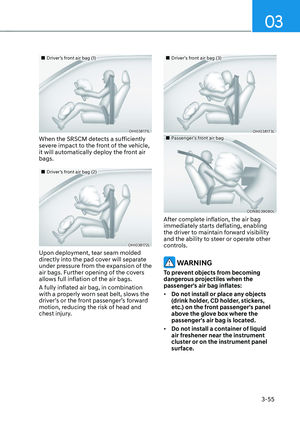
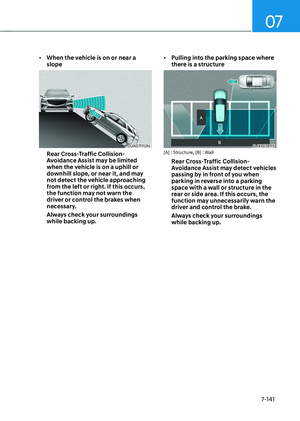
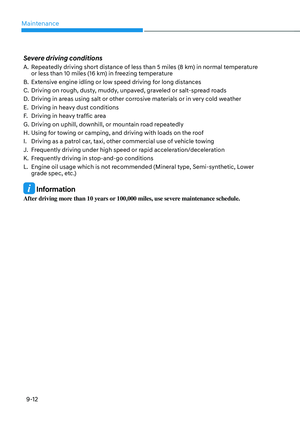
Highway Lane Change Assist (if
equipped)
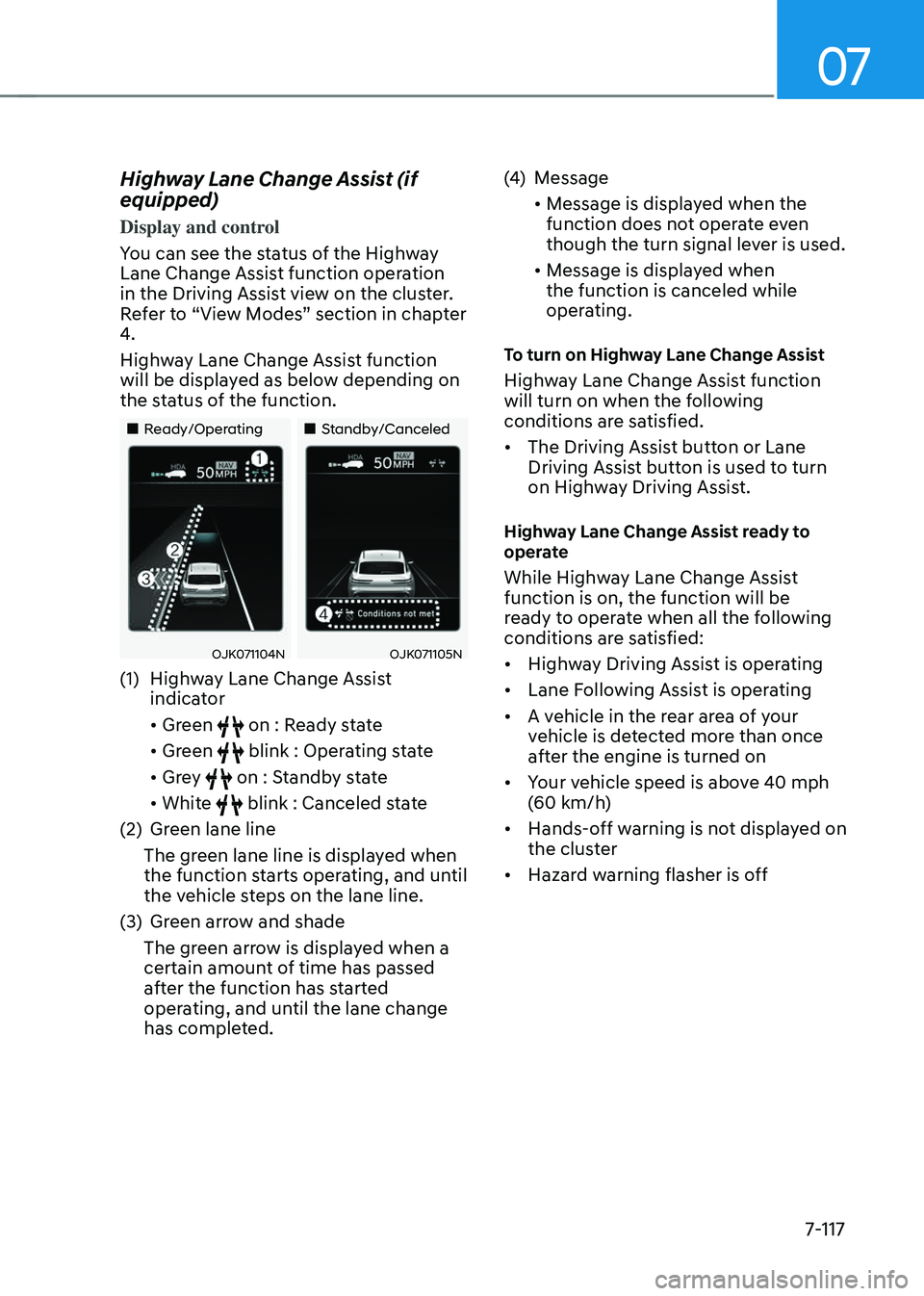
Display and control
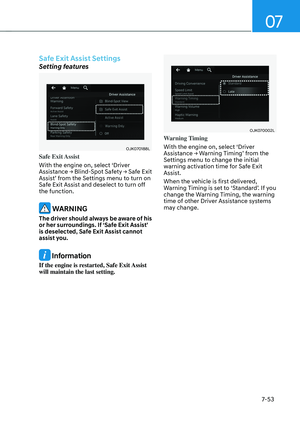
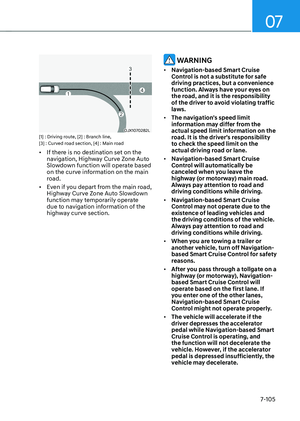
You can see the status of the Highway
Lane Change Assist function operation
in the Driving Assist view on the cluster.
Refer to “View Modes” section in chapter
4.
Highway Lane Change Assist function
will be displayed as below depending on
the status of the function.
Page 469 of 637

Driver Assistance System
7-118
Information
• While Lane Change Assist function
is turned on (indicator on), Lane
Following Assist will not cancel even
if the turn signal indicator or hazard
warning flasher is operating.
• Lane Change Assist function turns
off automatically when driven in the
following road conditions:
-One driving lane
-A road with a intersection or
crosswalk ahead
-A road with no structure, such as a
medium strip, guardrails, etc.
-There is a pedestrian or cyclist on the
road ahead
• When the function is in the ready state,
and vehicle speed is below 35 mph (55
km/h), the function will change to the
standby state.
WARNING
When Highway Lane Change Assist
function turns off while operating,
steering assist will be temporarily
canceled. Always be cautious while
driving.
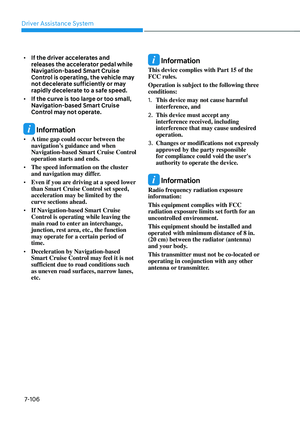
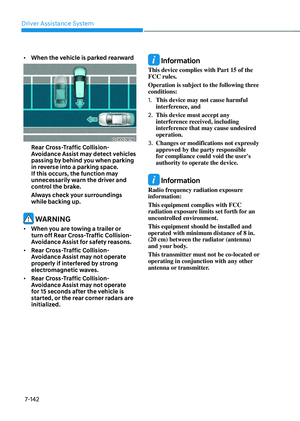
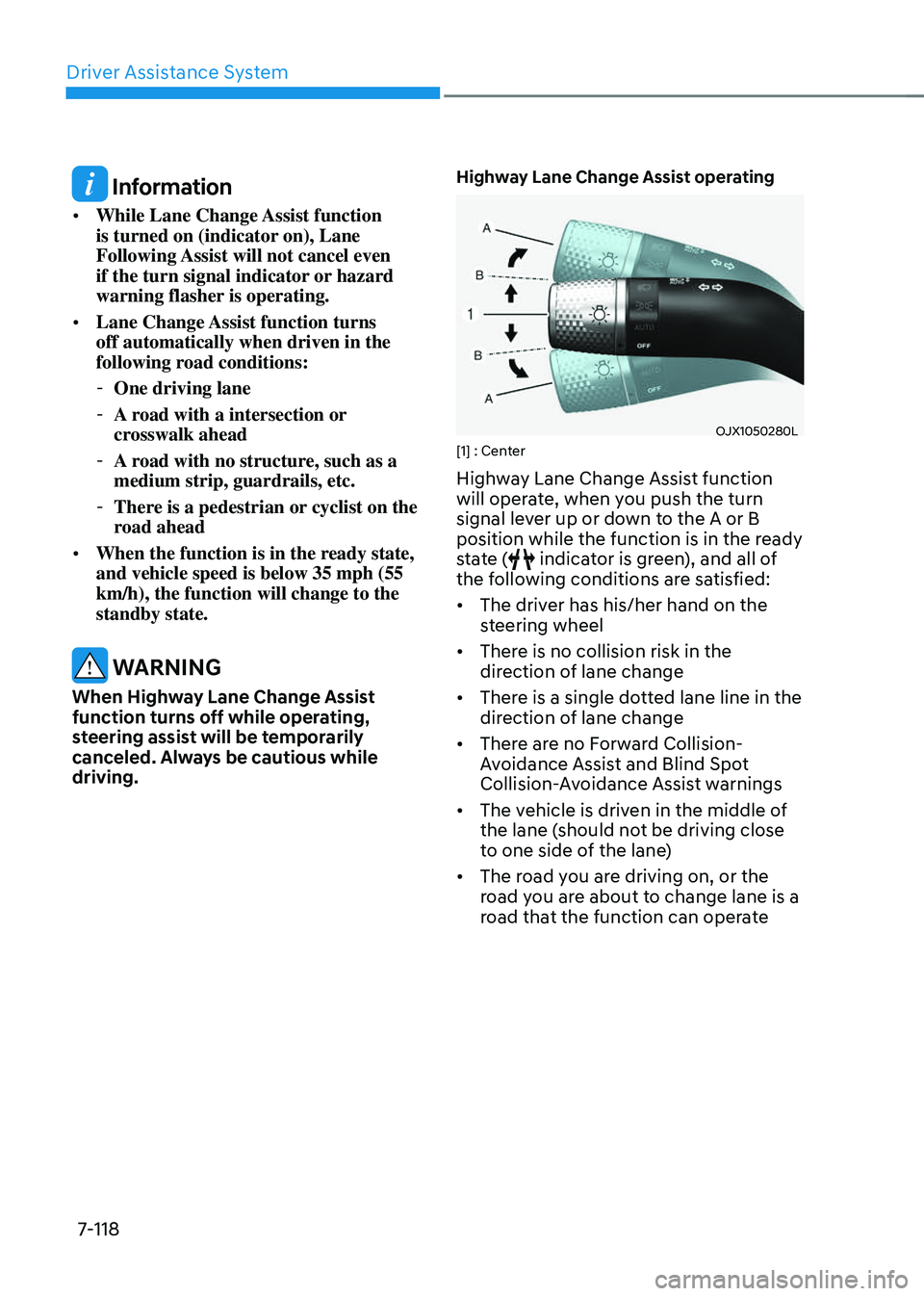
Highway Lane Change Assist operating
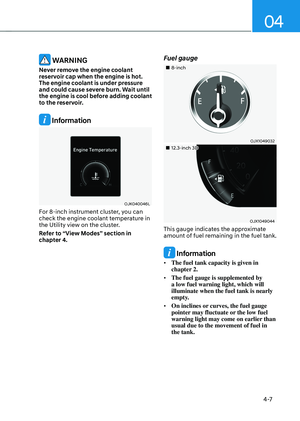
OJX1050280LOJX1050280L[1] : Center
Highway Lane Change Assist function
will operate, when you push the turn
signal lever up or down to the A or B
position while the function is in the ready
state (
indicator is green), and all of
the following conditions are satisfied:
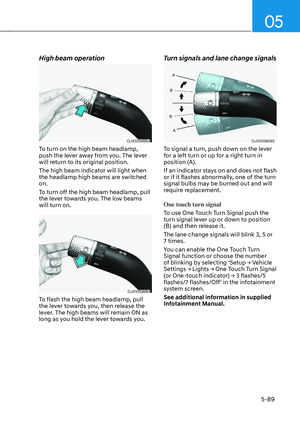
• The driver has his/her hand on the
steering wheel
• There is no collision risk in the
direction of lane change
• There is a single dotted lane line in the
direction of lane change
• There are no Forward Collision-
Avoidance Assist and Blind Spot
Collision-Avoidance Assist warnings
• The vehicle is driven in the middle of
the lane (should not be driving close
to one side of the lane)
• The road you are driving on, or the
road you are about to change lane is a
road that the function can operate
Page 470 of 637

07
7-119
Information
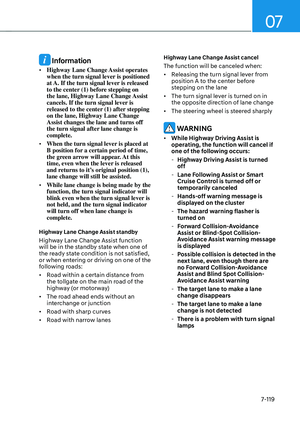
• Highway Lane Change Assist operates
when the turn signal lever is positioned
at A. If the turn signal lever is released
to the center (1) before stepping on
the lane, Highway Lane Change Assist
cancels. If the turn signal lever is
released to the center (1) after stepping
on the lane, Highway Lane Change
Assist changes the lane and turns off
the turn signal after lane change is
complete.
• When the turn signal lever is placed at
B position for a certain period of time,
the green arrow will appear. At this
time, even when the lever is released
and returns to it’s original position (1),
lane change will still be assisted.
• While lane change is being made by the
function, the turn signal indicator will
blink even when the turn signal lever is
not held, and the turn signal indicator
will turn off when lane change is
complete.
Highway Lane Change Assist standby
Highway Lane Change Assist function
will be in the standby state when one of
the ready state condition is not satisfied,
or when entering or driving on one of the
following roads:
• Road within a certain distance from
the tollgate on the main road of the
highway (or motorway)
• The road ahead ends without an
interchange or junction
• Road with sharp curves
• Road with narrow lanes
Highway Lane Change Assist cancel
The function will be canceled when:
• Releasing the turn signal lever from
position A to the center before
stepping on the lane
• The turn signal lever is turned on in
the opposite direction of lane change
• The steering wheel is steered sharply
WARNING
• While Highway Driving Assist is
operating, the function will cancel if
one of the following occurs:
-Highway Driving Assist is turned
off
-Lane Following Assist or Smart
Cruise Control is turned off or
temporarily canceled
-Hands-off warning message is
displayed on the cluster
-The hazard warning flasher is
turned on
-Forward Collision-Avoidance
Assist or Blind-Spot Collision-
Avoidance Assist warning message
is displayed
-Possible collision is detected in the
next lane, even though there are
no Forward Collision-Avoidance
Assist and Blind Spot Collision-
Avoidance Assist warning
-The target lane to make a lane
change disappears
-The target lane to make a lane
change is not detected
-There is a problem with turn signal
lamps
Page 471 of 637

Driver Assistance System
7-120
-Highway Lane Change Assist
function is off (The function turns
off when the function is turned off
from the settings menu, when the
road changes to a one-way road,
when there is a intersection or
crosswalk ahead, when you enter
a road with no structure, such as
a medium strip, guardrail, etc.,
or when there is a pedestrian or
cyclist on the driving lane.)
-Your vehicle speed is below 35
mph (55km/h)
• While the function is operating,
when the function is canceled,
depending on the driving conditions,
the vehicle may drive to the middle
of the driving lane or steering assist
may stop. Always pay attention to
road and driving conditions while
driving.
• The function may not operate
properly on roads with pedestrians
or cyclists, such as an intersection
or crosswalk. Always pay attention
to road and driving conditions while
driving.
Highway Driving Assist
Malfunction and Limitations
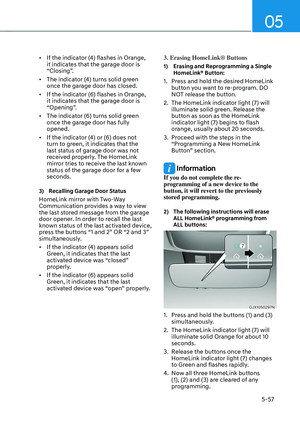
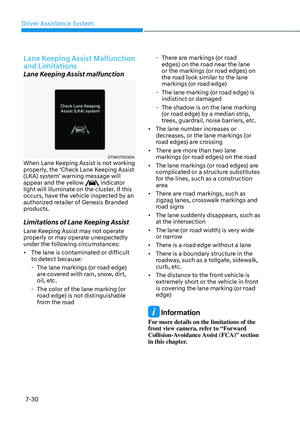
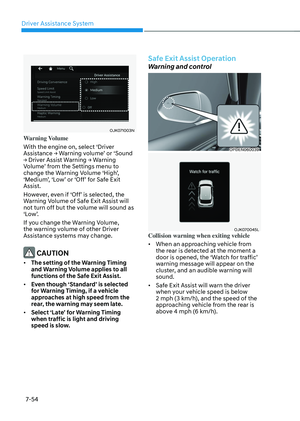
Highway Driving Assist malfunction
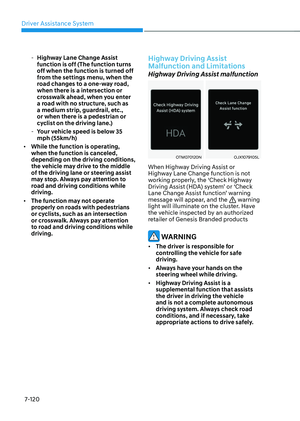
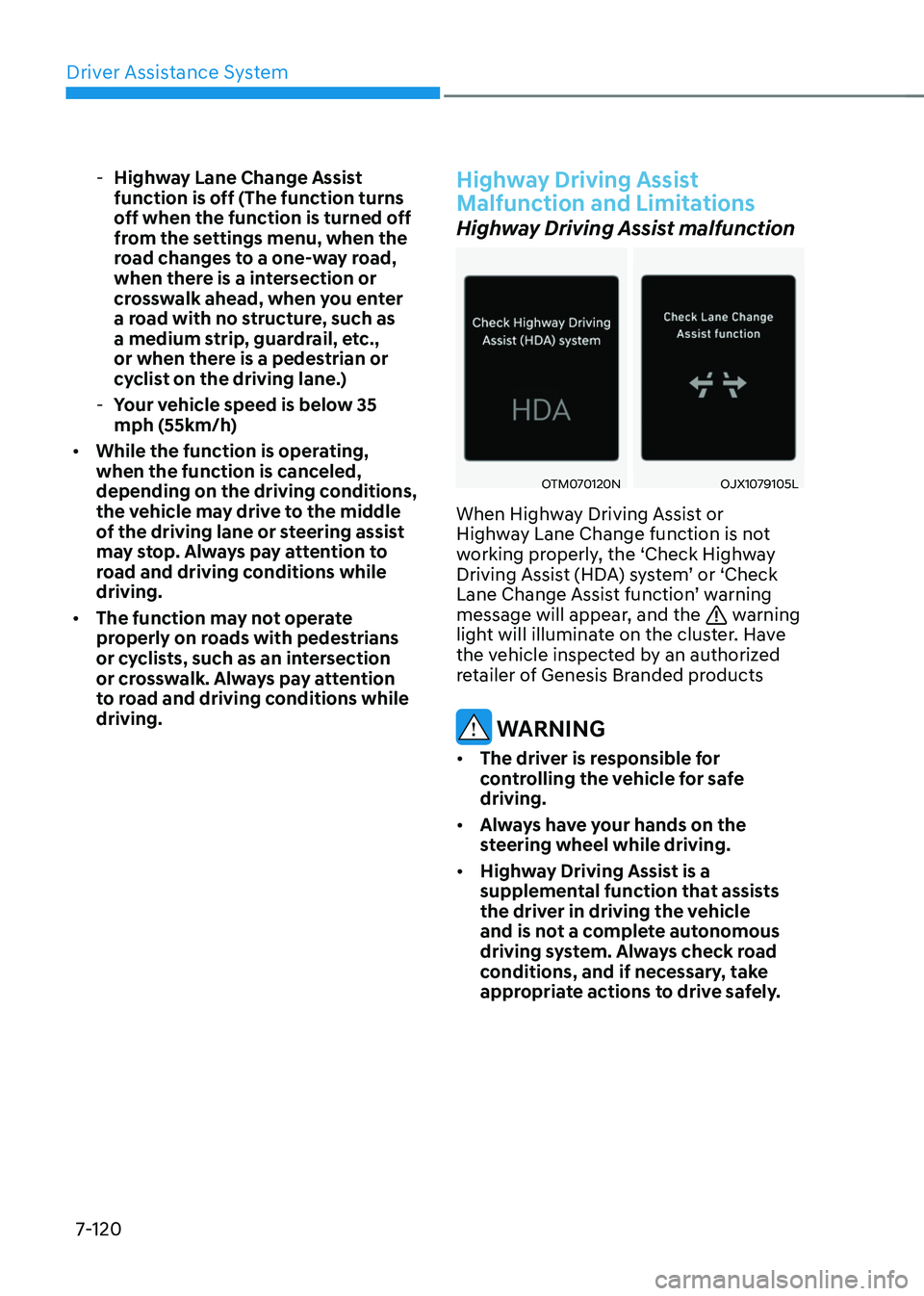
OTM070120NOTM070120NOJX1079105LOJX1079105L
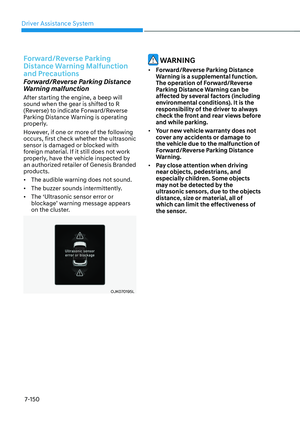
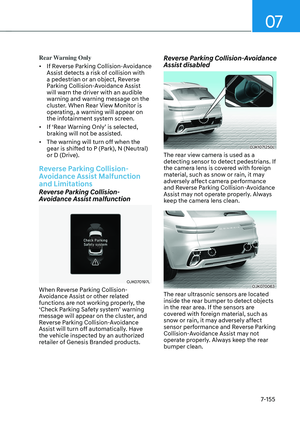
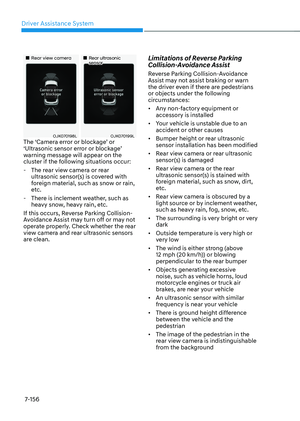
When Highway Driving Assist or
Highway Lane Change function is not
working properly, the ‘Check Highway
Driving Assist (HDA) system’ or ‘Check
Lane Change Assist function’ warning
message will appear, and the
warning
light will illuminate on the cluster. Have
the vehicle inspected by an authorized
retailer of Genesis Branded products
WARNING
• The driver is responsible for
controlling the vehicle for safe
driving.
• Always have your hands on the
steering wheel while driving.
• Highway Driving Assist is a
supplemental function that assists
the driver in driving the vehicle
and is not a complete autonomous
driving system. Always check road
conditions, and if necessary, take
appropriate actions to drive safely.
Page 472 of 637

07
7-121
• Always have your eyes on the road,
and it is the responsibility of the
driver to avoid violating traffic laws.
The vehicle manufacturer is not
responsible for any traffic violation
or accidents caused by the driver.
• Highway Driving Assist may not
be able to recognize all traffic
situations. Highway Driving Assist
may not detect possible collisions
due to limitations of the function.
Always be aware of the limitations
of the function. Obstacles such as
vehicles, motorcycles, bicycles,
pedestrians, or unspecified objects
or structures such as guardrails,
tollgate, etc., that may collide with
the vehicle may not be detected.
• Highway Driving Assist will turn off
automatically under the following
situations:
-Driving on roads that Highway
Driving Assist does not operate,
such as a rest area, intersection,
junction, etc.
-The navigation does not operate
properly such as when the
navigation is being updated or
restarted
• Highway Driving Assist may
inadvertently operate or turn off
depending on road conditions
(navigation information) and
surroundings.
• Lane Following Assist function may
be temporarily disabled when the
front view camera cannot detect
lanes properly or the hands-off
warning is on.
• You may not hear the warning sound
of Highway Driving Assist if the
surrounding is noisy.
• If the vehicle is driven at high speed
above a certain speed at a curve,
your vehicle may drive to one side or
may depart from the driving lane.
• When you are towing a trailer or
another vehicle, turn off Highway
Driving Assist for safety reasons.
• The hands–off warning message
may appear early or late depending
on how the steering wheel is held or
road conditions. Always have your
hands on the steering wheel while
driving.
• For your safety, please read the
owner's manual before using the
Highway Driving Assist.
• Highway Driving Assist will not
operate when the engine is started,
or when the detecting sensors or
navigation is being initialized.