2022 TOYOTA SUPRA park assist
[x] Cancel search: park assistPage 32 of 498

302-1. QUICK REFERENCE
1Wipers
2 Instrument cluster
3 Turn indicator, high-beam head-
lights
4 Light switch element
Indicator and warning lamps can
illuminate in a variety of combina-
tions and colours.
When the engine starts or the
standby state is switched on, the
functionality of some lights is briefly
checked.
1 Exterior mirrors
2 Power window switches
3 Central locking system
4 Unlocking the boot lid
1 Selector lever
2 Controller
3 Auto Start & Stop cancel button
4 Sport mode switch
5 Park Assistant button
6 VSC OFF button
7 Toyota Supra Safety button
8 Parking brake
Toyota Supra Command brings
together the functions of a number
of switches. These functions can be
operated using the Controller and,
depending on the equipment ver-
sion, the touchscreen.
Displays and controls
Around the steering wheel
Indicator and warning lamps
Driver's door
1
2
3
4
321
4
Switch cluster
Toyota Supra Command
Principle
Page 49 of 498

47
3
3-1. CONTROLS
CONTROLS
Automatic driving lights
control P.185
Automatic high-beamP.188
Low-beam headlights
P. 1 8 6
Instrument lighting P.191
Right parking light P.186
Left parking light P.186
5 Steering-column lever, left
Turn indicator P.150
High-beam headlights,
headlight flasher P.150
Automatic high-beam
P. 1 8 8
On-board computer P.177
6 Shift paddle P.157
7 Buttons on steering wheel, left
Manual Speed Limiter
P. 2 3 2
Cruise Control on/off
P. 2 3 4
Resuming Cruise Con-
trolP.232
Interrupting Cr uise Control
P. 2 3 2
Dynamic radar cruise con-
trol on/off P.238
Cruise Control: to store a
speed
Speed Limit Assist: accept the
suggested speed P.246
Interrupts Cruise Con-
trol/Resuming Cruise Con-
trolP.232
Dynamic radar cruise con-
trol: to increase the distance/to
reduce the distanceP.232
Rocker switch for Cruise Con-
trolP.232
8 Instrument cluster P.162
9 Buttons on steering wheel, right
Selection lists P.177
Volume, see Navigation
system Owner's manual
Voice control system P.68
Telephone, see Owner's
Manual for Navigation, Enter-
tainment, Communication
Knurled wheel for selection lists
P. 1 7 7
10 Shift paddle P.157
11 Steering-column lever, right
Wiper P.151
Rain sensor P.152
Cleaning windscreen
P. 1 5 3
12 To adjust the steering wheel
P. 1 1 9
Page 50 of 498

483-1. CONTROLS
13 Horn, entire area
14 To release the bonnet
P. 3 2 1
15 Unlocking the boot lid P.91
1 Control Display P.59
2 Hazard warning lights
P. 3 5 2
3 Ventilation P.266
4 Glove box P.274
5 Radio/multimedia, see Naviga-
tion system Owner's manual
6 Automatic air conditioning P.261
7 Controller with buttons P.60,
P. 6 1
8 Sport mode switch P.160
SPORT drive mode
Toyota Supra Safety P.205
Auto Start/Stop P.145
Parking Sensors P.50
Rear-view camera P.253
RCTA (Rear cross traffic alert)
function P.256
Park Assistant P.50
Vehicle Stability Control,
VSC P.229
9 Parking brake P.148
10 Automatic transmission selector
lever P.154
Around the centre console
1
4
23
5
6
7
89
10
11
Page 148 of 498
1463-1. CONTROLS
On steep downward gradients.
Brake not pressed strongly
enough.
High outside temperature and
operation of the automatic air
conditioning.
Interior not heated or cooled to
the desired temperature.
Where there is a risk of conden-
sation when the automatic air
conditioning is switched on.
Engine or other parts not at oper-
ating temperature.
Engine cooling is required.
Sharp steering angle or steering
operation.
Vehicle battery is heavily dis-
charged.
At high altitudes.
Bonnet is unlocked.
Park Assistant is activated.
Stop-and-go traffic.
Selector lever position in N or R.
After reversing.
Use of fuel with high ethanol
content.
For driving off, the engine automati-
cally starts under the following con-
ditions:
By releasing the brake pedal.
After starting the engine, accelerate
as normal.
After an automatic shut down, the
engine will not rest art automatically,
if one of the following conditions is
met:
Driver's seat belt unbuckled and
driver's door open.
Bonnet has been unlocked.
Several indicator lamps illuminate
for various lengths of time.
The engine can only be started
using the start/stop button.
Even if you do not want to drive off,
the engine restarts automatically in
the following situations:
Very high temperature in the
interior when the cooling function
is switched on.
Very low temperature in the inte-
rior when the heating is switched
on.
Where there is a risk of conden-
sation when the automatic air
conditioning is switched on.
When the steering wheel is
turned.
Shift from selector lever position
D to N or R.
Engine start
Operating requirements
Driving off
Safety function
System limits
Page 250 of 498

2483-1. CONTROLS
It is possible to set whether the
speed limit should be accepted
exactly, or with a tolerance of –15
km/h, –10 mph to +15 km/h, +10
mph.
Via Toyota Supra Command:
1 "My vehicle"
2 "Vehicle settings"
3 "Speed Assistant"
4 "Adjust speed limits"
5 Confirm the desired setting.
Speed Limit Assist based on the
Speed Limit Info system.
Take into account the Speed Limit
Info system limits, see page 176.
Depending on the country, dis-
played speed limits may not be
available for acceptance, or only
available with restrictions, for
example with speed information
from the navigation system.
Cruise Control without distance
control: depending on the system, it
may not be possible to adopt speed
limits automatically.
Speed limits that are ahead may
only be adopted for Dynamic radar
cruise control.
The system may not respond to
speed limits if the navigation sys-
tem cannot determine the position
of the vehicle with certainty.
Parking Sensor provides assis-
tance when parking the vehicle.
Objects in front of or behind the
vehicle as it slowly approaches are
indicated by means of acoustic sig-
nals and a display on the Control
Display.
Depending on the equipment ver-
sion: obstacles at the side of the
vehicle that are detected by the
side ultrasonic sensors may also be
reported by the flank protection,
see page 252, function.
The ultrasonic sensors for measur-
ing distances are located in the
bumpers, and if applicable on the
side of the vehicle.
Their range is approximately 2 m, 6
ft, depending on the obstacle and
environment.
An acoustic warning is given when
the vehicle is approx. 70 cm, 27 in
away from an obje ct and a collision
is imminent.
For objects behind the vehicle, the
acoustic warning is given sooner, at
When the SET symbol illumi-
nates in white, press the but-
ton.
Setting the speed adjustment
System limits
Parking Sensors
Principle
General
Page 251 of 498
249
3
3-1. CONTROLS
CONTROLS
a distance of approx. 1.50 m, 5 ft.
The system is controlled using the
following sensors:
• Ultrasonic sensors in the bump-
ers.
For further information:
Sensors of the vehicle, see page
52.
The system switches on automati-
cally in the follo wing situations:
If selector lever position R is
engaged while the engine is run-
ning.
Depending on the equipment
version: when approaching
detected obstacles, if the speed
is below approximately 4 km/h,
2.5 mph. The activation distance
depends on the individual situa-
tion.
Automatic activation on detection of
obstacles can be enabled and disa-
bled.
Via Toyota Supra Command:
1 "My vehicle"
2 "Vehicle settings"
3 "Parking"
4 If applicable: "Automatic Parking
Sensors activation"
5 "Automatic Parking Sensors
activ."
Safety notes
WA R N I N G
The system does not relieve you of
your personal responsibility to assess the traffic situation correctly. Due to
system limitations, it cannot respond
independently and appropriately in all
traffic conditions. There is a danger of accidents. Adapt your driving style to
the traffic conditions. Observe the
traffic situation and intervene actively if the situation warrants it.
WA R N I N G
If the vehicle is travelling at high speed when Parking Sensors is acti-
vated, there may be a delayed warn-
ing because of physical conditions. There is a danger of injury or damage
to property. Avoid approaching an
object at speed. Avoid moving off at
speed while Parking Sensors is not yet active.
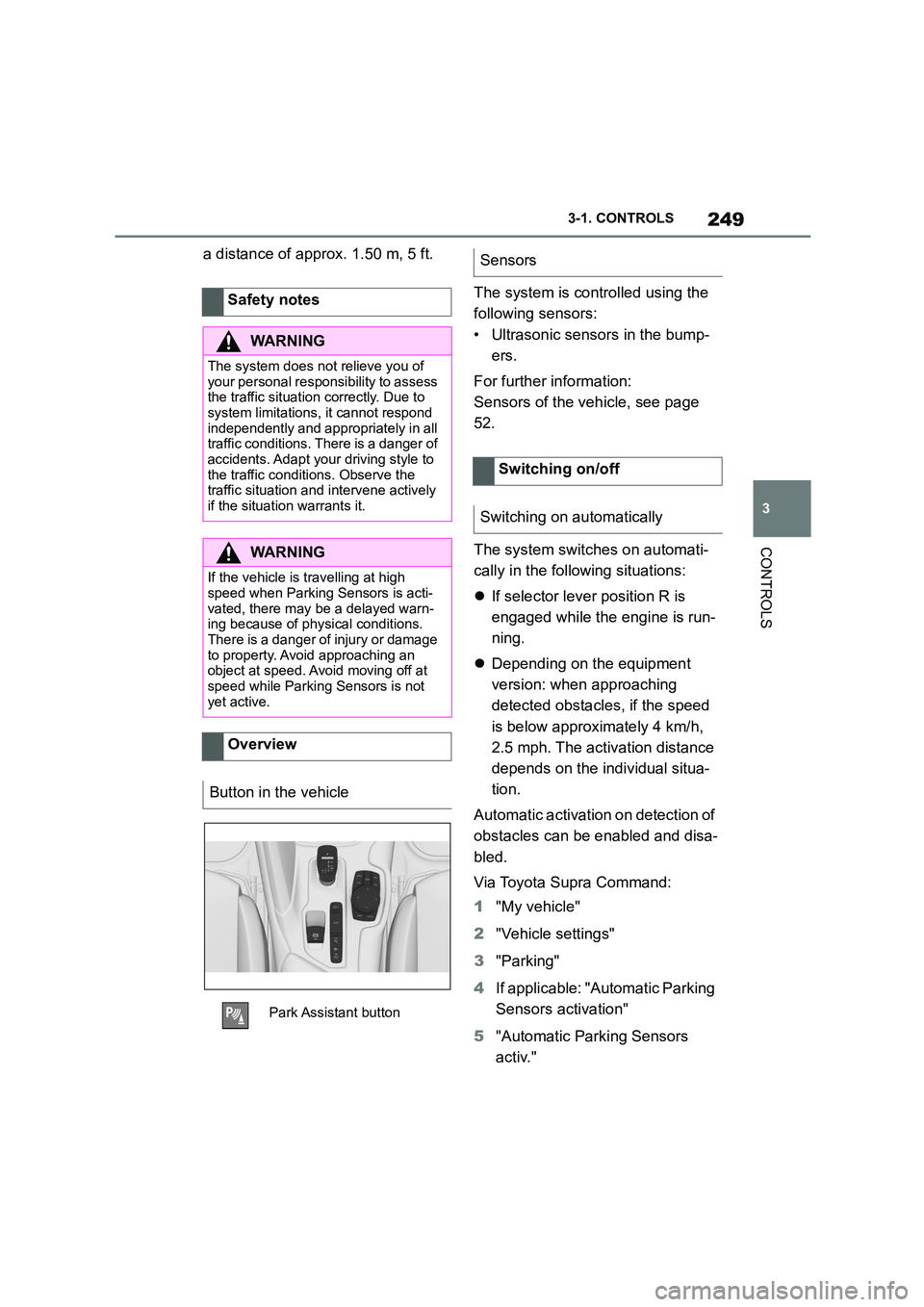
Overview
Button in the vehicle
Park Assistant button
Sensors
Switching on/off
Switching on automatically
Page 252 of 498

2503-1. CONTROLS
Depending on the equipment ver-
sion, a respective camera view is
switched on additionally.
The system switches off when a
certain distance or speed is
exceeded.
Switch the system back on if neces-
sary.
On: the LED is illuminated.
Off: the LED is extinguished.
The image from the rear-view cam-
era is shown when reverse gear is
engaged and the Park Assistant
button is pressed.
Depending on the equipment, the
system cannot be switched off
manually when reverse gear is
engaged.
■General
An intermittent so und indicates the
position of an object accordingly as
the vehicle approaches it. For
instance, if an object is identified to
the rear left of the vehicle, the
acoustic signal is emitted from the
rear left loudspeaker.
The shorter the distance to an
object, the shorter the intervals
become.
A continuous tone sounds if the dis-
tance to a detected object is less
than approximately 20 cm, 8 in.
If there are objects in front of and
behind the vehicle at the same
time, and they are at a distance of
less than approximately 20 cm, 8
in, an alternating continuous tone
sounds.
The intermittent tone and the con-
tinuous tone are switched off when
selector lever position P is
engaged.
With the vehicle at a standstill, the
intermittent sound is switched off
after a short period of time.
■Volume control
The Parking Sensor acoustic signal
volume can be adjusted.
Via Toyota Supra Command:
1 "My vehicle"
2 "System settings"
3 "Sounds"
4 "Volume settings"
5 "Parking Sensor"
6 Set the desired value.
Switching off automatically when
moving forwards
Switching on/off manually
Press the Park Assistant but-
ton.
Warning
Acoustic signals
Page 253 of 498

251
3
3-1. CONTROLS
CONTROLS
The approach of the vehicle to an
object is shown on the Control Dis-
play. Objects that are further away
are already displayed before an
acoustic signal is given.
The display appears as soon as
Parking Sensor is activated.
The recording range of the sensors
is shown in green, yellow and red if
obstacles are detected within the
range.
Driving path lines are displayed for
better estimation of the space
required.
If the rear-view camera image is
shown, it is possible to change over
to Parking Sensor or, if required, to
another view with obstacle mark-
ings:
1 If necessary, push the Controller
to the left.
2 For example "Parking sensors"
RCTA (Rear cross traffic alert) func-
tion, see page 256: depending on
the equipment, the Parking Sensor
display also warn s about vehicles
approaching from the sides at the
front and rear.
The emergency brake function of
Parking Sensor in itiates emergency
braking if there is an imminent risk
of a collision.
Due to the system limits, a collision
cannot be prevented under all cir-
cumstances.
The function is available at speeds
below walking speed when driving
or rolling in reverse.
Pressing the accelerator pedal
interrupts the braking intervention.
After emergency braking to a stop,
it is possible to continue a slow
approach to the obstacle. To
approach, lightly depress the accel-
erator.
If the accelerator is depressed
more firmly, the vehicle pulls away
as normal. Manual braking is possi-
ble at any time.
The system uses the ultrasonic
sensors of Parking Sensor and
Park Assistant.
Visual warning
Depending on the equipment
version: emergency braking
function, Parking Sensors
with emergency braking
function
Principle
General