2019 TOYOTA SUPRA engine
[x] Cancel search: enginePage 157 of 456
157
3
Supra Owner's Manual3-1. CONTROLS
CONTROLS
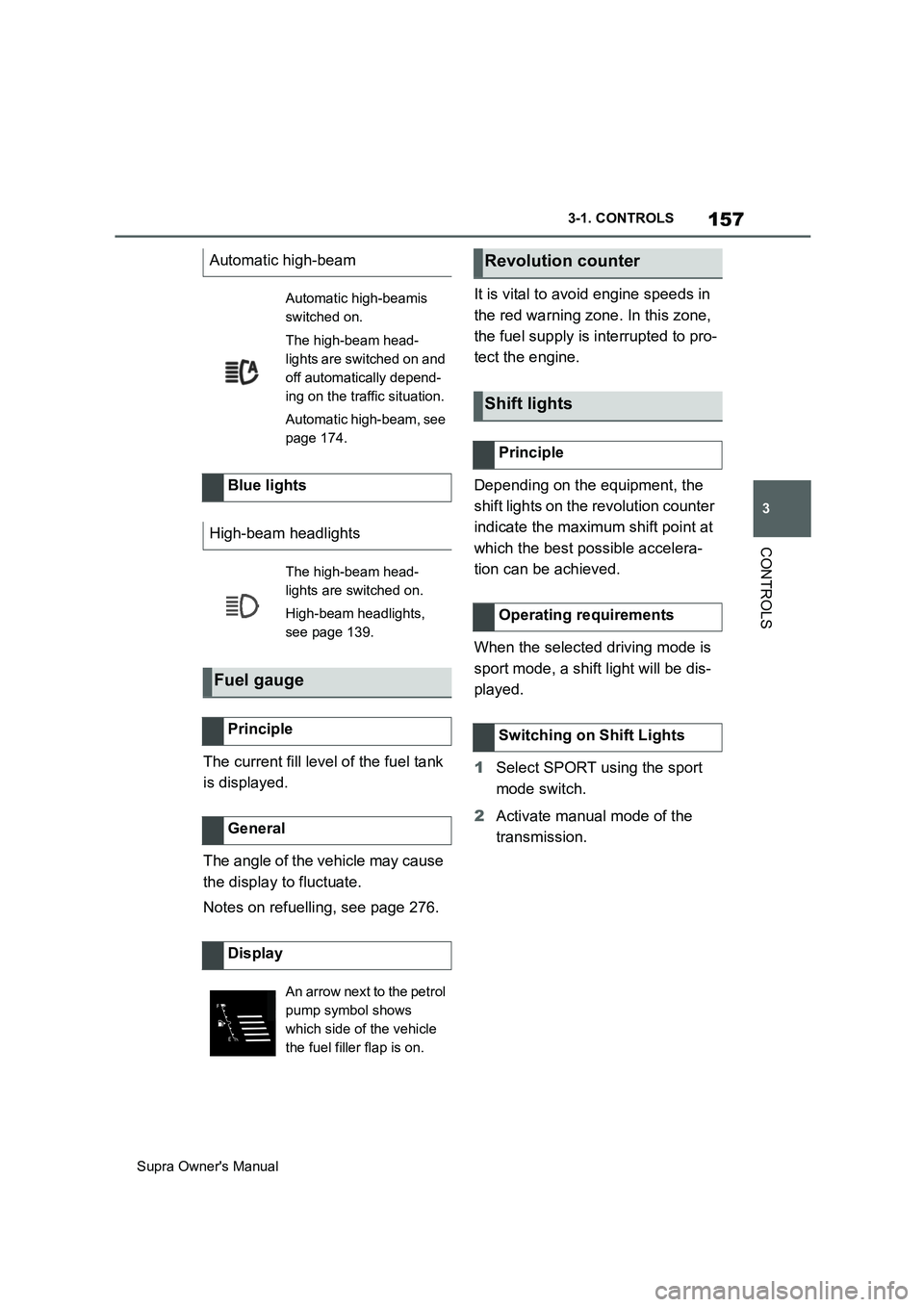
The current fill level of the fuel tank
is displayed.
The angle of the vehicle may cause
the display to fluctuate.
Notes on refuelling, see page 276.It is vital to avoid engine speeds in
the red warning zone. In this zone,
the fuel supply is interrupted to pro-
tect the engine.
Depending on the equipment, the
shift lights on the revolution counter
indicate the maximum shift point at
which the best possible accelera-
tion can be achieved.
When the selected driving mode is
sport mode, a shift light will be dis-
played.
1Select SPORT using the sport
mode switch.
2Activate manual mode of the
transmission. Automatic high-beam
Automatic high-beamis
switched on.
The high-beam head-
lights are switched on and
off automatically depend-
ing on the traffic situation.
Automatic high-beam, see
page 174.
Blue lights
High-beam headlights
The high-beam head-
lights are switched on.
High-beam headlights,
see page 139.
Fuel gauge
Principle
General
Display
An arrow next to the petrol
pump symbol shows
which side of the vehicle
the fuel filler flap is on.
Revolution counter
Shift lights
Principle
Operating requirements
Switching on Shift Lights
Page 158 of 456
158
Supra Owner's Manual3-1. CONTROLS
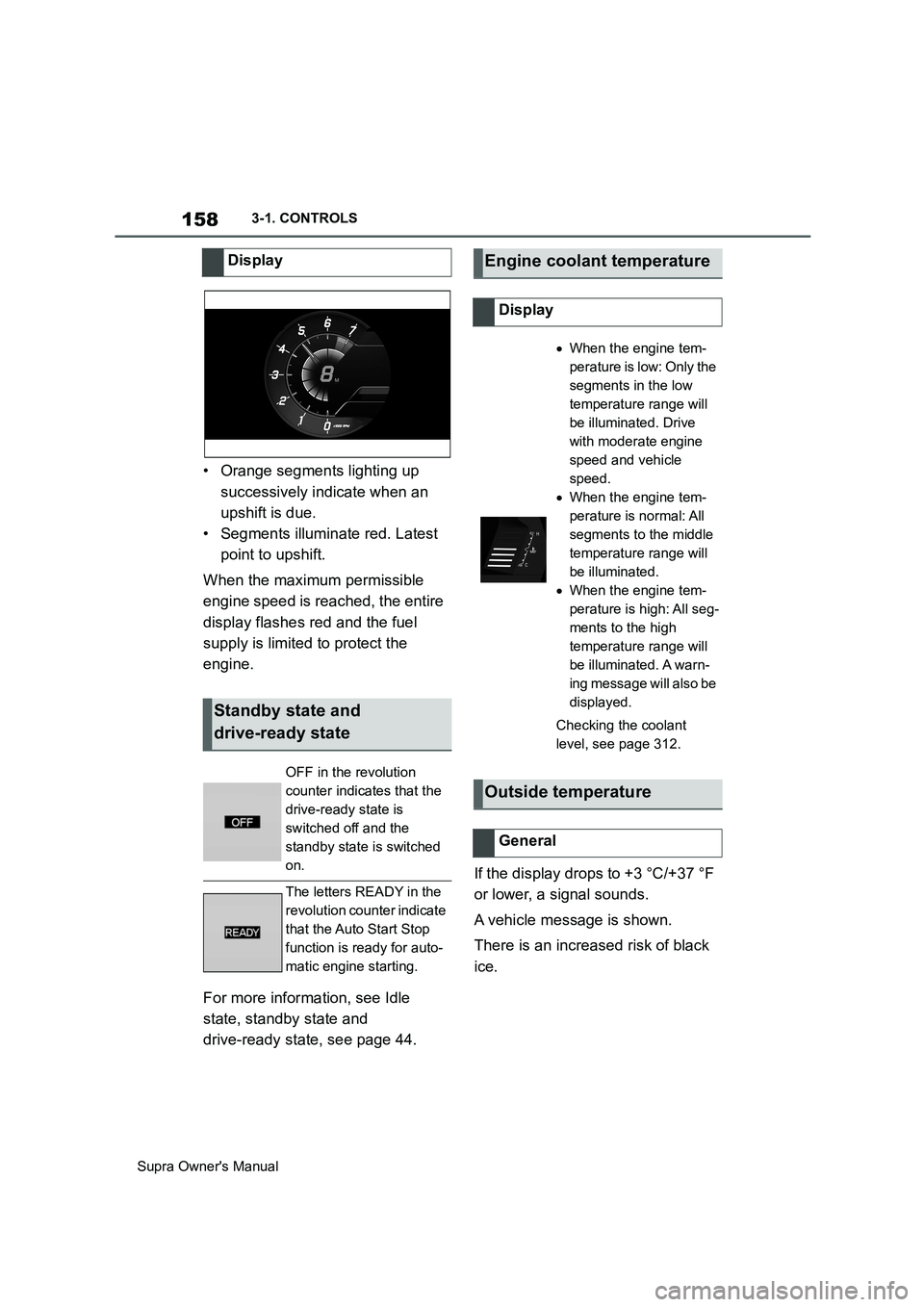
• Orange segments lighting up
successively indicate when an
upshift is due.
• Segments illuminate red. Latest
point to upshift.
When the maximum permissible
engine speed is reached, the entire
display flashes red and the fuel
supply is limited to protect the
engine.
For more information, see Idle
state, standby state and
drive-ready state, see page 44.If the display drops to +3 °C/+37 °F
or lower, a signal sounds.
A vehicle message is shown.
There is an increased risk of black
ice. Display
Standby state and
drive-ready state
OFF in the revolution
counter indicates that the
drive-ready state is
switched off and the
standby state is switched
on.
The letters READY in the
revolution counter indicate
that the Auto Start Stop
function is ready for auto-
matic engine starting.
Engine coolant temperature
Display
When the engine tem-
perature is low: Only the
segments in the low
temperature range will
be illuminated. Drive
with moderate engine
speed and vehicle
speed.
When the engine tem-
perature is normal: All
segments to the middle
temperature range will
be illuminated.
When the engine tem-
perature is high: All seg-
ments to the high
temperature range will
be illuminated. A warn-
ing message will also be
displayed.
Checking the coolant
level, see page 312.
Outside temperature
General
Page 165 of 456
165
3
Supra Owner's Manual3-1. CONTROLS
CONTROLS
3"Displays"
4"Instrument cluster"
5"On-board computer"
6Select the desired setting.
The setting is saved for the cur-
rently used driver profile.
■Display/reset kilometres
• Keep the knob pressed down to
reset the trip distance.
■Display
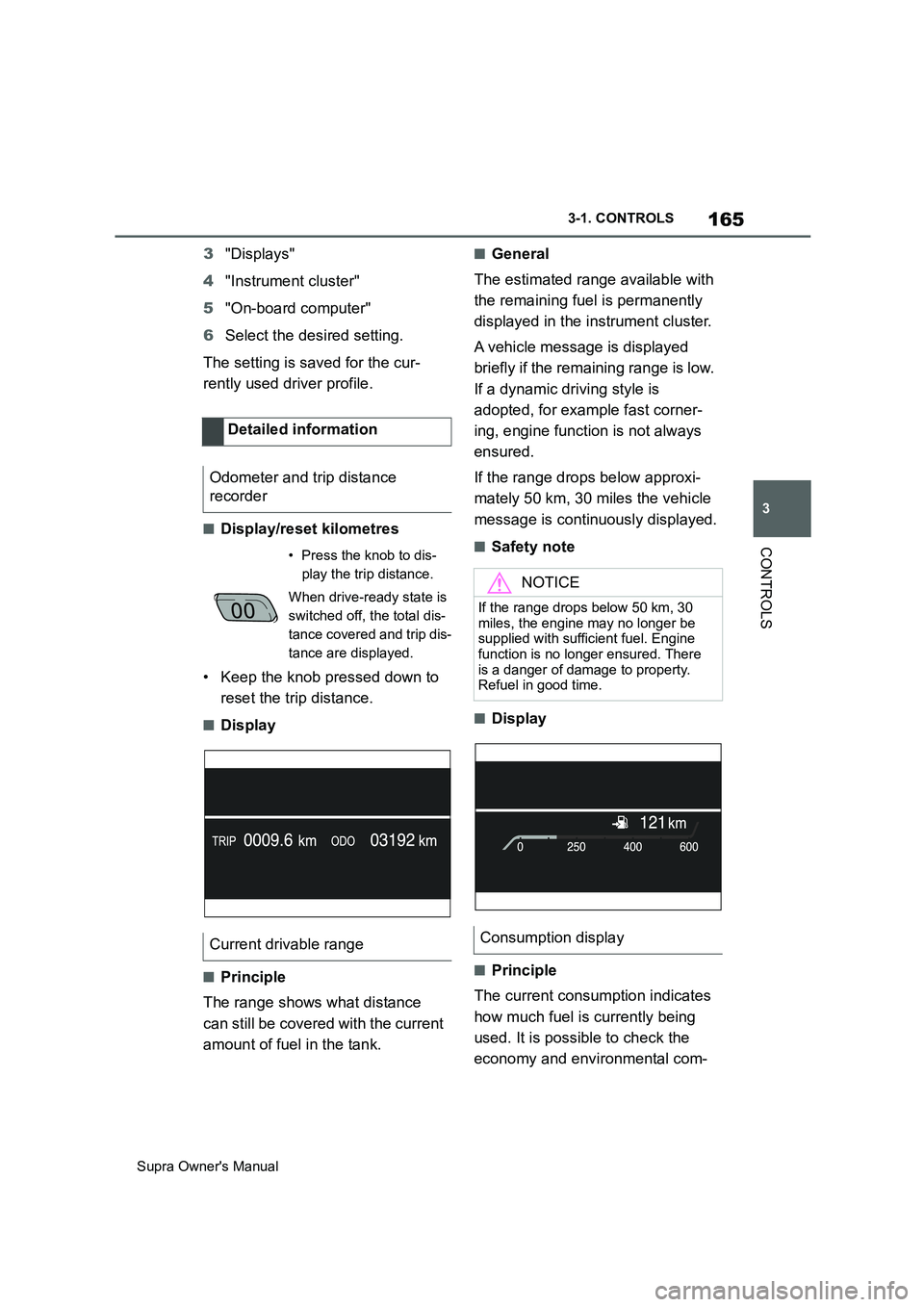
■Principle
The range shows what distance
can still be covered with the current
amount of fuel in the tank.
■General
The estimated range available with
the remaining fuel is permanently
displayed in the instrument cluster.
A vehicle message is displayed
briefly if the remaining range is low.
If a dynamic driving style is
adopted, for example fast corner-
ing, engine function is not always
ensured.
If the range drops below approxi-
mately 50 km, 30 miles the vehicle
message is continuously displayed.
■Safety note
■Display
■Principle
The current consumption indicates
how much fuel is currently being
used. It is possible to check the
economy and environmental com- Detailed information
Odometer and trip distance
recorder
• Press the knob to dis-
play the trip distance.
When drive-ready state is
switched off, the total dis-
tance covered and trip dis-
tance are displayed.
Current drivable range
NOTICE
If the range drops below 50 km, 30
miles, the engine may no longer be
supplied with sufficient fuel. Engine
function is no longer ensured. There
is a danger of damage to property.
Refuel in good time.
Consumption display
Page 166 of 456
166
Supra Owner's Manual3-1. CONTROLS
patibility of your driving style.
■General
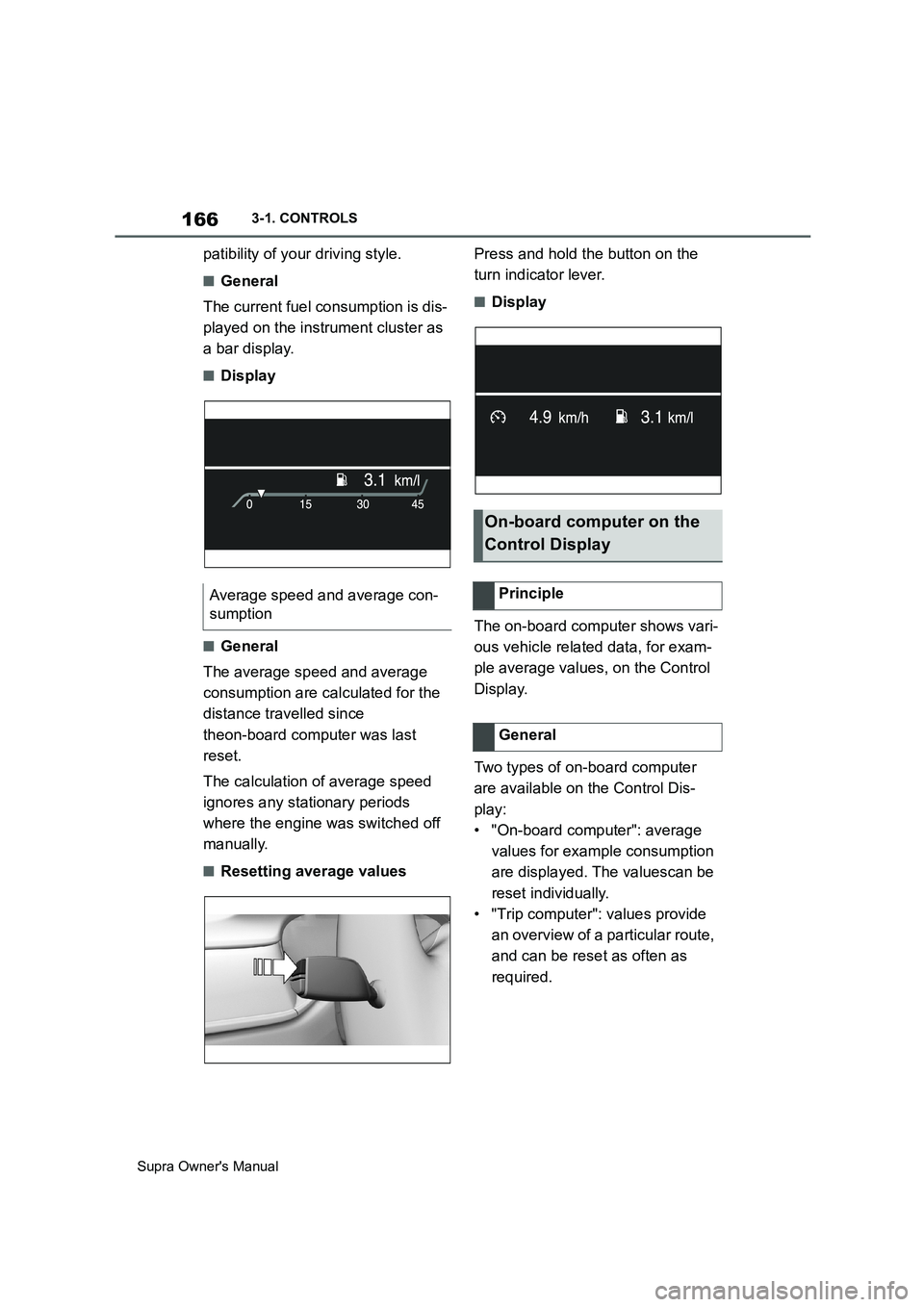
The current fuel consumption is dis-
played on the instrument cluster as
a bar display.
■Display
■General
The average speed and average
consumption are calculated for the
distance travelled since
theon-board computer was last
reset.
The calculation of average speed
ignores any stationary periods
where the engine was switched off
manually.
■Resetting average valuesPress and hold the button on the
turn indicator lever.
■Display
The on-board computer shows vari-
ous vehicle related data, for exam-
ple average values, on the Control
Display.
Two types of on-board computer
are available on the Control Dis-
play:
• "On-board computer": average
values for example consumption
are displayed. The valuescan be
reset individually.
• "Trip computer": values provide
an overview of a particular route,
and can be reset as often as
required. Average speed and average con-
sumption
On-board computer on the
Control Display
Principle
General
Page 168 of 456
168
Supra Owner's Manual3-1. CONTROLS
Via Toyota Supra Command:
1"My Vehicle"
2"Vehicle settings"
3"Speed warning"
4"Warning at:"
5Turn the Controller until the
desired speed is displayed.
6Press the Controller.
Via Toyota Supra Command:
1"My Vehicle"
2"Vehicle settings"
3"Speed warning"
4"Speed warning"
Via Toyota Supra Command:
1"My Vehicle"
2"Vehicle settings"
3"Speed warning"
4"Select current speed"
The status can be displayed or
actions performed for some sys-
tems.Via Toyota Supra Command:
1"My vehicle"
2"Vehicle status"
• "Tyre Pressure Monitor": Sta-
tus of the Tyre Pressure Monitor,
see page 290
• "Engine oil level": Electronic
oil measurement, see page 309.
• "Vehicle messages": Vehicle
messages are stored in the
background and can be shown
on the Control Display. Display-
ing of saved vehicle messages,
see page 152.
• "Service requirements": dis-
play of the service requirements,
see page 159.
• "Remote maintenance call":
Remote maintenance call.
The system projects important
information, for example the speed,
into the driver's field of vision.
The driver can register this informa-
tion without having to divert atten-
tion from the road. Adjusting the speed warning
Activating/deactivating the
speed warning
Setting the current speed as
the speed warning
Vehicle status
General
Calling up the vehicle status
Overview of the information
Head-Up Display (vehicles
with head-up display)
Principle
Page 188 of 456
188
Supra Owner's Manual3-1. CONTROLS
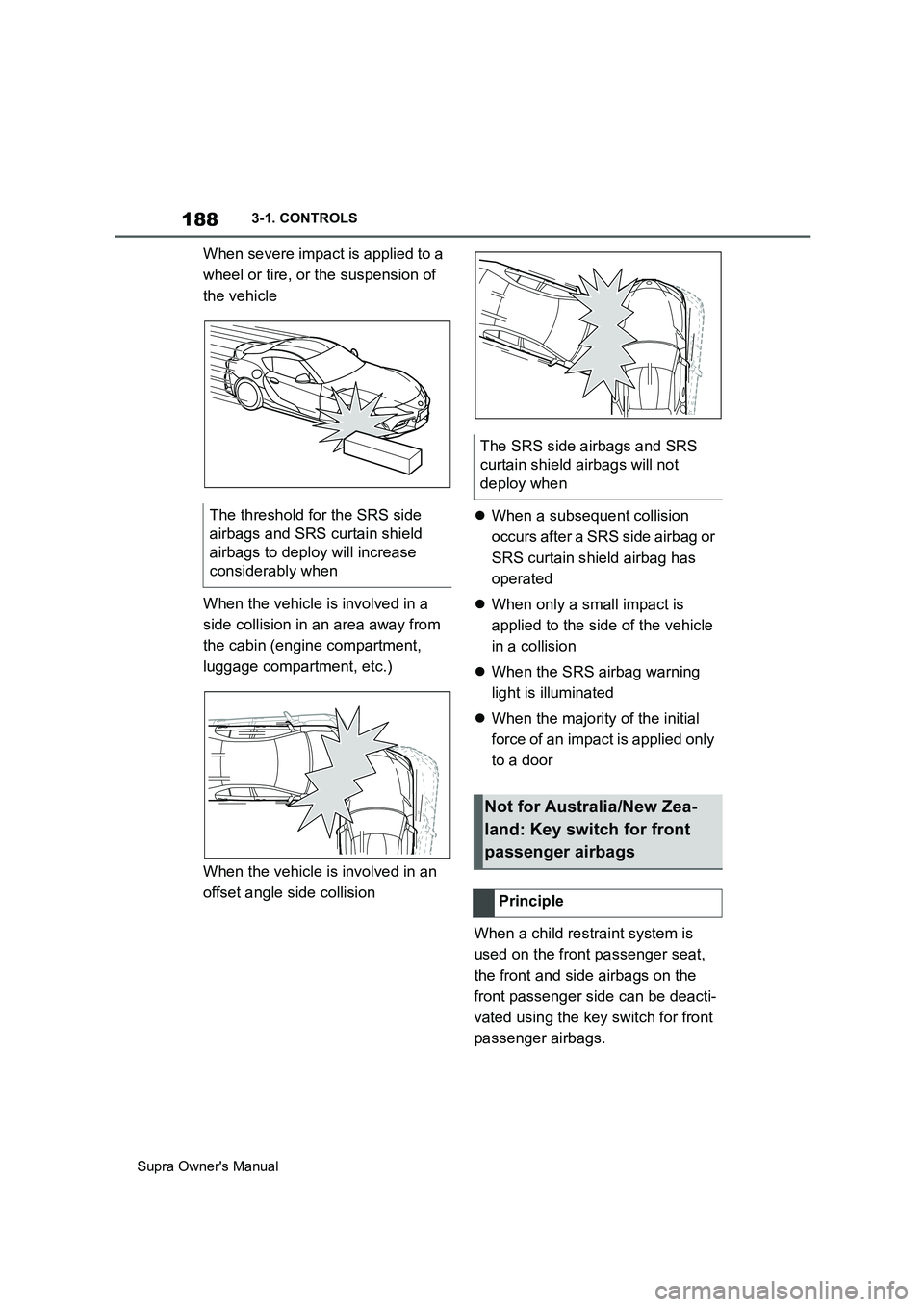
When severe impact is applied to a
wheel or tire, or the suspension of
the vehicle
When the vehicle is involved in a
side collision in an area away from
the cabin (engine compartment,
luggage compartment, etc.)
When the vehicle is involved in an
offset angle side collisionWhen a subsequent collision
occurs after a SRS side airbag or
SRS curtain shield airbag has
operated
When only a small impact is
applied to the side of the vehicle
in a collision
When the SRS airbag warning
light is illuminated
When the majority of the initial
force of an impact is applied only
to a door
When a child restraint system is
used on the front passenger seat,
the front and side airbags on the
front passenger side can be deacti-
vated using the key switch for front
passenger airbags. The threshold for the SRS side
airbags and SRS curtain shield
airbags to deploy will increase
considerably when
The SRS side airbags and SRS
curtain shield airbags will not
deploy when
Not for Australia/New Zea-
land: Key switch for front
passenger airbags
Principle
Page 198 of 456
198
Supra Owner's Manual3-1. CONTROLS
appearance.
Two-wheeled vehicles ahead.
At speeds over approx. 250 km/h,
155 mph, the system is temporarily
disabled. As soon as the speed
drops back below this value, the
system responds once again
according to its settings.
The system may have limited func-
tionality in the following situations,
for example:
In thick fog, wet conditions or
snow.
On sharp bends.
When Driving Stability Control
Systems are limited or deacti-
vated, for example VSC OFF.
If the field of view of the camera
or the windscreen in front of the
rear-view mirror is soiled or cov-
ered.
If the camera has overheated
due to excessively high tempera-
tures and has been temporarily
deactivated.
Depending on the equipment
version: if the radar sensors are
soiled or covered.
Up to 10 seconds after starting
the engine using the start/stop
button.
During the camera calibration process immediately after vehi-
cle delivery.
When there is sustained glare
due to oncoming light, for exam-
ple the sun is low in the sky.
The greater the sensitivity of the
warning settings, for example warn-
ing time, the more warnings will be
displayed. As a result, there may be
an increased number of premature
or unjustified warnings and reac-
tions.
The system can help to avoid acci-
dents with pedestrians and cyclists.
If an accident cannot be avoided,
the system helps to reduce the col-
lision speed.
The system warns of the possible
risk of collision in the urban speed
range and brakes automatically, as
necessary.
At speeds above approx. 5 km/h, 3
mph, the system warns of the pos-
sible risk of collision with pedestri-
ans and cyclists.
Pedestrians and cyclists are taken
into account if they are located Upper speed limit
Functional limitations
Sensitivity of the warnings
Person warning with City
light braking function
Principle
General
Page 202 of 456
202
Supra Owner's Manual3-1. CONTROLS
Braking can be discontinued either
by depressing the accelerator pedal
or by actively moving the steering
wheel.
The detection of objects may be
limited. Take into account the
detection range limits and the func-
tional limitations.
The system reacts to pedestrians
and cyclists if your own speed is
below approx. 85 km/h, 53 mph.
The detection ability of the system
is limited.
As a result, the system may fail to
give warnings or may give warnings
late.
It is possible that the following are
not detected, for example:
Partially concealed pedestrians.
Pedestrians who are not detected as such, because of the
viewing angle or outline.
Pedestrians outside the detec-
tion range.
Pedestrians less than approxi-
mately 80 cm, 32 in tall.
The system may have limited func-
tionality in some situations, for
example:
In thick fog, wet conditions or
snow.
On sharp bends.
If vehicle stability control sys-
tems are deactivated, for exam-
ple VSC OFF.
If the field of view of the camera
or the windscreen in front of the
rear-view mirror is soiled or cov-
ered.
If the camera has overheated
due to excessively high tempera-
tures and has been temporarily
deactivated.
Depending on the equipment
version: if the radar sensors are
soiled or covered.
Up to 10 seconds after starting
the engine using the start/stop
button.
During the camera calibration
process immediately after vehi-
cle delivery.
When there is sustained glare
due to oncoming light, for exam- System limits
Safety note
WARNING
The system may not respond at all, or
may respond too late, incorrectly or
without justification due to limits of the
system. There is a danger of acci-
dents or damage to property.
Observe the information on the sys-
tem limits and intervene actively if
necessary.
Upper speed limit
Detection range
Functional limitations