2019 TOYOTA SUPRA engine
[x] Cancel search: enginePage 238 of 456
238
Supra Owner's Manual3-1. CONTROLS
The system switches on automati-
cally in the following situations:
If selector lever position R is
engaged while the engine is run-
ning.
Depending on the equipment
version: when approaching
detected obstacles, if the speed
is below approximately 4 km/h,
2.5 mph. The activation distance
depends on the individual situa-
tion.
Automatic switch-on when obsta-
cles are detected can be activated
and deactivated.
Via Toyota Supra Command:
1"My vehicle"
2"Vehicle settings"
3"Parking"
4If applicable: "Automatic Parking
Sensors activation"
5"Automatic Parking Sensors
activ."
The setting is saved for the cur-
rently used driver profile.
Depending on the equipment ver-
sion, a respective camera view is
switched on additionally.
The system switches off when a certain distance or speed is
exceeded.
Switch the system back on if neces-
sary.
On: the LED is illuminated.
Off: the LED is extinguished.
The image from the rear-view cam-
era is shown when reverse gear is
engaged and the Park Assistant
button is pressed.
■General
An intermittent sound indicates the
position of an object accordingly as
the vehicle approaches it. For
instance, if an object is identified to
the rear left of the vehicle, the
acoustic signal is emitted from the
rear left loudspeaker.
The shorter the distance to an
object, the shorter the intervals
become.
If the distance to a detected object
is less than approximately 25 cm,
10 in, a continuous tone sounds.
If there are objects in front of and
behind the vehicle at the same
time, and they are at a distance of
less than approximately 25 cm, 10 Switching on/off
Switching on automatically
Switching off automatically when
moving forwards
Switching on/off manually
Press the Park Assistant but-
ton.
Warning
Acoustic signals
Page 243 of 456
243
3
Supra Owner's Manual3-1. CONTROLS
CONTROLS
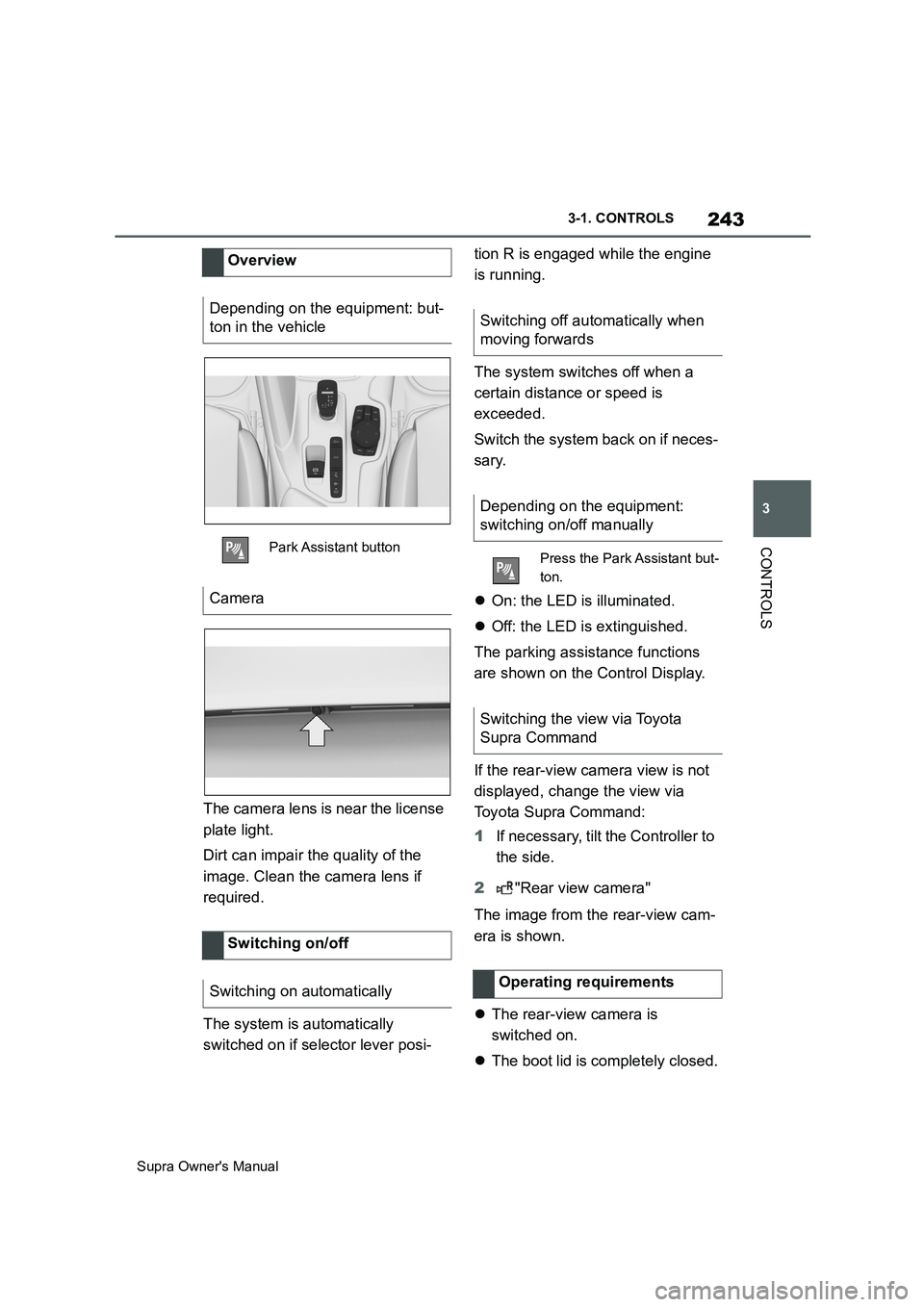
The camera lens is near the license
plate light.
Dirt can impair the quality of the
image. Clean the camera lens if
required.
The system is automatically
switched on if selector lever posi-tion R is engaged while the engine
is running.
The system switches off when a
certain distance or speed is
exceeded.
Switch the system back on if neces-
sary.
On: the LED is illuminated.
Off: the LED is extinguished.
The parking assistance functions
are shown on the Control Display.
If the rear-view camera view is not
displayed, change the view via
Toyota Supra Command:
1If necessary, tilt the Controller to
the side.
2"Rear view camera"
The image from the rear-view cam-
era is shown.
The rear-view camera is
switched on.
The boot lid is completely closed. Overview
Depending on the equipment: but-
ton in the vehicle
Park Assistant button
Camera
Switching on/off
Switching on automatically
Switching off automatically when
moving forwards
Depending on the equipment:
switching on/off manually
Press the Park Assistant but-
ton.
Switching the view via Toyota
Supra Command
Operating requirements
Page 249 of 456
249
3
Supra Owner's Manual3-1. CONTROLS
CONTROLS
The damper configurations are
assigned to the different drive
modes of the sport mode switch,
see page 149.
Performance Control increases the
agility of the vehicle.
Individual wheels are braked to
increase agility for a sporty driving
style. The resulting braking effect is
largely compensated for by a simul-
taneous engine control action.This chapter describes all standard,
country-specific and special equip-
ment available for the model series.
It may therefore describe equip-
ment and functions which are not
installed in your vehicle, for exam-
ple on account of the optional
equipment selected or the country
specification. This also applies to
safety-relevant functions and sys-
tems. Please comply with the rele-
vant laws and regulations when
using the corresponding functions
and systems.
The air quality in the vehicle is
improved by the following compo-
nents:
Emissions-tested interior.
Microfilter.
Air-conditioning system for regu-
lating temperature, air flow and
recirculated-air mode.
Automatic recirculated-air control
AUC.
Independent ventilation.
Drive modeDamper configura-
tion
NORMALBalanced
SPORTFirm
Performance Control
Climate
Vehicle equipment
Interior air quality
Page 252 of 456
252
Supra Owner's Manual3-1. CONTROLS
The cooling function is switched on
when the engine is running.
Depending on the weather condi-
tions, the windscreen and side win-
dows may mist over for a short time
when the drive-ready state has
been switched on.
The cooling function is switched on
automatically in the AUTO pro-
gramme.
When the automatic air condition-
ing is in operation, condensation
develops and exits underneath the
vehicle.
When drive-ready state is switched
on, the system is set to lowest tem-
perature, optimum air flow and
recirculated-air mode.
The function is available at an out-
side temperature above approxi-
mately 0°C/32°F and when
drive-ready state is switched on.The LED is illuminated when the
system is switched on.
The air flows from the side nozzles
for the upper body area. Therefore
open the side nozzles.
The air flow can be adapted when
the programme is active.
The AUTO programme cools, venti-
lates or heats the interior automati-
cally.
It does this by automatically regu-
lating the air flow, air distribution
and temperature depending on the
interior temperature and the
selected temperature setting.
The LED is illuminated when the
AUTO programme is switched on.
Depending on the selected temper-
ature and external influences, the
air is directed towards the wind-
screen, the side windows the upper Switching on/off
Press the button.
Maximum cooling effect
Principle
General
Switching on/off
Press the button.
AUTO programme
Principle
Switching on/off
Press the button.
Page 254 of 456
254
Supra Owner's Manual3-1. CONTROLS
The air distribution for air condition-
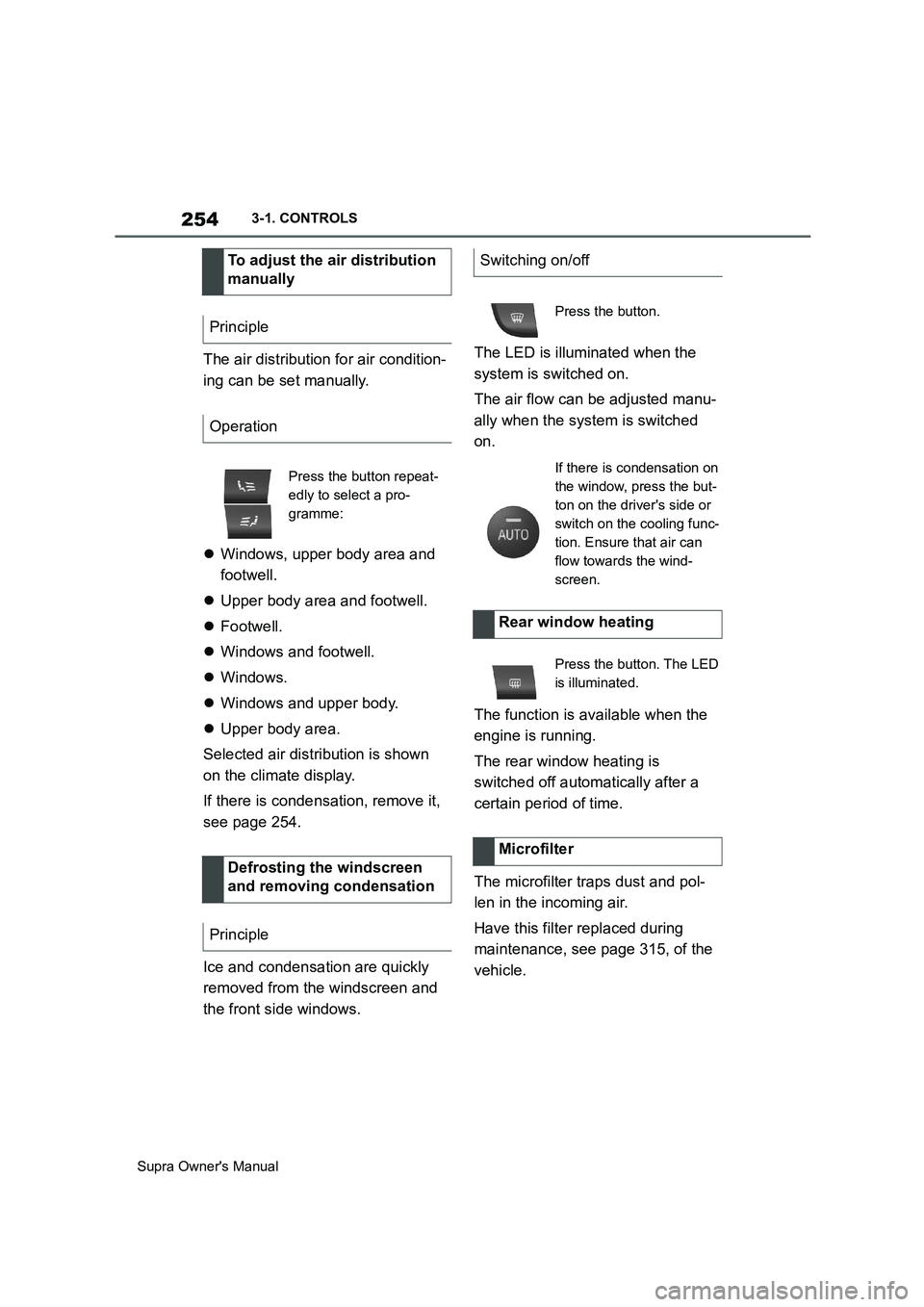
ing can be set manually.
Windows, upper body area and
footwell.
Upper body area and footwell.
Footwell.
Windows and footwell.
Windows.
Windows and upper body.
Upper body area.
Selected air distribution is shown
on the climate display.
If there is condensation, remove it,
see page 254.
Ice and condensation are quickly
removed from the windscreen and
the front side windows.The LED is illuminated when the
system is switched on.
The air flow can be adjusted manu-
ally when the system is switched
on.
The function is available when the
engine is running.
The rear window heating is
switched off automatically after a
certain period of time.
The microfilter traps dust and pol-
len in the incoming air.
Have this filter replaced during
maintenance, see page 315, of the
vehicle. To adjust the air distribution
manually
Principle
Operation
Press the button repeat-
edly to select a pro-
gramme:
Defrosting the windscreen
and removing condensation
Principle
Switching on/off
Press the button.
If there is condensation on
the window, press the but-
ton on the driver's side or
switch on the cooling func-
tion. Ensure that air can
flow towards the wind-
screen.
Rear window heating
Press the button. The LED
is illuminated.
Microfilter
Page 255 of 456
255
3
Supra Owner's Manual3-1. CONTROLS
CONTROLS
The direction of the air flows can be
set individually.
The direction of the air flows can be
set for direct or indirect ventilation.
Align the air flow directly onto the
vehicle occupants. The air flow pro-
vides noticeable heating or cooling
depending on the set temperature.
Do not align the air flow directly
onto the vehicle occupants. The
vehicle interior is cooled or heated
indirectly depending on the set tem-
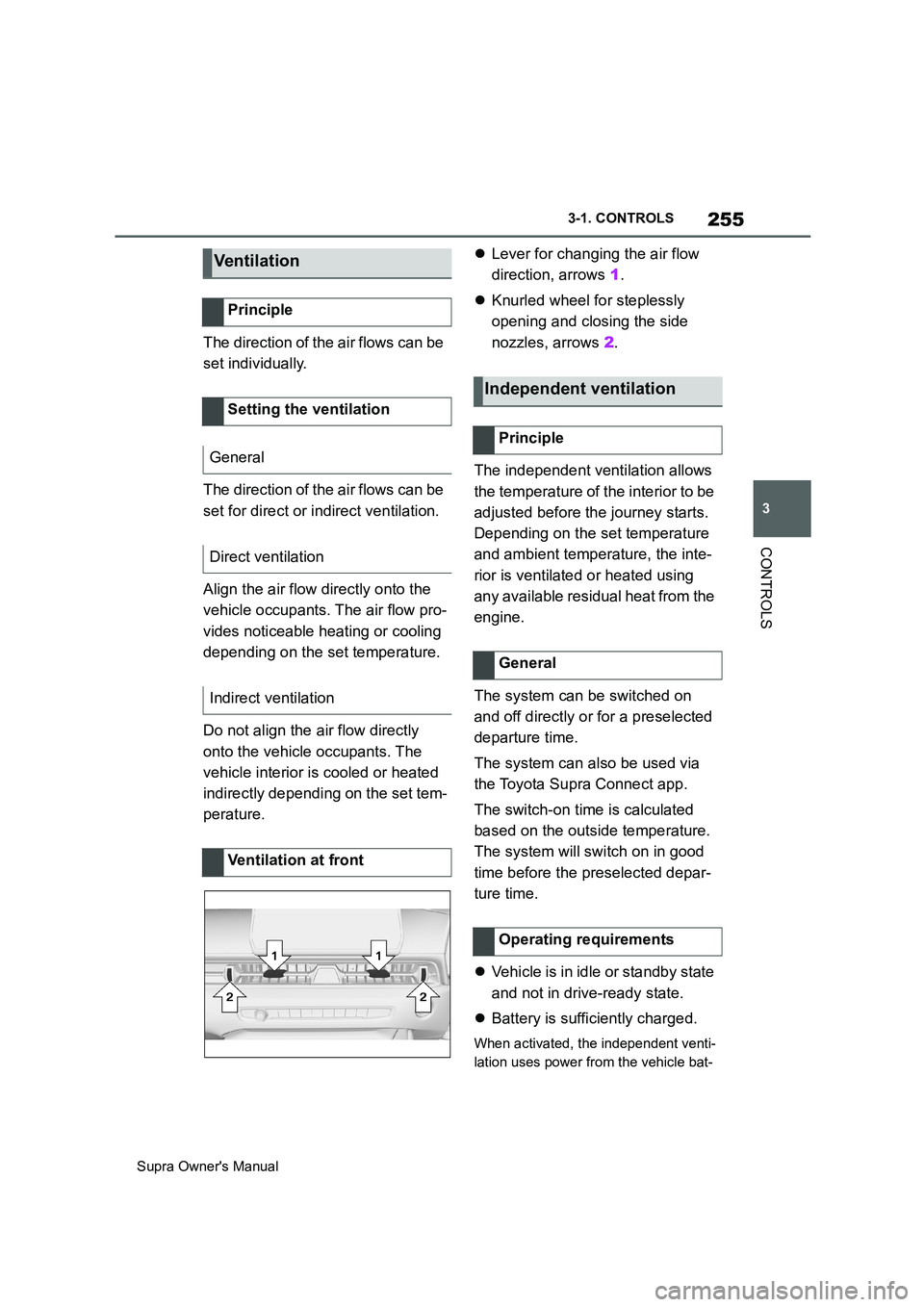
perature.Lever for changing the air flow
direction, arrows 1.
Knurled wheel for steplessly
opening and closing the side
nozzles, arrows 2.
The independent ventilation allows
the temperature of the interior to be
adjusted before the journey starts.
Depending on the set temperature
and ambient temperature, the inte-
rior is ventilated or heated using
any available residual heat from the
engine.
The system can be switched on
and off directly or for a preselected
departure time.
The system can also be used via
the Toyota Supra Connect app.
The switch-on time is calculated
based on the outside temperature.
The system will switch on in good
time before the preselected depar-
ture time.
Vehicle is in idle or standby state
and not in drive-ready state.
Battery is sufficiently charged.
When activated, the independent venti-
lation uses power from the vehicle bat-
Ve n ti la t io n
Principle
Setting the ventilation
General
Direct ventilation
Indirect ventilation
Ventilation at front
Independent ventilation
Principle
General
Operating requirements
Page 256 of 456
256
Supra Owner's Manual3-1. CONTROLS
tery. As a result, the maximum
activation time is restricted to protect
the battery. After the engine is started
or after driving a short distance, the
system will be available again.
Ensure that the date and time
are set correctly in the vehicle.
Open the side nozzles to allow
the air to enter the passenger
compartment.
The system can be switched on or
off in various ways.
The system switches off automati-
cally after a certain period of time. It
continues to run for a short time
after it has been switched off.
If the vehicle is in standby state, the
independent ventilation can be
switched on or off via the buttons of
the automatic air conditioning.
Press any button, except:
Rear window heating.
Seat heating.
Menu.
The system switches off after leav-
ing and locking the vehicle.
1"My Vehicle" 2"Vehicle settings"
3"Climate comfort"
4"Auxiliary ventilation"
5"Activate now"
To ensure a pleasant interior tem-
perature in the vehicle at the start
of the journey, it is possible to set
different departure times.
One-off departure time: the time
can be set.
System is switched on once.
Departure time with day of the
week: time and day of the week
can be set.
The system is switched on in good time
before the set departure time on the
required days of the week.
The departure time is preselected
in two steps:
Set departure times.
Activate departure time. Switching on/off directly
General
Using the button
Via Toyota Supra Command
Display
SymbolDescription
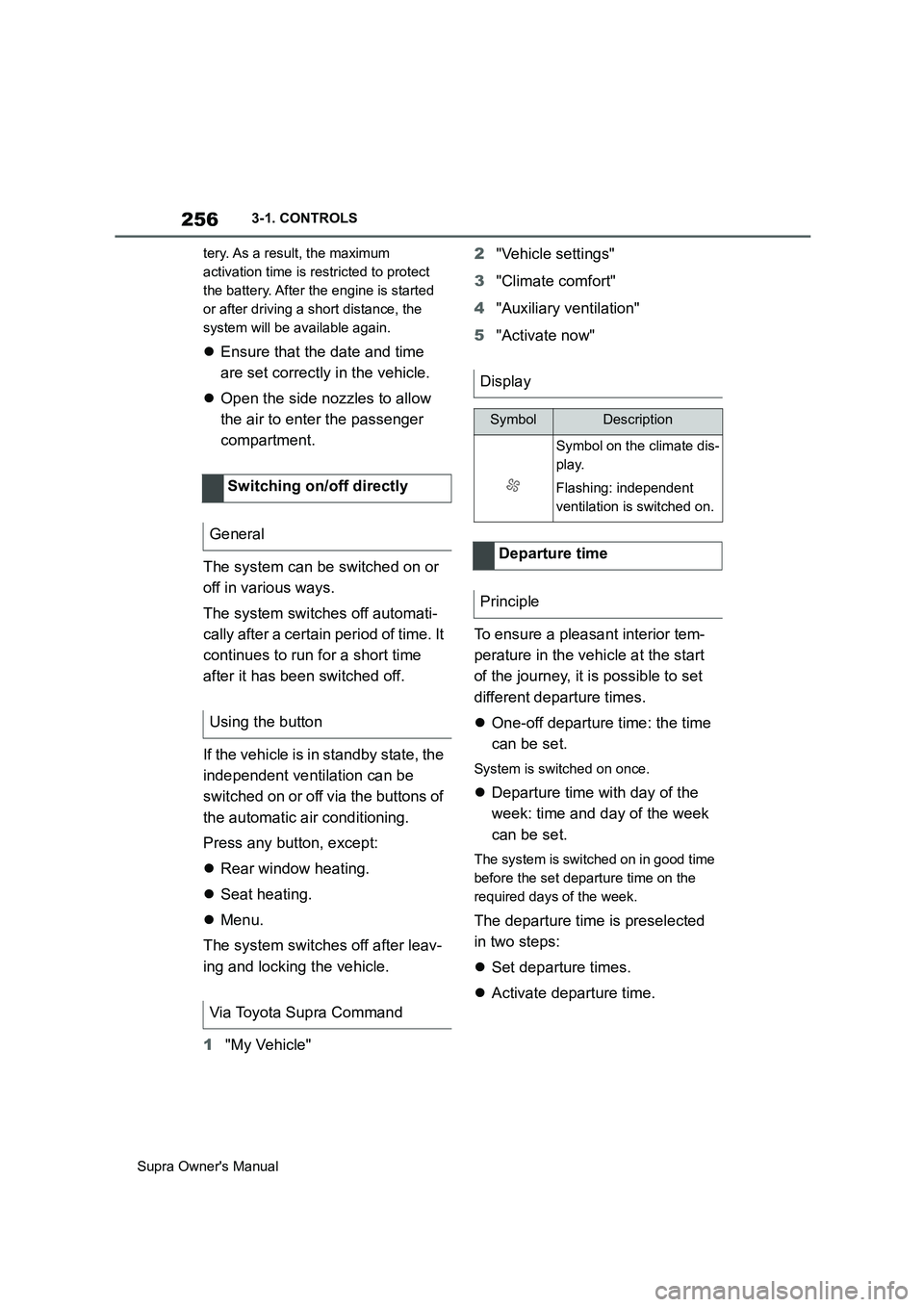
Symbol on the climate dis-
play.
Flashing: independent
ventilation is switched on.
Departure time
Principle
Page 258 of 456
258
Supra Owner's Manual3-1. CONTROLS
cal devices when standby state or
drive-ready state is switched on.
The total load of all sockets must
not exceed 140 watt at 12 volts.
To avoid damage to the socket, do
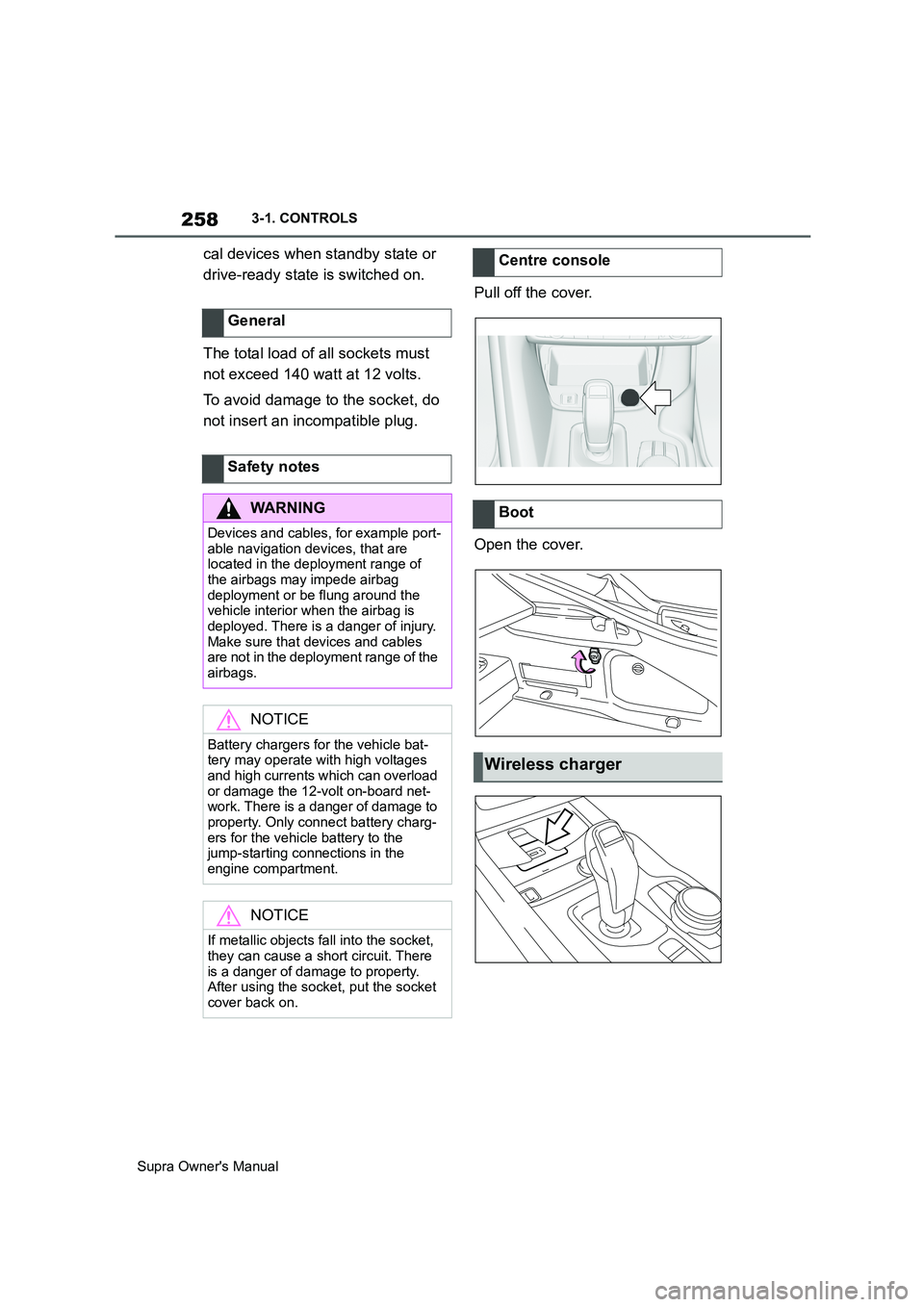
not insert an incompatible plug.Pull off the cover.
Open the cover. General
Safety notes
WARNING
Devices and cables, for example port-
able navigation devices, that are
located in the deployment range of
the airbags may impede airbag
deployment or be flung around the
vehicle interior when the airbag is
deployed. There is a danger of injury.
Make sure that devices and cables
are not in the deployment range of the
airbags.
NOTICE
Battery chargers for the vehicle bat-
tery may operate with high voltages
and high currents which can overload
or damage the 12-volt on-board net-
work. There is a danger of damage to
property. Only connect battery charg-
ers for the vehicle battery to the
jump-starting connections in the
engine compartment.
NOTICE
If metallic objects fall into the socket,
they can cause a short circuit. There
is a danger of damage to property.
After using the socket, put the socket
cover back on.
Centre console
Boot
Wireless charger