2014 MERCEDES-BENZ B-CLASS SPORTS park assist
[x] Cancel search: park assistPage 5 of 360
Index
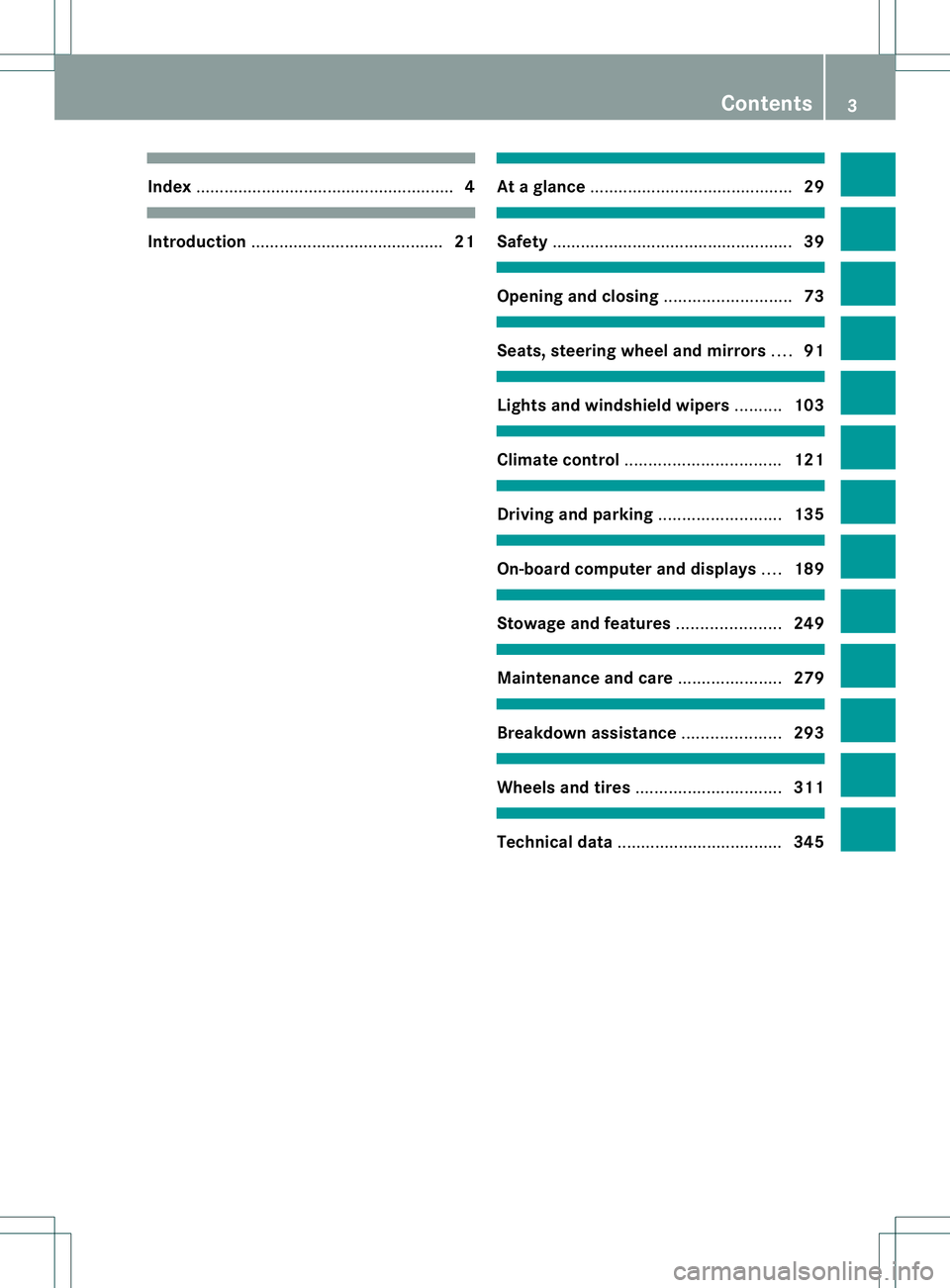
....................................................... 4Introduction
......................................... 21 At
ag lance ........................................... 29 Safety
................................................... 39 Opening and closing
...........................73 Seats, steering wheel and mirrors
....91 Lights and windshield wipers
..........103 Climat
econtrol ................................. 121 Driving and parking
..........................135 On-boar
dcomputer and displays ....189 Stowage and features
......................249 Maintenance and care
......................279 Breakdown assistance
.....................293 Wheels and tires
............................... 311 Technical data
................................... 345 Contents
3
Page 6 of 360
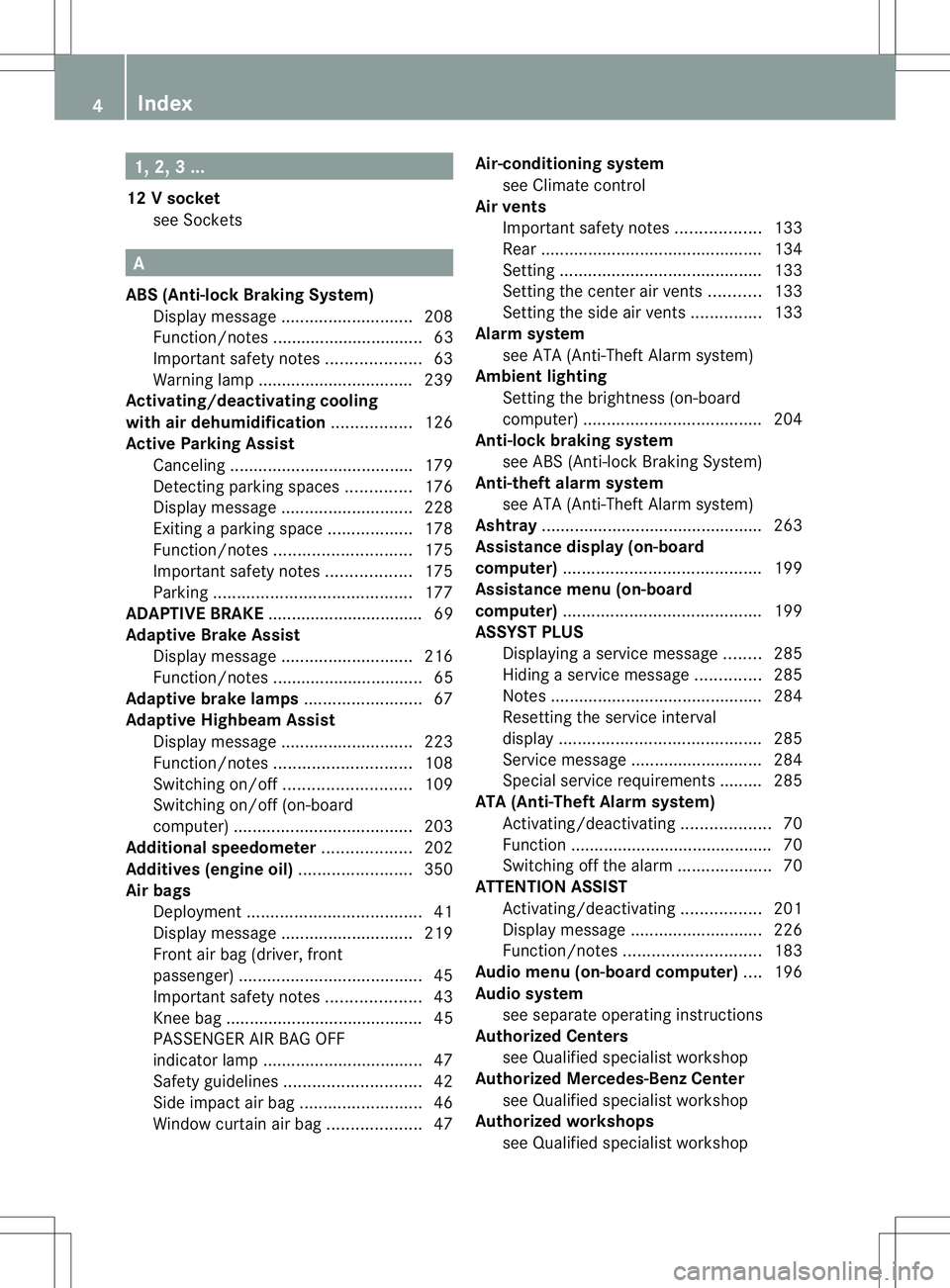
1, 2,
3...
12 Vsocket
see Sockets A
ABS (Anti-lock Braking System) Display message ............................ 208
Function/notes ................................ 63
Important safety notes ....................63
Warning lamp ................................. 239
Activating/deactivating cooling
with air dehumidification .................126
Active Parking Assist Canceling ...................................... .179
Detecting parking spaces ..............176
Display message ............................ 228
Exiting aparking spac e.................. 178
Function/notes ............................. 175
Important safety notes ..................175
Parking .......................................... 177
ADAPTIVE BRAKE ................................. 69
Adaptive Brake Assist Display message ............................ 216
Function/notes ................................ 65
Adaptive brake lamps .........................67
Adaptive Highbeam Assist Display message ............................ 223
Function/notes ............................. 108
Switching on/off ........................... 109
Switching on/off (on-board
computer) ...................................... 203
Additional speedometer ...................202
Additives (engine oil) ........................350
Airb ags
Deployment ..................................... 41
Display message ............................ 219
Front airb ag (driver, front
passenger )....................................... 45
Important safety notes ....................43
Knee bag .......................................... 45
PASSENGER AIR BAG OFF
indicator lamp .................................. 47
Safety guidelines ............................. 42
Side impact airb ag.......................... 46
Windo wcurtain air bag .................... 47Air-conditionin
gsystem
see Climate control
Airv ents
Important safet ynotes .................. 133
Rea r............................................... 134
Setting ........................................... 133
Setting the center airv ents........... 133
Setting the sid eairvents ............... 133
Alarm system
see ATA (Anti-Theft Alarm system)
Ambient lighting
Setting the brightness (on-board
computer) ...................................... 204
Anti-loc kbraking system
se eA BS (Anti-lock Braking System)
Anti-thef talarm system
se eA TA (Anti-Theft Alarm system)
Ashtray ............................................... 263
Assistanc edisplay (on-board
computer) .......................................... 199
Assistanc emenu (on-board
computer) .......................................... 199
ASSYST PLUS Displaying aservice message ........285
Hiding aservice message ..............285
Notes ............................................. 284
Resetting the service interval
displa y........................................... 285
Service message ............................ 284
Specia lservice requirements ......... 285
ATA (Anti-Theft Alarm system)
Activating/deactivating ...................70
Function .......................................... .70
Switching off the alarm ....................70
ATTENTIO NASSIST
Activating/deactivating .................201
Display message ............................ 226
Function/notes ............................. 183
Audio menu (on-board computer) ....196
Audio system see separate operating instructions
Authorized Centers
see Qualified specialist workshop
Authorized Mercedes-Benz Center
see Qualified specialist workshop
Authorized workshops
see Qualified specialist workshop 4
Index
Page 7 of 360
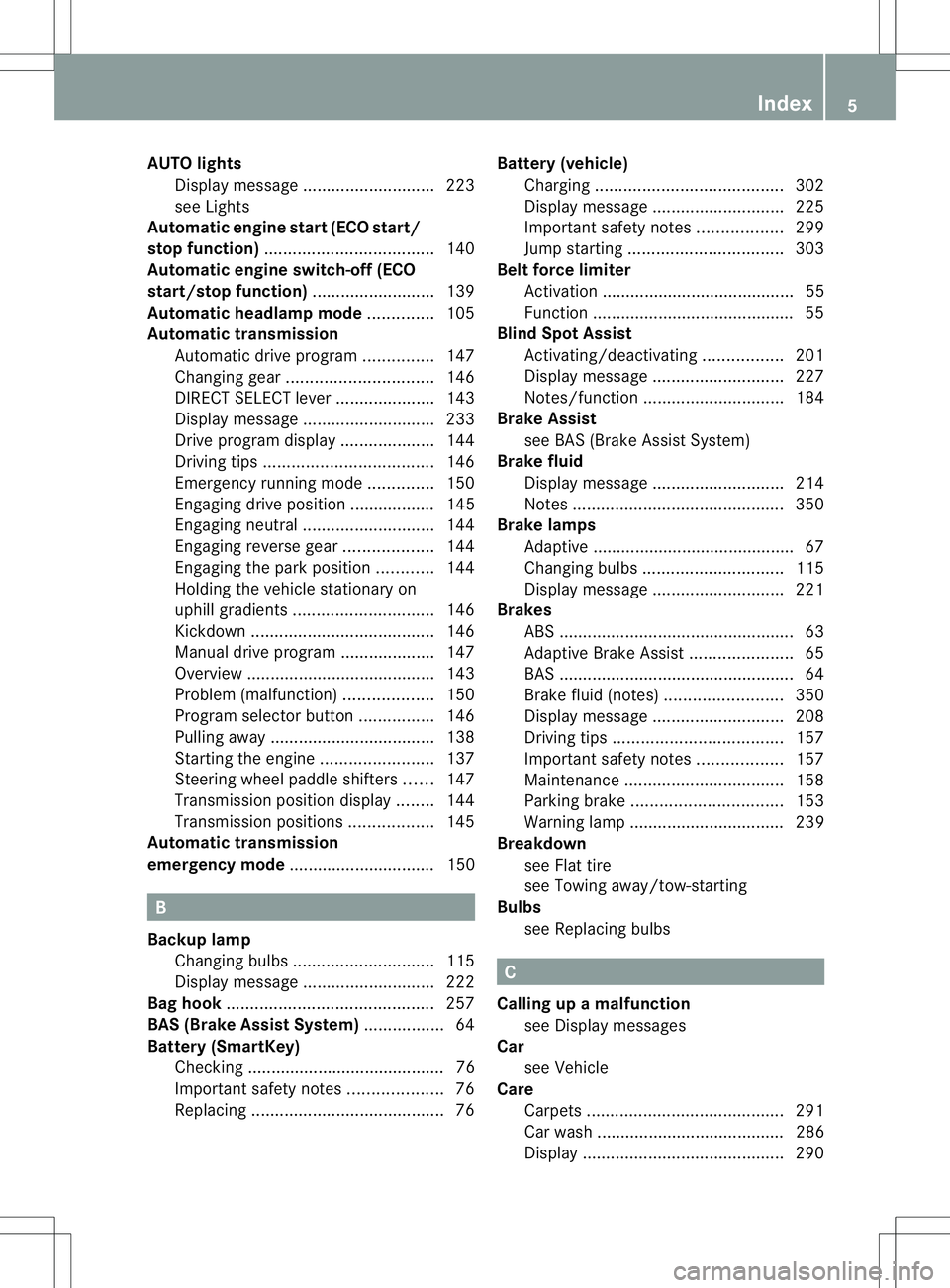
AUT
Olights
Display message ............................ 223
see Lights
Automatic engine start (ECO start/
stop function) .................................... 140
Automatic engine switch-off (ECO
start/stop function) ..........................139
Automatic headlamp mode ..............105
Automatic transmission Automatic drive program ...............147
Changing gea r............................... 146
DIRECT SELECT leve r..................... 143
Display message ............................ 233
Drive program displa y.................... 144
Driving tips .................................... 146
Emergency running mode ..............150
Engaging drive position .................. 145
Engaging neutra l............................ 144
Engaging revers egear ................... 144
Engaging the par kposition ............ 144
Holding the vehicle stationary on
uphill gradients .............................. 146
Kickdow n....................................... 146
Manual drive program ....................147
Overview ........................................ 143
Problem (malfunction) ...................150
Progra mselecto rbutton ................ 146
Pulling away ................................... 138
Starting the engine ........................137
Steering wheel paddle shifters ......147
Transmission position displa y........ 144
Transmission positions ..................145
Automatic transmission
emergency mode ............................... 150 B
Backup lamp Changing bulbs .............................. 115
Display message ............................ 222
Bag hook ............................................ 257
BAS (Brake Assist System) .................64
Battery (SmartKey) Checking .......................................... 76
Important safety notes ....................76
Replacing ......................................... 76Battery (vehicle)
Charging ........................................ 302
Display message ............................ 225
Important safety notes ..................299
Jump starting ................................. 303
Belt force limiter
Activatio n......................................... 55
Function .......................................... .55
Blind Spo tAssist
Activating/deactivating .................201
Display message ............................ 227
Notes/function .............................. 184
Brake Assist
see BAS (Brake Assist System)
Brake fluid
Display message ............................ 214
Notes ............................................. 350
Brake lamps
Adaptive .......................................... .67
Changin gbulbs .............................. 115
Display message ............................ 221
Brakes
ABS .................................................. 63
Adaptive Brake Assist ......................65
BAS .................................................. 64
Brake fluid (notes) .........................350
Display message ............................ 208
Driving tips .................................... 157
Important safety notes ..................157
Maintenance .................................. 158
Parking brake ................................ 153
Warning lamp ................................. 239
Breakdown
see Flat tire
see Towing away/tow-starting
Bulbs
see Replacing bulbs C
Calling up amalfunction
see Display messages
Car
see Vehicle
Care
Carpets .......................................... 291
Carw ash. ....................................... 286
Display ........................................... 290 Index
5
Page 10 of 360
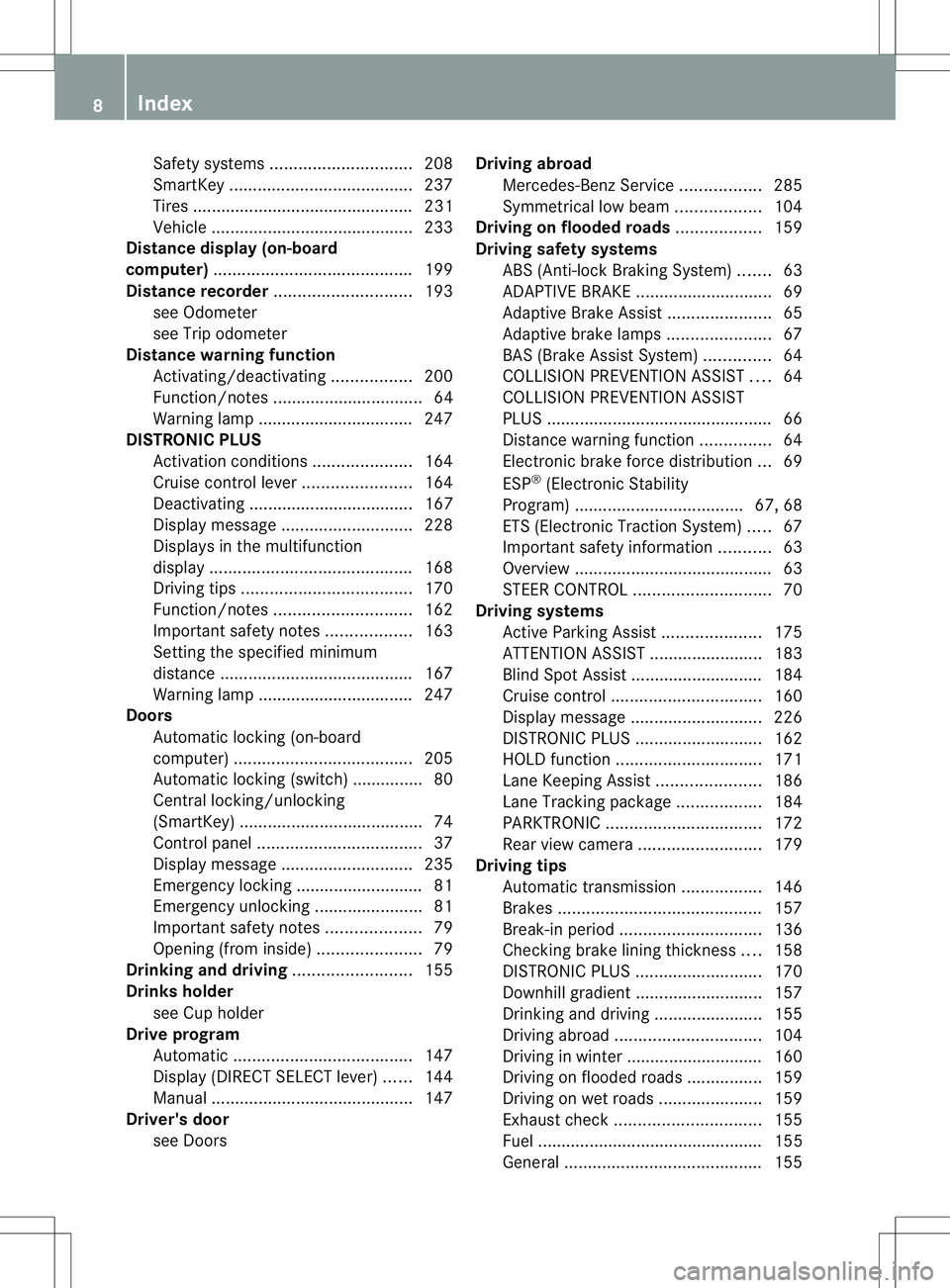
Safety systems
.............................. 208
SmartKey ....................................... 237
Tire s............................................... 231
Vehicle .......................................... .233
Distanc edisplay (on-board
computer) .......................................... 199
Distanc erecorder ............................. 193
see Odometer
see Trip odometer
Distanc ewarning function
Activating/deactivating .................200
Function/notes ................................ 64
Warning lamp ................................. 247
DISTRONIC PLUS
Activatio ncondition s..................... 164
Cruise control leve r....................... 164
Deactivating ................................... 167
Display message ............................ 228
Displaysint he multifunction
displa y........................................... 168
Driving tips .................................... 170
Function/notes ............................. 162
Important safety notes ..................163
Setting the specified minimum
distance ......................................... 167
Warning lamp ................................. 247
Doors
Automatic locking (on-board
computer) ...................................... 205
Automatic locking (switch) .............. .80
Central locking/unlocking
(SmartKey) ...................................... .74
Control panel ................................... 37
Display message ............................ 235
Emergency locking ........................... 81
Emergency unlocking .......................81
Important safety notes ....................79
Opening (from inside) ......................79
Drinking and driving .........................155
Drinks holder see Cuph older
Drive program
Automatic ...................................... 147
Display (DIREC TSELECT lever) ......144
Manual .......................................... .147
Driver's door
see Doors Driving abroad
Mercedes-Benz Service .................285
Symmetrical low bea m.................. 104
Driving on flooded roads ..................159
Driving safety systems ABS (Anti-lock Braking System) .......63
ADAPTIVE BRAKE ............................. 69
Adaptive Brake Assist ......................65
Adaptive brake lamps ......................67
BAS (Brake Assist System) ..............64
COLLISION PREVENTION ASSIST ....64
COLLISION PREVENTION ASSIST
PLUS ................................................ 66
Distance warning function ...............64
Electronic brake force distribution ...69
ESP ®
(Electronic Stability
Program) .................................... 67, 68
ETS (Electroni cTraction System) .....67
Important safety information ...........63
Overview .......................................... 63
STEER CONTROL ............................. 70
Driving systems
Active Parking Assist .....................175
ATTENTION ASSIST ........................183
Blind Spot Assist ............................ 184
Cruise control ................................ 160
Display message ............................ 226
DISTRONI CPLUS ........................... 162
HOLD function ............................... 171
Lane Keeping Assist ......................186
Lane Tracking package ..................184
PARKTRONI C................................. 172
Rea rview camera .......................... 179
Driving tips
Automatic transmission .................146
Brakes ........................................... 157
Break-in period .............................. 136
Checking brake lining thickness ....158
DISTRONI CPLUS ........................... 170
Downhill gradient ........................... 157
Drinking and driving .......................155
Driving abroad ............................... 104
Driving in winter ............................ .160
Driving on flooded road s................ 159
Driving on wet road s...................... 159
Exhaus tcheck ............................... 155
Fuel ................................................ 155
General .......................................... 1558
Index
Page 12 of 360
Folding in whe
nlocking( on-board
computer) ...................................... 206
Out of position (troubleshooting) ...100
Setting ........................................... 100
Storing settings (memory function) 101
Storing the parking position ..........100
Eyeglasses compartment .................251 F
Fille rcap
see Fuel filler flap
First-aid kit ......................................... 294
Flat tire MOExtended tires ..........................295
Preparing the vehicle .....................295
TIREFIT kit ...................................... 296
see Emergency spare wheel
Floormats ........................................... 277
Fogl amps
Extended range .............................. 108
Switching on/off ........................... 105
Foldin gtable ...................................... 253
Fron tfog lamps
Display message ............................ 222
Switching on/off ........................... 105
Front-passenger seat
Folding the backres tforward/back 253
Fuel
Additives ........................................ 349
Consumption statistics ..................194
Displaying the current
consumption .................................. 194
Displaying the range ......................194
Driving tips .................................... 155
Fuel gauge ....................................... 31
Grade (gasoline) ............................ 348
Important safety notes ..................348
Premium-grade unleade dgasoline .348
Problem (malfunction) ...................152
Refueling ........................................ 150
Tank content/reserve fuel .............348
Fue lfiller flap
Opening/closing ............................ 151
Fue llevel
Calling up the range (on-board
computer) ...................................... 194Fue
ltank
Capacity ........................................ 348
Problem (malfunction) ...................152
Fuses
Allocation chart ............................. 309
Before changing ............................. 308
Fuse box in the engine
compartment ................................. 308
Fuse box in the front-passenger
footwell .......................................... 309
Important safety notes ..................308 G
Garage door opener Clearing the memory .....................276
Important safety notes ..................273
Opening/closing the garage door ..276
Programming (button in the rear-
view mirror) ................................... 274
Gear or selector lever (cleaning
guidelines) ......................................... 290
Genuine parts ...................................... 21
Glove box ........................................... 251 H
Handbrake see Parking brake
Hazard warning lamps ......................107
Display message ............................ 236
Headlamps
Fogging up ..................................... 109
see Automatic headlamp mode
Head restraints
Adjusting ......................................... 95
Adjusting (electrically). ....................96
Adjusting (manually )........................ 95
Adjusting (rear) ................................ 96
Installing/removing (rear) ................96
Heating
see Climate control
High-beam headlamps
Changing bulbs .............................. 113
Display message ............................ 221
Switching on/off ........................... 106
Hill start assist .................................. 13810
Index
Page 13 of 360
HOLD function
Deactivating ................................... 172
Display message ............................ 226
Function/notes ............................. 171
Hood
Closing .......................................... .281
Display message ............................ 235
Important safety notes ..................280
Opening ......................................... 280
Hydroplaning ..................................... 159I
Ignitio nlock
see Key positions
Immobilizer .......................................... 70
Indicator lamps see Warning and indicator lamps
Instrument cluster
Overview .......................................... 31
Settings ......................................... 202
Warning and indicator lamps ...........32
Instrument cluster lighting ..............190
Interior lighting ................................. 109
Automatic control ..........................110
Delayeds witch-off (on-board
computer) ...................................... 204
Emergency lighting ........................110
Manual control ............................... 110
Overview ........................................ 109
Reading lamp ................................. 109
Setting the brightness of the
ambient lighting (on-board
computer) ...................................... 204J
Jack Storage location ............................ 294
Using ............................................. 337
Jump starting (engine) ......................303 K
Kickdown Driving tips .................................... 146
Manual drive program ....................149
Kne ebag.............................................. 45 L
Lamps see Warning and indicator lamps
Lane Keepin gAssist
Activating/deactivating .................201
Display message ............................ 227
Function/informatio n.................... 186
Lane Tracking package .....................184
LATCH-type (ISOFIX) child seat
anchors ................................................ 60
Licens eplate lamp
Changing bulbs .............................. 117
Licens eplate lamp (display
message) ............................................ 221
Light function ,active
Display message ............................ 223
Lighting
Ligh tswitc h................................... 104
Lights
Activating/deactivating the
interio rlighting delayed switch-off .204
Automatic headlamp mode ............105
Cornering light function .................107
Display message ............................ 220
Driving abroad ............................... 104
Fog lamps ...................................... 105
Fog lamps (extended) ....................108
Hazard warning lamps ...................107
High bea mflasher .......................... 107
High-beam headlamps ...................106
Low-beam headlamps ....................105
Parking lamps ................................ 106
Rea rfog lamp ................................ 106
Setting the brightness of the
ambient lighting (on-board
computer) ...................................... 204
Standing lamps .............................. 106
Switching Adaptive Highbeam
Assist on/off ................................. 203
Switching the daytime running
lamps on/off (on-board computer) 203
Switching the daytime running
lamps on/off (switch) ....................105
Switching the exterio rlighting
delayed switch-off on/off (on-
board computer )............................ 204 Index
11
Page 15 of 360
N
Navigation Menu (on-boar dcomputer) ............195
see separate operating instructions
Notes on breaking-i nanew vehicle 136 O
Occupant Classification System
(OCS) Fault s............................................... 51
Operation ........................................ .47
System self-test ............................... 50
Occupant safety
Childre ninthe vehicle ..................... 56
Important safety notes ....................40
OCS
Faults ............................................... 51
Operation ........................................ .47
System self-test ............................... 50
Oil
see Engine oil
On-board computer
Assistance menu ........................... 199
Audi omenu ................................... 196
Convenience submenu ..................206
Displaying aservice message ........285
Display messages ..........................207
DISTRONI CPLUS ........................... 168
Factory settings submenu .............206
Important safety notes ..................190
Instrument cluster submenu ..........202
Lighting submenu .......................... 203
Menu overview .............................. 193
Message memory .......................... 207
Navigation menu ............................ 195
Operation ....................................... 191
Service menu ................................. 202
Settings menu ............................... 202
Standard displa y............................ 193
Telephone menu ............................ 197
Trip menu ...................................... 193
Vehicle submenu ........................... 205
Video DVD operatio n..................... 197
Opening and closing the side trim
panels ................................................. 114Operatin
gsafety
Declaratio nofconformity ................ 24
Important safety notes ....................23
Operatin gsystem
see On-board computer
Operator's Manual
Vehicle equipment ...........................22
Outside temperature display ...........191
Overhead control panel ......................36
Override feature Rea rside windows ........................... 62 P
Pain tcode number ............................ 346
Paintwork (cleaning instructions) ...287
Pani calarm .......................................... 40
Panorama roof with power tilt/
sliding panel
Opening/closing the roller
sunblind ........................................... 88
Problem (malfunction) .....................88
Resetting ......................................... 88
Panorama sliding sunroof
Important safety notes ....................86
Parce lnet ........................................... 253
Parking ............................................... 152
Important safety notes ..................152
Parking brake ................................ 153
Position of exterio rmirror, front-
passenger sid e............................... 100
Rea rview camera .......................... 179
see Active Parking Assist
see PARKTRONIC
Parking aid
Active Parking Assist .....................175
see Exterior mirrors
see PARKTRONIC
Parking brake
Display message ............................ 211
Electric parking brake ....................153
Warning lamp ................................. 244
Parking lamps
Switching on/off ........................... 106
Parking lamps (changing bulbs) ......113
PARKTRONIC Deactivating/activating .................174
Driving system ............................... 172 Index
13
Page 67 of 360
G
WARNING
The distance warning function cannot always
clearly identify objects and comple xtraffic
situations.
In such cases, the distance warning function
may:
R give an unnecessary warning
R not give awarning
There is arisk of an accident.
Always pay carefu lattention to the traffic
situation and do not rely solely on the distance
warning function.
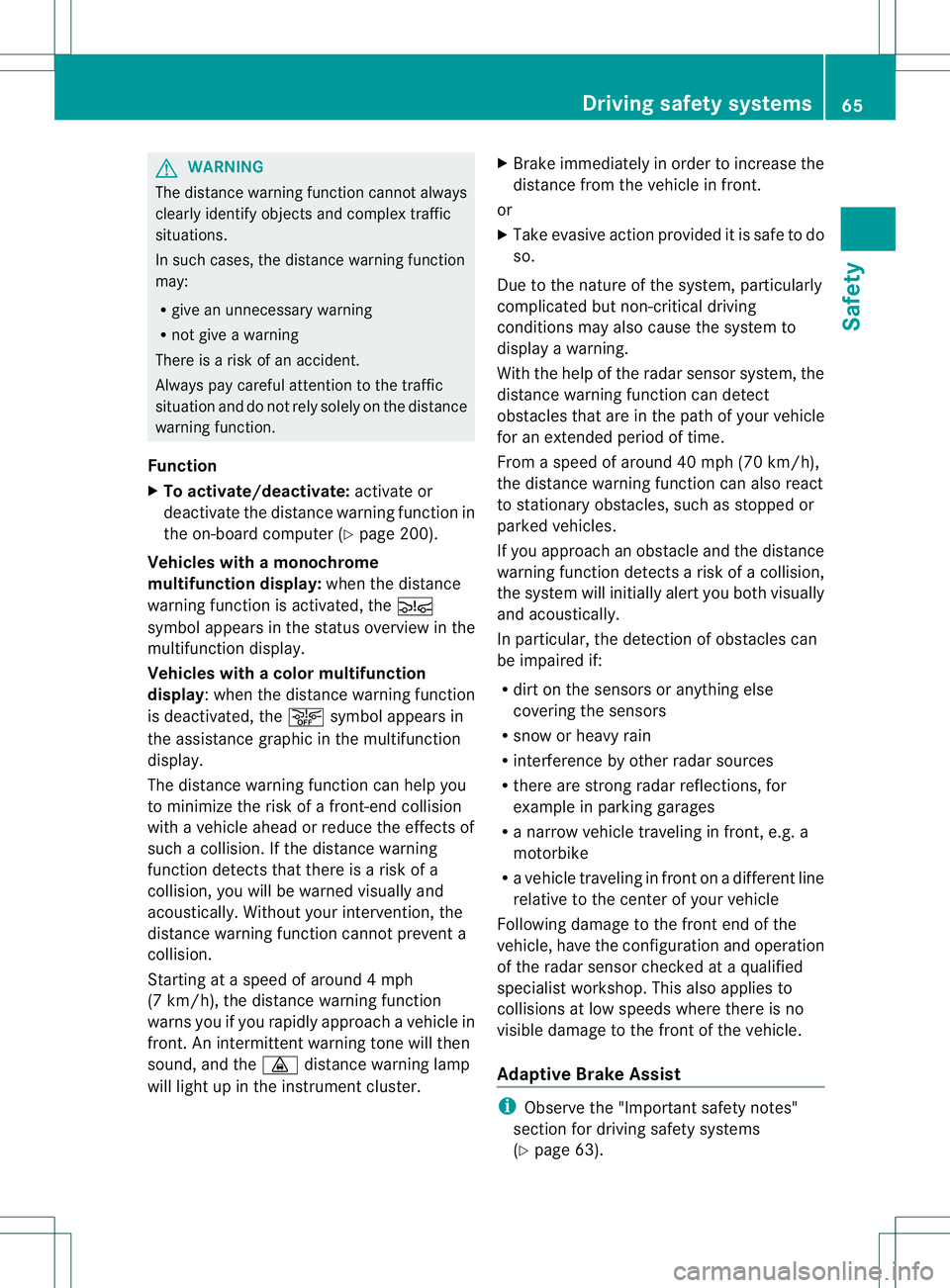
Function
X To activate/deactivate: activate or
deactivate the distance warning function in
the on-board computer (Y page200).
Vehicles with amonochrome
multifunction display: when thedistance
warning function is activated, the 000E
symbo lappears in th estatus overview in the
multifunction display.
Vehicles with acolor multifunction
display:w hen the distance warning function
is deactivated, the 0002symbol appears in
the assistance graphic in the multifunction
display.
The distance warning function can help you
to minimize the risk of afront-end collision
with avehicle ahead or reduce the effectsof
such acollision. If the distance warning
function detectst hat there isarisk of a
collision, you will be warned visuallya nd
acoustically .Without your intervention, the
distanc ewarnin gfunction cannot prevent a
collision.
Starting at aspeed of aroun d4mph
(7 km/h), the distanc ewarnin gfunction
warns you if you rapidly approac havehicle in
front .Ani ntermitten twarnin gtonew ill then
sound, and the 0008distanc ewarnin glamp
will light up in the instrumen tcluster. X
Brake immediately in order to increase the
distanc efromt he vehicle in front.
or
X Take evasiv eaction provided it is safe to do
so.
Due to the nature of the system, particularly
complicated but non-critical driving
conditions may also cause the system to
display awarning.
With the help of the radar sensor system, the
distanc ewarnin gfunction can detect
obstacles that are in the path of your vehicle
for an extende dperiod of time.
Fro mas peed of aroun d40mph (70 km/h),
the distance warning function can also react
to stationary obstacles, such as stoppe dor
parked vehicles.
If you approach an obstacle and the distance
warning function detects arisk of acollision,
the system will initially alert you both visually
and acoustically.
In particular, the detectio nofobstacles can
be impaired if:
R dirt on the sensors or anythin gelse
covering the sensors
R snow or heavy rain
R interferenc ebyother radar sources
R ther eare strong radar reflections, for
example in parkin ggarages
R an arro wvehicle traveling in front, e.g. a
motorbike
R av ehicle traveling in fron tonadifferent line
relative to the center of your vehicle
Following damage to the fron tend of the
vehicle, have the configuratio nand operation
of the rada rsensor checked at aqualified
specialist workshop. This also applies to
collisions at low speeds where ther eisno
visible damage to the fron tofthe vehicle.
Adaptive Brake Assist i
Observe the "Important safety notes"
section for driving safety systems
(Y page 63). Driving safety systems
65Safety Z