Page 158 of 429
Set the f an and temperature
controls to maximum level.
Select . The system
automatically switches to f resh air
mode and turns on the A/C.
The A/C ON indicator will not be
displayed if it was of f to start with.
Select .Turning the f an speed control dial all
the way to the left shuts the system
off.
Keep the system of f f or short
periods only.
To keep stale air and mustiness
f rom collecting, you should have
the f an running at all times.
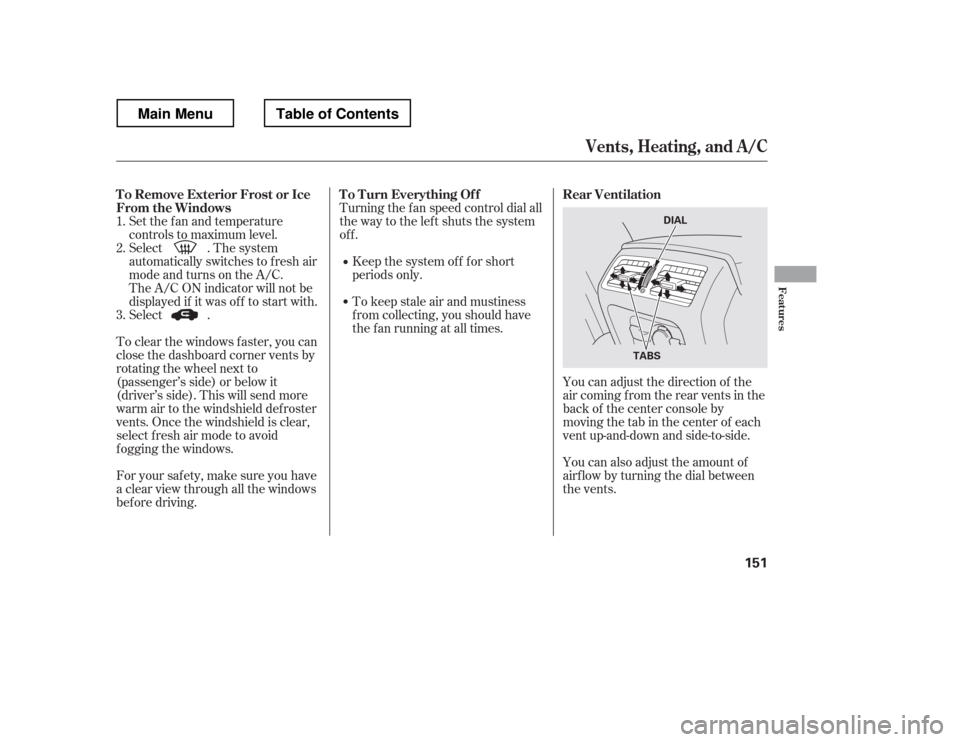
You can adjust the direction of the
air coming from the rear vents in the
back of the center console by
moving the tab in the center of each
vent up-and-down and side-to-side.
You can also adjust the amount of
airf low by turning the dial between
the vents.
To clear the windows f aster, you can
close the dashboard corner vents by
rotating the wheel next to
(passenger
Page 159 of 429
The climate control system can also
be operated by voice control.
See the navigation system manual
f or complete details.
On models with navigation system
Voice Control System
Climate Control System
152
DRIVER’S SIDE
TEMPERATURE
DISPLAY
ON/OFF BUTTON
MODE BUTTON PASSENGER’S SIDE
TEMPERATURE DISPLAY
AIR CONDITIONING BUTTON AUTO BUTTON
DRIVER’S SIDE
TEMPERATURE
CONTROL DIAL
RECIRCULATION BUTTON
WINDSHIELD
DEFROSTER BUTTON FAN CONTROL
BUTTONS
PASSENGER’S SIDE
TEMPERATURE
CONTROL DIAL
RTS, RTL, and Touring models
Main MenuTable of Contents
Page 161 of 429
�Û
�Ý
To turn the system completely off,
press the ON/OFF button.
Keep the system completely of f
f or short periods only.
To keep stale air and mustiness
f rom collecting, you should have
the f an running at all times. You can manually select various
f unctions of the climate control
system when it is in f ully automatic
mode. All other f eatures remain
automatically controlled. Making any
manual selection causes the word
AUTO in the display to go out.
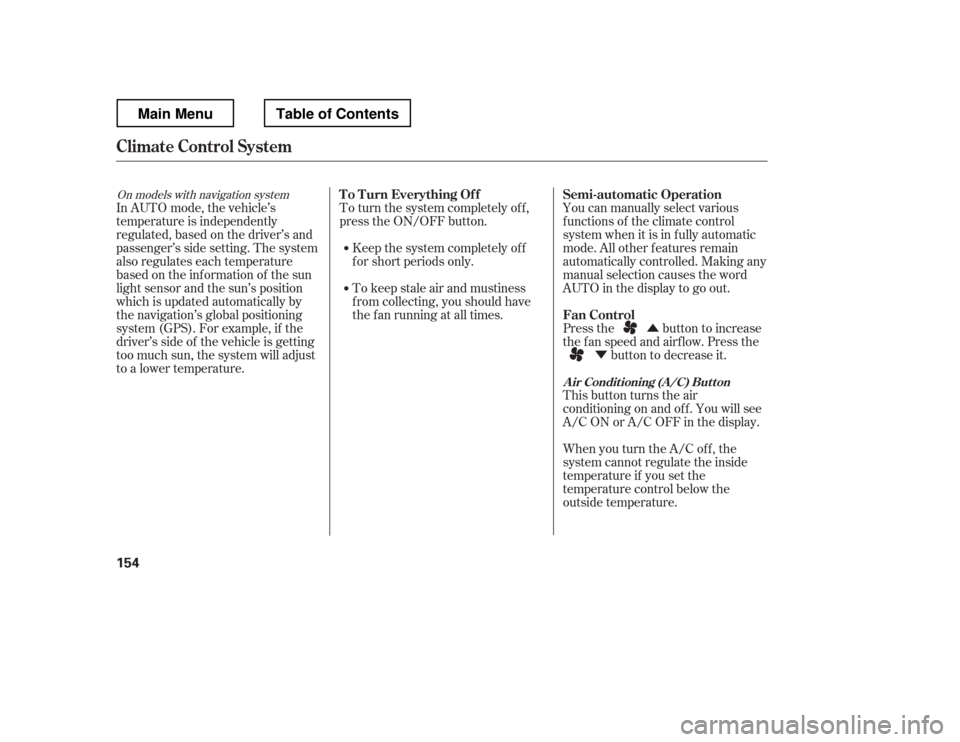
Press the button to increase
the fan speed and airflow. Press the
button to decrease it.
This button turns the air
conditioningonandoff.Youwillsee
A/C ON or A/C OFF in the display.
When you turn the A/C of f , the
system cannot regulate the inside
temperature if you set the
temperature control below the
outside temperature.
In AUTO mode, the vehicle
Page 168 of 429

�µ
�µ
�µ
�µ�µ
�µ
You can use any of f ive methods to
f ind radio stations on the selected
band: tune, seek, scan, the preset
bars, and auto select.
Use the TUNE bar to tune
the radio to a desired f requency.
Press the side of the bar to tune
to a higher f requency, and press the side to tune to a lower
f requency.
The scan f unction samples
all stations with strong signals on the
selected band. To activate it, press
the SCAN button, then release it.
You will see SCAN in the display.
When the system finds a strong signal, it will stop and play that
station f or about 10 seconds.
The ignition switch must be in the
ACCESSORY (I) or ON (II) position.
Turn the system on by pushing the
PWR button or the AM/FM button.
Adjust the volume by turning the
volume knob.
Pushing the AUDIO button will also
turn on the system (see page ).
The band and f requency that the
radio was last tuned to are displayed.
To change bands, press the AM/FM
button. On the FM band, ST will be
displayed if the station is
broadcasting in stereo. Stereo
reproduction in AM is not available.
On the AM band, AM noise
reduction turns on automatically. The SEEK f unction
searches up and down f rom the
current f requency to f ind a station
with a strong signal. To activate it,
press the or side of the
SEEK/SKIP bar, then release it. If you do nothing, the system will
scan f or the next strong station and
play it f or 10 seconds. When it plays
a station that you want to listen to,
press the SCAN button again.
Each side of the bars (1
6) can store one f requency on AM
and two f requencies on FM.
Usethetune,seek,orscan
function to tune the radio to a
desired station.
Select the desired band, AM or
FM. FM1 and FM2 let you store
six stations each.
Pick a preset number (1 6), then
press and hold it until you hear a
beep.
Repeat steps 1 through 3 to store a
total of six stations on AM and
twelve stations on FM.
1. 2.3. 4.
163
CONT INUED
On models with navigation system
T o Play the A M/FM Radio T o Select a Station
TUNE
SCAN
SEEK
Preset
Playing the AM/FM Radio
Features
161
Main MenuTable of Contents
Page 170 of 429

�µ
�µ
In addition to the knobs, buttons, and
bars on the radio control panel, you
can operate some of the radio
controls on the navigation system
screen. To adjust the sound, push the
AUDIO button, then enter the sound
grid by touching the SOUND icon on
the display.
While you are listening to the radio,
you can change to another band by
pressing the AUDIO button next to
the navigation system screen, and
then touching the desired band icon
(FM1, FM2, or AM).
AUTO SELECT, SCAN, and SOUND
are adjustable f rom the navigation
screen. For an explanation of these
f unctions, see pages and .
Touch the
A.SEL icon to activate the auto select
f unction. You will see A.SEL f lashing
on the display.
Touch the SCAN icon to
activate the scan function. You will
see SCAN on the display. Touch the
icon again to deactivate it. 161 162
CONT INUED
On models with navigation system
Operating the Radio on the
Navigation System Screen
AUTO SELECT
SCANA djust ing t he Sound
Playing the AM/FM Radio
Features
163
AUDIO BUTTON
Main MenuTable of Contents
Page 175 of 429
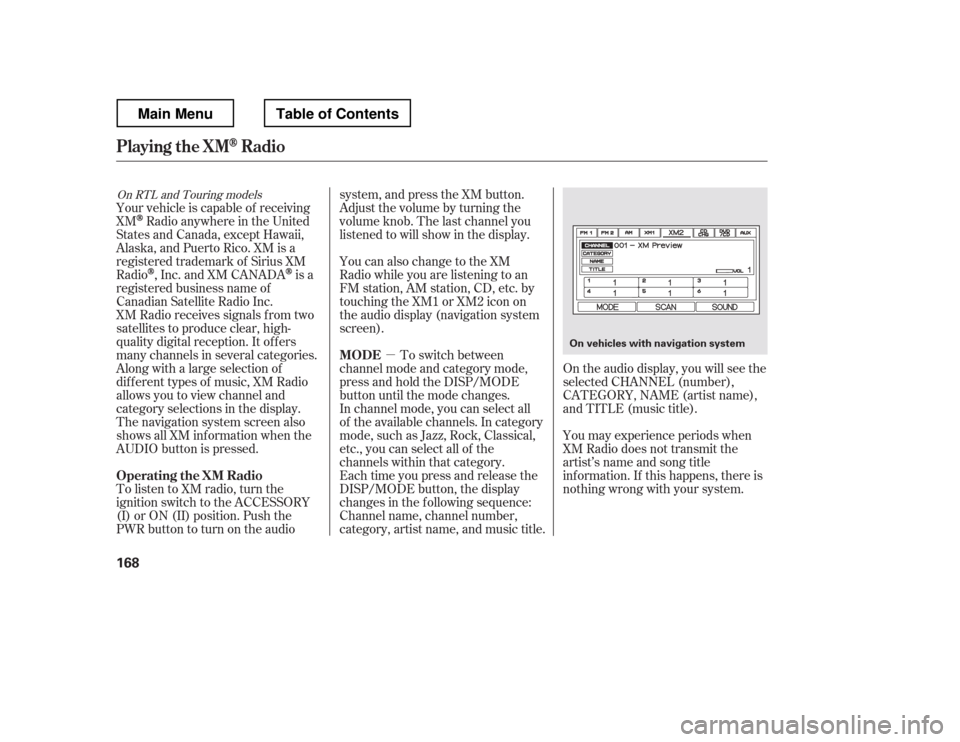
�µOn the audio display, you will see the
selected CHANNEL (number),
CATEGORY, NAME (artist name),
and TITLE (music title).
You may experience periods when
XM Radio does not transmit the
artist
Page 176 of 429
�µ�µ
�µ �µ
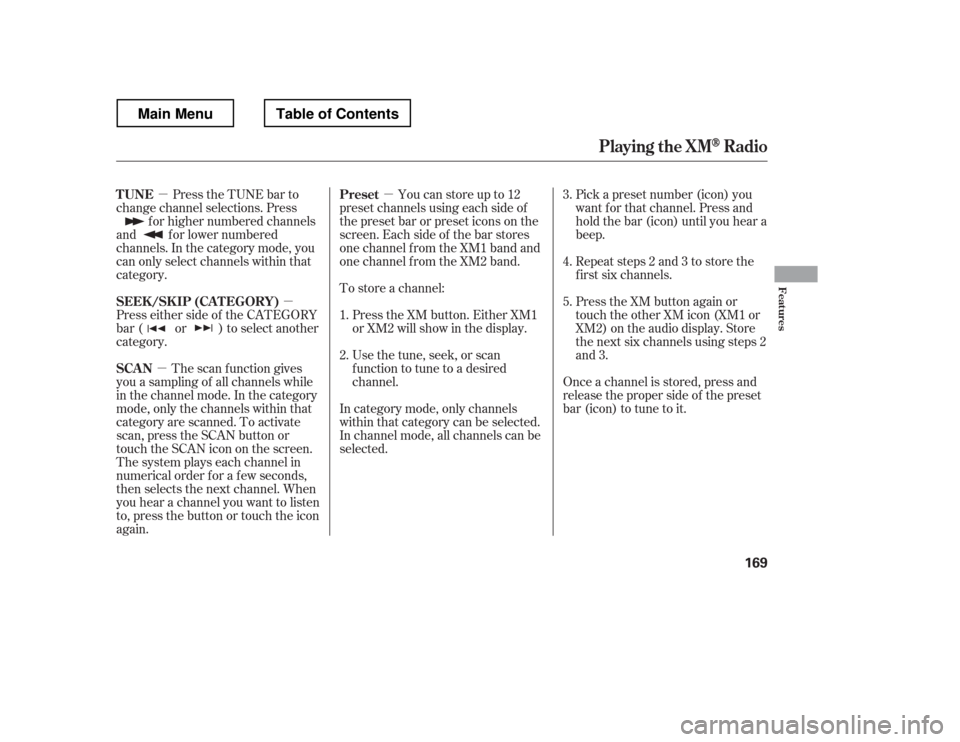
Press the TUNE bar to
change channel selections. Press
f or higher numbered channels
and f or lower numbered
channels. In the category mode, you
can only select channels within that
category.
Press either side of the CATEGORY
bar ( or ) to select another
category.
The scan f unction gives
you a sampling of all channels while
in the channel mode. In the category
mode, only the channels within that
category are scanned. To activate
scan, press the SCAN button or
touch the SCAN icon on the screen.
The system plays each channel in
numerical order f or a f ew seconds,
then selects the next channel. When
you hear a channel you want to listen
to, press the button or touch the icon
again. Youcanstoreupto12
preset channels using each side of
the preset bar or preset icons on the
screen. Each side of the bar stores
one channel f rom the XM1 band and
one channel f rom the XM2 band. Pick a preset number (icon) you
want f or that channel. Press and
hold the bar (icon) until you hear a
beep.
Repeat steps 2 and 3 to store the
f irst six channels.
Once a channel is stored, press and
release the proper side of the preset
bar (icon) to tune to it.
To store a channel:
Press the XM button. Either XM1
or XM2 will show in the display.
Usethetune,seek,orscan
function to tune to a desired
channel. Press the XM button again or
touch the other XM icon (XM1 or
XM2) on the audio display. Store
the next six channels using steps 2
and 3.
In category mode, only channels
within that category can be selected.
In channel mode, all channels can be
selected.
1. 2. 3. 4. 5.
TUNE
SEEK /SK IP (CA T EGORY)
SCAN Preset
Playing t he XMRadio
Features
169
Main MenuTable of Contents
Page 177 of 429
�µ�µ
�µ �µ �µ
�µ
XM is loading the
audio or program inf ormation. The signal is
currently too weak. Move the vehicle
to an area away from tall buildings,
and with an unobstructed view of the
southern horizon.
The channel
currently selected is no longer
broadcasting.
The encryption
code is being updated. Wait until the
encryption code is f ully updated.
Channels 0 and 1 should still work
normally. The selected channel
number does not exist, or is not part
of your subscription, or this channel
has no artist or title inf ormation at
this time.
There is a problem
with the XM antenna. Please consult
your dealer.
XM Radio Display Messages
‘‘L OA DING