Page 85 of 429
Gauges
78
U.S. model is shown.
INFORMATION DISPLAY
OUTSIDE TEMPERATURE INDICATOR
ODOMETER
ODOMETER
RANGE ENGINE OIL LIFE
TRIP METER A TRIP METER B
RANGE
TRIP METER B
TRIP METER A TRIP METER A
AVERAGE FUEL
ECONOMY A AVERAGE FUEL
ECONOMY B
INSTANT FUEL
ECONOMY INSTANT FUEL
ECONOMY TRIP/RESET button
SELECT button
TRIP METER B
Main MenuTable of Contents
Page 87 of 429
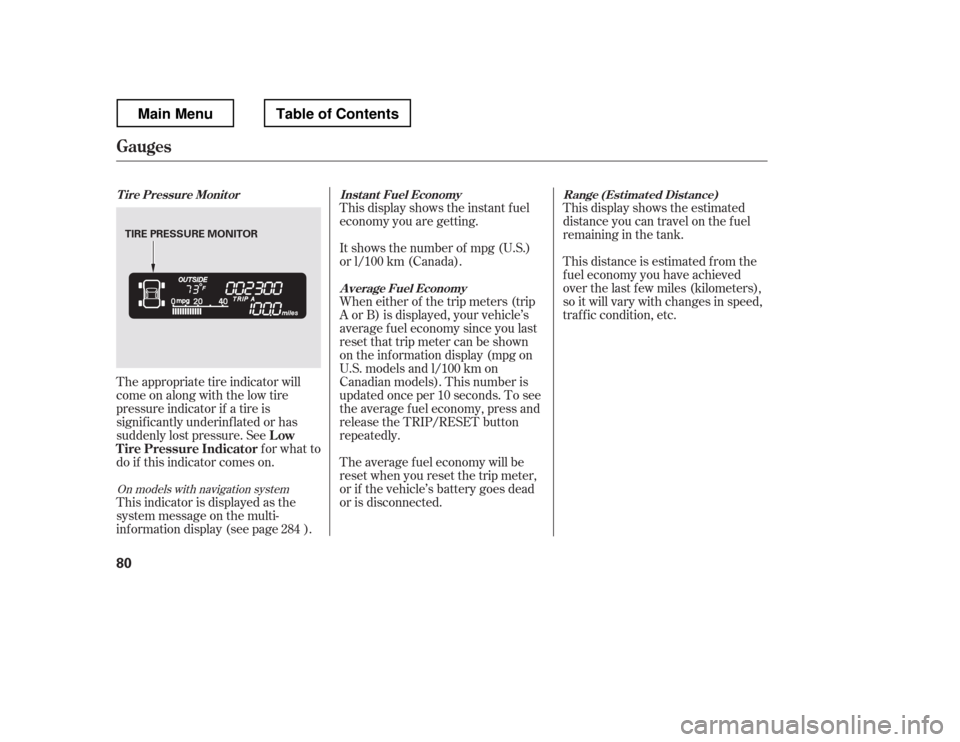
This display shows the estimated
distance you can travel on the fuel
remaining in the tank.
This distance is estimated f rom the
f uel economy you have achieved
over the last f ew miles (kilometers),
so it will vary with changes in speed,
traffic condition, etc.
This display shows the instant f uel
economy you are getting.
It shows the number of mpg (U.S.)
or l/100 km (Canada).
When either of the trip meters (trip
A or B) is displayed, your vehicle
Page 88 of 429
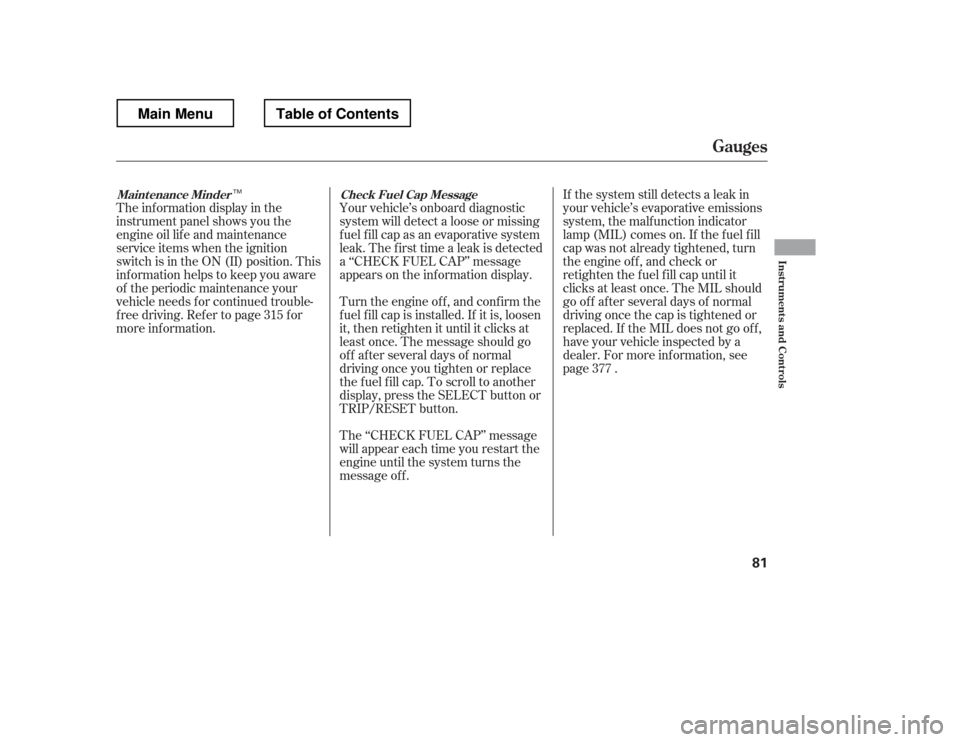
The inf ormation display in the
instrument panel shows you the
engine oil lif e and maintenance
service items when the ignition
switch is in the ON (II) position. This
inf ormation helps to keep you aware
of the periodic maintenance your
vehicle needs f or continued trouble-
f ree driving. Ref er to page f or
more inf ormation.Your vehicle
Page 89 of 429
�Û�Ý
�Û�Ý
�Û
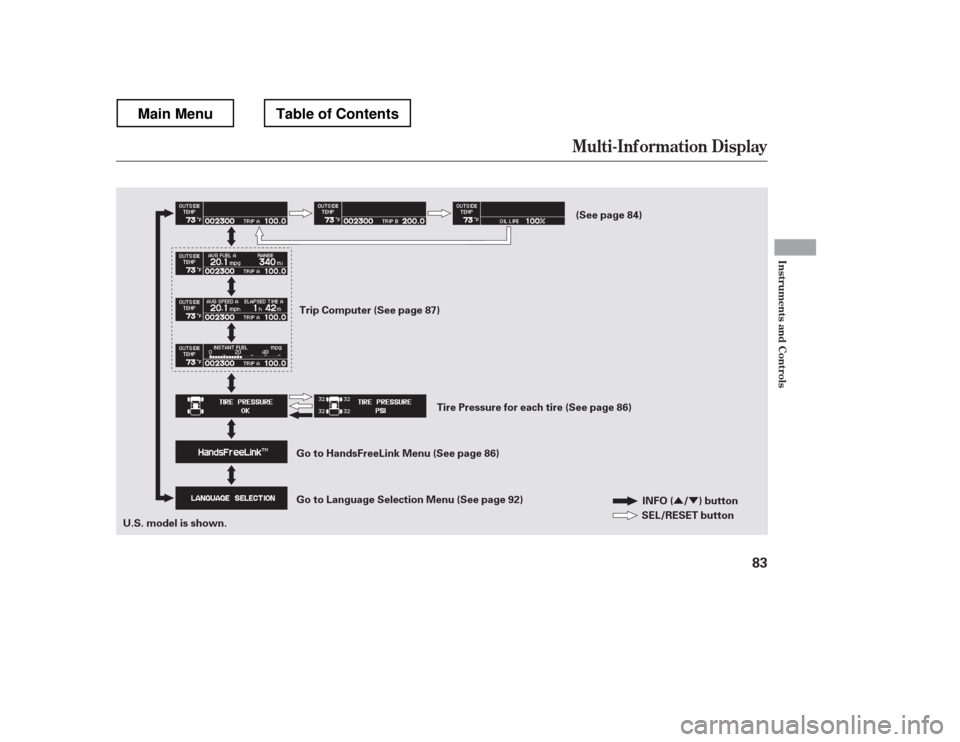
�ÝWith the ignition switch in the ON
(II) position, the multi-inf ormation
display changes as shown on the
next page each time you press the
INFO ( / ) button or the SEL/
RESET button.
When you turn the ignition switch to
the ON (II) position, your last
selection is displayed.
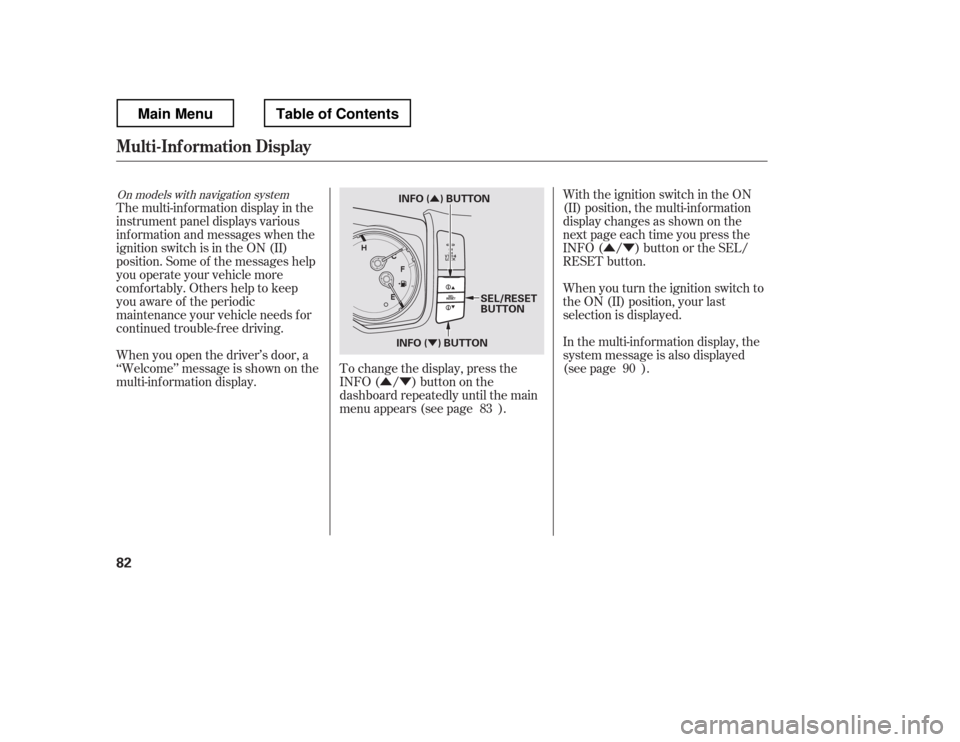
The multi-inf ormation display in the
instrument panel displays various
inf ormation and messages when the
ignition switch is in the ON (II)
position. Some of the messages help
you operate your vehicle more
comf ortably. Others help to keep
you aware of the periodic
maintenance your vehicle needs f or
continued trouble-f ree driving.
To change the display, press the
INFO( / )buttononthe
dashboard repeatedly until the main
menu appears (see page ).
When you open the driver
Page 90 of 429
�Û�Ý
Mult i-Inf ormation Display
Inst rument s and Cont rols
83
INFO ( / ) button
SEL/RESET button
U.S. model is shown. Trip Computer (See page 87)
(See page 84)
Tire Pressure for each tire (See page 86)
Go to Language Selection Menu (See page 92)
Go to HandsFreeLink Menu (See page 86)
Main MenuTable of Contents
Page 91 of 429
The odometer shows the total
distance your vehicle has been
driven. It measures miles in U.S.
models and kilometers in Canadian
models. It is illegal under U.S.
f ederal law and Canadian provincial/
territorial regulations to disconnect,
reset, or alter the odometer with the
intent to change the number of miles
or kilometers indicated.This meter shows the number of
miles (U.S.) or kilometers (Canada)
driven since you last reset it. There
aretwotripmeters:TripAandTrip
B. Each trip meter works
independently, so you can keep track
of two dif f erent distances.
To reset a trip meter, display it, and
then press and hold the SEL/RESET
button until the number resets to‘‘0.0.
Page 92 of 429
�¶�¶�µ�µ
�µ�µ�µ �µ�µ�µ
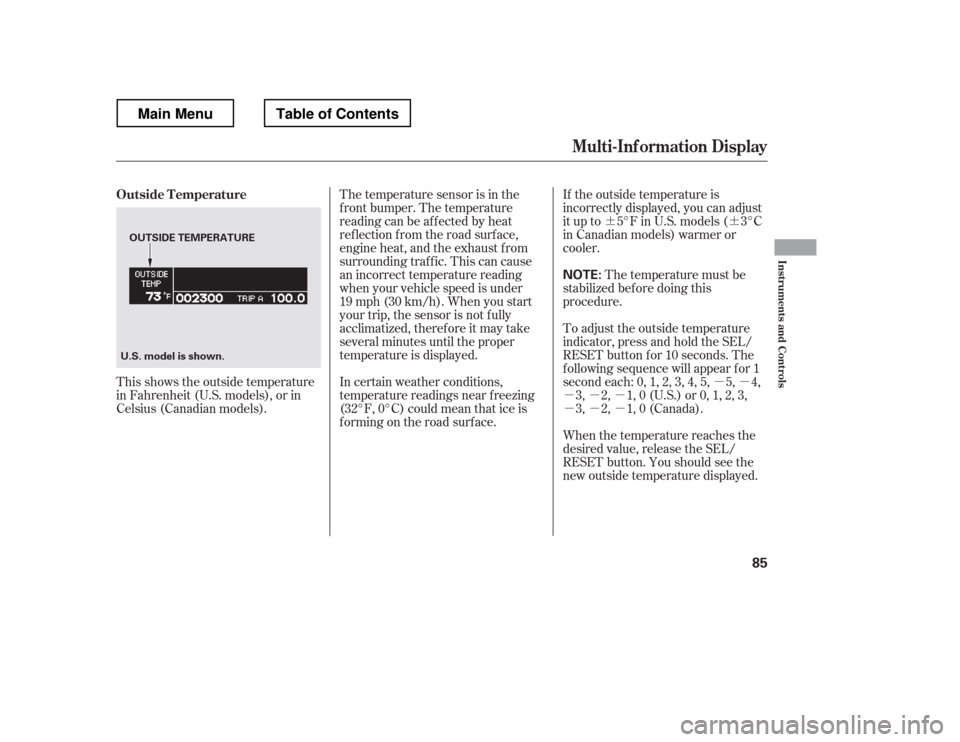
If the outside temperature is
incorrectly displayed, you can adjust
it up to 5
Page 93 of 429
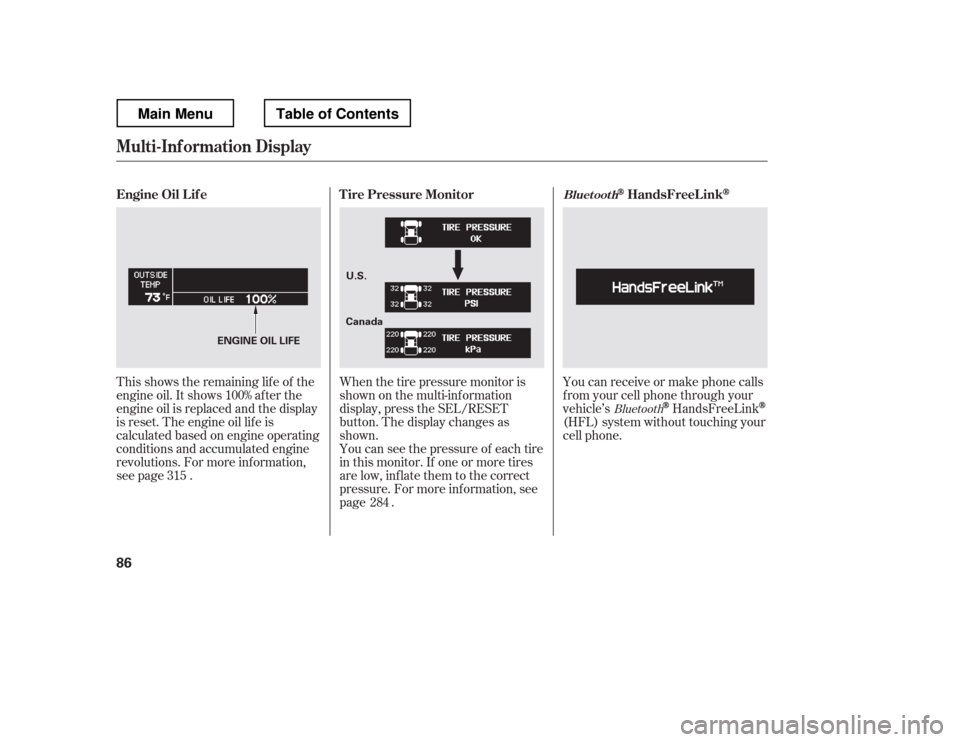
This shows the remaining lif e of the
engine oil. It shows 100% af ter the
engine oil is replaced and the display
is reset. The engine oil lif e is
calculated based on engine operating
conditions and accumulated engine
revolutions. For more inf ormation,
see page .Whenthetirepressuremonitoris
shown on the multi-inf ormation
display, press the SEL/RESET
button. The display changes as
shown.
You can see the pressure of each tire
in this monitor. If one or more tires
are low, inflate them to the correct
pressure. For more inf ormation, see
page . You can receive or make phone calls
f rom your cell phone through your
vehicle