2010 CHEVROLET CORVETTE display
[x] Cancel search: displayPage 191 of 472
The system operates to reach the set temperature
as quickly as possible. The AUTO control system
works best with the windows up and the removable
roof installed or the convertible top up. 1. Press the AUTO button.
2. Adjust the temperature to a comfortable setting between 16°C (60°F) and 32°C (90°F). Choosing
the coldest or warmest temperature setting will
not cause the system to heat or cool any faster.
A setting of 23°C (73°F) is suggested.
In cold weather, the system will start at reduced
fan speeds to avoid blowing cold air into your
vehicle until warmer air is available. The system
starts out blowing air at the floor but may change
modes automatically as the vehicle warms up to
maintain the chosen temperature setting. The
length of time needed for warm up depends on the
outside temperature and the length of time that has
elapsed since the vehicle was last driven.
3. Wait for the system to regulate. This may take from 10 to 30 minutes. Then adjust the temperature,
if necessary.
Do not cover the solar sensor located in the center of
the instrument panel, near the windshield. For more
information on the solar sensor, see “Sensor”later in
this section.Manual Operation
Driver Power/Temperature : Press the driver
temperature knob to turn the climate control system off.
This is the only setting that completely shuts off the fan.
The digital display shows only the outside temperature.
The driver and the passenger set temperature and the
air intake mode can still be adjusted when the climate
control is off.
Passenger Power/Temperature : Press the passenger
temperature knob to turn the passenger's climate
control system on or off. Turn the knob to increase or
decrease the temperature for the passenger. If the
passenger's climate control system is off, the driver's
temperature knob will control the temperature for the
entire vehicle.
x 9 w (Fan) :Press to increase or decrease the fan
speed. The fan speed setting will appear in the display.
Pressing the arrows will delete AUTO from the digital
display. The fan graphics with the fan speed bars will be
shown. The AUTO button must be pressed to return to
the automatic fan control.
If the airflow seems low when the fan speed is at the
highest setting, the passenger compartment air filter
may need to be replaced. For more information, see
Passenger Compartment Air Filter
on page 4‑28and
Scheduled Maintenance on page 7‑3.
4-23
Page 192 of 472

N(Air Delivery Mode Control) : Press this button to
manually lock in the current air delivery setting and to
stop the automatic mode control. Pressing
Ndeletes
AUTO from the digital display and the mode graphics
will be shown. To change the setting, press
Nagain.
The AUTO button must be pressed to return to the
automatic mode selection.
To change the current mode, select one of the following:
H (Vent) : Air is directed to the instrument panel outlets,
with some air directed to the floor outlets.
% (Bi-Level) : Air is divided between the instrument
panel and floor outlets.
6 (Floor) : Air is directed to the floor outlets, with some
air directed to the windshield and side window defogger
outlets.
- (Floor/Defog) : This mode clears the windows of fog
or moisture. Air is directed to the windshield and the
floor outlets, with a small amount to the side window
outlets. In this mode, the system automatically turns
off the recirculation and runs the air-conditioning
compressor unless the outside temperature is at or
below freezing. The recirculation mode cannot be
selected while in the defog mode. 1(Defrost) :
This mode clears the windows of fog or
frost more quickly. Air is directed to the windshield,
with a small amount directed to the side window outlets.
The indicator light comes on and the digital display will
show the defrost mode symbol and fan speed when the
front defrost mode is being used. In this mode, the
system automatically turns off the recirculation and
runs the air-conditioning compressor, unless the
outside temperature is at or below freezing.
Recirculation cannot be selected while in the defrost
mode. Pressing
1again will return the system to the
last operating mode.
For severe ice conditions, turn the driver's temperature
knob to 32°C (90°F) while in defrost mode.
Do not drive the vehicle until all the windows are clear.
^ (Air Conditioning Off) : Press to turn the air
conditioning compressor off. Press AUTO to return
to automatic operation. When in AUTO, the air
conditioning compressor comes on automatically,
as needed.
Air conditioning does not operate at temperatures below
about 2°C to 4°C (35°F to 40°F). In temperatures above
4°C (40°F), the air conditioning cannot be turned off in
defrost and defog, as it helps to remove moisture from
the vehicle. It also helps to keep the windows clear.
4-24
Page 194 of 472
Sensors
The solar sensor on the vehicle monitors the solar
heat and uses the information to maintain the selected
temperature when operating in AUTO mode by
automatically adjusting the temperature, fan speed
and air delivery system. The system may also supply
cooler air to the side of the vehicle facing the sun.
The recirculation mode will also be activated, as
necessary. Do not cover the solar sensor located
on the top of the instrument panel near the windshield
or the system will not work properly.
There is also a sensor located behind the front bumper.
This sensor reads the outside air temperature and helps
to maintain the temperature inside the vehicle. Any
cover on the front of the vehicle could give a false
reading in the temperature.
If the outside temperature goes up, the displayed
temperature will not change until:
.The vehicle's speed is above 19 km/h (12 mph) for
five minutes.
.The vehicle's speed is above 52 km/h (32 mph) for
two and a half minutes. These delays prevent false readings. If the temperature
goes down, the outside temperature will be shown when
you start the vehicle. If it has been turned off for less
than three hours, the temperature will be recalled from
the previous vehicle operation.
There is also an inside temperature sensor located to
the left of the ignition switch. The automatic climate
control system uses this sensor to receive information,
so if you block or cover it, the system will not function
properly.
Rear Window Defogger
The rear window defogger uses a warming grid to
remove fog or frost from the rear window.
The rear window defogger only works when the engine
is running.
=(Rear Window Defogger) :
Press to turn the
rear window defogger on or off. Be sure to clear
as much snow from the rear window as possible.
An indicator light comes on to show that the rear
window defogger is on.
4-26
Page 200 of 472
Speedometer and Odometer
The speedometer shows the speed in either kilometers
per hour (km/h) or miles per hour (mph). For more
information see “Personal Options” underDIC Vehicle
Personalization on page 4‑71.
To read the odometer with the ignition off, turn on the
parking lamps.
If the vehicle needs a new odometer installed, the
mileage total of the new odometer will be set to the
original kilometers (miles) of the old odometer. See your
dealer/retailer if the odometer must be replaced in the
vehicle.
Tachometer
The tachometer displays the engine speed in thousands
of revolutions per minute (rpm).
Notice: Fuel shuts off at about 6500 rpm for
the base model, 7000 rpm for the Z06 model, and
6600 rpm for the ZR1 model. If the vehicle continues
to be driven at the fuel shut off rpm, the engine
could be damaged. Be sure to operate the vehicle
below the fuel shut off rpm or reduce the vehicle's
rpm quickly when the fuel shuts off.
Safety Belt Reminders
Safety Belt Reminder Light
When the engine is started, a chime sounds for several
seconds to remind a driver to fasten the safety belt,
unless the driver safety belt is already buckled.
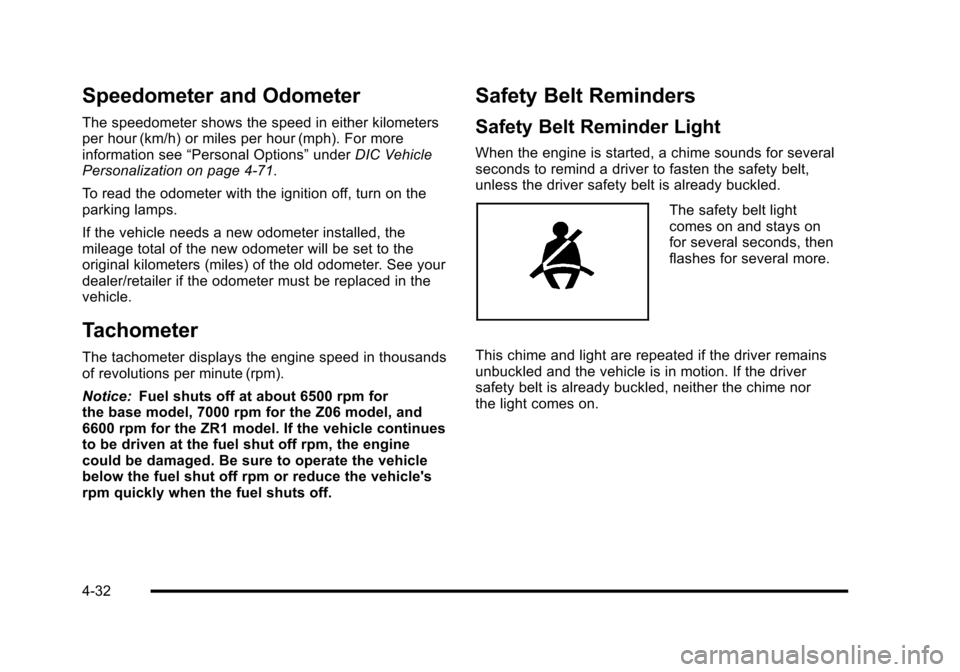
The safety belt light
comes on and stays on
for several seconds, then
flashes for several more.
This chime and light are repeated if the driver remains
unbuckled and the vehicle is in motion. If the driver
safety belt is already buckled, neither the chime nor
the light comes on.
4-32
Page 206 of 472
Traction Control System (TCS)
Warning Light
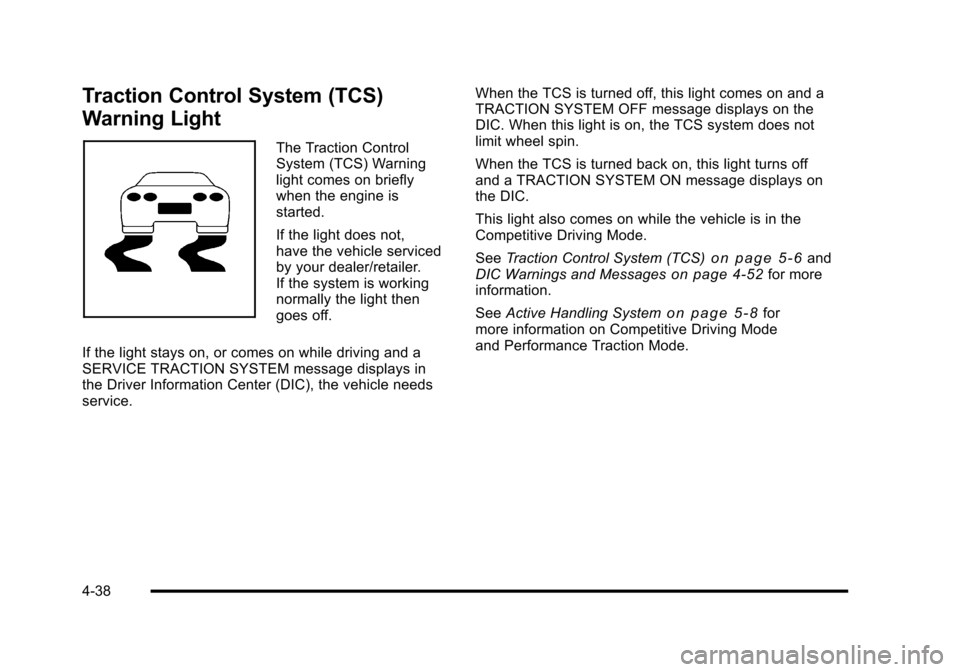
The Traction Control
System (TCS) Warning
light comes on briefly
when the engine is
started.
If the light does not,
have the vehicle serviced
by your dealer/retailer.
If the system is working
normally the light then
goes off.
If the light stays on, or comes on while driving and a
SERVICE TRACTION SYSTEM message displays in
the Driver Information Center (DIC), the vehicle needs
service. When the TCS is turned off, this light comes on and a
TRACTION SYSTEM OFF message displays on the
DIC. When this light is on, the TCS system does not
limit wheel spin.
When the TCS is turned back on, this light turns off
and a TRACTION SYSTEM ON message displays on
the DIC.
This light also comes on while the vehicle is in the
Competitive Driving Mode.
See
Traction Control System (TCS)
on page 5‑6and
DIC Warnings and Messageson page 4‑52for more
information.
See Active Handling System
on page 5‑8for
more information on Competitive Driving Mode
and Performance Traction Mode.
4-38
Page 207 of 472
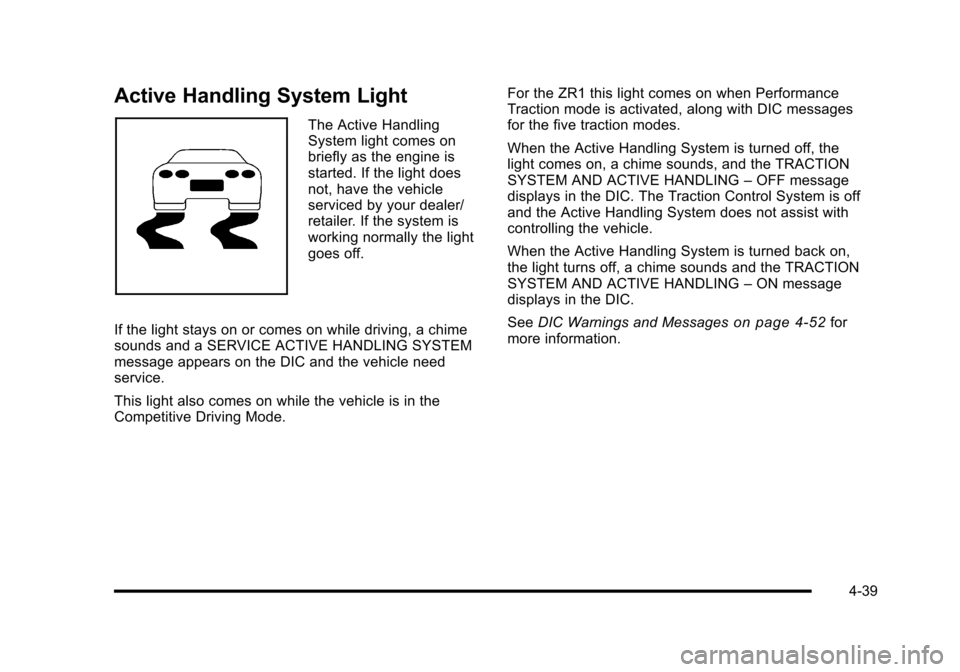
Active Handling System Light
The Active Handling
System light comes on
briefly as the engine is
started. If the light does
not, have the vehicle
serviced by your dealer/
retailer. If the system is
working normally the light
goes off.
If the light stays on or comes on while driving, a chime
sounds and a SERVICE ACTIVE HANDLING SYSTEM
message appears on the DIC and the vehicle need
service.
This light also comes on while the vehicle is in the
Competitive Driving Mode. For the ZR1 this light comes on when Performance
Traction mode is activated, along with DIC messages
for the five traction modes.
When the Active Handling System is turned off, the
light comes on, a chime sounds, and the TRACTION
SYSTEM AND ACTIVE HANDLING
–OFF message
displays in the DIC. The Traction Control System is off
and the Active Handling System does not assist with
controlling the vehicle.
When the Active Handling System is turned back on,
the light turns off, a chime sounds and the TRACTION
SYSTEM AND ACTIVE HANDLING –ON message
displays in the DIC.
See DIC Warnings and Messages
on page 4‑52for
more information.
4-39
Page 213 of 472
The engine oil pressure can also be displayed using the
GAGES button on the Driver Information Center (DIC).
See Driver Information Center (DIC) on page 4‑47.
Security Light
For information regarding
this light and the vehicle's
security system, see
Theft-Deterrent System
on page 3‑19.
Fog Lamp Light
The fog lamp light comes
on when the fog lamps
are in use.
The light goes out when the fog lamps are turned off.
See Fog Lamps
on page 4‑13for more information.
Lights On Reminder
This light comes on
whenever the parking
lamps are on.
See Headlamps on Reminder
on page 4‑12for more
information.
Highbeam On Light
This light comes on when
the high-beam headlamps
are in use.
See Headlamp High/Low-Beam Changer
on page 4‑5for more information.
4-45
Page 214 of 472
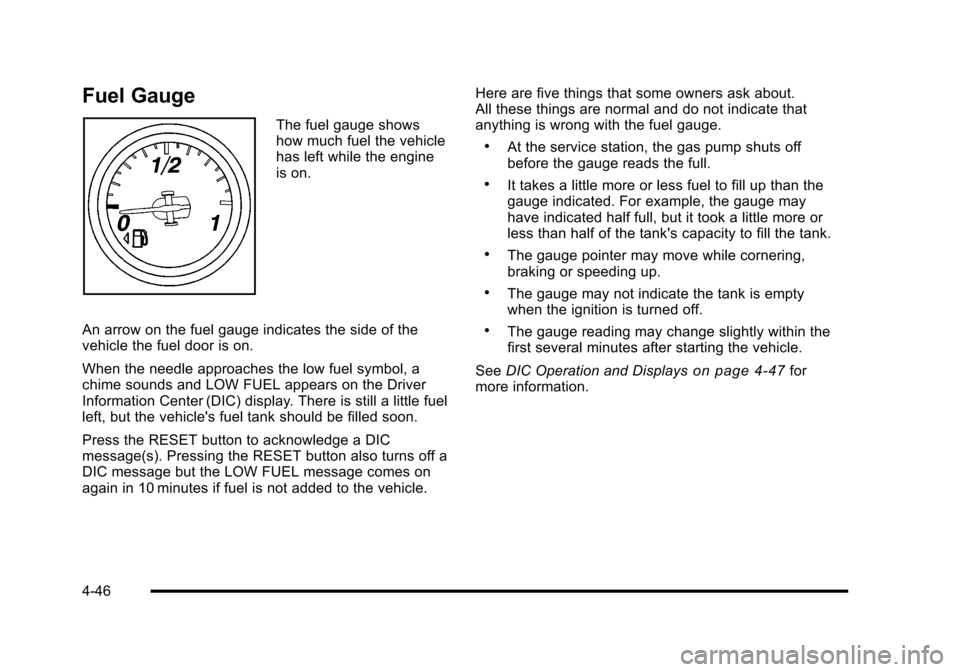
Fuel Gauge
The fuel gauge shows
how much fuel the vehicle
has left while the engine
is on.
An arrow on the fuel gauge indicates the side of the
vehicle the fuel door is on.
When the needle approaches the low fuel symbol, a
chime sounds and LOW FUEL appears on the Driver
Information Center (DIC) display. There is still a little fuel
left, but the vehicle's fuel tank should be filled soon.
Press the RESET button to acknowledge a DIC
message(s). Pressing the RESET button also turns off a
DIC message but the LOW FUEL message comes on
again in 10 minutes if fuel is not added to the vehicle. Here are five things that some owners ask about.
All these things are normal and do not indicate that
anything is wrong with the fuel gauge.
.At the service station, the gas pump shuts off
before the gauge reads the full.
.It takes a little more or less fuel to fill up than the
gauge indicated. For example, the gauge may
have indicated half full, but it took a little more or
less than half of the tank's capacity to fill the tank.
.The gauge pointer may move while cornering,
braking or speeding up.
.The gauge may not indicate the tank is empty
when the ignition is turned off.
.The gauge reading may change slightly within the
first several minutes after starting the vehicle.
See DIC Operation and Displays
on page 4‑47for
more information.
4-46