2003 BMW 760LI SEDAN navigation
[x] Cancel search: navigationPage 161 of 229
At a glance
Controls
Driving tips
Communications
Navigation
Entertainment
Mobility
Reference
159
Switching Dolby on/off
Activate only when playing cassettes
that were recorded with Dolby B or
Dolby C, as the quality of sound reproduc-
tion will otherwise suffer from a loss of
high-frequency response.<
1.Select "Tape" and confirm
2.Select "Dolby..." and continue pressing
until you obtain the best sound quality.
The system switches between Dolby B
and Dolby C or switches off the Dolby
function.
The selected noise-suppression mode is
indicated as "Dolby B" or "Dolby C".
Searching for music tracks
Fast forward/reverse
Select the direction
Press twice briefly or once for a longer
period.
When it reaches the end of the tape, the
player automatically switches to the other
side.
To interrupt the fast forward function
Music search
For the music search feature to
operate, there must be pauses of at
least 4 seconds between the individual
music selections.<
Switch on the music search feature
The tape is wound forward or back to the
next music selection, and switches to the
other side when it reaches the end of the
current side.
To interrupt the fast forward function
1.{Tape}
2.{Next} or {Back}.
Page 163 of 229
At a glance
Controls
Driving tips
Communications
Navigation
Entertainment
Mobility
Reference
161
Adjusting the picture*
During reception, the menu items are
displayed by pressing the con-
troller.<
1.Select "TV" and confirm your selection
2.Select "Picture" and confirm.
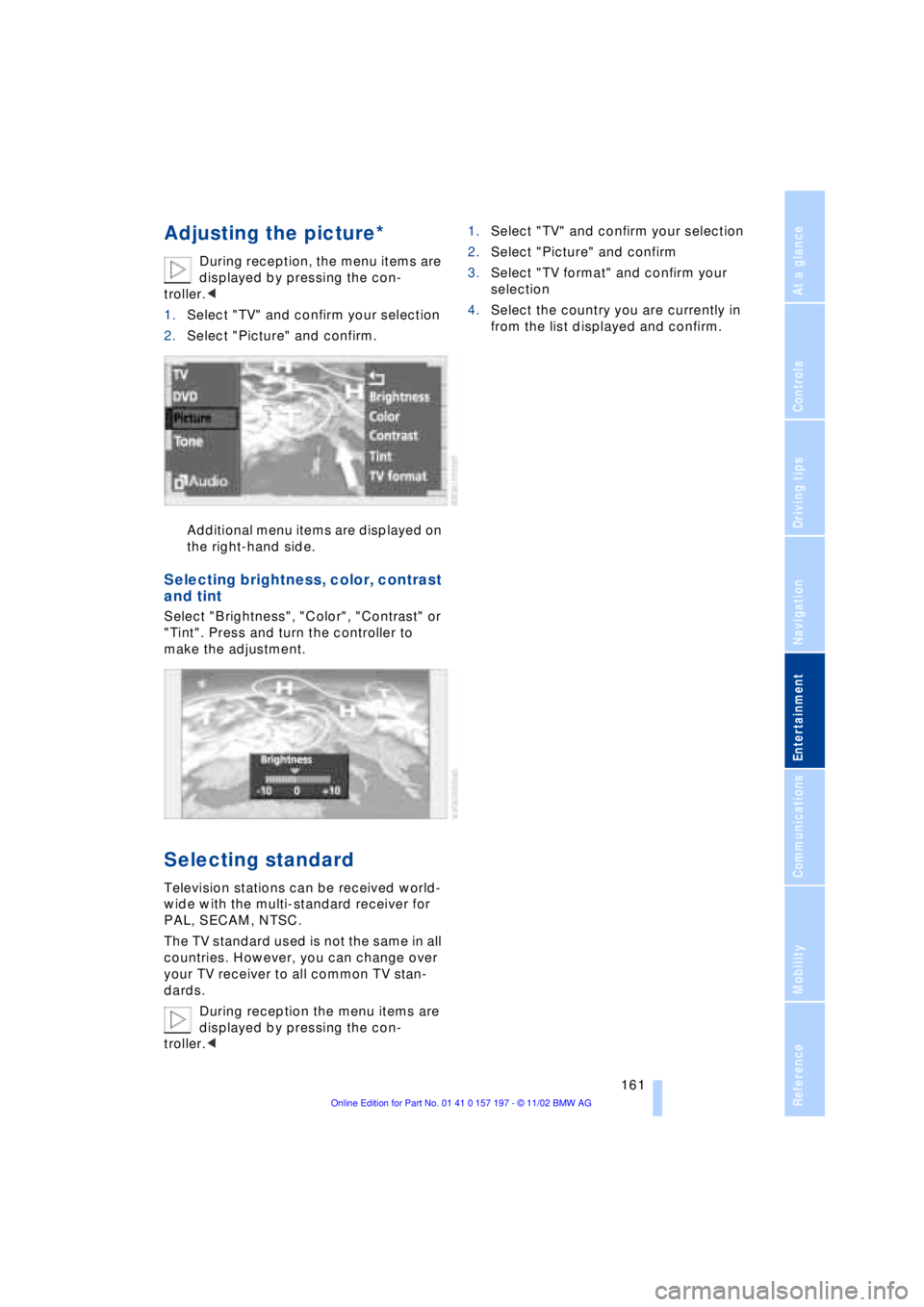
Additional menu items are displayed on
the right-hand side.
Selecting brightness, color, contrast
and tint
Select "Brightness", "Color", "Contrast" or
"Tint". Press and turn the controller to
make the adjustment.
Selecting standard
Television stations can be received world-
wide with the multi-standard receiver for
PAL, SECAM, NTSC.
The TV standard used is not the same in all
countries. However, you can change over
your TV receiver to all common TV stan-
dards.
During reception the menu items are
displayed by pressing the con-
troller.<1.Select "TV" and confirm your selection
2.Select "Picture" and confirm
3.Select "TV format" and confirm your
selection
4.Select the country you are currently in
from the list displayed and confirm.
Page 165 of 229
At a glance
Controls
Driving tips
Communications
Navigation
Entertainment
Mobility
Reference
163
Removing the DVD magazine
To insert or remove DVDs or CDs from the
storage magazine, you must first remove it
from the DVD changer:
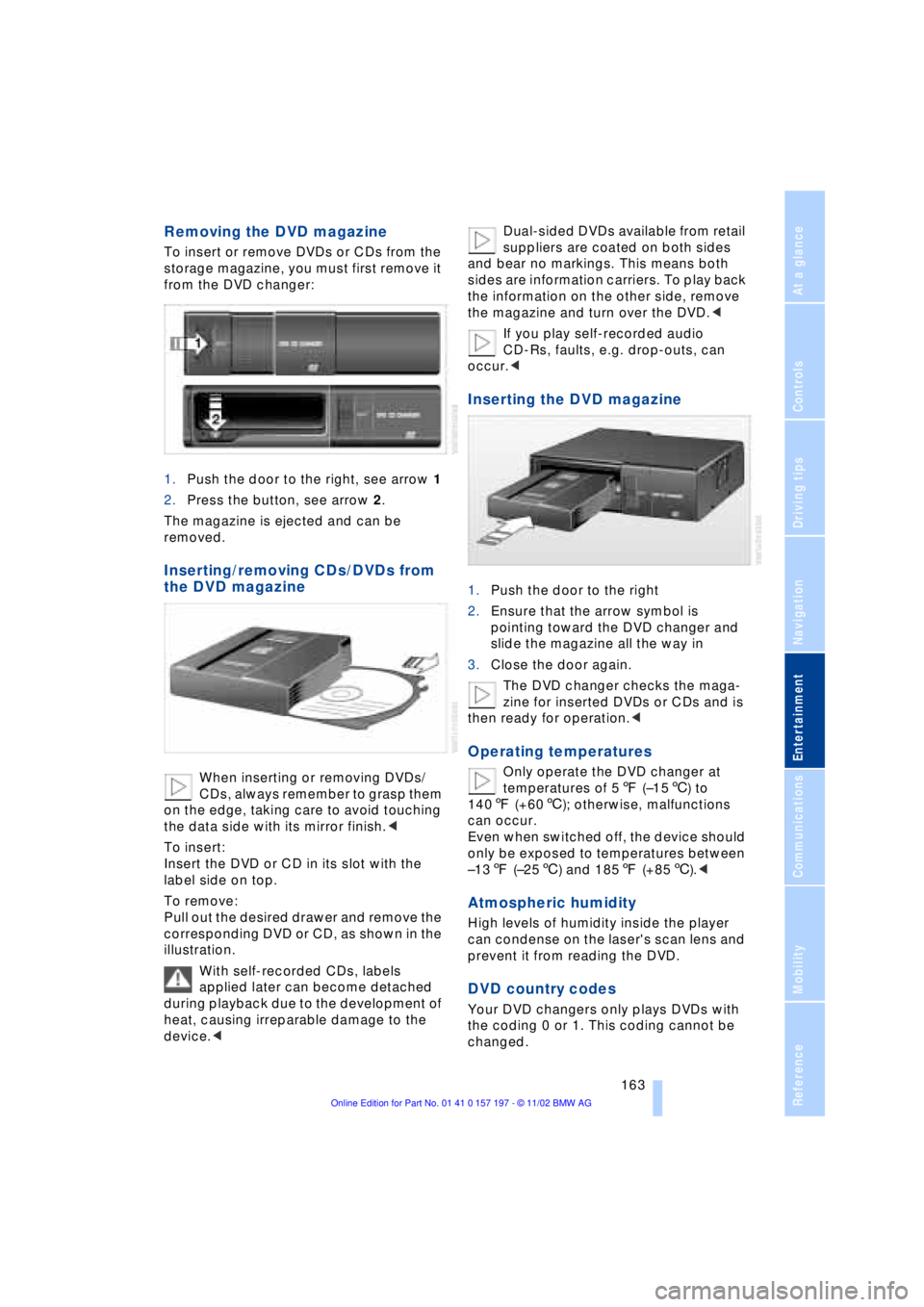
1.Push the door to the right, see arrow 1
2.Press the button, see arrow 2.
The magazine is ejected and can be
removed.
Inserting/removing CDs/DVDs from
the DVD magazine
When inserting or removing DVDs/
CDs, always remember to grasp them
on the edge, taking care to avoid touching
the data side with its mirror finish.<
To insert:
Insert the DVD or CD in its slot with the
label side on top.
To remove:
Pull out the desired drawer and remove the
corresponding DVD or CD, as shown in the
illustration.
With self-recorded CDs, labels
applied later can become detached
during playback due to the development of
heat, causing irreparable damage to the
device.
and bear no markings. This means both
sides are information carriers. To play back
the information on the other side, remove
the magazine and turn over the DVD.<
If you play self-recorded audio
CD-Rs, faults, e.g. drop-outs, can
occur.<
Inserting the DVD magazine
1.Push the door to the right
2.Ensure that the arrow symbol is
pointing toward the DVD changer and
slide the magazine all the way in
3.Close the door again.
The DVD changer checks the maga-
zine for inserted DVDs or CDs and is
then ready for operation.<
Operating temperatures
Only operate the DVD changer at
temperatures of 57 (Ð156) to
1407 (+606); otherwise, malfunctions
can occur.
Even when switched off, the device should
only be exposed to temperatures between
Ð137 (Ð256) and 1857 (+856).<
Atmospheric humidity
High levels of humidity inside the player
can condense on the laser's scan lens and
prevent it from reading the DVD.
DVD country codes
Your DVD changers only plays DVDs with
the coding 0 or 1. This coding cannot be
changed.
Page 167 of 229
At a glance
Controls
Driving tips
Communications
Navigation
Entertainment
Mobility
Reference
165
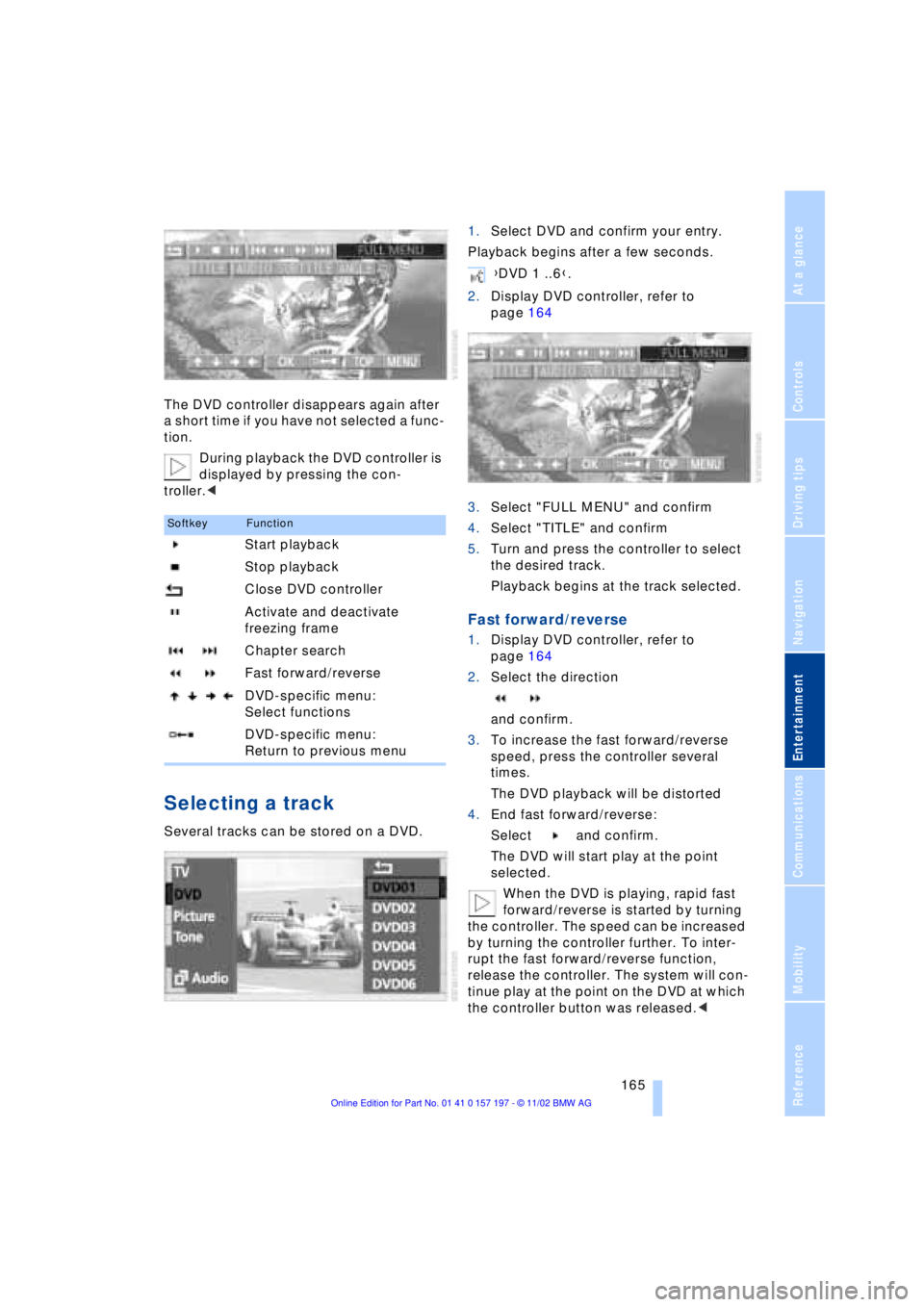
The DVD controller disappears again after
a short time if you have not selected a func-
tion.
During playback the DVD controller is
displayed by pressing the con-
troller.<
Selecting a track
Several tracks can be stored on a DVD.1.Select DVD and confirm your entry.
Playback begins after a few seconds.
2.Display DVD controller, refer to
page 164
3.Select "FULL MENU" and confirm
4.Select "TITLE" and confirm
5.Turn and press the controller to select
the desired track.
Playback begins at the track selected.
Fast forward/reverse
1.Display DVD controller, refer to
page 164
2.Select the direction
and confirm.
3.To increase the fast forward/reverse
speed, press the controller several
times.
The DVD playback will be distorted
4.End fast forward/reverse:
Select and confirm.
The DVD will start play at the point
selected.
When the DVD is playing, rapid fast
forward/reverse is started by turning
the controller. The speed can be increased
by turning the controller further. To inter-
rupt the fast forward/reverse function,
release the controller. The system will con-
tinue play at the point on the DVD at which
the controller button was released.<
SoftkeyFunction
Start playback
Stop playback
Close DVD controller
Activate and deactivate
freezing frame
Chapter search
Fast forward/reverse
DVD-specific menu:
Select functions
DVD-specific menu:
Return to previous menu
{DVD 1 ..6}.
Page 169 of 229
At a glance
Controls
Driving tips
Communications
Navigation
Entertainment
Mobility
Reference
167
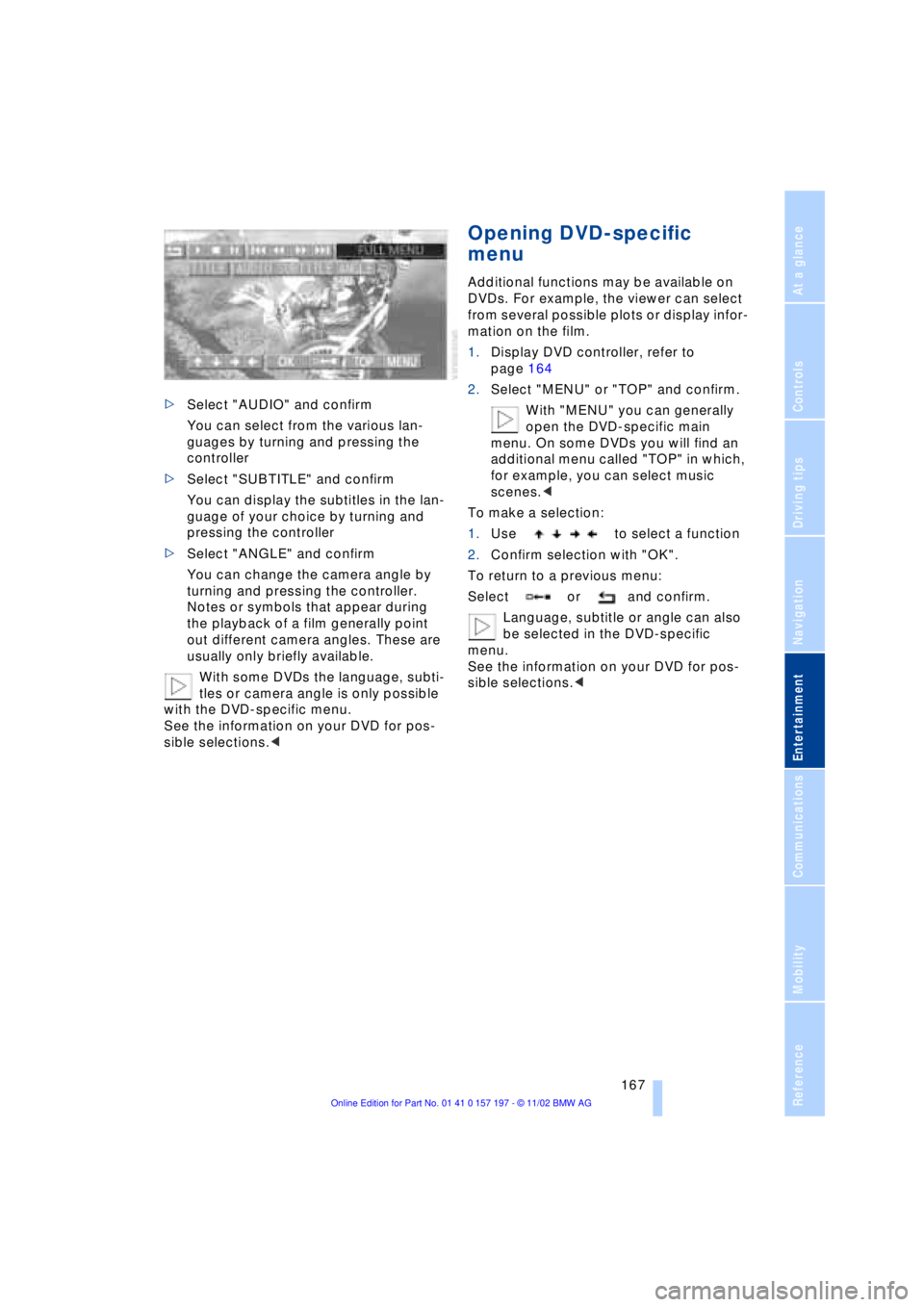
>Select "AUDIO" and confirm
You can select from the various lan-
guages by turning and pressing the
controller
>Select "SUBTITLE" and confirm
You can display the subtitles in the lan-
guage of your choice by turning and
pressing the controller
>Select "ANGLE" and confirm
You can change the camera angle by
turning and pressing the controller.
Notes or symbols that appear during
the playback of a film generally point
out different camera angles. These are
usually only briefly available.
With some DVDs the language, subti-
tles or camera angle is only possible
with the DVD-specific menu.
See the information on your DVD for pos-
sible selections.<
Opening DVD-specific
menu
Additional functions may be available on
DVDs. For example, the viewer can select
from several possible plots or display infor-
mation on the film.
1.Display DVD controller, refer to
page 164
2.Select "MENU" or "TOP" and confirm.
With "MENU" you can generally
open the DVD-specific main
menu. On some DVDs you will find an
additional menu called "TOP" in which,
for example, you can select music
scenes.<
To make a selection:
1.Use to select a function
2.Confirm selection with "OK".
To return to a previous menu:
Select or and confirm.
Language, subtitle or angle can also
be selected in the DVD-specific
menu.
See the information on your DVD for pos-
sible selections.<
Page 173 of 229
At a glance
Controls
Driving tips Communications
Navigation
Entertainment
Mobility
Reference
171
Batteries
Never attempt to open your BMW
portable phone or its battery. Use
only approved battery types Ð the wrong
battery can destroy your portable phone.
To avoid possible short circuits, after
removing a battery you should never allow
it to come into contact with metallic sur-
faces of any kind.<
Disposing of used batteries
Return used batteries to a recycling
collection point or to your BMW
center.<
Care instructions
You can find useful information on caring
for your portable phone in the separate
Portable phone manual and in the separate
Care manual.
Controls
You have the option of making phone calls
with the car phone or the BMW portable
phone.
If there is no BMW portable phone in the
cradle, Personal calling can be made with
the car phone.
Your car phone must be activated to
support his feature. Please see your
BMW center for further instructions to acti-
vate your car phone with the wireless car-
rier.<
The upper status line will indicate which
phone is currently active and connected to
the network.
For information on operating your
portable phone, please consult the
separate manual.<
The portable phone can be operated by
means of
>controls on the steering wheel, refer to
page 18
>Control Display
>the folding telephone keypad >and the voice command system, not for
incoming calls.
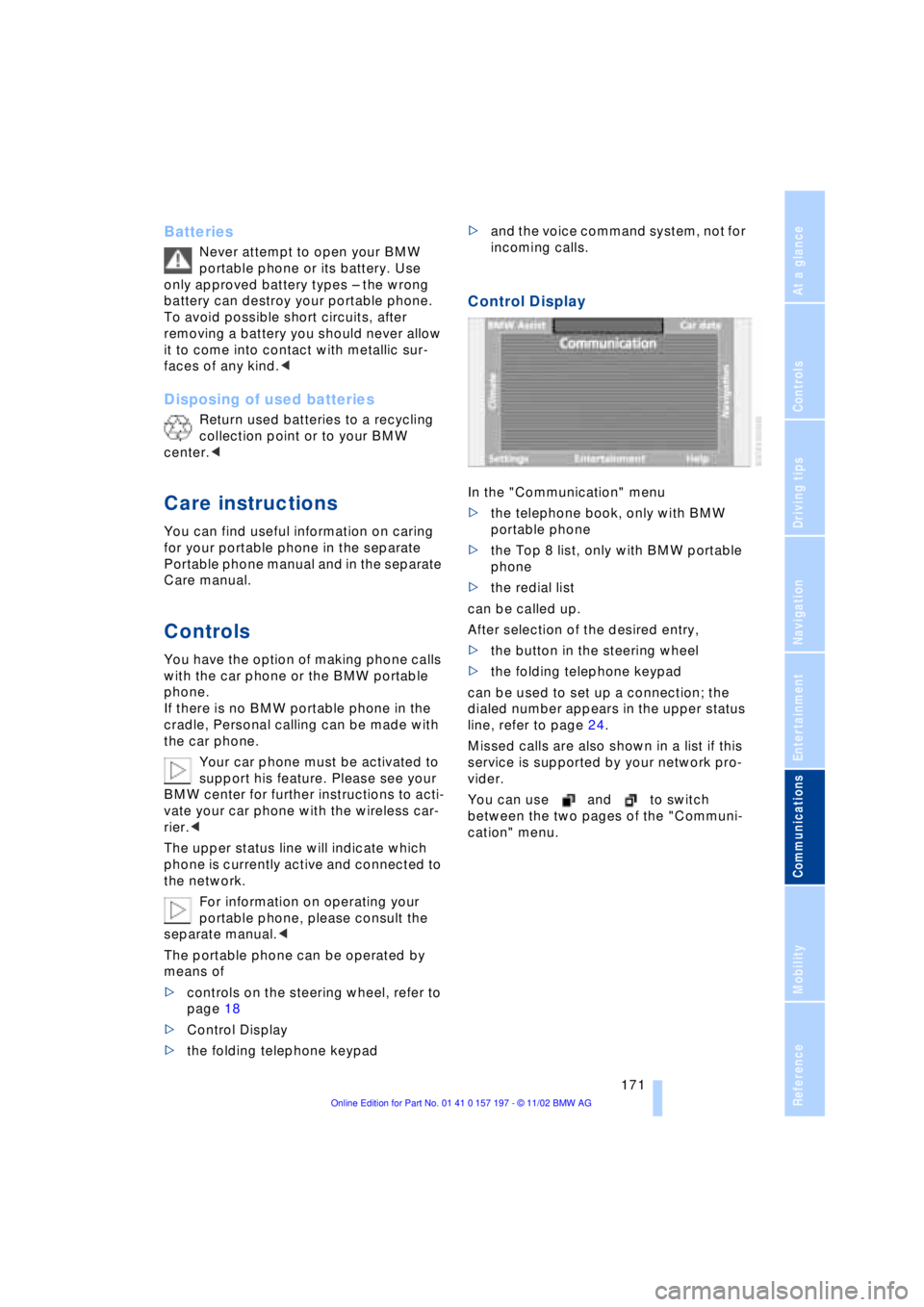
Control Display
In the "Communication" menu
>the telephone book, only with BMW
portable phone
>the Top 8 list, only with BMW portable
phone
>the redial list
can be called up.
After selection of the desired entry,
>the button in the steering wheel
>the folding telephone keypad
can be used to set up a connection; the
dialed number appears in the upper status
line, refer to page 24.
Missed calls are also shown in a list if this
service is supported by your network pro-
vider.
You can use and to switch
between the two pages of the "Communi-
cation" menu.
Page 175 of 229
At a glance
Controls
Driving tips Communications
Navigation
Entertainment
Mobility
Reference
173
Hands-free system
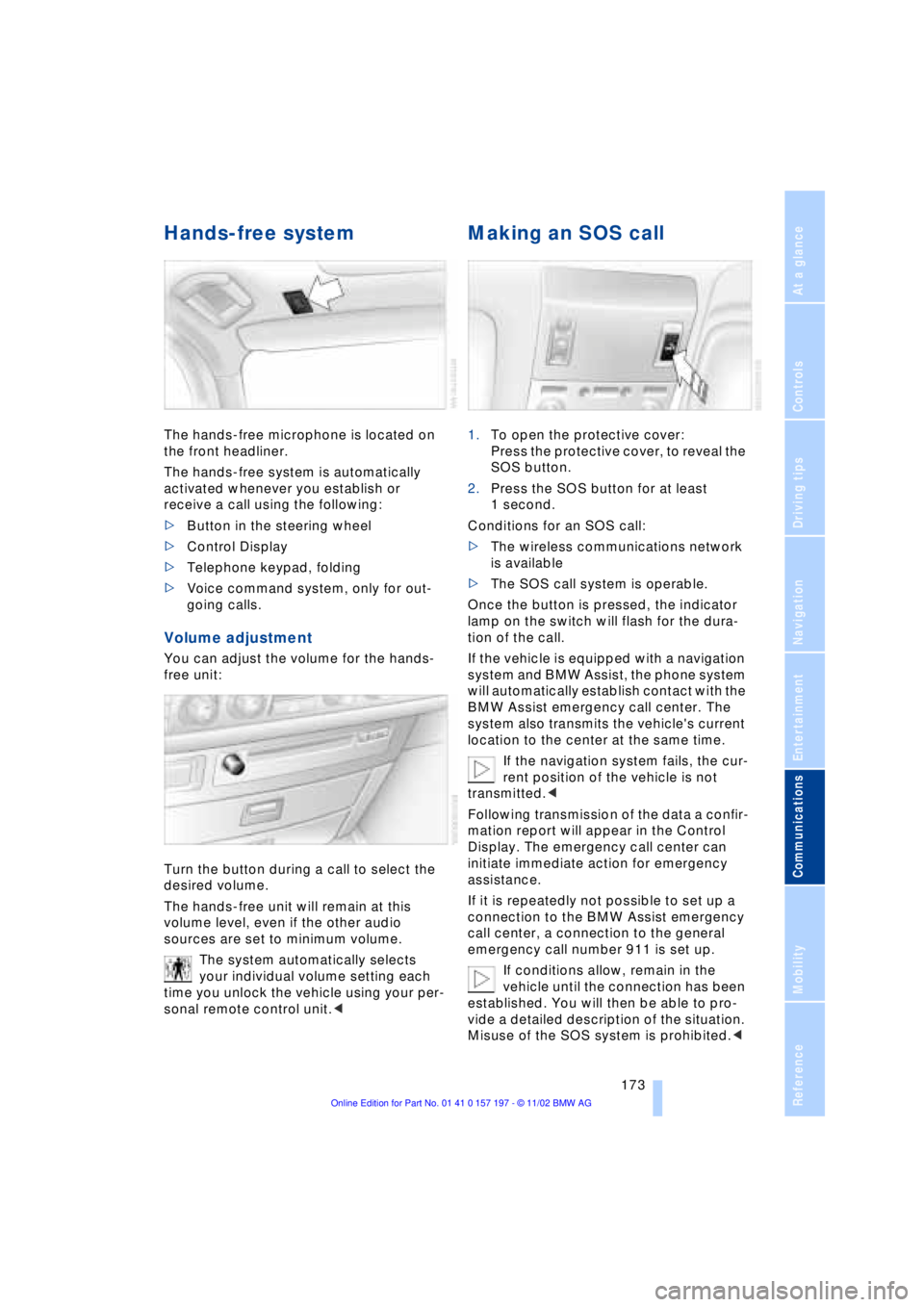
The hands-free microphone is located on
the front headliner.
The hands-free system is automatically
activated whenever you establish or
receive a call using the following:
>Button in the steering wheel
>Control Display
>Telephone keypad, folding
>Voice command system, only for out-
going calls.
Volume adjustment
You can adjust the volume for the hands-
free unit:
Turn the button during a call to select the
desired volume.
The hands-free unit will remain at this
volume level, even if the other audio
sources are set to minimum volume.
The system automatically selects
your individual volume setting each
time you unlock the vehicle using your per-
sonal remote control unit.<
Making an SOS call
1.To open the protective cover:
Press the protective cover, to reveal the
SOS button.
2.Press the SOS button for at least
1 second.
Conditions for an SOS call:
>The wireless communications network
is available
>The SOS call system is operable.
Once the button is pressed, the indicator
lamp on the switch will flash for the dura-
tion of the call.
If the vehicle is equipped with a navigation
system and BMW Assist, the phone system
will automatically establish contact with the
BMW Assist emergency call center. The
system also transmits the vehicle's current
location to the center at the same time.
If the navigation system fails, the cur-
rent position of the vehicle is not
transmitted.<
Following transmission of the data a confir-
mation report will appear in the Control
Display. The emergency call center can
initiate immediate action for emergency
assistance.
If it is repeatedly not possible to set up a
connection to the BMW Assist emergency
call center, a connection to the general
emergency call number 911 is set up.
If conditions allow, remain in the
vehicle until the connection has been
established. You will then be able to pro-
vide a detailed description of the situation.
Misuse of the SOS system is prohibited.<
Page 177 of 229
At a glance
Controls
Driving tips Communications
Navigation
Entertainment
Mobility
Reference
175
Always remember to enter the com-
plete telephone number, including the
area code, even if you are currently in the
same area as the number that you wish to
contact.<
Ending call
Press the button
Telephone directory
You must enter your portable phone's tele-
phone directory in the voice command
system before it will be available for access
using voice commands. This creates a spe-
cial voice command telephone directory. If
changes are then made to the directory
using the voice command system, these
modifications will apply exclusively to the
voice directory, and not to the directory in
the portable phone.
Creating and updating voice
command telephone directory*
The entries in the portable phone's tele-
phone directory appear sequentially in the
Info Display.
You must assign a specific name to each
number that you wish to transfer to the
voice command telephone directory. These
numbers will no longer be requested during
updates.
Making a new entry in the voice
command directory
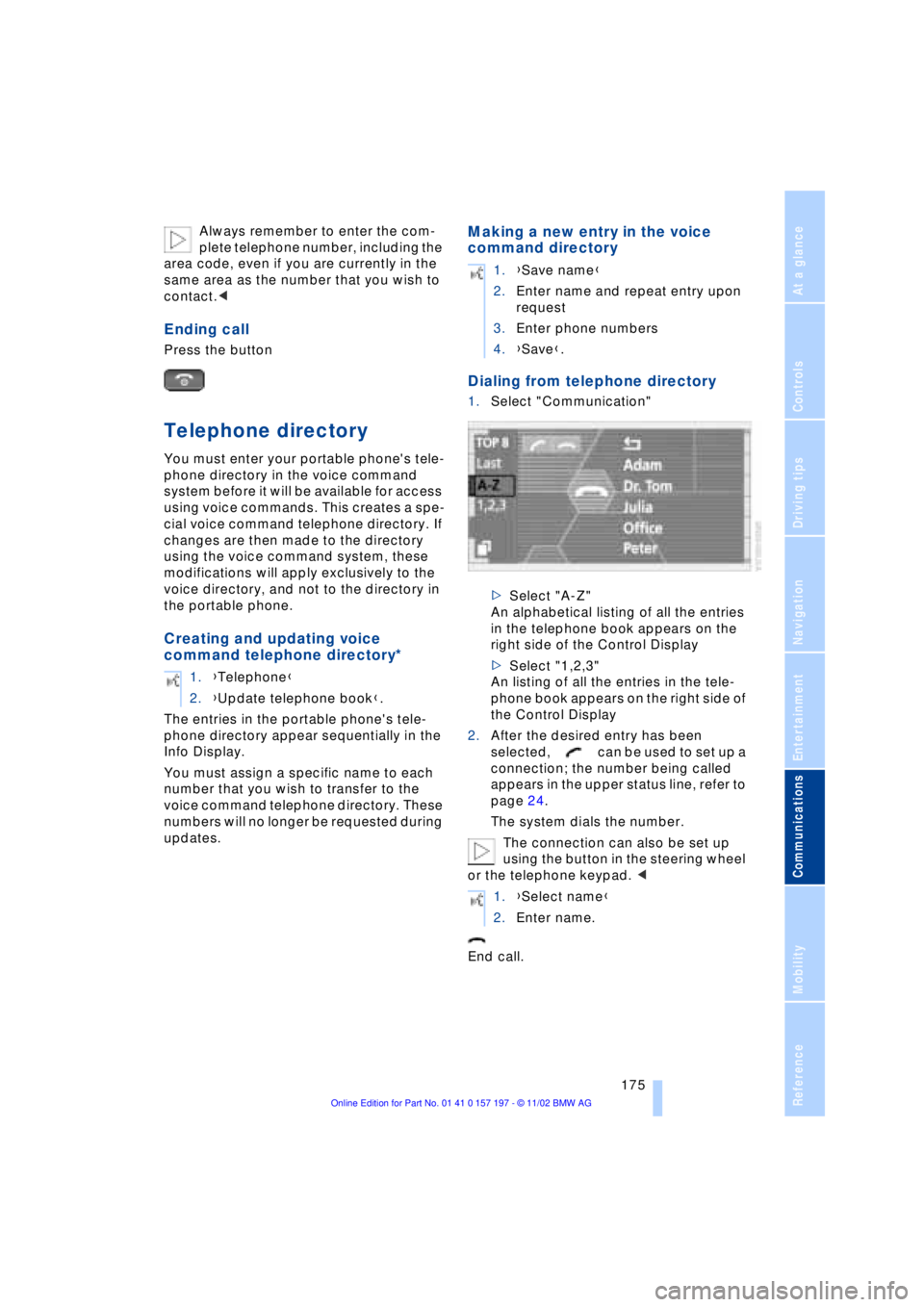
Dialing from telephone directory
1.Select "Communication"
>Select "A-Z"
An alphabetical listing of all the entries
in the telephone book appears on the
right side of the Control Display
>Select "1,2,3"
An listing of all the entries in the tele-
phone book appears on the right side of
the Control Display
2.After the desired entry has been
selected, can be used to set up a
connection; the number being called
appears in the upper status line, refer to
page 24.
The system dials the number.
The connection can also be set up
using the button in the steering wheel
or the telephone keypad. <
End call. 1.{Telephone}
2.{Update telephone book}.
1.{Save name}
2.Enter name and repeat entry upon
request
3.Enter phone numbers
4.{Save}.
1.{Select name}
2.Enter name.