1997 CHEVROLET CORVETTE display
[x] Cancel search: displayPage 96 of 356
Downloaded from www.Manualslib.com manuals search engine Cruise Control
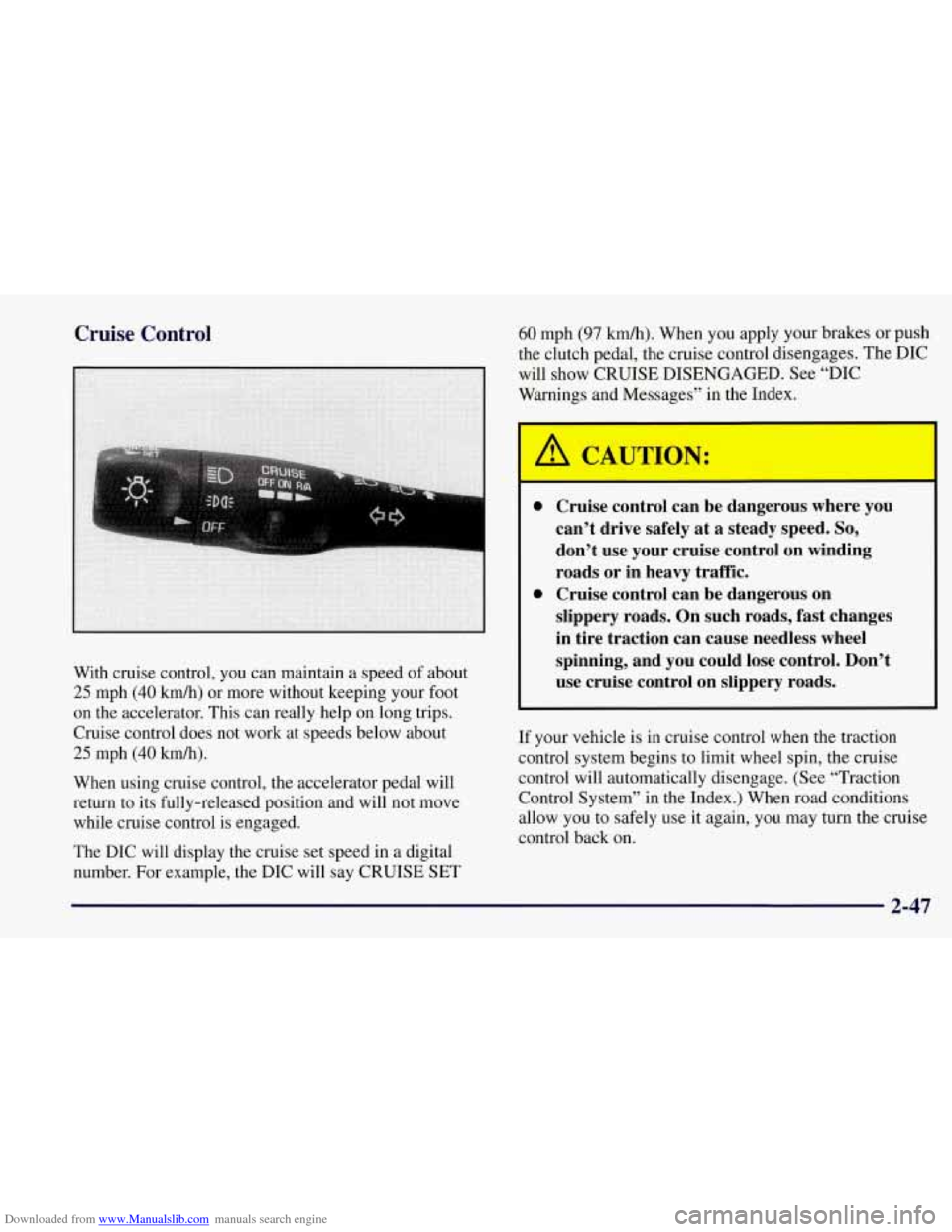
With cruise control, you can maintain a speed of about
25 mph (40 kmh) or more without keeping your foot
on the accelerator. This can really help on long trips.
Cruise control does not work at speeds below about
25 mph (40 km/h).
When using cruise control, the accelerator pedal will
return to its fully-released position and will not move
while cruise control is engaged.
The DIC will display the cruise set speed in a digital
number. For example, the DIC will say CRUISE SET
60 mph (97 km/h). When you apply your brakes or push
the clutch pedal, the cruise control disengages. The DIC
will show CRUISE DISENGAGED. See “DIC
Warnings and Messages” in the Index.
0 Cruise control can be dangerous where you
can’t drive safely at a steady speed.
So,
don’t use your cruise control on winding
roads or in heavy traffic.
slippery roads. On such roads, fast changes
in tire traction can cause needless wheel
spinning, and you could lose control. Don’t
use cruise control on slippery roads.
0 Cruise control can be dangerous on
If
your vehicle is in cruise control when the traction
control system begins to limit wheel spin, the cruise
control will automatically disengage. (See “Traction
Control System” in the Index.) When road conditions
allow you to safely use it again, you may turn the cruise
control back on.
2-47
Page 97 of 356
Downloaded from www.Manualslib.com manuals search engine h
Setting Cruise Control
If you leave your cruise control switch on when
you’re not using cruise, you might hit a button and go into cruise when you don’t want to. You
could be startled and even lose control. Keep the
cruise control switch
off until you want to use it.
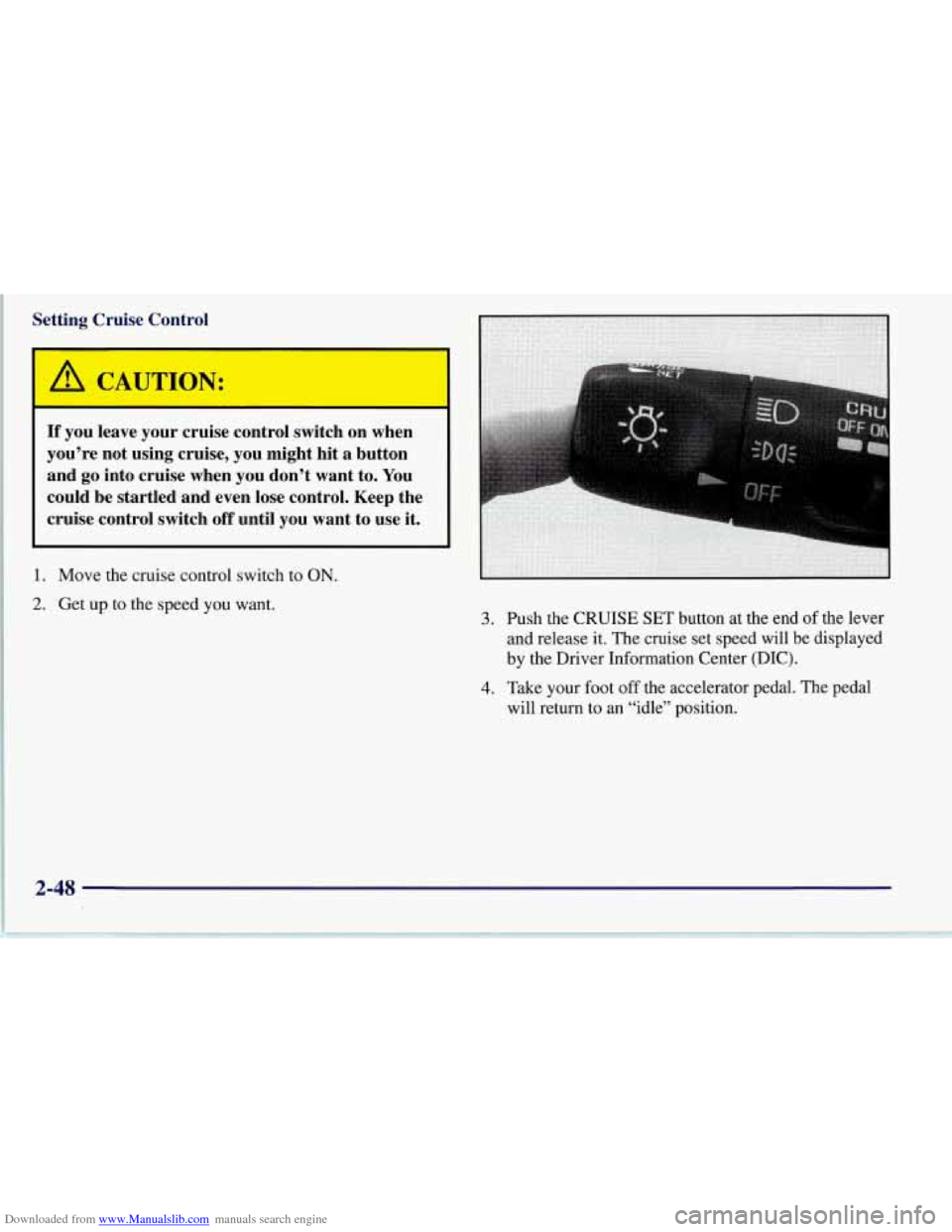
1. Move the cruise control switch to ON.
2. Get up to the speed you want.
3. Push the CRUISE SET button at the end of the lever
and release it. The cruise set speed will be displayed
by the Driver Information Center (DIC).
will return to an “idle” position.
4. Take your foot off the accelerator pedal. The pedal
2-48
Page 98 of 356
Downloaded from www.Manualslib.com manuals search engine Resuming a Set Speed
Suppose you set your cruise control at a desired speed
and then you apply the brake or clutch pedal. This, of
course, disengages the cruise control. But you don’t
need to reset it.
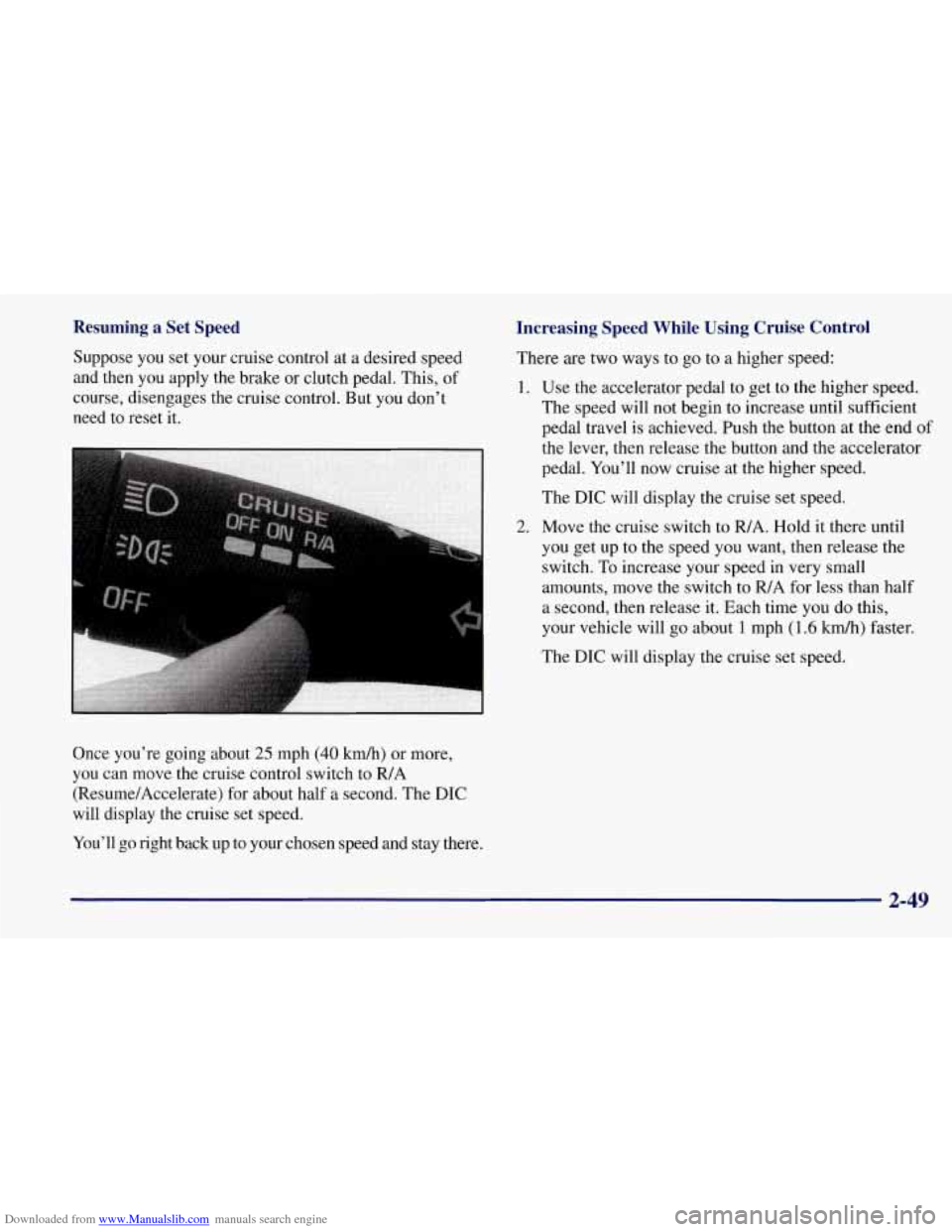
Once you’re going about
25 mph (40 km/h) or more,
you can move the cruise control switch to FUA
(Resume/Accelerate) for about half a second. The DIC
will display the cruise set speed.
You’ll go right back up to your chosen speed and stay there.
Increasing Speed While Using Cruise Control
There are two ways to go to a higher speed:
1. Use the accelerator pedal to get to the higher speed.
The speed will not begin to increase until sufficient
pedal travel is achieved. Push
the button at the end of
2.
ihe lever, then release the button and the accelerator
pedal. You’ll now cruise at the higher speed.
The DIC will display
the cruise set speed.
Move the cruise switch to
FUA. Hold it there until
you get up to the speed you want, then release the
switch.
To increase your speed in very small
amounts, move the switch to
R/A for less than half
a second, then release it. Each time you do this,
your vehicle will go about
1 mph (1.6 kmk) faster.
The DIC will display the cruise set speed.
2-49
Page 99 of 356
Downloaded from www.Manualslib.com manuals search engine Reducing Speed While Using Cruise Control
There are two ways to reduce your speed while using
cruise control:
Push in the button at the end of the lever until you
reach the lower speed you want, then release it.
The DIC will display the cruise set speed.
To slow down in very small amounts, push the
button for less than half a second. Each time you
do this, you’ll go
1 mph (1.6 km/h) slower.
The DIC will display the cruise set speed.
Passing Another Vehicle While Using Cruise Control
Use the accelerator pedal to increase your speed. When
you take your foot off the pedal, your vehicle will slow
down to the cruise control speed you set earlier.
Using Cruise Control on Hills
How well your cruise control will work on hills depends
upon
your speed, load and the steepness of the hills.
When going downhill, you may have to brake or shift to
a lower gear to keep your speed down. Of course,
applying the brake takes you out of cruise control. Many
drivers find this to be too much trouble and don’t use
cruise control on steep hills.
Getting Out of Cruise Control
There are two ways to turn off the cruise control:
Step lightly on the brake pedal or push the clutch
Move the cruise switch to OFF.
pedal, if you have a manual transmission vehicle; or
The DIC will display the message “CRUISE
DISENGAGED.’’
Erasing Speed Memory
When you turn off the cruise control or the ignition,
your cruise control set speed memory is erased.
Exterior Lamps
Daytime Running Lamps
Daytime Running Lamps (DRL) can make it easier
for others to see the front of your vehicle during the
day. DRL can be helpful in many different driving
conditions, but they can be especially helpful in the
short periods after dawn and before sunset.
The DRL system will make your front turn signal
come on when:
0 the ignition is on,
the headlamp switch is off and
the parking brake is released. lamps
2-50
Page 101 of 356
Downloaded from www.Manualslib.com manuals search engine Interior Lamps
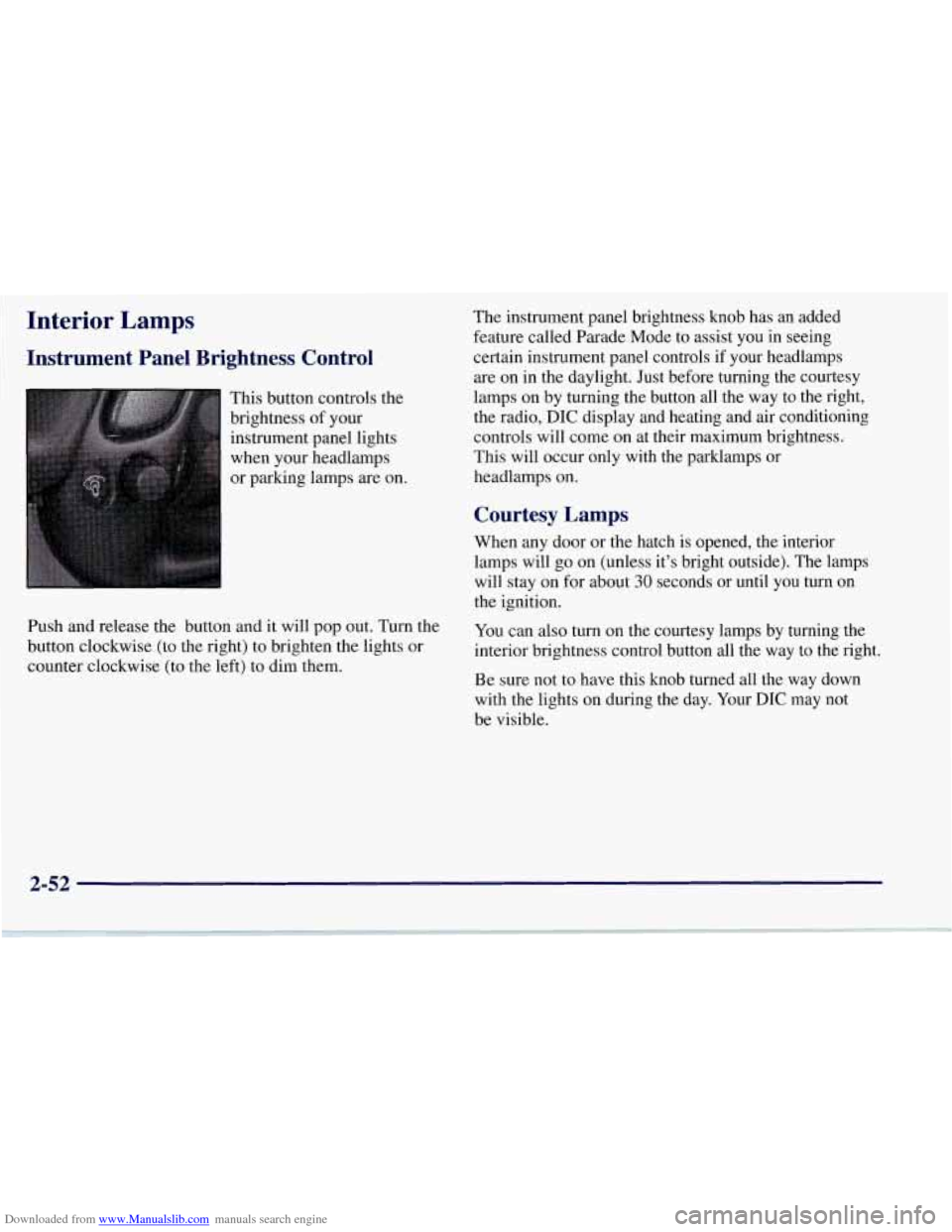
Instrument Panel Brightness Control
This button controls the
brightness of your
instrument panel lights
when your headlamps
or parking lamps are on.
Push and release the button and it will pop out. Turn the
button clockwise (to the right) to brighten the lights or
counter clockwise (to the left) to dim them. The
instrument panel brightness knob has an added
feature called Parade Mode to assist you in seeing
certain instrument panel controls if your headlamps
are on in the daylight. Just before turning the courtesy
lamps on by turning the button all the way to the right,
the radio,
DIC display and heating and air conditioning
controls will come on at their maximum brightness..
This will occur only with the parklamps or
headlamps on.
Courtesy Lamps
When any door or the hatch is opened, the interior
lamps will go on (unless it’s bright outside). The lamps
will stay on for about
30 seconds or until you turn on
the ignition.
You can also turn on the courtesy lamps by turning the
interior brightness control button all the way to the right.
Be sure not to have this knob turned all the way down
with the lights on during the day. Your
DIC may not
be visible.
2-52
Page 120 of 356
Downloaded from www.Manualslib.com manuals search engine Speedometer
Your speedometer lets you see your speed in either miles
per hour (mph) or kilometers per hour
(km/h).
You may note that there are not two separate scales
for mph and
km/h. When you press the EM
(EnglisMetric) button on the DIC, the cluster
will calculate the proper speed and move the needle
to the correct position. Either the
MPH or the km/h
telltale will illuminate, depending on which
measurement you choose.
Tachometer
The tachometer displays the engine speed in thousands
of revolutions per minute (rpm).
Fuel will shut off at about
6200 rpm.
If you continue to drive your Corvette at the fuel shut
off rpm, you could damage your engine. Be sure to
operate your Corvette below the fuel shut
off rpm or
reduce your rpm quickly when the fuel shuts off.
Warning Lights, Gages.and Messages
This part describes the warning lights and gages that
may be on your vehicle. The pictures will help you
locate them. Warning
lights and gages can signal that something
is
wrong before it becomes serious enough to cause an
expensive repair or replacement. Paying attention to
your warning lights and gages could also save you or
others from injury.
Warning lights come on when there may be or is a
problem with one of your vehicle’s functions.
As
you will see in the details on the next few pages,
some warning lights come on briefly when you start
the engine just to let you know they’re working. If
you are familiar with this section, you should not be
alarmed when this happens.
Gages can indicate when there may be or is a problem
with one
of your vehicle’s functions. Often gages and
warning lights work together to let you know when
there’s a problem with your vehicle.
When one of the warning lights comes on and stays
on when you are driving, or when one of the gages
shows there may be a problem, check the section that
tells you what to do about it. Please follow this manual’s
advice. Waiting to
do repairs can be costly -- and even
dangerous.
So please get to know your warning lights
and gages. They’re a big help.
Your vehicle also has a Driver Information Center that
works along with the warning lights and gages.
See
“Driver Information Center” in the Index.
2-71
Page 127 of 356
Downloaded from www.Manualslib.com manuals search engine Engine Oil Pressure Gage
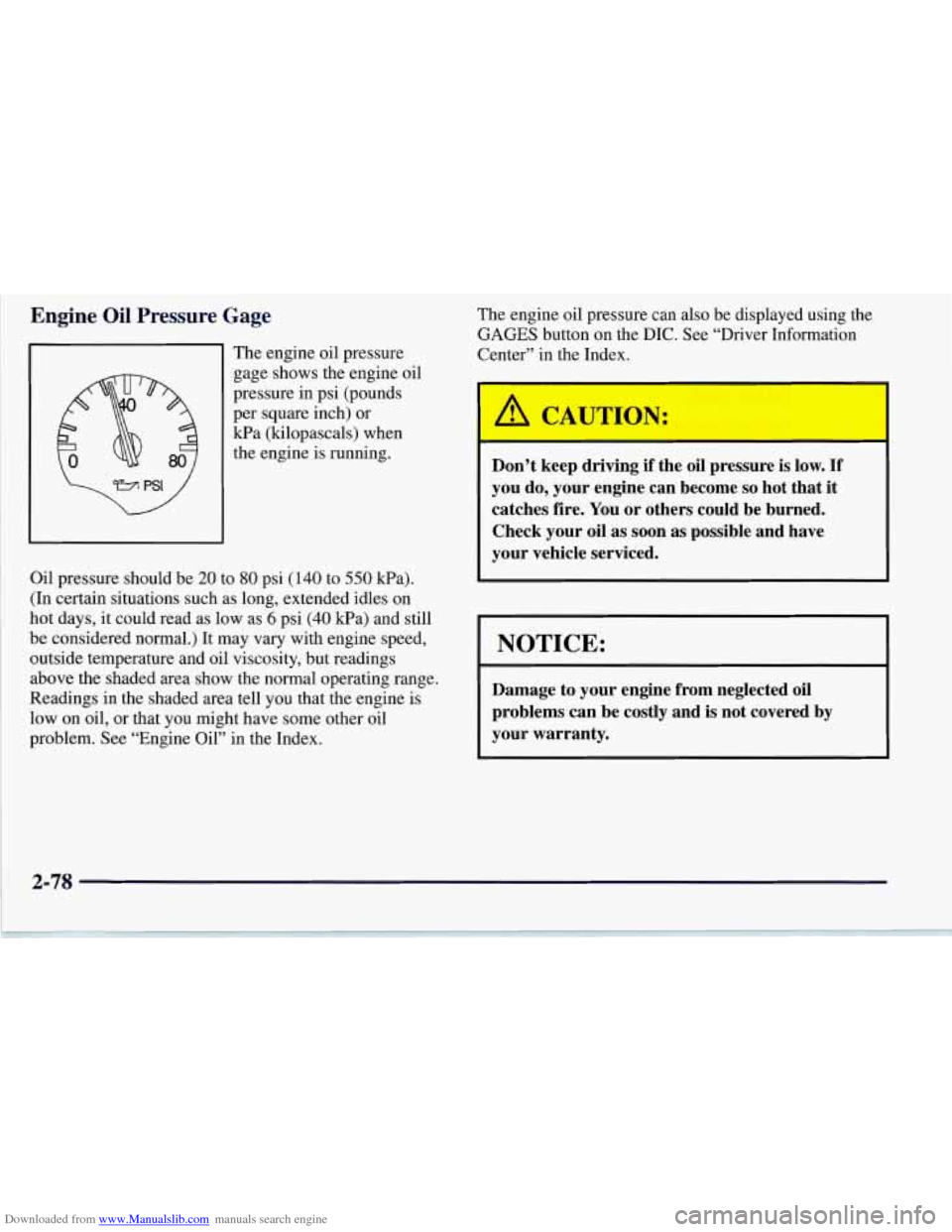
The engine oil pressure
gage shows the engine oil
pressure in psi (pounds
per square inch) or
Wa (kilopascals) when
the engine
is running.
Oil pressure should be
20 to 80 psi (140 to 550 Wa).
(In certain situations such as long, extended idles on
hot days, it could read as low as
6 psi (40 kPa) and still
be considered normal.) It may vary with engine speed,
outside temperature and oil viscosity, but readings
above the shaded area show the normal operating range.
Readings in the shaded area tell
you that the engine is
low on oil, or that you might have some other oil
problem. See “Engine Oil” in the Index.
2-78
The engine oil pressure can also be displayed using the
GAGES button on the DIC. See “Driver Information
Center” in the Index.
I
/A CAUTION:
Don’t keep driving if the oil pressure is low. If
you do, your engine can become so hot that it
catches fire. You or others could be burned.
Check your oil as soon as possible and have
your vehicle serviced.
I NOTICE:
Damage to your engine from neglected oil
problems can be costly and is not covered
by
your warranty.
Page 129 of 356
Downloaded from www.Manualslib.com manuals search engine Fuel Gage
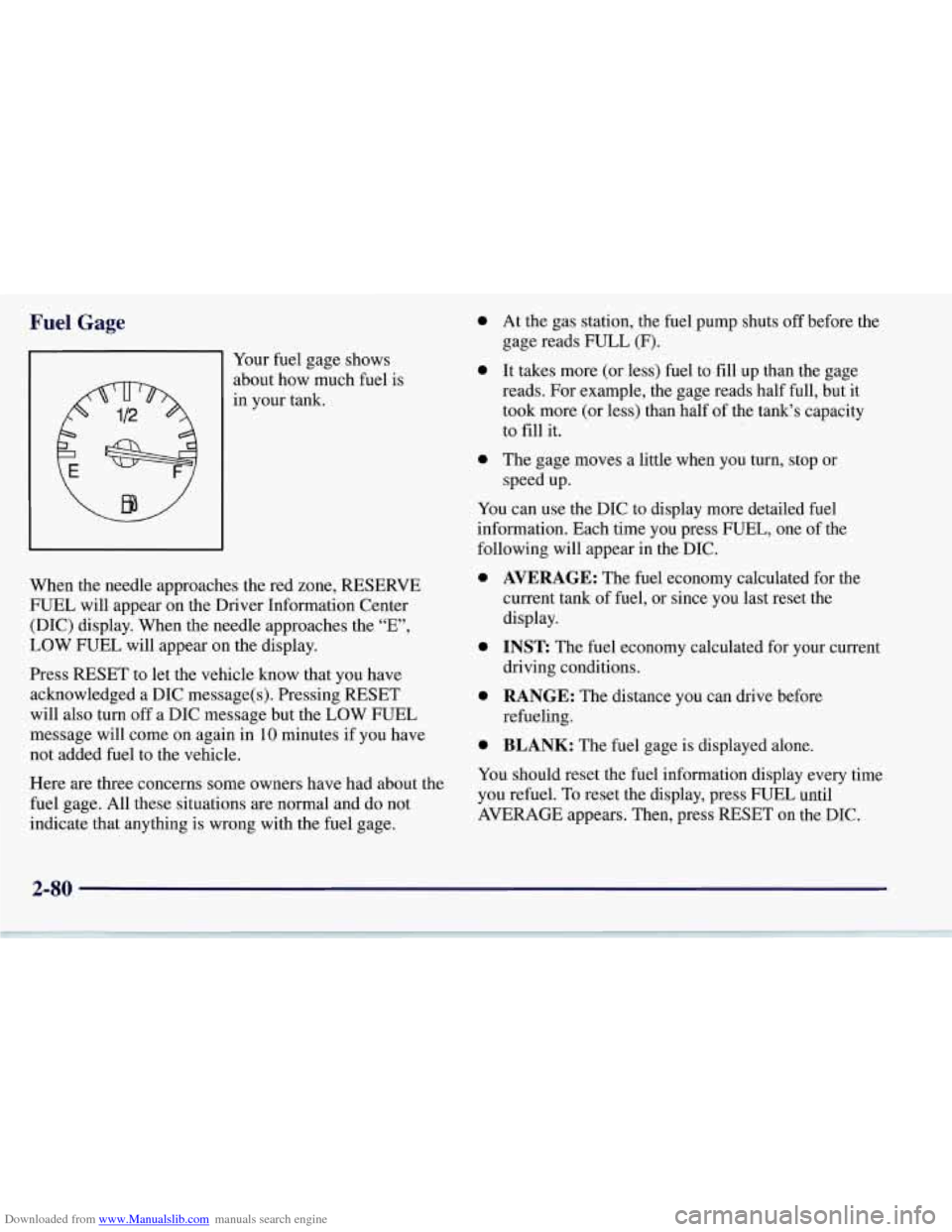
91 Your fuel gage shows
about how much fuel is
in your tank.
When the needle approaches the red zone, RESERVE
FUEL will appear on the Driver Information Center
(DIC) display. When the needle approaches the “E”,
LOW FUEL will appear on the display.
Press RESET to let the vehicle know that you have
acknowledged a DIC message(s). Pressing RESET
will also turn off a DIC message but the LOW FUEL
message will come on again in
10 minutes if you have
not added fuel to the vehicle.
Here
are three concerns some owners have had about the
fuel gage. All these situations
are normal and do not
indicate that anything is wrong with the fuel gage.
0
0
a
At the gas station, the fuel pump shuts off before the
gage reads FULL
(F).
It takes more (or less) fuel to fill up than the gage
reads. For example, the gage reads half full, but it
took more (or less) than half of the tank’s capacity
to
fill it.
The gage moves a little when you turn, stop or
speed up.
You can use the DIC to display more detailed fuel
information. Each time you press FUEL, one of the
following will appear
in the DIC.
0
0
0
0
AVERAGE: The fuel economy calculated for the
current tank
of fuel, or since you last reset the
display.
INST The fuel economy calculated for your current
driving conditions.
RANGE: The distance you can drive before
refueling.
BLANK: The fuel gage is displayed alone.
You should reset the fuel information display every time
you refuel. To reset the display, press FUEL until
AVERAGE appears. Then, press RESET on the DIC.
2-80