Page 129 of 356
Downloaded from www.Manualslib.com manuals search engine Fuel Gage
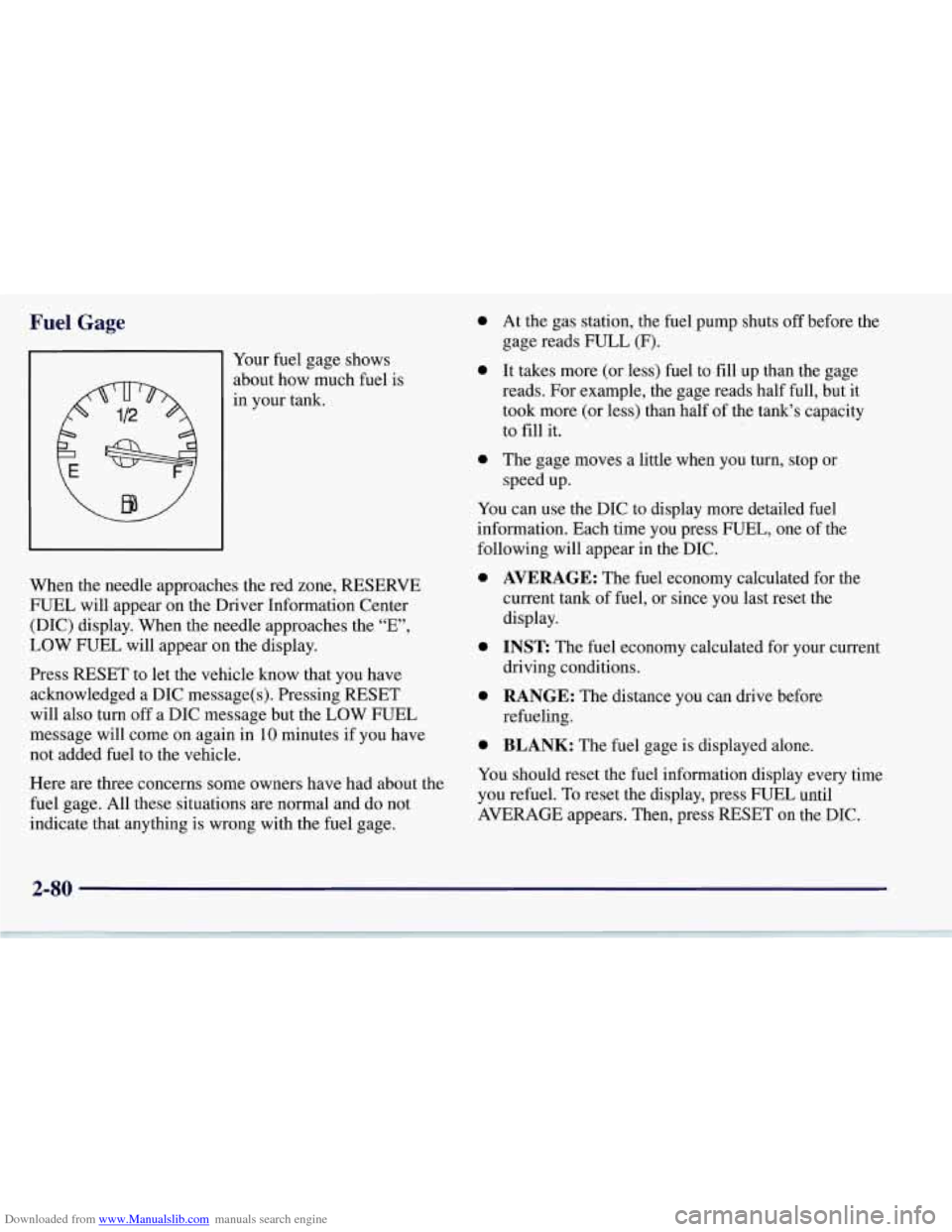
91 Your fuel gage shows
about how much fuel is
in your tank.
When the needle approaches the red zone, RESERVE
FUEL will appear on the Driver Information Center
(DIC) display. When the needle approaches the “E”,
LOW FUEL will appear on the display.
Press RESET to let the vehicle know that you have
acknowledged a DIC message(s). Pressing RESET
will also turn off a DIC message but the LOW FUEL
message will come on again in
10 minutes if you have
not added fuel to the vehicle.
Here
are three concerns some owners have had about the
fuel gage. All these situations
are normal and do not
indicate that anything is wrong with the fuel gage.
0
0
a
At the gas station, the fuel pump shuts off before the
gage reads FULL
(F).
It takes more (or less) fuel to fill up than the gage
reads. For example, the gage reads half full, but it
took more (or less) than half of the tank’s capacity
to
fill it.
The gage moves a little when you turn, stop or
speed up.
You can use the DIC to display more detailed fuel
information. Each time you press FUEL, one of the
following will appear
in the DIC.
0
0
0
0
AVERAGE: The fuel economy calculated for the
current tank
of fuel, or since you last reset the
display.
INST The fuel economy calculated for your current
driving conditions.
RANGE: The distance you can drive before
refueling.
BLANK: The fuel gage is displayed alone.
You should reset the fuel information display every time
you refuel. To reset the display, press FUEL until
AVERAGE appears. Then, press RESET on the DIC.
2-80
Page 209 of 356
Downloaded from www.Manualslib.com manuals search engine Loading Your Vehicle
/ -
OCCUPANTS VEHICLE CAP. WT.
TIRE-LOADING INFORMATION
FRT. CTR.
RR. TOTAL LBS. KG
MAX.
LOADING & GVWR SAME AS VEHICLE
CAPACITY WEIGHT
XXX COLD TIRE
TIRE SIZE SPEED PRESSURE
RTG
PSI/KPa
FRT. RR.
SPA. IF
TIRES ARE HOT, ADD 4PS1/28KPa
SEE OWNER’S MANUAL FOR ADDITIONAL
INFORMATION
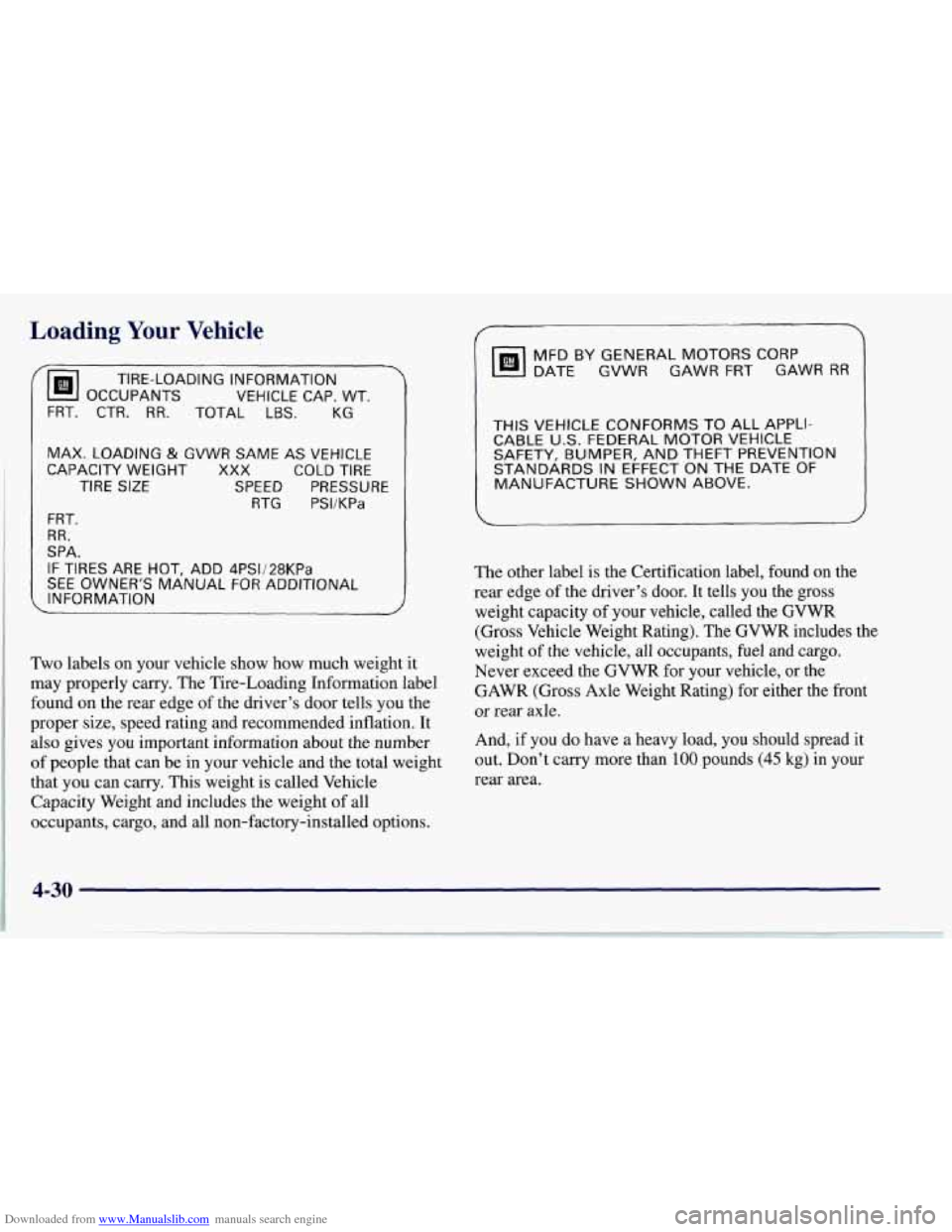
Two labels on your vehicle show how much weight it
may properly carry. The Tire-Loading Information label
found on the rear edge of the driver’s door tells you the
proper size, speed rating and recommended inflation. It
also gives you important information about the number
of people that can be in your vehicle and the total weight
that you can carry. This weight is called Vehicle
Capacity Weight and includes the weight of all
occupants, cargo, and all non-factory-installed options.
DATE GVWR GAWR FRT GAWR RR
MFD BY GENERAL MOTORS CORP
THIS VEHICLE CONFORMS TO ALL APPLI-
CABLE U.S. FEDERAL MOTOR VEHICLE
SAFETY, BUMPER, AND THEFT PREVENTION
STANDARDS
IN EFFECT ON THE DATE OF
MANUFACTURE SHOWN ABOVE.
The other label is the Certification label, found on the
rear edge of the driver’s door. It tells you
the gross
weight capacity of your vehicle, called the GVWR
(Gross Vehicle Weight Rating).
The GVWR includes the
weight
of the vehicle, all occupants, fuel and cargo.
Never exceed the GVWR for your vehicle, or the
GAWR (Gross Axle Weight Rating) for either the front
or rear axle.
And,
if you do have a heavy load, you should spread it
out. Don’t carry more than
100 pounds (45 kg) in your
rear area.
4-30
Page 247 of 356
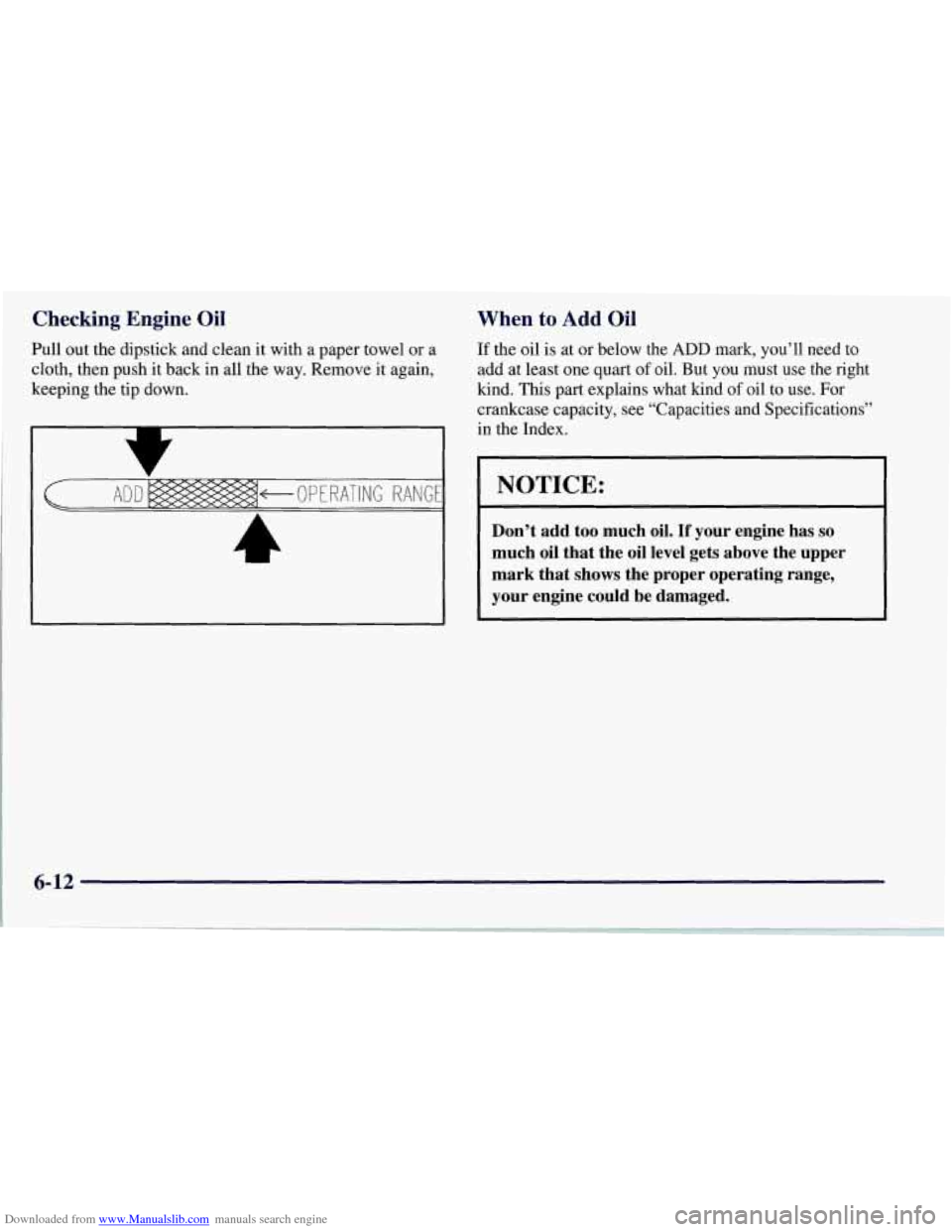
Downloaded from www.Manualslib.com manuals search engine Checking Engine Oil
Pull out the dipstick and clean it with a paper towel or a
cloth, then push it back in all the way. Remove it again,
keeping the tip down.
When to Add Oil
If the oil is at or below the ADD mark, you’ll need to
add at least one quart
of oil. But you must use the right
kind.
This part explains what kind of oil to‘use. For
crankcase capacity, see “Capacities and Specifications”
in the Index.
NOTICE:
Don’t add too much oil. If your engine has so
much oil that the oil level gets above the upper
mark that
shows the proper operating range,
your engine could be damaged.
6-12
Page 283 of 356
Downloaded from www.Manualslib.com manuals search engine Wheel Alignment and Tire Balance
The wheels on your vehicle were aligned and balanced
carefully at the factory to give you the longest tire life
and best overall performance.
Scheduled wheel alignment and wheel balancing
are not
needed. However, if you notice unusual tire wear or
your vehicle pulling one way or the other, the alignment
may need to be reset. If you notice your vehicle
vibrating when driving on a smooth road, your wheels may need to be rebalanced.
Wheel Replacement
Replace any wheel that is bent, cracked, or badly rusted
or corroded. If wheel nuts keep coming loose, the wheel,
wheel bolts and wheel nuts should be replaced. If the
wheel leaks air, replace it (except some aluminum
wheels, which can sometimes be repaired). See your
Chevrolet dealer if any of these conditions exist.
Your dealer will know the kind of wheel you need.
Each new wheel should have the same load-carrying
capacity, diameter, width, offset and be mounted the
same way as the one it replaces.
If you need to replace any of your wheels, wheel bolts
or wheel nuts, replace them only with new
GM original
equipment parts. This way, you will be sure to have the
right wheel, wheel bolts and wheel nuts for your
Corvette.
Using the wrong replacement wheels, wheel bolts
or wheel nuts on your vehicle can be dangerous. It
could affect the braking and handling
of your
vehicle, make your
tires lose air and make you lose
control. You could have
a collision in which you or
others could be injured. Always use the correct
wheel, wheel bolts and wheel nuts for replacement.
NOTICE:
The wrong wheel can also cause problems with
bearing life, brake cooling, speedometer or
odometer calibration, headlamp aim, bumper
height, vehicle ground clearance and tire
clearance to the body and chassis.