1995 CHEVROLET BLAZER lock
[x] Cancel search: lockPage 88 of 380
Downloaded from www.Manualslib.com manuals search engine Horn
. *,. ..
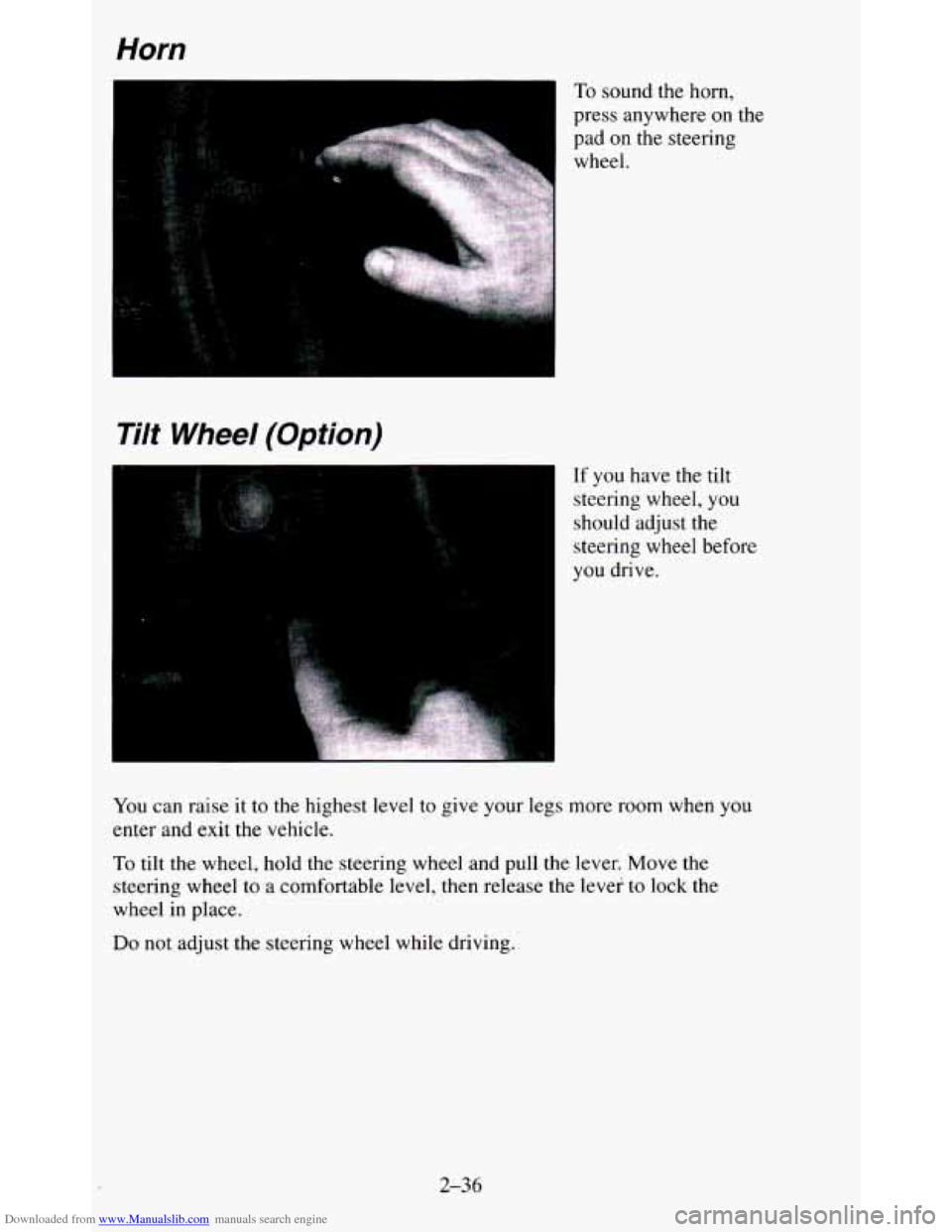
To sound the horn,
press anywhere on the
pad on
the steering
wheel.
Tilt Wheel (Option)
If you have the tilt
steering wheel, you
should adjust the
steering wheel before
you drive.
You can raise it to the highest level to give your legs more room when you
enter and exit the vehicle.
To tilt the wheel, hold the steering wheel and pull the lever. Move t\
he
steering wheel to a comfortable level, then release the lever
to lock the
wheel in place.
Do not adjust the steering wheel while driving.
2-36
Page 92 of 380
Downloaded from www.Manualslib.com manuals search engine For a single wiping cycle, turn the band to MIST. Hold it there until the
wipers start, then let
go. The wipers will stop after one wipe. If you want
more wipes, hold the band on MIST longer.
You can set the wiper speed for a long or short delay between wipes.
This
can be very useful in light rain or snow. Turn the band to choose the delay
time. The closer to
LO, the shorter the delay.
For steady wiping at low speed, turn the band away from you to the
LO
position. For high speed wiping, turn the band further, to HI. To stop the
wipers
, move the band to the off symbol.
Remember that worn or damaged wiper blades may prevent you from
seeing well enough to drive safely. To avoid damage, be sure to clear ice
and snow from the wiper blades before using them. If they’re frozen to the
windshield, carefully loosen or thaw them.
If your blades do become worn
or damaged, get new blades or blade inserts.
Heavy snow or ice can overload your wipers. The windshield wiper motor is
protected
from overload by a circuit breaker and a fuse. If the motor
overheats due to heavy snow, etc., the wiper
will stop until the motor cools.
Although the circuit is protected from electrical overload, overload due to
heavy snow, etc. may cause wiper linkage damage. Always clear ice and
heavy snow from the windshield before using your windshield wipers.
Windshield Washer
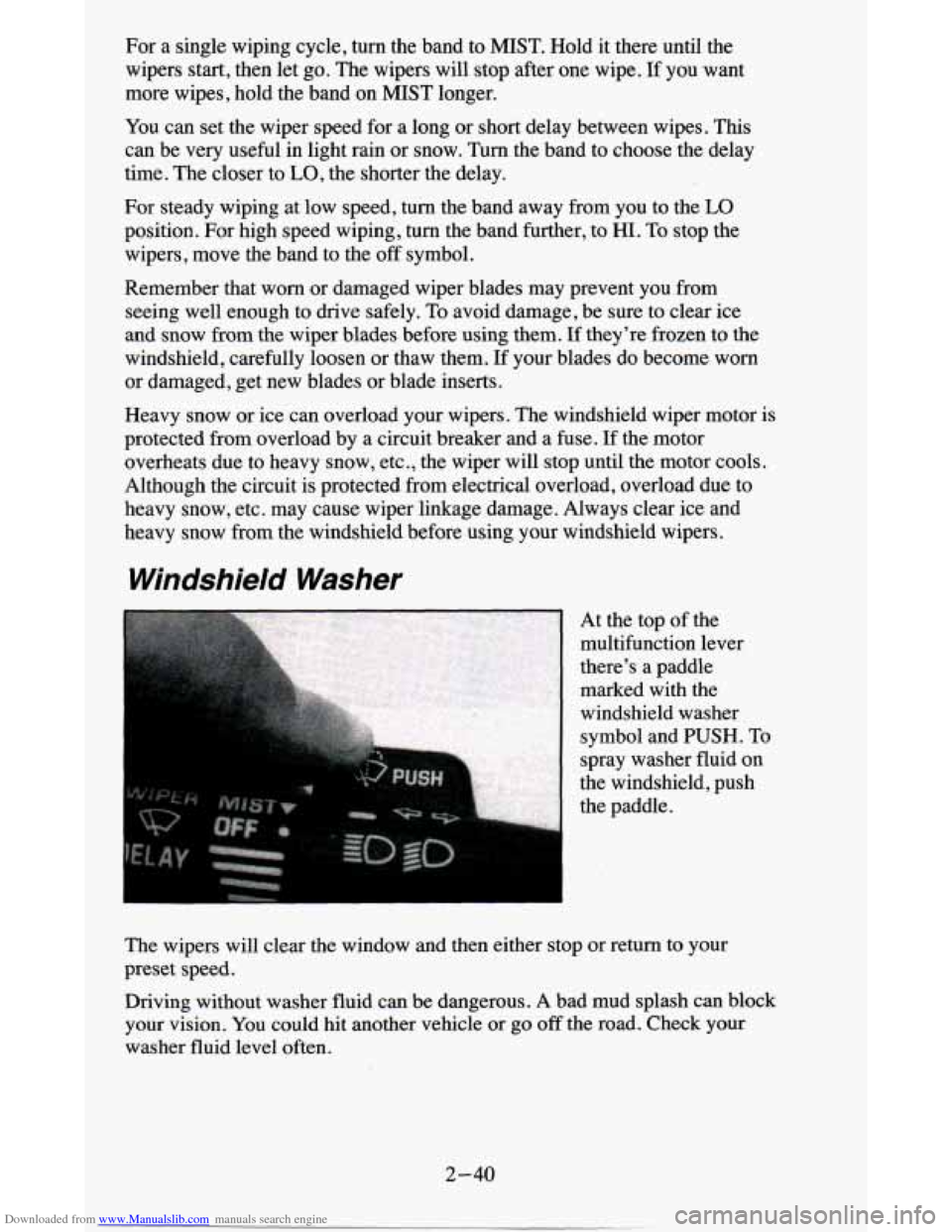
At the top of the
multifunction lever
there’s a paddle
marked with the
windshield washer
symbol and PUSH. To
spray washer fluid on
the windshield, push
the paddle.
The wipers will clear the window and then either stop or return to your
preset speed.
Driving without washer fluid can be dangerous. A bad mud splash can block
your vision. You could hit another vehicle or go
off the road. Check your
washer fluid level often.
2-40
Page 101 of 380
Downloaded from www.Manualslib.com manuals search engine Daytime Running Lamps (DRL) Indicator Light
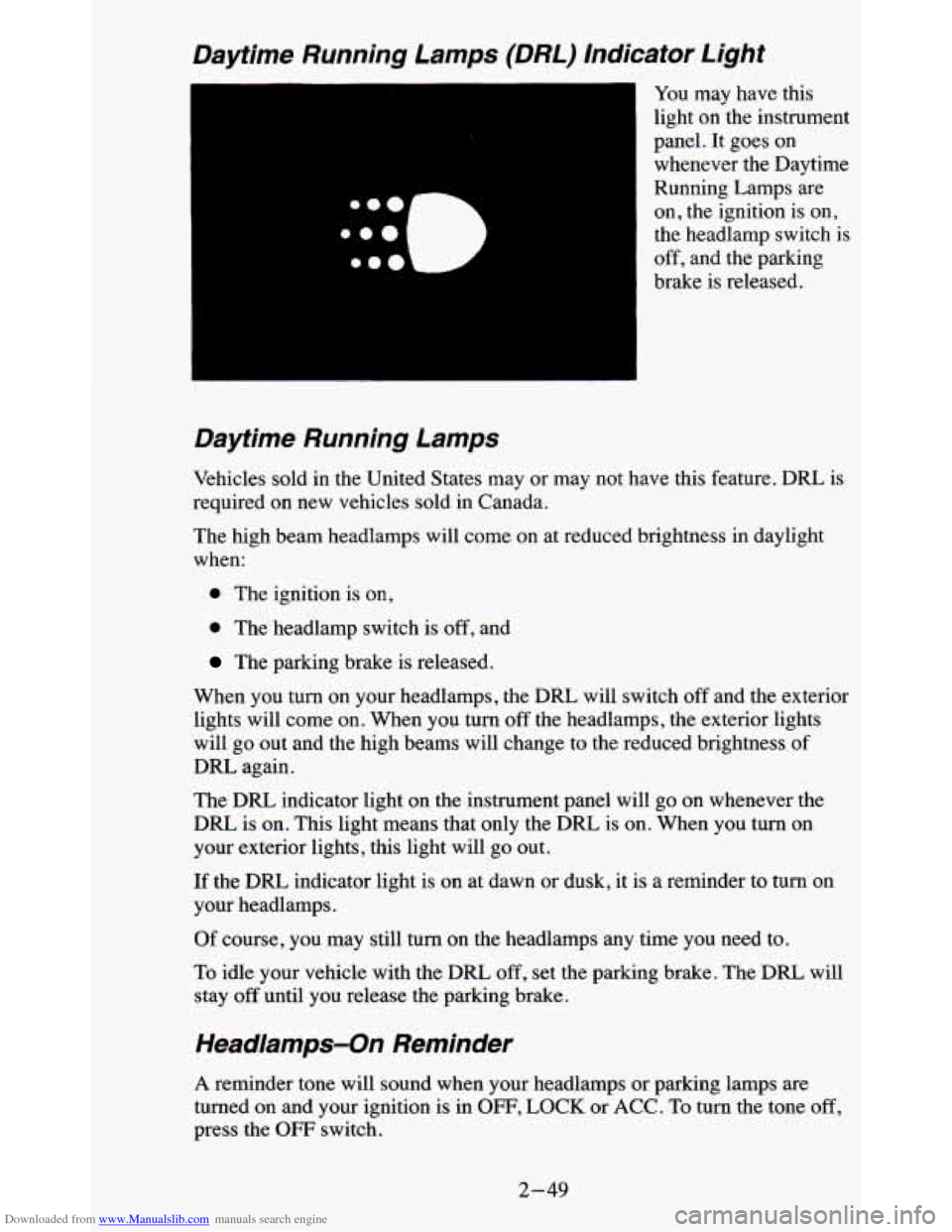
You may have this
light on the instrument
panel. It goes on whenever the Daytime
Running Lamps are
on, the ignition is on,
the headlamp switch is
off, and the parking
brake is released.
Daytime Running Lamps
Vehicles sold in the United States may or may not have this feature. DRL is
required on new vehicles sold in Canada.
The high beam headlamps will come on at reduced brightness in daylight
when:
0 The ignition is on,
0 The headlamp switch is off, and
The parking brake is released.
When you turn on your headlamps, the DRL will switch
off and the exterior
lights will come
on. When you turn off the headlamps, the exterior lights
will go out and the high beams will change to the reduced brightness
of
DRL again.
The
DRL indicator light on the instrument panel will go on whenever the
DRL is
on. This light means that only the DRL is on. When you turn on
your exterior lights, this light will go out.
If the DRL indicator light is on at dawn or dusk, it is a reminder to turn on
your headlamps.
Of course, you may still turn on the headlamps any time you need to.
To idle your vehicle with the
DRL, off, set the parking brake. The DRL will
stay
off until you release the parking brake.
Headlamps-On Reminder
A reminder tone will sound when your headlamps or parking lamps are
turned on and your ignition is in OFF, LOCK or ACC. To turn the tone off,
press the OFF switch.
2-49
Page 105 of 380
Downloaded from www.Manualslib.com manuals search engine Convex Outside Mirror
Your passenger’s side mirror is convex.
A convex mirror’s surface is curved so you can see more from the driver’s
seat.
Sun VisorsNanity Mirrors
- - -
L
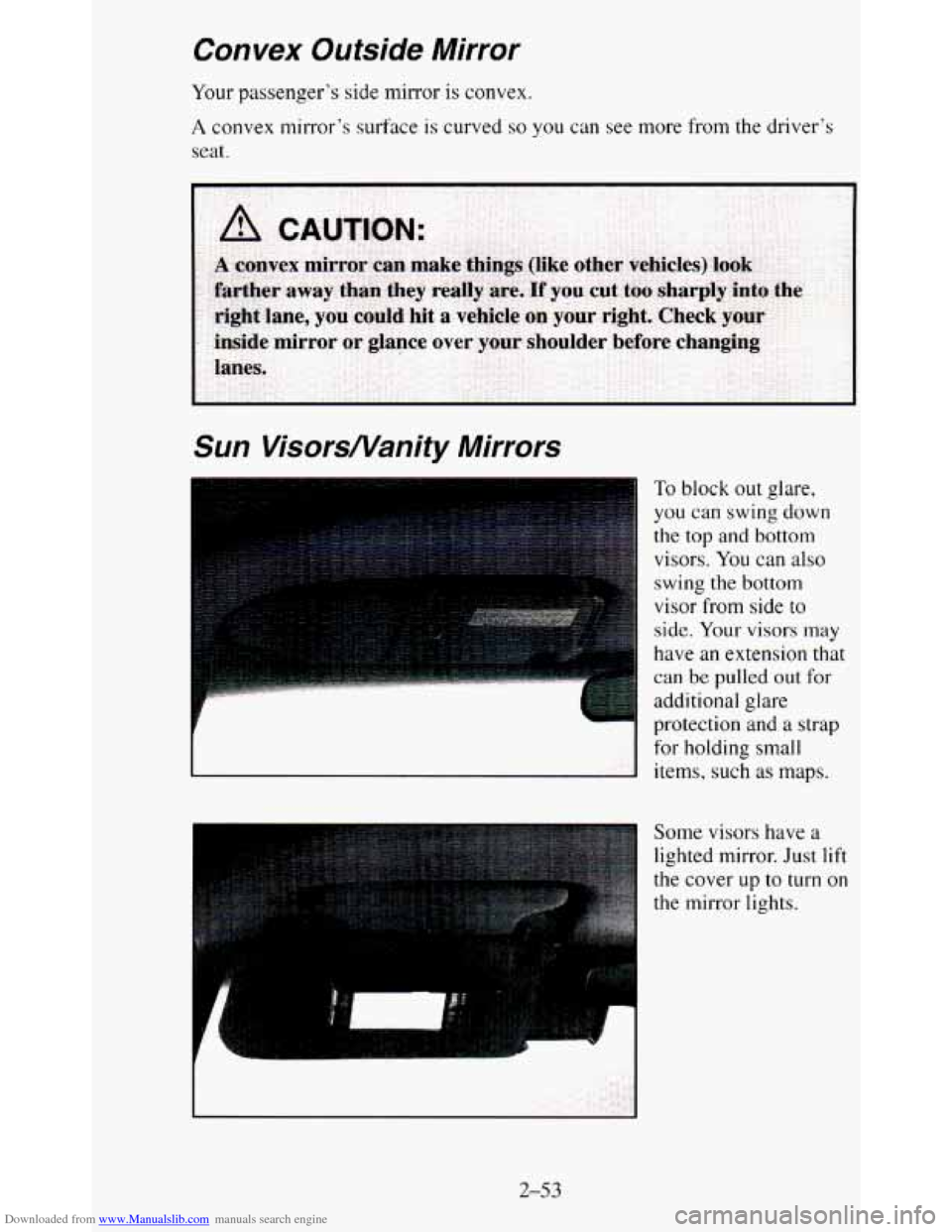
To block out glare,
you can swing down
the top and bottom
visors.
You can also
swing the bottom
visor from side
to
side. Your visors may
have an extension that
can be pulled out for
additional glare
protection and a strap
for holding small
items, such
as maps.
Some visors have
a
lighted mirror. Just lift
the cover
up to turn on
the mirror lights.
2-53
Page 123 of 380
Downloaded from www.Manualslib.com manuals search engine The brake system warning light will also come on when you set your
parking brake, and it will stay on
if your parking brake doesn’t release fully.
If it stays
on after your parking brake is fully released, it means you have a
brake problem.
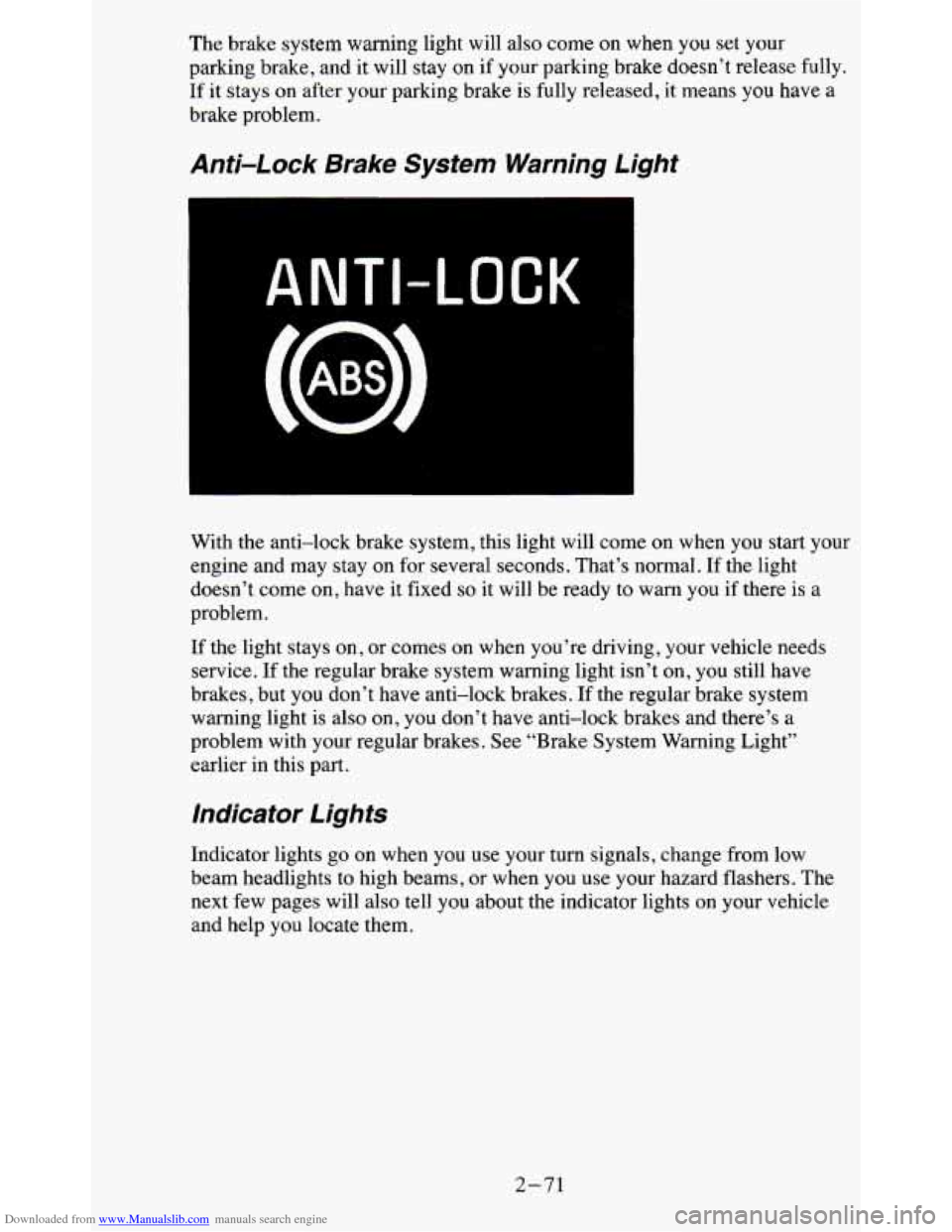
Anti-Lock Brake System Warning Light
ANTI-LOCK
With the anti-lock brake system, this light will come on when you start your
engine and may stay on for several seconds. That’s normal. If the light
doesn’t come on, have it fixed
so it will be ready to warn you if there is a
problem.
If the light stays on, or comes on when you’re driving, your vehicle needs
service. If the regular brake system warning light isn’t on, you still have
brakes, but you don’t have anti-lock brakes.
If the regular brake system
warning light is also on, you don’t have anti-lock brakes and there’s a
problem with your regular brakes. See “Brake System Warning Light”
earlier in this part.
Indicator Lights
Indicator lights go on when you use your turn signals, change from low
beam headlights to high beams,
or when you use your hazard flashers. The
next few pages will also tell you about the indicator lights \
on your vehicle
and help you locate them.
2-71
Page 133 of 380
Downloaded from www.Manualslib.com manuals search engine Don’t exceed the maximum vehicle capacity when loading your vehicle. For
more information on vehicle capacity and loading,
see “Loading Your
Vehicle’’ in the Index.
To prevent damage or loss of cargo as you’re driving, check
now and then to
make sure the luggage carrier and cargo are still securely fastened.
Trailer Wiring Harness
Your vehicle will have a 5-wire and may have a 7-wire harness.
The light duty trailer wiring is a 5-wire harness assembly taped and bundled
at the left corner
of the vehicle. The harness has no connector, and you
should have
a qualified service person wire your harness for you.
The heavy duty trailer wiring is
a 7-wire harness assembly. It is stored
under the vehicle, along the passenger-side frame crossmember on
two-door vehicles and on the driver-side corner frame crossmember on
four-door vehicles. It has a 30-amp feed wire with an inline fuse located by
the junction block. See “Fuses and Circuit Breakers” in
the Index.
Both the 5-wire harness and the 7-wire harness have no connector and
should be wired by a qualified service person. Attach the harness to the
trailer, then tape or strap
it to your vehicle’s frame rail. Be sure you leave it
loose enough
so the wiring doesn’t bend or break, but not so loose that it
drags on the ground.
Store the harness
in its original place. Wrap the harness together and tie it
neatly
so it won’t be damaged.
2-81
Page 136 of 380
Downloaded from www.Manualslib.com manuals search engine The upper knob changes the air temperature. Turn the knob clockwise for
warmer air. Turn the knob counterclockwise for cooler air.
The lower knob selects the heater
or air conditioning function and
determines which outlets the air will flow through (instrument panel,
defroster, heater, etc
.).
OFF - This setting turns off all heating functions. Some outside air will
still come
out of the heater outlet whenever the vehicle is moving forward.
MAX A/C - Air inside your vehicle is recirculated to maximize your air
conditioner’s performance and your vehicle’s fuel economy. This setting
cools the air the fastest and should be used to keep “unwanted odors” and/or
dust from entering the vehicle.
NORM A/C - This setting cools outside air and directs it through the
instrument panel vents. This setting is useful for normal cooling on hot
days.
BI-LEV A/C
- Air is delivered through the heater floor vents as well as
the instrument panel vents. This setting is useful in cool weather with bright
sunlight.
VENT
- Airflow is through the instrument panel vents. Set the upper knob
to the temperature desired. This setting
is useful for mild outside
temperatures, when little heating or cooling is desired. The air conditioner
does not run.
HEAT
- Heated air comes out through the heater floor vents and
windshield defroster vents. This setting is useful for cold weather.
BLEND
- Airflow is divided equally between the heater floor vent and the
windshield defroster vents. This setting is useful in cool weather when you
have fog or ice on the windshield or side windows.
DEF - This setting directs most air through the windshield defroster vents
and some through the heater vents. This setting is useful when you have fog
or ice on the windshield.
Engine Coolant Heater (Option)
If you use the optional engine coolant heater before starting your engine,
your heating system will produce warmer air faster, to heat the passenger
compartment in cold weather. See “Engine Coolant Heater” in the Index.
3-2
Page 139 of 380
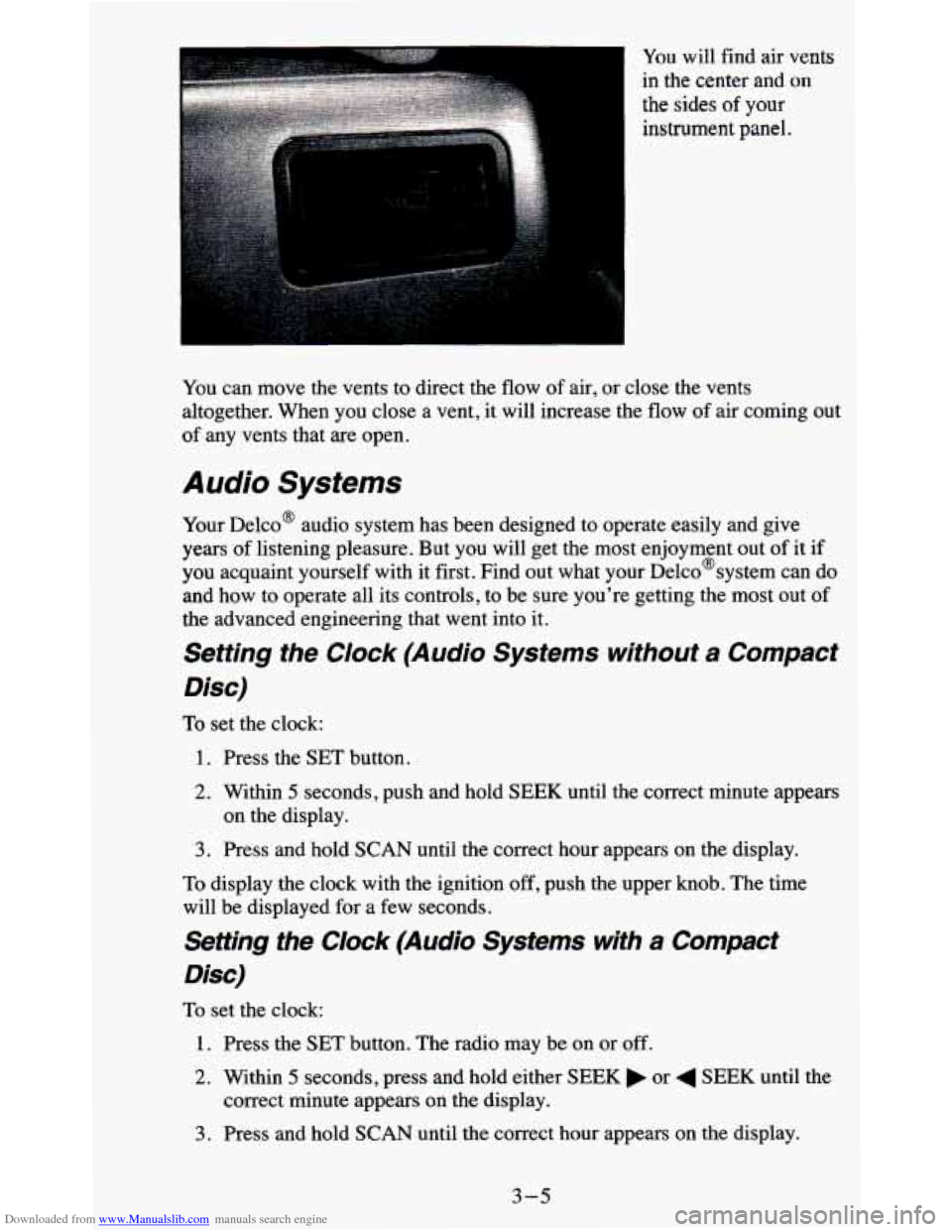
Downloaded from www.Manualslib.com manuals search engine You will find air vents
in the center and
on
the sides of your
instrument panel.
You can move the vents to direct the
flow of air, or close the vents
altogether. When you close a vent, it will increase the flow of air coming out
of any vents that are open.
Audio Systems
Your Delco@ audio system has been designed to operate easily and give
years of listening pleasure. But you will get the most enjoyment out of it if
you acquaint yourself with it first. Find out what your Delco@system can do
and how to operate all its controls, to be sure you're getting the most out of
the advanced engineering that went into it.
Setting the Clock (Audio Systems without a Compact
Disc)
To set the clock:
1. Press the SET button.
2. Within 5 seconds, push and hold SEEK until the correct minute appears
3. Press and hold SCAN until the correct hour appears on the display.
on the display.
To display the clock with the ignition off, push the upper knob. The time
will be displayed for a few seconds.
Setting the Clock (Audio Systems with a Compact
Disc)
To set the clock:
1. Press the SET button. The radio may be on or off.
2. Within 5 seconds, press and hold either SEEK or 4 SEEK until the
correct minute appears
on the display.
3. Press and hold SCAN until the correct hour appears on the display.
3-5