Page 150 of 398
r Oil Pressure Light
This light tells you if
there could be a
problem with your
engine oil pressure.
The light goes on when you turn your key to “Run” or “Start.” It goes
off
once you start your engine. That’s just a check to be sure the light works.
If it doesn’t, be sure to have it fixed so it will be there to warn you if
something goes wrong.
When this light comes on and stays on, it means oil isn’t going through
your engine properly.
You could be low on oil, or you might have some
other oil problem.
NOTICE:
Damage to your engine from neglected oil problems can be
costly and is not covered by your warranty.
137
Page 151 of 398
Charge Light
When you turn the key
to “Run” or “Start”,
this light
will come on
briefly, to show that
your alternator and
battery charging
systems are working. n
Cf
n
-1
If a light stays on, you need service, and you should take your Cadillac to
the dealer at once.
To save your battery until you get there, turn off all
accessories, and set your Electronic Climate Control system to
“OFF.”
Low Oil Level Light
If it doesn’t come on, have it repaired. If the light comes on and stays on,
your engine oil level is too low. Check your oil level and add enough oil
to bring the engine oil level
up to the proper level. See “Engine Oil” in
the Index.
138
-
1
Page 152 of 398
L_
r
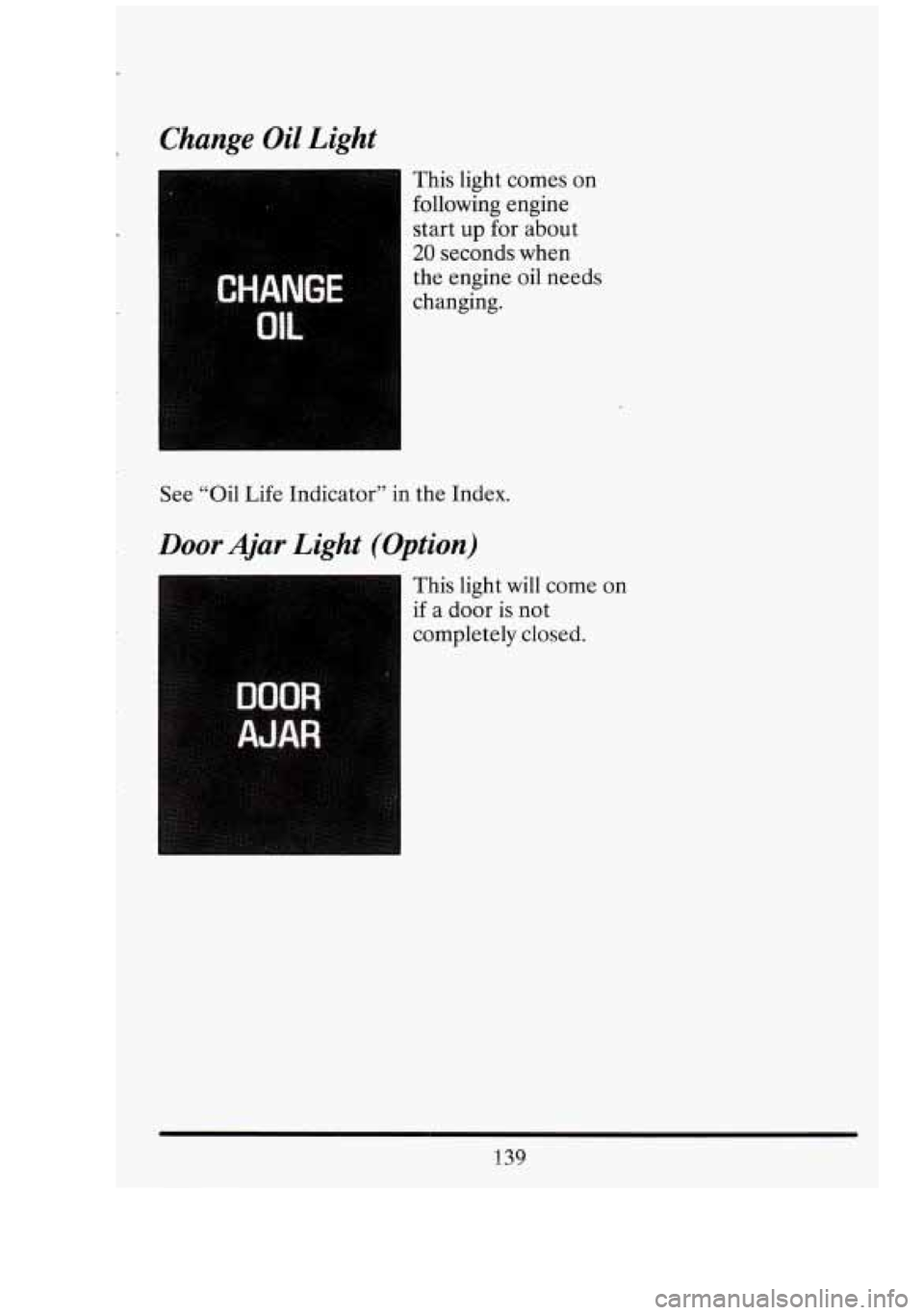
Change Oil Light
This light comes on
following engine
start
up for about
20 seconds when
the engine oil needs
changing.
See “Oil Life Indicator” in the Index.
Door Ajar Light (Option)
This light will come
if a door is not
completely closed.
on
139
Page 154 of 398
CRUISE
ENGAGED
Cruise Engaged Light
This light will come on
when your cruise
control is set to a
selected speed.
Low Coolant Warning Light
If the coolant level in
the radiator is low by
3 quarts (2.8 L) or
more this light will
come on. The light will
stay on until you add
coolant. Continuing to
drive your vehicle with
the “Low Coolant”
warning light on, may
result in damage to
your engine.
See “Engine Coolant” in the Index and have your vehicle serviced as soon
as you can.
This light will come on when the ignition is on, but the engine is not
running, as a check. It doesn’t have to be fixed right away.
141
Page 155 of 398
1
Malfinction Indicator Lamp
(Service Engine Soon Light)
SERVICE
ENGINE
SOON
n
CHECK
Your vehicle could be equipped with either one of these indicators lamps.
A computer monitors operation of your fuel, ignition and emission
control systems. This light should come on when the ignition is on, but
the engine is not running, as a check to show you it is working.
If it does
not come on at all, have it fixed right away.
If it stays on, or it comes on
while you are driving, the computer
is indicating that you have a problem.
You should take your vehicle in for service soon.
NOTICE:
If you keep driving your vehicle with this light on, after a while
the emission controls won’t work as well, your fuel economy
won’t be as good and your engine may not run as smoothly. This
could lead to costly repairs not covered by your warranty.
142
I 1
Cl
ut
-
Page 158 of 398

OIL LIFE INDICATOR
Your Cadillac has an Oil Life Indicator feature. This tells you when
you need to change your engine oil. It’s based upon the engine oil
temperatures and your driving patterns.
Your Oil Life Indicator may say to change the oil sooner than your
maintenance schedule. This can happen if driving conditions, such as
short trips in cold weather, cause shorter
oil life. Always keep a written
record of the mileage and date when you last changed your oil. For more
information on when to change your oil, see the Cadillac Maintenance
Schedule Booklet.
The system probably will say to change the oil between
3000 miles
(5000 km) and 7500 miles (12500 km), but it may even say to change it
before
3000 miles under severe conditions. It all depends on your driving
patterns. (If it doesn’t, or if it doesn’t even light up, then something is
wrong. You will need to have it serviced.)
There are
two things the system won’t do: It can’t sense heavy dust in the
places where you drive.
If you drive in a dusty area, you should change
your oil every
3000 miles (5000 km) or 3 months (whichever comes first),
unless the “CHANGE OIC’ light comes on sooner.
It doesn’t check how much oil you have
so you will still have to check for
that.
To check it, see the Index under “Engine Oil.”
When You’ve Changed the Oil
When new oil is put in, you’ll need to reset your system. To do that, turn
the ignition switch to the
“ON” position with the engine stopped. Fully
depress and release the accelerator pedal
3 times within 5 seconds.
If the “CHANGE OIC’ light comes on and stays on for 5 seconds, it did
not reset. You’ll need to reset the system again.
145
Page 161 of 398

I
OFF
Nothing is on, but air will flow through your Cadillac if the the car is
moving. The air flow will be felt through the heater ducts.
ECON
Use this in cold or cool weather to save fuel. It won’t cool or remove
humidity from the air. However, the system will try to keep the air at the
chosen temperature.
If it’s so warm outside that you need to cool the air, use the next choice.
I AUTO
With this setting the system automatically controls the temperature, air
distribution and fan speeds. In cold conditions the the fan well not come
on until the system senses that the engine has started to warm up. This
prevents cold air from blowing on you and your occupants.
I
I FAN
The fan speed is controlled automatically if you have the Electronic
Climate Control set
on “AUTO.” However, if you want the fan to run at a
lower speed, push the lower portion of the fan switch.
If you want the blower to run at a fixed higher speed, push the upper
portion of the fan switch until you see
“HI” on the display.
If you want the fan to run at a fixed low speed, push the switch until “LO”
is shown on the display.
If you want the fan speed to be automatic but you like the fan to be
higher or lower than the
“AUTO” settings, just push the switch until
either
“HI AUTO” or “AUTO LO” is displayed.
If the Fahrenheit (F’) or Celsius (C”) symbol begins to flash, or flashes
when you turn
on the ignition, it indicates an electrical problem with your
148
G
I
1
q: LI
Page 164 of 398
To turn it off, push the button again. After 10 minutes, it will go off by
itself.
To make it go longer, just push the button again.
NOTICE:
Scraping the inside of your rear window could cut and damage
the heater. Your warranty would not cover this damage. And
don’t put decals there; you might have to scrape them
off.
SOUND SYSTEMS
Your Delco sound system has been designed to operate easily and give
years
of listening pleasure. You will get the most enjoyment out of it if
you acquaint yourself with it first. Find out what your Delco system can
do and how to operate all its controls, to be sure you’re getting the most
out of the advanced engineering that went into it.
Be aware that hearing damage from loud noise is almost undetectable
until it is too late. Your hearing can adapt to higher volumes of sound.
Sound that seems normal can be loud and harmful to your hearing. Take
precautions by adjusting the volume control on your radio to a safe sound
level before your hearing adapts to it.
To help avoid hearing loss or damage:
Adjust the volume control to the lowest setting.
Increase volume slowly until you hear comfortably and clearly.