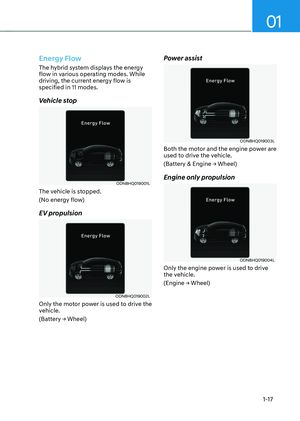
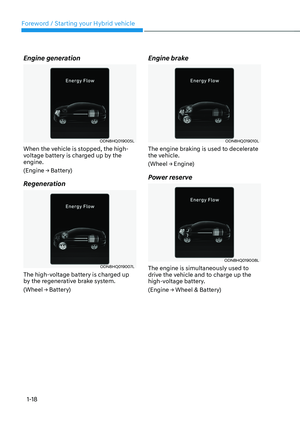
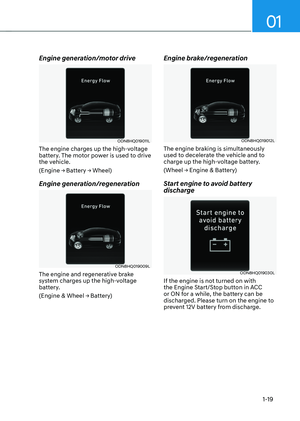
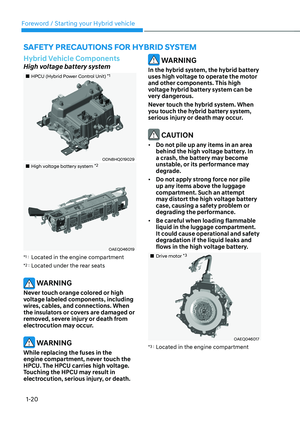
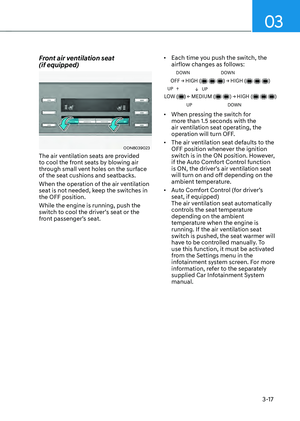
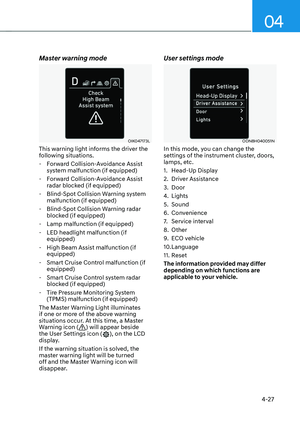
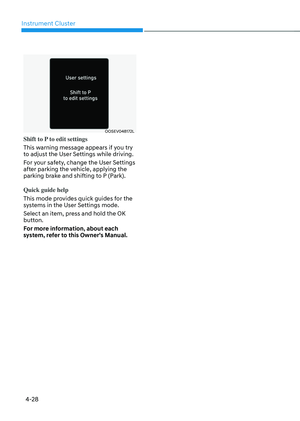
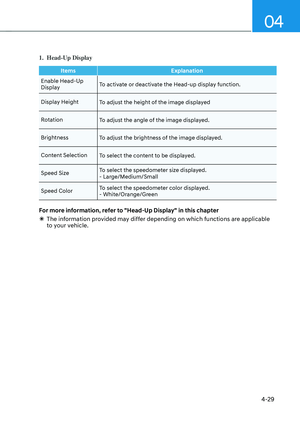
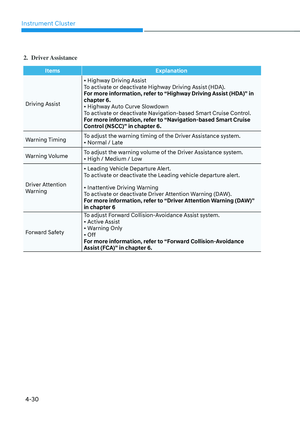
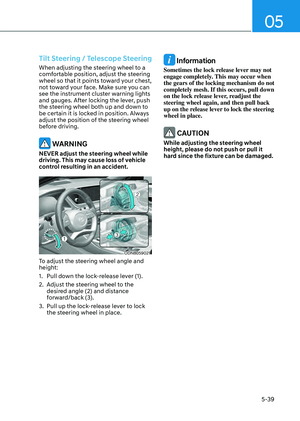
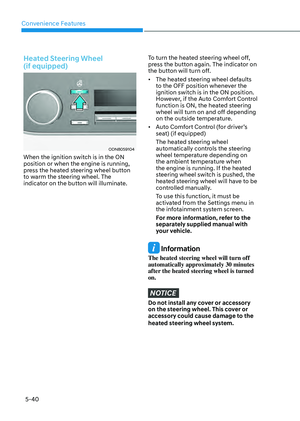
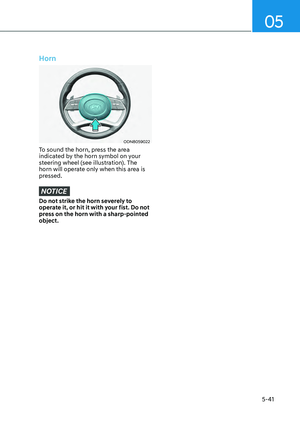
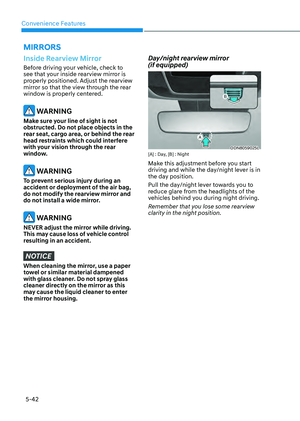
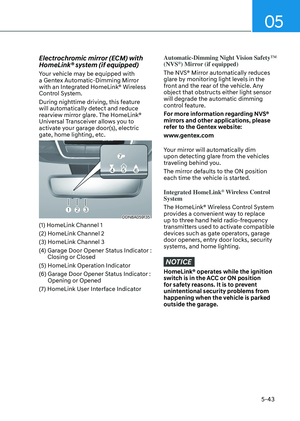
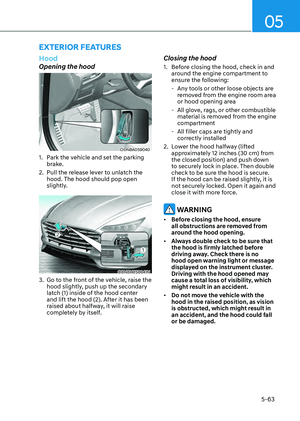
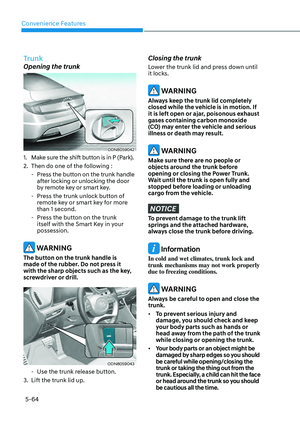
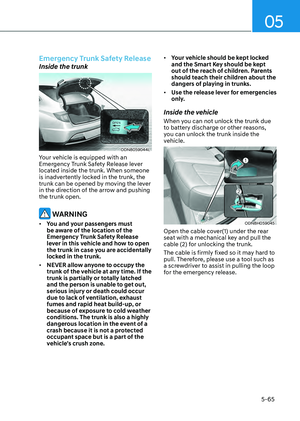
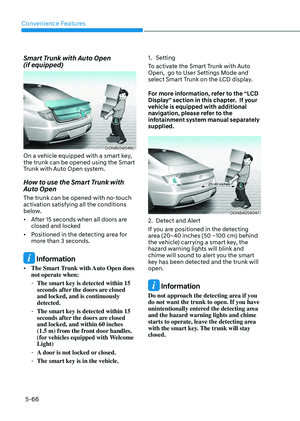
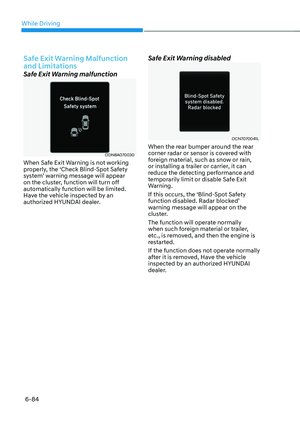
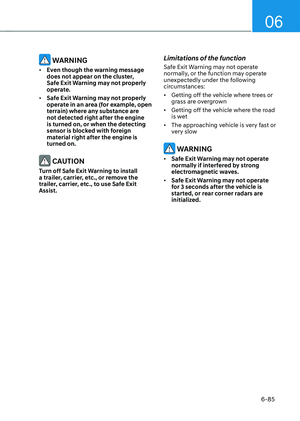
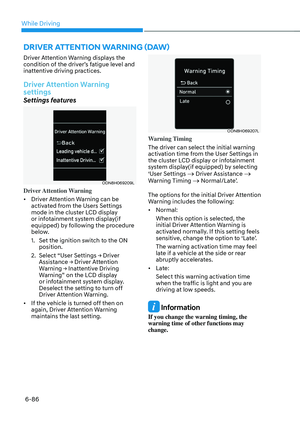
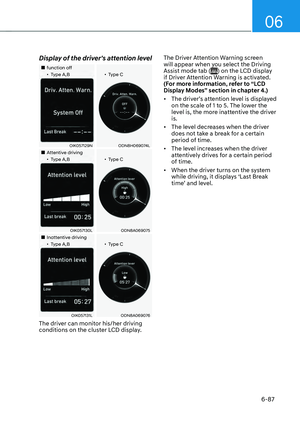
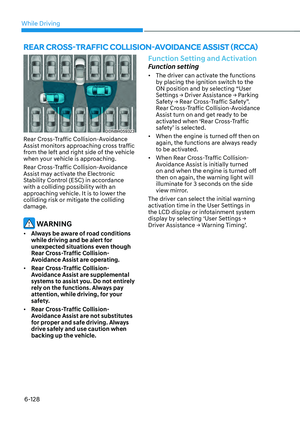
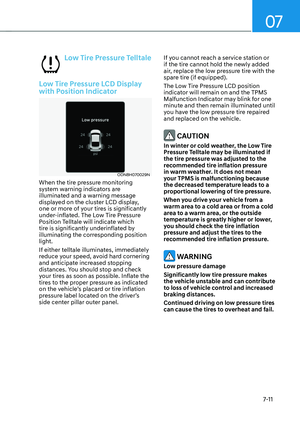
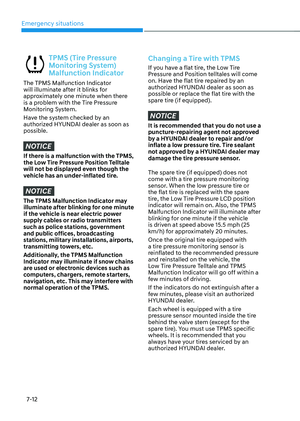
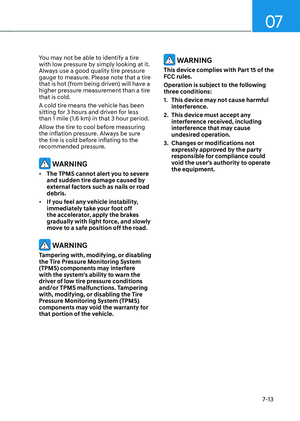
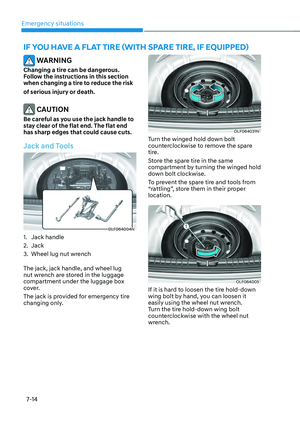
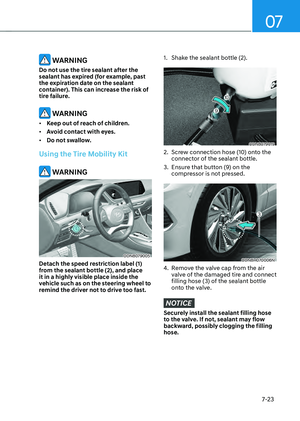
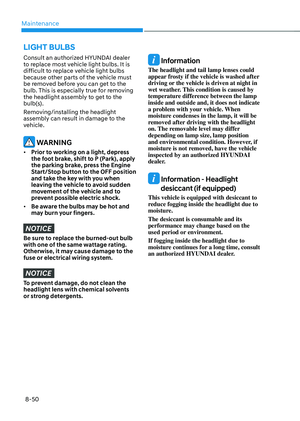
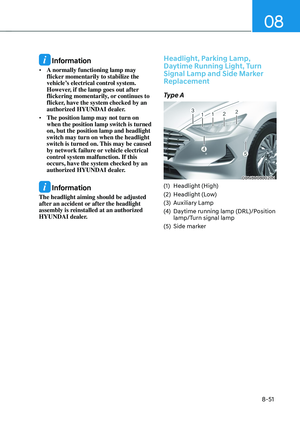
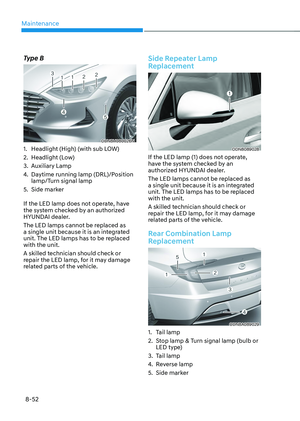
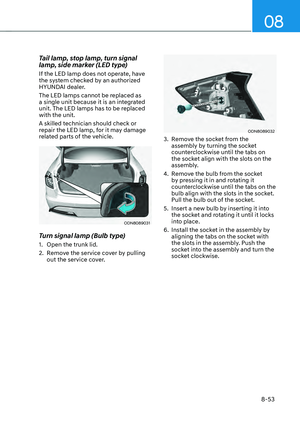
Page 329 of 549

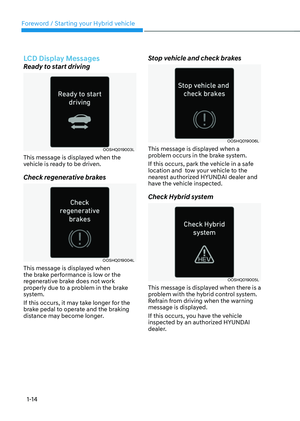
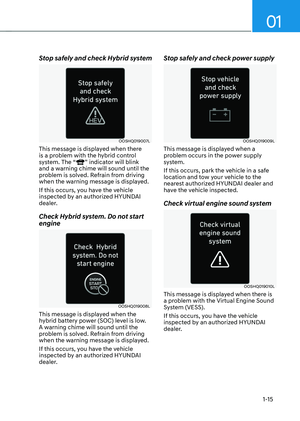
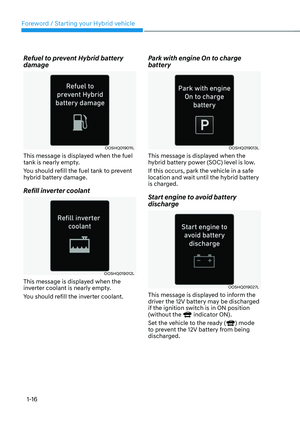
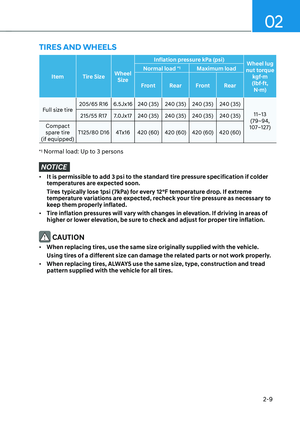
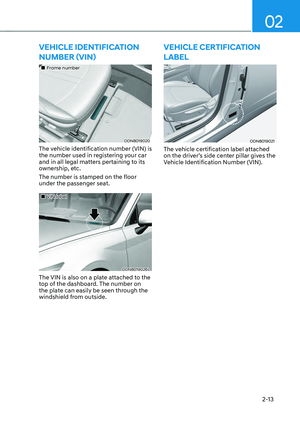
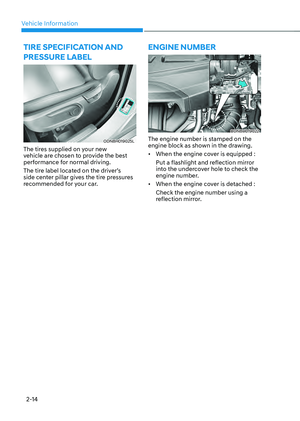
06
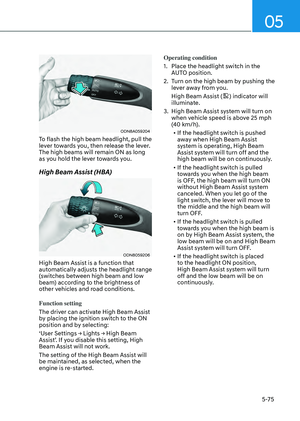
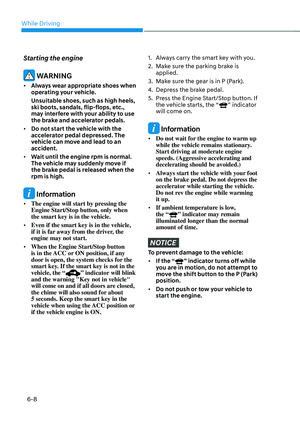
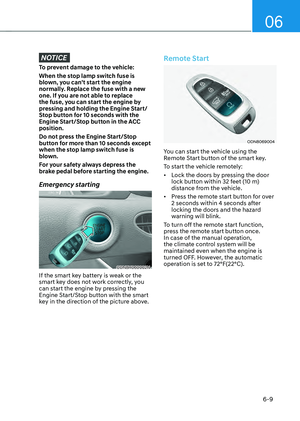
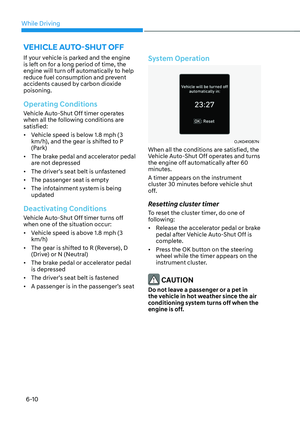
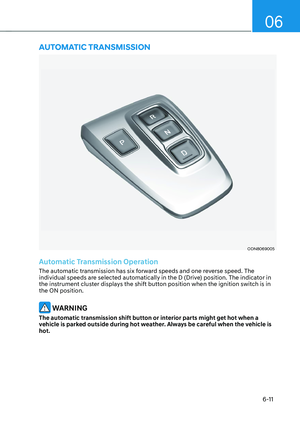
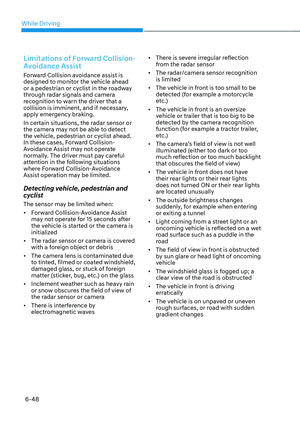
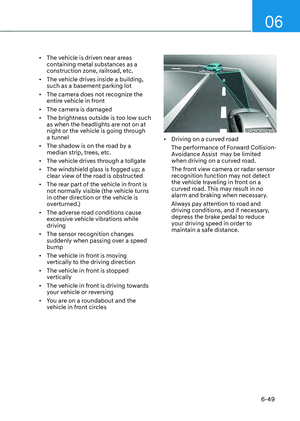
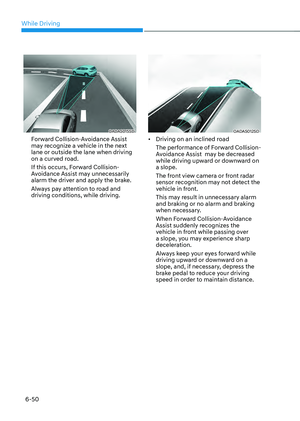
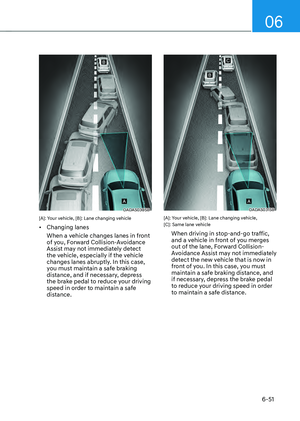
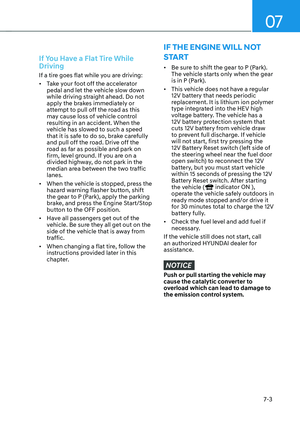
6-39
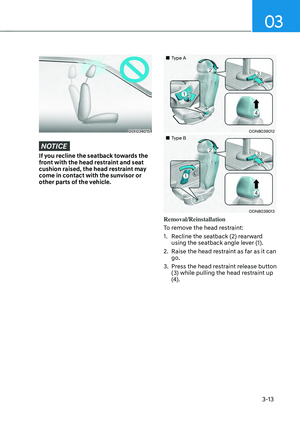
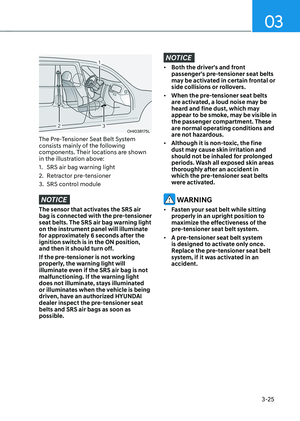
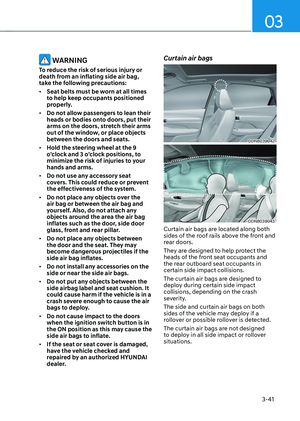
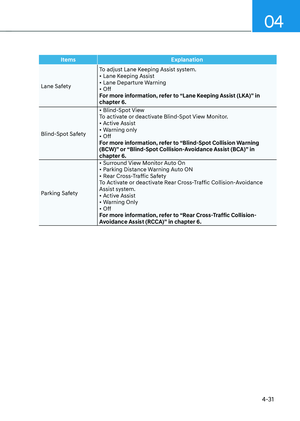
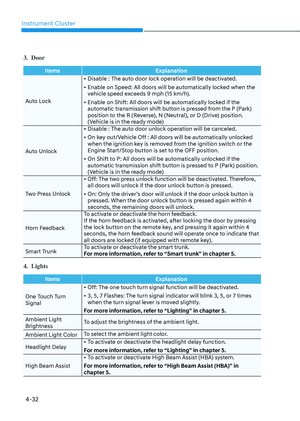
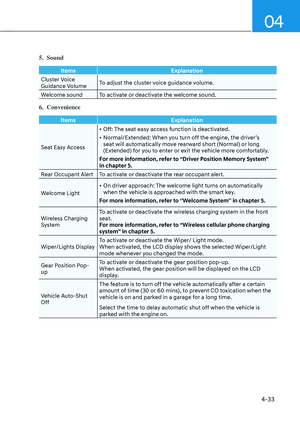
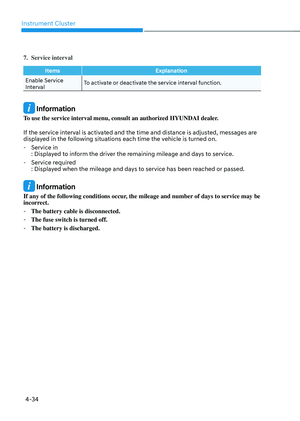
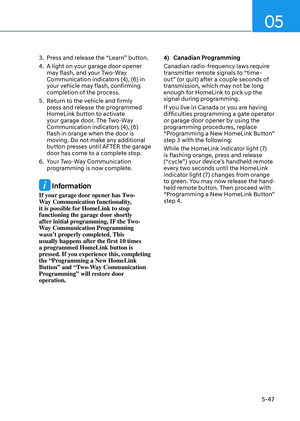
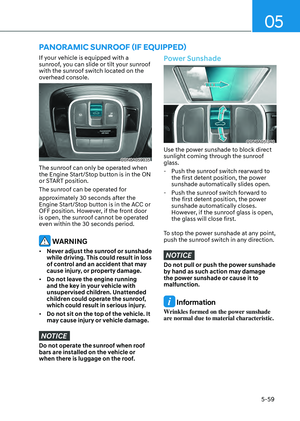
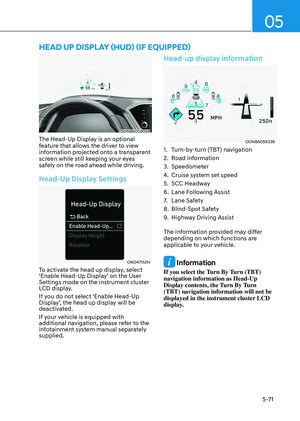
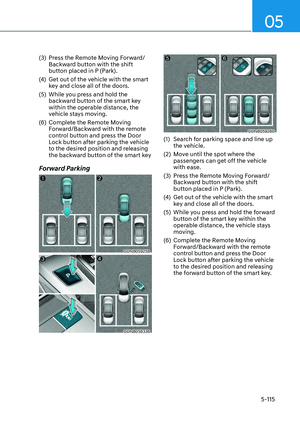
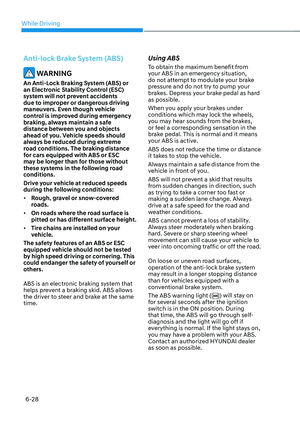
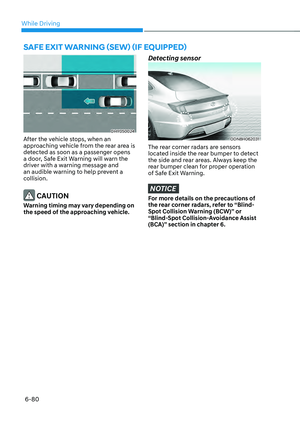
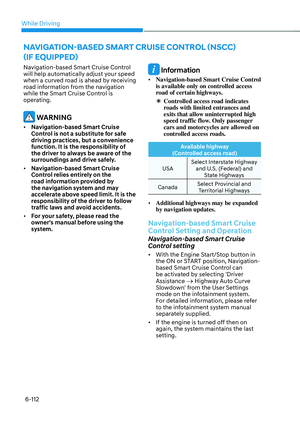
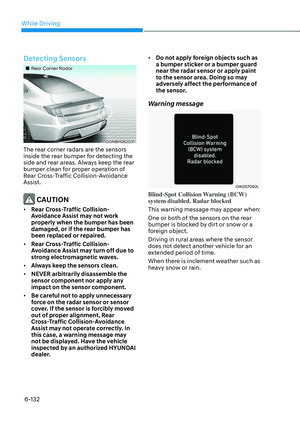
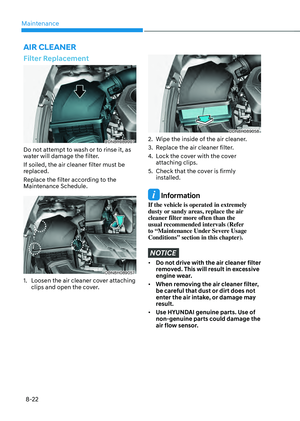
Forward Collision-Avoidance Assist
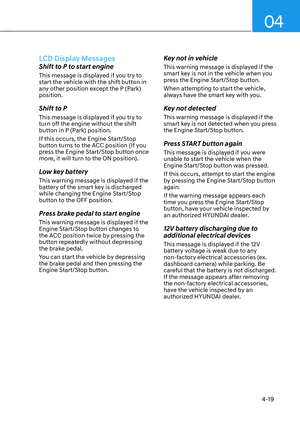
is designed to detect the vehicle, a
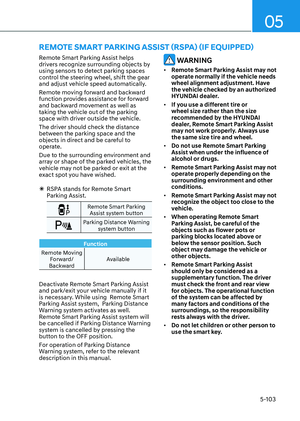
pedestrian or cyclist ahead in the
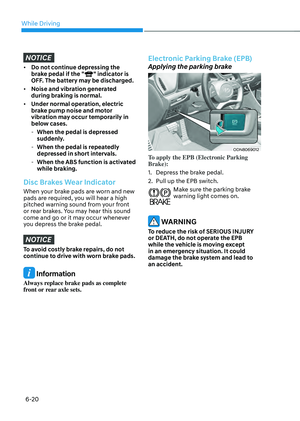
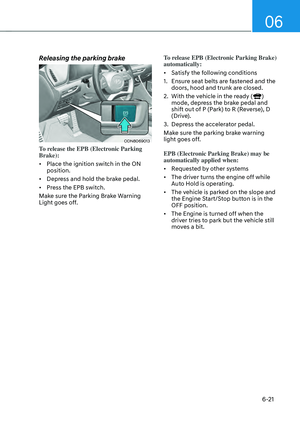
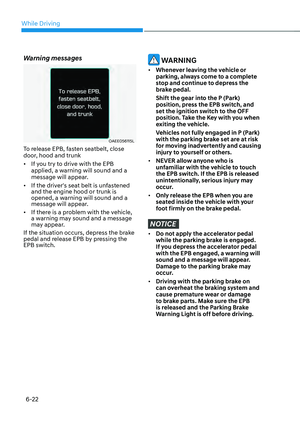
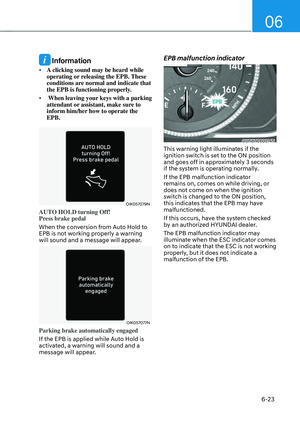
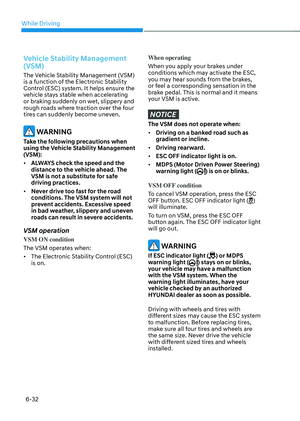
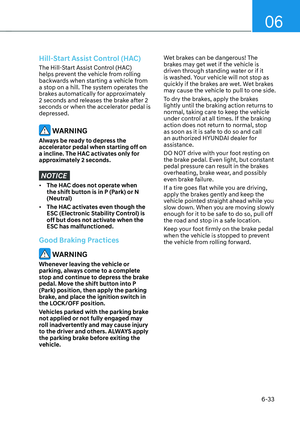
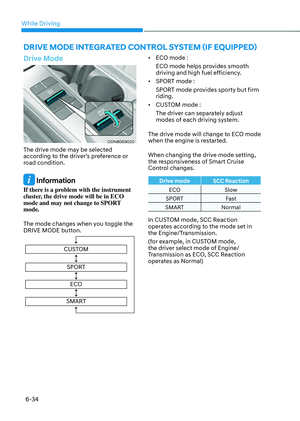
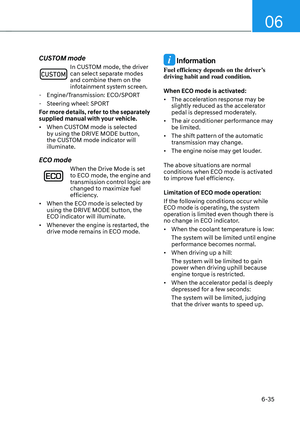
roadway through front view camera
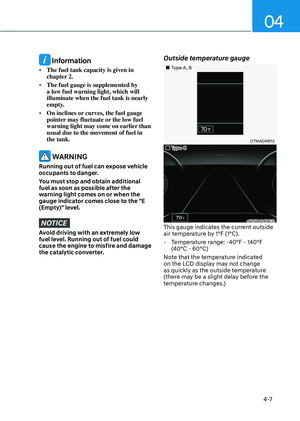
recognition and front radar signals
to warn the driver that a collision is
imminent, and if necessary, application
of emergency braking.
WARNING
Take the following precautions when
using Forward Collision-Avoidance
Assist:
• This Forward Collision-Avoidance
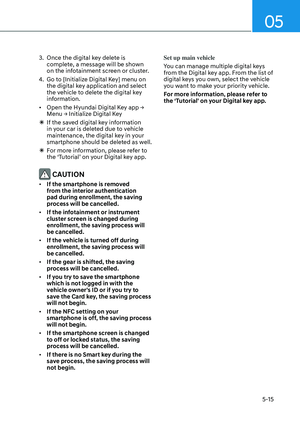
Assist is only a supplemental Forward
Collision-Avoidance Assist and it is
not intended to, nor does it replace
the need for extreme care and
attention of the driver. The sensing
range and objects detectable by the
sensors are limited. Pay attention to
the road conditions at all times.
• Drive at posted speed limits and
accordance to road conditions.
• Always drive cautiously to prevent
unexpected and sudden situations
from occurring. Forward Collision-
Avoidance Assist does not always
stop the vehicle completely.
Forward Collision-Avoidance
Assist Settings
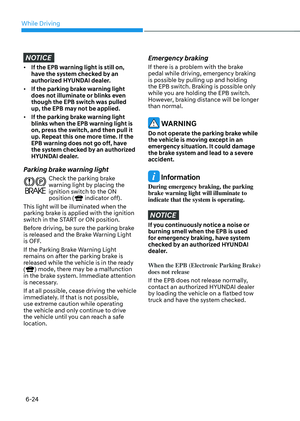
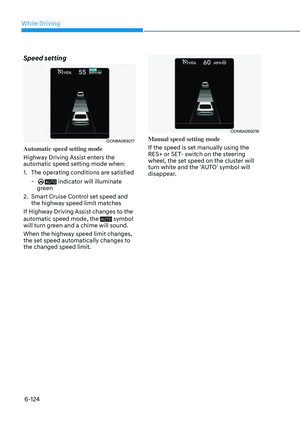
Setting features
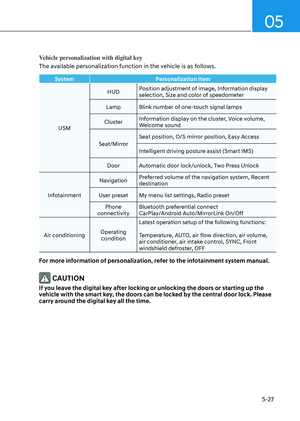
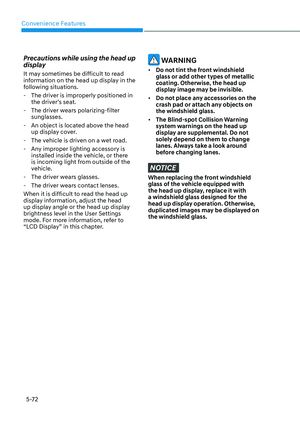
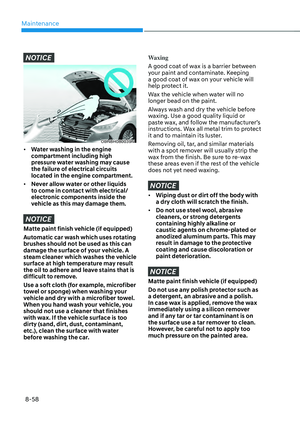
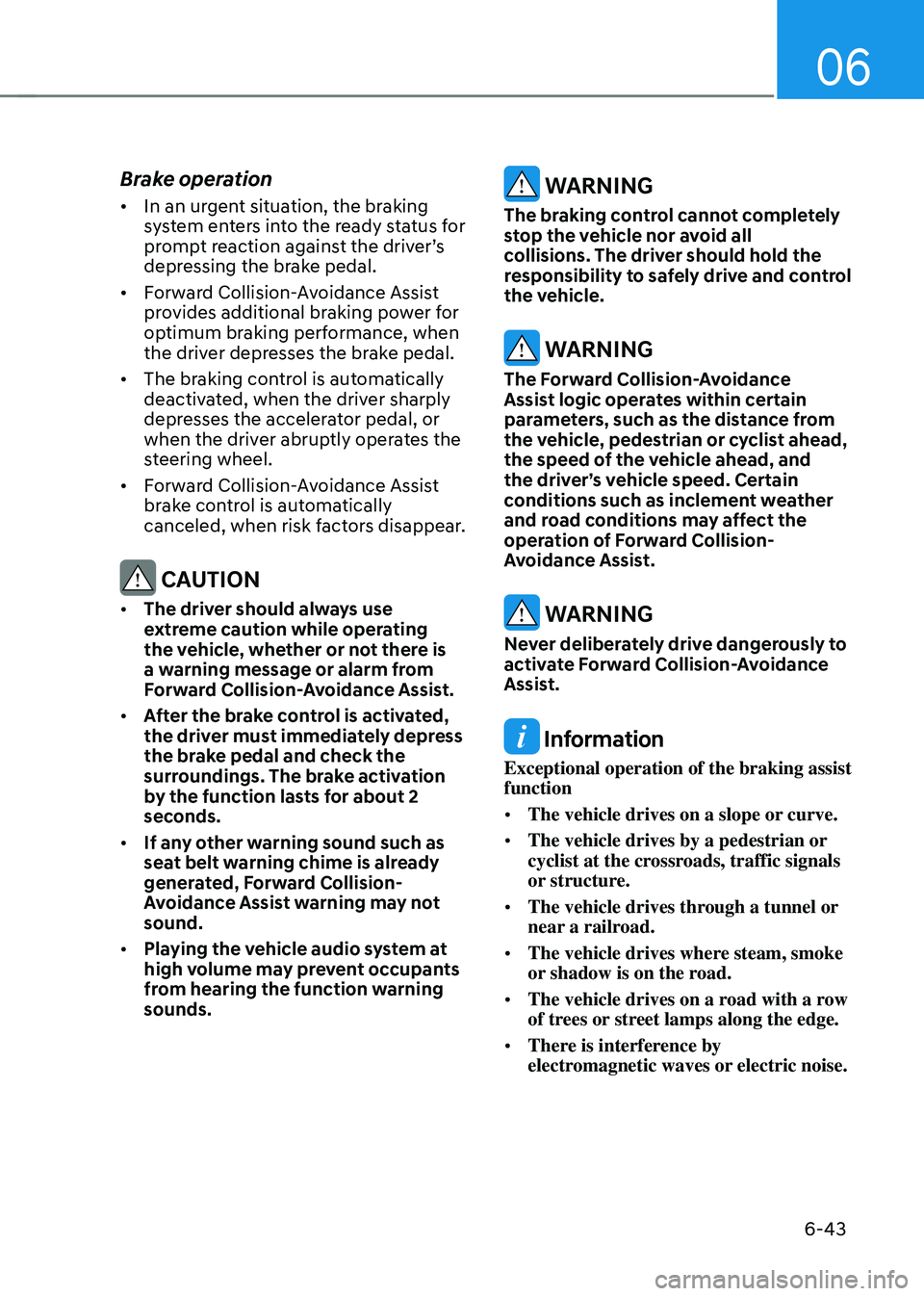
OTMA058186OTMA058186
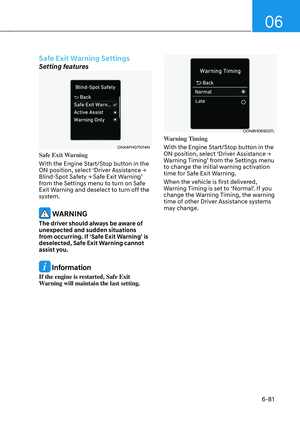
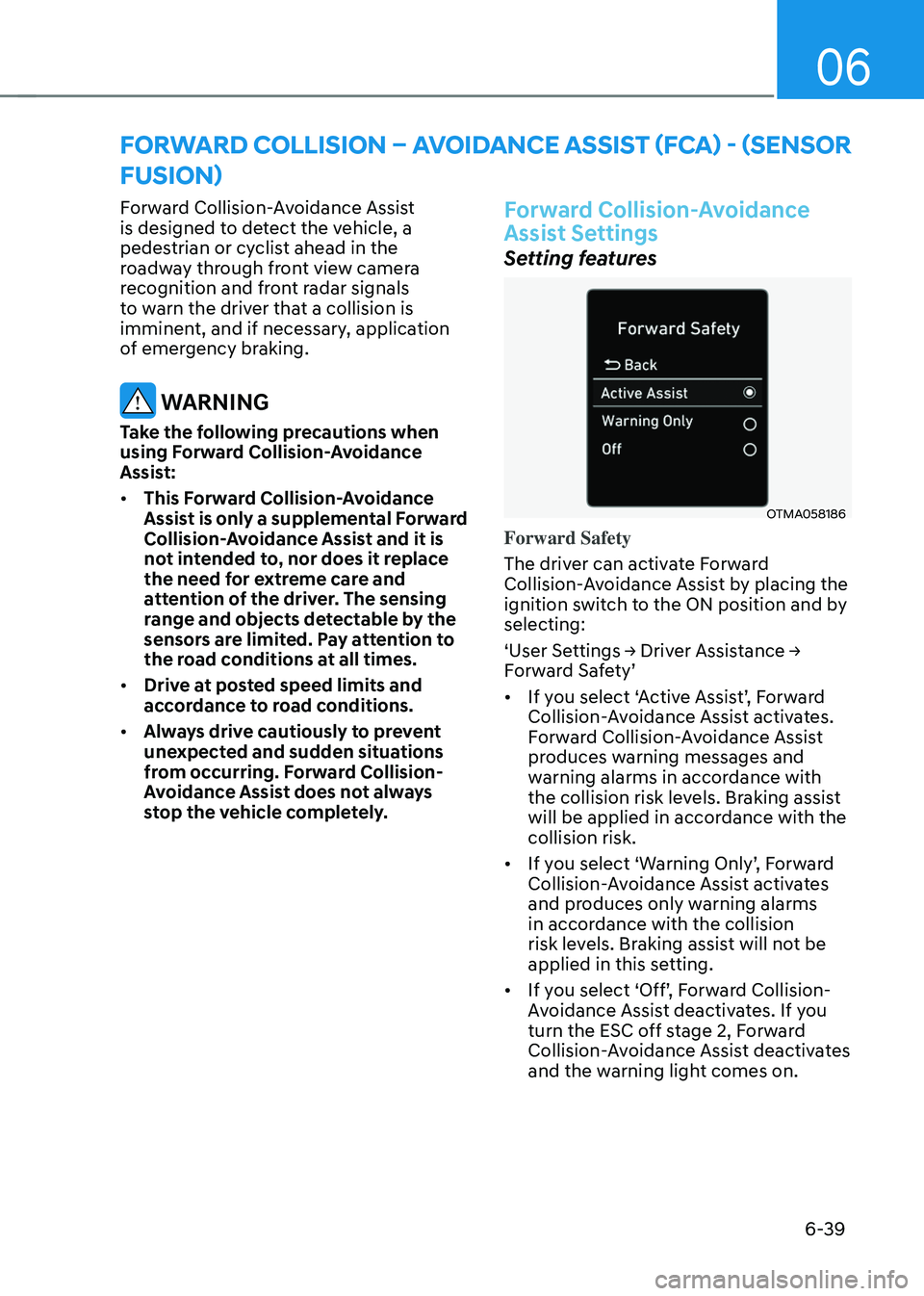
Forward Safety
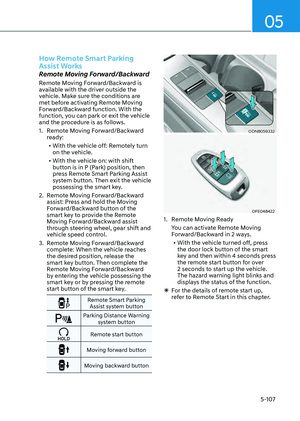
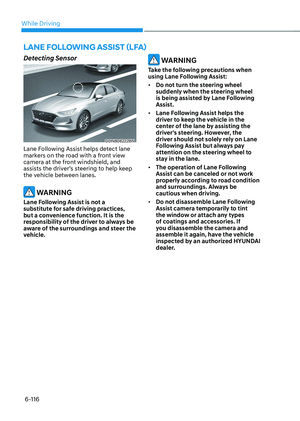
The driver can activate Forward
Collision-Avoidance Assist by placing the
ignition switch to the ON position and by
selecting:
‘User Settings → Driver Assistance →
Forward Safety’
• If you select ‘Active Assist’, Forward
Collision-Avoidance Assist activates.
Forward Collision-Avoidance Assist
produces warning messages and
warning alarms in accordance with
the collision risk levels. Braking assist
will be applied in accordance with the
collision risk.
• If you select ‘Warning Only’, Forward
Collision-Avoidance Assist activates
and produces only warning alarms
in accordance with the collision
risk levels. Braking assist will not be
applied in this setting.
• If you select ‘Off’, Forward Collision-
Avoidance Assist deactivates. If you
turn the ESC off stage 2, Forward
Collision-Avoidance Assist deactivates
and the warning light comes on.
FORWARD COLLISION – AVOIDANCE ASSIST (FCA) - (SENSOR
FUSION)
Page 330 of 549

While Driving
6-40
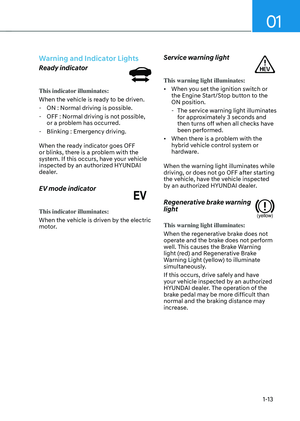
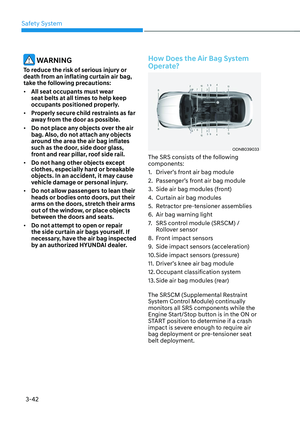
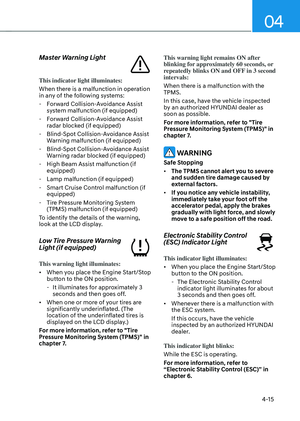
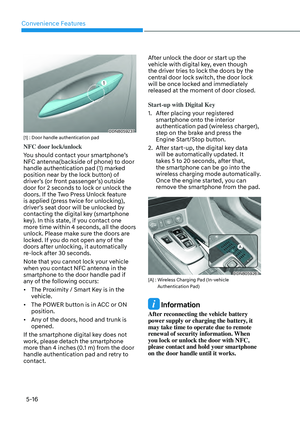
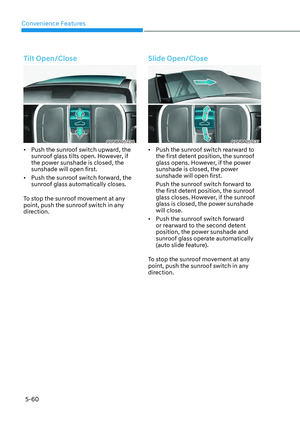
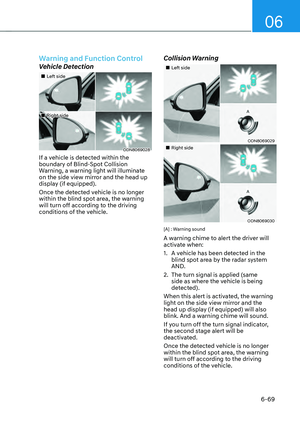
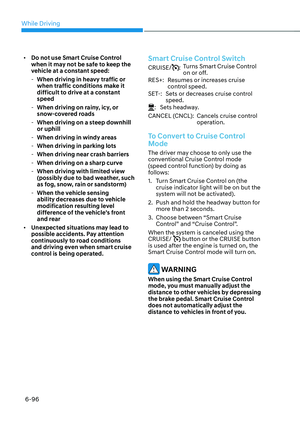
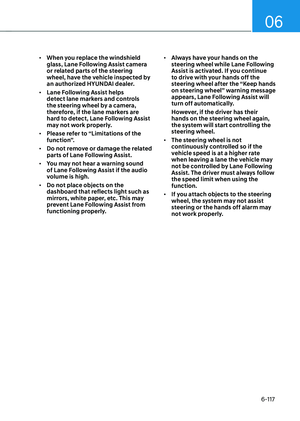
• The warning light illuminates
on the instrument cluster,
when you cancel Forward
Collision-Avoidance Assist.
The driver can monitor the Forward
Collision-Avoidance Assist ON/OFF
status on the LCD display or infotainment
system display (if equipped). Also, the
warning light illuminates when ESC
(Electronic Stability Control) is turned
off. If the warning light remains ON when
Forward Collision-Avoidance Assist is
activated, have the vehicle inspected by
an authorized HYUNDAI dealer.
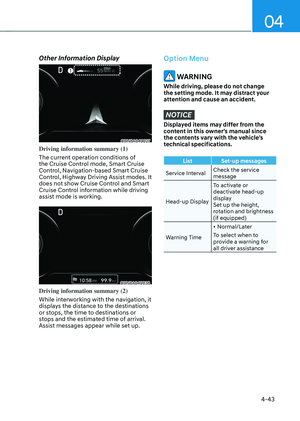
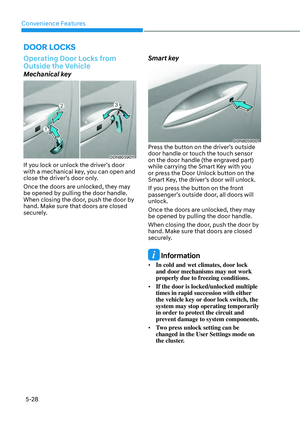
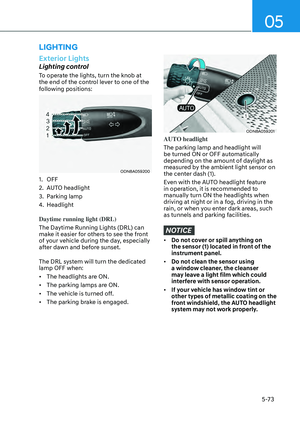
ODN8H069207LODN8H069207L
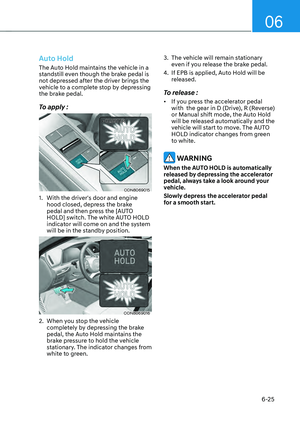
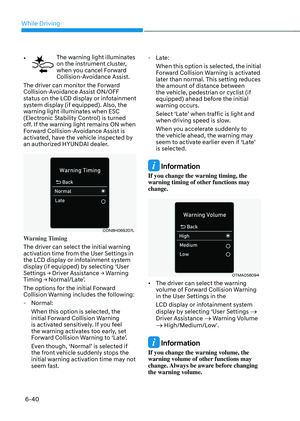
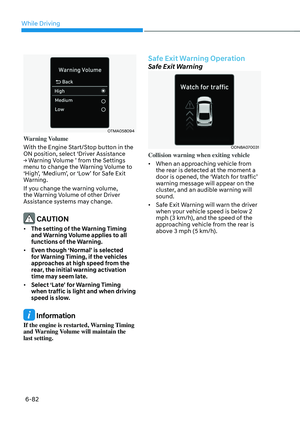
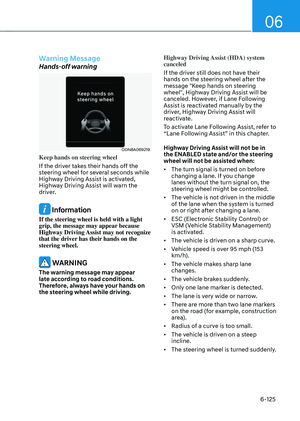
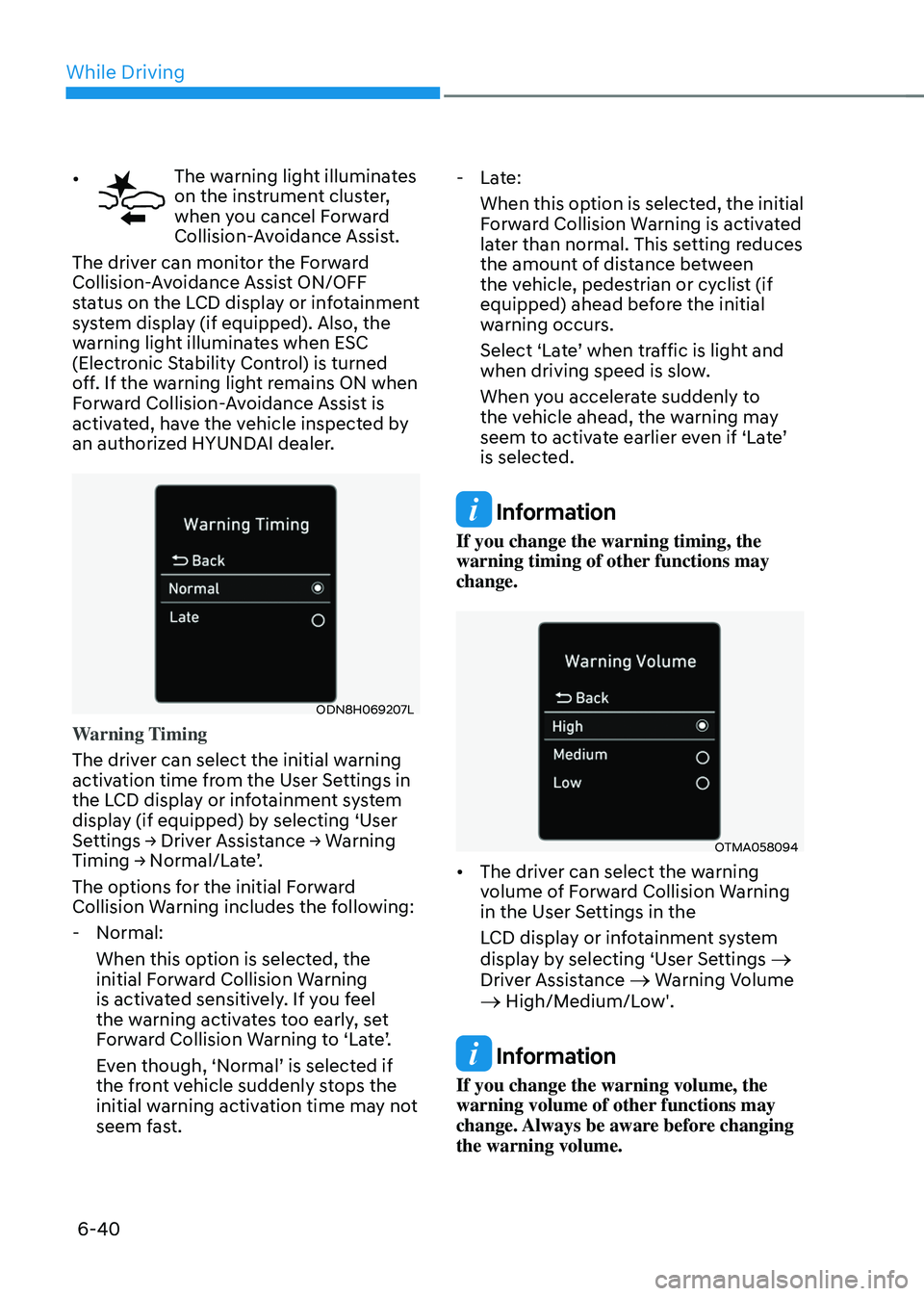
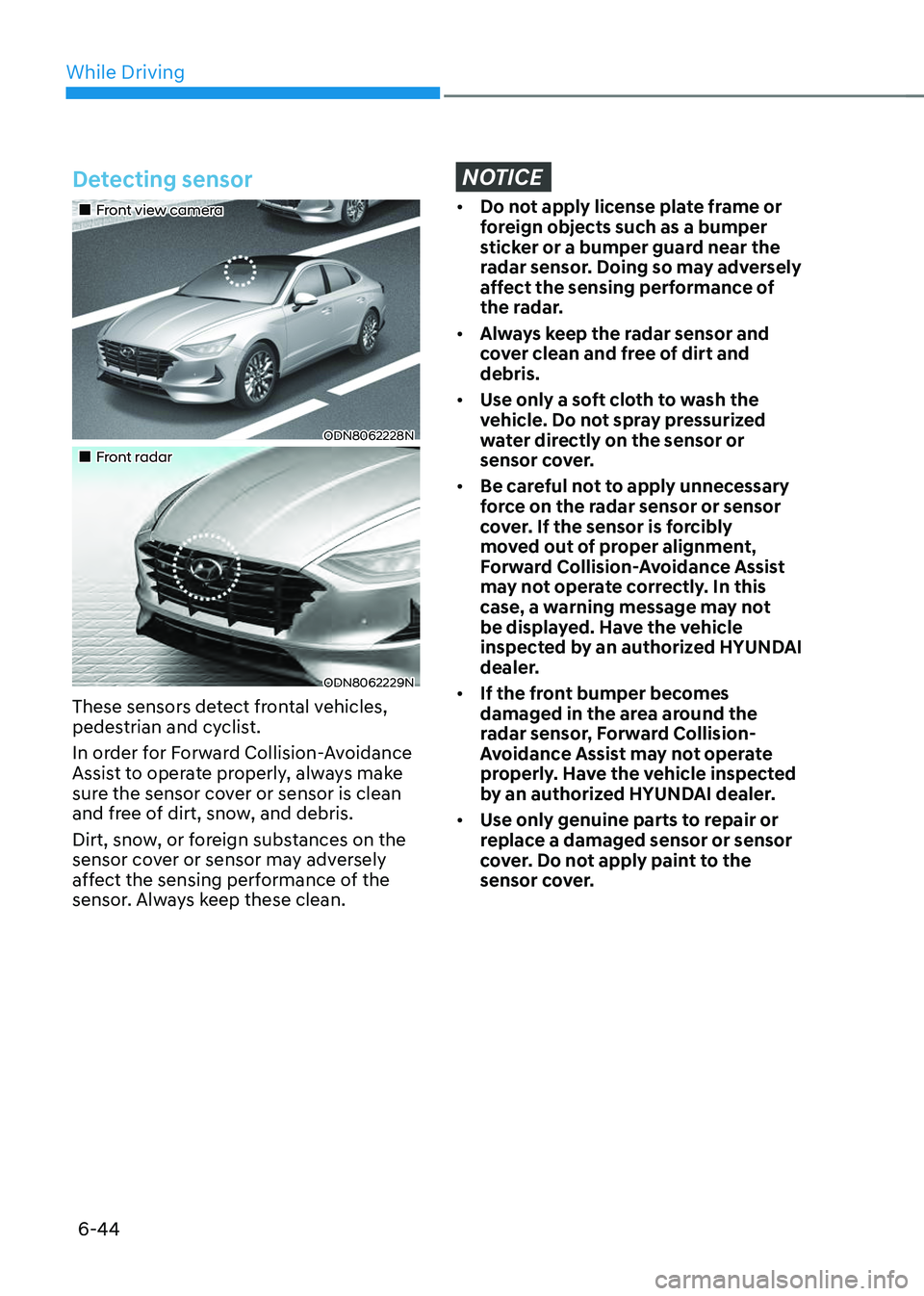
Warning Timing
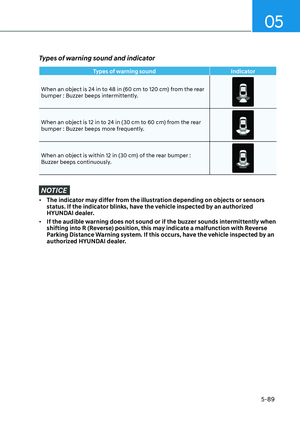
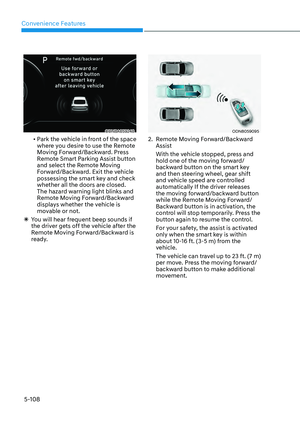
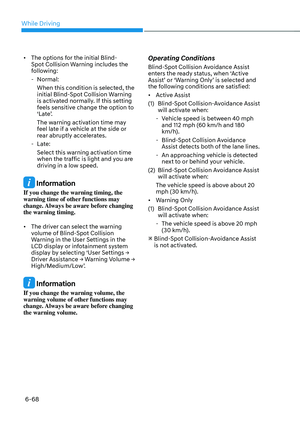
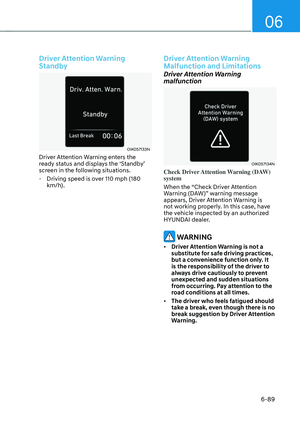
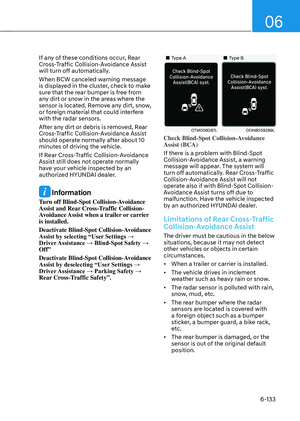
The driver can select the initial warning
activation time from the User Settings in
the LCD display or infotainment system
display (if equipped) by selecting ‘User
Settings → Driver Assistance → Warning
Timing → Normal/Late’.
The options for the initial Forward
Collision Warning includes the following:
- Normal:
When this option is selected, the
initial Forward Collision Warning
is activated sensitively. If you feel
the warning activates too early, set
Forward Collision Warning to ‘Late’.
Even though, ‘Normal’ is selected if
the front vehicle suddenly stops the
initial warning activation time may not
seem fast.
-Late:
When this option is selected, the initial
Forward Collision Warning is activated
later than normal. This setting reduces
the amount of distance between
the vehicle, pedestrian or cyclist (if
equipped) ahead before the initial
warning occurs.
Select ‘Late’ when traffic is light and
when driving speed is slow.
When you accelerate suddenly to
the vehicle ahead, the warning may
seem to activate earlier even if ‘Late’
is selected.
Information
If you change the warning timing, the
warning timing of other functions may
change.
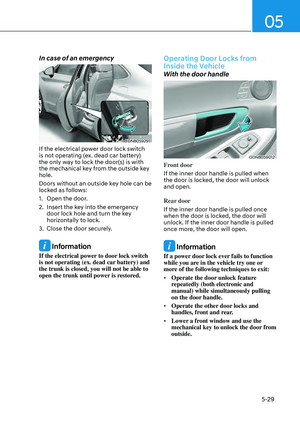
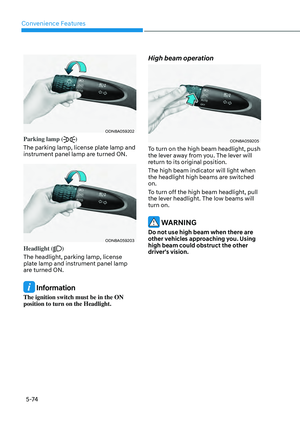
OTMA058094OTMA058094
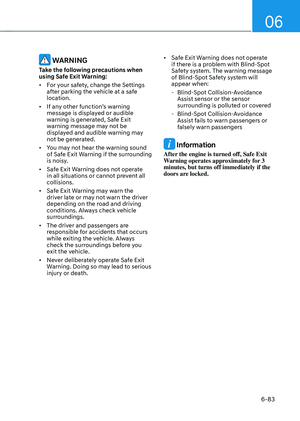
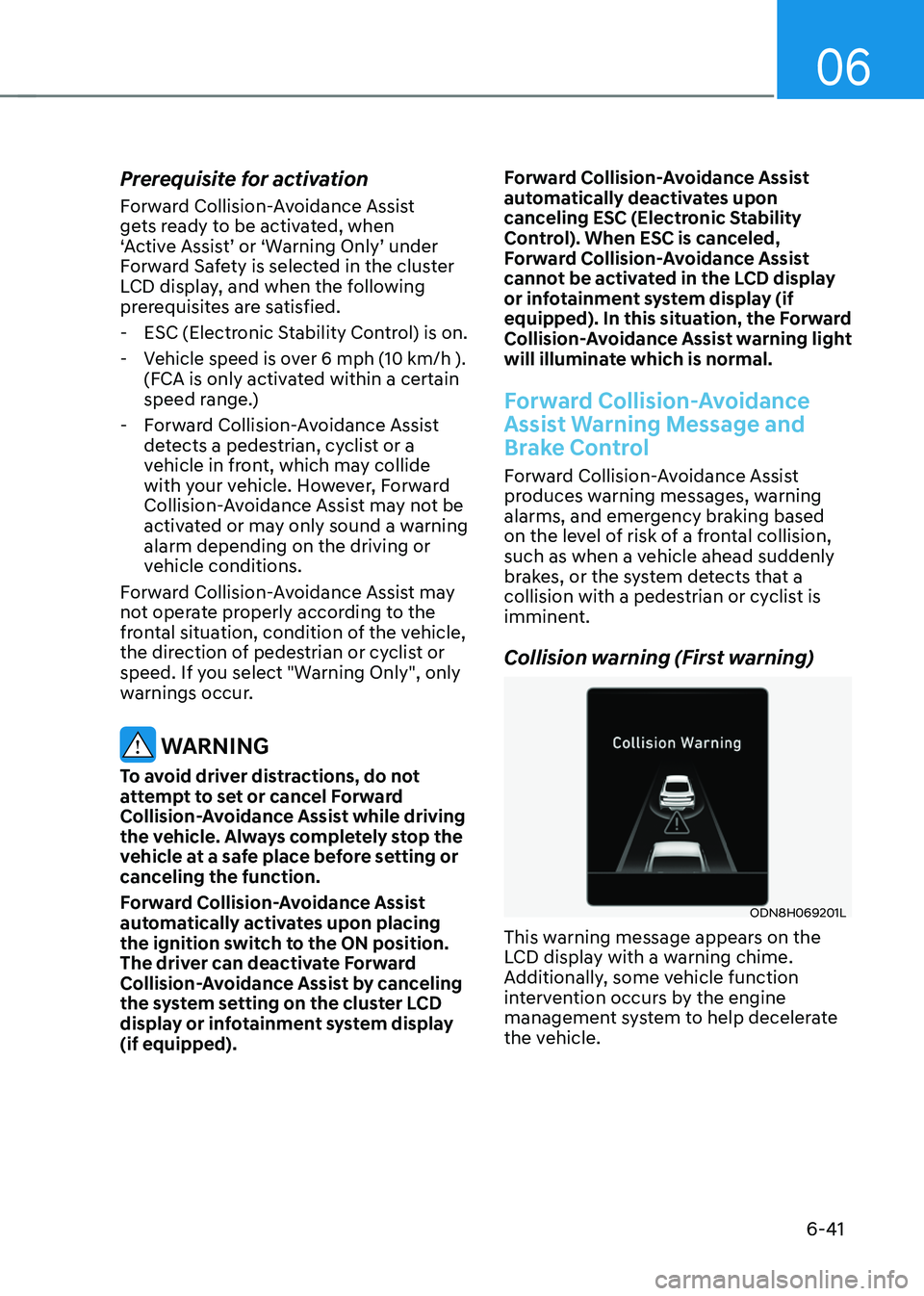
• The driver can select the warning
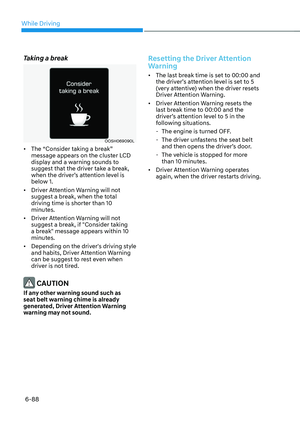
volume of Forward Collision Warning
in the User Settings in the
LCD display or infotainment system
display by selecting ‘User Settings
→
Driver Assistance → Warning Volume → High/Medium/Low'.
Information
If you change the warning volume, the
warning volume of other functions may
change. Always be aware before changing
the warning volume.
Page 331 of 549

06
6-41
Prerequisite for activation
Forward Collision-Avoidance Assist
gets ready to be activated, when
‘Active Assist’ or ‘Warning Only’ under
Forward Safety is selected in the cluster
LCD display, and when the following
prerequisites are satisfied.
-ESC (Electronic Stability Control) is on.
- Vehicle speed is over 6 mph (10 km/h ).
(FCA is only activated within a certain
speed range.)
- Forward Collision-Avoidance Assist
detects a pedestrian, cyclist or a
vehicle in front, which may collide
with your vehicle. However, Forward
Collision-Avoidance Assist may not be
activated or may only sound a warning
alarm depending on the driving or
vehicle conditions.
Forward Collision-Avoidance Assist may
not operate properly according to the
frontal situation, condition of the vehicle,
the direction of pedestrian or cyclist or
speed. If you select "Warning Only", only
warnings occur.
WARNING
To avoid driver distractions, do not
attempt to set or cancel Forward
Collision-Avoidance Assist while driving
the vehicle. Always completely stop the
vehicle at a safe place before setting or
canceling the function.
Forward Collision-Avoidance Assist
automatically activates upon placing
the ignition switch to the ON position.
The driver can deactivate Forward
Collision-Avoidance Assist by canceling
the system setting on the cluster LCD
display or infotainment system display
(if equipped). Forward Collision-Avoidance Assist
automatically deactivates upon
canceling ESC (Electronic Stability
Control). When ESC is canceled,
Forward Collision-Avoidance Assist
cannot be activated in the LCD display
or infotainment system display (if
equipped). In this situation, the Forward
Collision-Avoidance Assist warning light
will illuminate which is normal.
Forward Collision-Avoidance
Assist Warning Message and
Brake Control
Forward Collision-Avoidance Assist
produces warning messages, warning
alarms, and emergency braking based
on the level of risk of a frontal collision,
such as when a vehicle ahead suddenly
brakes, or the system detects that a
collision with a pedestrian or cyclist is
imminent.
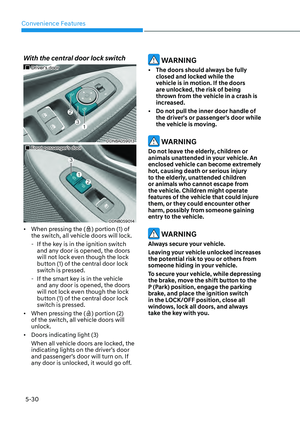
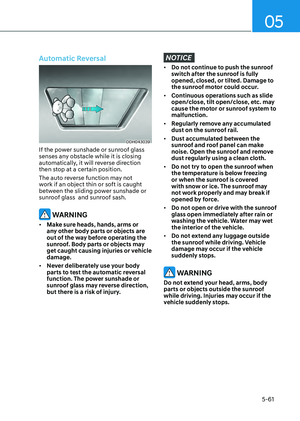
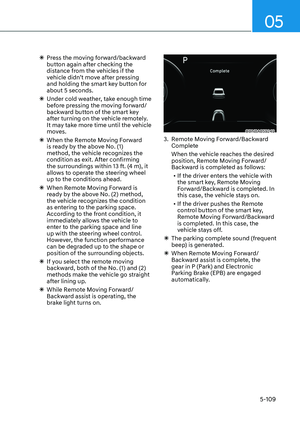
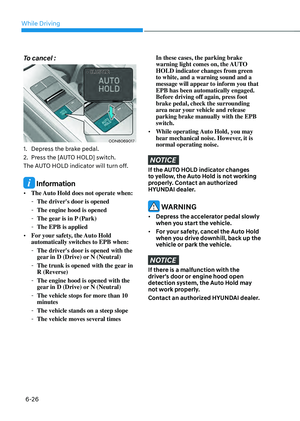
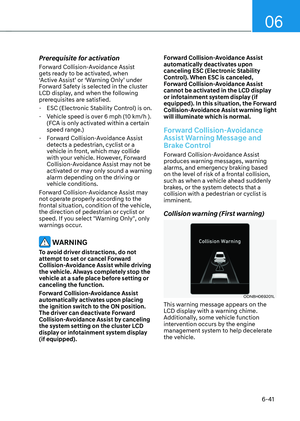
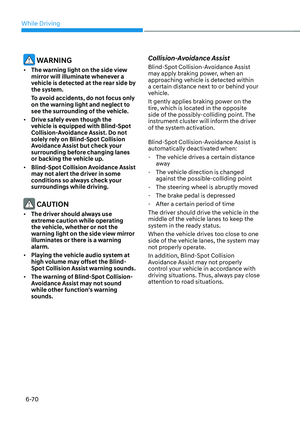
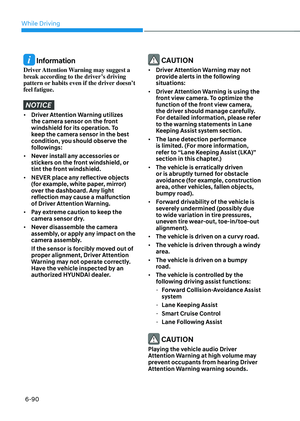
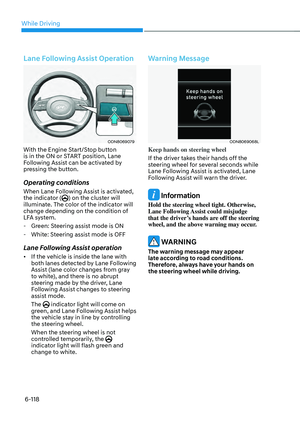
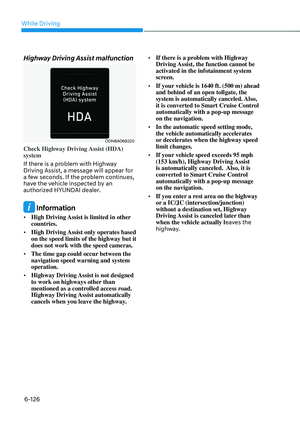
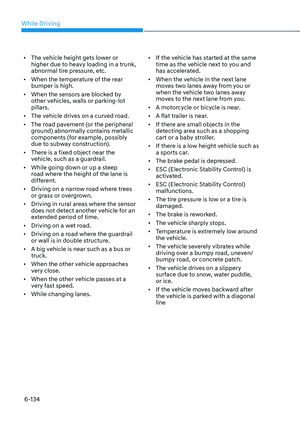
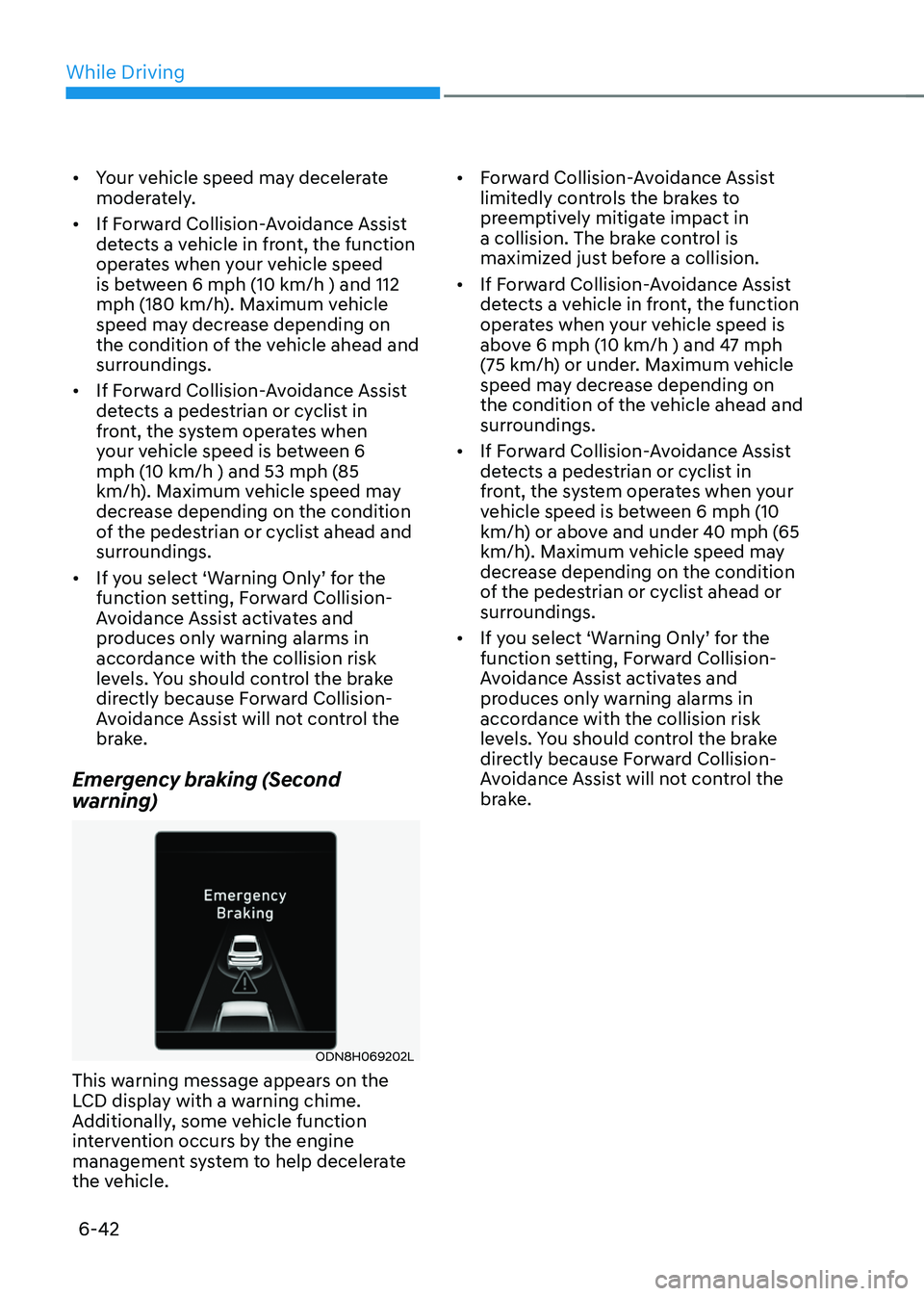
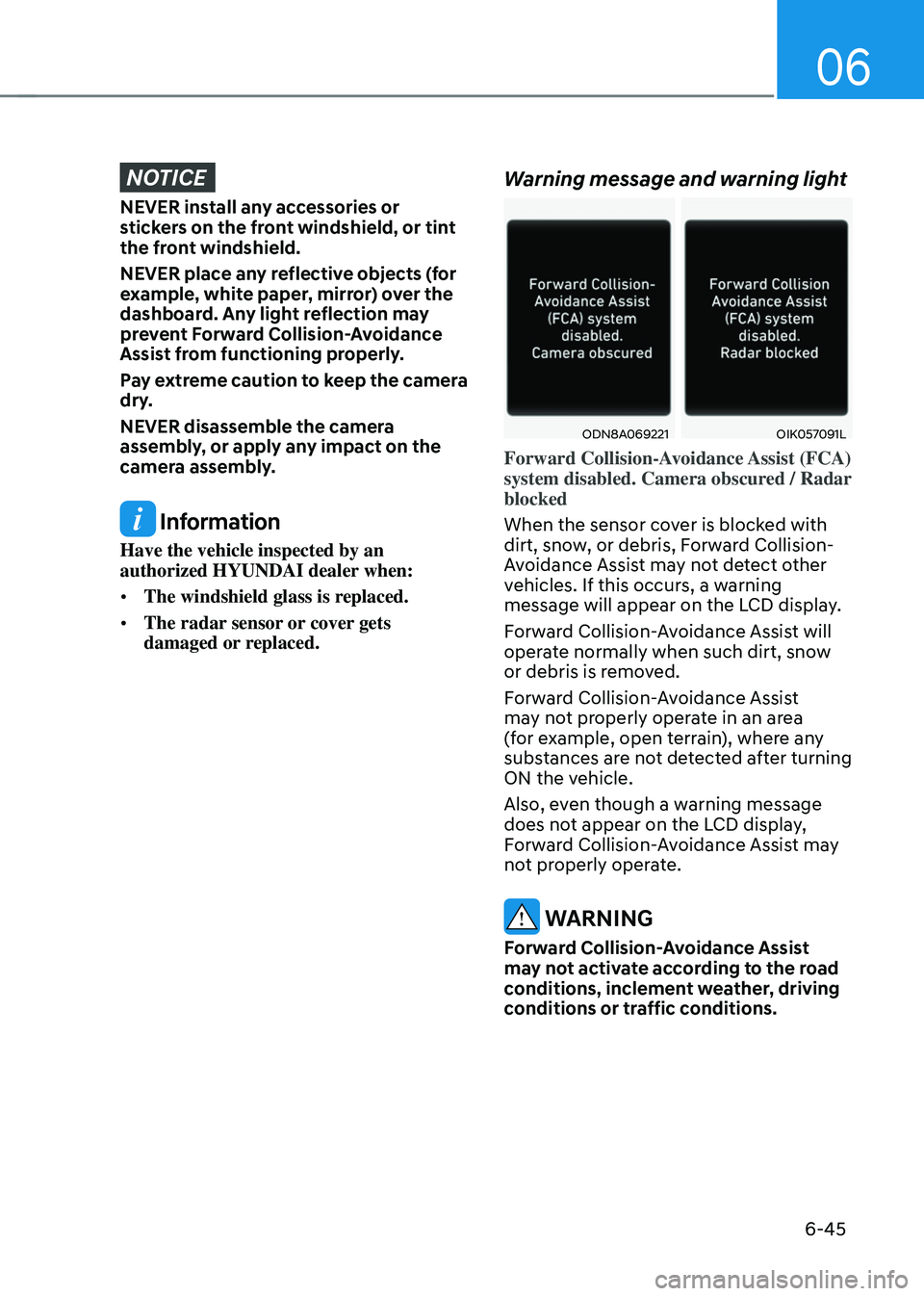
Collision warning (First warning)
ODN8H069201LODN8H069201L
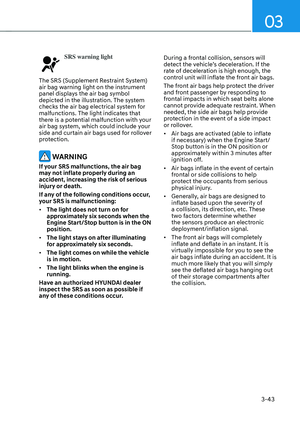
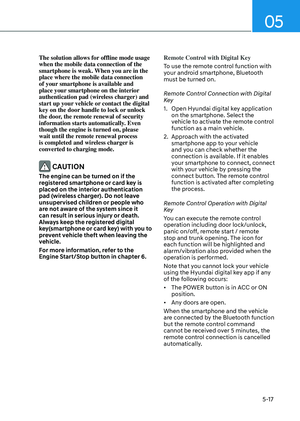
This warning message appears on the
LCD display with a warning chime.
Additionally, some vehicle function
intervention occurs by the engine
management system to help decelerate
the vehicle.
Page 332 of 549

While Driving
6-42
• Your vehicle speed may decelerate
moderately.
• If Forward Collision-Avoidance Assist
detects a vehicle in front, the function
operates when your vehicle speed
is between 6 mph (10 km/h ) and 112
mph (180 km/h). Maximum vehicle
speed may decrease depending on
the condition of the vehicle ahead and
surroundings.
• If Forward Collision-Avoidance Assist
detects a pedestrian or cyclist in
front, the system operates when
your vehicle speed is between 6
mph (10 km/h ) and 53 mph (85
km/h). Maximum vehicle speed may
decrease depending on the condition
of the pedestrian or cyclist ahead and
surroundings.
• If you select ‘Warning Only’ for the
function setting, Forward Collision-
Avoidance Assist activates and
produces only warning alarms in
accordance with the collision risk
levels. You should control the brake
directly because Forward Collision-
Avoidance Assist will not control the
brake.
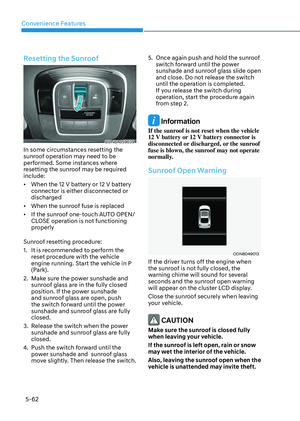
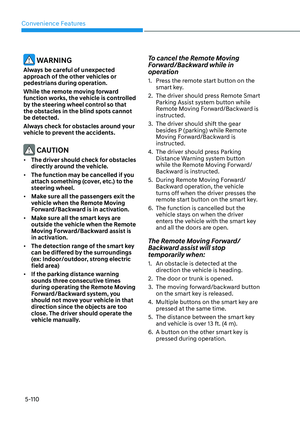
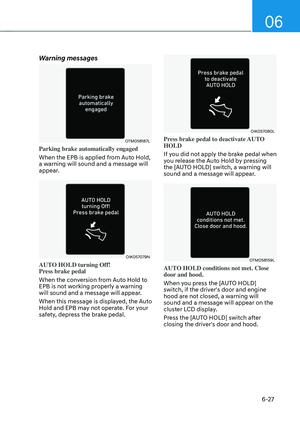
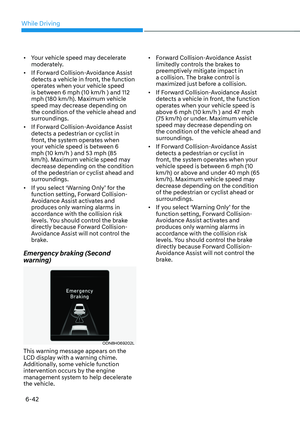
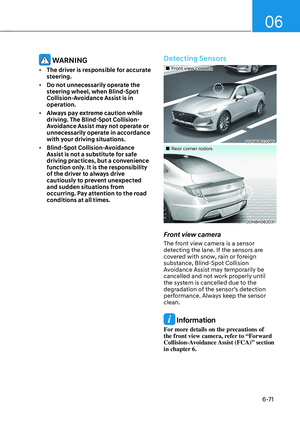
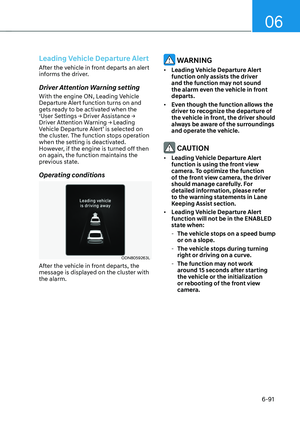
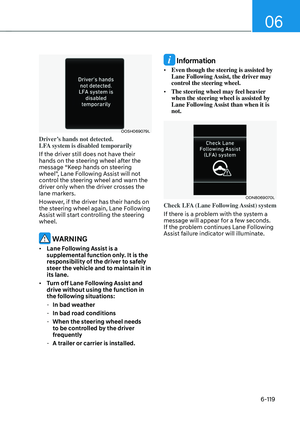
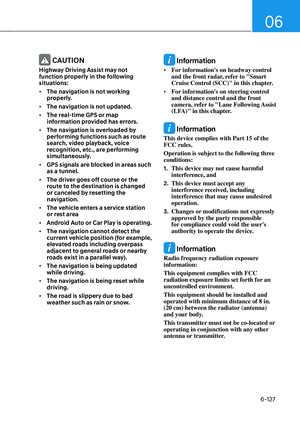
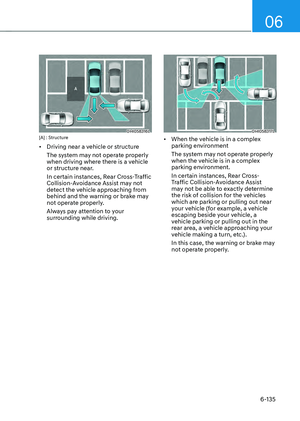
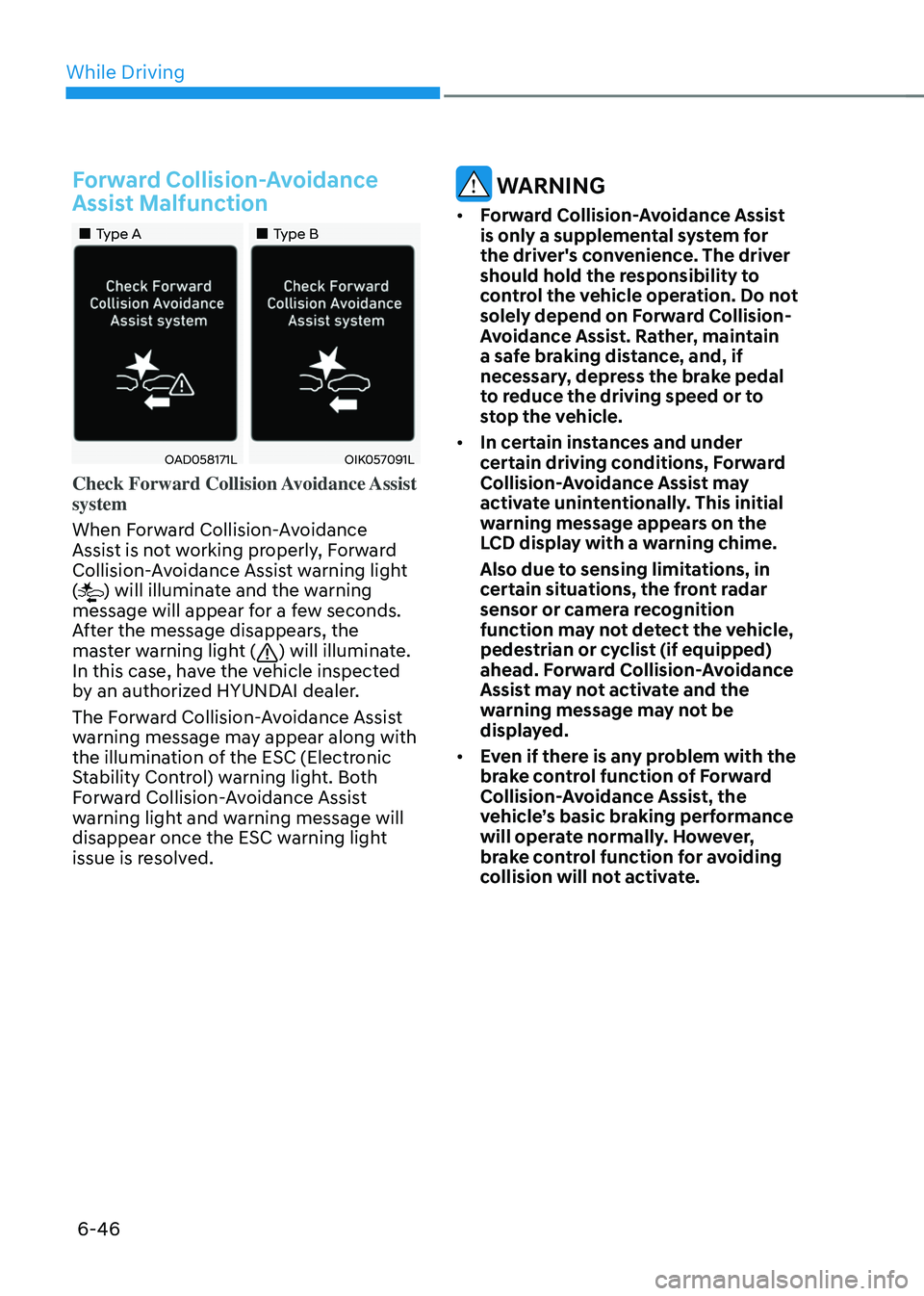
Emergency braking (Second
warning)
ODN8H069202LODN8H069202L
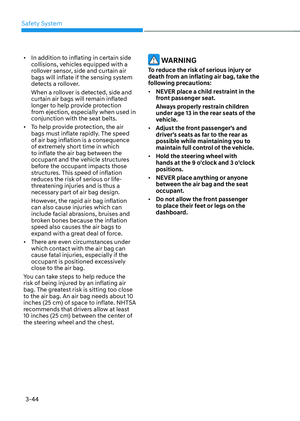
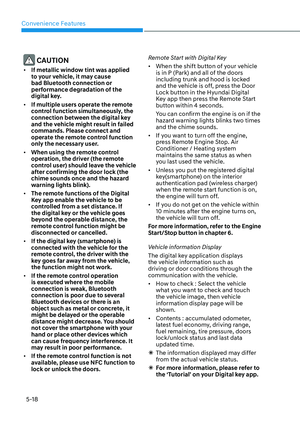
This warning message appears on the
LCD display with a warning chime.
Additionally, some vehicle function
intervention occurs by the engine
management system to help decelerate
the vehicle.
• Forward Collision-Avoidance Assist
limitedly controls the brakes to
preemptively mitigate impact in
a collision. The brake control is
maximized just before a collision.
• If Forward Collision-Avoidance Assist
detects a vehicle in front, the function
operates when your vehicle speed is
above 6 mph (10 km/h ) and 47 mph
(75 km/h) or under. Maximum vehicle
speed may decrease depending on
the condition of the vehicle ahead and
surroundings.
• If Forward Collision-Avoidance Assist
detects a pedestrian or cyclist in
front, the system operates when your
vehicle speed is between 6 mph (10
km/h) or above and under 40 mph (65
km/h). Maximum vehicle speed may
decrease depending on the condition
of the pedestrian or cyclist ahead or
surroundings.
• If you select ‘Warning Only’ for the
function setting, Forward Collision-
Avoidance Assist activates and
produces only warning alarms in
accordance with the collision risk
levels. You should control the brake
directly because Forward Collision-
Avoidance Assist will not control the
brake.
Page 333 of 549

06
6-43
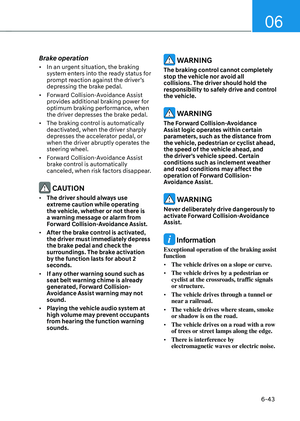
Brake operation
• In an urgent situation, the braking
system enters into the ready status for
prompt reaction against the driver’s
depressing the brake pedal.
• Forward Collision-Avoidance Assist
provides additional braking power for
optimum braking performance, when
the driver depresses the brake pedal.
• The braking control is automatically
deactivated, when the driver sharply
depresses the accelerator pedal, or
when the driver abruptly operates the
steering wheel.
• Forward Collision-Avoidance Assist
brake control is automatically
canceled, when risk factors disappear.
CAUTION
• The driver should always use
extreme caution while operating
the vehicle, whether or not there is
a warning message or alarm from
Forward Collision-Avoidance Assist.
• After the brake control is activated,
the driver must immediately depress
the brake pedal and check the
surroundings. The brake activation
by the function lasts for about 2
seconds.
• If any other warning sound such as
seat belt warning chime is already
generated, Forward Collision-
Avoidance Assist warning may not
sound.
• Playing the vehicle audio system at
high volume may prevent occupants
from hearing the function warning
sounds.
WARNING
The braking control cannot completely
stop the vehicle nor avoid all
collisions. The driver should hold the
responsibility to safely drive and control
the vehicle.
WARNING
The Forward Collision-Avoidance
Assist logic operates within certain
parameters, such as the distance from
the vehicle, pedestrian or cyclist ahead,
the speed of the vehicle ahead, and
the driver’s vehicle speed. Certain
conditions such as inclement weather
and road conditions may affect the
operation of Forward Collision-
Avoidance Assist.
WARNING
Never deliberately drive dangerously to
activate Forward Collision-Avoidance
Assist.
Information
Exceptional operation of the braking assist
function
• The vehicle drives on a slope or curve.
• The vehicle drives by a pedestrian or
cyclist at the crossroads, traffic signals
or structure.
• The vehicle drives through a tunnel or
near a railroad.
• The vehicle drives where steam, smoke
or shadow is on the road.
• The vehicle drives on a road with a row
of trees or street lamps along the edge.
• There is interference by
electromagnetic waves or electric noise.
Page 334 of 549