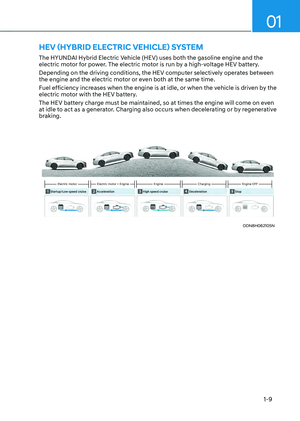
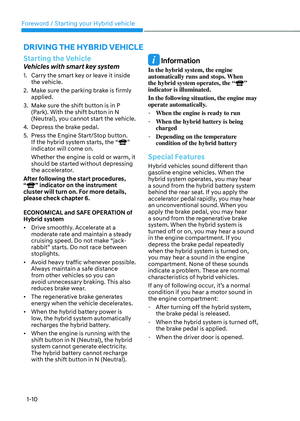
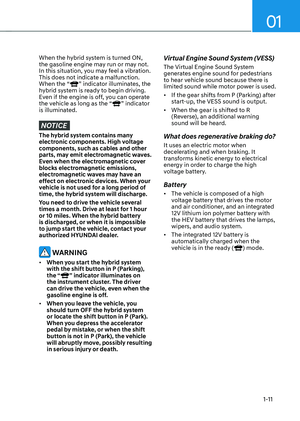
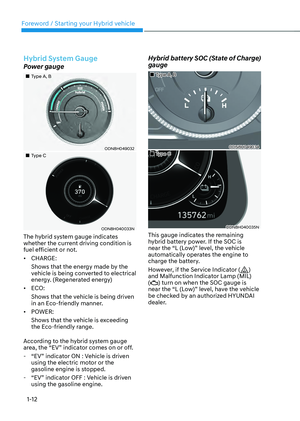
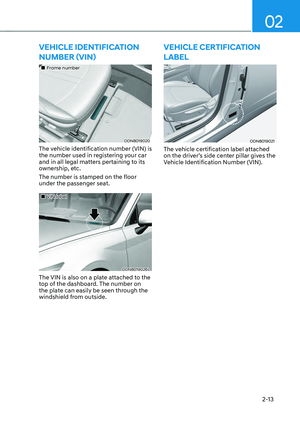
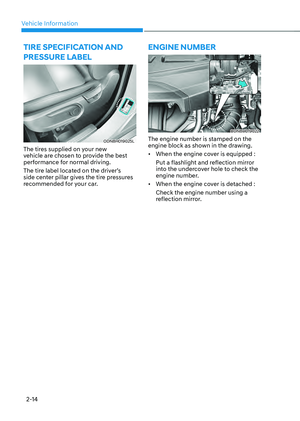
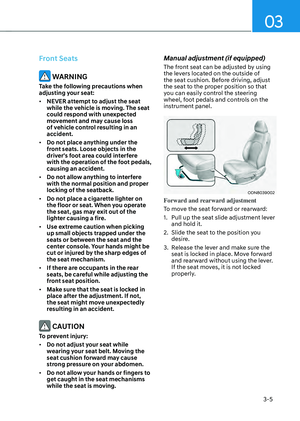
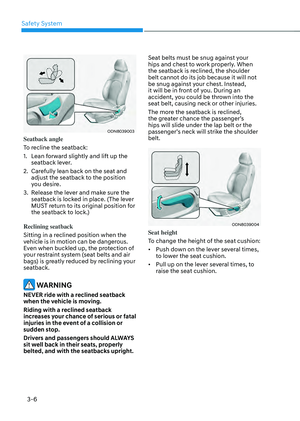
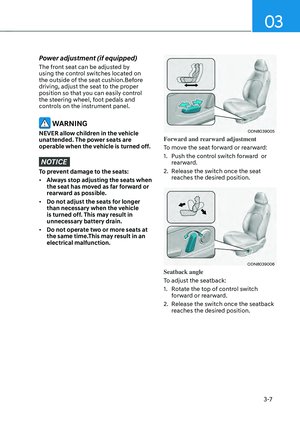
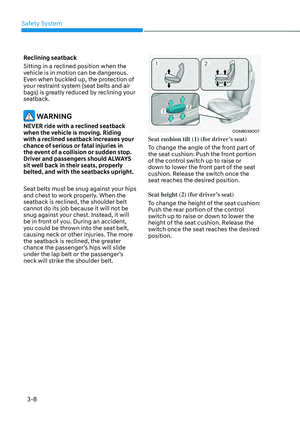
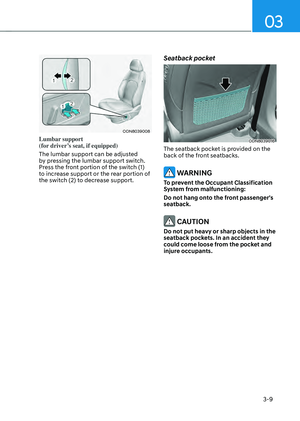
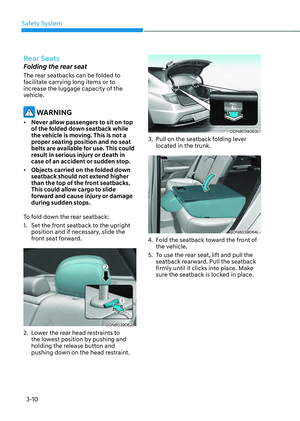
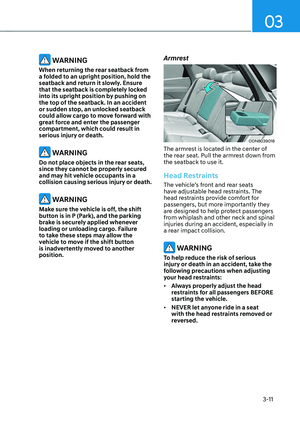
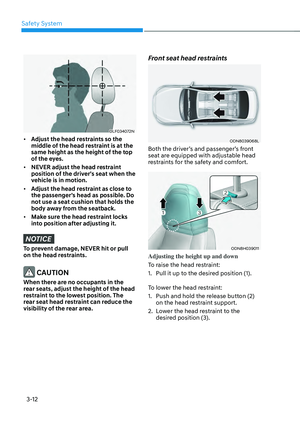
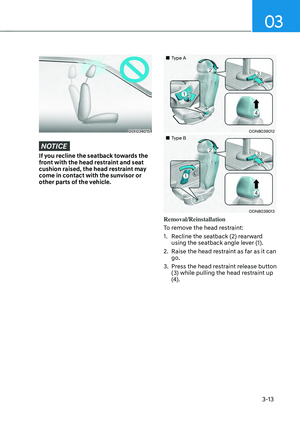
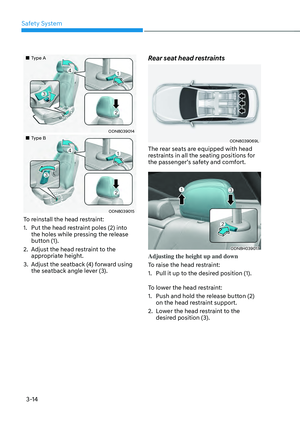
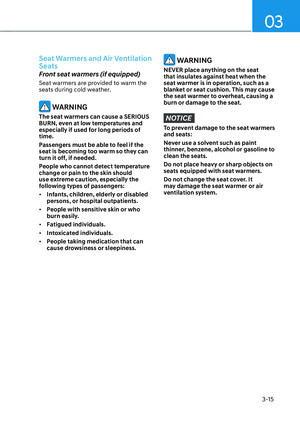
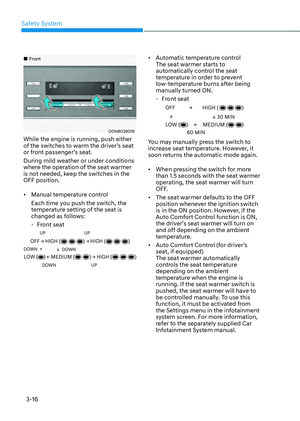
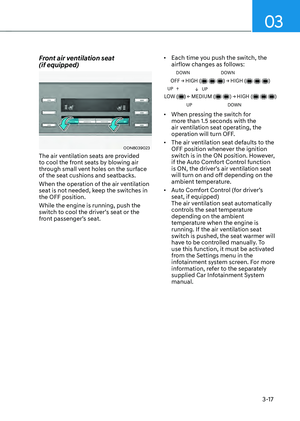
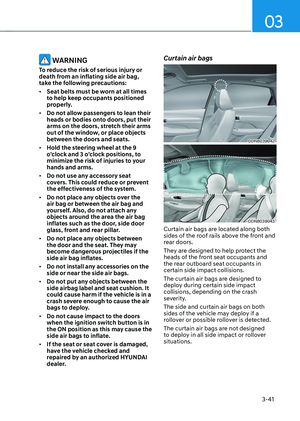
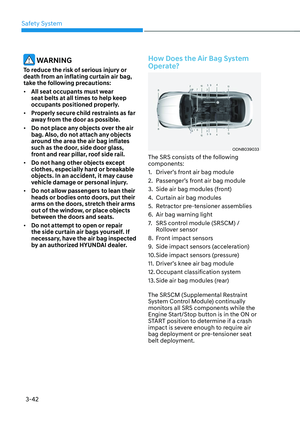
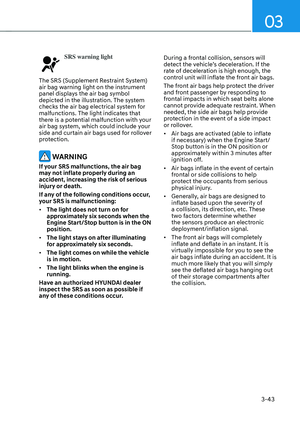
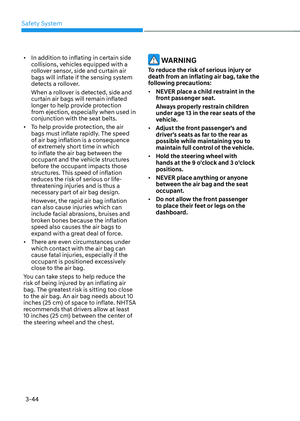
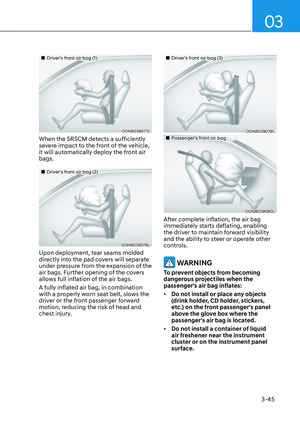
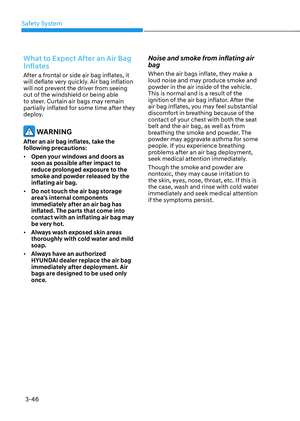
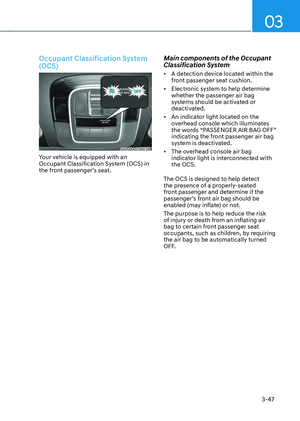
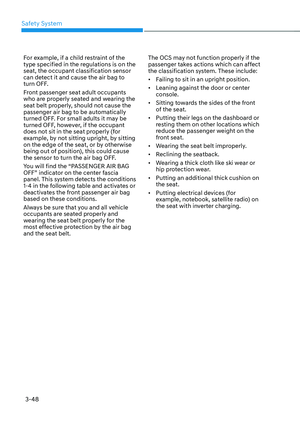
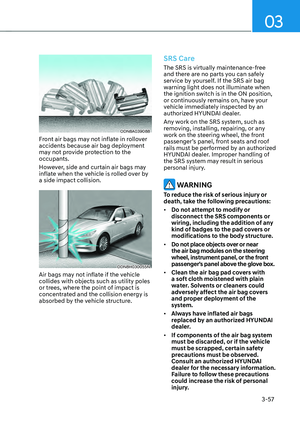
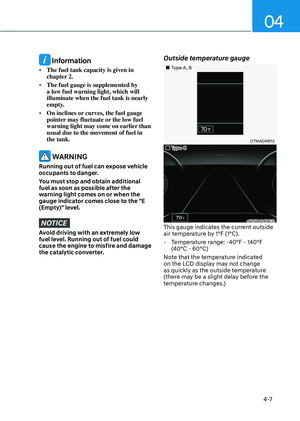
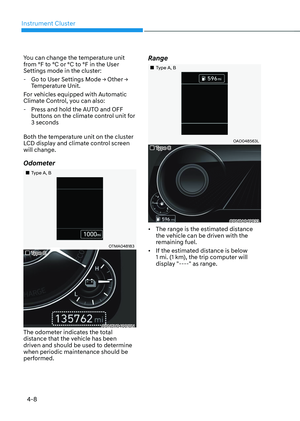
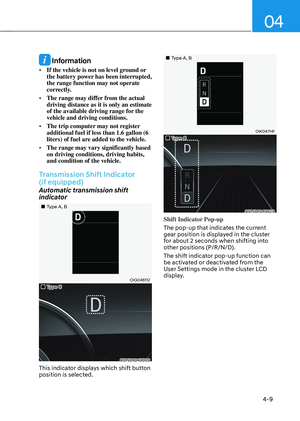
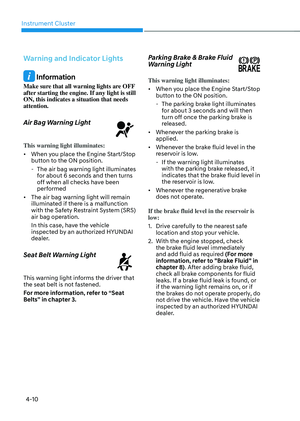
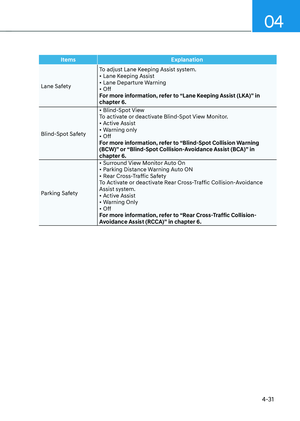
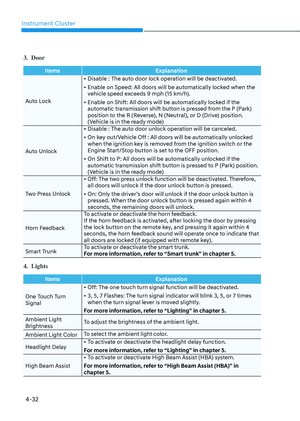
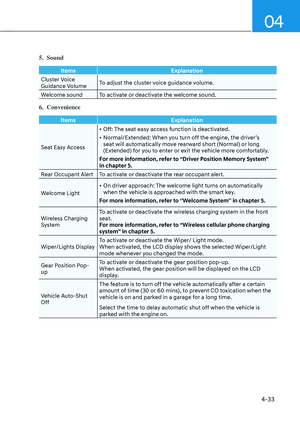
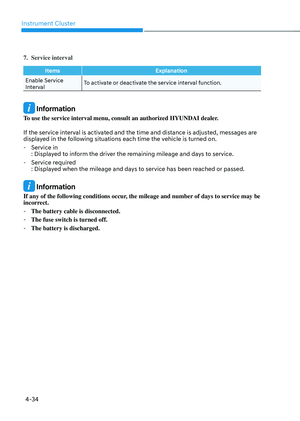
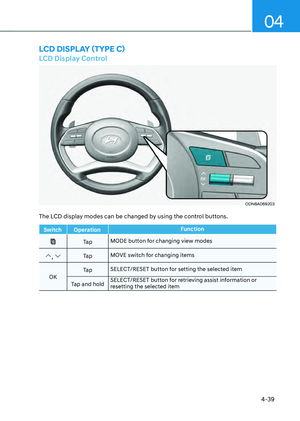
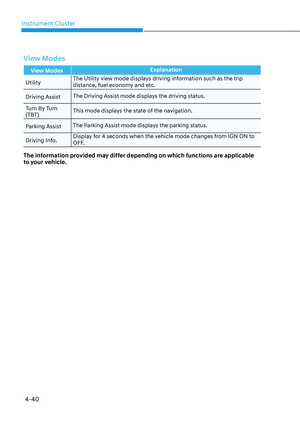
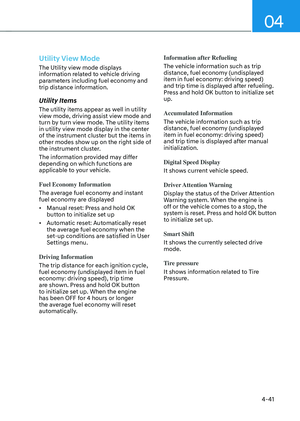
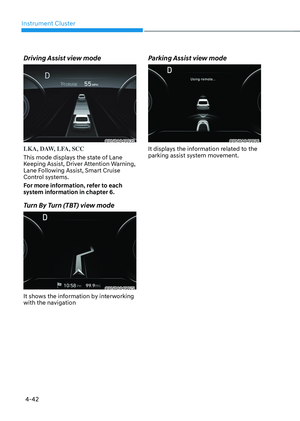
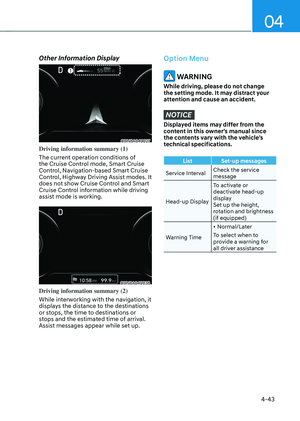
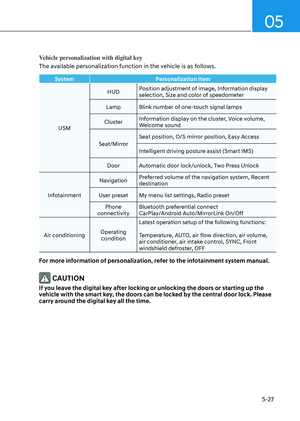
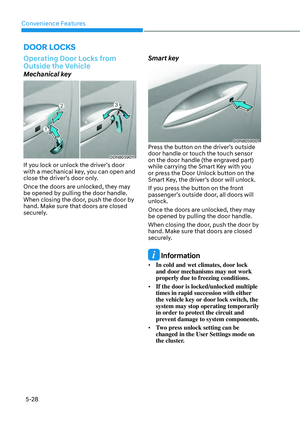
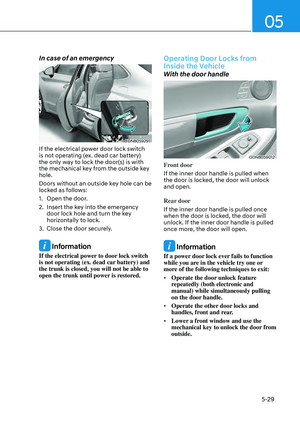
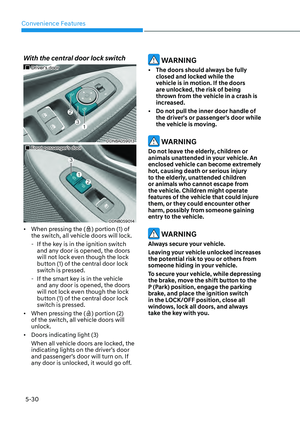
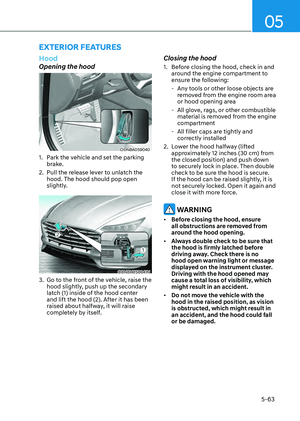
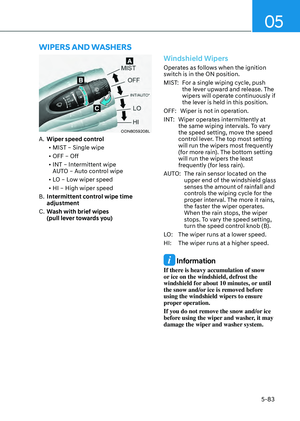
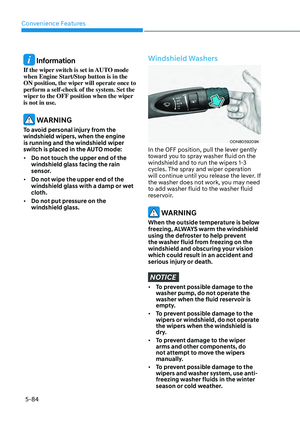
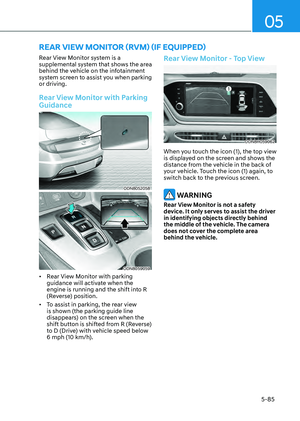
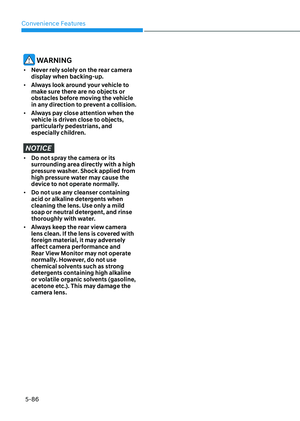
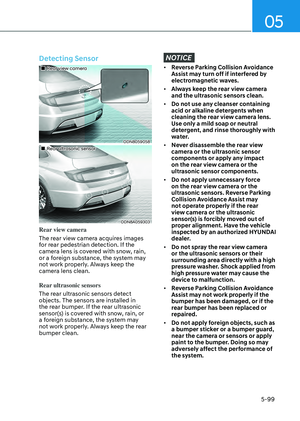
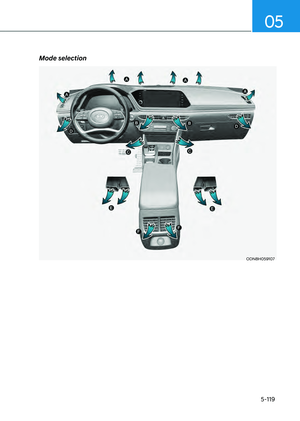
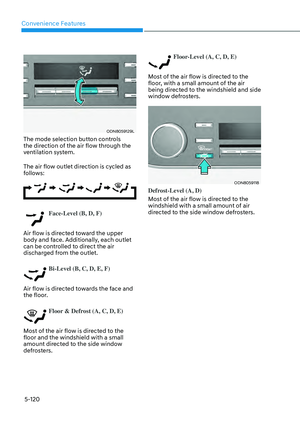
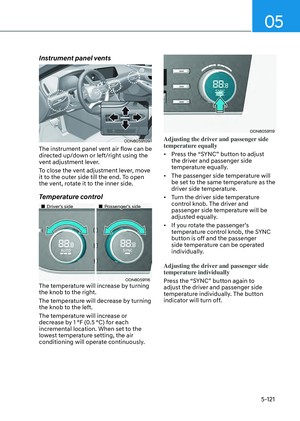
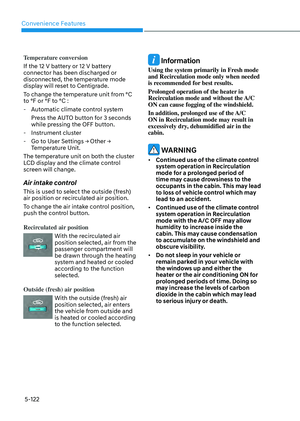
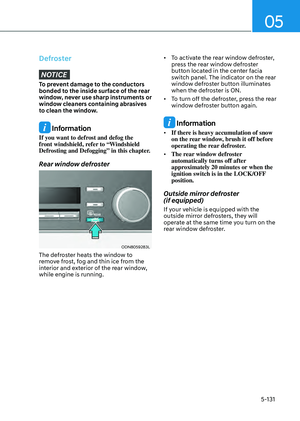
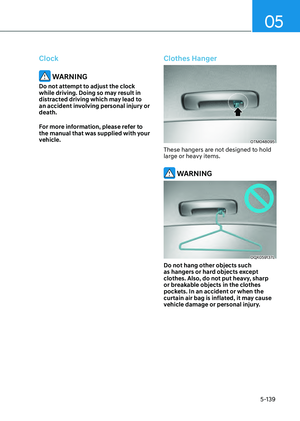
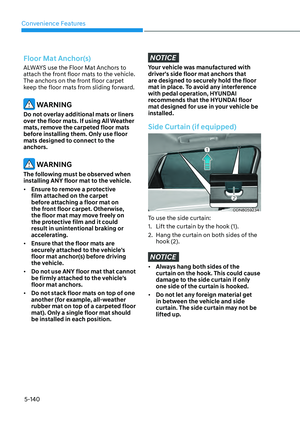
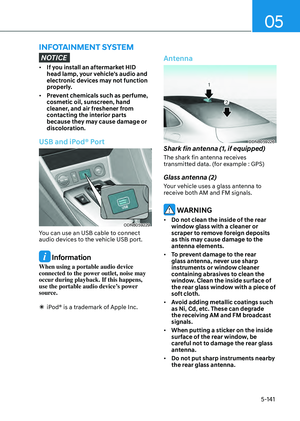
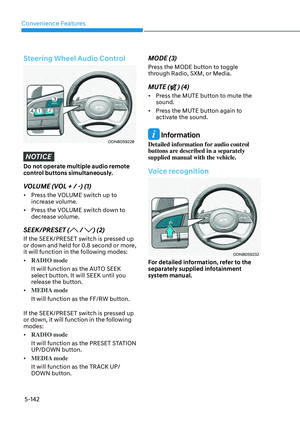
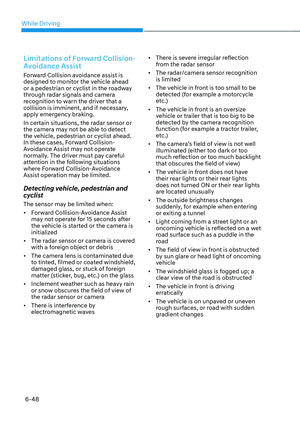
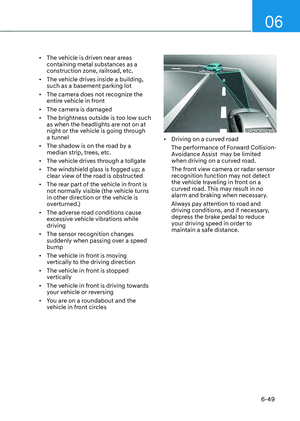
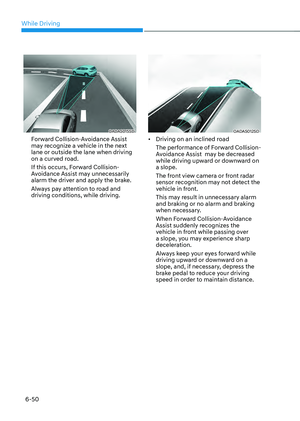
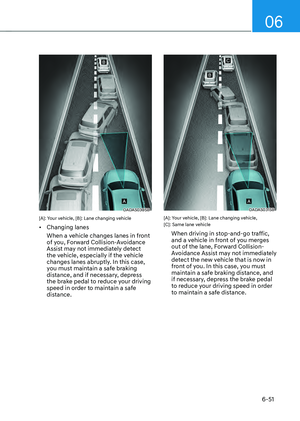
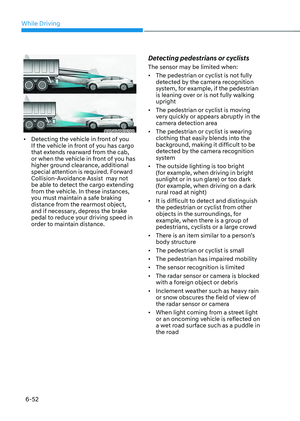
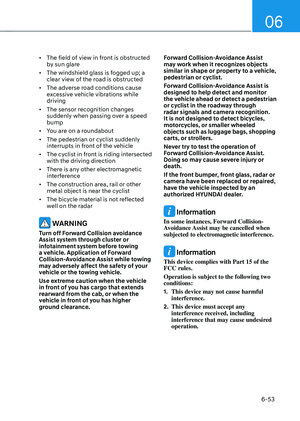
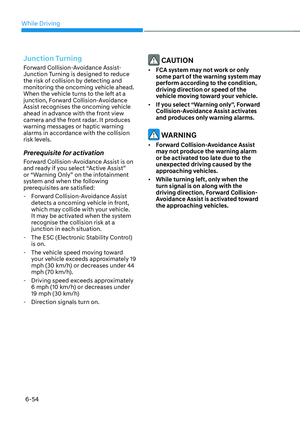
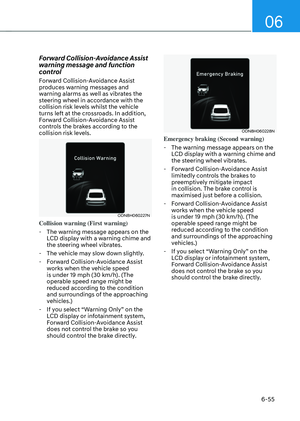
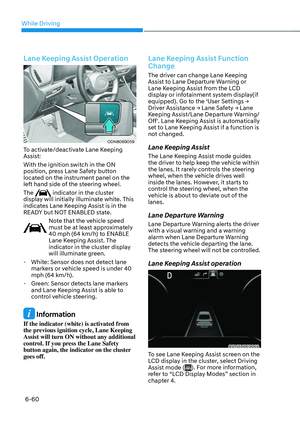
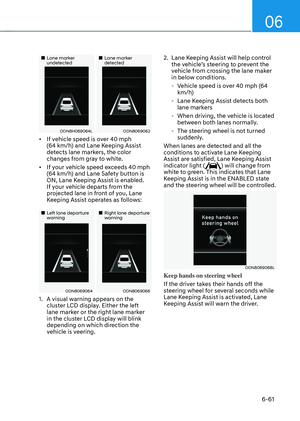
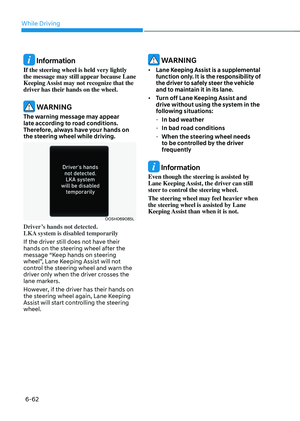
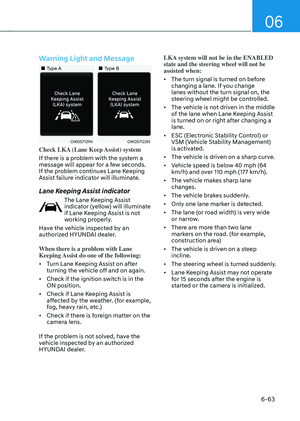
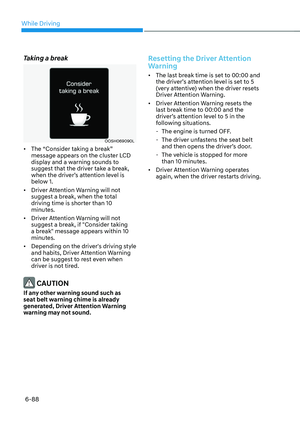
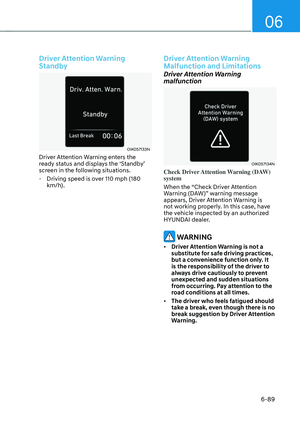
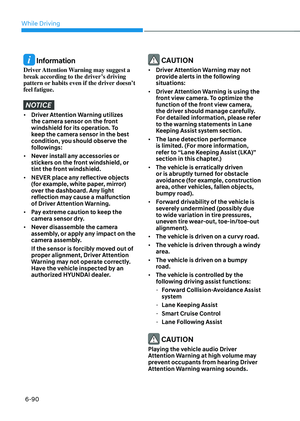
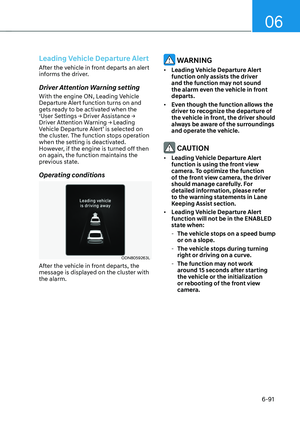
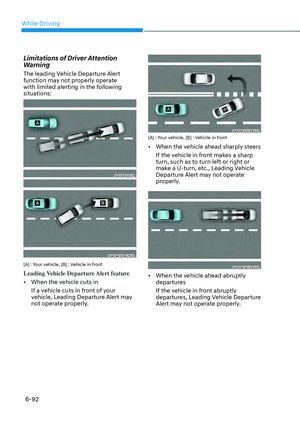
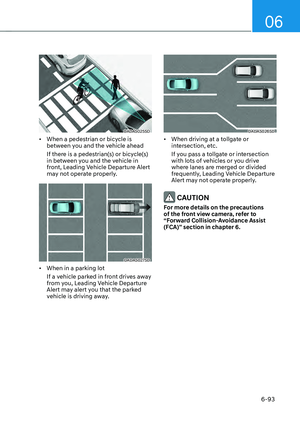
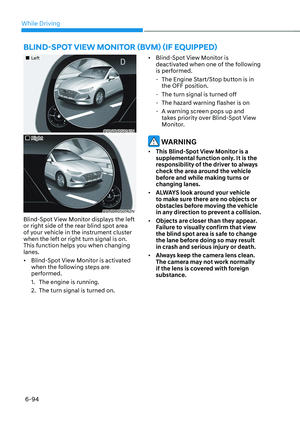
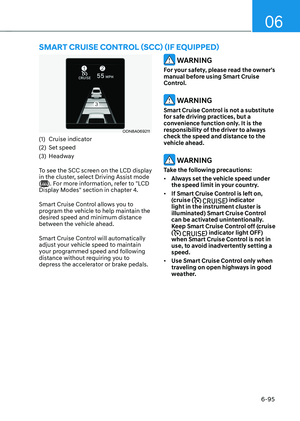
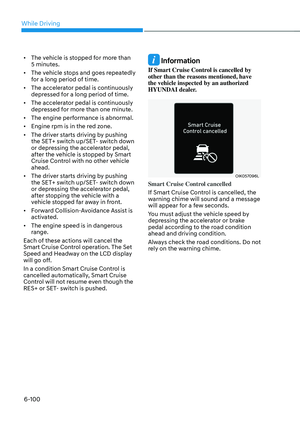
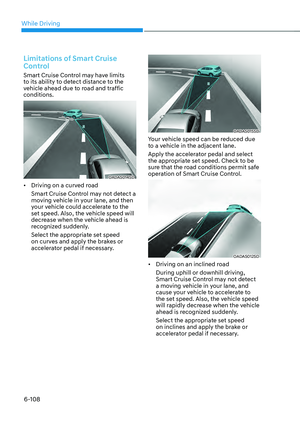
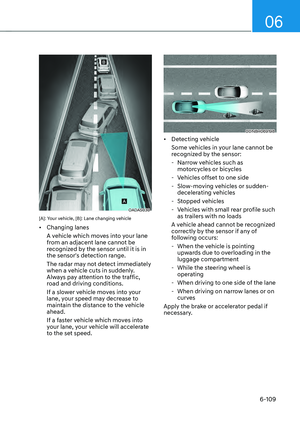
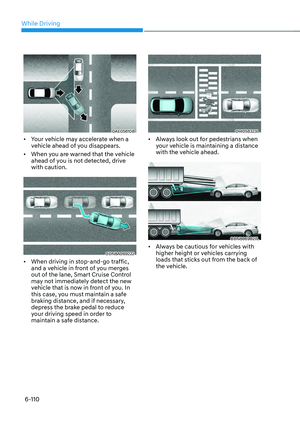
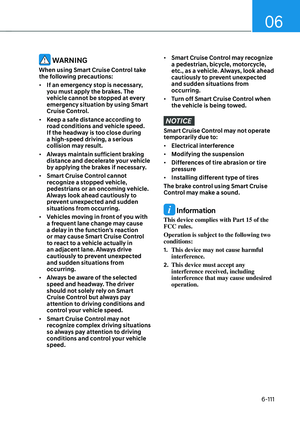
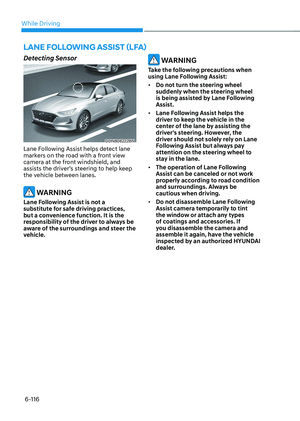
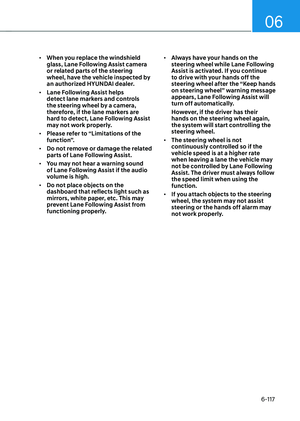
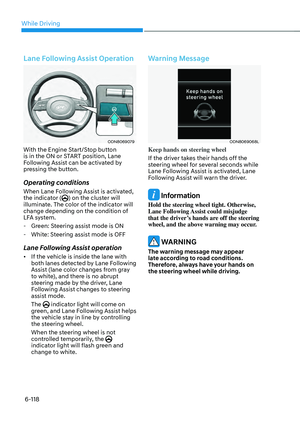
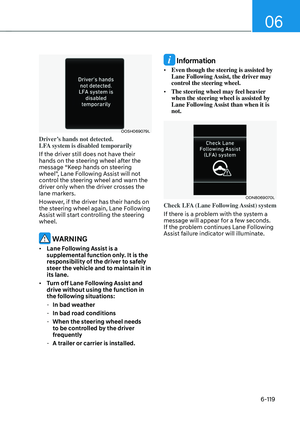
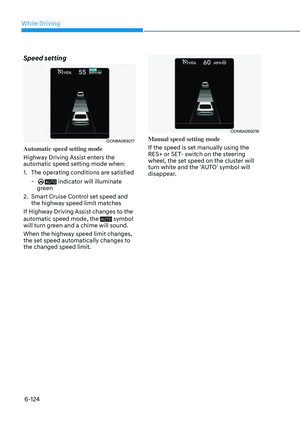
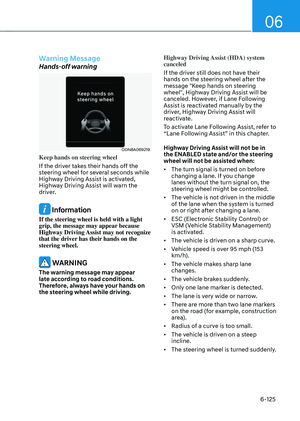
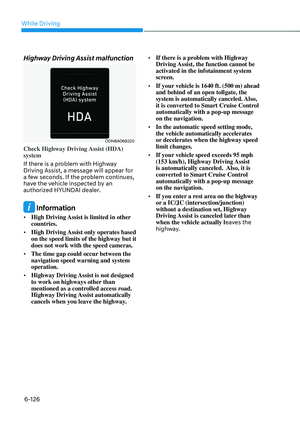
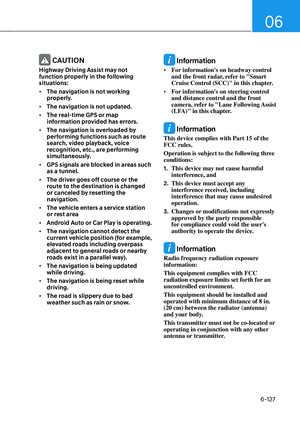
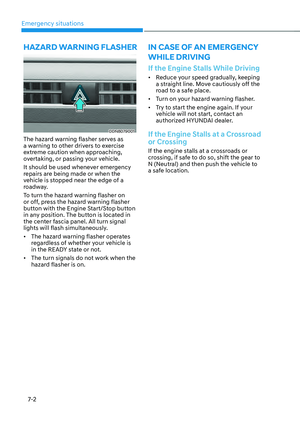
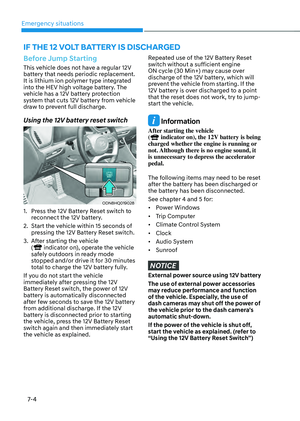
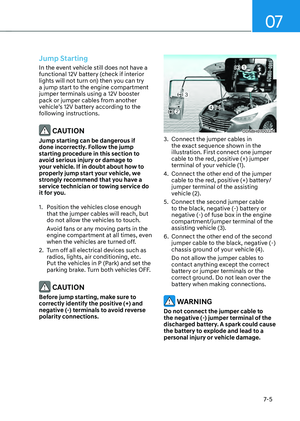
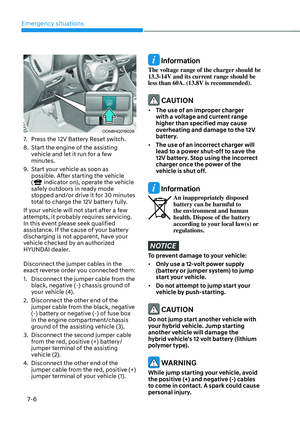
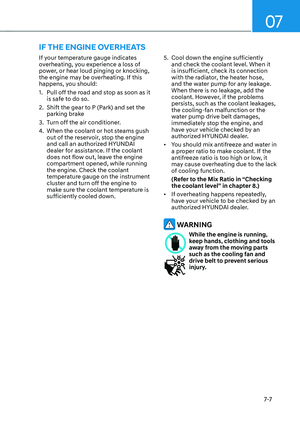
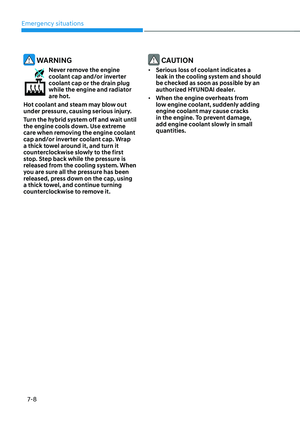
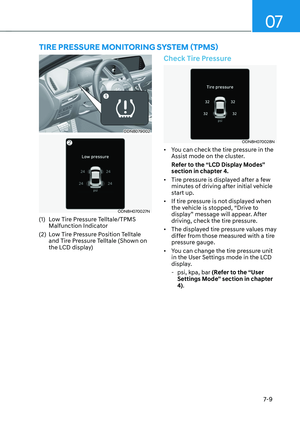
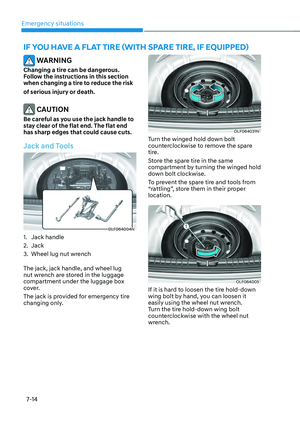
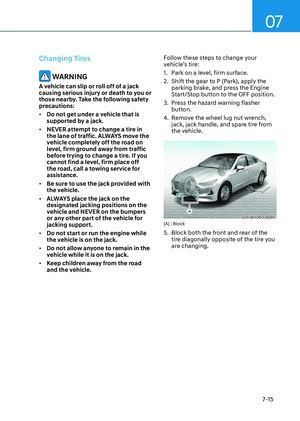
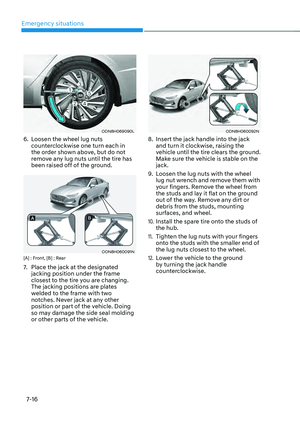
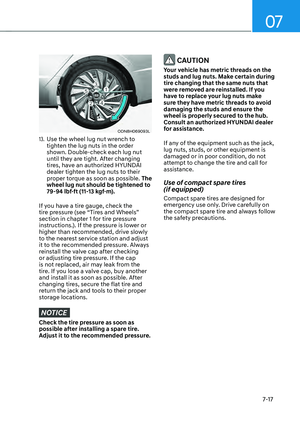
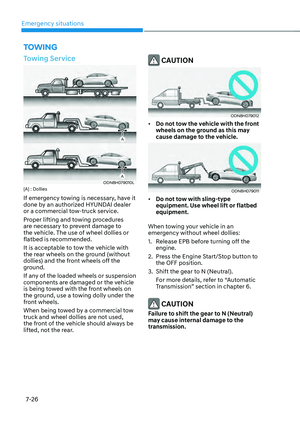
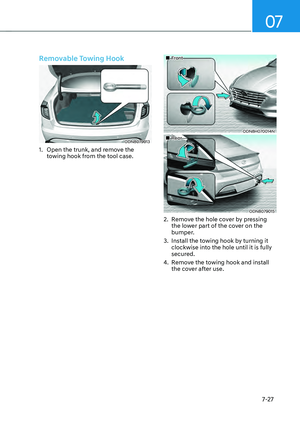
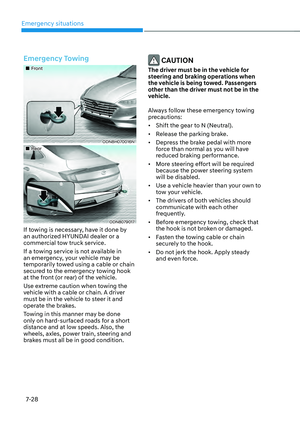
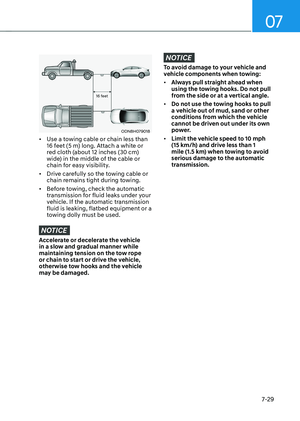
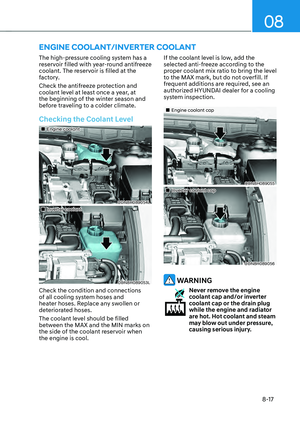
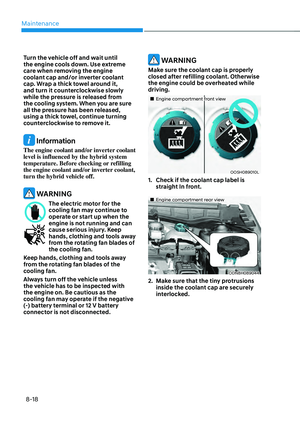
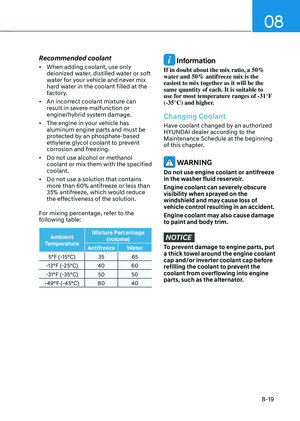
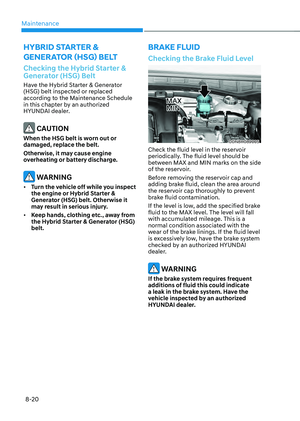
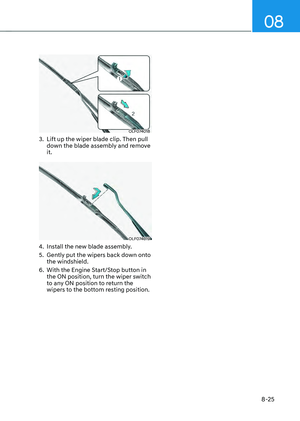
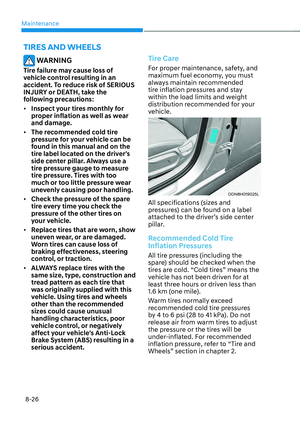
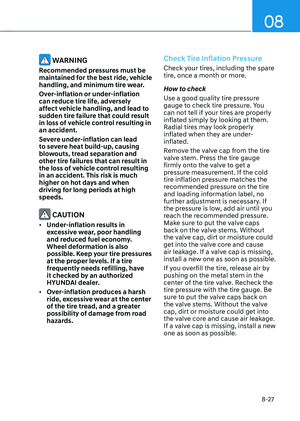
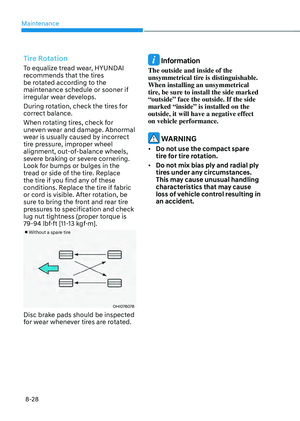
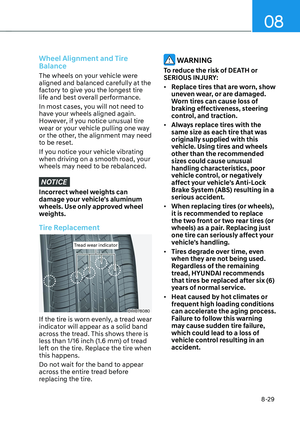
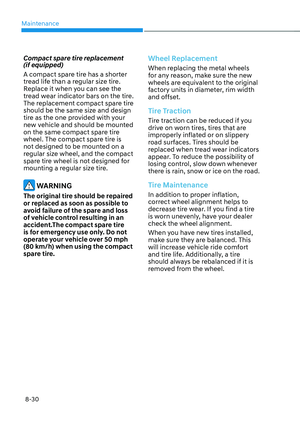
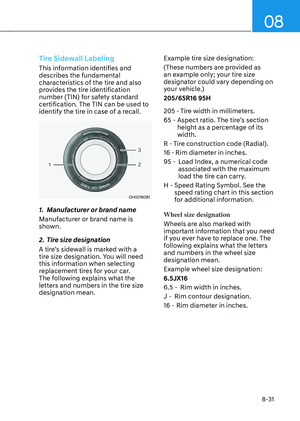
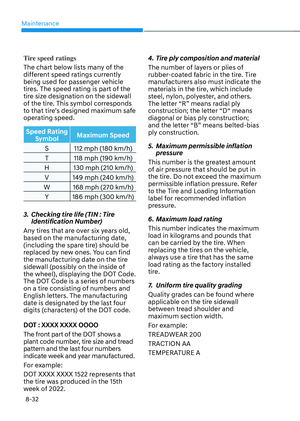
Page 257 of 549

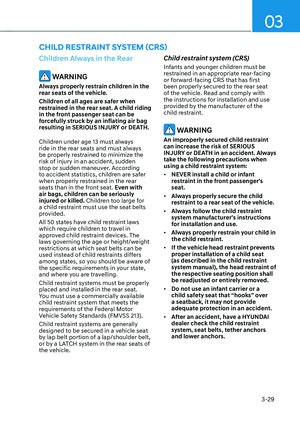
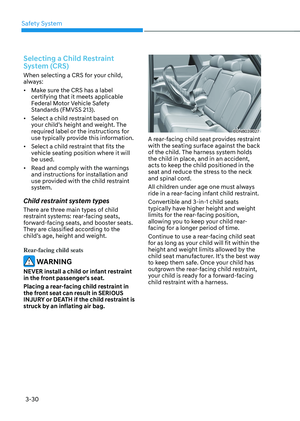
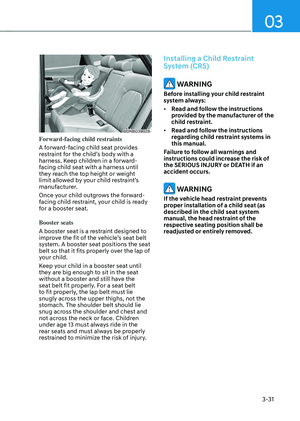
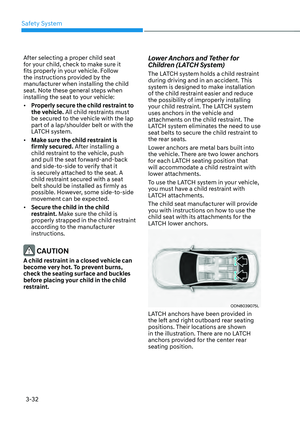
Convenience Features
5-110
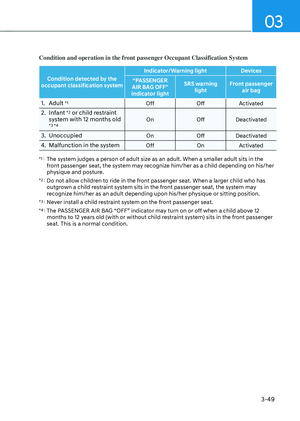
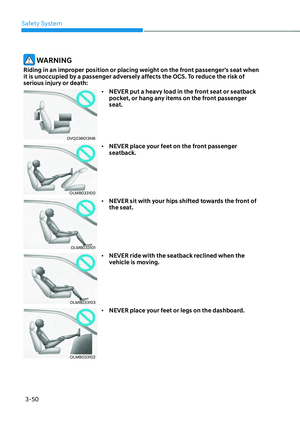
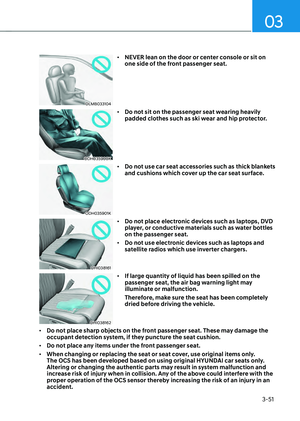
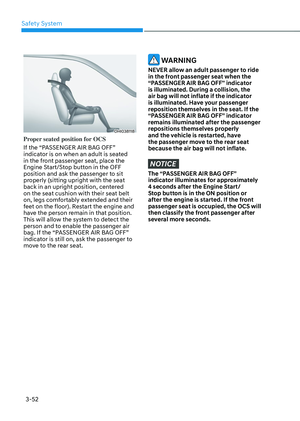
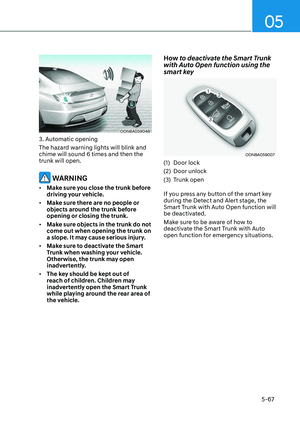
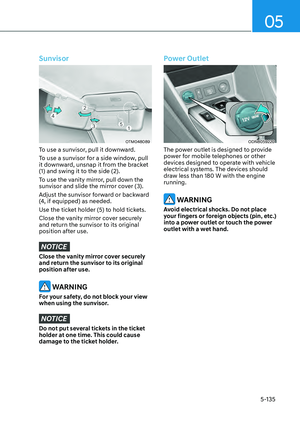
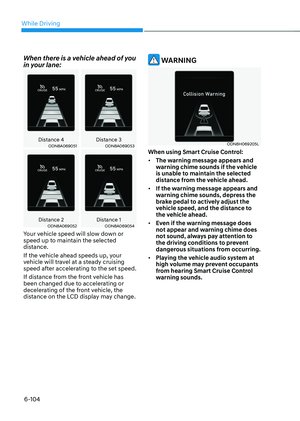
WARNING
Always be careful of unexpected
approach of the other vehicles or
pedestrians during operation.
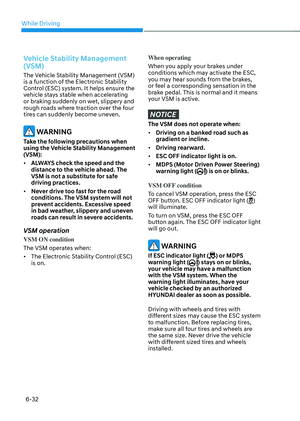
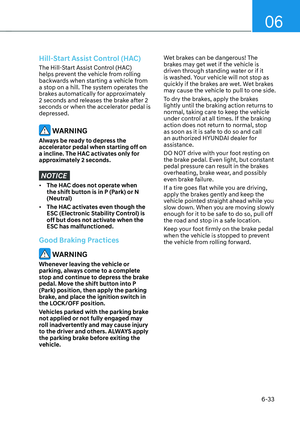
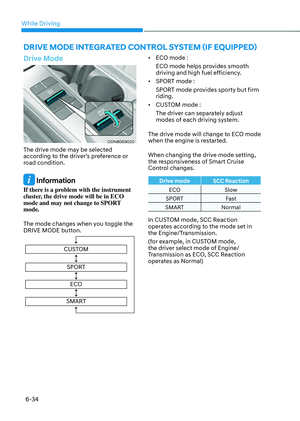
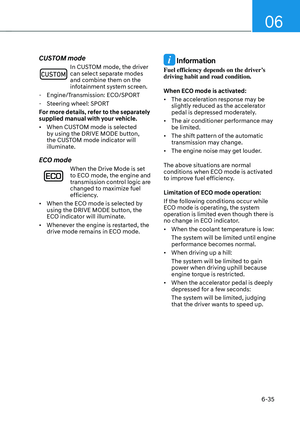
While the remote moving forward
function works, the vehicle is controlled
by the steering wheel control so that
the obstacles in the blind spots cannot
be detected.
Always check for obstacles around your
vehicle to prevent the accidents.
CAUTION
• The driver should check for obstacles
directly around the vehicle.
• The function may be cancelled if you
attach something (cover, etc.) to the
steering wheel.
• Make sure all the passengers exit the
vehicle when the Remote Moving
Forward/Backward is in activation.
• Make sure all the smart keys are
outside the vehicle when the Remote
Moving Forward/Backward assist is
in activation.
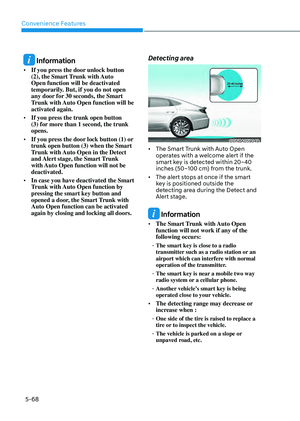
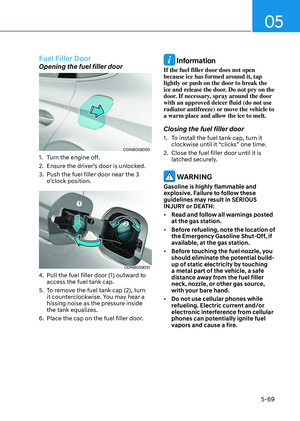
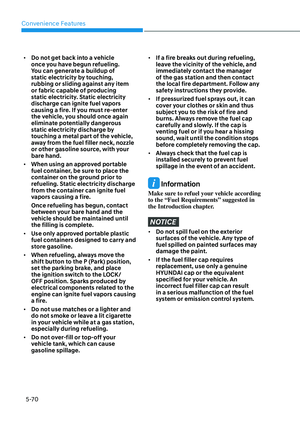
• The detection range of the smart key
can be differed by the surroundings
(ex: Indoor/outdoor, strong electric
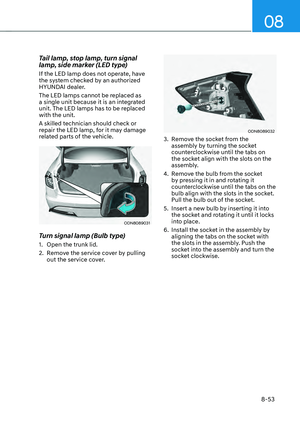
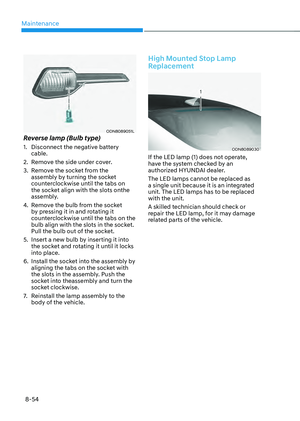
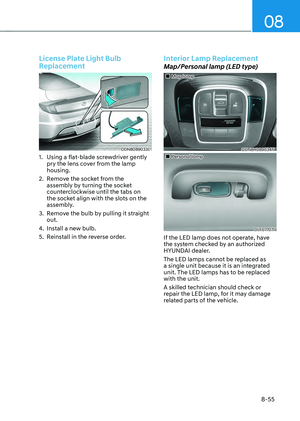
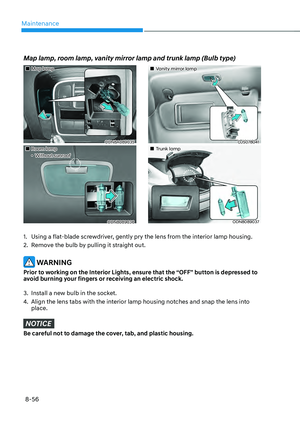
field area)
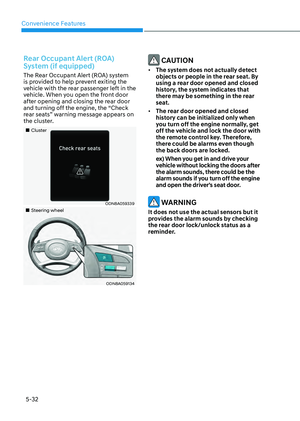
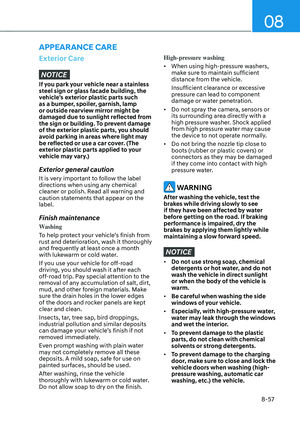
• If the parking distance warning
sounds three consecutive times
during operating the Remote Moving
Forward/Backward system, you
should not move your vehicle in that
direction since the objects are too
close. The driver should operate the
vehicle manually.
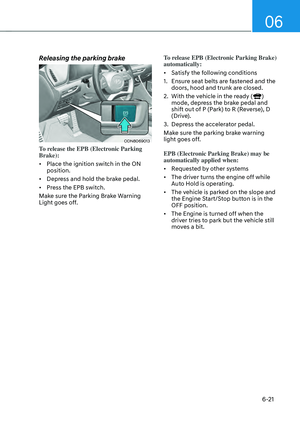
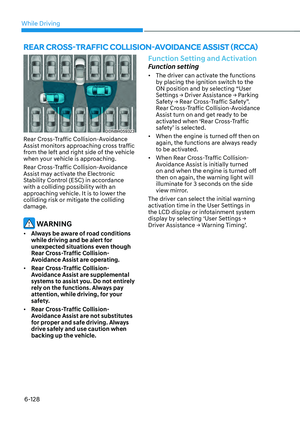
To cancel the Remote Moving
Forward/Backward while in
operation
1. Press the remote start button on the
smart key.
2. The driver should press Remote Smart
Parking Assist system button while
Remote Moving Forward/Backward is
instructed.
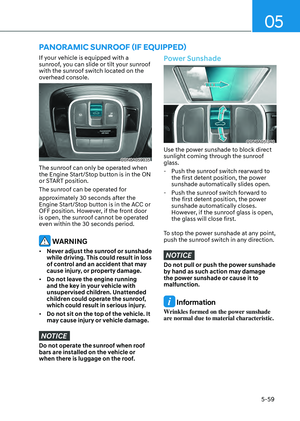
3. The driver should shift the gear
besides P (parking) while Remote
Moving Forward/Backward is
instructed.
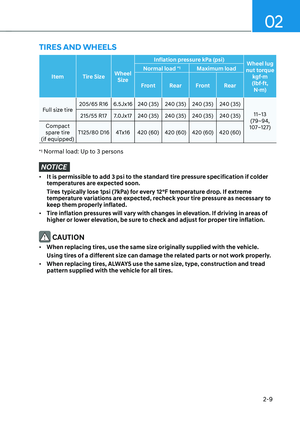
4. The driver should press Parking
Distance Warning system button
while the Remote Moving Forward/
Backward is instructed.
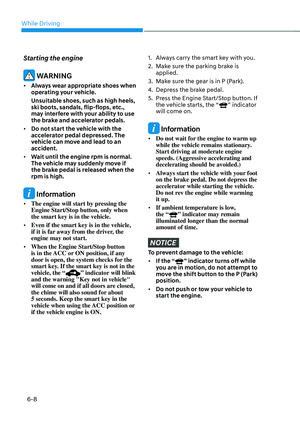
5. During Remote Moving Forward/
Backward operation, the vehicle
turns off when the driver presses the
remote start button on the smart key.
6. The function is cancelled but the
vehicle stays on when the driver
enters the vehicle with the smart key
and all the doors are open.
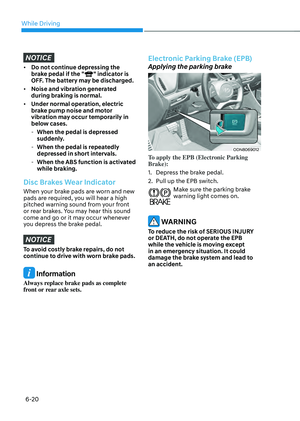
The Remote Moving Forward/
Backward assist will stop
temporarily when:
1. An obstacle is detected at the
direction the vehicle is heading.
2. The door or trunk is opened.
3. The moving forward/backward button
on the smart key is released.
4. Multiple buttons on the smart key are
pressed at the same time.
5. The distance between the smart key
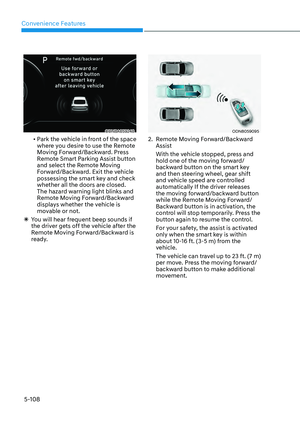
and vehicle is over 13 ft. (4 m).
6. A button on the other smart key is
pressed during operation.
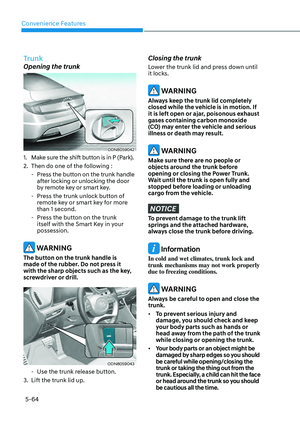
Page 258 of 549

05
5-111
7. Rear Cross-Traffic Collision-Avoidance
Assist system is activated while
reserving.
8. The vehicle moves 23 ft. (7 m) with the
Remote Moving Forward/Backward
while the smart key is pressed.
(Maximum travel distance per move)
ÃThe vehicle stops when the Remote
Smart Parking Assist system will stop
temporarily and the function will
resume when the above condition is
cleared.
The Remote Moving Forward/
Backward assist is cancelled while
in operation when:
1. The driver holds the steering wheel
while the steering wheel is controlled.
2. The gear is shifted or the Electronic
Parking Brake (EPB) is activated.
3. The hood opens.
4. The vehicle speed exceeds 3 mph
(5km/h).
5. The vehicle accelerates suddenly.
6. The vehicle slips back while
controlling the vehicle speed.
7. The wheel is stuck and the vehicle is
unable to move.
8. About 3 minutes and 50 seconds
have passed after the Remote Moving
Forward/Backward assist starts.
9. The gradient of the road exceeds
the range supported by the Remote
Moving Forward/Backward assist.
10. The steering, shifting gear and drive
assist are difficult.
11. The suspended status lasts for over 1
minute.
12. The driver continuously presses and
releases the smart key’s moving
forward/backward button over 10
times.
13. The Traction Control System (TCS) is
activated while controlling the vehicle
speed.
14. The smart key is damaged.
15. The accelerator/brake pedal is
depressed while all the doors are
closed.
16. The brake pedal is depressed while
the driver’s door is open and the smart
key is outside the vehicle.
17. The vehicle travels more than 46 ft. (14
m) after the Remote Moving Forward/
Backward assist is activated.
18. The theft alarm system is activated.
ÃWhen the Remote Moving Forward/
Backward is completed, the gear in
P(Park) and Electronic Parking Brake
(EPB) are engaged automatically and
the vehicle turns off.
ÃThe frequent beep sounds are
generated to show the deactivation
status.
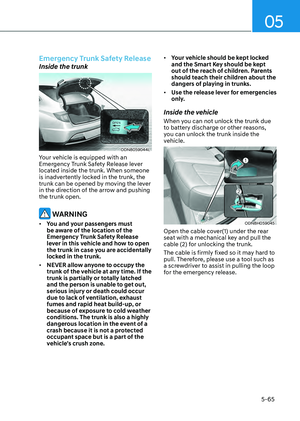
Page 259 of 549

Convenience Features
5-112
Additional Instructions
When the Remote Smart Parking Assist
is in operation, the system may be
cancelled regardless of the instruction
order.
The appeared messages could be
differed according to the circumstances.
Follow the instructions provided while
driving your vehicle with the Remote
Smart Parking Assist in activation.
When the function works, please follow
the displayed messages and the driver
should be cautious for safety.
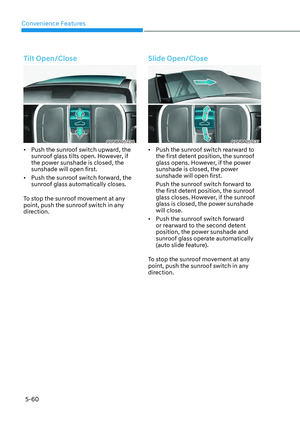
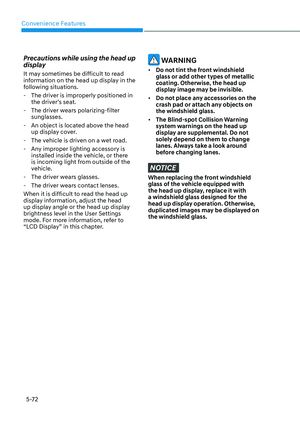
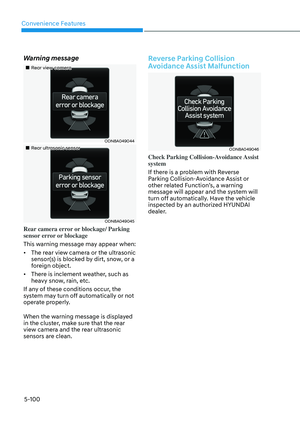
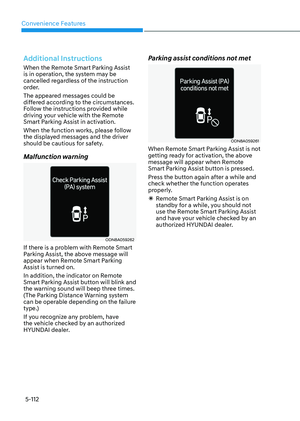
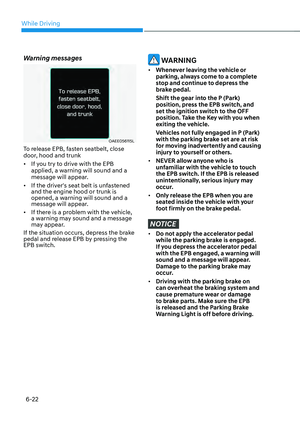
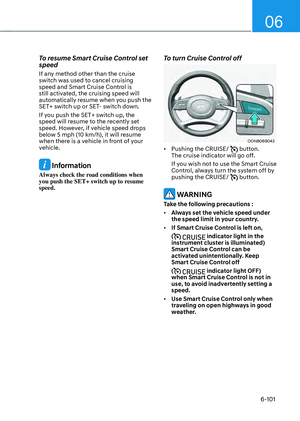
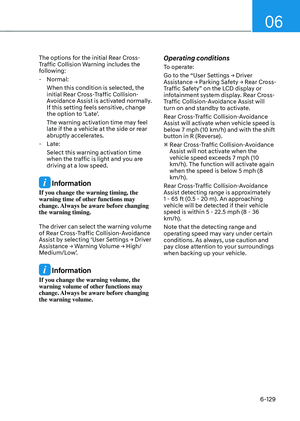
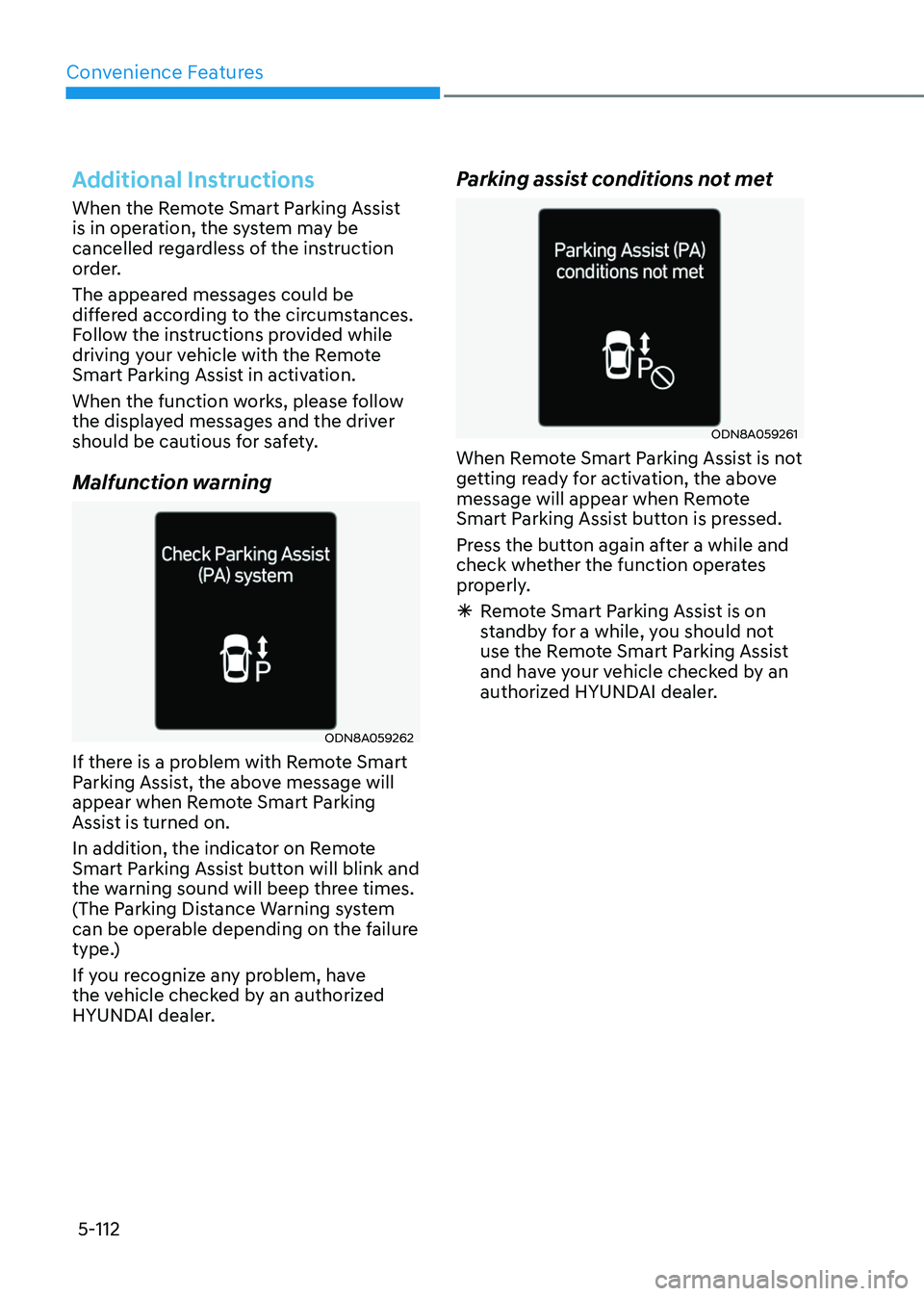
Malfunction warning
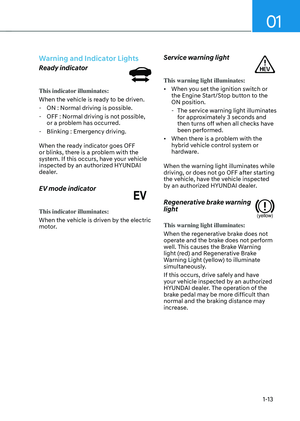
ODN8A059262ODN8A059262
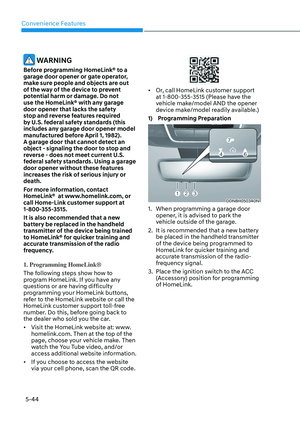
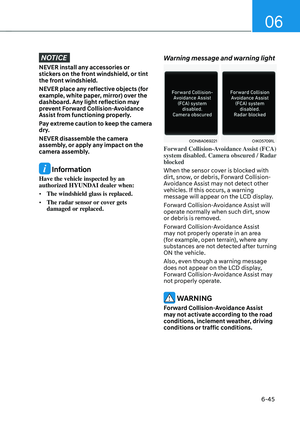
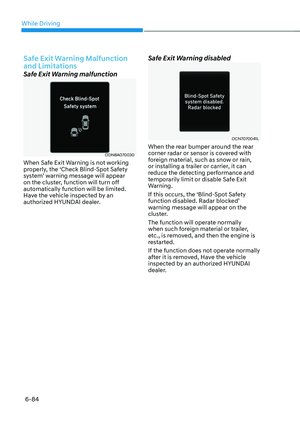
If there is a problem with Remote Smart
Parking Assist, the above message will
appear when Remote Smart Parking
Assist is turned on.
In addition, the indicator on Remote
Smart Parking Assist button will blink and
the warning sound will beep three times.
(The Parking Distance Warning system
can be operable depending on the failure
type.)
If you recognize any problem, have
the vehicle checked by an authorized
HYUNDAI dealer.
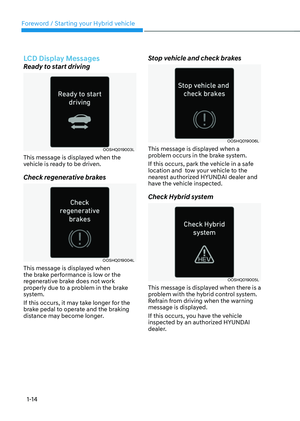
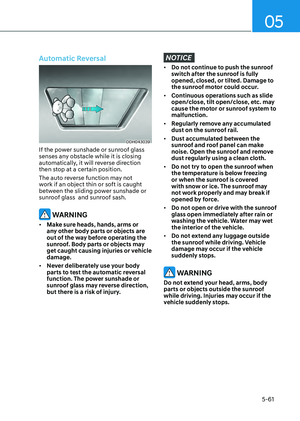
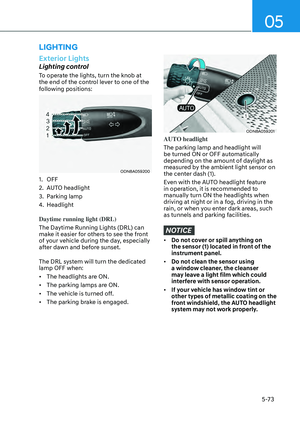
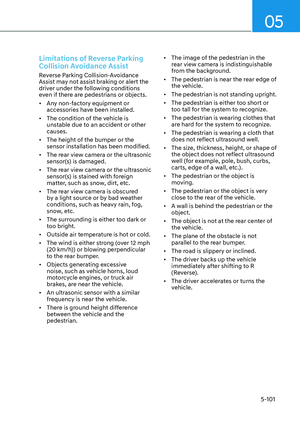
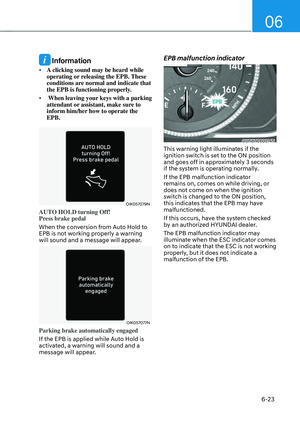
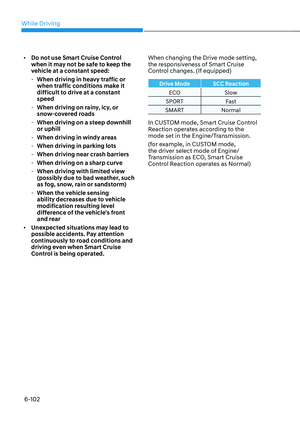
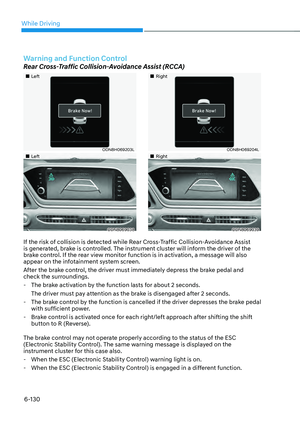
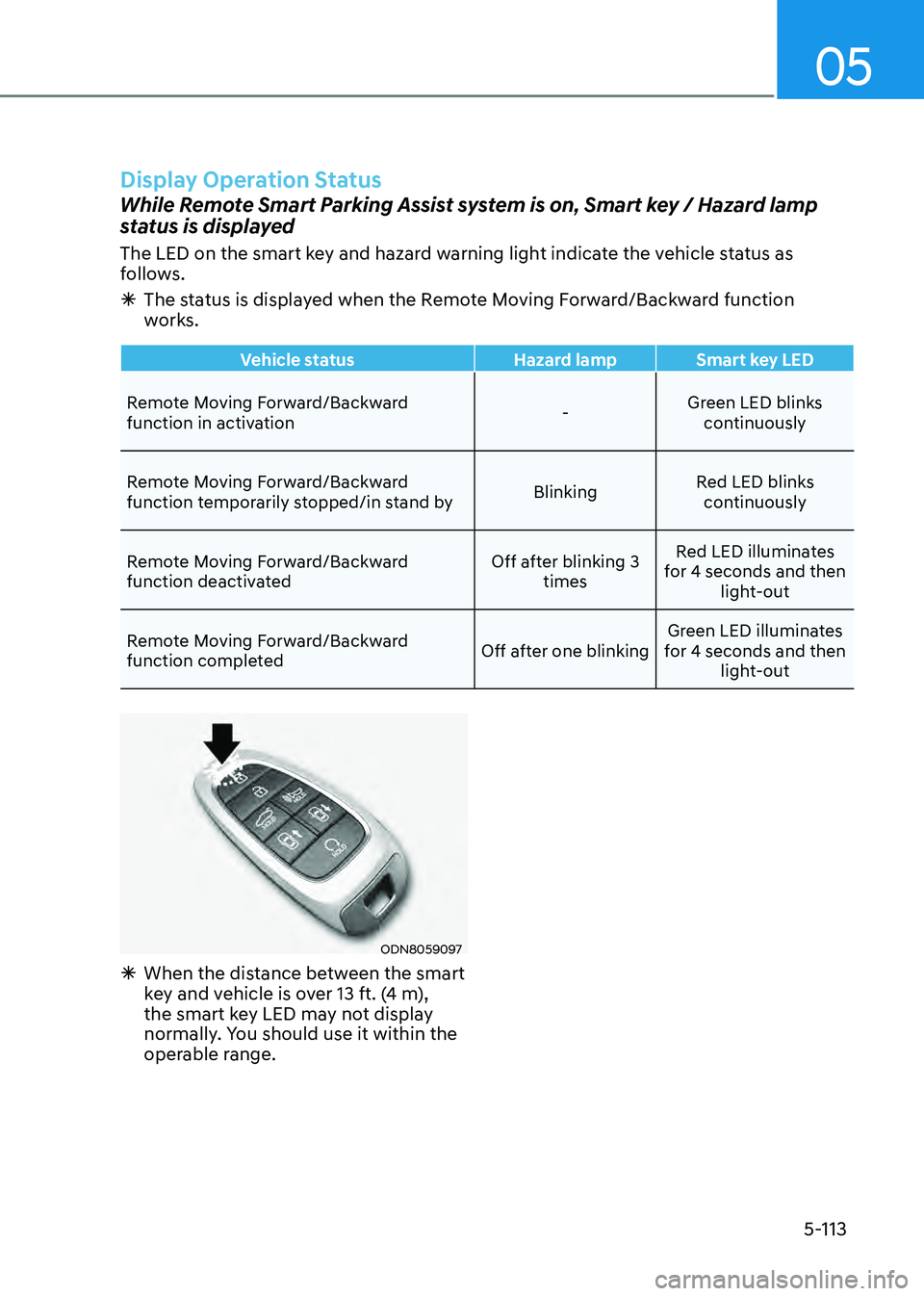
Parking assist conditions not met
ODN8A059261ODN8A059261
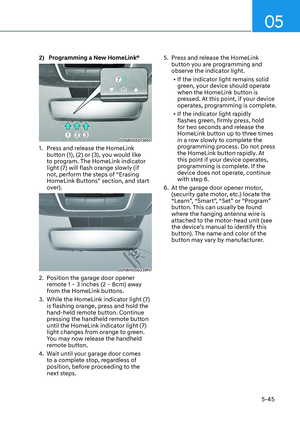
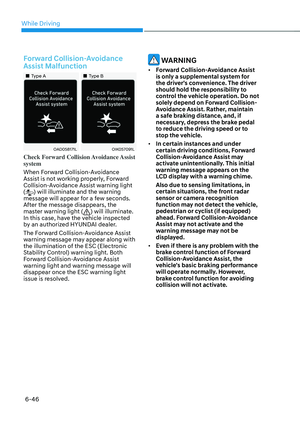
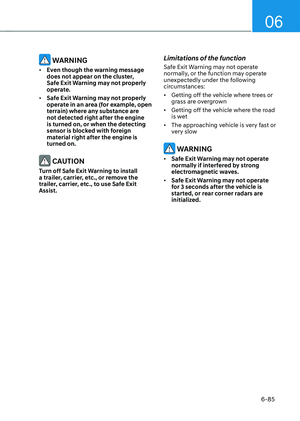
When Remote Smart Parking Assist is not
getting ready for activation, the above
message will appear when Remote
Smart Parking Assist button is pressed.
Press the button again after a while and
check whether the function operates
properly.
ÃRemote Smart Parking Assist is on
standby for a while, you should not
use the Remote Smart Parking Assist
and have your vehicle checked by an
authorized HYUNDAI dealer.
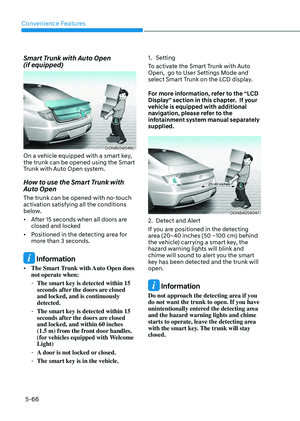
Page 260 of 549
05
5-113
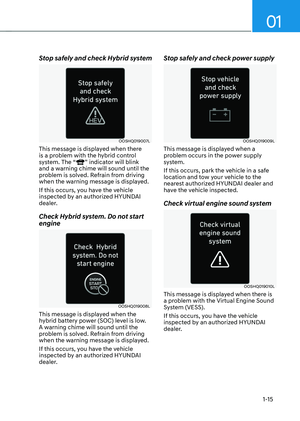
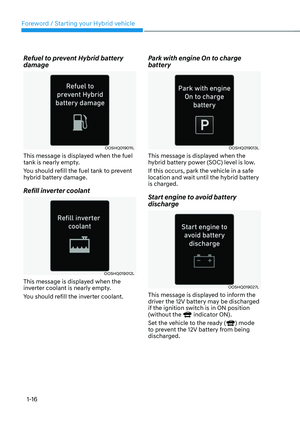
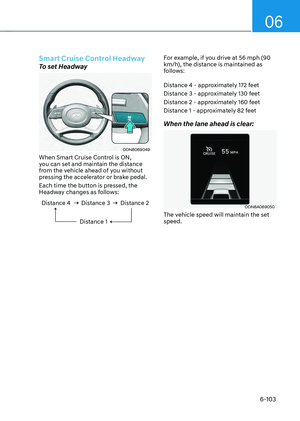
ODN8059097ODN8059097
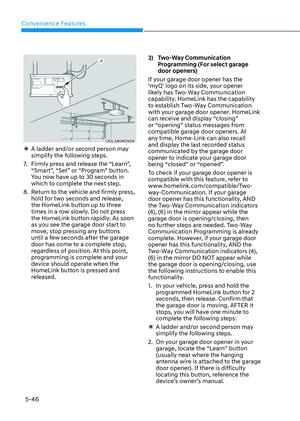
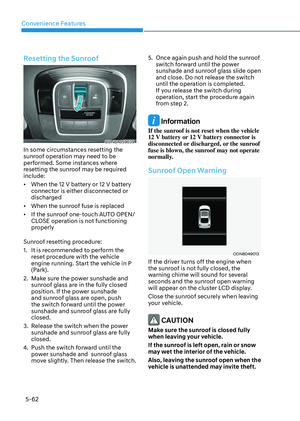
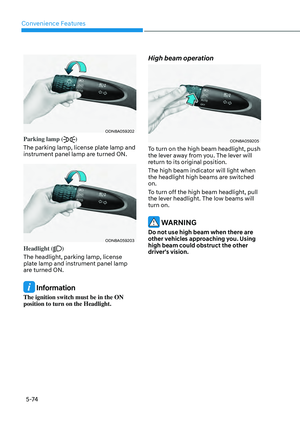
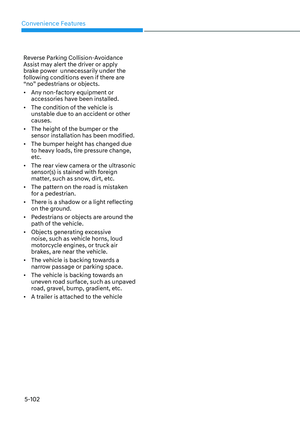
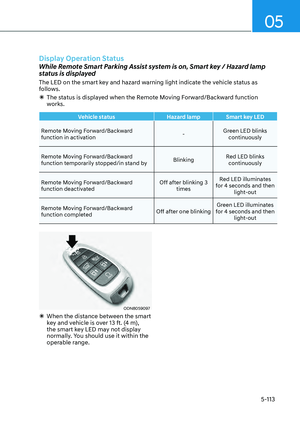
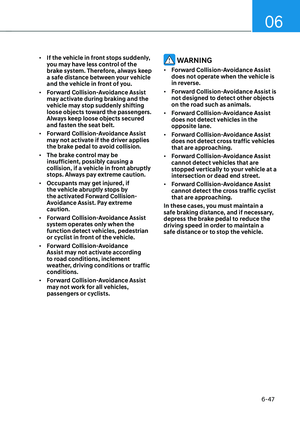
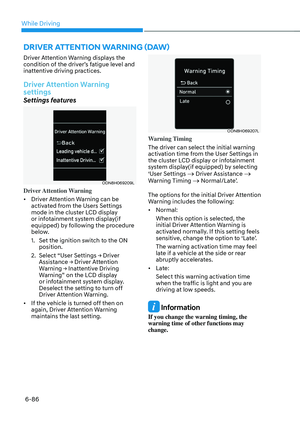
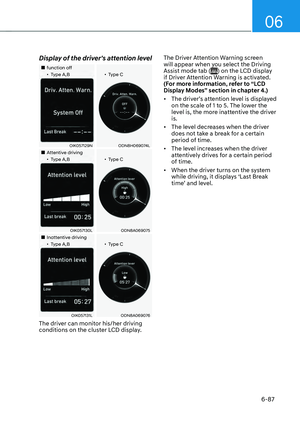
ÃWhen the distance between the smart
key and vehicle is over 13 ft. (4 m),
the smart key LED may not display
normally. You should use it within the
operable range.
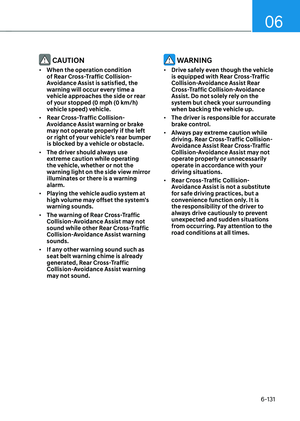
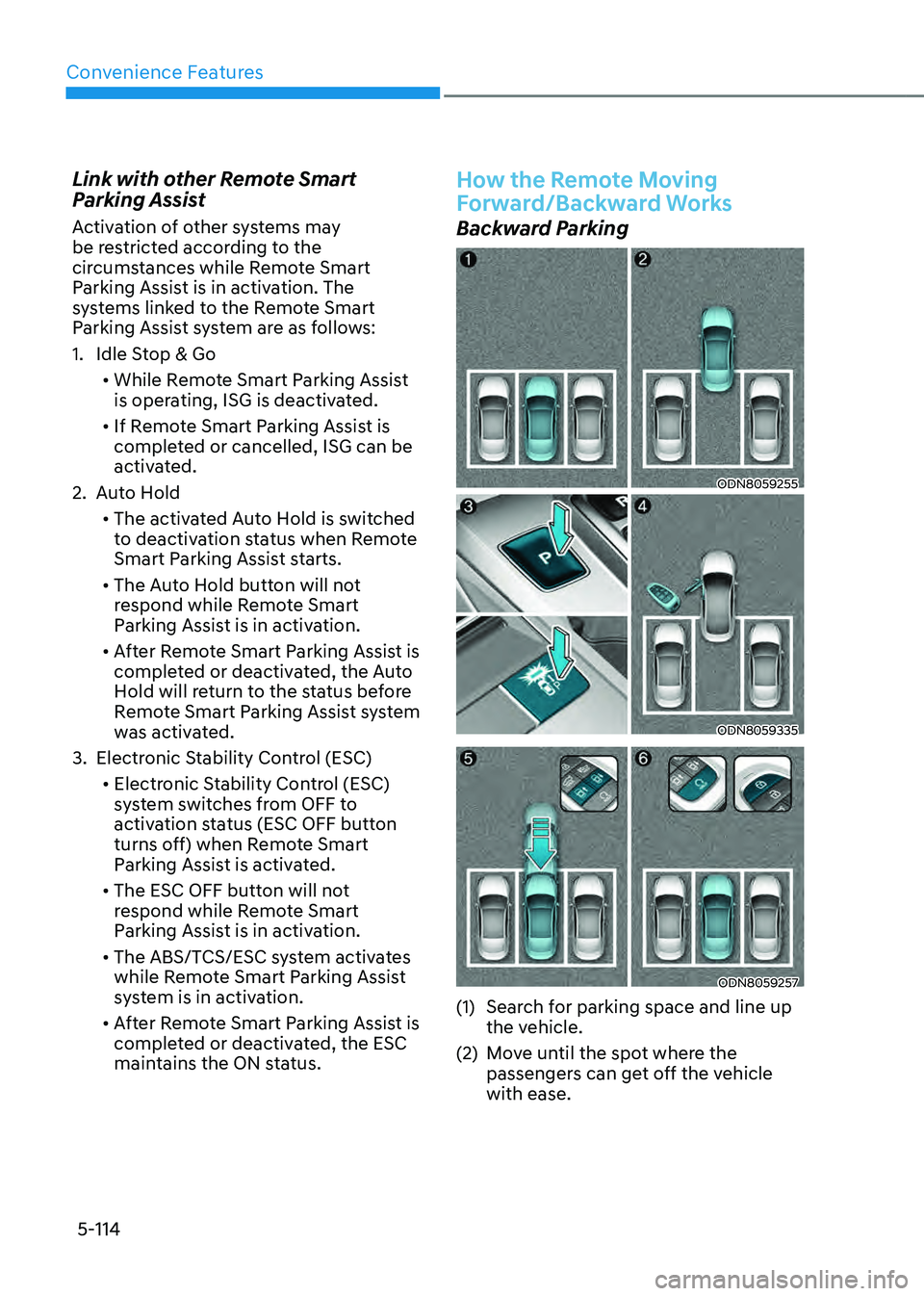
Display Operation Status
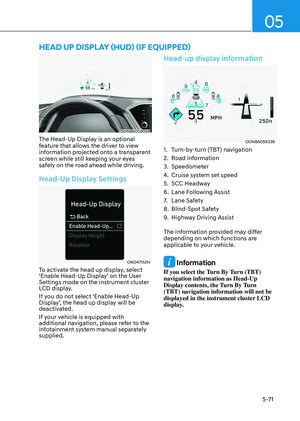
While Remote Smart Parking Assist system is on, Smart key / Hazard lamp
status is displayed
The LED on the smart key and hazard warning light indicate the vehicle status as
follows.
ÃThe status is displayed when the Remote Moving Forward/Backward function
works.
Vehicle status Hazard lampSmart key LED
Remote Moving Forward/Backward
function in activation -Green LED blinks
continuously
Remote Moving Forward/Backward
function temporarily stopped/in stand by BlinkingRed LED blinks
continuously
Remote Moving Forward/Backward
function deactivated Off after blinking 3
times Red LED illuminates
for 4 seconds and then light-out
Remote Moving Forward/Backward
function completed Off after one blinkingGreen LED illuminates
for 4 seconds and then light-out
Page 261 of 549

Convenience Features
5-114
Link with other Remote Smart
Parking Assist
Activation of other systems may
be restricted according to the
circumstances while Remote Smart
Parking Assist is in activation. The
systems linked to the Remote Smart
Parking Assist system are as follows:
1. Idle Stop & Go
• While Remote Smart Parking Assist
is operating, ISG is deactivated.
• If Remote Smart Parking Assist is
completed or cancelled, ISG can be
activated.
2. Auto Hold
• The activated Auto Hold is switched
to deactivation status when Remote
Smart Parking Assist starts.
• The Auto Hold button will not
respond while Remote Smart
Parking Assist is in activation.
• After Remote Smart Parking Assist is
completed or deactivated, the Auto
Hold will return to the status before
Remote Smart Parking Assist system
was activated.
3. Electronic Stability Control (ESC)
• Electronic Stability Control (ESC)
system switches from OFF to
activation status (ESC OFF button
turns off) when Remote Smart
Parking Assist is activated.
• The ESC OFF button will not
respond while Remote Smart
Parking Assist is in activation.
• The ABS/TCS/ESC system activates
while Remote Smart Parking Assist
system is in activation.
• After Remote Smart Parking Assist is
completed or deactivated, the ESC
maintains the ON status.
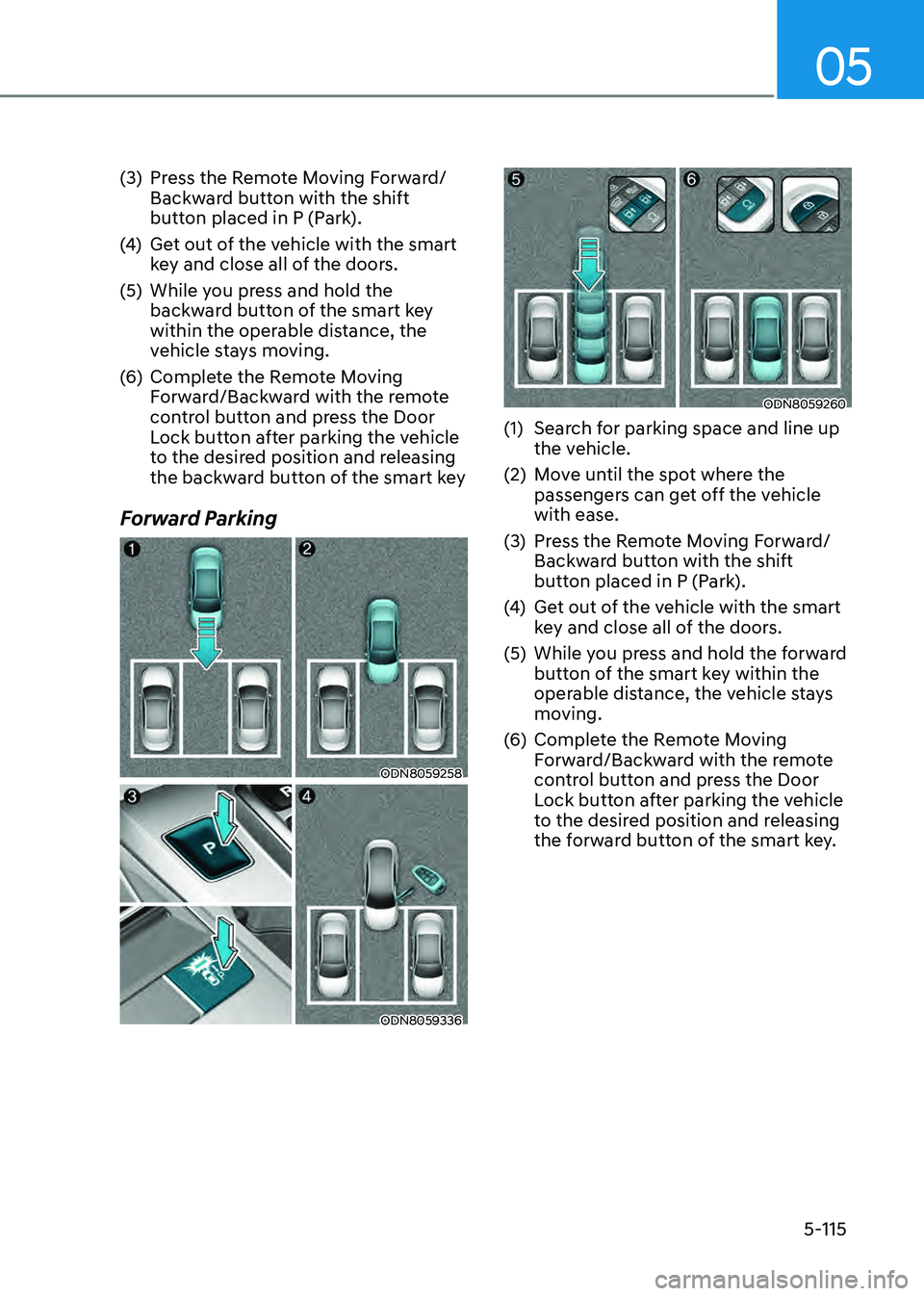
How the Remote Moving
Forward/Backward Works
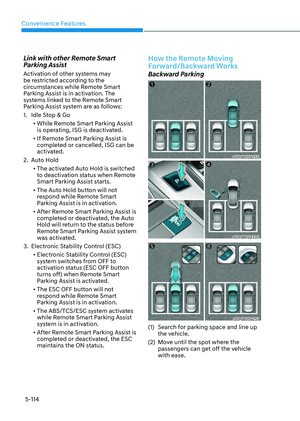
Backward Parking
ODN8059255ODN8059255
ODN8059335ODN8059335
ODN8059257ODN8059257
(1) Search for parking space and line up
the vehicle.
(2) Move until the spot where the
passengers can get off the vehicle
with ease.
Page 262 of 549

05
5-115
(3) Press the Remote Moving Forward/
Backward button with the shift
button placed in P (Park).
(4) Get out of the vehicle with the smart
key and close all of the doors.
(5) While you press and hold the
backward button of the smart key
within the operable distance, the
vehicle stays moving.
(6) Complete the Remote Moving
Forward/Backward with the remote
control button and press the Door
Lock button after parking the vehicle
to the desired position and releasing
the backward button of the smart key
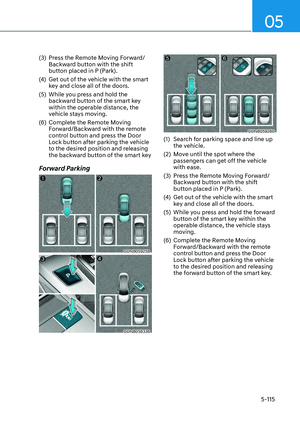
Forward Parking
ODN8059258ODN8059258
ODN8059336ODN8059336
ODN8059260ODN8059260
(1) Search for parking space and line up
the vehicle.
(2) Move until the spot where the
passengers can get off the vehicle
with ease.
(3) Press the Remote Moving Forward/
Backward button with the shift
button placed in P (Park).
(4) Get out of the vehicle with the smart
key and close all of the doors.
(5) While you press and hold the forward
button of the smart key within the
operable distance, the vehicle stays
moving.
(6) Complete the Remote Moving
Forward/Backward with the remote
control button and press the Door
Lock button after parking the vehicle
to the desired position and releasing
the forward button of the smart key.
Page 263 of 549
5-116
Convenience Features
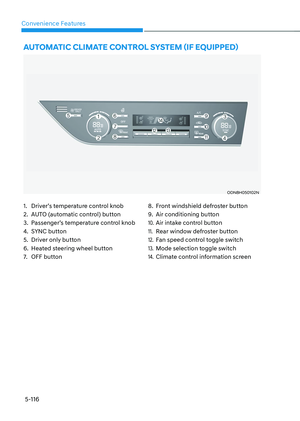
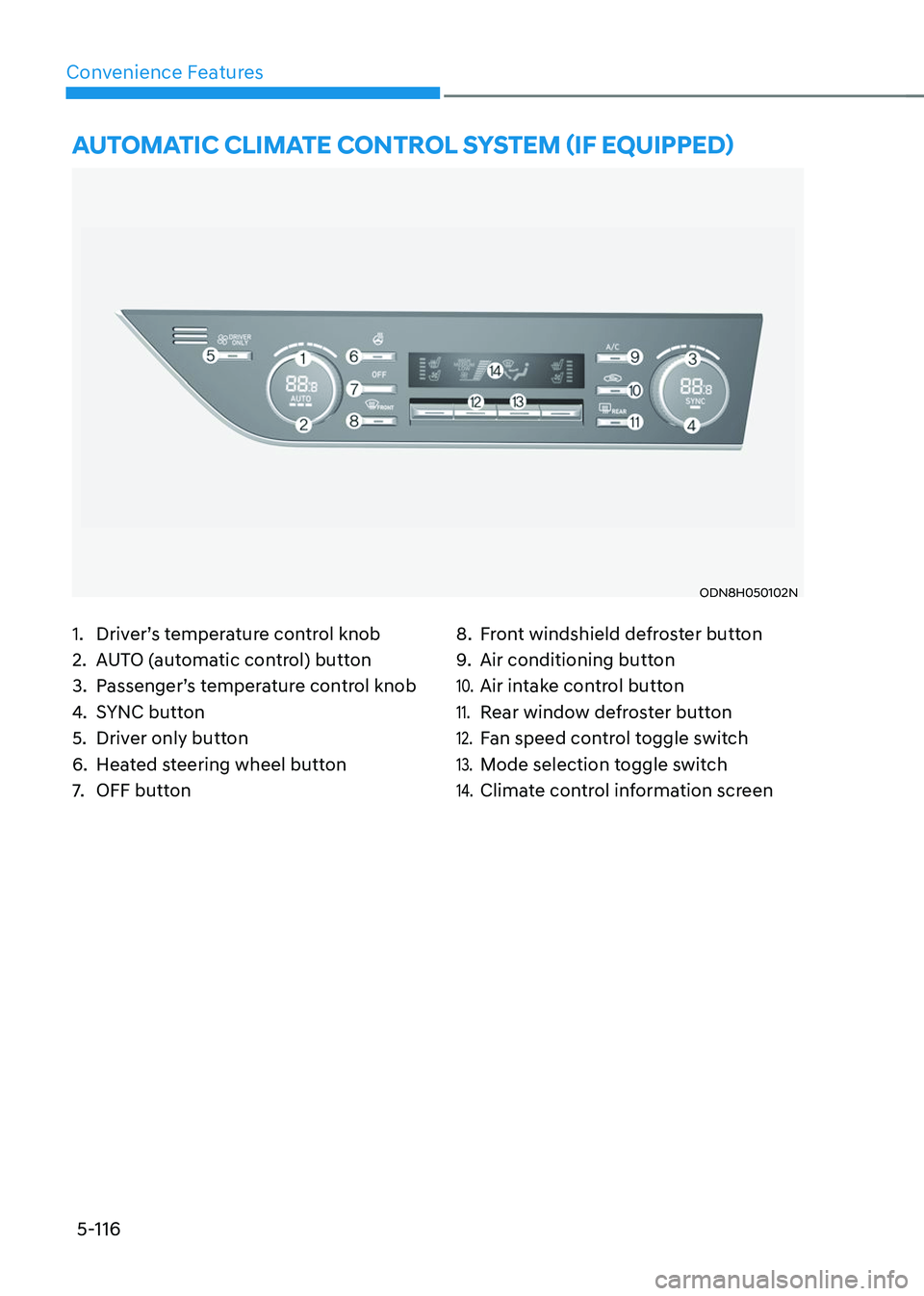
1. Driver’s temperature control knob
2. AUTO (automatic control) button
3. Passenger’s temperature control knob
4. SYNC button
5. Driver only button
6. Heated steering wheel button
7. OFF button
8. Front windshield defroster button
9. Air conditioning button
10. Air intake control button
11. Rear window defroster button
12. Fan speed control toggle switch
13. Mode selection toggle switch
14. Climate control information screen
AUTOMATIC CLIMATE CONTROL SYSTEM (IF EQUIPPED)
ODN8H050102NODN8H050102N
Page 264 of 549
05
5-117
Automatic Heating and Air
Conditioning
ODN8059115ODN8059115
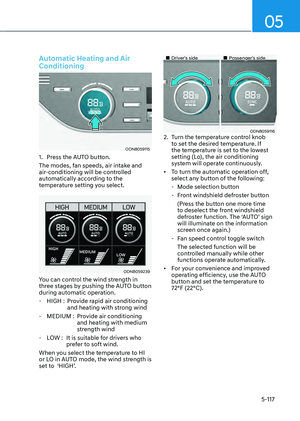
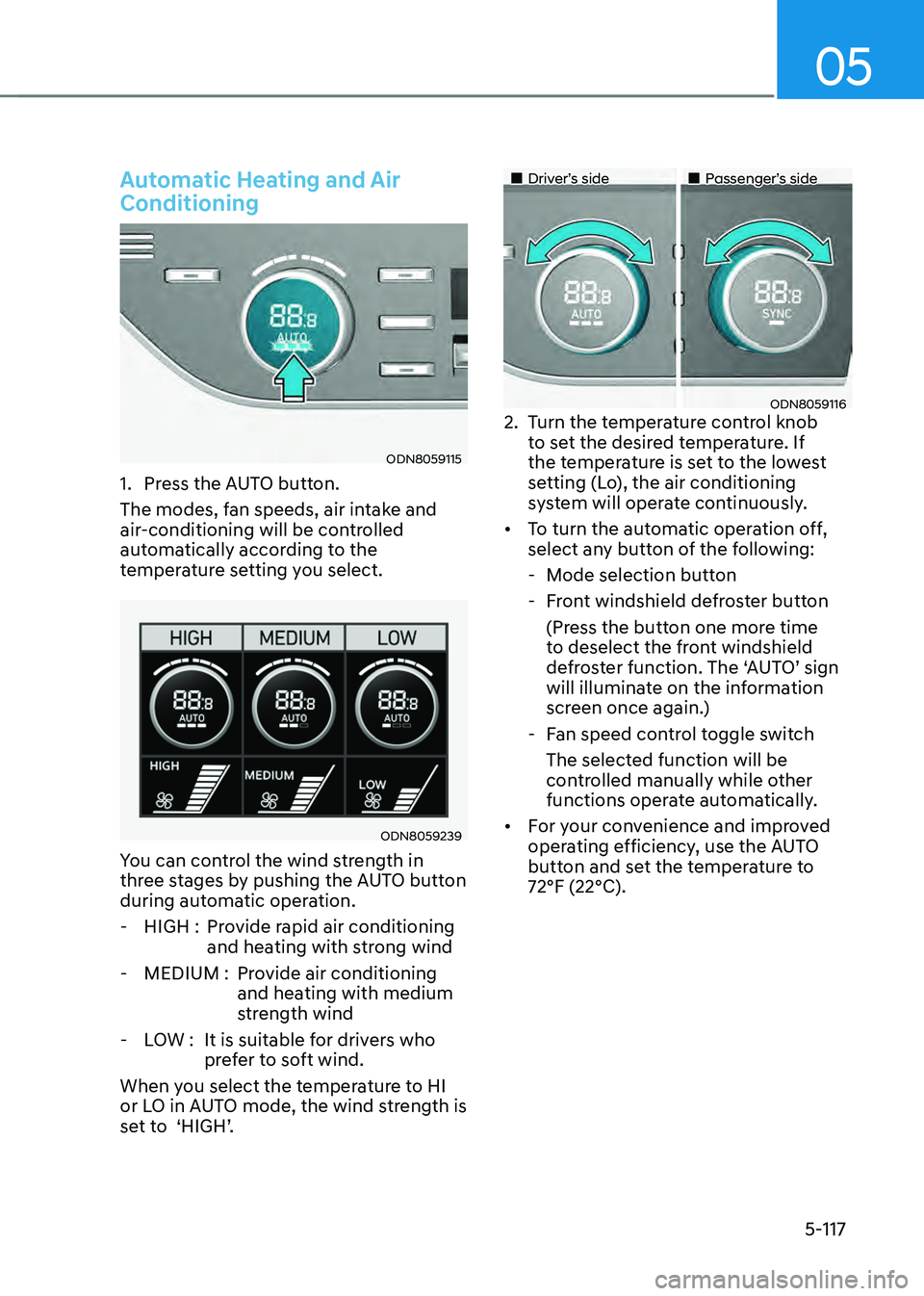
1. Press the AUTO button.
The modes, fan speeds, air intake and
air-conditioning will be controlled
automatically according to the
temperature setting you select.
ODN8059239ODN8059239
You can control the wind strength in
three stages by pushing the AUTO button
during automatic operation.
- HIGH : Provide rapid air conditioning
and heating with strong wind
-MEDIUM : Provide air conditioning
and heating with medium
strength wind
-LOW : It is suitable for drivers who
prefer to soft wind.
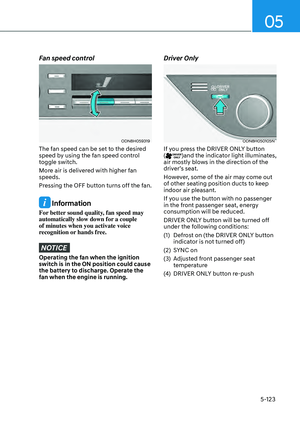
When you select the temperature to HI
or LO in AUTO mode, the wind strength is
set to ‘HIGH’.