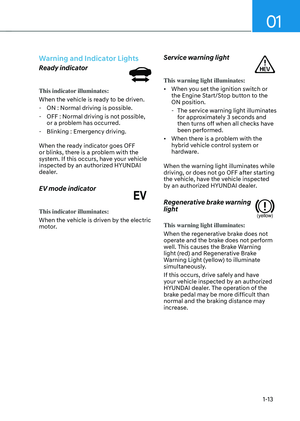
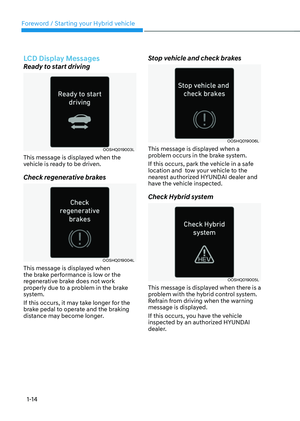
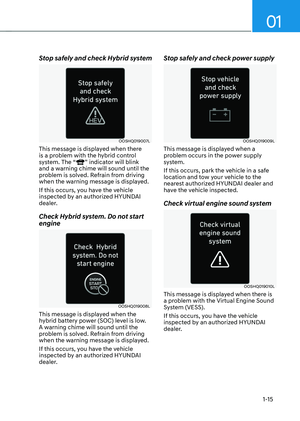
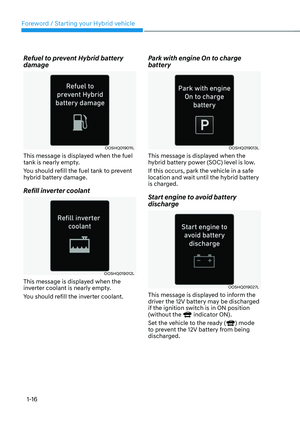
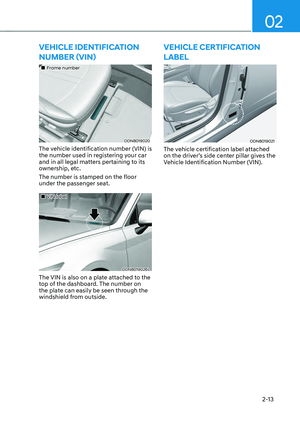
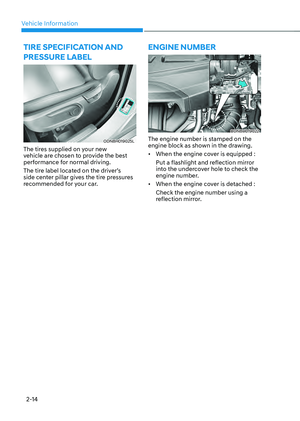
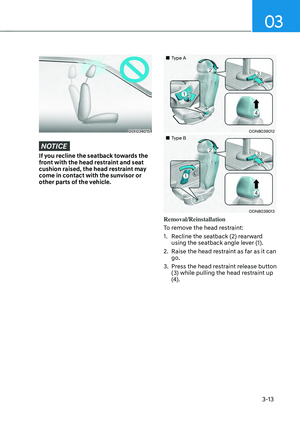
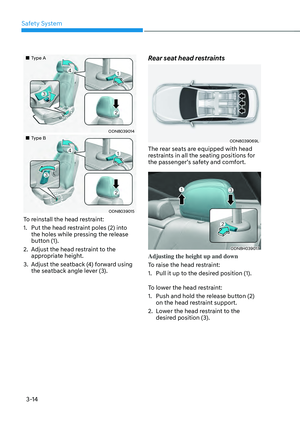
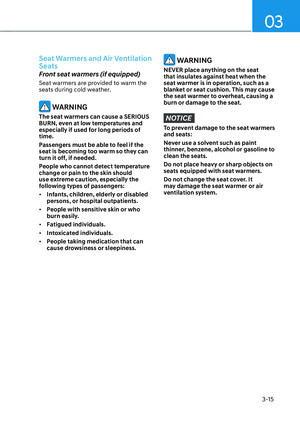
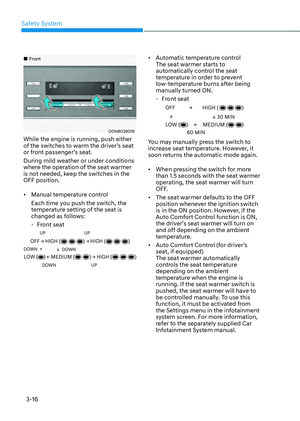
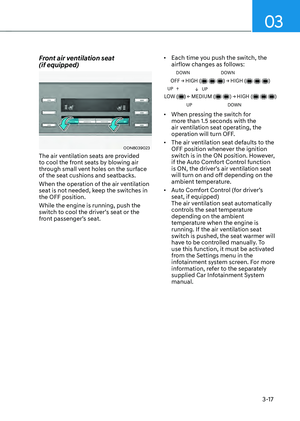
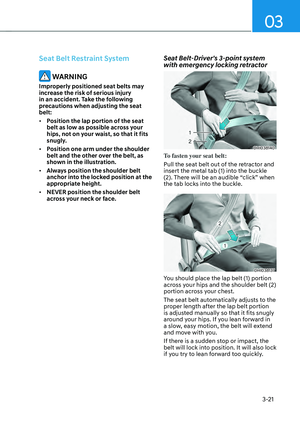
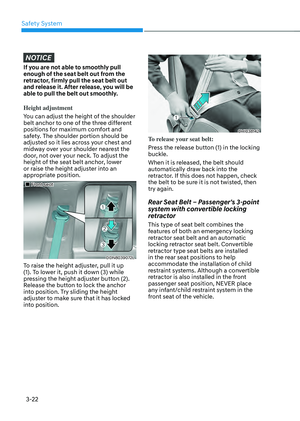
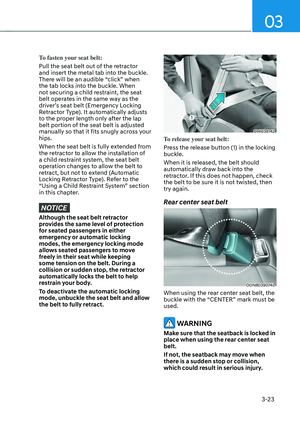
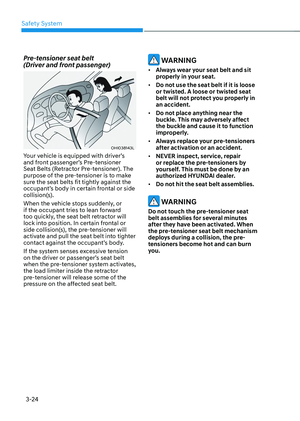
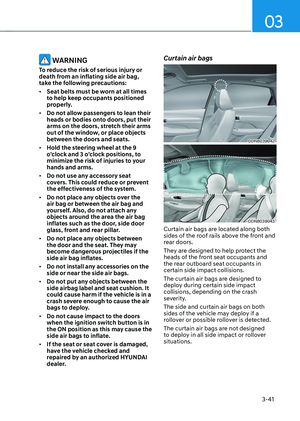
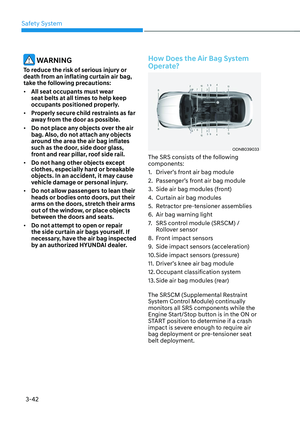
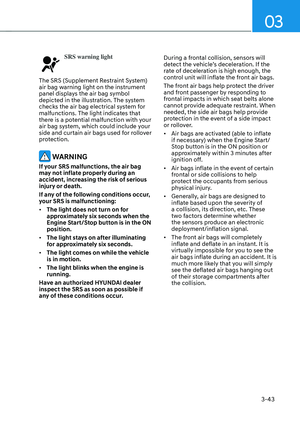
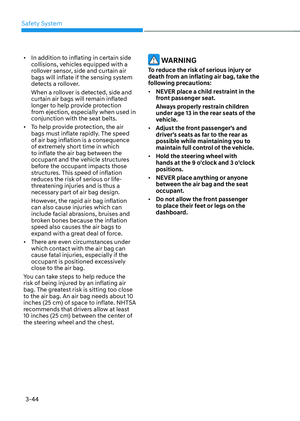
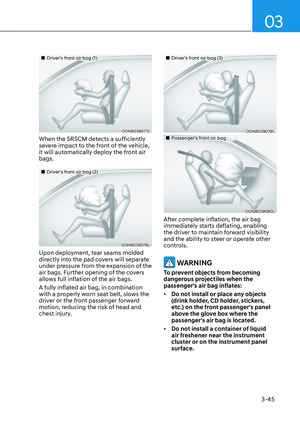
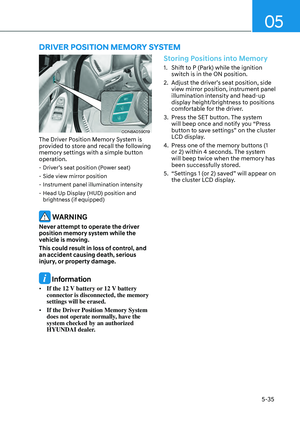
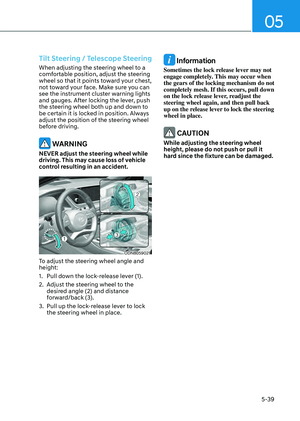
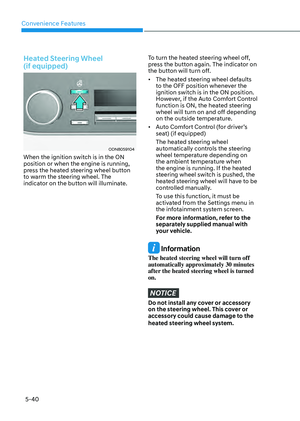
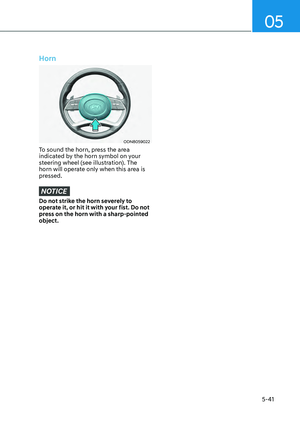
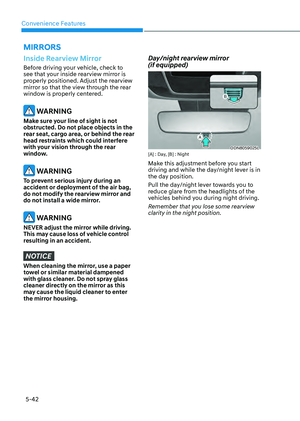
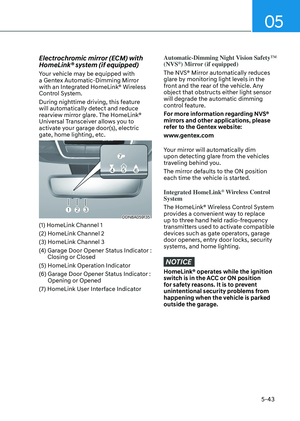
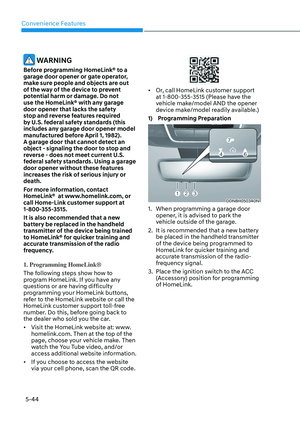
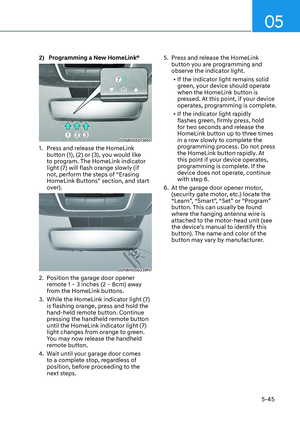
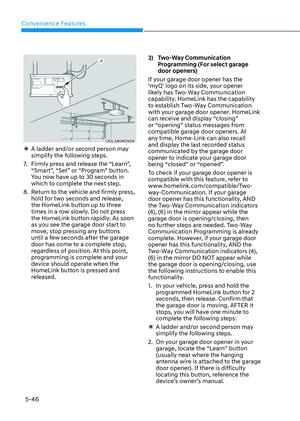
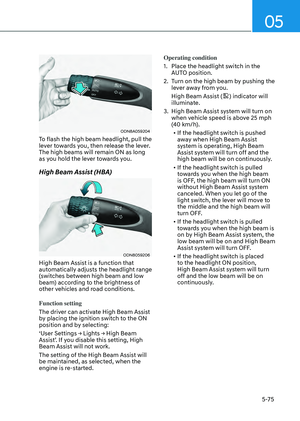
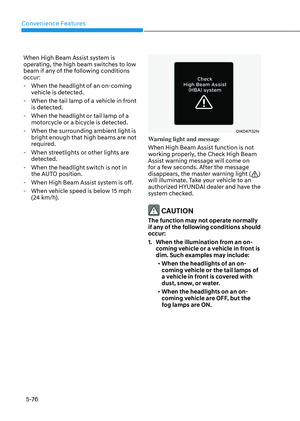
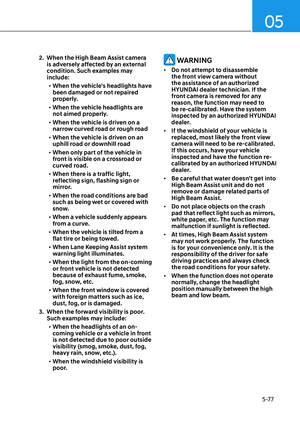
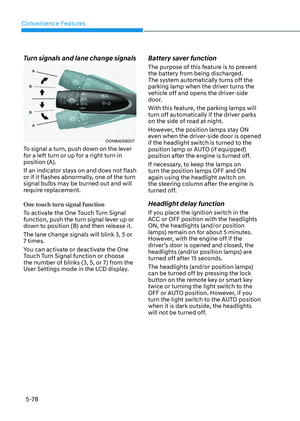
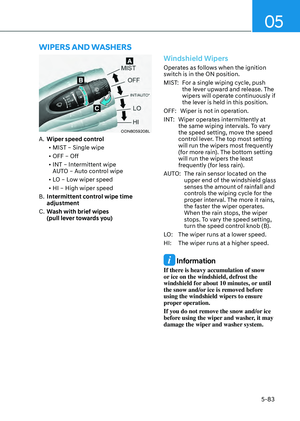
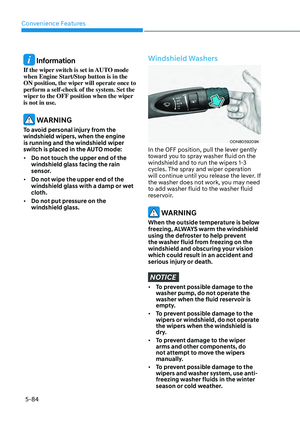
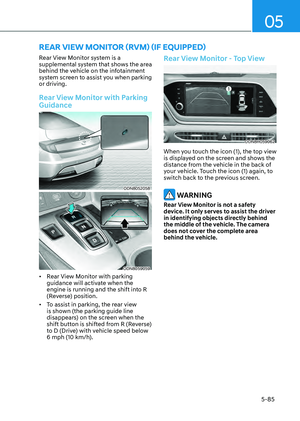
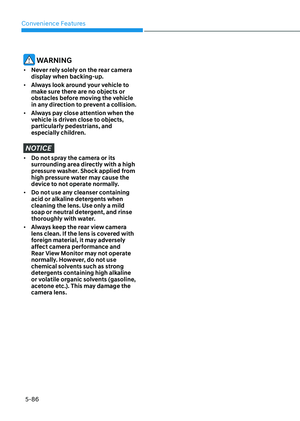
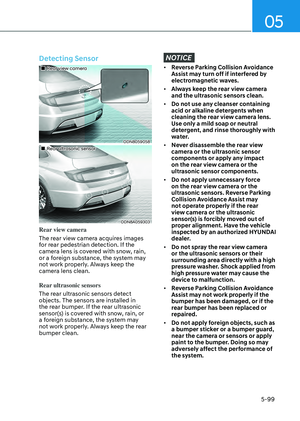
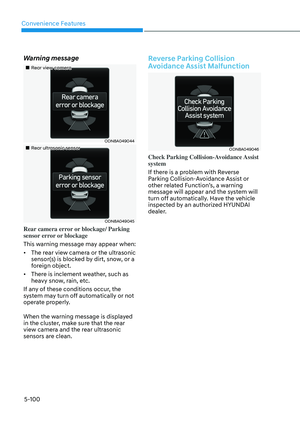
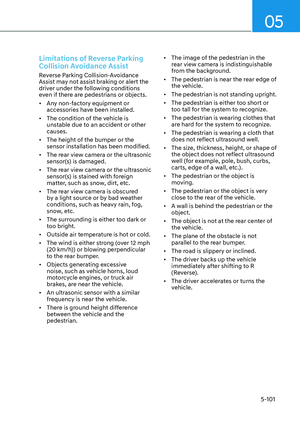
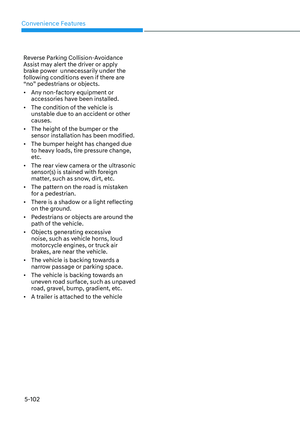
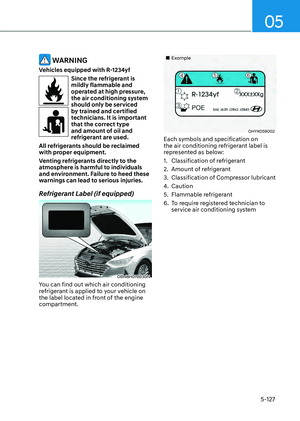
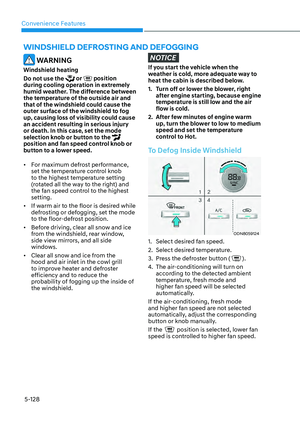
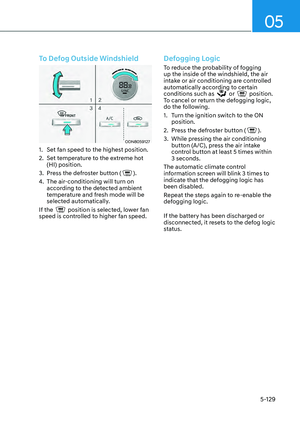
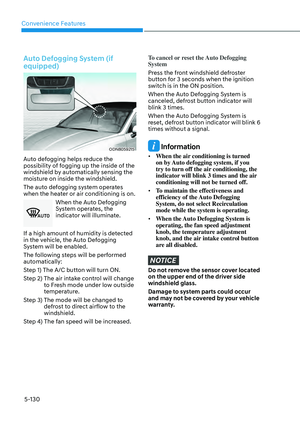
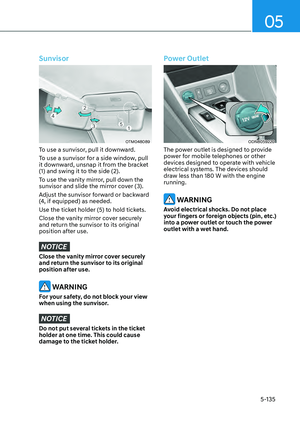
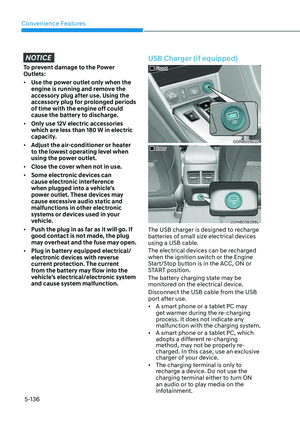
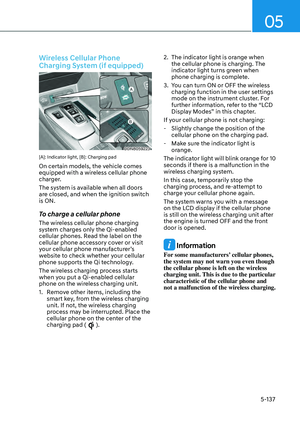
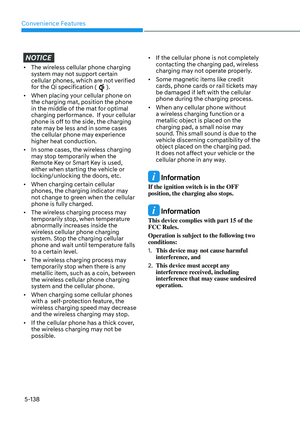
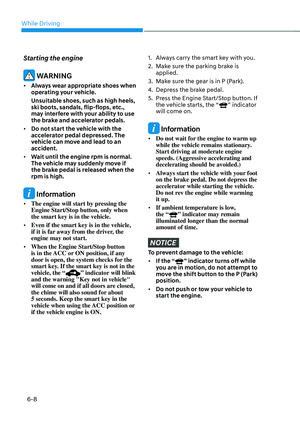
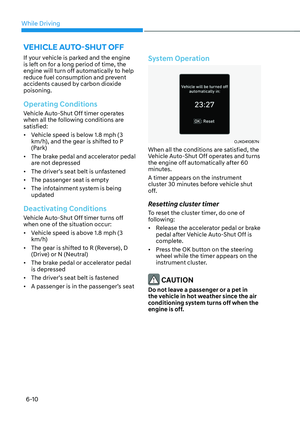
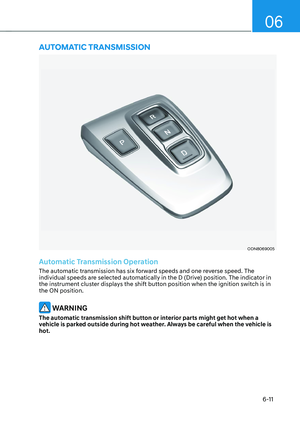
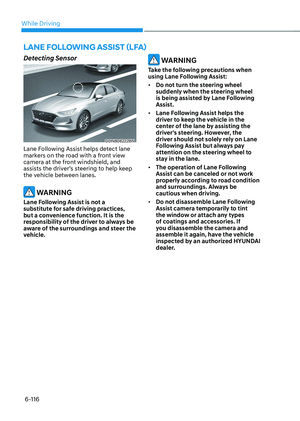
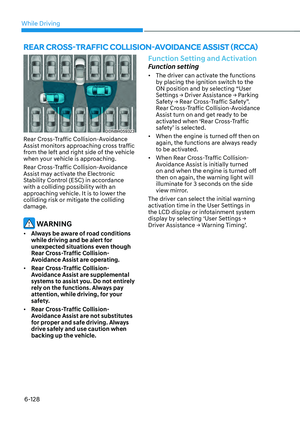
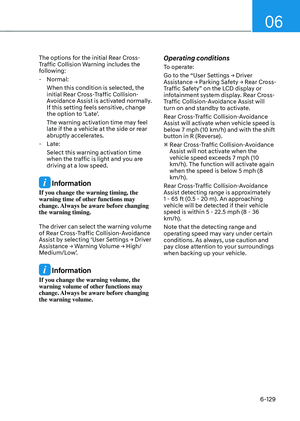
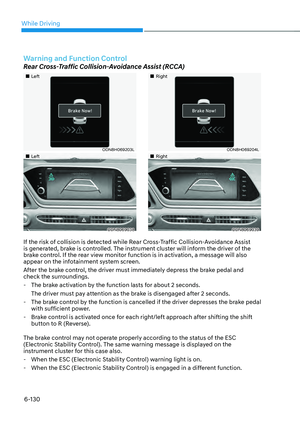
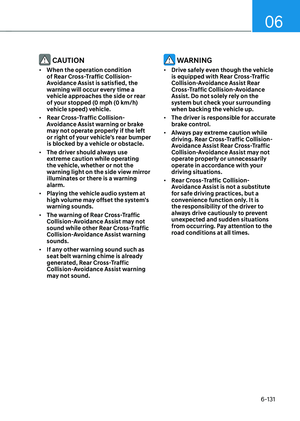
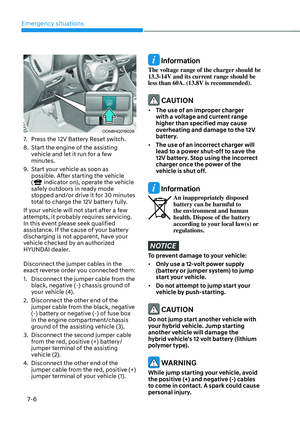
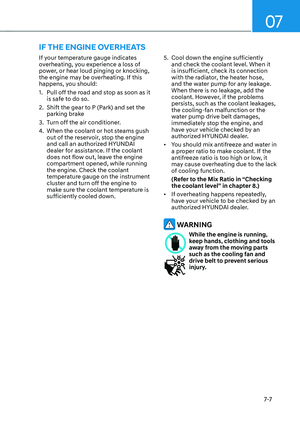
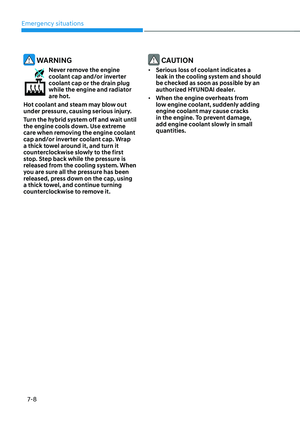
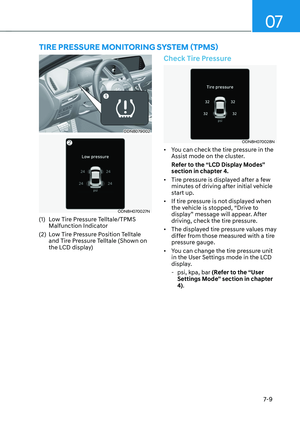
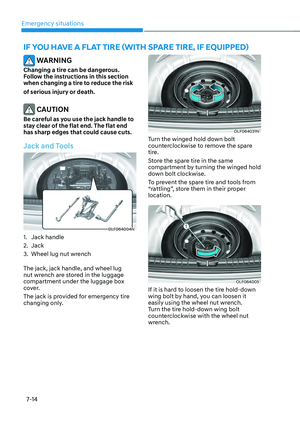
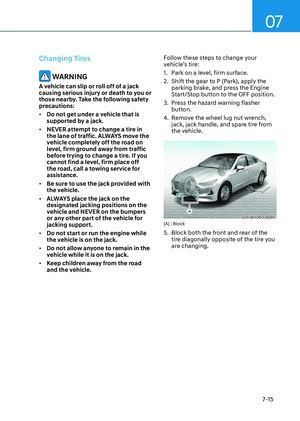
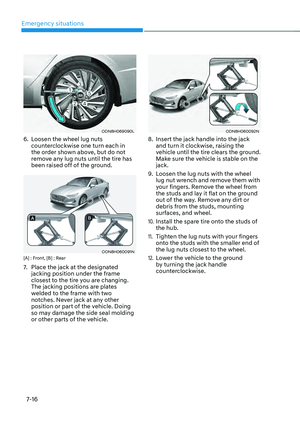
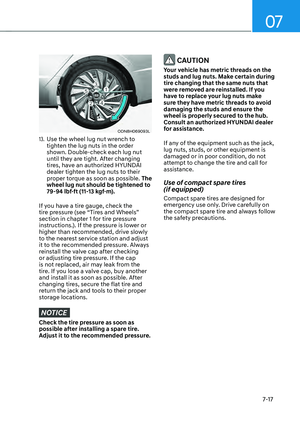
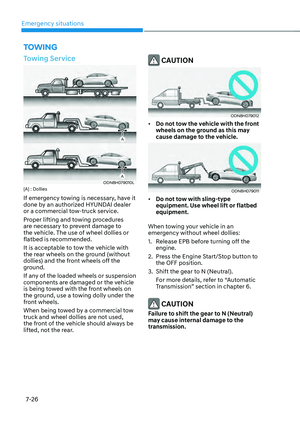
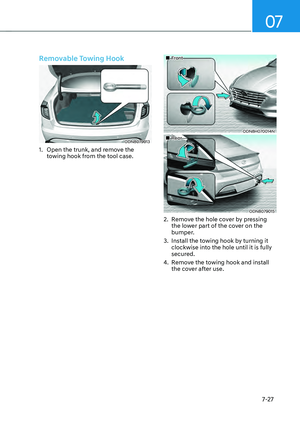
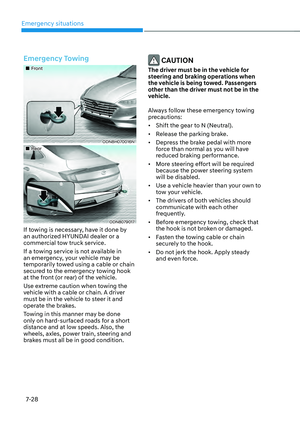
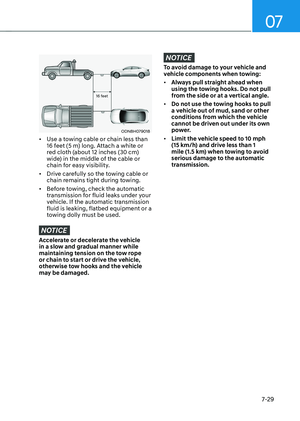
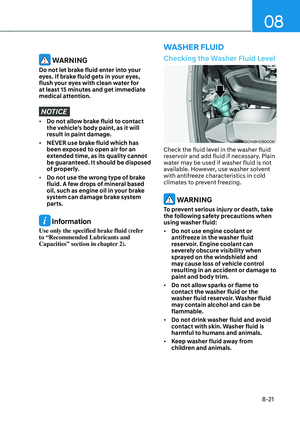
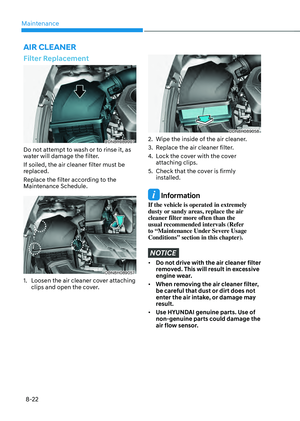
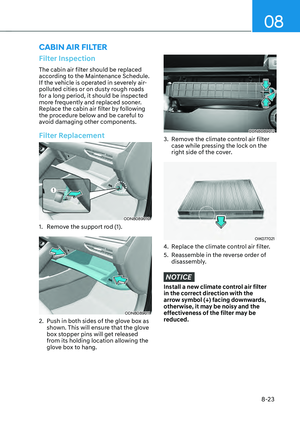
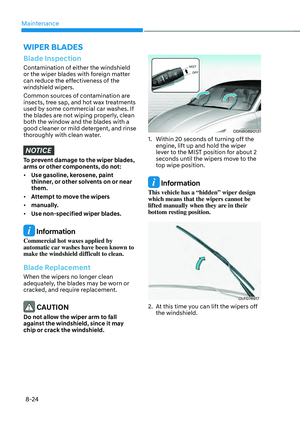
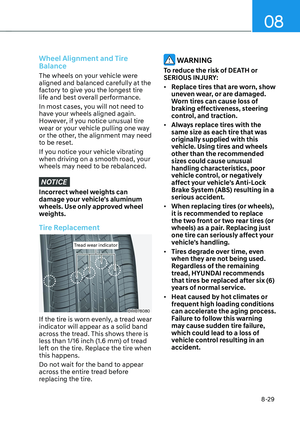
Page 305 of 549

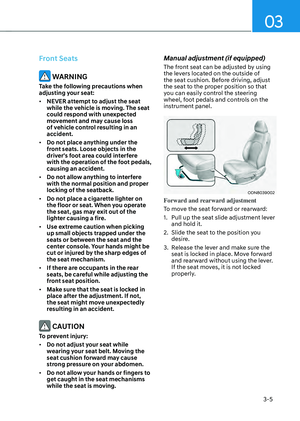
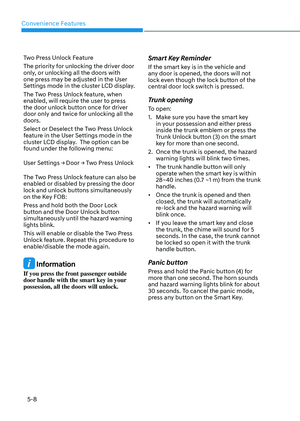
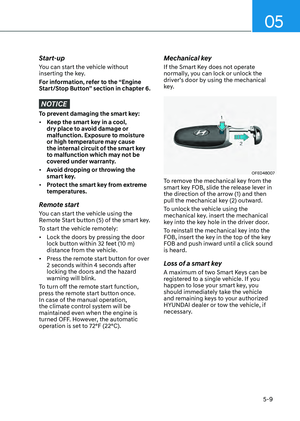
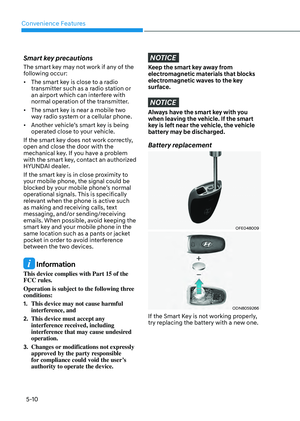
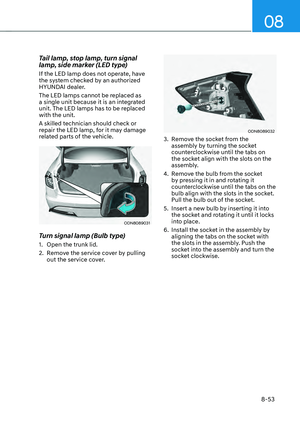
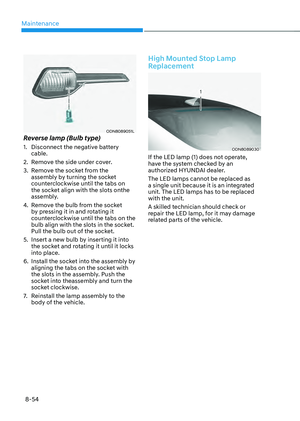
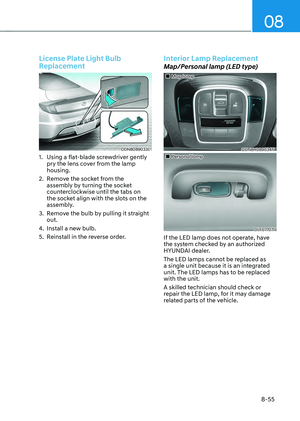
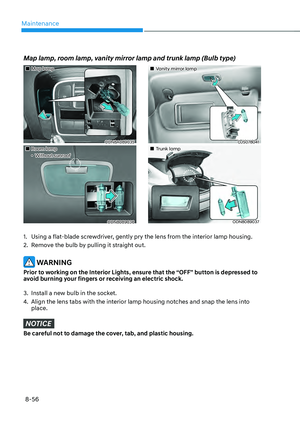
06
6-15
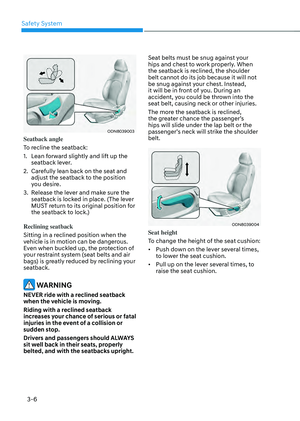
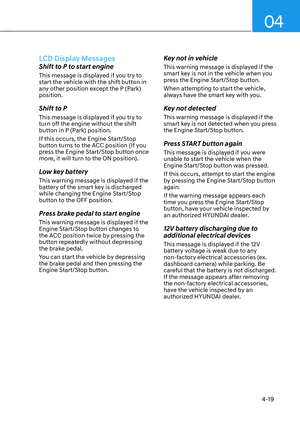
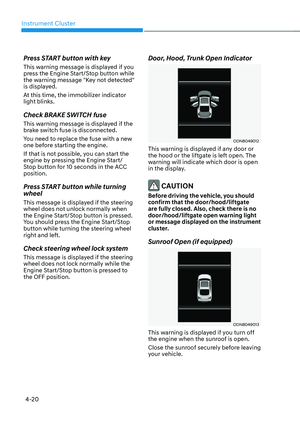
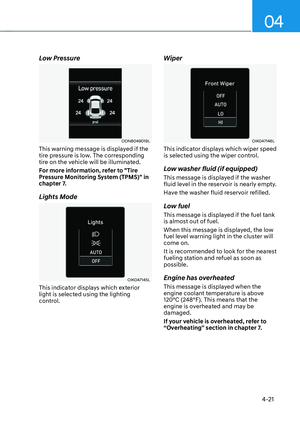
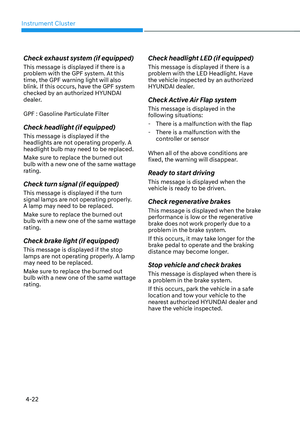
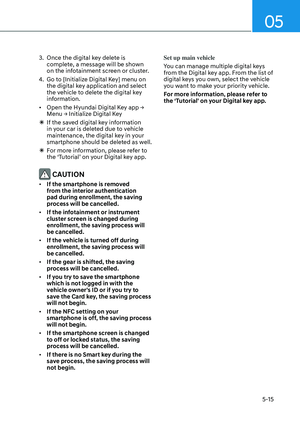
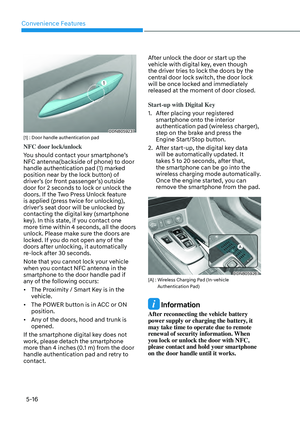
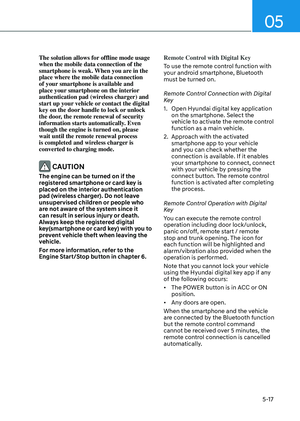
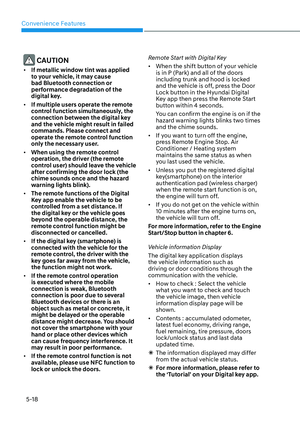
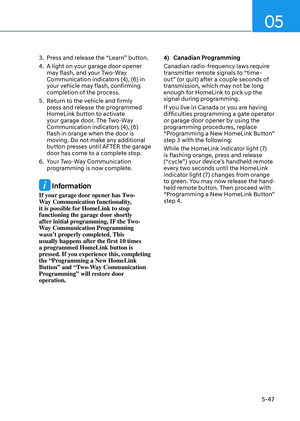
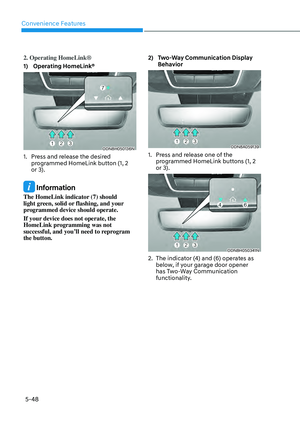
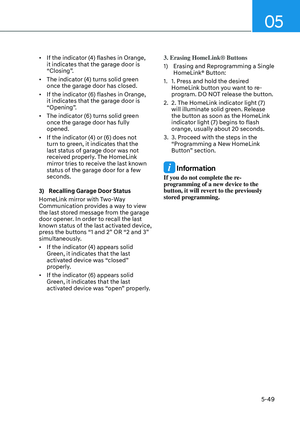
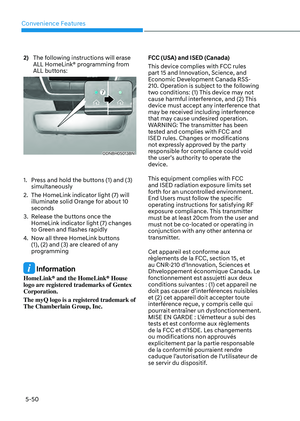
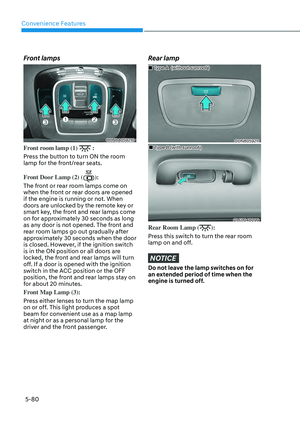
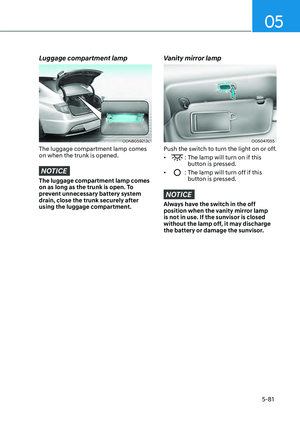
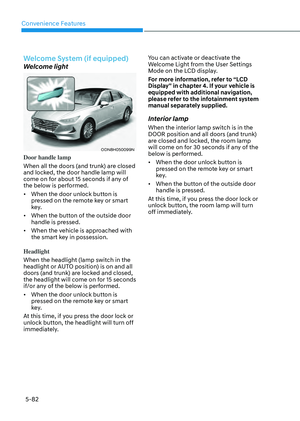
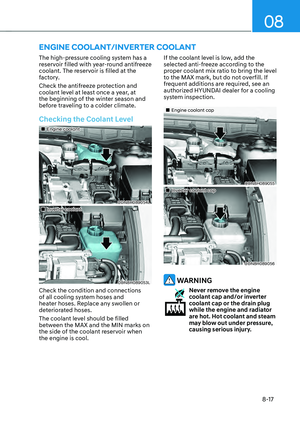
LCD Display Message
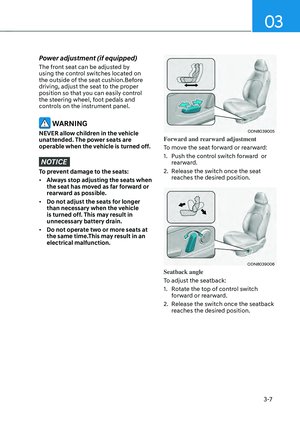
Shifting conditions not met
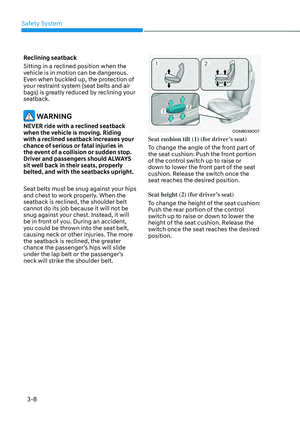
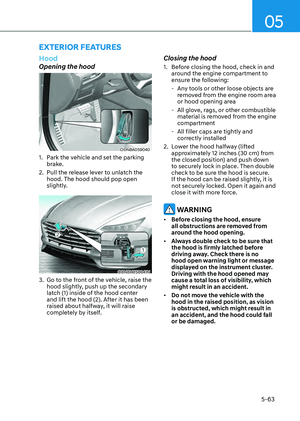
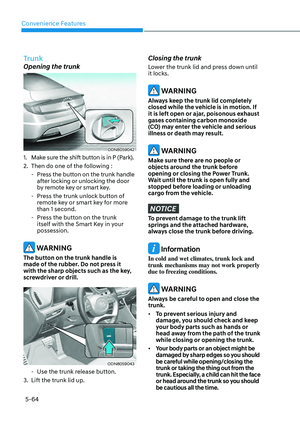
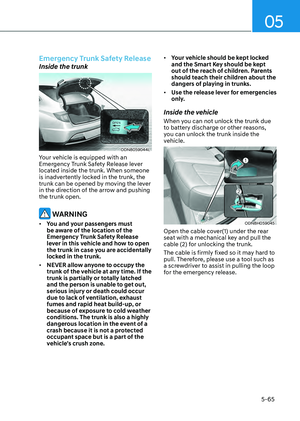
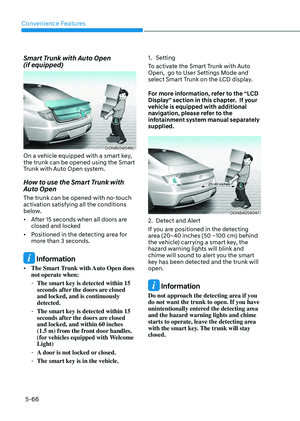
The warning message appears on the
LCD display, when engine RPM is too
high, or when driving speed is too fast to
shift the gear.
Decrease the engine speed or slow down
before shifting the gear.
Press brake pedal to change gear
The warning message appears on the
LCD display, when the brake pedal is not
depressed while shifting the gear.
Depress the brake pedal and then shift
the gear.
Shift to P after stopping
The warning message appears on the
LCD display, when the gear is shifted to P
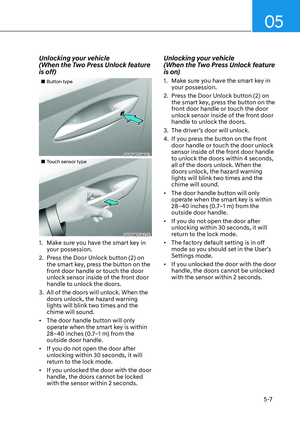
(Park) while the vehicle is moving.
Stop the vehicle before shifting to P
(Park).
PARK engaged
The warning message appears on the
LCD display, when the gear is shifted to P
(Park) while the vehicle is moving.
Stop the vehicle before shifting to P
(Park).
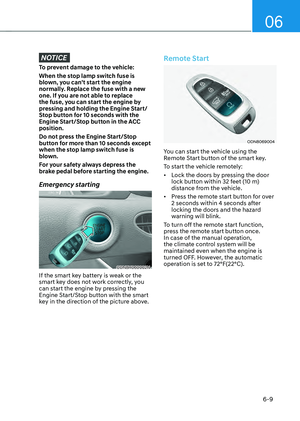
Press and hold OK button to stay in
Neutral when vehicle is Off
The warning message appears on
the LCD display, when pushing the N
(Neutral) button. If you want to stay N
(Neutral) after turning off the engine,
press and hold the “OK” button on the
steering wheel more than 1 second.
Vehicle will stay in (N). Change gear
to cancel
The warning message appears on the
LCD display, when depressing the "OK"
button on the steering wheel after the
message ("Press and hold OK button
to stay in Neutral when vehicle is Off")
appears on the cluster LCD display. The
gear stays in N(Neutral) position after
turning off the engine.
NEUTRAL engaged
The message appears on the LCD
display, when the N (Neutral) position is
engaged.
Gear already selected
The message appears on the LCD
display, when pushing the current shift
button again.
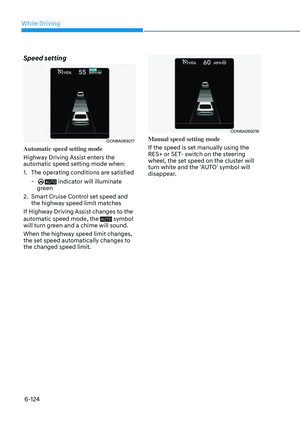
Page 306 of 549

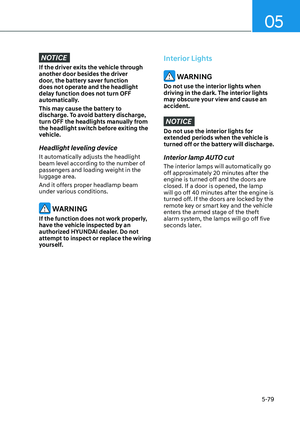
While Driving
6-16
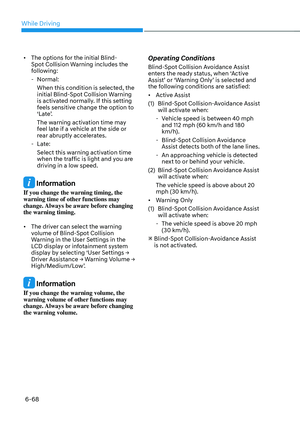
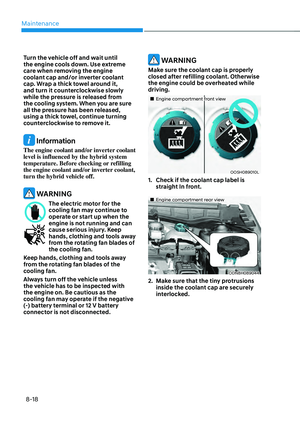
Shift button held down
The warning message appears on the
LCD display, when the shift button is
pressed continuously or the shift button
does not properly operate. Clean the
surroundings of gear shift button.
If this message appears again, have
the vehicle inspected by an authorized
HYUNDAI dealer.
Shifter system malfunction
The warning message appears on the
LCD display, when the transmission
or the shift button does not properly
operate in the P (Park) position.
In this case, have the vehicle inspected
by an authorized HYUNDAI dealer.
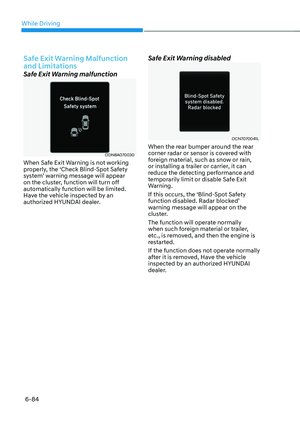
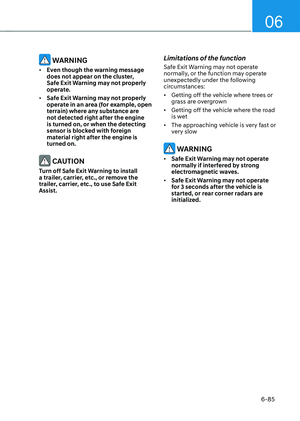
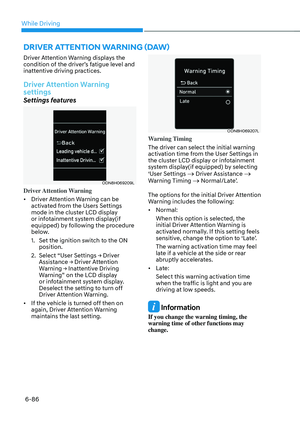
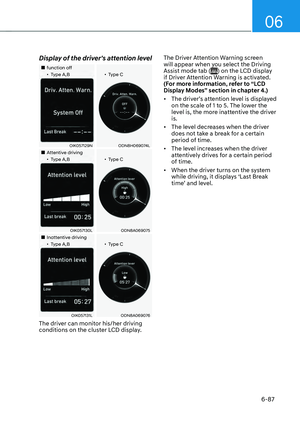
Check shift controls
The warning message appears on the
LCD display, when there is a malfunction
with transmission shift button.
In this case, have the vehicle inspected
by an authorized HYUNDAI dealer.
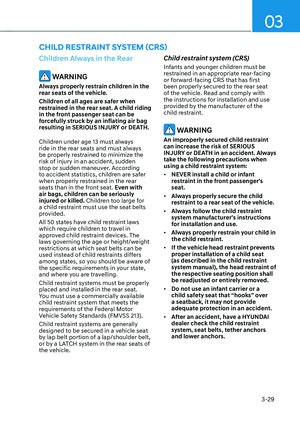
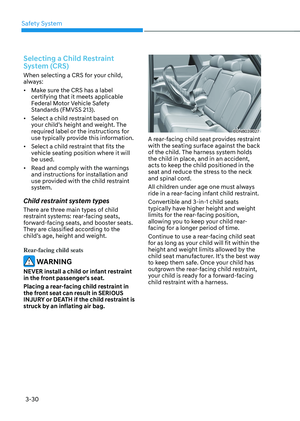
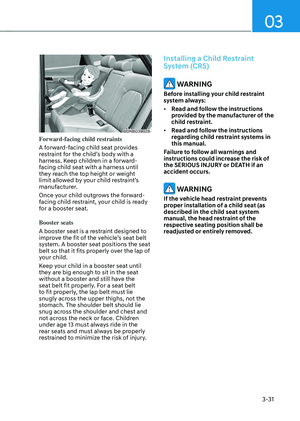
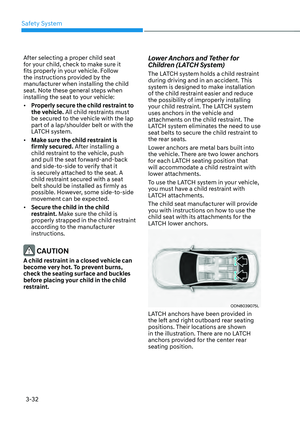
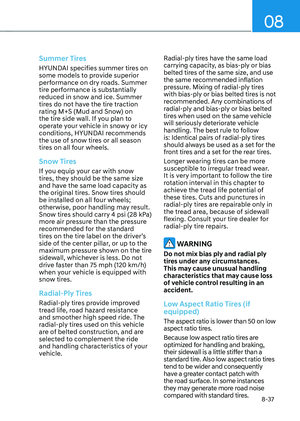
Good Driving Practices
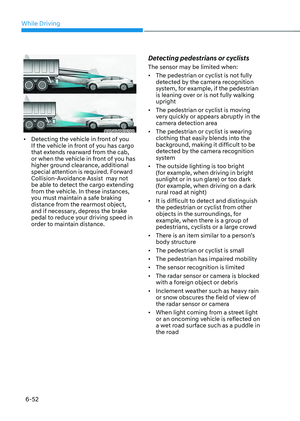
• Never shift the gear from P (Park) or
N (Neutral) to any other position with
the accelerator pedal depressed.
• Never shift the gear into P (Park) when
the vehicle is in motion.
• Be sure the vehicle is completely
stopped before you attempt to shift
into R (Reverse) or D (Drive).
• Do not shift the gear to N (Neutral)
when driving. Doing so may result
in an accident because of a loss of
engine braking and the transmission
could be damaged.
• While driving up or downhill, check
the gear position, indicated on the
cluster, to ensure the vehicle is
driving forward while in D (Drive), or
backward while in R (Reverse). If you
drive in the opposite direction of the
selected gear, the engine will turn off
and a serious accident may occur due
to the degraded brake performance.
• Do not drive with your foot resting
on the brake pedal. Even light, but
consistent pedal pressure can result
in the brakes overheating, brake wear
and possibly even brake failure.
• When driving in the manual shift
mode, slow down before shifting to a
lower gear. Otherwise, the lower gear
may not be engaged if the engine
rpms are outside of the allowable
range.
• Always apply the parking brake when
leaving the vehicle. Do not depend on
placing the transmission in P (Park) to
keep the vehicle from moving.
• Exercise extreme caution when
driving on a slippery surface. Be
especially careful when braking,
accelerating or shifting gears. On a
slippery surface, an abrupt change
in vehicle speed can cause the drive
wheels to lose traction and may cause
loss of vehicle control resulting in an
accident
• Optimum vehicle performance and
economy is obtained by smoothly
depressing and releasing the
accelerator.
Page 307 of 549

06
6-17
WARNING
To reduce the risk of SERIOUS INJURY
or DEATH:
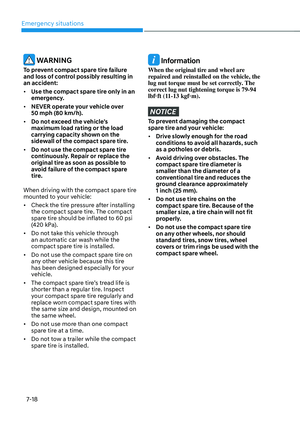
• ALWAYS wear your seatbelt. In a
collision, an unbelted occupant
is significantly more likely to be
seriously injured or killed than a
properly belted occupant.
• Avoid high speeds when cornering or
turning.
• Do not make quick steering wheel
movements, such as sharp lane
changes or fast, sharp turns.
• The risk of rollover is greatly
increased if you lose control of your
vehicle at highway speeds.
• Loss of control often occurs if two or
more wheels drop off the roadway
and the driver over steers to reenter
the roadway.
• In the event your vehicle leaves
the roadway, do not steer sharply.
Instead, slow down before pulling
back into the travel lanes.
• HYUNDAI recommends you follow all
posted speed limits.
Information
Kickdown Mechanism (if equipped)
If you depress the accelerator pedal
equipped with Kickdown device beyond
the pressure point, it maximizes the engine
power. You may feel when the Kickdown
equipment starts to work and hear the
sound of Kickdown operation. It is normal
operation, not a failure.
Paddle Shifter
(Manual Shift Mode)
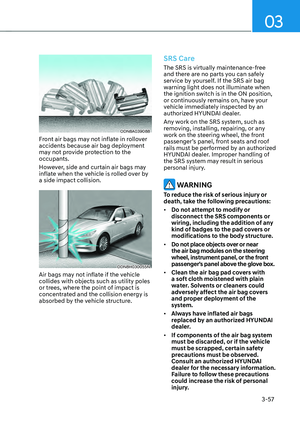
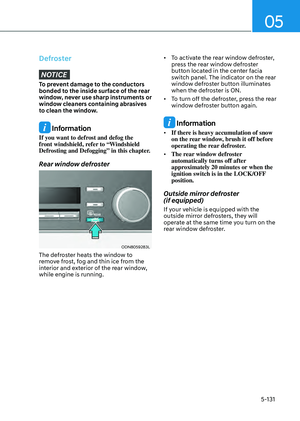
ODN8069009ODN8069009
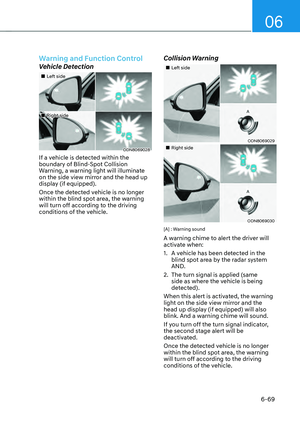
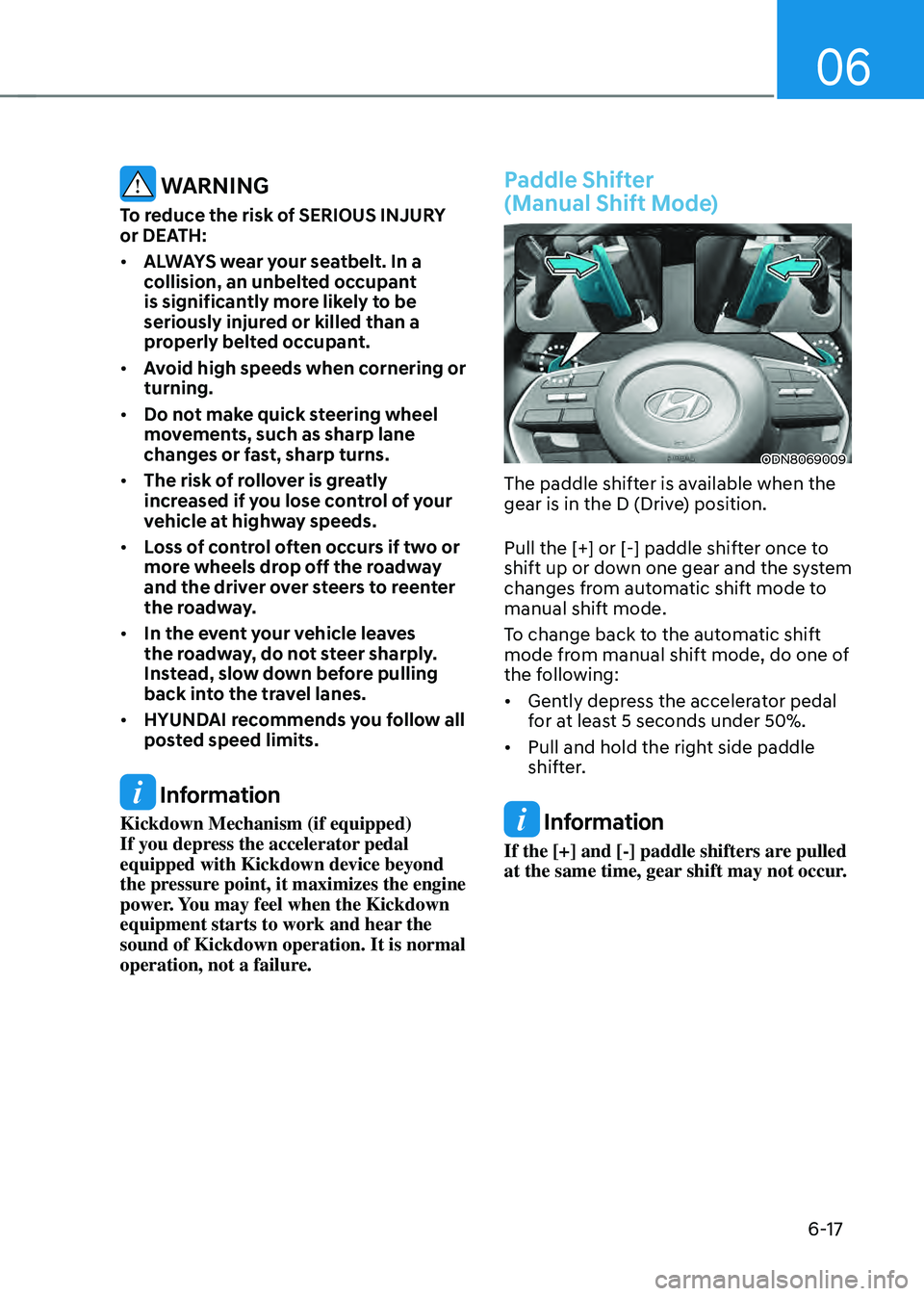
The paddle shifter is available when the
gear is in the D (Drive) position.
Pull the [+] or [-] paddle shifter once to
shift up or down one gear and the system
changes from automatic shift mode to
manual shift mode.
To change back to the automatic shift
mode from manual shift mode, do one of
the following:
• Gently depress the accelerator pedal
for at least 5 seconds under 50%.
• Pull and hold the right side paddle
shifter.
Information
If the [+] and [-] paddle shifters are pulled
at the same time, gear shift may not occur.
Page 308 of 549

While Driving
6-18
OOSH069019LOOSH069019L
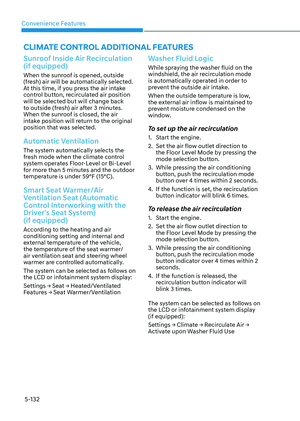
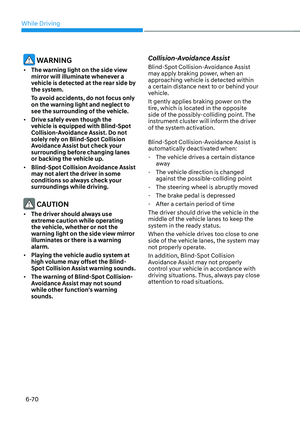
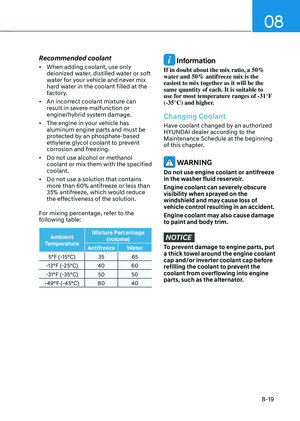
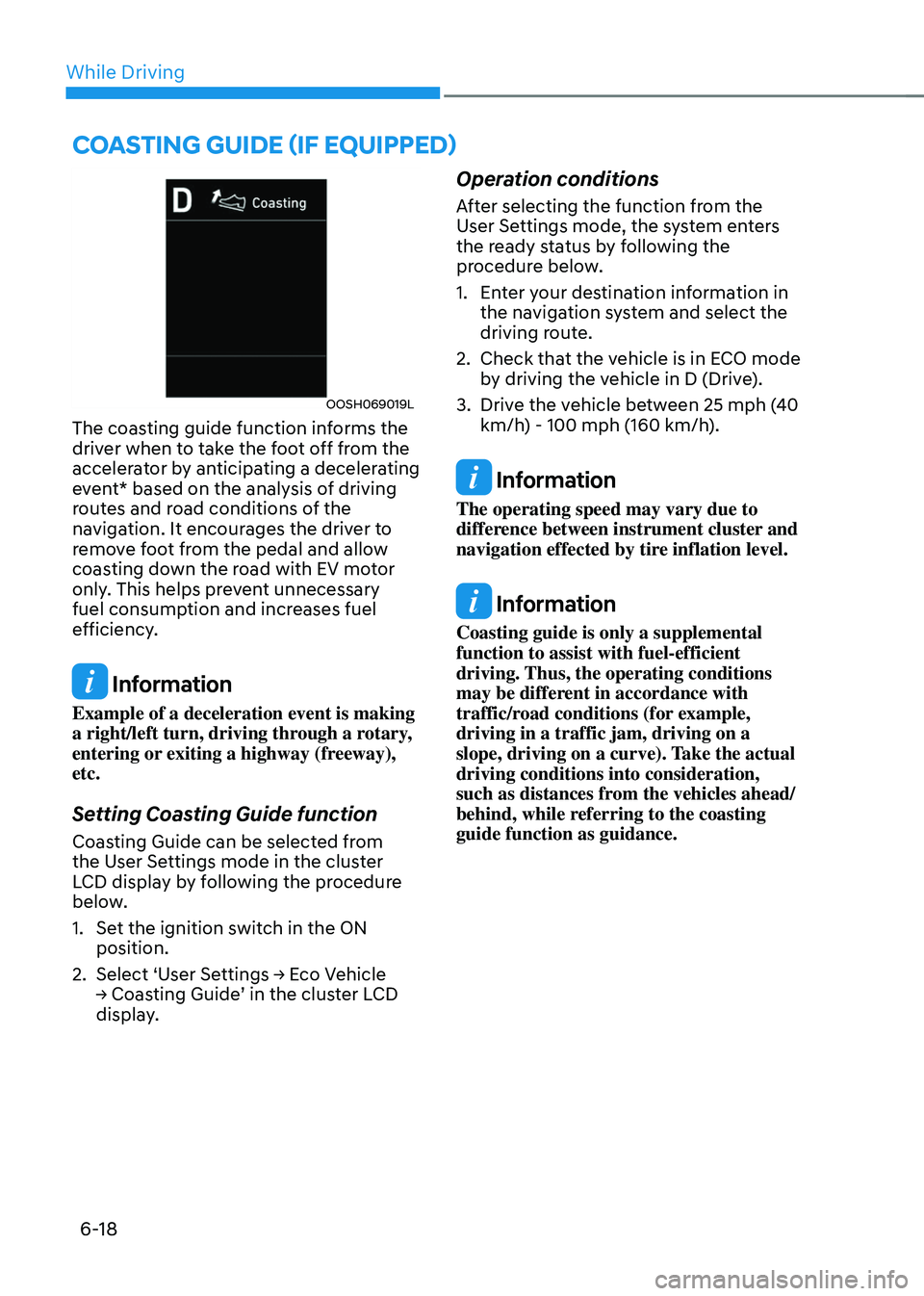
The coasting guide function informs the
driver when to take the foot off from the
accelerator by anticipating a decelerating
event* based on the analysis of driving
routes and road conditions of the
navigation. It encourages the driver to
remove foot from the pedal and allow
coasting down the road with EV motor
only. This helps prevent unnecessary
fuel consumption and increases fuel
efficiency.
Information
Example of a deceleration event is making
a right/left turn, driving through a rotary,
entering or exiting a highway (freeway),
etc.
Setting Coasting Guide function
Coasting Guide can be selected from
the User Settings mode in the cluster
LCD display by following the procedure
below.
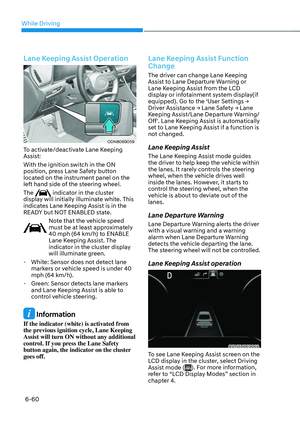
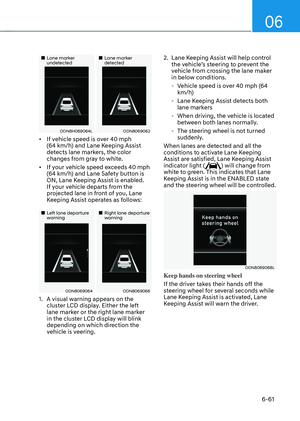
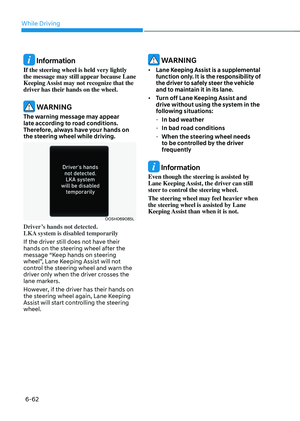
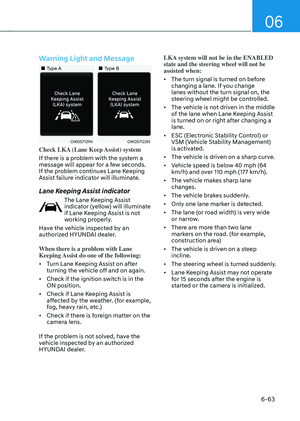
1. Set the ignition switch in the ON
position.
2. Select ‘User Settings → Eco Vehicle
→ Coasting Guide’ in the cluster LCD
display.
Operation conditions
After selecting the function from the
User Settings mode, the system enters
the ready status by following the
procedure below.
1. Enter your destination information in
the navigation system and select the
driving route.
2. Check that the vehicle is in ECO mode
by driving the vehicle in D (Drive).
3. Drive the vehicle between 25 mph (40
km/h) - 100 mph (160 km/h).
Information
The operating speed may vary due to
difference between instrument cluster and
navigation effected by tire inflation level.
Information
Coasting guide is only a supplemental
function to assist with fuel-efficient
driving. Thus, the operating conditions
may be different in accordance with
traffic/road conditions (for example,
driving in a traffic jam, driving on a
slope, driving on a curve). Take the actual
driving conditions into consideration,
such as distances from the vehicles ahead/
behind, while referring to the coasting
guide function as guidance.
COASTING GUIDE (IF EQUIPPED)
Page 309 of 549

06
6-19
BRAKE SYSTEM
Power Brakes
Your vehicle has power-assisted brakes
that adjust automatically through normal
usage.
In the event of a vehicle power failure,
the power assist for the brakes will not
work. You can still stop your vehicle, but
it will require greater force and increased
pedal travel than normal. The stopping
distance, however, will be longer than
with power brakes.
Information
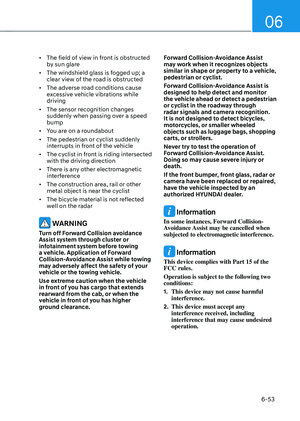
• When the brake pedal is depressed under certain driving conditions or weather conditions, you
may temporarily hear a noise. This is
normal and does not indicate a problem
with your brakes.
• While driving on a road with deicing
chemicals, brake noise or abnormal
tire wear may occur due to deicing
chemicals. In a safe traffic condition,
additionally apply the brakes to remove
deicing chemicals on the brake discs
and pads.
WARNING
Take the following precautions:
• Do not drive with your foot resting
on the brake pedal. This will create
abnormal high brake temperatures,
excessive brake lining and pad wear,
and increased stopping distances.
• When descending down a long or
steep hill, move the gear shift button
to Manual Shift Mode and manually
downshift to a lower gear in order
to control your speed without using
the brake pedal excessively. Applying
the brakes continuously will cause
the brakes to overheat and could
result in a temporary loss of braking
performance.
• Wet brakes may impair the vehicle's
ability to safely slow down; the
vehicle may also pull to one side
when the brakes are applied.
Applying the brakes lightly will
indicate whether they have been
affected in this way. Always test your
brakes in this fashion after driving
through deep water. To dry the
brakes, lightly tap the brake pedal to
heat up the brakes while maintaining
a safe forward speed until brake
performance returns to normal.
Avoid driving at high speeds until the
brakes function correctly.
Page 310 of 549

While Driving
6-20
NOTICE
• Do not continue depressing the
brake pedal if the "" indicator is OFF. The battery may be discharged.
• Noise and vibration generated
during braking is normal.
• Under normal operation, electric
brake pump noise and motor
vibration may occur temporarily in
below cases.
-When the pedal is depressed
suddenly.
-When the pedal is repeatedly
depressed in short intervals.
-When the ABS function is activated
while braking.
Disc Brakes Wear Indicator
When your brake pads are worn and new
pads are required, you will hear a high
pitched warning sound from your front
or rear brakes. You may hear this sound
come and go or it may occur whenever
you depress the brake pedal.
NOTICE
To avoid costly brake repairs, do not
continue to drive with worn brake pads.
Information
Always replace brake pads as complete
front or rear axle sets.
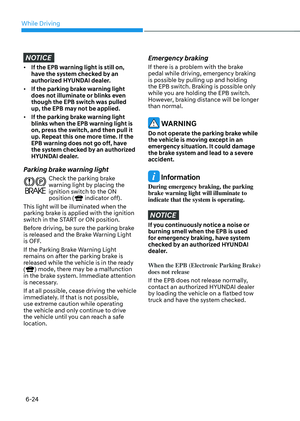
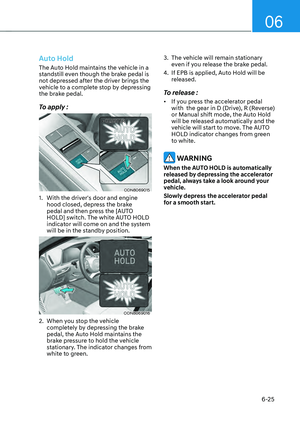
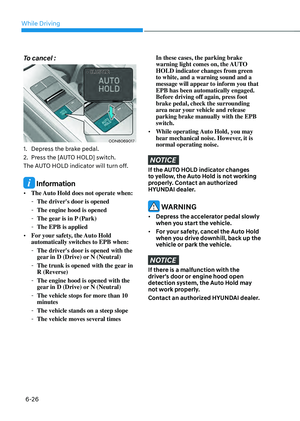
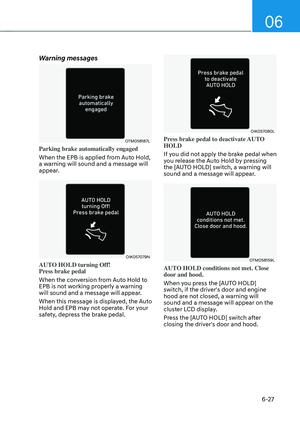
Electronic Parking Brake (EPB)
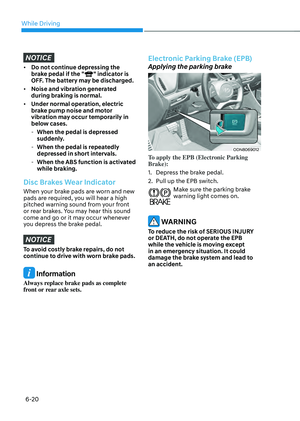
Applying the parking brake
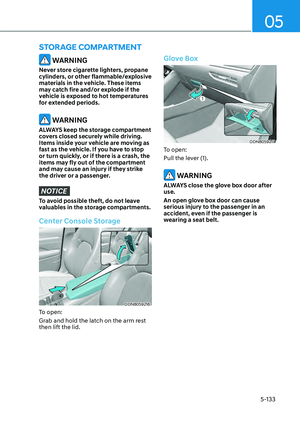
ODN8069012ODN8069012
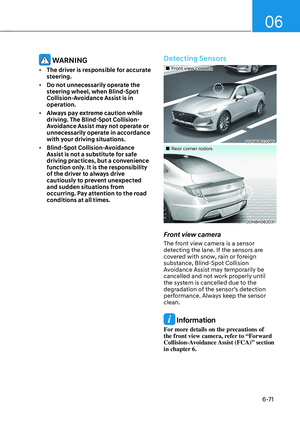
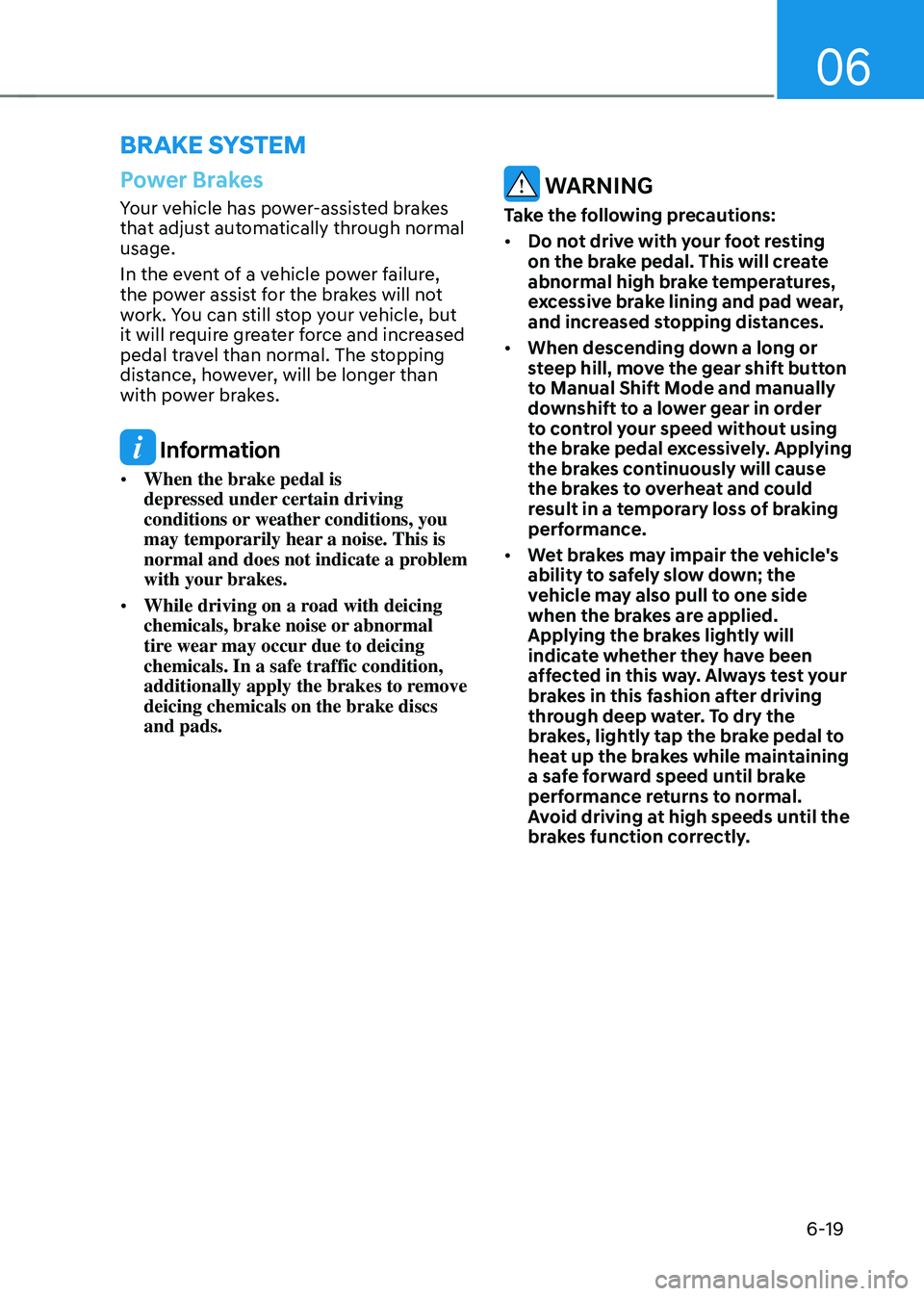
To apply the EPB (Electronic Parking
Brake):
1. Depress the brake pedal.
2. Pull up the EPB switch.
Make sure the parking brake warning light comes on.
WARNING
To reduce the risk of SERIOUS INJURY
or DEATH, do not operate the EPB
while the vehicle is moving except
in an emergency situation. It could
damage the brake system and lead to
an accident.
Page 311 of 549
06
6-21
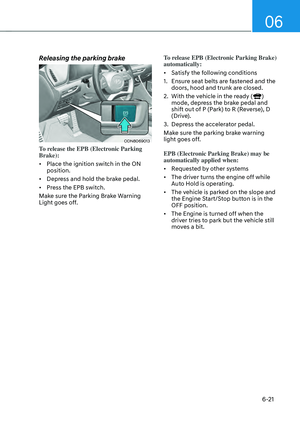
Releasing the parking brake
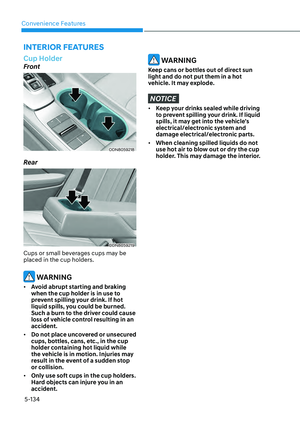
ODN8069013ODN8069013
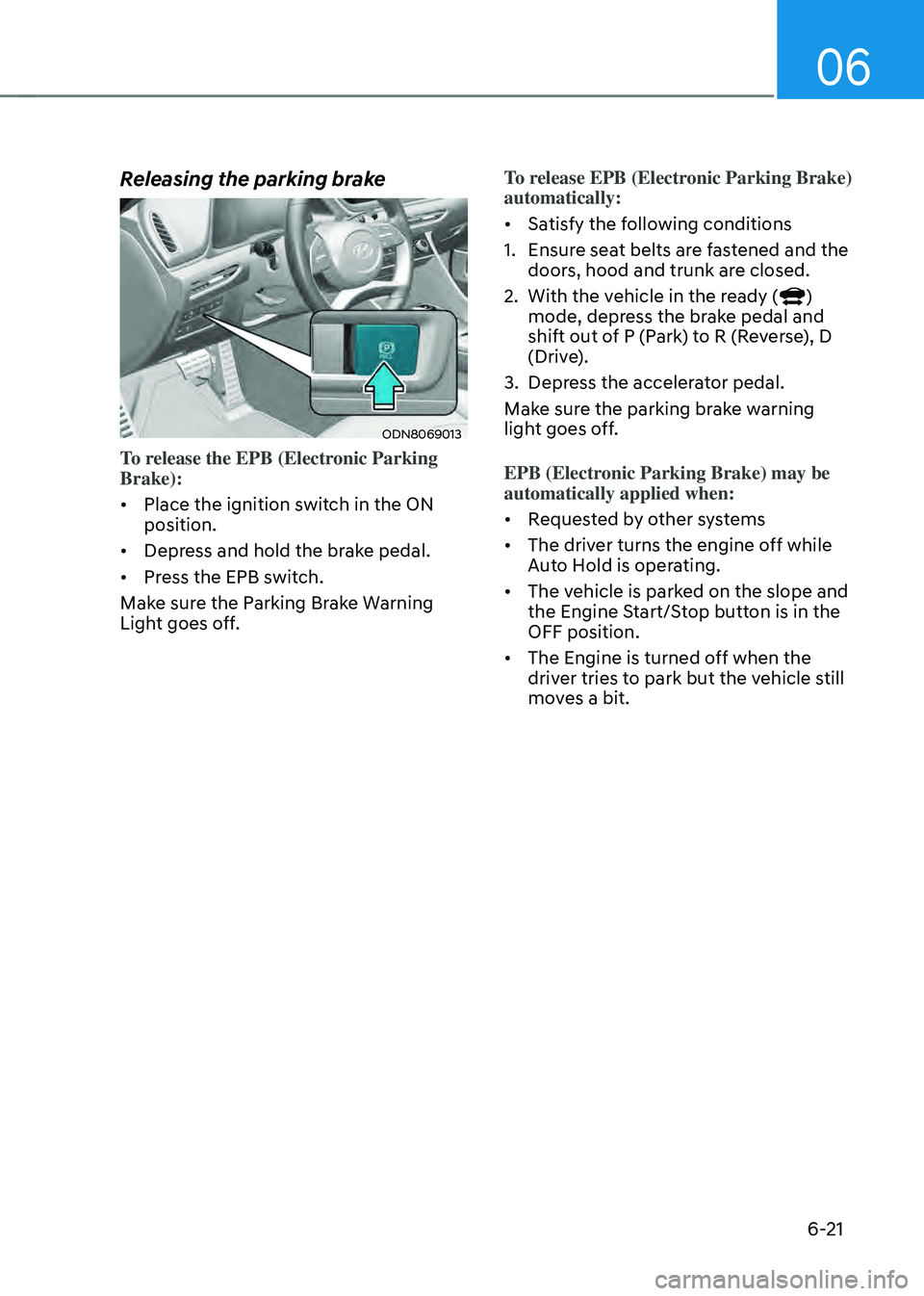
To release the EPB (Electronic Parking
Brake):
• Place the ignition switch in the ON
position.
• Depress and hold the brake pedal.
• Press the EPB switch.
Make sure the Parking Brake Warning
Light goes off. To release EPB (Electronic Parking Brake)
automatically:
• Satisfy the following conditions
1. Ensure seat belts are fastened and the
doors, hood and trunk are closed.
2. With the vehicle in the ready ()
mode, depress the brake pedal and
shift out of P (Park) to R (Reverse), D
(Drive).
3. Depress the accelerator pedal.
Make sure the parking brake warning
light goes off.
EPB (Electronic Parking Brake) may be
automatically applied when:
• Requested by other systems
• The driver turns the engine off while
Auto Hold is operating.
• The vehicle is parked on the slope and
the Engine Start/Stop button is in the
OFF position.
• The Engine is turned off when the
driver tries to park but the vehicle still
moves a bit.
Page 312 of 549

While Driving
6-22
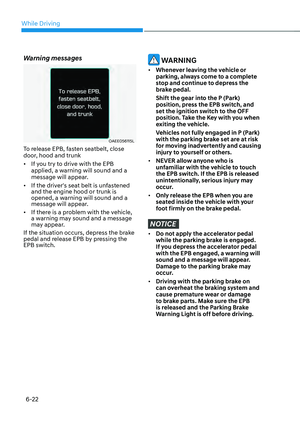
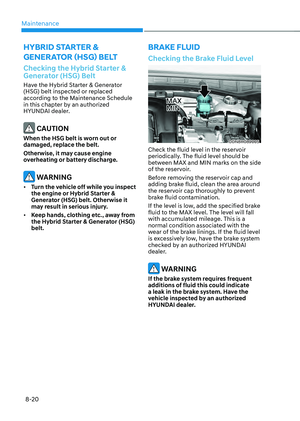
Warning messages
OAEE056115LOAEE056115L
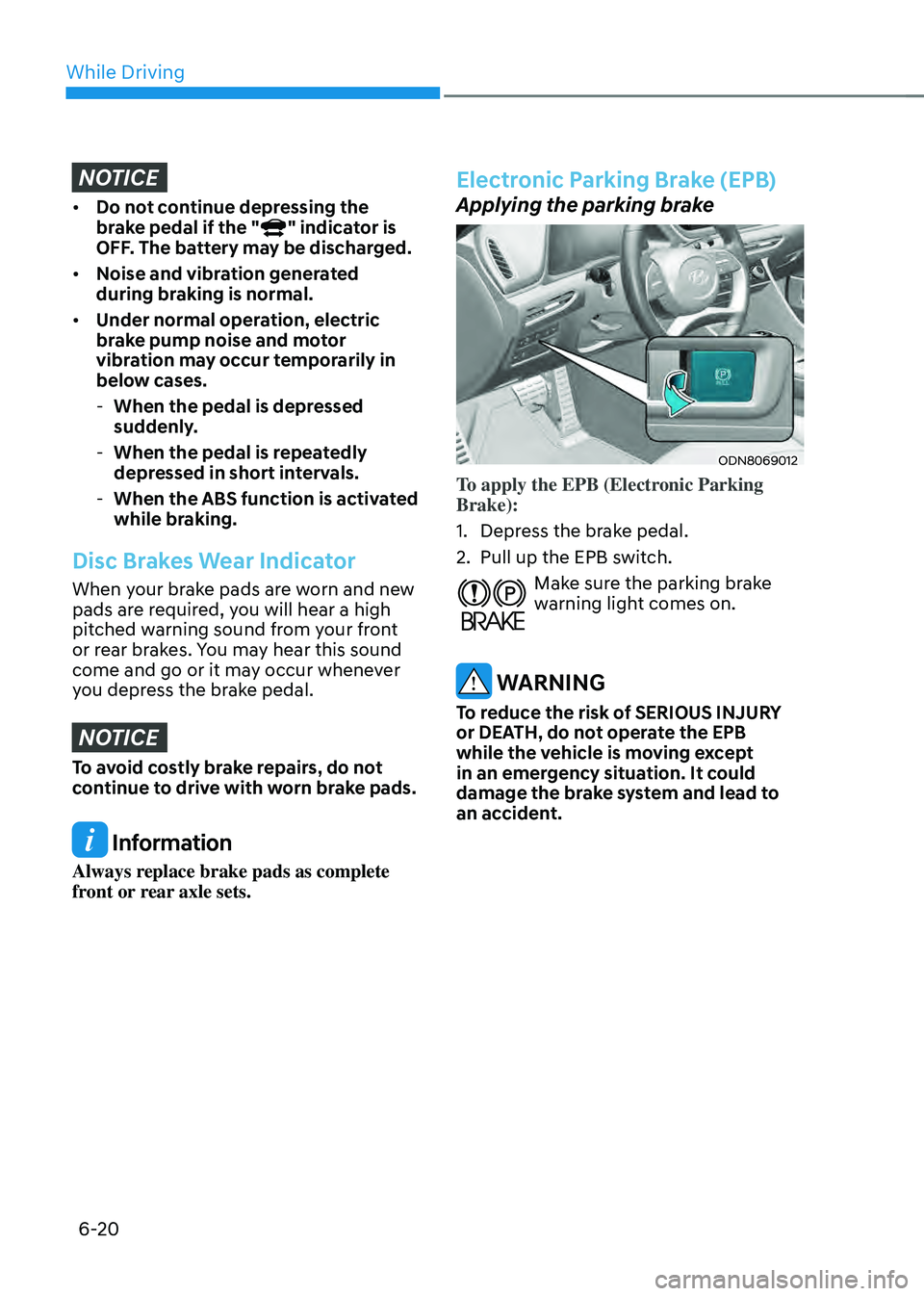
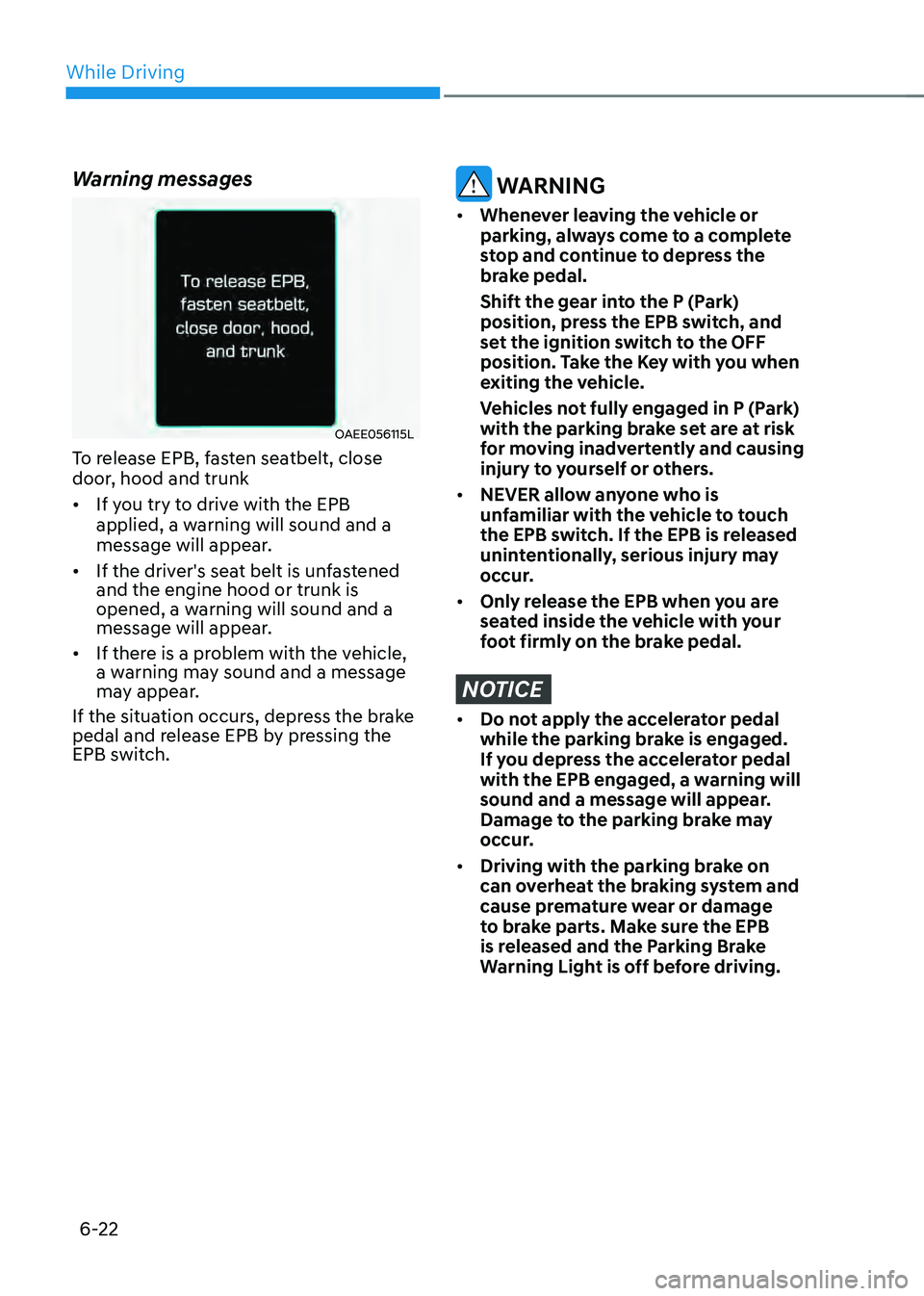
To release EPB, fasten seatbelt, close
door, hood and trunk
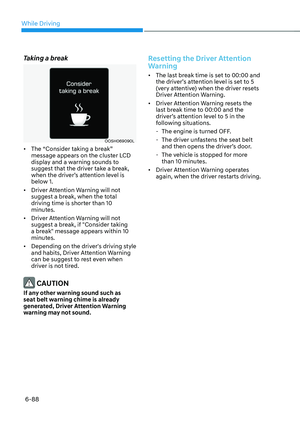
• If you try to drive with the EPB
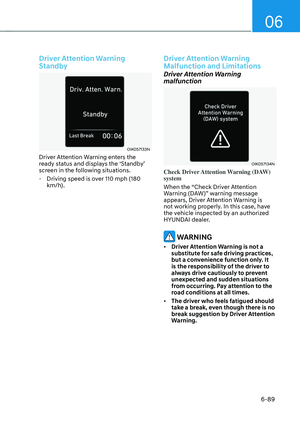
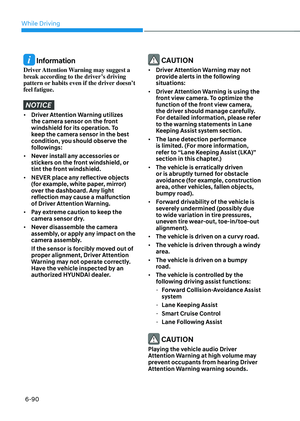
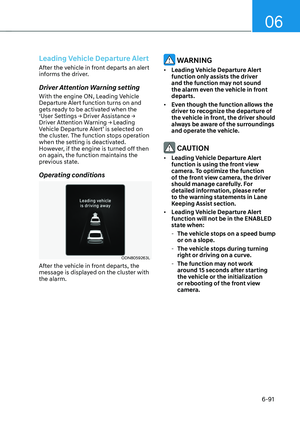
applied, a warning will sound and a
message will appear.
• If the driver's seat belt is unfastened
and the engine hood or trunk is
opened, a warning will sound and a
message will appear.
• If there is a problem with the vehicle,
a warning may sound and a message
may appear.
If the situation occurs, depress the brake
pedal and release EPB by pressing the
EPB switch.
WARNING
• Whenever leaving the vehicle or
parking, always come to a complete
stop and continue to depress the
brake pedal.
Shift the gear into the P (Park)
position, press the EPB switch, and
set the ignition switch to the OFF
position. Take the Key with you when
exiting the vehicle.
Vehicles not fully engaged in P (Park)
with the parking brake set are at risk
for moving inadvertently and causing
injury to yourself or others.
• NEVER allow anyone who is
unfamiliar with the vehicle to touch
the EPB switch. If the EPB is released
unintentionally, serious injury may
occur.
• Only release the EPB when you are
seated inside the vehicle with your
foot firmly on the brake pedal.
NOTICE
• Do not apply the accelerator pedal
while the parking brake is engaged.
If you depress the accelerator pedal
with the EPB engaged, a warning will
sound and a message will appear.
Damage to the parking brake may
occur.
• Driving with the parking brake on
can overheat the braking system and
cause premature wear or damage
to brake parts. Make sure the EPB
is released and the Parking Brake
Warning Light is off before driving.