2023 HYUNDAI IONIQ 5 display
[x] Cancel search: displayPage 309 of 680

05
5-117
Turning the Auto Defogging System ON or OFF
Climate control system
Touch the front windshield defroster
icon for 3 seconds when the Start/Stop
button is in the ON position. When the
Auto Defogging System is turned off, the
ADS OFF symbol will blink 3 times and
ADS OFF will be displayed on the climate
control information screen.
When the Auto Defogging System is
turned on, the ADS OFF symbol will blink 6 times without a signal.
Infotainment system
Auto Defogging System can be turned
on and off by selecting ‘Setup →
Vehicle Settings → Climate → Defog/
Defrost Options → Auto Defog’ from the
infotainment system screen.
For detailed information, refer to the
separately supplied infotainment
system manual.
Information
• When the air conditioning is turned
on by Auto Defogging System, if you
try to turn off the air conditioning, the
indicator will blink 3 times and the air conditioning will not be turned off.
• To maintain the effectiveness and
efficiency of the Auto Defogging
System, do not select Recirculation mode while the system is operating.
• When Auto Defogging System is operating, fan speed adjustment,
temperature adjustment, and air intake
control selection are all disabled.
NOTICE
Do not remove the sensor cover located
on the upper end of the windshield glass.
Damage to system parts could occur
and may not be covered by your vehicle
warranty.
Auto Dehumidify (if equipped)
To increase cabin air quality and reduce
windshield misting, recirculation mode
switches off automatically after about
5 minutes, depending on the outside
temperature, and the air intake will
change to fresh mode.
Turning Auto Dehumidify ON or OFF
Climate control system
To turn the Auto Dehumidify feature on
or off, select Face level () mode and
touch the air intake control icon at least
five times within three seconds. When
Auto Dehumidify is turned on, the air
intake control button indicator will blink
6 times. When turned off, the indicator will blink 3 times.
Infotainment system
Auto Dehumidify can be turned on and
off by selecting ‘Setup → Vehicle Settings
→ Climate → Automatic Ventilation →
Auto Dehumidify’ from the infotainment
system screen.
Information
If the battery (12V) is discharged or
disconnected, Auto dehumidify settings
will be reset. Readjust the settings to
turning Auto dehumidify option ON or
OFF.
For detailed information, refer to the separately supplied infotainment system manual.
Page 317 of 680
05
5-125
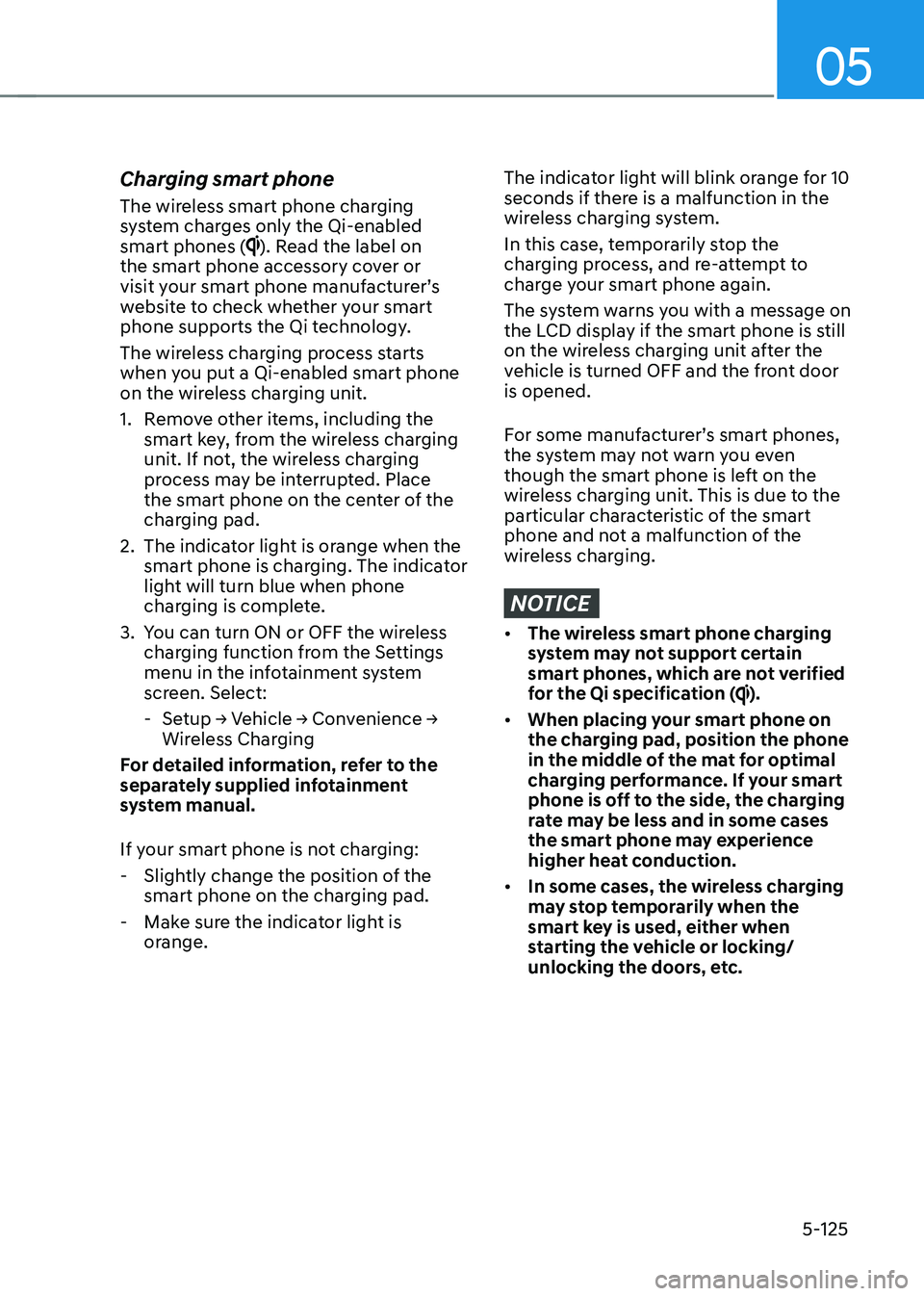
Charging smart phone
The wireless smart phone charging
system charges only the Qi-enabled smart phones (
). Read the label on
the smart phone accessory cover or
visit your smart phone manufacturer’s
website to check whether your smart
phone supports the Qi technology.
The wireless charging process starts
when you put a Qi-enabled smart phone
on the wireless charging unit.
1. Remove other items, including the smart key, from the wireless charging
unit. If not, the wireless charging
process may be interrupted. Place
the smart phone on the center of the
charging pad.
2. The indicator light is orange when the smart phone is charging. The indicator
light will turn blue when phone
charging is complete.
3. You can turn ON or OFF the wireless charging function from the Settings
menu in the infotainment system
screen. Select:
- Setup → Vehicle → Convenience →
Wireless Charging
For detailed information, refer to the
separately supplied infotainment
system manual.
If your smart phone is not charging: - Slightly change the position of the smart phone on the charging pad.
- Make sure the indicator light is orange.
The indicator light will blink orange for 10
seconds if there is a malfunction in the
wireless charging system.
In this case, temporarily stop the
charging process, and re-attempt to
charge your smart phone again.
The system warns you with a message on
the LCD display if the smart phone is still
on the wireless charging unit after the
vehicle is turned OFF and the front door is opened.
For some manufacturer’s smart phones,
the system may not warn you even
though the smart phone is left on the
wireless charging unit. This is due to the
particular characteristic of the smart
phone and not a malfunction of the
wireless charging.
NOTICE
• The wireless smart phone charging
system may not support certain
smart phones, which are not verified
for the Qi specification (
).
• When placing your smart phone on
the charging pad, position the phone
in the middle of the mat for optimal
charging performance. If your smart
phone is off to the side, the charging
rate may be less and in some cases
the smart phone may experience
higher heat conduction.
• In some cases, the wireless charging
may stop temporarily when the
smart key is used, either when
starting the vehicle or locking/
unlocking the doors, etc.
Page 327 of 680

6
6. Driving Your Vehicle
Before Driving ................................................................................................... 6-3
Before Entering the Vehicle ......................................................................................... 6-3
Before Starting ............................................................................................................. 6-3
Start/Stop Button .............................................................................................. 6-4
Start/Stop Button Positions ......................................................................................... 6-5
Starting the Vehicle ..................................................................................................... 6-6
Turning Off the Vehicle ................................................................................................ 6 -7
Remote Start ................................................................................................................ 6-8
Reduction Gear ................................................................................................. 6-9
Reduction Gear Operation .......................................................................................... 6-9
LCD Display Messages (Cluster) ................................................................................ 6-13
Good Driving Practices .............................................................................................. 6-15
Regenerative Braking System ......................................................................... 6-16
One Pedal Driving........................................................................................................6-17 i-Pedal ......................................................................................................................... 6-18
Smart Recuperation System ........................................................................... 6-19
Smart Recuperation System Setting ......................................................................... 6-19
To Activate Smart Recuperation System .................................................................. 6-19
Ready to Operate ...................................................................................................... 6-20
How to Operate .......................................................................................................... 6-21
Smart Recuperation System Will Be Temporarily Cancelled When: .......................6-21
To Resume Smart Recuperation System .................................................................. 6-21
Vehicle-to-Vehicle Distance Recognition Sensor (Front Radar) .............................6-22
System Malfunction ................................................................................................... 6-23
Limitations of the System .......................................................................................... 6-23
Braking System ............................................................................................... 6-26
Power-Assist Brakes ................................................................................................... 6-26
Disc Brakes Wear Indicator........................................................................................ 6-27
Electronic Parking Brake (EPB) .................................................................................. 6-27
Auto Hold .................................................................................................................... 6-32
Anti-Lock Brake System (ABS) ................................................................................... 6-35
Electronic Stability Control (ESC) ............................................................................. 6-37
Vehicle Stability Management (VSM) ...................................................................... 6-40
Hill-Start Assist Control (HAC) ................................................................................... 6-41
Good Braking Practices ............................................................................................ 6-42
Page 329 of 680

06
6-3
WARNING
CALIFORNIA PROPOSITION 65
WARNING
Engine exhaust and a wide variety of
automobile components including
components found in the interior
furnishings in a vehicle, contain or
emit harmful chemicals known to the
State of California to cause cancer and
birth defects and reproductive harm.
In addition, certain fluids contained
in vehicles and certain products of
components contain or emit chemicals
known to the State of California to
cause cancer and birth defects or other
reproductive harm.
Before Entering the Vehicle
• Be sure all windows, outside mirror(s),
and outside lights are clean and
unobstructed.
• Remove frost, snow, or ice.
• Visually check the tires for uneven
wear and damage.
• Check under the vehicle for any sign
of leaks.
• Be sure there are no obstacles behind
you if you intend to back up.
Before Starting
• Make sure the hood, the liftgate, and
the doors are securely closed and
locked.
• Adjust the position of the seat and
steering wheel.
• Adjust the inside and outside rearview
mirrors.
• Verify all the lights work.
• Fasten your seat belt. Check that all
passengers have fastened their seat belts.
• Check the gauges and indicators
in the instrument panel and the
messages on the instrument display
when the vehicle is in the ON position. •
Check that any items you are carrying
are stored properly or fastened down
securely.
WARNING
To reduce the risk of SERIOUS INJURY or
DEATH, take the following precautions: • ALWAYS wear your seat belt. All
passengers must be properly belted
whenever the vehicle is moving.
For more information, refer to “Seat
Belts” section in chapter 3.
• Always drive defensively. Assume
other drivers or pedestrians may be
careless and make mistakes.
• Stay focused on the task of driving.
Driver distraction can cause
accidents.
• Leave plenty of space between you
and the vehicle in front of you.
WARNING
NEVER drink or take drugs and drive. Drinking or taking drugs and driving
is dangerous and may result in an
accident and SERIOUS INJURY or
DEATH. Drunk driving is the number one
contributor to the highway death
toll each year. Even a small amount
of alcohol will affect your reflexes,
perceptions and judgment. Just
one drink can reduce your ability to
respond to changing conditions and
emergencies and your reaction time
gets worse with each additional drink.
Driving while under the influence
of drugs is as dangerous or more
dangerous than driving under the
influence of alcohol.
You are much more likely to have a
serious accident if you drink or take
drugs and drive. If you are drinking or
taking drugs, don’t drive. Do not ride
with a driver who has been drinking
or taking drugs. Choose a designated
driver or call a taxi.
Before driving
Page 337 of 680

06
6-11
N (Neutral)
ONE1061054
To shift the gear to N (Neutral), rotate the
rotary gear shift dial to N (Neutral) while
depressing the brake pedal.
Always depress the brake pedal when
you are shifting from N (Neutral) to
another gear.
If you turn the vehicle off in N (Neutral),
the gear will automatically shift to P
(Park).
However, if you need to stay in N
(Neutral) with the vehicle off, refer to “To
stay in N (Neutral) when vehicle is OFF”
in the following description.
To rotate the rotary gear shift dial to N
(Neutral), rotate the rotary gear shift dial
once clockwise or counterclockwise.
If the current gear position is in D
(Drive), rotate the rotary gear shift
dial counterclockwise. When the gear
position is in R (Reverse), rotate the
rotary gear shift dial clockwise. To stay in N (Neutral) when vehicle is OFFONE1061026L
ONE1061011
If you want to stay in N (Neutral) after the
vehicle is OFF (in the ACC state), do the
following.
1. Turn off Auto Hold and release Electronic Parking Brake when the
vehicle is running.
2. Rotate the shift to N (neutral) while depressing the brake pedal.
3. When you take your foot off the brake pedal, the message ‘Press and hold
OK button Press and hold the OK
button on the steering wheel to stay in
Neutral will appear on the cluster LCD
display.
Page 338 of 680

Driving Your Vehicle
6-12
4. Press and hold the OK button on
the steering wheel for more than 1 second.
5. When the message ‘Vehicle will stay in (N). Change gear to cancel’ (or ‘N will
stay engaged when the vehicle is Off’)
will appear on the cluster LCD display,
press the Start/Stop button while
depressing the brake pedal.
However, if you open the driver’s door
within 3 minutes in the ACC state, the
gear will automatically shift to P (Park)
and the Start/Stop button will change
to the OFF position.
NOTICE
With the gear in N (Neutral) the Start/
Stop button will be in the ACC position.
Note that the doors cannot be locked
in the ACC position or the battery (12V)
may discharge if left in the ACC position
for a long period.
D (Drive)
This is the normal driving position.
The reduction gear automatically
activates the regenerative braking
system according to the road conditions.
ONE1061055
To shift the gear to D (Drive), rotate the
rotary gear shift dial to D (Drive) while
depressing the brake pedal.
When the vehicle is stopped in the D
(Drive) position, if you open the driver's
door, the gear will automatically shift to
P (Park).
However, if the vehicle is in motion, the
gear may not automatically shift to P
(Park) to prevent reduction gear damage.
NOTICE
Always come to a complete stop before
shifting into D (Drive).
CAUTION
When you start after stopping on a steep
incline, even if the gear is in D (Drive),
if you do not depress the accelerator
or brake pedal, the vehicle may roll
backwards, which can cause an accident.
Page 339 of 680
06
6-13
When the battery (12V) is discharged
You cannot shift gears, when the battery
is discharged.
Jump start your vehicle (refer to "Jump
Starting" in chapter 8) or contact an
authorized HYUNDAI dealer.
Parking
Always come to a complete stop and
continue to depress the brake pedal.
Shift the gear to P (Park), apply the
parking brake, and press the Start/Stop
button to the OFF position. Take the Key
with you when leaving the vehicle.
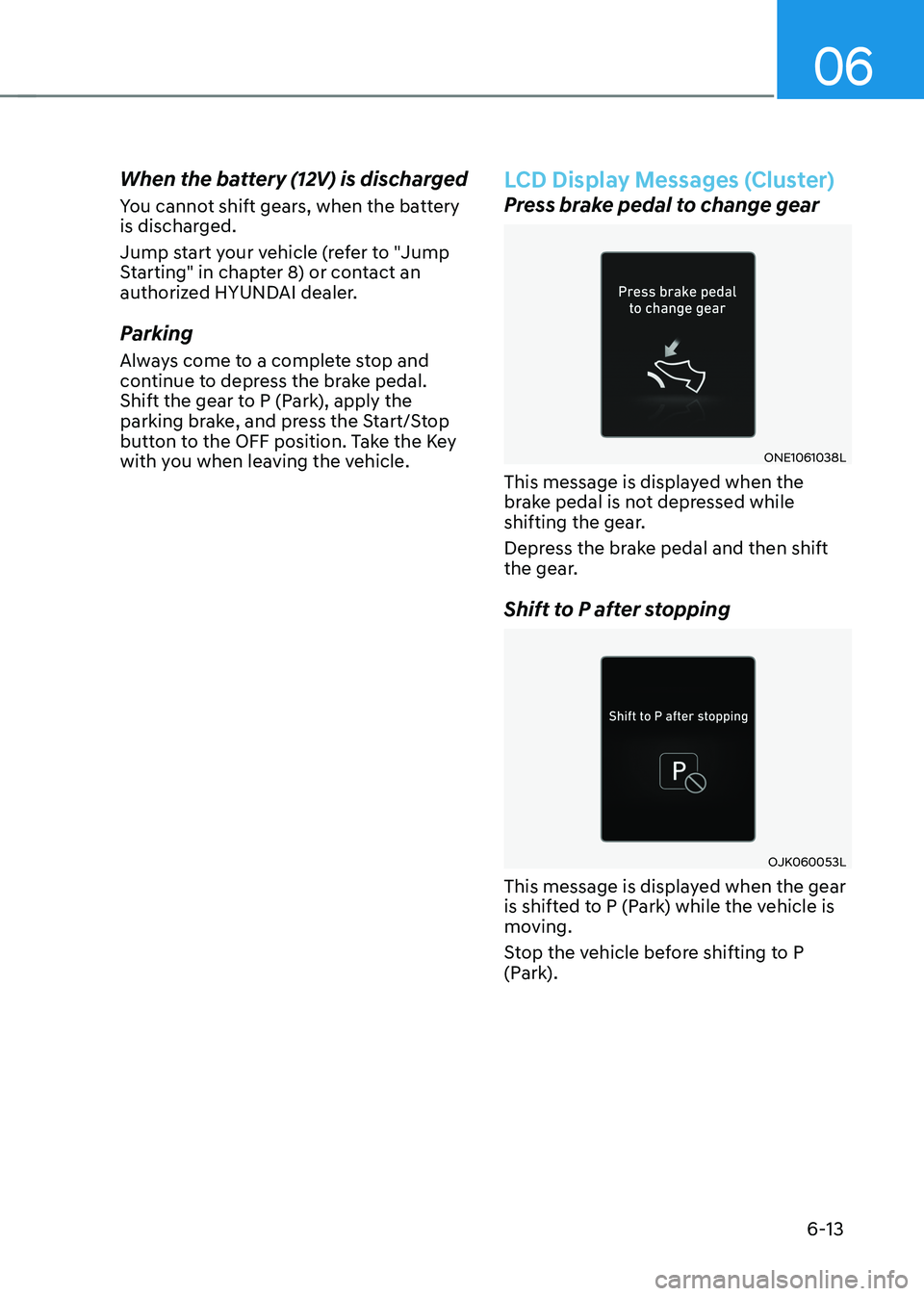
LCD Display Messages (Cluster)
Press brake pedal to change gear
ONE1061038L
This message is displayed when the
brake pedal is not depressed while
shifting the gear.
Depress the brake pedal and then shift
the gear.
Shift to P after stopping
OJK060053L
This message is displayed when the gear
is shifted to P (Park) while the vehicle is
moving.
Stop the vehicle before shifting to P
(Park).
Page 340 of 680
Driving Your Vehicle
6-14
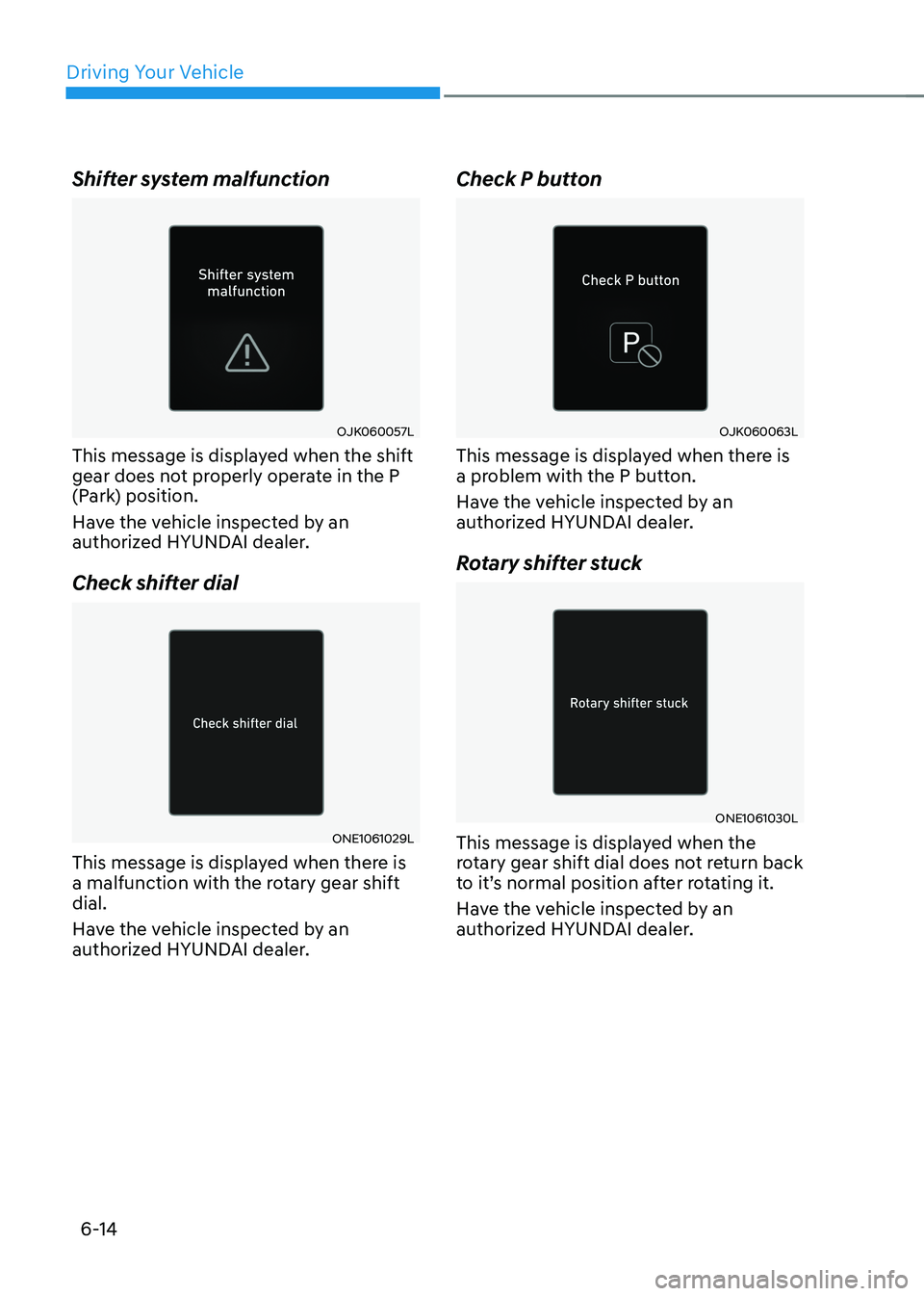
Shifter system malfunction
OJK060057L
This message is displayed when the shift
gear does not properly operate in the P
(Park) position.
Have the vehicle inspected by an
authorized HYUNDAI dealer.
Check shifter dial
ONE1061029L
This message is displayed when there is
a malfunction with the rotary gear shift dial.
Have the vehicle inspected by an
authorized HYUNDAI dealer. Check P button
OJK060063L
This message is displayed when there is
a problem with the P button.
Have the vehicle inspected by an
authorized HYUNDAI dealer.
Rotary shifter stuck
ONE1061030L
This message is displayed when the
rotary gear shift dial does not return back
to it’s normal position after rotating it.
Have the vehicle inspected by an
authorized HYUNDAI dealer.