2023 HYUNDAI IONIQ 5 display
[x] Cancel search: displayPage 442 of 680
Driver Assistance System
7-40
WARNING
Take the following precautions when
using Blind-Spot Collision-Avoidance
Assist: • For your safety, change the Settings
after parking the vehicle at a safe
location.
• If any other system’s warning
message is displayed or audible
warning is generated, Blind-Spot
Collision-Avoidance Assist’s warning
message may not be displayed
and audible warning may not be
generated.
• You may not hear the warning sound
of Blind-Spot Collision-Avoidance
Assist if the surrounding is noisy.
• Blind-Spot Collision-Avoidance
Assist may not operate if the driver
applies the brake pedal to avoid
collision.
• When Blind-Spot Collision-Avoidance
Assist is operating, braking control
by the system will automatically
cancel when the driver excessively
depresses the accelerator pedal or
sharply steers the vehicle.
• During Blind-Spot Collision-
Avoidance Assist operation, the
vehicle may stop suddenly injuring
passengers and shifting loose
objects. Always have the seat belt on
and keep loose objects secured.
• Even if there is a problem with Blind-
Spot Collision-Avoidance Assist, the
vehicle’s basic braking performance
will operate properly.
• Blind-Spot Collision-Avoidance Assist
does not operate in all situations or
cannot avoid all collisions. •
Blind-Spot Collision-Avoidance
Assist may warn the driver late or
may not warn the driver depending
on the road and driving conditions.
• Driver should maintain control of the
vehicle at all times. Do not depend
on Blind-Spot Collision-Avoidance
Assist. Maintain a safe braking
distance, and if necessary, depress
the brake pedal to reduce driving
speed or to stop the vehicle.
• Never operate Blind-Spot Collision-
Avoidance Assist on people, animal,
objects, etc. It may cause serious
injury or death.
WARNING
The brake control may not operate
properly depending on the status of
ESC (Electronic Stability Control).
There will only be a warning when: - The ESC (Electronic Stability Control)
warning light is on
- ESC (Electronic Stability Control) is
engaged in a different function
Information
The images or colors may be displayed
differently depending on the specifications
of the instrument panel or theme.
Page 451 of 680
07
7-49
ONE1071199L
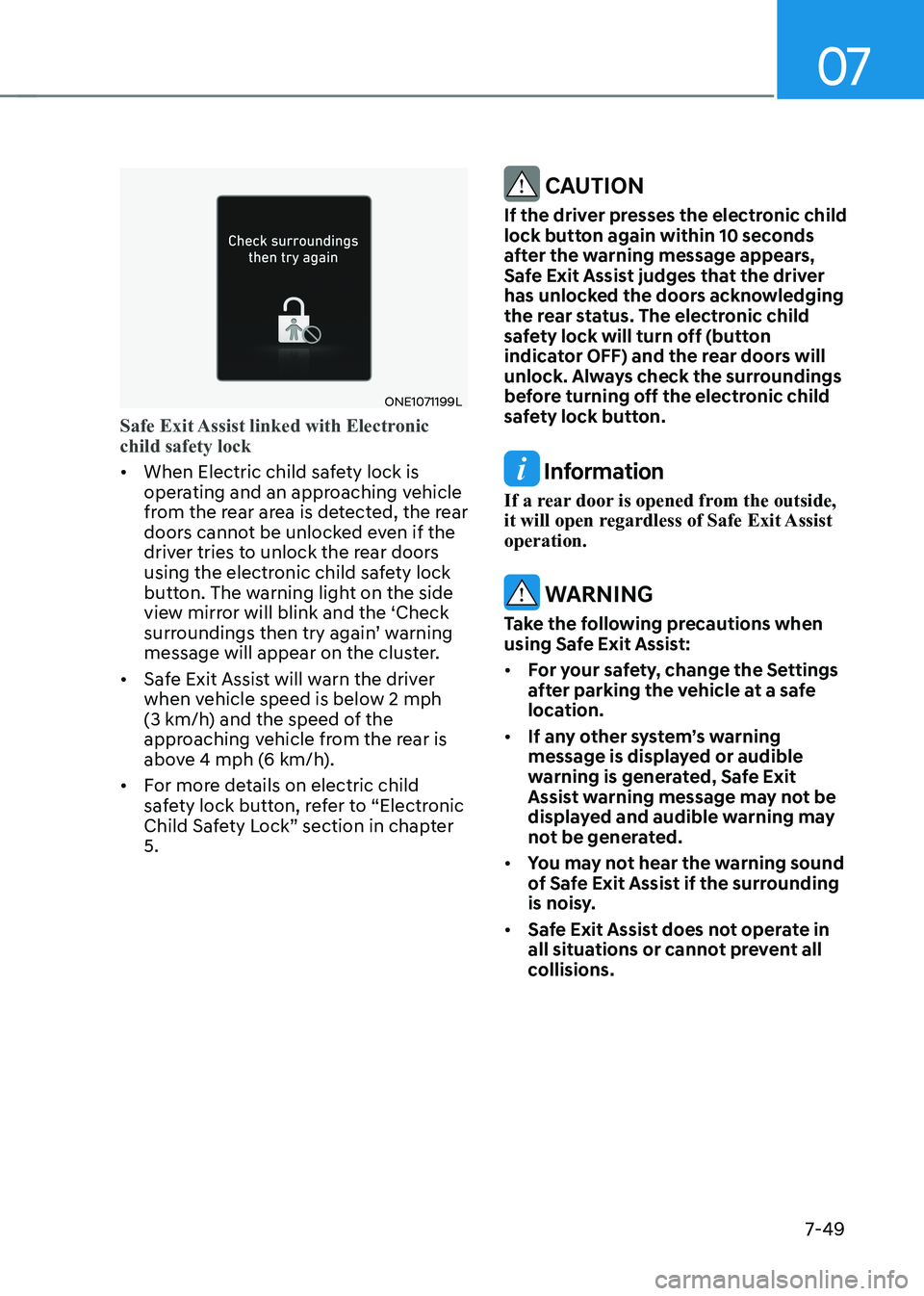
Safe Exit Assist linked with Electronic child safety lock
• When Electric child safety lock is
operating and an approaching vehicle
from the rear area is detected, the rear
doors cannot be unlocked even if the
driver tries to unlock the rear doors
using the electronic child safety lock
button. The warning light on the side
view mirror will blink and the ‘Check
surroundings then try again’ warning
message will appear on the cluster.
• Safe Exit Assist will warn the driver
when vehicle speed is below 2 mph
(3 km/h) and the speed of the
approaching vehicle from the rear is
above 4 mph (6 km/h).
• For more details on electric child
safety lock button, refer to “Electronic
Child Safety Lock” section in chapter 5.
CAUTION
If the driver presses the electronic child
lock button again within 10 seconds
after the warning message appears,
Safe Exit Assist judges that the driver
has unlocked the doors acknowledging
the rear status. The electronic child
safety lock will turn off (button
indicator OFF) and the rear doors will
unlock. Always check the surroundings
before turning off the electronic child
safety lock button.
Information
If a rear door is opened from the outside,
it will open regardless of Safe Exit Assist operation.
WARNING
Take the following precautions when
using Safe Exit Assist: • For your safety, change the Settings
after parking the vehicle at a safe
location.
• If any other system’s warning
message is displayed or audible
warning is generated, Safe Exit
Assist warning message may not be
displayed and audible warning may
not be generated.
• You may not hear the warning sound
of Safe Exit Assist if the surrounding
is noisy.
• Safe Exit Assist does not operate in
all situations or cannot prevent all
collisions.
Page 452 of 680
Driver Assistance System
7-50
•
Safe Exit Assist may warn the driver
late or may not warn the driver
depending on the road and driving
conditions. Always check vehicle
surroundings.
• The driver and passengers are
responsible for accidents that occurs
while exiting the vehicle. Always
check the surroundings before you
exit the vehicle.
• Never deliberately operate Safe Exit
Assist. Doing so may lead to serious
injury or death.
• Safe Exit Assist does not operate if
there is a problem with Blind-Spot
Collision-Avoidance Assist. The
warning message of Blind-Spot
Collision-Avoidance Assist will appear when:
- Blind-Spot Collision-Avoidance
Assist sensor or the sensor
surrounding is polluted or covered
- Blind-Spot Collision-Avoidance
Assist fails to warn passengers or
falsely warn passengers
Information
After the vehicle is turned off, Safe Exit
Assist operates approximately for 3 minutes, but turns off immediately if the
doors are locked.
Information
The images or colors may be displayed
differently depending on the specifications
of the instrument panel or theme.
Safe Exit Assist Malfunction and
Limitations
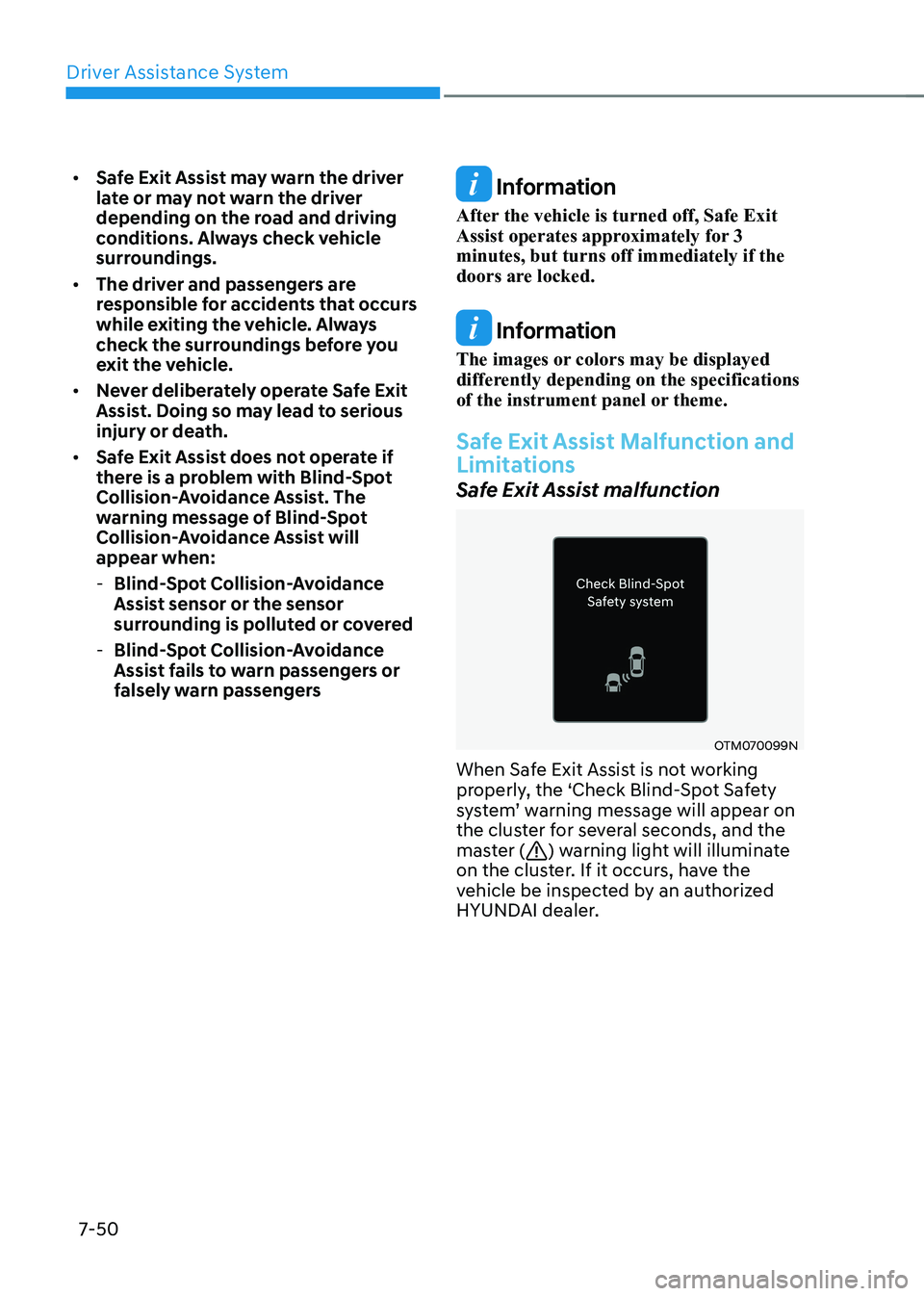
Safe Exit Assist malfunction
OTM070099N
When Safe Exit Assist is not working
properly, the ‘Check Blind-Spot Safety
system’ warning message will appear on
the cluster for several seconds, and the
master (
) warning light will illuminate
on the cluster. If it occurs, have the
vehicle be inspected by an authorized
HYUNDAI dealer.
Page 455 of 680
07
7-53
ONE1071107N
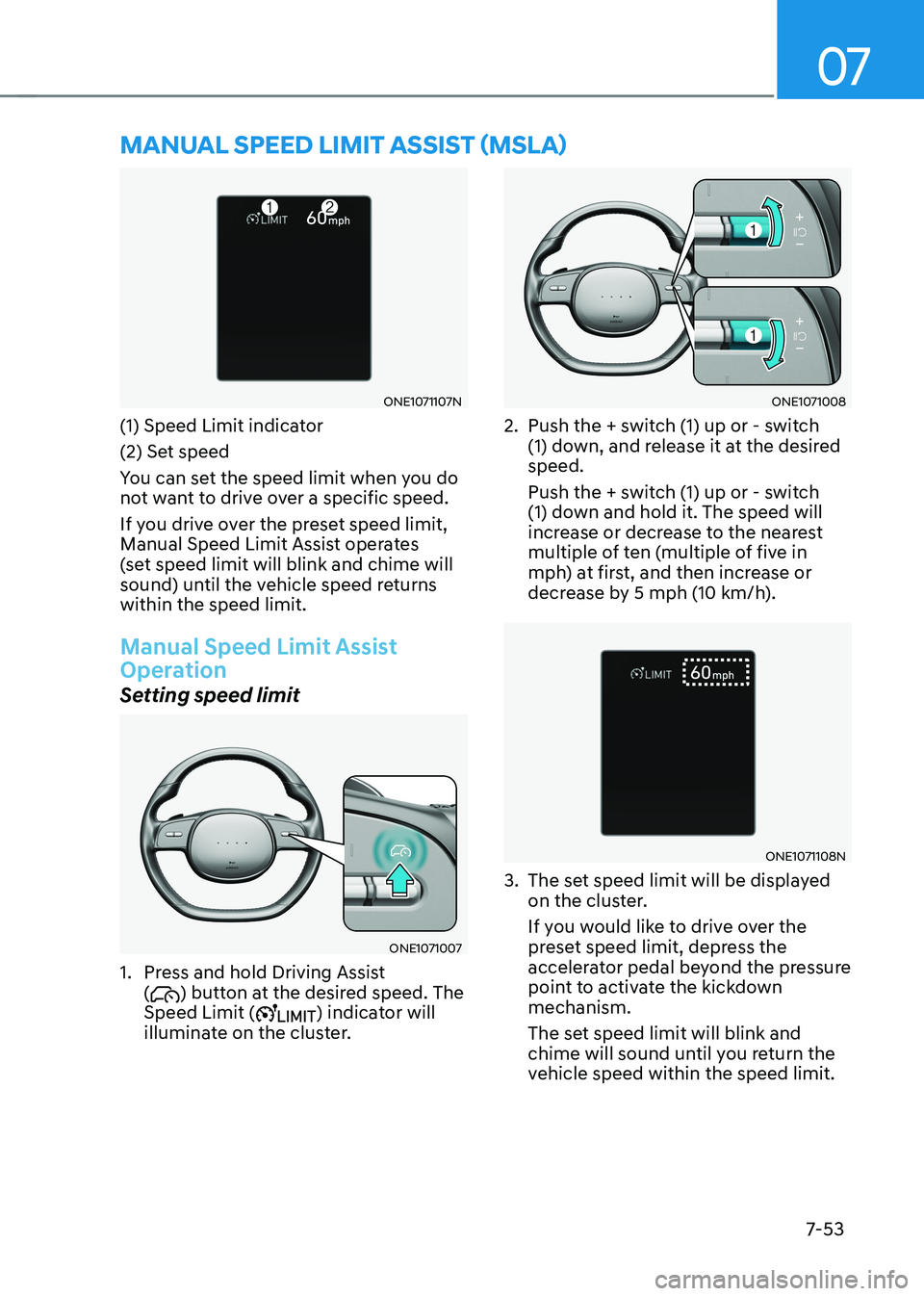
(1) Speed Limit indicator
(2) Set speed
You can set the speed limit when you do
not want to drive over a specific speed.
If you drive over the preset speed limit,
Manual Speed Limit Assist operates
(set speed limit will blink and chime will
sound) until the vehicle speed returns within the speed limit.
Manual Speed Limit Assist
Operation
Setting speed limit
ONE1071007
1. Press and hold Driving Assist (
) button at the desired speed. The
Speed Limit () indicator will
illuminate on the cluster.
ONE1071008
2. Push the + switch (1) up or - switch (1) down, and release it at the desired speed.
Push the + switch (1) up or - switch
(1) down and hold it. The speed will
increase or decrease to the nearest
multiple of ten (multiple of five in
mph) at first, and then increase or
decrease by 5 mph (10 km/h).
ONE1071108N
3. The set speed limit will be displayed on the cluster.
If you would like to drive over the
preset speed limit, depress the
accelerator pedal beyond the pressure
point to activate the kickdown mechanism.
The set speed limit will blink and
chime will sound until you return the
vehicle speed within the speed limit.
MANUAL SPEED LIMIT ASSIST (MSLA)
Page 457 of 680
07
7-55
Turning off Manual Speed Limit
Assist
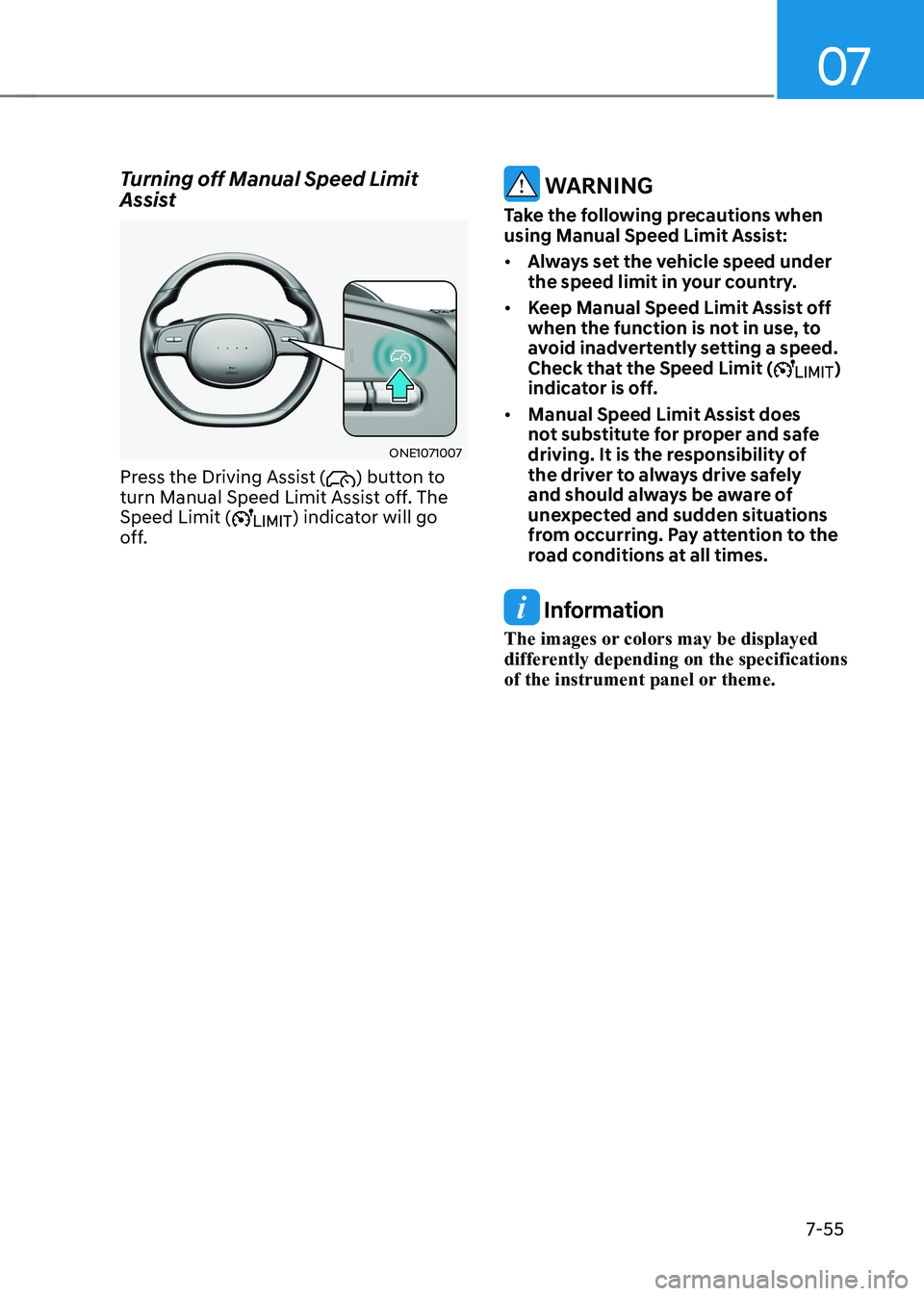
ONE1071007
Press the Driving Assist (
) button to
turn Manual Speed Limit Assist off. The
Speed Limit (
) indicator will go
off.
WARNING
Take the following precautions when
using Manual Speed Limit Assist: • Always set the vehicle speed under
the speed limit in your country.
• Keep Manual Speed Limit Assist off
when the function is not in use, to
avoid inadvertently setting a speed.
Check that the Speed Limit (
)
indicator is off.
• Manual Speed Limit Assist does
not substitute for proper and safe
driving. It is the responsibility of
the driver to always drive safely
and should always be aware of
unexpected and sudden situations
from occurring. Pay attention to the
road conditions at all times.
Information
The images or colors may be displayed
differently depending on the specifications
of the instrument panel or theme.
Page 459 of 680
07
7-57
ONE1071201L
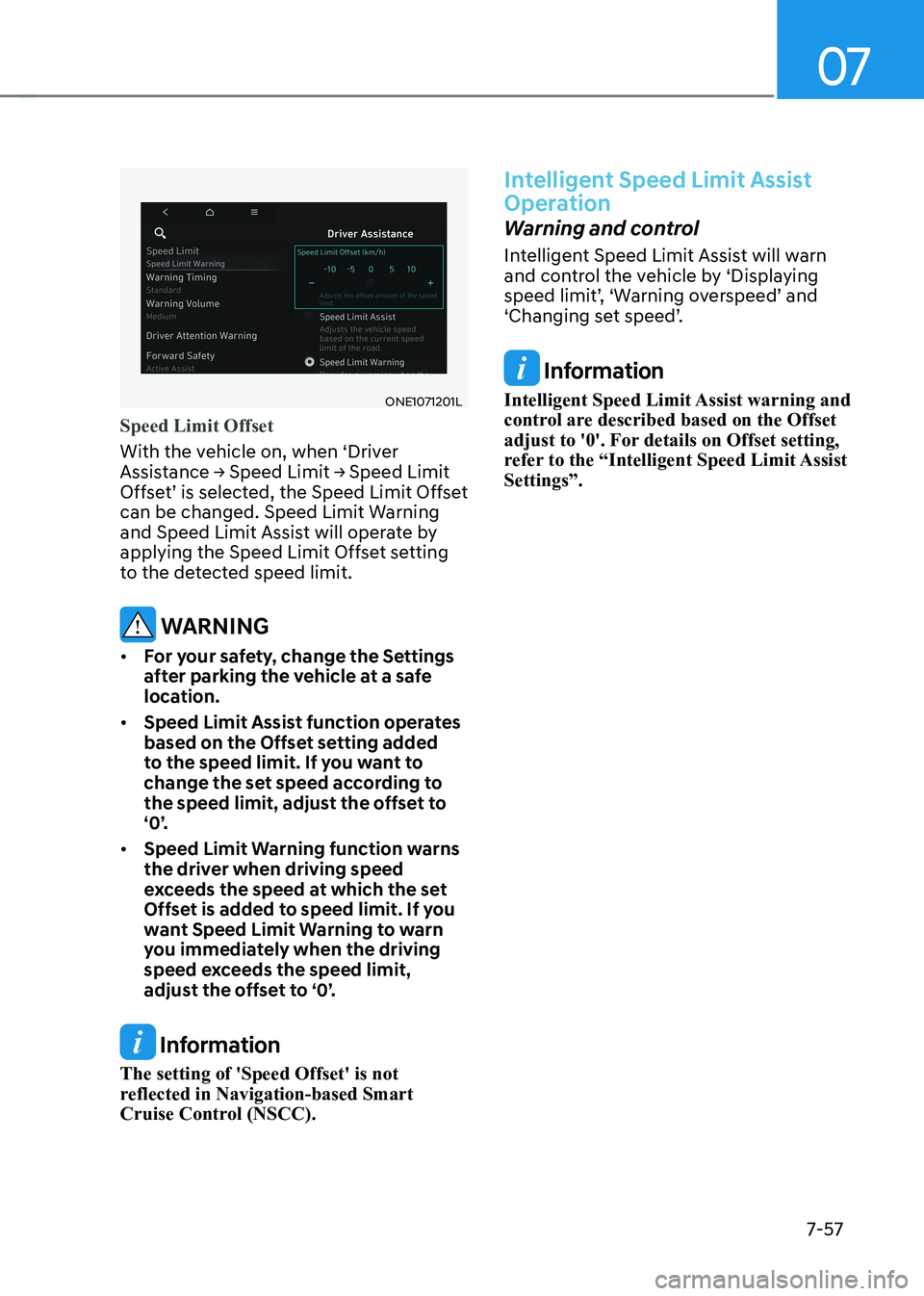
Speed Limit Offset
With the vehicle on, when ‘Driver
Assistance → Speed Limit → Speed Limit
Offset’ is selected, the Speed Limit Offset
can be changed. Speed Limit Warning
and Speed Limit Assist will operate by
applying the Speed Limit Offset setting
to the detected speed limit.
WARNING
• For your safety, change the Settings
after parking the vehicle at a safe
location.
• Speed Limit Assist function operates
based on the Offset setting added
to the speed limit. If you want to
change the set speed according to
the speed limit, adjust the offset to
‘0’.
• Speed Limit Warning function warns
the driver when driving speed
exceeds the speed at which the set
Offset is added to speed limit. If you
want Speed Limit Warning to warn
you immediately when the driving
speed exceeds the speed limit,
adjust the offset to ‘0’.
Information
The setting of 'Speed Offset' is not
reflected in Navigation-based Smart
Cruise Control (NSCC).
Intelligent Speed Limit Assist
Operation
Warning and control
Intelligent Speed Limit Assist will warn
and control the vehicle by ‘Displaying
speed limit’, ‘Warning overspeed’ and
‘Changing set speed’.
Information
Intelligent Speed Limit Assist warning and
control are described based on the Offset
adjust to '0'. For details on Offset setting,
refer to the “Intelligent Speed Limit Assist Settings”.
Page 460 of 680
Driver Assistance System
7-58
ONE1071260N
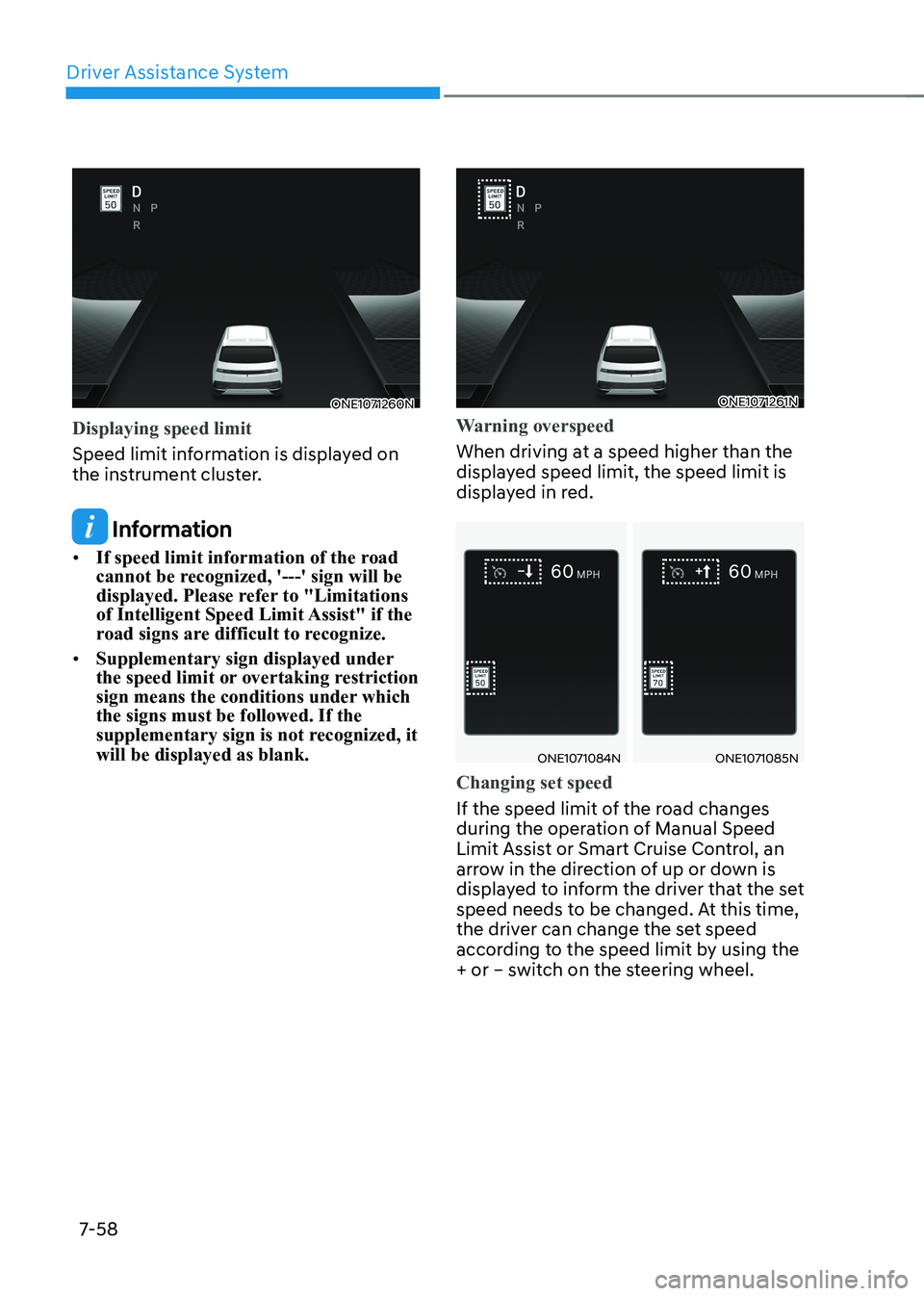
Displaying speed limit
Speed limit information is displayed on
the instrument cluster.
Information
• If speed limit information of the road
cannot be recognized, '---' sign will be
displayed. Please refer to "Limitations
of Intelligent Speed Limit Assist" if the
road signs are difficult to recognize.
• Supplementary sign displayed under
the speed limit or overtaking restriction
sign means the conditions under which the signs must be followed. If the
supplementary sign is not recognized, it will be displayed as blank.
ONE1071261N
Warning overspeed
When driving at a speed higher than the
displayed speed limit, the speed limit is
displayed in red.
ONE1071084NONE1071085N
Changing set speed
If the speed limit of the road changes
during the operation of Manual Speed
Limit Assist or Smart Cruise Control, an
arrow in the direction of up or down is
displayed to inform the driver that the set
speed needs to be changed. At this time,
the driver can change the set speed
according to the speed limit by using the
+ or – switch on the steering wheel.
Page 461 of 680
07
7-59
WARNING
• If the Offset is adjusted over ‘0’, the
set speed will change to a higher
speed than the speed limit of the
road. If you want to drive below the
speed limit, adjust the Offset under
'0' or use the – switch on the steering
wheel to lower the set speed.
• Even after changing the set speed
according to the speed limit of the
road, the vehicle can still be driven
over the speed limit. If necessary,
depress the brake pedal to reduce
your driving speed.
• If the speed limit of the road is under
20 mph (30 km/h), the set speed
change function will not work.
• Intelligent Speed Limit Assist
operates using the speed unit in the
instrument cluster set by the driver.
If the speed unit is set to a unit other
than the speed unit used in your
country, Intelligent Speed Limit
Assist may not operate properly.
Information
• For more details on Manual Speed
Limit Assist operation, refer to
“Manual Speed Limit Assist (MSLA)”
section in this chapter.
• For more details on Smart Cruise
Control operation, refer to “Smart
Cruise Control (SCC)” section in this
chapter.
Information
The images or colors may be displayed
differently depending on the specifications
of the instrument panel or theme.
Intelligent Speed Limit Assist
Malfunction and Limitations
Intelligent Speed Limit Assist
malfunction
OTM070225L
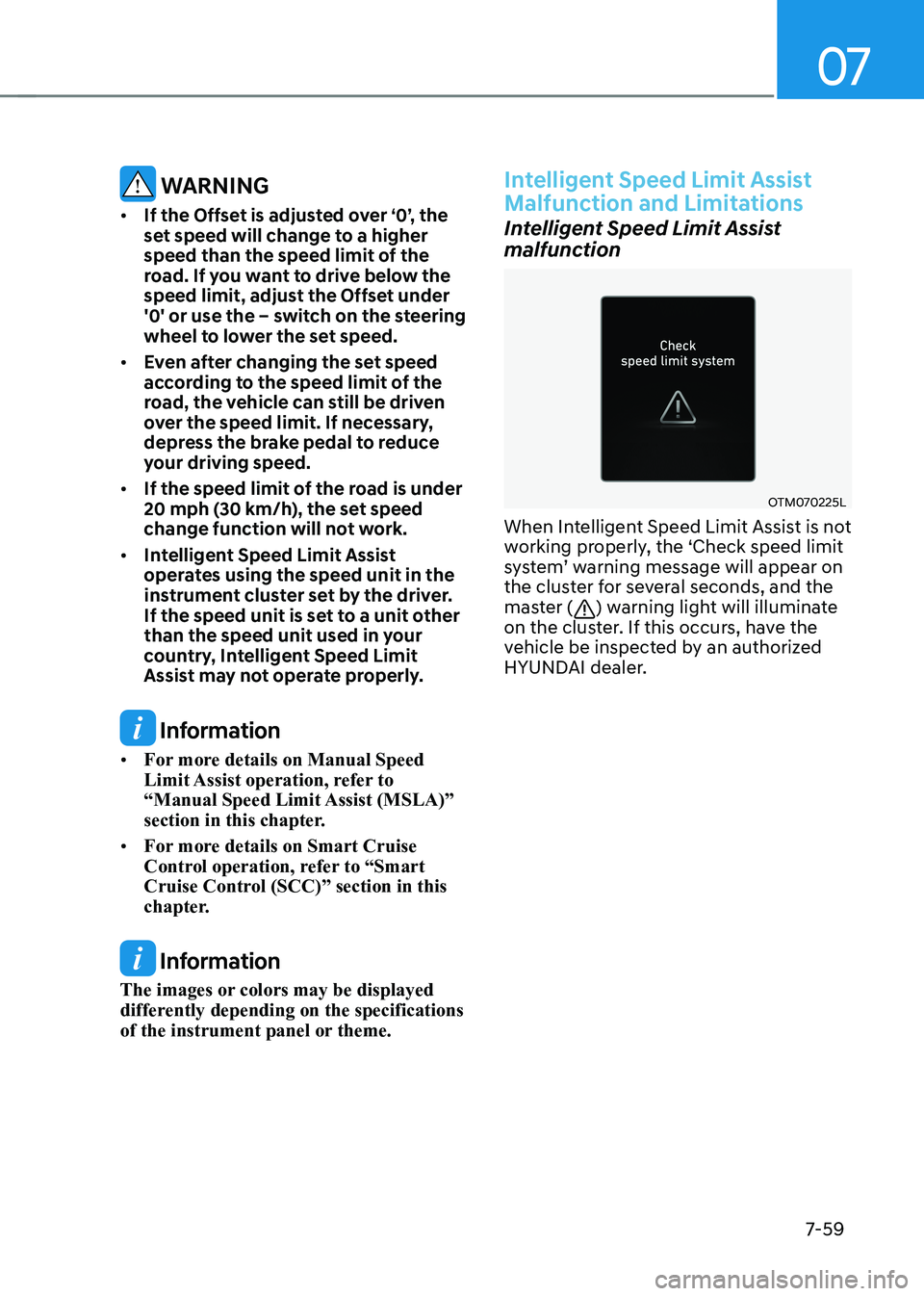
When Intelligent Speed Limit Assist is not
working properly, the ‘Check speed limit
system’ warning message will appear on
the cluster for several seconds, and the
master (
) warning light will illuminate
on the cluster. If this occurs, have the
vehicle be inspected by an authorized
HYUNDAI dealer.