2019 MERCEDES-BENZ S CLASS navigation system
[x] Cancel search: navigation systemPage 310 of 578
%3wordaddresses from what3words are analternative addressing systemfor multilin‐gualgeoreferencing ofglobal locations witharesolution ofthree meters. Usingthisgrid,locations onthe Earth's surface are includedwhichdo not havea building address suchasstreetand house number,forexample.
The EmpireState Building in NewYorkhasthefollowing language dependent 3wordaddress,forexample:
REnglish:parade.help.bleat
RFrench:commun.verbe.bisquer
RSpanish:suertes.diga.pesca
3wordaddresses are unique, easytoremember and sufficefor mostroutine appli‐cations.
The bidirectional conversion of 3wordaddresses can be carried out here:
Ratthewebsite http://what3words.com
Rinthe what3words apps
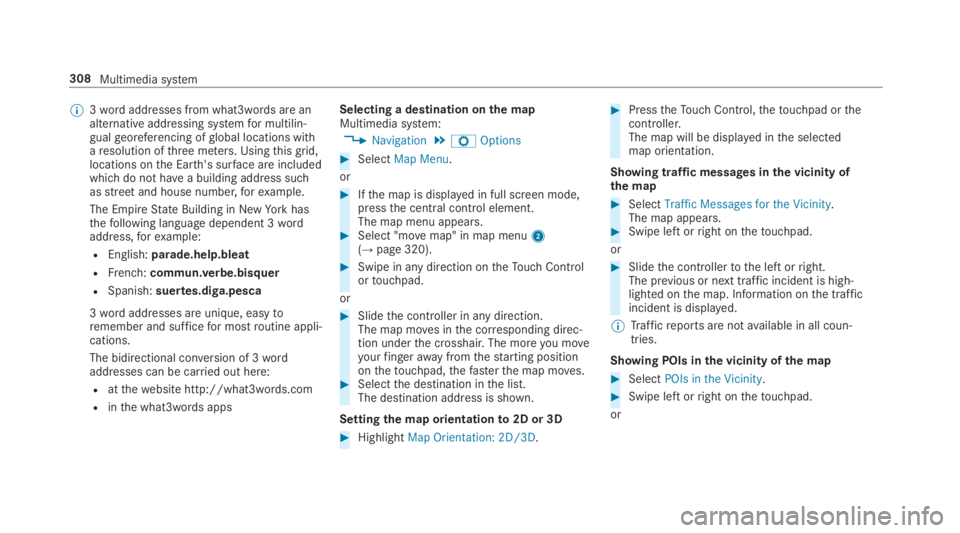
Selecting a destination onthe mapMultimedia system:
,Navigation.ZOptions
#SelectMap Menu.
or
#Ifthe map is displayed in full screen mode,pressthe central control element.The map menu appears.#Select "movemap" in map menu2(→page 320).
#Swipe in any direction ontheTouch Controlortouchpad.
or
#Slidethe controller in any direction.The map moves inthe corresponding direc‐tion underthe crosshair. The moreyou moveyourfingerawayfromthestarting positiononthetouchpad,thefasterthe map moves.#Selectthe destination inthe list.The destination address is shown.
Settingthe map orientationto2D or 3D
#HighlightMap Orientation: 2D/3D.
#PresstheTouch Control,thetouchpad orthecontroller.The map will be displayed inthe selectedmap orientation.
Showing traffic messages inthe vicinity ofthe map
#SelectTraffic Messages for the Vicinity.The map appears.#Swipe left orright onthetouchpad.
or
#Slidethe controllertothe left orright.The previous or next traffic incident is high‐lighted onthe map. Information onthe trafficincident is displayed.
%Trafficreports are notavailable in all coun‐tries.
Showing POIs inthe vicinity ofthe map
#SelectPOIs in the Vicinity.
#Swipe left orright onthetouchpad.
or
308Multimedia system
Page 312 of 578
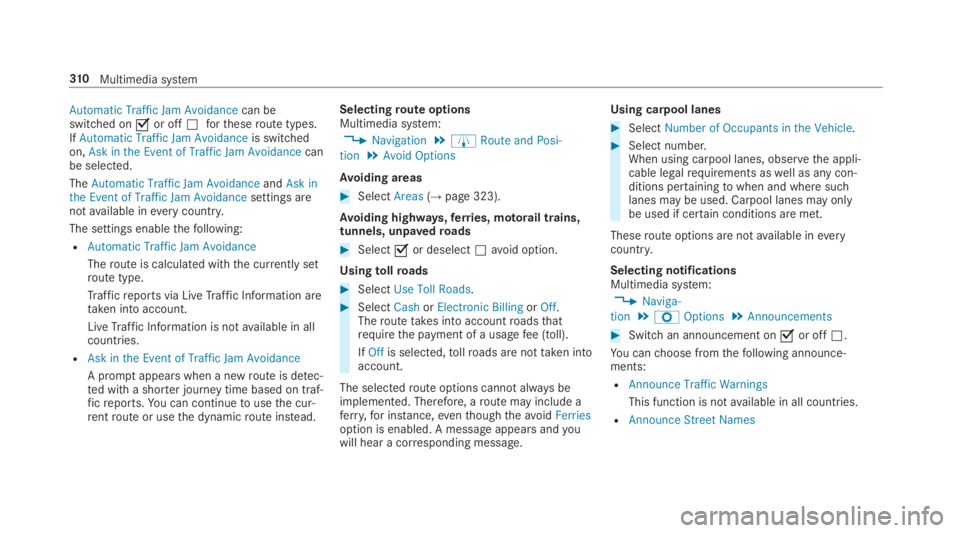
Automatic Traffic Jam Avoidancecan beswitched onsor offSfortheseroute types.IfAutomatic Traffic Jam Avoidanceis switchedon,Ask in the Event of Traffic Jam Avoidancecanbe selected.
TheAutomatic Traffic Jam AvoidanceandAsk inthe Event of Traffic Jam Avoidancesettings arenotavailable ineverycountry.
The settings enablethefollowing:
RAutomatic Traffic Jam Avoidance
Theroute is calculated withthe currently setroute type.
Trafficreports via LiveTraffic Information aretaken into account.
LiveTraffic Information is notavailable in allcountries.
RAsk in the Event of Traffic Jam Avoidance
A promptappears when a newroute is detec‐ted with a shorter journey time based on traf‐ficreports.You can continuetousethe cur‐rentroute or usethe dynamicroute instead.
Selectingroute optionsMultimedia system:
,Navigation.ÀRoute and Posi-
tion.Avoid Options
Avoiding areas
#SelectAreas(→page 323).
Avoiding highways,ferries, motorail trains,tunnels, unpavedroads
#Selectsor deselectSavoid option.
Usingtollroads
#SelectUse Toll Roads.
#SelectCashorElectronic BillingorOff.Theroutetakes into accountroadsthatrequirethe payment of a usagefee (toll).
IfOffis selected,tollroads are nottaken intoaccount.
The selectedroute options cannot always beimplemented. Therefore, aroute may include aferry,for instance,eventhoughtheavoidFerriesoption is enabled. A message appears andyouwill hear a corresponding message.
Using carpool lanes
#SelectNumber of Occupants in the Vehicle.
#Select number.When using carpool lanes, observethe appli‐cable legalrequirements aswell as any con‐ditions pertainingtowhen and where suchlanes may be used. Carpool lanes may onlybe used if certain conditions are met.
Theseroute options are notavailable ineverycountry.
Selecting notificationsMultimedia system:
,Naviga-
tion.ZOptions.Announcements
#Switch an announcement onsor offS.
You canchoose fromthefollowing announce‐ments:
RAnnounce Traffic Warnings
This function is notavailable in all countries.
RAnnounce Street Names
310Multimedia system
Page 313 of 578

The multimedia system announcesthenames oftheroadsthat willfollowtheupcomingchange of direction.
This function is notavailable in all countriesand languages.
Displaying destination information
Requirements:RA destination is entered.
Multimedia system:
,Navigation
#SelectWay Points and Info.
Thefollowing information is displayed:
RIntermediate destinations and destination
Theroute can also include uptofourintermediate destinations.
RName, address
RRemaining driving distance
RTime of arrival
Selecting an alternativerouteMultimedia system:
,Navigation.ÀRoute and Position
#SelectAlternative Route.Theroutes are displayed in accordance withthe setting made intheroute settings.
The currently selectedroute is shown with adark blue line.
#Selectthe alternativeroute.
Activating a commuterroute
Requirements:RYour home andworkaddresses are saved asdestinations inthefavorites (→page317).
Multimedia system:
,Navigation.ÀRoute and Position
#SelectActivate Commuter Routes.Navigation automaticallyrecognizesthatthevehicle is located ontheroute between"home" and "work" or viceversa. It automati‐callystarts aroute guidance withoutvoiceoutput.
Ifthe destinationsfor home andworkhavenotyet been created, a promptappears.
Forthe daily commuterroute, traffic inci‐dents ontheroute are alsoreported whendriving withoutroute guidance.
Switchingthe automaticgasstation searchon/offMultimedia system:
,Navigation.ZOptions
#SwitchReserve Fuelonsor offS.Switched ons: whenthe fuelreservelevelisreached, a promptappears asking whetheryouwanttostart searchingforgasstations.
Using automaticgasstation search
Requirements:The automaticgasstation searchis activateds(→page311).
The promptReserve Fuel Do you want to start asearch for surrounding gas stations?appears.
Multimedia system311
Page 315 of 578
Theroad and trafficrules andregulations alwayshavepriorityover multimedia system drivinginstructions.
Thefollowing driving instructions can be used:
RNavigation announcements
RRoute guidance displays
RLanerecommendations
Ifyou do notfollowthe driving instructions or ifyou leavethe calculatedroute, a newroute iscalculated automatically.
Driving instructions may differ fromthe actualroad and traffic conditions if:
RTheroute is diverted
RThe direction of a one-waystreethas beenchanged
Forthisreason,you must always observeroadand trafficrules andregulations duringyourjourney aswell asthe prevailing traffic condi‐tions.
Theroute may differ fromthe idealroute duetothefollowing:
RRoadworks
RIncompletedigital map data
Notes on GPSreceptionThe correct function ofthe navigation systemdepends amongstotherthings on GPSrecep‐tion. In certain situations GPSreception can beimpaired, defective oreven not possible, e.g. intunnels or in parkinggarages.
Changing directionoverview
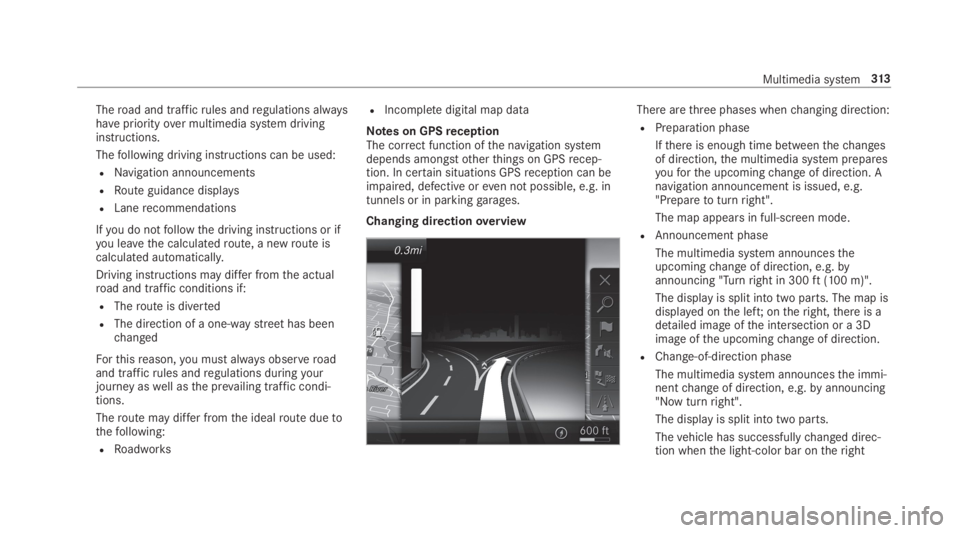
There arethree phases whenchanging direction:
RPreparation phase
Ifthere is enough time betweenthechangesof direction,the multimedia system preparesyouforthe upcomingchange of direction. Anavigation announcement is issued, e.g."Preparetoturnright".
The map appears in full-screen mode.
RAnnouncement phase
The multimedia system announcestheupcomingchange of direction, e.g.byannouncing "Turnright in 300ft(100 m)".
The display is split into two parts. The map isdisplayed onthe left;ontheright,there is adetailed image ofthe intersection or a 3Dimage ofthe upcomingchange of direction.
RChange-of-direction phase
The multimedia system announcesthe immi‐nentchange of direction, e.g.byannouncing"Now turnright".
The display is split into two parts.
Thevehicle has successfullychanged direc‐tion whenthe light-color bar ontheright
Multimedia system313
Page 317 of 578
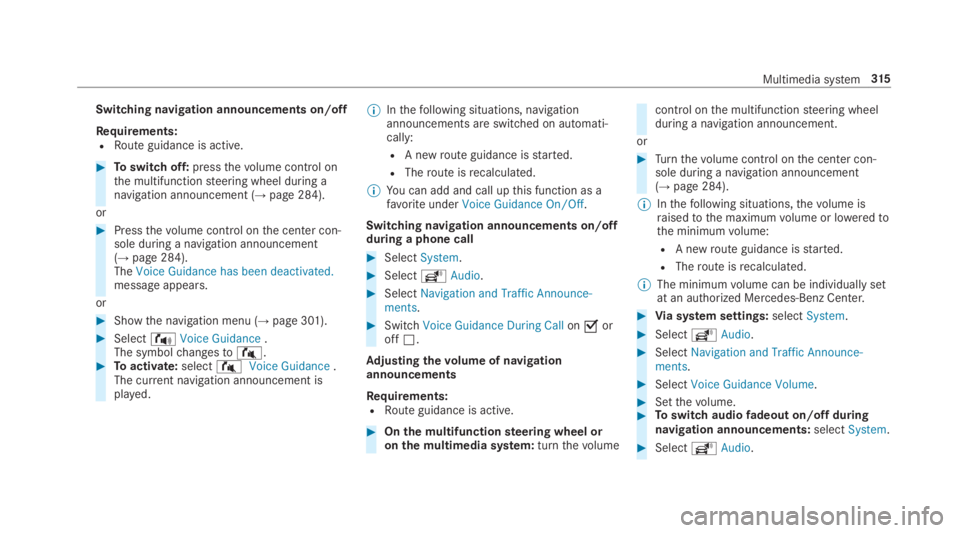
Switching navigation announcements on/off
Requirements:RRoute guidance is active.
#Toswitch off:pressthevolume control onthe multifunctionsteering wheel during anavigation announcement (→page 284).
or
#Pressthevolume control onthe center con‐sole during a navigation announcement(→page 284).TheVoice Guidance has been deactivated.message appears.
or
#Showthe navigation menu (→page 301).
#Select!Voice Guidance.The symbolchangesto#.#Toactivate:select#Voice Guidance.The current navigation announcement isplayed.
%Inthefollowing situations, navigationannouncements are switched on automati‐cally:
RA newroute guidance isstarted.
RTheroute isrecalculated.
%You can add and call upthis function as afavoriteunderVoice Guidance On/Off.
Switching navigation announcements on/offduring a phone call
#SelectSystem.
#SelectõAudio.
#SelectNavigation and Traffic Announce-ments.
#SwitchVoice Guidance During CallonsoroffS.
Adjusting thevolume of navigationannouncements
Requirements:RRoute guidance is active.
#Onthe multifunctionsteering wheel oronthe multimedia system:turnthevolume
control onthe multifunctionsteering wheelduring a navigation announcement.
or
#Turnthevolume control onthe center con‐sole during a navigation announcement(→page 284).
%Inthefollowing situations,thevolume israisedtothe maximumvolume or loweredtothe minimumvolume:
RA newroute guidance isstarted.
RTheroute isrecalculated.
%The minimumvolume can be individually setat an authorized Mercedes-Benz Center.
#Via system settings:selectSystem.
#SelectõAudio.
#SelectNavigation and Traffic Announce-ments.
#SelectVoice Guidance Volume.
#Setthevolume.#Toswitch audiofadeout on/offduringnavigation announcements:selectSystem.
#SelectõAudio.
Multimedia system315
Page 318 of 578
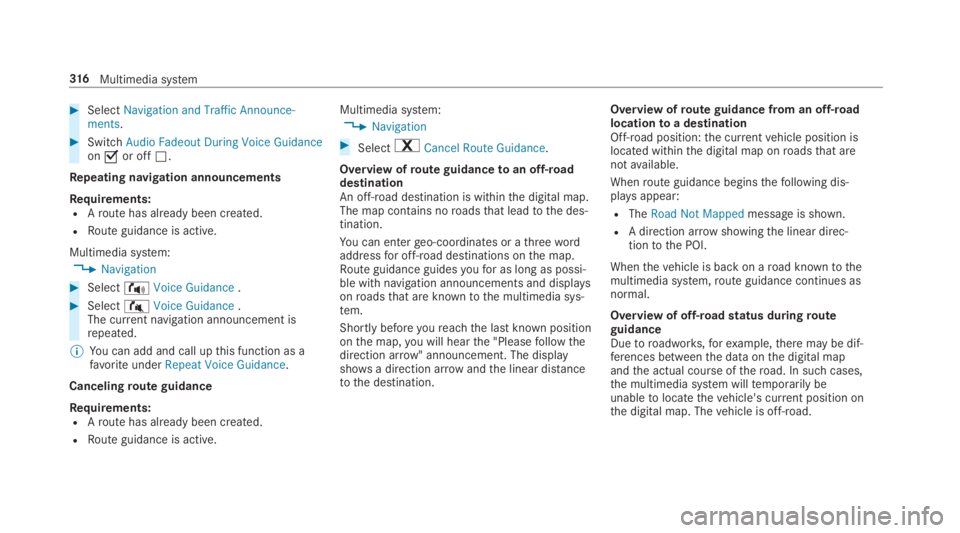
#SelectNavigation and Traffic Announce-ments.
#SwitchAudio Fadeout During Voice Guidanceonsor offS.
Repeating navigation announcements
Requirements:RAroute has already been created.
RRoute guidance is active.
Multimedia system:
,Navigation
#Select!Voice Guidance.
#Select#Voice Guidance.The current navigation announcement isrepeated.
%You can add and call upthis function as afavoriteunderRepeat Voice Guidance.
Cancelingroute guidance
Requirements:RAroute has already been created.
RRoute guidance is active.
Multimedia system:
,Navigation
#Select%Cancel Route Guidance.
Overview ofroute guidancetoan off-roaddestinationAn off-road destination is withinthe digital map.The map contains noroadsthat leadtothe des‐tination.
You can entergeo-coordinates or athreewordaddressfor off-road destinations onthe map.Route guidance guidesyoufor as long as possi‐ble with navigation announcements and displaysonroadsthat are knowntothe multimedia sys‐tem.
Shortly beforeyoureachthe last known positiononthe map,you will hearthe "Pleasefollowthedirection arrow" announcement. The displayshowsa direction arrowandthe linear distancetothe destination.
Overview ofroute guidance from an off-roadlocationtoa destinationOff-road position:the currentvehicle position islocated withinthe digital map onroadsthat arenotavailable.
Whenroute guidance beginsthefollowing dis‐playsappear:
RTheRoad Not Mappedmessage is shown.
RA direction arrow showingthe linear direc‐tiontothe POI.
Whenthevehicle is back on aroad knowntothemultimedia system,route guidance continues asnormal.
Overview of off-roadstatus duringrouteguidanceDuetoroadworks,forexample,there may be dif‐ferences betweenthe data onthe digital mapandthe actual course oftheroad. In such cases,the multimedia system willtemporarily beunabletolocatethevehicle's current position onthe digital map. Thevehicle is off-road.
316Multimedia system
Page 319 of 578
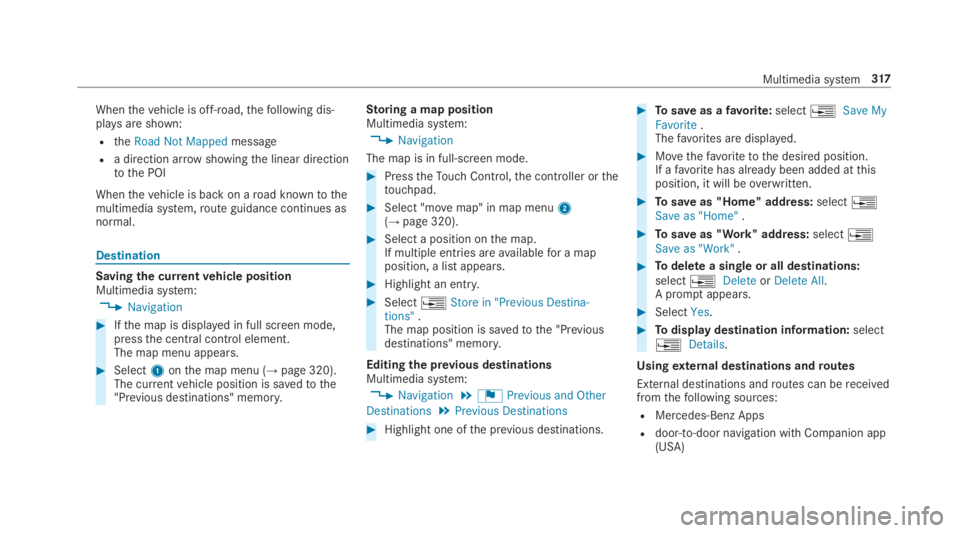
Whenthevehicle is off-road,thefollowing dis‐playsare shown:
RtheRoad Not Mappedmessage
Ra direction arrowshowingthe linear directiontothe POI
Whenthevehicle is back on aroad knowntothemultimedia system,route guidance continues asnormal.
Destination
Saving the currentvehicle positionMultimedia system:
,Navigation
#Ifthe map is displayed in full screen mode,pressthe central control element.The map menu appears.
#Select1onthe map menu (→page 320).The currentvehicle position is savedtothe"Previous destinations" memory.
Storing a map positionMultimedia system:
,Navigation
The map is in full-screen mode.
#PresstheTouch Control,the controller orthetouchpad.
#Select "movemap" in map menu2(→page 320).
#Select a position onthe map.If multiple entries areavailablefor a mapposition, a list appears.
#Highlight an entry.
#Select
Page 321 of 578
Multimedia system:
,Navigation.ZOptions
The subscriptionexpiration date is automaticallydisplayed:
Rone month beforetheexpiration date.
Roneweek beforetheexpiration date.
Rontheexpiration date.
#Todisplaymanually:selectLive Traffic Sub-scription Info.
Depending onthestatus, one ofthefollowingmessages appears:
Rthe period ofvalidityforthe subscriptionis displayed.
Rthe subscription hasexpired.
%The subscription can beextended:
Rat an authorized Mercedes-Benz Center
Rvia an MB Info calltothe Mercedes-BenzCustomer Assistance Center
Displayingthe traffic map
Requirements:RFor LiveTraffic Information:thevehicle isequipped with a communication modulefea‐turing an activated, integrated SIM card.
RWhenthevehicle isstarted,the communica‐tion module automatically establishes anInternet connection.Traffic information ismadeavailable shortly afterwards.
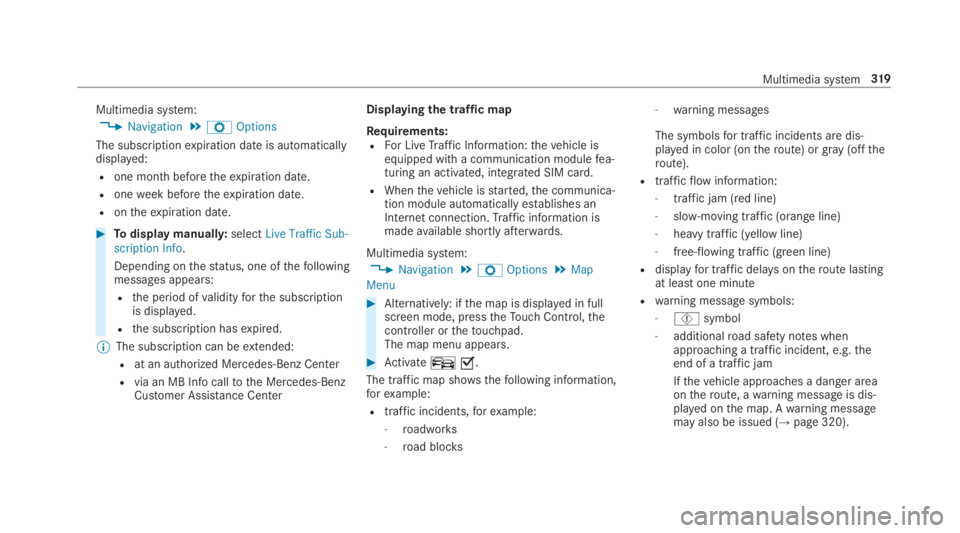
Multimedia system:
,Navigation.ZOptions.Map
Menu
#Alternatively: ifthe map is displayed in fullscreen mode, presstheTouch Control,thecontroller orthetouchpad.The map menu appears.
#Activateºs.
The traffic map shows thefollowing information,forexample:
Rtraffic incidents,forexample:
-roadworks
-road blocks
-warning messages
The symbolsfor traffic incidents are dis‐played in color (ontheroute) orgray(offtheroute).
Rtrafficflowinformation:
-traffic jam (red line)
-slow-moving traffic (orange line)
-heavy traffic (yellow line)
-free-flowing traffic (green line)
Rdisplayfor traffic delays ontheroute lastingat least one minute
Rwarning message symbols:
-Ôsymbol
-additionalroad safety notes whenapproaching a traffic incident, e.g.theend of a traffic jam
Ifthevehicle approaches a danger areaontheroute, awarning message is dis‐played onthe map. Awarning messagemay also be issued (→page 320).
Multimedia system319