2015 MERCEDES-BENZ S-Class Display
[x] Cancel search: DisplayPage 122 of 502

Useful information
i This Operator's Manual describes all
models and all standard and optional equip- ment of your vehicle available at the time of
publication of the Operator's Manual.
Country-specific differences are possible.
Please note that your vehicle may not be
equipped with all features described. This
also applies to safety-related systems and
functions.
i Read the information on qualified special-
ist workshops (Y page 29). Correct driver's seat position
G
WARNING
You could lose control of your vehicle if you do the following while driving:
R adjust the driver's seat, head restraint,
steering wheel or mirrors
R fasten the seat belt
There is a risk of an accident.
Adjust the driver's seat, head restraint, steer-
ing wheel and mirror and fasten your seat belt before starting the engine. X
Observe the safety guidelines on seat
adjustment (Y page 121).
X Check whether you have adjusted seat =
properly (Y page 122).
When adjusting the seat, make sure that:
R you are as far away from the driver's air bag
as possible
R you are sitting in a normal upright position
R you can fasten the seat belt properly
R you have moved the backrest to an almost
vertical position
R you have set the seat cushion angle so that
your thighs are gently supported
R you can depress the pedals properly
X Check whether the head restraint is adjus-
ted properly.
When doing so, make sure that you have
adjusted the head restraint so that the back of your head is supported at eye level by the center of the head restraint.
X Observe the safety guidelines on steering
wheel adjustment (Y page 137).
X Make sure that steering wheel :is adjus-
ted properly (Y page 137).
When adjusting the steering wheel, make
sure that:
R you can hold the steering wheel with your
arms slightly bent
R you can move your legs freely
R you can see all the displays in the instru-
ment cluster clearly
X Observe the safety guidelines for seat belts
(Y page 51).
X Check whether you have fastened seat
belt ;properly (Y page 54).
The seat belt should:
R fit snugly across your body
R be routed across the middle of your shoul-
der
R be routed in your pelvic area across the hip
joints 120
Correct driver's seat positionSeats, steering wheel and mirrors
Page 130 of 502

R
the front-passenger seat head restraint is
inserted and the ignition is switched on
R the front-passenger seat backrest is moved
backwards or the seat is moved in a longi-
tudinal direction out of the chauffeur area
(Y page 130).
Positioning the front-passenger seat for
chauffeur mode General notes
Pay attention to the important safety notes
(Y
page 127). Adjust the seat for chauffeur
mode before the journey (Y page 128). Do not
remove the front-passenger seat head
restraint during the journey.
Adjusting from the rear compartment You can use the override button to disable
this function (Y page 75).
In order for the front-passenger seat to be
positioned in chauffeur mode:
R the SmartKey must be in the ignition lock
and in position 1or 2(Y page 189)
R the front-passenger seat may not be occu-
pied
R the front-passenger seat belt must not be
inserted into the buckle X
To select the front-passenger seat:
press button :repeatedly until the indi-
cator lamp in the button lights up.
The front-passenger seat is selected if the
indicator lamp in the button lights up.
X Press button ;forwards and hold it in this
position.
The seat moves forward.
The seat stops at the threshold of the area for chauffeur mode.
X Release button ;.
X Press and hold button ;again until the
front-passenger seat is in position for
chauffeur mode.
The head restraint on the front-passenger
seat folds forwards. The seat moves
forward.
The To
To view view the
theext.
ext. mirror,
mirror, adjust
adjust
front-passenger
front-passenger seat
seator
orremove
remove the
the
head
head restraint.
restraint. message appears in the
multifunction display (Y page 352).
i If the front-passenger seat is already at
the threshold to the area for the chauffeur
mode, the position for the chauffeur mode
is set immediately.
i The position for chauffeur mode can be
saved or set using the memory function of
the rear seat (Y page 145). For this the
indicator lamp on button :must be lit.
Adjusting from the driver's seat 128
SeatsSeats, steering
wheel and mirrors
Page 131 of 502
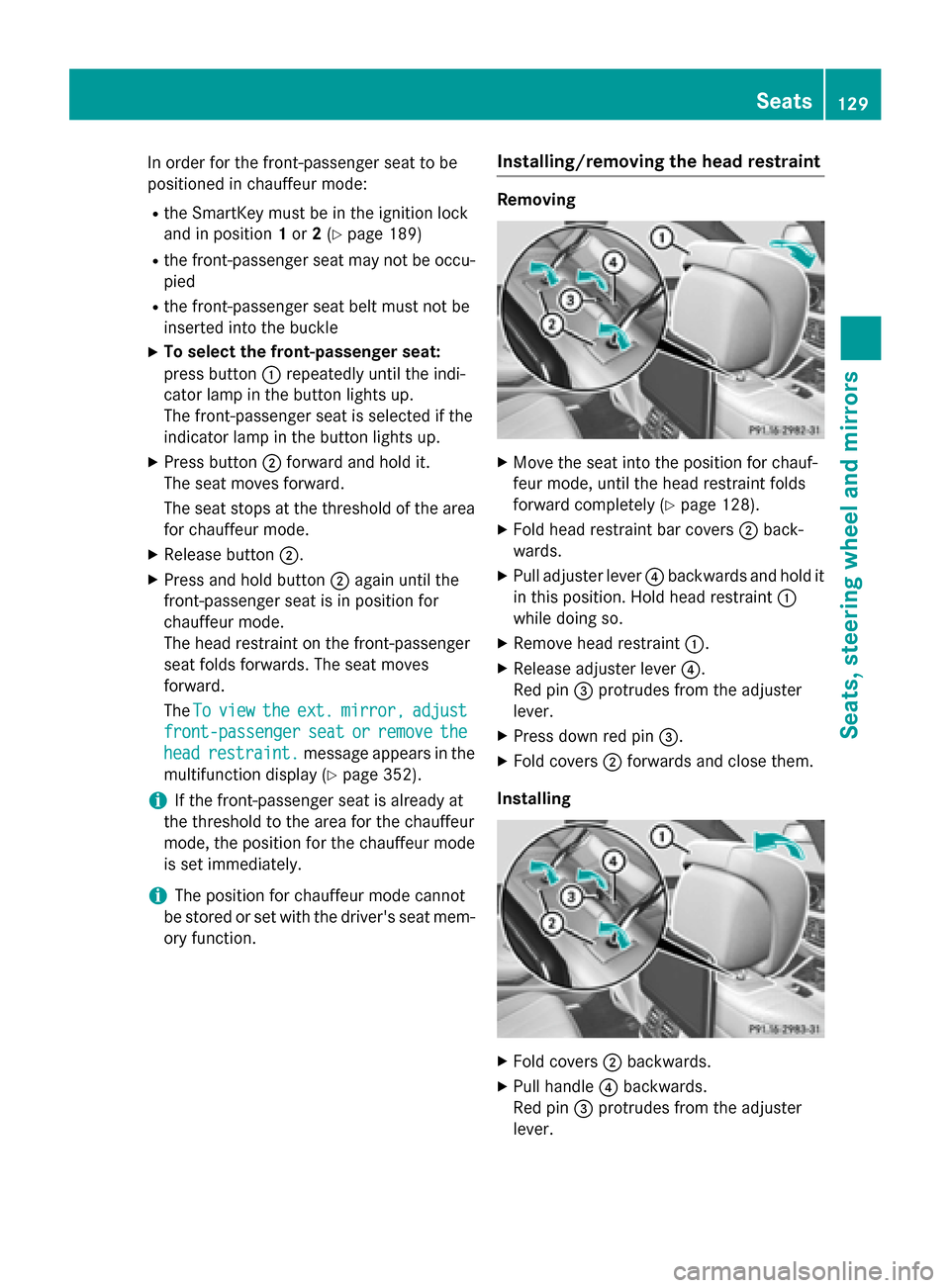
In order for the front-passenger seat to be
positioned in chauffeur mode:
R the SmartKey must be in the ignition lock
and in position 1or 2(Y page 189)
R the front-passenger seat may not be occu-
pied
R the front-passenger seat belt must not be
inserted into the buckle
X To select the front-passenger seat:
press button :repeatedly until the indi-
cator lamp in the button lights up.
The front-passenger seat is selected if the
indicator lamp in the button lights up.
X Press button ;forward and hold it.
The seat moves forward.
The seat stops at the threshold of the area for chauffeur mode.
X Release button ;.
X Press and hold button ;again until the
front-passenger seat is in position for
chauffeur mode.
The head restraint on the front-passenger
seat folds forwards. The seat moves
forward.
The To Toview
view the
theext.
ext. mirror,
mirror, adjust
adjust
front-passenger
front-passenger seat
seator
orremove
remove the
the
head
head restraint.
restraint. message appears in the
multifunction display (Y page 352).
i If the front-passenger seat is already at
the threshold to the area for the chauffeur
mode, the position for the chauffeur mode
is set immediately.
i The position for chauffeur mode cannot
be stored or set with the driver's seat mem-
ory function. Installing/removing the head restraint Removing
X
Move the seat into the position for chauf-
feur mode, until the head restraint folds
forward completely (Y page 128).
X Fold head restraint bar covers ;back-
wards.
X Pull adjuster lever ?backwards and hold it
in this position. Hold head restraint :
while doing so.
X Remove head restraint :.
X Release adjuster lever ?.
Red pin =protrudes from the adjuster
lever.
X Press down red pin =.
X Fold covers ;forwards and close them.
Installing X
Fold covers ;backwards.
X Pull handle ?backwards.
Red pin =protrudes from the adjuster
lever. Seats
129Seats, steering wheel and mirrors Z
Page 156 of 502

Important safety notes
G
WARNING
Adaptive Highbeam Assist Plus does not rec-
ognize road users:
R who have no lights, e.g. pedestrians
R who have poor lighting, e.g. cyclists
R whose lighting is blocked, e.g. by a barrier
In very rare cases, Adaptive Highbeam Assist
Plus may not recognize road users who do
have lights, or may recognize them too late. In
this or similar situations, the automatic high-
beam headlamps will not be deactivated or
will be activated regardless. There is a risk of
an accident.
Always carefully observe the traffic conditions and switch off the high-beam headlamps in
good time.
Adaptive Highbeam Assist Plus cannot take
into account road, weather or traffic condi-
tions. Adaptive Highbeam Assist Plus is only
an aid. You are responsible for adjusting the
vehicle's lighting to the prevailing light, visi-
bility and traffic conditions.
In particular, the detection of obstacles can
be restricted if there is:
R poor visibility, e.g. due to fog, heavy rain or
snow
R dirt on the sensors or the sensors are
obscured Switching Adaptive Highbeam Assist
PLUS on/off :
High-beam headlamps
; Turn signal, right
= High-beam flasher
? Turn signal, left
X To switch on: turn the light switch to Ã.
X Press the combination switch beyond the
pressure point in the direction of arrow :.
The _ indicator lamp in the multifunc-
tion display lights up if it is dark and the
light sensor activates the low-beam head-
lamps.
If you are driving at speeds above approx-
imately 16 mph (25 km/h):
The headlamp range is set automatically
depending on the distance between the
vehicle and other road users.
If you are driving at speeds above approx-
imately 19 mph (30 km/h) and no other
road users have been detected:
The high-beam headlamps are switched on
automatically. The Kindicator lamp in
the instrument cluster also lights up.
If you are driving at speeds above approx-
imately 28 mph (45 km/h)and other road
users have been detected:
Partial high-beam is selected automati-
cally. The Kindicator lamp in the instru-
ment cluster also lights up.
If you are driving at speeds below approx-
imately 25 mph (40 km/h):
The partial high-beam headlamps are
switched off automatically. If no other road 154
Exterior lightingLights and windshield wipers
Page 157 of 502

users are recognize, the high-beam head-
lamps are switched on.
If you are driving at speeds below approx-
imately 16 mph (25 km/h) or the roads are
adequately illuminated:
The high-beam headlamps are switched off automatically. The Kindicator lamp in
the instrument cluster goes out. The _
indicator lamp in the multifunction display
remains lit.
X To switch off: move the combination
switch back to its normal position or move the light switch to another position.
The _ indicator lamp in the multifunc-
tion display goes out. Headlamps fogged up on the inside
Certain climatic and physical conditions may
cause moisture to form in the headlamp. This moisture does not affect the functionality of
the headlamp. Interior lighting
Overview of interior lighting
Front overhead control panel :
p To switch the left-hand front reading
lamp on/off
; | To switch the automatic interior
lighting control on/off
= c To switch the front interior lighting
on/off ?
u To switch the rear interior lighting
on/off
A p To switch the right-hand front read-
ing lamp on/off
Control panel in the grab handle (rear
compartment) X
To switch on on the corresponding side
of the vehicle: press button;.
Reading lamp :and the make-up lamp
light up.
X To switch off: press button;.
Press once: the make-up lamp goes out.
Press twice: reading lamp :goes out.
X To switch on on both sides of the vehi-
cle: press button =.
Reading lamp :and the make-up lamp
light up.
X To switch off: press button=.
Reading lamp :and the make-up lamp go
out. Interior lighting control
General notes In order to prevent the vehicle's battery from
discharging, the interior lighting functions are
automatically deactivated after some time
unless the SmartKey is in position 2in the
ignition lock.
The color, brightness, zone and display lamp
for the ambient lighting can be set using Interior lighting
155Lights and windshield wipers Z
Page 171 of 502

Notes on using automatic climate
control
Climate control system Below, you can find a number of notes and
recommendations to help you use climate
control optimally.
R Activate climate control using the Ã
rocker switch. The indicator lamp in the
à rocker switch lights up.
R Set the temperature to 72 ‡ (22 †).
R Only use the "Windshield defrosting" func-
tion briefly until the windshield is clear
again.
R Only use air-recirculation mode briefly, e.g.
if there are unpleasant outside odors or
when in a tunnel. The windows could oth-
erwise fog up, since no fresh air is drawn
into the vehicle in air-recirculation mode.
R Use the residual heat function if you want to
heat or ventilate the vehicle interior when
the ignition is switched off. The residual
heat function can only be activated or deac- tivated with the ignition switched off. The
residual heat function is switched off whenthe ignition is switched on.
If you are controlling the rear climate control using the front control panel, note the follow-
ing:
R If you set rear-compartment climate con-
trol using the front control panel, the Y
symbol appears in the rear-compartment
control panel display.
R If the rear-compartment climate control is
set using the front control panel, it cannot
be set at the same time using the rear con- trol panel. If controlling the rear climate
control from the front control panel is
locked, wait five seconds. You will then be
able to control the rear climate control
using the rear control panel.
R After selecting the rear compartment set-
tings, the front climate control can be con-
trolled automatically again via COMAND
after five seconds. Alternatively, you can select "Cancel rear
compartment" in the COMAND air-condi-
tioning function bar.
ECO start/stop function During automatic engine switch-off, the cli-
mate control system only operates at a
reduced capacity. If you require the full cli-
mate control output, you can switch off the
ECO start/stop function by pressing the ECO
button (Y page 194). Operating the climate control sys-
tems Switching climate control on/off
General notes When the climate control is switched off, the
air supply and air circulation are also
switched off. The windows could fog up.
Therefore, switch off climate control only
briefly
Switch on climate control primarily using the
à rocker switch (Y page 171).
Switching the front climate control on
and off using the control panel X
Turn the SmartKey to position 2in the igni-
tion lock (Y page 189).
X To activate: press thetrocker switch
up or down.
The COMAND climate control menu opens.
X Activate climate control via the air-condi-
tioning setting bar in COMAND (see the
separate operating instructions).
X To deactivate: press thetrocker
switch up or down.
The COMAND climate control menu opens.
X Deactivate climate control via the air-con-
ditioning setting bar in COMAND (see the
separate operating instructions). Operating the climate control systems
169Climate control
Page 172 of 502
Switching the rear-compartment cli-
mate control on/off using the front con- trol panel Observe the notes on controlling the rear-
compartment climate control using the front
control panel (Y page 169).
X Turn the SmartKey to position 2in the igni-
tion lock (Y page 189).
X To activate: press thetrocker switch
up or down.
The COMAND climate control menu opens.
X Select "Rear adjustment" in the air-condi-
tioning setting bar (see the separate
COMAND operating instructions).
You can control the rear-compartment cli-
mate control using the front control panel
or COMAND.
X Activate rear-compartment climate control
via the air-conditioning setting bar.
X To deactivate: press thetrocker
switch up or down.
The COMAND climate control menu opens.
X Select "Rear adjustment" in the air-condi-
tioning setting bar (see the separate
COMAND operating instructions).
X Deactivate rear-compartment climate con-
trol via the air-conditioning setting bar.
Switching rear-compartment climate
control on/off using the rear control
panel X
Turn the SmartKey to position 2in the igni-
tion lock (Y page 189).
X To activate: press rocker switch Lup or
down (Y page 165).
The indicator lamp in rocker switch Lgoes
out. All settings are displayed in full in the
rear-compartment display.
X To deactivate: press rocker switch Lup
or down (Y page 165).
The indicator lamp in rocker switch L
lights up. OFF
OFF is displayed in the rear-com-
partment display. Activating/deactivating cooling with
air dehumidification
General notes If you deactivate the "Cooling with air-dehu-
midification" function, the air inside the vehi-
cle will not be cooled. The air inside the vehi-
cle will also not be dehumidified. The win-
dows can fog up more quickly. Therefore,
deactivate the cooling with air-dehumidifica-
tion function only briefly.
The "Cooling with air dehumidification" func-
tion is only available when the engine is run-
ning. The air inside the vehicle is cooled and
dehumidified according to the temperature
selected.
Condensation may drip from the underside of the vehicle when it is in cooling mode. This isnormal and not a sign that there is a malfunc-
tion.
Activating/deactivating cooling with
air dehumidification X
To activate: press theÁrocker switch
up or down.
The indicator lamp above the rocker switch lights up.
or
X Activate the "Cooling with air dehumidifi-
cation" function via COMAND (see the sep-
arate operating instructions).
X To deactivate: press theÁrocker
switch up or down.
The indicator lamp above the rocker switch
goes out.
or X Deactivate the "Cooling with air dehumidi-
fication" function via COMAND (see the
separate operating instructions). 170
Operating the climate control systemsClimate control
Page 174 of 502
however, continues to be controlled automat-
ically. When the manually set function
switches back to automatic mode, the indi-
cator lamp on the Ãrocker switch lights
up again.
Controlling rear climate control auto-
matically using the front control panel Observe the notes on controlling the rear-
compartment climate control using the front
control panel (Y page 169).
X Turn the SmartKey to position 2in the igni-
tion lock (Y page 189).
X Press the trocker switch up or down.
The COMAND climate control menu opens.
X Select "Rear adjustment" in the air-condi-
tioning setting bar (see the separate
COMAND operating instructions).
You can control the rear-compartment cli-
mate control using the front control panel
or COMAND.
X Set the desired temperature using the
w rocker switch on the front control
unit.
or
X Set the desired temperature using
COMAND (see the separate operating
instructions).
X To activate: press theÃrocker switch
on the front control unit up or down.
or X Activate automatic mode via the air-condi-
tioning setting bar in COMAND (see the
separate operating instructions).
The indicator lamp in the Ãrocker
switch lights up.
i Select the temperature and automatic
mode immediately thereafter. Otherwise,
you will have to select "Rear adjustment"
again from the air-conditioning setting bar
before activating automatic mode. X
To switch to manual operation: press the
t rocker switch up or down.
The COMAND climate control menu opens.
X Select "Rear adjustment" in the air-condi-
tioning setting bar (see the separate
COMAND operating instructions).
X Use the air-conditioning setting bar to
deactivate automatic mode.
or X Set the air distribution using rocker switch
I orM on the rear control panel
(Y page 165).
or X Set the airflow using rocker switch Kon
the rear control panel (Y page 165).
The AUTO
AUTO indicator on the rear display goes
out.
If you adjust the rear airflow or air distribution
manually using COMAND when in automatic
mode, the AUTO AUTOindicator on the rear display
goes out. The function which has not been
changed manually, however, continues to be
controlled automatically. When the manually
set function switches back to automatic
mode, the AUTO AUTOdisplay reappears in the rear-
compartment display.
Controlling rear climate control auto-
matically using the rear control panel X
Turn the SmartKey to position 2in the igni-
tion lock (Y page 189).
X Set the desired temperature using rocker
switches Hand N(Ypage 165).
X To activate: press rocker switch Jup or
down (Y page 165).
The indicator lamp in rocker switch J
lights up.
X To deactivate: press rocker switch Jup
or down (Y page 165).
The indicator lamp in rocker switch Jgoes
out.
If you adjust the airflow or air distribution
manually when in automatic mode, the AUTO AUTO
display in the rear-compartment display goes 172
Operating the climate control systemsClimate control