Page 477 of 872
477
3-2. Using the audio system
3
Interior features
SIENNA_OM_OM45483U_(U)
■
Setting the number of preset pages (type B and C)
The number of preset pages desired can be set from 1 to 6. The
initial setting is 6 pages.
Press .
Press that corresponds to “MORE”.
Press that corresponds to “PRESET”.
Press that corresponds to the desired number of pre-
set pages.
■ Language settings (type B and C)
P. 4 2 5
■Trademark owned by SRS Labs, Inc. (type A and B)
The audio systems utilize SRS FOCUS
™ and SRS TruBass audio
enhancement technologies, under license from SRS Labs, Inc., in all mode
except AM radio mode.
FOCUS, TruBass, SRS and
symbols are trademarks of SRS Labs,
Inc.
FOCUS and TruBass technologies are incorporated under license from
SRS Labs, Inc.
STEP1
STEP2
STEP3
STEP4
Page 478 of 872
478
3-2. Using the audio system
SIENNA_OM_OM45483U_(U)
Using the AUX port
■Operating portable audio devices connected to the audio system
The volume can be adjusted using the vehicle’s audio controls. All other
adjustments must be made on the portable audio device itself.
■ When using a portable audio device connected to the power outlet
Noise may occur during playback. Use the power source of the portable
audio device.
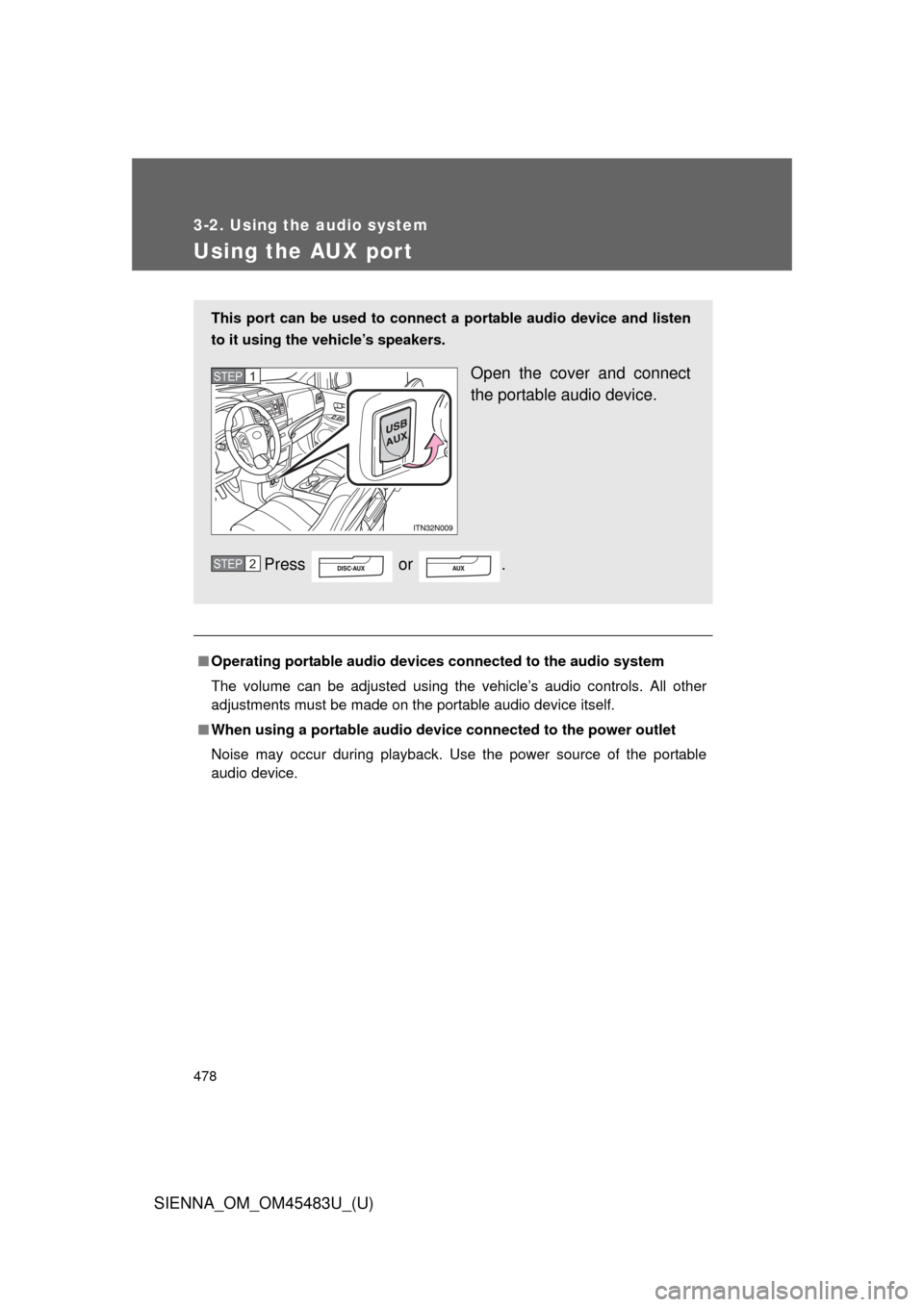
This port can be used to connect a portable audio device and listen
to it using the vehicle’s speakers.
Open the cover and connect
the portable audio device.
Press or .STEP1
STEP2
Page 479 of 872
479
3-2. Using the audio system
3
Interior features
SIENNA_OM_OM45483U_(U)
Using the steering switches
: If equipped
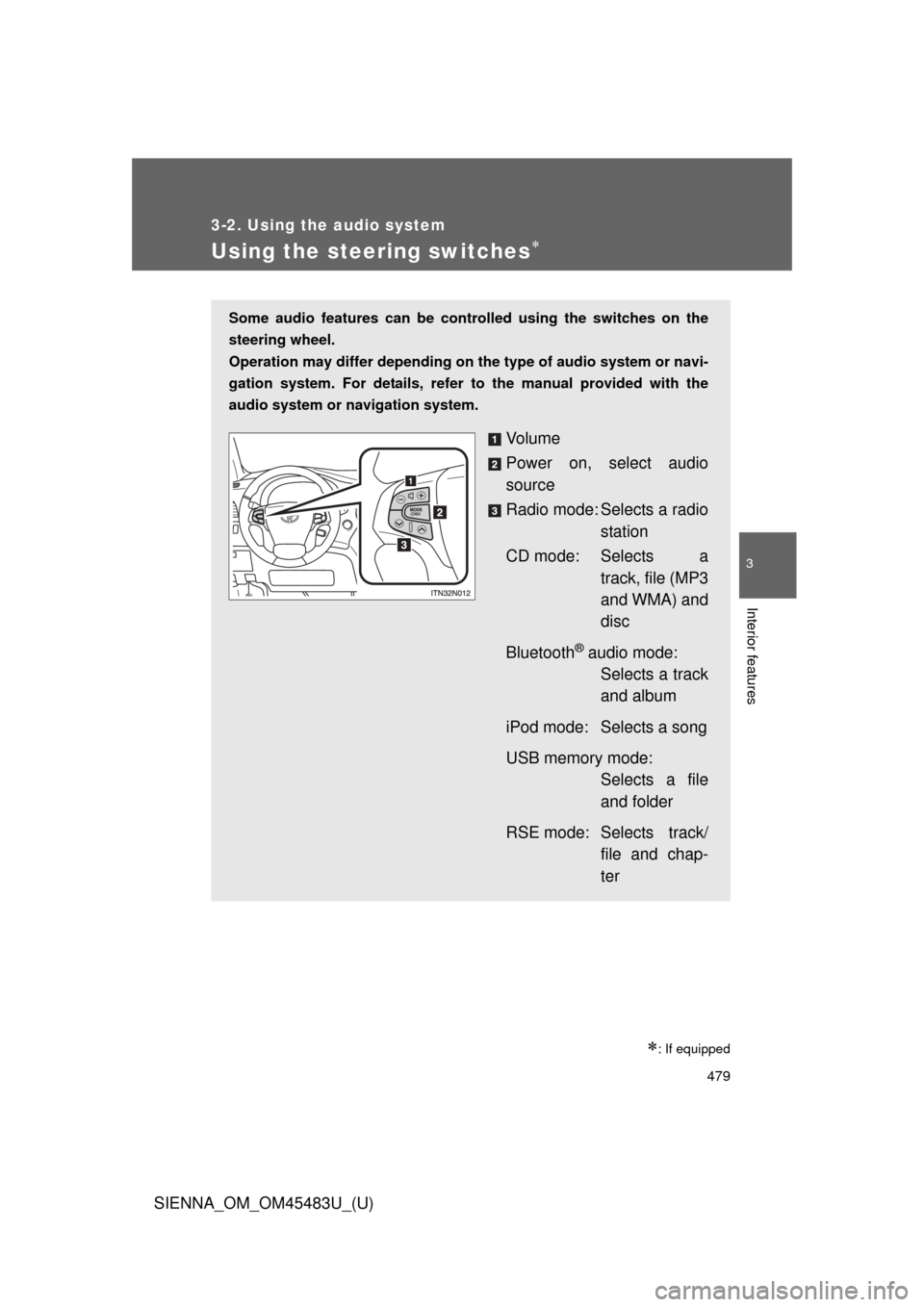
Some audio features can be controlled using the switches on the
steering wheel.
Operation may differ depending on the type of audio system or navi-
gation system. For details, refer to the manual provided with the
audio system or navigation system.
Vo l u m e
Power on, select audio
source
Radio mode: Selects a radio station
CD mode: Selects a track, file (MP3
and WMA) and
disc
Bluetooth
® audio mode: Selects a track
and album
iPod mode: Selects a song
USB memory mode: Selects a file
and folder
RSE mode: Selects track/ file and chap-
ter
Page 480 of 872
480 3-2. Using the audio system
SIENNA_OM_OM45483U_(U)
Turning on the powerPress when the audio system is turned off.
The audio system can be turned off by holding the switch down until you
hear a beep.
Changing the audio source
Press when the audio system is turned on. The audio source
changes as follows each time the button is pressed. If a mode cannot
be used, it will be skipped.
Type A:
FM (1, 2) CD player AUX AM SAT (1, 2, 3)
Type B and C:
FM SAT CD player (type B) or CD changer (type C)
RSE
* Bluetooth® audio AUX iPod or USB memory AM
*: If equipped
Adjusting the volume
Press “+” on to increase the volume and “-” to decrease the
volume.
Hold down the button to continue increasing or decreasing the volume.
Page 481 of 872
481
3-2. Using the audio system
3
Interior features
SIENNA_OM_OM45483U_(U)
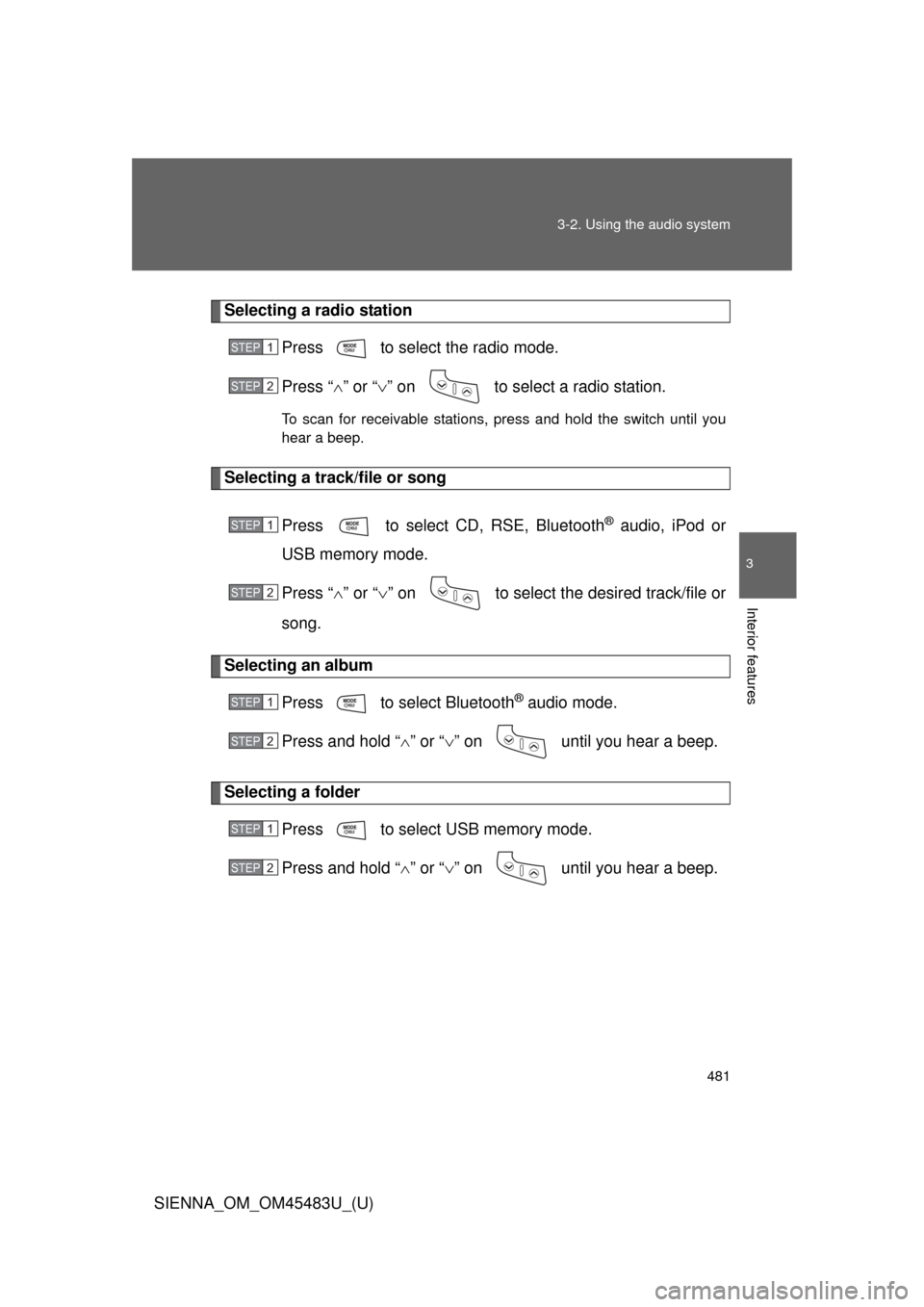
Selecting a radio station
Press to select the radio mode.
Press “” or “ ” on to select a radio station.
To scan for receivable stations, press and hold the switch until you
hear a beep.
Selecting a track/file or song
Press to select CD, RSE, Bluetooth
® audio, iPod or
USB memory mode.
Press “ ” or “ ” on to select the desired track/file or
song.
Selecting an album
Press to select Bluetooth
® audio mode.
Press and hold “ ” or “ ” on until you hear a beep.
Selecting a folder
Press to select USB memory mode.
Press and hold “ ” or “ ” on until you hear a beep.
STEP1
STEP2
STEP1
STEP2
STEP1
STEP2
STEP1
STEP2
Page 482 of 872
482 3-2. Using the audio system
SIENNA_OM_OM45483U_(U)
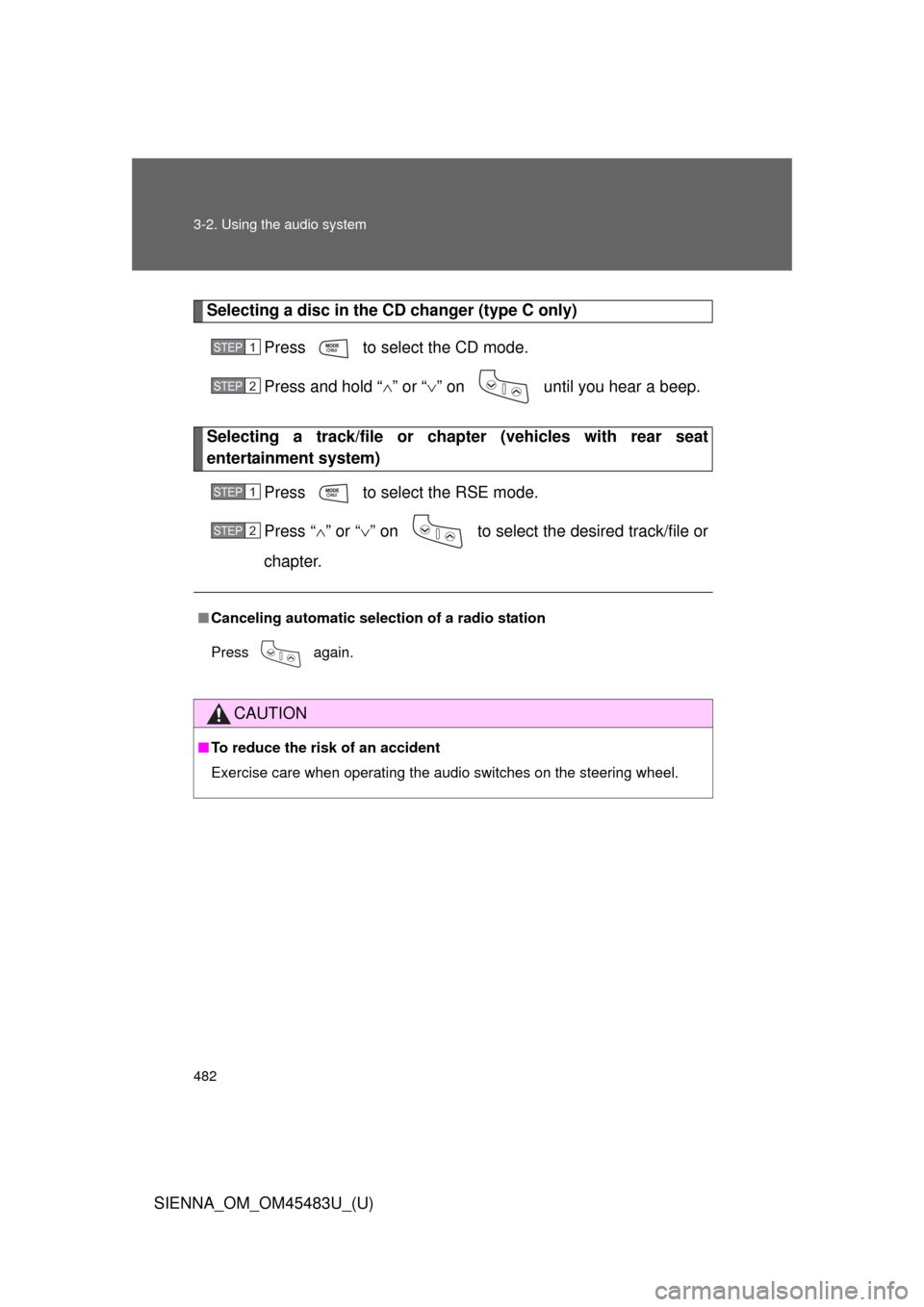
Selecting a disc in the CD changer (type C only)Press to select the CD mode.
Press and hold “ ” or “ ” on until you hear a beep.
Selecting a track/file or ch apter (vehicles with rear seat
entertainment system)
Press to select the RSE mode.
Press “” or “ ” on to select the desired track/file or
chapter.
■ Canceling automatic selection of a radio station
Press again.
CAUTION
■To reduce the risk of an accident
Exercise care when operating the audio switches on the steering wheel.
STEP1
STEP2
STEP1
STEP2
Page 483 of 872
483
3-2. Using the audio system
3
Interior features
SIENNA_OM_OM45483U_(U)
Detachable pole antenna
: If equipped
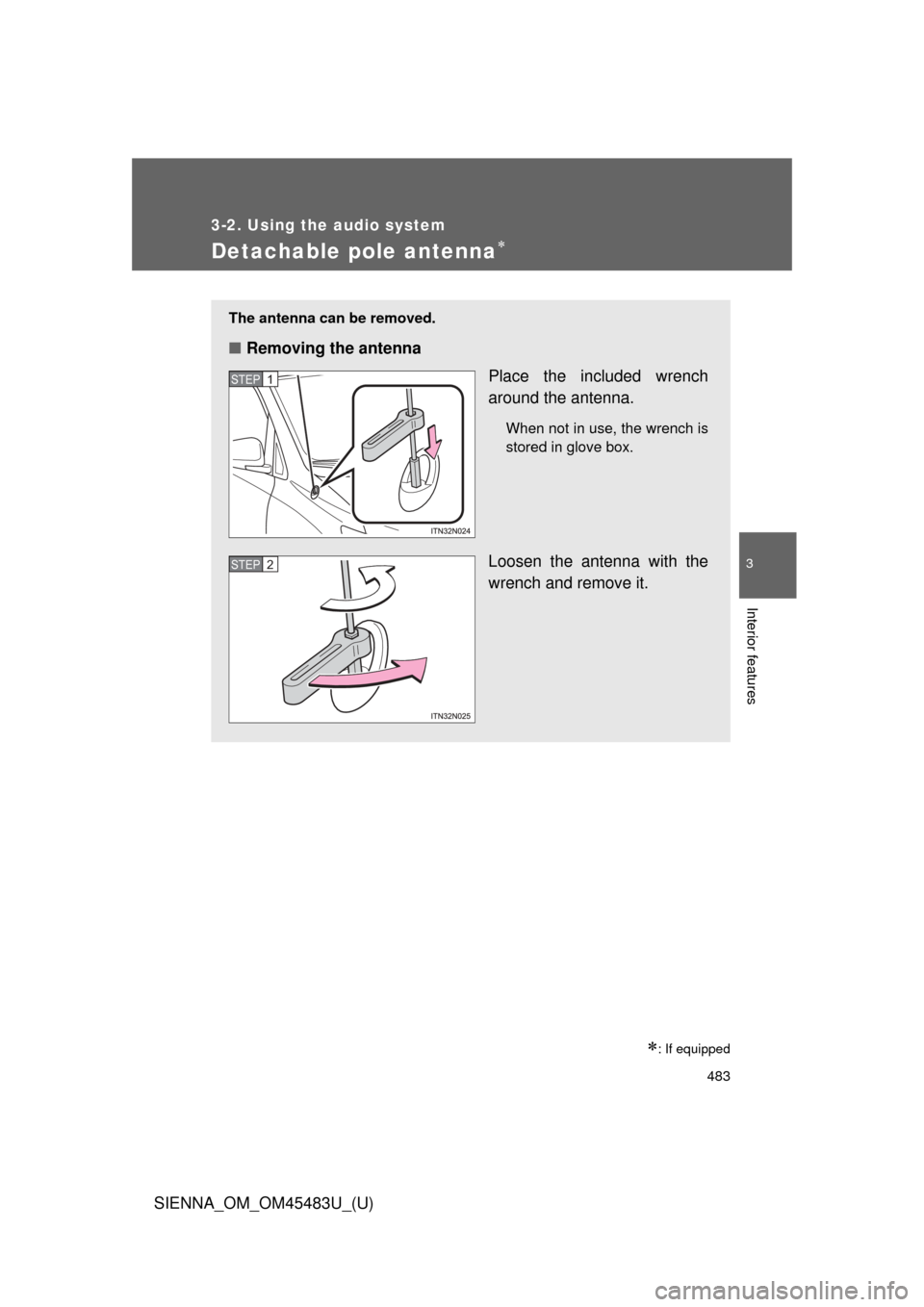
The antenna can be removed.
■Removing the antenna
Place the included wrench
around the antenna.
When not in use, the wrench is
stored in glove box.
Loosen the antenna with the
wrench and remove it.
STEP1
STEP2
Page 484 of 872
484 3-2. Using the audio system
SIENNA_OM_OM45483U_(U)
■About the wrench
After using the included wrench, store it in the glove box for safekeeping\
.
■ Installing the antenna
Tighten the antenna by one
hand until it will not turn any
more.
Using the wrench, tighten the
antenna an additional 1/8th
turn (20 to 45 degrees) to
secure it in place.
After tightening the antenna,
remove the wrench.
STEP1
STEP2

■About the wrench
After using the included wrench, store it in the glove box for safekeeping\
.
■ Installing the antenna
Tighten the antenna")