2014 MERCEDES-BENZ B-CLASS SPORTS immobilizer
[x] Cancel search: immobilizerPage 13 of 360
HOLD function
Deactivating ................................... 172
Display message ............................ 226
Function/notes ............................. 171
Hood
Closing .......................................... .281
Display message ............................ 235
Important safety notes ..................280
Opening ......................................... 280
Hydroplaning ..................................... 159I
Ignitio nlock
see Key positions
Immobilizer .......................................... 70
Indicator lamps see Warning and indicator lamps
Instrument cluster
Overview .......................................... 31
Settings ......................................... 202
Warning and indicator lamps ...........32
Instrument cluster lighting ..............190
Interior lighting ................................. 109
Automatic control ..........................110
Delayeds witch-off (on-board
computer) ...................................... 204
Emergency lighting ........................110
Manual control ............................... 110
Overview ........................................ 109
Reading lamp ................................. 109
Setting the brightness of the
ambient lighting (on-board
computer) ...................................... 204J
Jack Storage location ............................ 294
Using ............................................. 337
Jump starting (engine) ......................303 K
Kickdown Driving tips .................................... 146
Manual drive program ....................149
Kne ebag.............................................. 45 L
Lamps see Warning and indicator lamps
Lane Keepin gAssist
Activating/deactivating .................201
Display message ............................ 227
Function/informatio n.................... 186
Lane Tracking package .....................184
LATCH-type (ISOFIX) child seat
anchors ................................................ 60
Licens eplate lamp
Changing bulbs .............................. 117
Licens eplate lamp (display
message) ............................................ 221
Light function ,active
Display message ............................ 223
Lighting
Ligh tswitc h................................... 104
Lights
Activating/deactivating the
interio rlighting delayed switch-off .204
Automatic headlamp mode ............105
Cornering light function .................107
Display message ............................ 220
Driving abroad ............................... 104
Fog lamps ...................................... 105
Fog lamps (extended) ....................108
Hazard warning lamps ...................107
High bea mflasher .......................... 107
High-beam headlamps ...................106
Low-beam headlamps ....................105
Parking lamps ................................ 106
Rea rfog lamp ................................ 106
Setting the brightness of the
ambient lighting (on-board
computer) ...................................... 204
Standing lamps .............................. 106
Switching Adaptive Highbeam
Assist on/off ................................. 203
Switching the daytime running
lamps on/off (on-board computer) 203
Switching the daytime running
lamps on/off (switch) ....................105
Switching the exterio rlighting
delayed switch-off on/off (on-
board computer )............................ 204 Index
11
Page 72 of 360
(Y
page 138). For further information ,see
Driving tips (Y page 157). STEER CONTROL
General information STEER CONTROL helps you by transmitting a
noticeable steering forc etothe steering
wheel in the direction required for vehicle
stabilization.
This steering assistance is provided in
particular if:
R both right wheels or both left wheels are on
aw et or slippery road surface when you
brake.
R the vehicle start stoskid.
Importan tsafet ynotes If ESP
®
is malfunctioning, you will not receive
steering support from STEER CONTROL.
Power steering will, however, continue to
function. Thef
tdeterrent locking system Immobilizer
The immobilizer prevents your vehicle from
being started without the correct SmartKey.
X To activate: removethe SmartKey from
the ignition lock.
X To deactivate: switchont he ignition.
When leaving the vehicle, always tak ethe
SmartKey with you and lock the vehicle. The
engin ecan be started by anyone with avalid
SmartKey that is left inside the vehicle.
i The immobilizer is always deactivated
when you start the engine.
In the event that the engin ecannot be
started when the starter battery is fully
charged, the immobilizer may be faulty.
Contact an authorized Mercedes-Benz
Cente rorcall 1-800-FOR-MERCedes (in the
USA) or 1-800-387-0100 (in Canada). ATA (anti-thef
talarm system) X
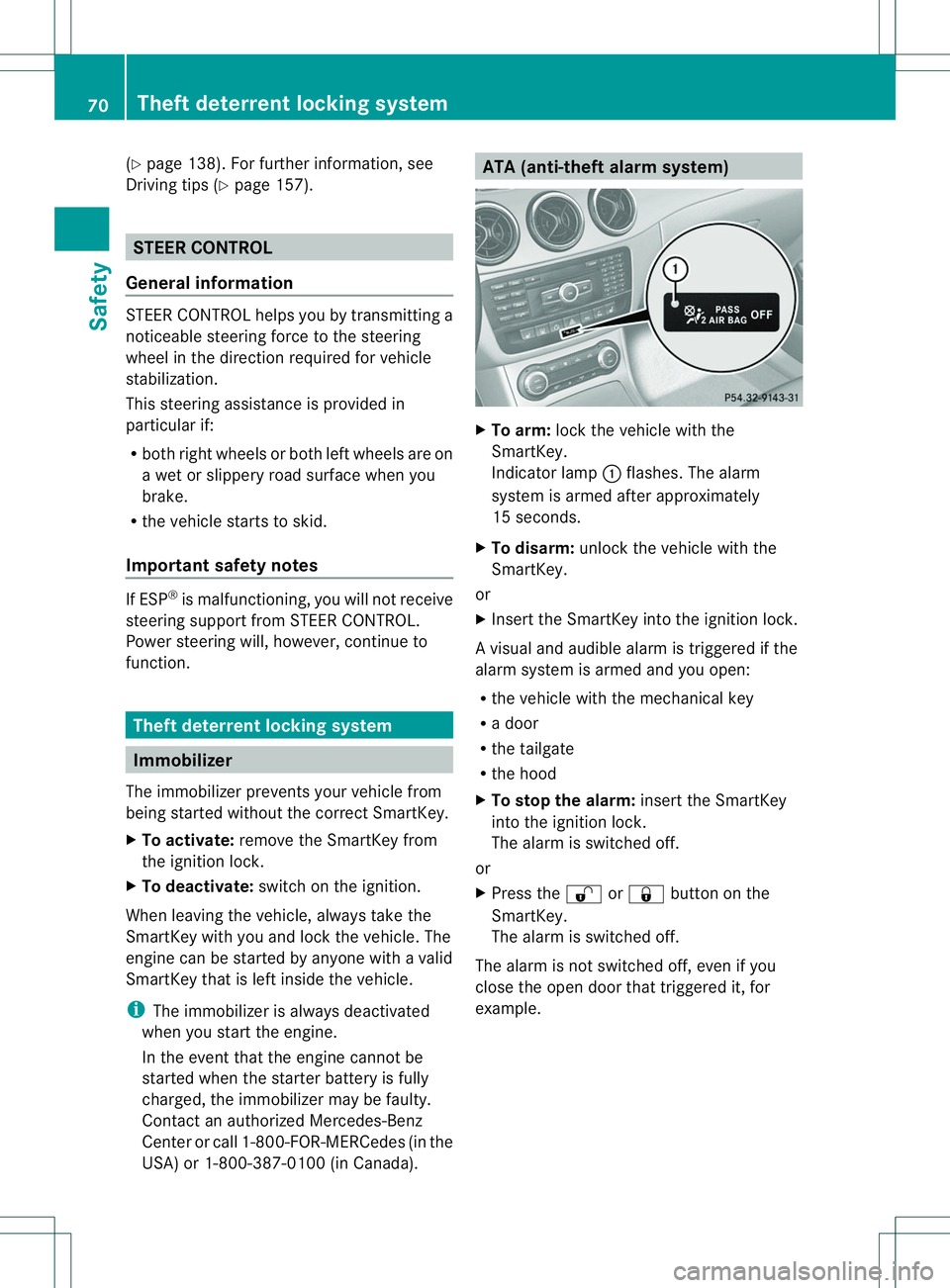
To arm: lockthe vehicle with the
SmartKey.
Indicator lamp 001Aflashes. The alarm
system is armed after approximately
15 seconds.
X To disarm: unlock the vehicle with the
SmartKey.
or
X Insert the SmartKey into the ignition lock.
Av isual and audible alarm is triggere difthe
alarm system is armed and you open:
R the vehicle with the mechanical key
R ad oor
R the tailgate
R the hood
X To stop th ealarm: insert the SmartKey
int ot he ignition lock.
The alarm is switched off.
or
X Press the 0009or0010 button on the
SmartKey.
The alarm is switched off.
The alarm is not switched off ,even if you
clos ethe open door that triggere dit, for
example. 70
Theft deterrent locking systemSafety
Page 155 of 360
To ensure that the vehicle is secured against
rolling away unintentionally:
R the electric parking brake must be applied.
R the transmission must be in position Pand
the transmission position display must
show P.
R the SmartKey must be removed from the
ignition lock.
R on uphill or downhill gradients, the front
wheels must be turned towards the curb. Switching off the engine
Important safety notes G
WARNING
The automatic transmission switches to
neutral position Nwhen you switch off the
engine. The vehicle may roll away.T here is a
risk of an accident.
After switching off the engine, always switch
to parking position P.Prevent the parked
vehicle from rolling away by applying the
parking brake.
Vehicles with automatic transmission X
Apply the electric parking brake.
X Shift the transmission to position P.
X Turn the SmartKey to position 0in the
ignition lock and remove it.
The immobilizer is activated.
i If you switch the engine off with the
transmission in position Ror D,t he
automatic transmission shifts to N
automatically.
If you then open one of the front doors or
remove the SmartKey from the ignition, the
automatic transmission shifts to P.
If you shift the automatic transmission to
N before switching off the engine, the
automatic transmission remains in Neven
if ad oor is opened. i
The automatic transmission shifts to P
automatically if you:
R switch off the engine using the SmartKey
and remove the SmartKey from the
ignition lock or
R switch off the engine using the SmartKey
and open afront door.
If you attempt to turn off the engine when the
selector lever is not in position P:
R am essage appears in the multifunction
display
R aw arning signal sounds Electric parking brake
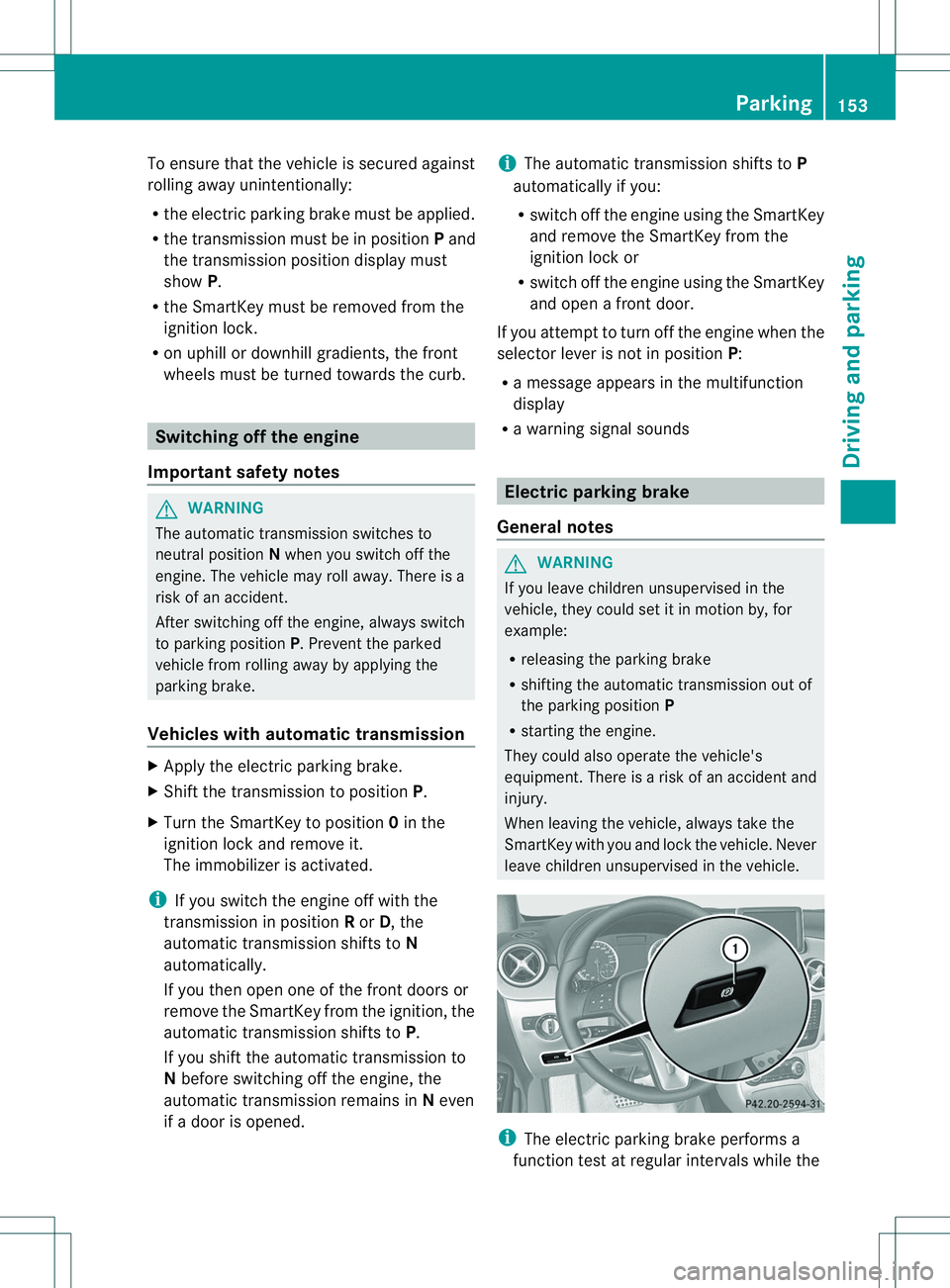
General notes G
WARNING
If you leave children unsupervised in the
vehicle, they could set it in motion by, for
example:
R releasing the parking brake
R shifting the automatic transmission out of
the parking position P
R startingt he engine.
They could also operate the vehicle's
equipment. There is arisk of an accident and
injury.
When leaving the vehicle, always take the
SmartKey with you and lock the vehicle. Never
leave children unsupervised in the vehicle. i
The electric parking brake performs a
function test at regular intervals while the Parking
153Driving and parking Z