Required Equipment
1. Any portable music player designed to be used with headphones
2. An audio extension cable with stereo male 1/8 in. (3.5 mm)
connectors at each end
Using the Auxiliary Input Jack
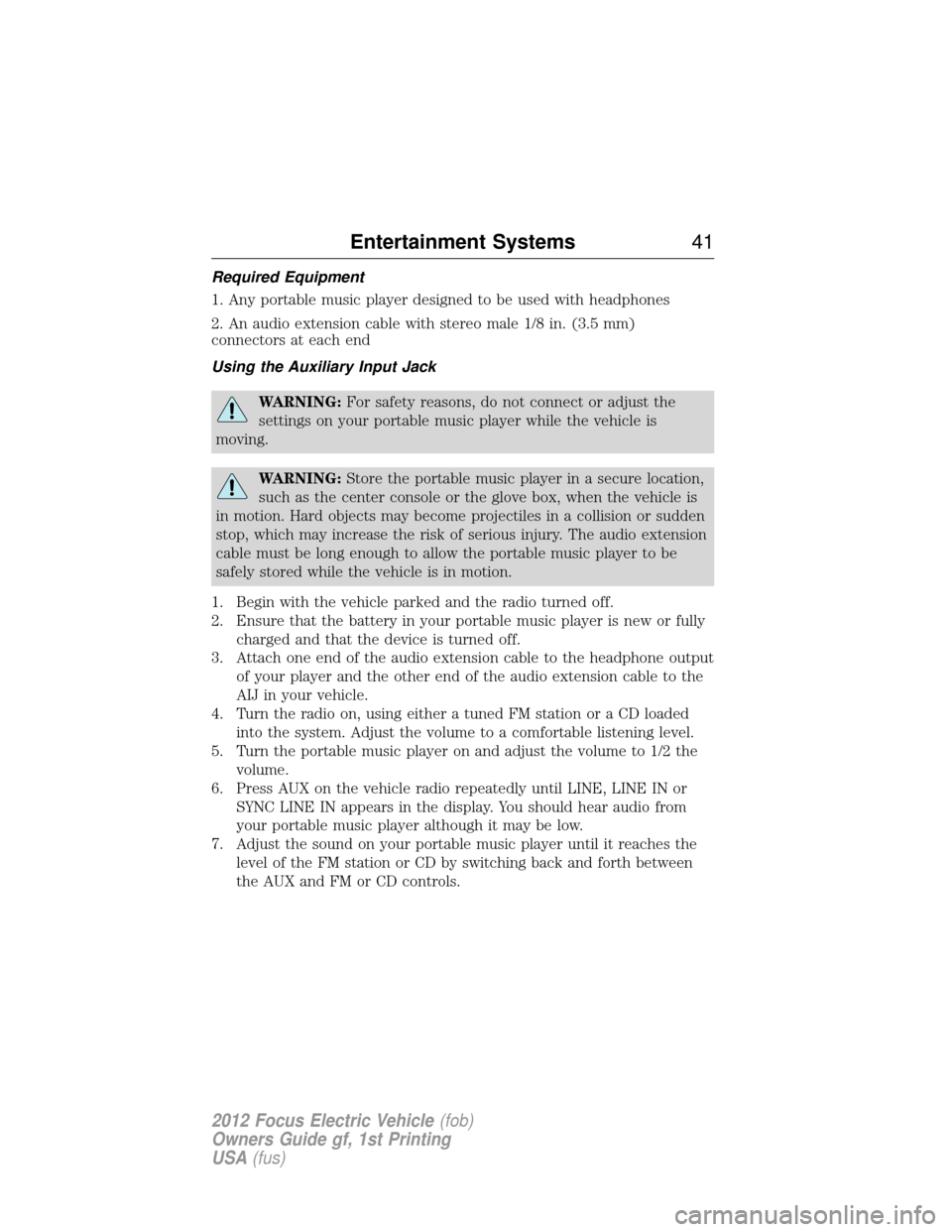
WARNING:For safety reasons, do not connect or adjust the
settings on your portable music player while the vehicle is
moving.
WARNING: Store the portable music player in a secure location,
such as the center console or the glove box, when the vehicle is
in motion. Hard objects may become projectiles in a collision or sudden
stop, which may increase the risk of serious injury. The audio extension
cable must be long enough to allow the portable music player to be
safely stored while the vehicle is in motion.
1. Begin with the vehicle parked and the radio turned off.
2. Ensure that the battery in your portable music player is new or fully charged and that the device is turned off.
3. Attach one end of the audio extension cable to the headphone output of your player and the other end of the audio extension cable to the
AIJ in your vehicle.
4. Turn the radio on, using either a tuned FM station or a CD loaded into the system. Adjust the volume to a comfortable listening level.
5. Turn the portable music player on and adjust the volume to 1/2 the volume.
6. Press AUX on the vehicle radio repeatedly until LINE, LINE IN or SYNC LINE IN appears in the display. You should hear audio from
your portable music player although it may be low.
7. Adjust the sound on your portable music player until it reaches the level of the FM station or CD by switching back and forth between
the AUX and FM or CD controls.
Entertainment Systems 41
2012 Focus Electric Vehicle(fob)
Owners Guide gf, 1st Printing
USA (fus)
AUXILIARY POWER POINTS
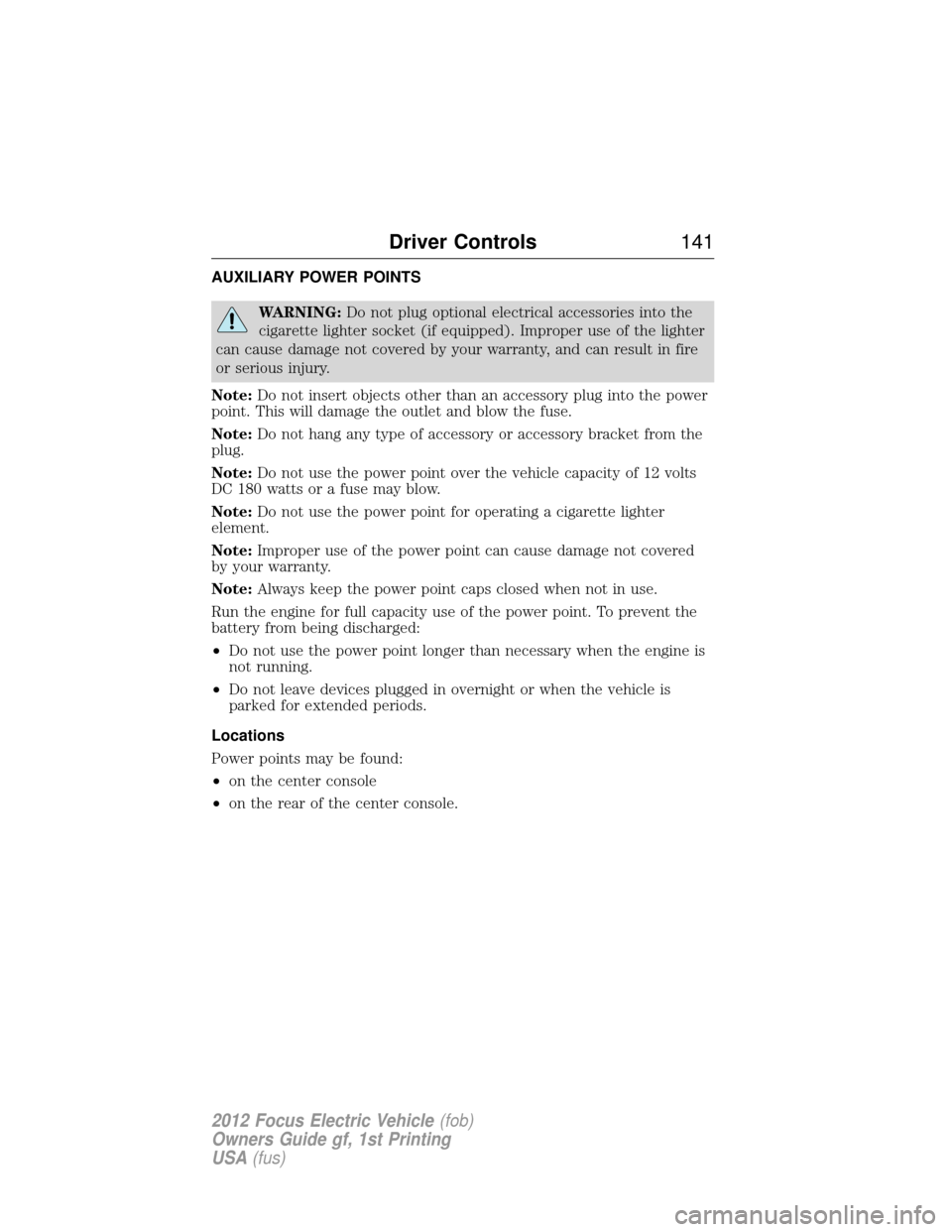
WARNING:Do not plug optional electrical accessories into the
cigarette lighter socket (if equipped). Improper use of the lighter
can cause damage not covered by your warranty, and can result in fire
or serious injury.
Note: Do not insert objects other than an accessory plug into the power
point. This will damage the outlet and blow the fuse.
Note: Do not hang any type of accessory or accessory bracket from the
plug.
Note: Do not use the power point over the vehicle capacity of 12 volts
DC 180 watts or a fuse may blow.
Note: Do not use the power point for operating a cigarette lighter
element.
Note: Improper use of the power point can cause damage not covered
by your warranty.
Note: Always keep the power point caps closed when not in use.
Run the engine for full capacity use of the power point. To prevent the
battery from being discharged:
• Do not use the power point longer than necessary when the engine is
not running.
• Do not leave devices plugged in overnight or when the vehicle is
parked for extended periods.
Locations
Power points may be found:
• on the center console
• on the rear of the center console.
Driver Controls 141
2012 Focus Electric Vehicle(fob)
Owners Guide gf, 1st Printing
USA (fus)
911 Assist™ ................................97
A
Accessing and using your
USB port ......................................75
Accessing your calendar ............96
Accessory delay ........................143
Adding (pairing) a phone ..........84
AdvanceTrac ..............................258
Airbag supplemental restraint
system ........................194, 202, 204and child safety seats ............196
description ..............194, 202, 204
disposal ....................................207
driver airbag ............196, 203, 205
indicator light .................201, 207
operation .................196, 203, 205
passenger airbag .....196, 203, 205
side airbag ...............................202
Air conditioning ........................123
Air filter, cabin ..........................336
Ambient mood/lighting .............133
AM/FM .........................................62
Anti-lock brake system
(see Brakes) ..............................256
Anti-theft system ..............170, 172 arming the system ..........171–172
disarming a triggered
system .....................................172
triggering .................................172
Audio system Single CD ..................................39
Audio system (see Radio) .........39
Automatic transaxle fluid, adding ............................334 fluid, checking ........................334
Automatic transmission ............264 fluid, refill capacities ..............337
fluid, specification ..................337
Auxiliary Input Jack ...................72
Auxiliary input jack
(Line in) ......................................40
Auxiliary powerpoint ................141
A/V inputs ....................................81
B
Battery .......................................322 acid, treating emergencies .....322
jumping a disabled battery ....299
maintenance-free ....................322
replacement, specifications ...336
servicing ..................................322
traction battery pack
assembly ..................................324
Belt-Minder� .............................190
Blind spot mirror ......................273
Booster seats .............................221
Brakes ................................255–256 anti-lock ...................................256
anti-lock brake system (ABS)
warning light ...........................256
fluid, checking and adding ....334
fluid, refill capacities ..............337
fluid, specifications .................337
lubricant specifications ..........337
parking ....................................257
shift interlock ..........................262
Break-in period .............................6
Bulbs ..........................................134
374 Index
2012 Focus Electric Vehicle (fob)
Owners Guide gf, 1st Printing
USA (fus)