Page 116 of 722
�Û
�Ý �Û�Ý
CONT INUED
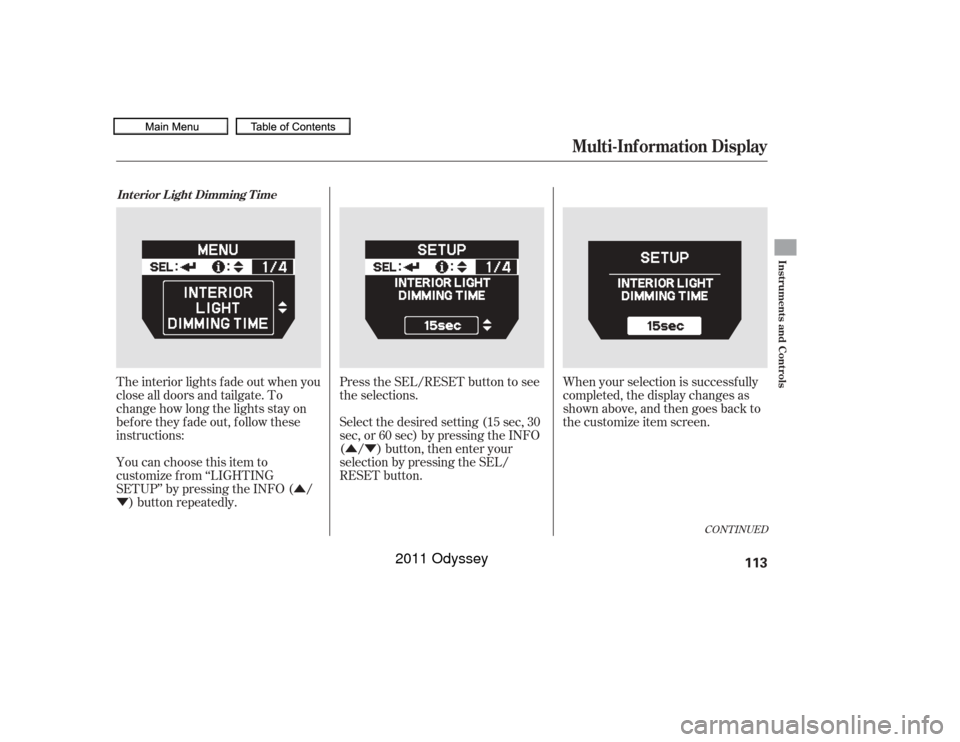
The interior lights f ade out when you
close all doors and tailgate. To
change how long the lights stay on
before they fade out, follow these
instructions:
You can choose this item to
customize f rom ‘‘LIGHTING
SETUP’’ by pressing the INFO ( /
) button repeatedly. Press the SEL/RESET button to see
the selections.
Select the desired setting (15 sec, 30
sec, or 60 sec) by pressing the INFO
( / ) button, then enter your
selection by pressing the SEL/
RESET button.
When your selection is successf ully
completed, the display changes as
shown above, and then goes back to
the customize item screen.Int erior L ight Dimming T ime
Multi-Inf ormation Display
Instruments and Controls
113
10/07/17 09:49:20 31TK8600_118
2011 Odyssey
Page 118 of 722
�Û�Ý
�Û
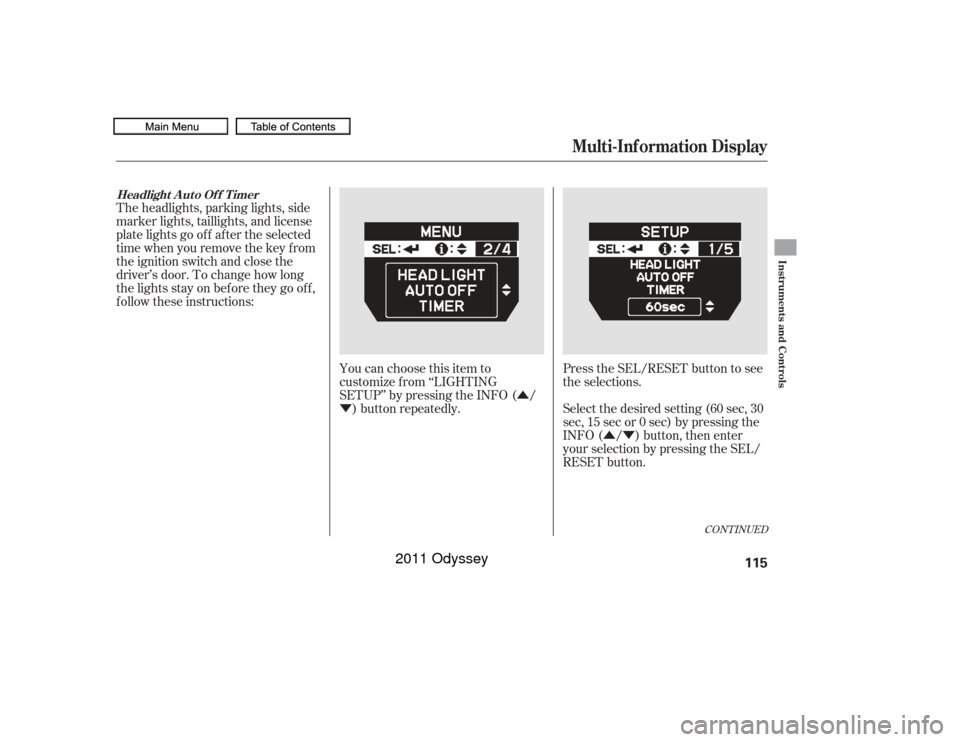
�Ý Select the desired setting (60 sec, 30
sec, 15 sec or 0 sec) by pressing the
INFO ( / ) button, then enter
your selection by pressing the SEL/
RESET button.
The headlights, parking lights, side
marker lights, taillights, and license
plate lights go of f af ter the selected
time when you remove the key f rom
the ignition switch and close the
driver’s door. To change how long
thelightsstayonbeforetheygooff,
f ollow these instructions:
You can choose this item to
customize f rom ‘‘LIGHTING
SETUP’’ by pressing the INFO ( /) button repeatedly. Press the SEL/RESET button to see
the selections.
CONT INUED
Headlight A uto Of f T imer
Multi-Inf ormation Display
Instruments and Controls
115
10/07/17 09:49:31 31TK8600_120
2011 Odyssey
Page 120 of 722
�µ�µ
�µ �µ
�µ �Û
�Ý
�Û�Ý
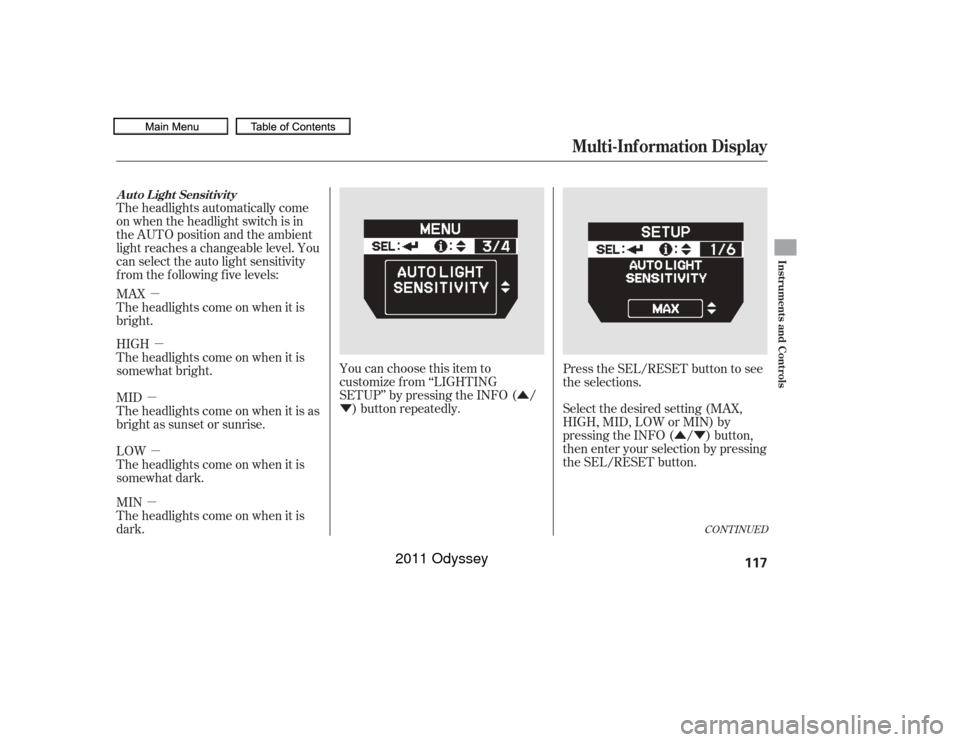
The headlights automatically come
on when the headlight switch is in
the AUTO position and the ambient
light reaches a changeable level. You
can select the auto light sensitivity
f rom the f ollowing f ive levels:
MAX
Theheadlightscomeonwhenitis
bright.
HIGH
Theheadlightscomeonwhenitis
somewhat bright.
MID
Theheadlightscomeonwhenitisas
bright as sunset or sunrise.
LOW
Theheadlightscomeonwhenitis
somewhat dark.
MIN
Theheadlightscomeonwhenitis
dark.
You can choose this item to
customize f rom ‘‘LIGHTING
SETUP’’ by pressing the INFO ( /
) button repeatedly. Press the SEL/RESET button to see
the selections.
Select the desired setting (MAX,
HIGH, MID, LOW or MIN) by
pressing the INFO ( / ) button,
then enter your selection by pressing
the SEL/RESET button.
CONT INUED
Auto Light Sensitivity
Multi-Inf ormation Display
Instruments and Controls
117
10/07/17 09:49:45 31TK8600_122
2011 Odyssey
Page 122 of 722
�Û�Ý
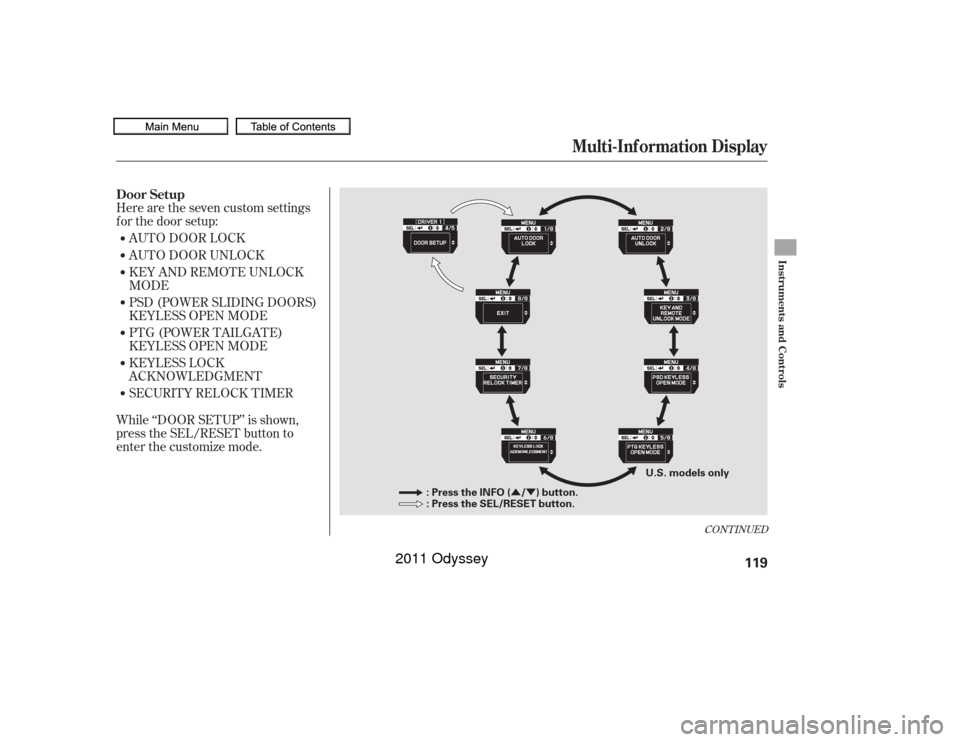
Here are the seven custom settings
f or the door setup:
While ‘‘DOOR SETUP’’ is shown,
press the SEL/RESET button to
enter the customize mode.AUTO DOOR LOCK
AUTO DOOR UNLOCK
KEY AND REMOTE UNLOCK
MODE
PSD (POWER SLIDING DOORS)
KEYLESS OPEN MODE
PTG (POWER TAILGATE)
KEYLESS OPEN MODE
KEYLESS LOCK
ACKNOWLEDGMENT
SECURITY RELOCK TIMER
CONT INUED
Door Setup
Multi-Inf ormation Display
Instruments and Controls
119
: Press the INFO ( / ) button.
: Press the SEL/RESET button.
U.S. models only
10/07/17 09:50:00 31TK8600_124
2011 Odyssey
Page 124 of 722
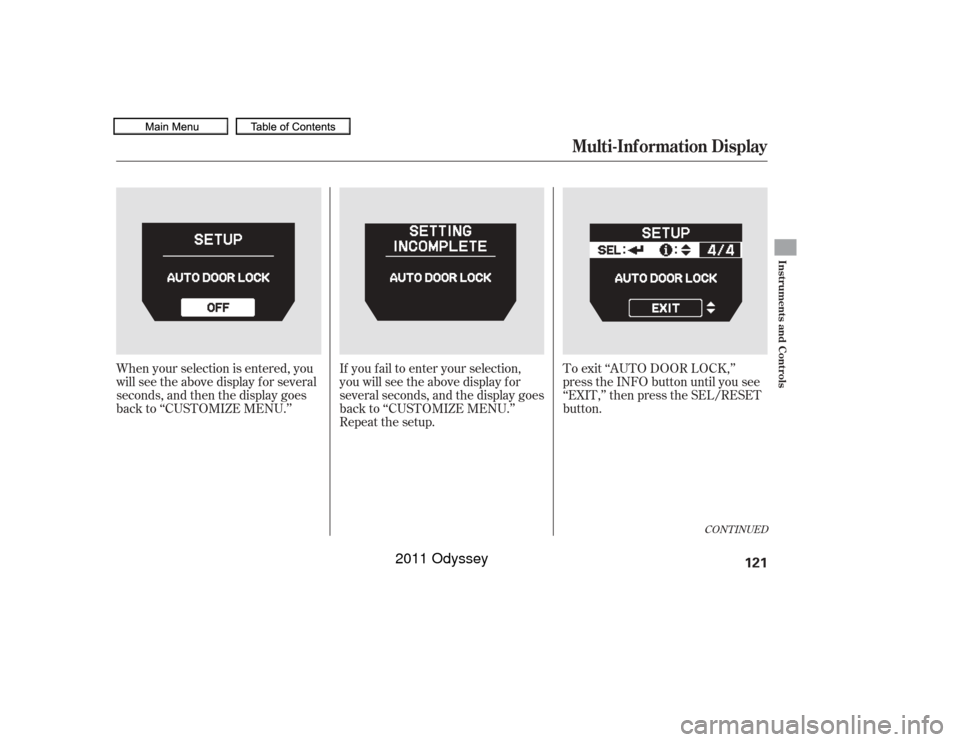
If you f ail to enter your selection,
you will see the above display f or
several seconds, and the display goes
back to ‘‘CUSTOMIZE MENU.’’
Repeat the setup.To exit ‘‘AUTO DOOR LOCK,’’
press the INFO button until you see
‘‘EXIT,’’ then press the SEL/RESET
button.
When your selection is entered, you
will see the above display for several
seconds, and then the display goes
back to ‘‘CUSTOMIZE MENU.’’
CONT INUED
Multi-Inf ormation Display
Instruments and Controls
121
10/07/17 09:50:14 31TK8600_126
2011 Odyssey
Page 126 of 722
CONT INUED
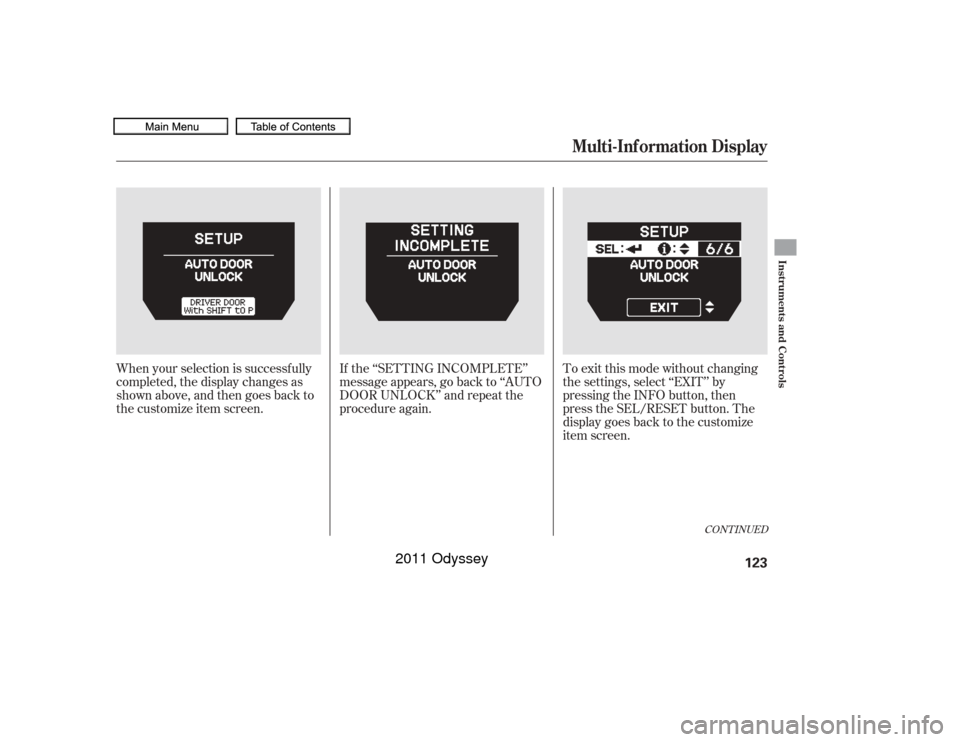
When your selection is successf ully
completed, the display changes as
shown above, and then goes back to
the customize item screen.If the ‘‘SETTING INCOMPLETE’’
message appears, go back to ‘‘AUTO
DOOR UNLOCK’’ and repeat the
procedure again. To exit this mode without changing
the settings, select ‘‘EXIT’’ by
pressing the INFO button, then
press the SEL/RESET button. The
display goes back to the customize
item screen.
Multi-Inf ormation Display
Instruments and Controls
123
10/07/17 09:50:29 31TK8600_128
2011 Odyssey
Page 128 of 722
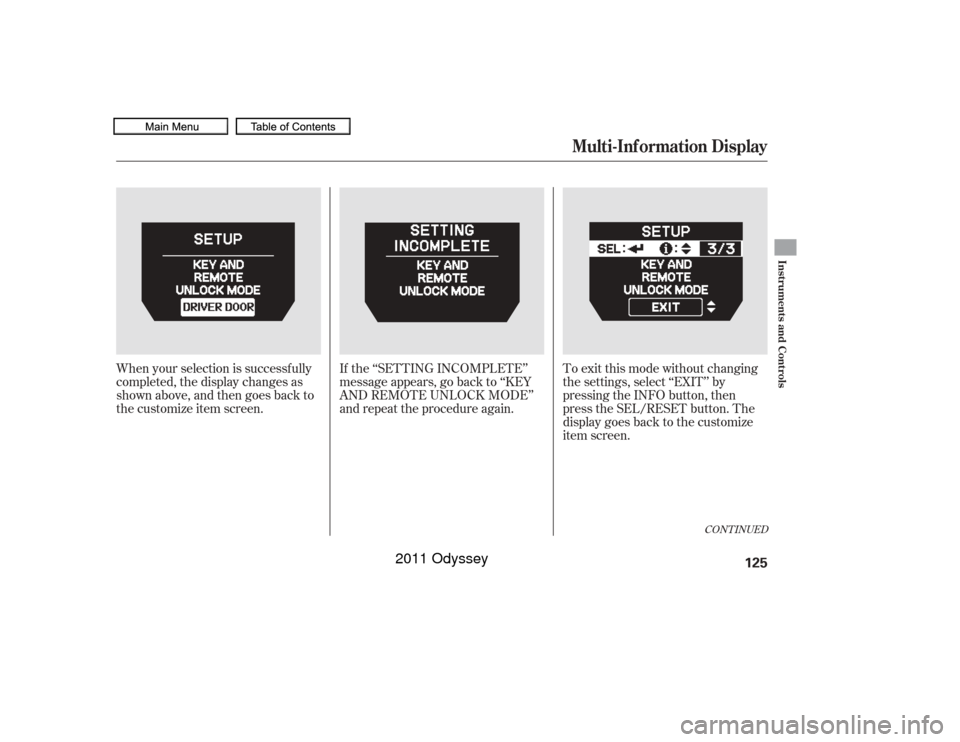
When your selection is successf ully
completed, the display changes as
shown above, and then goes back to
the customize item screen.If the ‘‘SETTING INCOMPLETE’’
message appears, go back to ‘‘KEY
AND REMOTE UNLOCK MODE’’
and repeat the procedure again. To exit this mode without changing
the settings, select ‘‘EXIT’’ by
pressing the INFO button, then
press the SEL/RESET button. The
display goes back to the customize
item screen.
CONT INUED
Multi-Inf ormation Display
Instruments and Controls
125
10/07/17 09:50:41 31TK8600_130
2011 Odyssey
Page 130 of 722
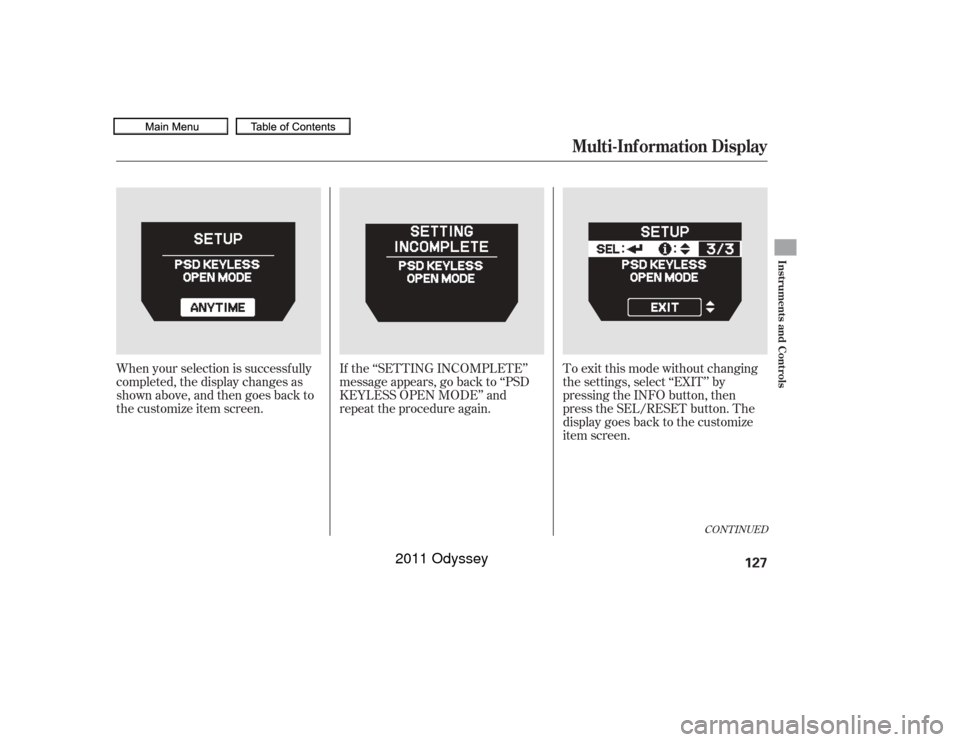
When your selection is successf ully
completed, the display changes as
shown above, and then goes back to
the customize item screen.If the ‘‘SETTING INCOMPLETE’’
message appears, go back to ‘‘PSD
KEYLESS OPEN MODE’’ and
repeat the procedure again. To exit this mode without changing
the settings, select ‘‘EXIT’’ by
pressing the INFO button, then
press the SEL/RESET button. The
display goes back to the customize
item screen.
CONT INUED
Multi-Inf ormation Display
Instruments and Controls
127
10/07/17 09:50:54 31TK8600_132
2011 Odyssey