��
��
Service Precautions
System InitializationEntering the Security Code
GPS Initialization
23-268Navigation System
General Troubleshooting Information (cont’d)
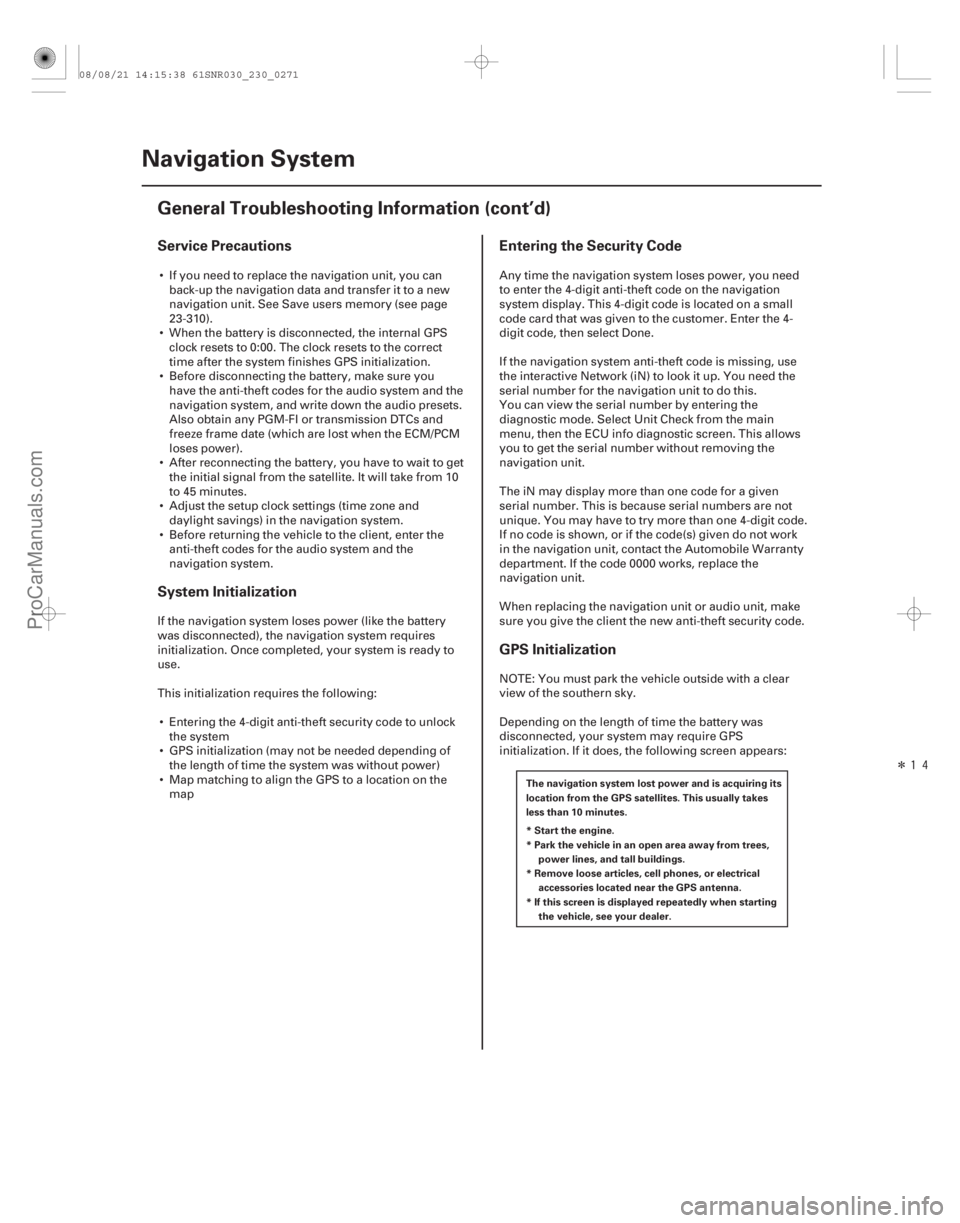
The navigation system lost power and is acquiring its
location from the GPS satellites. This usually takes
less than 10 minutes.
* Start the engine.
*Parkthevehicleinanopenareaawayfromtrees,
* Remove loose articles, cell phones, or electrical
* If this screen is displayed repeatedly when starting power lines, and tall buildings.
accessories located near the GPS antenna.
the vehicle, see your dealer.
If you need to replace the navigation unit, you can
back-up the navigation data and transfer it to a new
navigation unit. See Save users memory (see page
23-310).
When the battery is disconnected, the internal GPS clock resets to 0:00. The clock resets to the correct
time after the system finishes GPS initialization.
Before disconnecting the battery, make sure you have the anti-theft codes for the audio system and the
navigation system, and write down the audio presets.
Also obtain any PGM-FI or transmission DTCs and
freeze frame date (which are lost when the ECM/PCM
loses power).
After reconnecting the battery, you have to wait to get the initial signal from the satellite. It will take from 10
to 45 minutes.
Adjust the setup clock settings (time zone and daylight savings) in the navigation system.
Before returning the vehicle to the client, enter the anti-theft codes for the audio system and the
navigation system.
If the navigation system loses power (like the battery
was disconnected), the navigation system requires
initialization. Once completed, your system is ready to
use.
This initialization requires the following: Entering the 4-digit anti-theft security code to unlock the system
GPS initialization (may not be needed depending of the length of time the system was without power)
Map matching to align the GPS to a location on the map Any time the navigation system loses power, you need
to enter the 4-digit anti-theft code on the navigation
system display. This 4-digit code is located on a small
code card that was given to the customer. Enter the 4-
digit code, then select Done.
If the navigation system anti-theft code is missing, use
the interactive Network (iN) to look it up. You need the
serial number for the navigation unit to do this.
You can view the serial number by entering the
diagnostic mode. Select Unit Check from the main
menu, then the ECU info diagnostic screen. This allows
you to get the serial number without removing the
navigation unit.
The iN may display more than one code for a given
serial number. This is because serial numbers are not
unique. You may have to try more than one 4-digit code.
If no code is shown, or if the code(s) given do not work
in the navigation unit, contact the Automobile Warranty
department. If the code 0000 works, replace the
navigation unit.
When replacing the navigation unit or audio unit, make
sure you give the client the new anti-theft security code.
NOTE: You must park the vehicle outside with a clear
view of the southern sky.
Depending on the length of time the battery was
disconnected, your system may require GPS
initialization. If it does, the following screen appears:
08/08/21 14:15:38 61SNR030_230_0271
ProCarManuals.com
DYNOMITE -2009-