Page 4 of 432
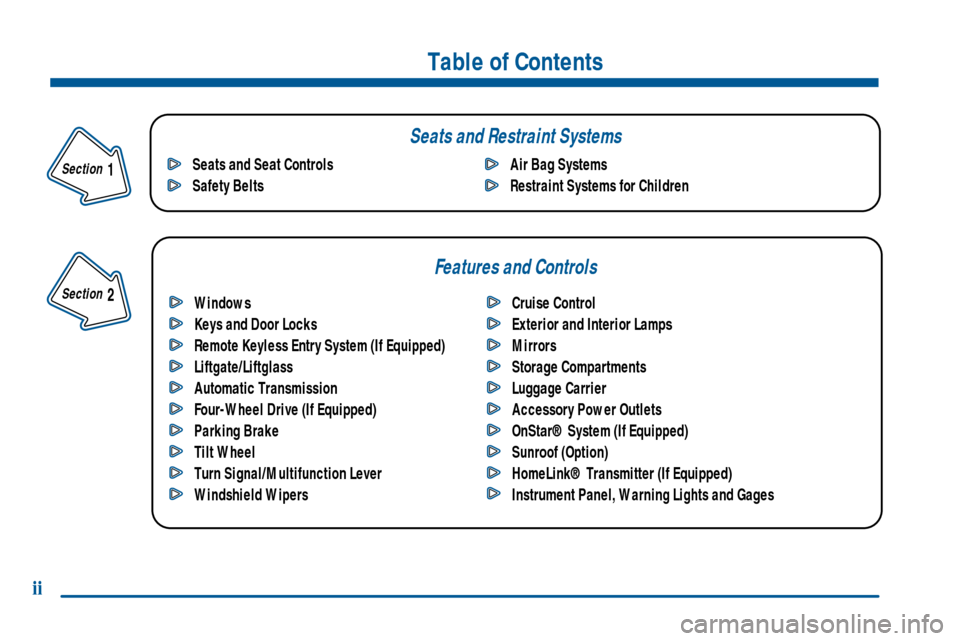
Table of Contents
Windows
Keys and Door Locks
Remote Keyless Entry System (If Equipped)
Liftgate/Liftglass
Automatic Transmission
Four-Wheel Drive (If Equipped)
Parking Brake
Tilt Wheel
Turn Signal/Multifunction Lever
Windshield WipersCruise Control
Exterior and Interior Lamps
Mirrors
Storage Compartments
Luggage Carrier
Accessory Power Outlets
OnStar® System (If Equipped)
Sunroof (Option)
HomeLink® Transmitter (If Equipped)
Instrument Panel, Warning Lights and Gages Seats and Seat Controls
Safety BeltsAir Bag Systems
Restraint Systems for Children
Section
1
Section
2
Seats and Restraint Systems
Features and Controls
ii
Page 70 of 432
2-
2-1
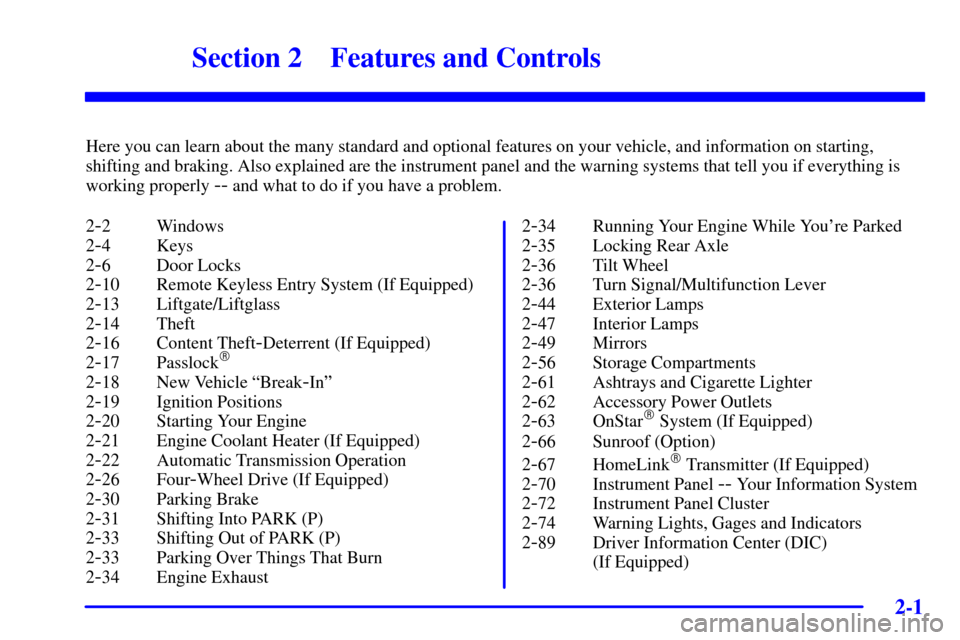
Section 2 Features and Controls
Here you can learn about the many standard and optional features on your vehicle, and information on starting,
shifting and braking. Also explained are the instrument panel and the warning systems that tell you if everything is
working properly
-- and what to do if you have a problem.
2
-2 Windows
2
-4 Keys
2
-6 Door Locks
2
-10 Remote Keyless Entry System (If Equipped)
2
-13 Liftgate/Liftglass
2
-14 Theft
2
-16 Content Theft-Deterrent (If Equipped)
2
-17 Passlock�
2-18 New Vehicle ªBreak-Inº
2
-19 Ignition Positions
2
-20 Starting Your Engine
2
-21 Engine Coolant Heater (If Equipped)
2
-22 Automatic Transmission Operation
2
-26 Four-Wheel Drive (If Equipped)
2
-30 Parking Brake
2
-31 Shifting Into PARK (P)
2
-33 Shifting Out of PARK (P)
2
-33 Parking Over Things That Burn
2
-34 Engine Exhaust2
-34 Running Your Engine While You're Parked
2
-35 Locking Rear Axle
2
-36 Tilt Wheel
2
-36 Turn Signal/Multifunction Lever
2
-44 Exterior Lamps
2
-47 Interior Lamps
2
-49 Mirrors
2
-56 Storage Compartments
2
-61 Ashtrays and Cigarette Lighter
2
-62 Accessory Power Outlets
2
-63 OnStar� System (If Equipped)
2
-66 Sunroof (Option)
2
-67 HomeLink� Transmitter (If Equipped)
2
-70 Instrument Panel -- Your Information System
2
-72 Instrument Panel Cluster
2
-74 Warning Lights, Gages and Indicators
2
-89 Driver Information Center (DIC)
(If Equipped)
Page 89 of 432
2-20
Retained Accessory Power (RAP)
Your vehicle is equipped with a Retained Accessory
Power (RAP) feature which will allow certain features
of your vehicle to continue to work up to 20 minutes
after the ignition key is turned to LOCK.
Your radio, power windows, sunroof (option) and
overhead console will work when the ignition key is in
RUN or ACCESSORY. Once the key is turned from
RUN to LOCK, these features will continue to work for
up to 20 minutes or until a door is opened.
Starting Your Engine
Move your shift lever to PARK (P) or NEUTRAL (N).
Your engine won't start in any other position
-- that's a
safety feature. To restart when you're already moving,
use NEUTRAL (N) only.
NOTICE:
Don't try to shift to PARK (P) if your vehicle is
moving. If you do, you could damage the
transmission. Shift to PARK (P) only when your
vehicle is stopped.
1. With your foot off the accelerator pedal, turn the
ignition key to START. When the engine starts, let
go of the key. The idle speed will go down as your
engine gets warm.
NOTICE:
Holding your key in START for longer than
15 seconds at a time will cause your battery to be
drained much sooner. And the excessive heat can
damage your starter motor. At 15 seconds, the
starter will automatically be disengaged. Wait
about 15 seconds between each try to help avoid
draining your battery or damaging your starter.
2. If it doesn't start within 10 seconds, push the
accelerator pedal all the way to the floor, while you
hold the ignition key in START. When the engine
starts, let go of the key and let up on the accelerator
pedal. Wait about 15 seconds between each try.
Page 135 of 432

2-66
OnStar System Limitations
Complete limitations can be found on the Subscriber
Services Agreement.
OnStar Service is:
�available in the 48 contiguous United States, Alaska,
Hawaii and Canada;
�available when the vehicle is within the operating
range of a cellular provider;
�subject to limitations caused by atmospheric
conditions, such as severe weather or topographical
conditions, such as mountainous terrain;
�subject to cellular carrier equipment limitations.
Global positioning capabilities used to deliver
OnStar service will not be available if satellite signals
are obstructed.
OnStar will not function if the vehicle's battery is
discharged or disconnected. It may also be inoperative
if the vehicle is in an accident and the OnStar or vehicle
electrical system components are damaged.Safety and security services are provided by existing
governmental emergency service providers. OnStar will
use reasonable efforts to contact the appropriate
emergency service provider and request assistance but
cannot promise that they will respond to the call in a
timely manner or at all.
Sunroof (Option)
Your vehicle may be equipped with a power sliding
sunroof. To open or close your sunroof, the ignition or
Retained Accessory Power (RAP) must be active. See
ªRetained Accessory Powerº in the Index.
Press and release the back of the button in the overhead
console to open the sunroof. You can press the front of
the button to close the sunroof. Once the sunroof is
closed, press the forward side of the button to open the
sunroof to the vent position.
The sunroof is also equipped with a sunshade which you
can pull forward to block sun rays.
Page 388 of 432
6-62
Fuse Usage
17 Right Rear Parking Lamps
18 LOCKS
19 Blank
20 Sunroof
21 LOCK
23 Blank
24 UNLOCK
25 Blank
26 Blank
27 OH Battery/OnStar
� System
29 Rainsense Wipers
30 Parking Lamps
31 TBC 4CC
32 TBC5
33 Front Wipers
34 VEH STOP
35 BlankFuse Usage
36 HVAC B
37 Front Parking Lamps
38 Left Turn Signal
39 HVAC 1
40 TBC 4
41 Radio
42 TR PARK
43 Right Turn Signal
44 HVAC
45 Rear Fog Lamps
46 Auxiliary Power 1
47 Ignition 0
48 Four
-Wheel Drive
49 Blank
50 TBC IG
51 Brakes
52 TBC RUN