1998 CADILLAC SEVILLE ignition
[x] Cancel search: ignitionPage 122 of 378
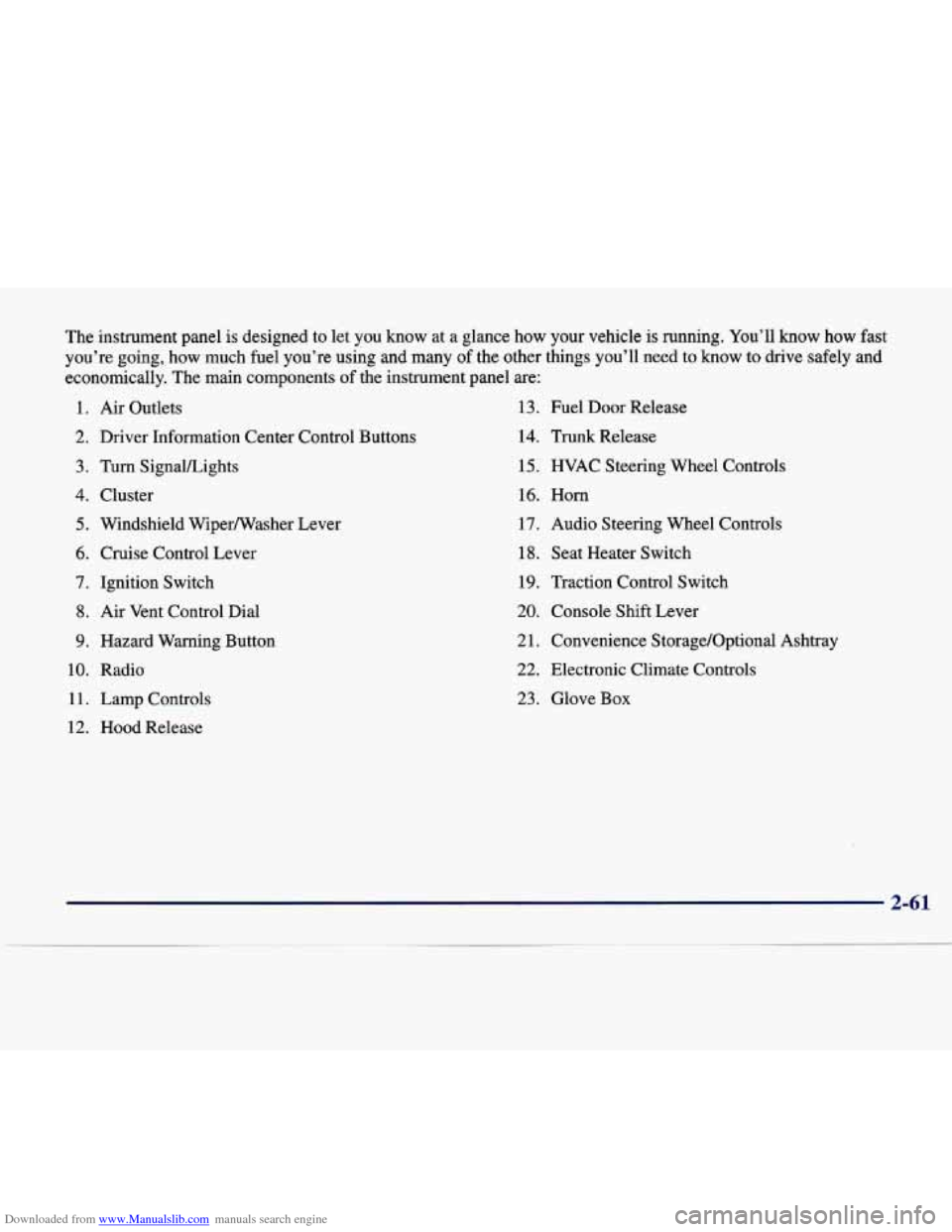
Downloaded from www.Manualslib.com manuals search engine The instrument panel is designed to let you know at a glance how your vehicle is running. You’ll know how fast
you’re going, how much fuel you’re using and many
of the other things you’ll need to know to drive safely and
economically. The main components of the instrument panel are:
1. Air Outlets 13. Fuel Door Release
2. Driver Information Center Control Buttons 14. Trunk Release
3. Turn SignaVLights 15. HVAC Steering Wheel Controls
4. Cluster 16. Horn
5. Windshield Wiperwasher Lever 17. Audio Steering Wheel Controls
6. Cruise Control Lever 18. Seat Heater Switch
7. Ignition Switch 19. Traction Control Switch
8. Air Vent Control Dial
20. Console Shift Lever
9. Hazard Warning Button
2 1. Convenience S torage/Optional Ashtray
10. Radio
22. Electronic Climate Controls
11. Lamp Controls 23. Glove Box
12. Hood Release
Page 127 of 378
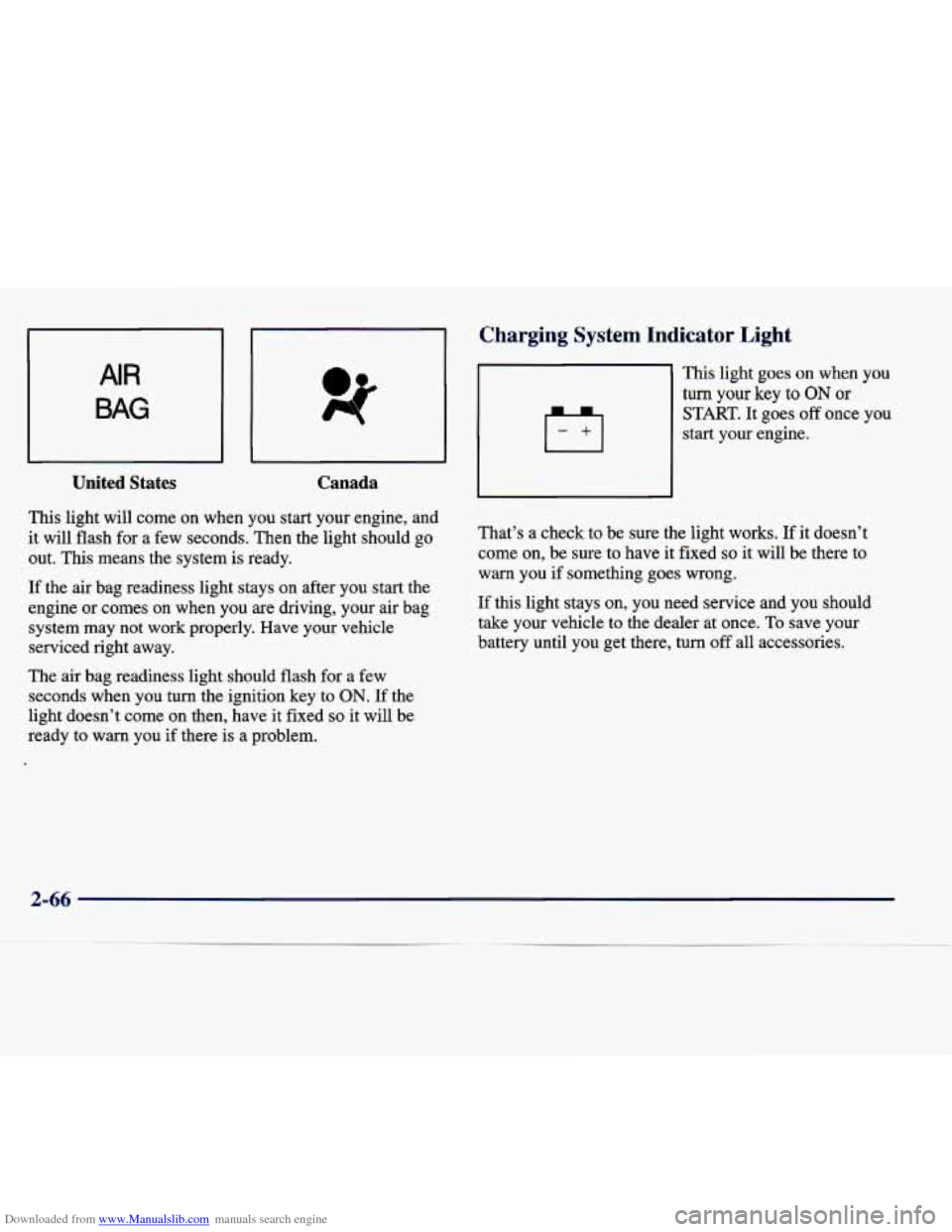
Downloaded from www.Manualslib.com manuals search engine United States Canada
This light will come on when you start your engine, and
it will flash for a few seconds. Then the light should go
out. This means the system
is ready.
If the air bag readiness light stays on after you start the
engine or comes
on when you are driving, your air bag
system may not work properly. Have your vehicle
serviced right away.
The air bag readiness light should flash for a few
seconds when you turn the ignition key
to ON. If the
light doesn’t come on then, have it fixed
so it will be
ready
to warn you if there is a problem.
-
Charging system Indicator Light
This light goes on when you
turn your key to ON or
START. It goes off once you
start your engine.
That’s a check to be sure the light works.
If it doesn’t
come on, be sure to have it fixed
so it will be there to
warn you if something goes wrong.
If this light stays
on, you need service and you should
take your vehicle to the dealer at once. To save your
battery until you get there, turn off all accessories.
2-66
Page 128 of 378
Downloaded from www.Manualslib.com manuals search engine It Brake System Warning :
Your vehicle’s hydraulic brake sy; m is divided into
two parts.
If one part isn’t working, the other part can
still work and stop you. For good braking, though, you
need both parts working well.
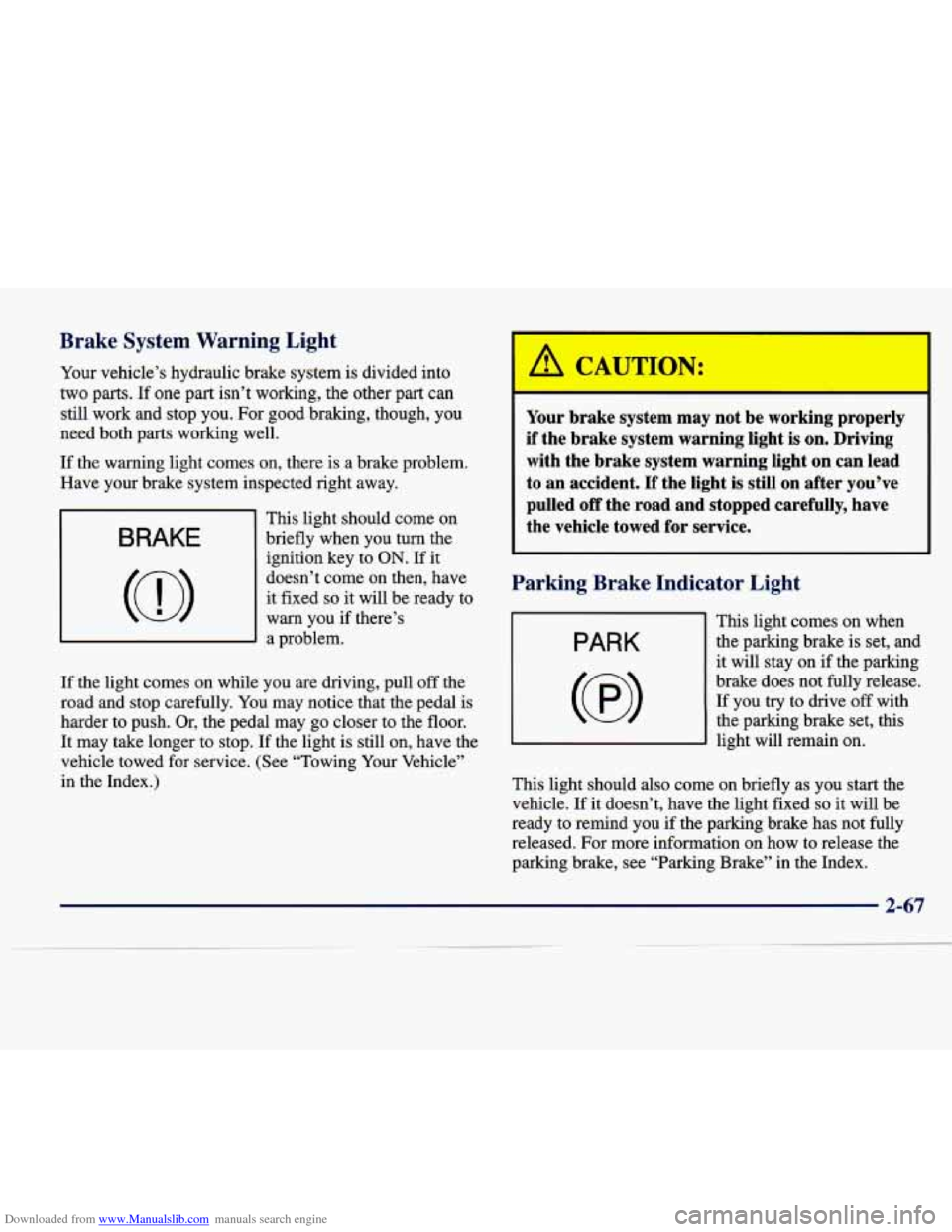
If the warning light comes on, there is a brake problem.
Have your brake system inspected right away.
BRAKE
This light should come on
briefly when you turn the
ignition key to
ON. If it
doesn’t come on then, have
it fixed
so it will be ready to
warn you if there’s
a problem.
If the light comes on while
you are driving, pull off the
road and stop carefully.
You may notice that the pedal is
harder to push. Or, the pedal may
go closer to the floor.
It may take longer to stop. If the light is still on, have the
vehicle towed for service. (See “Towing Your Vehicle”
in the Index.)
,a CAUTION:
Your brake system may not be working properly
if the brake system warning light is on. Driving
with the brake system warning light on can lead
to
an accident. If the light is still on after you’ve
pulled
off the road and stopped carefully, have
the vehicle towed for service.
Parking Brake Indicator Light
PARK
(@I
This light comes on when the parking brake is set, and
it will stay on if the parking
brake does not fully release.
If you try to drive off with
the parking brake set, this
light will remain
on.
This light should also come on briefly as you start the
vehicle. If it doesn’t, have the light fixed
so it will be
ready to remind you
if the parking brake has not fully
released. For more information on how to release the
parking brake, see “Parking Brake” in the Index.
2-67
Page 129 of 378
Downloaded from www.Manualslib.com manuals search engine Anti-Lock Brake Syste~
-- -
arning Light
Traction Control System Warning Light
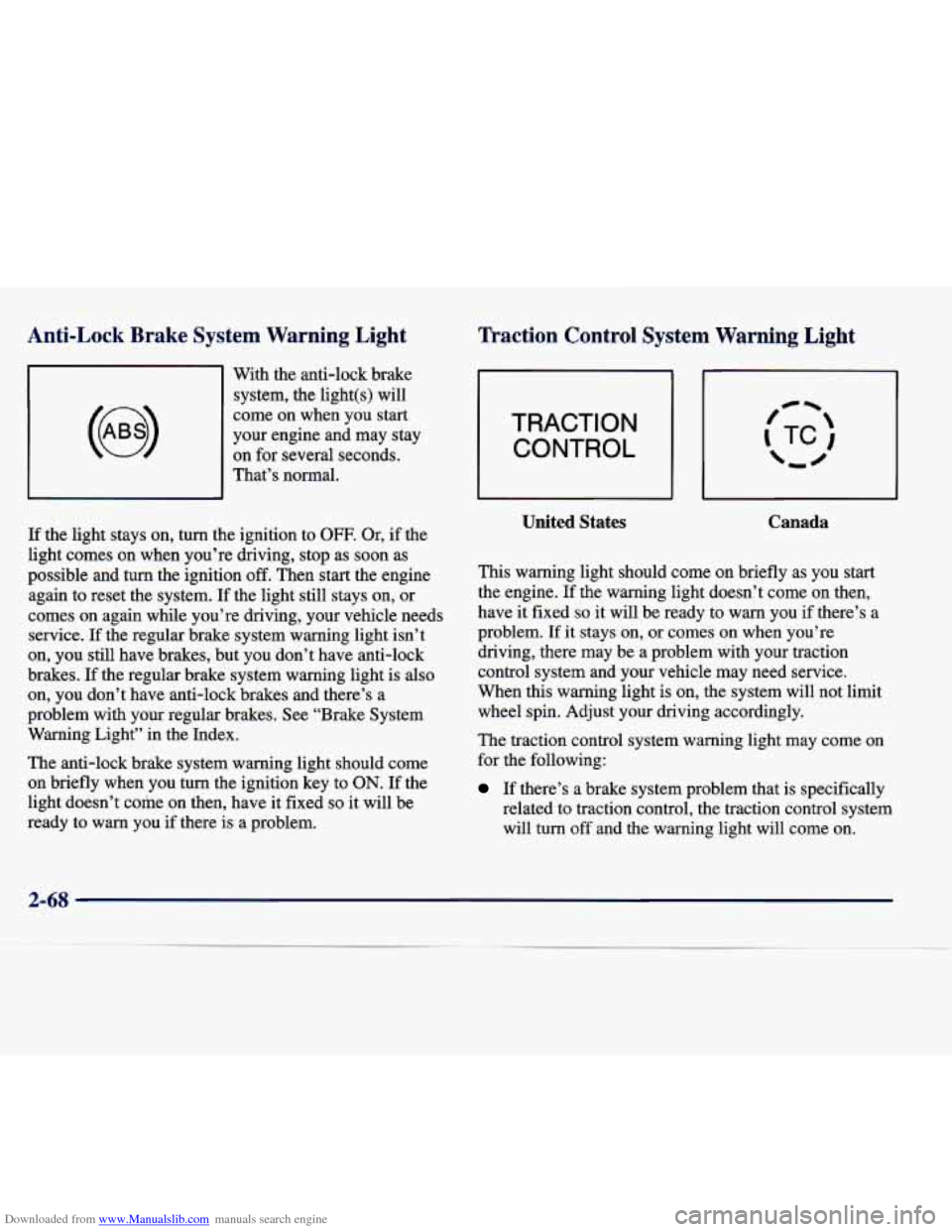
With the anti-lock brake
system, the light(s) will
come on when you start
your engine and may stay
on for several seconds.
That’s normal.
If the light stays on, turn the ignition to
OFF. Or, if the
light comes
on when you’re driving, stop as soon as
possible and turn the ignition
off. Then start the engine
again to reset the system. If the light still stays on, or
comes on again while you’re driving, your vehicle needs
service. If the regular brake system warning light isn’t
on, you still have brakes, but you don’t have anti-lock
brakes.
If the regular brake system warning light is also
on, you don’t have anti-lock brakes and there’s a
problem with
your regular brakes. See “Brake System
Warning Light” in the Index.
The anti-lock brake system warning light should come
on briefly when you turn the ignition key to
ON. If the
light doesn’t come on then, have it fixed
so it will be
ready to warn you if there is a problem.
TRACTION
CONTROL
United States Canada
This warning light should come on briefly as you start
the engine. If the warning light doesn’t come on then,
have it fixed
so it will be ready to warn you if there’s a
problem.
If it stays on, or comes on when you’re
driving, there may be a problem with your traction
control system and your vehicle may need service.
When this warning light is on, the system will not limit
wheel spin. Adjust your driving accordingly.
The traction control system warning light may come
on
for the following:
If there’s a brake system problem that is specifically
related to traction control, the traction control system
will turn off and the warning light will come on.
2-68
Page 131 of 378
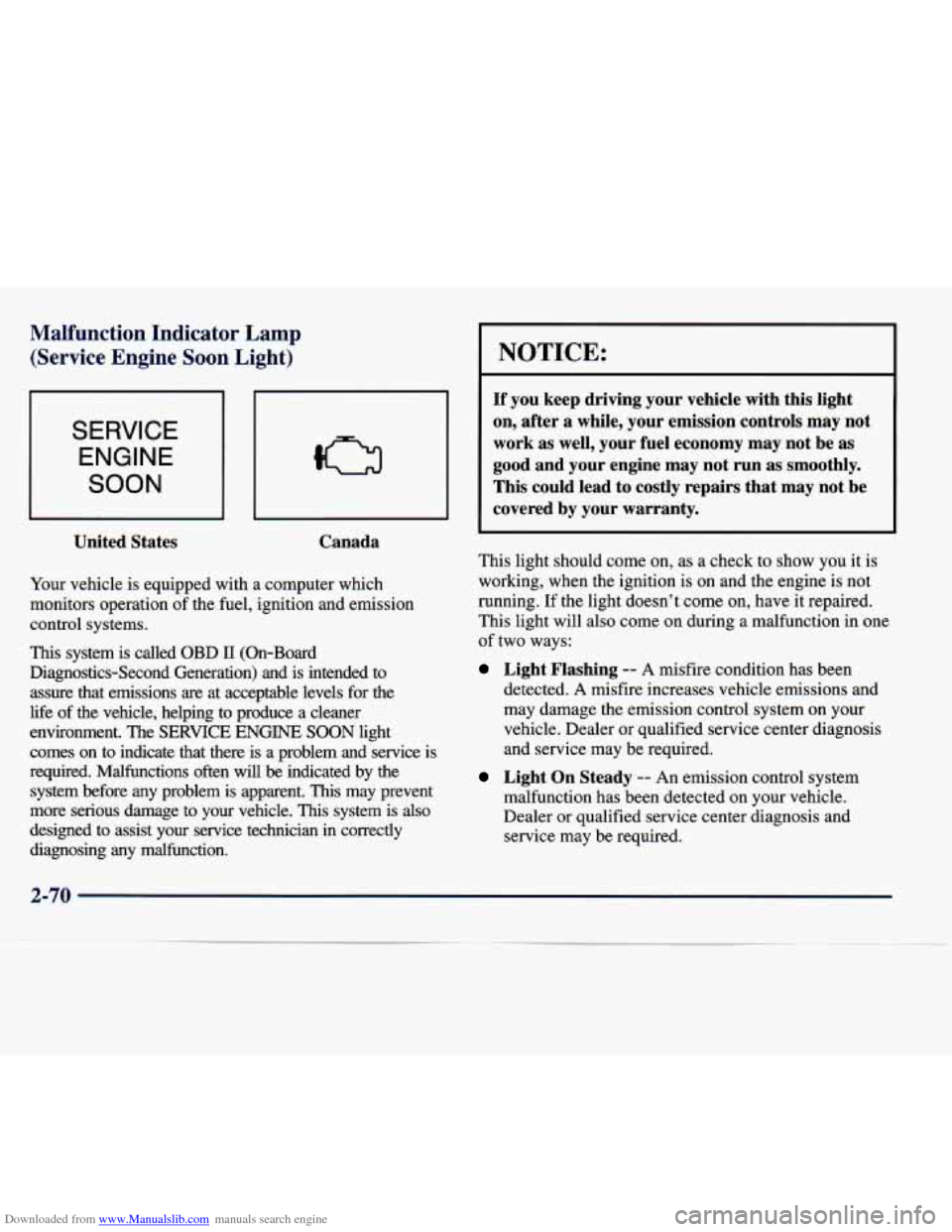
Downloaded from www.Manualslib.com manuals search engine Malfunction Indicator Lamp (Service Engine Soon Light)
SERVICE
ENGINE
SOON
United States Canada
Your
vehicle is equipped with a computer which
monitors operation of the fuel, ignition and emission
control systems.
This system is called OBD 11 (On-Board
Diagnostics-Second Generation) and is intended to
assure that emissions
are at acceptable levels for the
life
of the vehicle, helping to produce a cleaner
environment. The
SERVICE ENGINE SOON light
comes on to indicate that there is a problem and service is
required. Malfunctions often will
be indicated by the
system before any problem is apparent.
This may prevent
more serious damage to your vehicle.
This system is also
designed to assist your service technician in correctly
diagnosing any malfunction.
I NOTICE:
If you keep driving your vehicle with this light
on, after a while, your emission controls may not
work as well, your fuel economy may not be as
good and your engine may not run as smoothly.
This could lead to costly repairs that may not be
covered by your warranty.
This light should come on, as a check to show you it is
working, when the ignition is on and the engine is not
running.
If the light doesn’t come on, have it repaired.
This light will also come on during a malfunction in one
of two ways:
Light Flashing -- A misfire condition has been
detected.
A misfire increases vehicle emissions and
may damage the emission control system on your
vehicle. Dealer or qualified service center diagnosis
and service may be required.
Light On Steady -- An emission control system
malfunction has been detected on your vehicle.
Dealer or qualified service center diagnosis and
service may be required.
Page 135 of 378
Downloaded from www.Manualslib.com manuals search engine Lights On Reminder Light Fuel Gage
I
ON
I United States
Canada
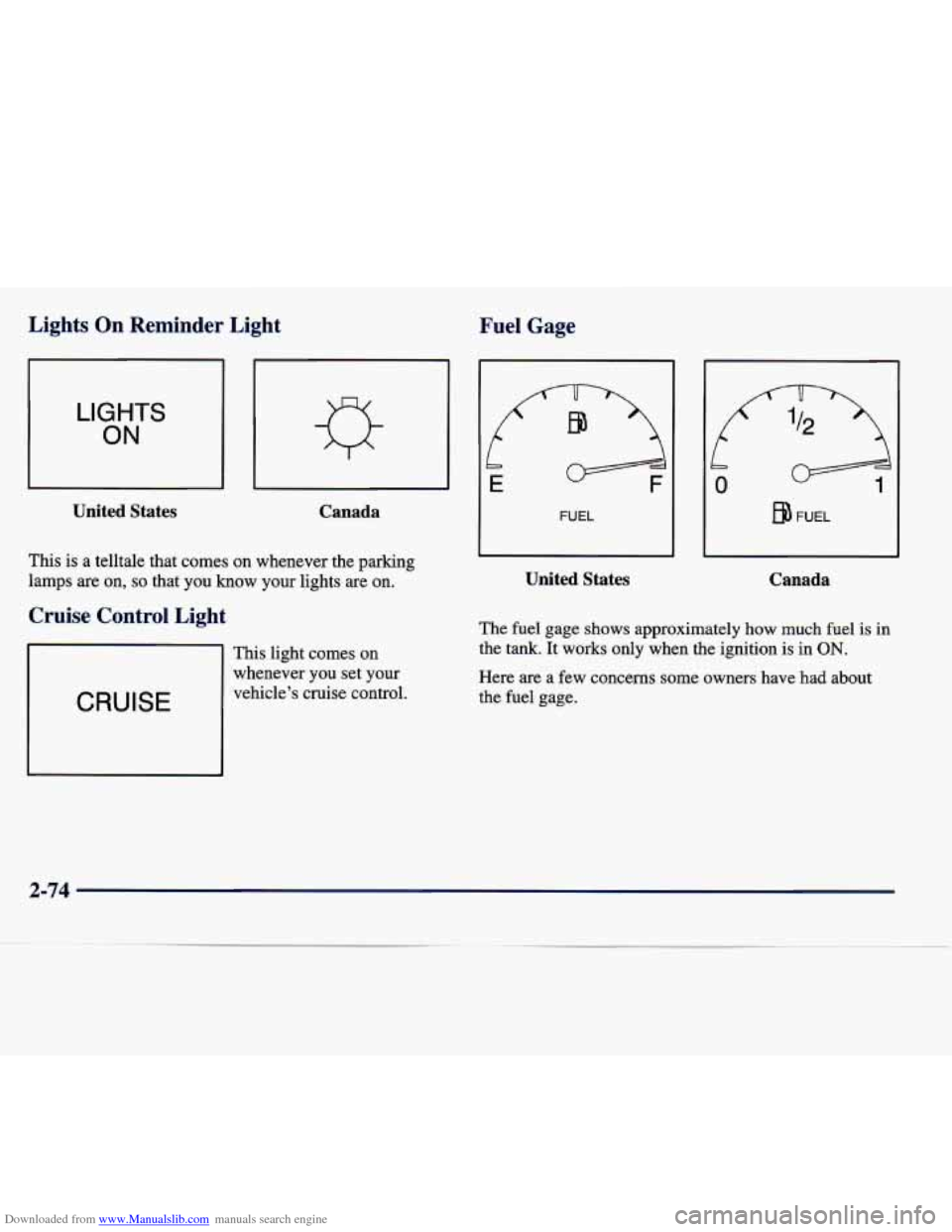
This is a telltale that comes on whenever the parking
lamps are on,
so that you know your lights are on.
Cruise Control Light
CRUISE
This light comes on
whenever
you set your
vehicle’s cruise control.
b
E
FUEL
United States
FUEL
Canada
The fuel gage shows approximately how much fuel is in
the tank. It works only when the ignition is in ON.
Here are a few concerns some owners have had about
the fuel gage.
Page 136 of 378
Downloaded from www.Manualslib.com manuals search engine All of these situations are normal and do not indicate
that anything is wrong.
0 At the gas station the gas pump shuts off before the
gage reads
F.
0 The gage may change when you turn, stop quickly or
accelerate quickly.
GAL FUEL USED on the Driver Information Center
does not correspond exactly to the amount
of fuel
remaining as shown on the fuel gage.
Continuous Variable Road Sensing
Suspension (CVRSS)
The CVRSS automatically adjusts the ride of your
vehicle. Automatic ride control
is achieved through a
computer used to control and monitor the suspension
system. The controller receives input from various
sensors to determine the proper system response. If
the
controller detects a problem within the system, the DIC
will display a SERVICE SUSPENSION SYS message.
If this message appears, have your vehicle serviced at
your dealership.
Driver Information Center (DIC)
This display gives you the status of many of your
vehicle’s systems. The DIC is also used to display driver
personalization features and warninghtatus messages.
Memory and Personalization Features
(If Equipped)
Your vehicle may have memory personalization.
Memory settings that have been previously programmed (HVAC settings, radio preset settings, exterior lighting
choices, remote confirmation choices, seat positions,
column positions,
mirror and programmable automatic
door lock choices) can be recalled by pressing the
unlock button on the
RKE transmitter or by placing the
key
in your vehicle’s ignition.
To begin programming, the ignition must be in ON, your
vehicle in PARK
(P), and if your vehicle has memory,
press the appropriate memory button
“1” or “2”, located
on the driver’s door panel, prior to programming. Press
the
INFO button one or more times until the FEATURE
PROGRAMMING prompt appears on the Driver Information Center (DIC) display. Press the
ON/OFF
button to enter FEATURE PROGRAMMING. To exit,
press the INFO
RESET button.
2-75
Page 137 of 378
Downloaded from www.Manualslib.com manuals search engine Remote Recall Memory (If Equipped)
Press the down arrow on the INFO button one or more
times until the REMOTE RECALL MEMORY prompt
appears. To turn the feature on, press the ON/OFF
button until ON is displayed on the DIC. The seat and
mirror memory settings that have been previously
programmed can be recalled by pressing the unlock
button on the
RKE transmitter. The column will move
when the key is inserted in the ignition and moved to
ON. To turn the feature off, press the ON/OFF button
until OFF is displayed.
Key in Recall (If Equipped)
Press the down arrow on the INFO button one or more
times until the
KEY IN RECALL prompt appears on the
DIC display. To turn the feature on, press the ON/OFF
button until ON appears. The seat
and mirror memory
settings that have been previously programmed will be
recalled when the key is inserted in the ignition. The
column will move when the key is moved to
ON. To
turn the feature off, press the ON/OFF button until
OFF appears.
Auto Exit Seat (If Equipped)
Press the down arrow on the INFO button one or more
times until the
AUTO EXIT SEAT prompt shows on the
DIC display. This feature will move the seat to the driver’s exit position when the key is moved out of ON
(away from
START) and the driver’s door is opened. To
turn this feature on, press the ON/OFF button until ON
appears on the DIC.
To turn this feature off, press the
ON/OFF button until
OFF shows.
Auto Exit Steering Wheel (If Equipped)
Press the down arrow on the INFO button one or more
times until the AUTO EXIT
STRG WHEEL prompt
appears on the Driver Information Center (DIC) display.
This feature will move the column to the driver’s exit
position when the key is moved out of ON (away from
START) and the driver’s door is opened.
2-76
-