1998 CADILLAC SEVILLE ignition
[x] Cancel search: ignitionPage 87 of 378
Downloaded from www.Manualslib.com manuals search engine Before releasing the manual parking brake, be sure
to put the vehicle
in PARK (P) and turn the ignition
to
OFF.
Reach under the driver’s side of the instrument panel
and pull down on the manual release lever, which
is
located rearward of the parking brake pedal. A yellow
tab is attached to the manual release lever. If the
parking
brake does not release, you should have your vehicle
towed
to your dealer for service.
NOTICE:
Driving with the parking brake on can cause
your rear brakes
to overheat. You may have to
replace them and you could also damage other
parts of your vehicle.
If
you are towing a trailer and are parking on a hill, see
“Towing a Trailer”
in the Index. This section shows
what to do first to keep the trailer from moving.
Shifting Into PARK (P)
I
’
A CAUTIO,.:
It can be dangerous to get out of your vehicle if
the shift lever
is not fully in PARK (P) with the
parking brake firmly set. Your vehicle can roll. If
you have left the engine running, the vehicle can
move suddenly. You or others could be injured.
To be sure your vehicle won’t move, even when
you’re on fairly level ground, use the steps that
follow.
If you’re pulling a trailer, see “Towing a
Trailer” in the Index.
26
Page 88 of 378
Downloaded from www.Manualslib.com manuals search engine Console Shift Lever
P
a
3
1. Hold the brake pedal
down with your
right foot.
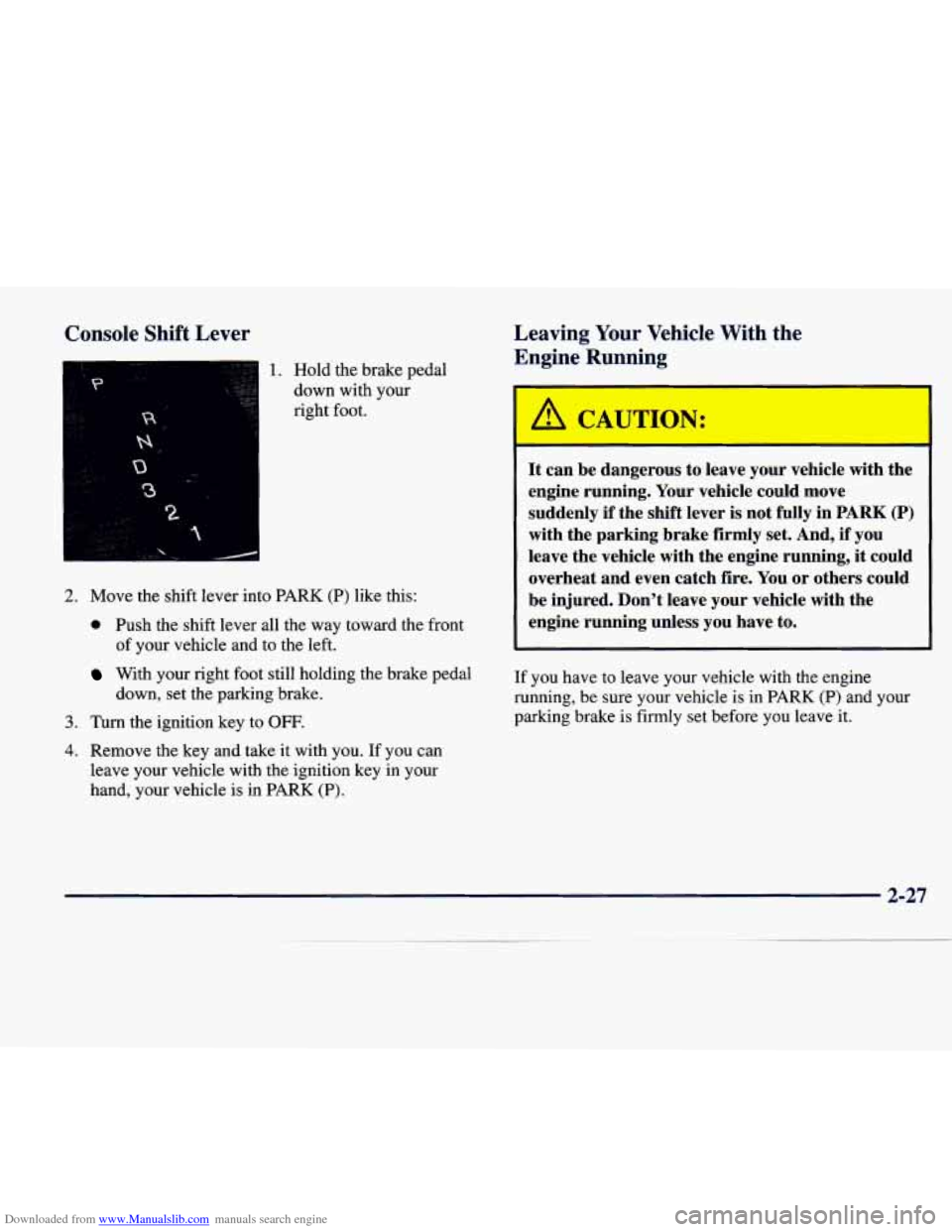
2. Move the shift lever into PARK (P) like this:
0 Push the shift lever all the way toward the front
of your vehicle and to the left.
With your right foot still holding the brake pedal
down, set the parking brake.
3. Turn the ignition key to OFF.
4. Remove the key and take it with you. If you can
leave your vehicle with the ignition key in your
hand, your vehicle is in PARK
(P).
Leaving Your Vehicle With the
Engine Running
I I
U:
It can be dangerous to leave your vehicle with the
engine running. Your vehicle could move
suddenly if the shift lever is not fully in PARK
(P)
with the parking brake firmly set. And, if you
leave the vehicle with the engine running,
it could
overheat and even catch fire. You
or others could
be injured. Don’t leave your vehicle with the
engine running unless you have to.
If you have to leave your vehicle with the engine
running, be sure your vehicle is in
PARK (P) and your
parking brake is firmly set before you leave
it.
I
2-27
Page 89 of 378
Downloaded from www.Manualslib.com manuals search engine Torque Lock
If you are parking on a hill and you don’t shift your
transaxle into
PARK (P) properly, the weight of the
vehicle may put too much force on the parking pawl in
the transaxle.
You may find it difficult to pull the shift
lever out of
PARK (P). This is called “torque lock.” To
prevent torque lock, set the parking brake and then shift into
PARK (P) properly before you leave the driver’s
seat. To find out how, see “Shifting Into
PARK (P)” in
the Index.
If torque lock does occur, you may need to have another
vehicle push yours a little uphill to take some of the
pressure from the parking pawl in the transaxle,
so you
can pull the shift lever out
of PARK (P).
Shifting Out of PARK (P)
Your vehicle has a Brake-Transaxle Shift Interlock
(BTSI). You have to fully
apply your regular brakes
before you can shift from PARK (P) when the ignition is
in
ON. See “Automatic Transaxle” in the Index.
If you cannot shift out
of PARK (P), ease pressure on
the shift lever. Push the shift lever all the way into
PARK (P) as you maintain brake application. Then
move the shift lever into the gear you want. If you ever
hold
the brake pedal down but still can’t shift out of
PARK (P), try this:
1. Turn the ignition key to OFF. Open and close the
2. Apply and hold the brake until the end of Step 4.
driver’s door to turn off the RAP feature.
3. Shift to NEUTRAL (N).
4. Start the vehicle and then shift to the drive gear
you want.
5. Have the vehicle fixed as soon as you can.
2-28
Page 92 of 378
Downloaded from www.Manualslib.com manuals search engine Windows
Power Windows
I
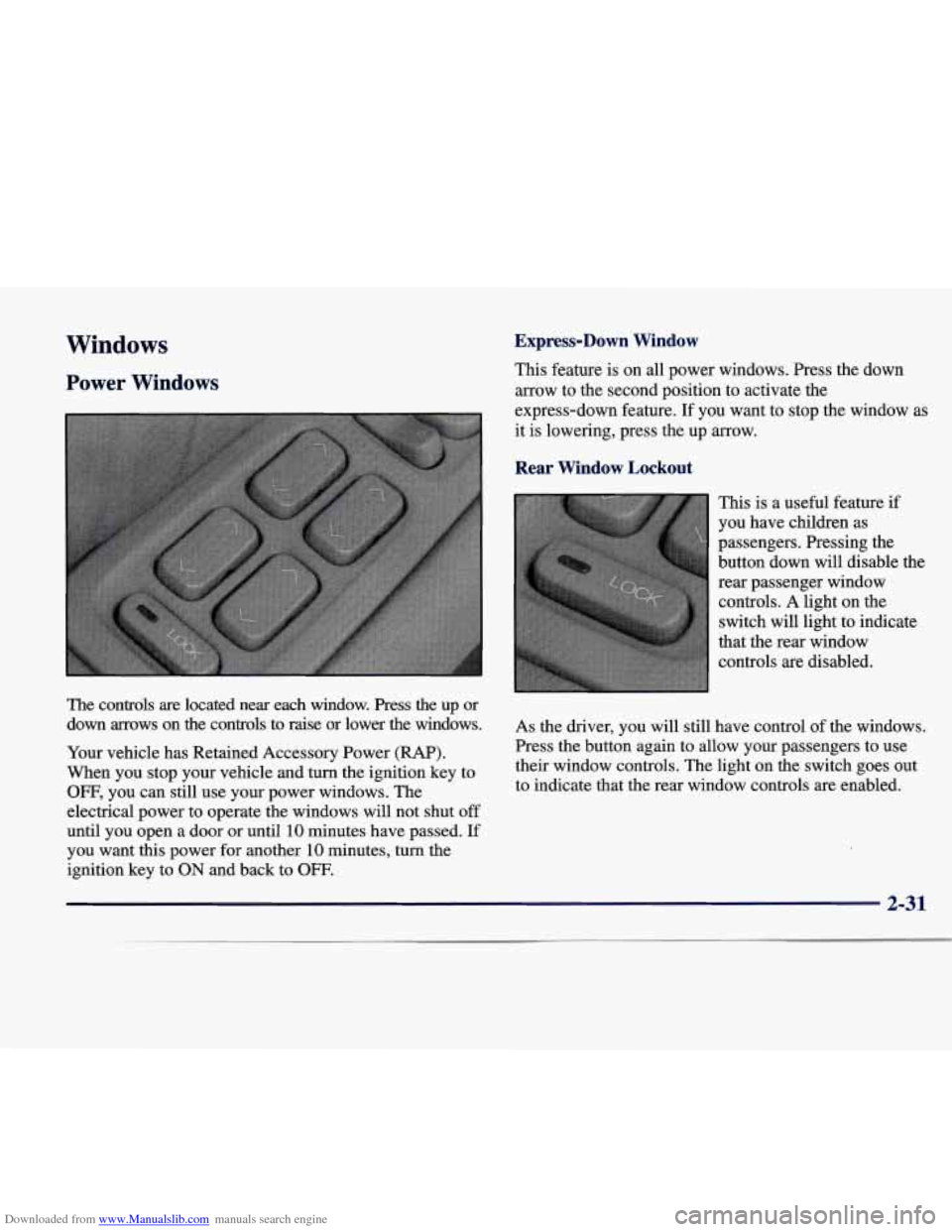
The controls are located near each window. Press the up or down arrows on the controls to raise or lower the windows.
Your vehicle has Retained Accessory Power
(RAP).
When you stop your vehicle and turn the ignition key to
OFF, you can still use your power windows. The
electrical power to operate the windows will not shut
off
until you open a door or until 10 minutes have passed. If
you want this power for another 10 minutes, turn the
ignition key to
ON and back to OFF.
Express-Down Window
This feature is on all power windows. Press the down
arrow
to the second position to activate the
express-down feature. If you want to stop the window as
it is lowering, press the up arrow.
Rear Window Lockout
This is a useful feature if
you have children as
passengers. Pressing the
button down will disable the
rear passenger window controls.
A light on the
switch will light to indicate
that the rear window controls are disabled.
As the driver, you will still have control
of the windows.
Press the button again to allow your passengers to use
their window controls. The light on the switch goes out
to indicate that the rear window controls are enabled.
2-31
Page 96 of 378
Downloaded from www.Manualslib.com manuals search engine Rainsense Wipers (STS Only)
This moisture sensor is mounted on the passenger’s
interior side
of the windshield behind the rearview
mirror and
is used to automatically operate the
wipers by monitoring the amount
of moisture that is
on the windshield.
The Rainsense system can be activated by turning the
wiper stalk to one of the five sensitivity settings within
the INT
ADJ area. The bottom INT ADJ position is the
lowest sensitivity setting. This
allows more water to
collect on the windshield between wipes. Rotating the
INT
ADJ band up to the other INT ADJ settings
increases the sensitivity
of the system and frequency of
wipes. A single wipe will occur each time you turn the
INT
ADJ to a higher sensitivity setting. An initial wipe
occurs when
you turn the ignition on as a reminder that
Rainsense is active. The windshield wipers also remain
in
a “high park” position, even when the ignition is
turned off.
The Rainsense wipers operate in a delay mode as well
as a continuous low or high speed depending on the
amount of moisture and the sensitivity setting. The
MIST and “wash” cycles operate as normal and are not affected by the Rainsense function.
I NOTICE:
The wipers must be turned off when going
through a car wash
to avoid damage.
It is important to note that the Rainsense wiping feature
(INT
ADJ) can be overridden at any time by manually
changing the wiper control to
LO or HI speed.
NOTICE:
Do not place stickers or other items on the
exterior glass surface directly
in front of the
rainsensor. Doing this could cause the rainsensor
to malfunction.
Page 100 of 378
Downloaded from www.Manualslib.com manuals search engine Reducing Speed While Using Cruise Control
There are two ways to reduce your speed while using
cruise control:
Push the cruise lever (SETKST) down and hold it
until you reach a desired lower speed, then release it.
To slow down in very small amounts, push the cruise
lever (SETKST) down briefly. Each time
you do
this, you’ll
go 1 mph (1.6 km/h) slower.
Passing Another Vehicle While Using Cruise Control
Use the accelerator pedal to increase your speed. When
you take your foot
off the pedal, your vehicle will slow
down to the cruise control speed you set earlier.
Using Cruise Control on Hills
How well your cruise control will work on hills depends
upon your speed, load and the steepness
of the hills.
When going up steep hills,
you may have to step on the
accelerator pedal to maintain your speed. When going
downhill, you may have
to brake or shift to a lower gear
to keep your speed down. Of course, applying the brakes
or downshifting into FIRST
(1) takes you out of cruise
control. Many drivers find this to be too much trouble and don’t use cruise control on steep hills.
Ending Cruise Control
There are three ways to end cruise control:
Step lightly on the brake pedal.
Press the button on the end of the switch.
Pull the lever (CANCEL) toward you.
Erasing Speed Memory
The cruise control set speed memory is erased when you
turn off the cruise control or the ignition.
Page 101 of 378
Downloaded from www.Manualslib.com manuals search engine Exterior Lamps
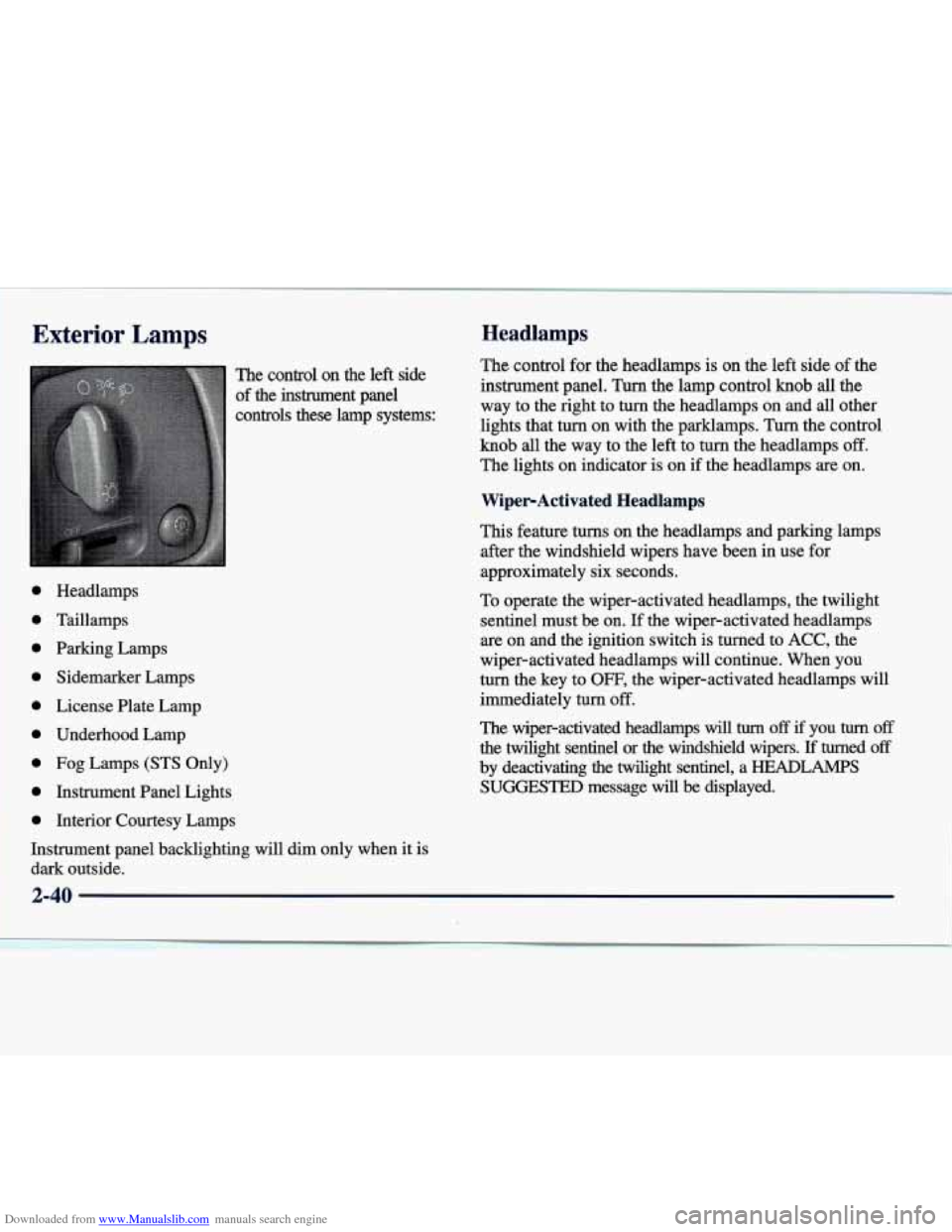
The control on the left side
of the instrument panel
controls these lamp systems:
0
0
0
0
0
0
0
0
0
Headlamps
Taillamps
Parking Lamps
Sidemarker Lamps
License Plate Lamp
Underhood Lamp
Fog Lamps
(STS Only)
Instrument Panel Lights
Interior Courtesy Lamps
Instrument panel backlighting will dim only when it is
dark outside.
~~ ~~ ~
~~ ~ ~~
~ ~~~~
Headlamps
The control for the headlamps is on the left side of the
instrument panel.
Turn the lamp control knob all the
way to the right to turn the headlamps
on and all other
lights that turn on with the parklamps. Turn the control
knob all the way to the left to turn the headlamps
off.
The lights on indicator is on if the headlamps are on.
WiperActivated Headlamps
This feature turns on the headlamps and parking lamps
after the windshield wipers have been in use for
approximately six seconds.
To operate the wiper-activated headlamps, the twilight
sentinel must be on. If the wiper-activated headlamps
are on and the ignition switch is turned to
ACC, the
wiper-activated headlamps will continue. When you
turn the key to OFF, the wiper-activated headlamps will
immediately turn
off.
The wiper-activated headlamps will turn off if you turn off
the twilight sentinel or the windshield wipers. I€ turned off
by deactivating the twilight sentinel, a HEADLAMPS
SUGGESTED message will be displayed.
2-40
Page 102 of 378
Downloaded from www.Manualslib.com manuals search engine Parklamps
Turn the lamp control once to the right to turn on the
parklamps, taillamps, markerlamps, license lamp and
underhood lamp. The lights
on indicator will be on if the
parklarnp switch
is on. Turn to the left to turn these
lights off.
Lamps On Reminder
You will hear a warning chime if you open the driver’s
door while leaving the lamps on and the manual
headlamp or parklamp control is activated. An exception
to this is when you’re using twilight sentinel, or if the
ignition is
on.
Daytime Running Lamps
Daytime Running Lamps (DRL) can make it easier for
others to see the front of your vehicle during the day.
DRL can
be helpful in many different driving
conditions, but they can be especially helpful in the
short periods after dawn and before sunset.
The DRL system will make the high-beam headlamps
come on at reduced brightness when:
the ignition is on,
When DRL are on, only your high-beam headlamps (at
reduced brightness) will be on.
No other exterior lamps
such as the parking lamps, taillamps, etc. will be on
when the DRL are being used. Your instrument panel
won’t be lit up either.
When the twilight sentinel switch is
on and it’s dark
enough outside, the high-beam headlamps (at reduced
intensity) will turn off and normal low-beam headlamp
operation will occur. When the twilight sentinel switch
is on and it’s bright enough outside, the regular lamps
will go off, and the high-beam headlamps at reduced
brightness will take over.
If it’s dark outside and the twilight sentinel control is
off, a HEADLAMPS SUGGESTED message will
display on the DIC. This message informs the driver that
turning on the exterior lamps is recommended even
though the DRL are still illuminated. It has become dark
enough outside to require the headlamps and/or other
exterior lamps. Turning on the twilight sentinel or the
headlamp switch will deactivate the
DRL and remove
the HEADLAMPS SUGGESTED message.
If the
parking lamps or the fog lamps were turned on instead,
the DRL will still deactivate and the HEADLAMPS
SUGGESTED message will continue to be displayed.
0 the headlamp switch is off and
0 the transaxle is not in PARK (P).
2-41