1997 CHEVROLET CORVETTE key
[x] Cancel search: keyPage 128 of 356
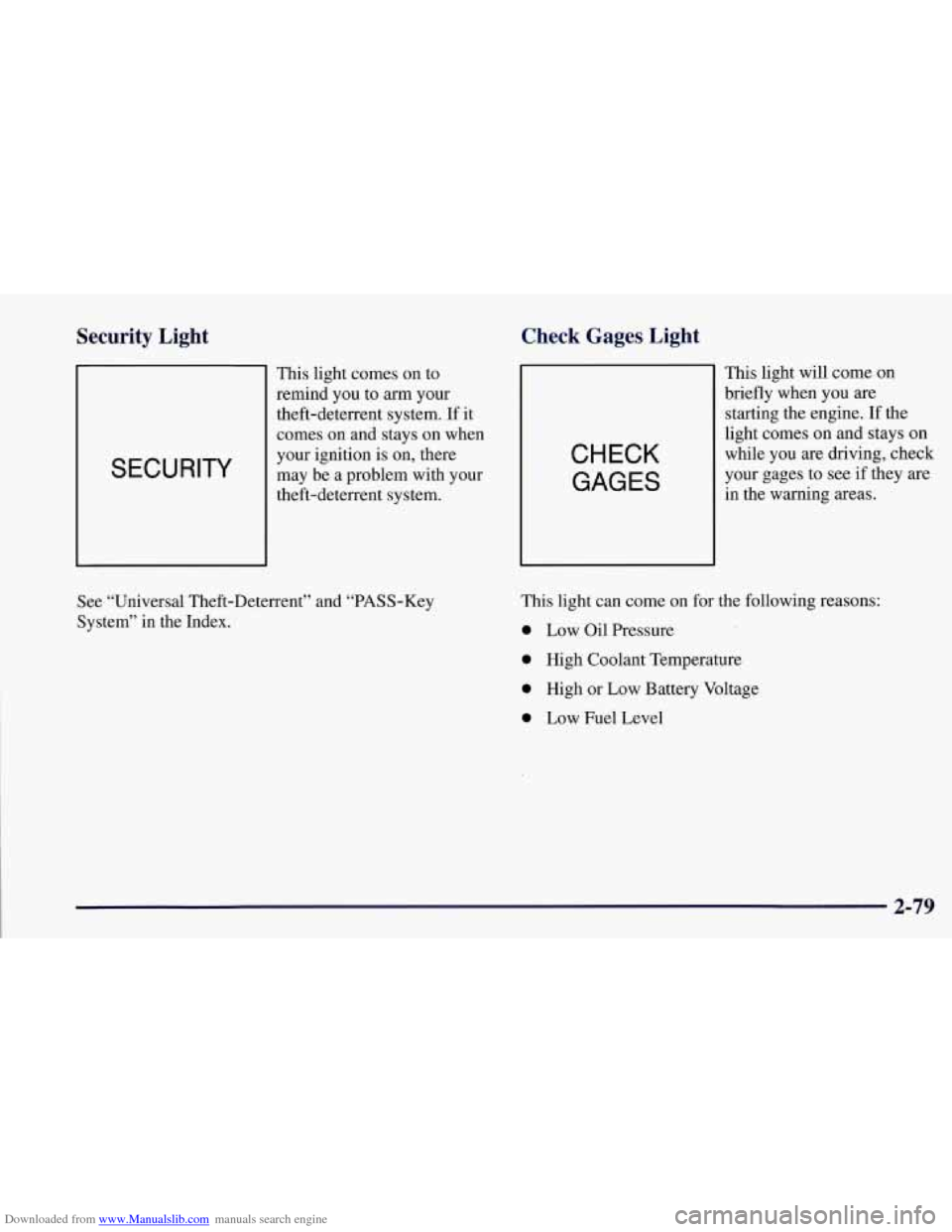
Downloaded from www.Manualslib.com manuals search engine Security Light
SECURITY
This light comes on to
remind you
to arm your
theft-deterrent system. If it
comes
on and stays on when
your ignition
is on, there
may be a problem with your
theft-deterrent system.
Check Gages Light
CHECK
GAGES
This light will come on
briefly when you
are
starting the engine. If the
light comes on and stays on
while you are driving, check
your gages to see if they are
in the warning areas.
See “Universal Theft-Deterrent” and “PASS-Key
System” in the Index. This light can
come
on for the following reasons:
0 Low Oil Pressure
0 High Coolant Temperature
0 High or Low Battery Voltage
0 Low Fuel Level
2-79
Page 134 of 356

Downloaded from www.Manualslib.com manuals search engine Odometer Miles Since Last Ignition Feature
You can also display number of miles driven since you
last started the car if you press and hold the RESET
button for two seconds, then release. The miles (or
kilometers) since the last ignition cycle will be set
into the trip odometer.
The odometer shows
how far your vehicle has been
driven in either miles or kilometers. Press the TRIP
button to display odometer readings such as:
0 ODOMETER 12345 MI or
0 ODOMETER 20008 km
Without the keys being in the ignition, you can also
display the odometer by turning on the parking lamps.
Trip Odometers
There are two trip odometers. Press the TRIP button
and TRIP
A will be displayed. Press it again and TRIP
B will be displayed. TRIP A could be used to track the
distance to a destination. TRIP
B could be used to track
maintenance periods.
0 TRIP A 130.5 MI or
0 TRIP A 209.9 km
0 TRIP B 300.5 MI or
0 TRIP B 483.5 km
The trip odometers can be reset by pushing the RESET
button on the DIC.
Both of the trip odometers can be
used simultaneously.
Elapsed Time
When the ignition is in the ON position, the DIC can
be used as a stopwatch. The display can show hours,
minutes, seconds and hundredths of a second. The
elapsed time indicator will record up to 99 hours,
59 minutes and 59 seconds, then it will reset to zero
and continue counting. (Hundredths
are shown up to
59 minutes, 59 seconds and 99 hundredths). The
display appears as
ELAP. TIME 00: 00 : 00 in the
elapsed time function.
You can start or stop the elapsed time by pressing
RESET. To reset the elapsed time to zero, stop the
timer by pressing RESET. Then press and hold
RESET for two seconds and release.
2-85
Page 136 of 356

Downloaded from www.Manualslib.com manuals search engine 4 OPTIONS
This button allows you to choose personal options
available with your vehicle, such as security, door
locks, easy entry seats and language. Some of these
functions work along with the key fob transmitter.
When returning to the options menu, the first item of
the options list will always be displayed, not the one
you were last in when you changed buttons.
1 PASSIVE UNLK DRIVER 1
APPROACH LIGHTS ON
AUTO LOCK
ON
I AUTO UNLOCK-DRIVER I
I SEAT EASY ENTRY ON
t LANGUAGE ENGLISH
LI
r
I FOB TRAINING I
The following are the options listed under the
OPTIONS button:
Lock and Arm
Press the OPTIONS button until LOCK & ARM
appears on the display, then use the RESET button to
page through the following selections:
0 LOCK & ARM OFF
0 LOCK & ARM HORN ONLY
0 LOCK & ARM LIGHTS ONLY
0 LOCK & ARM HORN & LTS
If you choose LOCK & ARM OFF, you will receive no
security feedback when locking or unlocking your vehicle.
If you choose LOCK
& ARM HORN ONLY, only the
horn will chirp to let you know when your alarm system
has armed when locking your vehicle.
If you choose LOCK
& ARM LIGHTS, only your
exterior lights will flash to let you know when your
alarm system has armed when locking your vehicle.
If you choose LOCK
& ARM HORN & LTS, the horn
will chirp and the exterior lights will flash briefly to
let you know the system has armed when locking
your vehicle.
2-87
Page 137 of 356
Downloaded from www.Manualslib.com manuals search engine Alarm
Press the OPTIONS button until ALARM appears on
the display, then use the RESET button to page through
the following selections:
ALARM HORN
0 ALARM HORN & LIGHTS
If you choose ALARM HORN, the horn will sound
during an alarm. If you choose ALARM HORN
&
LIGHTS, the horn will sound and the exterior lights
will flash during an alarm.
Passive Unlock
Press the OPTIONS button until PASSIVE UNLOCK
appears on the display, then
use the RESET button to
page through the following selections:
PASSIVE UNLOCK- DRIVER
PASSIVE UNLOCK- BOTH
If you choose the PASSIVE UNLOCK- DRIVER, only
the driver’s door lock will be programmed to passively
unlock. The driver’s door will passively unlock when
you approach the vehicle with the key fob transmitter
slider switch set to
ON.
If you choose PASSIVE UNLOCK- BOTH, the driver
and passenger’s door locks will be programmed to
passively unlock. The driver and passenger doors will
passively unlock when you approach the vehicle with
the key fob transmitter slider switch set to ON.
See “Remote Function Actuation (WA)” in the Index
for more information.
Approach Lights
Press the OPTIONS button until APPROACH LIGHTS
appears on the display, then use the RESET button to
page through the following choices:
APPROACH LIGHTS ON
0 APPROACH LIGHTS OFF
If you choose APPROACH LIGHTS ON, the fog lamps,
front turn signal, rear back-up and courtesy lamps will
come on for
30 seconds as you approach the vehicle
with the key fob transmitter. This will occur only when
it is dark outside.
APPROACH LIGHTS OFF turns
off this option.
See “Remote Function Actuation System” in the Index
for more information.
2-88
Page 138 of 356
Downloaded from www.Manualslib.com manuals search engine Auto Lock
Press the OPTIONS button until AUTO LOCK appears
on the display, then use the RESET button to page
through the following choices:
AUTO LOCK ON
AUTO LOCK OFF
If you choose AUTO LOCK ON, both doors will
automatically lock when the vehicle exceeds
10 mph
(16 krn/h) in a manual transmission. In a vehicle with
an automatic transmission, both doors will automatically
lock when you move the shifter out of PARK (P).
Choose AUTO LOCK OFF to turn this option off.
Auto Unlock
The AUTO UNLOCK will be available only if AUTO
LOCK
is set to ON.
Press the OPTIONS button until AUTO UNLOCK
appears on the display, then use the RESET button to
page through the following choices:
AUTO UNLOCK - DRIVER
AUTO UNLOCK - BOTH
AUTO UNLOCK OFF If you
choose AUTO UNLOCK- DRIVER, the driver’s
door will automatically unlock when you turn the
vehicle
off and pull the key out of the ignition.
Choose AUTO UNLOCK
- BOTH, and both doors will
automatically unlock when you turn the vehicle
off and
pull the key out of the ignition.
AUTO UNLOCK OFF turns
off this option.
Easy Entry
The easy entry feature will only be available if the
vehicle is equipped with the memory option.
Press the OPTIONS button until SEAT EASY ENTRY
appears on the display, then use the RESET button to
page through the following choices:
SEAT EASY ENTRY ON
0 SEAT EASY ENTRY OFF
If you choose SEAT EASY ENTRY ON, when you
turn the ignition off and remove the key, the seat will
automatically move back for an easy exit or an easy
entrance when returning to the vehicle.
SEAT EASY ENTRY OFF turns
off this option.
2-89
Page 146 of 356
Downloaded from www.Manualslib.com manuals search engine SERVICE TIRE MON SYS: If this message comes on,
a part on the Tire Pressure Monitor (TPM) is not
working properly. If you drive your vehicle while any
of
the four sensors are missing or inoperable, the warning
will come on in approximately
10 minutes. If all four
sensors are missing, the warning will come on in
approximately
15 - 20 minutes. (All the sensors would
be missing, for example, if you put different wheels on
your vehicle without transferring the sensors. If the
warning comes on and stays on, there may be a problem
with the TPM. See your dealer.
Other Messages
Here are more messages that you can receive on your
Driver Information Center. To acknowledge a message
and read another message that may have come
on at the
same time, press the RESET button.
BRAKE BEFORE SHIFT
(Automatic Transmissions Only)
0 CHANGE OIL NOW
CHANGE OIL SOON
0 CRUISE DISENGAGED
0 CRUISE SET - MPH (- kmh)
0 DOOR AJAR
0 ENGINE PROTECTION REDUCE ENGINE RPM
0 HATCH AJAR
0 HIGH VOLTAGE
LOW BRAKE FLUID (See “Brake Fluid” in
0 LOW COOLANT (See “Engine Overheating” in
0 LOW FUEL (fuel range is less than 50 miles (80 km))
0 LOW VOLTAGE
the Index)
the Index)
0 LOW
WASHER FLUID
0 PULL KEY - WAIT 10 SEC
0 RESERVE FUEL
UPSHIFT NOW
2-97
Page 182 of 356

Downloaded from www.Manualslib.com manuals search engine Police records show, that almost half of all motor
vehicle-related deaths involve alcohol. In most cases,
these deaths
are the result of someone who was drinking
and driving. In recent years, some 17,000 annual motor
vehicle-related deaths have been associated with the use
of alcohol, with more than
300,000 people injured.
Many adults
-- by some estimates, nearly half the adult
population
-- choose never to drink alcohol, so they
never drive after drinking. For persons under 21, it’s
against the law
in every U.S. state to drink alcohol.
There are good medical, psychological and
developmental reasons for these laws.
The obvious way to solve this highway safety problem
is for people never to drink alcohol and then drive. But
what
if people do? How much is “too much” if the
driver plans to drive? It’s a lot less than many might
think. Although it depends on each person and situation,
here is some general information on the problem. The Blood Alcohol Concentration (BAC)
of someone
who is drinking depends upon four things:
0 The amount of alcohol consumed
0 The drinker’s body weight
The amount of food that is consumed before and
during drinking
The length of time it has taken the drinker to
consume the alcohol.
According to the American Medical Association, a
180-lb. (82 kg) person who drinks three 12-ounce
(355 ml) bottles of beer in an hour will end up with a
BAC of about
0.06 percent. The person would reach the
same BAC by drinking three 4-ounce
(1 20 ml) glasses
of wine or three mixed drinks if each had 1-1/2 ounces
(45 ml) of a liquor like whiskey, gin
or vodka.
4-3
Page 213 of 356
Downloaded from www.Manualslib.com manuals search engine Hazard
I
I’ Warning Flashers
a
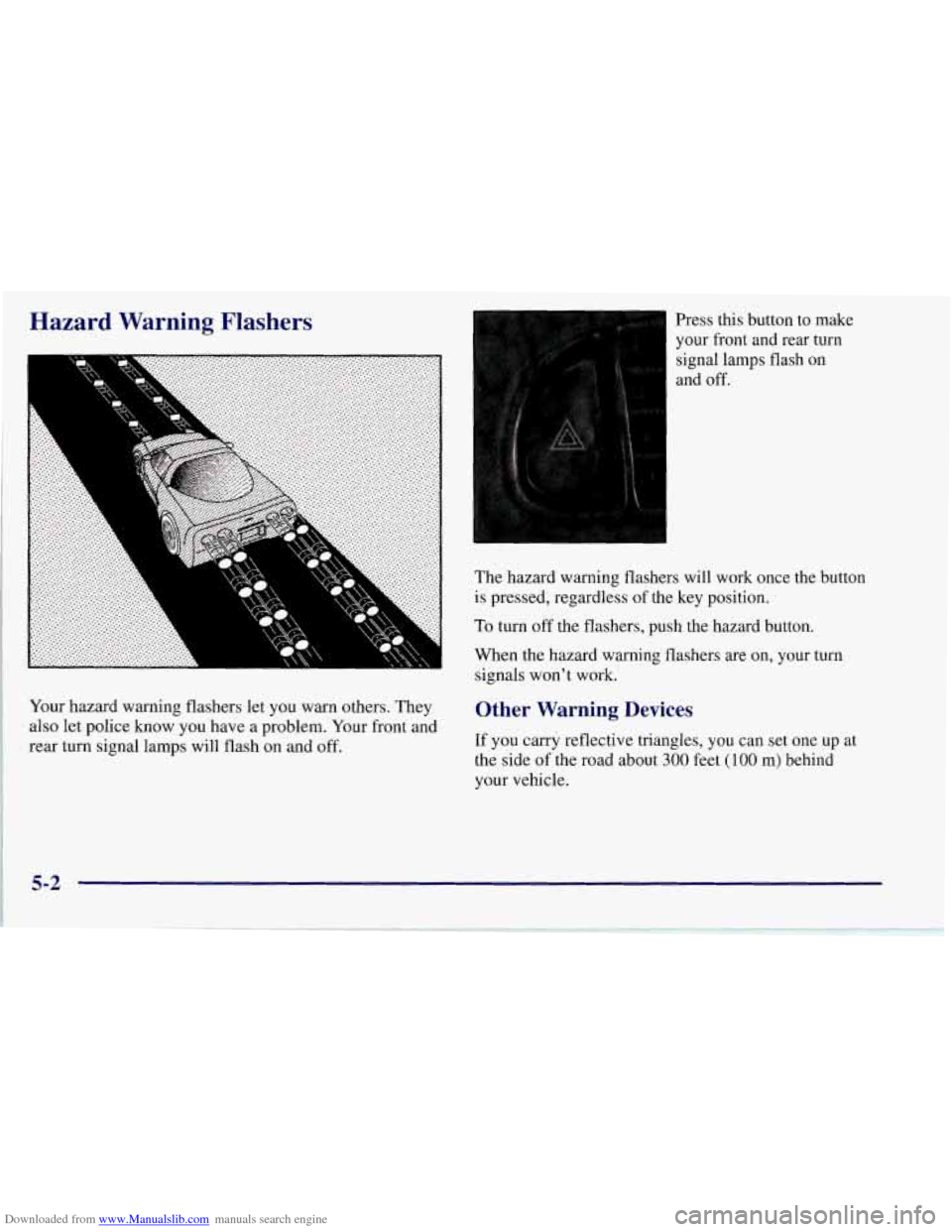
Your hazard warning flashers let you warn others. They
also let police know you have a problem. Your front and
rear turn signal lamps will flash on and
off.
Press this button to make
your front and rear turn
signal lamps flash on
and
off.
The hazard warning flashers will work once the button
is pressed, regardless of the key position.
To turn off the flashers, push the hazard button.
When the hazard warning flashers are on, your turn
signals won’t work.
Other Warning Devices
If you carry reflective triangles, you can set one up at
the side
of the road about 300 feet (100 m) behind
your vehicle.
5-2