Page 63 of 356
Downloaded from www.Manualslib.com manuals search engine Remote Hatch Release
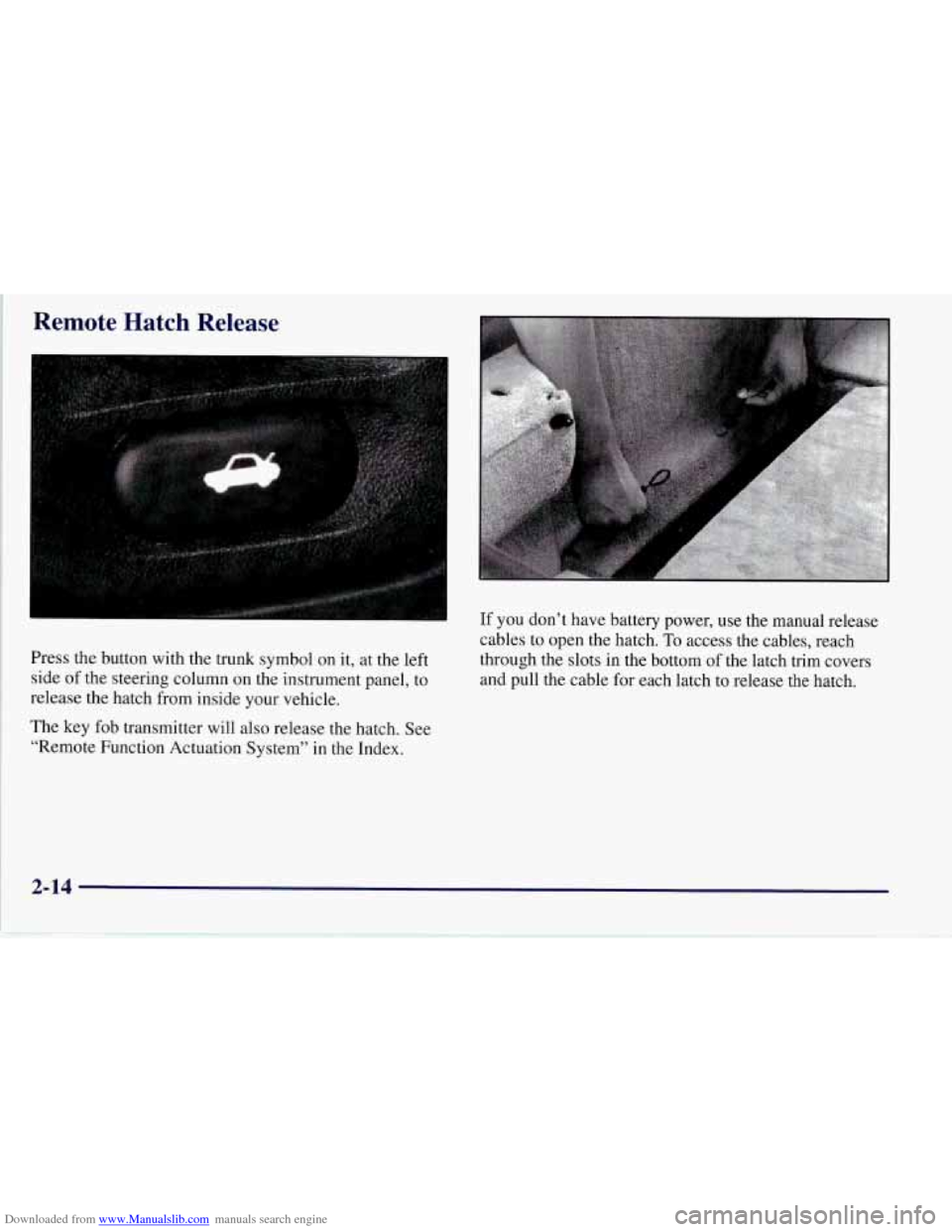
Press the’ button with the trunk symbol on it, at the left
side of the steering column on the instrument panel, to
release the hatch from inside your vehicle.
The key fob transmitter will also release the hatch. See
“Remote Function Actuation System” in the Index. If you
don’t have battery power, use the manual release
cables to open the hatch. To access the cables, reach
through the slots in the bottom of the latch trim covers
and pull the cable for each latch to release the hatch.
2-14
Page 65 of 356

Downloaded from www.Manualslib.com manuals search engine Key in the Ignition
If you leave your vehicle with the keys inside, it’s an
easy target for joy riders or professional thieves
-- so
don’t do it.
When you park your Corvette and open the driver’s
door, you’ll hear a tone reminding you
to remove your
key from the ignition and take it with you. Always do
this. Your steering wheel will be locked, and
so will
your ignition.
If you have an automatic transmission,
taking your key out also locks your transmission. And
remember to lock the doors.
Parking at Night
Park in a lighted spot, close all windows and lock your
vehicle. Remember to keep your valuables out
of sight.
Put them in a storage area, or take them with you.
Parking Lots
If you park in a lot where someone will be watching
your vehicle, it’s best to lock it up and take your keys.
But what if you have to leave your key?
Do not leave
valuables
in your vehicle, since there would be no place
to secure them.
Universal Theft-Deterrent System
SECURITY
Your Corvette has a
theft-deterrent alarm
system. With this system,
the SECURITY light will
flash as you open the door
(if your ignition is off). This
light reminds you to arm the
theft-deterrent system.
To arm the system, do the following:
1. Press the LOCK button on the key fob transmitter, as
2. Walk out of range with the passive switch on, OR
3. Open the door. (The SECURITY light should flash.)
Lock the door with the power door lock switch. The
SECURITY light will stop flashing and stay on. Close
all the doors. The SECURITY light should
go off.
Now, if a door or the hatch is opened without the key or
the key fob transmitter system, the alarm will go
off.
Your horn will sound for two minutes, then it will go off
to save battery power. And, your vehicle won’t start.
mentioned earlier,
OR
2-16
-
Page 71 of 356
Downloaded from www.Manualslib.com manuals search engine Starting Your Engine
Automatic Transmission
Move your shift lever to PARK (P) or NEUTRAL (N).
Your engine won’t start in any other position
-- that’s a
safety feature. To restart when you’re already moving,
use NEUTRAL (N) only.
NOTICE:
Don’t try to shift to PARK (P) if your Corvette
is moving. If you do, you could damage the
transmission. Shift to PARK
(P) only when your
vehicle
is stopped.
Manual Transmission
The gear selector should be in NEUTRAL (N). Hold the
clutch pedal to the floor and start the engine. Your
vehicle won’t start if the clutch pedal is not all the way
down
-- that’s a safety feature.
Starting Your Engine
1. Without pushing the accelerator pedal, turn the
ignition key to START. When the engine starts, let
go of the key. The idle speed will go down as your
engine gets warm.
NOTICE:
Holding your key in START for longer than
15 seconds at a time will cause your battery to
be drained much sooner. And the excessive heat
can damage your starter motor.
2. If it doesn’t start within 10 seconds, push the
accelerator pedal all the way to the floor, while you
hold the ignition key in START. When the engine
starts, let go of the key and let up on the accelerator
pedal. Wait about
15 seconds between each try to
help avoid draining your battery.
2-22
Page 108 of 356
Downloaded from www.Manualslib.com manuals search engine Be sure to follow the installation instructions included
with the equipment. Replace the cap when the outlet is
not in use.
NOTICE:
When using the accessory outlet:
The maximum load of any electrical
equipment should not exceed
15 amps.
Be sure to turn off any electrical equipment
when not in use. Leaving electrical
equipment on for extended periods can
drain your battery.
We recommend that you see a qualified technician or
your dealer for the proper installation of your equipment.
Floor Mats (Option)
Your vehicle’s floor mats are specially designed to
remain in position under your feet and out of reach
of the accelerator pedal. The driver’s side floor mat is
held in place by two locator hooks and the passenger
side is held in place by one.
Be sure that the driver’s side
floor mat is properly
placed
on the floor so that it does not block the
movement of the accelerator pedal.
2-59
Page 122 of 356
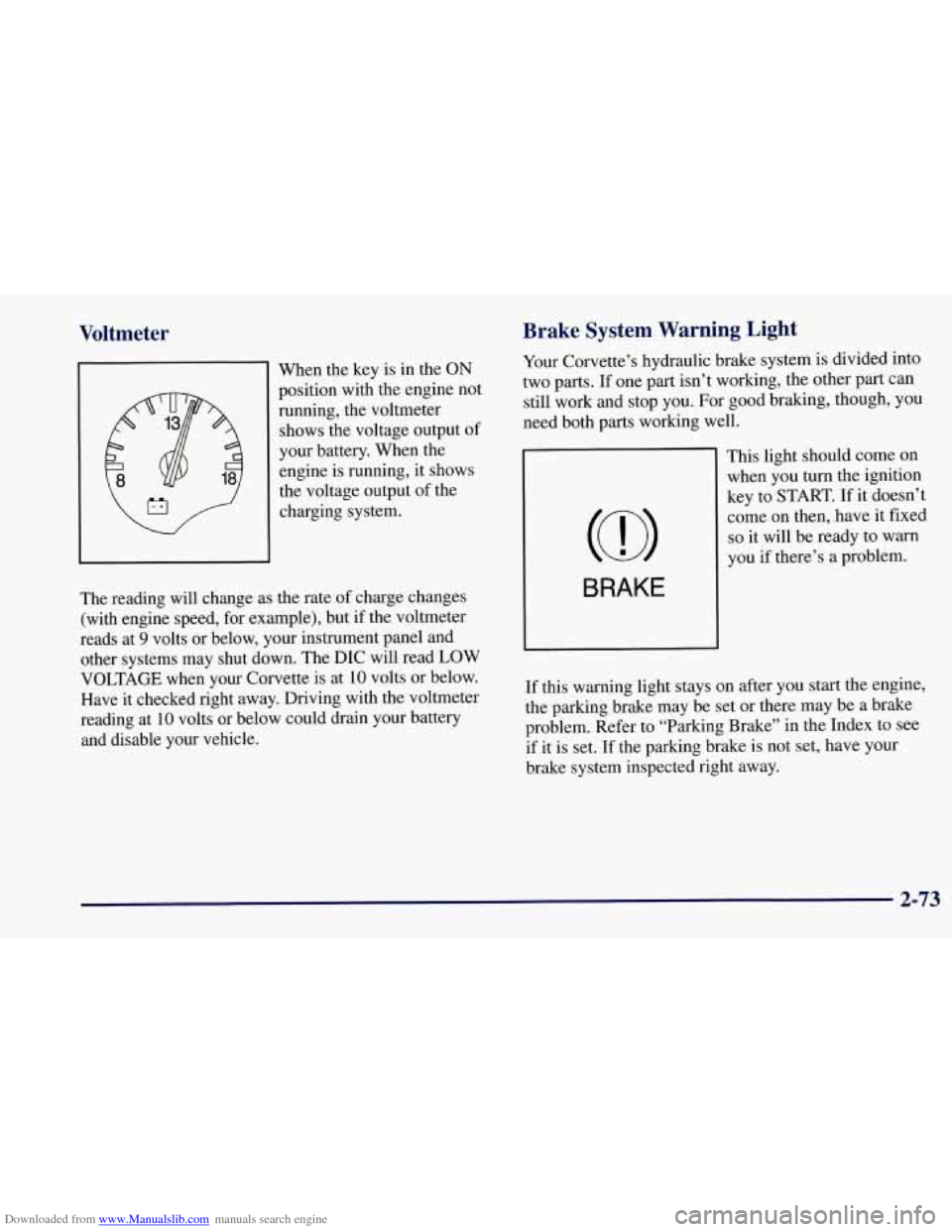
Downloaded from www.Manualslib.com manuals search engine Voltmeter
When the key is in the ON
position with the engine not
running, the voltmeter
shows the voltage output of
your battery. When the engine is running, it shows
the voltage output of the
charging system.
the rate of charge changes
J
The reading will change as
(with engine speed, for example), but if the voltmeter
reads at
9 volts or below, your instrument panel and
other systems may shut down. The DIC will read LOW
VOLTAGE when your Corvette is at
10 volts or below.
Have it checked right away. Driving with the voltmeter
reading at
10 volts or below could drain your battery
and disable your vehicle.
Brake System Warning Light
Your Corvette’s hydraulic brake system is divided into
two parts. If one part isn’t working, the other part can
still work and stop you. For good braking, though, you
need both parts working well.
BRAKE
This light should come on when you turn the ignition
key to START.
If it doesn’t
come on then, have it fixed
so it will be ready to warn
you
if there’s a problem.
If this warning light stays on after you start the engine,
the parking brake may be set or there may be a brake
problem. Refer to “Parking Brake” in the Index to see
if it is set.
If the parking brake is not set, have your
brake system inspected right away.
2-73
Page 128 of 356
Downloaded from www.Manualslib.com manuals search engine Security Light
SECURITY
This light comes on to
remind you
to arm your
theft-deterrent system. If it
comes
on and stays on when
your ignition
is on, there
may be a problem with your
theft-deterrent system.
Check Gages Light
CHECK
GAGES
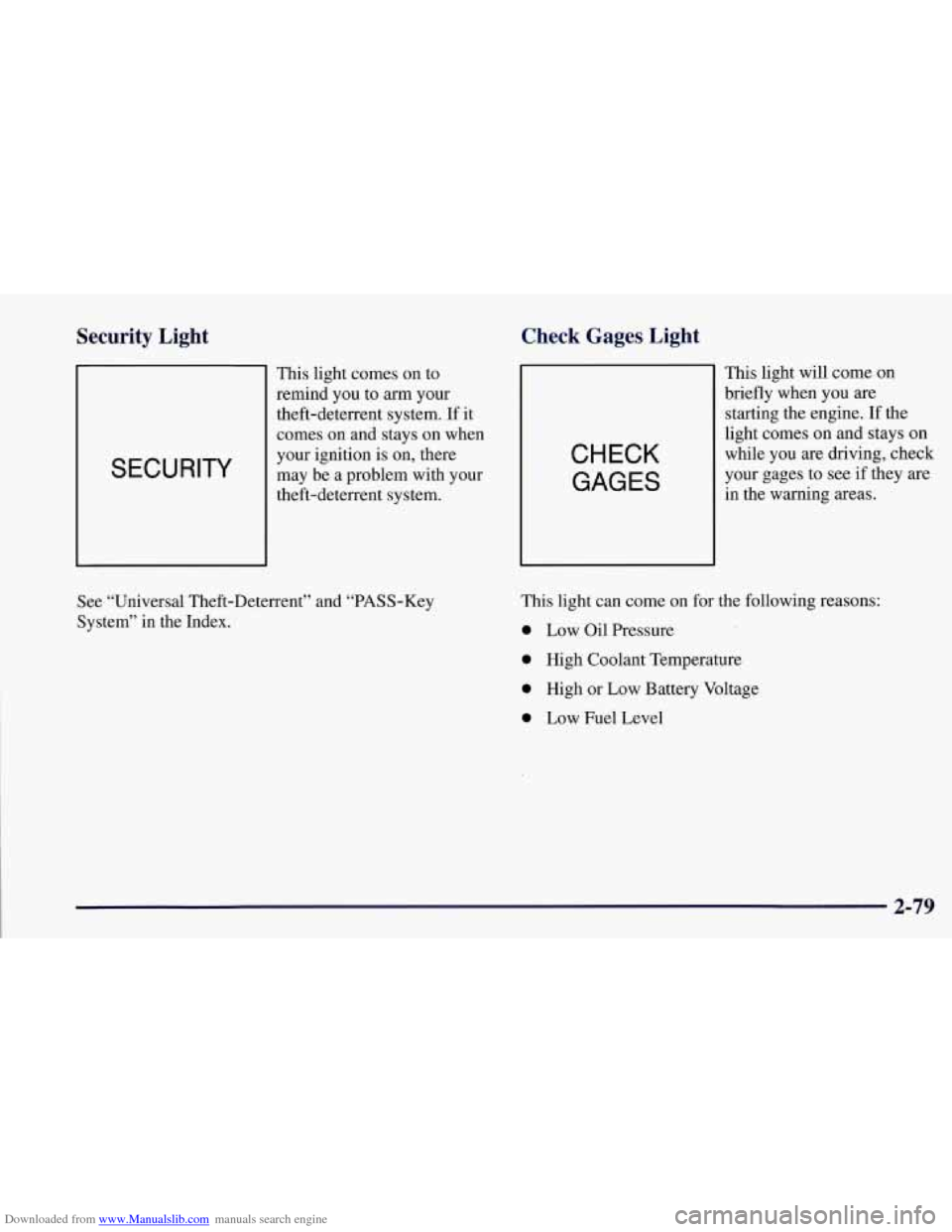
This light will come on
briefly when you
are
starting the engine. If the
light comes on and stays on
while you are driving, check
your gages to see if they are
in the warning areas.
See “Universal Theft-Deterrent” and “PASS-Key
System” in the Index. This light can
come
on for the following reasons:
0 Low Oil Pressure
0 High Coolant Temperature
0 High or Low Battery Voltage
0 Low Fuel Level
2-79
Page 130 of 356

Downloaded from www.Manualslib.com manuals search engine Driver Information Center (DIC)
The Driver Information Center (DIC) will display
information about how your vehicle is functioning, as
well as warning messages if a system problem is
detected. The DIC display area is located in the
instrument cluster below the speedometer and
tachometer, directly above the steering column.
The following buttons are on the DIC control panel
which is located to the right of the cluster:
1 FUEL: Press this button to display fuel information
such as fuel economy and range.
2 GAGES: Use this button to display gage information
like oil pressure and temperature, coolant temperature,
transmission fluid temperature, battery voltage and
fronurear tire pressures.
3 TRIP: Use this button to display your total and trip
miles, the elapsed time function, your average speed and
the oil life.
4 OPTIONS: This button allows you to choose personal
options available with your vehicle such as security,
door locks, easy entry seats and language.
5 EM: Use this button to change the display between
English and metric units.
RESET: This button, used along with the other buttons,
will reset system functions and turn off or acknowledge
messages on the DIC.
At the top
of the DIC control buttons is a light sensor.
Be sure not to block the sensor or your lighting
functions may be disrupted.
2-81
Page 132 of 356
Downloaded from www.Manualslib.com manuals search engine Press FUEL again to display instantaneous fuel
economy, such as:
INST. 20.1 MPG or
INST. 5.3 WlOO km
Press FUEL again to display the range, such as:
RANGE 20 MI or
RANGE 32 km
The range calculates the remaining distance you can
drive without refueling. It's based on fuel economy
and the fuel remaining in the tank.
If the range is lower than 30 miles (48
km) miles, the
display will read RANGE
LOW.
The fuel economy data used to determine fuel range
is an average of recent driving conditions. As your
driving conditions change, this data is gradually
updated. Resetting the fuel range causes the fuel
economy data to be updated immediately. Press
RESET to reset the fuel range.
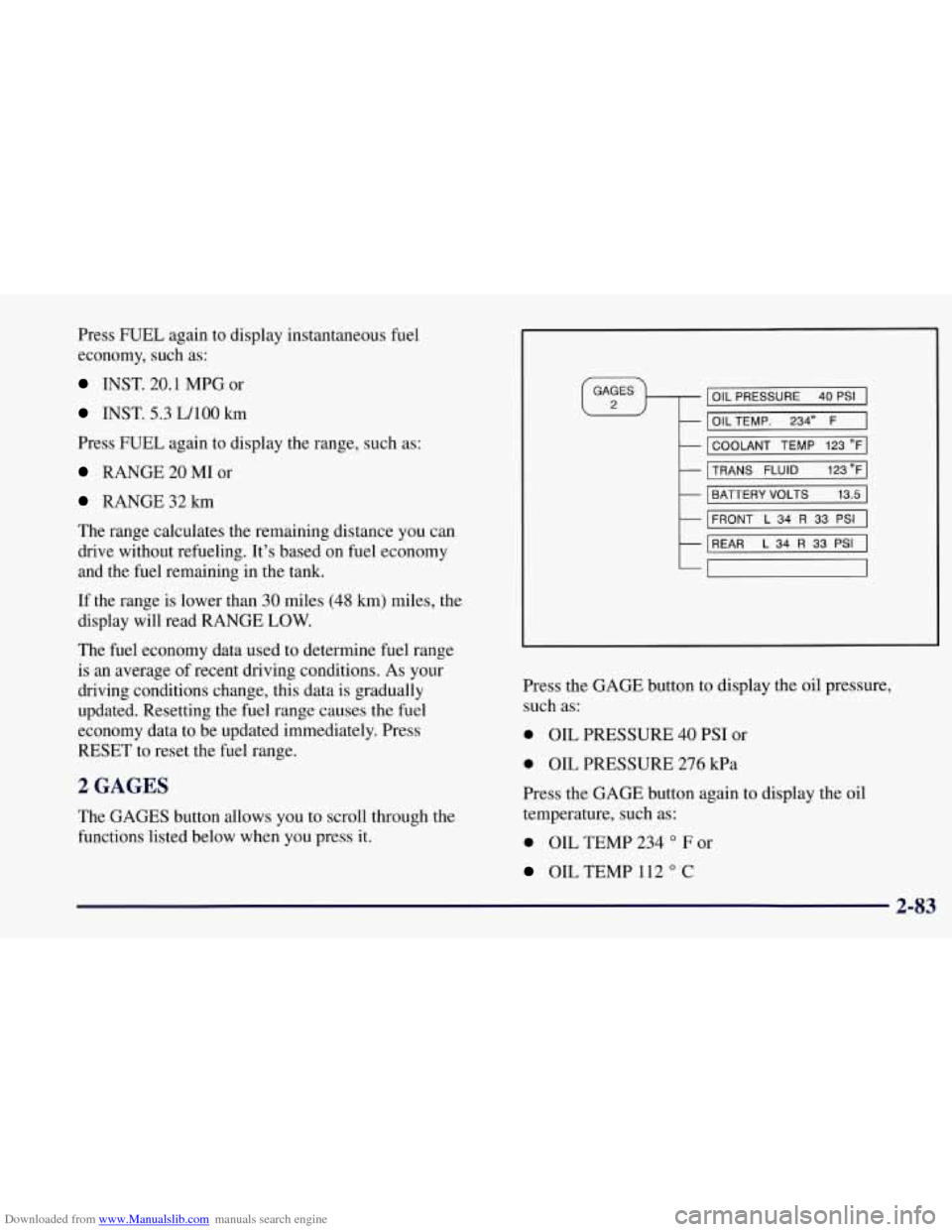
2 GAGES
The GAGES button allows you to scroll through the
functions listed below when you press it.
IOIL PRESSURE 40 PSI I
I OILTEMP. 2340 F 1
I COOLANT TEMP 123 OF]
MNS FLUID 123"FI
I BATTERY VOLTS 13.5 I
I
FRONT L 34 R 33 PSI I
REAR L 34 R 33 PSI I
7
Press the GAGE button to display the oil pressure,
such as:
0 OIL PRESSURE 40 PSI or
0 OIL PRESSURE 276 kPa
Press the GAGE button again to display the
oil
temperature, such as:
0 OIL TEMP 234 O F or
OIL TEMP 112 O C
2-83