1997 CADILLAC ELDORADO lock
[x] Cancel search: lockPage 118 of 361
Downloaded from www.Manualslib.com manuals search engine Your passenger’s side mirror is convex. A convex
mirror’s
surface is curved so you can see more from
the driver’s seat.
This mirror does not have a
dimming feature.
vehicles) look farther away than they really are.
If you cut too sharply into the right lane, you
could hit a vehicle on ~QW right. Check your
inside mirror
or glance over shoulder before
e
The glove box is located in front of the passenger’s seat.
To lock the glove box door, insert the oval key into the
lock cylinder and turn it clockwise. Turn
the key
counterclockwise to unlock the
door.
.. ..
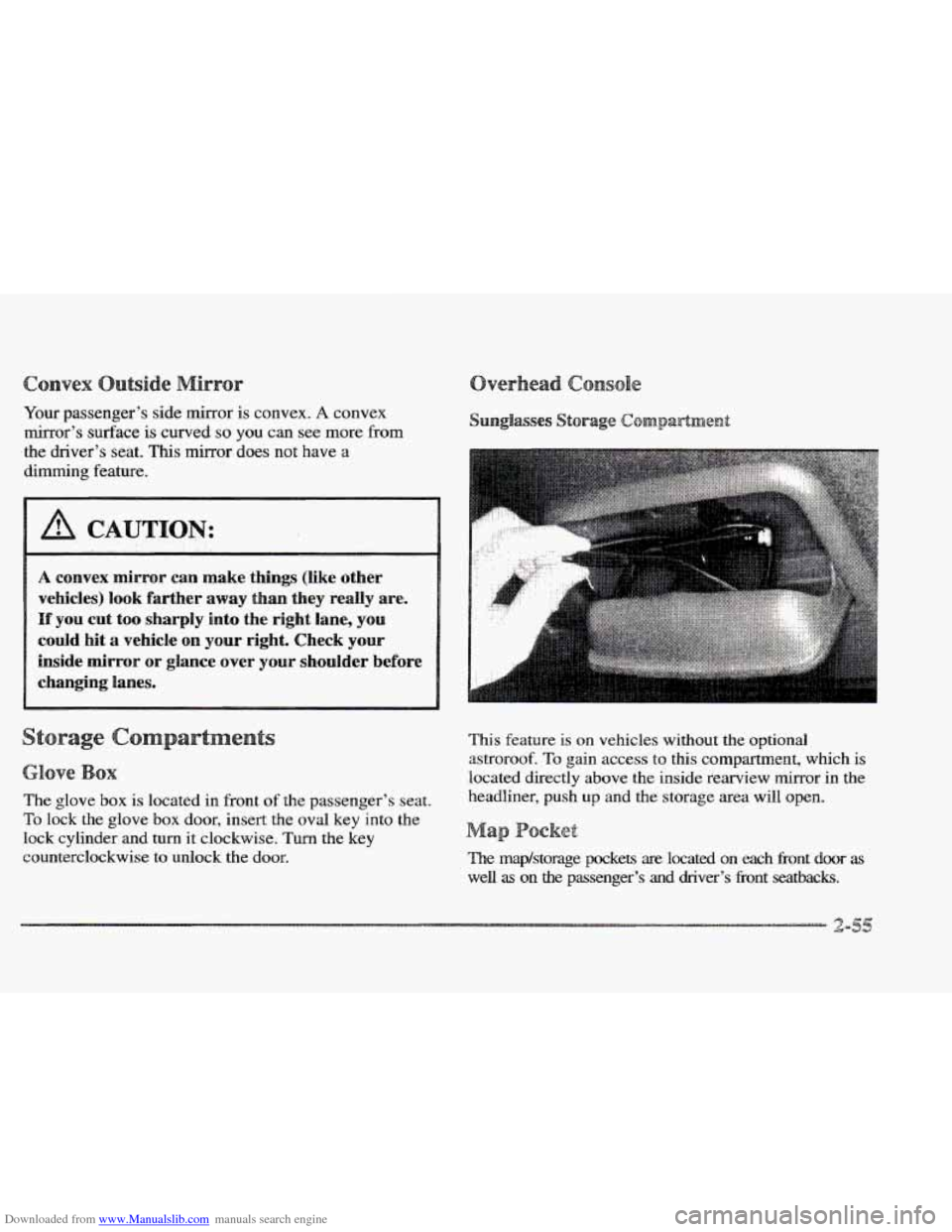
This feature is on vehicles without the optional
astroroof.
To gain access to this compartment, which is
located directly above the inside rearview mirror in the
headliner, push
up and the storage area will open.
a
The map/storage pockets are located on each Eront door as
well as on the passenger’s and driver’s fi-ont seatbacks.
Page 120 of 361

Downloaded from www.Manualslib.com manuals search engine The net is not for larger, heavier loads. Store them in the
trunk as far forward as you can. When not using the
net,
hook the net to the tabs securing it to the sill plate.
s s
With the full console, press on the cover, which is
located below the climate control system, to reveal the
front ashtray.
To clean this ashtray, lift it out by gripping
the sides.
If you don’t have a center console, pull the
tray out to reveal
the ashtray. The tray is located beneath
the radio.
TQ clean this ashtray, lift it out by pulling on
the snuffer. If the ashtray will not come out, try reaching
under
it and gently press up on the ashtray bowl to
remove it.
To use the rear ashtray, lift the lid.
Don’t put papers or other flammable items
into your ashtrays.
Hot cigarettes or other
smoking materials could ignite them, causing
a
damaging fire.
The cigarette lighter is located near the ashtray. Press it all
the way in
and release. It will pop back by itself when it’s
ready to light. You may
also have a lighter on the back of
the center console near the
rear seat air outlet.
Note that power to the cigarette lighter will shut
off
10 minutes after the ignition is turned off. This helps
to prevent battery drainage. For more infomation, see
“Inadvertent Power Battery Saver” earlier in tlus section.
Dsn’t hold a cigarette Iighter in with your hand
while
it is heating. If you do, it won’t be able to
back away
from the heating element when it’s
ready. That can make it overheat, damaging the
lighter and the heating element.
Swing down the visor to block out glare. It can also be
detached from the center mount and moved to the side.
The driver’s sunshade is also equipped with a storage
flap that can be used for maps or toll tickets.
Page 121 of 361

Downloaded from www.Manualslib.com manuals search engine Turn the sunshade down and lift the cover to see the nirror.
Move the slide switch up or down to brighten or
dim the lamp.
Your vehicle has been prewired for dealer installation of
a Cadillac dual-mode (analog/digital) cellular telephone.
A fixed mobile or a portable hand-held system are
available. Either system has steering wheel telephone
controls and infomation output through the DIC. Voice
activation and hands-free operation are standard
features. For more information, contact your Cadillac
dealer.
A user’s guide is provided with the telephone.
nStar System (
This system may be ordered if you have the optional
fixed cellular telephone. The following services
are
available 24 hours a day:
@ Roadside Service with Location
Emergency Services Button
@ Remote Door Unlock
ta Theft Detectioflotification and Stolen-Vehicle Tracking
@ Automatic Notification of Air Bag Deployment
Concierge/Customer Convenience Services
For more information, contact your Cadillac dealer.
A folding handle, located on each side pillar, can be
used when getting out of your vehicle.
For your convenience, a garment hook is attached to the
assist handle.
ts
Your Cadillac is equipped with rubber-backed front and
rear floor mats. Keep them clean by vacuuming and
using a spot cleaner, if necessary.
Do not machine wash.
Page 136 of 361
Downloaded from www.Manualslib.com manuals search engine !
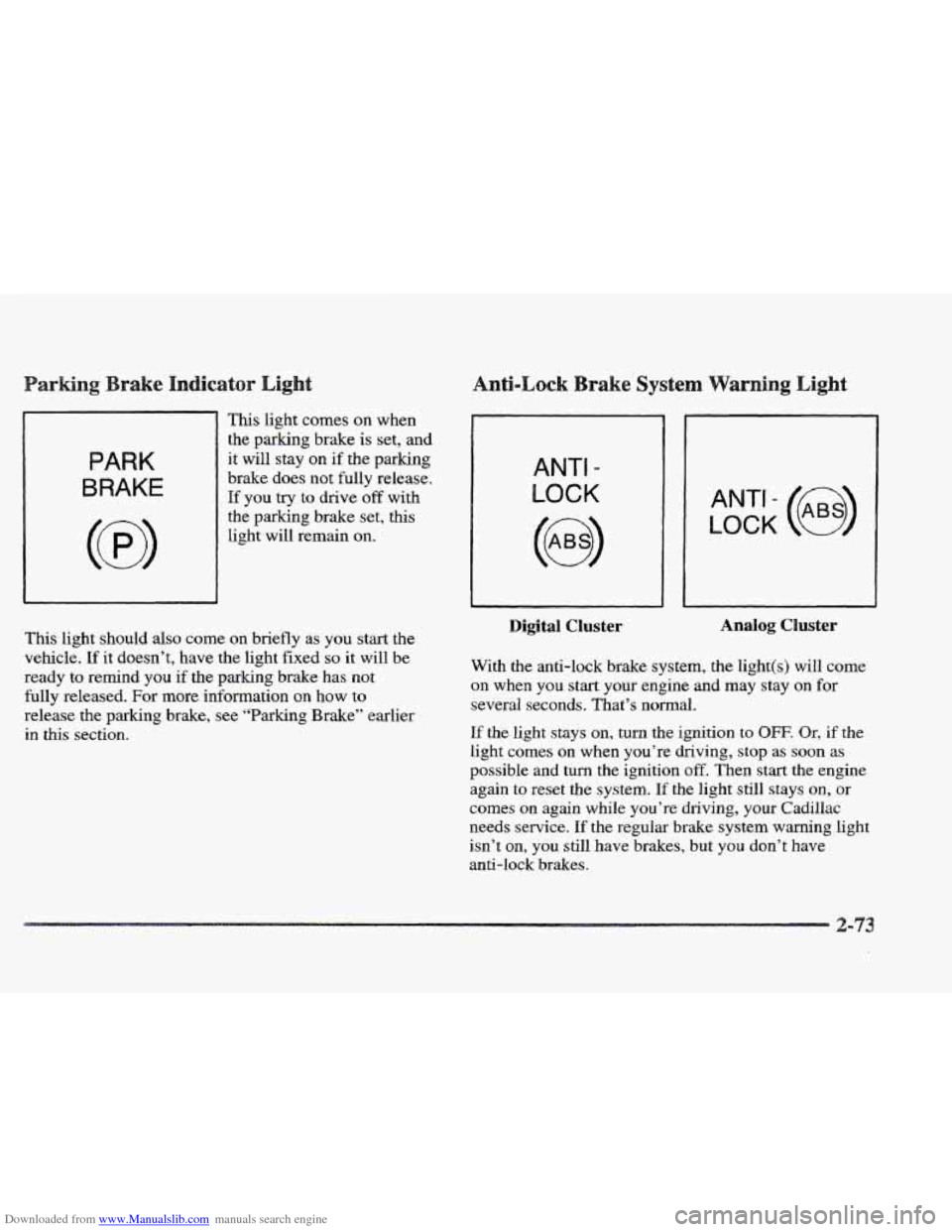
This light comes on when
the parking brake is set, and
PARK
BRAKE
it will stay on if the parking
brake does not fully release.
If you try to drive off with
the parking brake set, this
light will remain on.
ANTI -
LOCK
LOCK
ANT’- (e)
This light should also come on briefly as you start the
vehicle. If it doesn’t, have the light fixed so it will be
ready
to remind you if the parking brake has not
fully released.
For more information on how to
release the parking brake, see “Parking Brake” earlier
in this section.
Digital Cluster Analog Cluster
With the anti-lock brake system, the light(s)
will come
on
when you start your engine and may stay on for
several seconds. That’s normal.
If the light stays on, turn the ignition to OFF. Qr, if the
light comes on when you’re driving, stop as soon as
possible and turn the ignition off. Then start the engine
again
to reset the system. If the light still stays on, or
comes on again while you’re driving, your Cadillac
needs service.
If the regular brake system warning light
isn’t
on, you still have brakes, but you don’t have
anti-lock
brakes.
Page 137 of 361
Downloaded from www.Manualslib.com manuals search engine If the regular brake system warning light is also on, you
don’t have anti-lock brakes and there’s a problem with
your regular brakes. See “Brake System Warning Light”
earlier in this section.
The anti-lock brake system warning light should come
on briefly when you
turn the ignition key to RUN. If the
light doesn’t come on then, have
it fixed so it will be
ready to warn you
if there is a problem.
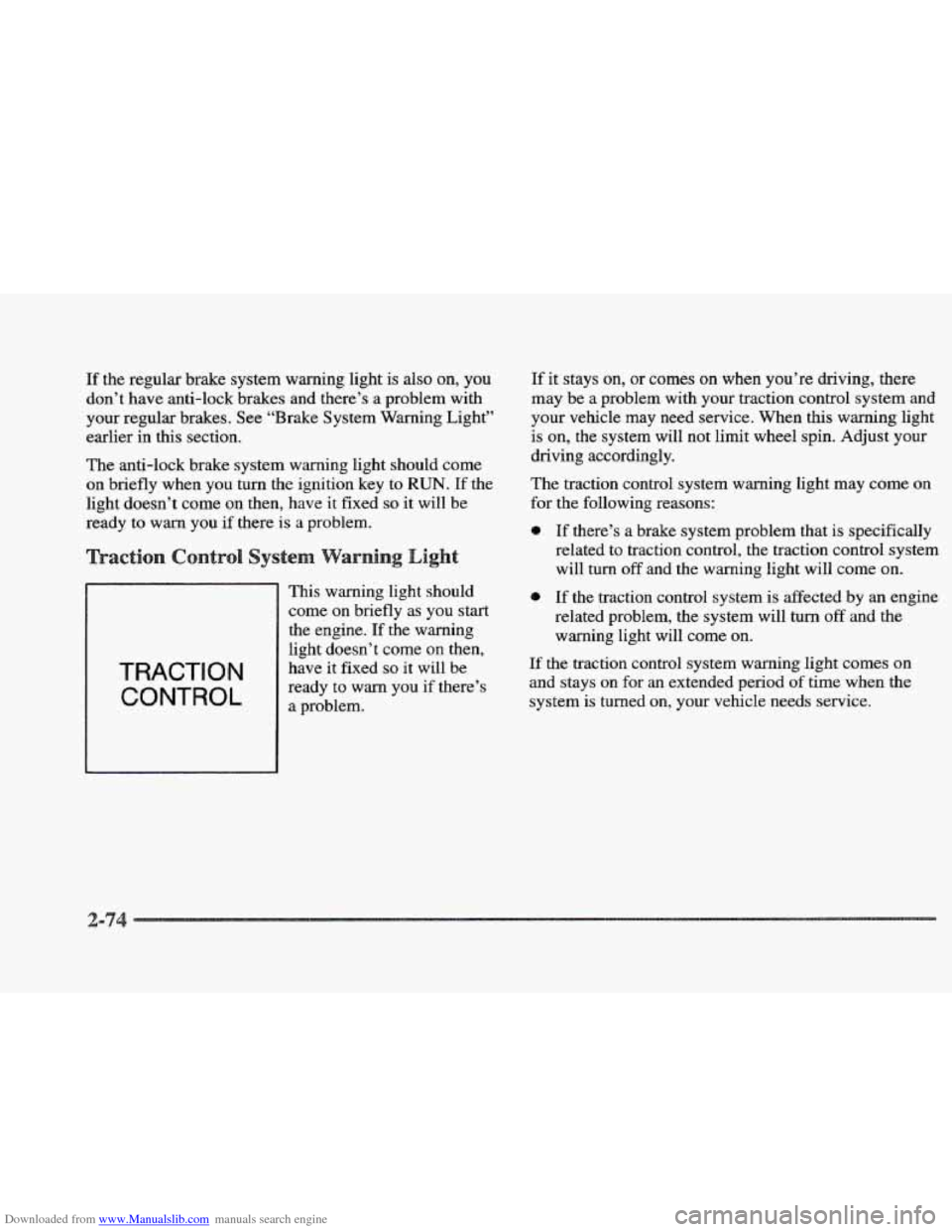
TRACTION
CONTROL
This warning light should
come on briefly as you start
the engine. If the warning
i light doesn’t come on then,
have it fixed so it will be
ready to warn you if there’s
a problem.
If it stays on, or comes on when you’re driving, there
may be a problem with your traction control system and
your vehicle may need service. When this warning light
is on, the system will not limit wheel spin. Adjust your
driving accordingly.
The traction control system warning light may come
on
for the following reasons:
9 If there’s a brake system problem that is specifically
related to traction control, the traction control system
will
turn off and the warning light will come on.
If the traction control system is affected by an engine
related problem, the system will turn
off and the
warning light will come on.
If the traction control system warning light comes on
and stays on for an extended period of time when the
system is turned
on, your vehicle needs service.
Page 144 of 361
Downloaded from www.Manualslib.com manuals search engine river
The DIC display gives you the status of many of your
vehicle’s systems. The DIC is
also used to display driver
personalization features and warning/status messages.
Your vehicle may be equipped with the following
features that can be individually customized for up to
two drivers.
e Programmable Automatic Door Locks
e Remote Confirmation (for RKE)
e Exterior Lighting (at Unlock)
e Remote Recall Memory (for RKE or Key in
the Ignition)
e Battery Guard Storage
8 Climate Control Personalization
Memory Seat and Mirrors
Radio Personalization
For detailed information, see each feature in the Index.
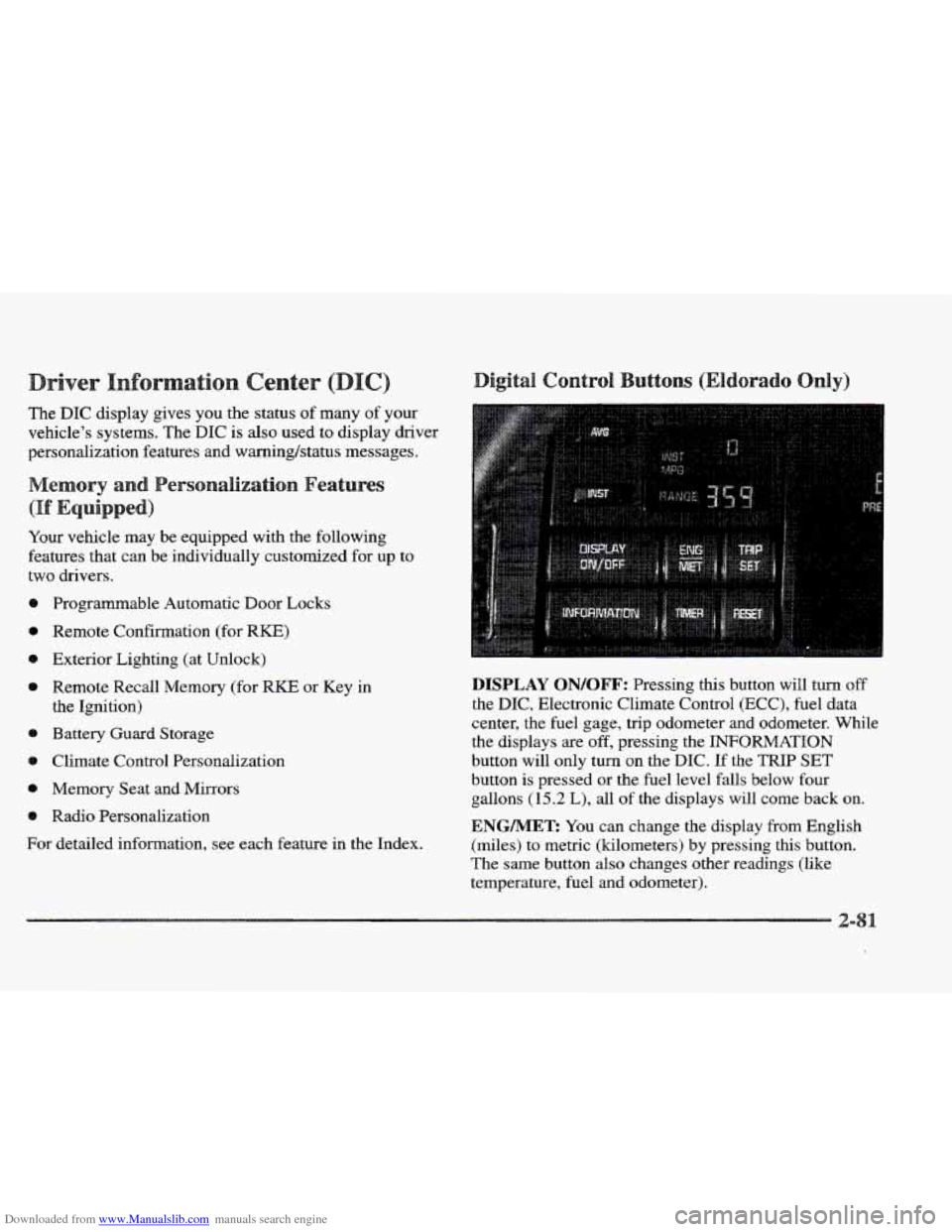
DISPLAY QN/QFF: Pressing this button will turn off
the DIC, Electronic Climate Control (ECC), fuel data
center, the fuel gage, trip odometer and odometer. While
the displays
are off, pressing the INFORMATION
button will only turn
on the DIC. If the TRIP SET
button is pressed or the fuel level falls below four
gallons
(15.2 L), all of the displays will come back on.
ENGMET: You can change the display from English
(miles) to metric (kilometers) by pressing this button.
The same button also changes other readings (like
temperature, fuel and odometer).
Page 145 of 361

Downloaded from www.Manualslib.com manuals search engine TRIP SET By using this button, you can tell how far
you’ve gone since you last set the
TRIP SET back to
zero. To reset, press and hold the button
until zeros
appear. If your vehicle is domestic, the trip odometer
will return to zero after 999.9 miles
( 1 609 km). If your
vehicle is Canadian, the
trip odometer will return to zero
after
1 999.9 km (1,242 miles).
INFORMATION: Pressing this button repeatedly will
display the MPG
AVG, MPG INST, GAL FUEL USED,
AVG MPH, ENGINE
RPM, BATTERY VOLTS,
COOLANT TEMP and
OIL LIFE LEFT.
TIMER: This feature is like a stopwatch, in that
you can clock the time it takes to get from one point
to another.
To operate, press the TIMER button until
TIMER OFF
0O:OO:OO is displayed on the DIC. Each of the fields for
the hours, minutes and seconds are two numeric digits.
Once TIMER
OFF 0O:OO:OO is displayed, press the
TIMER button to start the timing feature. Press the
TIMER button again to stop
it. If you will be starting
and stopping your Cadillac, during
a trip for instance,
the
TIMER feature will automatically start timing where
it left
off when you last stopped. To reset it, press and
hold the
RESET button until the display reads TIMER
0O:OO:OO. Press the INFORMATION button to exit from
the TIMER function.
RESET Pressing this button will reset the MPG AVG,
MPG INST, GAL FUEL USED, AVG MPH and OIL
LIFE LEFT. Pressing RESET when a non-resettable
display appears
will cause a “recall” mode to occur.
When this happens, all DIC warning messages that have
been displayed since the ignition key was turned to
RUN will redisplay. If no messages were displayed, a
MONITORED SYSTEMS
OK message will appear.
MPG AVG (Reset): Press the INFORMATION button
to display the MPG
AVG (Average Fuel Economy), then
press and hold the
IRESET button until 0.0 MPG AVG
is displayed.
FUEL USED (Reset): Press the INFORMATION
button to display the
GAL FUEL USED on the DIC,
then press and hold the
RESET button until 0.0 GAL
FUEL USED is displayed.
AVG MPH (Reset): Press the INFORMATION button
to display the AVG
MPH (Average Speed), then press
and hold the RESET button until
0.0 AVG MPH
is displayed.
OIL LIFE LEFT (Reset): Press the INFORMATION
button to display the OIL LIFE LEFT, then press and
hold the
RESET button until 100% OIL LIFE LEFT is
displayed. (This only needs to be reset after you have
had the oil changed.)
Page 146 of 361

Downloaded from www.Manualslib.com manuals search engine TRIP RESET By using this button, you can tell how
far you’ve gone since you last set the TRIP RESET back
to zero.
To reset, press and hold the button until zeros
appear.
If your vehicle is domestic, the trip odometer
will return to zero after 999.9 miles
(1 609 km). If your
vehicle is Canadian, the
trip odometer will return to zero
after
1 999.9 km (1,242 miles).
INFO RESET: Pressing this button will reset the MPG
AVG, GAL FUEL USED, AVG MPH, TIMER, OIL
LIFE LEFT and ENGLISHMETRIC RESET. Pressing
INFO RESET when a non-resettable display appears
will cause a “recall” mode to occur. When this happens,
all
DIC warning messages that have been displayed
since the ignition key was turned to
RUN will redisplay.
If no messages were displayed, a MONITORED
SYSTEMS QK message will appear.
MPG AVG (Reset): Press the INFO button to display
the
MPG AVG (Average Fuel Economy), then press and
hold the
INFO RESET button until 0.0 MPG AVG
is displayed.
GAL FUEL USED (Reset): Press the INFO button to
display the
GAL FUEL USED on the DIC, then press
and hold the
INFO RESET button until 0.0 GAL FUEL
USED is displayed.
AVG MPH (Reset): Press the INFO button to display
the AVG MPH (Average Speed), then press and hold the
INFO RESET button until 0.0 AVG MPH is displayed.
TIMER: lhs feature is like a stopwatch, in that you can
clock the time it takes to get from one point to another.
To operate, press the INFO button to display TIMER.
Each of the fields for the hours, minutes and seconds are
two numeric digits.
Once TIMER OFF O0:OO:OO is displayed, press the
INFO RESET button to start the timing feature. Press
the
INFO RESET button again to stop it. If you will be
starting and stopping your Cadillac, during a trip
for
instance, the TIMER feature will automatically start
timing where it left off when you last stopped. To reset
it, press and hold the INFO FESET button until the
display reads
TIMER 0O:OO:OO. Press the INFO button
to exit from the
TIMER function.