Page 94 of 342
Downloaded from www.Manualslib.com manuals search engine Lamps
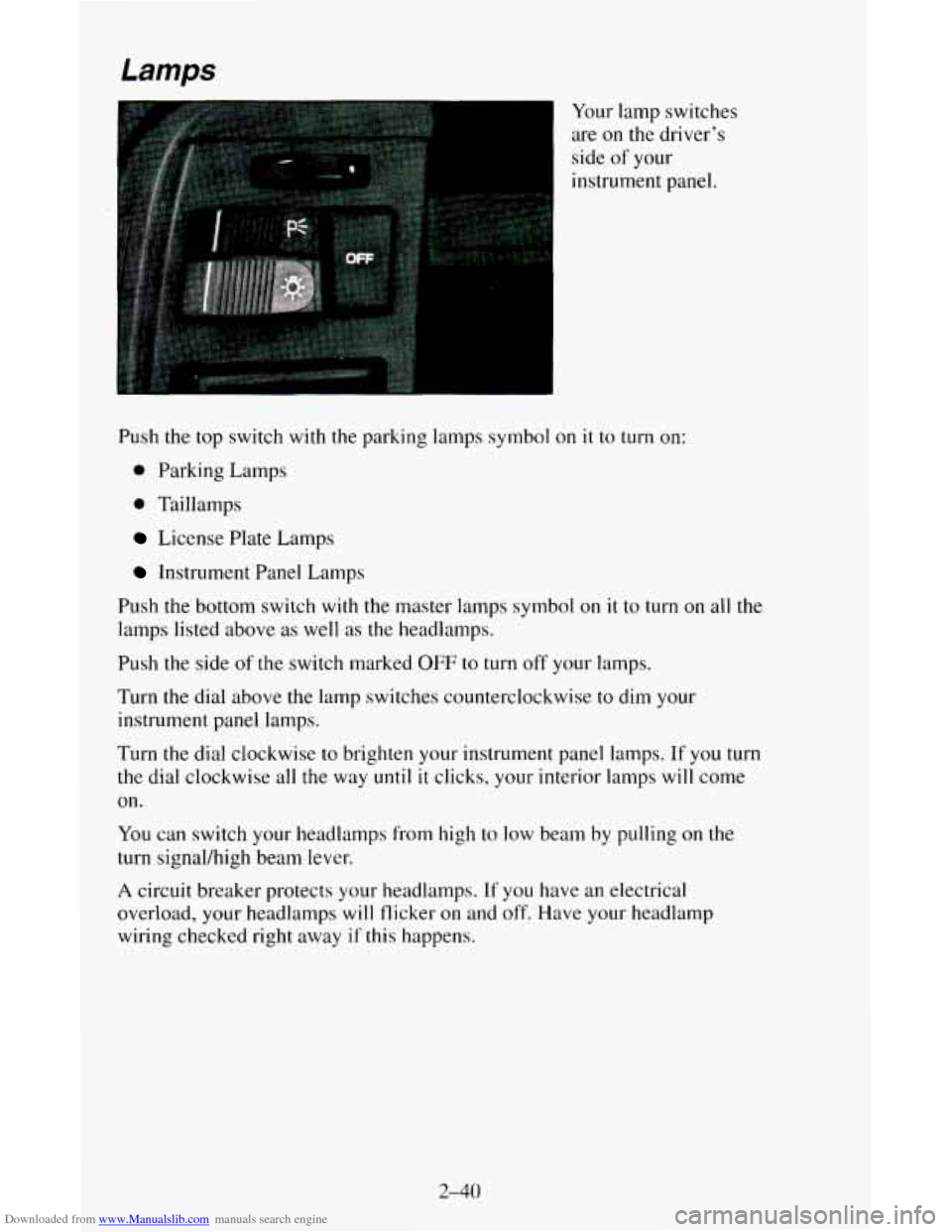
Your lamp switches
are
on the driver’s
side of your
instrument panel.
Push the top switch
with the parking lamps symbol on it to turn on:
0 Parking Lamps
0 Taillamps
License Plate Lamps
Instrument Panel Lamps
Push the bottom switch
with the master lamps symbol on it to turn on all the
lamps listed above as well as the headlamps.
Push the side of
the switch marked OFF to turn off your lamps.
Turn the dial above the lamp switches counterclockwise to dim your
instrument panel lamps.
Turn
the dial clockwise to brighten your instrument panel lamps. If you turn
the dial clockwise all
the way until it clicks, your interior lamps will come
on.
You can switch your headlamps from high to low beam by pulling on the
turn signal/high beam lever.
A circuit breaker protects your headlamps. If you have an electrical
overload, your headlamps
will flicker on and off. Have your headlamp
wiring checked right away
if this happens.
2-40
Page 96 of 342
Downloaded from www.Manualslib.com manuals search engine Headlamps-On Reminder
A reminder tone will sound when your headlamps or parking lamps are
turned
on and your ignition is in OFF, LOCK or ACC. To turn the tone off,
press the OFF switch,
Dome Lamps
Reading Lamps
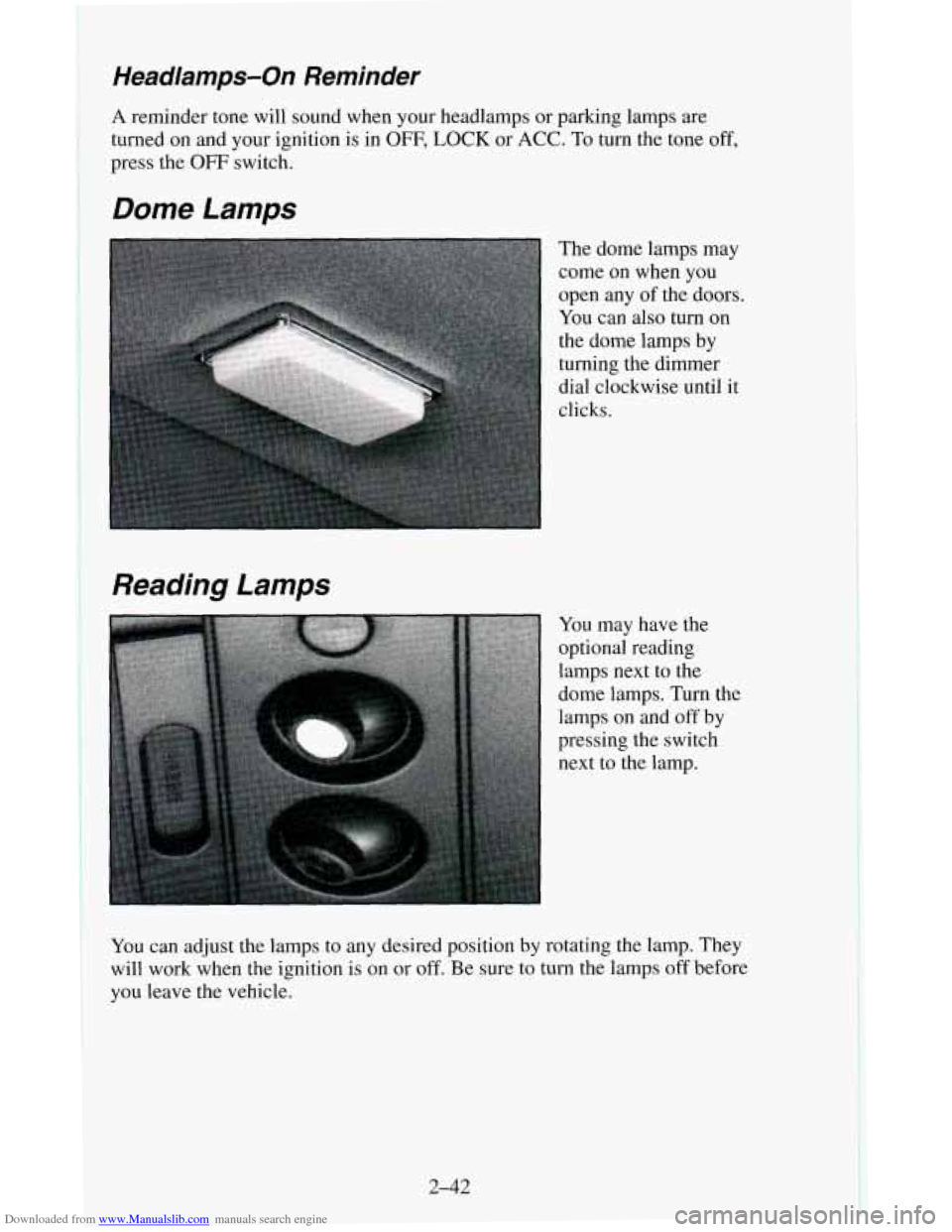
The dome lamps may
come
on when you
open any of the doors.
You can also turn on
the dome lamps by
turning the dimmer
dial clockwise until it
clicks.
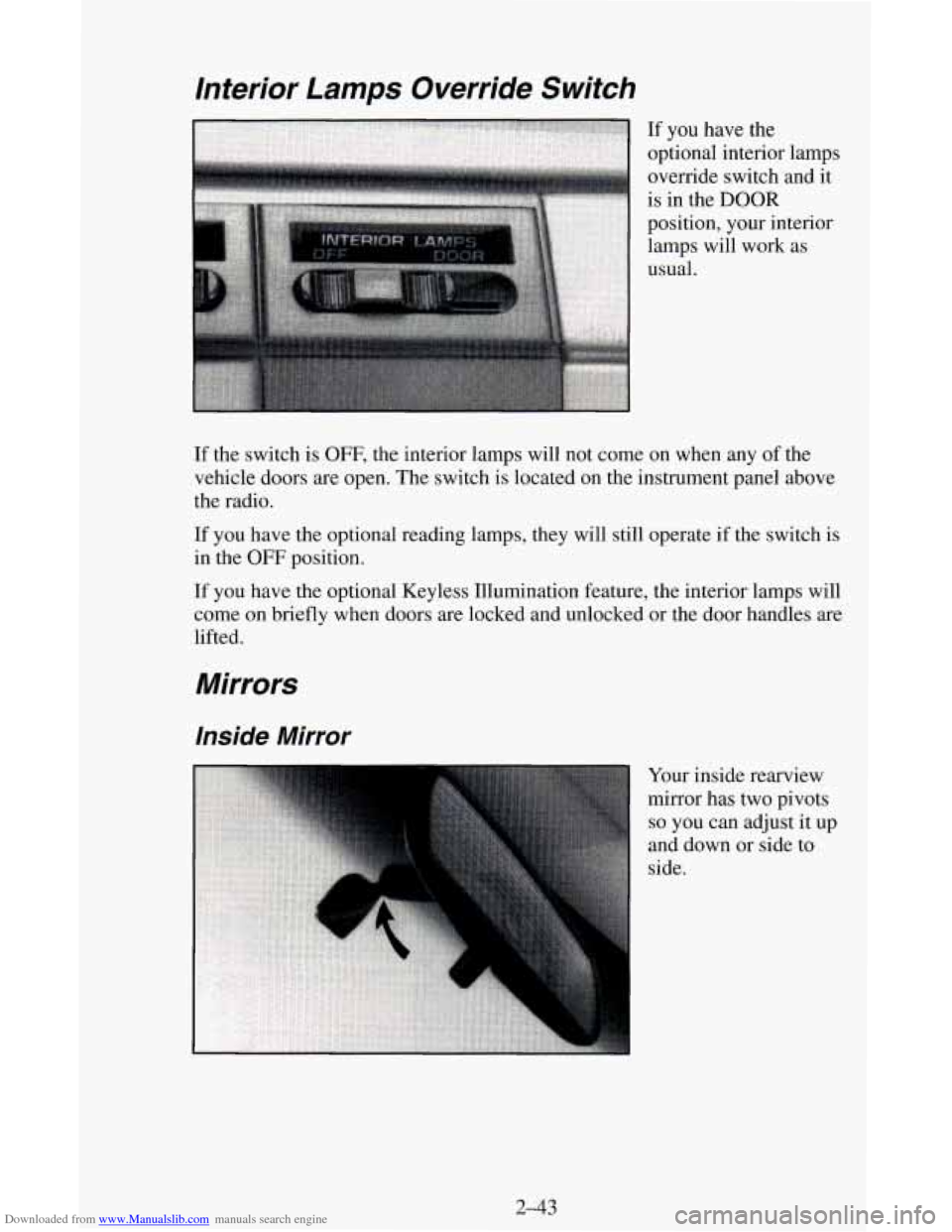
You may have the
optional reading
lamps next to the
dome lamps. Turn the
lamps
on and off by
pressing the switch
next to the lamp.
YOU can adjust the lamps to any desired position by rotating the lamp. They
will work when the ignition is on or off. Be sure to turn the lamps off before
you leave the vehicle.
2-42
Page 97 of 342
Downloaded from www.Manualslib.com manuals search engine If the switch is OFF, the interior lamps will not come on when any of the
vehicle doors are open. The switch is located on the instrument panel above
the radio.
If
you have the optional reading lamps, they will still operate if the switch is
in the OFF position.
If you have the optional Keyless Illumination feature, the interior lamps will
come on briefly when doors are locked and unlocked or the door handles are
lifted.
Mirrors
Inside Mirror
Your inside rearview
mirror has two pivots
so you can adjust it up
and down or side to
side.
2-43
Page 99 of 342
Downloaded from www.Manualslib.com manuals search engine To move a mirror, slide the switch to L for the driver’s side mirror or to R
for the passenger’s side mirror. Then, press the four-way pad to move the
mirror in the desired direction. To make sure you do not accidentally move a
mirror, slide the switch to the middle
(OFF) position.
If you have the manually adjustable mirror, it can also be folded in or out.
Push the mirror towards the vehicle
to move it in. After pushing the mirror
out, adjustment will be maintained.
Convex Outside Mirror
Your passenger’s side mirror is convex.
A convex mirror’s surface is curved
so you can see more from the driver’s
seat.
Sun VisorsNanity Mirrors
To block out glare, you can swing down the visors. You can also swing them
from side to side.
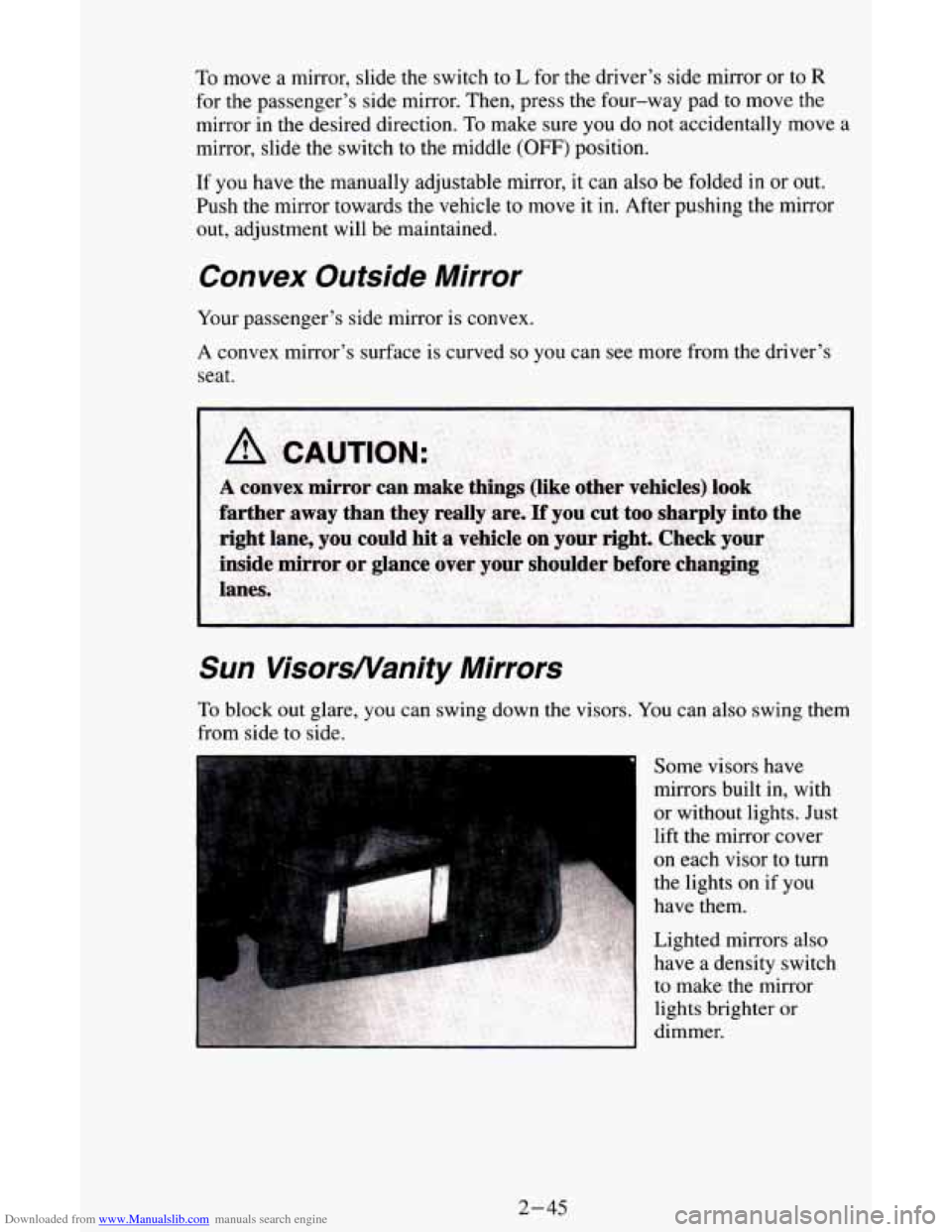
Some visors have
mirrors built in, with
or without lights. Just
lift the mirror cover
on each visor to turn
the lights on if you
have them.
Lighted mirrors also
have a density switch
to make the mirror
lights brighter or
dimmer.
2-45
Page 108 of 342
Downloaded from www.Manualslib.com manuals search engine This light should come on briefly as you start the vehicle. If it doesn’t come
on then, have it fixed
so it will be ready to warn you if there’s a problem.
If the light comes on while you are driving, pull off the road and stop
carefully. You may notice that the pedal
is harder to push. Or, the pedal may
go closer
to the floor. It may take longer to stop. If the light is still on, have
the vehicle towed for service. (See “Towing Your Vehicle’’
in the Index.)
b
A CAUTION:
Your brake system may not be working properly if the brake
system warning light is on. Driving with the brake system warning light on can lead to an accident. If the light is st\
ill on
after you’ve pulled off the road and stopped carefully, have\
the
vehicle towed for service.
The brake system warning light will also come on when you set your
parking brake, and it will stay on if your parking brake doesn’t release fully.
If it stays on after your parking brake is fully released, it means you have a
brake problem.
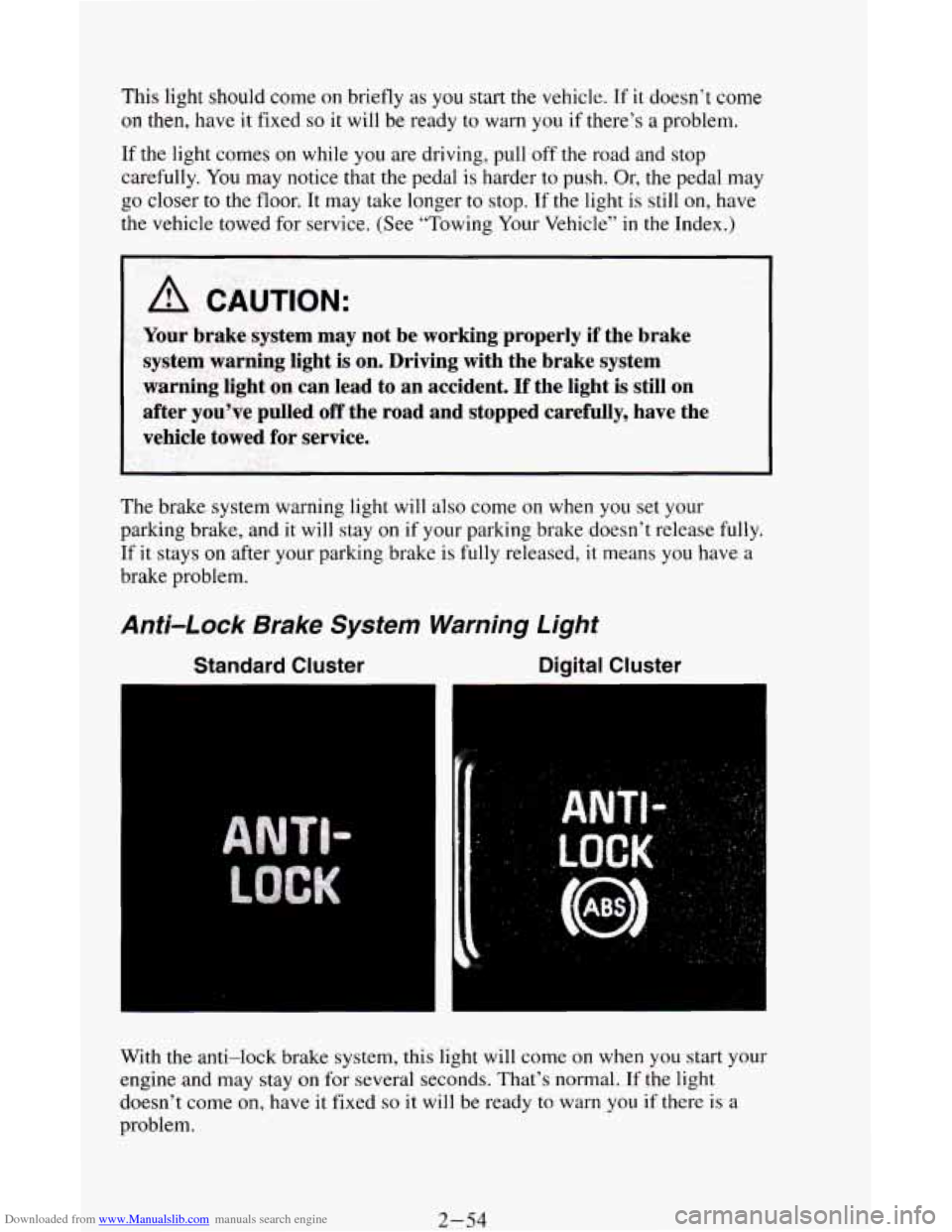
Anti-Lock Brake System Warning Light
Standard Cluster Digital Cluster
With the anti-lock brake system, this light will come on when you start your
engine and may stay on for several seconds. That’s normal. If the light
doesn’t come on, have it fixed
so it will be ready to warn you if there is a
problem.
2-54
Page 109 of 342
Downloaded from www.Manualslib.com manuals search engine If the light stays on, or comes on when you’re driving, your vehicle needs
service.
If the regular brake system warning light isn’t on, you still have
brakes, but you don’t have anti-lock brakes. If the regular brake system
warning light
is also on, you don’t have anti-lock brakes and there’s a
problem with your regular brakes. See “Brake System Warning Light”
earlier in this part.
Malfunction Indicator Lamp
(SERVICE ENGINE
SOON)
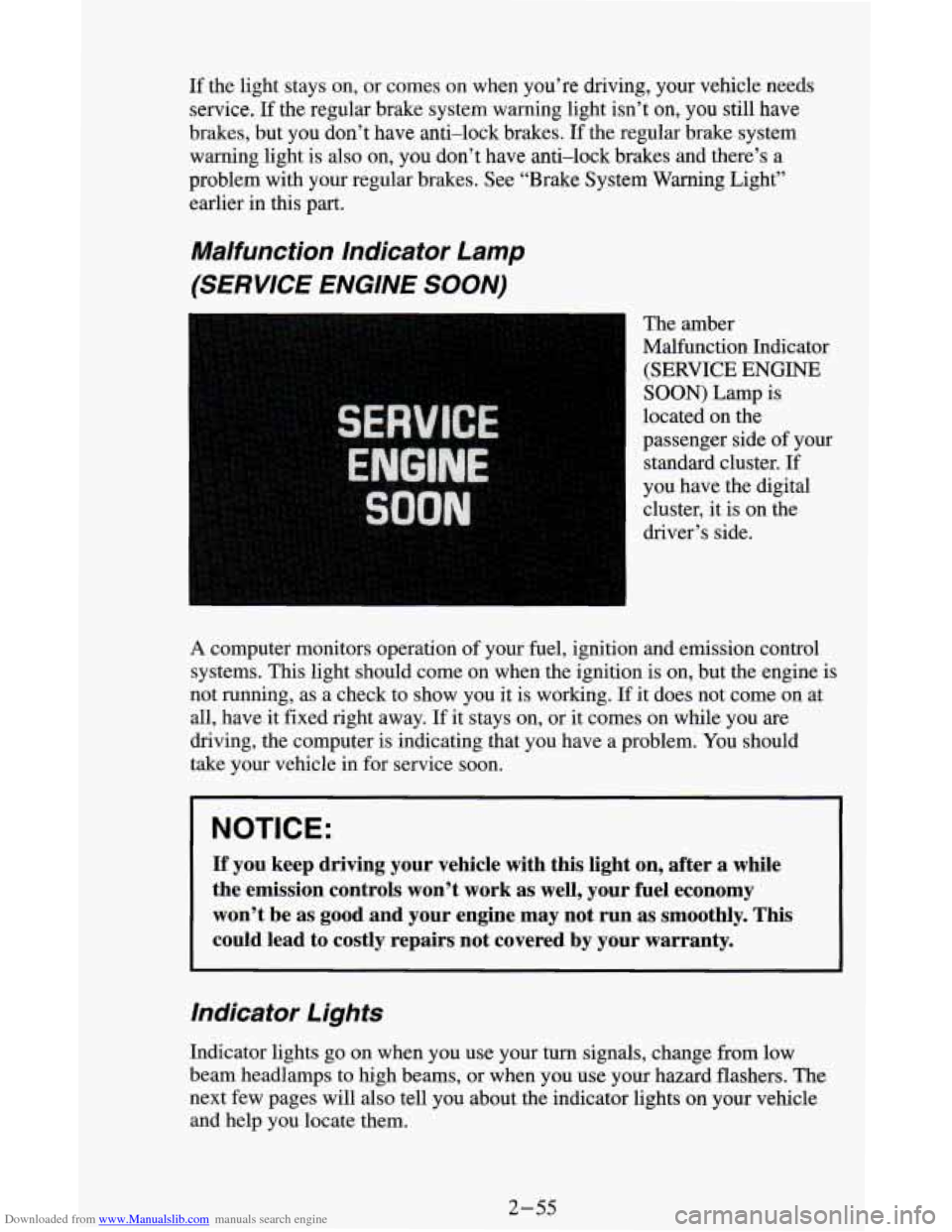
The amber
Malfunction Indicator
(SERVICE
ENGINE
SOON) Lamp is
located on the
passenger side of your
standard cluster. If
you have the digital
cluster, it is
on the
driver’s side.
A computer monitors operation of your fuel, ignition and emission control
systems. This light should come on when the ignition is
on, but the engine is
not running, as a check to show you it is working.
If it does not come on at
all, have it fixed right away.
If it stays on, or it comes on while you are
driving, the computer is indicating that you have a problem. You should
take your vehicle in for service soon.
NOTICE:
If you keep driving your vehicle with this light on, after a whi\
le
the emission controls won’t work as well, your fuel economy \
won’t be as good and your engine may not run as smoothly. \
This
could lead to costly repairs not covered by your warranty.
Indicator Lights
Indicator lights go on when you use your turn signals, change from low
beam headlamps to high beams, or when you use your hazard flashers.
The
next few pages will also tell you about the indicator lights on your vehicle
and help you locate them.
2-55
Page 124 of 342
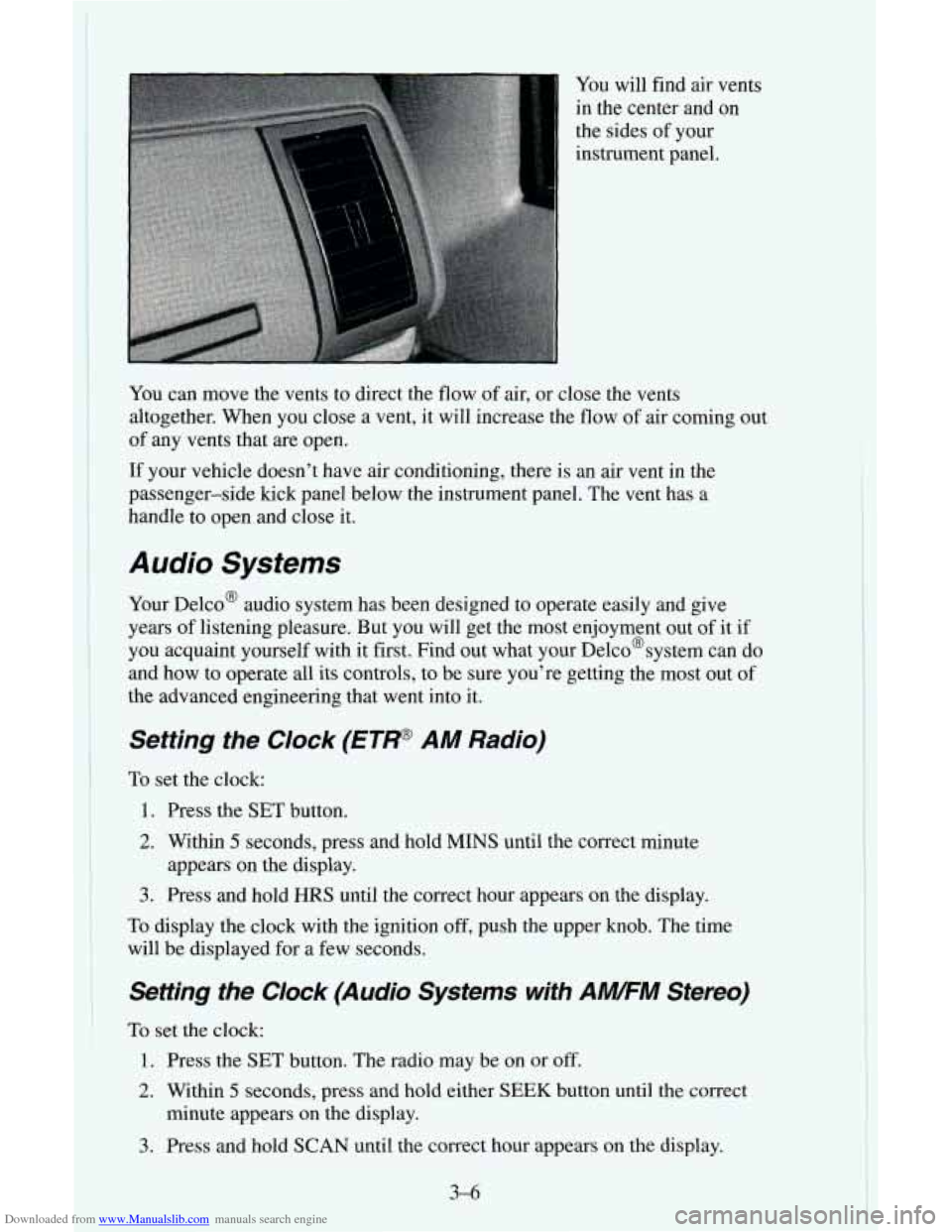
Downloaded from www.Manualslib.com manuals search engine You will find air vents
in the center and on
the sides of your
instrument panel.
You can move the vents to direct the flow
of air, or close the vents
altogether. When you close a vent, it will increase the flow of air coming out
of any vents that are open.
If your vehicle doesn’t have air conditioning, there is an air vent in the
passenger-side kick panel below the instrument panel. The vent has a
handle to open and close it.
Audio Systems
Your Delco@ audio system has been designed to operate easily and give
years of listening pleasure. But you will get the most enjoyment out of it if
you acquaint yourself with it first. Find out what your Delco@system can do
and how to operate all its controls, to be sure you’re getting the most out
of
the advanced engineering that went into it.
Setting the Clock (ETP AM Radio)
To set the clock:
1. Press the SET button.
2. Within 5 seconds, press and hold MINS until the correct minute
3. Press and hold HRS until the correct hour appears on the display.
To display the clock with the ignition off, push the upper knob. The time
will be displayed for a few seconds.
appears on the
display.
Setting the Clock (Audio Systems with AWFM Stereo)
To set the clock:
1. Press the SET button. The radio may be on or off.
2. Within 5 seconds, press and hold either SEEK button until the correct
minute appears on the display.
3. Press and hold SCAN until the correct hour appears on the display.
3-6
Page 125 of 342
Downloaded from www.Manualslib.com manuals search engine How to Operate Your ETP AM Radio
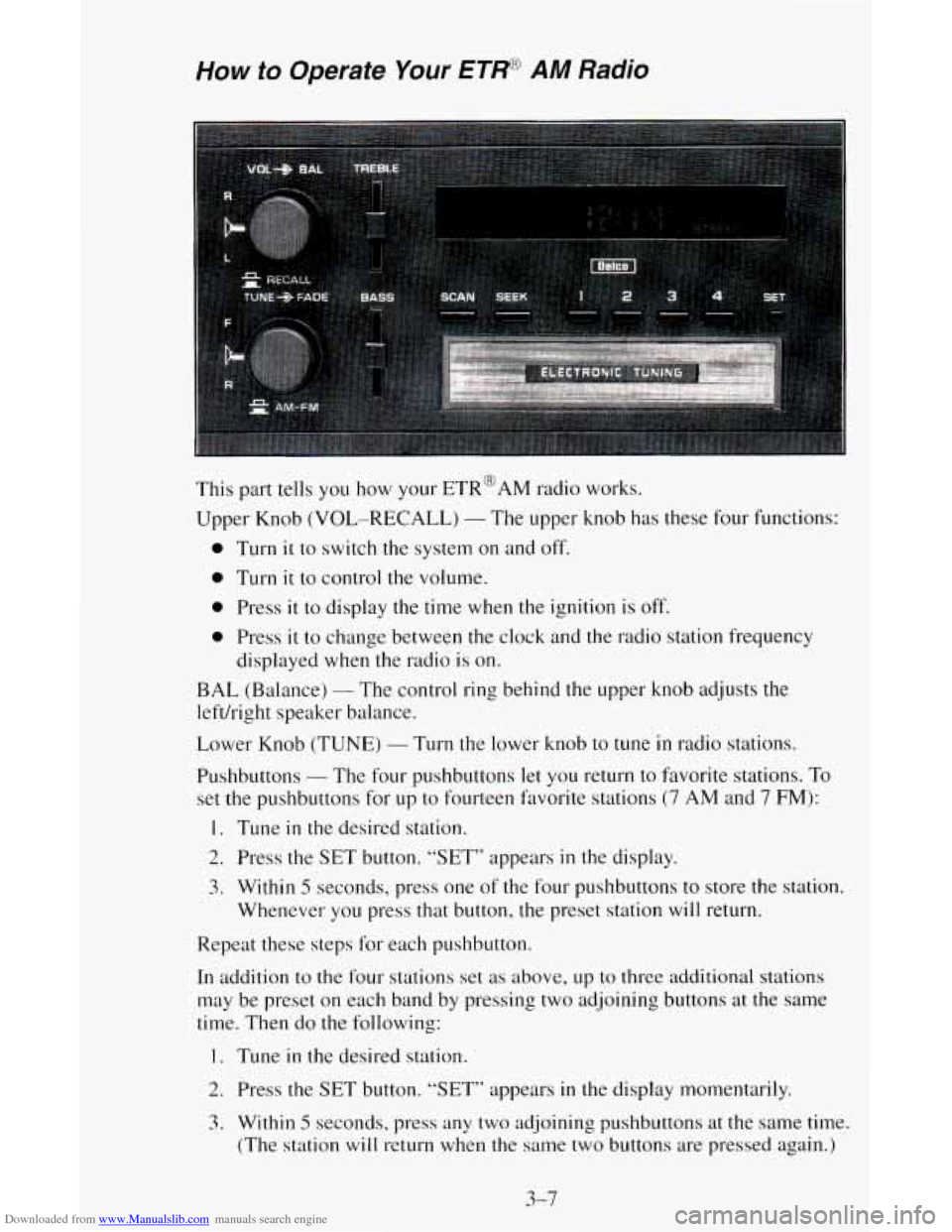
This part tells you how your ETR@AM radio works.
Upper Knob
(VOL-RECALL) - The upper knob has these four functions:
0 Turn it to switch the system on and off.
0 Turn it to control the volume.
0 Press it to display the time when the ignition is off.
0 Press it to change between the clock and the radio station frequency
displayed
when the radio is on.
BAL (Balance) - The control ring behind the upper knob adjusts the
left/right speaker
b. cl 1 ance.
Lower Knob (TUNE)
- Turn the lower knob to tune in radio stations.
Pushbuttons
- The four pushbuttons let you return to favorite stations. To
set the pushbuttons for up to fourteen favorite stations (7 AM and 7 FM):
1. Tune in the desired station.
2. Press the SET button. “SET” appears in the display.
3. Within 5 seconds, press one of the four pushbuttons to store the station.
Whenever you press that button,
the preset station will return.
Repeat these steps for each pushbutton.
In addition
to the four stations set as above, up to three additional stations
may be preset on each band by pressing two adjoining buttons at the same
time. Then do the following:
1. Tune in the desired station.
2. Press the SET button. “SET” appears in the display momentarily.
3. Within 5 seconds. press any two adjoining pushbuttons at the same time.
(The station
will return when the same two buttons are pressed again.)
3-7