Page 55 of 342
Downloaded from www.Manualslib.com manuals search engine Features & Controls
Section
Here you can learn about the many standard and optional features on your
vehicle, and information
on starting, shifting and braking. Also explained
are the instrument panel and
the warning systems that tell you if everything
is working properly
- and what to do if you have a problem.
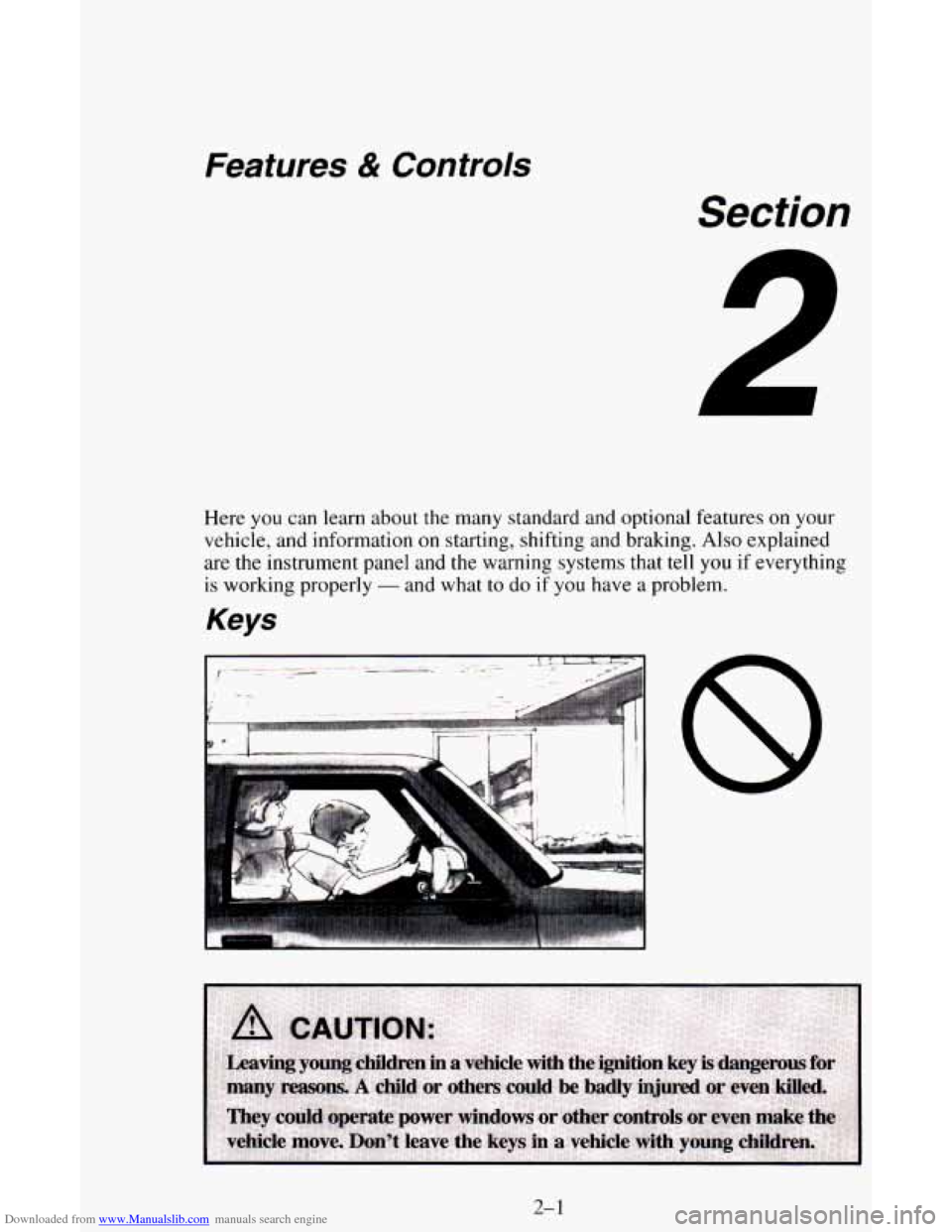
Keys
2-1
Page 61 of 342
Downloaded from www.Manualslib.com manuals search engine ..^
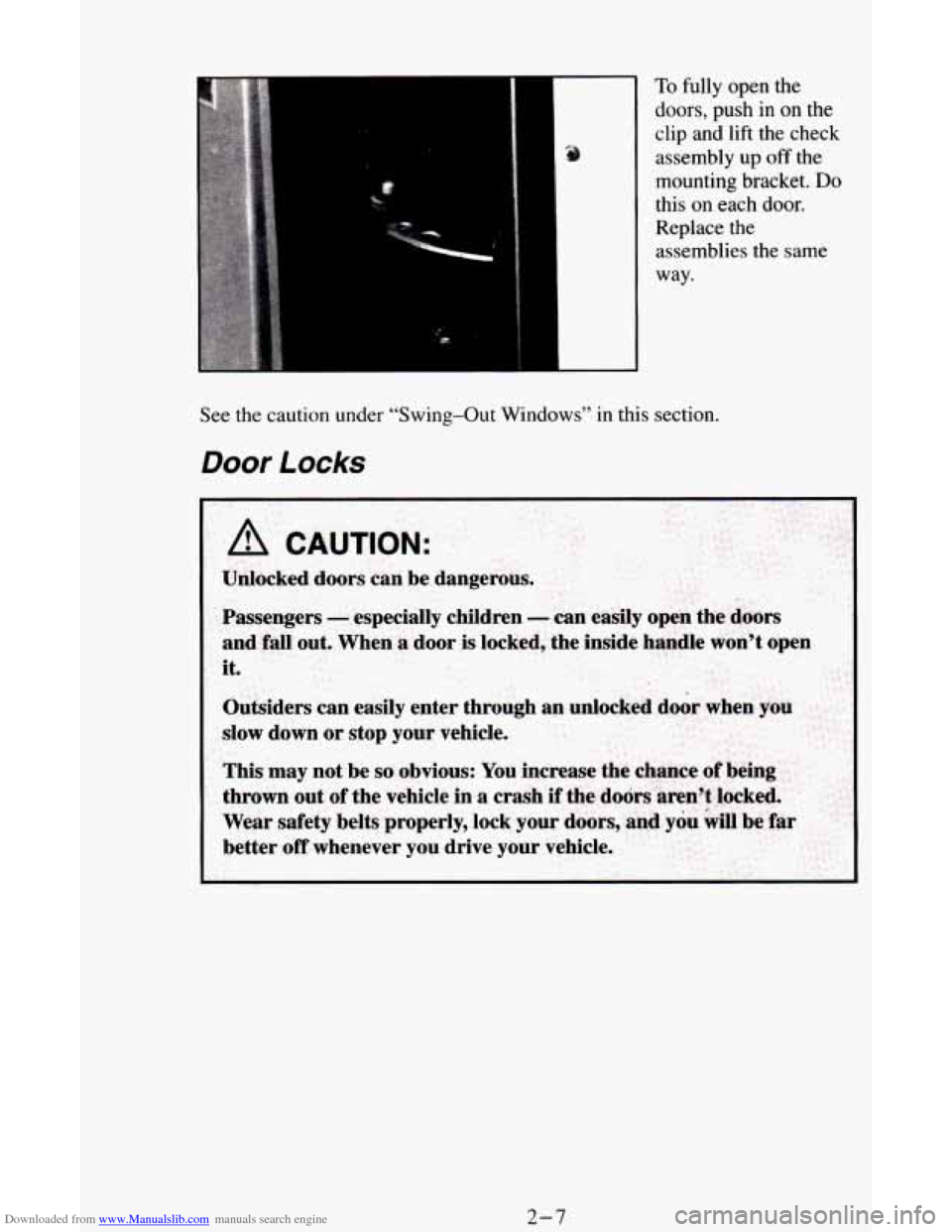
To fully open the
doors, push in on the
clip and lift the check
assembly up off the
mounting bracket.
Do
this on each door.
Replace the assemblies
the same
way.
See the caution under “Swing-Out Windows” in this section.
Door Locks
A CAUTION:
Unlocked doors can be dangerous.
2-7
Page 63 of 342
Downloaded from www.Manualslib.com manuals search engine Rear Hatch and Dutch Doors Release
If you have this option, your vehicle must be in either PARK (P) or
NEUTRAL
(N) to release the hatch and unlock the Dutch doors. If your
battery is dead, the hatch and doors will not open, even from the outside
with a key.
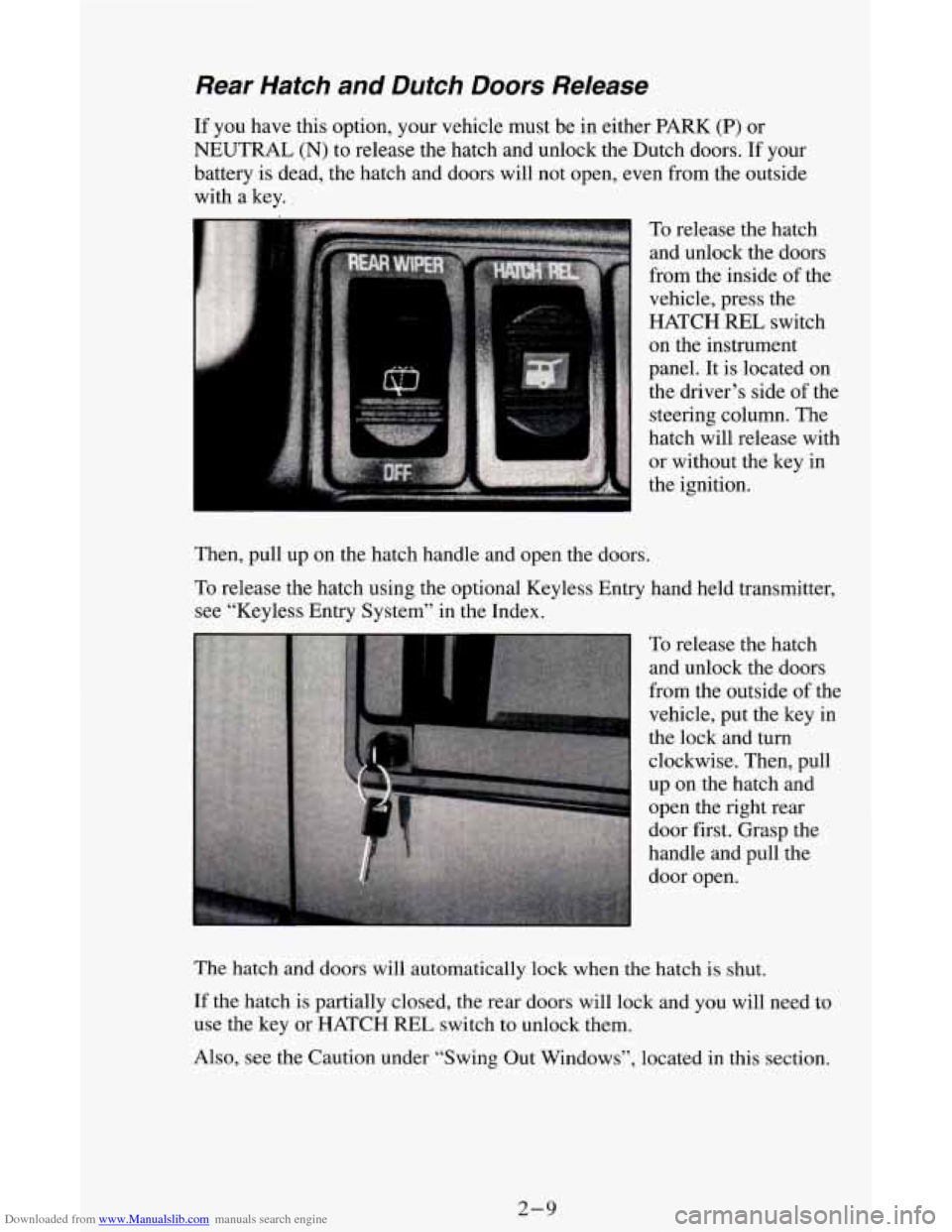
To release the hatch
and unlock the doors
from the inside of the
vehicle, press the
HATCH REL switch
on the instrument
panel. It is located on
the driver’s side of the
steering column. The
hatch will release with
or without the key in
the ignition.
Then, pull up on the hatch handle and open the doors.
To release the hatch using the optional Keyless Entry hand held transmitter,
see “Keyless Entry System” in the Index.
To release the hatch
and unlock the doors
from the outside of the
vehicle, put the key in
the lock and turn
clockwise. Then, pull
up on the hatch and
open the right rear
door first. Grasp the
handle and pull the
door open.
The hatch and doors will automatically lock when
the hatch is shut.
If the hatch is partially closed, the rear doors will lock and you will need to
use the key or HATCH
REL switch to unlock them.
Also, see the Caution under “Swing Out Windows”, located in this section.
2-9
Page 64 of 342
Downloaded from www.Manualslib.com manuals search engine Power Door Locks
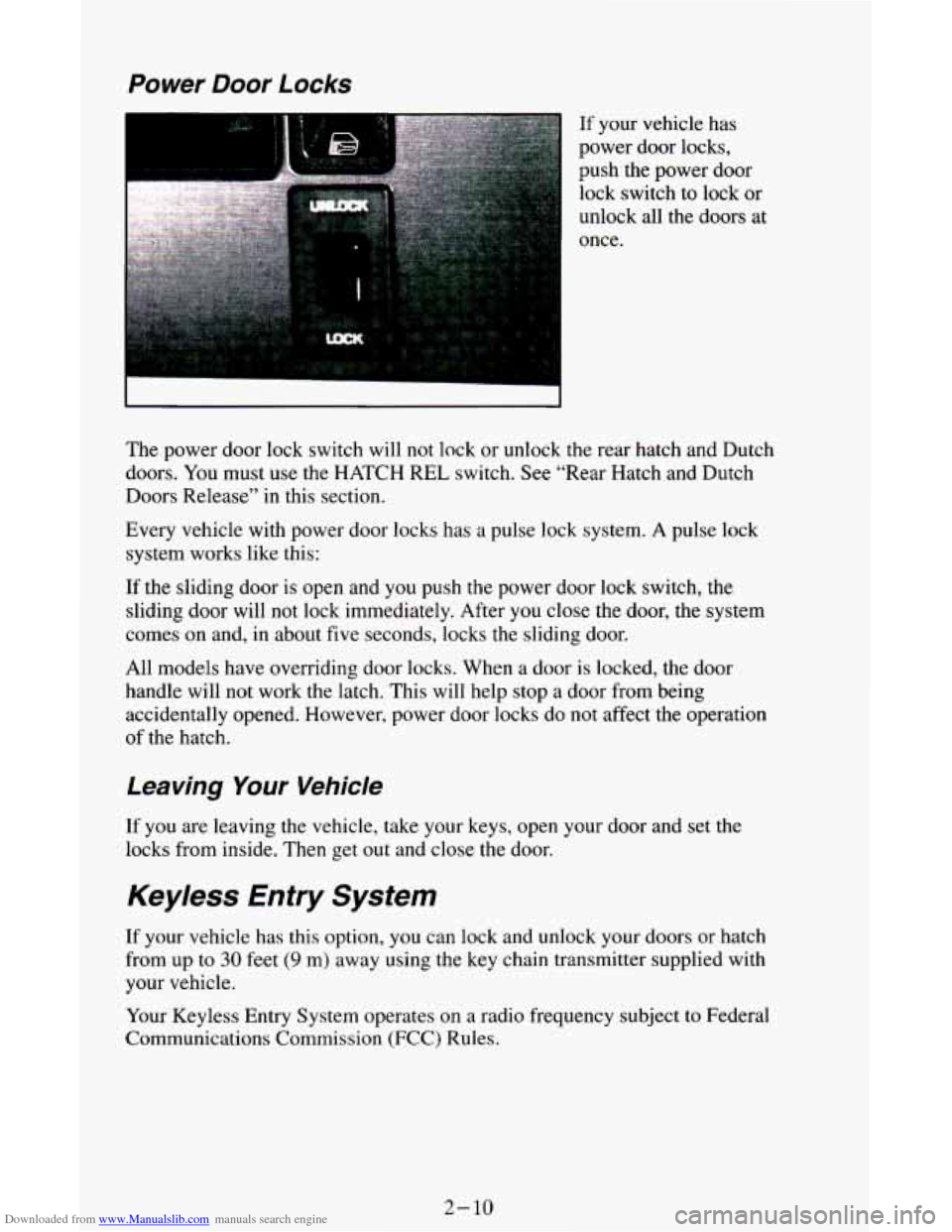
If your vehicle has
power door locks,
push the power door
lock switch to lock or
unlock all the doors at
once.
The power door lock switch will not lock or unlock the rear hatch and Dutch
doors.
You must use the HATCH REL switch. See “Rear Hatch and Dutch
Doors Release’’ in this section.
Every vehicle with power door locks has
a pulse lock system. A pulse lock
system works like this:
If the sliding door is open and you push the power door lock switch, the
sliding door will not lock immediately. After
you close the door, the system
comes on and, in about five seconds, locks the sliding door.
All models have overriding door locks. When
a door is locked, the door
handle will not work the latch. This will help stop a door from being
accidentally opened. However, power door locks do
not affect the operation
of the hatch.
Leaving Your Vehicle
If you are leaving the vehicle, take your keys, open your door and set the
locks from inside. Then get
out and close the door.
Keyless Entry System
If your vehicle has this option, you can lock and unlock your doors or hatch
from up to
30 feet (9 m) away using the key chain transmitter supplied with
your vehicle.
Your Keyless Entry System operates on a radio frequency subject to Federal
Communications Commission (FCC) Rules.
2- 10
Page 73 of 342
Downloaded from www.Manualslib.com manuals search engine Ensure the shift lever is fully in PARK (P) range before starting the engine.
Your vehicle has a brake-transmission shift interlock. You have
to fully
apply your regular brakes before you can shift from PARK
(P) when the
ignition key is in the RUN position. If you cannot
shift out of PARK (P),
ease pressure
on the shift lever - push the shift lever all the way into
PARK
(P) as you maintain brake application. Then move the shift lever into
the gear you wish. See “Shifting Out of PARK (P)” in this section.
REVERSE (R) - Use this gear to back up.
NOTICE:
Shifting to REVERSE (R) while your vehicle is moving forward
could damage your transmission. Shift to REVERSE
(R) only
after your vehicle is stopped.
To rock your vehicle back and forth to get out of snow, ice or sand
without damaging your transmission, see “If You’re Stuck: In Sand,
Mud, Ice or
Snow’’ in the Index.
NEUTRAL (N) - In this position, your engine doesn’t connect with
the wheels.
To restart when you’re already moving, use NEUTRAL (N)
only. Also, use NEUTRAL
(N) when your vehicle is being towed.
A CAUTION:
Shifting out of PARK (P) or NEUTRAL (N) while your engine is
“racing” (running at high speed) is dangerous. Unless your foot
is firmly on the brake pedal, your vehicle could move very
rapidly. You could lose control and hit people or objects. Don’t
shift out
of PARK (P) or NEUTRAL (N) while your engine is
racing.
NOTICE:
Damage to your transmission caused by shifting out of PARK
(P) or NEUTRAL (N) with the engine racing isn’t covered by
your warranty.
2- 19
Page 75 of 342
Downloaded from www.Manualslib.com manuals search engine Parking Brake
To Set the Parking Brake
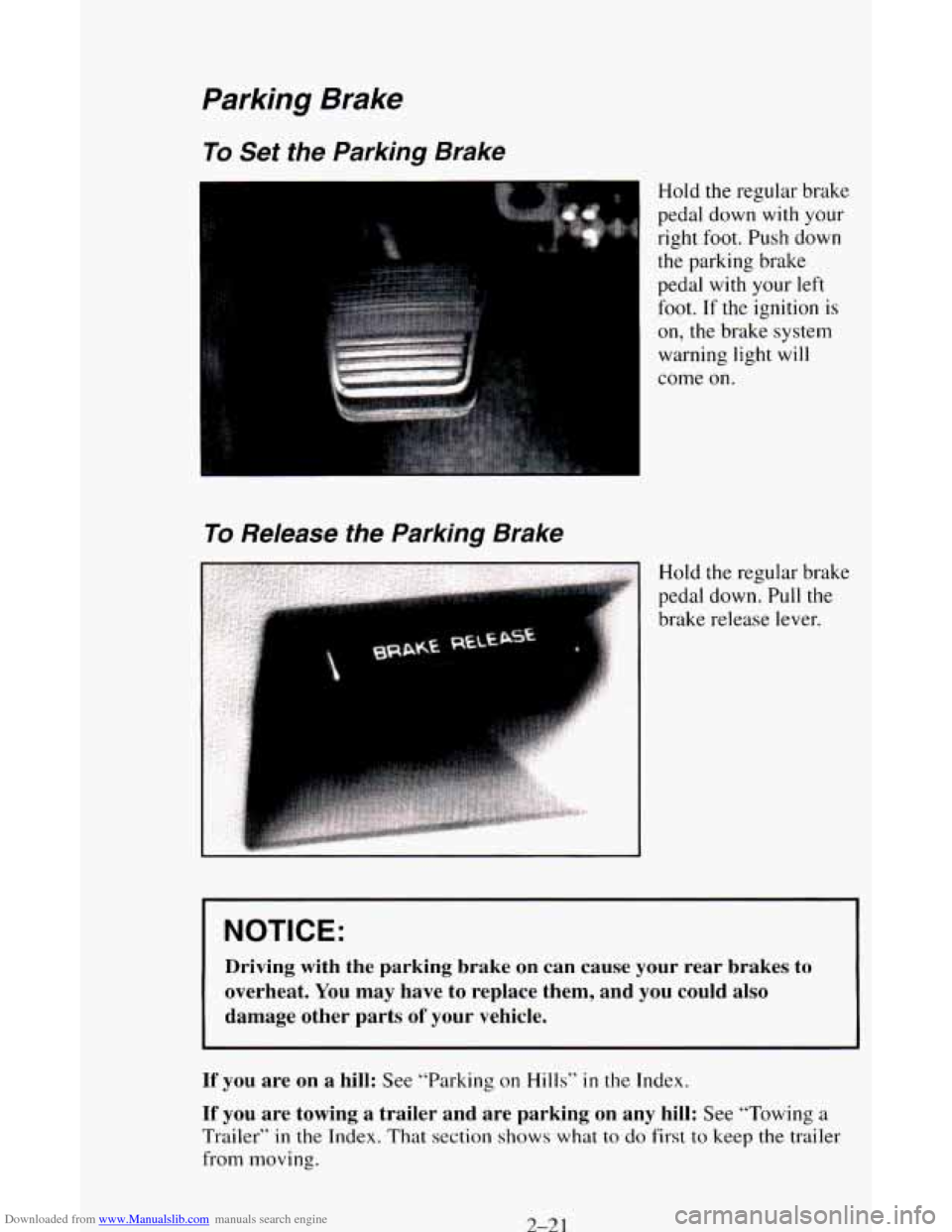
Hold the regular brake
To Release the Parking Brake
pedal down with your
right foot. Push down
the parking brake
pedal with your left
foot.
If the ignition is
on, the brake system
warning light
will
come on.
Hold the regular brake
pedal down. Pull the
brake release lever.
NOTICE:
Driving with the parking brake on can cause your rear brakes to
overheat. You may have to replace them, and you could also
damage other parts
of your vehicle.
If you are on a hill: See “Parking on Hills” in the Index.
If you are towing a trailer and are parking on any hill: See “Towing a
Trailer” in the Index. That section shows what to do first to keep the trailer
from moving.
2-21
Page 106 of 342
Downloaded from www.Manualslib.com manuals search engine you know they’re working. If you are familiar with this section, you should
not be alarmed when this happens.
Gages can indicate when there may be or
is a problem with one of your
vehicle’s functions. Often gages and warning lights work together
to let you
know when there’s a problem with your vehicle.
When one of the warning lights comes
on and stays on when you are
driving, or when
one of the gages shows there may be a problem, check the
section that tells you what to do about
it. Please follow this manual’s advice.
Waiting
to do repairs can be costly - and even dangerous. So please get to
know your warning lights and gages. They’re
a big help.
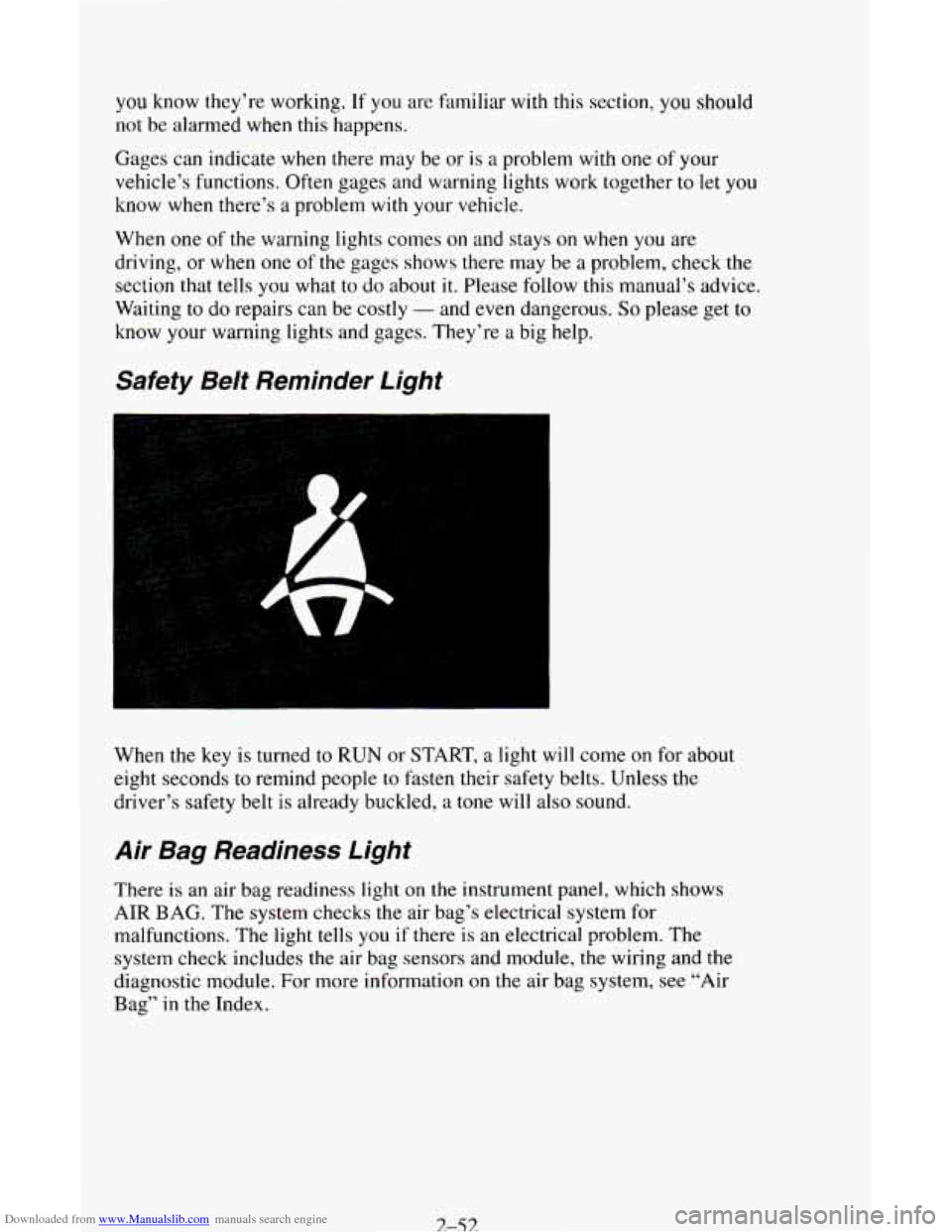
Safety Beit Reminder Light
When the key is turned to RUN or START, a light will come on for about
eight seconds to remind people
to fasten their safety belts. Unless the
driver’s safety belt is already buckled,
a tone will also sound.
Air Bag Readiness Light
There is an air bag readiness light on the instrument panel, which shows
AIR BAG. The system checks the air bag’s electrical system for
malfunctions. The light tells
you if there is an electrical problem. The
system check includes the air bag sensors and module, the wiring and the
diagnostic module. For more information on the air bag system,
see “Air
Bag”
in the Index.
3-53
Page 111 of 342
Downloaded from www.Manualslib.com manuals search engine For more details about DRL, see “Headlamps and Vehicle Lighting” in this
section.
The
DRL indicator light is on whenever the ignition and the headlight
switch and parking brake are
off. For more details about DRL, see “Lights”
in this part.
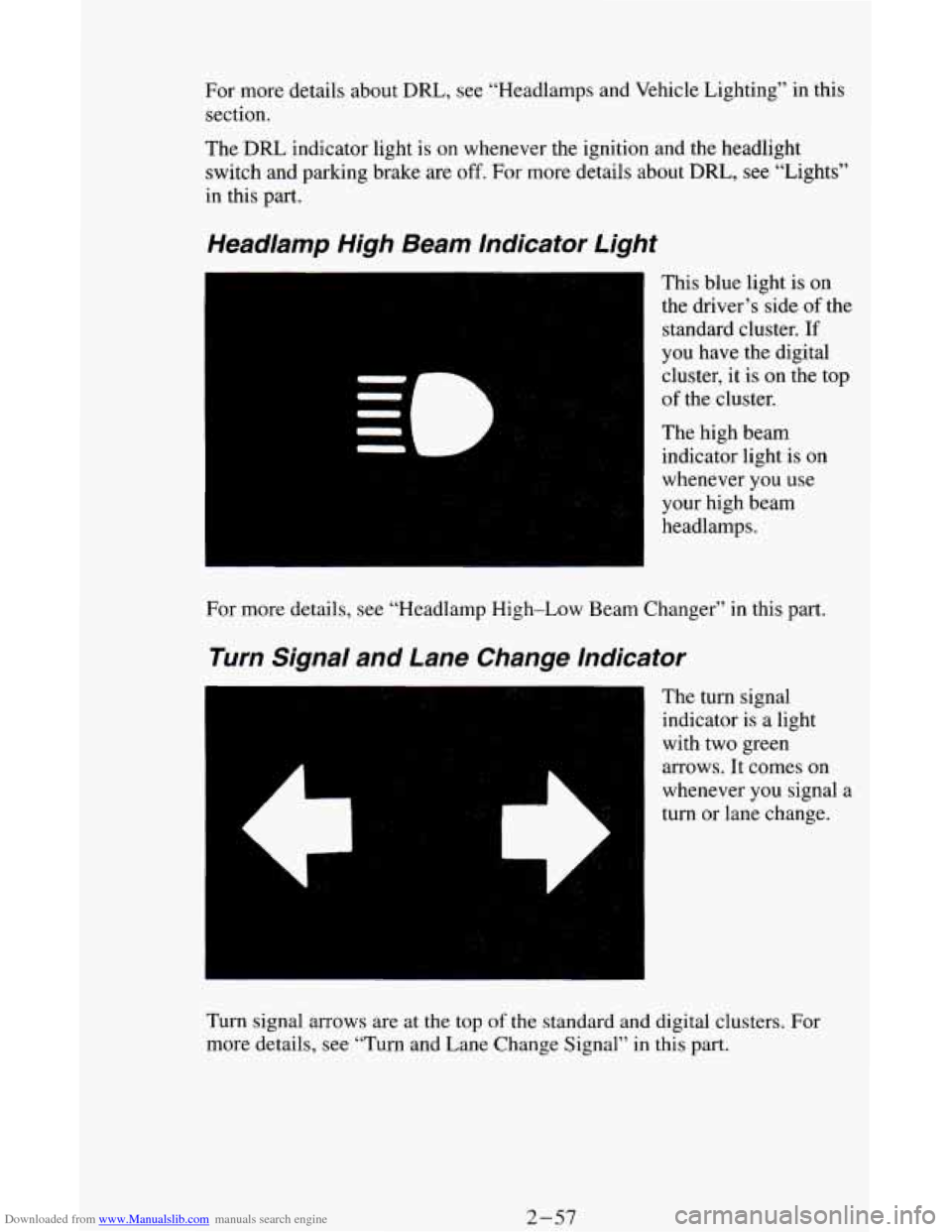
Headlamp High Beam Indicator Light
This blue light is on
the driver’s side
of the
standard cluster.
If
you have the digital
cluster, it
is on the top
of the cluster.
The high beam
indicator light is
on
whenever you use
your high beam
headlamps.
For more details, see “Headlamp High-Low Beam Changer” in this part.
Turn Signal and Lane Change Indicator
The turn signal
indicator is
a light
with two green
arrows. It comes on
whenever you signal
a
turn or lane change.
Turn signal arrows are at the
top of the standard and digital clusters. For
more details, see “Turn and Lane Change Signal”
in this part.
2-57