1994 CHEVROLET CAMARO check engine
[x] Cancel search: check enginePage 81 of 292

Downloaded from www.Manualslib.com manuals search engine To Get Out of Cruise Control
There are several ways to turn off the
Cruise Control:
1. Step lightly on the brake pedal or push
the clutch pedal, if you have a manual
transmission;
2. Move the Cruise switch to “OFF.”
To Erase Speed Memory
When you turn off the Cruise Control or
the ignition, your Cruise Control set speel
memory is erased.
ASR and Cruise Control
If your ASR system engages while your
Cruise Control is set, Cruise Control will
disengage. Your speed will be set in
memory, though. When Cruise Control
engages again, use “WAY’
(Resume/Accelerate) to
go back to your
set speed.
Operation of Lights
4lthough your vehicle’s lighting system
:headlights, parking lights, fog lamps,
side marker lights and taillights) meets all
ipplicable federal lighting requirements,
Zertain states and provinces may apply
:heir own lighting regulations that may
require special attention before you
>perate these lights.
For example, some jurisdictions may
require that you operate fog lamps only
when your lower beam headlights are also
m, or that headlights be turned on
whenever you must use your windshield
wipers. In addition, most jurisdictions
prohibit driving solely with parkmg
lights, especially at dawn or dusk. It is
recommended that you check with your
own state or provincial highway authority
for applicable lighting regulations.
/Y...
Page 84 of 292

Downloaded from www.Manualslib.com manuals search engine Features and Controls
Mirrors
Inside Daymight Rearview Mirror
An inside rearview mirror is attached to
your windshield. The mirror has pivots
so
that you can adjust it up and down or side
to side.
You can adjust the mirror for day or night
driving.
Pull the tab for night driving to
reduce glare. Push the tab for daytime
driving.
Manual Adjust Mirror
Adjust the passenger side outside mirror
by hand so that you can just see the side
of your vehicle when you are sitting in a
comfortable driving position.
Convex Outside Mirror
Your right side mirror is convex.
A convex mirror’s surface is curved
so
you can see more from the driver’s seat.
L%, CAUTION:
If you aren’t used to a convex mi1
you can hit another vehicle. A cor
vex mirror can make things (like
other vehicles) look farther away
than they really are. If you cut toc
sharply into the right lane, you co
hit a vehicle on your right. Check
your inside mirror or glance over
your shoulder before changing lar
Manual Remote Control Mirror
Adjust the driver side outside mirror with
the lever on the door. Adjust the mirror
so
that you can just see the side of your
vehicle when you are sitting
in a
comfortable driving position.
Tor, 1
1
1-
1
uld (
t
1
les. 1
Electric Mirror Control (Option)
The electric mirror control is on the
iriver’s door.
To adjust either mirror, turn
he switch to
“LEFT” or “RIGHT.” Then
lse the joystick to adjust the mirror.
The control only works when the ignition
switch
is in “Run” or “Acc,” or when
RAP is present. (See “Retained
Accessory Power”
in the Index.)
... 82
Page 87 of 292

Downloaded from www.Manualslib.com manuals search engine T-Top Sunshades
1. Start with the panel marked “DRIVER
FRONT.” Unlatch the driver-side
T-top, raise
it halfway and close the
latch handle.
2. With the top raised and resting on the
center roof rail, slide the flat edge of
the sunshade panel
(with the vinyl
side to the glass) between the glass
and plastic trim, making sure the
edge marked “DRIVER FRONT” is
pointing to the front
of the vehicle.
3. Open the latch and close the T-top.
Check to see
if there are any gaps
showing. Unlatch the T-top and adjust
the sunshade as required.
4. Once the sunshade is installed
properly, you can stick the Velcro@
buttons on the glass
for a proper fit
every time you install the sunshades.
To do this, first remove the T-top with
the sunshade installed and place it
upside down on a table or bench.
Tdke care not
to scratch the glass.
-
5. Pull the sunshade back a little and
remove the backing paper from the
Velcro@ buttons. Push the sunshade
back into place sticking the Velcro@
to the glass.
6. Install the T-top, close the latch and
lock the T-top. Repeat the above steps
for the passenger-side sunshade.
85.
Page 95 of 292

Downloaded from www.Manualslib.com manuals search engine Trip Odometer
The trip odometer can tell you how far
your vehicle has been driven since you
last set the trip odometer to.zero.
To set the trip odometer to zero, press the
hob.
Tachometer
The tachometer displays the engine speed
in thousands
of revolutions per minute
(rpm).
NOTICE:
Do not operate the engine with the
tachometer in the red area, or engine
damage may occur.
Warning Lights, Gages
and Indicators
This section describes the warning lights
and gages that may be on your vehicle.
The pictures will help you locate them.
Warning lights and gages can signal that
something is wrong before it becomes
serious enough to cause an expensive
repair or replacement. Paying attention to
your warning lights and gages could also
save you or others from injury.
Warning lights go on when there may be
or is a problem with one of your vehicle’s
functions.
As you will see in the details
on the next few pages, some warning
lights come on briefly when you turn the
ignition key just to let you know they’re
working.
If you are familiar with this
section, you should not be alarmed when
this happens.
Gages can indicate when there may be
or
is a problem with one of your vehicle’s
functions. Often gages and warning lights
work together to let you know when
there’s a problem with your vehicle. When one
of the warning lights comes on
and stays
on when you are driving, or
when one of the gages shows there may
be a problem, check the section that tells
you what to do about it. Please follow the
manual’s advice. Waiting to do repairs
can be costly
- and even dangerous. So
please get to know your warning lights
and gages. They’re a big help.
93 ...
Page 99 of 292

Downloaded from www.Manualslib.com manuals search engine When this warning light is on, the system
will not limit wheel spin. Adjust your
driving accordingly.
LOW TRAC
Low Traction Light
When your anti-lock system is adjusting
brake pressure to help avoid a braking
skid, the “LOW TRAC” light will appear
on your instrument cluster. If you have
the traction control system, this light
will
also come on when the system is limiting
wheel spin. Slippery road conditions may
exist if this light comes on,
so adjust your
driving accordingly. The light
will stay
on for a few seconds after the anti-lock
system stops adjusting brake pressure or
the traction control system stops limiting
wheel spin. The “LOW TRAC” light also
comes
on for three seconds, as a bulb
check, when
the engine is started.
hgine Coolant Temperature Gage
?his gage shows the engine coolant
emperature. If the gage pointer moves
nto the red area, your engine is too hot!
t means that your engine coolant has
jverheated. If you have been operating
’our vehicle under normal driving
:onditions, you should pull off
the road,
top your vehicle and turn
off the engine
IS soon as possible.
IOT COOLANT CAN BURN YOU
3ADLY!
n “Problems on the Road,” this manual
#bows what to do. See “Engine
herheating”
in the Index.
97 ...
Page 100 of 292

Downloaded from www.Manualslib.com manuals search engine Features and Controls
Toltmeter
!ou can read battery voltage on your
,oltmeter.
If it reads less than 11 volts or
nore than
16 volts while your engine is
unning, and it stays there, you may have
problem with the electrical charging
ystem. Have it checked right away.
)riving with
the voltmeter reading in a
taming zone could drain your battery.
F you idle your engine for a while, the
oltmeter reading might move into the red
one. If the reading stays in the red zone
thile you are driving, you may have a
iroblem with the electrical charging
ystem. Have it checked. While the
oltmeter reads in
the red zone, your
sattery may not be able to power certain
lectrical accessories, like
ABS. (If this
. .98
happens, your “ABS INOP” light will
come on. See “Anti-Lock Brake System
Warning Light”
in this part.)
If you must drive a short distance with the
voltmeter reading
in a warning zone, turn
off all your accessories, including your
comfort control and audio systems. SERVICE
ENGINE SOON
Malfunction Indicator Lamp (Service Engine Soon Light)
A computer monitors operation of your
fuel, ignition and emission control
systems. This light should come on when
the ignition is on, but the engine
is not
running, as a check to show
you it is
working. If it does not come on at all,
have
it fixed right away. If it stays on, or
it comes on while you are driving, the
computer is indicating
that you have a
problem.
You should take your vehicle in
for service soon.
Page 102 of 292
Downloaded from www.Manualslib.com manuals search engine Features and Controls
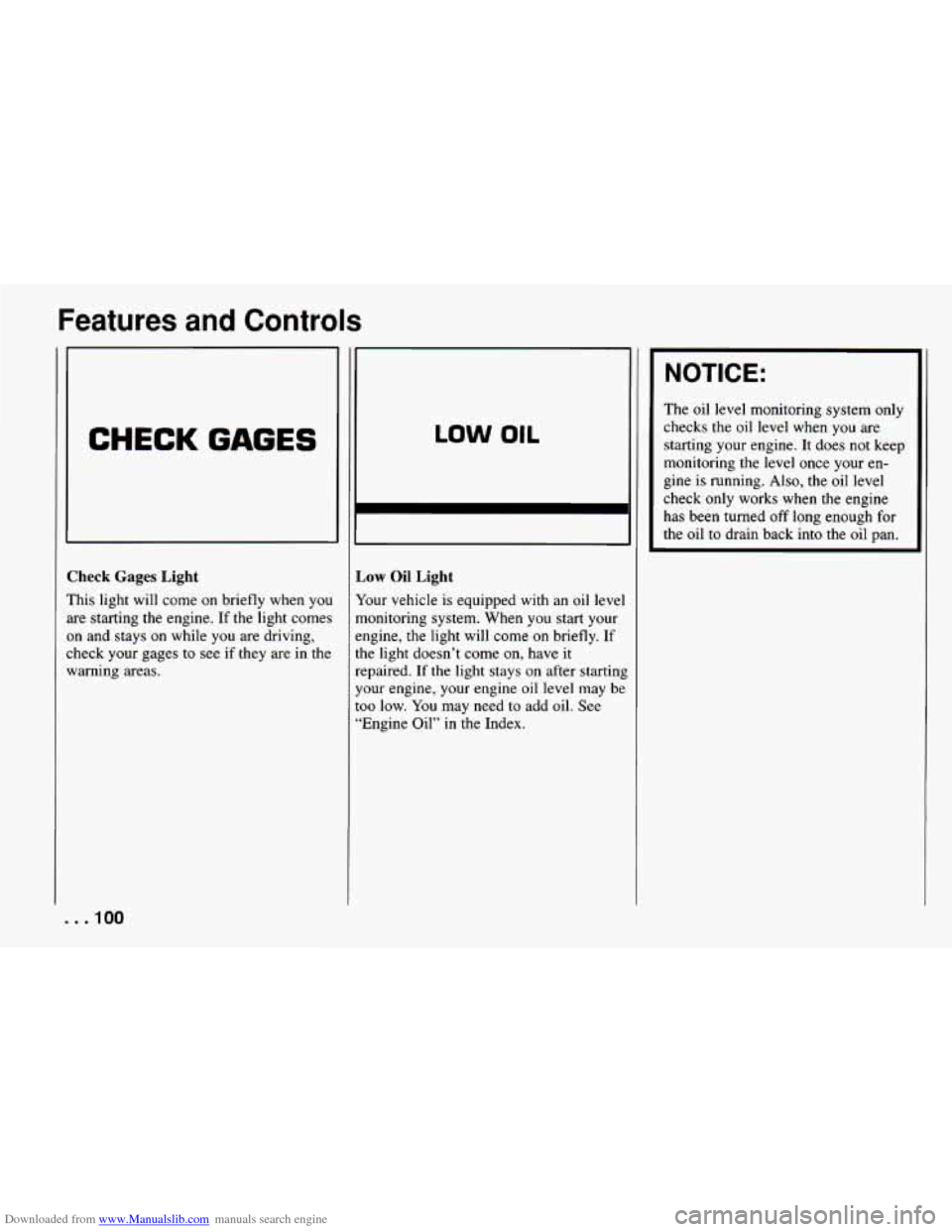
CHECK GAGES
Check Gages Light
This light will come on briefly when you
are starting the engine.
If the light comes
on and stays on while you are driving,
check your gages to see if they are in the
warning areas.
LOW OIL
,ow Oil Light
‘our vehicle is equipped with an oil level
lonitoring system. When you start your
ngine, the light will come
on briefly. If
le light doesn’t come on, have it
:paired. If the light stays on after starting
our engine, your engine oil level may be
10 low. You may need to add oil. See
Engine Oil” in the Index.
NOTICE:
The oil level monitoring system only
checks the oil level
when you are
starting your engine. It does not keep
monitoring the level once your en-
gine is running.
Also, the oil level
check only works when the engine
has been turned off long enough for
the oil to drain back into the oil pan.
. . .IO0
Page 114 of 292

Downloaded from www.Manualslib.com manuals search engine Comfort Controls and Audio Systems
Ventilation Tips
D Keep the hood and front air inlet free
of ice, snow, or any other obstruction
(such as leaves). The heater and
defroster will work far better, reducin
the chance of fogging the inside of
your windows.
When
you enter a vehicle in cold
weather, turn the fan control knob to
the right for a few moments before
driving off. This helps clear the intakc
ducts of snow and moisture, and
reduces the chance of fogging the
inside of your windows.
Keep the air path under the front seat:
clear of objects. This helps air to
circulate throughout your vehicle.
.I12
I‘
Audio Systems
Your Delco@ audio system has been
jesigned to operate easily and give years
If listening pleasure. But you will get the
nost enjoyment out of
it if you acquaint
yourself
with it first. Find out what your
Delco@ system can do and how to operate
111 its controls, to be sure you’re getting
:he most out
of the advanced engineering
.hat went into
it.
:f you have power door locks, your
qehicle has a feature called Retained
4ccessory Power (RAP). With RAP you
:an
play your audio system even after the
ignition
is off. See the Index under
“Retained Accessory Power.”
NOTICE:
Before you add any sound equipment
to your vehicle
- like a tape player,
CB radio, mobile telephone or
two-way radio
- be sure you can
add what you want. If you can, it’s
very important
to do it properly.
Added sound equipment may
interfere with the operation of your
vehicle’s engine, Delco@ radio or
other systems, and even damage
them. And, your vehicle’s systems
may interfere with the operation
of
sound equipment that has been added
improperly.
So, before adding sound equipment,
check with your dealer and be sure to
check Federal rules covering mobile
radio and telephone units.