Page 123 of 348
Downloaded from www.Manualslib.com manuals search engine The brake system warning light will also come on when you set your
parking brake, and it will stay on if your parking brake doesn’t release fully.
If it stays on after your parking brake
is fully released, it means you have a
brake problem.
Anti-Lock Brake System Warning Light
Standard Cluster Digital Cluster
ANTI -
LOCK
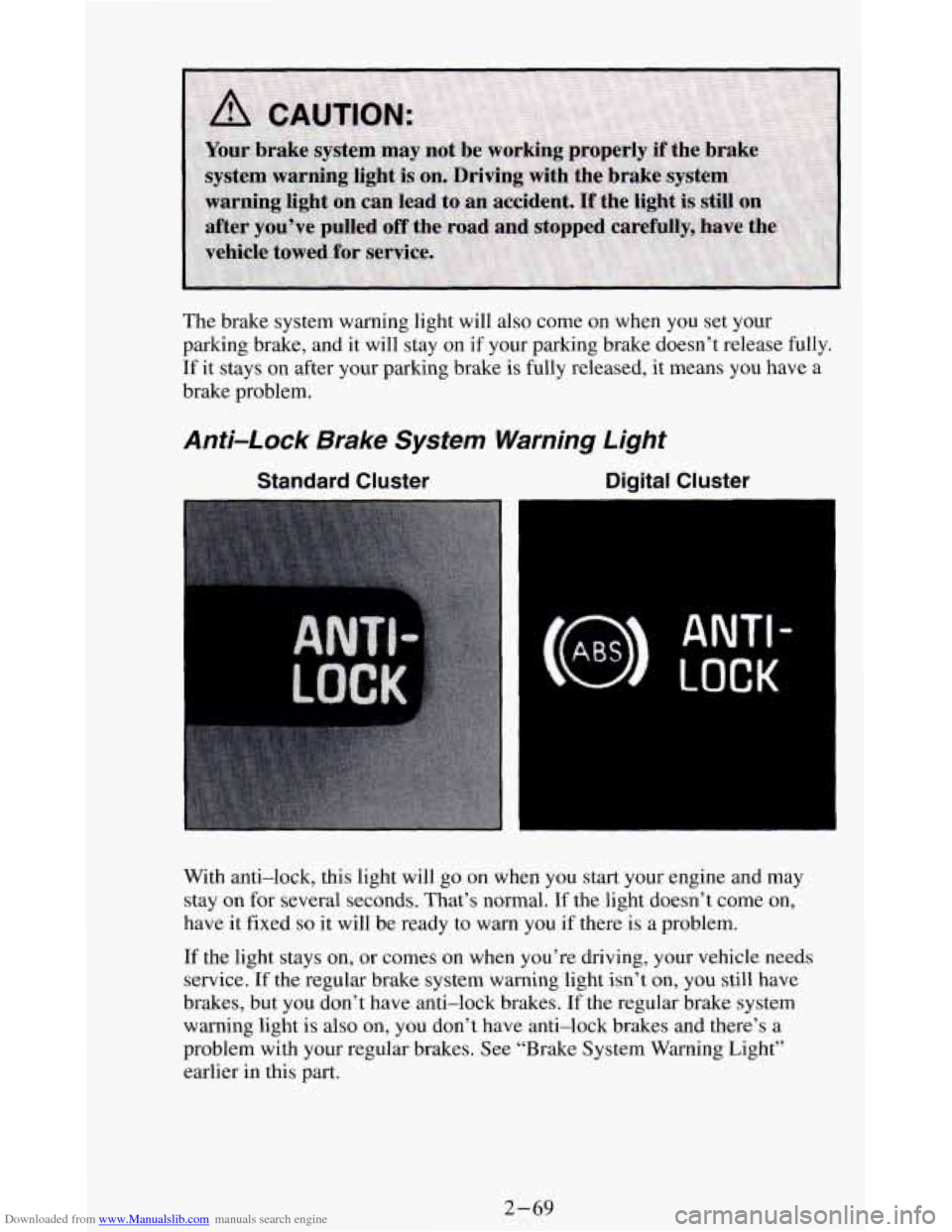
With anti-lock, this light will go on when you start your engine and may
stay on for several seconds. That’s normal.
If the light doesn’t come on,
have
it fixed so it will be ready to warn you if there is a problem.
If the light stays on, or comes
on when you’re driving, your vehicle needs
service.
If the regular brake system warning light isn’t on, you still have
brakes, but you don’t have anti-lock brakes. If the regular brake system
warning light
is also on, you don’t have anti-lock brakes and there’s a
problem with your regular brakes. See “Brake System Warning Light’’
earlier in this
part.
2-69
Page 125 of 348
Downloaded from www.Manualslib.com manuals search engine Malfunction Indicator Light
(SERVICE ENGINE SOON)
Standard Cluster
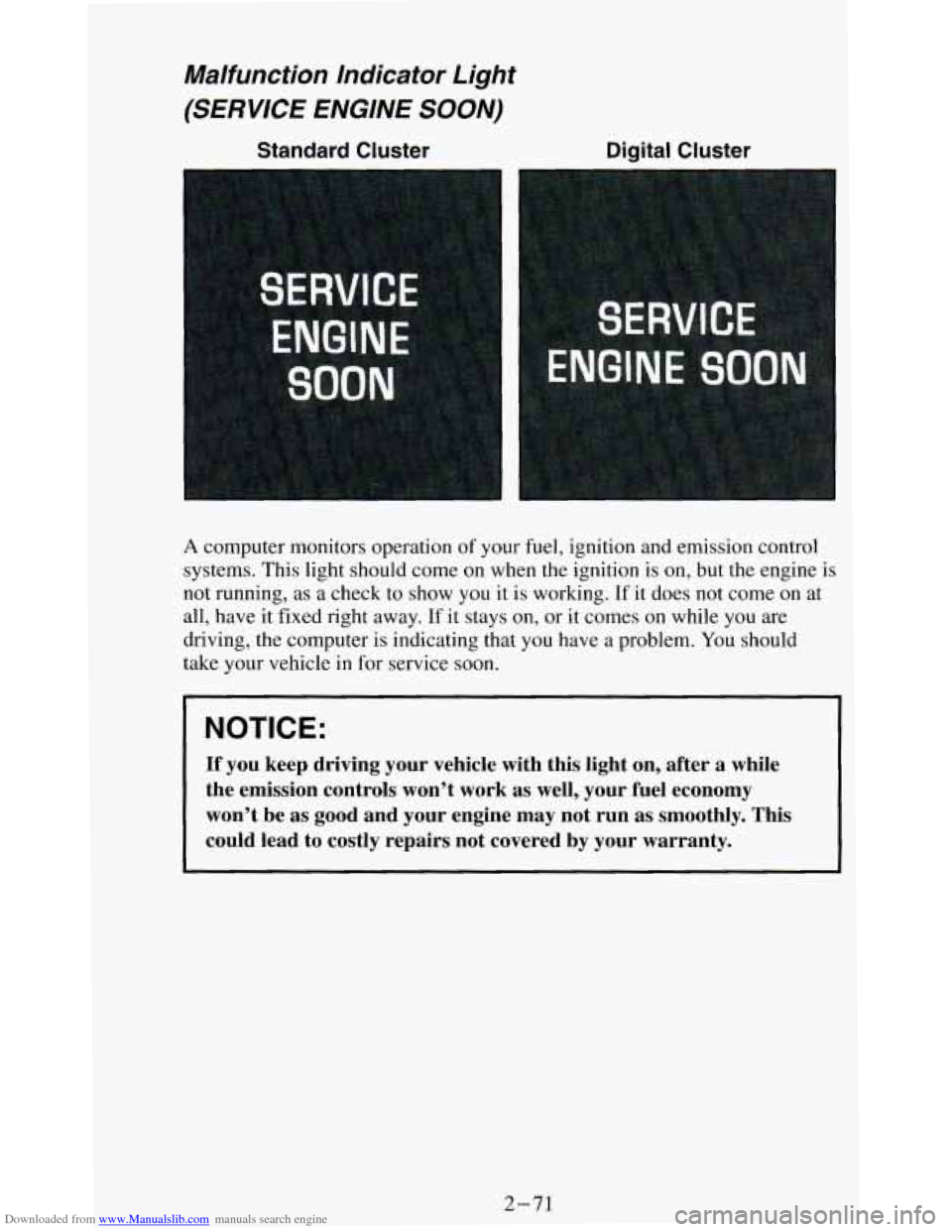
A computer monitors operation of your fuel, ignition and emission control
systems. This light should come on when the ignition is
on, but the engine is
not running, as a check to show you it is working. If it does not come on at
all, have it fixed right away.
If it stays on, or it comes on while you are
driving, the computer is indicating that you have a problem. You should
take your vehicle in
for service soon.
NOTICE:
If you keep driving your vehicle with this light on, after a \
while
the emission controls won’t work as well, your fuel economy \
won’t be as good and your engine may not run
as smoothly. This
could lead to costly repairs not covered by your warranty.
2-71
Page 127 of 348
Downloaded from www.Manualslib.com manuals search engine Indicator Lights
Indicator lights go on when you use your turn signals, change from low
beam headlights to high beams, or when you use
your hazard flashers. The
next few pages will also
tell you about the indicator lights on your vehicle
and help you locate them.
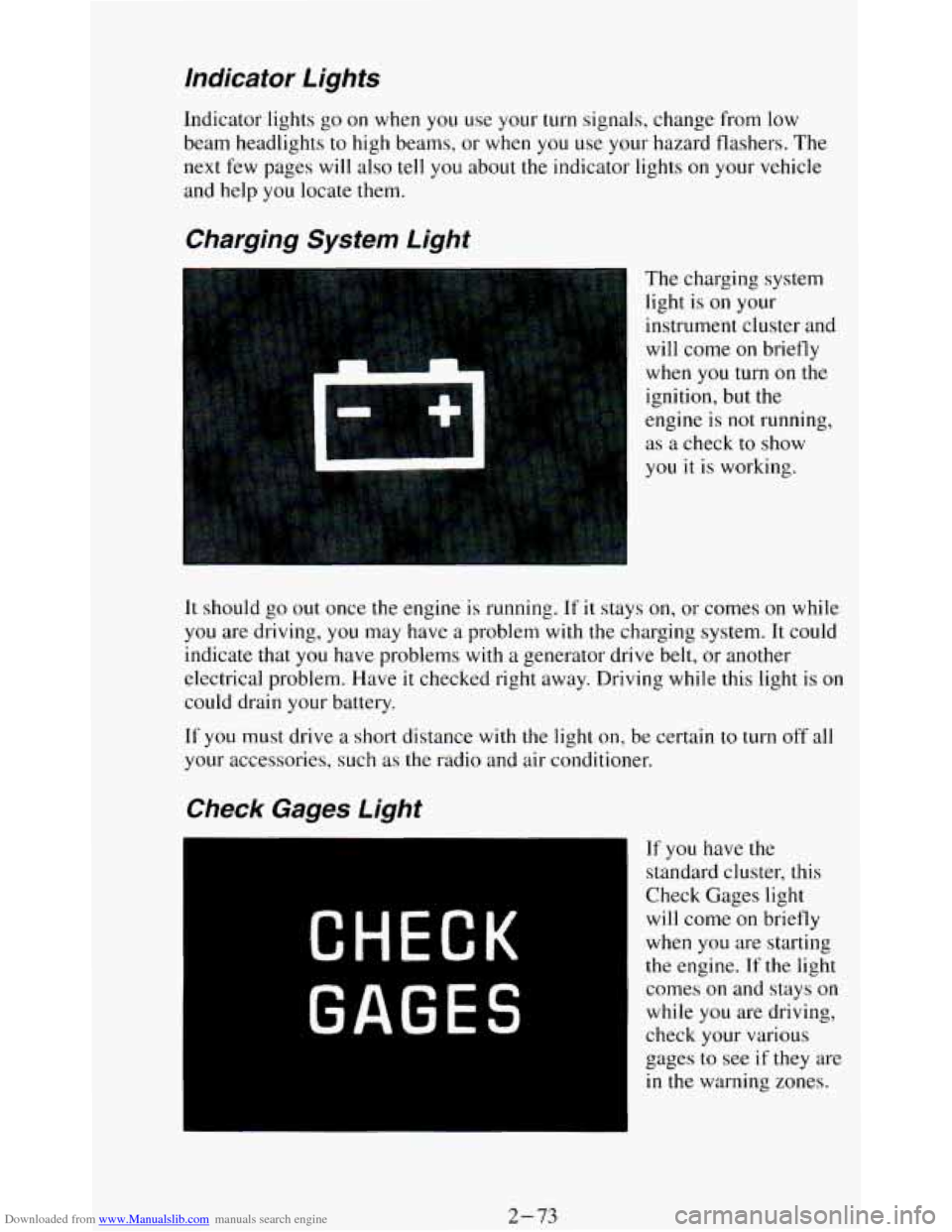
Charging System Light
The charging system
light is
on your
instrument cluster and
will come
on briefly
when
you turn on the
ignition, but the
engine is
not running,
as a check to show
you it
is working.
It should go out once the engine is running. If it stays on, or comes on while
you are driving, you may have a problem with the charging system. It could
indicate that you have problems with
a generator drive belt, or another
electrical problem. Have
it checked right away. Driving while this light is on
could drain your battery.
If
you must drive a short distance with the light on, be certain to turn off all
your accessories, such as the radio and air conditioner.
If you have the
standard cluster, this
Check Gages light
will come on briefly
when you are starting
the engine. If the light
comes
on and stays on
while you are driving,
check your various
gages to see
if they are
in the warning zones.
2-73
Page 128 of 348
Downloaded from www.Manualslib.com manuals search engine Daytime Running Lights (DRL) Indicator Light
(Canada OnIy)
SHIFT Indicator Light
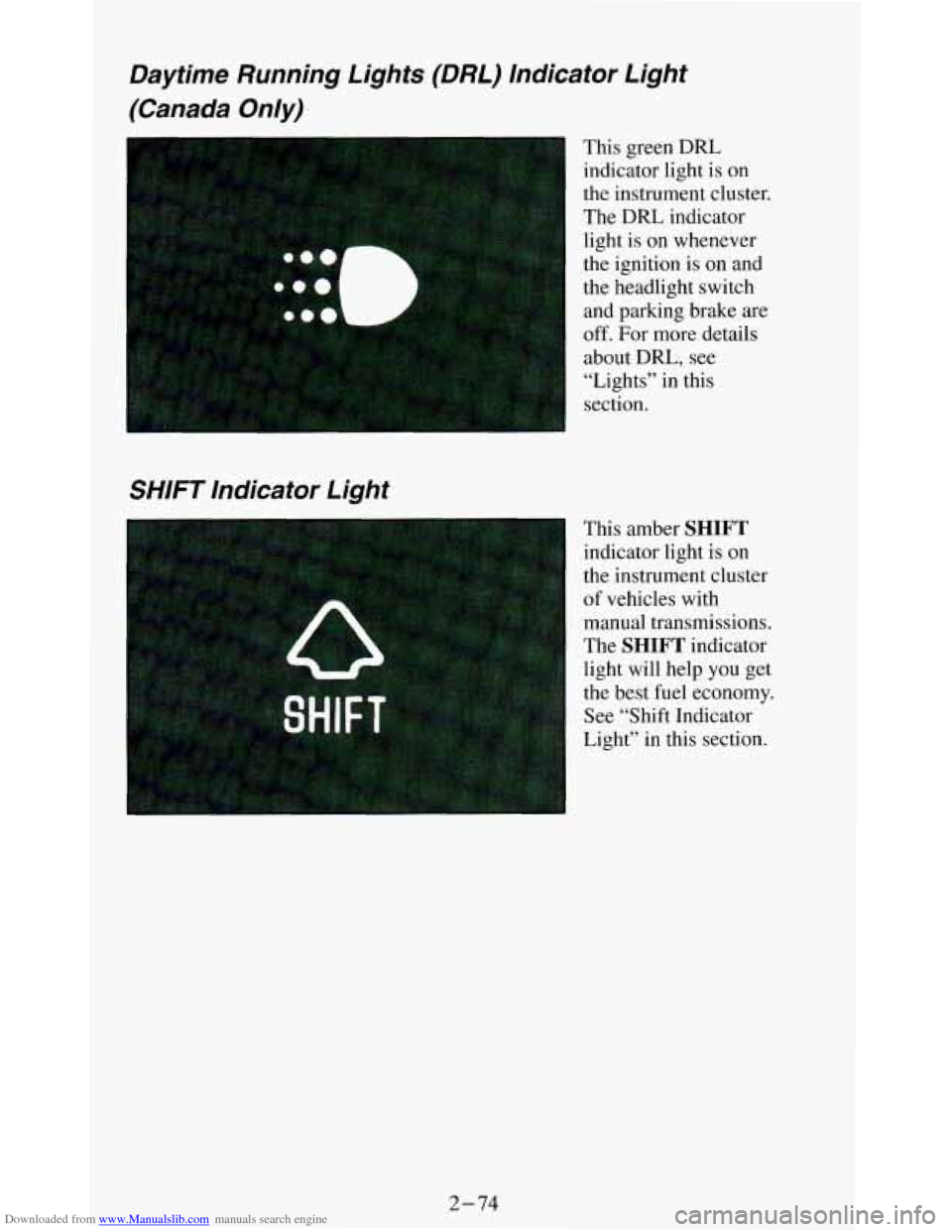
This green DRL
indicator light is
on
the instrument cluster.
The DRL indicator
light is on whenever
the ignition is on and
the headlight switch
and parking brake. are
off. For more details
about
DRL, see
“Lights” in this
section.
This amber
SHIFT
indicator light is on
the instrument cluster
of vehicles with manual transmissions.
The
SHIFT indicator
light will help you get
the best fuel economy.
See “Shift Indicator
Light” in this section.
2-74
Page 129 of 348
Downloaded from www.Manualslib.com manuals search engine Headlight High Beam lndicator Light
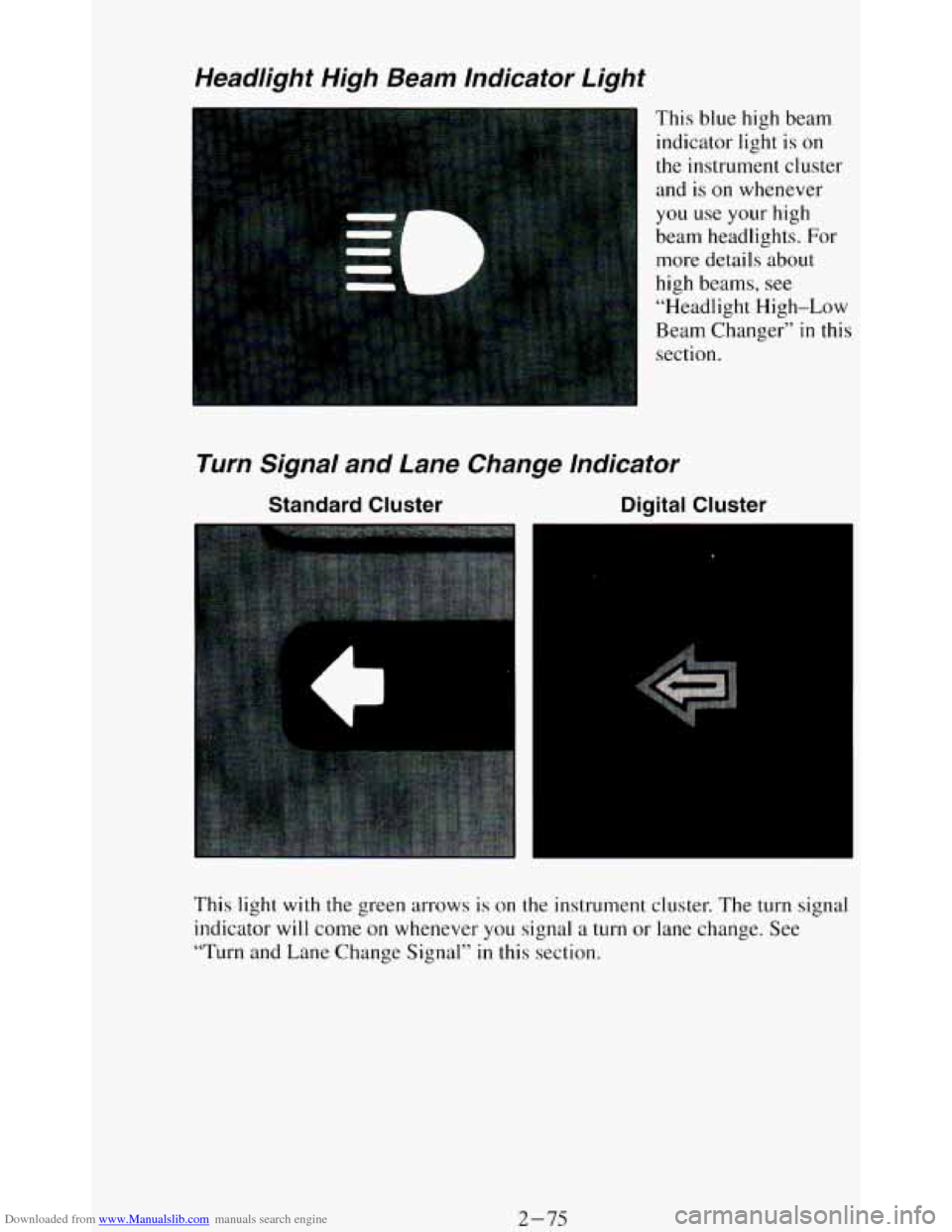
This blue high beam
indicator light is
on
the instrument cluster
and is
on whenever
you use
your high
beam headlights. For
more details about
high beams, see
“Headlight High-Low
Beam Changer”
in this
section.
Turn Signal and Lane Change lndicator
Standard Cluster Digital Cluster
4
This light with the green arrows is on the instrument cluster. The turn signal
indicator will come on whenever
you signal a turn or lane change. See
“Turn and Lane Change Signal”
in this section.
2-75
Page 134 of 348
Downloaded from www.Manualslib.com manuals search engine Trailer Wiring Harness
Your vehicle may have either a 5-wire or 7-wire harness.
The light duty trailer wiring is a 5-wire harness assembly taped and bundled
at the left corner
of the vehicle interior, next to the endgate. The harness has
no connector, and you should have a qualified service person wire your
harness for
you. It must be routed out of your vehicle and attached so that
the trailer or the body won’t pull
it.
The heavy duty trailer wiring is a 7-wire harness assembly consisting of a
5-wire harness and a 2-wire harness taped together and stored under the
vehicle, along
the rear frame crossmember. It has a 30-amp feed wire with
an inline fuse located by the junction block. See “Fuses and Circuit
Breakers” in the Index.
Both the 5-wire harness and the 2-wire harness have no connector and
should be wired by a qualified service person. Attach the harness to the
trailer, then tape or strap
it to your vehicle’s frame rail. Be sure you leave it
loose enough so the wiring doesn’t bend or break, but not so loose that it
drags
on the ground.
Store the harness in its original place.
Wrap the harness together and tie it
neatly so it won’t be damaged.
2-80
Page 139 of 348
Downloaded from www.Manualslib.com manuals search engine DEFROST This setting operates the defroster. Most of the air comes out
near
the windshield, with some going to the floor vents and side window
defrost vents.
Use this when you get fog or ice on the windshield.
HTR (Heater): Most of the air comes out near the floor. The rest comes out
from the defroster vents under the windshield and at
your front side
windows. This is best for cold weather.
VENT The air comes out at the vents on your instrument panel and at your
front side windows.
BI-LEV A/C: With this, outside air comes in through the heater floor vent
and the instrument panel vents. This setting is useful
in cool weather with
bright sunlight.
NORM A/C: This setting cools the outside air. If you first use MAX, use
NORM as soon as the vehicle has cooled down, so outside air will be going
through your vehicle.
MAX A/C: This cools the air the fastest. Move the other lever all the way to
Cold.
MAX lets in only a little air from the outside. You can use MAX at
first when it’s really hot outside and you need to cool off quickly.
NOTICE:
If vehicle is parked with function lever in MAX A/C position
and on an incline with the right side lower than the left, t\
hen water may leak into the passenger compartment in an unusually
heavy rain.
J
OFF: The blower is off, but air still will come from outlets at the front of
your vehicle. The system
will try to keep the air at the chosen temperature.
Engine Coolant Heater (Engine Block Heater)
If you use the optional engine coolant heater before starting your engine,
your heating system
will produce warmer air faster, to heat the passenger
compartment
in cold weather. See “Engine Coolant Heater” in the Index.
Rear Window Defogger
If your vehicle has this option the rear window will have lines running
across the glass. These lines heat your window.
For best results, clear the window
of as much snow or ice as possible first.
3-5
Page 140 of 348
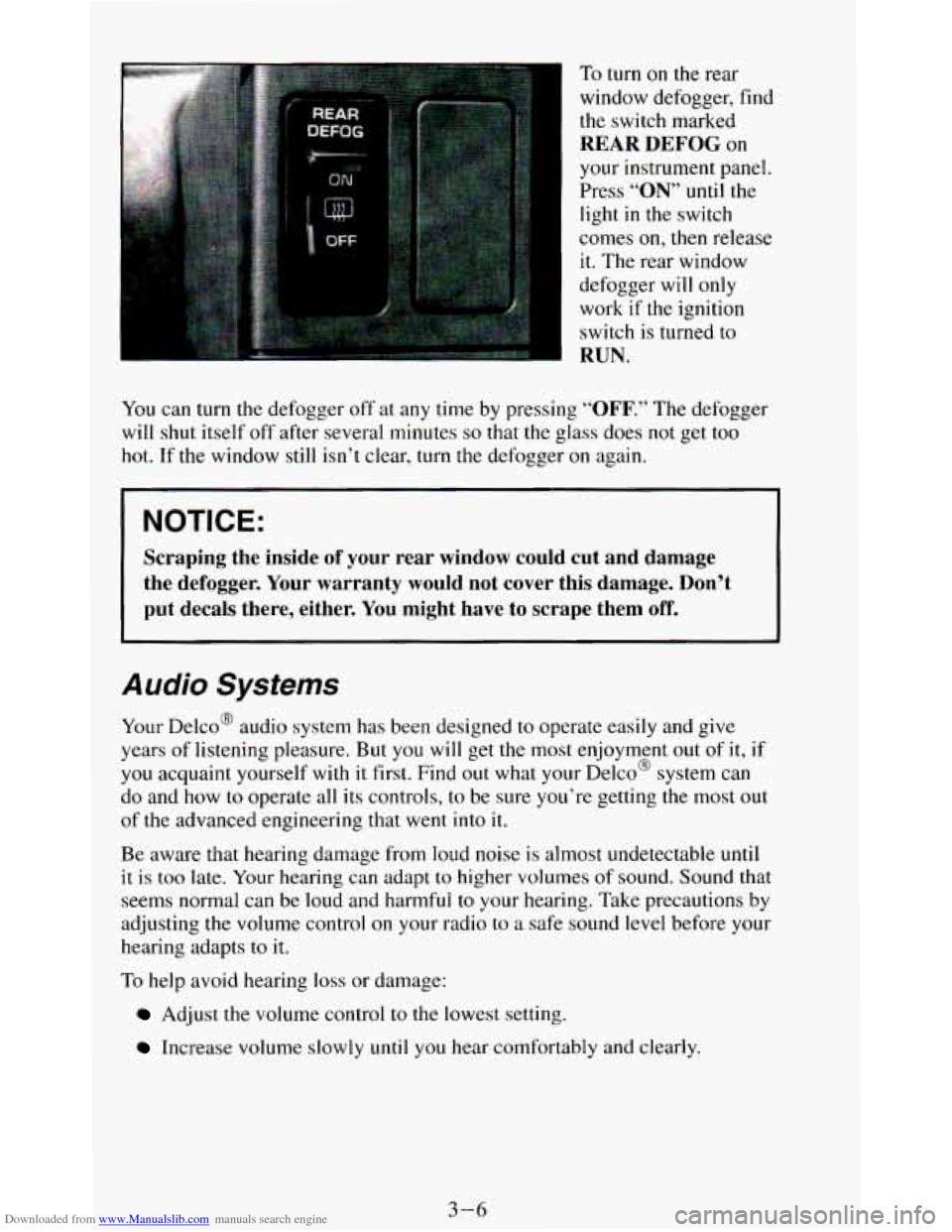
Downloaded from www.Manualslib.com manuals search engine To turn on the rear
window defogger, find the switch marked
REAR DEFOG on
your instrument panel.
Press
“ON” until the
light
in the switch
comes
on, then release
it. The rear window
defogger will only
work
if the ignition
switch is turned to
RUN.
You can turn the defogger off at any time by pressing “OFF.” The defogger
will shut itself off after several minutes
so that the glass does not get too
hot. If the window
still isn’t clear, turn the defogger on again.
NOTICE:
Scraping the inside of your rear window could cut and damage
the defogger. Your warranty would not cover this damage. Don’t
put decals there, either. You might have to scrape them
off.
Audio Systems
Your Delco@ audio system has been designed to operate easily and give
years of listening pleasure. But
you will get the most enjoyment out of it,
you acquaint yourself with it first. Find out what your Delco@ system can
do and how
to operate all its controls, to be sure you’re getting the most o
of the advanced engineering that went into it.
if
I
IU t
Be aware that hearing damage from loud noise is almost undetectable until
it is too late. Your hearing can adapt to higher volumes of sound. Sound that
seems normal can be loud and harmful to your hearing. Take precautions by
adjusting the volume control
on your radio to a safe sound level before your
hearing adapts to it.
To help avoid hearing loss or damage:
Adjust the volume control to the lowest setting.
Increase volume slowly until you hear comfortably and clearly.
3-6