Page 94 of 348

Downloaded from www.Manualslib.com manuals search engine Operation of Lights
Although your vehicle's lighting system (headlights, parking lig\
hts, fog
lamps, side marker lights and taillights) meets
all applicable federal lighting
requirements, certain states and provinces may apply their own lighting
regulations that may require special
attention before you operate these
lights.
For example, some jurisdictions may require that you operate your fog
lamps
only when your lower beam headlights are also on, or that headlights
be turned
on whenever you must use your windshield wipers. In addition,
most jurisdictions prohibit driving solely with parking lights, especially at
dawn or dusk. It is recommended that
you check with your own state or
provincial highway authority for applicable lighting regulations.
Headlight High-Low Beam
To change the
headlights from low
beam to high or high
to
low, pull the turn
signal lever all the
way toward you. Then
release
it.
When the high beams
are
on, this blue
indicator light on the
instrument panel also
will be on.
2-40
Page 95 of 348
Downloaded from www.Manualslib.com manuals search engine Windshield Wipers
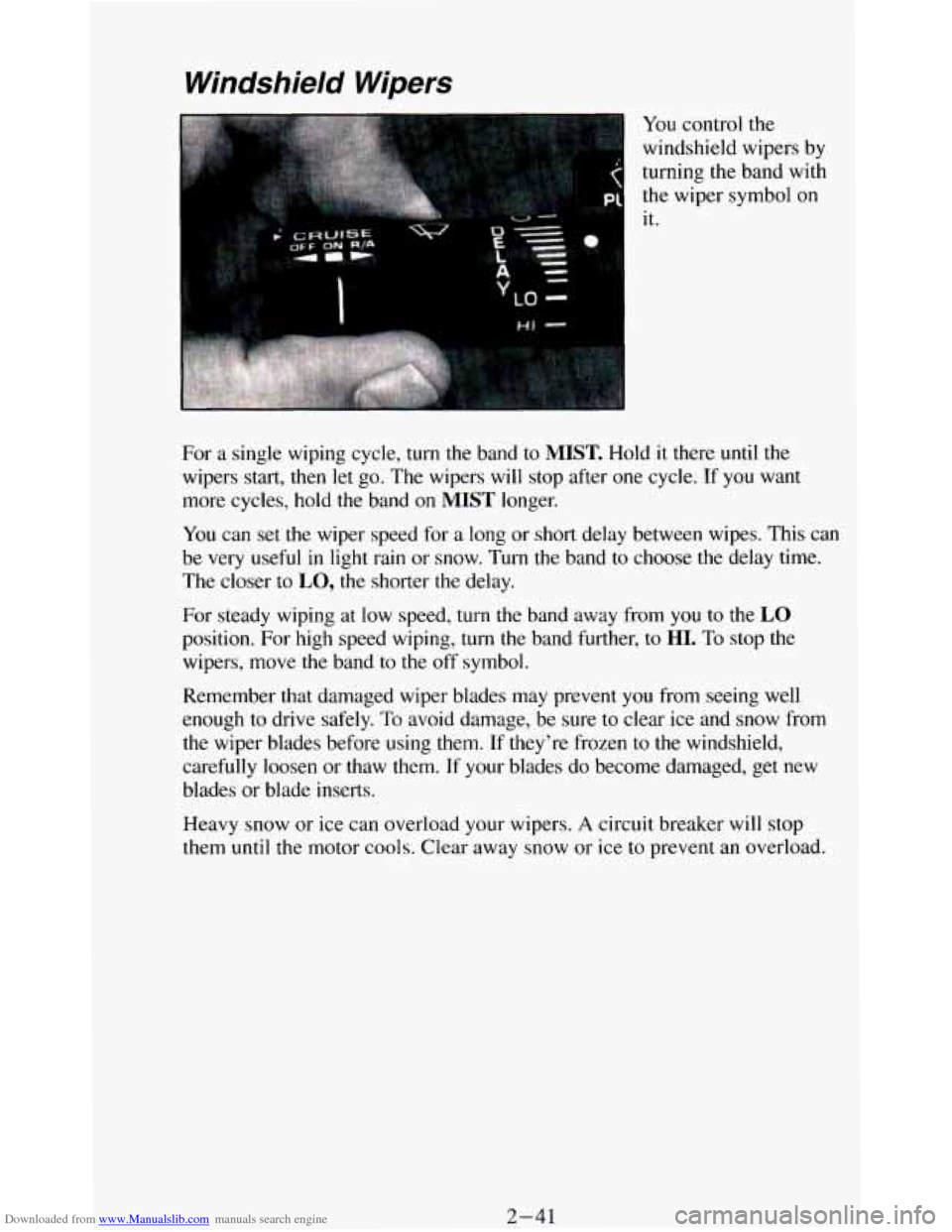
You control the
windshield wipers by
turning the band with
the wiper symbol on
it.
For
a single wiping cycle, turn the band to MIST. Hold it there until the
wipers start, then let go. The wipers will stop after one cycle.
If you want
more cycles, hold the band
on MIST longer.
You can set the wiper speed for
a long or short delay between wipes. This can
be very useful in light rain or snow. Turn
the band to choose the delay time.
The closer to
LO, the shorter the delay.
For steady wiping at
low speed, turn the band away from you to the LO
position. For high speed wiping, turn the band further, to HI. To stop the
wipers, move the band to the off symbol.
Remember that damaged wiper blades may prevent
you from seeing well
enough
to drive safely. To avoid damage, be sure to clear ice and snow from
the wiper blades before using them. If they’re frozen to the windshield,
carefully loosen or thaw them.
If your blades do become damaged, get new
blades
or blade inserts.
Heavy snow or ice can overload your wipers.
A circuit breaker will stop
them until the motor cools. Clear away snow or ice to prevent an overload.
2-41
Page 103 of 348
Downloaded from www.Manualslib.com manuals search engine To Erase Speed Memory
When you turn off the Cruise Control or the ignition, your Cruise Control
set speed memory
is erased.
Lights
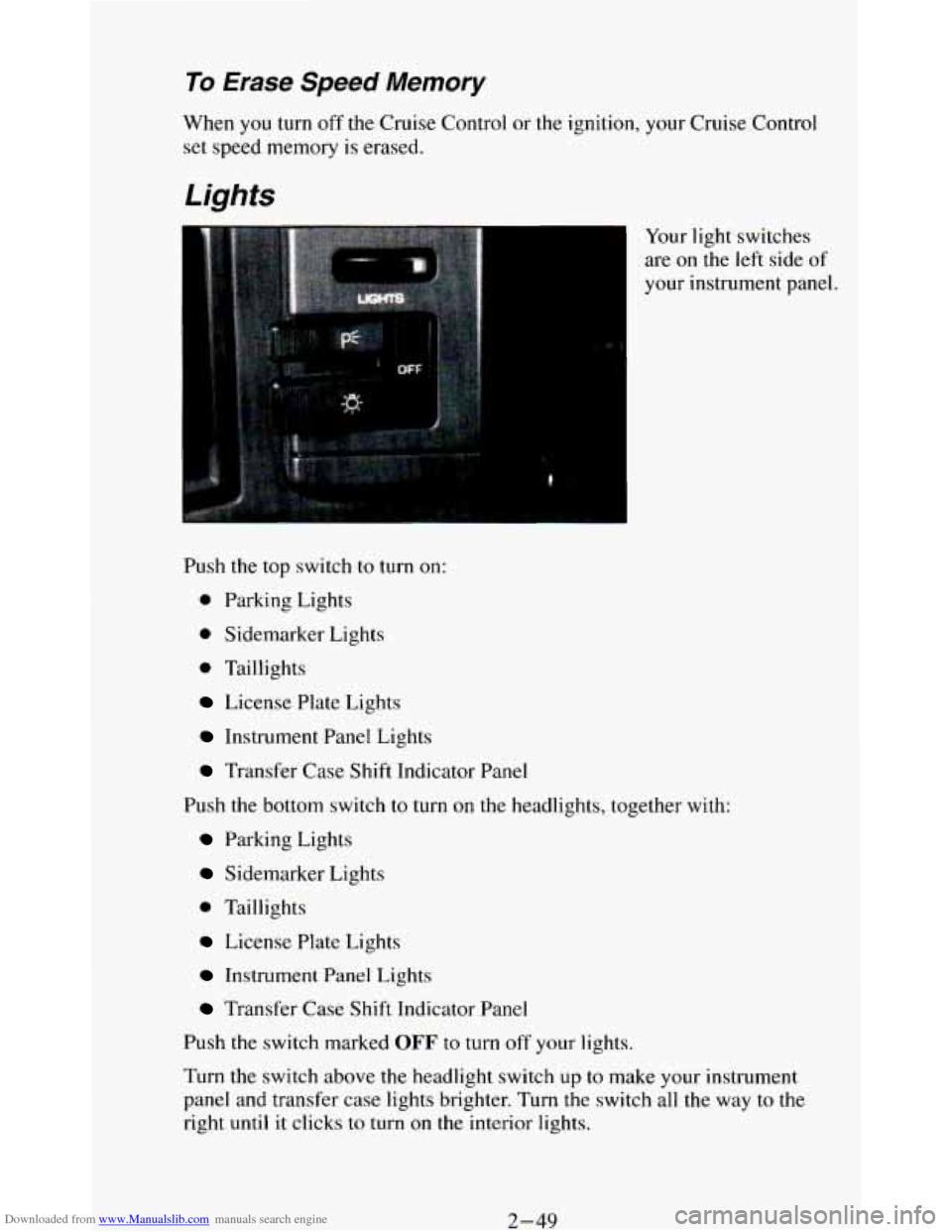
Your light switches
are on the left side of
your instrument panel.
Push the top switch to turn on:
0 Parking Lights
0 Sidemarker Lights
0 Taillights
License Plate Lights
Instrument Panel Lights
Transfer Case Shift Indicator Panel
Push
the bottom switch to turn on the headlights, together with:
Parking Lights
Sidemarker Lights
0 Taillights
License Plate Lights
Instrument Panel Lights
Transfer Case Shift Indicator Panel
Push the switch marked
OFF to turn off your lights.
Turn the switch above the headlight switch
up to make your instrument
panel and transfer
case lights brighter. Turn the switch all the way to the
right until it clicks to turn on the interior lights.
2-49
Page 104 of 348
Downloaded from www.Manualslib.com manuals search engine Turn the switch to the left to dim your instrument panel and transfer case
indicator lights.
You can switch your headlights from high to low beam by pulling on the
multifunction lever.
A circuit breaker protects your headlights. If you have an electrical
overload, your headlights will flicker
on and off. Have your headlight
wiring checked right away
if this happens.
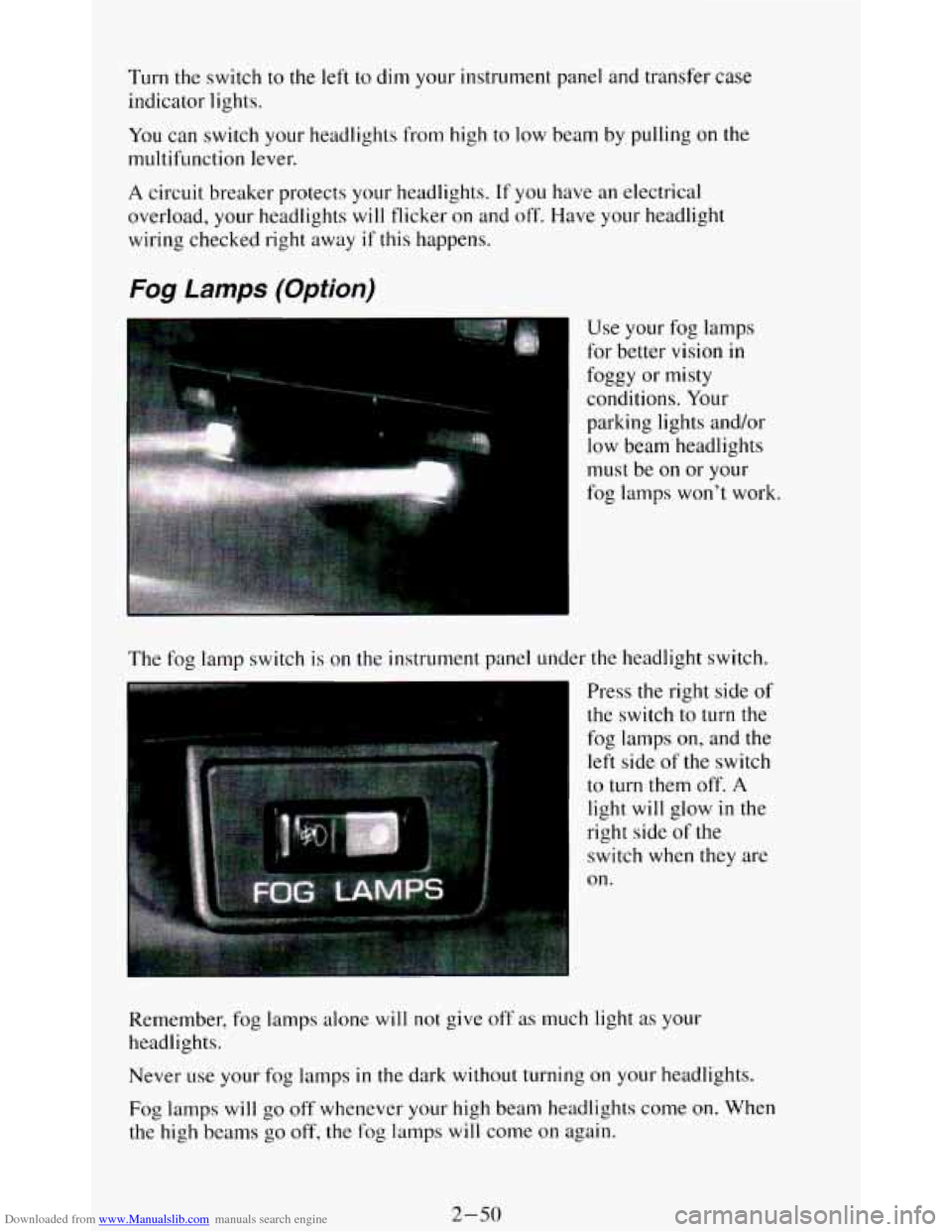
Fog Lamps (Option)
The fog lamp switch is on the instrument panel under the headlight switch.
Press the right side of
the switch
to turn the
fog lamps
on, and the
left side of the switch
to turn them off. A
light will glow in the
right side
of the
switch
when they are
on.
Remember, fog lamps alone
will not give off as much light as your
headlights.
Never
use your fog lamps in the dark without turning on your headlights.
Fog lamps will
go off whenever your high beam headlights come on. When
the high beams
go off, the fog lamps will come on again.
2-50
Page 105 of 348
Downloaded from www.Manualslib.com manuals search engine Daytime Running Lights (DRL) Indicator Light
(Canada
Only)
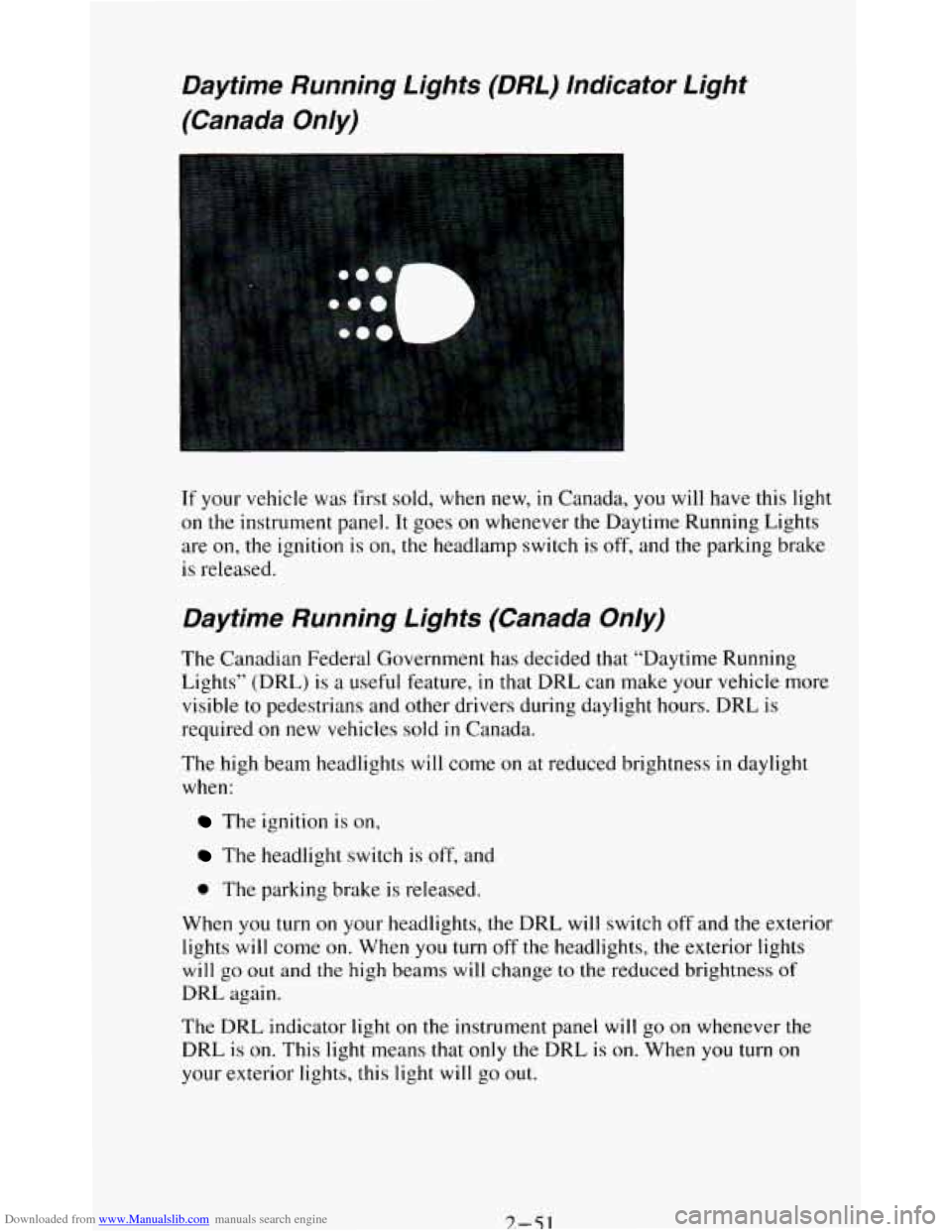
If your vehicle was first sold, when new, in Canada, you will have this light
on
the instrument panel. It goes on whenever the Daytime Running Lights
are
on, the ignition is on, the headlamp switch is off, and the parking brake
is released.
Daytime Running Lights (Canada Only)
The Canadian Federal Government has decided that “Daytime Running
Lights” (DRL)
is a useful feature, in that DRL can make your vehicle more
visible to pedestrians and other drivers during daylight hours. DRL is
required
on new vehicles sold in Canada.
The high beam headlights will come on at reduced brightness
in daylight
when:
The ignition is on,
The headlight switch is off, and
0 The parking brake is released.
When you turn
on your headlights, the DRL will switch off and the exterior
lights
will come on. When you turn off the headlights, the exterior lights
will go out and the high beams will change to the reduced brightness of
DRL again.
The DRL indicator light
on the instrument panel will go on whenever the
DRL
is on. This light means that only the DRL is on. When you turn on
your exterior lights, this light
will go out.
7.-51
Page 106 of 348
Downloaded from www.Manualslib.com manuals search engine If the DRL indicator light is on at dawn or dusk, it is a reminder to turn on
your headlights.
Of course, you may still turn on the headlights any time you need to.
To idle your vehicle with the DRL off, set the parking brake. The DRL will
stay
off until you release the parking brake.
Headlights-On Reminder
A reminder tone will sound when your headlights or parking lights are
turned on and your ignition is in
OFF, LOCK or ACC. To turn the tone off,
turn the dimmer switch all the way to the left.
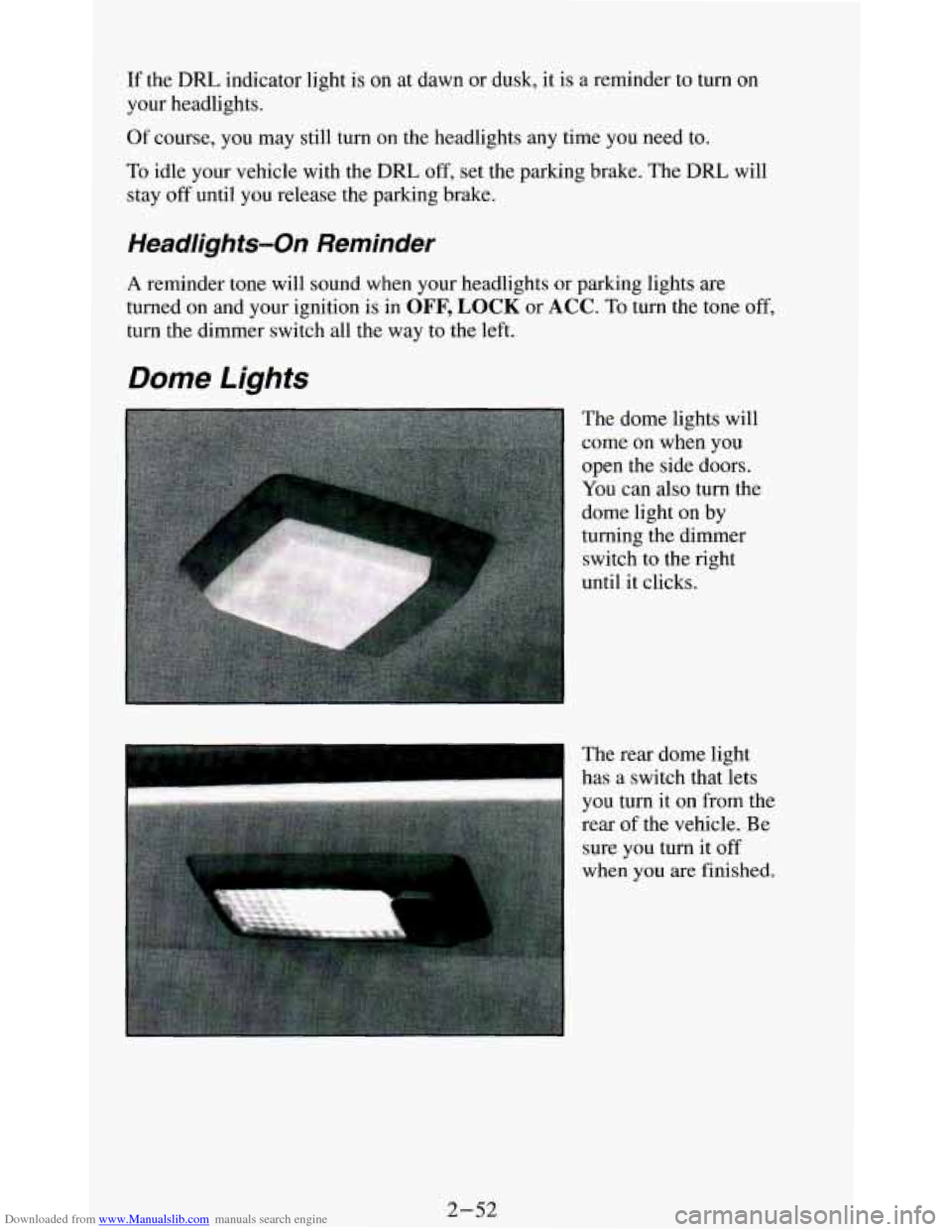
Dome Lights
The dome lights will
come on when you
open the side doors.
You can also turn the
dome light on by
turning the dimmer
switch
to the right
until it clicks.
I
The rear dome light
has a switch that lets
you turn it on from the
rear
of the vehicle. Be
sure you turn it
off
when you are finished.
2-52
Page 107 of 348
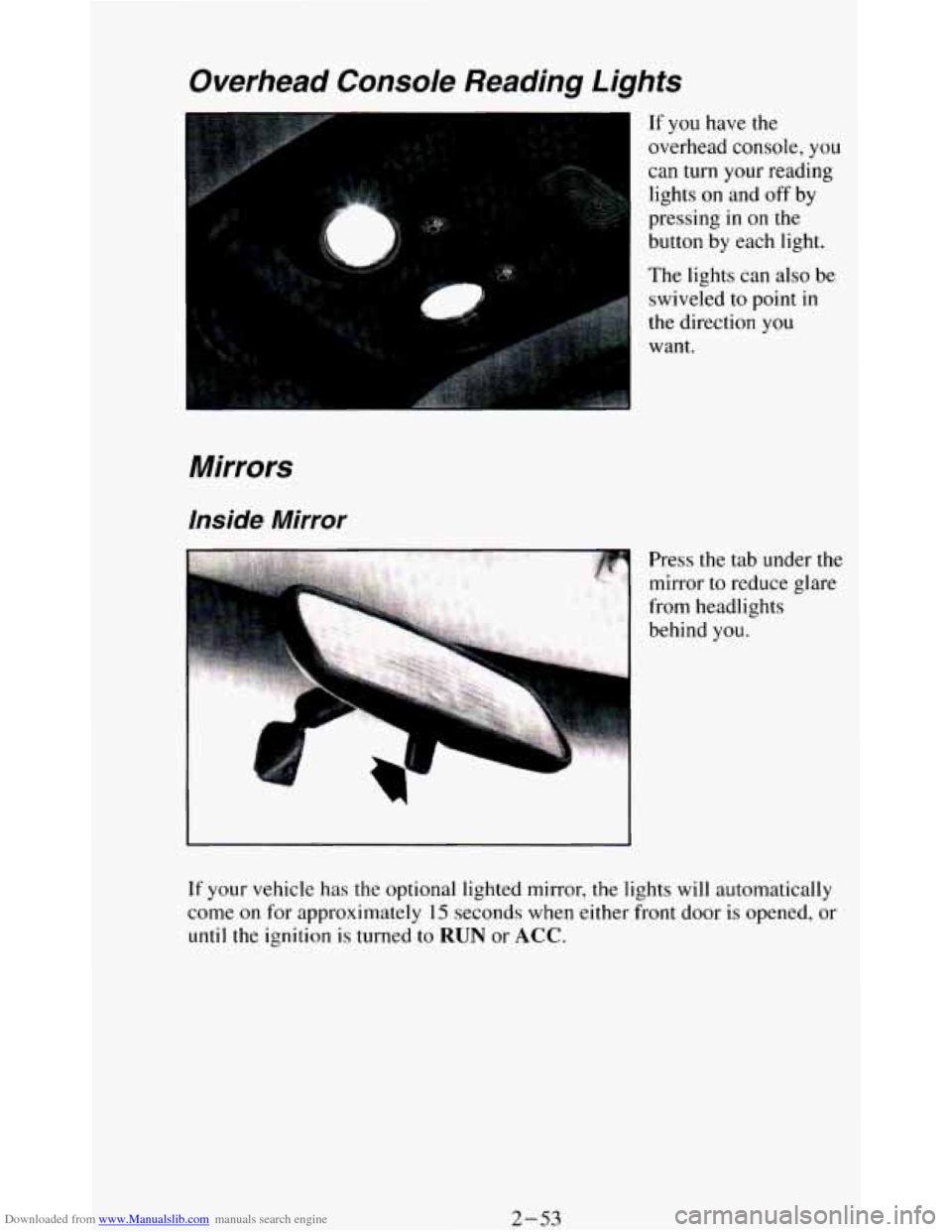
Downloaded from www.Manualslib.com manuals search engine Overhead Console Reading Lights
Mirrors
Inside Mirror
r
If you have the
overhead console, you
can turn your reading
lights
on and off by
pressing
in on the
button by each light.
The lights can also be
swiveled to point
in
the direction you
want.
Press
the tab under the
mirror
to reduce glare
from headlights
behind
you.
If your vehicle has the optional lighted mirror, the lights will automatically
come
on for approximately 15 seconds when either front door is opened, or
until the ignition is turned to RUN or ACC.
2-53
Page 108 of 348
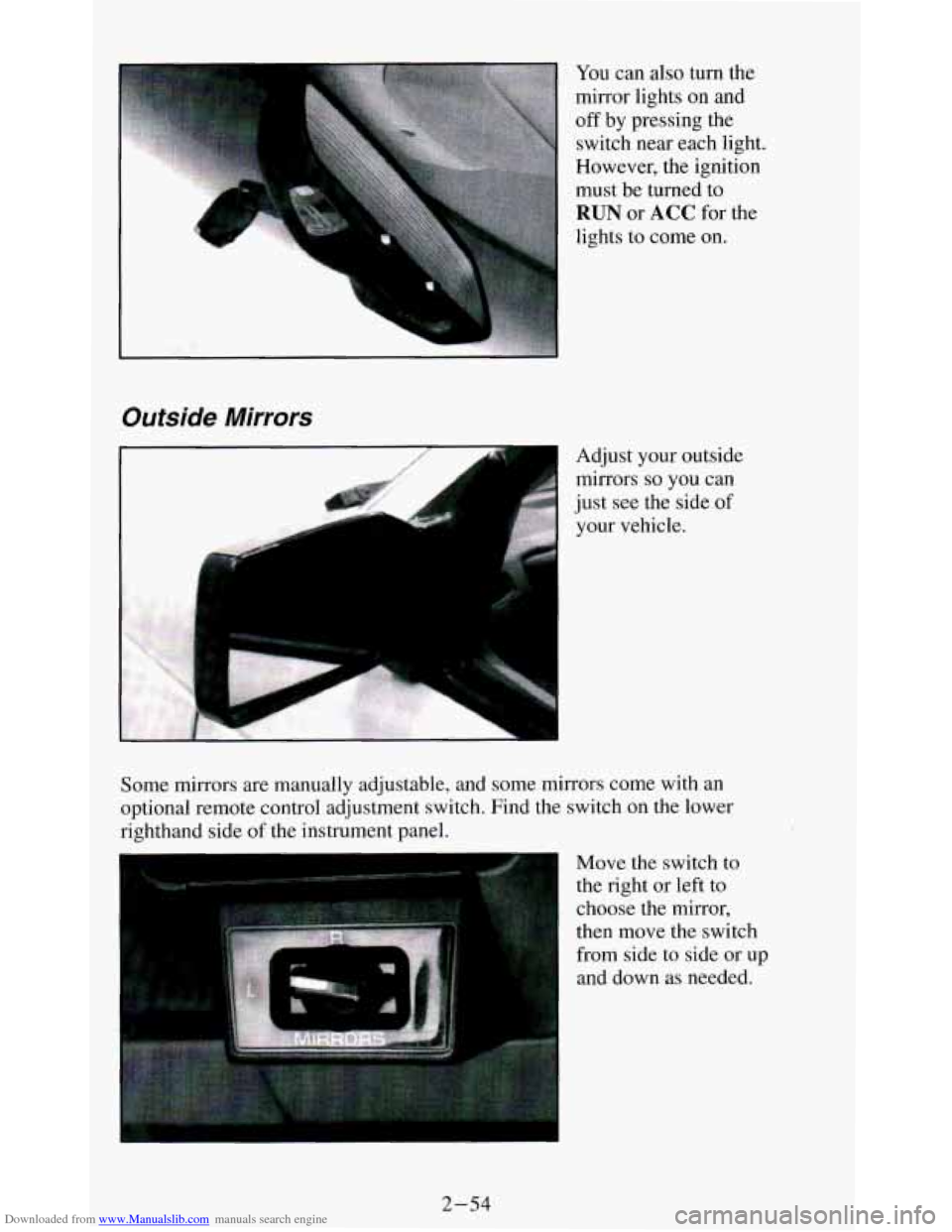
Downloaded from www.Manualslib.com manuals search engine You can also turn the
mirror lights on and
off by pressing the
switch near each light.
However, the ignition
must be turned
to
RUN or ACC for the
lights to come
on.
Outside Mirrors
.,. .,,.. . Adjust your outside
mirrors
so you can
just see the side of
your vehicle.
L J
Some mirrors are manually adjustable, and some mirrors come with an
optional remote control adjustment switch. Find the switch on
the lower
righthand side
of the instrument panel.
Move the switch
to
the right or left to
choose the mirror,
then move the switch
from side to side or up
and down as needed.
2-54