1994 CHEVROLET BLAZER CD player
[x] Cancel search: CD playerPage 135 of 348
Downloaded from www.Manualslib.com manuals search engine Comrort Controls & Audio Systems
Section
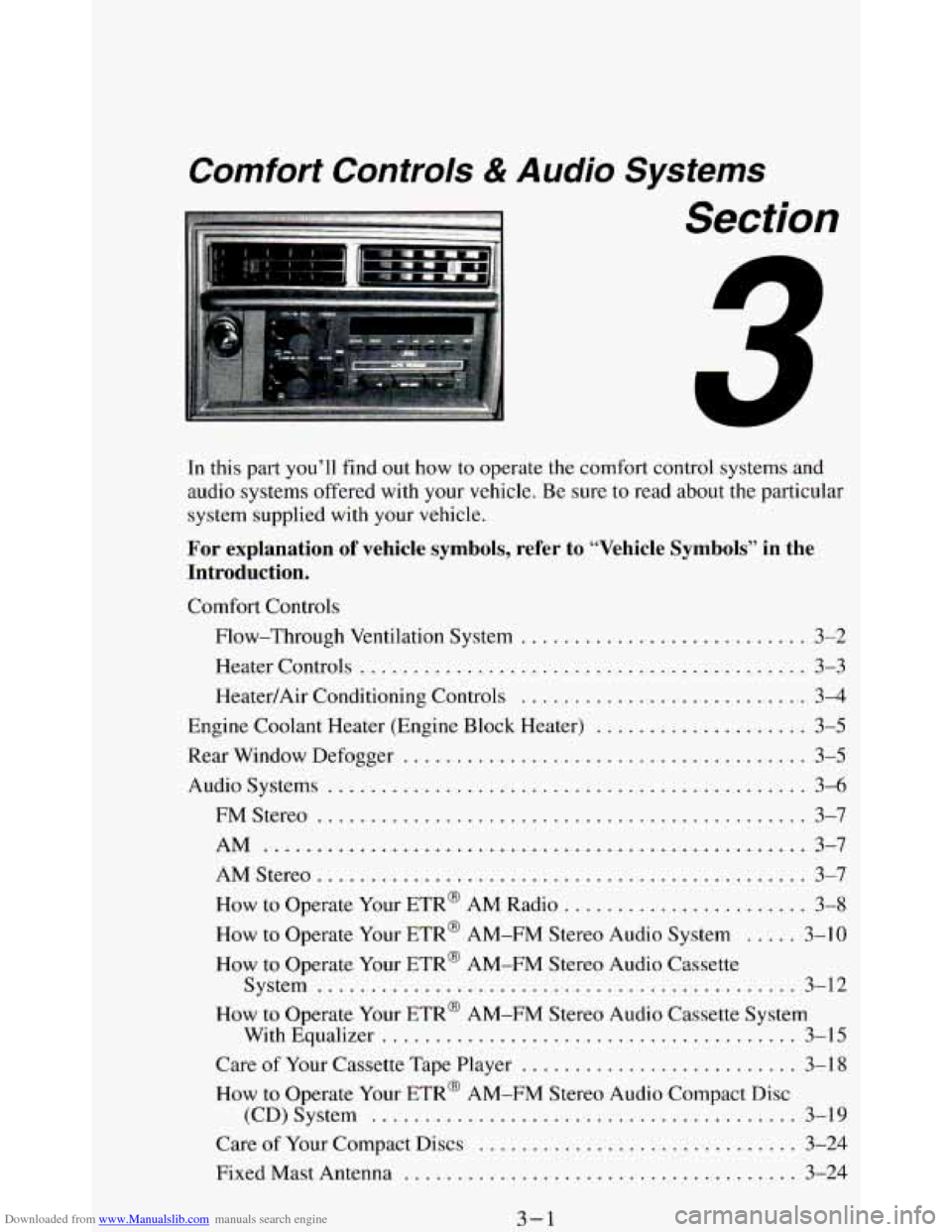
In this part you’ll find out how to operate the comfort control systems and
audio systems offered with your vehicle
. Be sure to read about the particular
system supplied with your vehicle
.
For explanation of vehicle symbols, refer to “Vehicle Symbols” in the
Introduction
.
Comfort Controls
Flow-Through Ventilation System
........................... 3-2
Heater Controls
.......................................... 3-3
Heater/Air Conditioning Controls ........................... 3-4
Engine Coolant Heater (Engine Block Heater) .................... 3-5
Rear Window Defogger
...................................... 3-5
Audiosystems ............................................. 3-6
FMStereo
.............................................. 3-7
AM
................................................... 3-7
AMStereo
.............................................. 3-7
How to Operate Your ETR@ AM Radio
....................... 3-8
How to Operate Your ETR@ AM-FM Stereo Audio System ..... 3-10
How to Operate Your ETR@ AM-FM Stereo Audio Cassette
System
............................................. 3-12
How to Operate Your ETR’ AM-FM Stereo Audio Cassette System
With Equalizer
....................................... 3-15
Care
of Your Cassette Tape Player .......................... 3-18
How to Operate Your ETR’ AM-FM Stereo Audio Compact Disc
(CD)System
........................................ 3-19
Care of Your Compact Discs ...................... **t!%*BB 3-24
Fixed Mast Antenna ..................................... 3-24
3-1
Page 141 of 348
Downloaded from www.Manualslib.com manuals search engine FM Stereo
FM stereo will give you the best sound. But FM signals will reach only
about
10 to 40 miles (16 to 65 km). Tall buildings or hills can interfere with
FM signals, causing the sound to come and go.
AM
The range for most AM stations is greater than for FM, especially at night.
The longer range, however, can cause stations to interfere
with each other.
AM can pick up noise from things like storms and power lines. Try reducing
the treble to reduce this noise if you ever get it.
AM Stereo
This means the Delco@ system can receive C-QUAM@ stereo broadcasts.
Many AM stations around the country use C-QUAM@ to produce stereo,
though some do not. (C-QUAM’ is a registered trademark
of Motorola,
Inc.)
If your Delco@ system can get C-QUAM@, your “STEREO” light will
come on when you’re receiving
it.
NOTICE:
Before you add any sound equipment to your vehicle - like a
1 tape player, CB radio, mobile telephone or two-way radio - be
sure you can add what you want.
If you can, it’s very important
to do it properly. Added sound equipment may interfere with the
operation
of your vehicle’s engine, Delco@ radio or other
systems, and even damage them. And, your vehicle’s systems
may interfere with the operation of sound equipment that has
been added improperly.
So, before adding sound equipment, check with your dealer and
be sure to check Federal rules covering mobile radio and
telephone units.
3-7
Page 147 of 348
Downloaded from www.Manualslib.com manuals search engine TREBLE -Slide this lever up to increase the treble response.
Adjust these levers to give
a pleasing sound. If a station is weak and noisy,
move
TREBLE down to reduce the noise.
PWR (Power)
The PWR button turns your system on and off.
DNR @
This is the Dynamic Noise Reduction button. It helps remove background
hiss noise from the radio or tape player. You may want
to leave it pushed in
all the time.
DNR@ is
a registered trademark of National Semiconductor Corporation.
Pushbuttons
The four pushbuttons let you return to favorite stations.
You
can set the pushbuttons for up to eight favorite stations (4 AM and 4
FM). Just:
Tune in the station.
Push SET. (SET appears in the VF display for a few seconds.)
Within 5 seconds, push one of the four pushbuttons. Whenever you
push that button, the preset station will return.
Repeat these steps for each pushbutton.
NOTE: You can preset
3 more stations on each band by pushing a pair of buttons
next to each other at the same time.
Just:
Tune in the station.
Push SET. (SET appears in the VF display for a few seconds.)
Within 5 seconds, push two buttons next to each other at the same time.
Whenever
you push that pair of buttons, the preset station will return.
Repeat these steps for each pair of buttons.
Scan Button
When you push this, the radio will go to the next station and stay there a
few seconds. Then it will go to the next station and pause, and keep doing
that. Press
SCAN again to stop scanning.
Seek Button
This chooses station also, but it doesn’t keep moving as SCAN does. When
you push
SEEK the radio goes to the next station and stays there.
3-13
Page 148 of 348
Downloaded from www.Manualslib.com manuals search engine Clock
To set the clock, just:
Push SET.
Within 5 seconds, push and hold SCAN until the correct hour appears.
Press and hold SEEK until the correct minute appears.
To display the clock with the ignition off, push the upper knob. The time
will be displayed for
a few seconds.
To Way A Cassette
Your tape player is built to work best with tapes that are 30 to 45 minutes
long
on each side. Tapes longer than that are so thin they may not work well
in this player.
To play a cassette tape:
Have the radio on.
Insert the tape squarely through the tape door.
The longer side with the tape visible goes in first. If you hear nothing or
hear just garbled sound, it may not be in squarely. Push STOP-EJECT to
remove the tape and start over.
Once the tape is playing, use the upper and lower knobs for volume and
balance, just as you
do for radio. The arrows show which side of the tape is
playing.
0 To go forward to another part of the tape, push the button with an
arrow pointing toward the lighted arrow. To stop the tape, push the
STOP-E JECT button lightly.
To go backward, push the button with an arrow pointing away from
the lighted arrow. To stop the tape, push the STOP-EJECT button
lightly.
To go from one side of the tape to the other, push in the upper knob on
To remove or stop the tape, push STOP-EJECT.
your radio.
3-14
Page 150 of 348
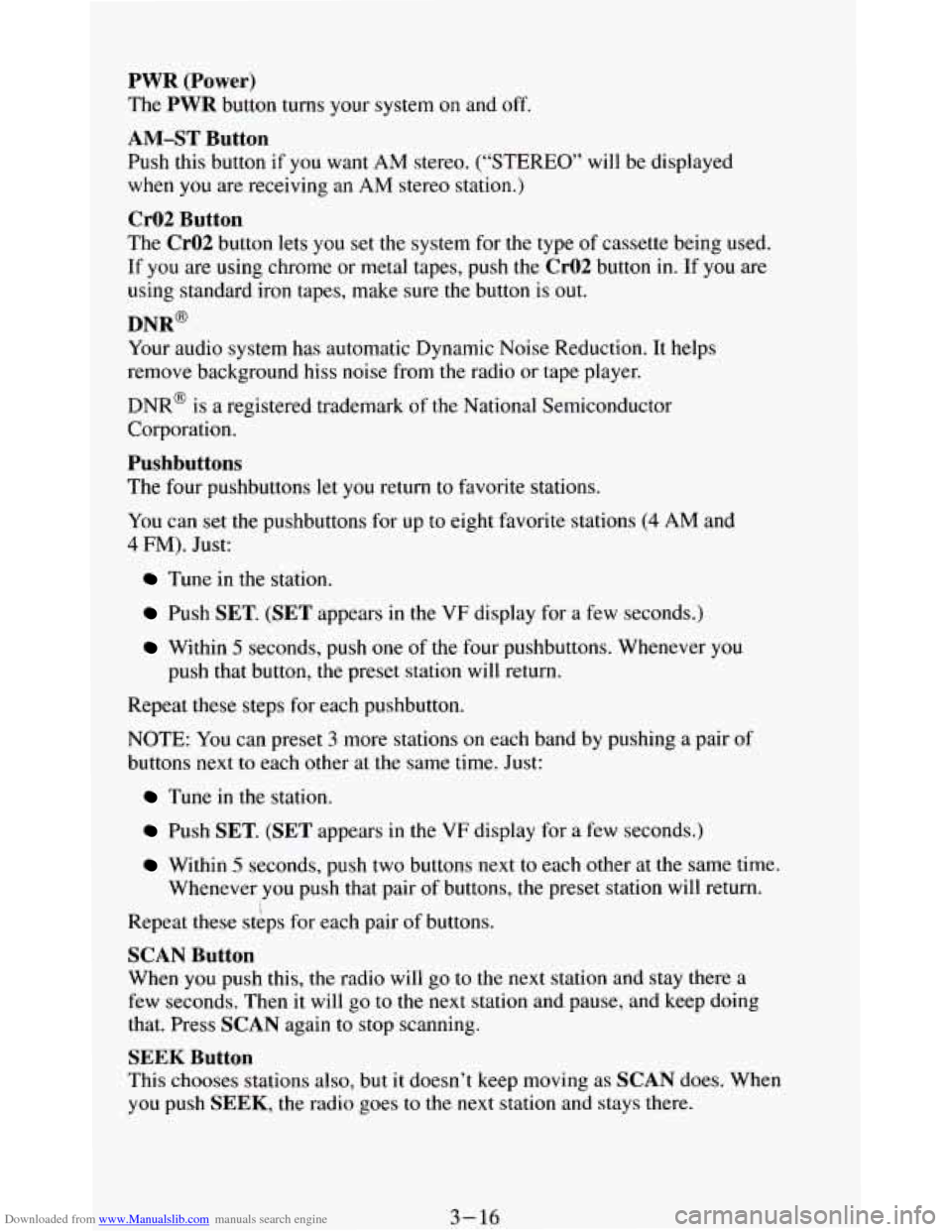
Downloaded from www.Manualslib.com manuals search engine PWR (Power)
The PWR button turns your system on and off.
AM-ST Button
Push this button if you want AM stereo. (“STEREO” will be displayed
when
you are receiving an AM stereo station.)
Cr02 Button
The Cr02 button lets you set the system for the type of cassette being used.
If you are using chrome
or metal tapes, push the Cr02 button in. If you are
using standard iron tapes, make sure the button
is out.
Your audio system has automatic Dynamic Noise Reduction. It helps
remove background hiss
noise from the radio or tape player.
DNR@
DNR@ is a registered trademark of the National Semiconductor
Corporation.
Pushbuttons
The four pushbuttons let you return to favorite stations.
You can set the pushbuttons for up to eight favorite stations
(4 AM and
4 FM). Just:
Tune in the station.
Push SET. (SET appears in the VF display for a few seconds.)
Within 5 seconds, push one of the four pushbuttons. Whenever you
push that button, the preset station will return.
Repeat these steps for each pushbutton.
NOTE: You can preset
3 more stations on each band by pushing a pair of
buttons next to each other at the same time. Just:
Tune in the station.
Push SET. (SET appears in the VF display for a few seconds.)
Within 5 seconds, push two buttons next to each other at the same time.
Whenever
you push that pair of buttons, the preset station will return.
Repeat these steps for each pair of buttons.
SCAN Button
When you push this, the radio will go to the next station and stay there a
few seconds. Then
it will go to the next station and pause, and keep doing
that. Press
SCAN again to stop scanning.
SEEK Button
This chooses stations also, but it doesn’t keep moving as SCAN does. When
you push SEEK, the radio goes to the next station and stays there.
3-16
Page 151 of 348
Downloaded from www.Manualslib.com manuals search engine Clock
To set the clock, just:
Press SET. (SET appears in the VF display for a few seconds.)
Within 5 seconds, push and hold SCAN until the correct hour appears.
Press and hold SEEK until the correct minute appears.
To display the clock with the ignition off, push the upper knob. The time
will be displayed for a few seconds.
To Play A Cassette
Your tape player is built to work best with tapes that are 30 to 45 minutes
long on each side. Tapes longer
than that are so thin they may not work well
in this player.
To play a cassette tape:
Have the radio on.
Insert the tape squarely through the tape door.
The longer side
with the tape visible goes in first. If you hear nothing or
hear just garbled sound,
it may not be in squarely.
Push
STOP-EJECT to remove the tape and start over.
Once the tape is playing, use the upper and lower knobs for volume and
balance, just as
you do for radio. The arrows show which side of the tape is
playing.
0 To go forward to another part of the tape, push b.
0 To go backward, push 4. To stop the tape, push the other button
lightly.
your radio.
To remove or stop the tape, push STOP-EJECT.
0 To go from one side of the tape to the other, push in the upper knob on
APS (Automatic Program Search)
Press this button to activate the automatic program search. When the b
button is pressed, the tape will rapidly advance to the beginning of the next
selection. When
the 4 button is pressed, the tape will rapidly reverse to the
beginning of the current selection.
Press
STOP-E JECT to remove the cassette and start the radio.
3-17
Page 152 of 348
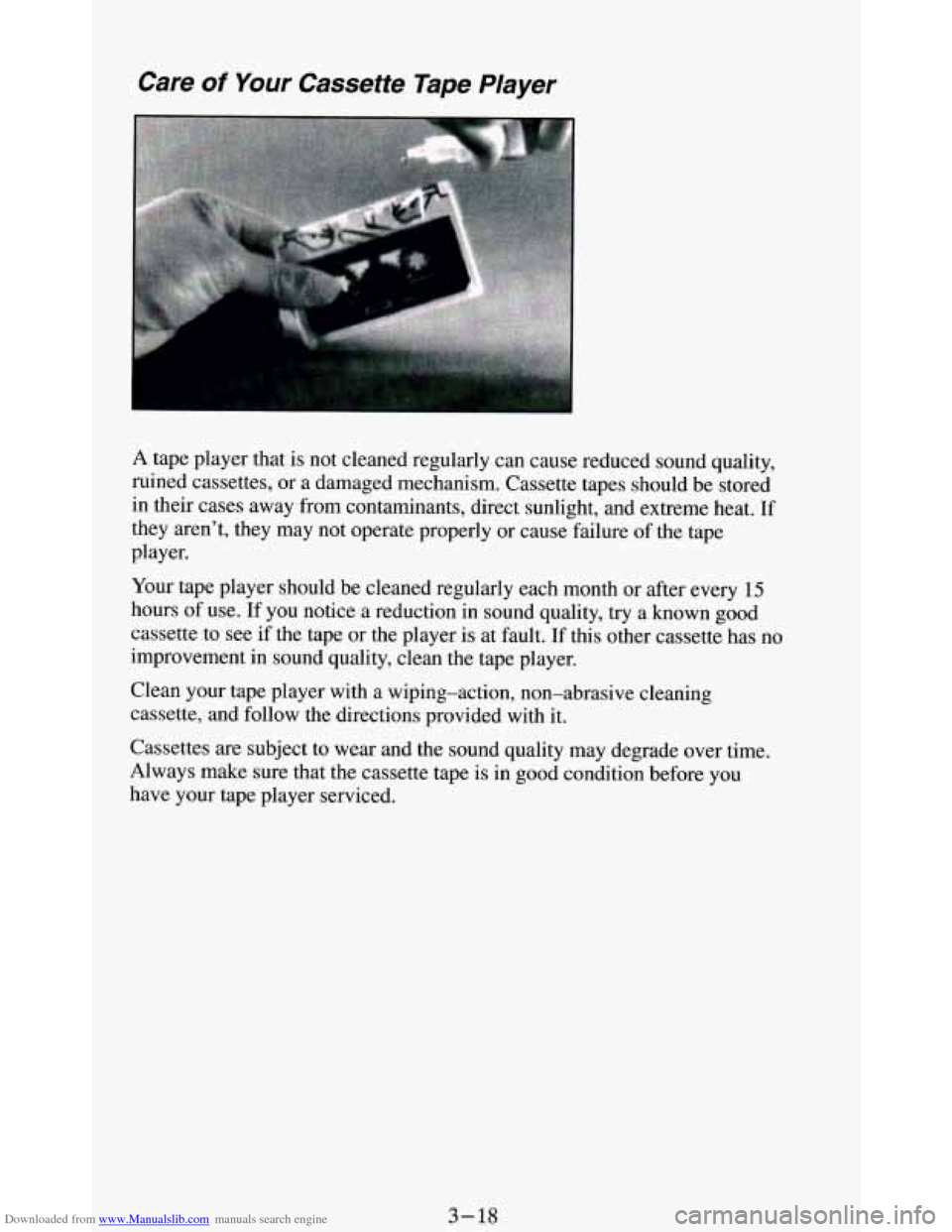
Downloaded from www.Manualslib.com manuals search engine Care of Your Cassette Tape Player
A tape player that is not cleaned regularly can cause reduced sound quality,
ruined cassettes, or a damaged mechanism. Cassette tapes should be stored
in their cases away from contaminants, direct sunlight, and extreme heat.
If
they aren’t, they may not operate properly or cause failure of the tape
player.
Your tape player should be cleaned regularly each month
or after every 15
hours of use. If you notice a reduction in sound quality, try a known good
cassette to see if the tape or the player is at fault.
If this other cassette has no
improvement in sound quality, clean the tape player.
Clean your tape player with a wiping-action, non-abrasive cleaning
cassette, and follow the directions provided with it.
Cassettes
are subject to wear and the sound quality may degrade over time.
Always make sure that the cassette tape is in good condition before you
have your tape player serviced.
3-18
Page 153 of 348
Downloaded from www.Manualslib.com manuals search engine How to Operate Your ETP AM-FM Stereo Audio
Compact Disc (CD) System
i
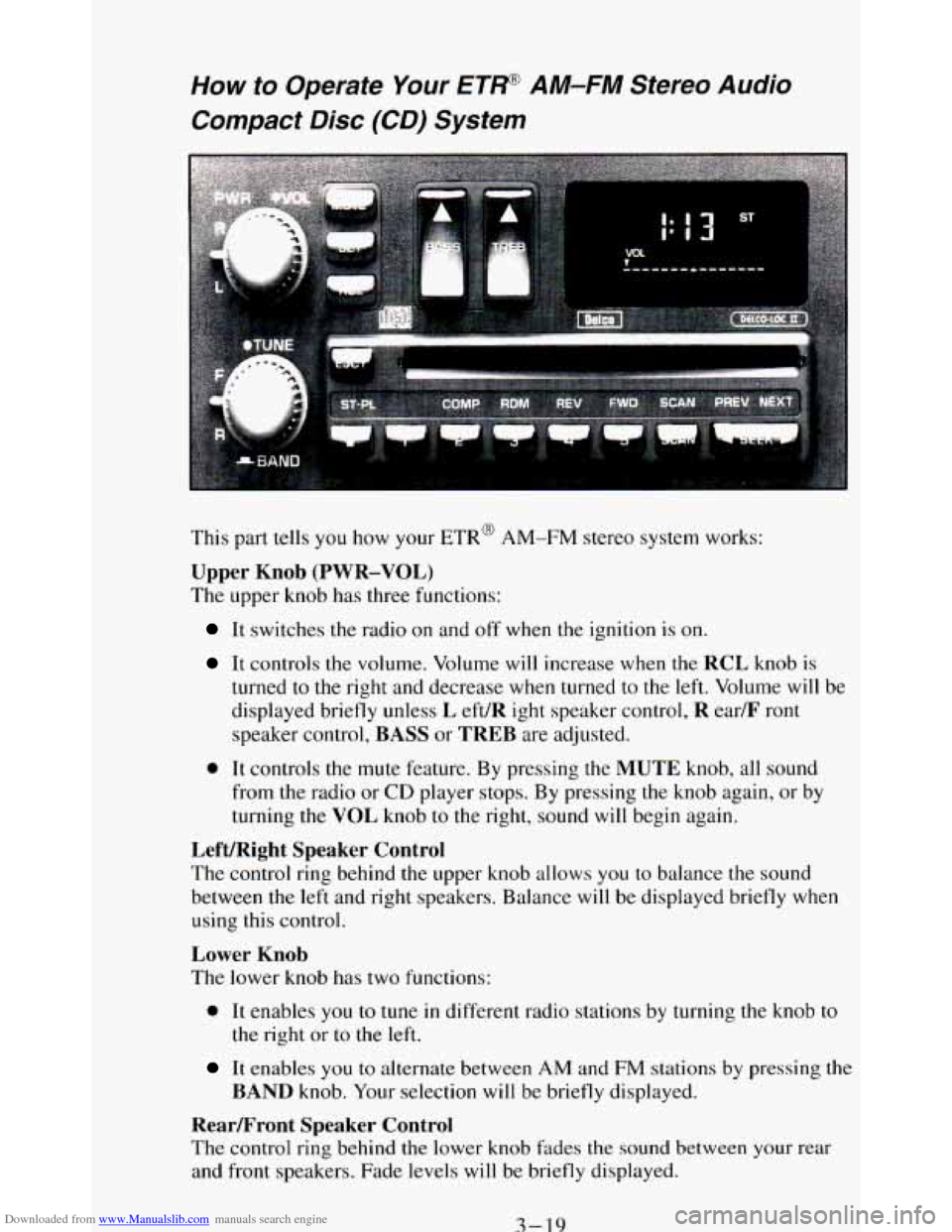
This part tells you how your ETR@ AM-FM stereo system works:
Upper Knob (PWR-VOL)
The upper knob has three functions:
It switches the radio on and off when the ignition is on.
It controls the volume. Volume will increase when the RCL knob is
turned
to the right and decrease when turned to the left. Volume will be
displayed briefly unless
L eft/R ight speaker control, R ear/F ront
speaker control, BASS or TREB are adjusted.
0 It controls the mute feature. By pressing the MUTE knob, all sound
from the radio or
CD player stops. By pressing the knob again, or by
turning the VOL knob
to the right, sound will begin again.
Left/Right Speaker Control
The control ring behind the upper knob allows you to balance the sound
between the left and right speakers. Balance will be displayed briefly when
using this control.
Lower Knob
The lower knob has two functions:
0 It enables you to tune in different radio stations by turning the knob to
the right or to the left.
It enables you to alternate between AM and FM stations by pressing the
BAND knob. Your selection will be briefly displayed.
RearLFront Speaker Control
The control ring behind the lower knob fades the sound between your rear
and front speakers. Fade levels will be briefly displayed.
3-19