1994 CHEVROLET BLAZER stop start
[x] Cancel search: stop startPage 69 of 348
Downloaded from www.Manualslib.com manuals search engine New Vehicle “Break-In ’’
L
NOTICE:
Your modern vehicle doesn’t need an elaborate “break-in.” But
it will perform better in the long run if you follow these
guidelines:
0 Keep your speed at 55 mph (88 km/h) or less for the first 500
miles (SO4 km).
0 Don’t drive at any one speed - fast or slow - for the first
500 miles (804 km). Don’t make full-throttle starts.
Avoid making hard stops for the first 200 miles (322 km) or
so. During this time your new brake linings aren’t yet broken
in. Hard stops with new linings can mean premature wear and
earlier replacement. Follow this “breaking-in” guideline
every time you get new brake linings.
Ignition Switch
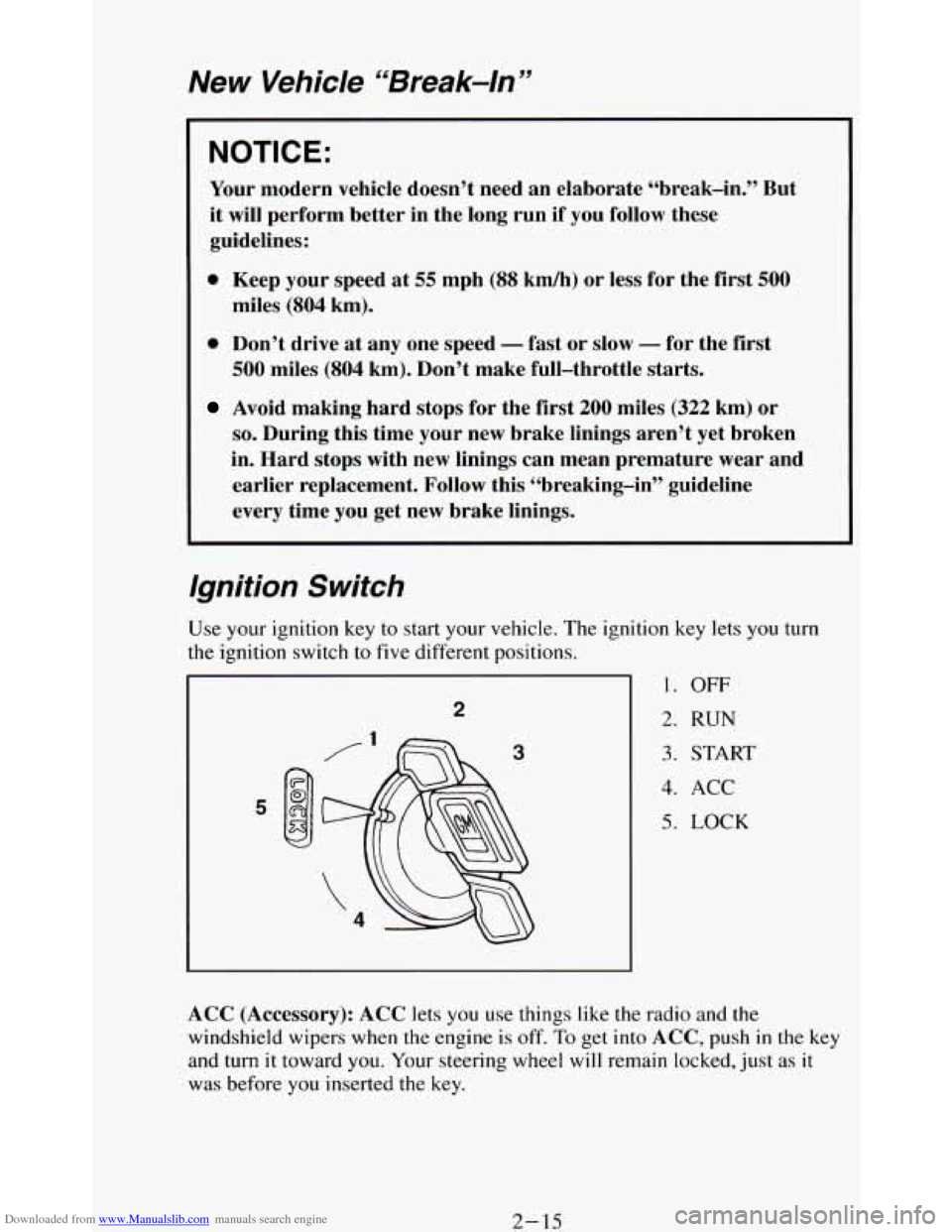
tion key lets you turn
1. OFF
2. RUN
3. START
4. ACC
5. LOCK
ACC (Accessory): ACC lets you use things like the radio and the
windshield wipers when the engine is off.
To get into ACC, push in the key
and turn
it toward you. Your steering wheel will remain locked, just as it
was before you inserted the key.
2- 15
Page 71 of 348
Downloaded from www.Manualslib.com manuals search engine Key Release Lever
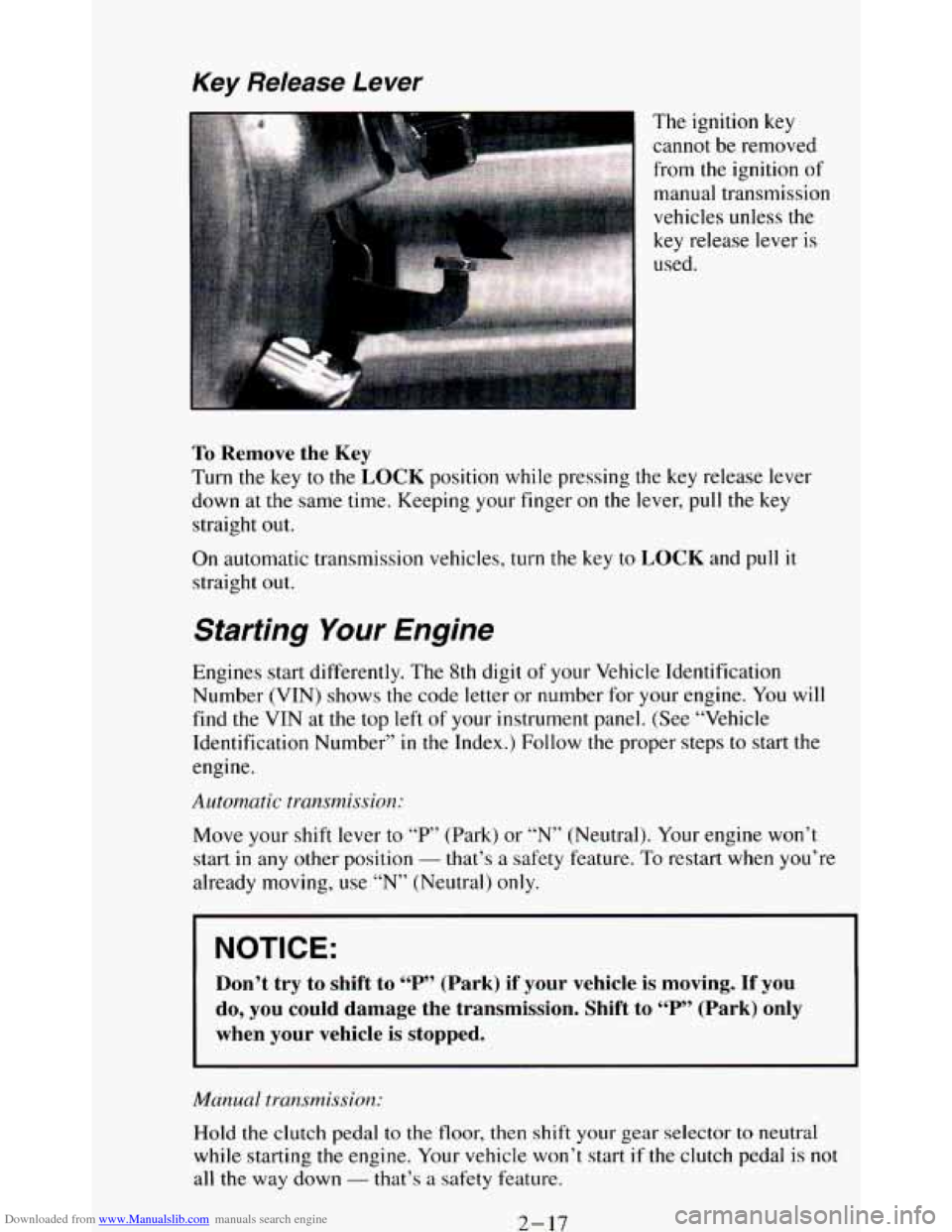
I The ignition key
cannot be removed
from the ignition
of
manual transmission
vehicles unless the
key release lever
is
used.
To Remove the Key
Turn the key to the LOCK position while pressing the key release lever
down at the same time. Keeping your finger on the lever,
pull the key
straight
out.
On automatic transmission vehicles, turn the key to LOCK and pull it
straight out.
Starting Your Engine
Engines start differently. The 8th digit of your Vehicle Identification
Number (VIN) shows the code letter or number for your engine. You will
find the VIN at the top left of your instrument panel. (See “Vehicle
Identification Number” in the Index.) Follow the proper steps to start the
engine.
Automatic transmission:
Move your shift lever to “P” (Park) or “N” (Neutral). Your engine won’t
start
in any other position - that’s a safety feature. To restart when you’re
already moving, use “N” (Neutral)
only.
NOTICE:
Don’t try to shift to “P” (Park) if your vehicle is moving. If you
do, you could damage the transmission. Shift to “P” (Park) only
when your vehicle is stopped.
Manual transmission:
Hold the clutch pedal to the floor, then shift your gear selector to neutral
while starting
the engine. Your vehicle won’t start if the clutch pedal is not
all the way down - that’s a safety feature.
2-17
Page 72 of 348
Downloaded from www.Manualslib.com manuals search engine Tu start your 4.3 Liter engine:
1. Without pushing the accelerator pedal, turn your ignition key to “Start.”
When
the engine starts, let go of the key. The idle speed will go down
as your engine gets warm.
NOTICE:
Holding your key in “Start” for longer than 15 seconds at a time
will cause your battery to be drained much sooner. And the
excessive heat can damage your starter motor.
2. If it doesn’t start right away, hold your key in “Start.” If it doesn’t start
in three seconds, push the accelerator pedal about one-quarter of the
way down for
12 more seconds, or until it starts.
3. If your engine still won’t start (or starts but then stops), it could be
flooded with too much gasoline. Try this:
Wait
15 seconds to let the starter motor cool down. Then push your
accelerator pedal all the way to the floor. Hold it there. Then, hold the
key
in “Start” for no more than ten seconds. This clears the extra
gasoline from the engine.
If the engine still doesn’t start, wait another 15 seconds and do it all
again..
When
the engine starts, let go of the key and the accelerator pedal.
j ~ NOTICE:
, Your engine is designed to work with the electronics in your
vehicle. If you add electrical parts
or accessories, you could
change the
way the fuel injection system operates. Before adding
electrical equipment, check with your dealer. If you don’t, your
engine might not perform properly.
If you ever have to have your vehicle towed, see the part of this
manual that tells how
to do it without damaging your vehicle.
See “Towing Your Vehicle” in the Index.
2- 18
Page 75 of 348

Downloaded from www.Manualslib.com manuals search engine 1
R (Reverse) - Use this gear to back up.
NOTICE:
Shifting to “R” (Reverse) while your vehicle is moving forward
could damage your transmission. Shift to
“R” (Reverse) only
after your vehicle
is stopped.
To rock your vehicle back and forth to get out of snow, ice or sand
without damaging your transmission, see
“If You’re Stuck: In Sand,
Mud, Ice or Snow”
in the Index.
N (Neutral) - In this position, your engine doesn’t connect with the
wheels.
To restart when you’re already moving, use “N” (Neutral) only.
Also, use
“N’ (Neutral) when your vehicle is being towed.
2-21
Page 76 of 348
Downloaded from www.Manualslib.com manuals search engine NOTICE:
Damage to your transmission caused by shifting out of “P”
(Park) or “N” (Neutral) with the engine racing isn’t covered by
your warranty.
@ (Overdrive)
This position is for normal driving. If you need more power for
passing, and you’re:
- Going less than about 35 mph (56 km/h), push your accelerator
- Going about 35 mph (56 km/h) or more, push the accelerator all
pedal about halfway down.
the way down.
You’ll shift down to the next gear and have more power.
@ should not be used when towing a trailer, carrying a heavy
load, driving
on steep hills, or for off-road driving. Select “D”
(Third Gear) when operating the vehicle under any of these
conditions.
D (Third Gear) - This is like @, but you never go into Overdrive.
You should use
“D’ (Third Gear) when towing a trailer, carrying a
heavy load, driving on steep hills,
or for off-road driving.
2 (Second Gear) - This position gives you more power but lower fuel
economy. You can use “2” (Second Gear) on hills. It can help control
your speed as you go down steep mountain roads, but
then you would
also want to use your brakes
off and on.
If you manually select
“2” (Second Gear), the transmission will drive
in second gear. You may use this feature for reducing torque to the rear
wheels when
you are trying to start your vehicle from a stop on
slippery road surfaces.
1 (First Gear) - This position gives you even more power (but lower
fuel economy) than “2” (Second Gear). You can use it on very steep
hills, or in deep snow or mud. If the selector lever is put
in “1” (First
Gear),
the transmission won’t shift into “1” (First Gear) until the
vehicle
is going slowly enough.
2-22
Page 78 of 348
Downloaded from www.Manualslib.com manuals search engine a
0
a
To Stop - Let up on the accelerator pedal and press the brake pedal.
Just before the vehicle stops, press
the clutch pedal and the brake pedal,
and shift to
“N” (Neutral).
N (Neutral) - Use this position when you start or idle your engine.
R (Reverse) - To back up, press down the clutch pedal, wait about 6
seconds, then shift into “R” (Reverse). Then let up on the clutch pedal
slowly while pressing the accelerator pedal.
NOTICE:
Shift to “R” (Reverse) only after your vehicle is stopped.
Shifting to
“R” (Reverse) while your vehicle is moving could
damage your transmission.
Also, use “R’ (Reverse), along with the parking brake, for parking your
vehicle.
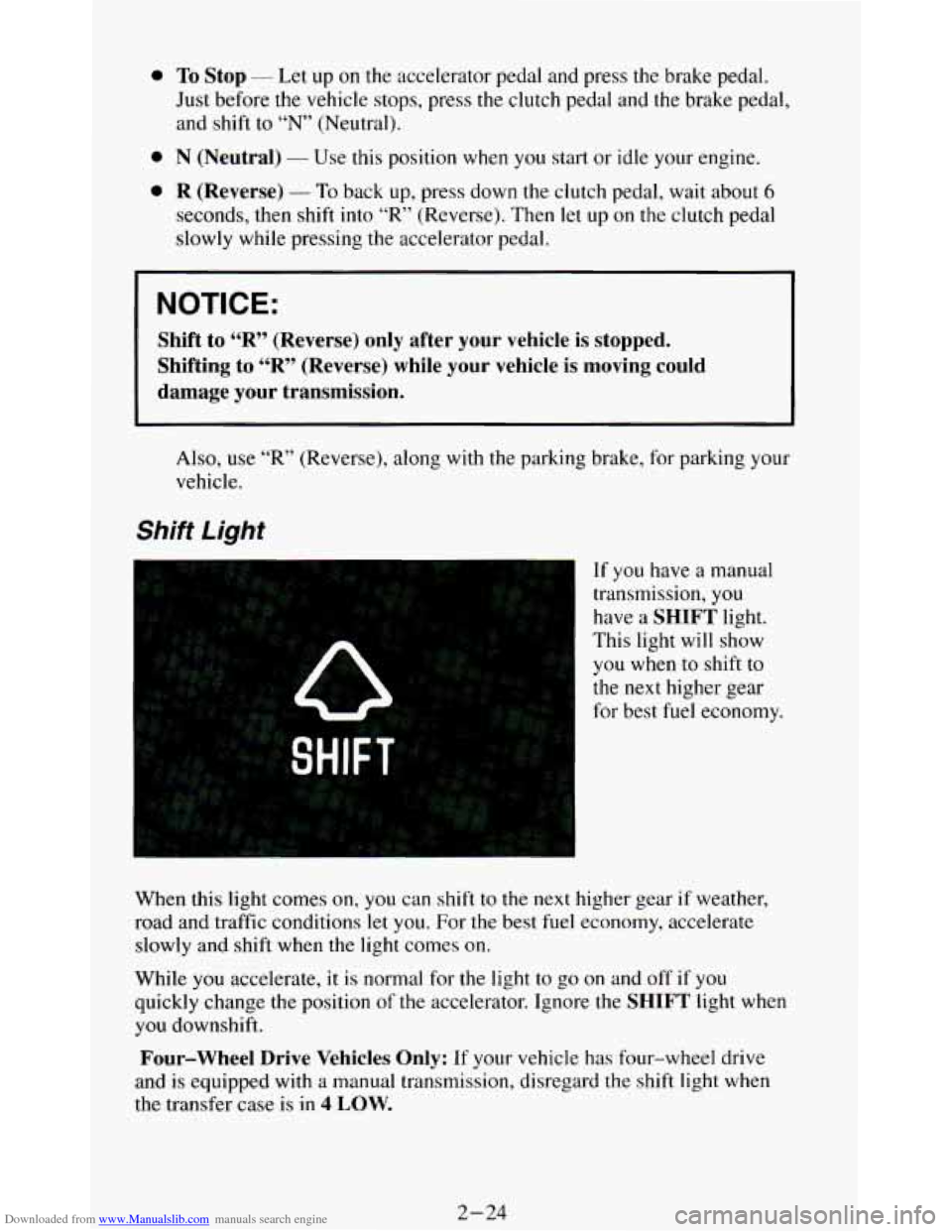
Shift Light
If you have a manual
transmission,
you
have a SHIFT light.
This light will show
you when to shift to
the next higher gear
for best fuel economy.
When this light comes
on, you can shift to the next higher gear if weather,
road and traffic conditions
let you. For the best fuel economy, accelerate
slowly and shift when the light comes on.
While
you accelerate, it is normal for the light to go on and off if you
quickly change the position
of the accelerator. Ignore the SHIFT light when
you downshift.
Four-wheel Drive Vehicles Only: If your vehicle has four-wheel drive
and
is equipped with a manual transmission, disregard the shift light when
the transfer case is in
4 LOW.
2-24
Page 95 of 348
Downloaded from www.Manualslib.com manuals search engine Windshield Wipers
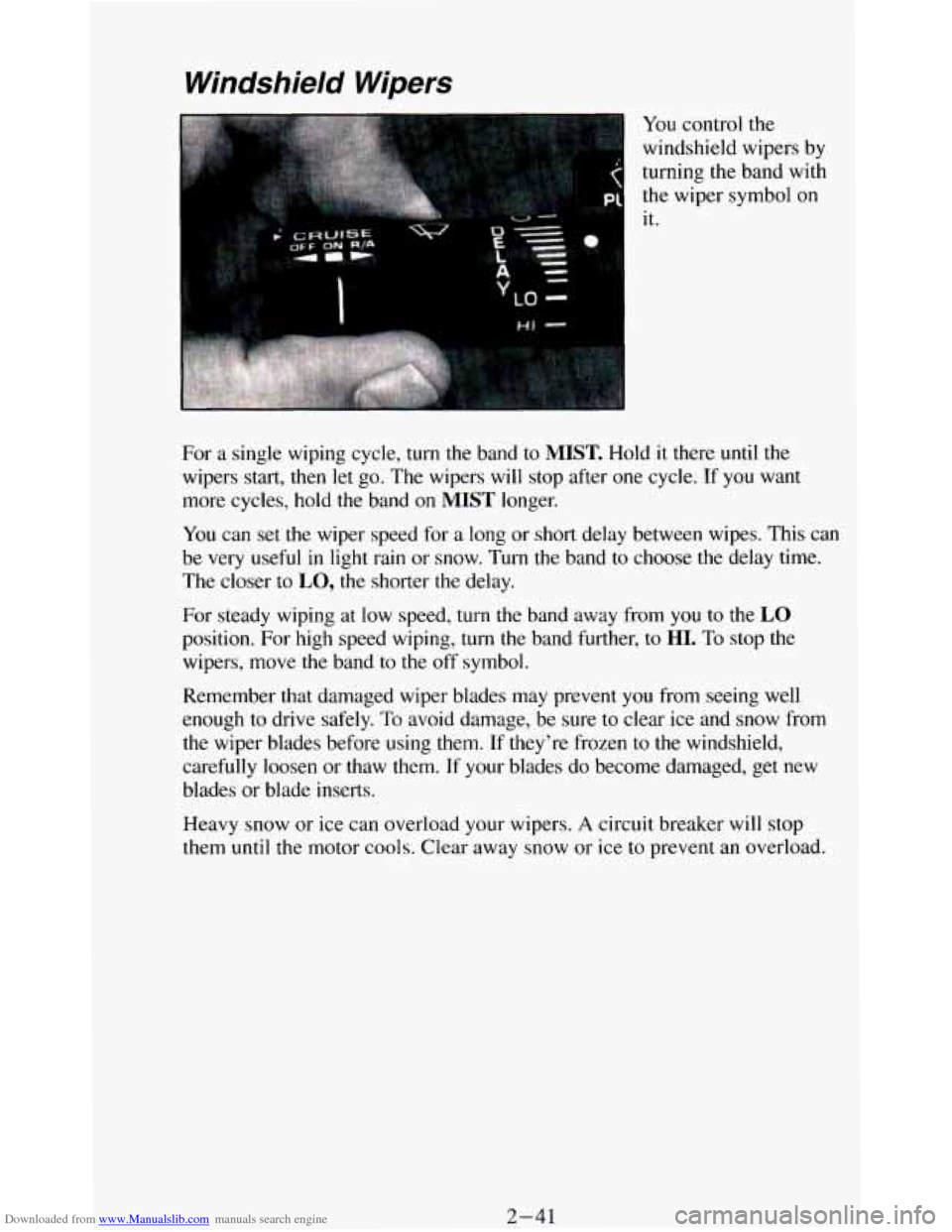
You control the
windshield wipers by
turning the band with
the wiper symbol on
it.
For
a single wiping cycle, turn the band to MIST. Hold it there until the
wipers start, then let go. The wipers will stop after one cycle.
If you want
more cycles, hold the band
on MIST longer.
You can set the wiper speed for
a long or short delay between wipes. This can
be very useful in light rain or snow. Turn
the band to choose the delay time.
The closer to
LO, the shorter the delay.
For steady wiping at
low speed, turn the band away from you to the LO
position. For high speed wiping, turn the band further, to HI. To stop the
wipers, move the band to the off symbol.
Remember that damaged wiper blades may prevent
you from seeing well
enough
to drive safely. To avoid damage, be sure to clear ice and snow from
the wiper blades before using them. If they’re frozen to the windshield,
carefully loosen or thaw them.
If your blades do become damaged, get new
blades
or blade inserts.
Heavy snow or ice can overload your wipers.
A circuit breaker will stop
them until the motor cools. Clear away snow or ice to prevent an overload.
2-41
Page 117 of 348
Downloaded from www.Manualslib.com manuals search engine Convenience Net
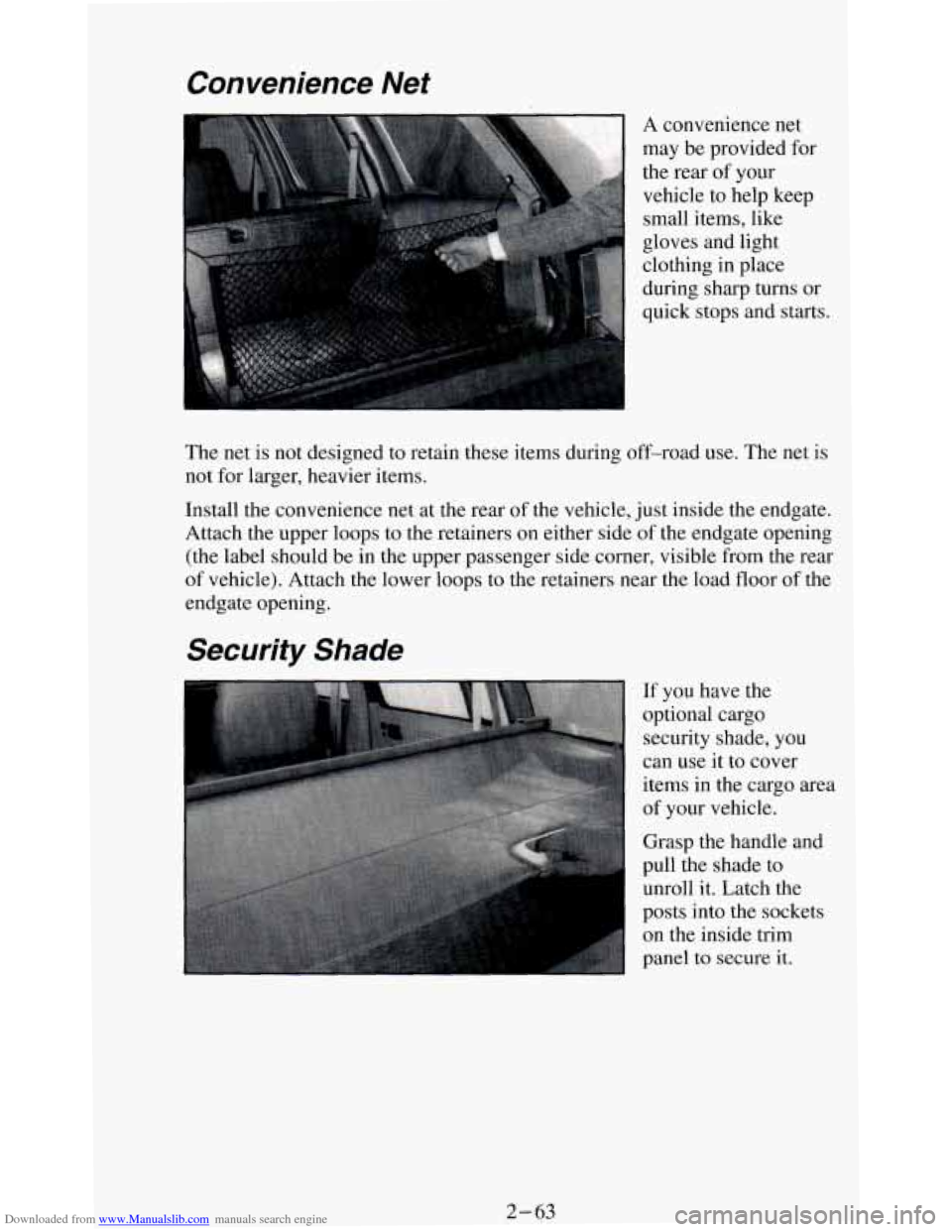
A convenience net
may be provided for
the rear of your
vehicle to help keep
small items, like
gloves and light
clothing in place
during sharp turns or
quick stops and starts.
The net is not designed to retain these items during off-road use. The net
is
not for larger, heavier items.
Install the convenience net at
the rear of the vehicle, just inside the endgate.
Attach the upper loops to the retainers
on either side of the endgate opening
(the label should be in the upper passenger side corner, visible from the rear
of vehicle). Attach the lower loops to the retainers near the load floor of the
endgate opening.
Security Shade
If you have the
optional cargo security shade, you
can use it to cover
items in the cargo area
of your vehicle.
Grasp the handle and
pull the shade to
unroll it. Latch the
posts into the sockets
on the inside trim
panel to secure it.
2-63