Page 96 of 348
Downloaded from www.Manualslib.com manuals search engine Windshield Washer
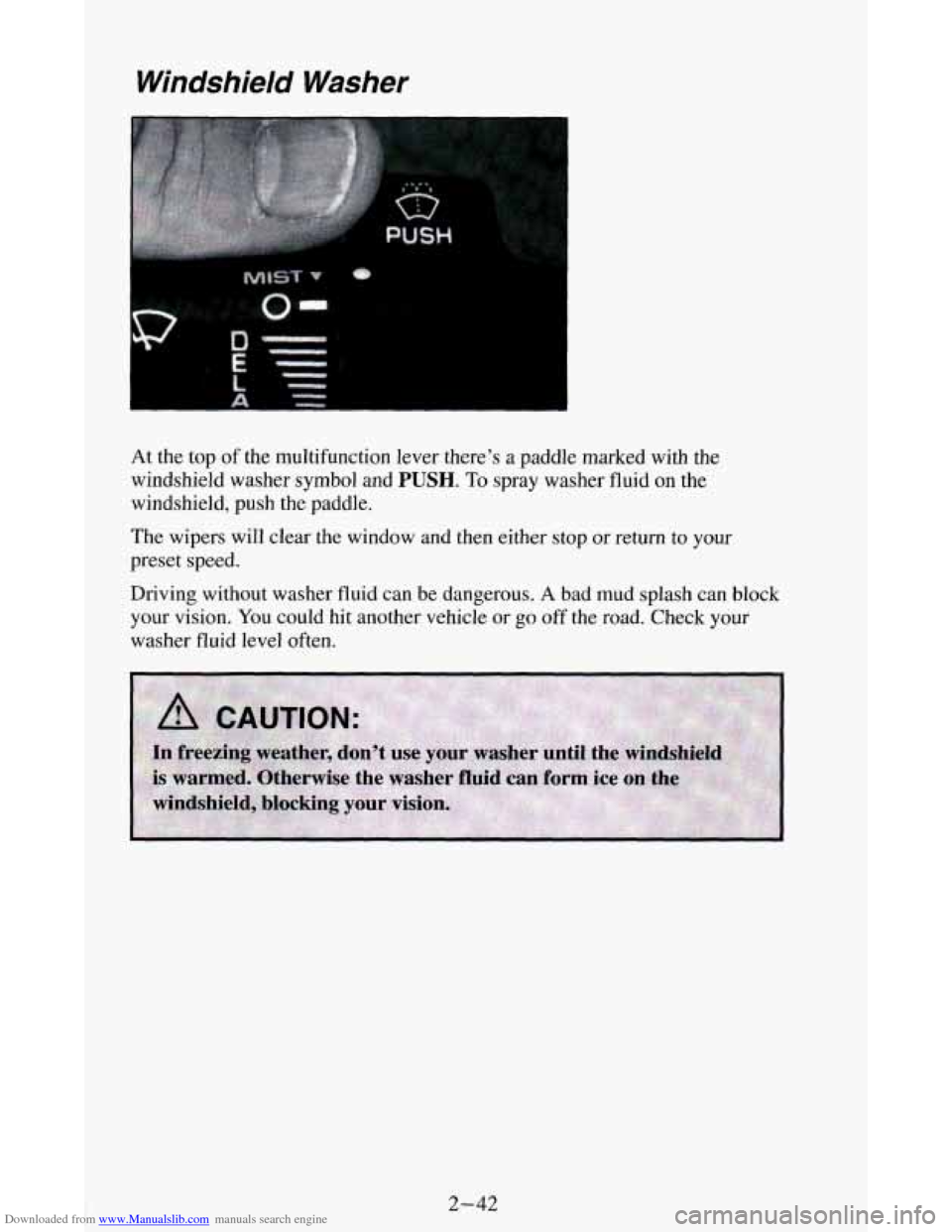
At the top of the multifunction lever there’s a paddle marked with the
windshield washer symbol and
PUSH. To spray washer fluid on the
windshield, push the paddle.
The wipers will clear the window and then either stop or return to your
preset speed.
Driving without washer fluid can be dangerous.
A bad mud splash can block
your vision. You could hit another vehicle or
go off the road. Check your
washer fluid level often.
2-42
Page 97 of 348
Downloaded from www.Manualslib.com manuals search engine NOTICE:
0 When using concentrated washer fluid, follow the
manufacturer’s instructions for adding water.
Don’t mix water with ready-to-use washer fluid. Water can
cause the solution to freeze and damage your washer fluid
tank and other parts
of the washer system. Also, water
doesn’t clean as well
as washer fluid.
Fill your washer fluid tank only 3/4 full when it’s very cold,
This allows for expansion, which could damage the tank if it is
completely full,
Don’t use radiator antifreeze in your windshield washer. It
can damage your washer system and paint.
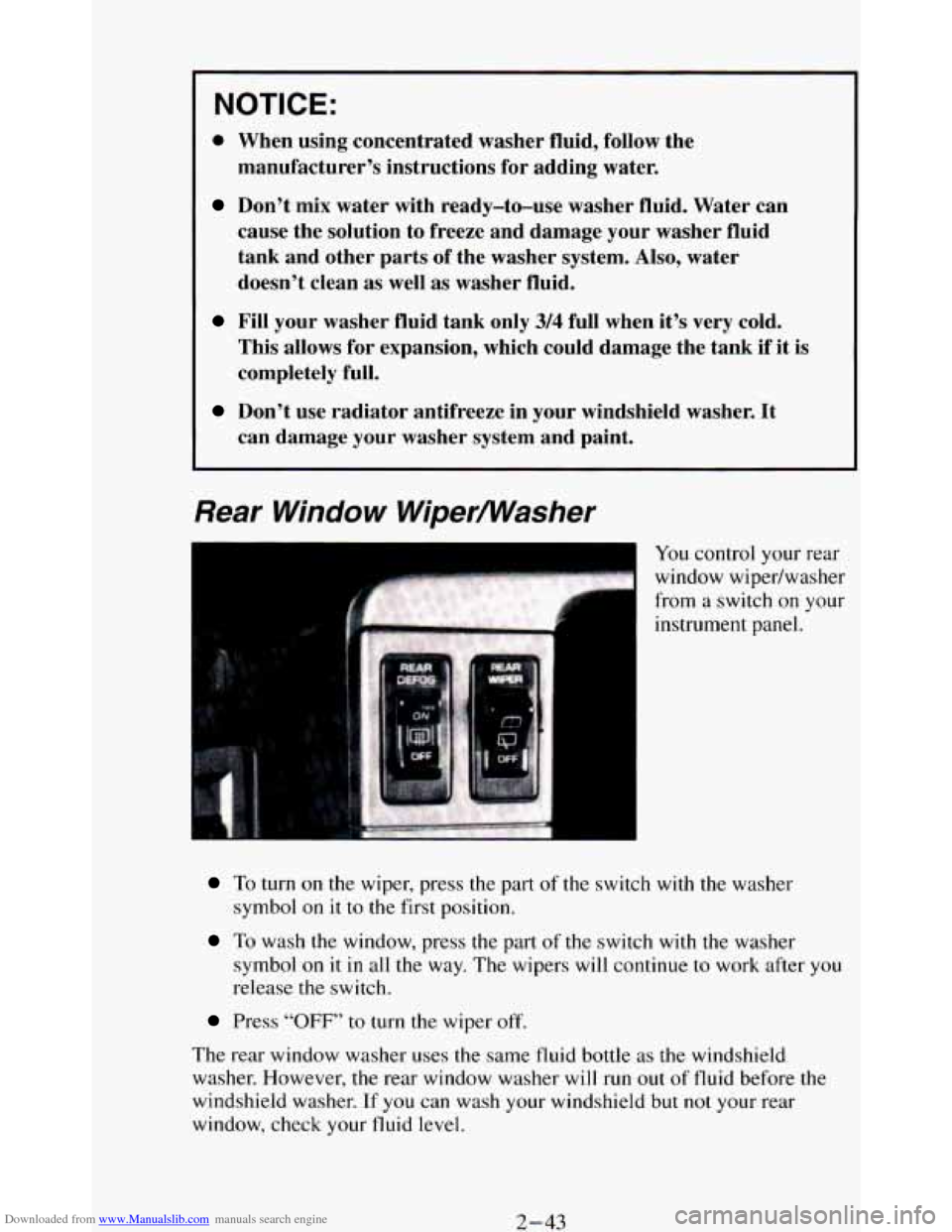
Rear Window Wipermasher
I
To turn on the wiper, press the part of the switch with the washer
symbol on
it to the first position.
To wash the window, press the part of the switch with the wasner
symbol
on it in all the way. The wipers will continue to work after you
release the switch.
Press “OFF” to turn the wiper off.
The rear window washer uses the same fluid bottle as the windshield
washer. However,
the rear window washer will run out of fluid before the
windshield washer.
If you can wash your windshield but not your rear
window, check your fluid level.
2-43
Page 104 of 348
Downloaded from www.Manualslib.com manuals search engine Turn the switch to the left to dim your instrument panel and transfer case
indicator lights.
You can switch your headlights from high to low beam by pulling on the
multifunction lever.
A circuit breaker protects your headlights. If you have an electrical
overload, your headlights will flicker
on and off. Have your headlight
wiring checked right away
if this happens.
Fog Lamps (Option)
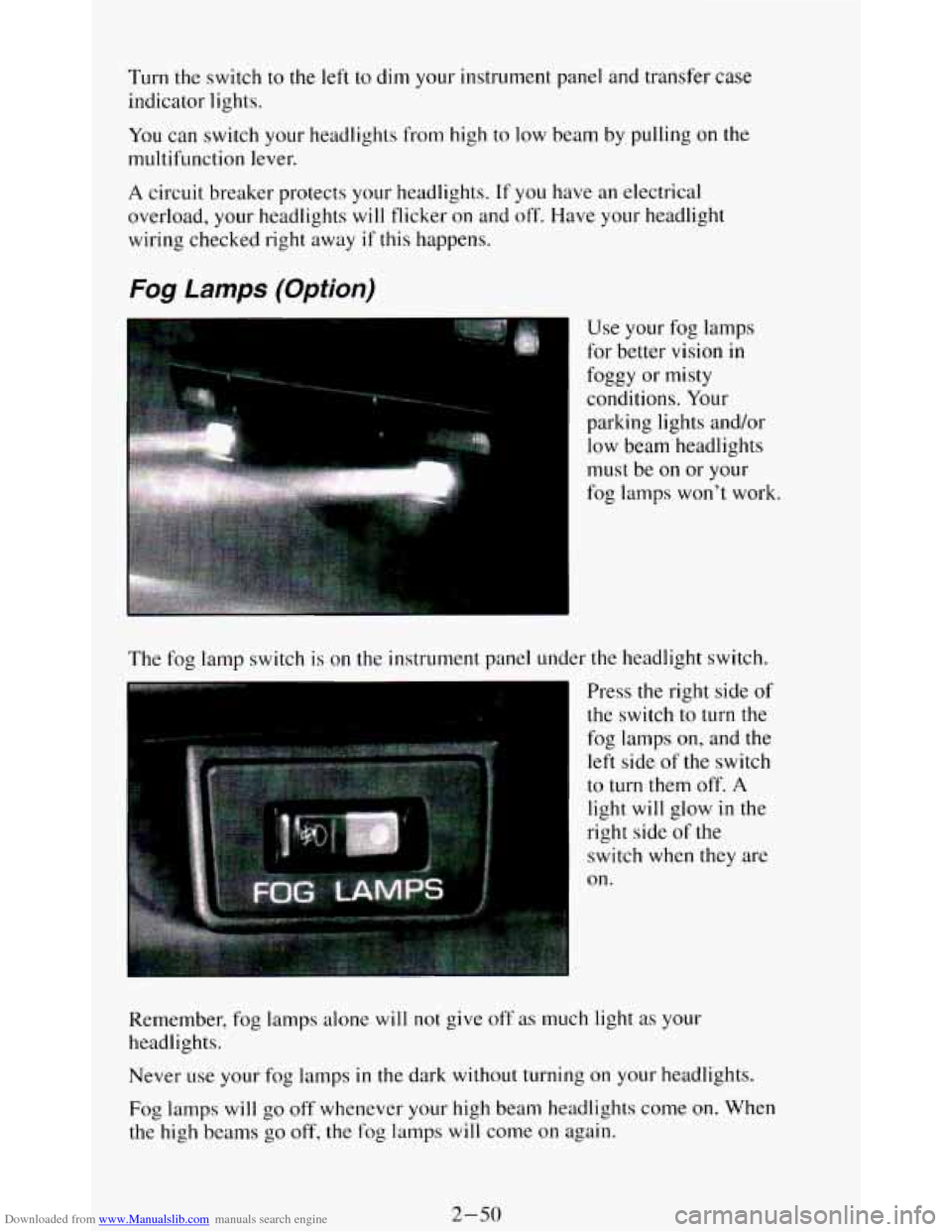
The fog lamp switch is on the instrument panel under the headlight switch.
Press the right side of
the switch
to turn the
fog lamps
on, and the
left side of the switch
to turn them off. A
light will glow in the
right side
of the
switch
when they are
on.
Remember, fog lamps alone
will not give off as much light as your
headlights.
Never
use your fog lamps in the dark without turning on your headlights.
Fog lamps will
go off whenever your high beam headlights come on. When
the high beams
go off, the fog lamps will come on again.
2-50
Page 122 of 348
Downloaded from www.Manualslib.com manuals search engine Gages can indicate when there may be or is a problem with one of your
vehicle’s functions. Often gages and warning lights work together to let you
know when there’s
a problem with your vehicle.
When
one of the warning lights comes on and stays on when you are
driving, or when
one of the gages shows there may be a problem, check the
section that tells you what to do about it. Please follow the manual’s advice.
Waiting
to do repairs can be costly - and even dangerous. So please get to
know your warning lights and gages. They’re a big help.
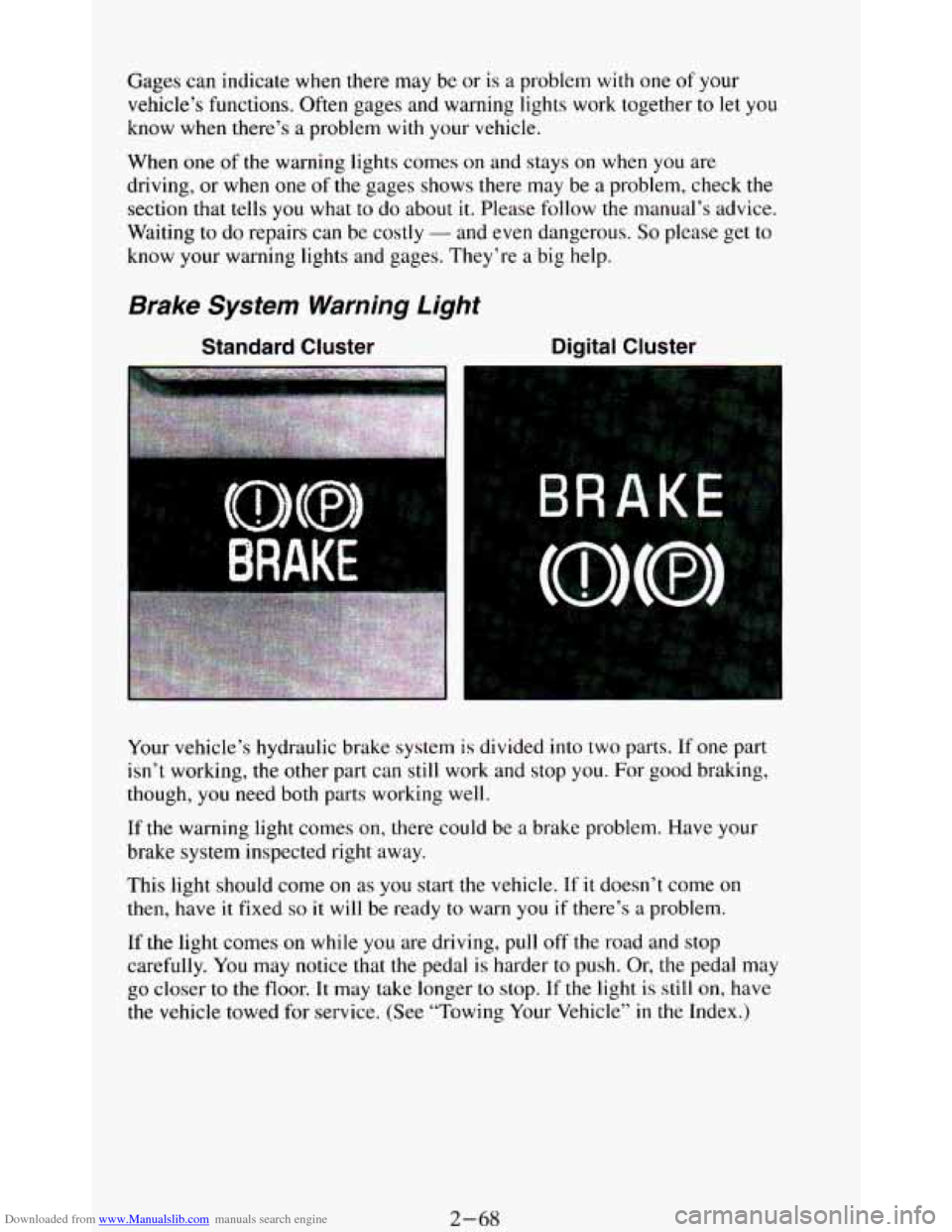
Brake System Warning Light
Standard Cluster Digital Cluster
Your vehicle’s hydraulic brake system is divided into two parts. If one part
isn’t working,
the other part can still work and stop you. For good braking,
though,
you need both parts working well.
If the warning light comes on, there could be a brake problem. Have your
brake system inspected right away.
This light should come
on as you start the vehicle. If it doesn’t come on
then, have it fixed so it will be ready to warn you if there’s a problem.
If
the light comes on while you are driving, pull off the road and stop
carefully.
You may notice that the pedal is harder to push. Or, the pedal may
go closer to the floor. It may take longer to stop. If the light is still on, have
the vehicle towed for service. (See “Towing Your Vehicle’’
in the Index.)
2-68
Page 125 of 348
Downloaded from www.Manualslib.com manuals search engine Malfunction Indicator Light
(SERVICE ENGINE SOON)
Standard Cluster
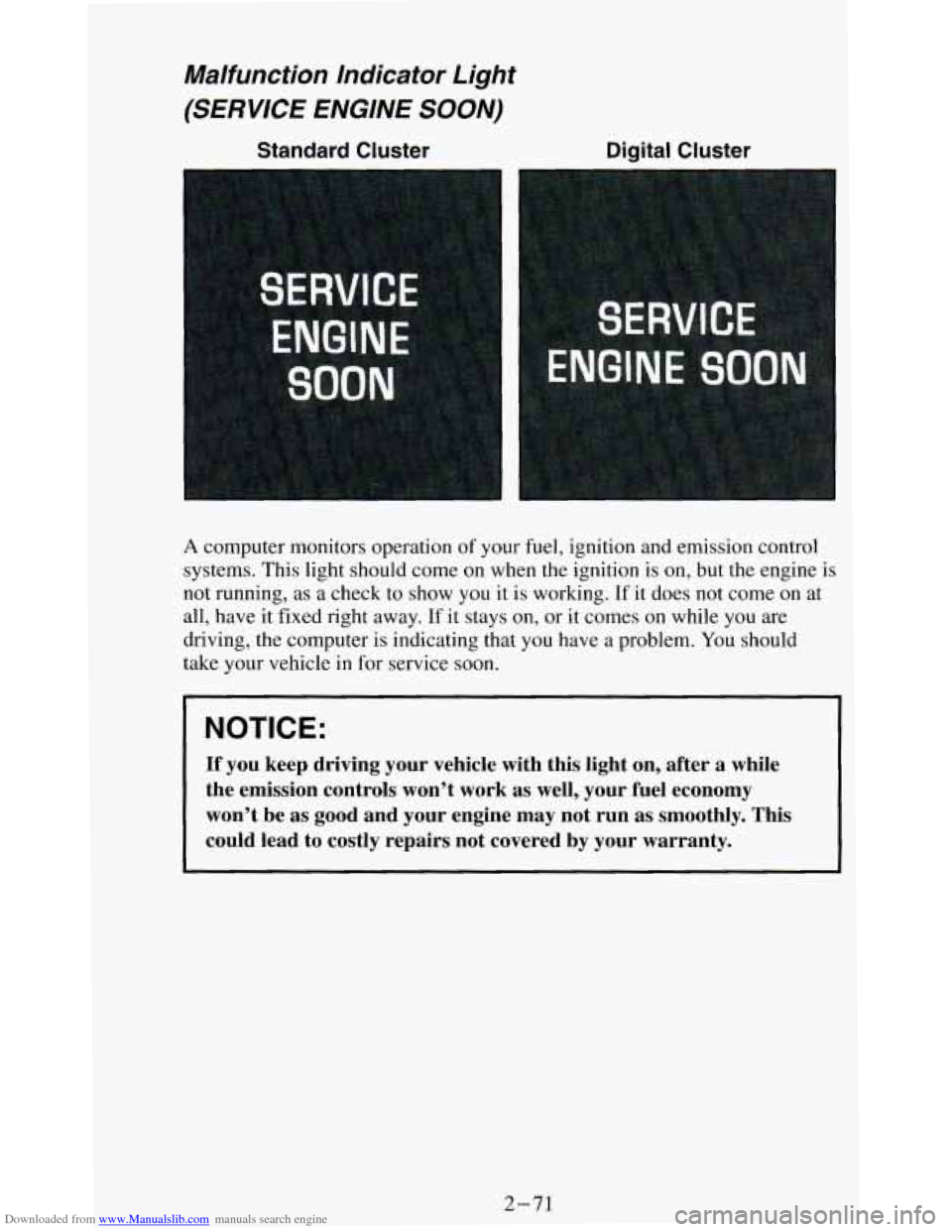
A computer monitors operation of your fuel, ignition and emission control
systems. This light should come on when the ignition is
on, but the engine is
not running, as a check to show you it is working. If it does not come on at
all, have it fixed right away.
If it stays on, or it comes on while you are
driving, the computer is indicating that you have a problem. You should
take your vehicle in
for service soon.
NOTICE:
If you keep driving your vehicle with this light on, after a \
while
the emission controls won’t work as well, your fuel economy \
won’t be as good and your engine may not run
as smoothly. This
could lead to costly repairs not covered by your warranty.
2-71
Page 126 of 348
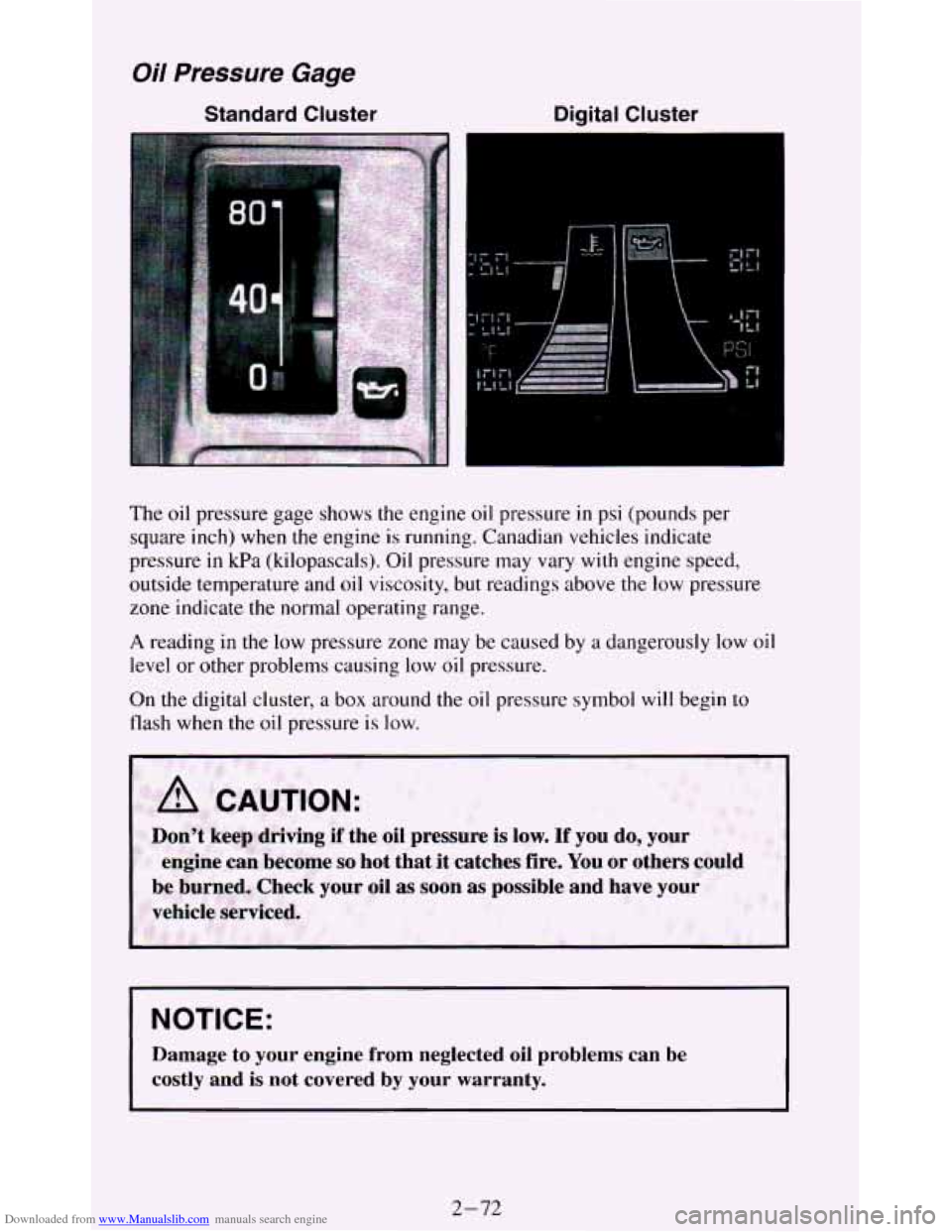
Downloaded from www.Manualslib.com manuals search engine Oil Pressure Gage
Standard Cluster Digital Cluster
f
The oil pressure gage shows the engine oil pressure in psi (pounds per
square inch) when the engine is running. Canadian vehicles indicate
pressure in kPa (kilopascals). Oil pressure may vary with engine speed,
outside temperature and
oil viscosity, but readings above the low pressure
zone indicate the normal operating range.
A reading in the low pressure zone may be caused by a dangerously low oil
level or other problems causing low
oil pressure.
On the digital cluster, a box around the oil pressure symbol
will begin to
flash when the oil pressure is low.
Don't keep driving if the oil pressure is low. If you do, your
be: burned,
Check your oil as soon as possible and have your
vehicle serviced. engine
can become so hot that it catches fire. You or others could
NOTICE:
Damage to your engine from neglected oil problems can be
costly and is not covered by your warranty.
2-72
Page 127 of 348
Downloaded from www.Manualslib.com manuals search engine Indicator Lights
Indicator lights go on when you use your turn signals, change from low
beam headlights to high beams, or when you use
your hazard flashers. The
next few pages will also
tell you about the indicator lights on your vehicle
and help you locate them.
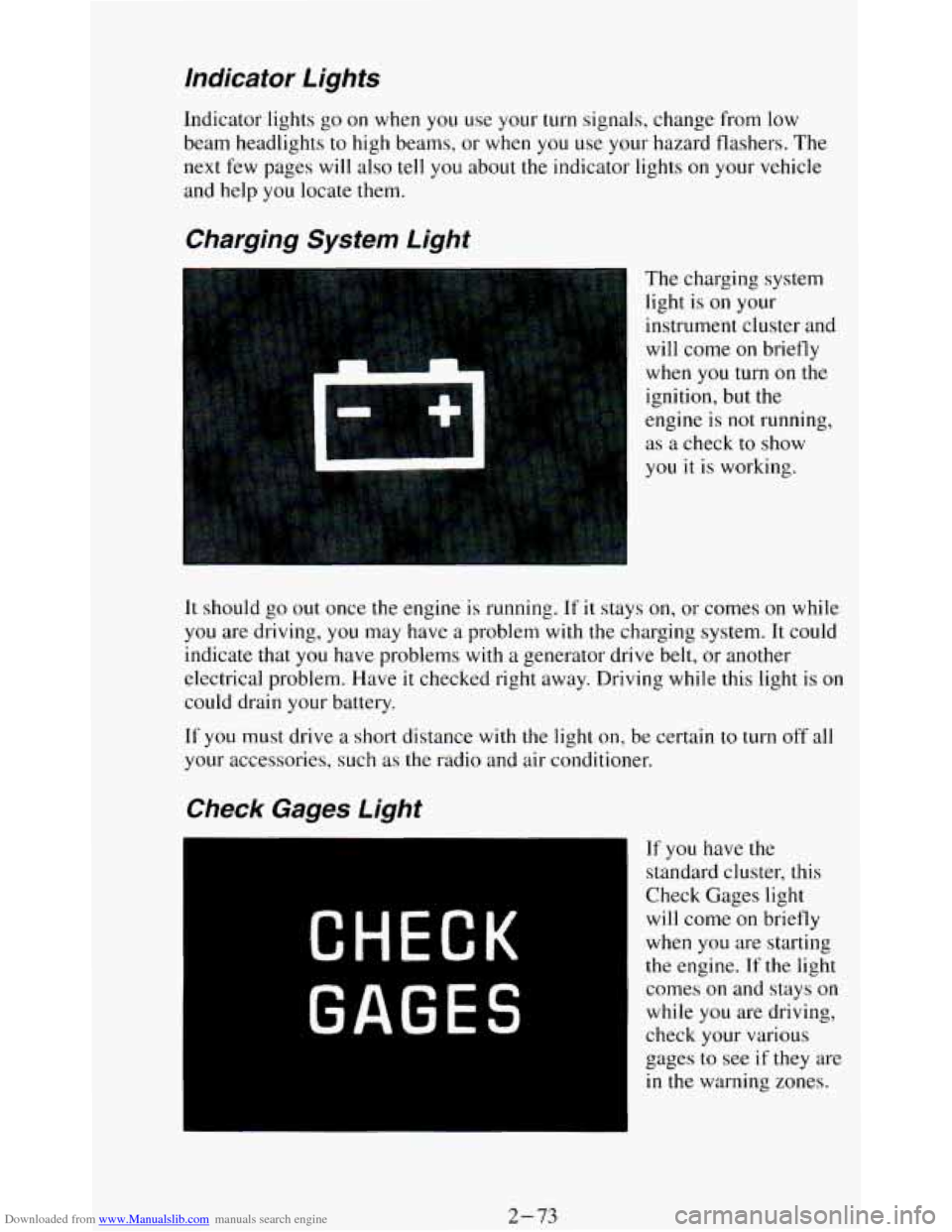
Charging System Light
The charging system
light is
on your
instrument cluster and
will come
on briefly
when
you turn on the
ignition, but the
engine is
not running,
as a check to show
you it
is working.
It should go out once the engine is running. If it stays on, or comes on while
you are driving, you may have a problem with the charging system. It could
indicate that you have problems with
a generator drive belt, or another
electrical problem. Have
it checked right away. Driving while this light is on
could drain your battery.
If
you must drive a short distance with the light on, be certain to turn off all
your accessories, such as the radio and air conditioner.
If you have the
standard cluster, this
Check Gages light
will come on briefly
when you are starting
the engine. If the light
comes
on and stays on
while you are driving,
check your various
gages to see
if they are
in the warning zones.
2-73
Page 133 of 348
Downloaded from www.Manualslib.com manuals search engine Be sure the cargo is properly loaded.
Carrying small, heavy loads on the roof is not recommended.
Tie the load to the moveable tie down, (two per each side of the
siderails). Use the cross rails only to keep the load from sliding,
If you need to carry long items, move the cross rails as far apart as
possible. tie the load to the moveable tie downs provided
in the side
rails.
Also tie the load to the bumpers. Do not tie the load so tightly that
the cross rails or side rails are damaged.
NOTICE:
~ ~~
Loading cargo that weighs more than 200 pounds (91 kg) on the
luggage carrier may damage your vehicle. when you carry large
things, never let them hang over the rear or the sides of your
vehicle. Load your cargo
so that it rests on the slats and does not
scratch or damage the vehicle.
Put the cargo against the side rails and fasten it securely t\
o the
luggage carrier. Put the main weight as far forward
as you can.
Don’t exceed the maximum vehicle capacity when loading your vehicle.
For
more information on vehicle capacity and loading, see “Loading Your
Vehicle”
in the Index.
To prevent damage or loss of cargo as you’re driving, check now and then to
make sure the luggage carrier and cargo are still securely fastened.
2-79