1994 CHEVROLET BLAZER check engine
[x] Cancel search: check enginePage 141 of 348
Downloaded from www.Manualslib.com manuals search engine FM Stereo
FM stereo will give you the best sound. But FM signals will reach only
about
10 to 40 miles (16 to 65 km). Tall buildings or hills can interfere with
FM signals, causing the sound to come and go.
AM
The range for most AM stations is greater than for FM, especially at night.
The longer range, however, can cause stations to interfere
with each other.
AM can pick up noise from things like storms and power lines. Try reducing
the treble to reduce this noise if you ever get it.
AM Stereo
This means the Delco@ system can receive C-QUAM@ stereo broadcasts.
Many AM stations around the country use C-QUAM@ to produce stereo,
though some do not. (C-QUAM’ is a registered trademark
of Motorola,
Inc.)
If your Delco@ system can get C-QUAM@, your “STEREO” light will
come on when you’re receiving
it.
NOTICE:
Before you add any sound equipment to your vehicle - like a
1 tape player, CB radio, mobile telephone or two-way radio - be
sure you can add what you want.
If you can, it’s very important
to do it properly. Added sound equipment may interfere with the
operation
of your vehicle’s engine, Delco@ radio or other
systems, and even damage them. And, your vehicle’s systems
may interfere with the operation of sound equipment that has
been added improperly.
So, before adding sound equipment, check with your dealer and
be sure to check Federal rules covering mobile radio and
telephone units.
3-7
Page 155 of 348
Downloaded from www.Manualslib.com manuals search engine To PIay A Compact Disc (CD)
NOTICE:
Before you begin, please note: DO NOT use mini-discs that are
called singles. They won’t eject. USE FULL-SIZE COMPACT
DISCS.
If the disc player is very hot, or if you’re driving on a very rough
road,
a disc may come out or just not play. If you see the word
HOT
on the display, the disc player is too hot to play the disc.
Press RCL to make the word HOT go
off the display. When
things get back to normal, the disc should play again. Press
PWR to turn the system
on.
Insert a disc partway into the slot, label side up. The player will pull it in.
Wait a few seconds and the disc should play.
If the disc comes back out, check whether:
The disc is upside down.
It is dirty, scratched, or wet.
0 Too much moisture is in the air. (If there is, wait about one hour and try
again.)
RCL
Press RCL to see what track is playing. Press it again within 5 seconds to
see how long it has been playing. The track number also appears when
you
change the volume or when a new track starts to play.
COMP
Press the COMP button to make soft and loud passages more nearly equal
in volume.
COMP appears in the display while using this command.
RDM
The RDM button means random and when it is pressed, it causes the CD
mechanism to play the tracks in a random order rather than in the sequential
1,2,3 order.
REV
Press and hold the REV button to quickly return to a favorite passage. The
counter reading will be displayed when using this control.
FWD
Press and hold the FWD button to advance quickly within a track. Release it
to resume playing. Watch the display
to stop at a specific passage.
3-21
Page 158 of 348
Downloaded from www.Manualslib.com manuals search engine Care of Your Compact Discs
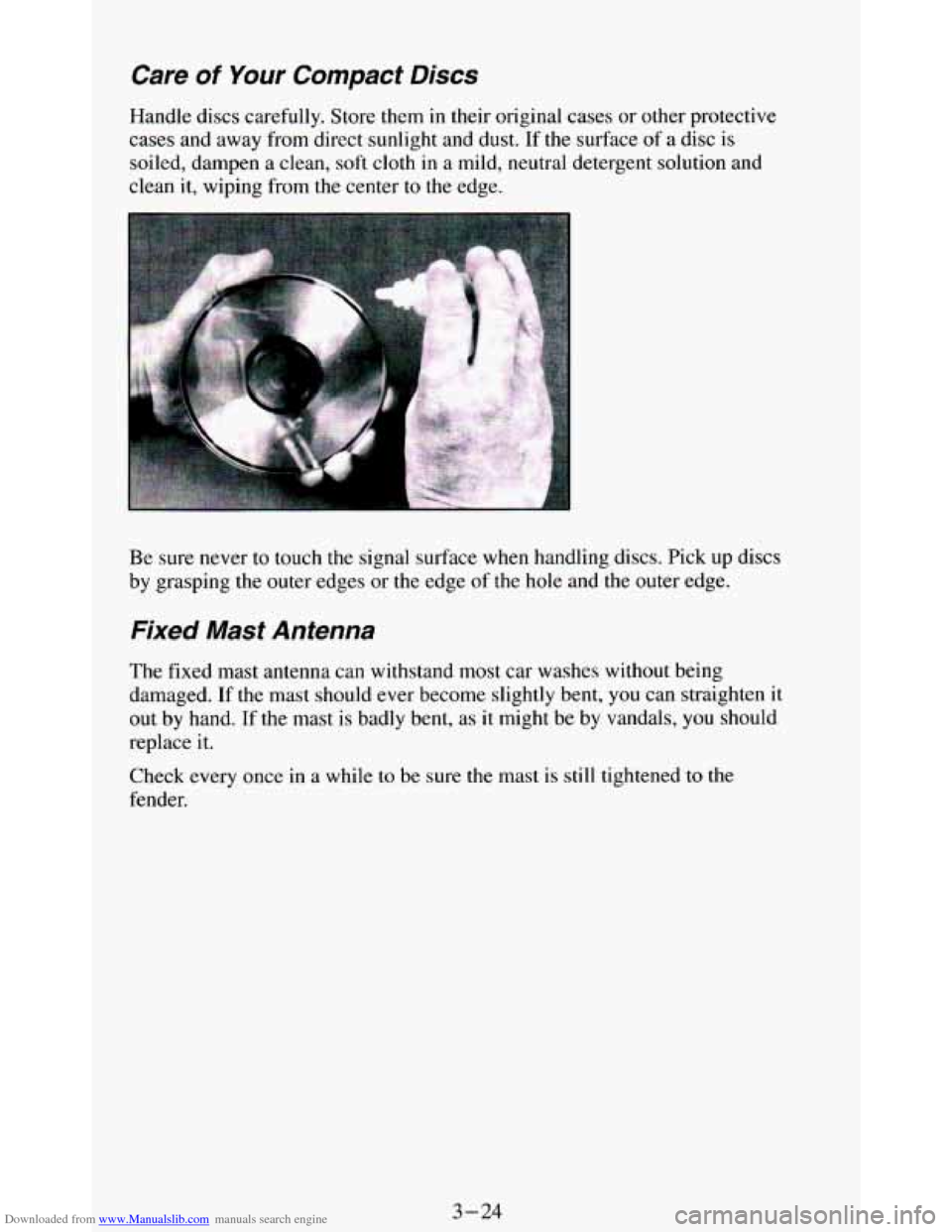
Handle discs carefully. Store them in their original cases or other protective
cases and away from direct sunlight and dust. If the surface of
a disc is
soiled, dampen
a clean, soft cloth in a mild, neutral detergent solution and
clean it, wiping from
the center to the edge.
Be sure never to touch
the signal surface when handling discs. Pick up discs
by grasping the outer edges or the edge of the
hole and the outer edge.
Fixed Mast Antenna
The fixed mast antenna can withstand most car washes without being
damaged. If the mast should ever become slightly bent,
you can straighten it
out by hand. If the mast
is badly bent, as it might be by vandals, you should
replace it.
Check every once in a while to be sure the mast is
still tightened to the
fender.
3-24
Page 169 of 348
Downloaded from www.Manualslib.com manuals search engine 0
0
0
0
0
0
0
0
Watch for traffic signs, pavement markings, and lines. If you can see a
sign up ahead
that might indicate a turn or an intersection, delay your
pass.
A broken center line usually indicates it’s all right to pass
(providing the road ahead is clear). Never cross a solid line
on your
side
of the lane or a double solid line, even if the road seems empty of
approaching traffic.
Do not get too close to the vehicle you want to pass while you’re
awaiting an opportunity. For one thing, following too closely reduces
your area
of vision, especially if you’re following a larger vehicle.
Also,
you won’t have adequate space if the vehicle ahead suddenly
slows or stops. Keep back a reasonable distance.
When
it looks like a chance to pass is coming up, start to accelerate but
stay
in the right lane and don’t get too close. Time your move so you
will be increasing speed as the time comes to move into the other lane.
If the way is clear to pass,
you will have a “running start” that more
than makes up for
the distance you would lose by dropping back. And
if something happens to cause you to cancel your pass, you need only
slow down and drop back again and wait for another opportunity.
If other cars are lined up to pass a slow vehicle, wait your turn. But
take care that someone isn’t trying to pass you as
you pull out to pass
the slow vehicle. Remember
to glance over your shoulder and check
the blind spot.
Check your mirrors
, glance over your shoulder, and start your left lane
change signal before moving out of the right lane to pass. When
you
are far enough ahead of the passed vehicle to see its front in your inside
mirror, activate your right lane change signal and move back
into the
right lane. (Remember that your right outside mirror is convex. The
vehicle
you just passed may seem to be farther away from you than it
really is.)
Try
not to pass more than one vehicle at a time on two-lane roads.
Reconsider before passing the next vehicle.
Don’t overtake a
slowly moving vehicle too rapidly. Even though the
brake lights are not flashing,
it may be slowing down or starting to turn.
If you’re being passed, make it easy for the following driver to get
ahead
of you. Perhaps you can ease a little to the right.
Loss of Control
Let’s review what driving experts say about what happens when the three
control systems (brakes, steering and acceleration) don’t have enough
friction where the tires meet the road to do what the driver has asked.
In any emergency, don’t give up. Keep trying to steer and constantly seek an
escape route or area of less danger.
4- 11
Page 171 of 348
Downloaded from www.Manualslib.com manuals search engine Off-Road Driving with Your Four-wheel Drive Vehicle
This off-road guide is for vehicles that have four-wheel drive.
Also, see “Anti-lock Brakes”
in the Index.
If your vehicle doesn’t have four-wheel drive,
you shouldn’t drive off-road
unless you’re on a level, solid surface.
Off-road driving can be great
fun. But it does have some definite hazards.
The greatest
of these is the terrain itself.
“Off-roading” means you’ve left the great North American road system
behind. Traffic lanes aren’t marked. Curves aren’t banked. There are no
road signs. Surfaces can be slippery, rough, uphill or downhill. In short,
you’ve gone right back to nature.
Off-road driving involves some new skills. And that’s
why it’s very
important that you read this guide. You’ll find many driving tips and
suggestions. These
will help make your off-road driving safer and more
enjoyable.
Before You Go Off-Roading
There are some things to do before you go out. For example, be sure to have
all necessary maintenance and service work done. Be sure you read all the
information about your four-wheel drive vehicle
in this manual. Is there
enough fuel? Is the spare tire
fully inflated? Are the fluid levels up where
they should be? What are the local
laws that apply to off-roading where
you’ll be driving? If you don’t know, you should check with law
enforcement people
in the area. Will you be on someone’s private land? If
so, be sure to get the necessary permission.
Loading Your Vehicle for Off-Road Driving
There are some important things to remember about how to load your
vehicle.
The heaviest things should be on the load floor and forward of your
rear axle. Put heavier items as far forward as you can.
Be sure the load is secured properly, so driving on the off-road terrain
doesn’t toss things around.
4-13
Page 182 of 348
Downloaded from www.Manualslib.com manuals search engine After Off-Road Driving
Remove any brush or debris that has collected on the underbody, chassis or
under the hood. These accumulations can be a fire hazard.
After operation in mud or sand, have the brake linings cleaned and checked.
These substances can cause glazing and uneven braking. Check
the body
structure, steering, suspension, wheels, tires, and exhaust system for
damage. Also, check the
fuel lines and cooling system for any leakage.
Your vehicle will require more frequent service due
to off-road use. Refer
to the Maintenance Schedule for additional information.
Driving at Night
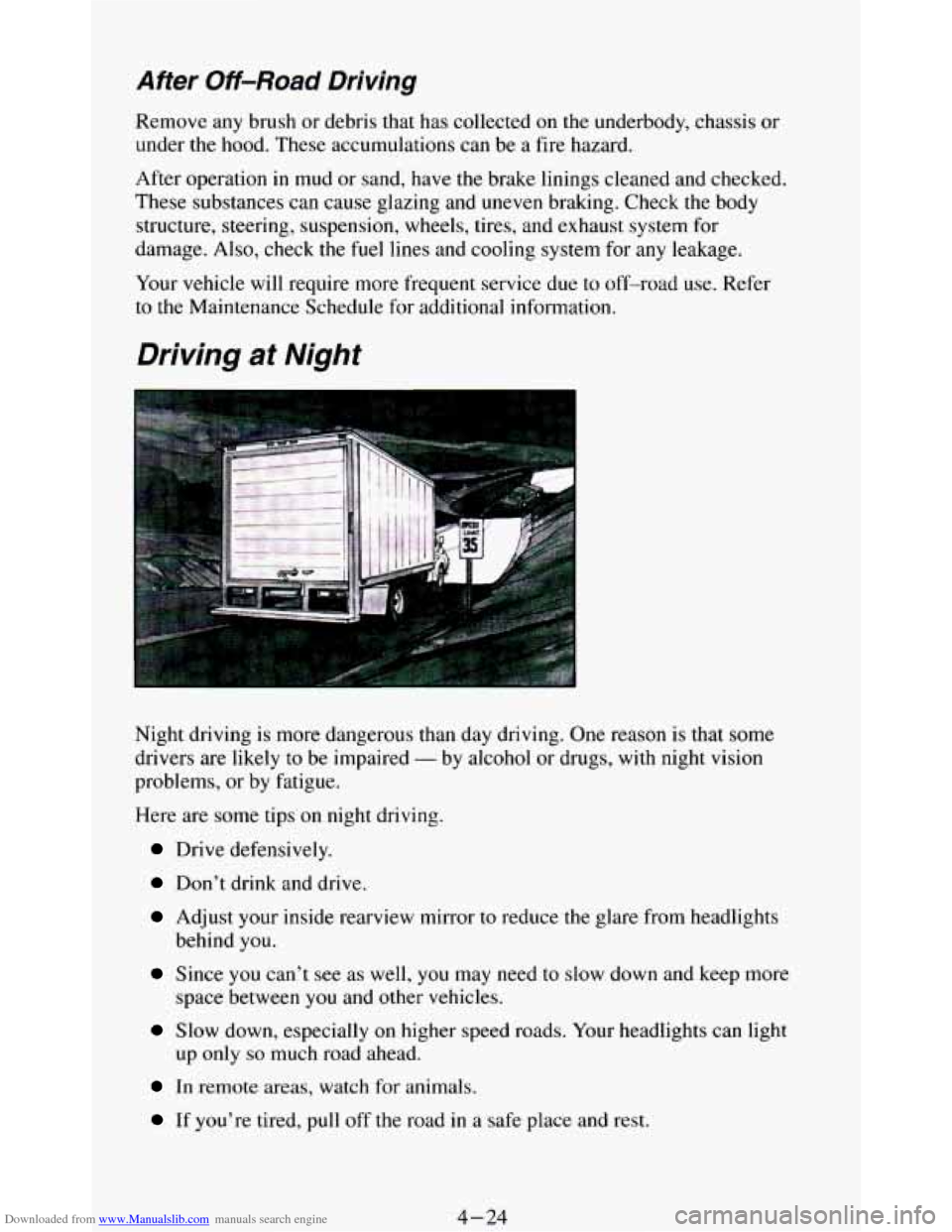
Night driving is more dangerous than day driving. One reason is that some
drivers are likely
to be impaired - by alcohol or drugs, with night vision
problems, or by fatigue.
Here are some tips
on night driving.
Drive defensively.
Don’t drink and drive.
Adjust your inside rearview mirror to reduce the glare from headlights
behind you.
space between
you and other vehicles.
up
only so much road ahead.
Since you can’t see as well, you may need to slow down and keep more
Slow down, especially on higher speed roads. Your headlights can light
In remote areas, watch for animals.
If you’re tired, pull off the road in a safe place and rest.
4-24
Page 183 of 348
Downloaded from www.Manualslib.com manuals search engine Night Vision
No one can see as well at night as in the daytime. But as we get older these
differences increase. A 50-year-old driver may require at least twice as
much light to see the same thing at night as a 20-year-old.
What
you do in the daytime can also affect your night vision. For example,
if you spend the day in bright sunshine you are wise
to wear sunglasses.
Your eyes will have less trouble adjusting
to night. But if you’re driving,
don’t wear sunglasses at night. They may cut down on glare from
headlights, but they also make a
lot of things invisible.
You can be temporarily blinded by approaching lights. It can take a second
or two,
or even several seconds, for your eyes to readjust to the dark. When
you are faced with severe glare
(as from a driver who doesn’t lower the high
beams,
or a vehicle with misaimed headlights), slow down a little. Avoid
staring directly into the approaching lights.
Keep your windshield and all the glass
on your vehicle clean - inside and
out. Glare at night is made much worse by dirt on the glass. Even the inside
of the glass can build up a film caused by dust. Dirty glass makes lights
dazzle and flash more than
clean glass would, making the pupils of your
eyes contract repeatedly.
Remember that your headlights light up far less
of a roadway when you are
in a turn or curve. Keep your eyes moving; that way, it’s easier to pick out
dimly lighted objects. Just as your headlights should be checked regularly
for proper aim,
so should your eyes be examined regularly. Some drivers
suffer from night blindness
- the inability to see in dim light - and aren’t
even aware of it.
Driving in the Rain
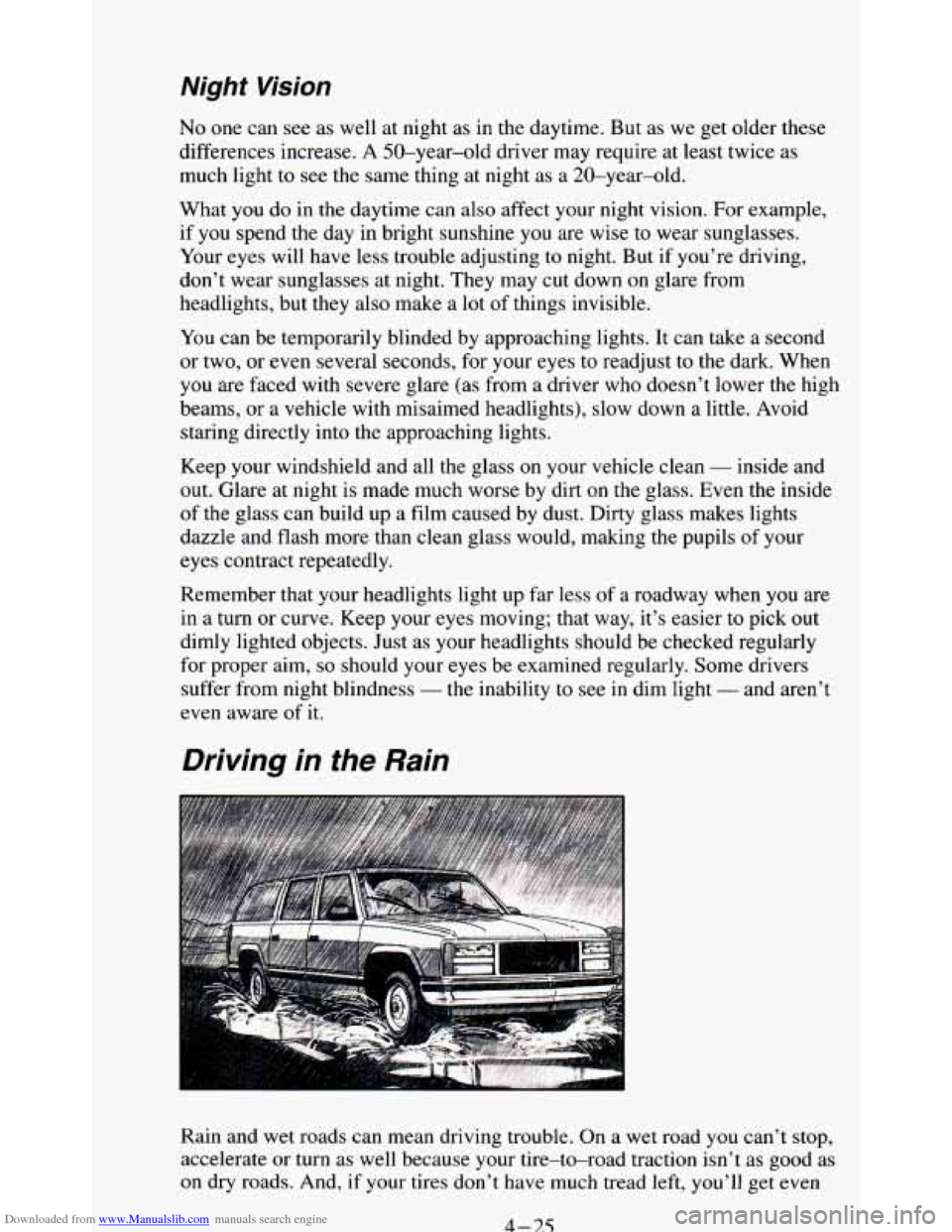
Rain and wet roads can mean driving trouble. On a wet road you can’t stop,
accelerate or turn as well because your tire-to-road traction isn’t as good as
on dry roads. And, if your tires don’t have much tread left, you’ll get even
4 - 7.5
Page 186 of 348
Downloaded from www.Manualslib.com manuals search engine 0 Try to use the freeways that rim and crisscross most large cities. You’ll
save time and energy. (See the
next section, “Freeway Driving.”)
0 Treat a green light as a warning signal. A traffic light is there because
the corner
is busy enough to need it. When a light turns green, and just
before
you start to move, check both ways for vehicles that have not
cleared the intersection or may be running the red light.
Freeway Driving
-.
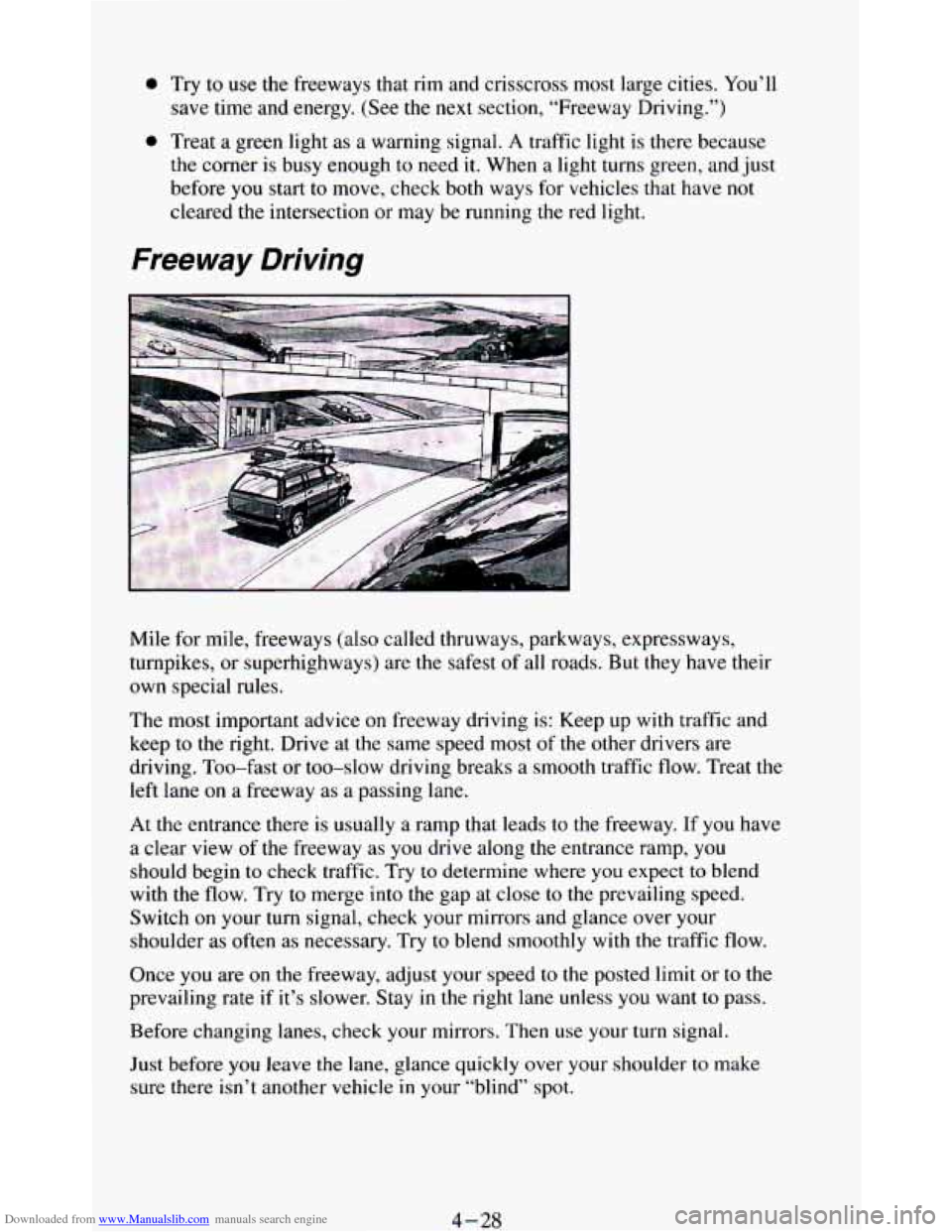
Mile for mile, freeways (also called thruways, parkways, expressways,
turnpikes, or superhighways) are the safest of all roads. But they have their
own special rules.
The most important advice on freeway driving is: Keep up with traffic and
keep to the right. Drive at the same speed most of
the other drivers are
driving. Too-fast or too-slow driving breaks
a smooth traffic flow. Treat the
left lane
on a freeway as a passing lane.
At the entrance there is usually a ramp that leads to the freeway.
If you have
a clear view of the freeway as
you drive along the entrance ramp, you
should begin to check traffic. Try
to determine where you expect to blend
with the flow. Try to merge into
the gap at close to the prevailing speed.
Switch
on your turn signal, check your mirrors and glance over your
shoulder as often as necessary. Try
to blend smoothly with the traffic flow.
Once you are
on the freeway, adjust your speed to the posted limit or to the
prevailing rate if it’s slower. Stay in the right lane unless you want to pass.
Before changing lanes, check your mirrors. Then use your turn signal.
Just before
you leave the lane, glance quickly over your shoulder to make
sure there isn’t another vehicle
in your “blind” spot.
4-28